Photoshop & Clip Studio Paint Brushes
Hand-crafted .abr brush packs for desktop artists. Every set is a single file that imports into both Adobe Photoshop and Clip Studio Paint — one download, either app, on PC or Mac.
Browse by category
Photoshop & Clip Studio Paint brush packs
 PS · CSP
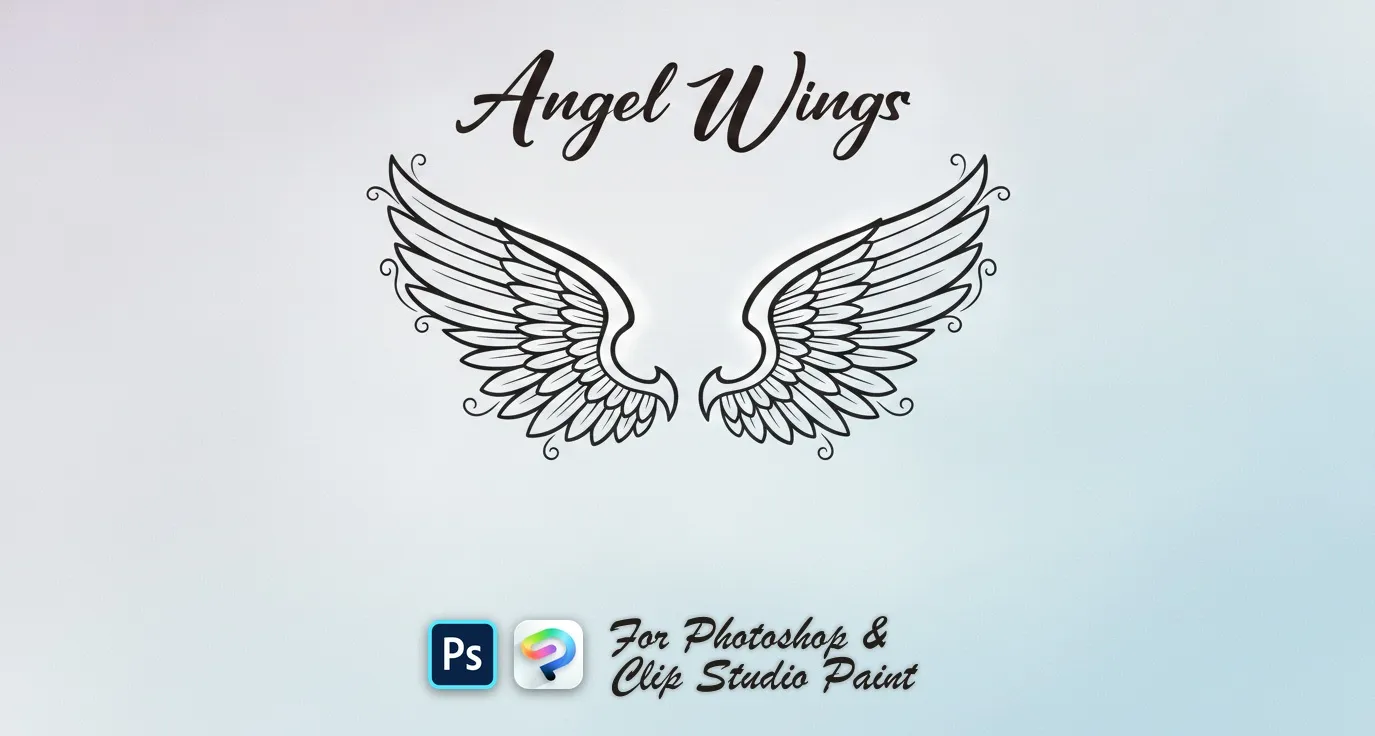
 Angel Wings
spread, wide, curved, bold and folded
 PS · CSP
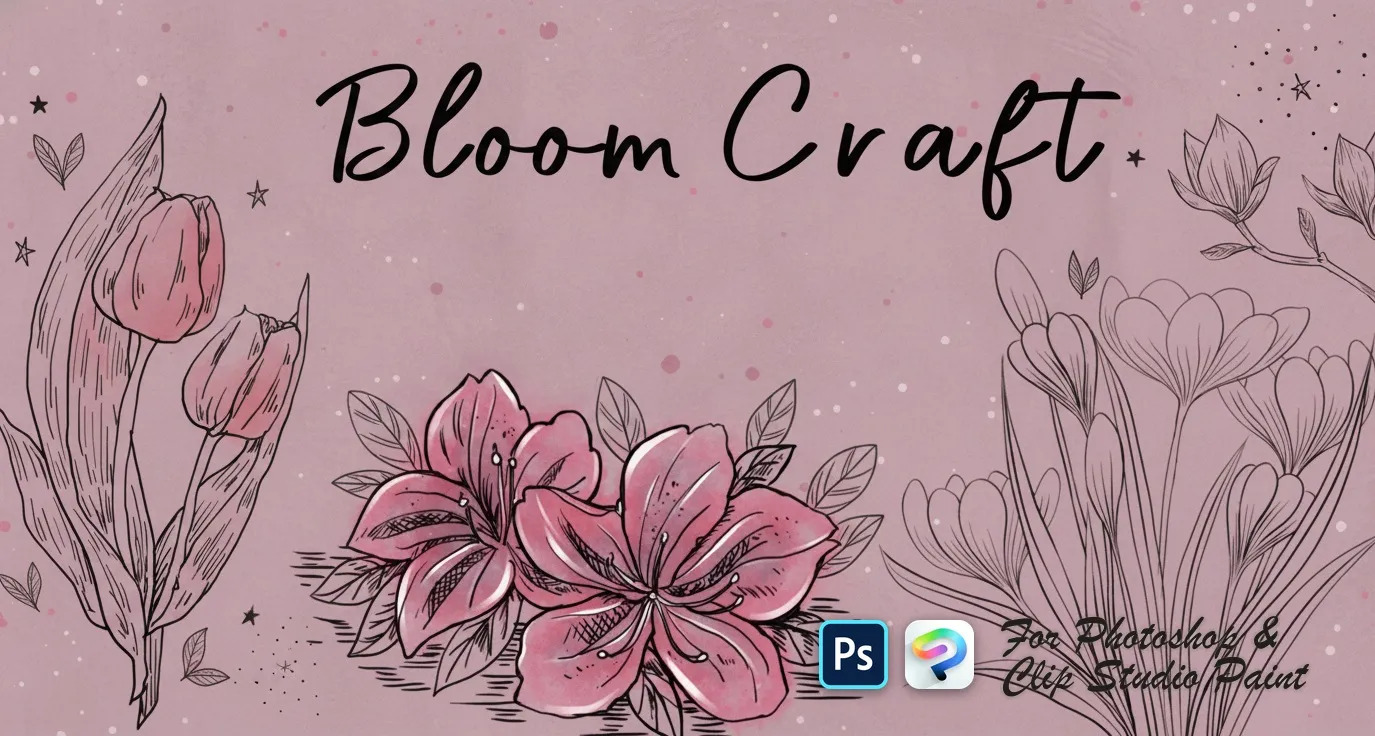
 Bloom Craft
roses, peony, camellia and magnolia
 PS · CSP
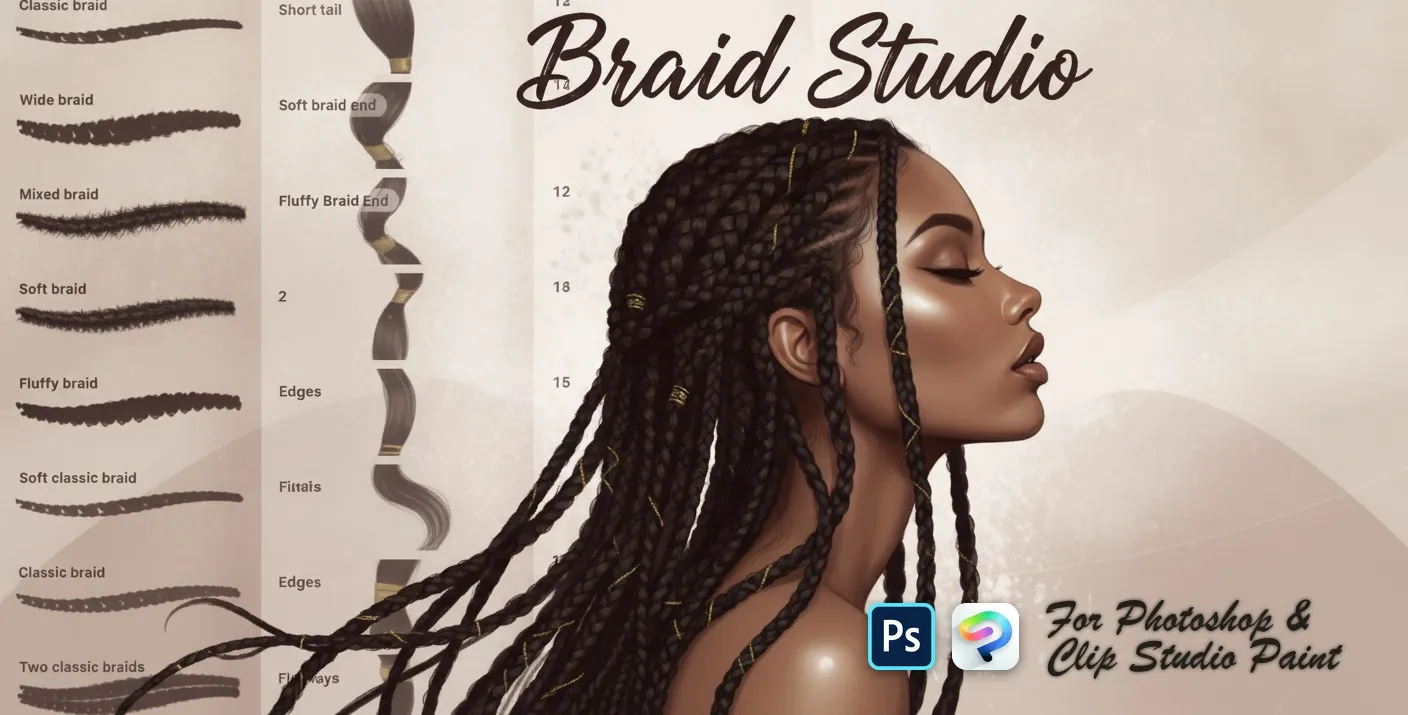
 Braid Studio
hair clumps, wavy, curly strands and twists
 PS · CSP
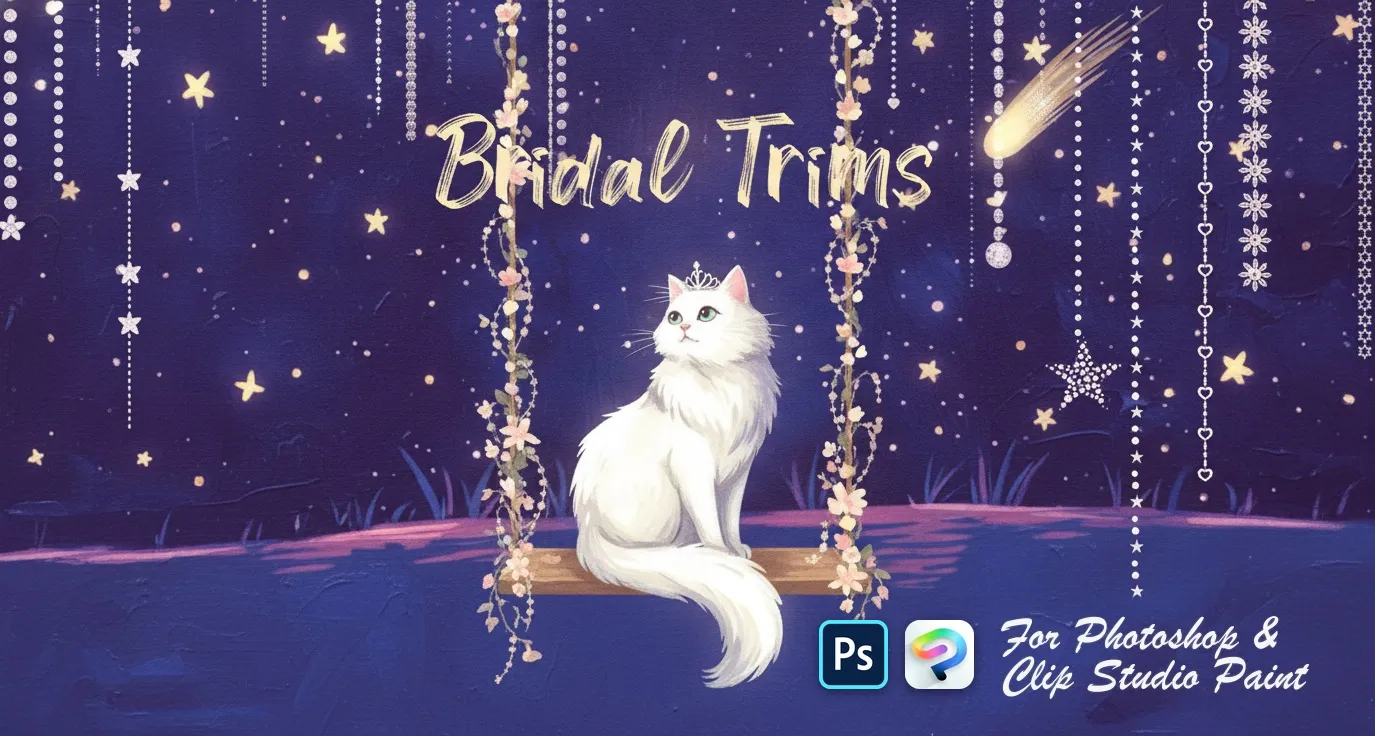
 Bridal Trims
satin and pleated ribbons
 PS · CSP
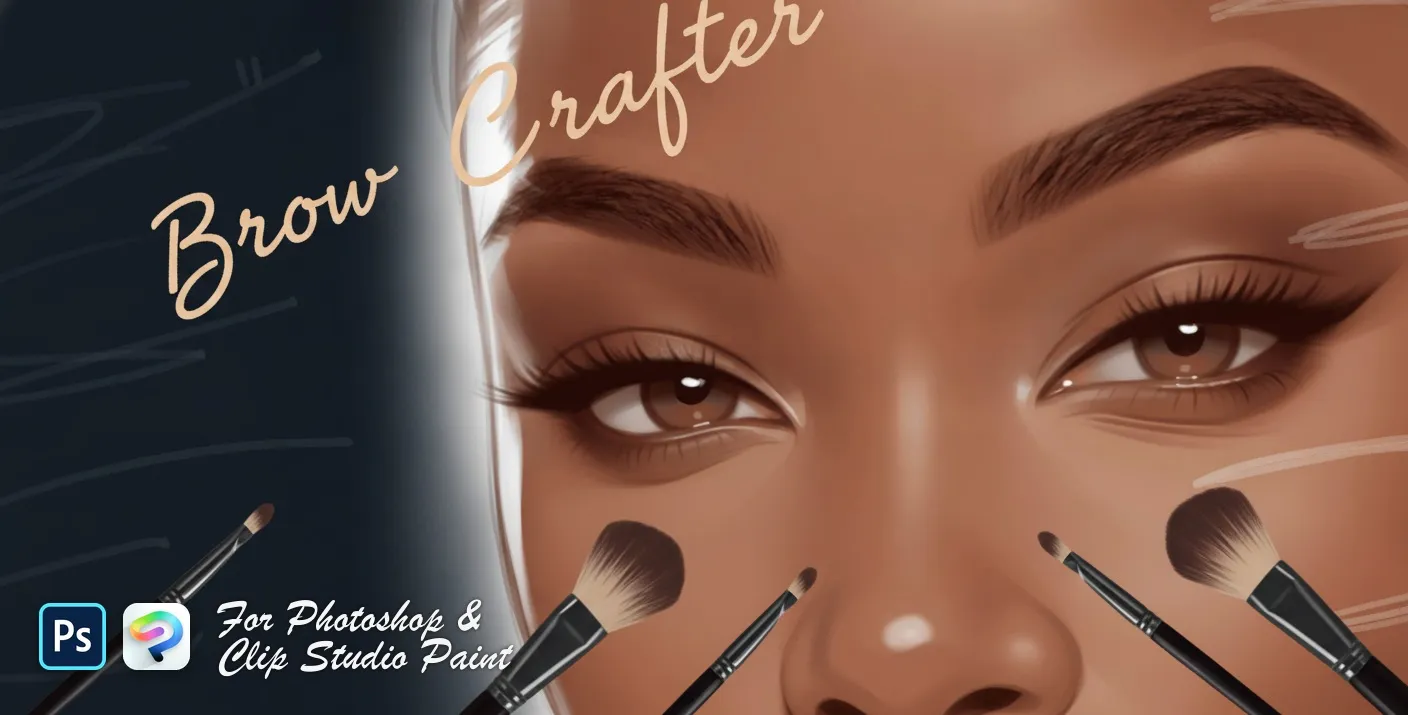
 Brow Crafter
soft, feathered, bushy, bold and arched
 PS · CSP
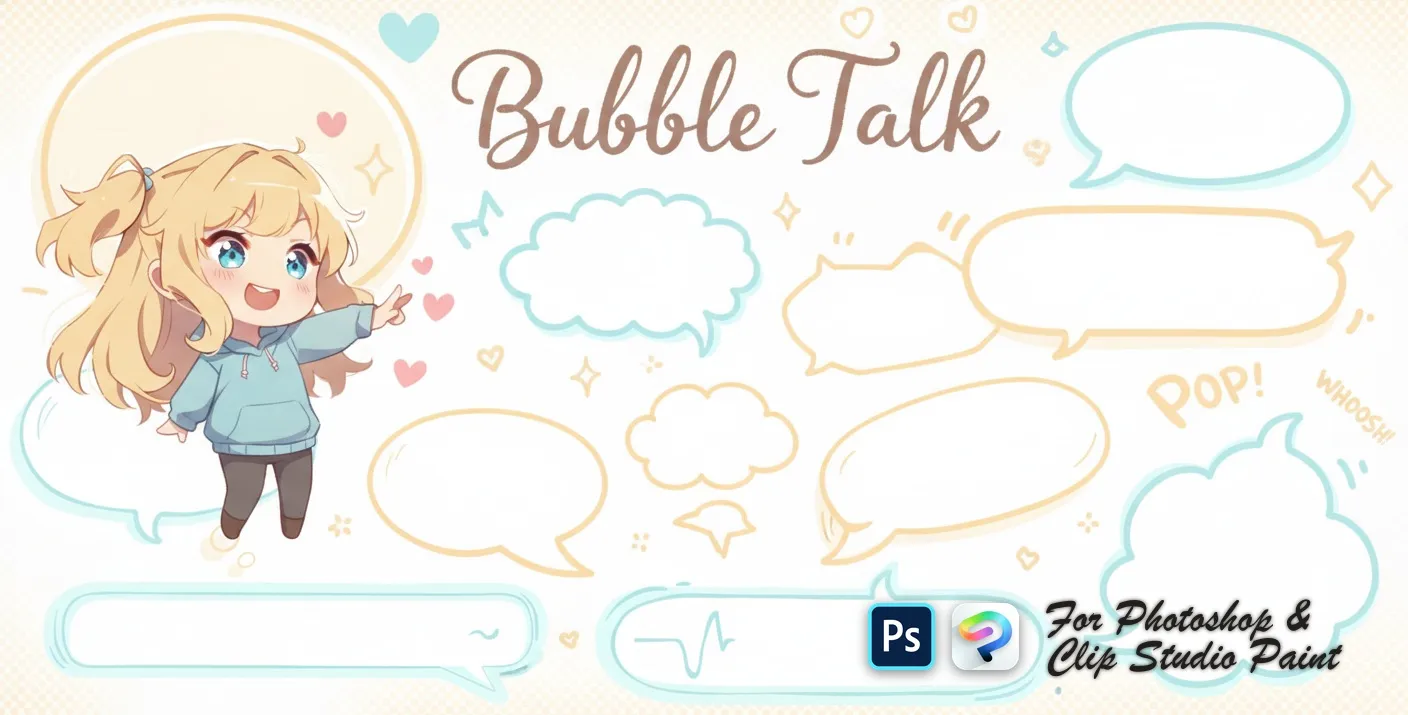
 Bubble Talk
round, oval and rectangle
 PS · CSP
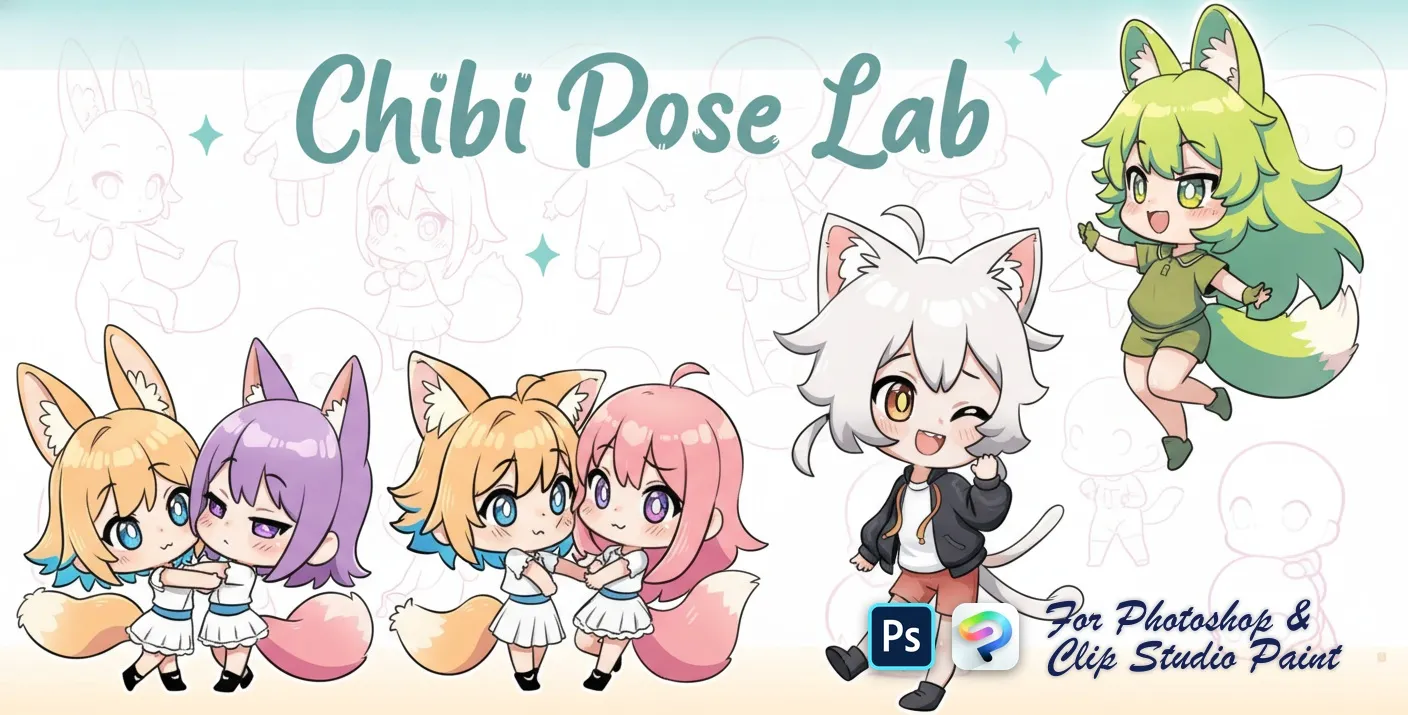
 Chibi Pose Lab
standing, sitting, walking and running
 PS · CSP
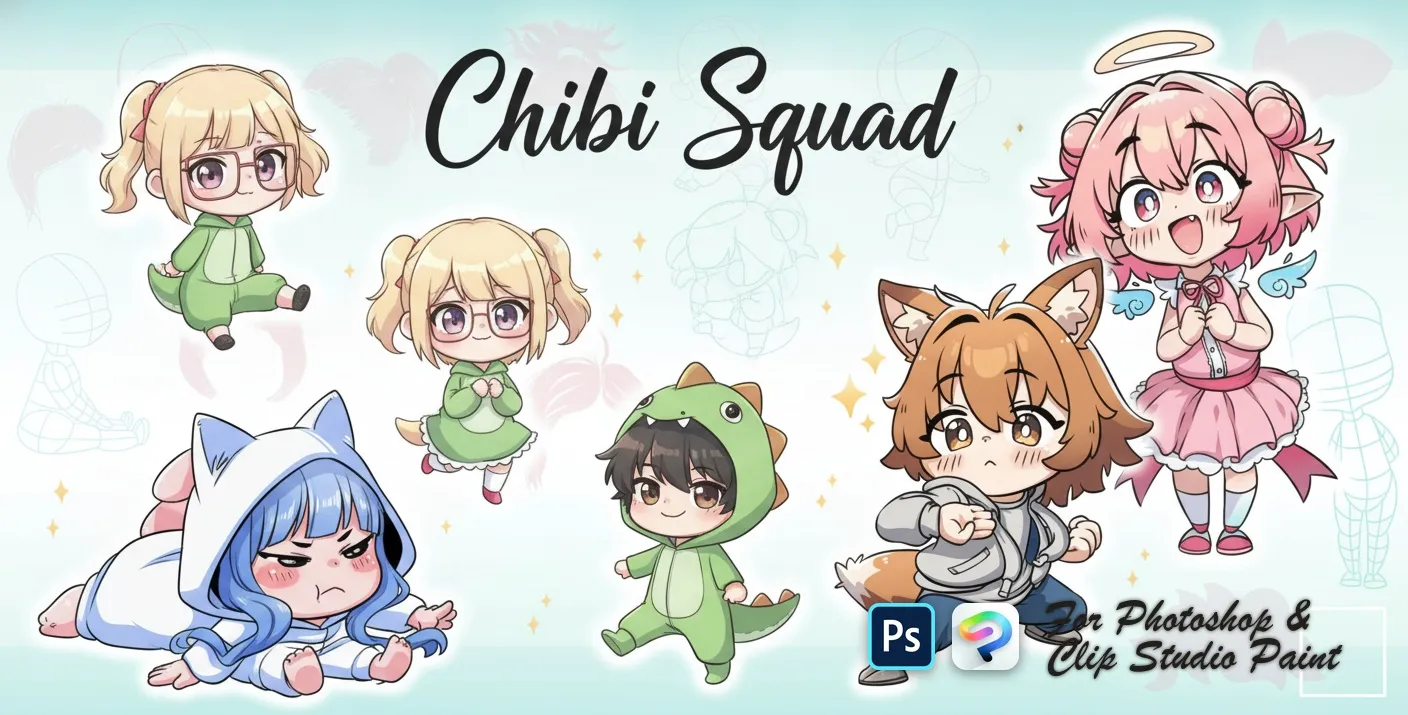
 Chibi Squad
chibi pose and body-base
 PS · CSP
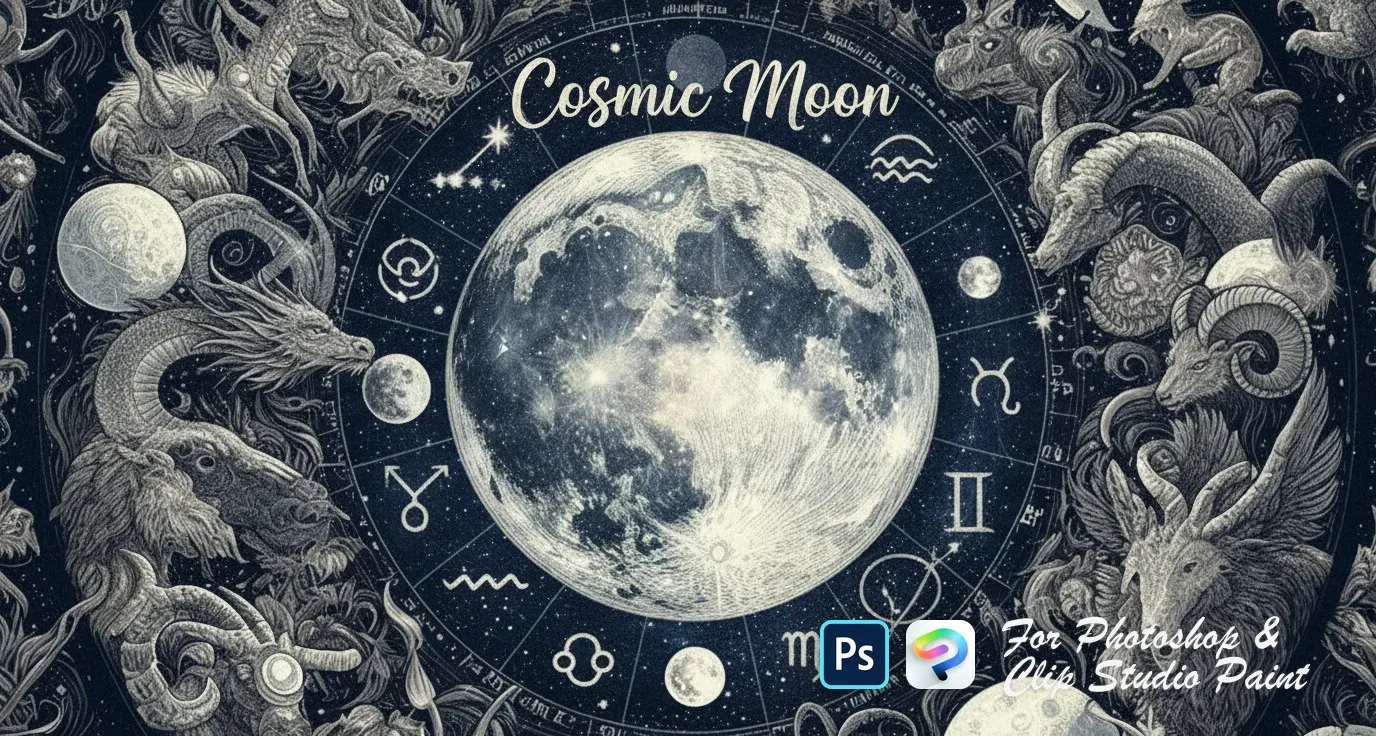
 Cosmic Moon
ringed Saturn, crescent and eclipse
 PS · CSP
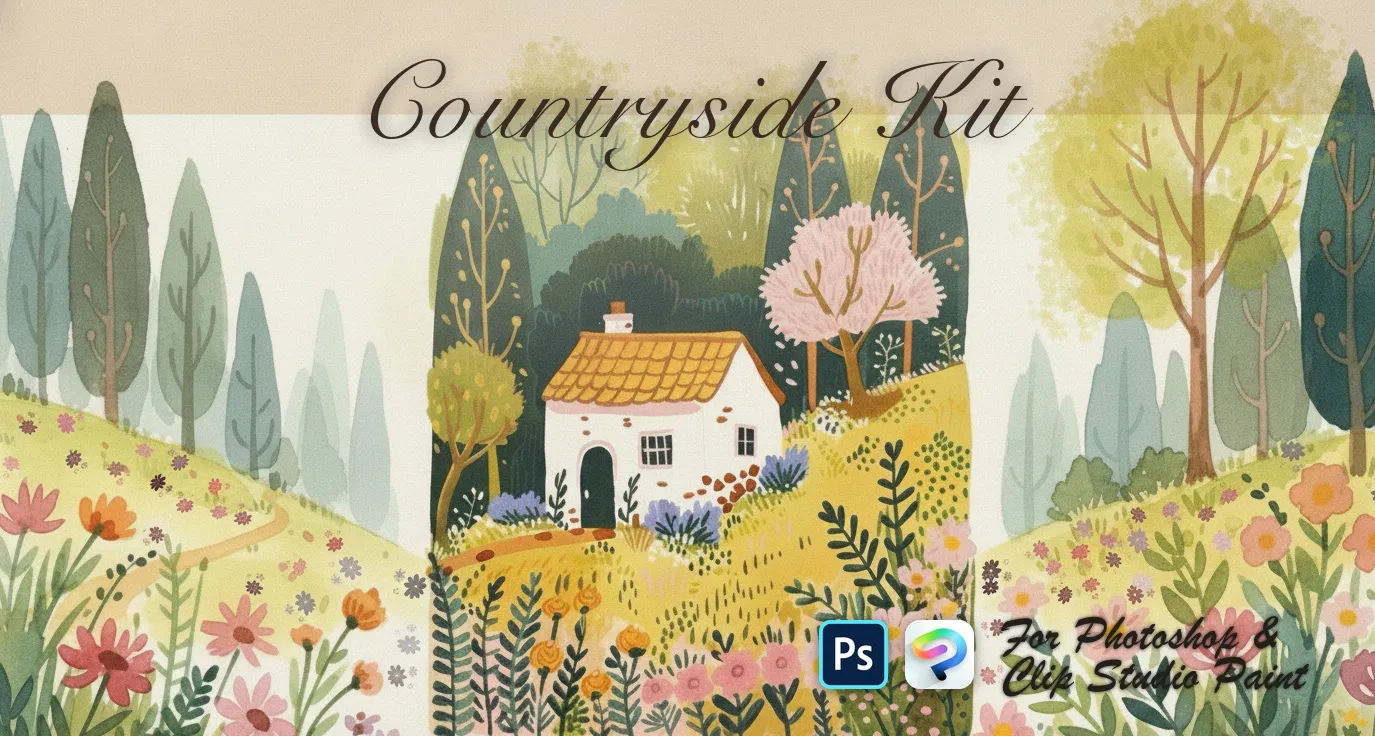
 Countryside Kit
wooden, picket fences and flowers
 PS · CSP
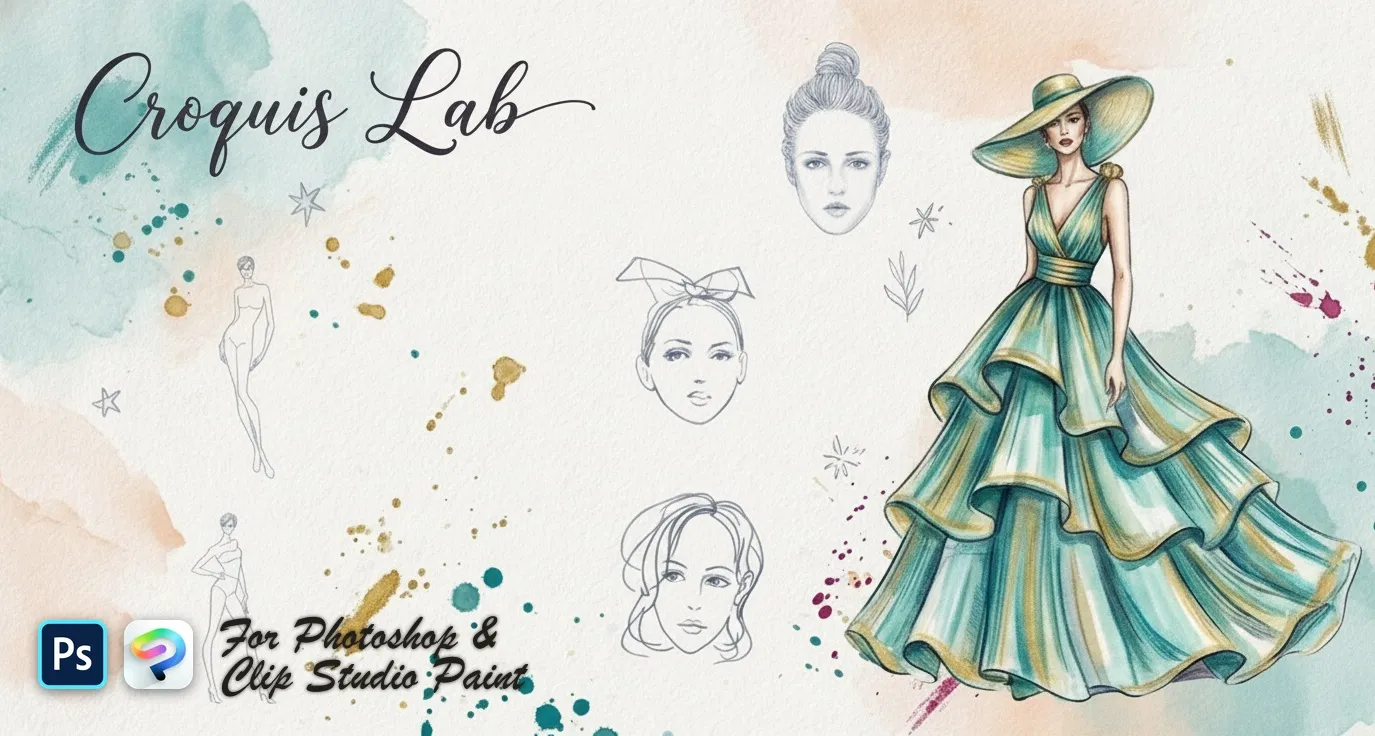
 Croquis Lab
fashion model croquis figures and back
 PS · CSP
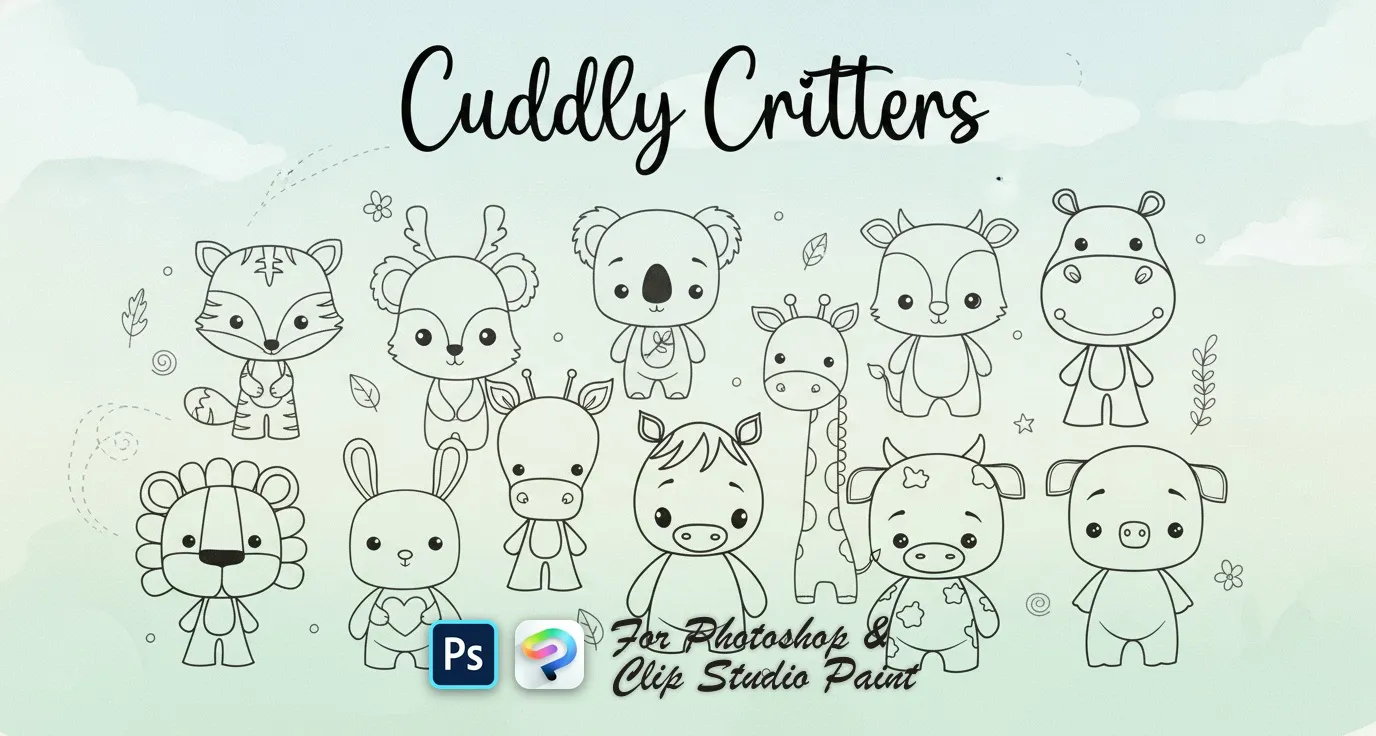
 Cuddly Critters
bunny, fox, koala, cow and mouse
 PS · CSP
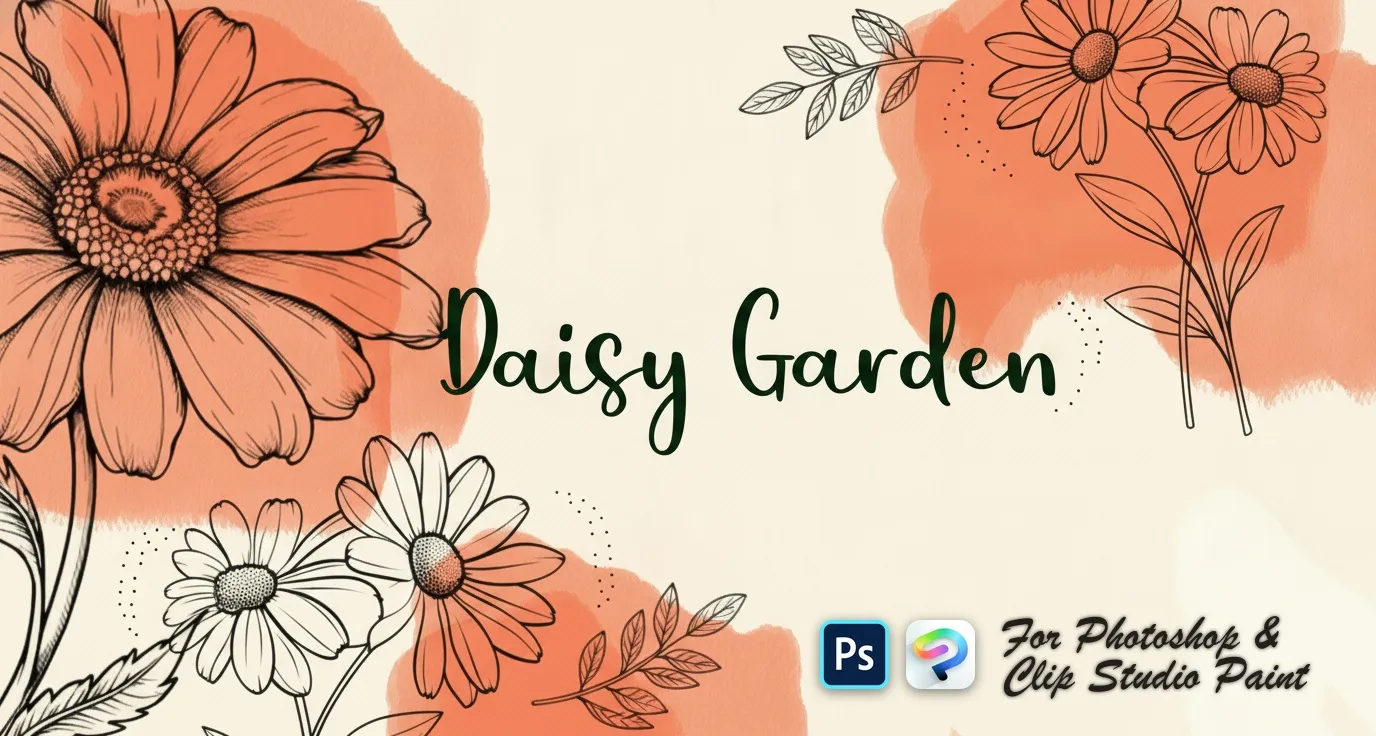
 Daisy Garden
single daisies and angles
 PS · CSP
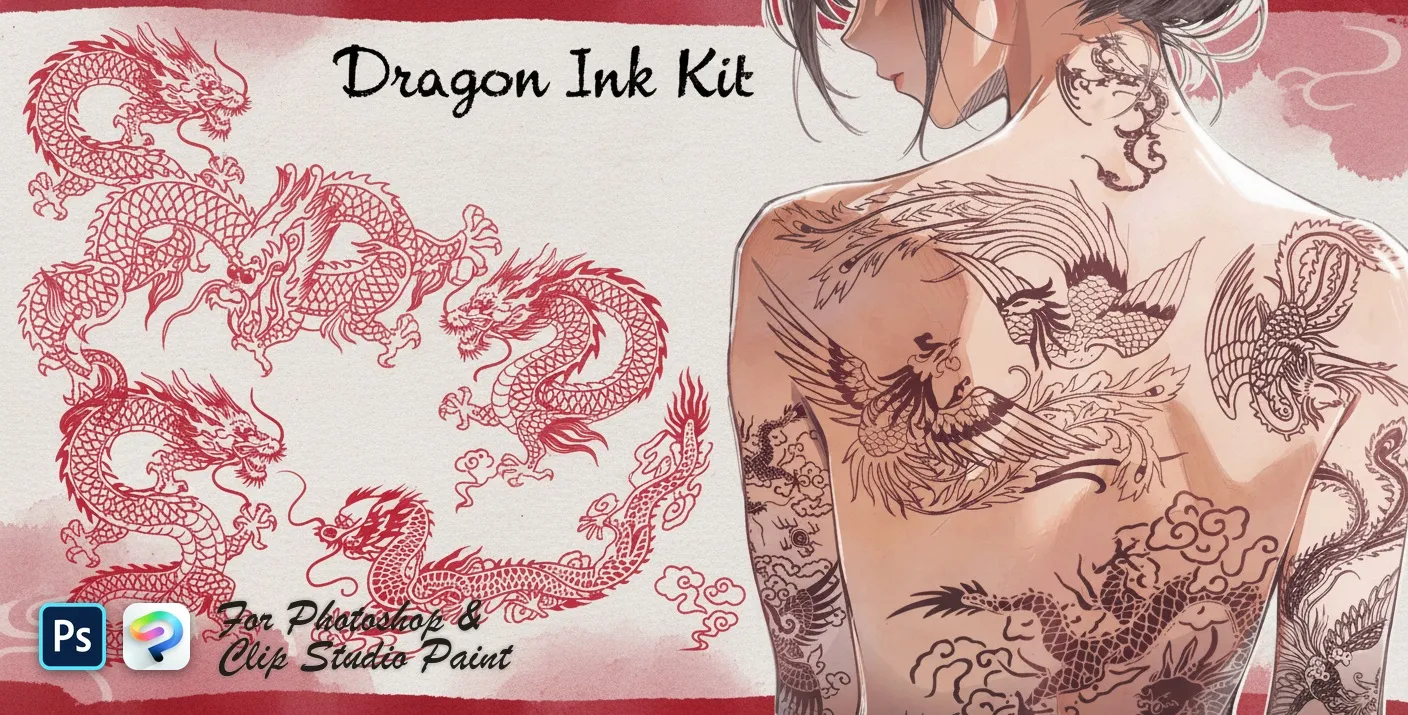
 Dragon Ink Kit
coiled, rearing, flying and soaring
 PS · CSP
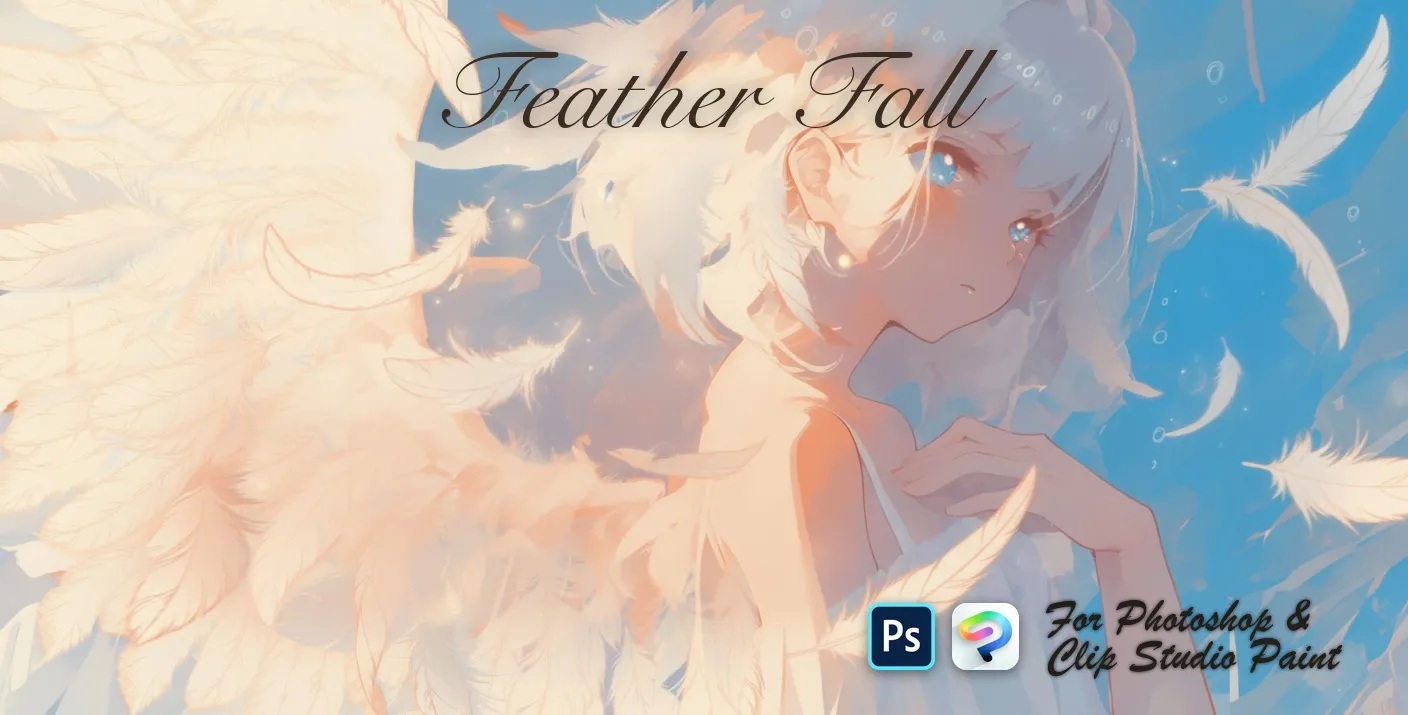
 Feather Fall
soft, wispy and ruffled
 PS · CSP
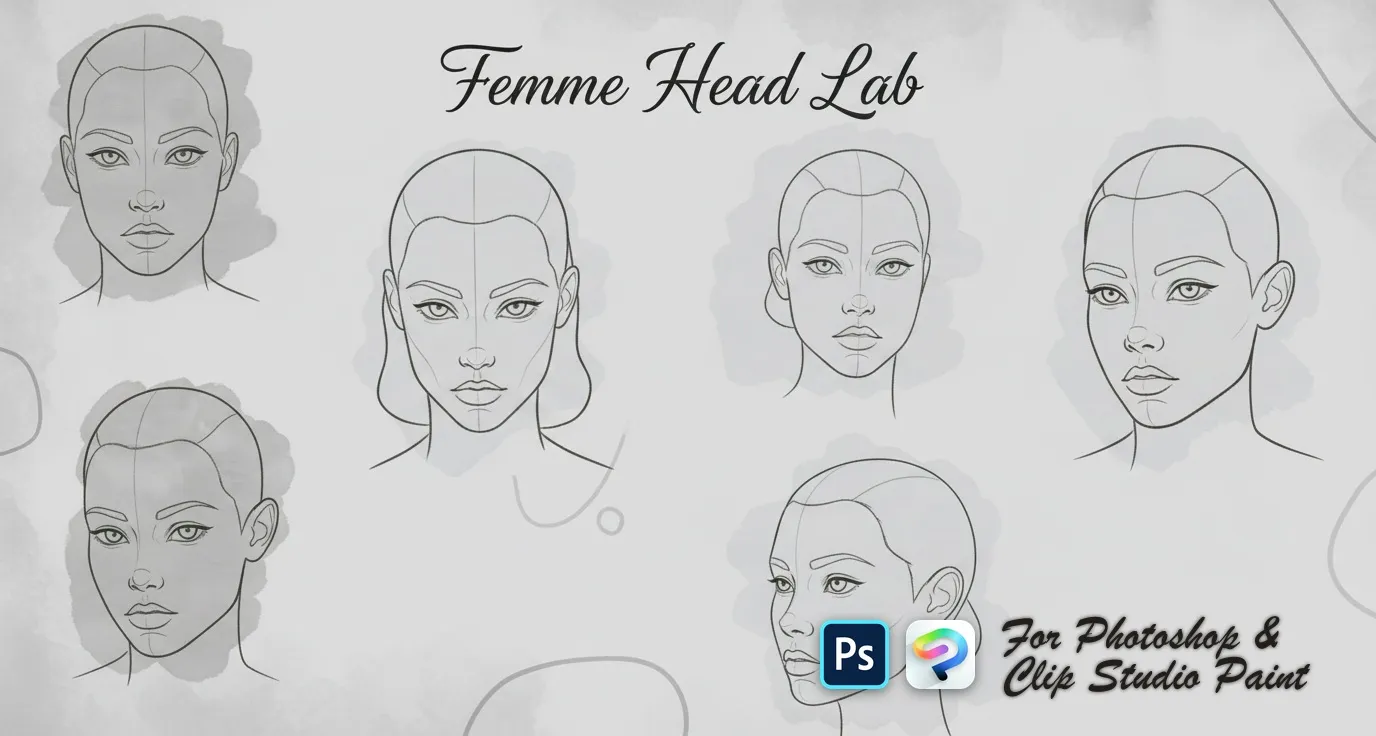
 Femme Head Lab
female head templates with centre lines and feature guides — front, three-quarter, side and profile, plus tilted, looking-up and looking-down views
 PS · CSP
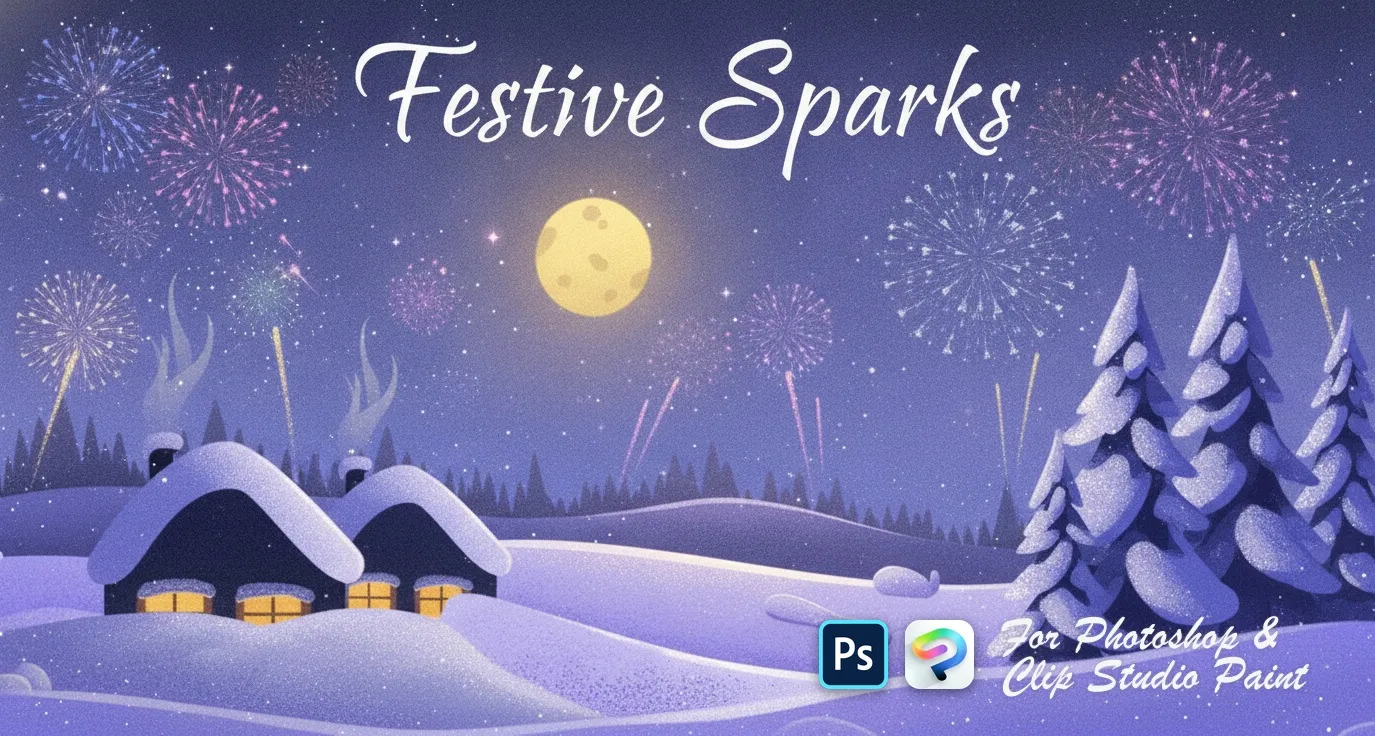
 Festive Sparks
hearts, stars, diamonds and drops
 PS · CSP
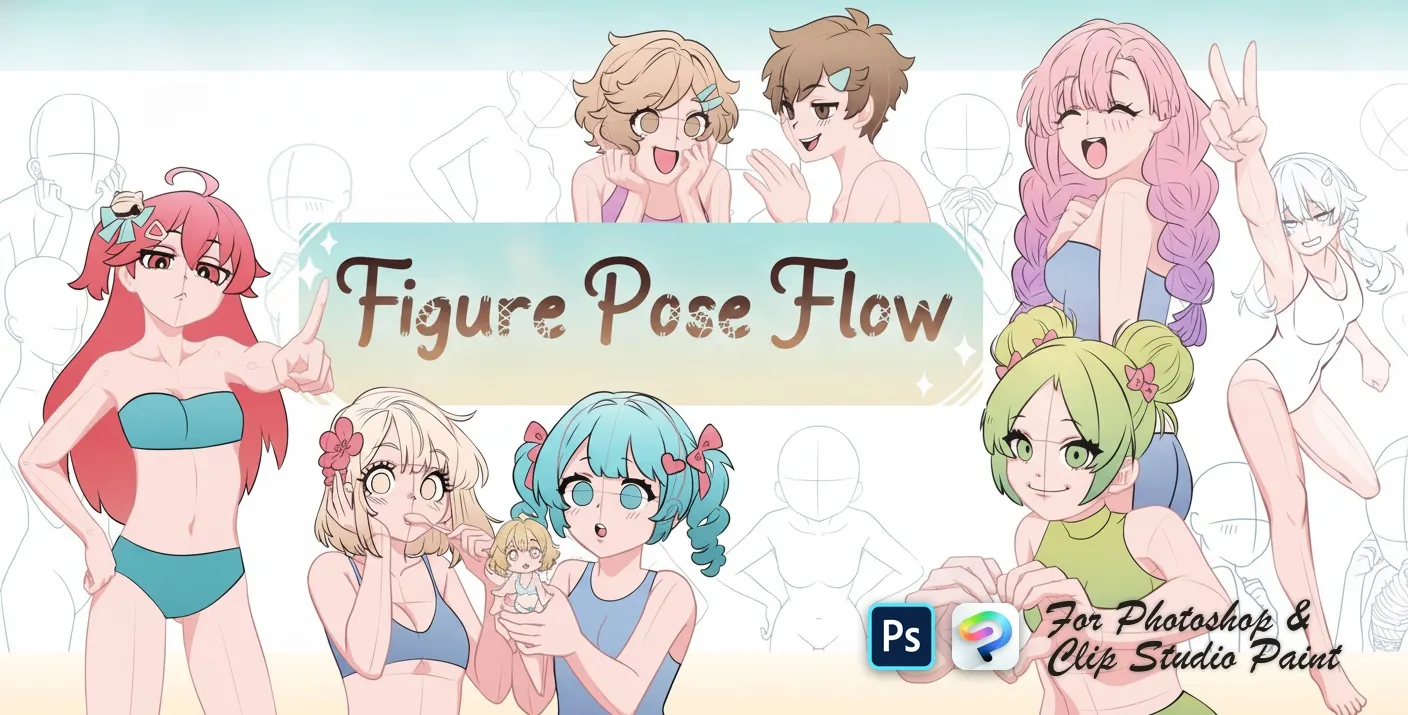
 Figure Pose Flow
resting, sitting and leaning poses
 PS · CSP
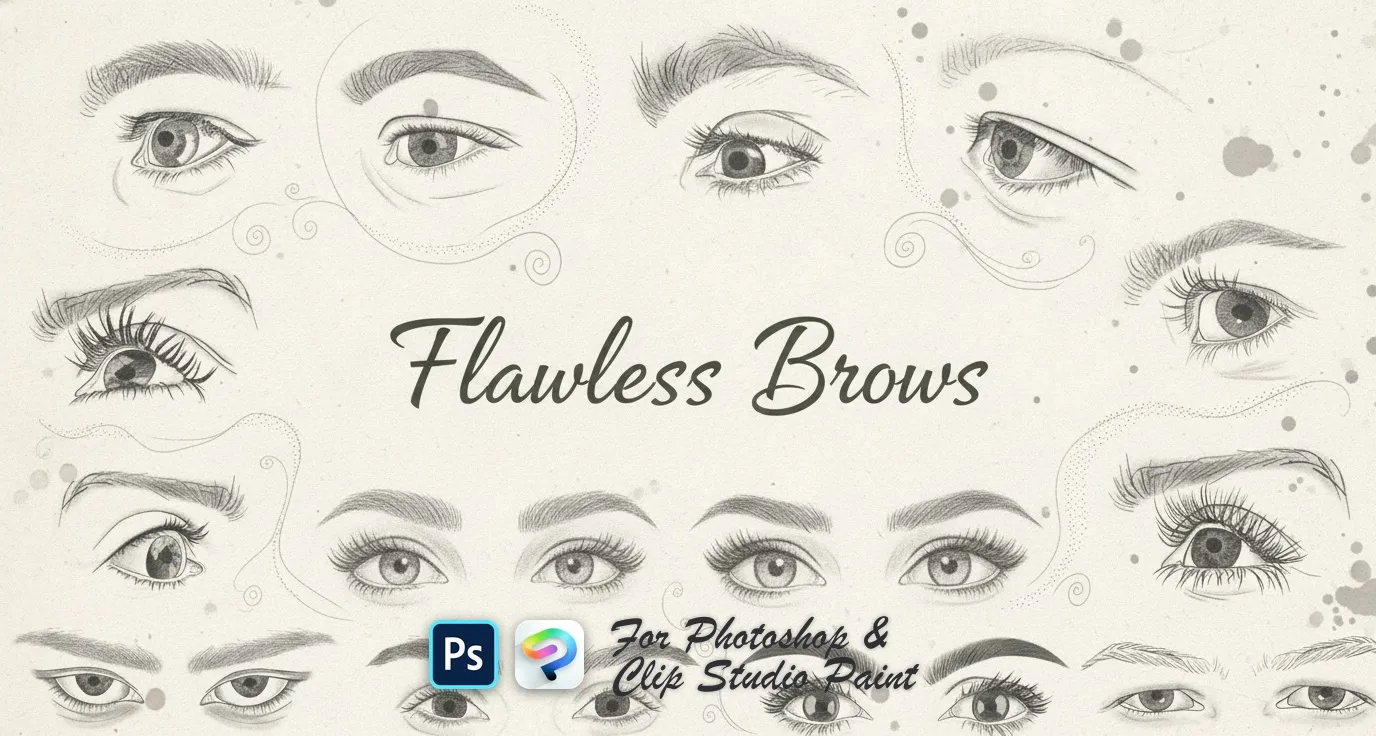
 Flawless Brows
soft powdered, arched, straight, rounded and tapered brows, plus feathered, wispy, bushy and bold shapes
 PS · CSP
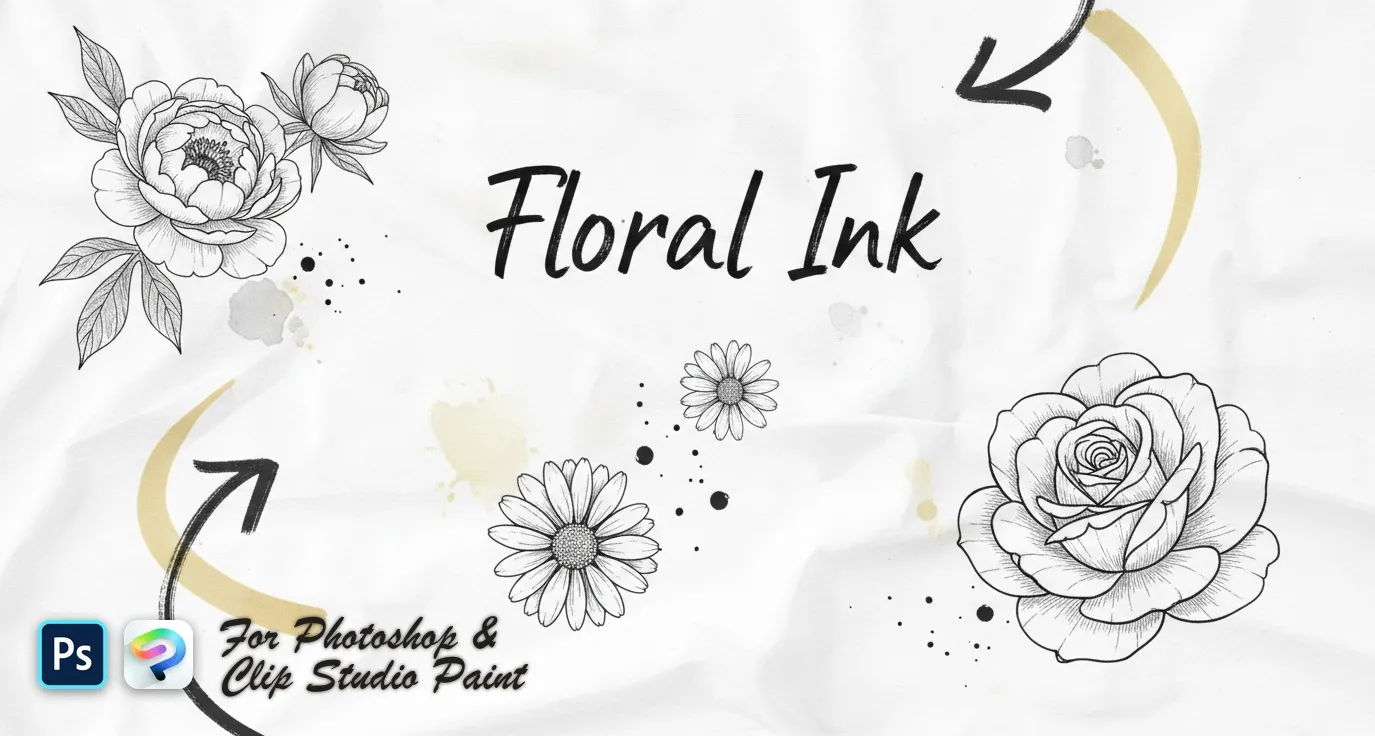
 Floral Ink
delicate wildflower sprigs, fine-line botanical stems and bold engraved blooms — lavender, poppy, tulip, peony, rose and magnolia
 PS · CSP
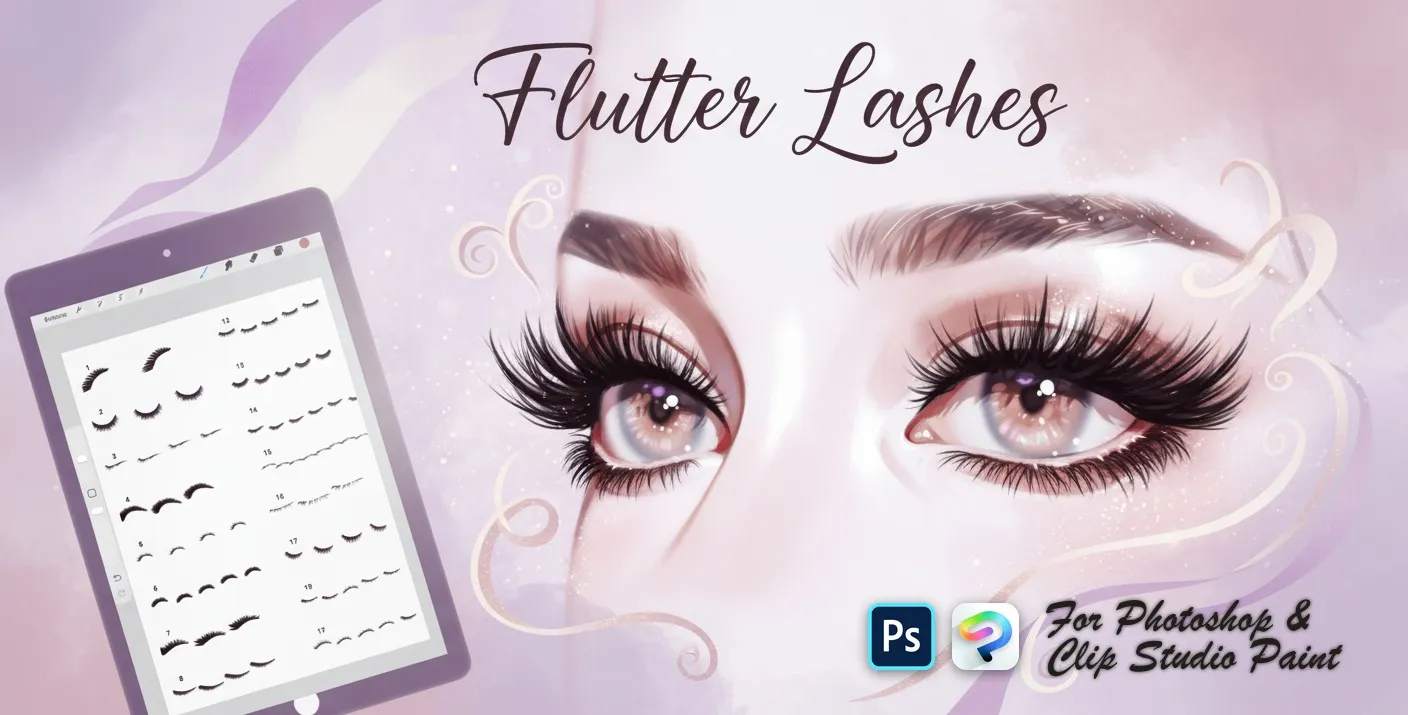
 Flutter Lashes
upper lash sets, fanned and curled lashes, soft lash liners, lower and short lashes, wispy, feathery, spiky and dramatic looks
 PS · CSP
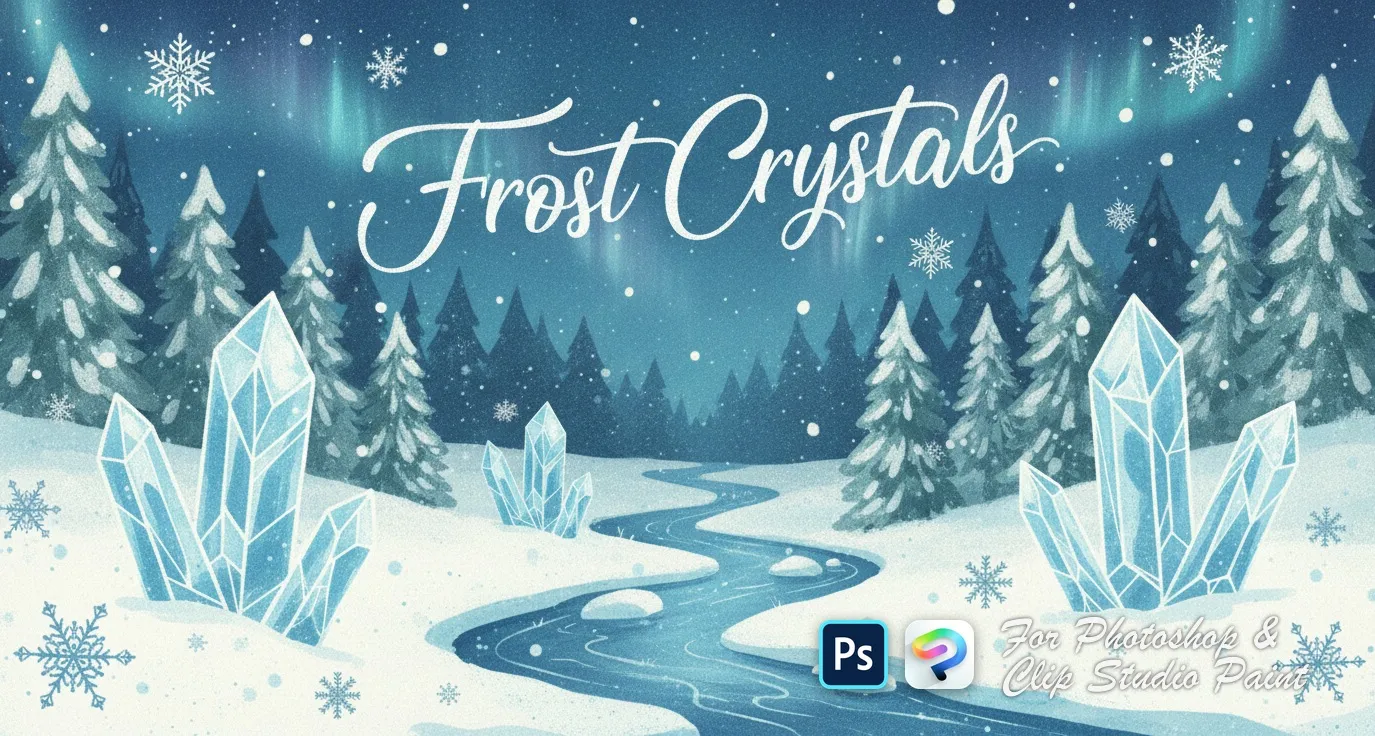
 Frost Crystals
delicate clusters, small scattered flakes, bold geometric snowflakes and crystalline 3D-style designs
 PS · CSP
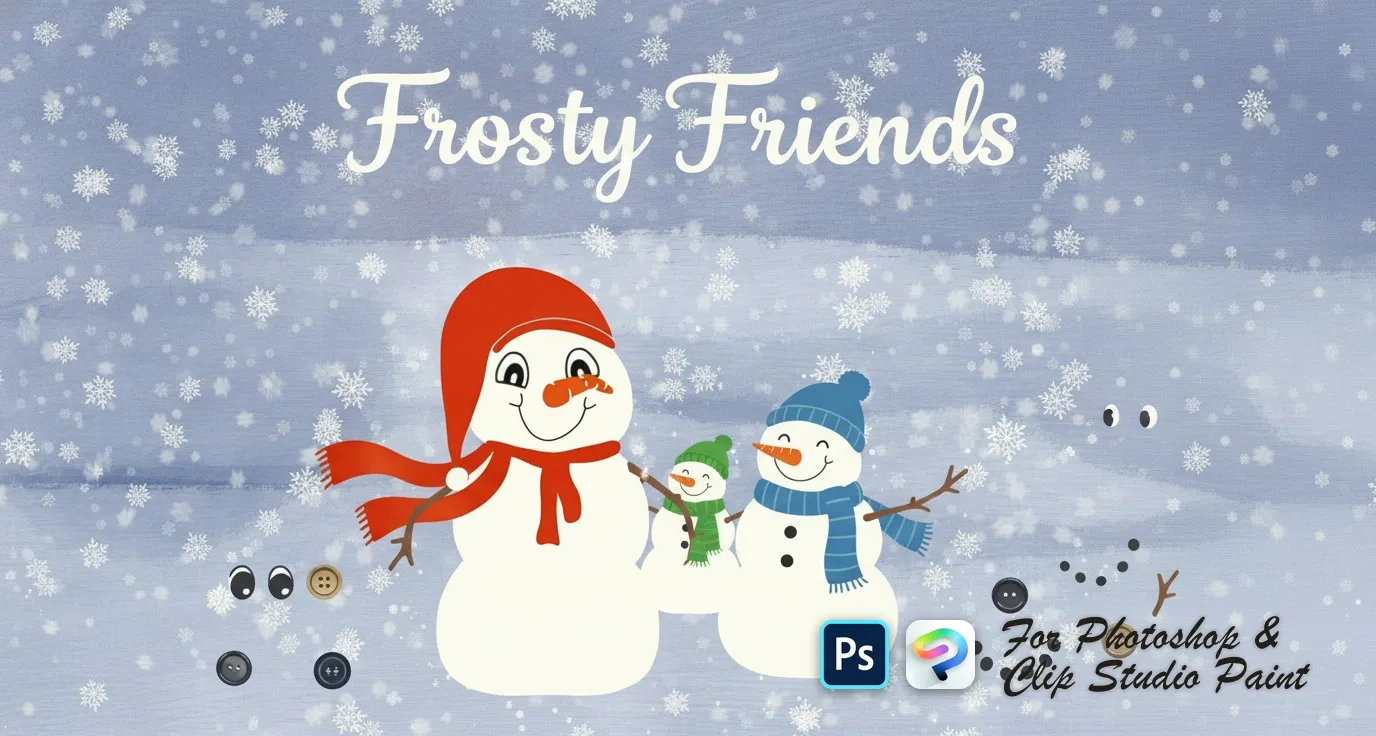
 Frosty Friends
snowball body pieces, scarves, hats and headpieces, eyes, mouths and carrot noses, coal buttons and stick arms
 PS · CSP
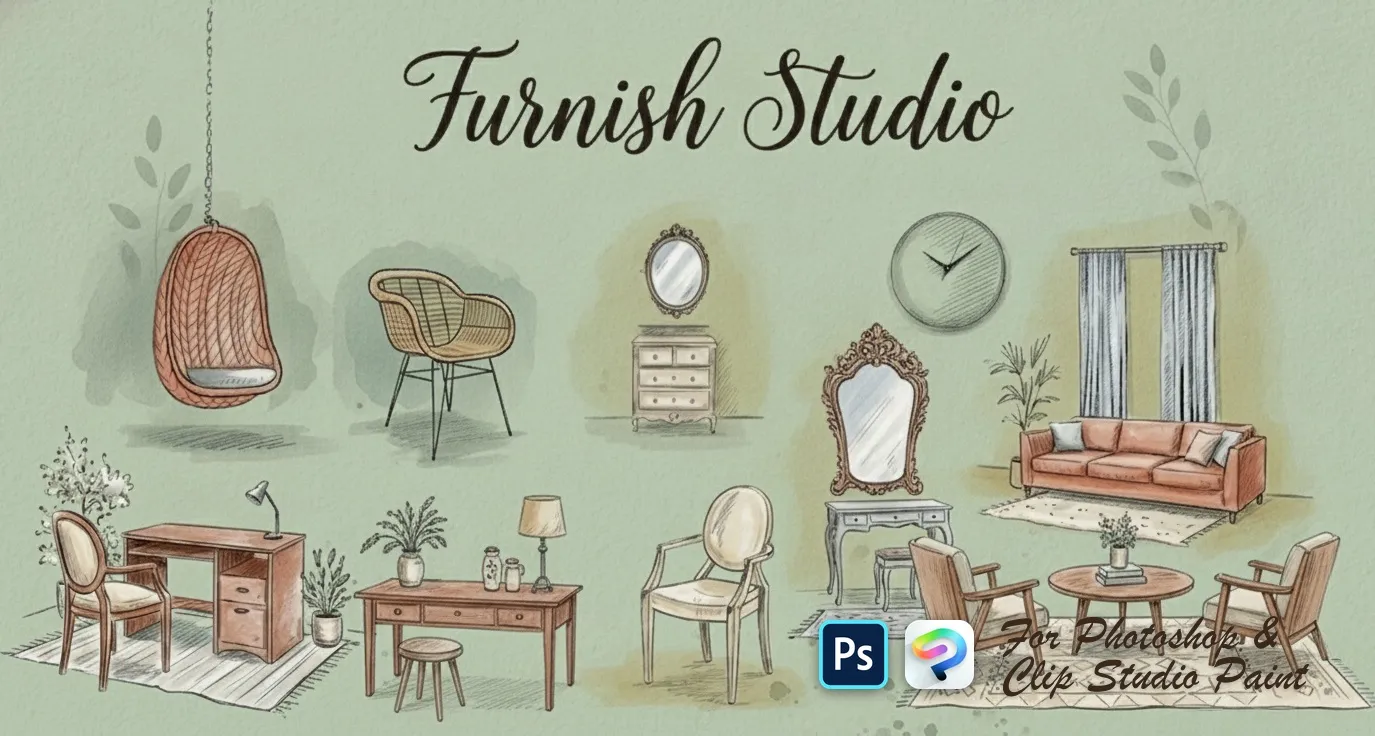
 Furnish Studio
sofas, loveseats, sectionals and settees, armchairs, beds and daybeds, desks, consoles, dressers, nightstands and shelves
 PS · CSP
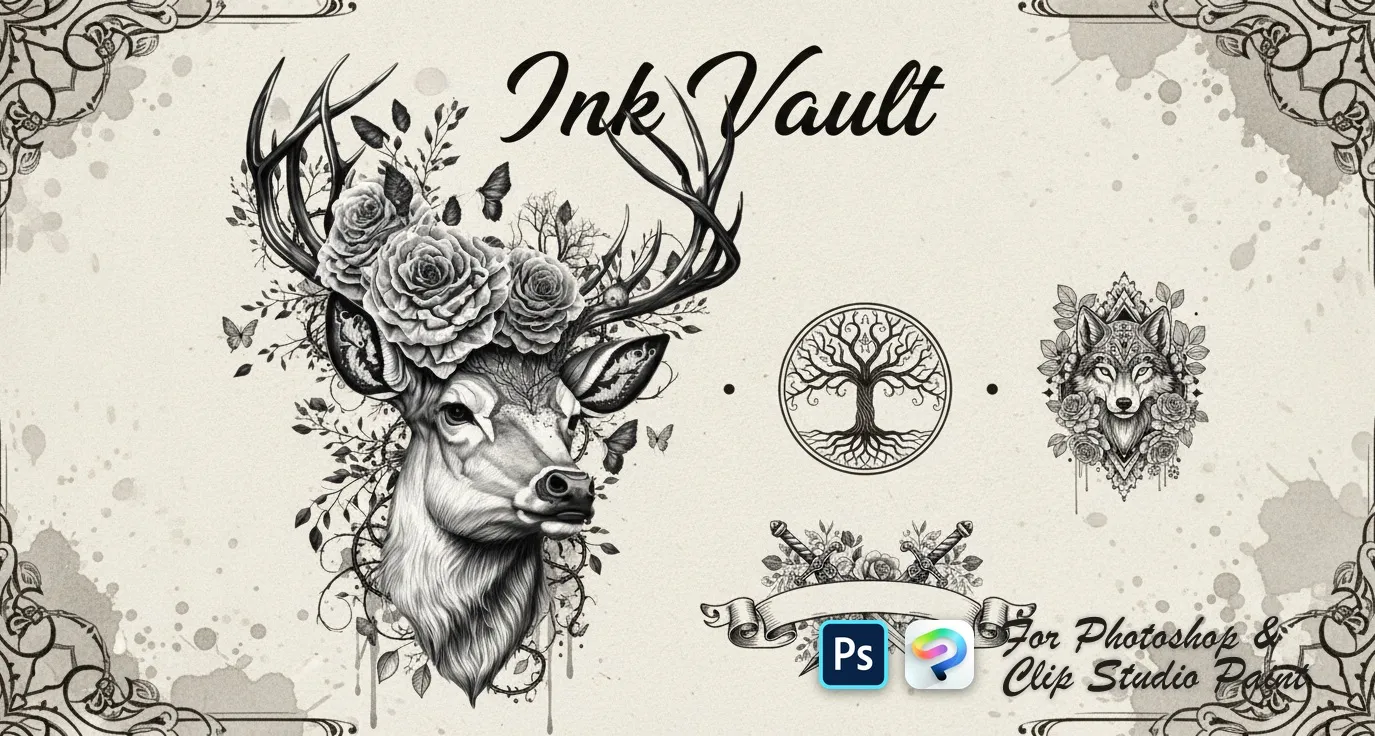
 Ink Vault
wolves, tigers, lions, bears and elephants, koi, sharks, octopus, deer and eagles, skulls, dragons, viking and samurai motifs, mandalas, lotus, dreamcatcher, feather, tree of life, compass and anchor
 PS · CSP
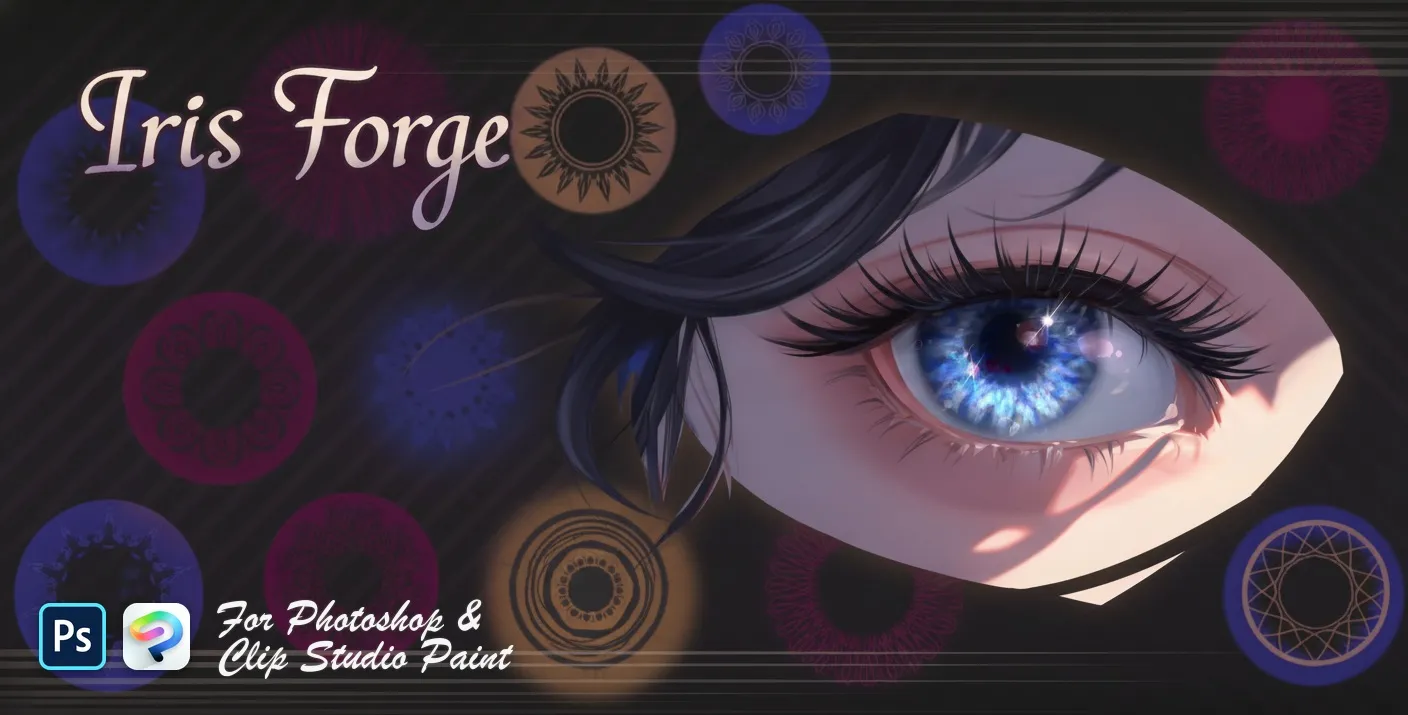
 Iris Forge
iris base discs, layered iris, fiber and limbal rings
 PS · CSP
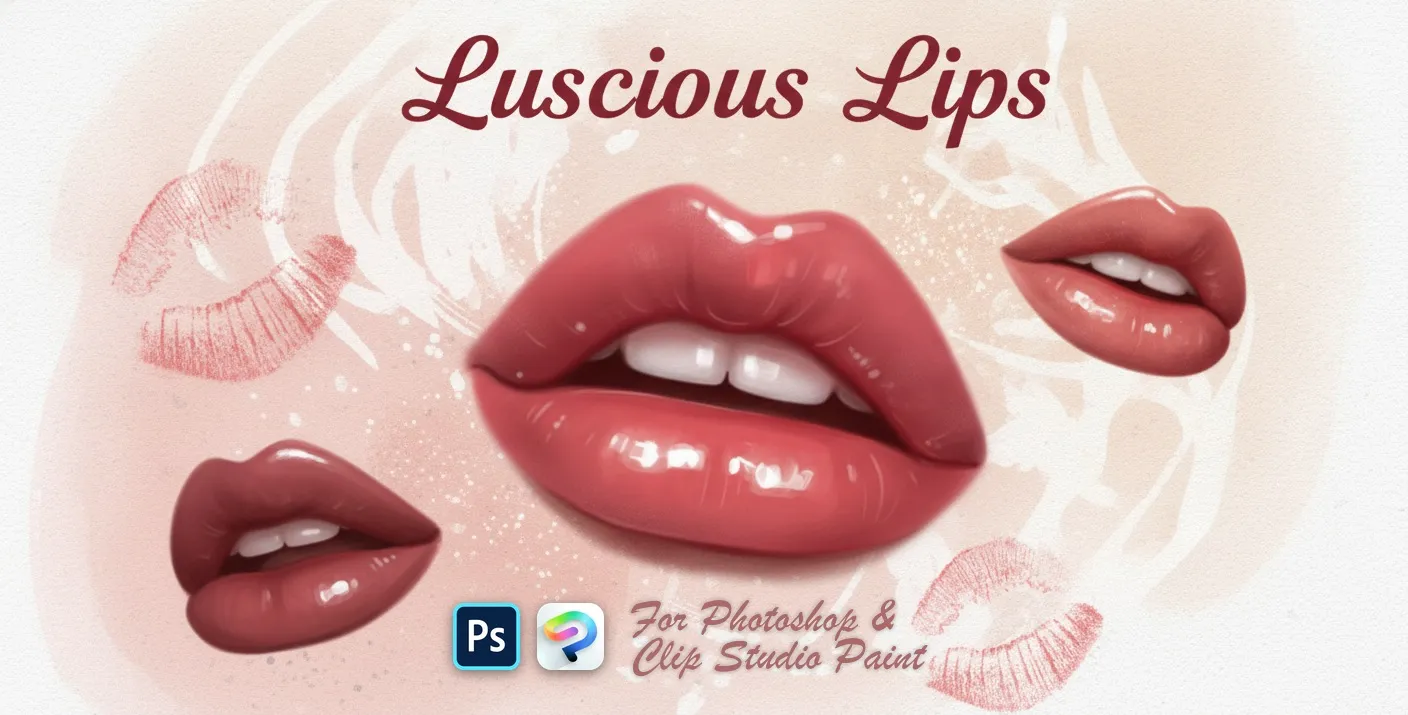
 Luscious Lips
realistic lip and expressions
 PS · CSP
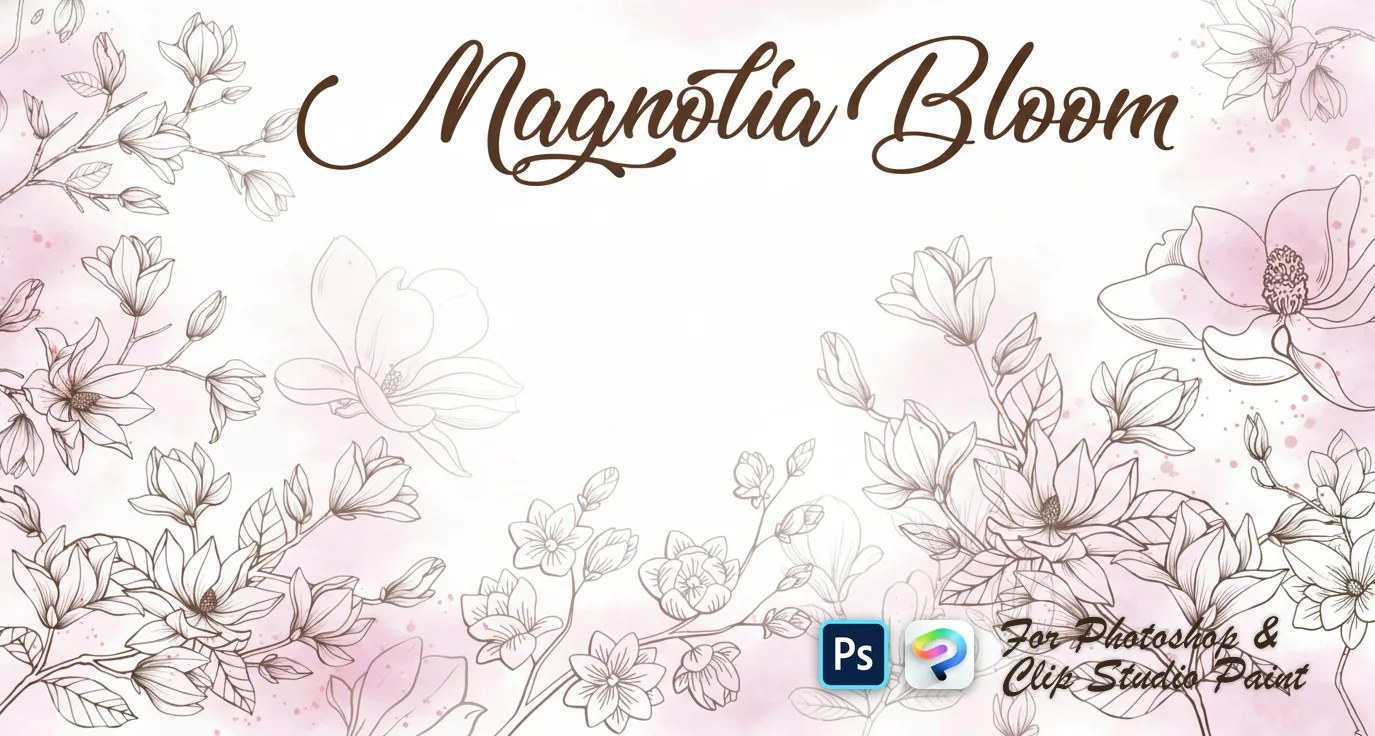
 Magnolia Bloom
open blooms and side-view flowers
 PS · CSP
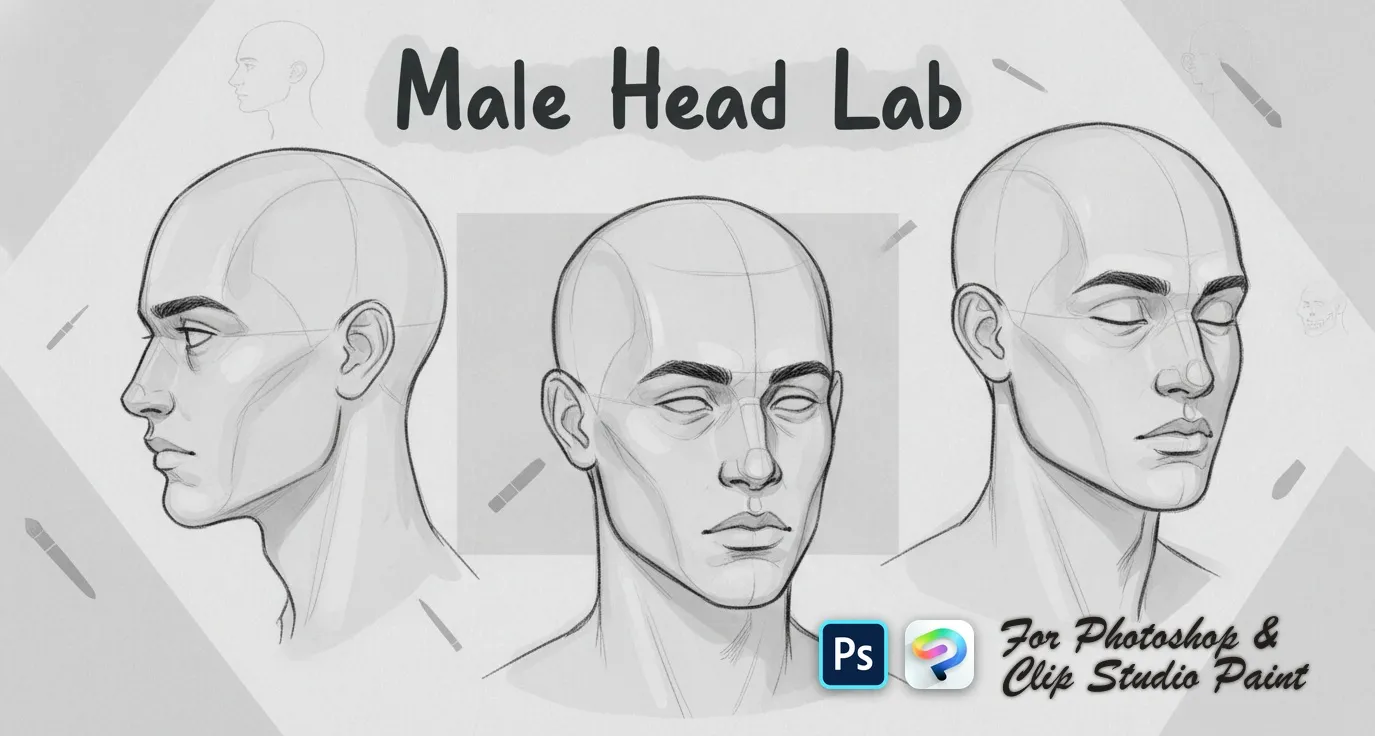
 Male Head Lab
front, three-quarter, side and profile
 PS · CSP
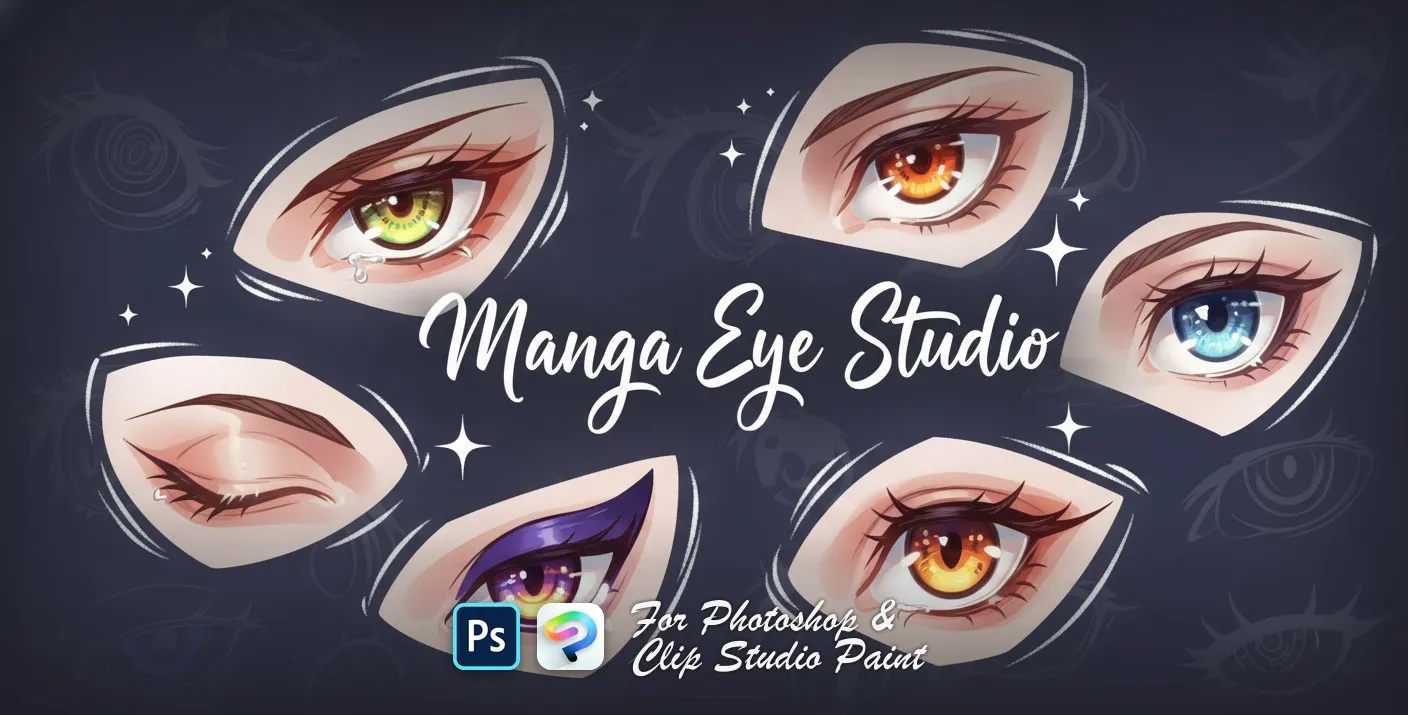
 Manga Eye Studio
sharp, angular, large round and bold
 PS · CSP
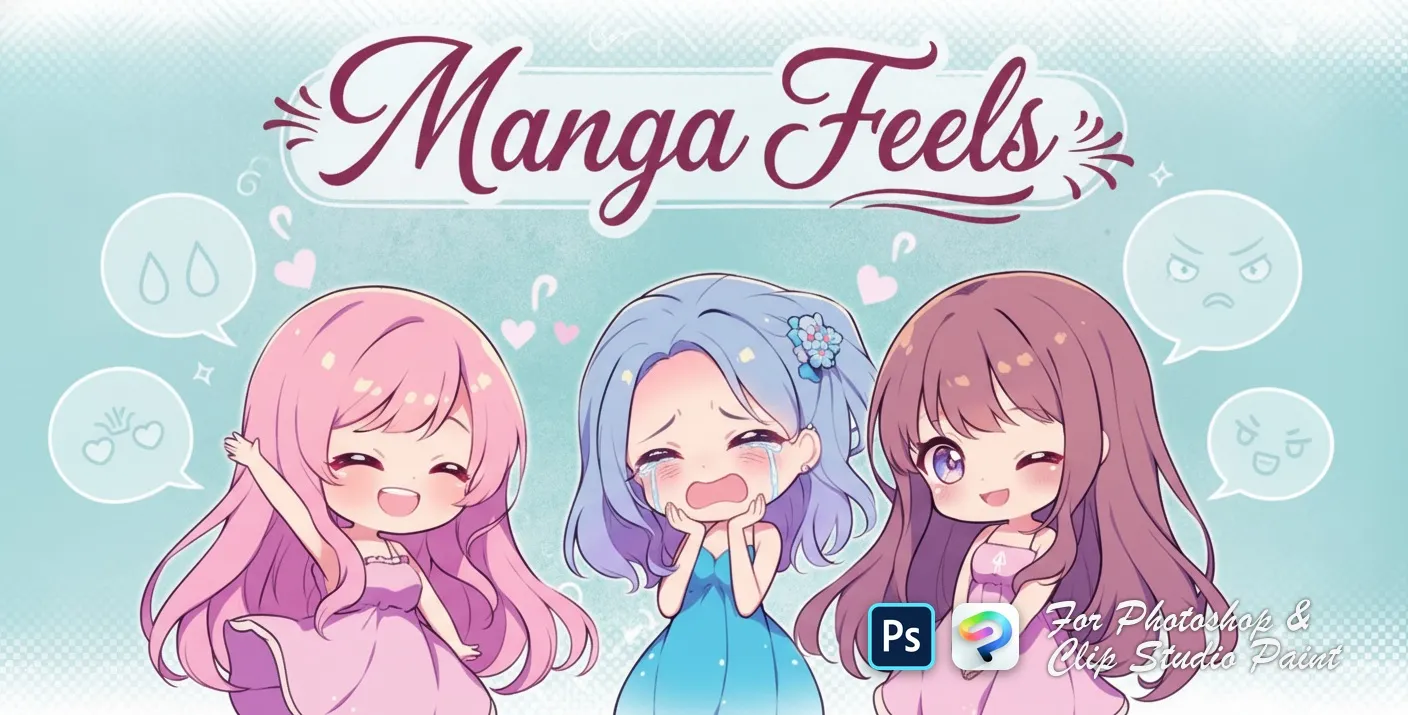
 Manga Feels
happy, sad, angry, crying and surprised
 PS · CSP
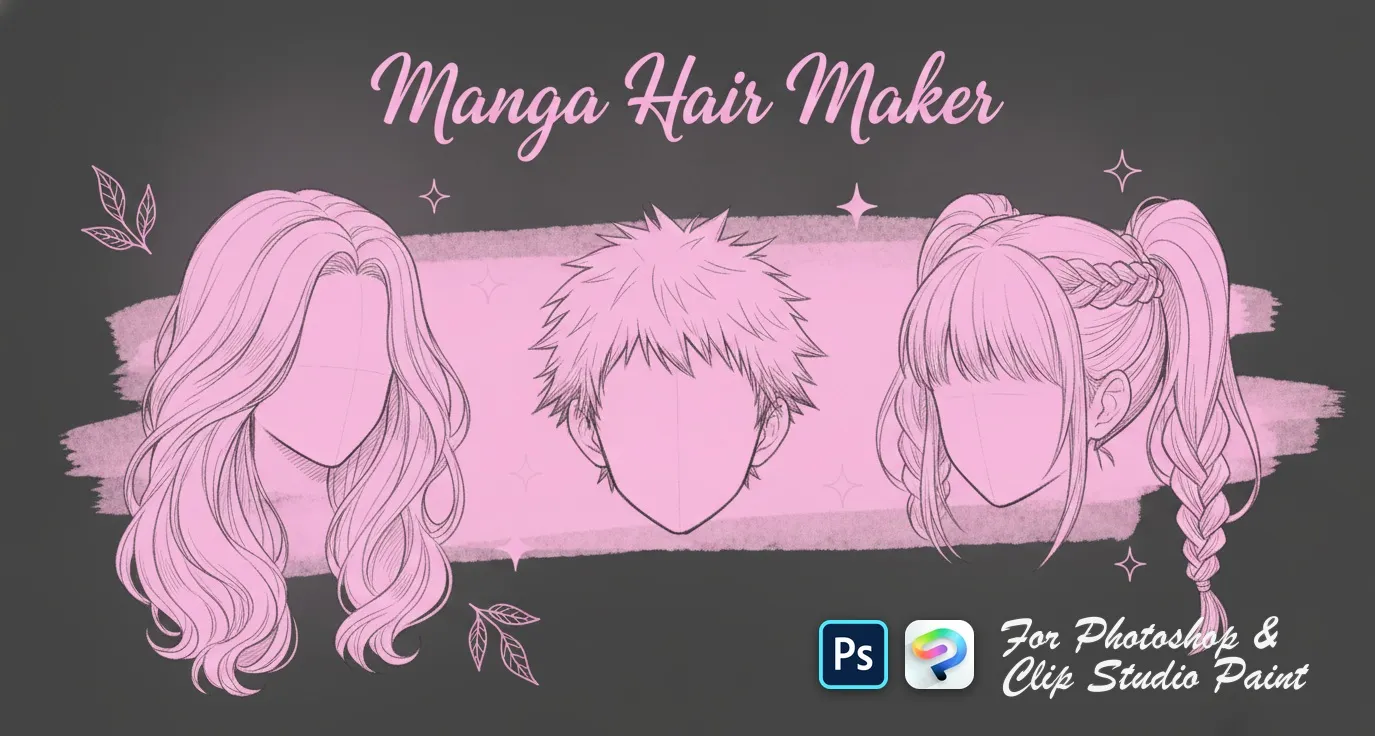
 Manga Hair Maker
men's anime hairstyles
 PS · CSP
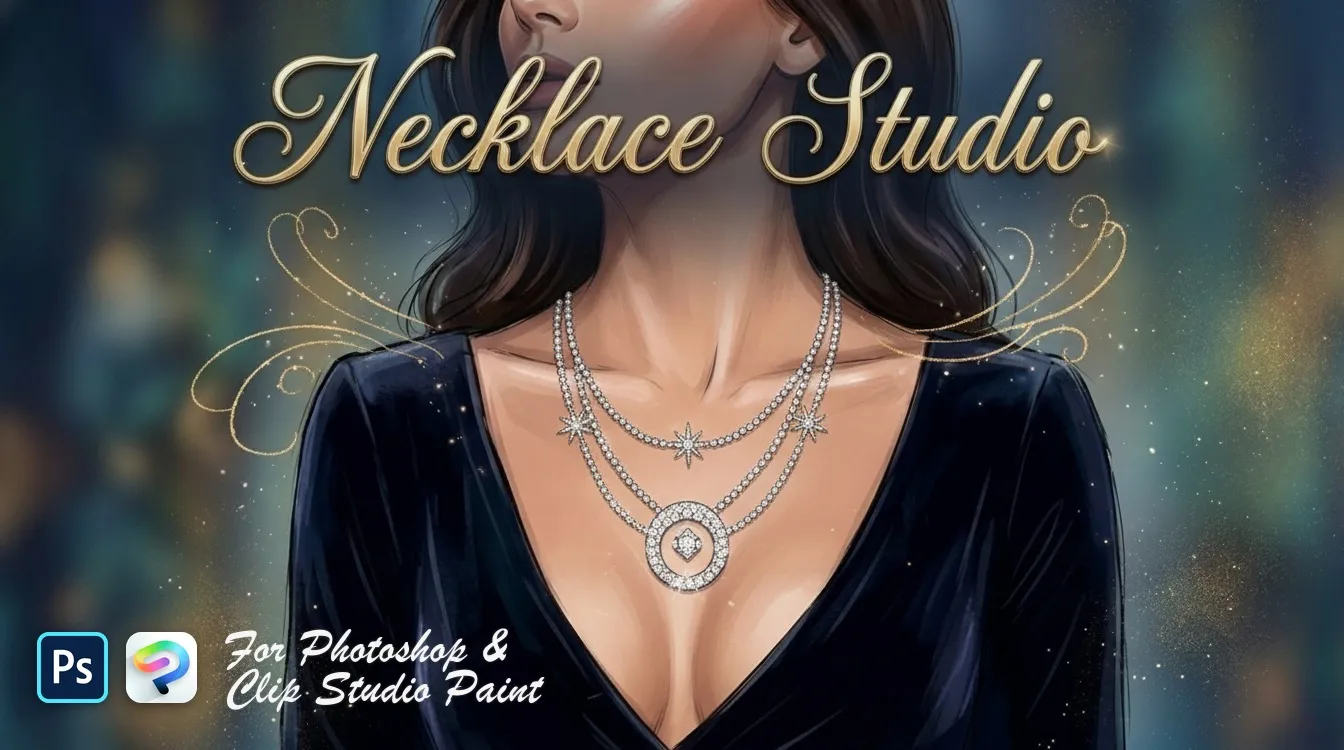
 Necklace Studio
bead, pearl, graduated strands and curb
 PS · CSP
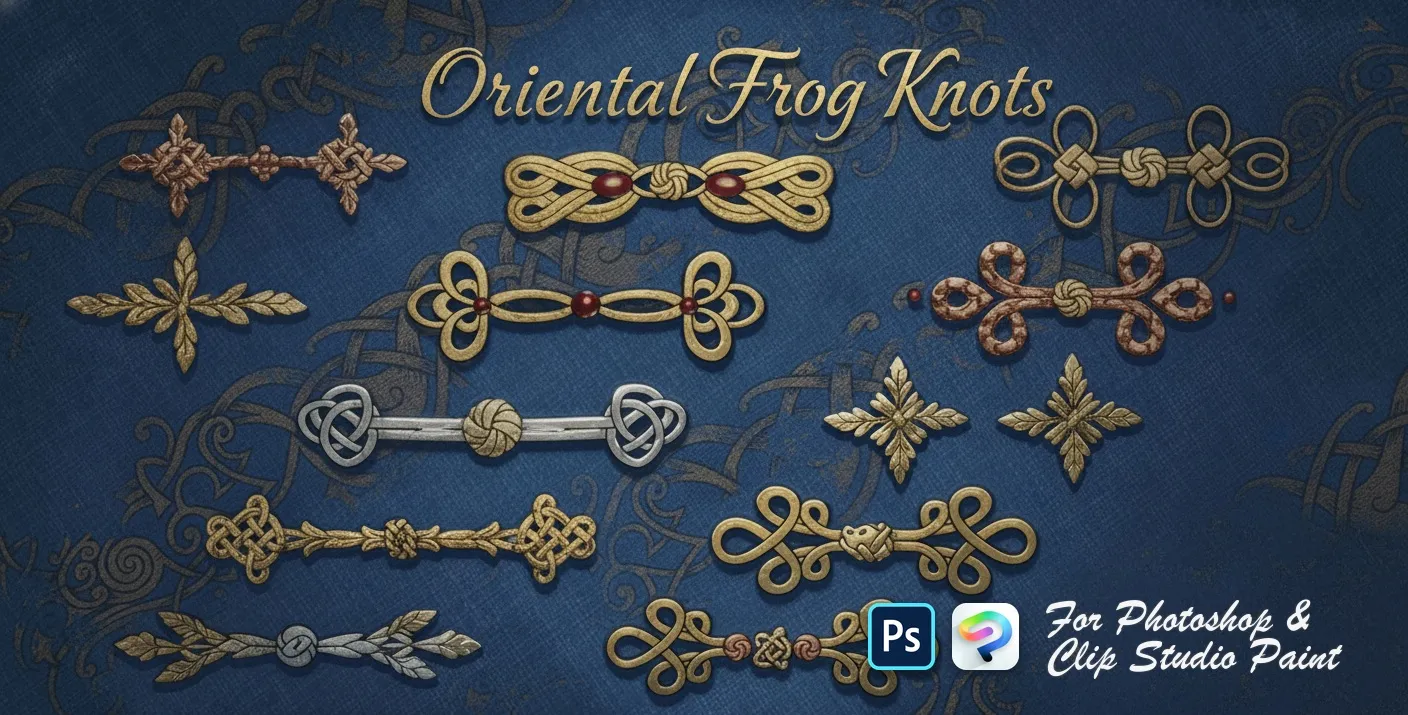
 Oriental Frog Knots
Chinese frog buttons and knot fasteners — Celtic, square, looped, scrolled, beaded, butterfly and cloverleaf knots
 PS · CSP
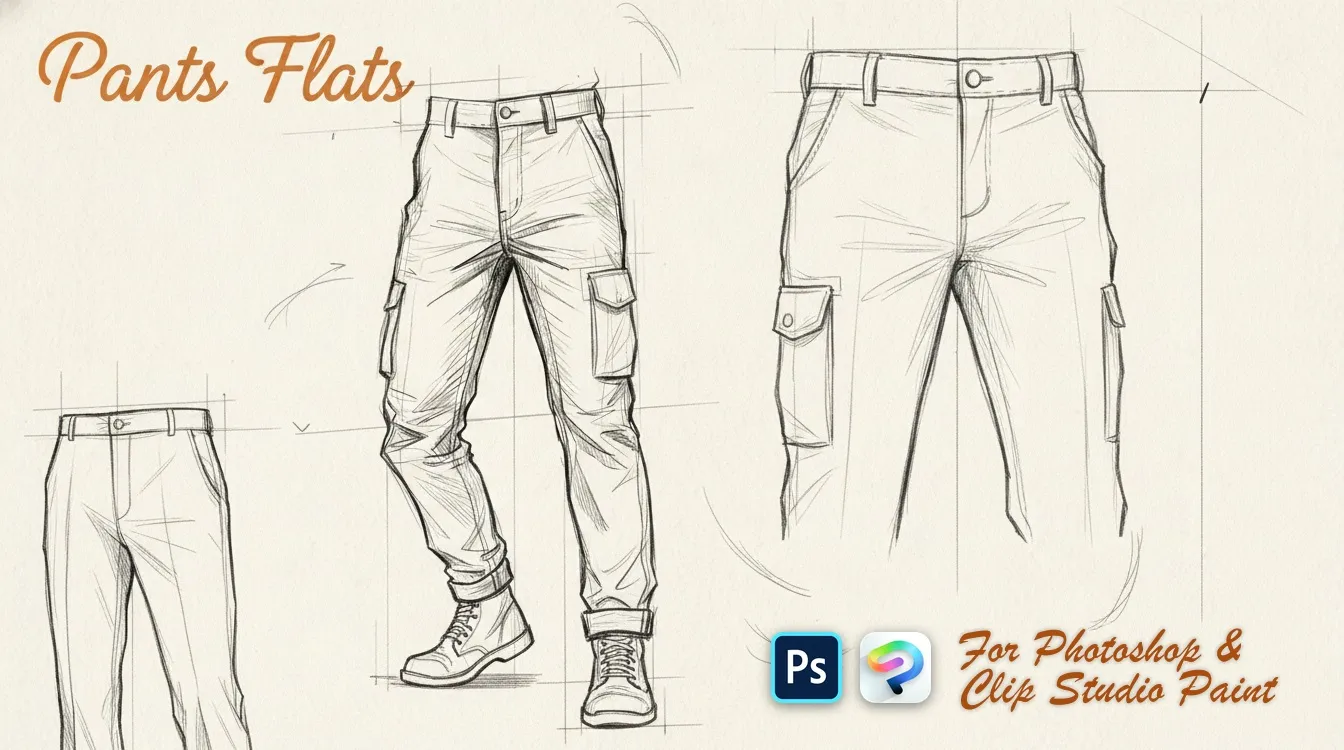
 Pants Flats
slim, wide-leg, straight and skinny
 PS · CSP
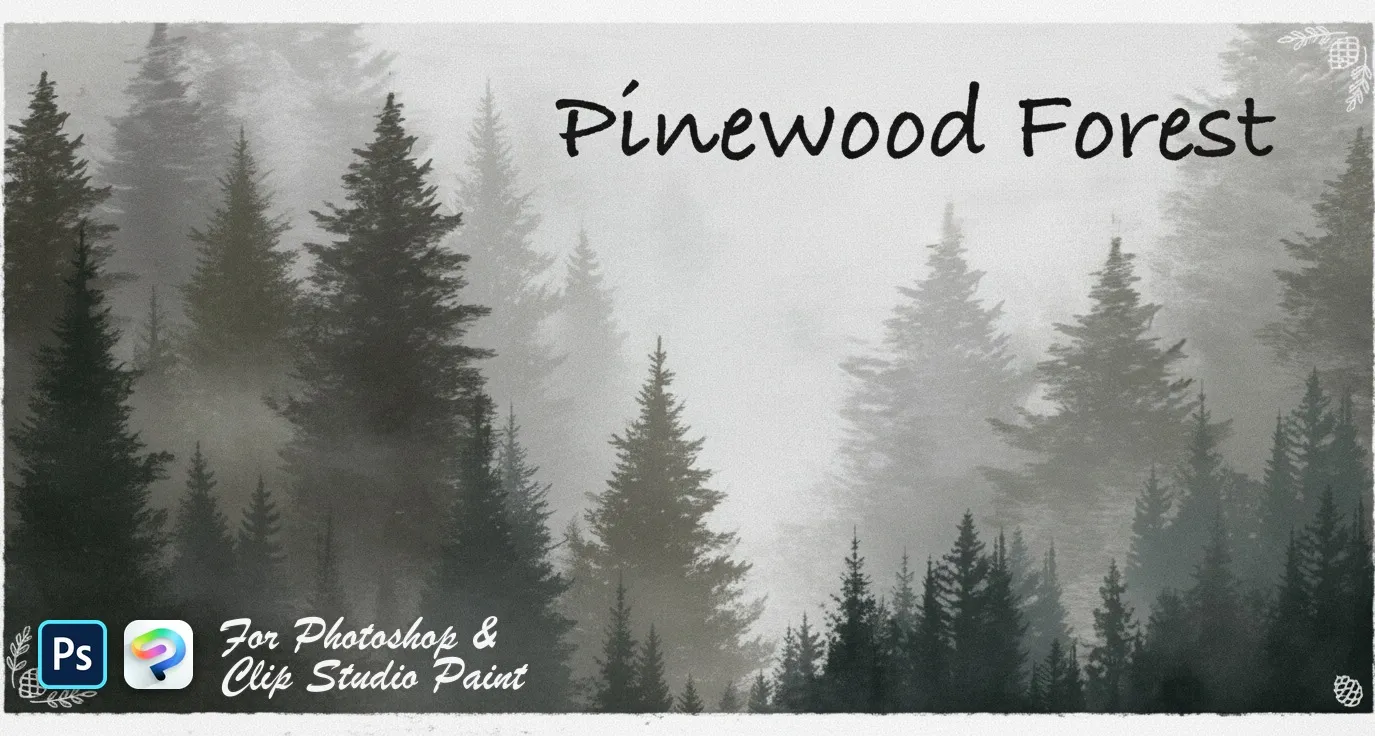
 Pinewood Forest
pines, firs, spruces and cedars
 PS · CSP
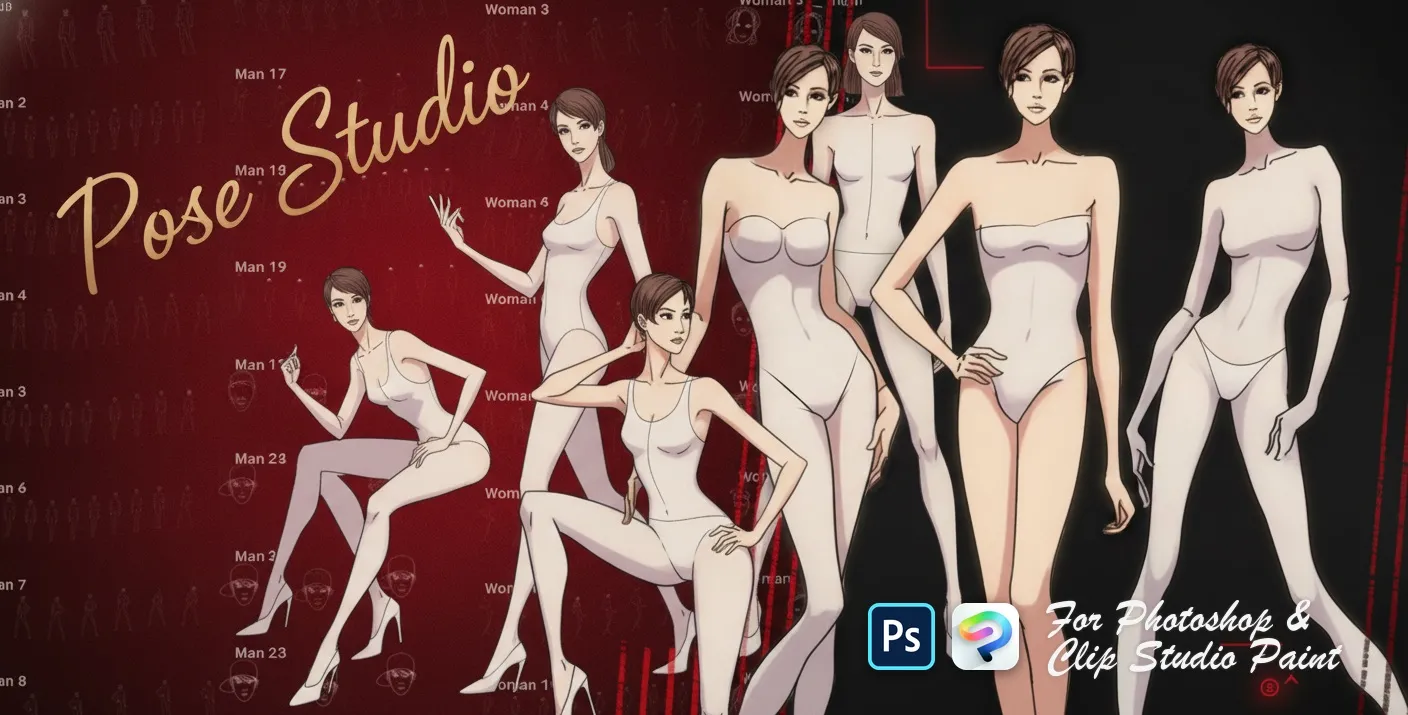
 Pose Studio
standing, walking, sitting and dynamic stances
 PS · CSP
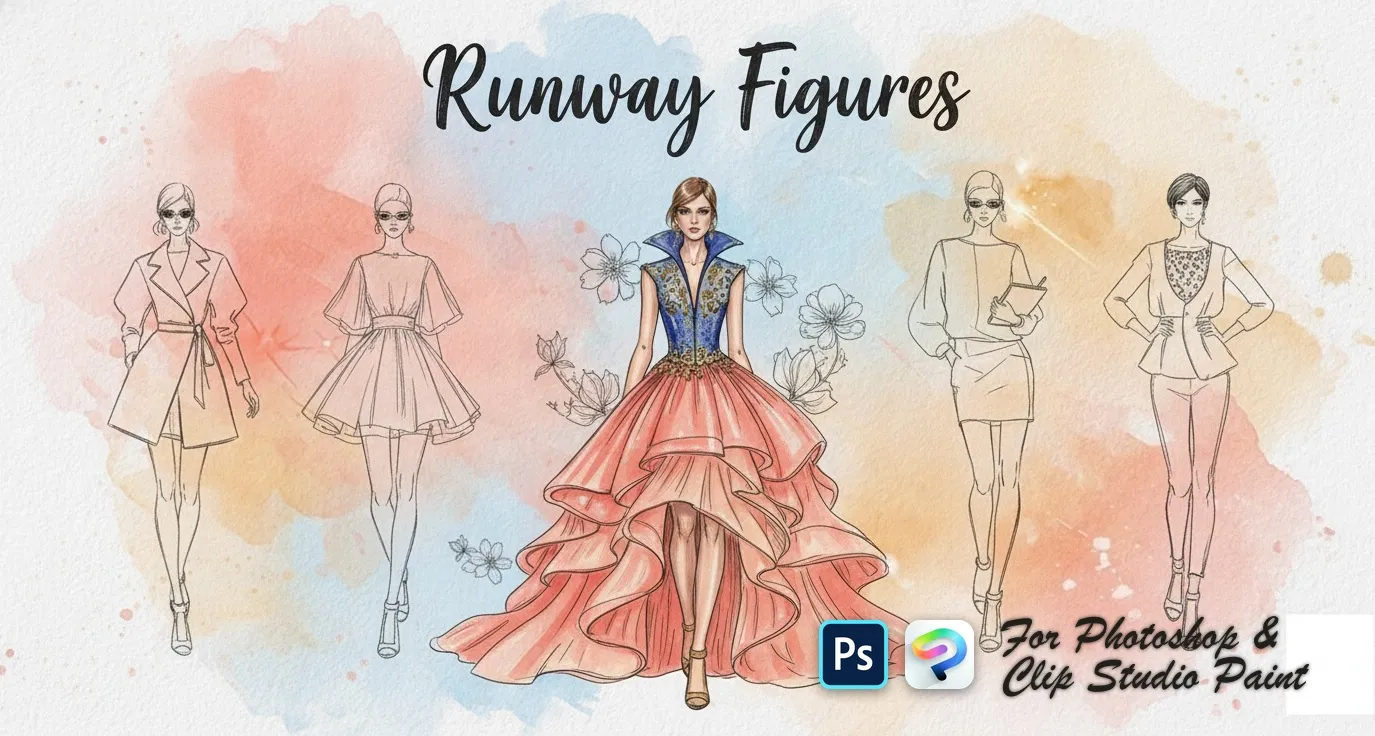
 Runway Figures
front, back and three-quarter
 PS · CSP
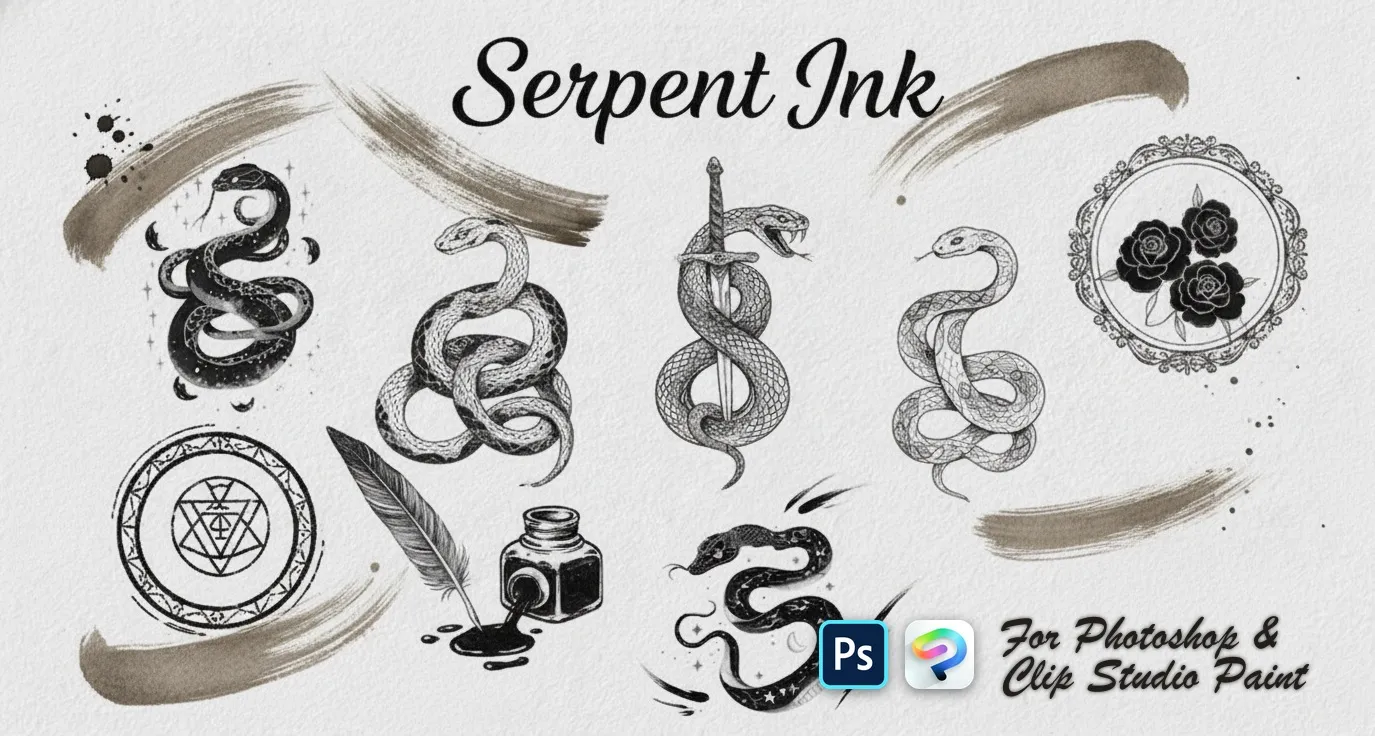
 Serpent Ink
quick snake sketches
 PS · CSP
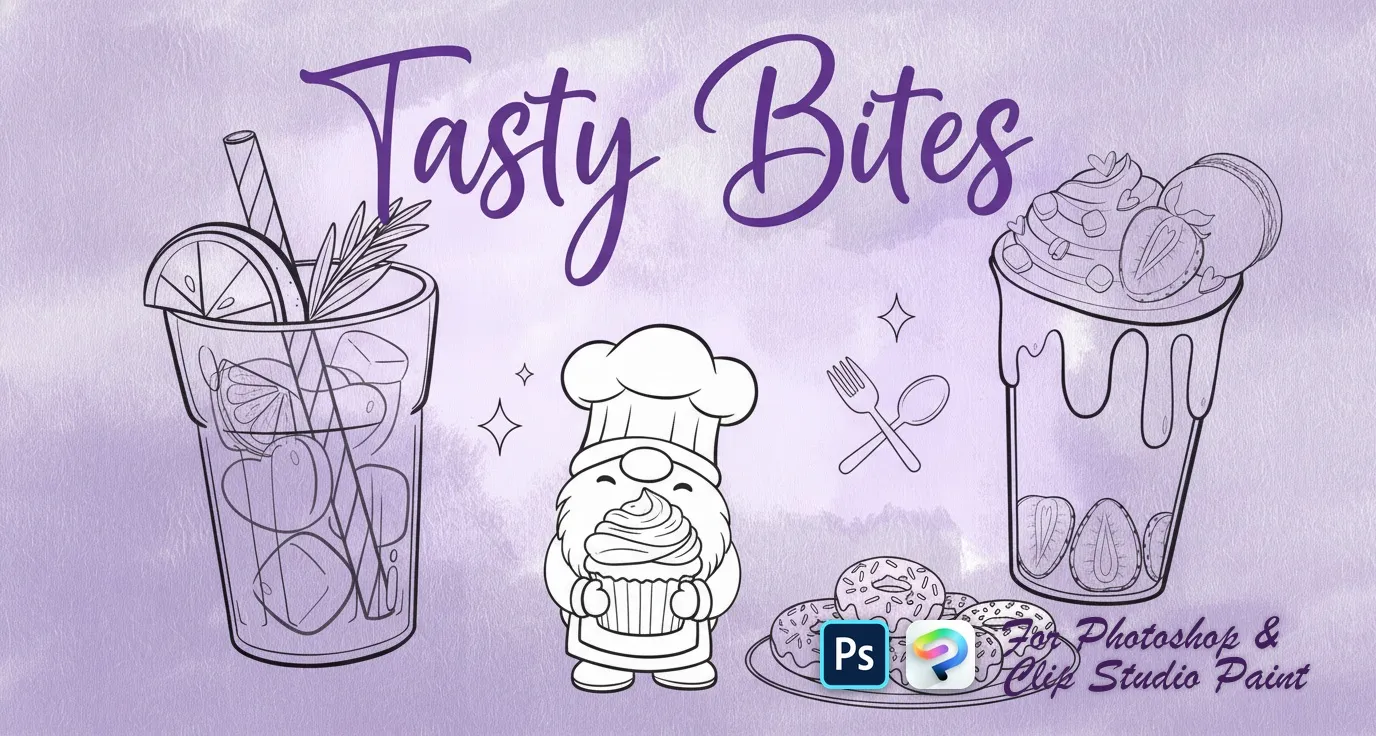
 Tasty Bites
bunny gnomes, heart donuts, cookies, macarons, puddings and parfaits, strawberries and cherries, iced drinks and sugar-cube accents
 PS · CSP
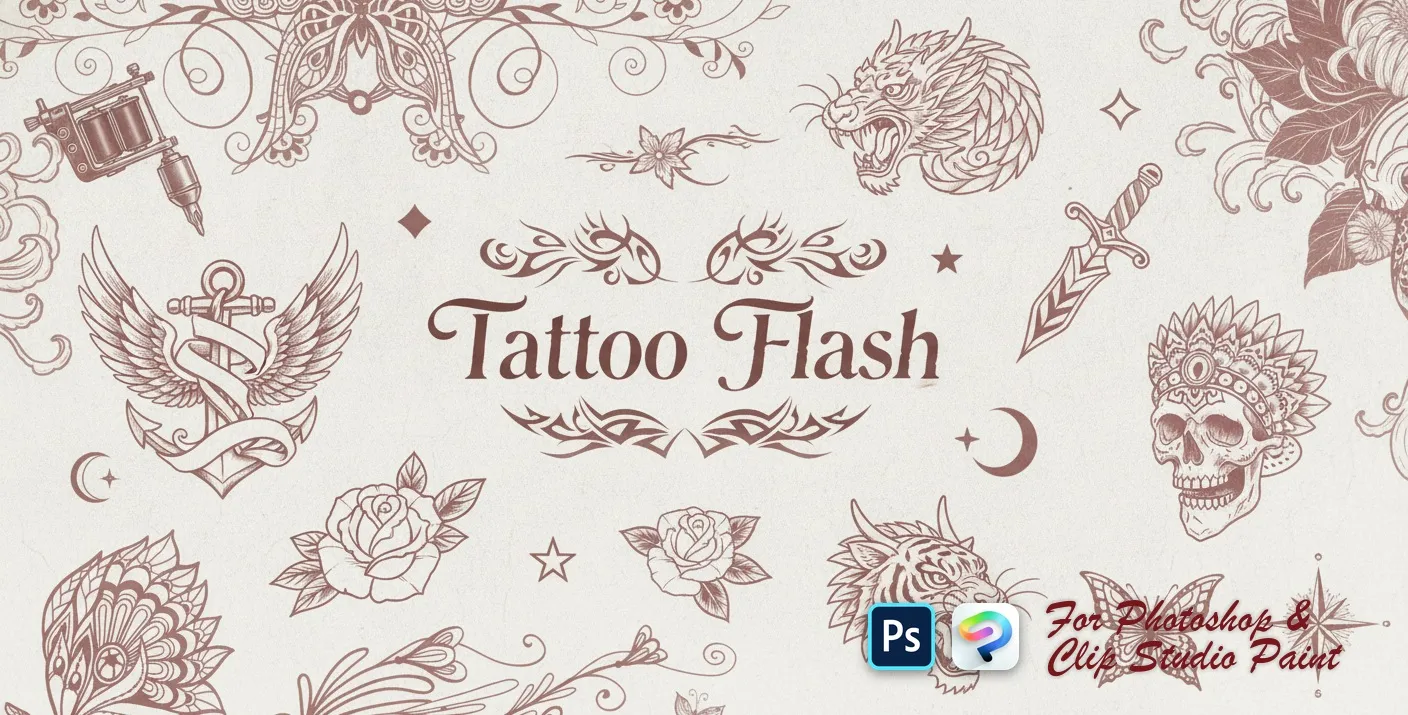
 Tattoo Flash
tribal armbands, swirls and flames
 PS · CSP
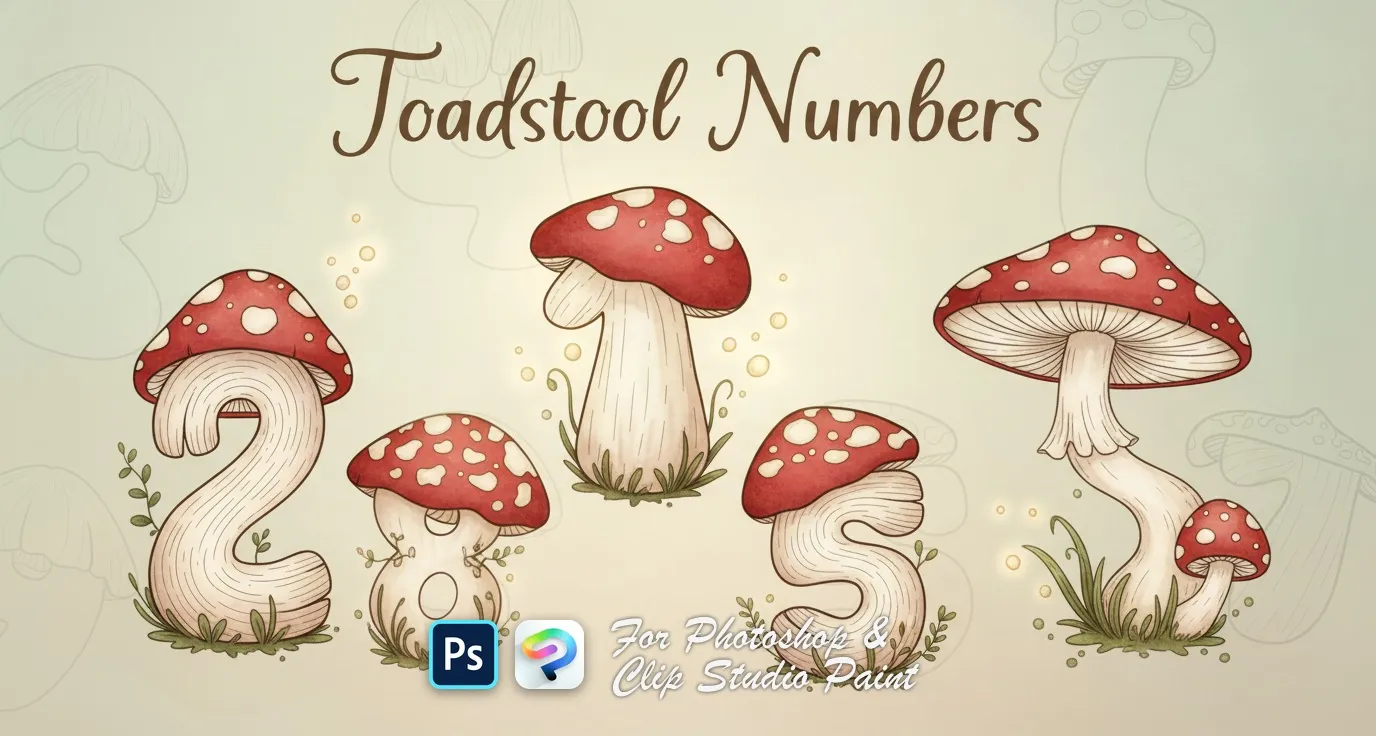
 Toadstool Numbers
numbers 0 to 9, each drawn as a spotted toadstool mushroom
 PS · CSP
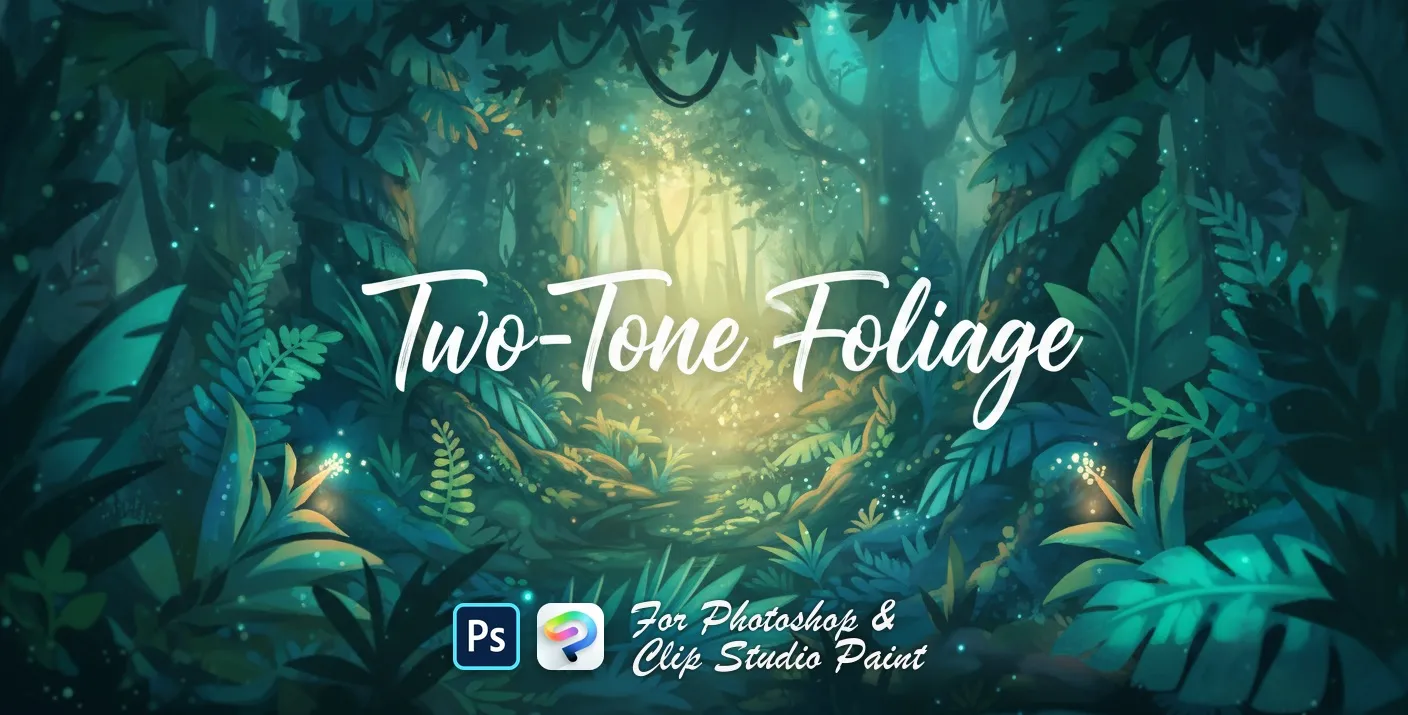
 Two-Tone Foliage
broad-leaf and ivy foliage
 PS · CSP
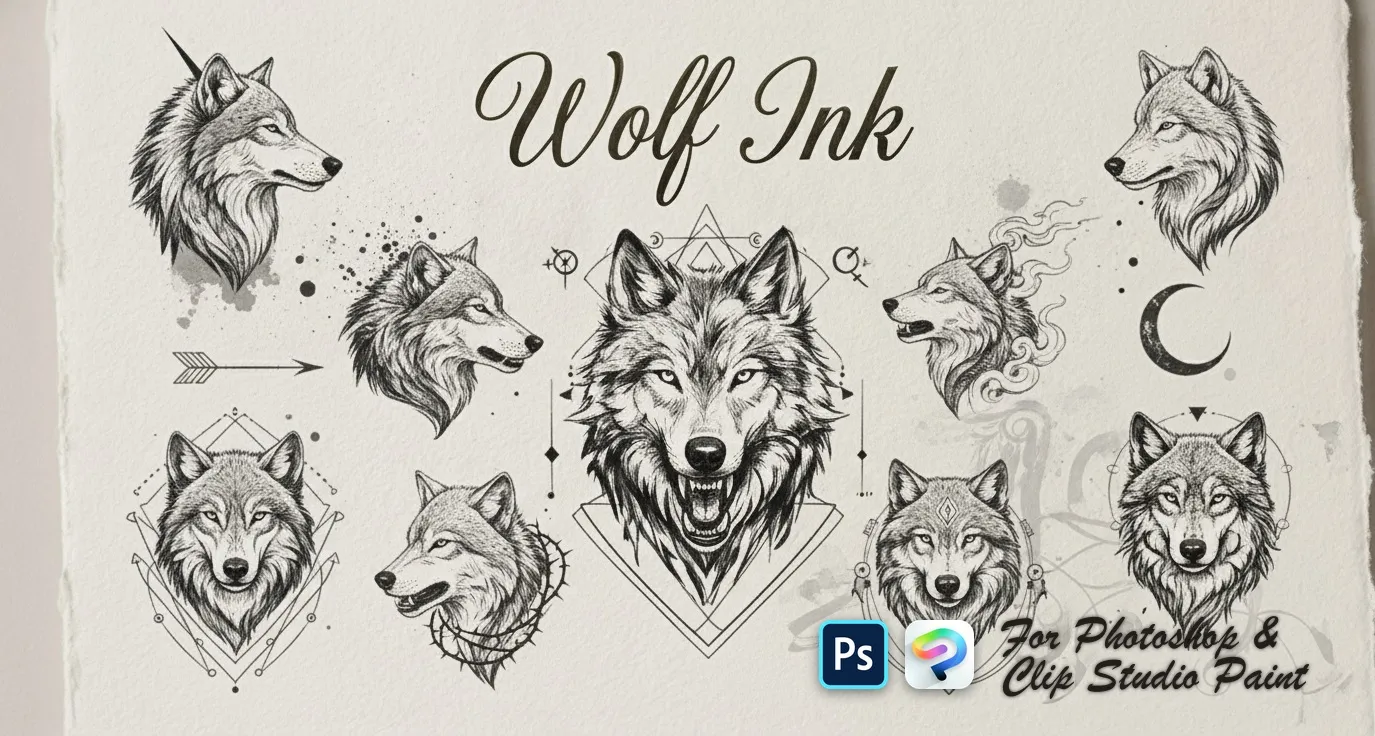
 Wolf Ink
quick wolf-head sketches, detailed wolf heads and portraits, flowing smoky and ink-style wolves, full wolf designs and ornamental geometric wolf crests
One file, both apps
Adobe Photoshop
Double-click the .abr to load it — or Brushes panel → menu → Import Brushes. CC and newer, PC & Mac.
Clip Studio Paint
Drag the same .abr onto the Sub Tool palette. Version 1.10.5 or later.
Already have Procreate brushes you'd like to use here? Our free .brushset to .abr converter turns a Procreate set into a file both apps can read — in your browser, with nothing uploaded.
Photoshop & Clip Studio Paint brushes — FAQ
Do these brushes work in both Photoshop and Clip Studio Paint?+
Yes. Every pack is a single .abr file that imports into Adobe Photoshop (CC and newer) and Clip Studio Paint (1.10.5 or later). One purchase, both apps, on PC and Mac — the files are identical.
How do I install an .abr brush pack?+
In Photoshop, double-click the .abr (or Brushes panel → menu → Import Brushes). In Clip Studio Paint, drag the .abr onto the Sub Tool palette. That's it — no plugins or desktop editor needed.
What's the difference from the Procreate brushes?+
Procreate packs ship as .brushset for iPad; these desktop packs ship as .abr for Photoshop and Clip Studio Paint. Many designs exist in both formats — check each product page.
How much does each pack cost?+
21 of the 44 packs are free to download. The rest are $5 (USD) per set — a one-time purchase on lava.top, no subscription. Either way, one file covers both Photoshop and Clip Studio Paint.