Portrait Photoshop Stamps
Updated October 2026
Portrait stamp brushes for Photoshop: faces, skin, eyes, lips. Premium .abr packs.
Brusher has 12 portrait brush packs for Photoshop & Clip Studio Paint — skin, hair — each a native .abr file that installs into Photoshop or Clip Studio Paint on PC & Mac.
Portrait Photoshop Stamps are the fastest way to add portrait detail to your artwork. This collection gathers hand-made stamps, textures and liners as .abr files you can load into Adobe Photoshop or Clip Studio Paint on PC & Mac.
Portrait Photoshop Stamps
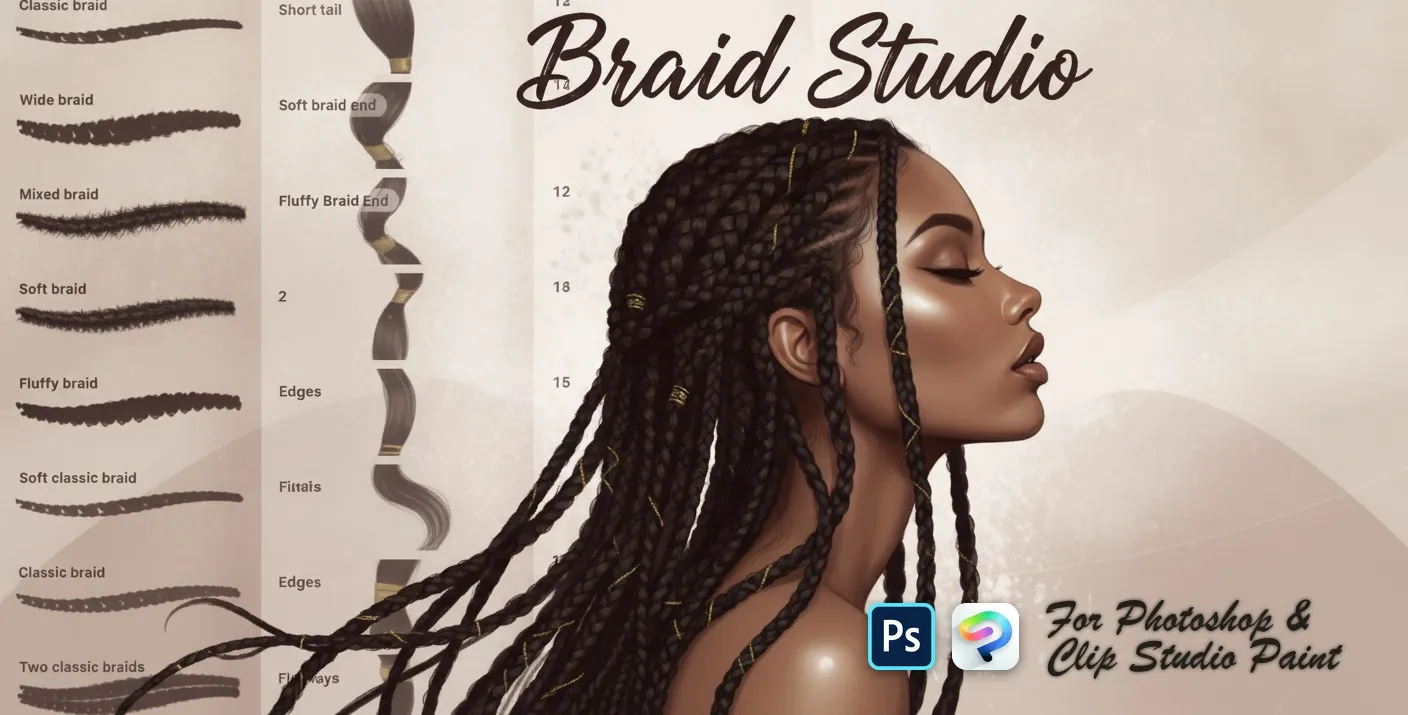
PS · CSP Braid Studio
hair clumps, wavy, curly strands and twists
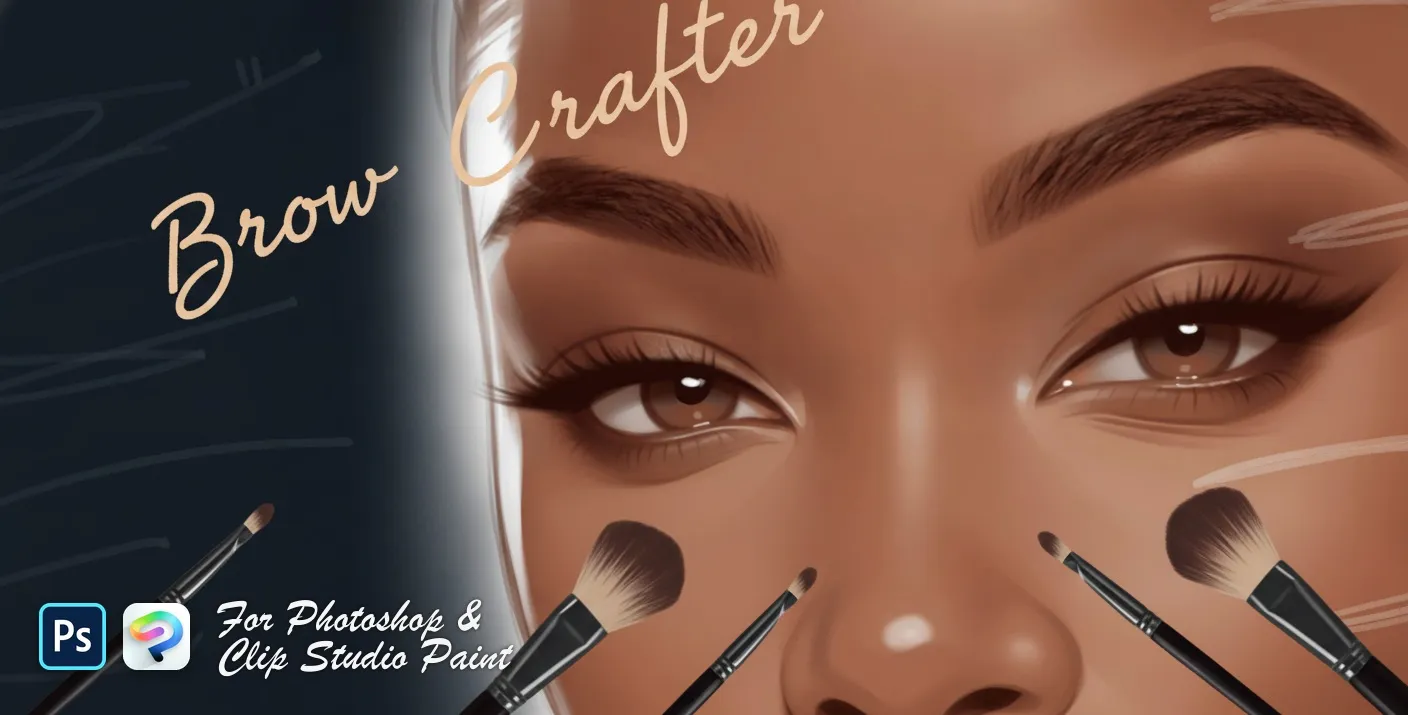
PS · CSP Brow Crafter
soft, feathered, bushy, bold and arched
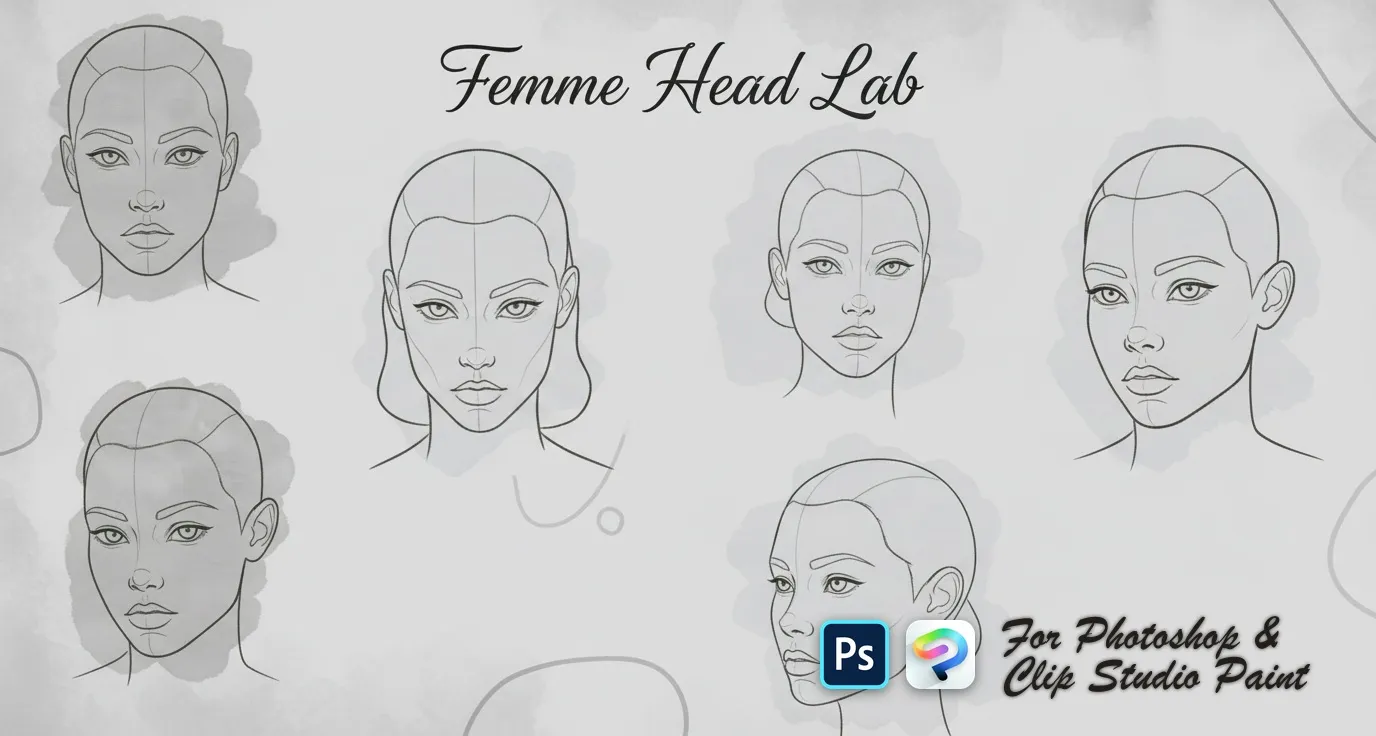
PS · CSP Femme Head Lab
female head templates with centre lines and feature guides — front, three-quarter, side and profile, plus tilted, looking-up and looking-down views
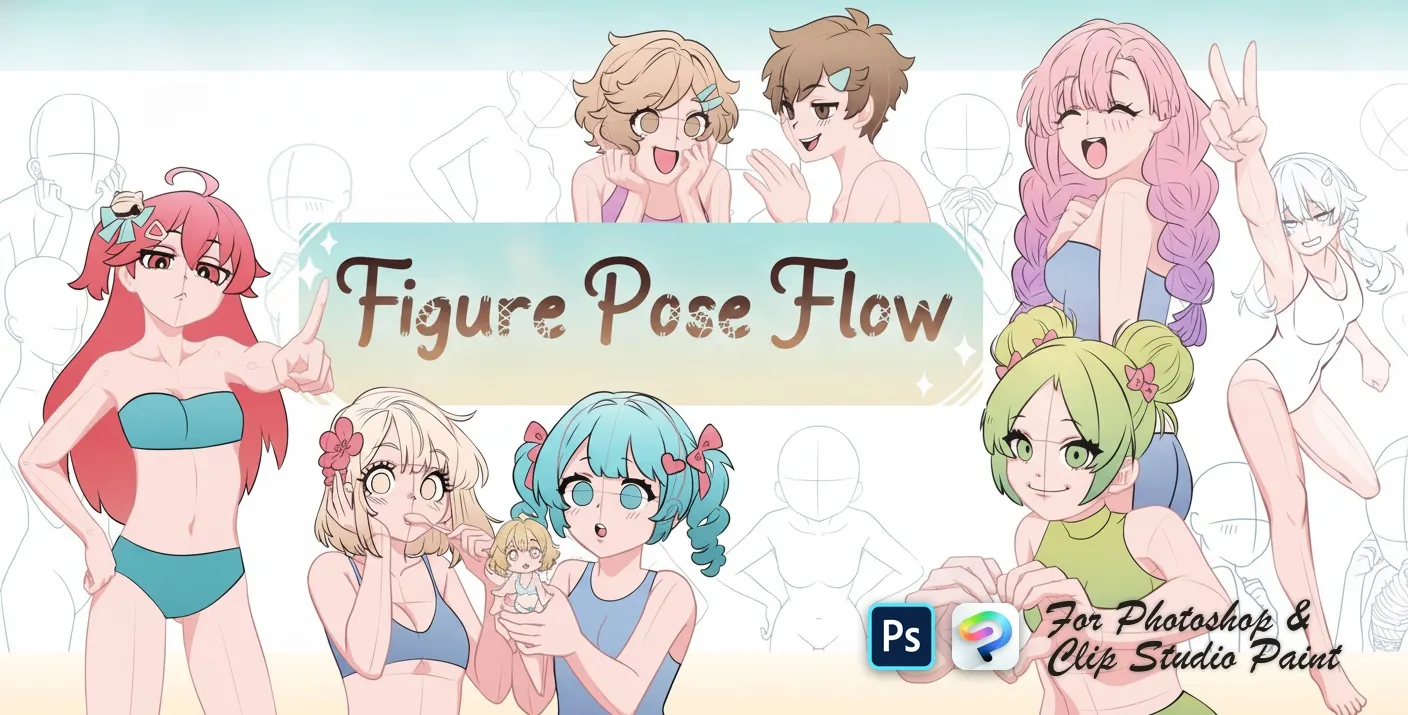
PS · CSP Figure Pose Flow
resting, sitting and leaning poses
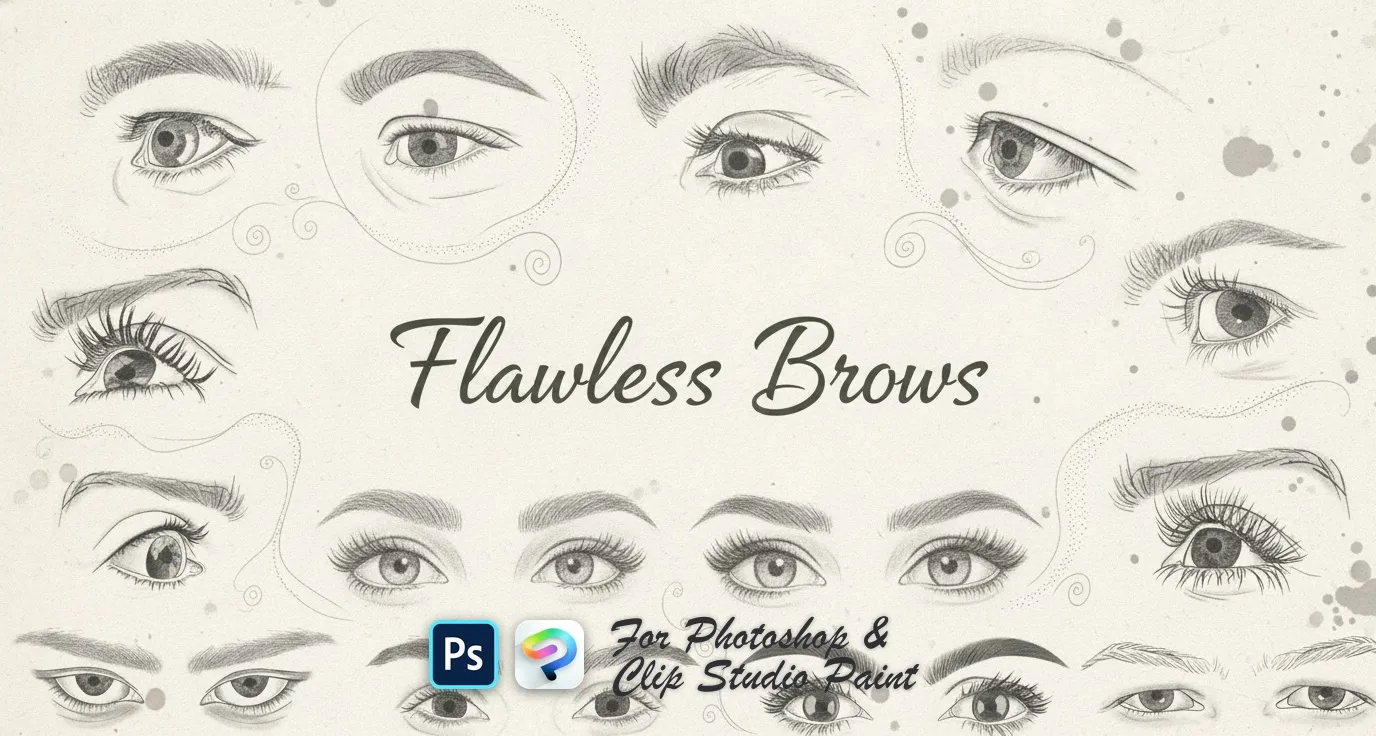 PS · CSP
 Flawless Brows
soft powdered, arched, straight, rounded and tapered brows, plus feathered, wispy, bushy and bold shapes
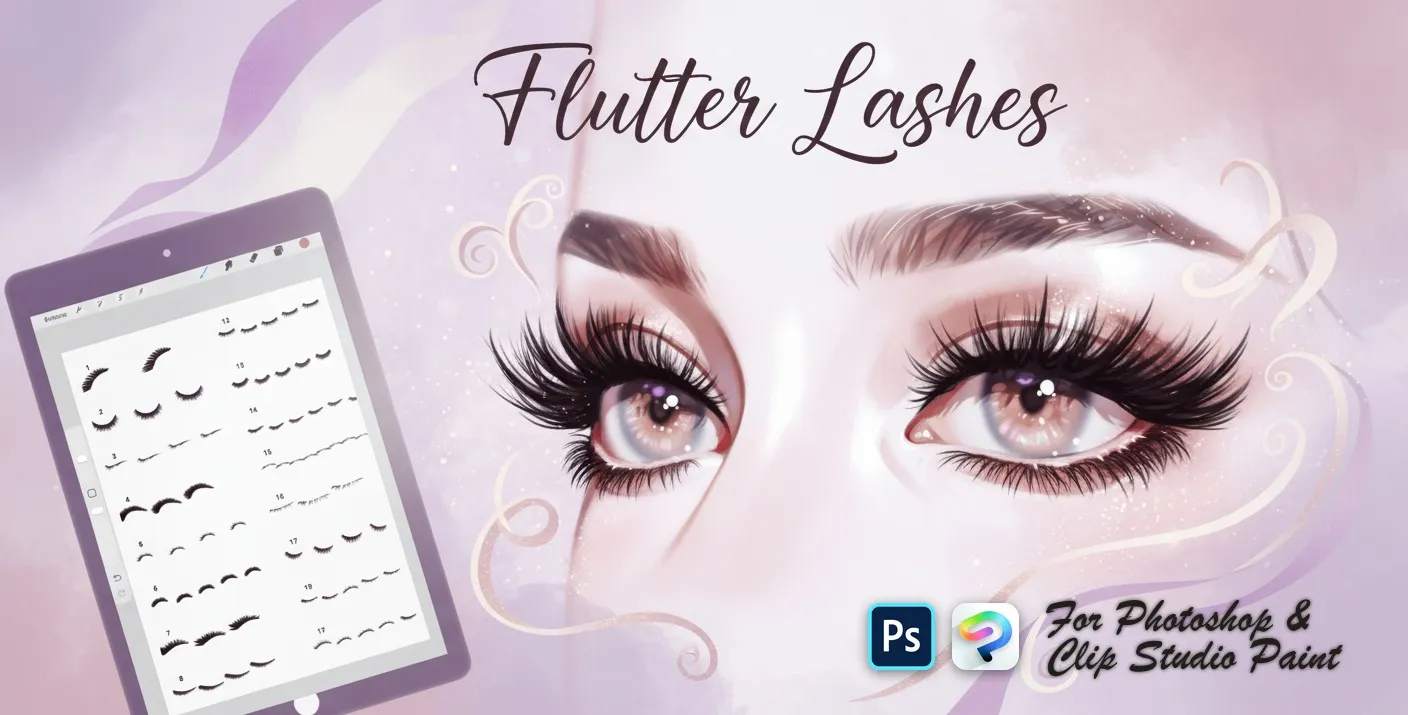 PS · CSP
 Flutter Lashes
upper lash sets, fanned and curled lashes, soft lash liners, lower and short lashes, wispy, feathery, spiky and dramatic looks
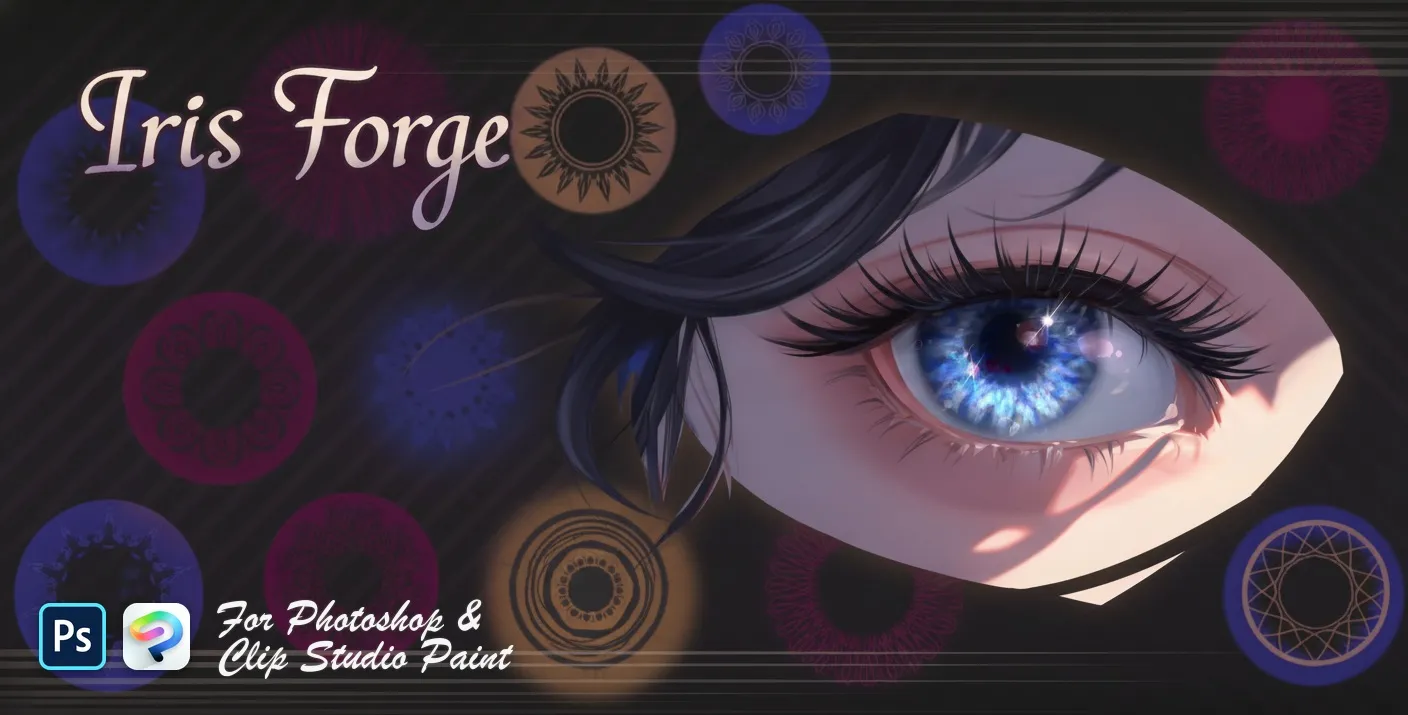 PS · CSP
 Iris Forge
iris base discs, layered iris, fiber and limbal rings
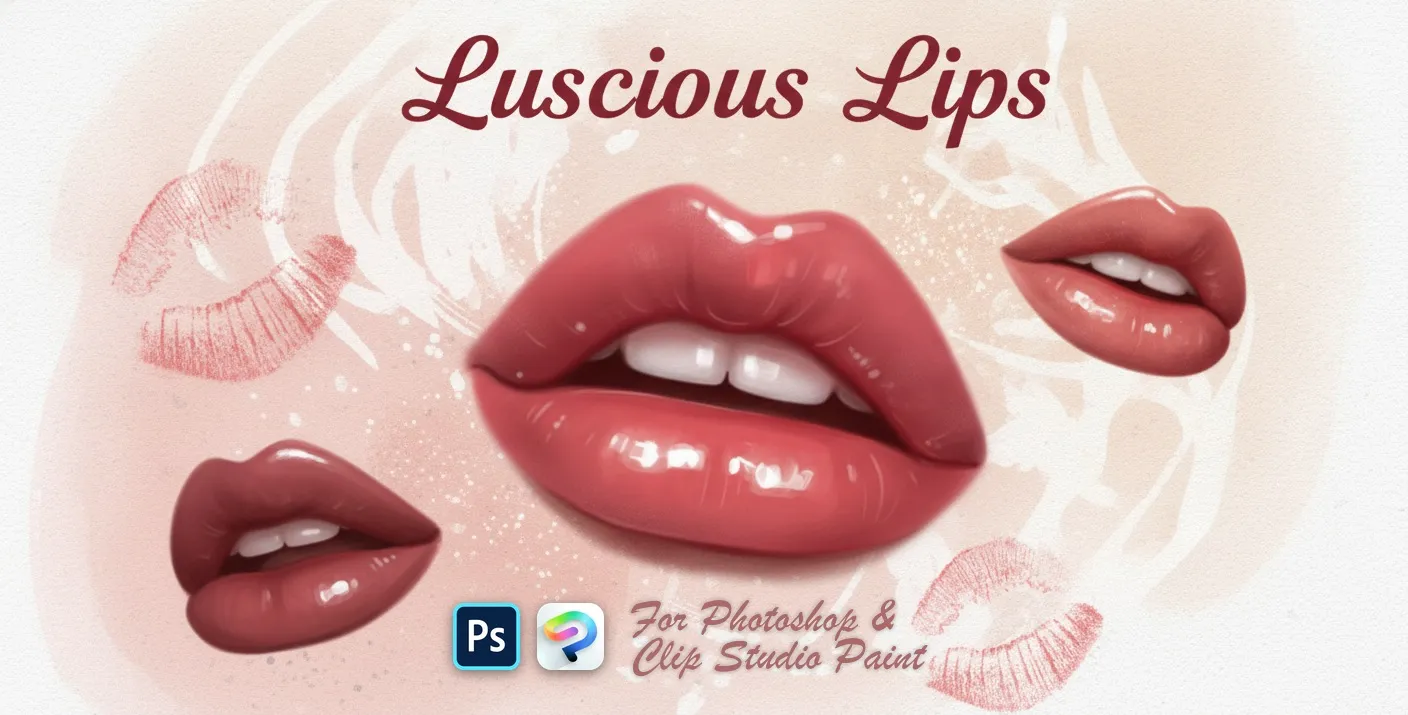 PS · CSP
 Luscious Lips
realistic lip and expressions
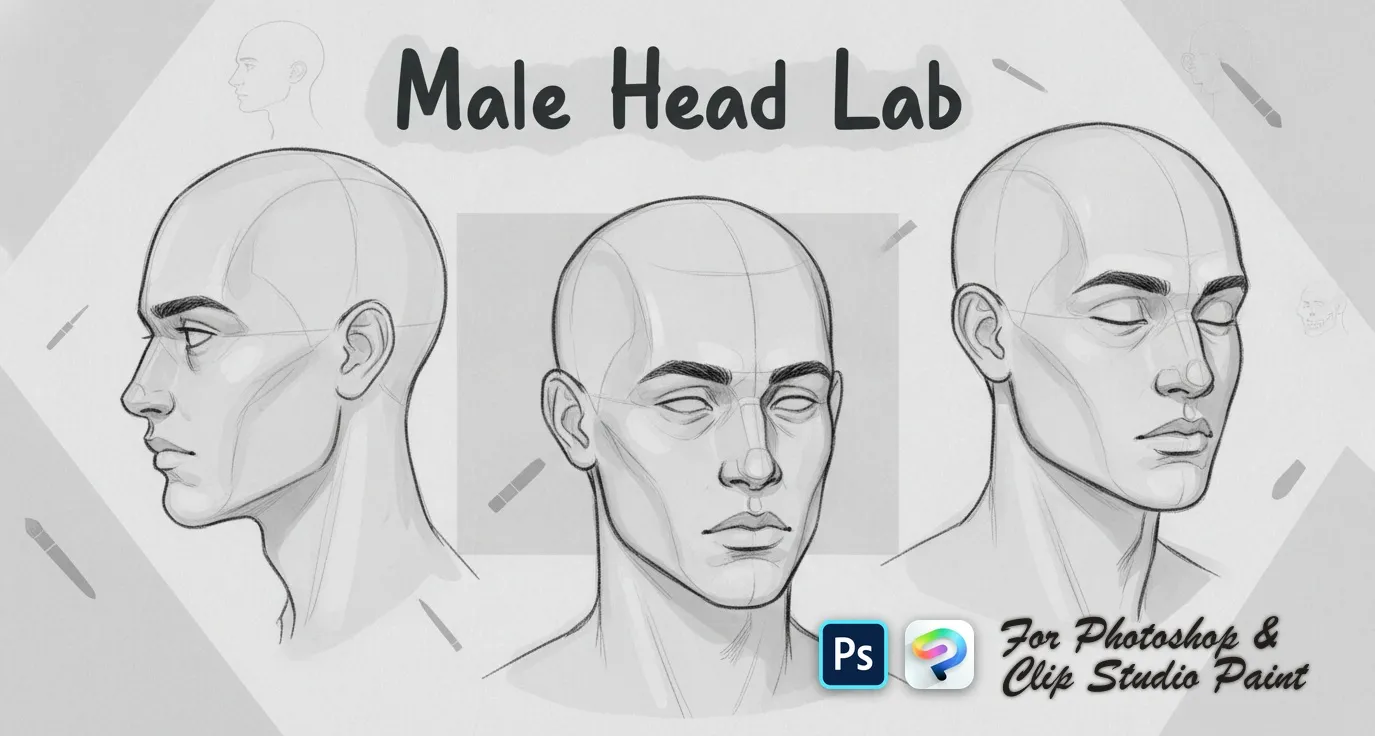 PS · CSP
 Male Head Lab
front, three-quarter, side and profile
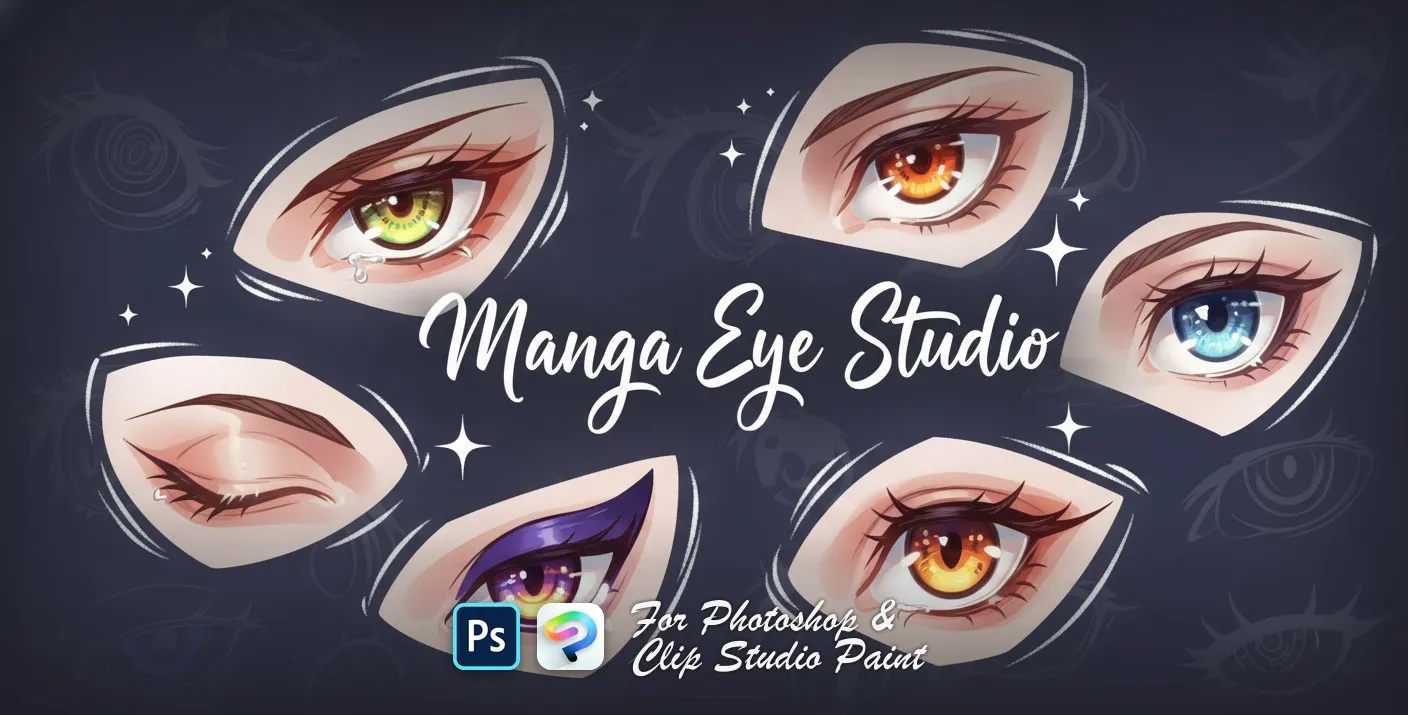 PS · CSP
 Manga Eye Studio
sharp, angular, large round and bold
 PS · CSP
 Manga Feels
happy, sad, angry, crying and surprised
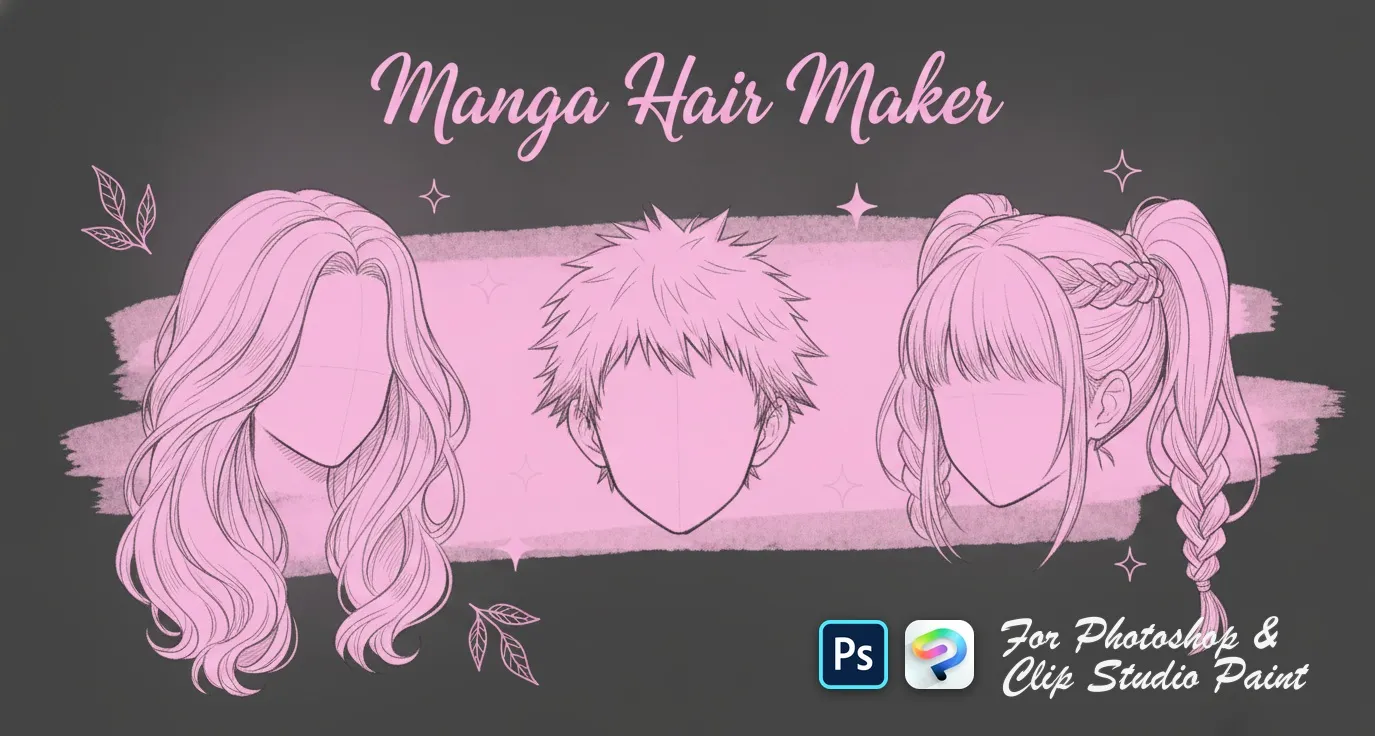 PS · CSP
 Manga Hair Maker
men's anime hairstyles

 Scan → get the app
Also on iPad — the Brusher app
Prefer Procreate on iPad? The Brusher app has the complete 200+ set library, including portrait brushes, all in one app.
Inside these portrait packs
You might also like
Common questions
Do portrait stamps work in Photoshop and Clip Studio Paint?+
Yes. Every pack is a single .abr file that loads into Photoshop (CC and newer) and Clip Studio Paint (1.10.5 or later) — the same file, one purchase, PC and Mac. Double-click it in Photoshop, or drag it onto the Sub Tool palette in Clip Studio Paint.
How do I use face and skin stamps without the result looking pasted on?+
Stamp each feature on its own layer, then paint over the edges with a soft texture brush so the stamp blends into the skin underneath. Nudge the scale and rotation of every element rather than placing them symmetrically — real faces aren't symmetrical, and identical left-right features are what make stamped portraits look artificial.
Which brushes do I need for realistic skin?+
A soft round for base tones, a grain or texture brush for pores and subtle irregularity, and a low-opacity brush for glazing colour in layers. Build skin in several transparent passes rather than one opaque one — the depth comes from layering, not from picking a better colour.