Anime Procreate Brushes
Updated October 2026
Anime Procreate brushes for iPad: tapered inking liners, hatching and screentone shading, chibi and pose sketch bases, anime eyes and hair. 2 free sets.

Brusher app for iPad & iPhone
200+ sets in the Brusher app, anime included — plus free brushes and free tools.
Brusher has 10 anime Procreate brush packs — cel-shading, lineart, screentones — each a native .brushset that installs into Procreate in one tap on iPad.
Anime Procreate brushes give you the complete manga and anime toolkit — clean cel-shading brushes, crisp ink liners, screentones, and specialised hair and eye brushes that define the style. Whether you're drawing characters, comic pages or fan art, these brushes handle the distinctive flat-colour, hard-shadow look of anime that painterly brushes can't replicate.
The collection spans cel-shading and flat-colour brushes, G-pen-style ink liners, screentone and halftone fills, and dedicated hair and eye brushes. It pairs naturally with our anime portrait and eye builder packs for full character work.
Anime Procreate Brushes
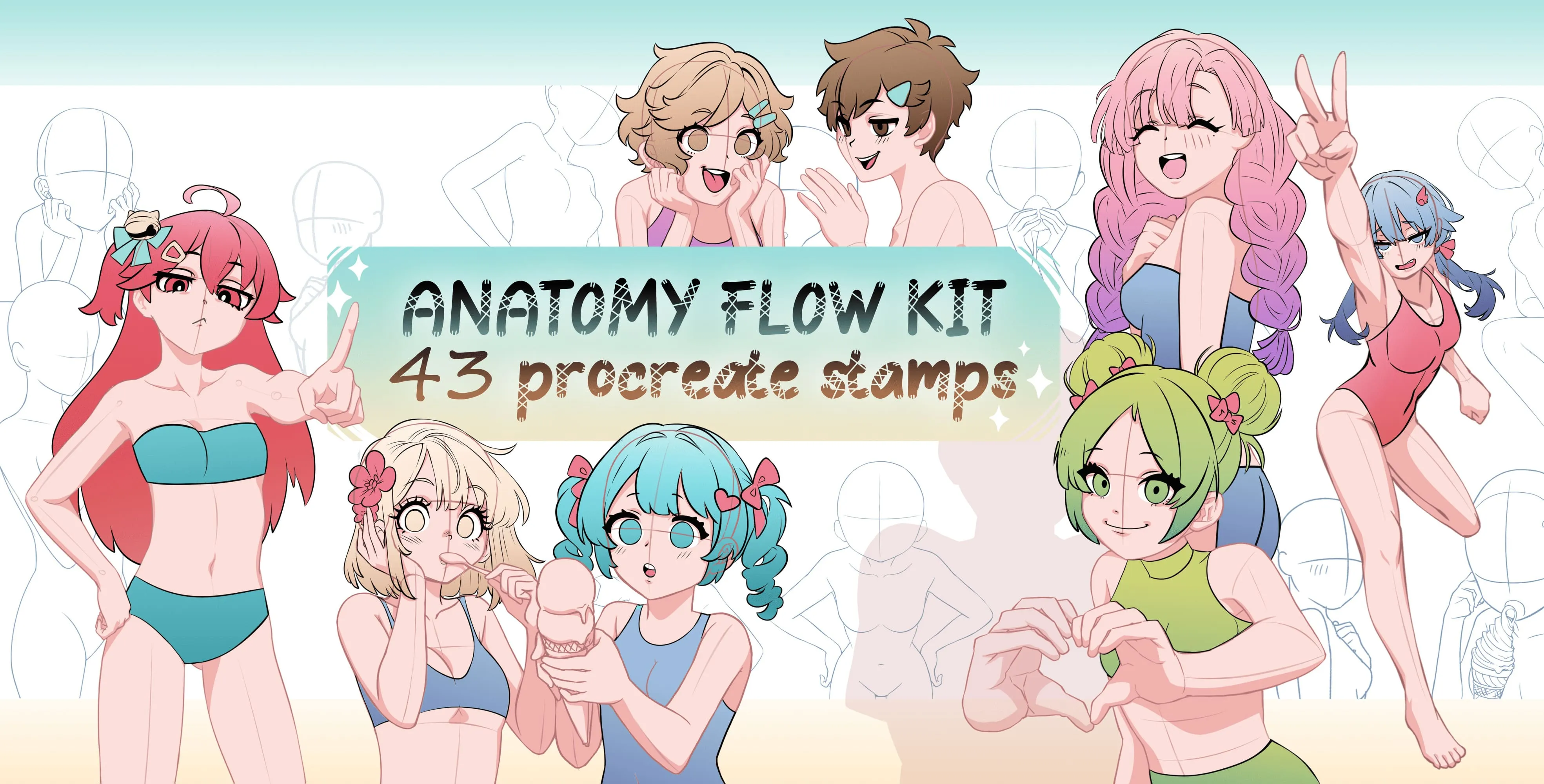
Procreate Video Anatomy Flow Kit
resting, sitting, leaning poses and hand
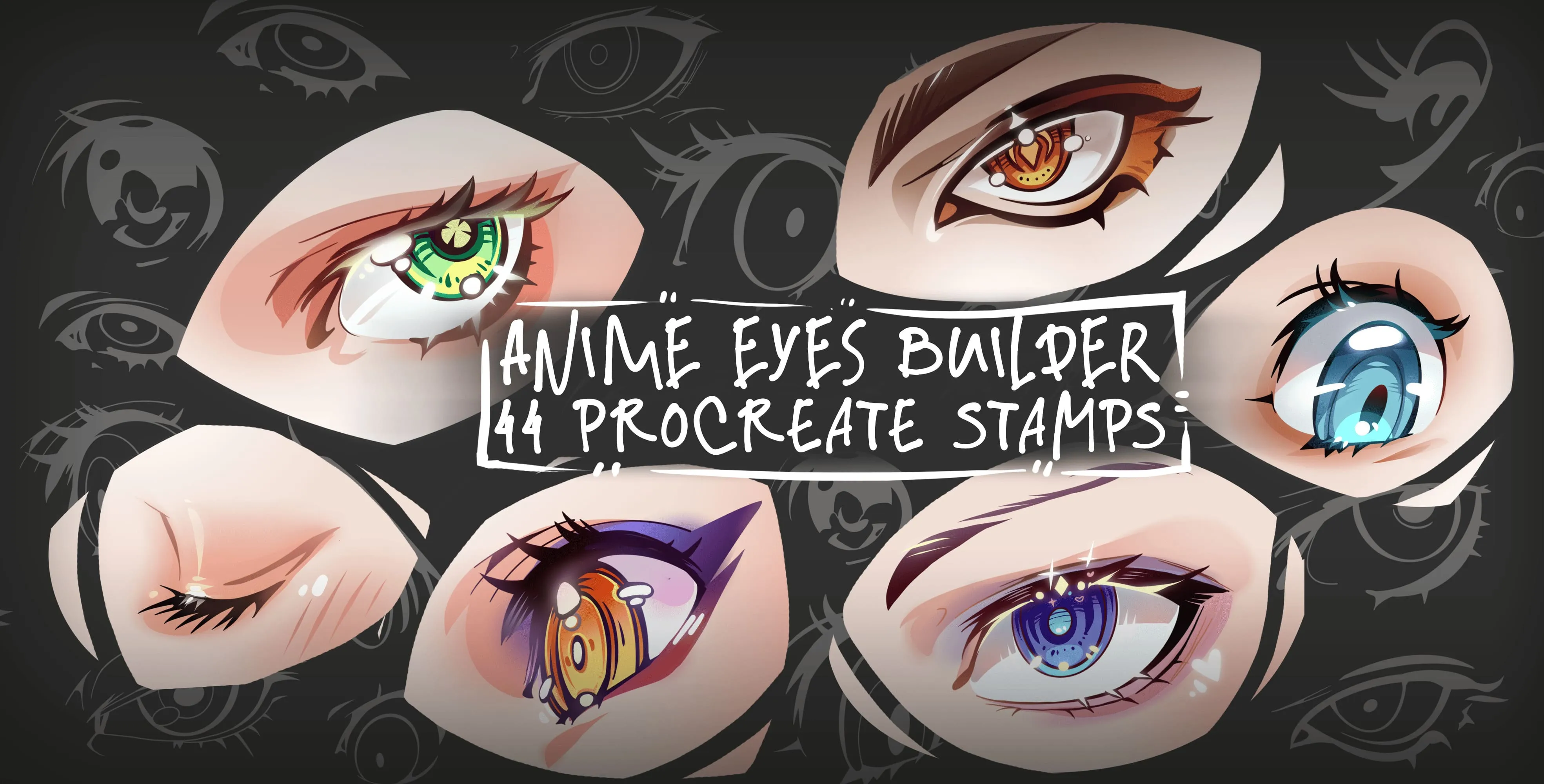
Procreate Video Anime Eyes Builder
sharp, angular, large round, bold and almond
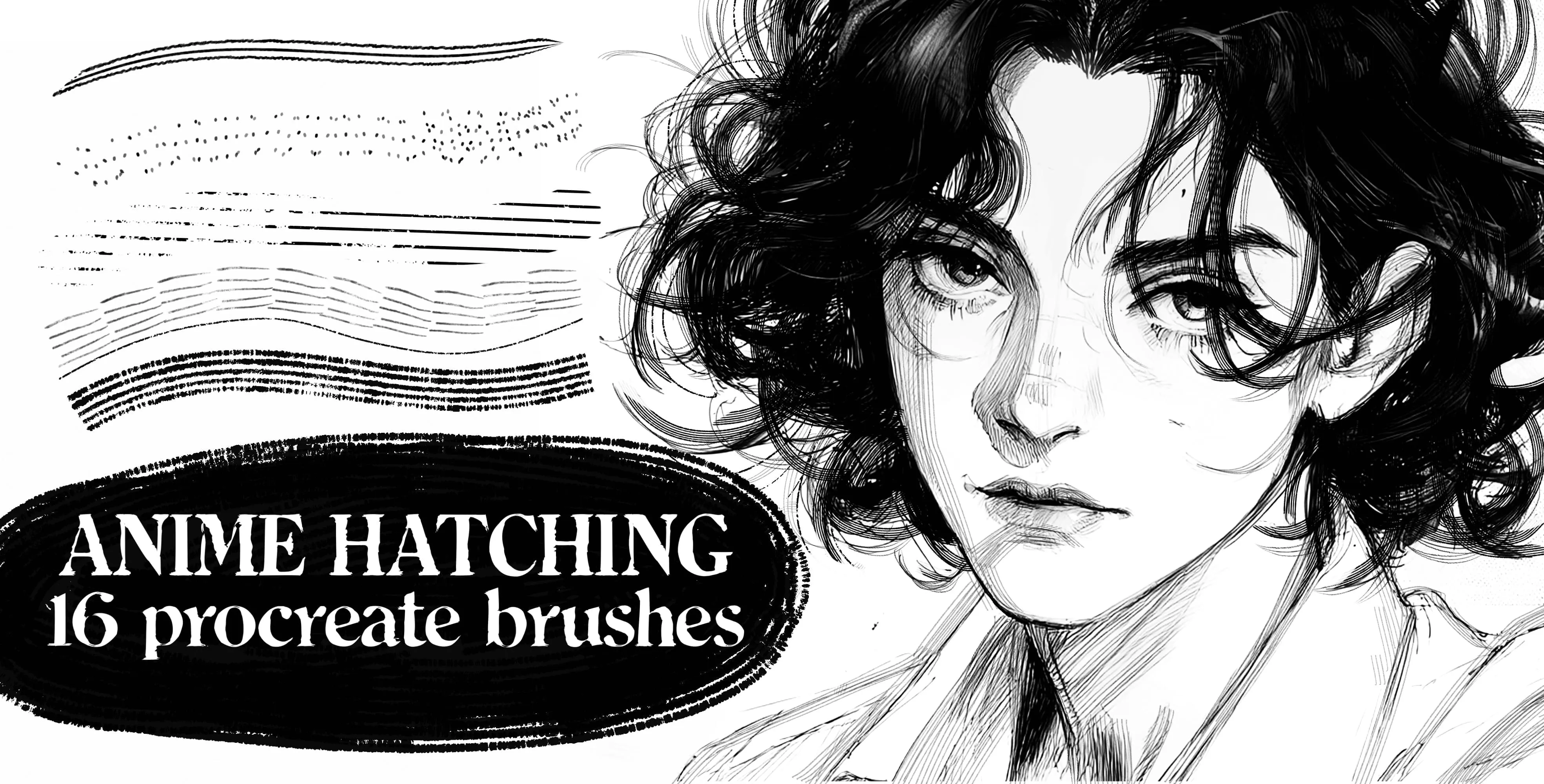
Procreate Video Anime Hatching
smooth organic tapered and textured hatch
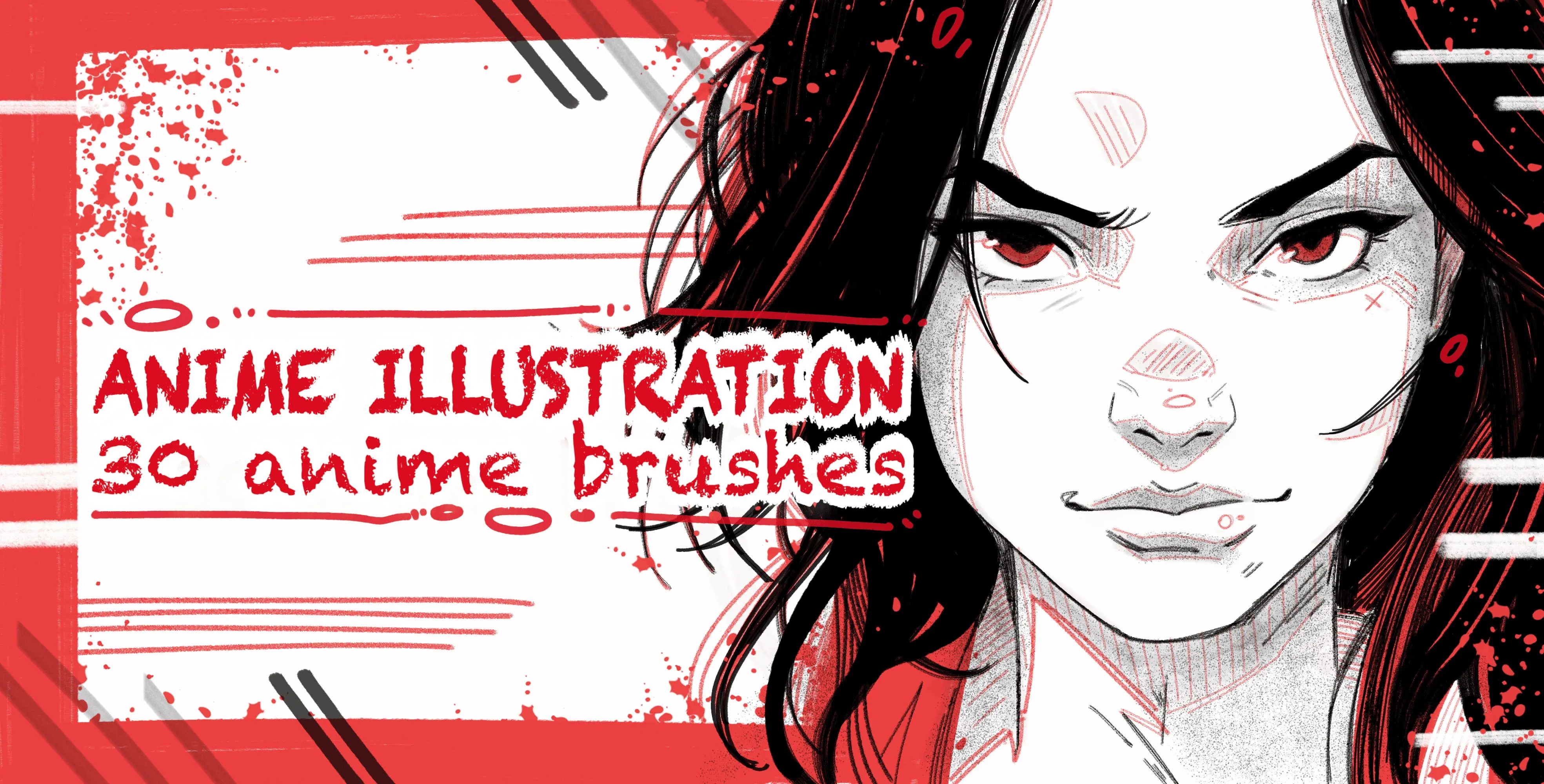
Procreate Video Anime Illustration
smooth tapered inking liners
 Procreate Video
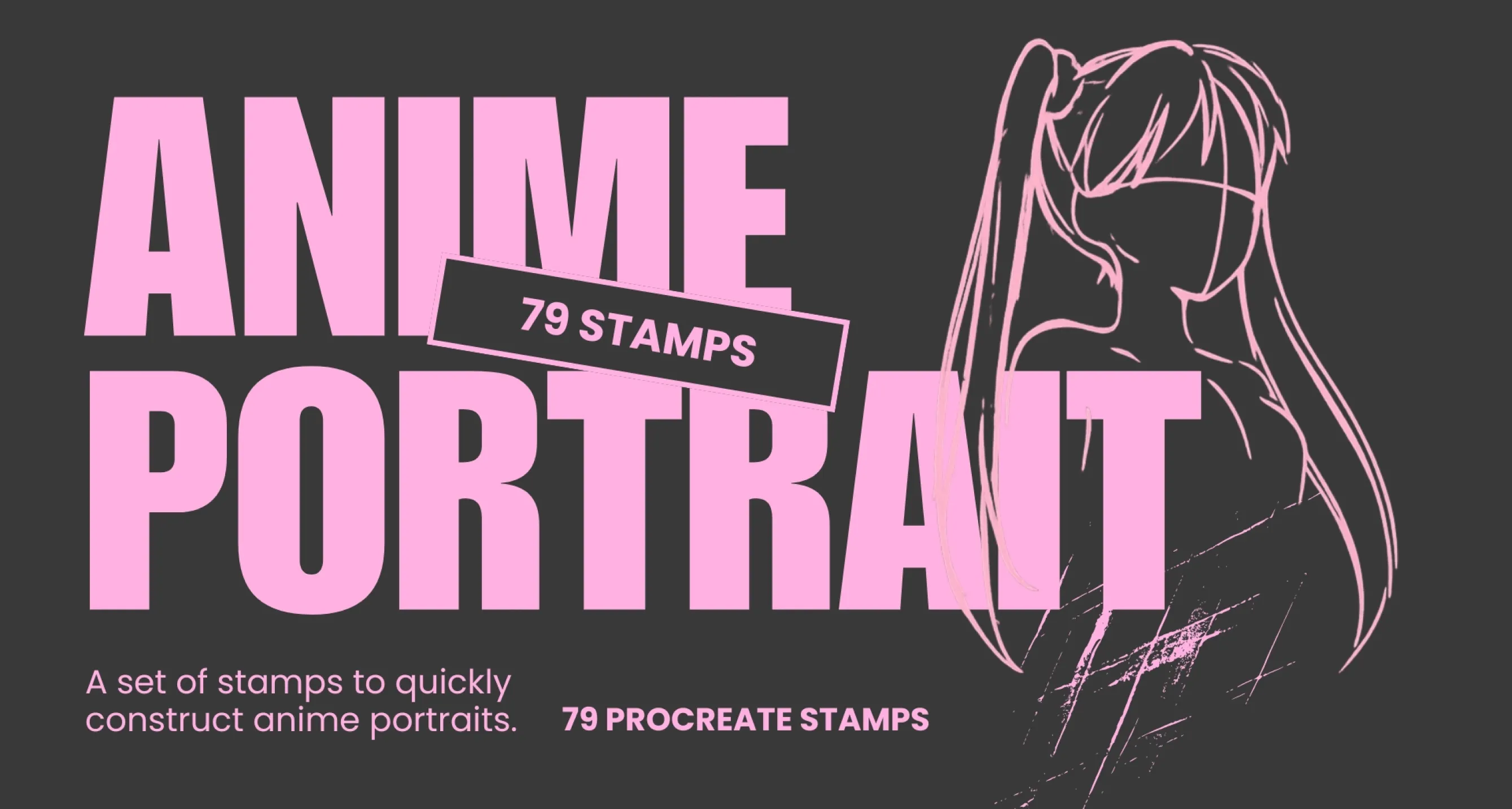
 Anime Portrait Builder
men's anime hairstyles
 Procreate Video
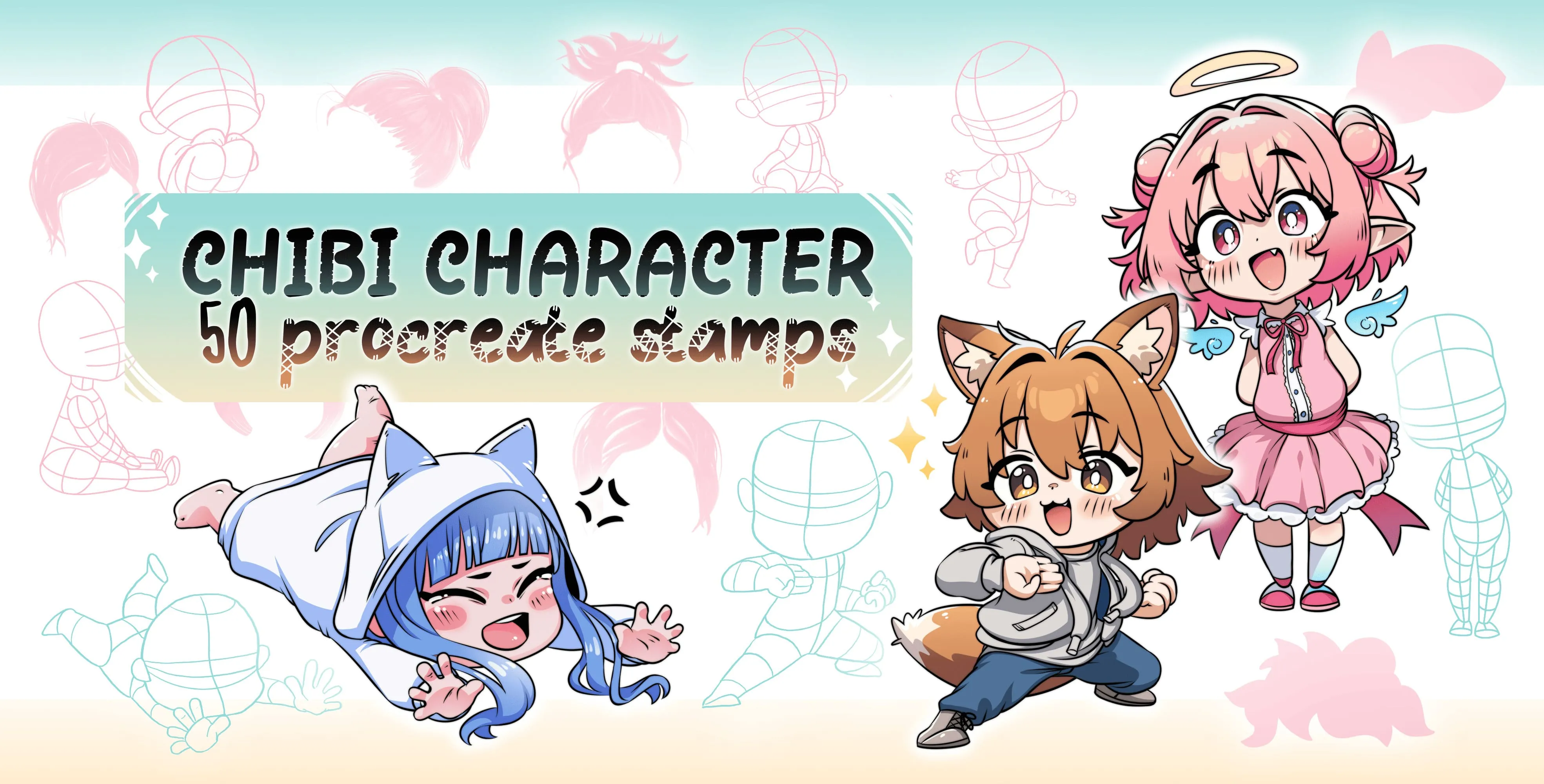
 Chibi Character
chibi pose and body-base
 Procreate Video
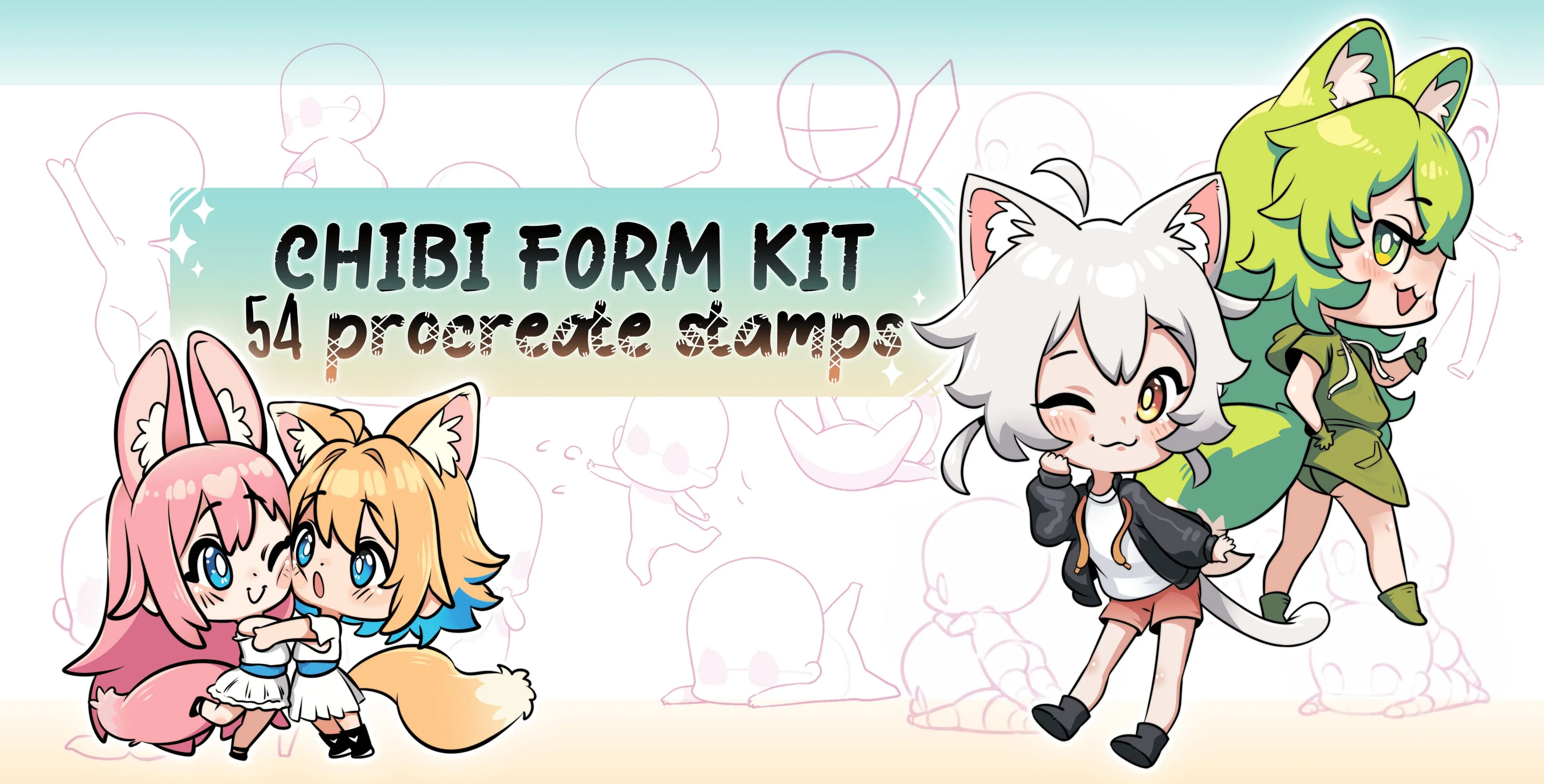
 Chibi Form Kit
standing, sitting, walking, running and jumping
 Procreate Video
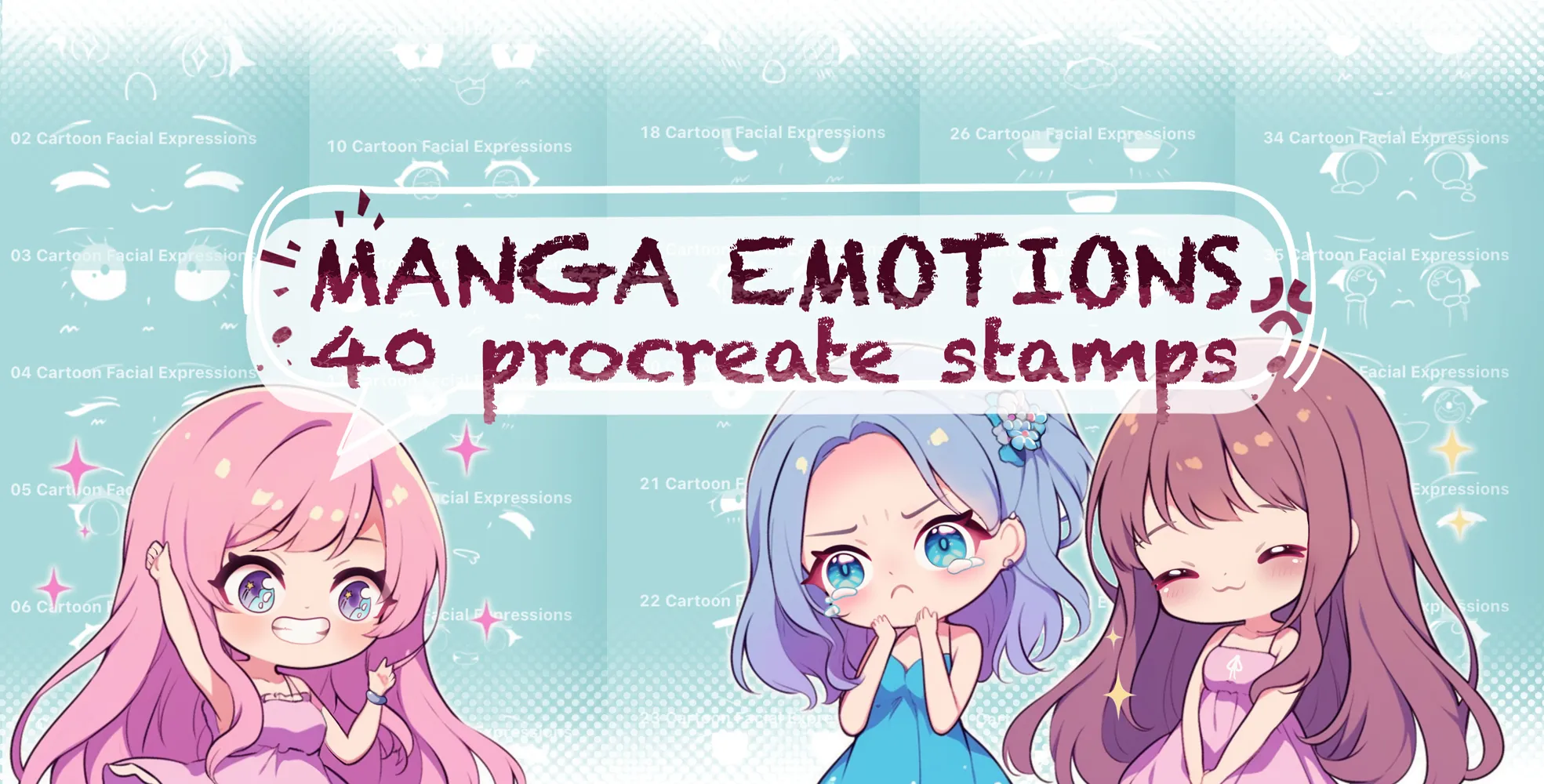
 Manga Emotion
happy, sad, angry, crying and surprised
 Procreate Video
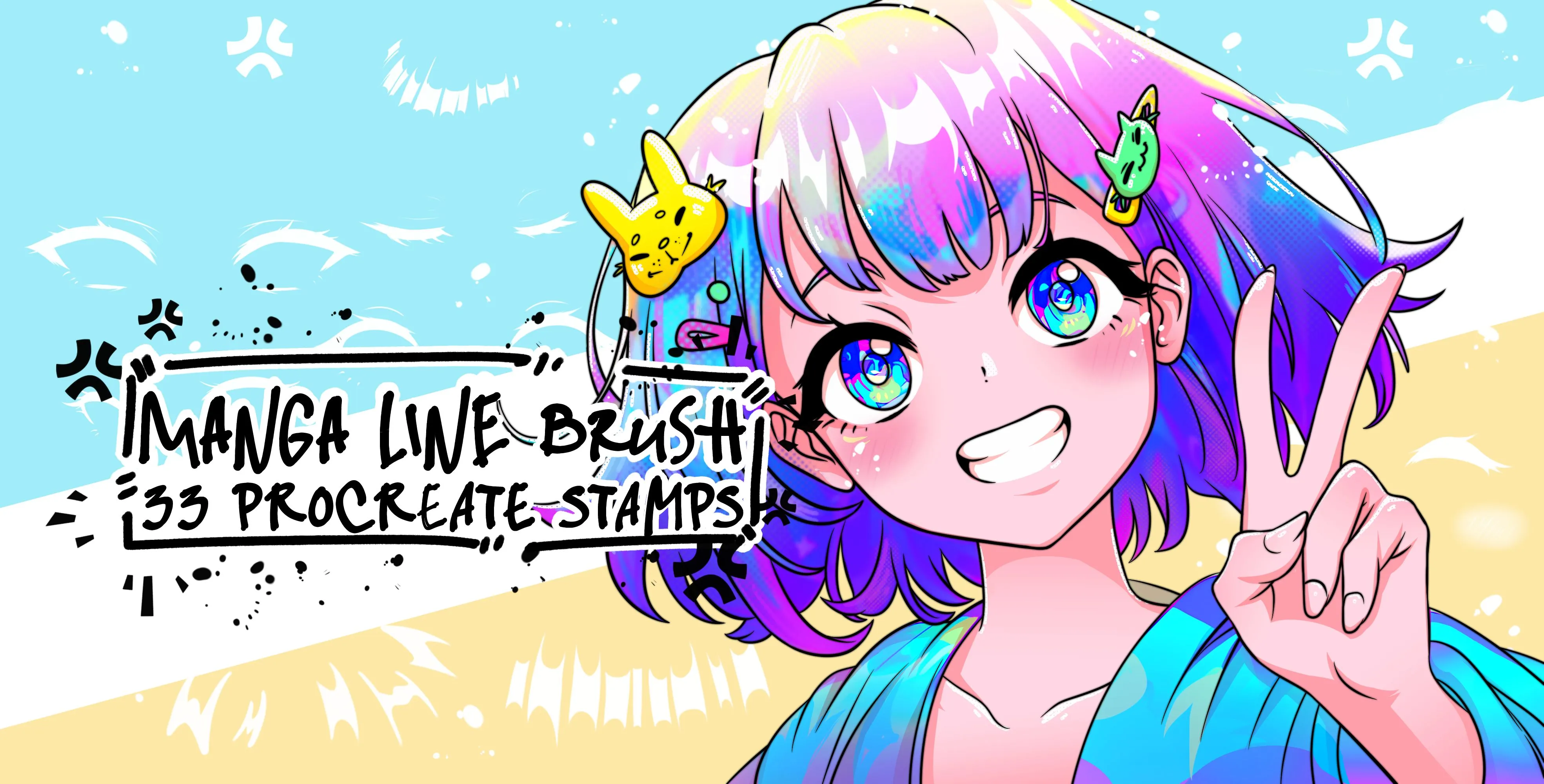
 Manga Line
manga eye, expression eyes and eye-highlight
 Procreate Video
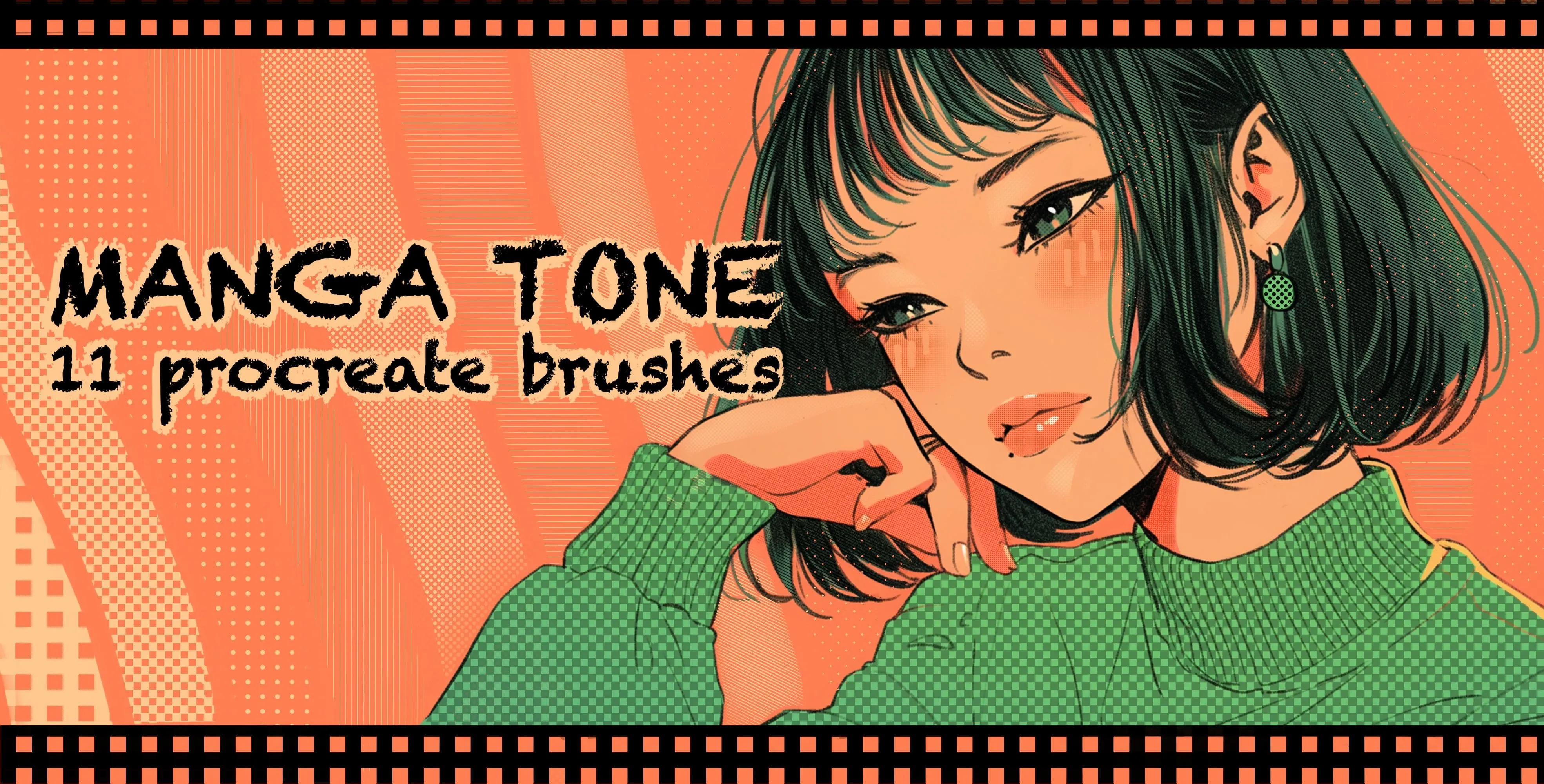
 Manga Tone
diagonal, vertical and horizontal line tones
Free from independent artists
Free anime sets by other artists — downloaded from the artist's own page.
 Free · external
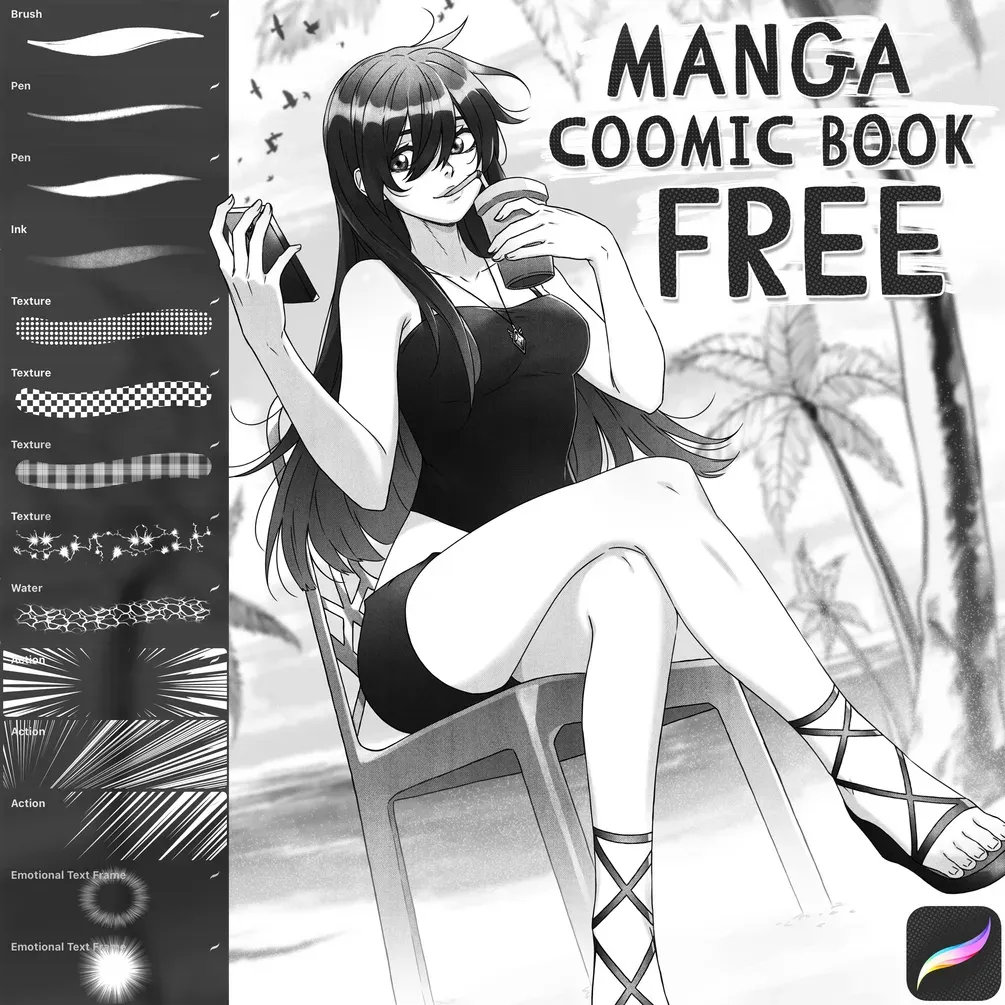
 Free Manga / Comic Book Brush Set
by Di
 Free · external
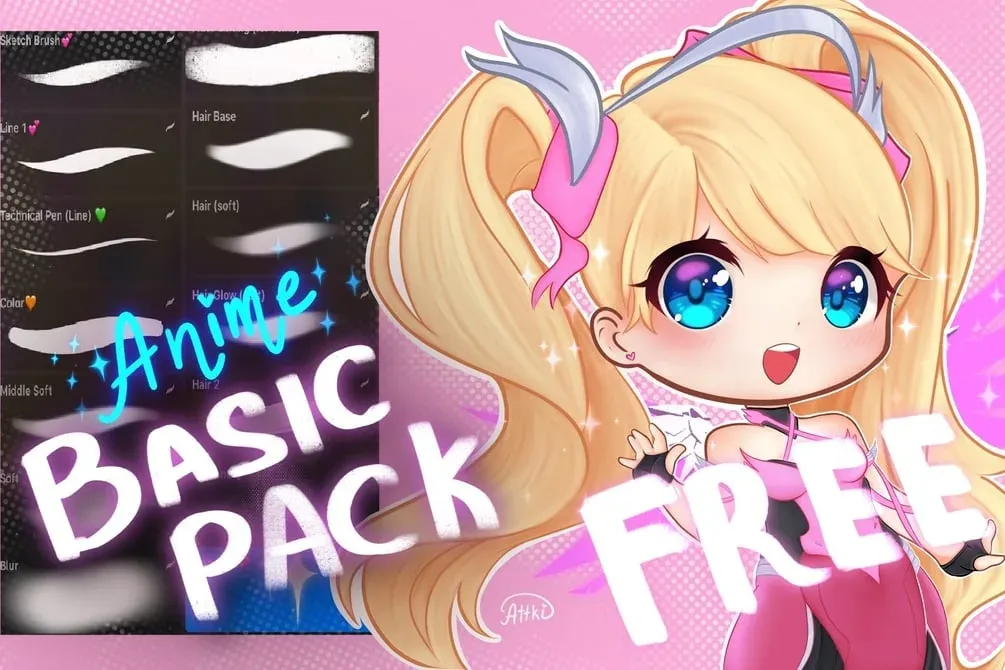
 FREE Anime Brushset
by ~Attki~
 Free · external
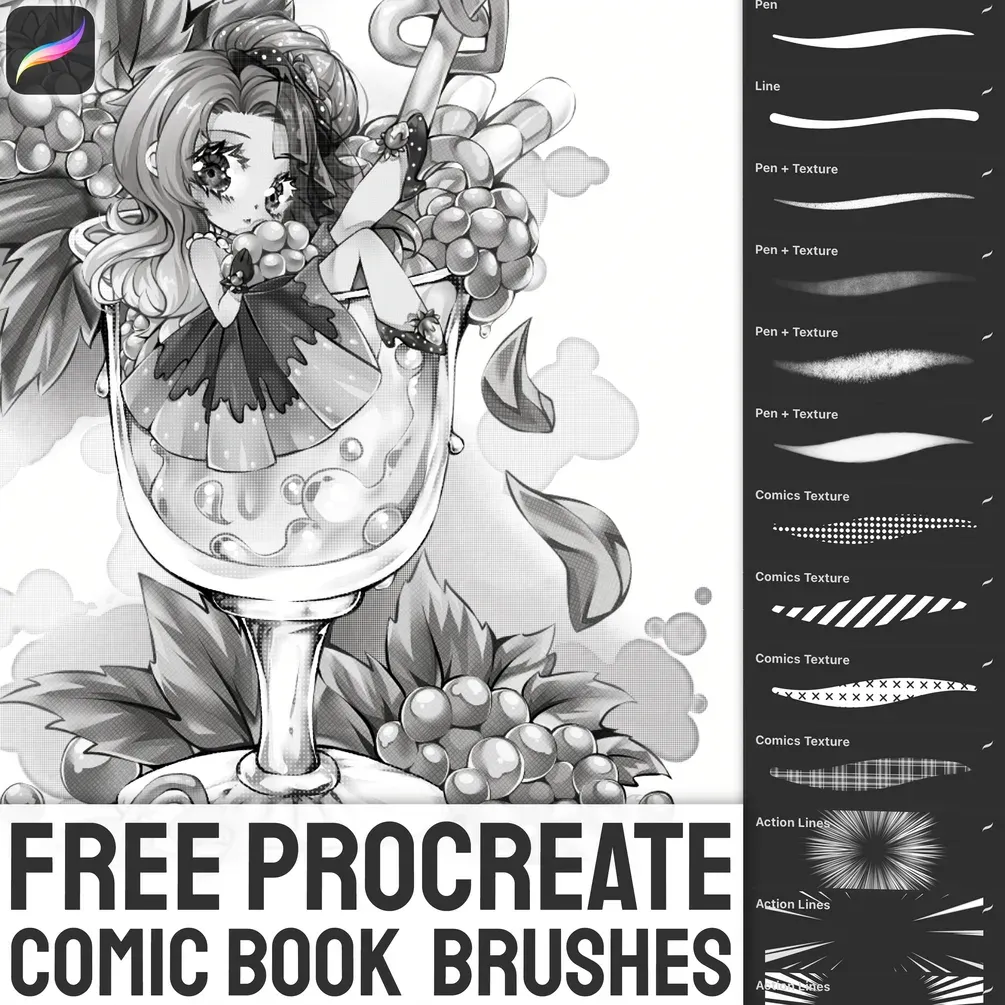
 Free Comic Book Brush Set
by Stas
 Free · external
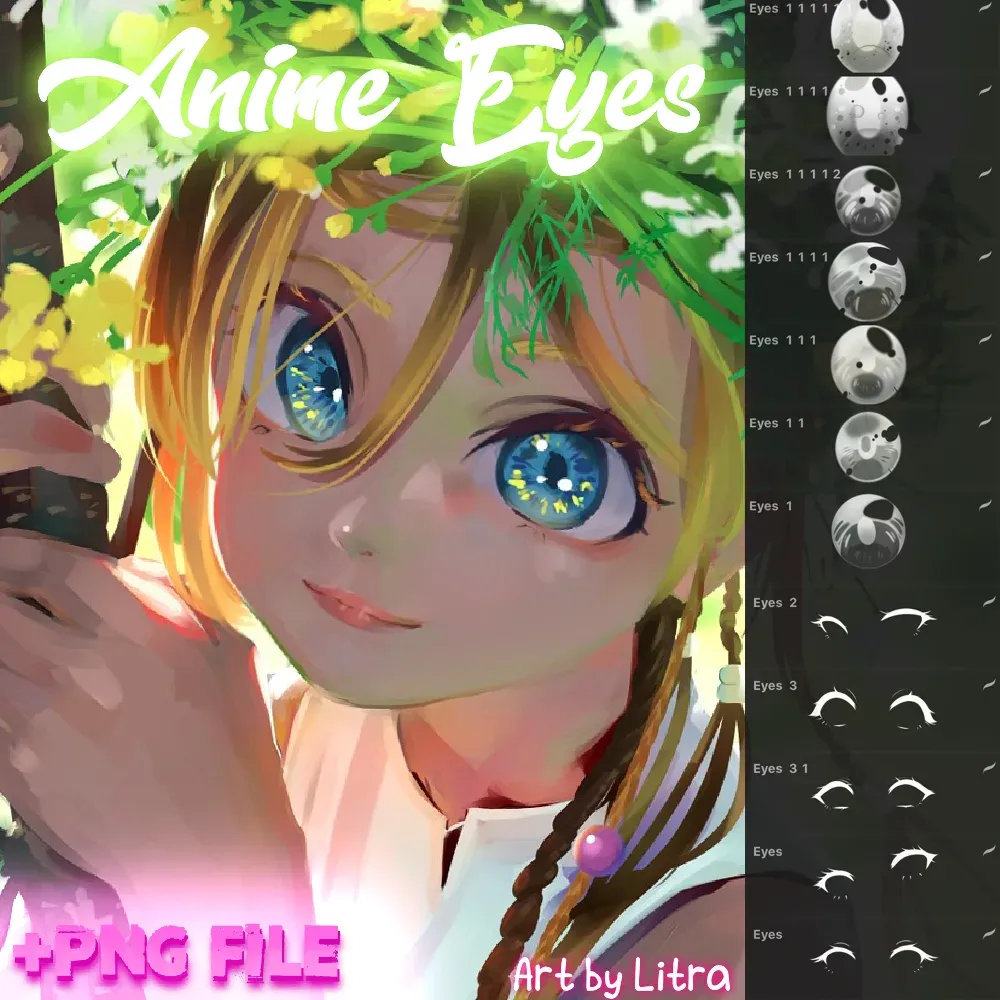
 Free Anime Eyes Brushpack
by Attki
 Free · external
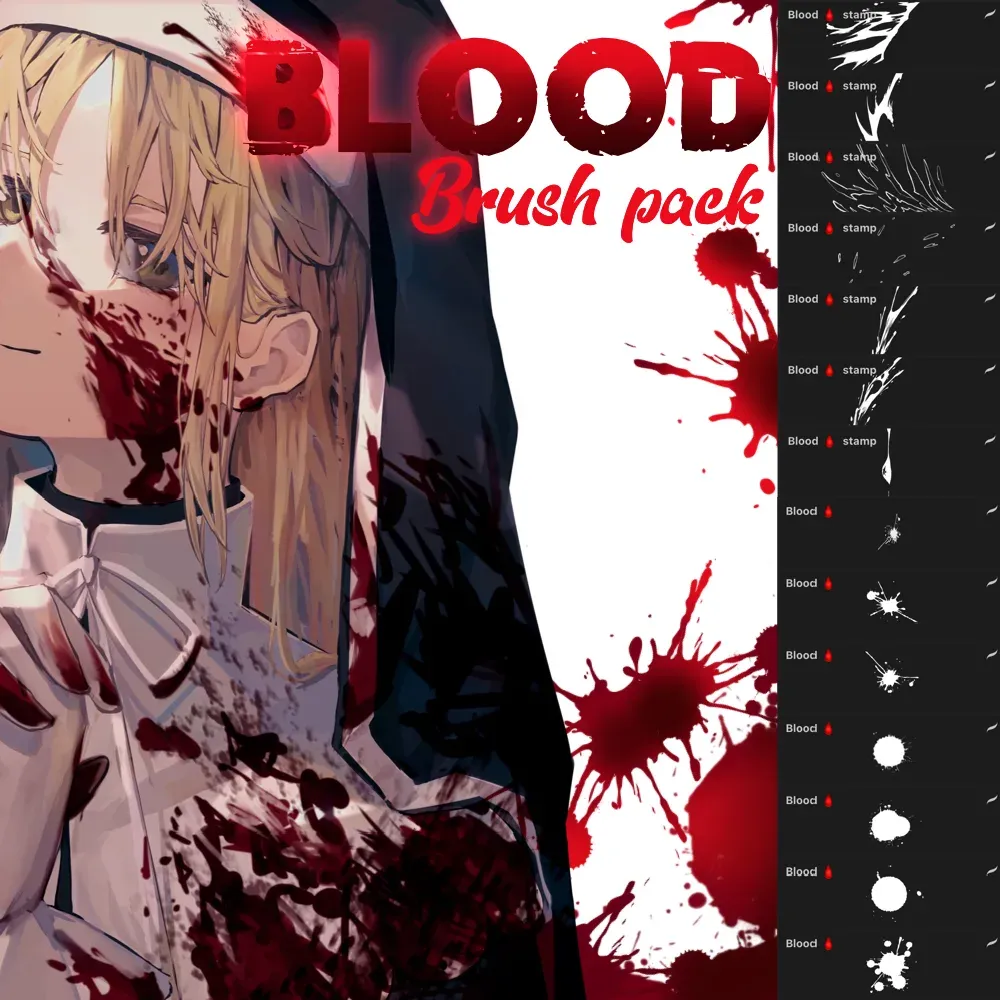
 Free Blood Brush Pack
by Attki
 Free · external
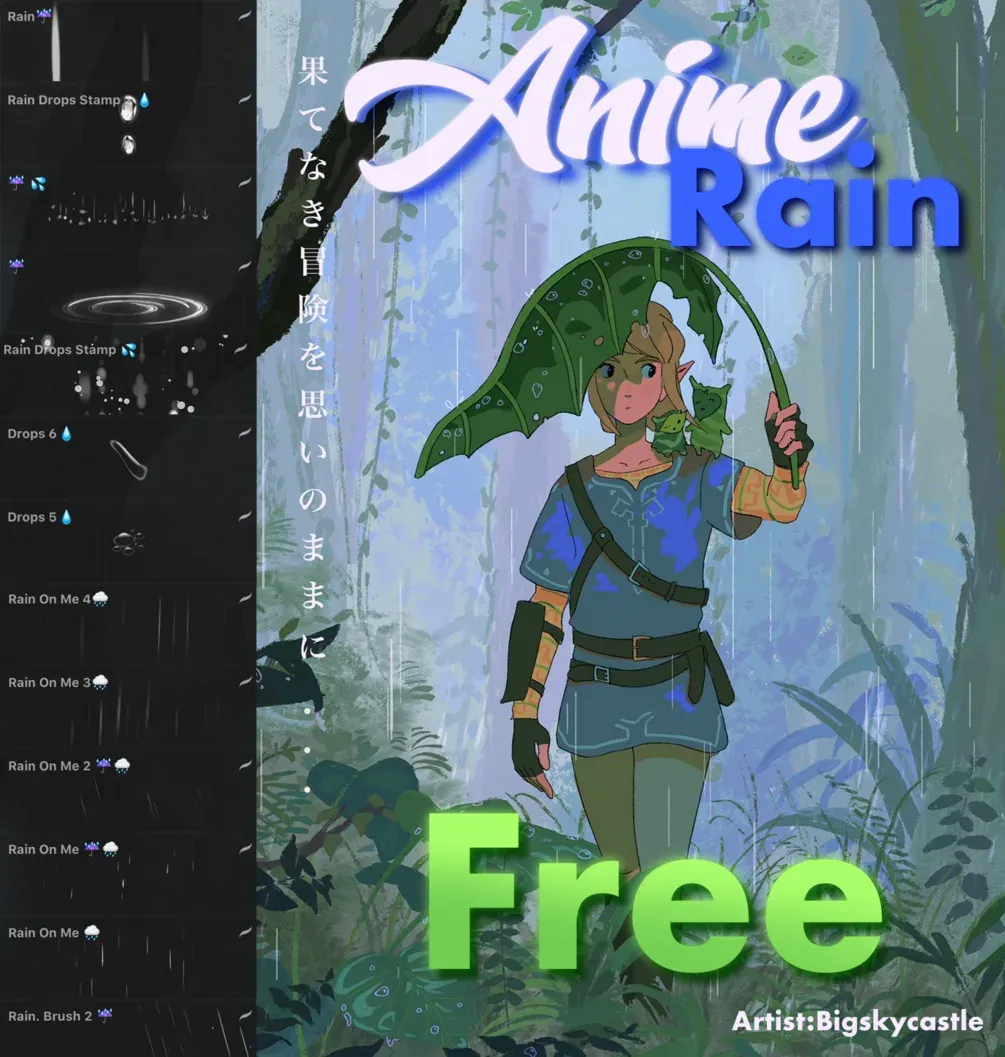
 Free Anime Rain Brushset
by Attki
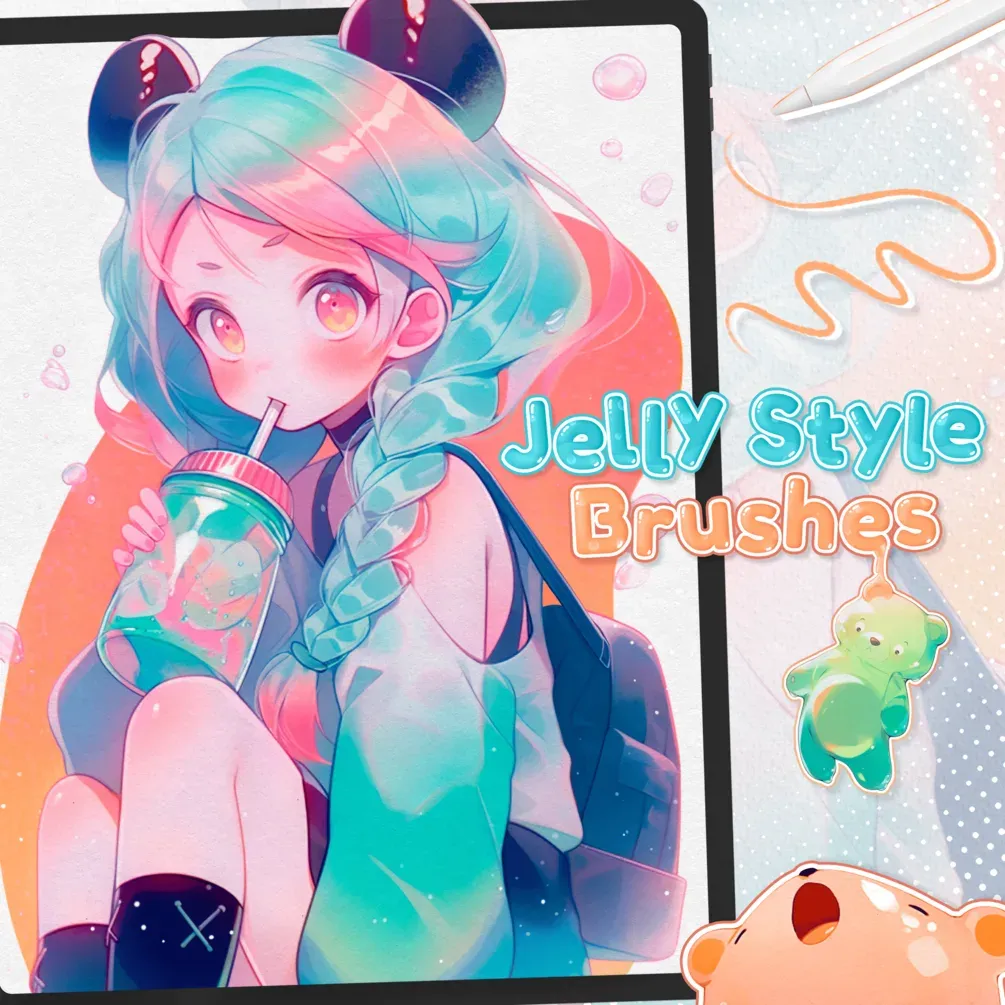 Free · external
 Free Jelly Style Brushes
by Di
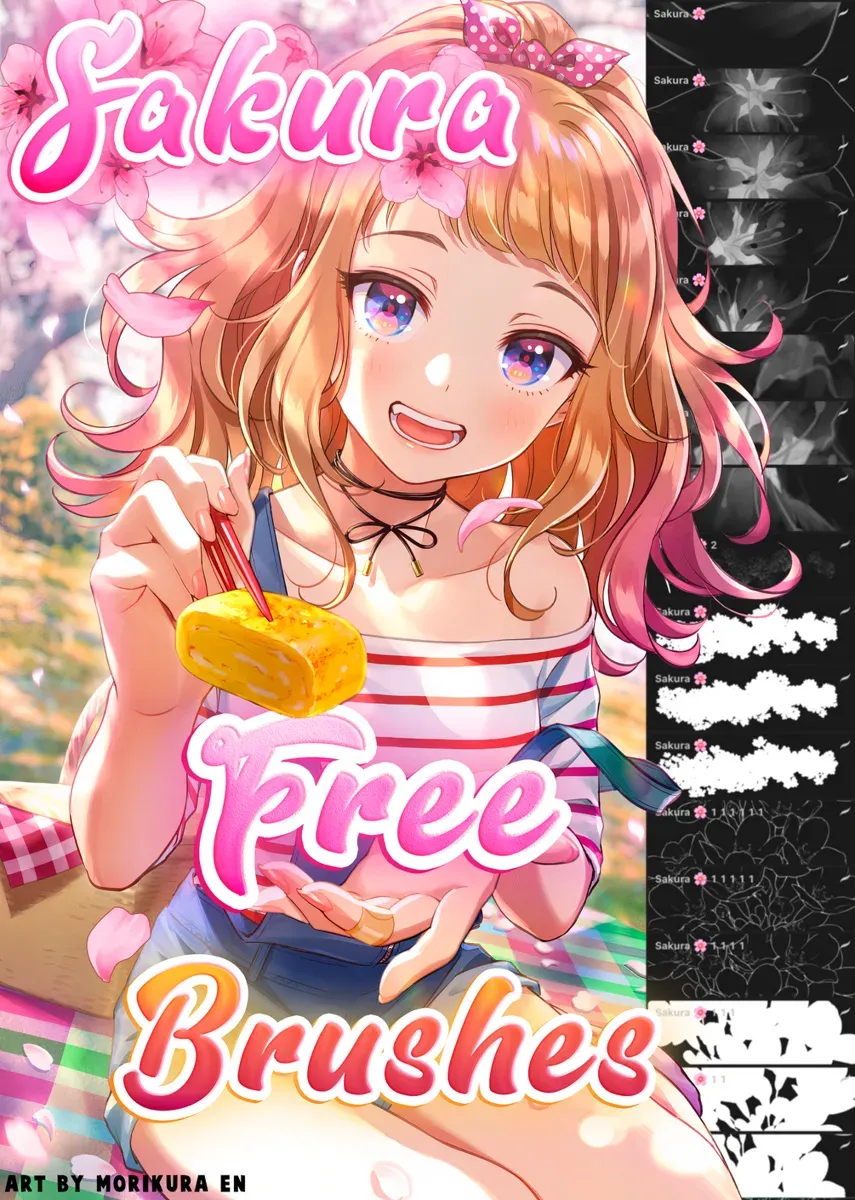 Free · external
 Free Sakura Brush Pack
by Attki
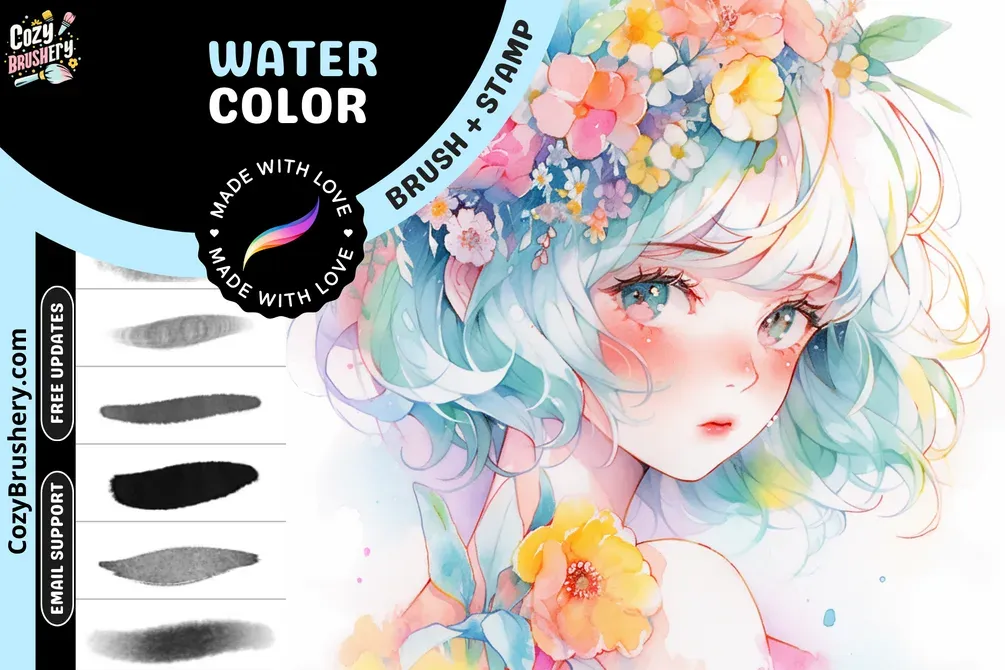 Free · external
 Free Anime Watercolor Brushes
by CozyBrushery
 Scan → get the app
More brush packs in the app
The site is still filling up — the Brusher app already has the complete 200+ set library, with more anime packs, plus free brushes and free tools.
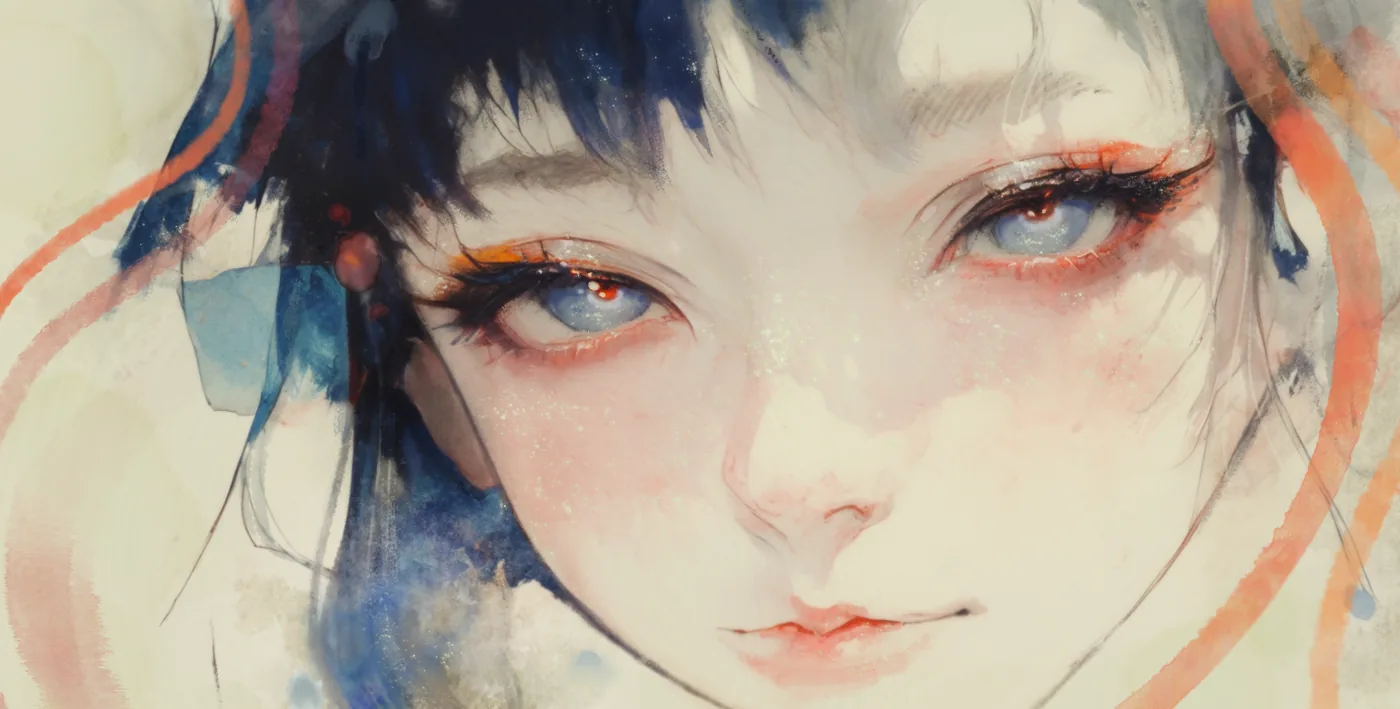
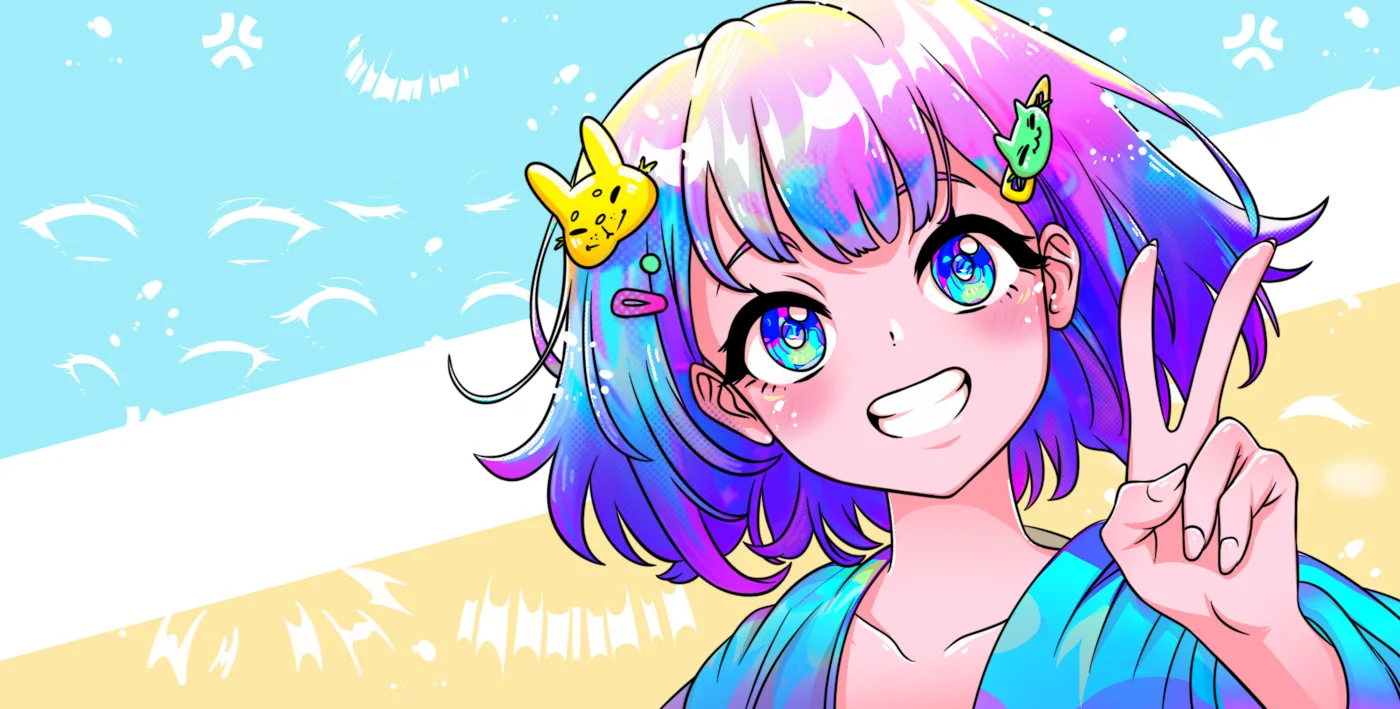
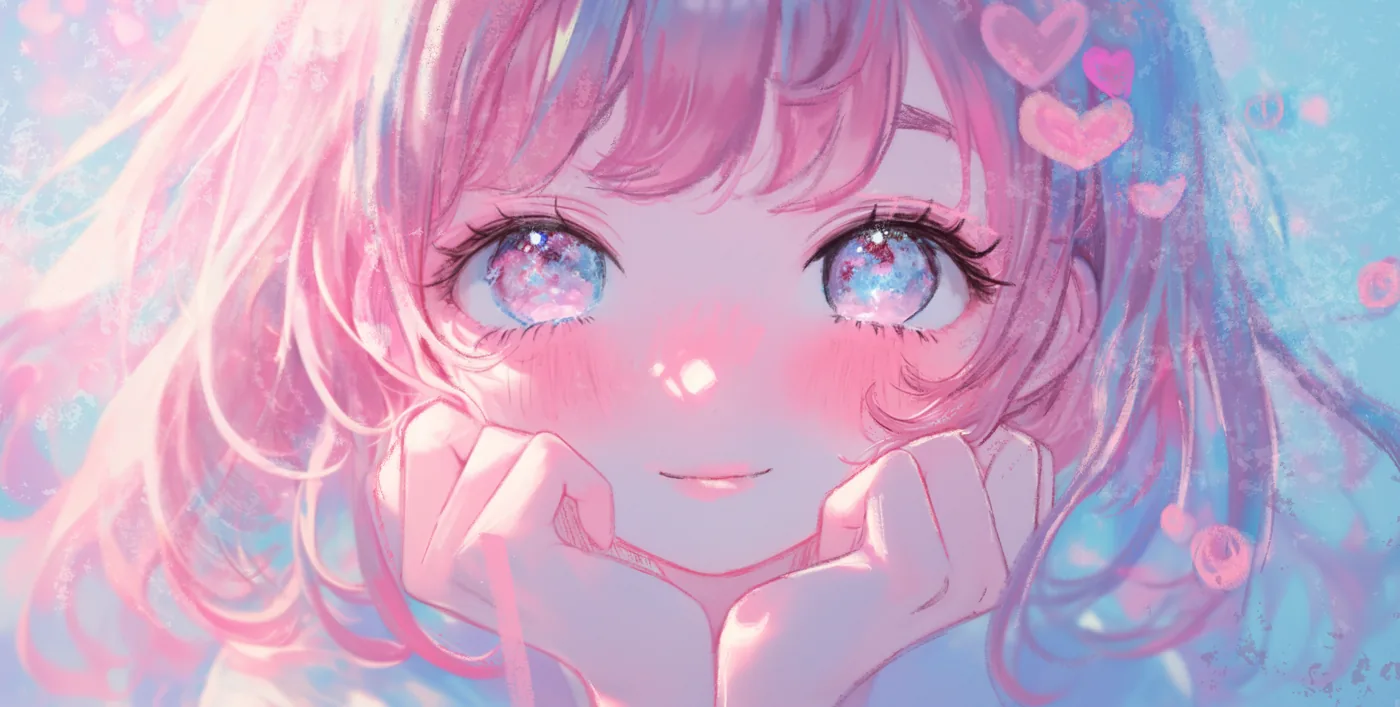
Art made with anime brushes
Real pieces drawn in Procreate with brushes from this style.
Anime styles
Cel-shading and clean anime line art
The anime look rests on two pillars: crisp line art and cel-shading. Ink with a G-pen-style brush that tapers confidently, keeping lines clean and weighted. Then flat-colour each element on its own layer, and add shadow as a single hard-edged shape on a clipped layer above — no soft gradients. That decisive, two-tone shadow is what makes shading read as anime rather than realism.
For manga pages, swap colour for screentone: apply dot patterns to shadow areas for that printed look. Keep highlights simple and graphic, and lean on comic techniques like speed lines for drama. Clean lines plus flat cel-shadows is the whole formula.
Frequently asked questions
What are the best anime brushes for Procreate?+
A crisp G-pen-style ink brush for line art plus a hard-edged brush for cel-shading are the essentials. Add screentone brushes for manga and dedicated hair and eye brushes for character detail, and you can draw complete anime pieces — clean lines and flat, two-tone shadows are the core look.
How do I cel-shade in Procreate?+
Flat-colour each element on its own layer, then add a new clipped layer above and paint the shadow as a single hard-edged shape — no soft blending. Use one shadow tone and keep highlights simple and graphic. That decisive two-tone approach is exactly what makes shading read as anime.
Do these work for manga screentones?+
Yes — screentone brushes let you paint dot and hatching patterns directly into shadow areas for that authentic printed-manga look, on their own layer so you can adjust density. It's the digital equivalent of applying physical tone sheets, without the cutting and pasting.
Related styles
Comic & Manga Procreate Brushes
Comic and manga Procreate brushes for iPad: bold ink, halftone dots, speed lines, screen tones. Free & premium downloads.
Portrait Procreate Brushes
Portrait and skin Procreate brushes for iPad. Realistic skin tones, eyes, lips for character art.
Line Art Procreate Brushes
Line art and inking Procreate brushes for iPad: tapered lines, comic ink, clean outlines. Free & premium downloads.