Comic & Manga Procreate Brushes
Updated October 2026
Comic and manga Procreate brushes for iPad: bold ink, halftone dots, speed lines, screen tones. Free & premium downloads.

Brusher app for iPad & iPhone
200+ sets in the Brusher app, comic included — plus free brushes and free tools.
Brusher has 11 comic Procreate brush packs — comic ink, halftone, screen tones — each a native .brushset that installs into Procreate in one tap on iPad.
Comic and manga Procreate brushes give you the line-and-tone toolkit that defines the medium — tapered liners for inking, halftone and screentone brushes for shading, and ready-made speech bubbles for lettering the page. Whether you're drawing a Western comic book, a manga chapter or a scrolling webcomic, these brushes handle the distinctive printed look that flat painting can't fake.
The collection covers hundreds of halftone and screentone fills, line tones for manga hatching, textured and smooth inking liners, 60 speech, thought and shout bubbles, character pose bases for cartoon and chibi figures, and grain and silkscreen textures for a vintage print feel — five of the sets are free.
Comic & Manga Procreate Brushes
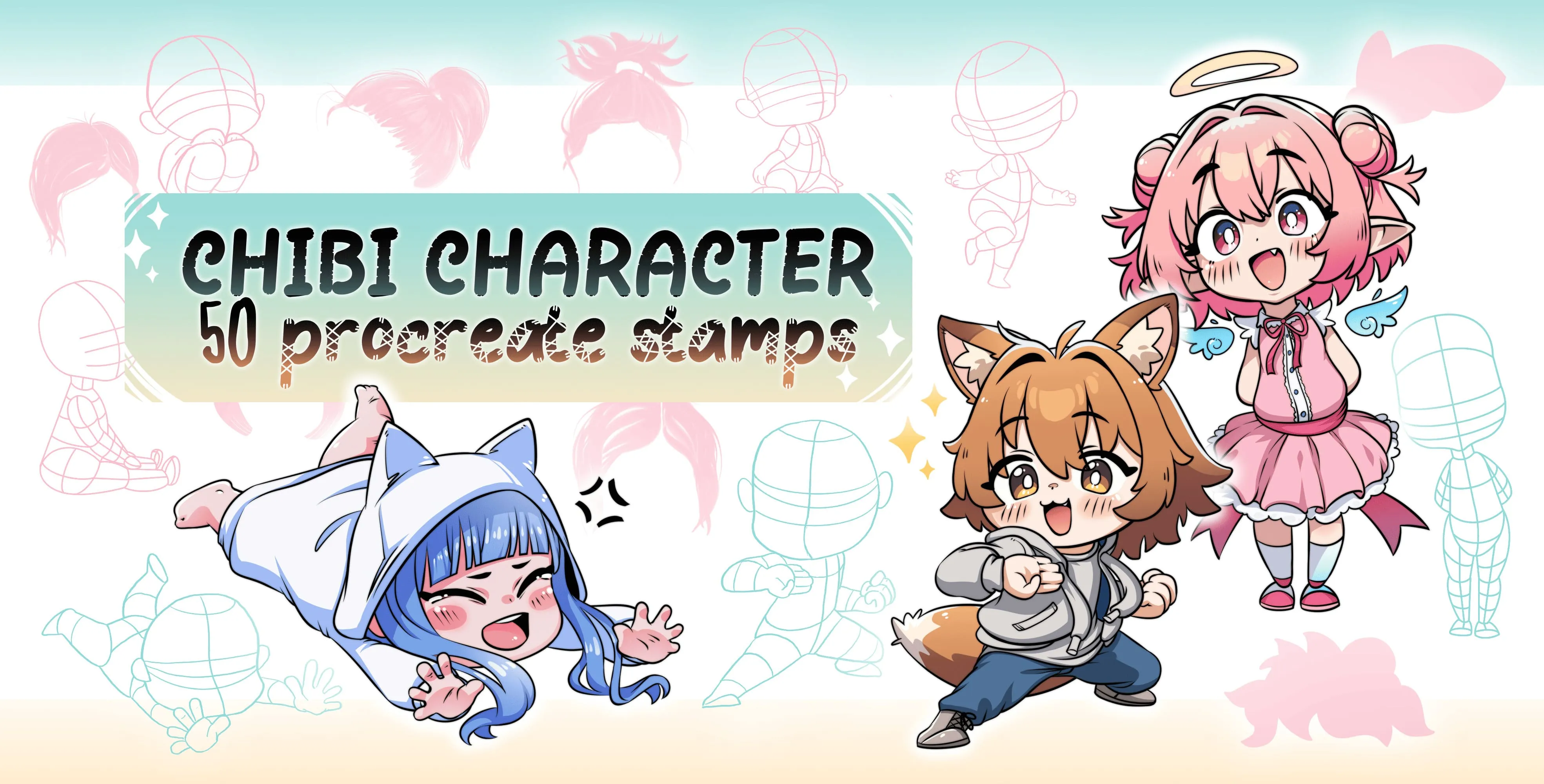
Procreate Video Chibi Character
chibi pose and body-base
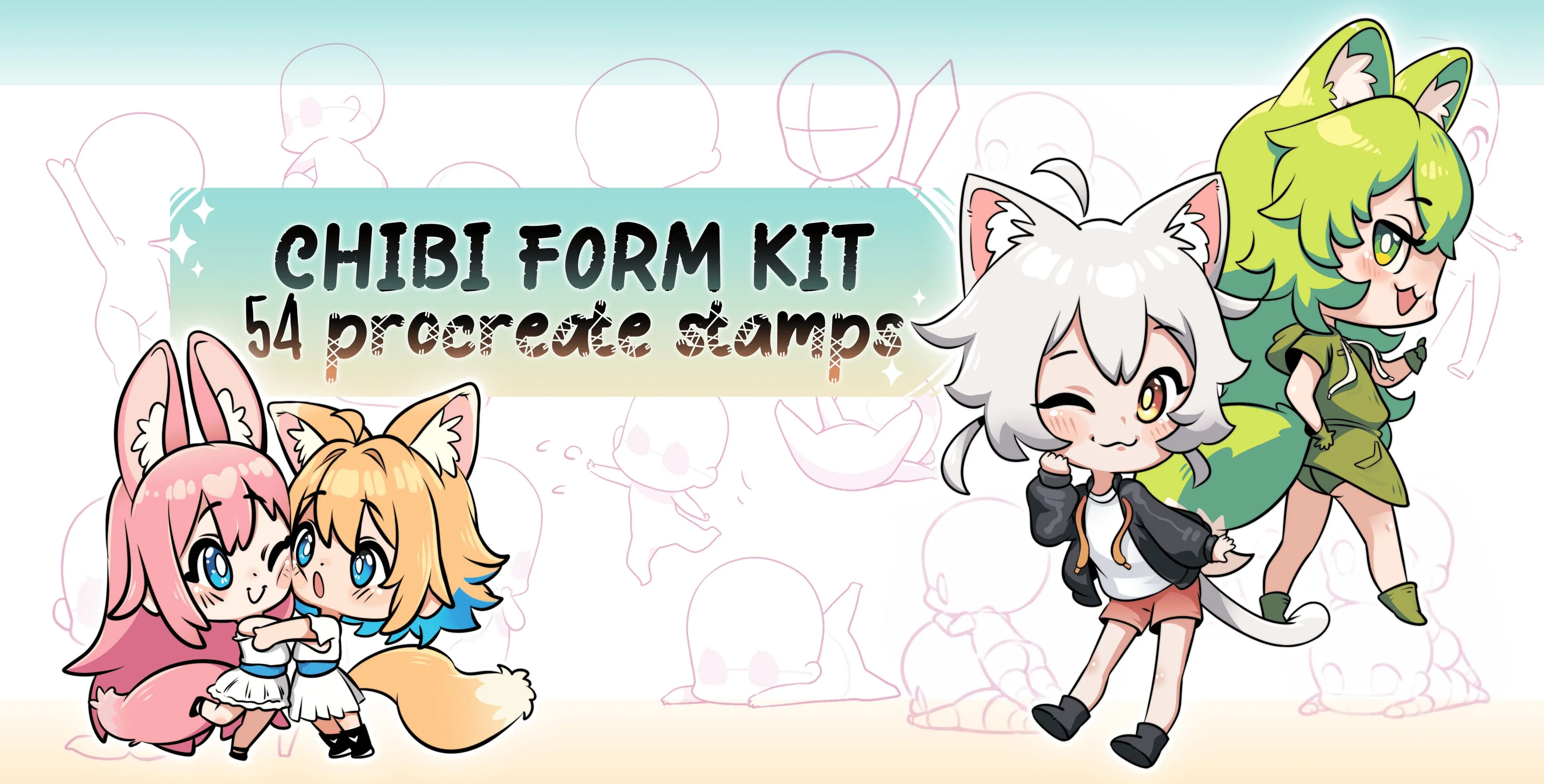
Procreate Video Chibi Form Kit
standing, sitting, walking, running and jumping
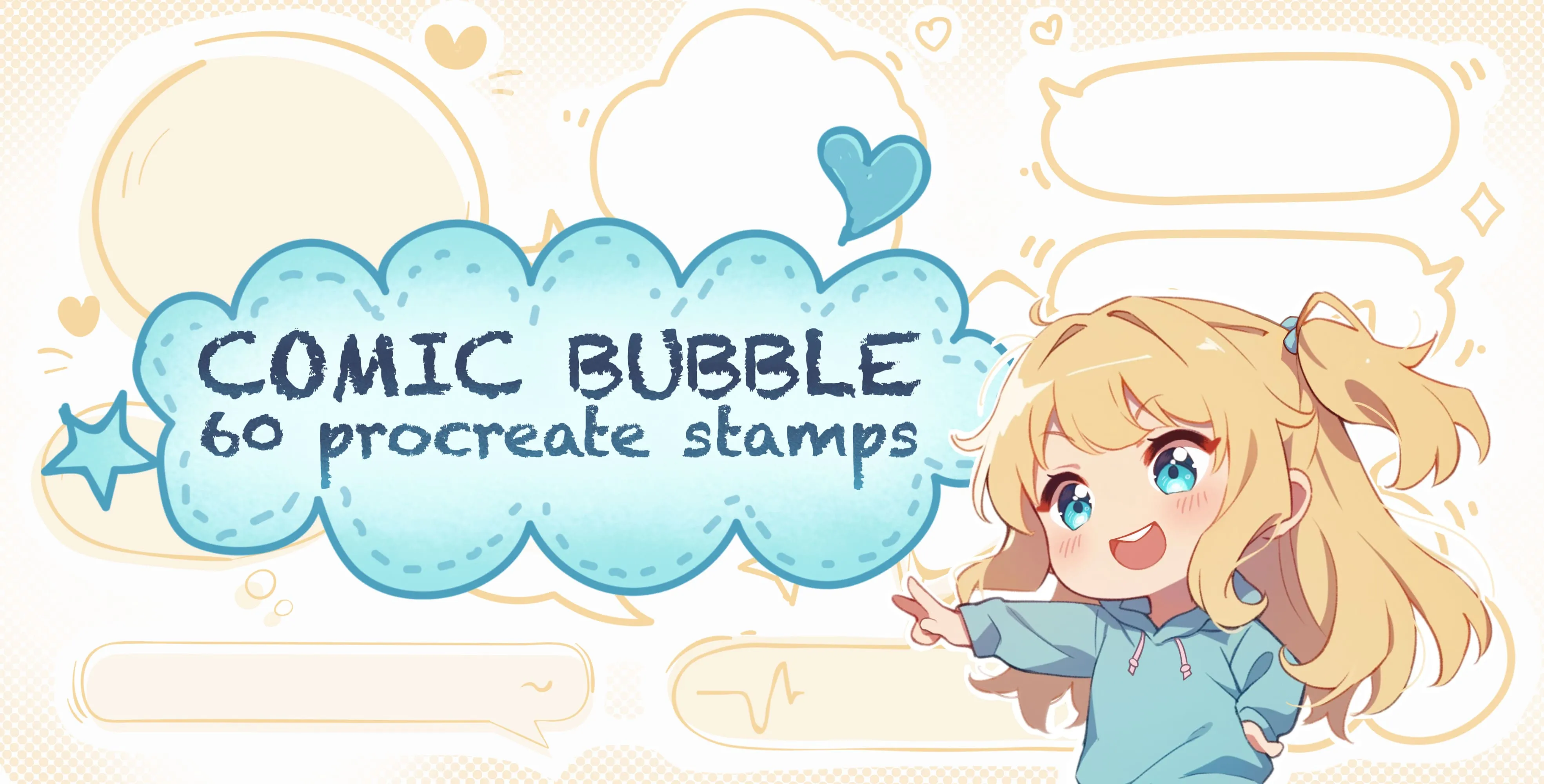
Procreate Video Comic Bubble
round, oval and rectangle
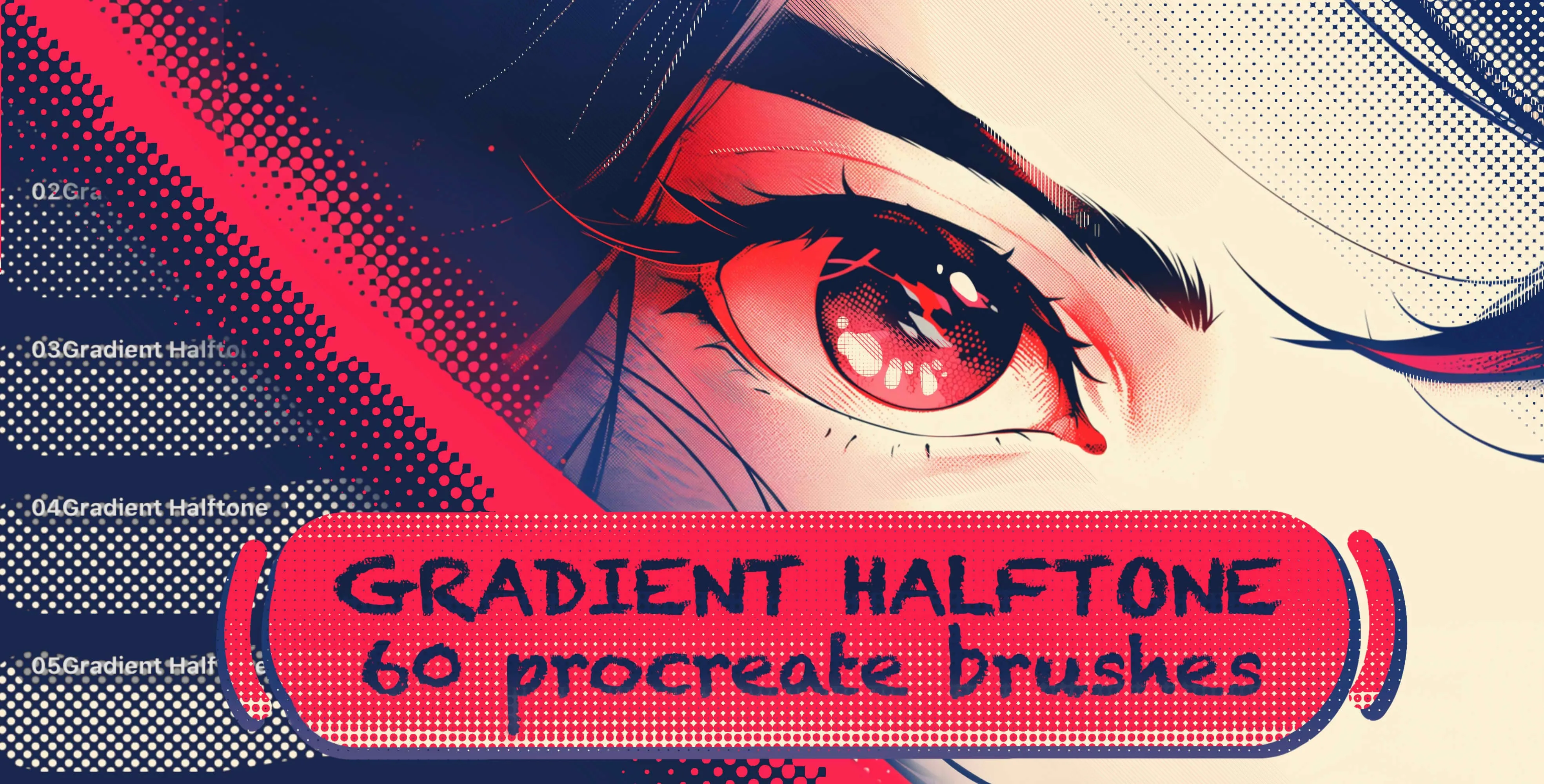
Procreate Video Gradient Halftone
dotted gradient brushes in a wide range of dot sizes and densities, from fine
 Procreate Video
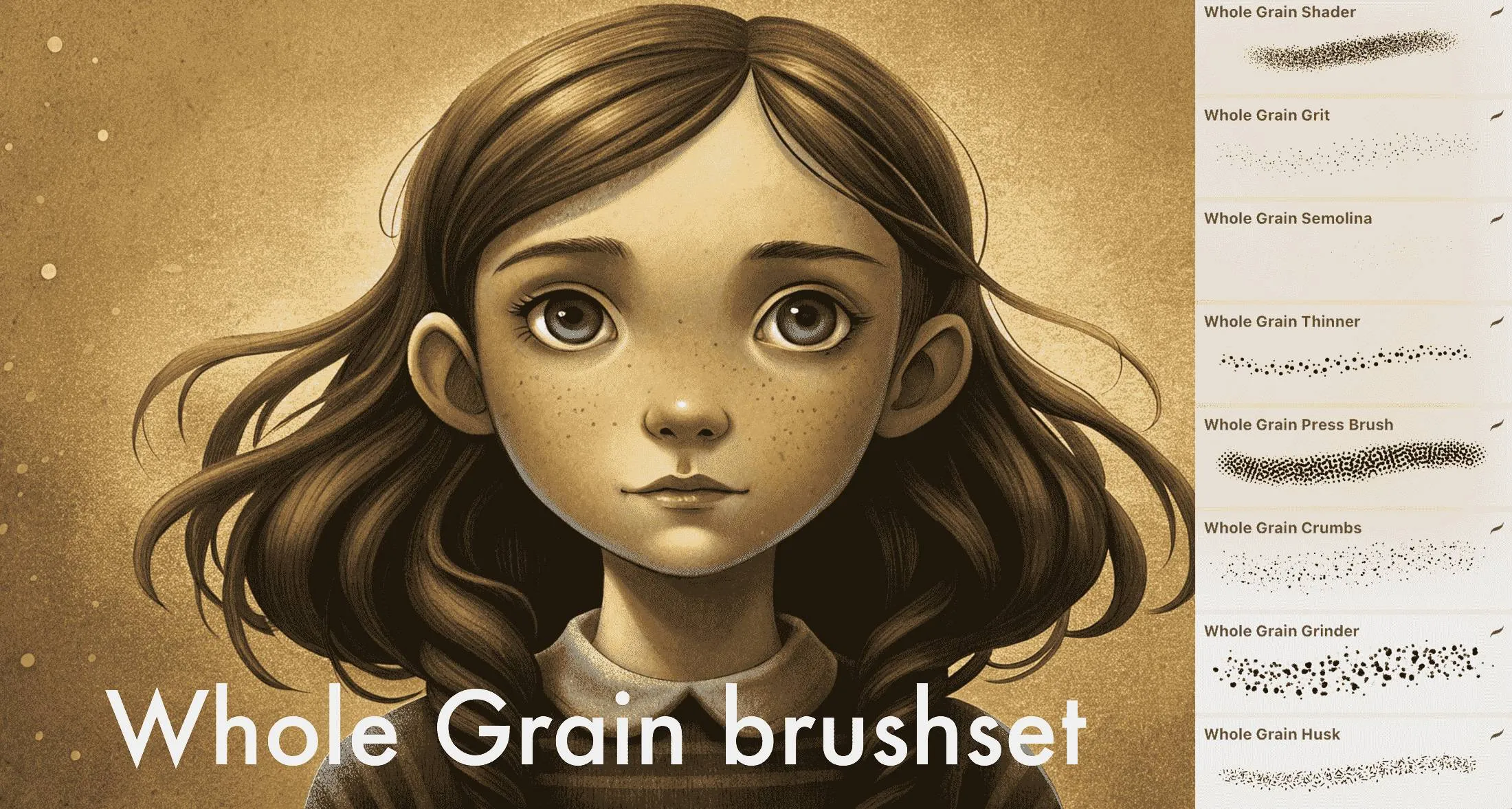
 Whole Grain Brushes
fine to coarse grain (grit, semolina, multigrit, coarse), dust, particles, stipples
 Procreate Video
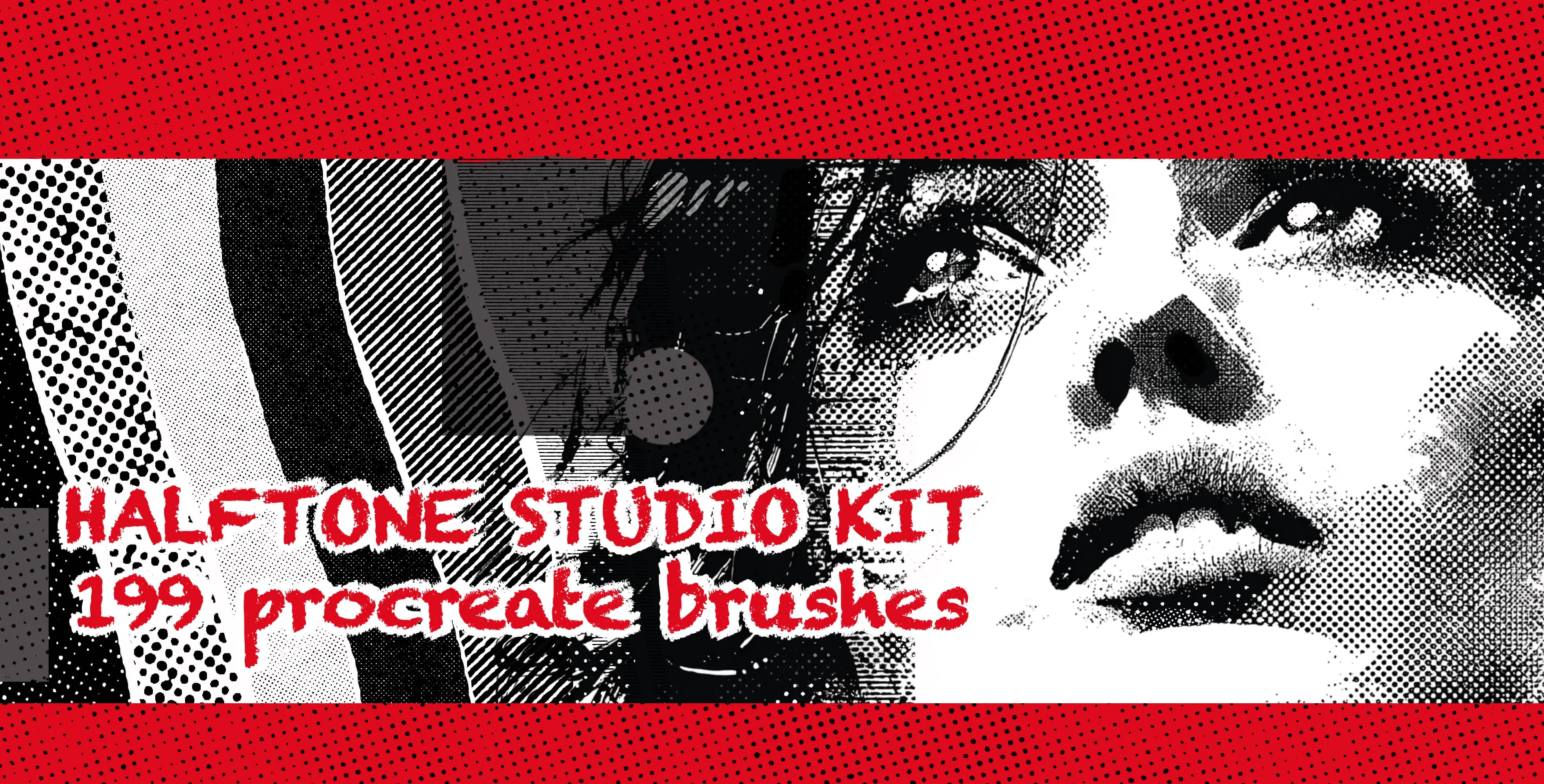
 Halftone Studio Kit
halftone dot patterns in every density, dot size and shading level, from fine smooth tones to bold coarse halftones, plus textured and graduated screentones
 Procreate Video
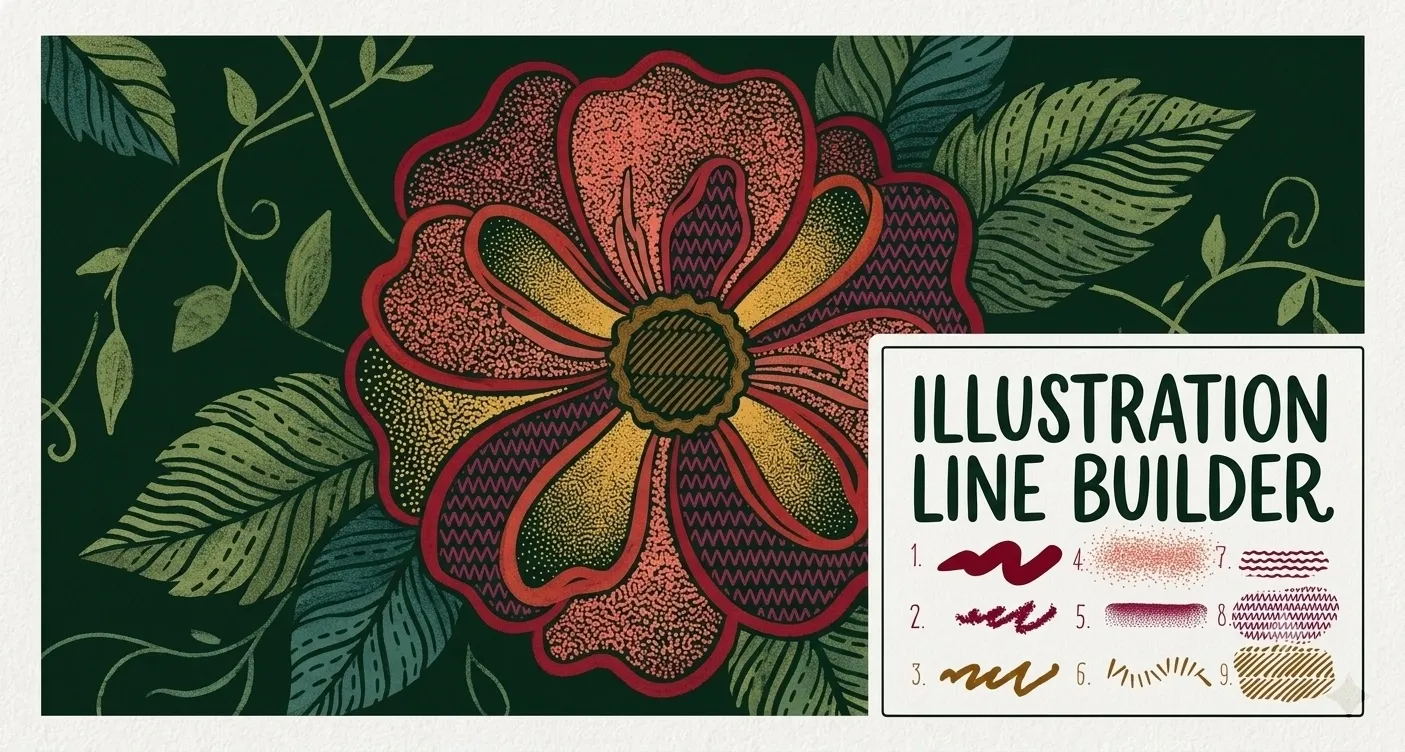
 Illustration Line Builder
smooth and textured liners, stipple and dot-spray shading, grainy fills, dash and tick-mark brushes, zigzag lines, and star and flower scatter accents
 Procreate Video
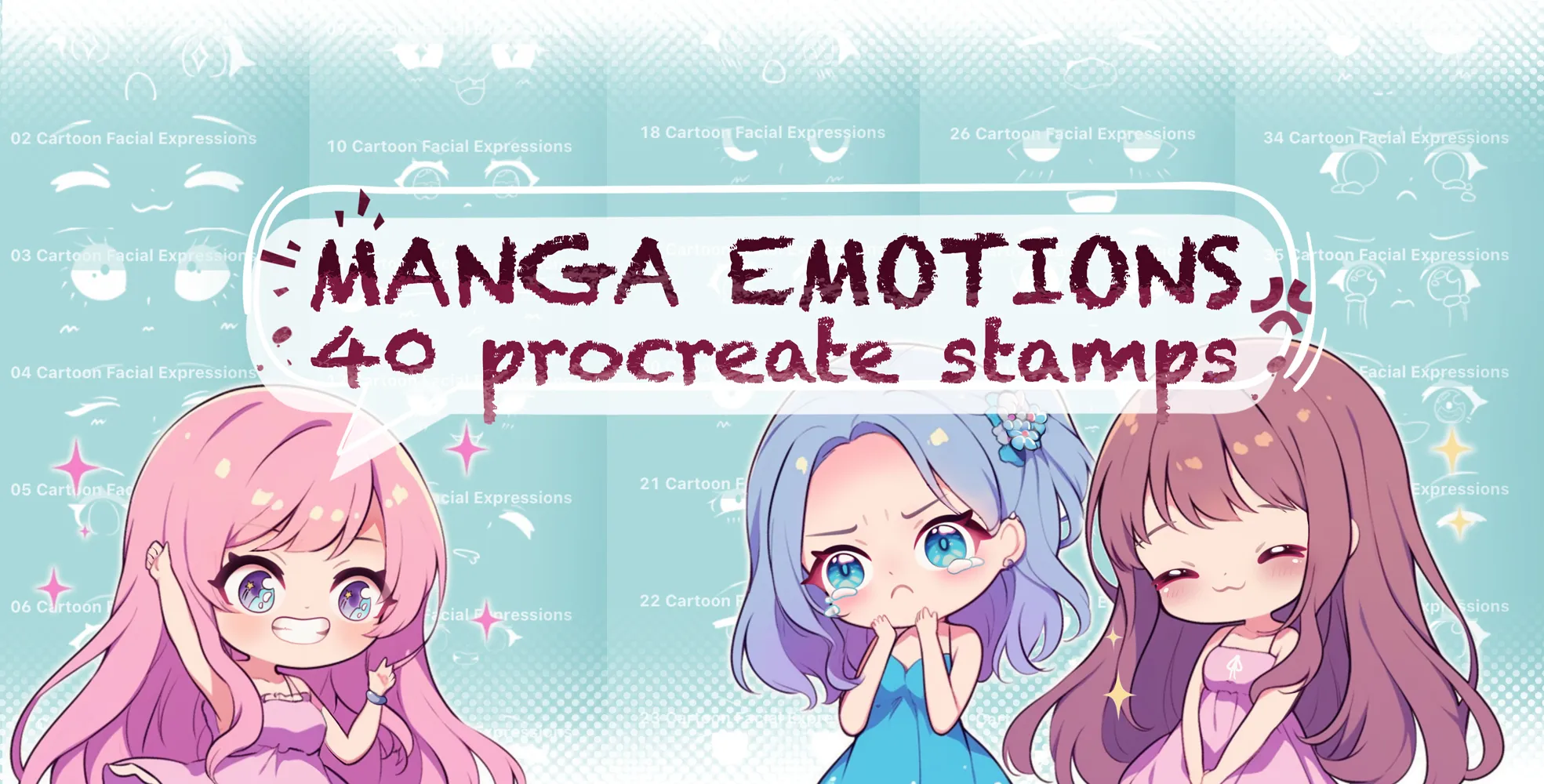
 Manga Emotion
happy, sad, angry, crying and surprised
 Procreate Video
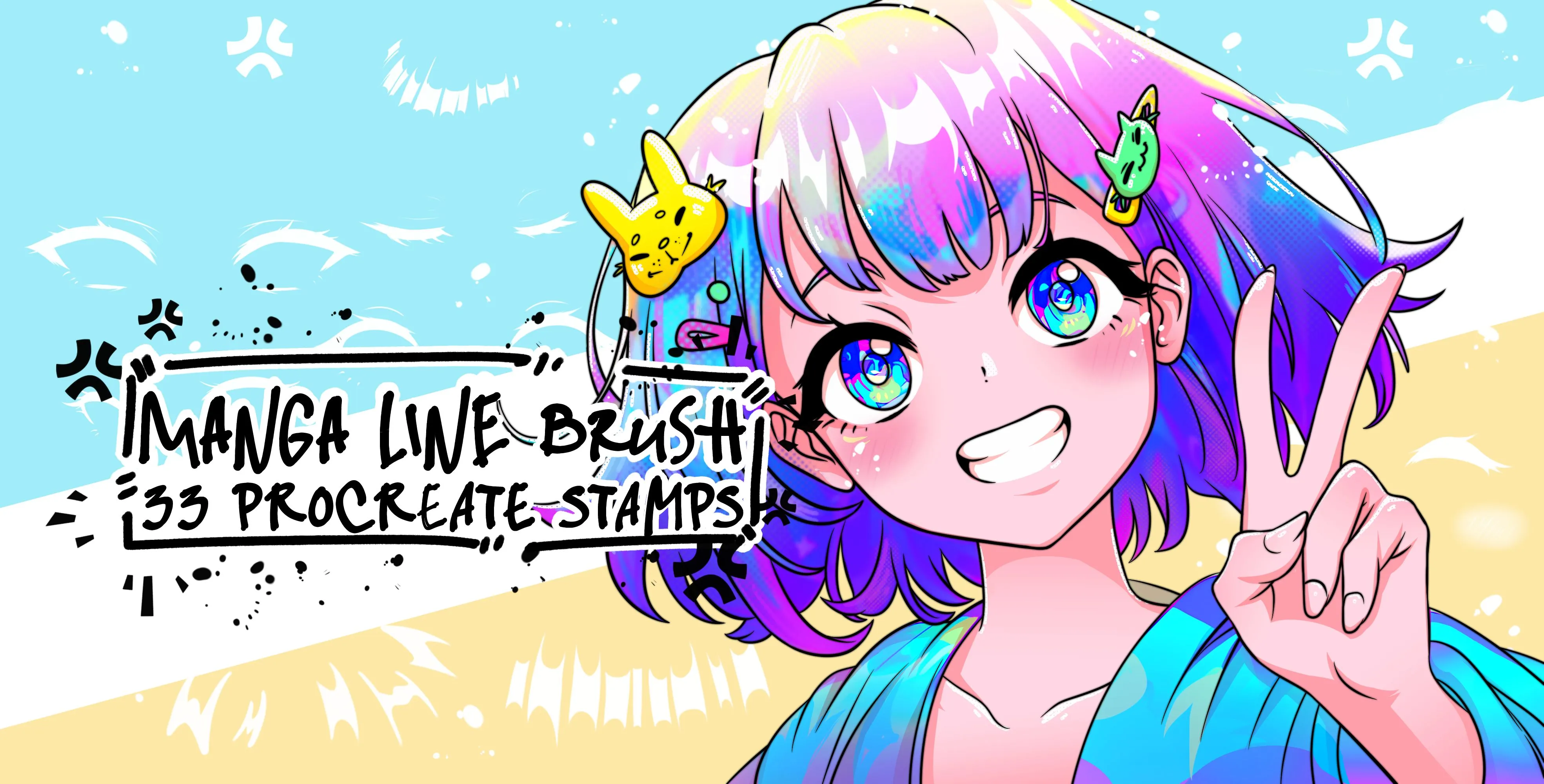
 Manga Line
manga eye, expression eyes and eye-highlight
 Procreate Video
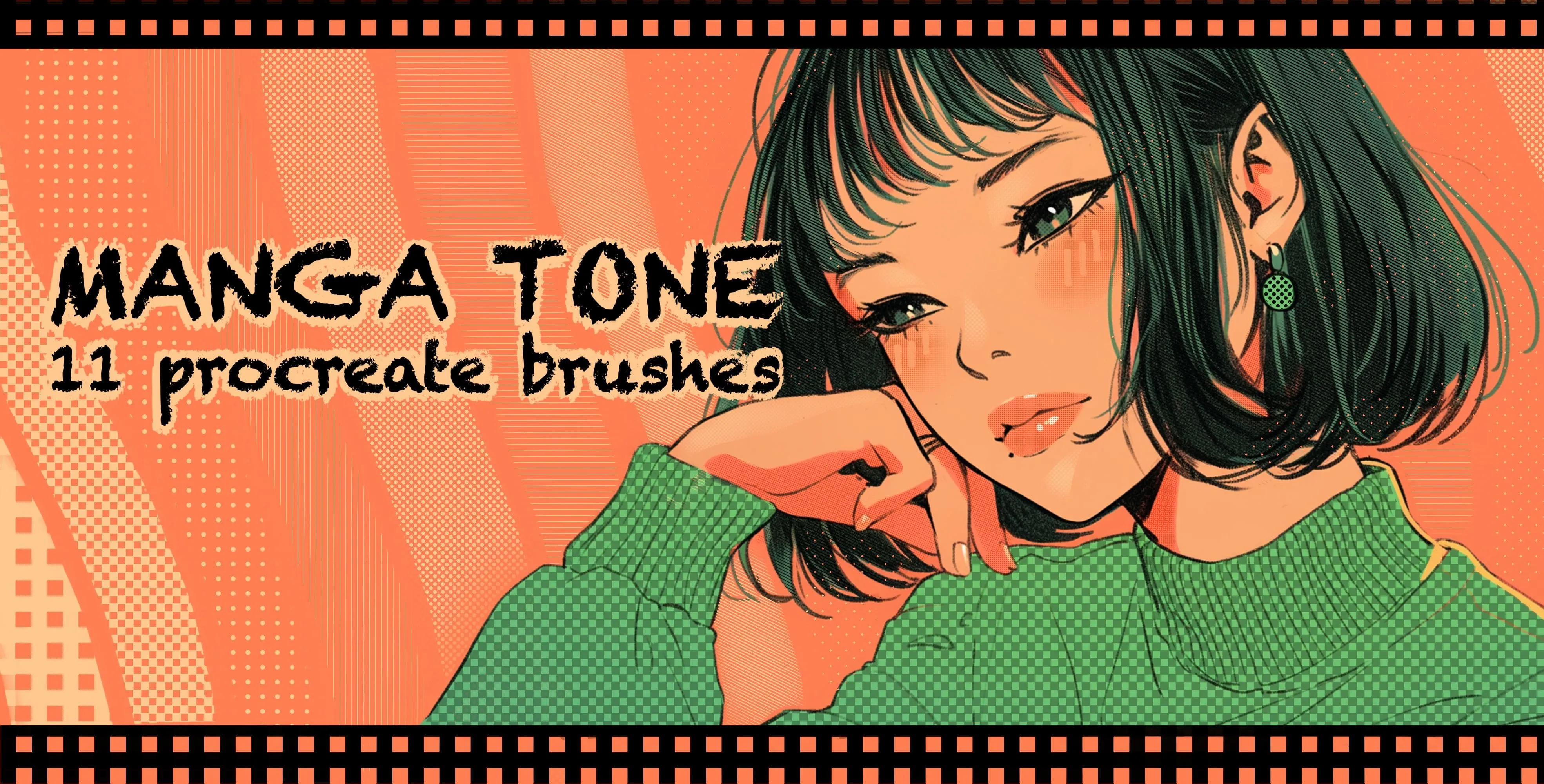
 Manga Tone
diagonal, vertical and horizontal line tones
 Procreate Video
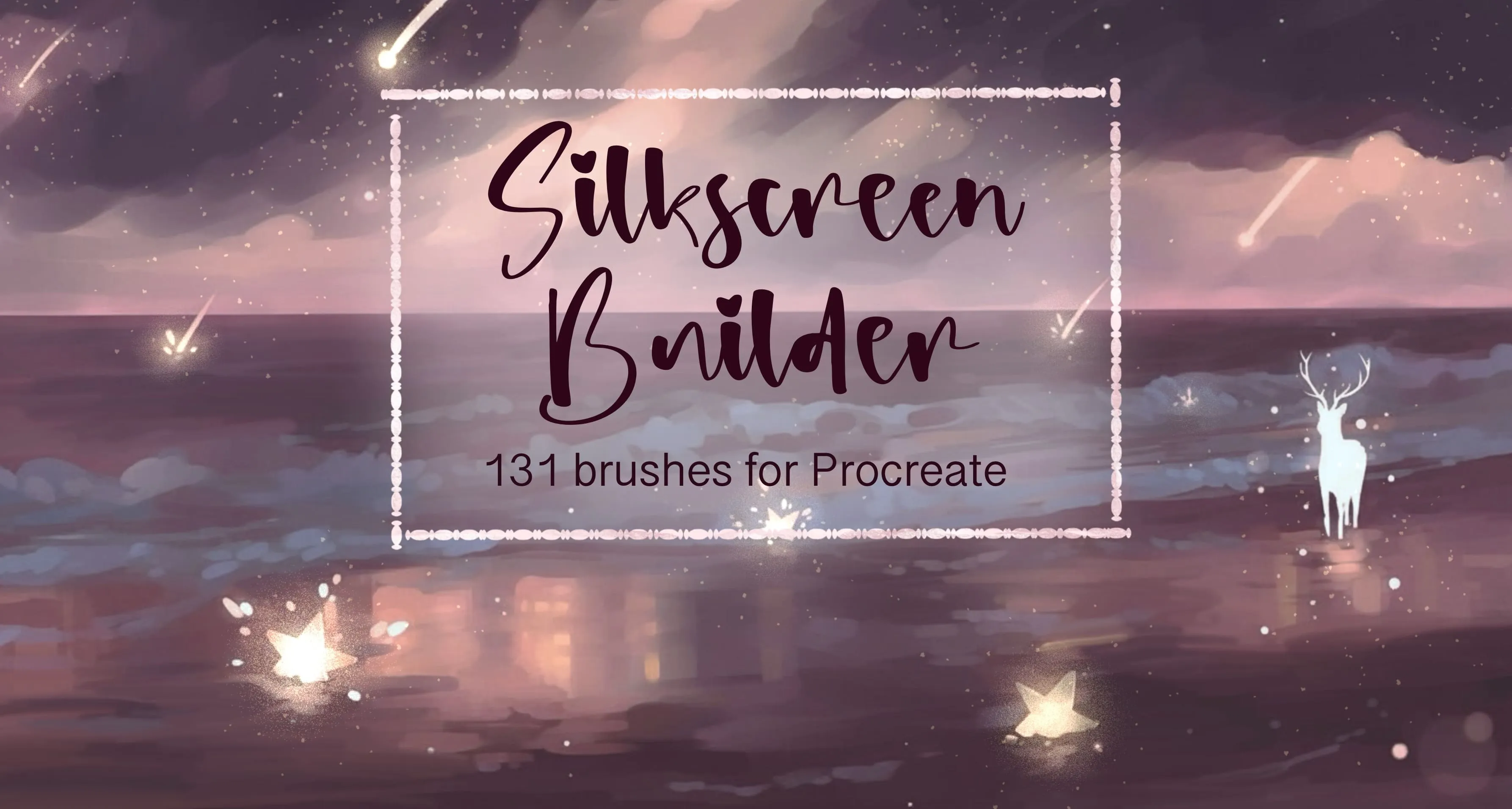
 Silkscreen Builder
soft, hard-edge round, grain, dust and speckle
Free from independent artists
Free comic sets by other artists — downloaded from the artist's own page.
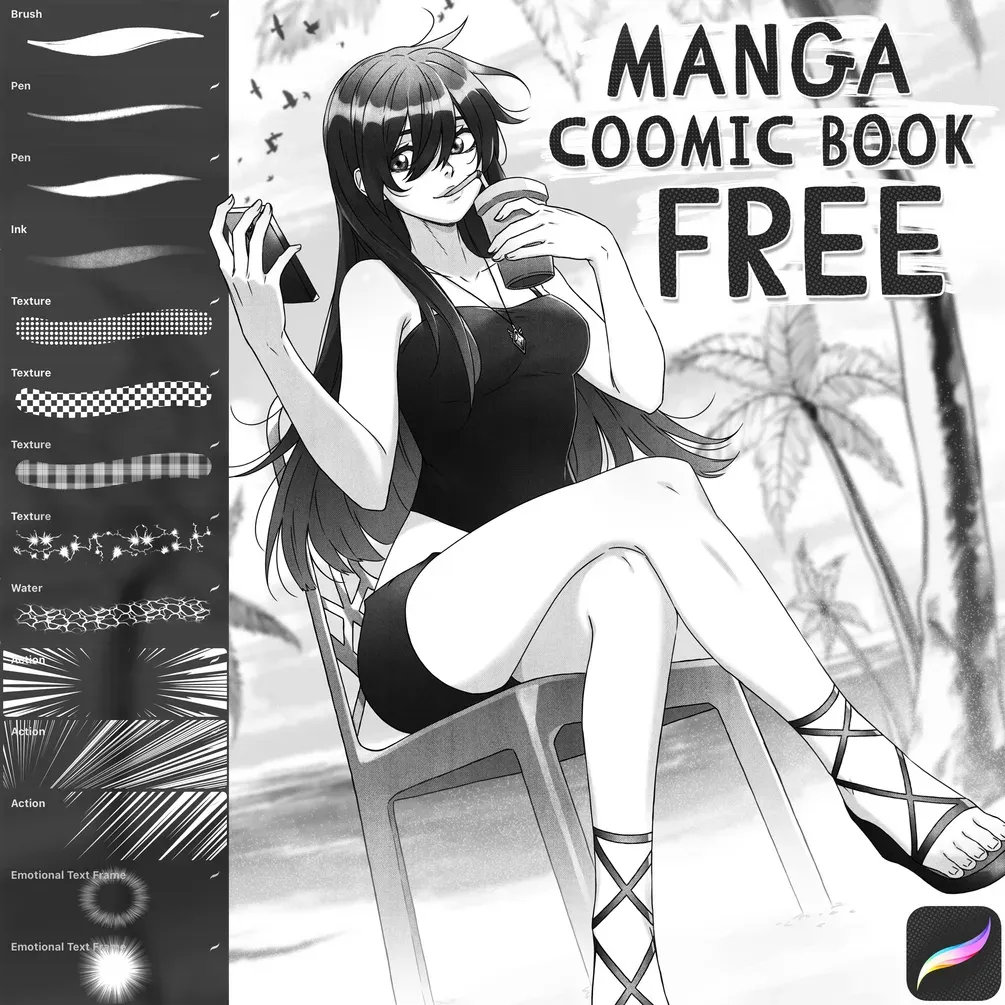 Free · external
 Free Manga / Comic Book Brush Set
by Di
 Free · external
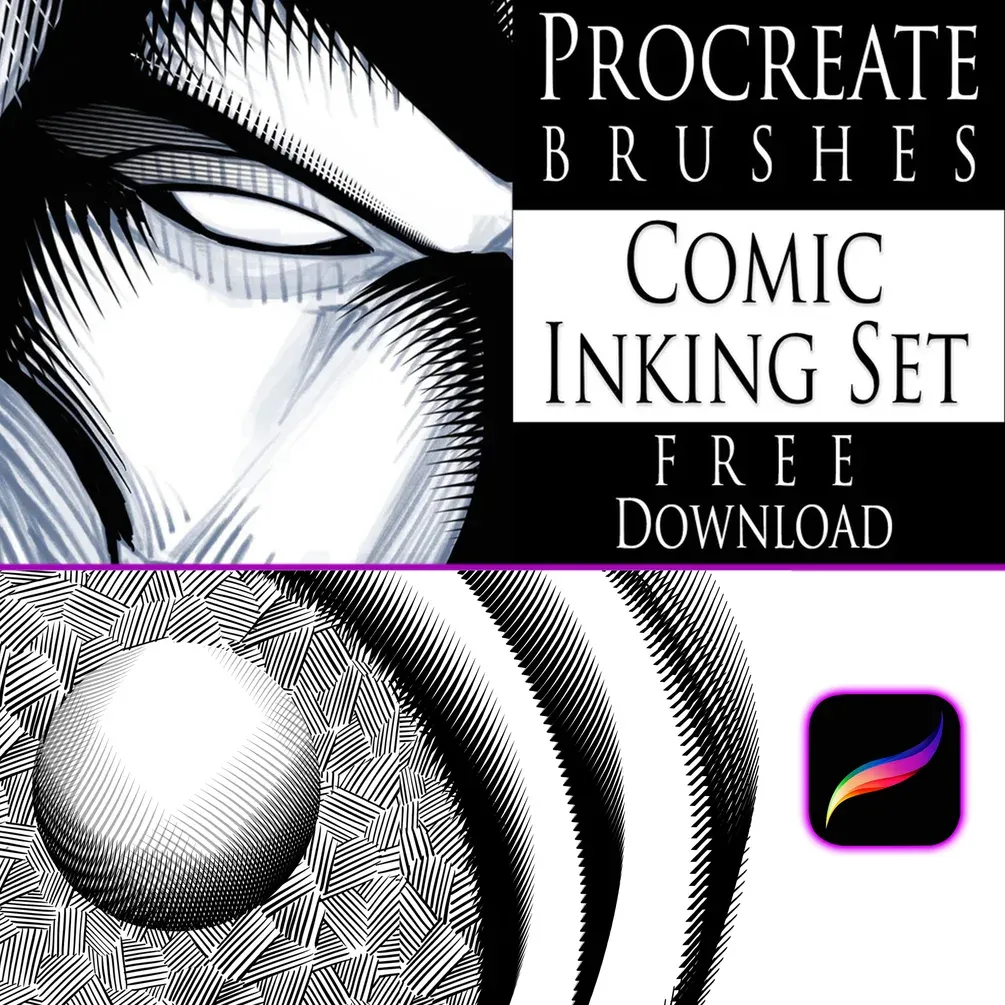
 Comic Inking Set
by Robert A. Marzullo
 Free · external
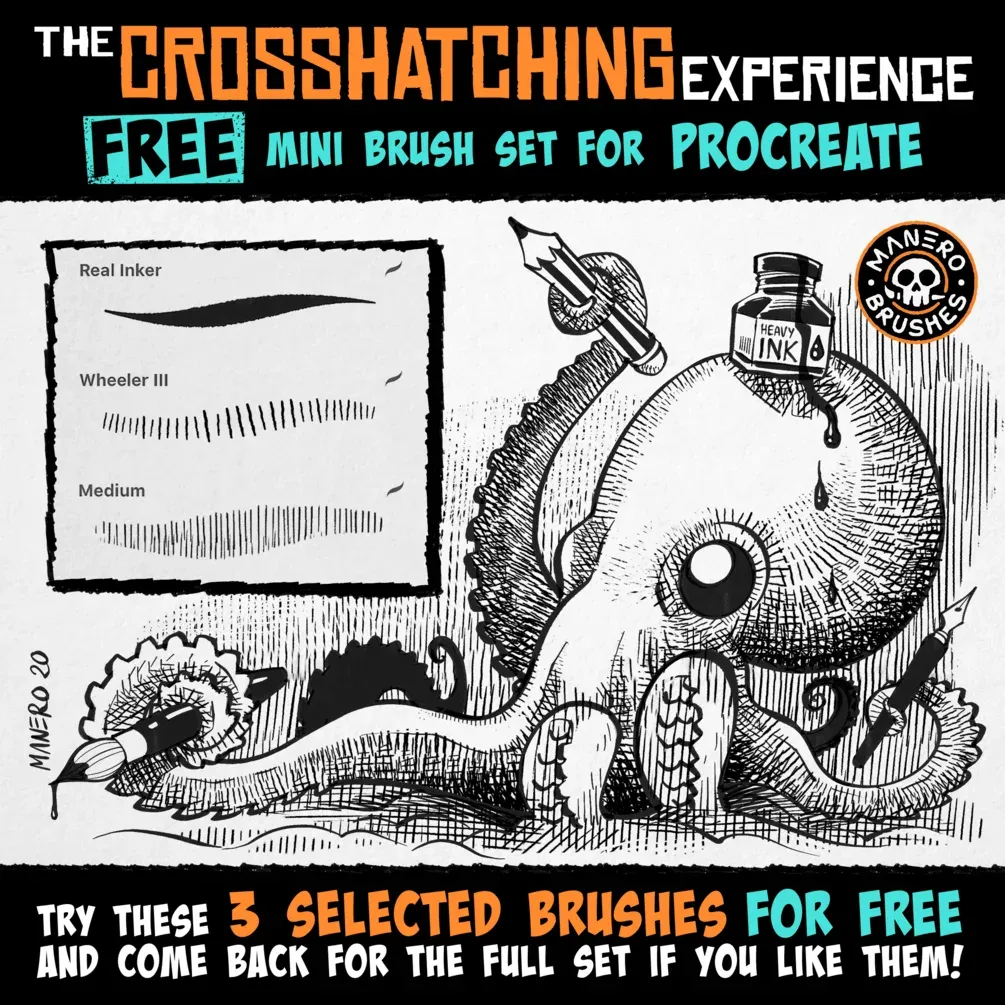
 The Crosshatching Experience — Free Mini Set
by Manero Brushes
 Free · external
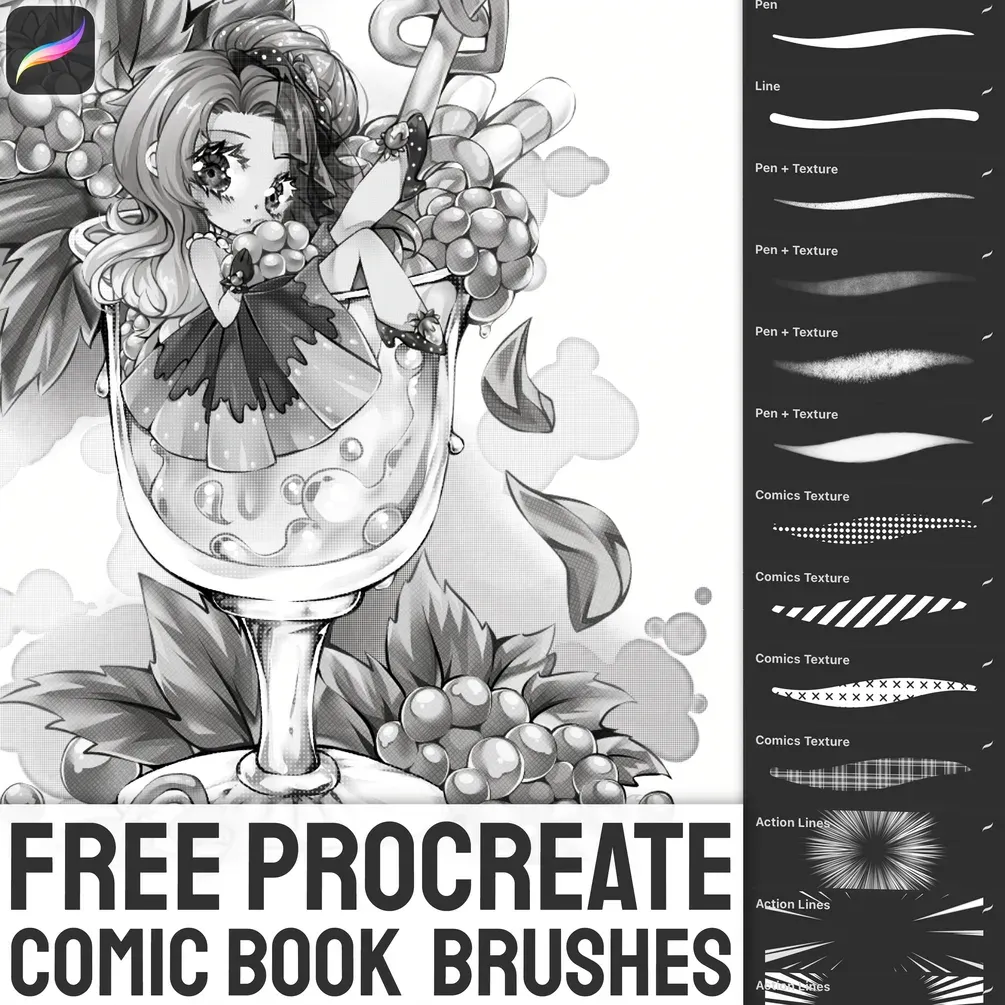
 Free Comic Book Brush Set
by Stas
 Free · external
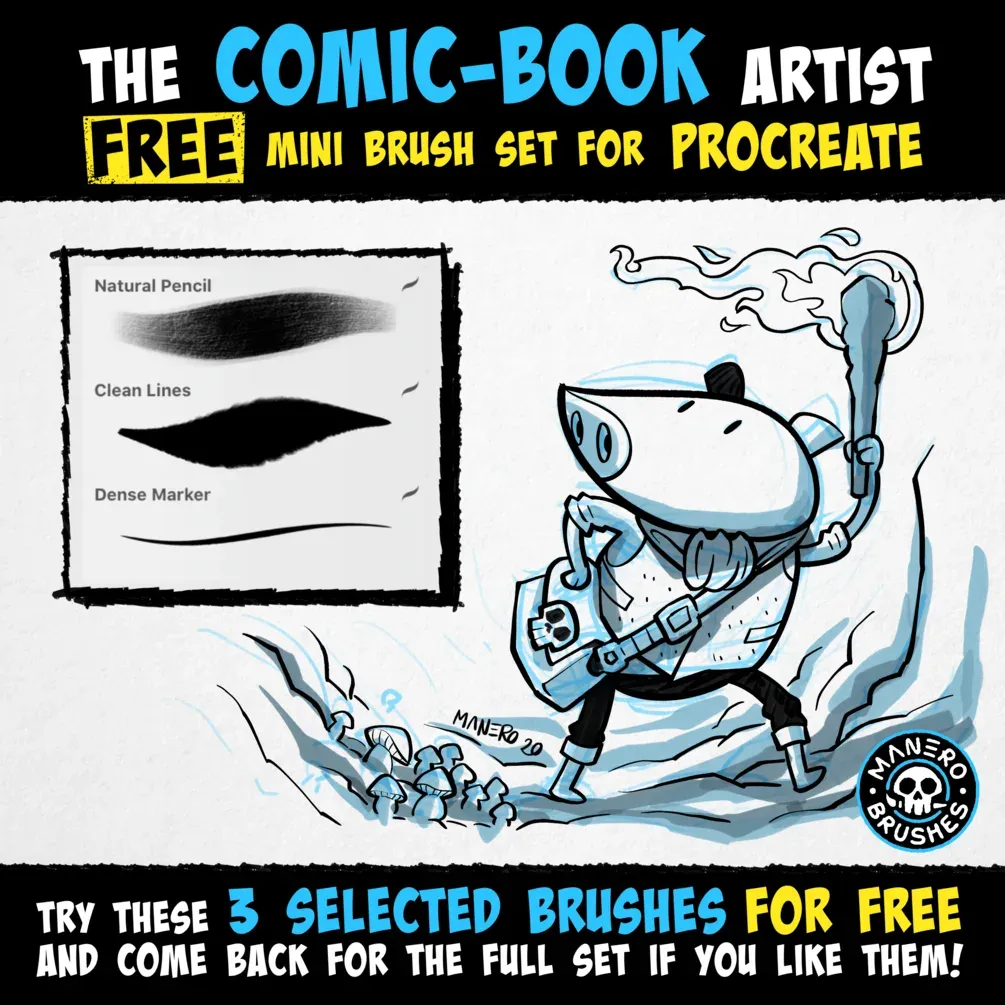
 The Comic-Book Artist — Free Mini Set
by Manero Brushes
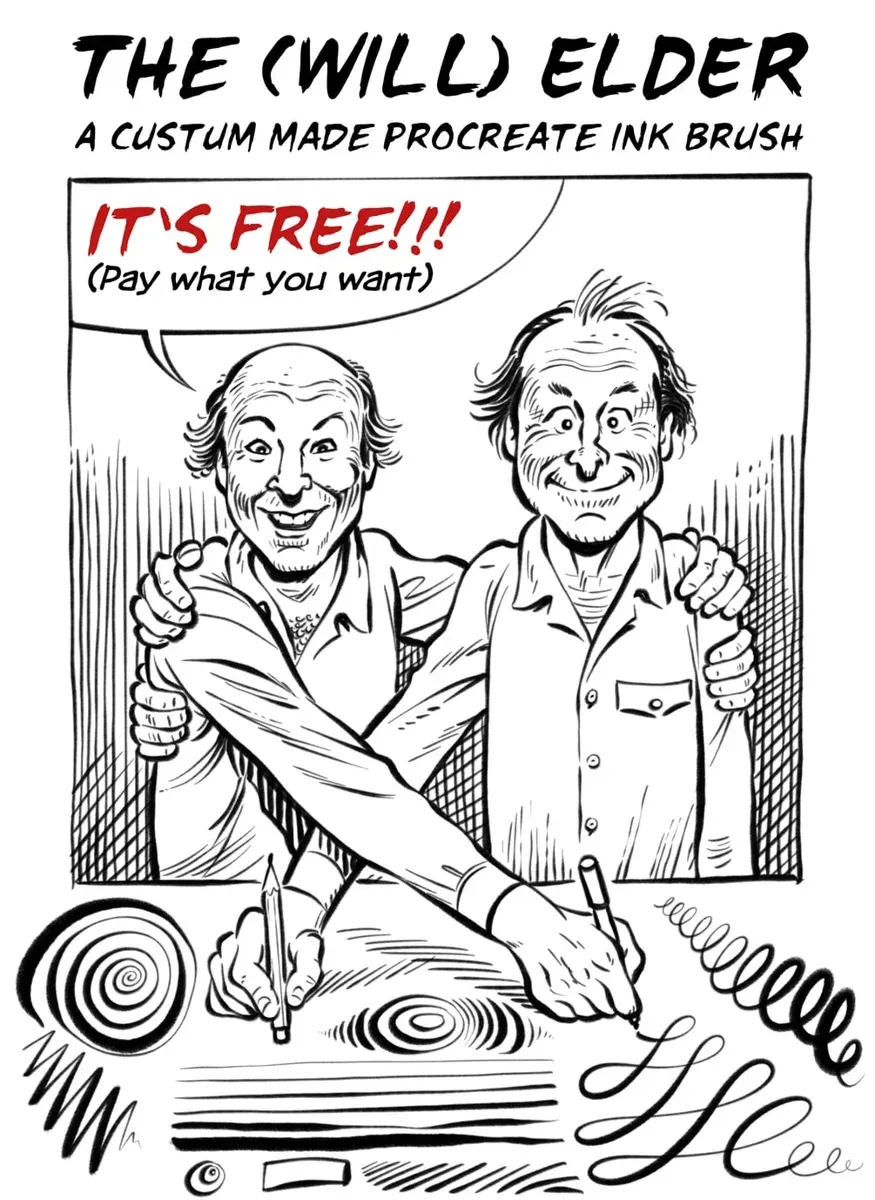 Free · external
 Free Comic Ink Set: Inking & SFX Brushes
by Georg von Westphalen
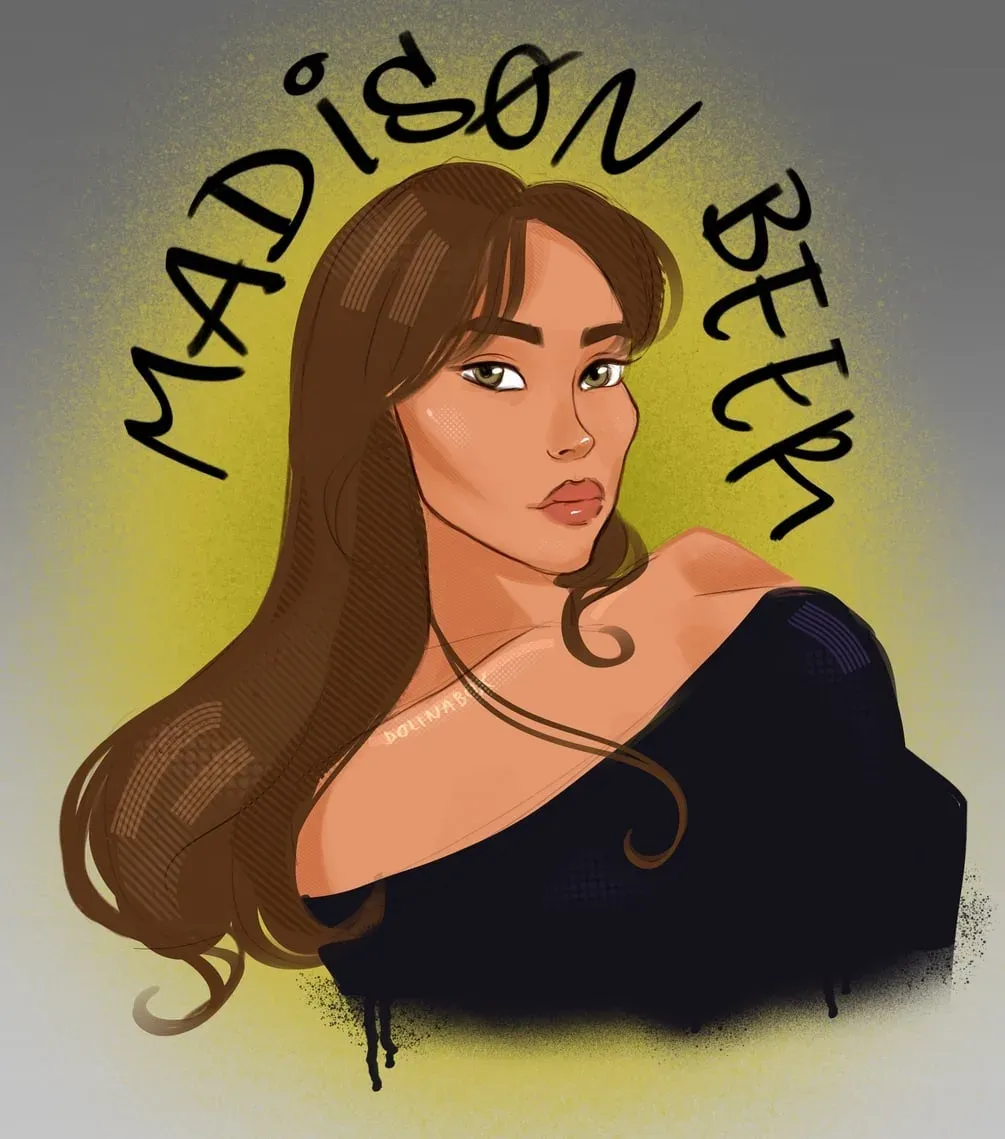 Free · external
 Spiderverse Style Brushes
by dolinabox
 Scan → get the app
More brush packs in the app
The site is still filling up — the Brusher app already has the complete 200+ set library, with more comic packs, plus free brushes and free tools.
Speech bubbles, captions and lettering
Nothing makes a drawing read as a comic faster than a speech bubble. Stamping one beats drawing and erasing outlines by hand: drop a round, oval or rectangle bubble for dialogue, a fluffy cloud for thoughts or a spiky burst for shouting, then type or hand-letter your text inside. Put bubbles on their own layer above the art so you can move them while you arrange the panel.
Captions and titles work the same way — banners, ribbons and ornate label frames give narration boxes and chapter headings a finished look. Keep bubble outlines the same weight as your panel borders and the page will read as one consistent design.
Comic book, webcomic and cartoon styles
The same brushes adapt to every comic format. A comic book page leans on bold ink and halftone shading laid out in panels; a webcomic built for vertical scrolling uses fewer, taller panels and clean flat tone that stays sharp on a phone screen; cartoon and chibi styles favour simple shapes, big expressions and minimal tone.
For characters, pose and body-base stamps give you a quick, consistent skeleton to draw over, and expression sets cover the classic manga reactions — happy, sad, angry, crying and surprised. For the finish, a light grain or silkscreen texture over the whole page brings back the slightly imperfect feel of printed comics.
Halftone, screentone and speed lines
Two techniques give comics their signature texture. Halftone is the dot pattern that shades Western comics — bigger dots for darker areas — while screentone is its manga cousin, a sheet of dots or hatching applied to whole regions. A tone brush lets you paint these in directly instead of clipping physical sheets, and keeping them on their own layer means you can adjust density without touching the ink.
Speed lines add motion and focus: radial lines burst from a point of impact, straight lines convey rushing movement. Draw them on a separate layer so you can rotate and mask them cleanly. Combine bold inking with tone and speed lines and a flat drawing suddenly reads as a dynamic comic panel.
Inside these comic packs
You might also like
Common questions
What's the difference between halftone and screentone?+
Halftone is the dot pattern used to shade Western comics, where dot size controls darkness. Screentone is the manga equivalent — pre-made sheets of dots or hatching applied to whole areas. Digitally, both are painted in with tone brushes on their own layer so you can adjust density freely.
What's the best brush for manga inking?+
A G-pen-style ink brush with strong pressure taper is the manga standard — it gives bold, confident outlines that thin to fine detail. Pair it with a steady liner for consistent panel borders and a tone brush for shading.
How do I draw speed lines?+
Draw them on their own layer: radial speed lines burst from a focal point for impact, while straight parallel lines convey fast motion. Use a fine liner or a dedicated speed-line brush, then mask or fade the layer so the lines frame your subject without overwhelming it.
Are there free comic brushes for Procreate?+
Yes — five sets here are free to download: a 200-brush halftone kit, a 131-brush silkscreen and grain kit, a 25-brush paper-grain texture set, a 37-brush inking and stipple liner set, and 40 manga expression stamps. Together they cover shading, texture, inking and characters before you need anything paid.
How do I add speech bubbles in Procreate?+
Stamp a bubble brush on a new layer above your art, scale it to fit the dialogue, then add text with Procreate's Add Text tool or hand-letter inside it. Keeping bubbles on their own layer lets you reposition them freely as you lay out the panel.
Do these brushes work for webcomics?+
Yes. They're standard .brushset files for any Apple-Pencil iPad, and flat halftone, clean liners and stamped bubbles all hold up at phone-screen sizes — ideal for vertical-scroll webcomics as well as print comic book pages.