Learn Procreate
Everything you need to get more out of your brushes and your iPad. Our step-by-step how-tos cover the essentials — downloading, importing and installing brushes, and building your own from scratch — while our longer guides help you choose the right style and level up your art.
Every guide is free, beginner-friendly and updated for 2026.
How-to guides
All how-tos →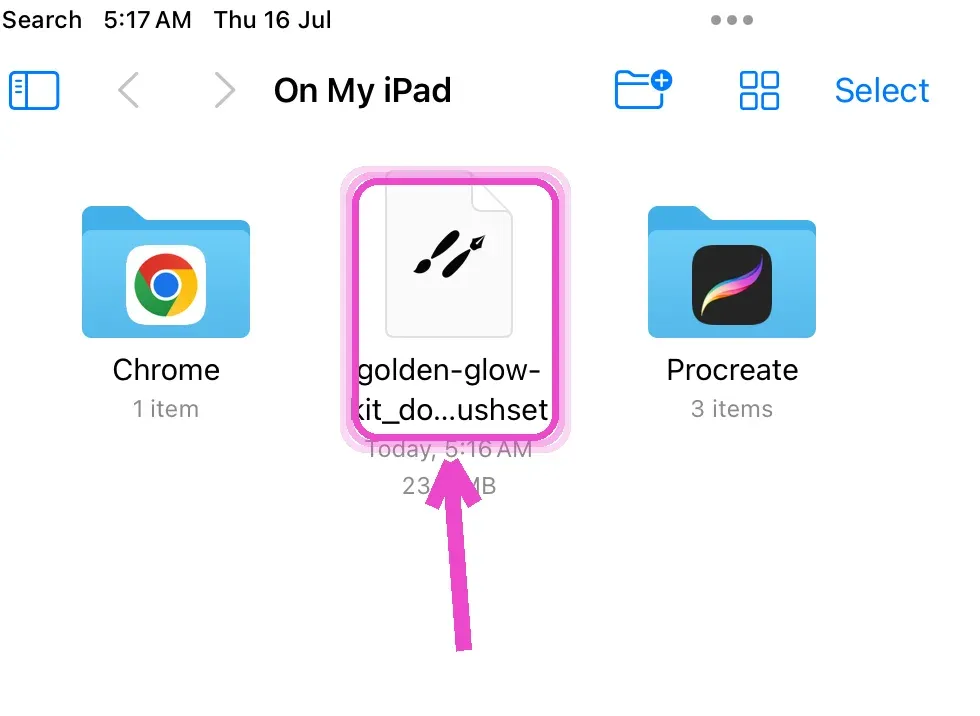
How to Download Procreate Brushes
Downloading Procreate brushes takes less than a minute once you know where the file goes. Brushes come as a .brushset (a whole named collection) or a single .brush file, and when you download one on an iPad it lands in the Files app under Downloads. From there a single tap sends it into Procreate.
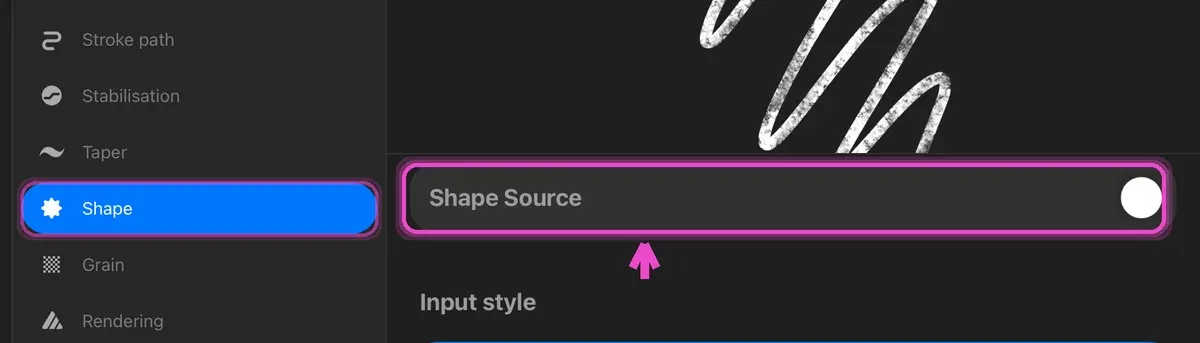
How to Make Your Own Procreate Brush
Want a stamp from your own picture without touching Brush Studio? Our free Procreate stamp brush maker turns any image into a stamp brush right in the browser.

How to Install Procreate Brushes
Installing Procreate brushes means getting a .brushset into your library so it stays there permanently, ready whenever you paint. It's a quick process — a single tap in most cases — but there's a faster drag-and-drop method too, plus a few things worth knowing about organizing and troubleshooting.
How to Import Brushes into Procreate
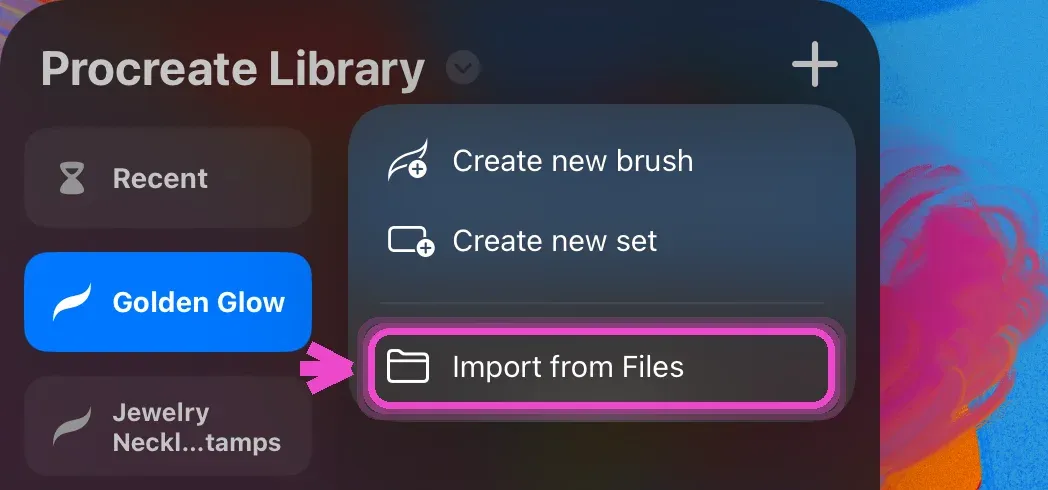
Importing brushes into Procreate is usually a one-tap job, but there are three ways to do it depending on where your file lives — and Procreate can even import Photoshop .abr brushes. Whether you're adding a full .brushset or a single .brush, here's every method plus how to find brushes that seem to vanish after importing.
Can You Use Procreate Brushes in Photoshop?
Short answer: no, not directly. Photoshop cannot open a Procreate .brushset, and there is no built-in export that turns one into a Photoshop brush. The two apps store brushes in genuinely different ways, and no amount of renaming the file will change that.
Guides & tutorials
All guides →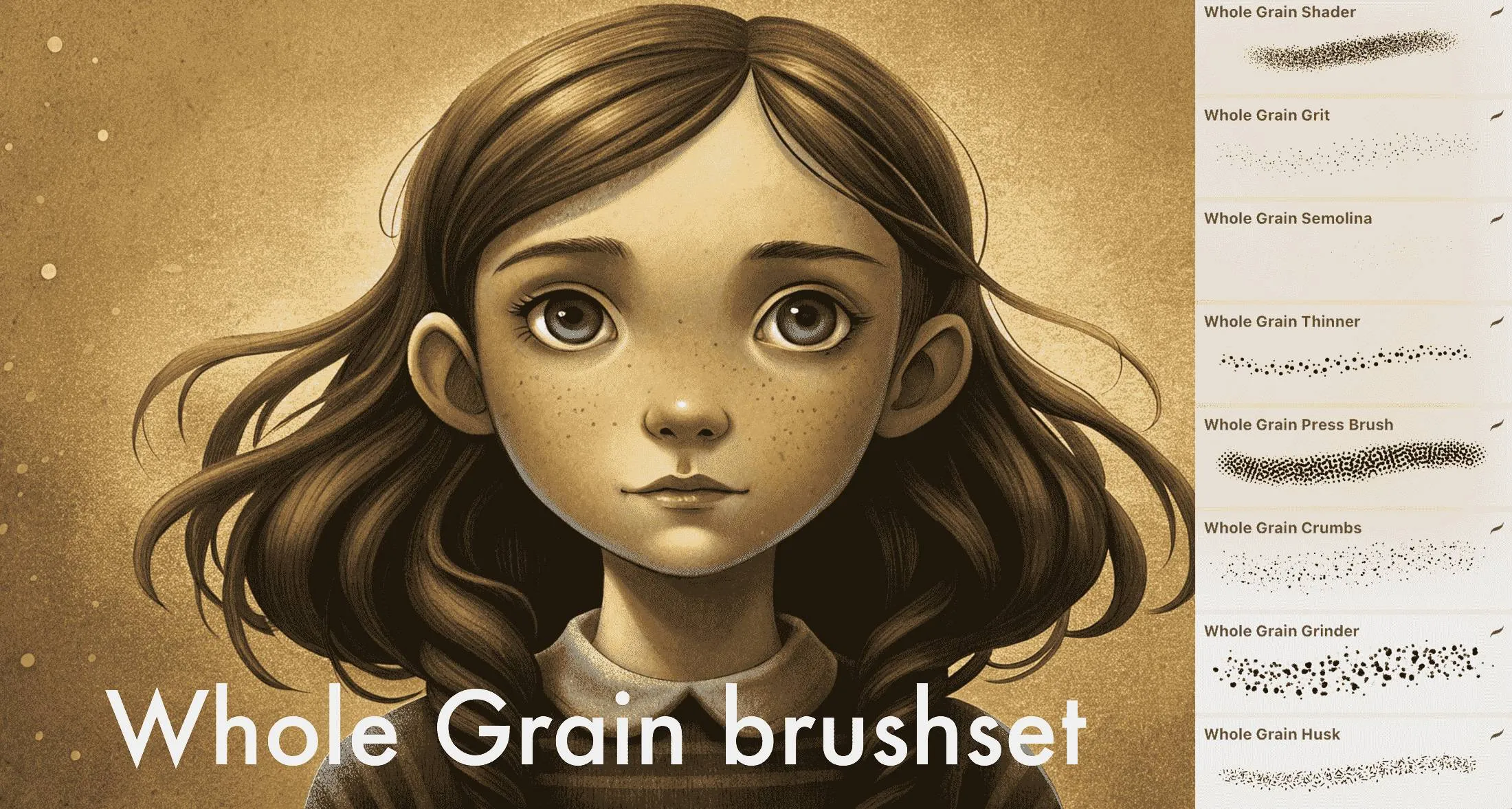
Free Grain Brushes for Procreate
Grain is the fastest way to make flat digital color feel printed, tactile and alive — and it's the one thing most free brush collections skip. So we made our grain set free: Whole Grain Brushes, 25 texture brushes for Procreate, is now a direct download. No signup, no email, no watermark — grab the .brushset and it installs into Procreate in one tap.
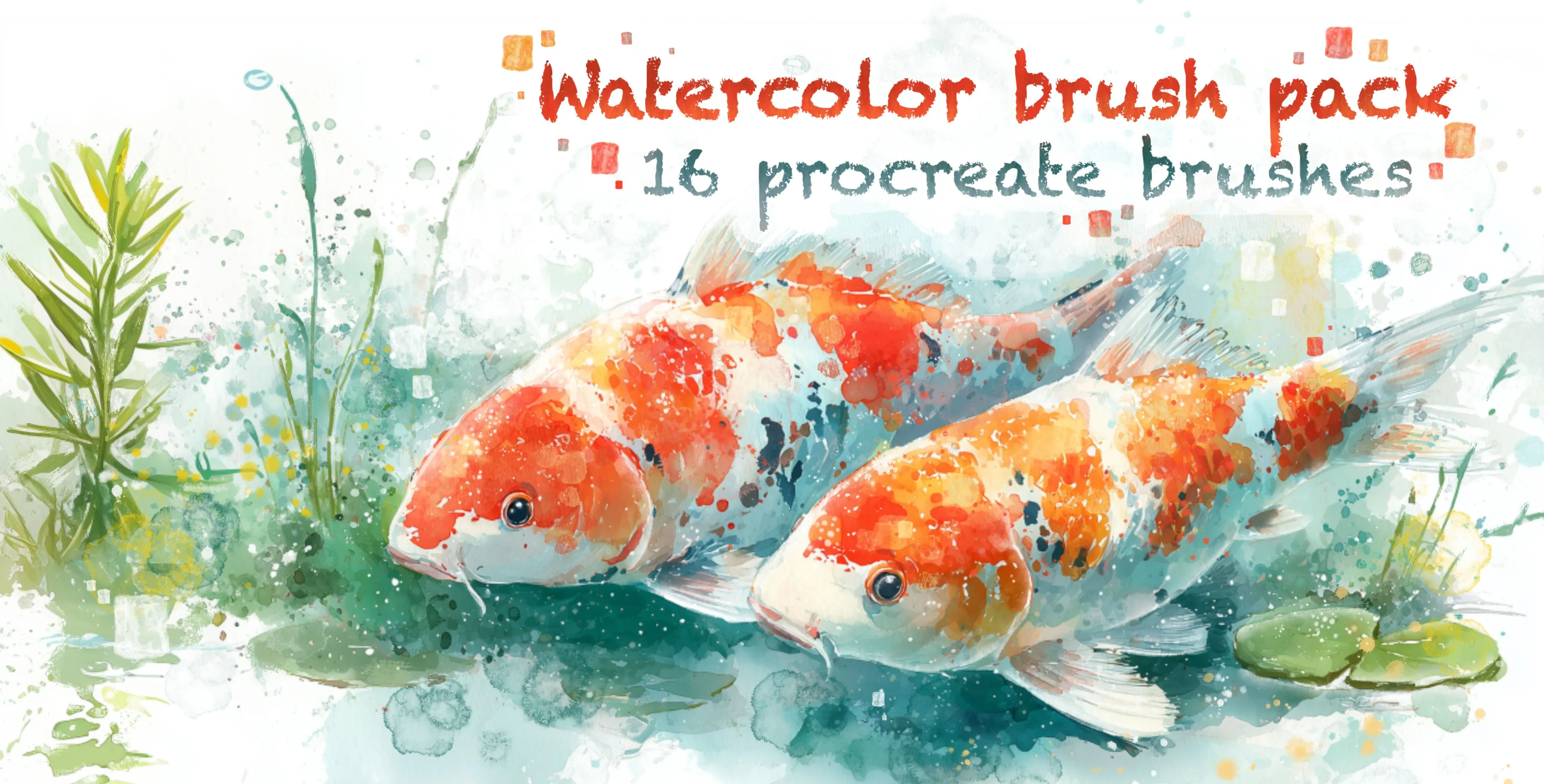
Types of Painting Brushes in Procreate
Procreate can mimic almost any traditional painting medium — but only if you pick the right brush. Oil, acrylic, gouache, watercolor and pastel each behave differently, and reaching for the wrong one is the fastest way to make digital work look flat and generic. This guide breaks down the main painting brush families, explains how each one behaves, and shows you when to reach for it, so you can build a painting kit that actually matches the look you're after.
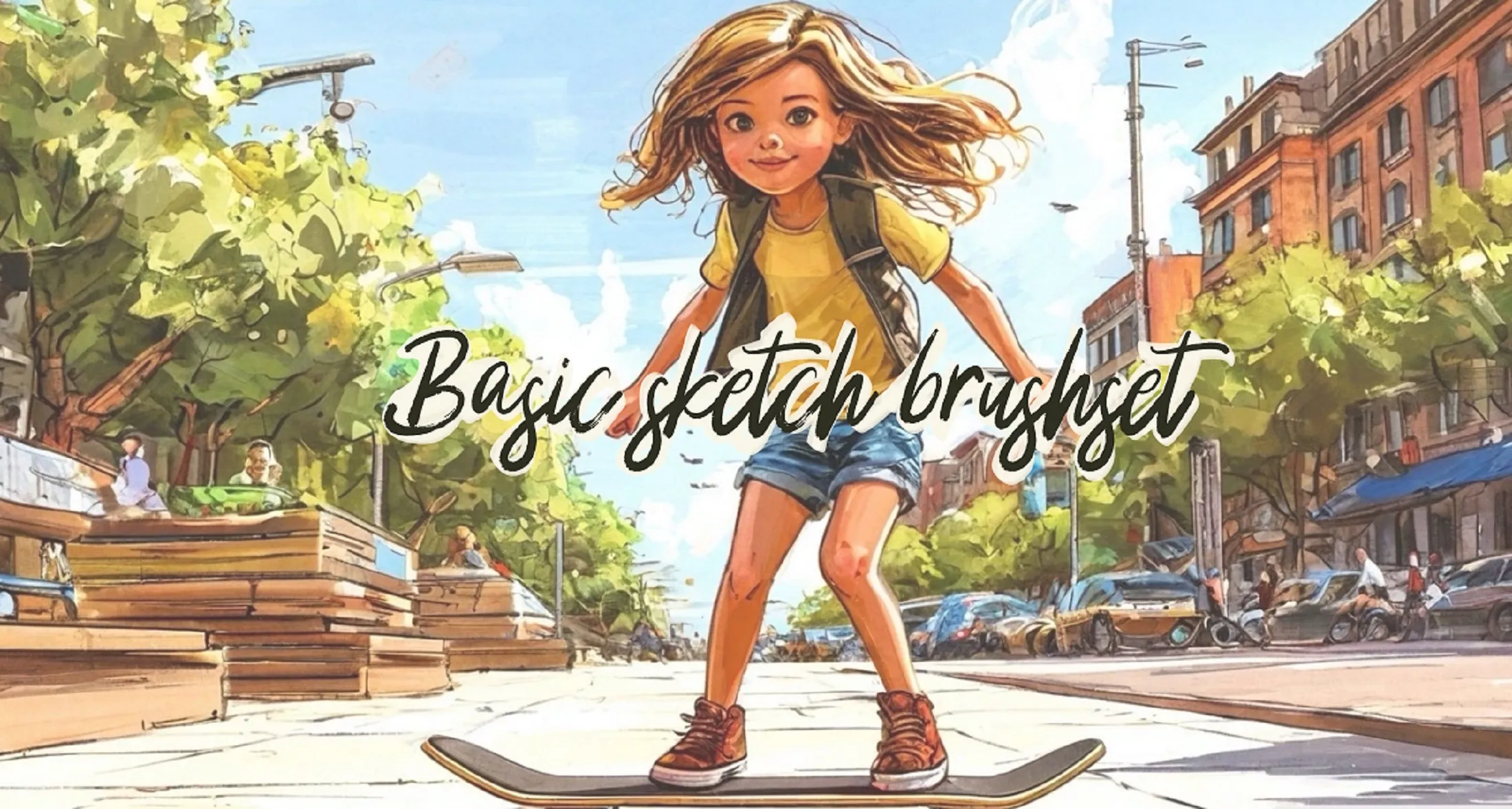
Procreate iPad Tutorial for Beginners
New to Procreate? You've picked the best drawing app on the iPad — powerful, affordable and used by professionals worldwide — but its stripped-back interface can feel mysterious at first. This complete 2026 tutorial walks you through everything a beginner needs: the interface, the gestures that make Procreate fast, brushes, layers, colour, selections, and a full walkthrough of your first finished drawing. Work through it start to finish and you'll go from opening the app for the first time to exporting a piece you're proud of.
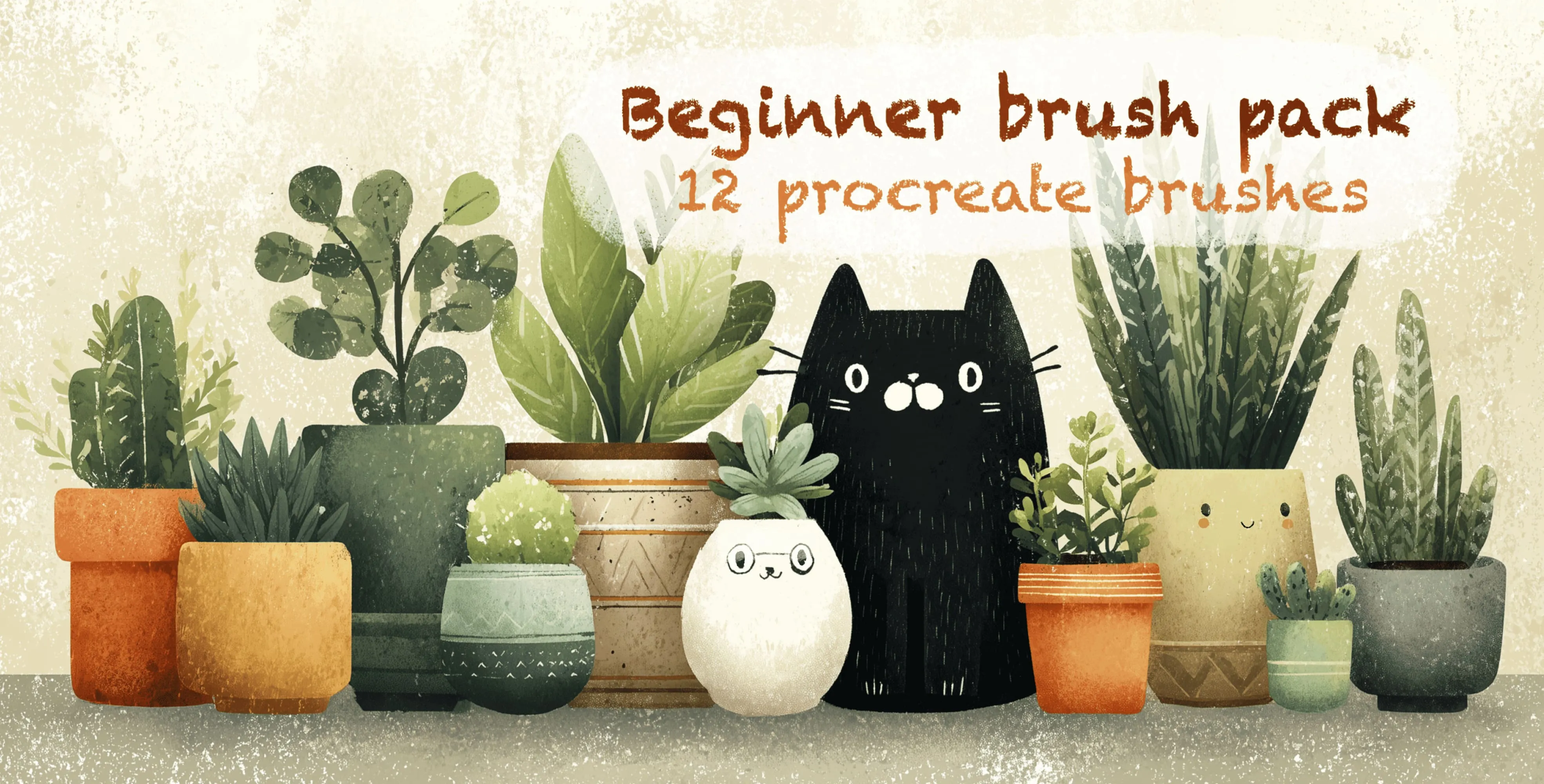
Free Procreate Brushes by Style
Looking for brushes in a specific style? Hunting through giant, unsorted brush dumps is a waste of time when you know exactly what you need. This hub organises Procreate brushes by style and links you straight to every category, so you can jump to the exact stamps, liners and textures for your project — and find the free starter sets in each style along the way.
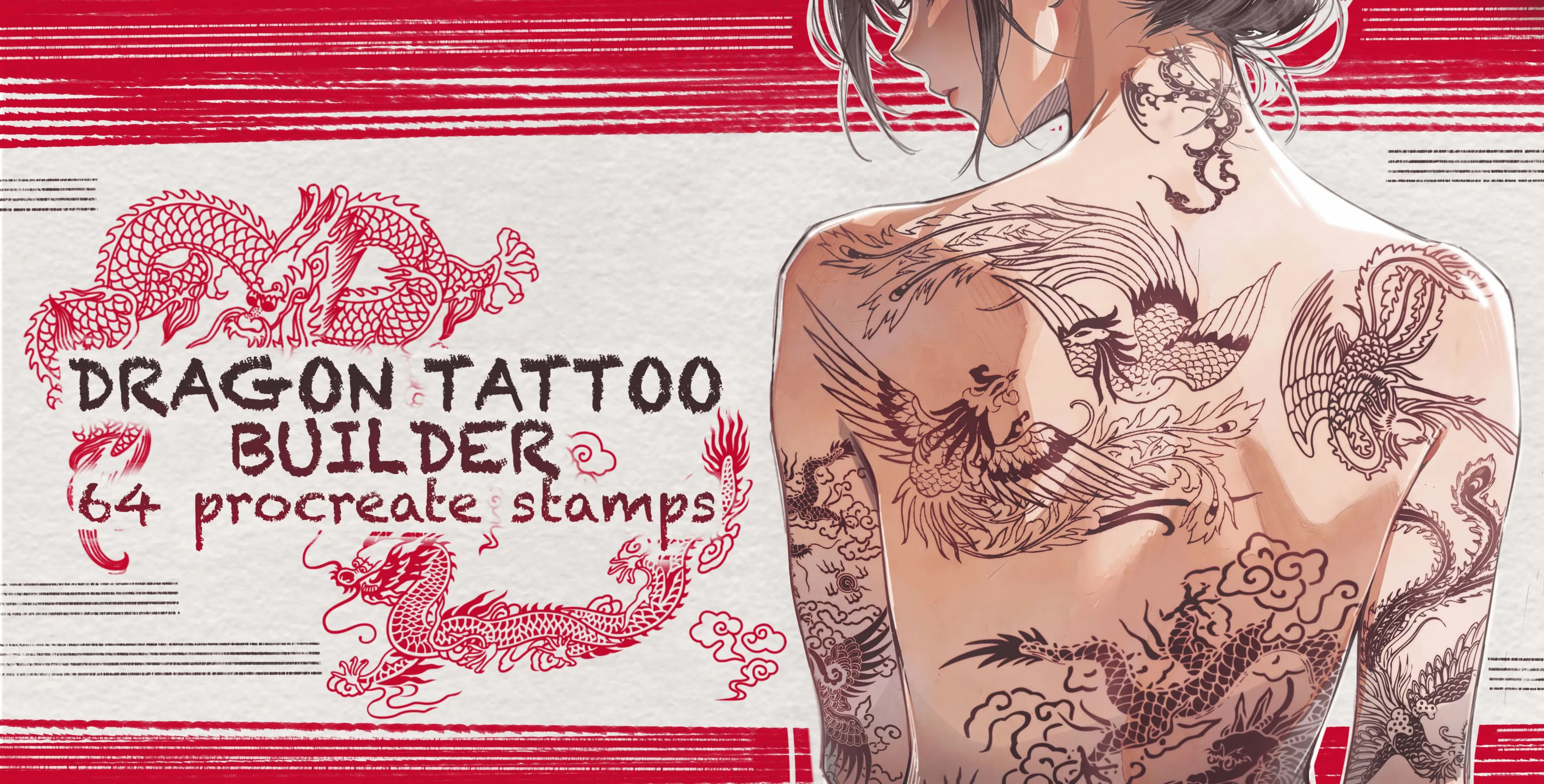
Niche Procreate Brushes
Beyond pencils and paint brushes lies a whole world of specialty Procreate brushes built for very specific jobs — the ones that turn an afternoon of tedious detail into a few taps. Most artists don't realise these exist until they're grinding through fur strand by strand or trying to freehand a perfect knot border. Here are the niche categories worth knowing about, what each one solves, and when reaching for a specialty pack will save you hours.
Fix Procreate's Smudge Brush in Three Settings
If your soft shading comes out streaky — ridges where strokes overlap, a muddy smear where you wanted a gradient — **the brush is usually not the problem**. The smudge tool is. Procreate's default smudge drags far too much colour with every pass, so instead of easing two tones together it pushes one into the other. Three settings on a duplicated Soft Brush turn it into something you can actually control.
Drawing tutorials
All tutorials →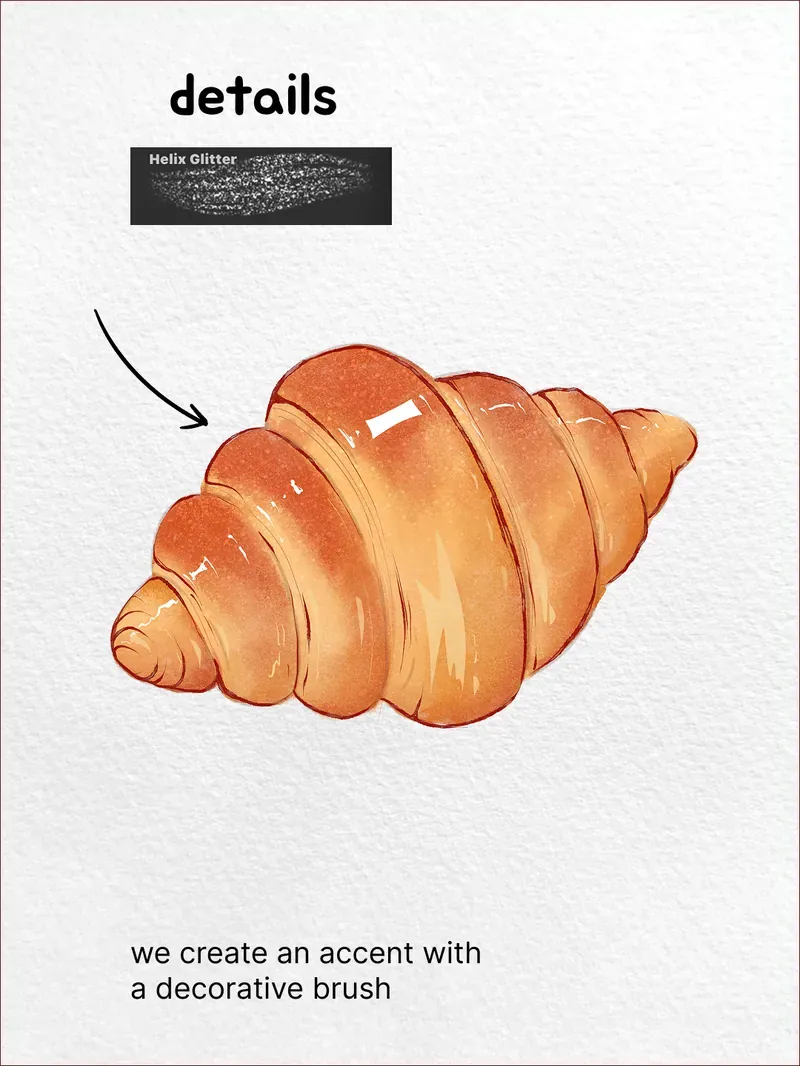
How to Draw a Croissant in Procreate
A croissant is a perfect first watercolour subject: the shape is forgiving, the colour range is narrow, and almost all of the realism comes from where you put the shadow. Nine steps, one warm brown palette, and no drawing skill you don't already have.
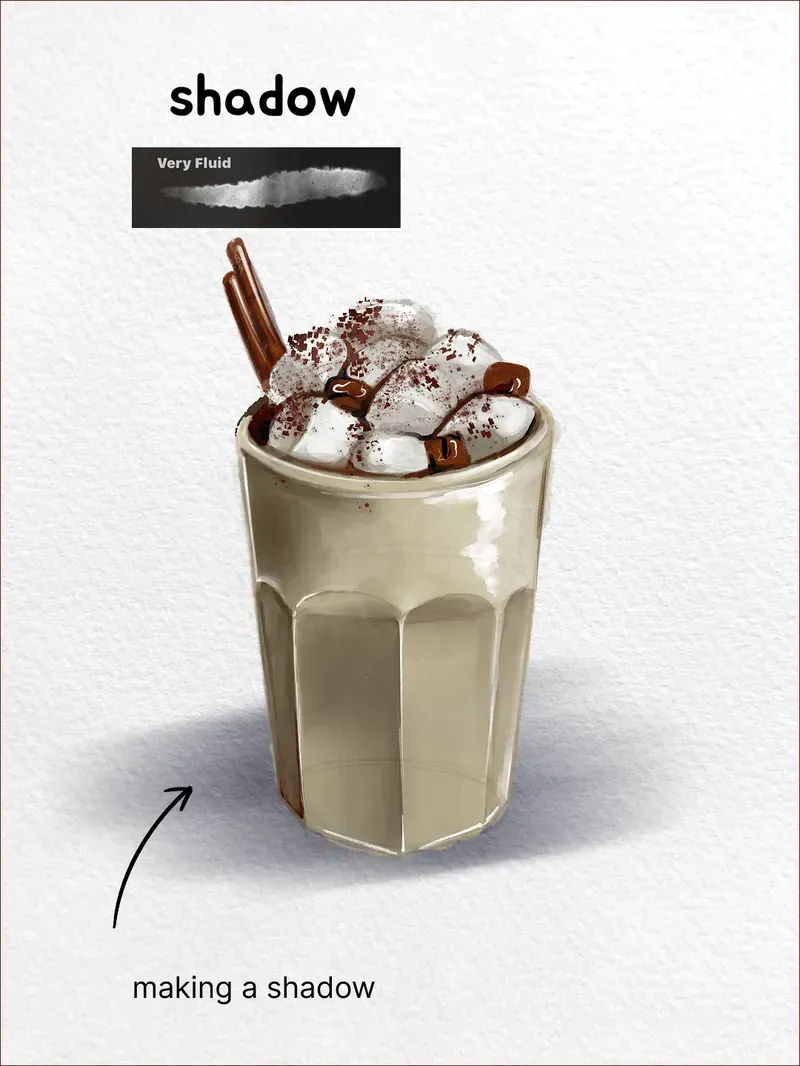
How to Draw an Iced Latte in Procreate
Drinks are the best way to practise translucency: the glass, the milk and the marshmallows all catch light differently, and watercolour handles that better than any other digital medium. This one is a marshmallow-topped iced latte in nine steps.
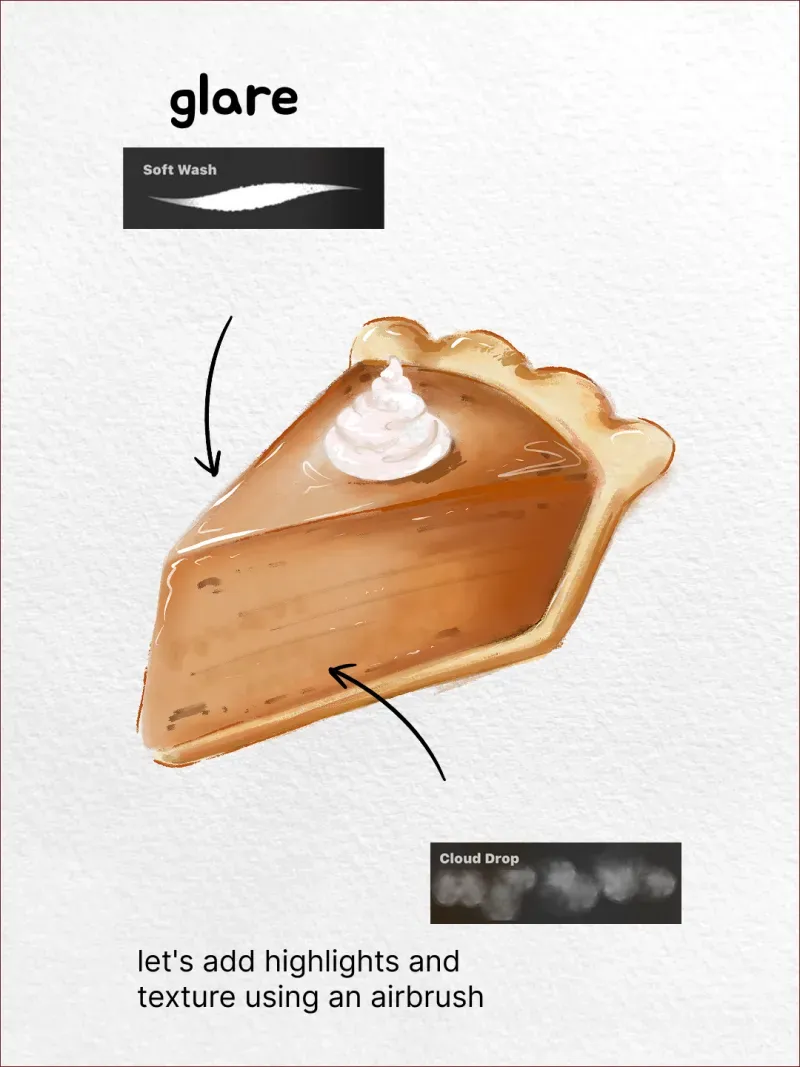
How to Draw a Pumpkin Pie in Procreate
A slice of pumpkin pie is mostly two shapes — a wedge of filling and a crimped rim of pastry — which makes it a far kinder subject than it looks. The whole illustration lives in a narrow band of warm ochre and brown, so you can concentrate on where the light falls instead of mixing colour.
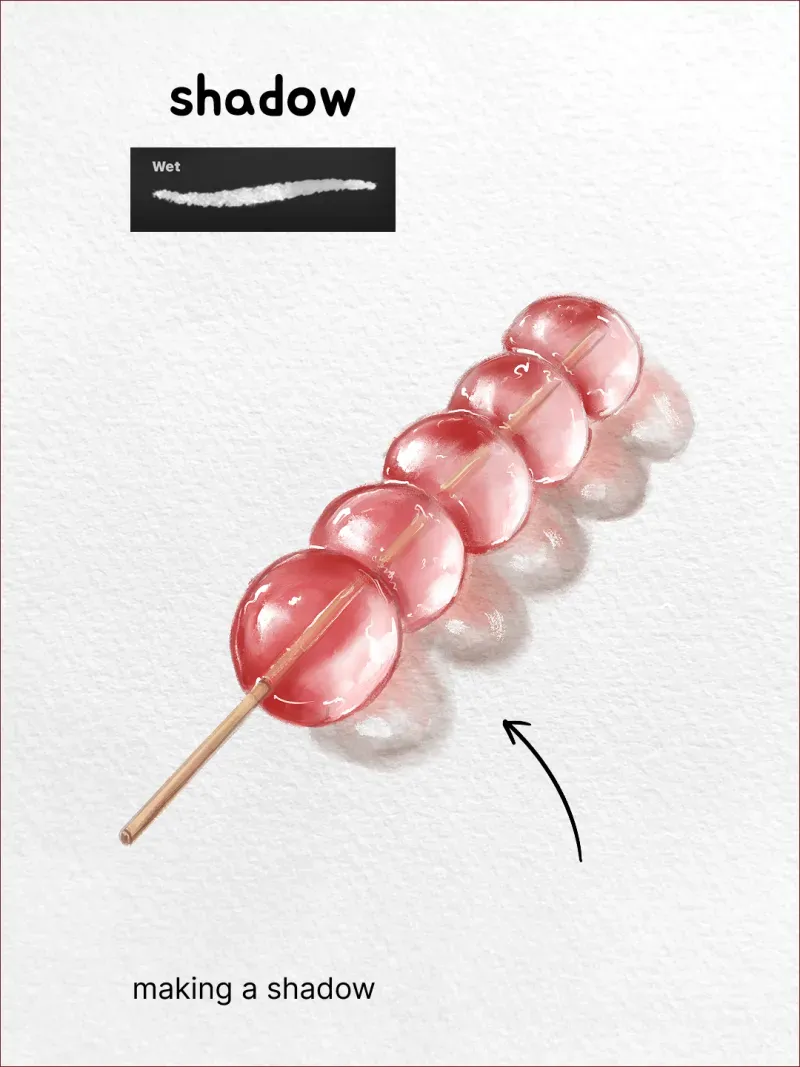
How to Draw Tanghulu in Procreate
Tanghulu is a good subject for a very specific reason: it's five identical spheres in a row, so once you work out how to shade one, you've worked out how to shade all of them. The whole piece is really one shape repeated with a rhythm, strung on a single line.
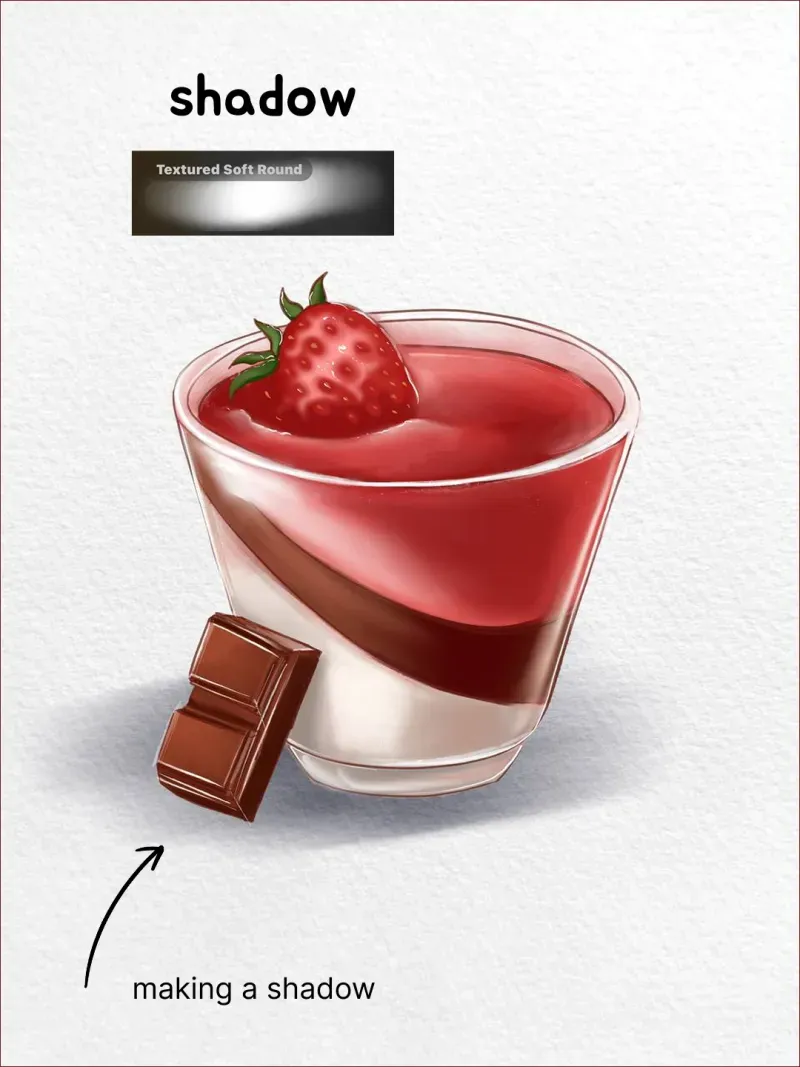
How to Draw Panna Cotta in Procreate
Everything difficult about this subject is in one place: the glass. Cream, chocolate and strawberry layers are just three flat bands of colour — the challenge is that you can see all of them through a transparent wall, and the wall itself has almost no colour of its own.
Free tools
Procreate brush converter — .brushset to .abr
Turn a Procreate brush set into a Photoshop and Clip Studio Paint file. Runs in your browser, nothing is uploaded, no account needed.
Ready to put it into practice?