Texture Procreate Brushes
Updated October 2026
Texture Procreate brushes for iPad: grain, grunge, noise, paper, canvas. Add depth to any illustration. Free & premium downloads.

Brusher app for iPad & iPhone
200+ sets in the Brusher app, texture included — plus free brushes and free tools.
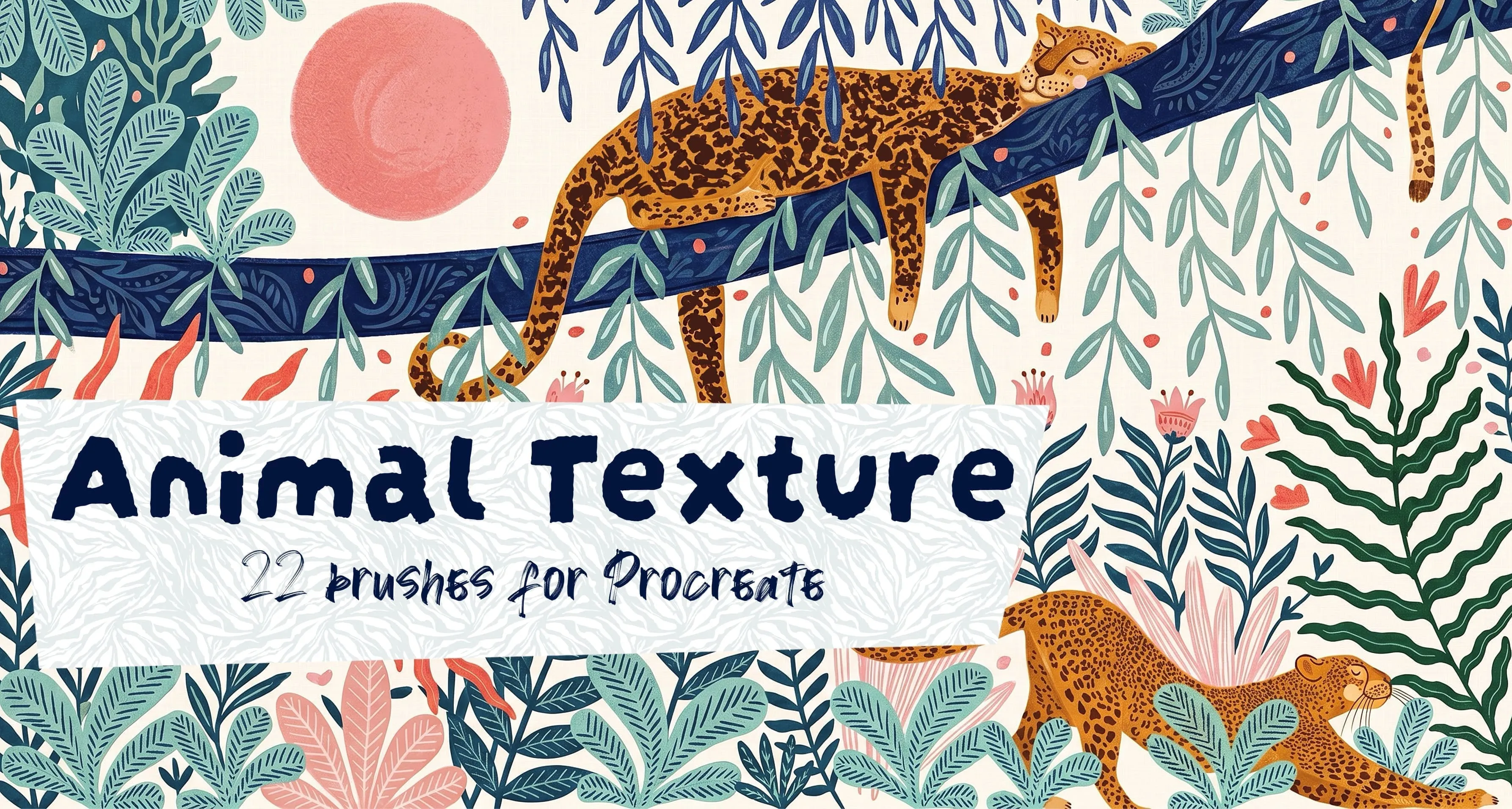
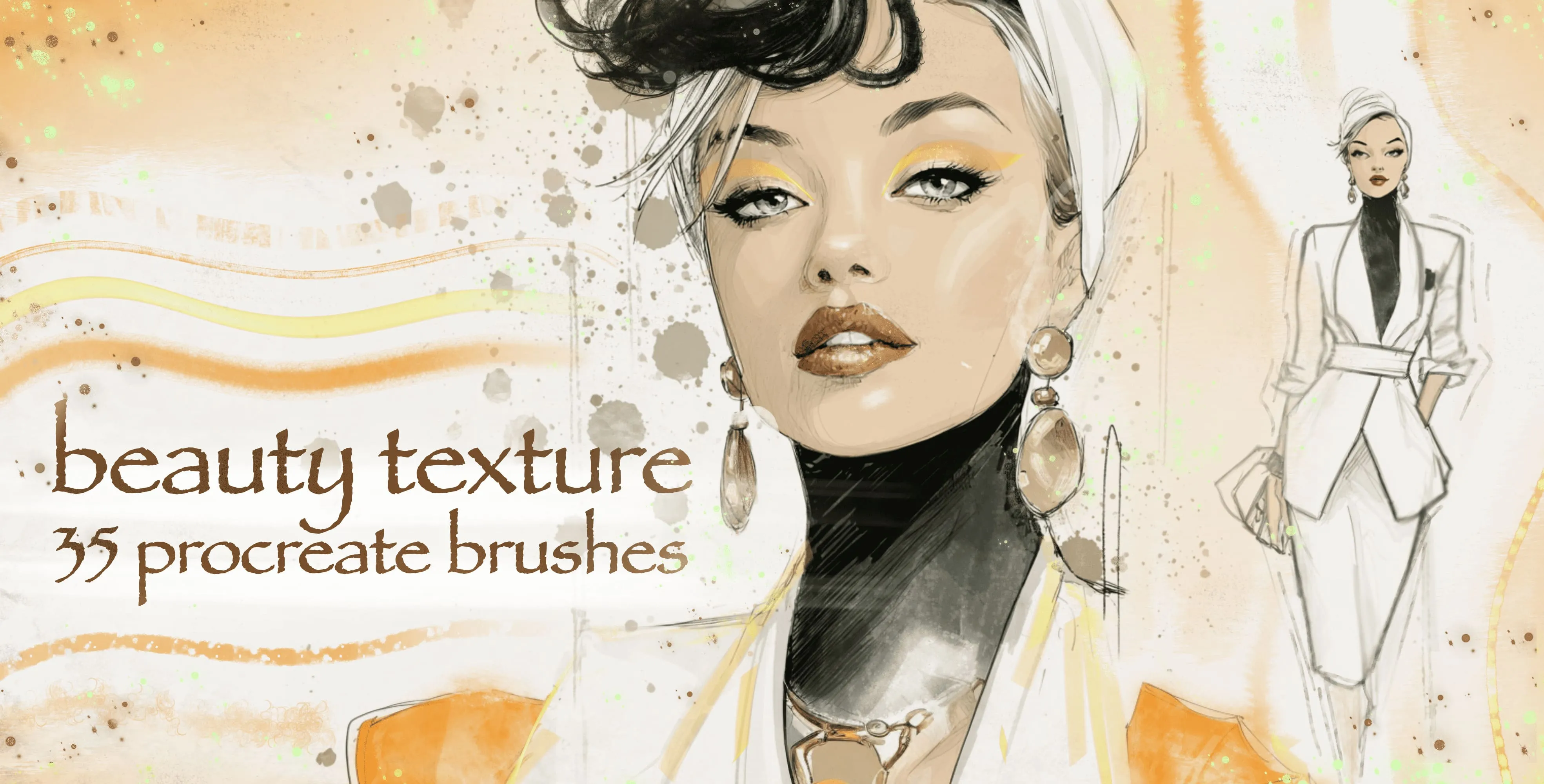
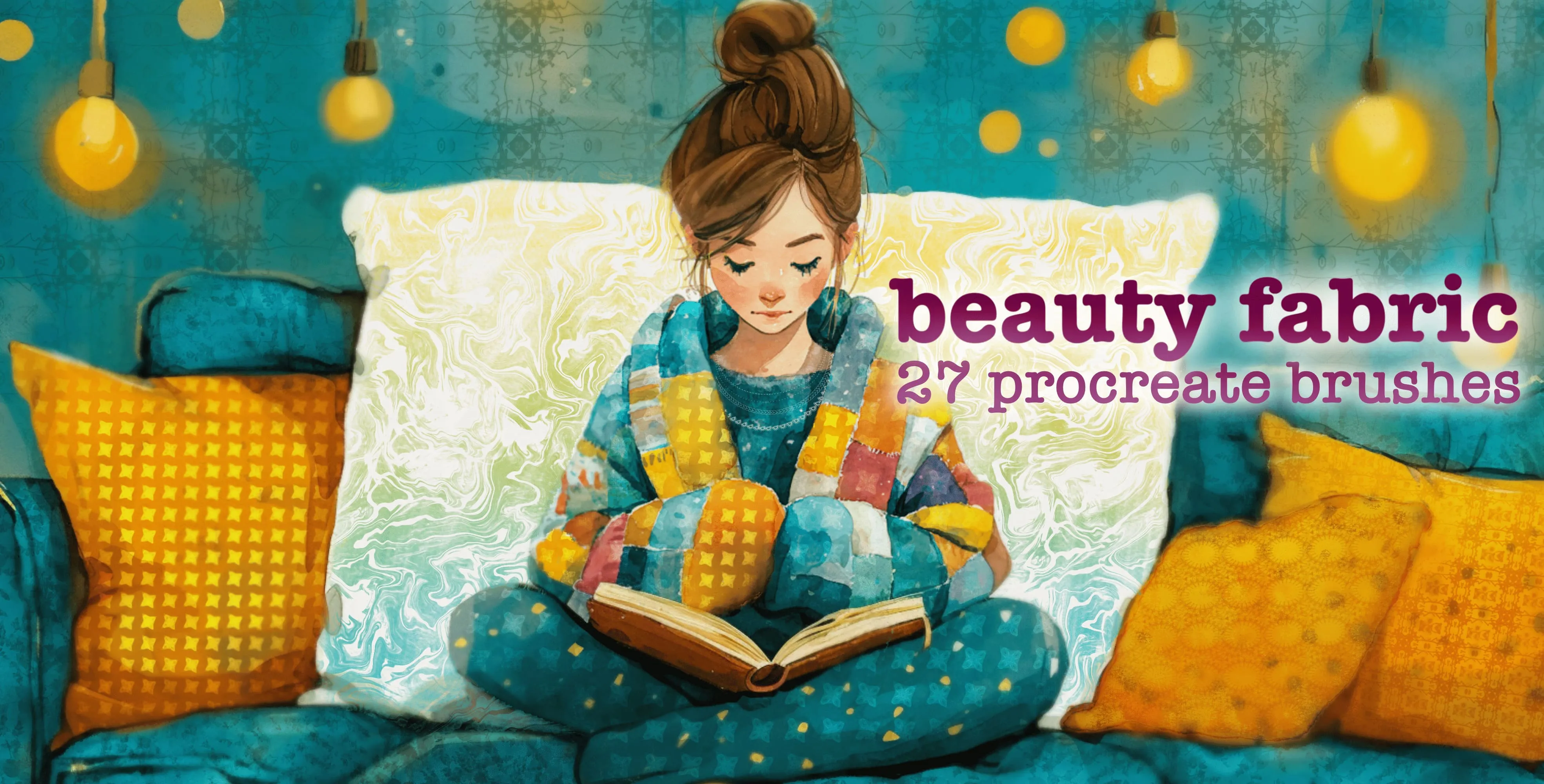
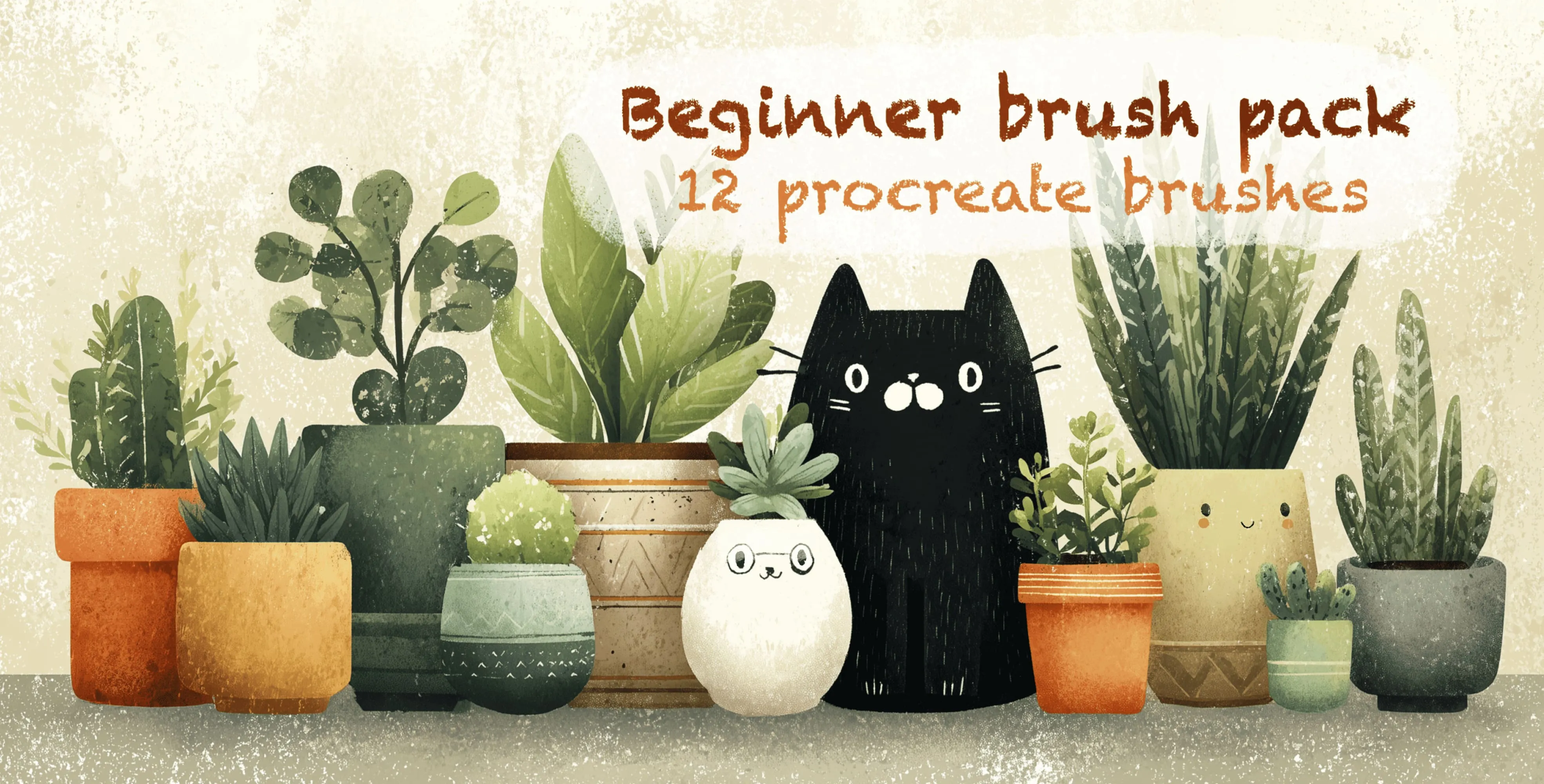
Brusher has 31 texture Procreate brush packs — paper texture, grain & noise, grunge — each a native .brushset that installs into Procreate in one tap on iPad.
Texture Procreate brushes are stamps and grainy drawing brushes that add paper, fabric, grunge and grain to iPad artwork in one stroke — no stock photos needed. They add the grain, grit and paper feel that make digital art stop looking digital. Instead of flat, perfectly clean fills, you get canvas tooth, paper fibre, halftone, noise and organic edges — the small imperfections the eye reads as "real". They are equally at home roughening a background, breaking up a flat colour, or standing in as a full paper texture beneath a painting.
The packs below cover both worlds: textured drawing brushes that lay grain as you stroke, and texture stamps you drag across a whole layer for instant paper, fabric or grunge.
Texture Procreate Brushes
Procreate Video Animal Texture
tiger stripes, zebra stripes and leopard
Procreate Video Beauty Texture
soft, mottled, rough and blotchy skin
Procreate Video Beauty Fabric
leaf and floral textile prints, woven and knit textures, all-over patterns, brocade and embroidery, ruffle and pleat edges, scalloped lace borders
Procreate Video Beginner Brush Pack
line, sketch, block surface and bold
 Procreate Video
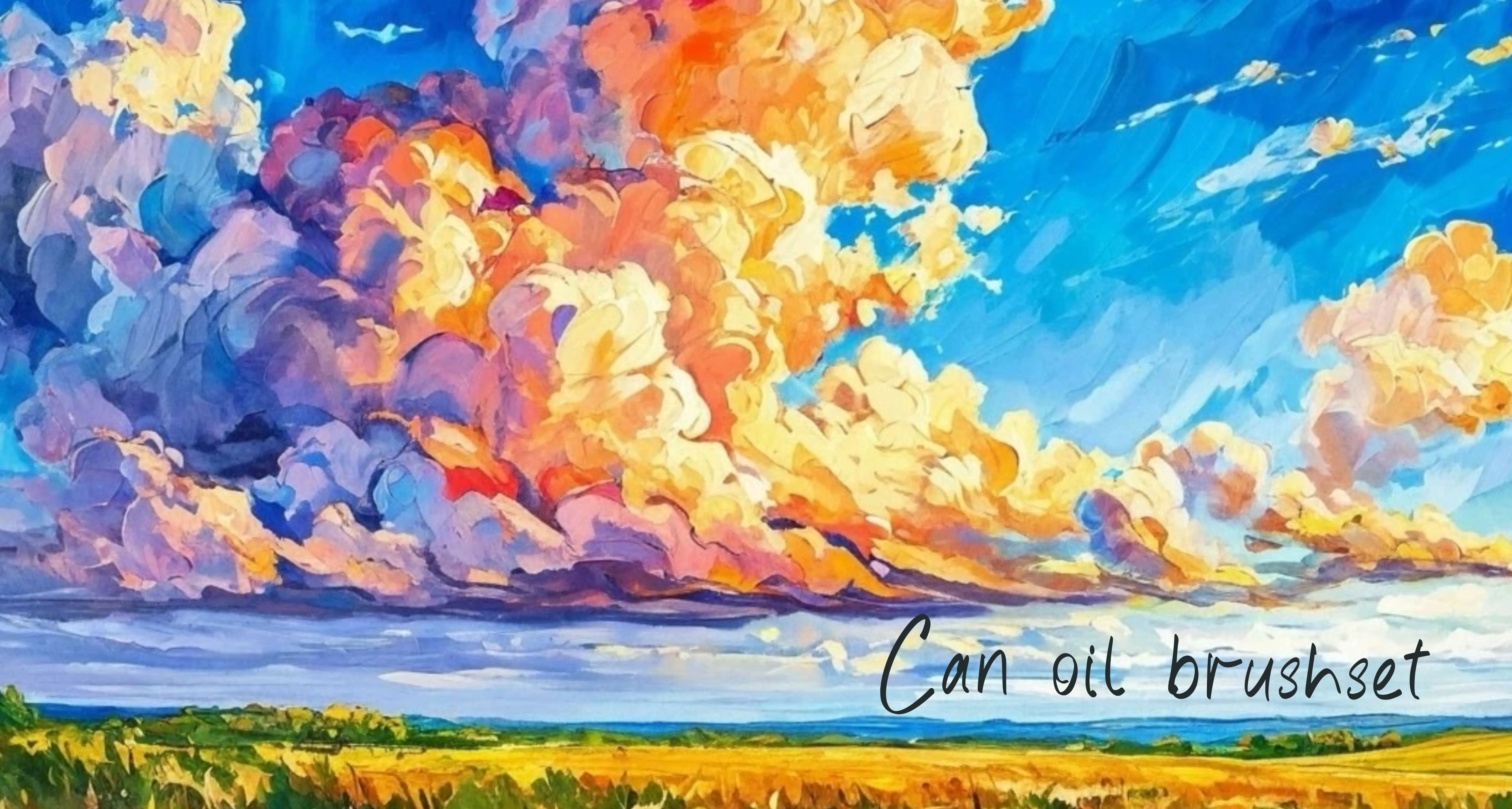
 Can Oil
canvas weave, burlap, coarse linen and primed
 Procreate Video
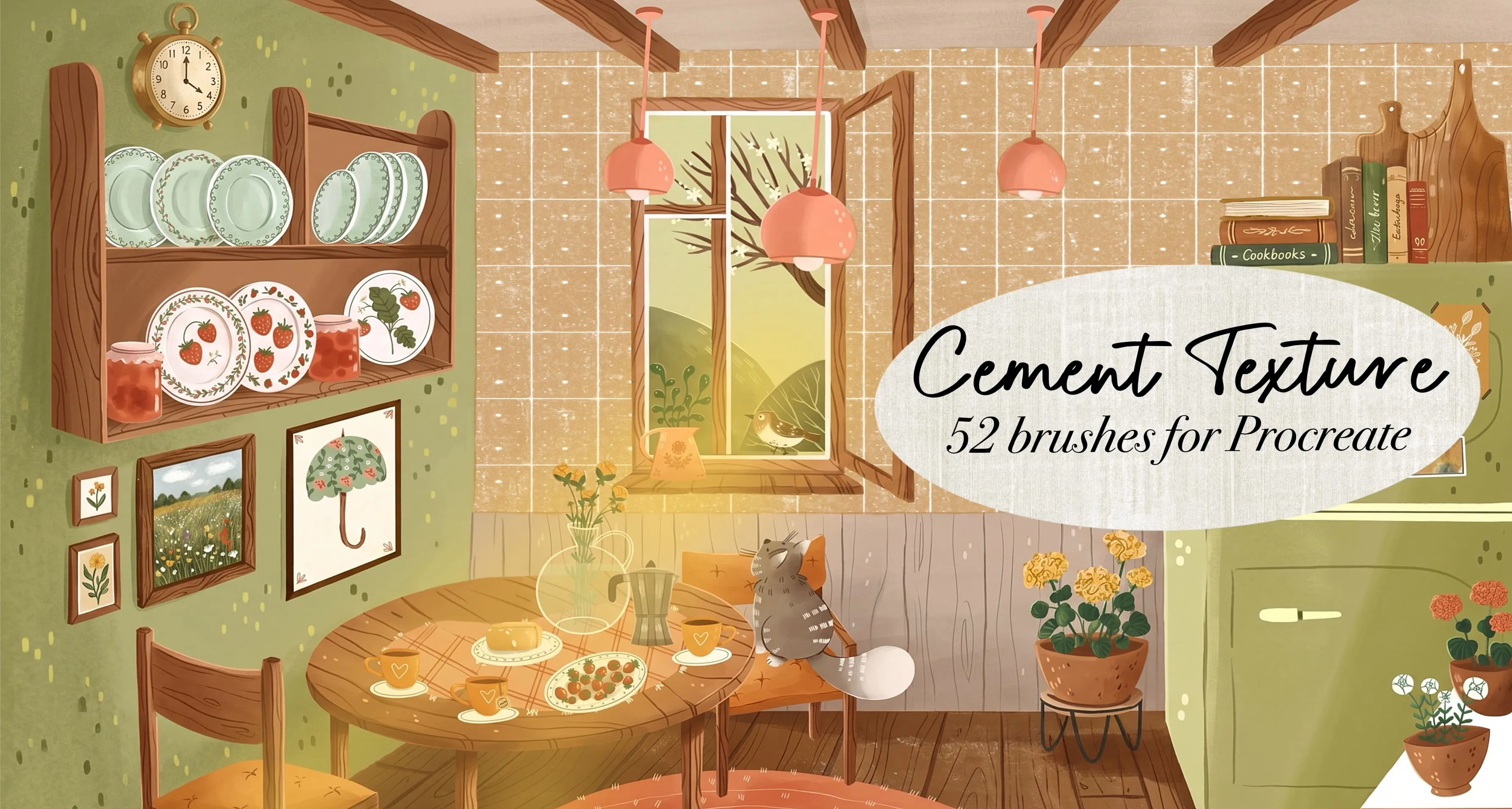
 Cement Texture
smooth, rough cast concrete and brick
 Procreate Video
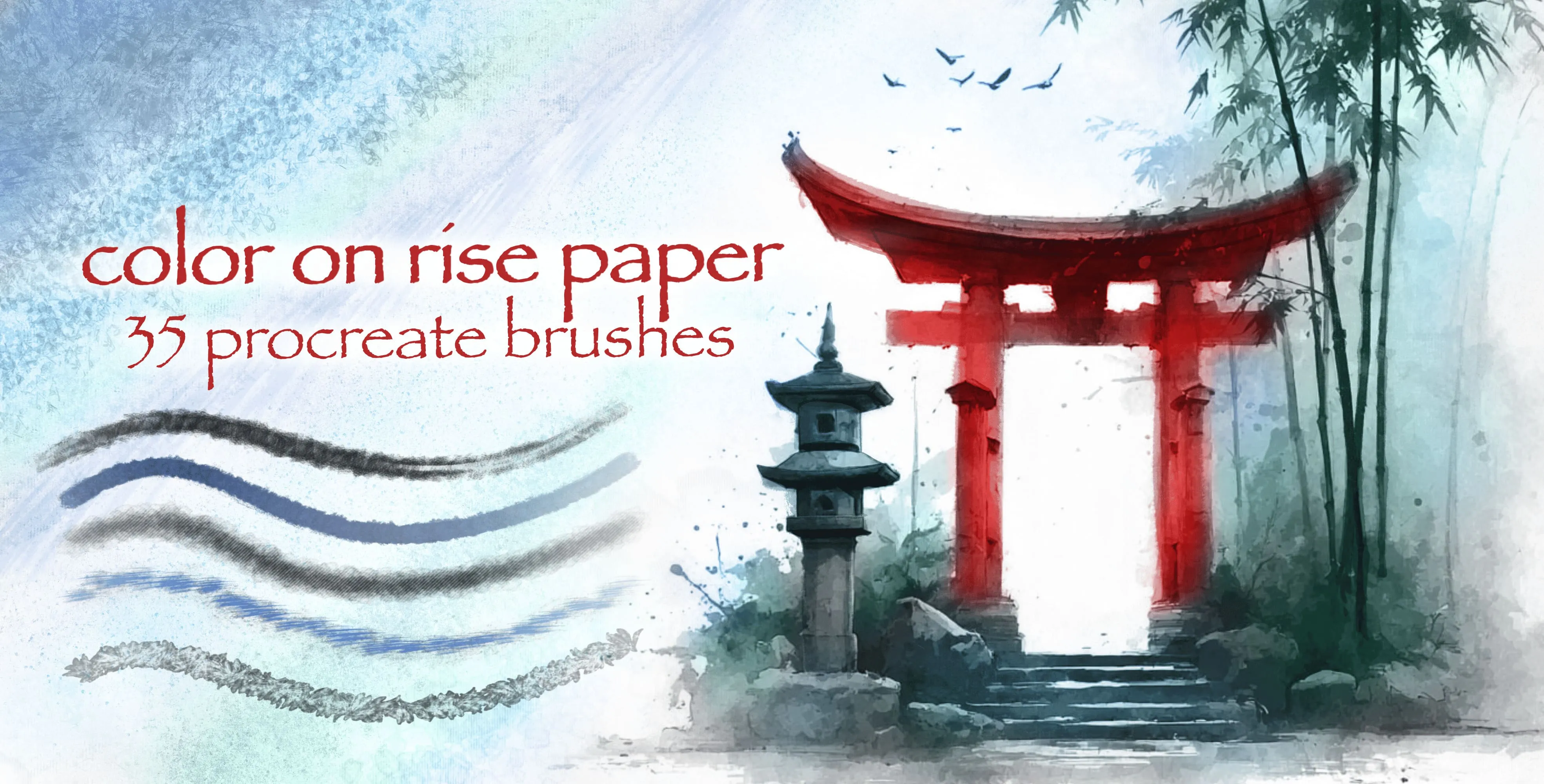
 Color On Rise Paper
ink and color washes
 Procreate Video
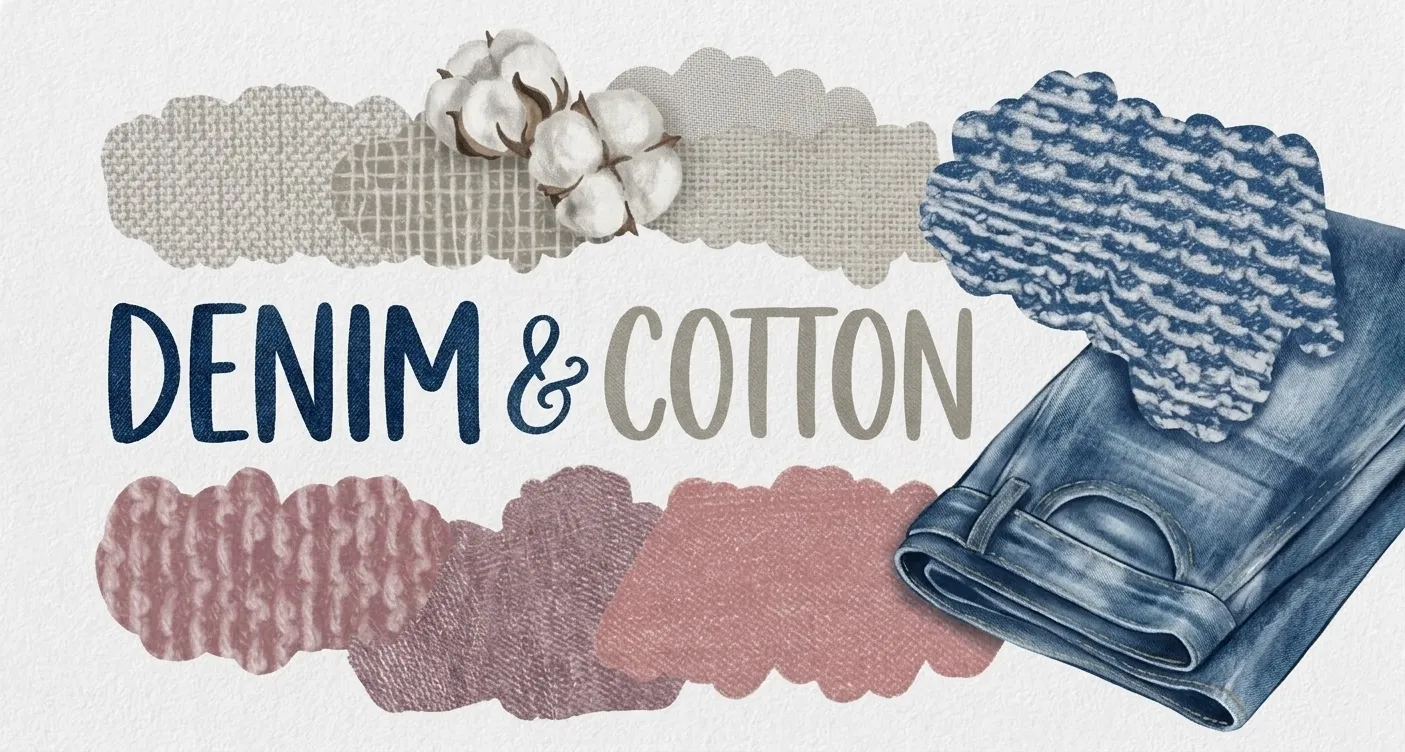
 Denim & Cotton
burlap, mesh weaves and denim twill
 Procreate Video
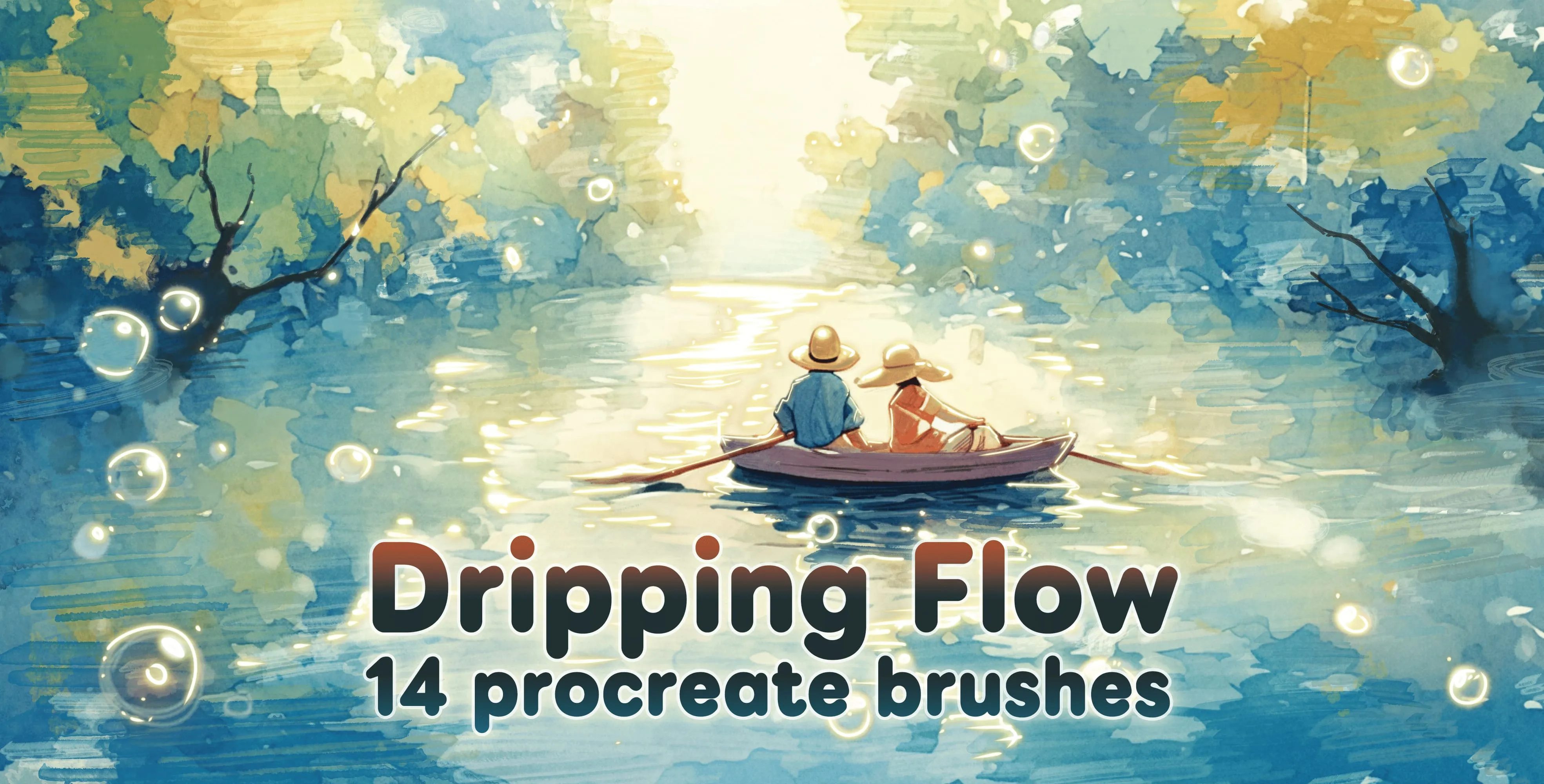
 Dripping Flow
bold, detonation outlines and heavyweight
 Procreate Video
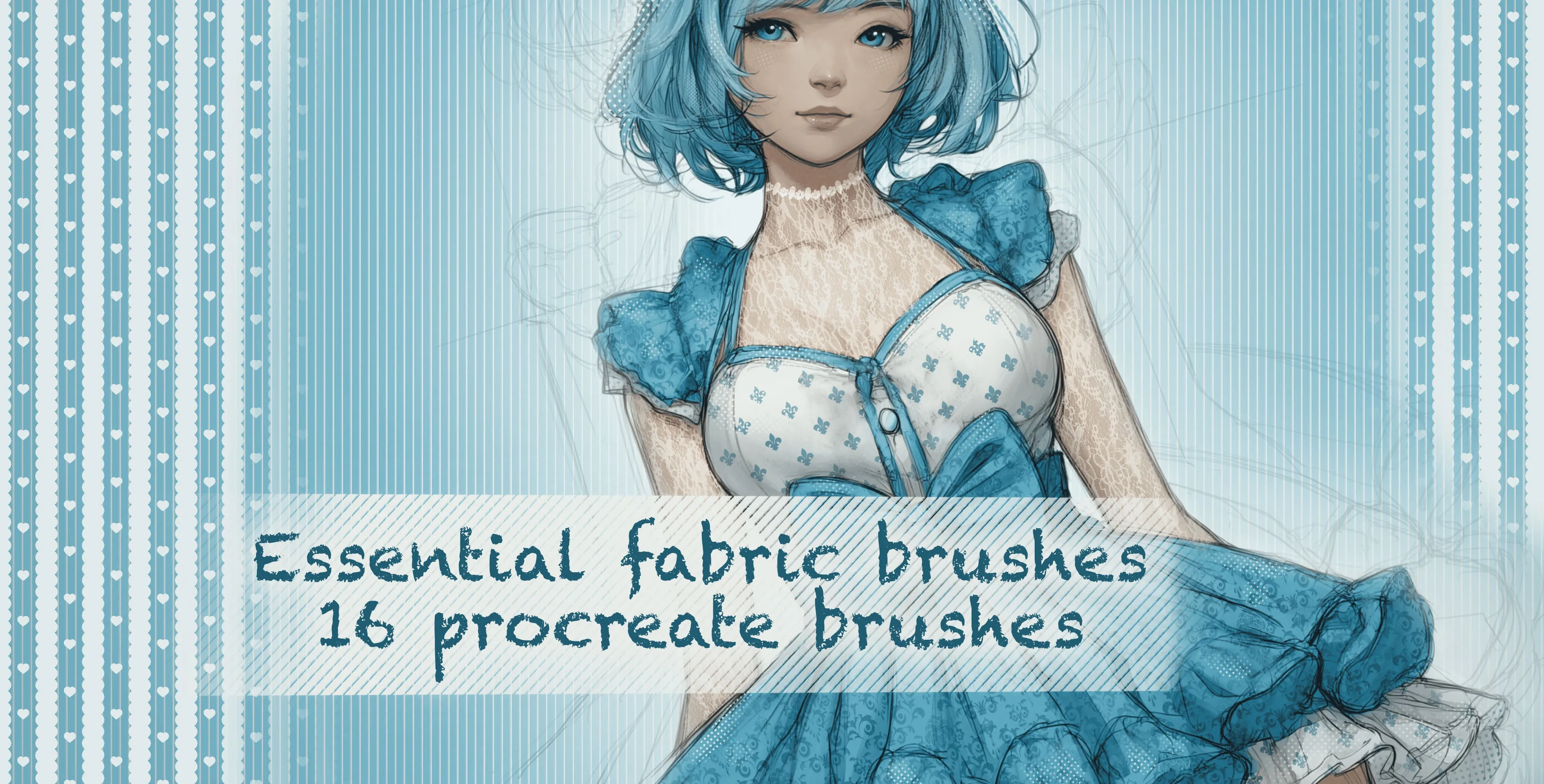
 Essential Fabric Brushes
floral, damask lace, fishnet and mesh
 Procreate Video
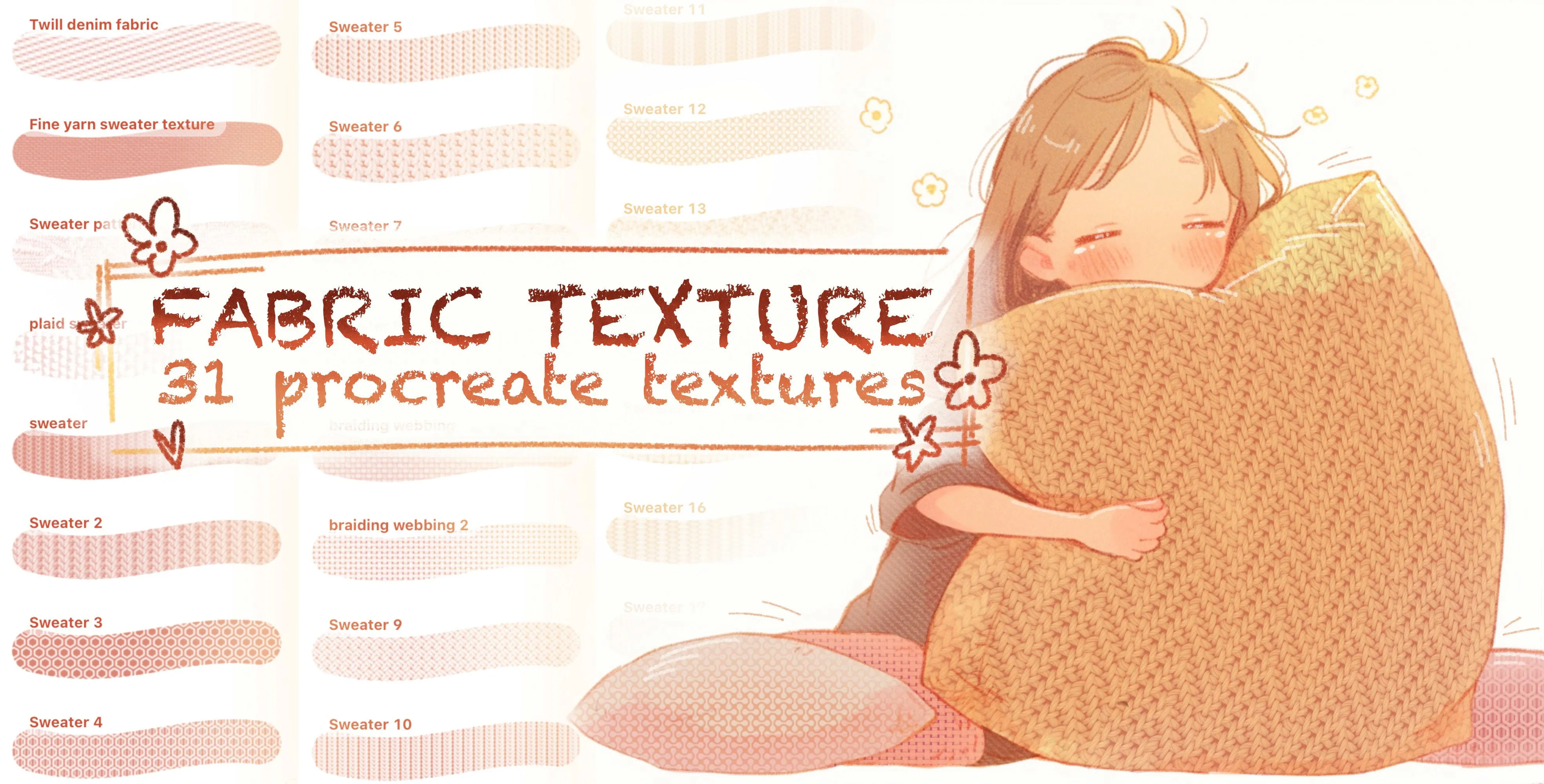
 Fabric Texture
burlap, linen, denim, twill and leather
 Procreate Video
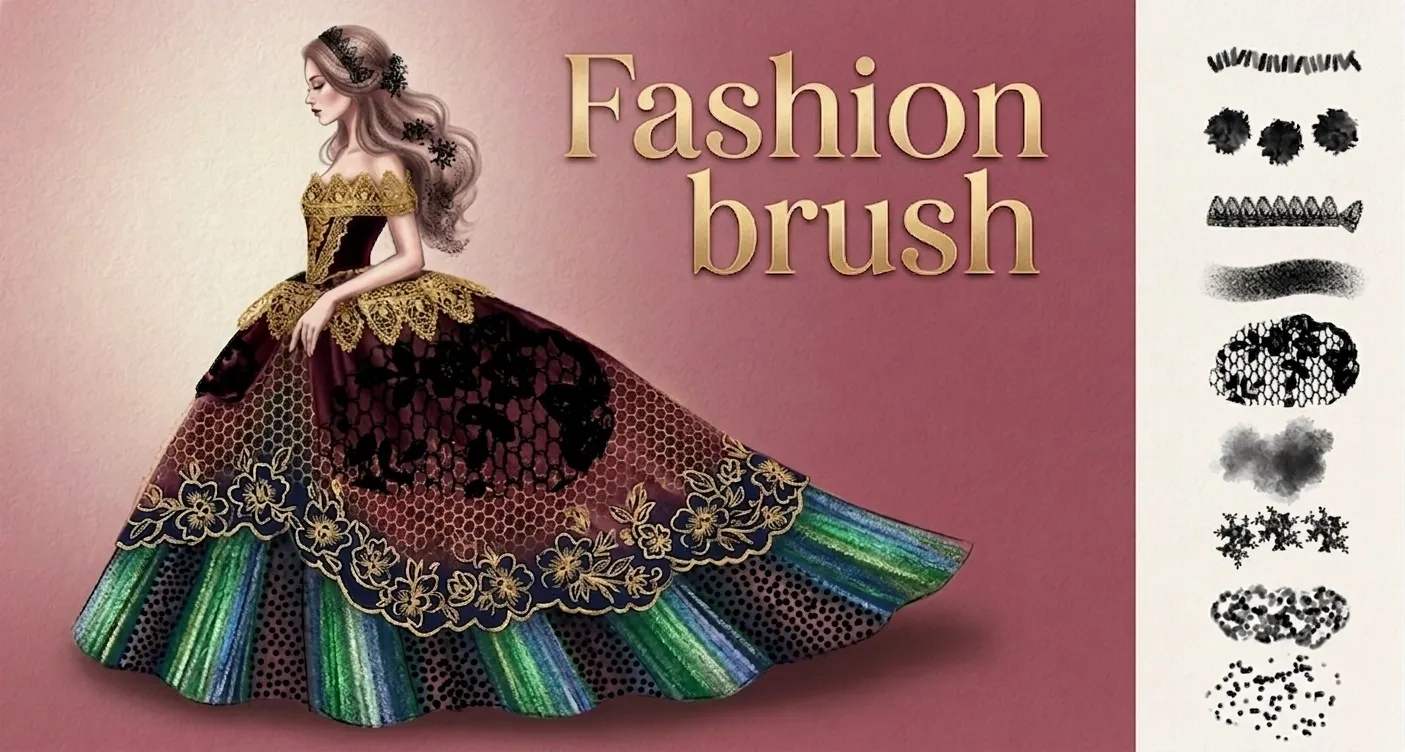
 Fashion Brush Builder
fur, feather trims, fluffy, pom-pom and lace
 Procreate Video
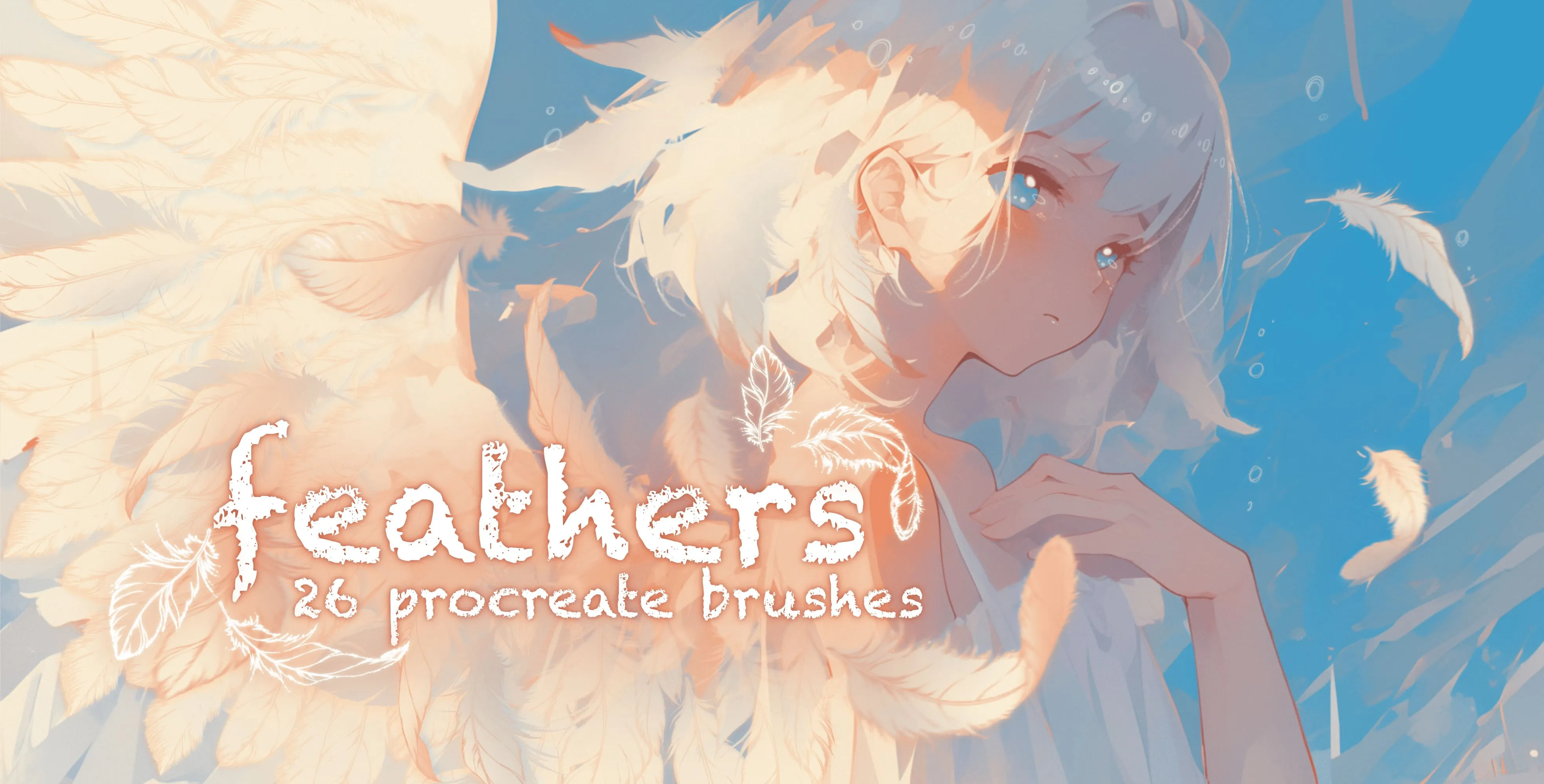
 Feathers
soft, wispy and ruffled
 Procreate Video
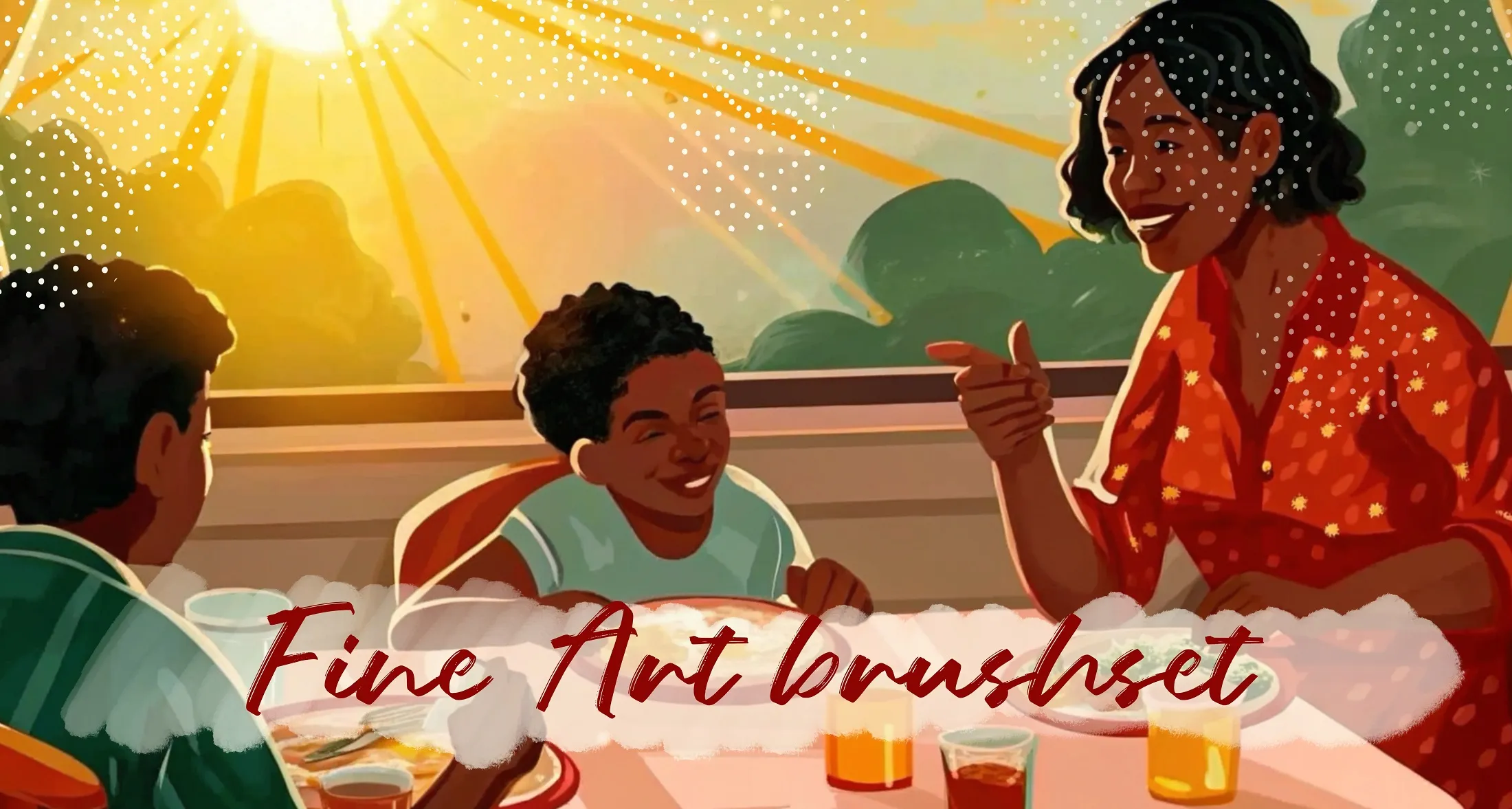
 FineArt
pencil, pen, ink and soft round; soft airbrush; oil brushes
 Procreate Video
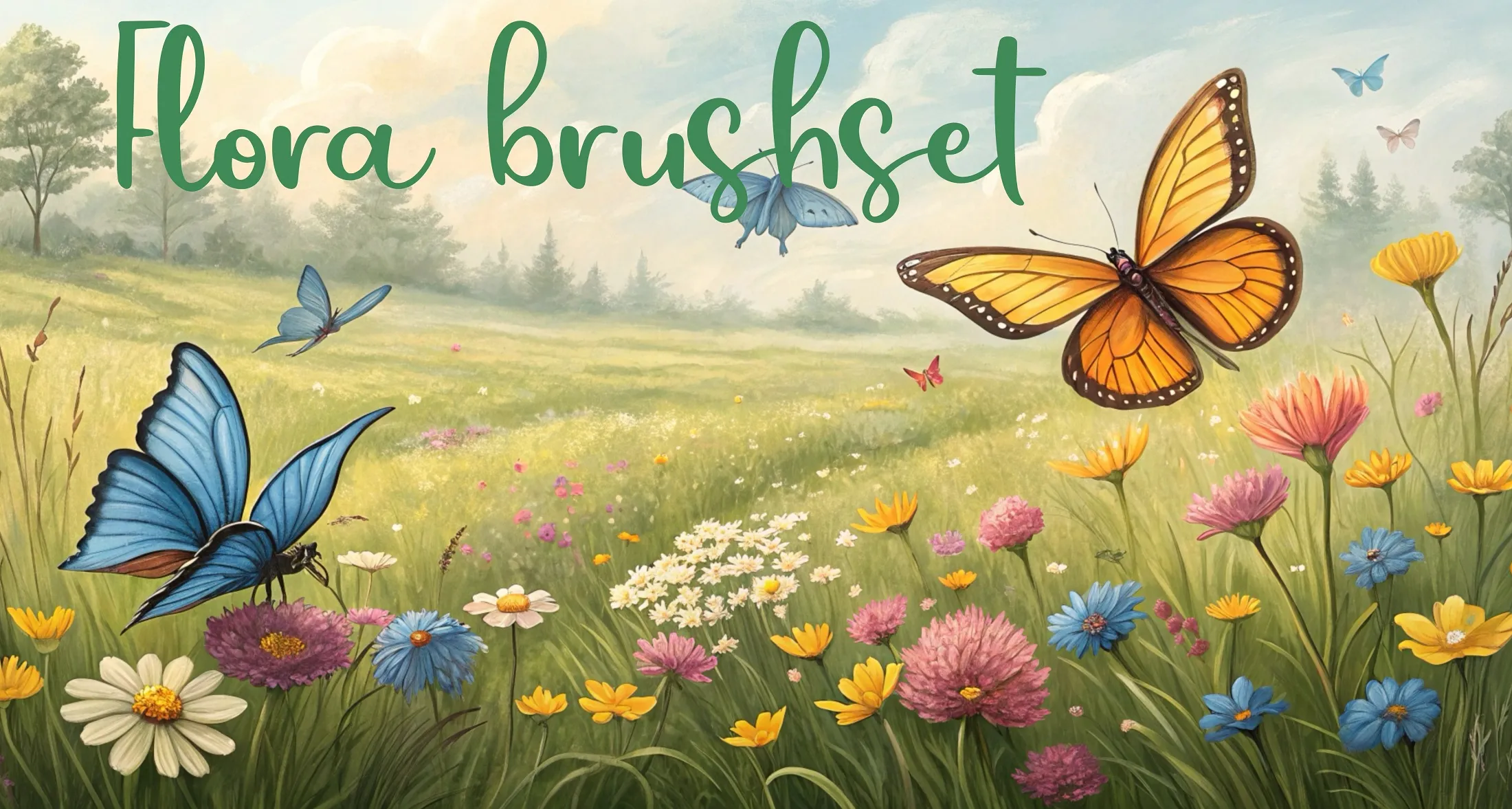
 Flora Brushset
long grass and grass tufts, jungle and tropical foliage, palms, fronds and feather leaves
 Procreate Video
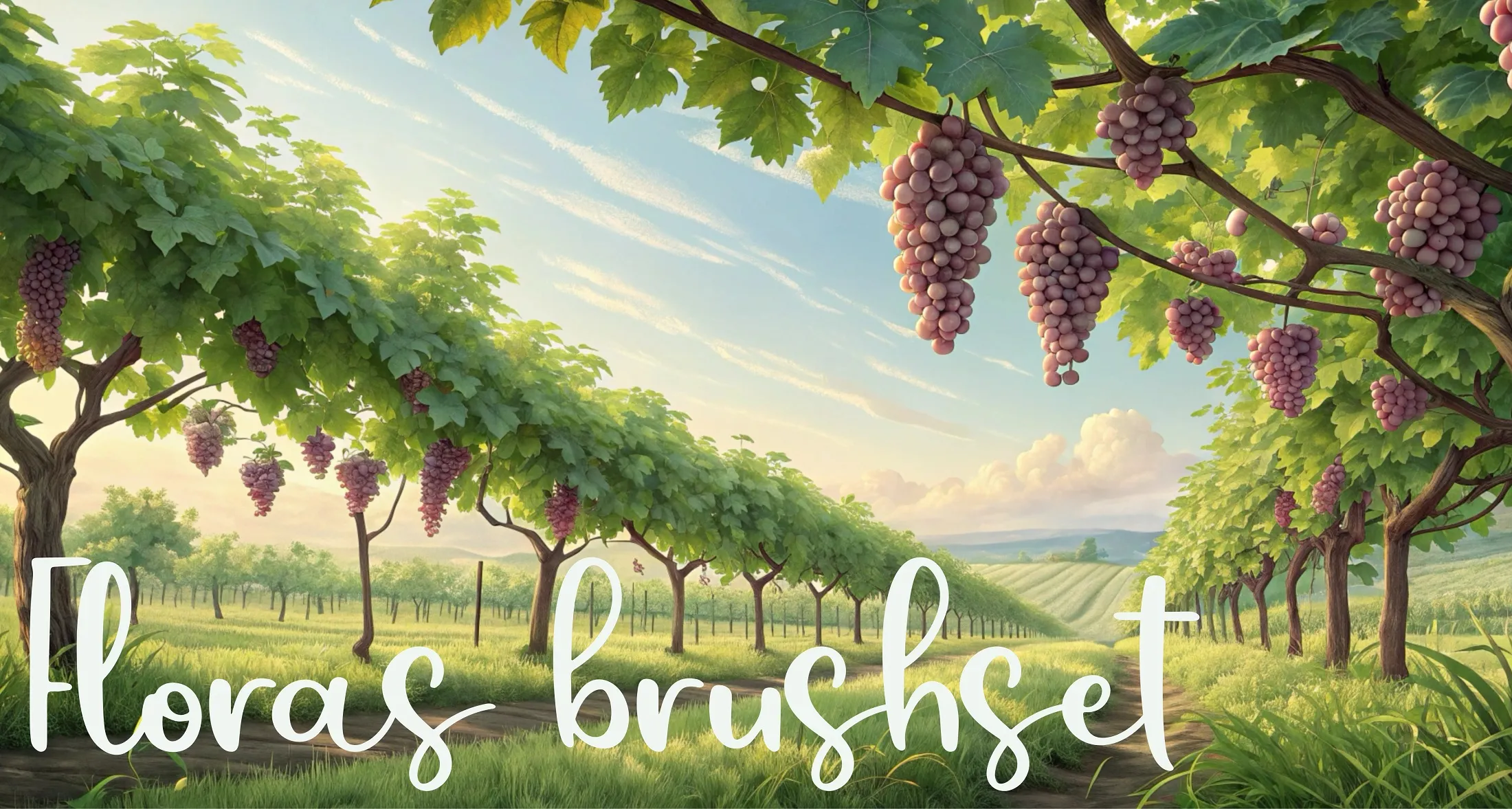
 Floras Brushset
dry grass, meadow, lawn fills and turf, tall grass and wheat, field scatter and windbreaks
 Procreate Video
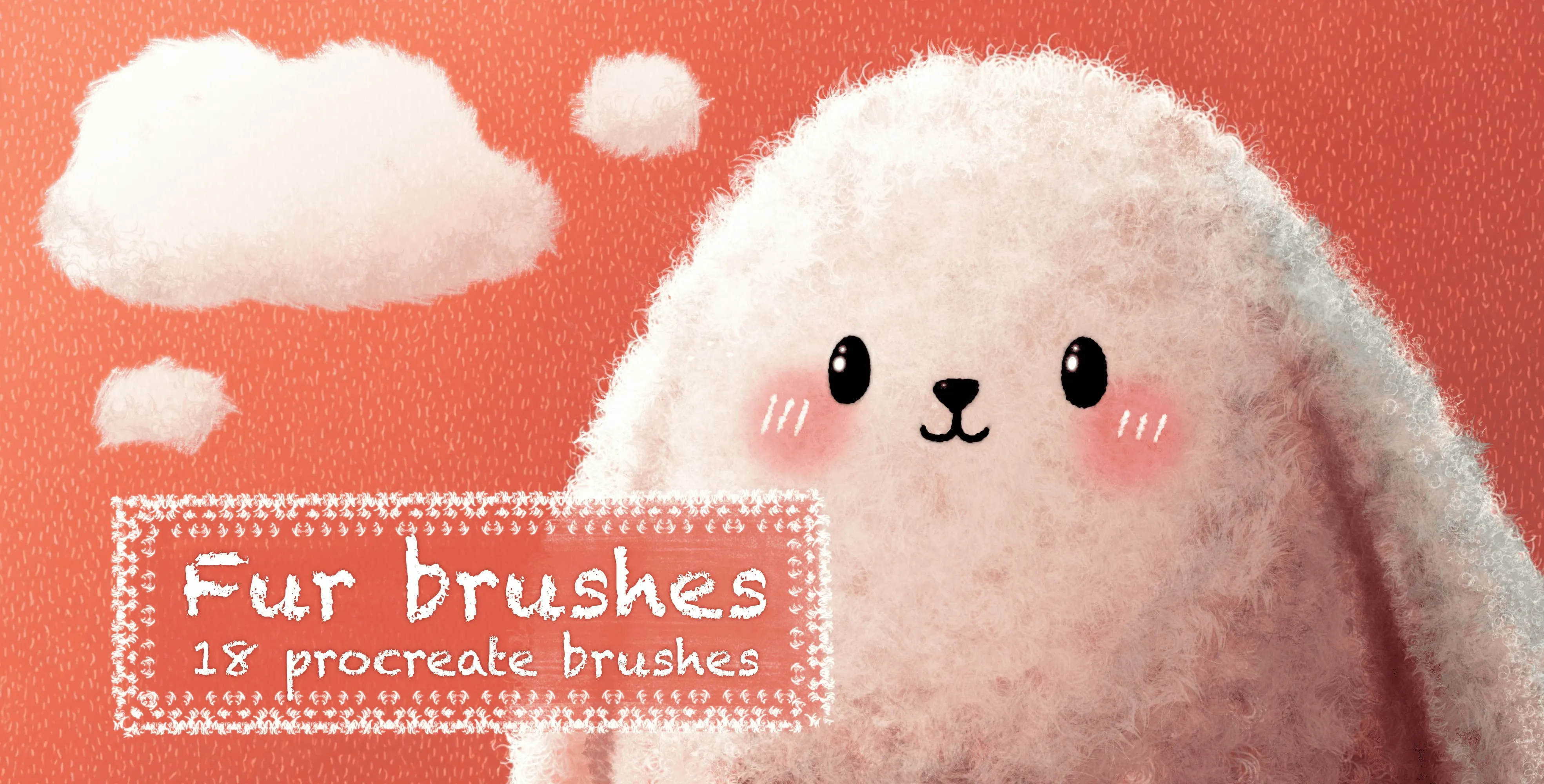
 Fur Brushes
soft and coarse fur strokes, spiky and fluffy fur clumps, short and long fur
 Procreate Video
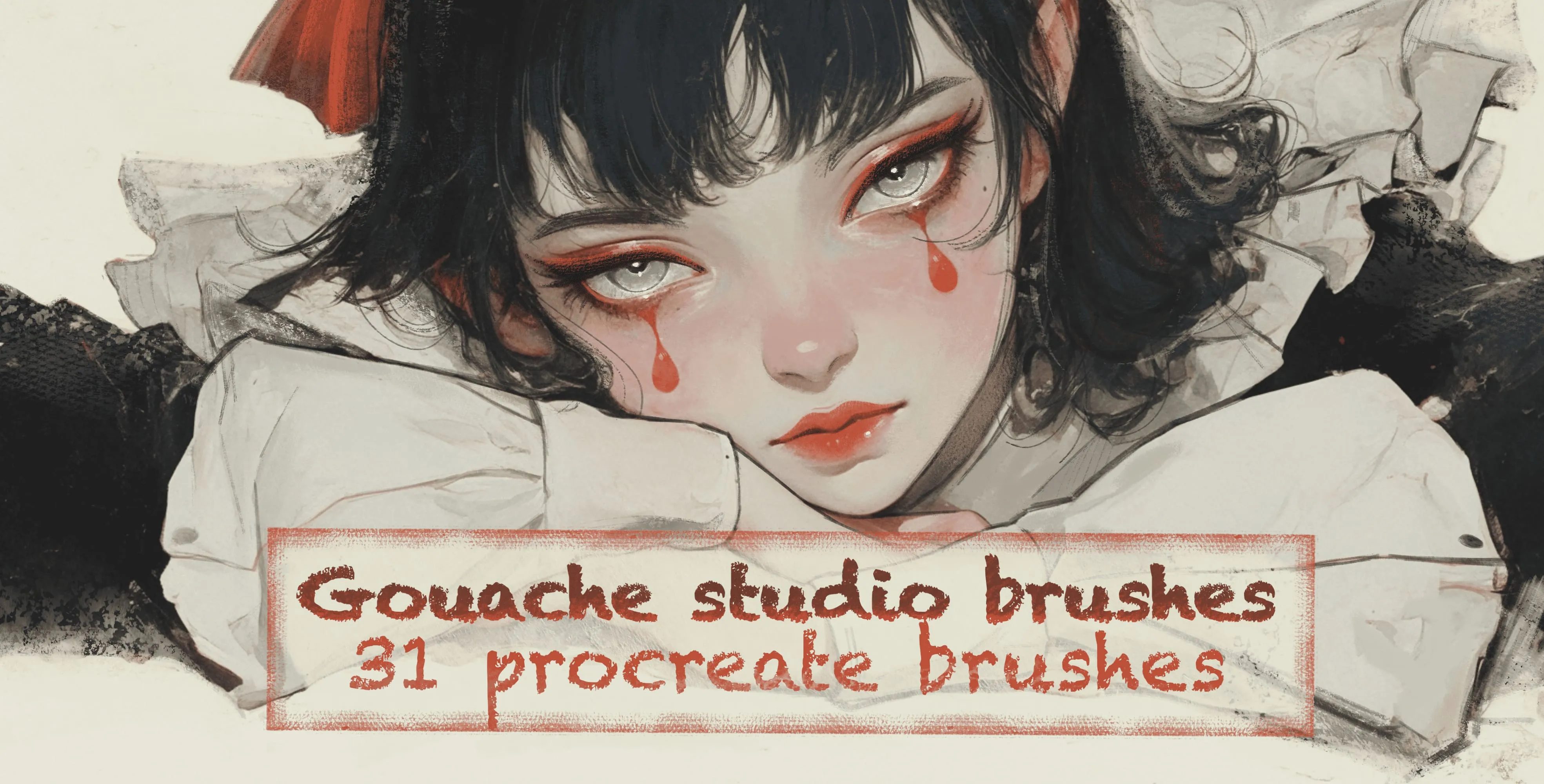
 Guache Studio Brushes
gouache lines (8 variations), gradient lines, hatch blocks, semi-transparent washes
 Procreate Video
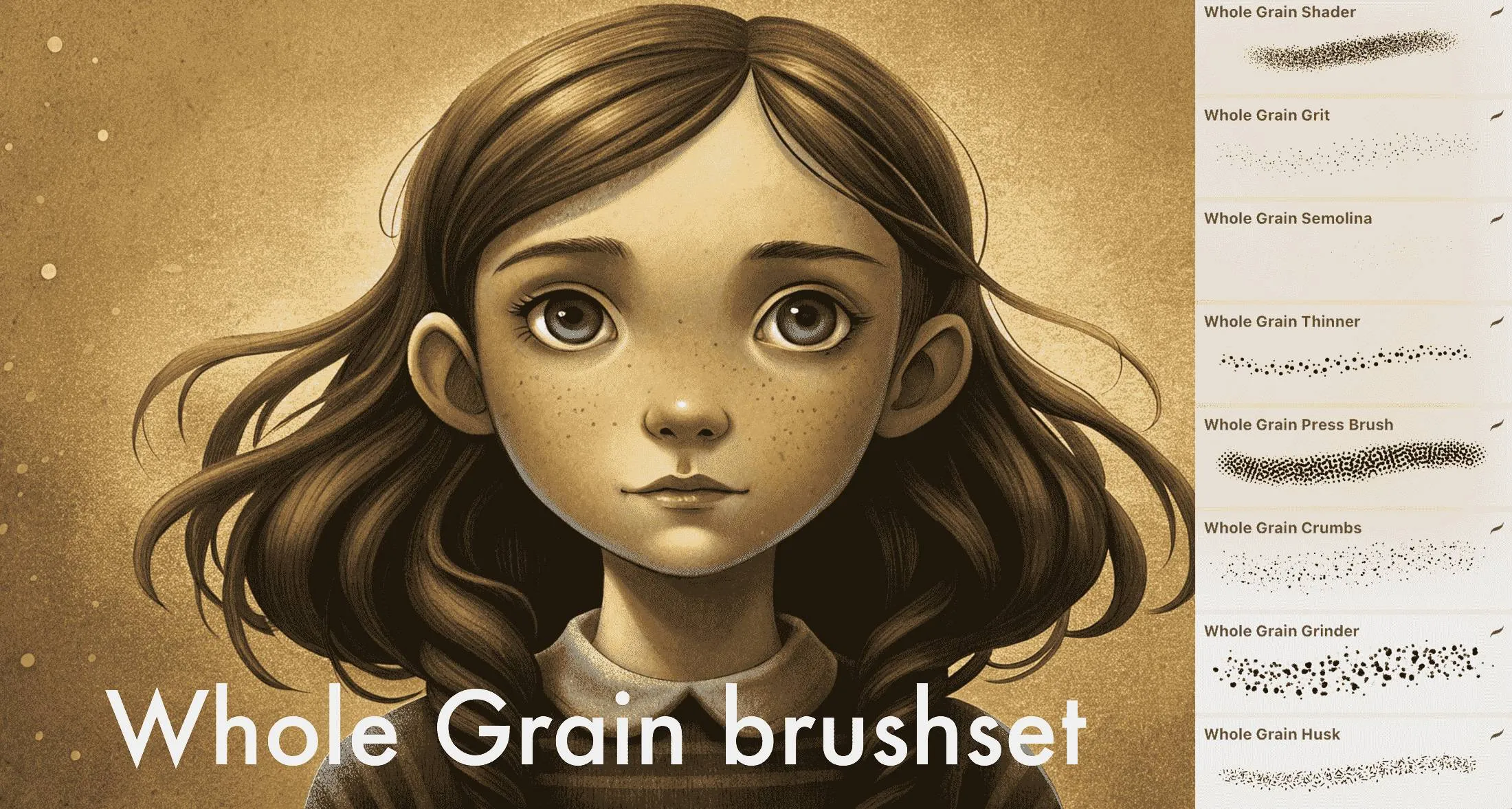
 Whole Grain Brushes
fine to coarse grain (grit, semolina, multigrit, coarse), dust, particles, stipples
 Procreate Video
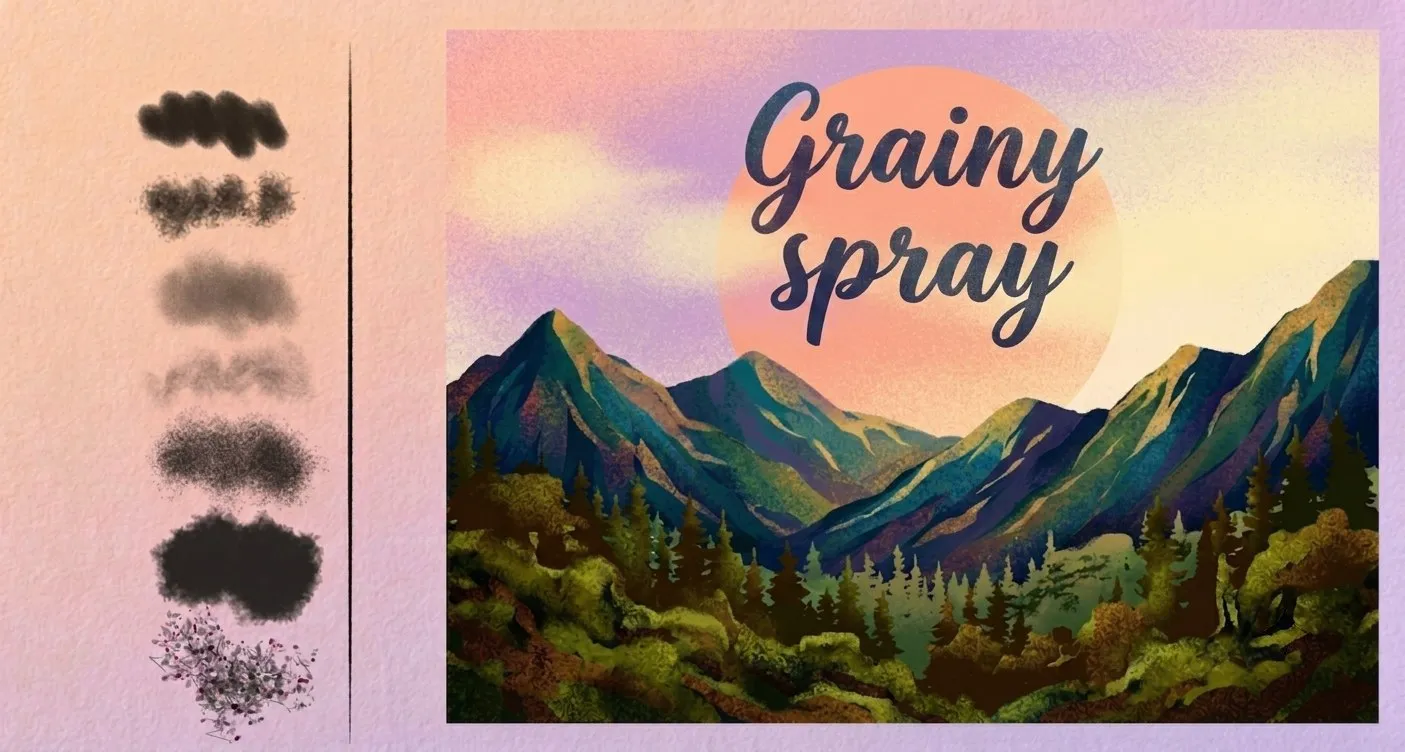
 Grain Spray
grainy airbrushes, fine and dense speckle
 Procreate Video
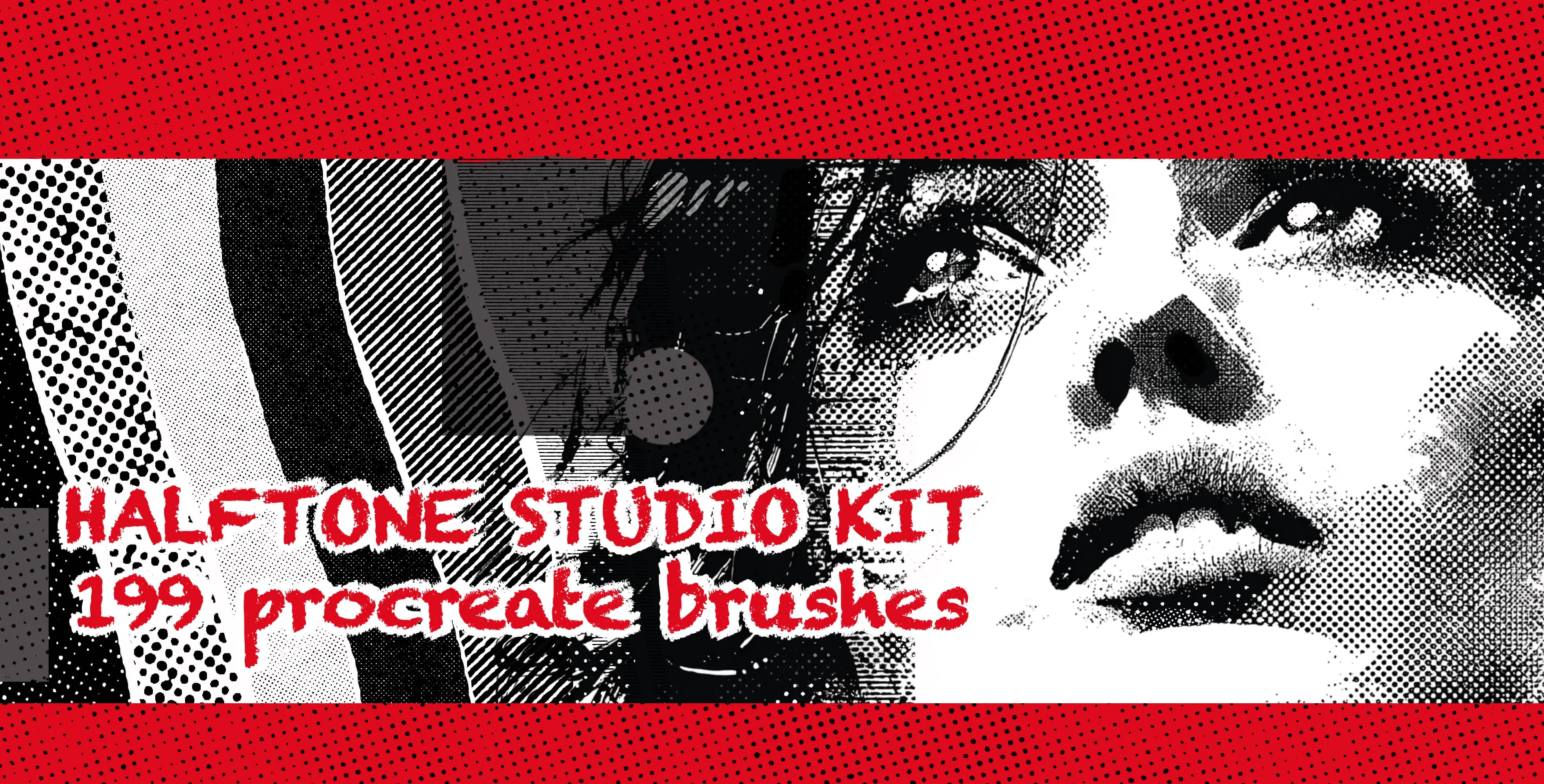
 Halftone Studio Kit
halftone dot patterns in every density, dot size and shading level, from fine smooth tones to bold coarse halftones, plus textured and graduated screentones
 Procreate Video
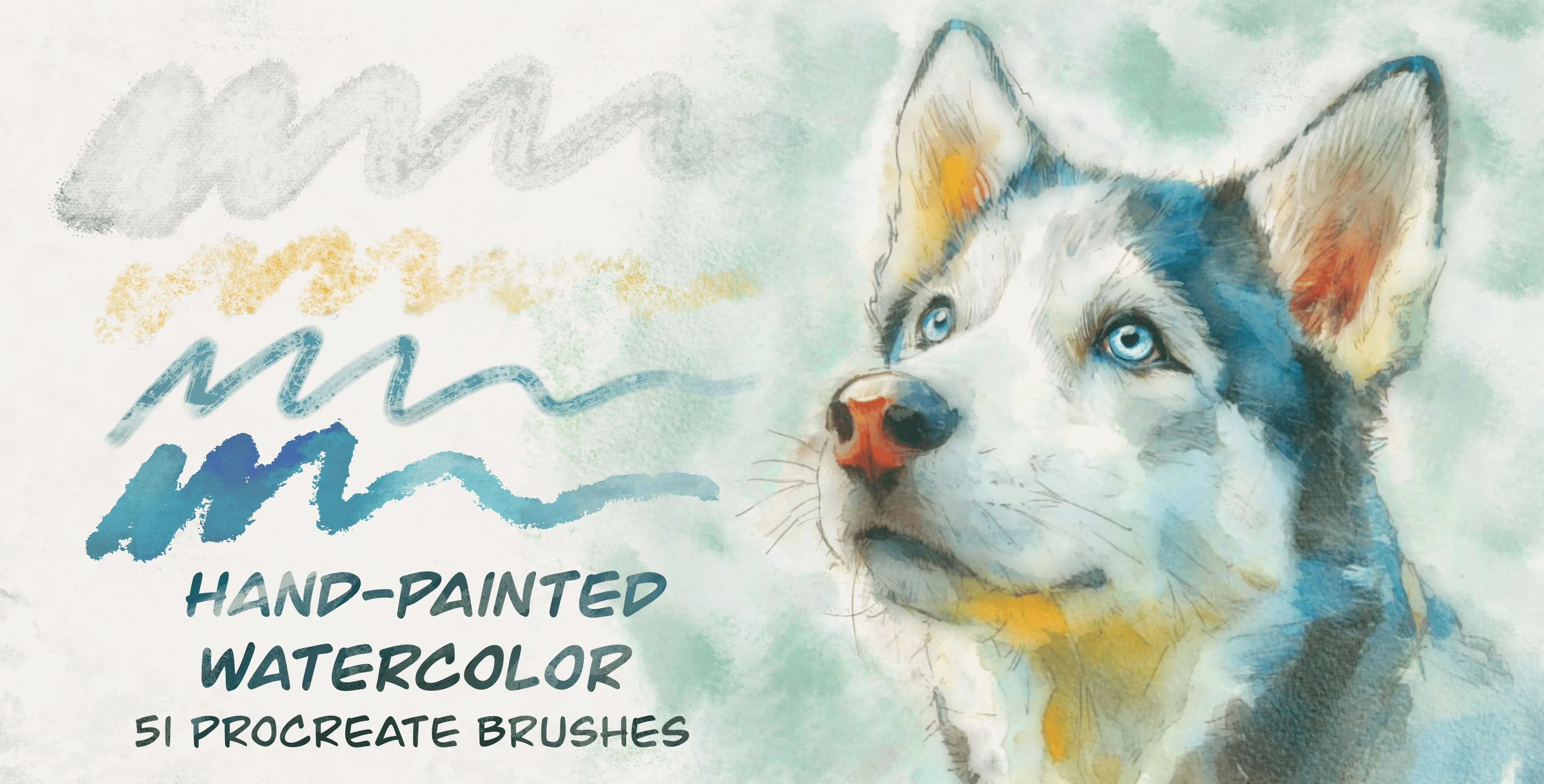
 Hand Painted Watercolor
washes and wet watercolor, sumi ink bases, heavy granulation and sedimentation
 Procreate Video
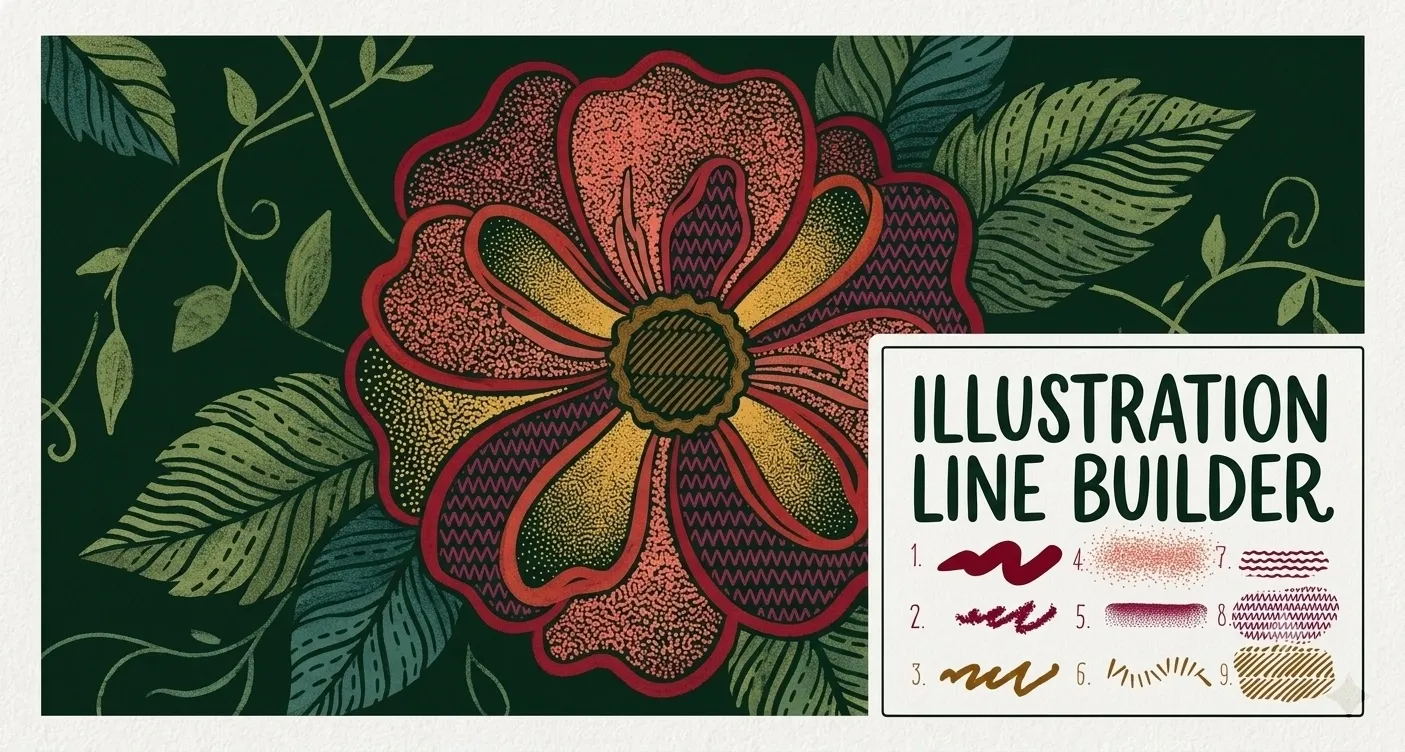
 Illustration Line Builder
smooth and textured liners, stipple and dot-spray shading, grainy fills, dash and tick-mark brushes, zigzag lines, and star and flower scatter accents
 Procreate Video
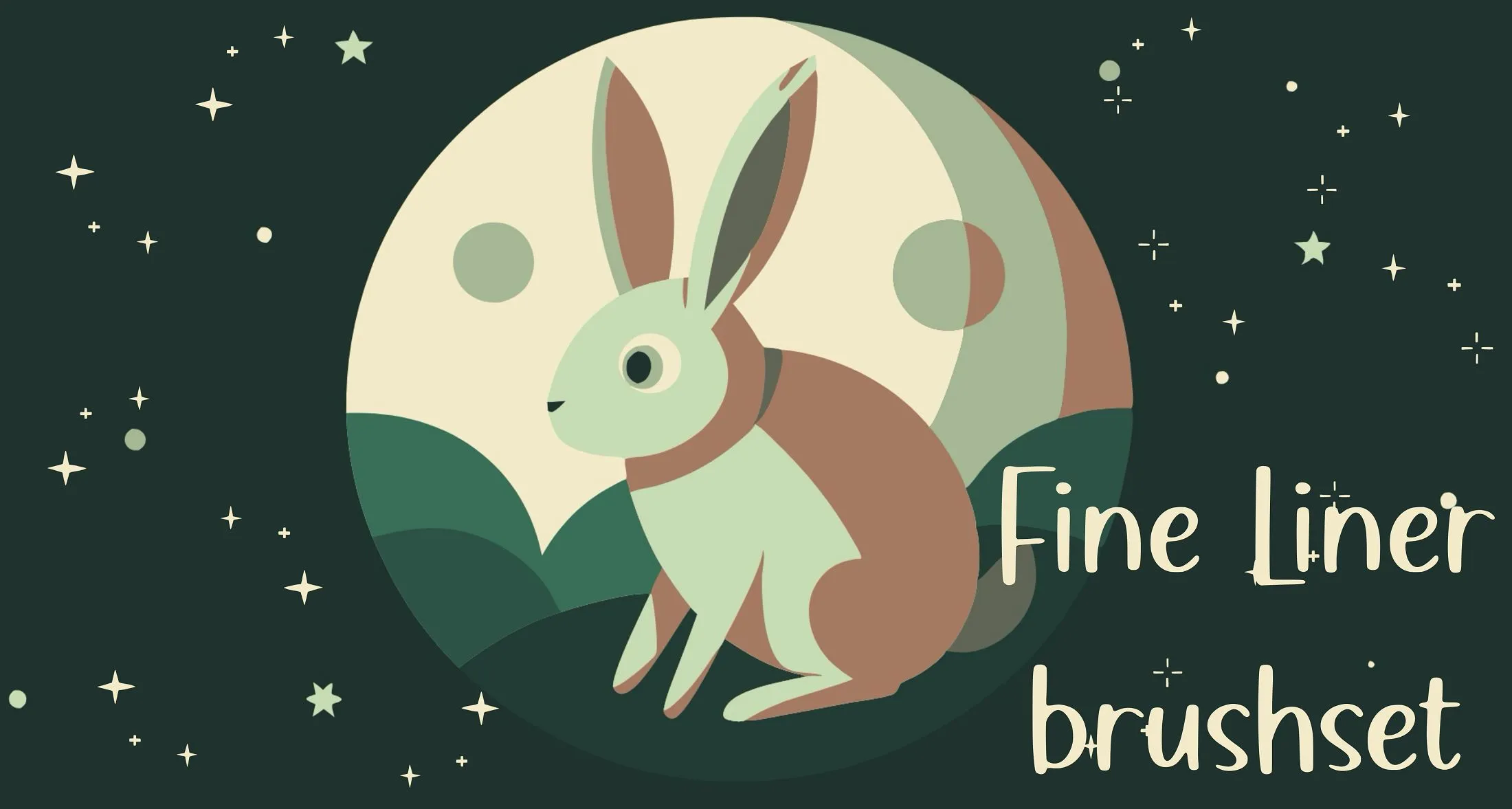
 Fine Liner
fineliner pens in many weights and textures, broad and flat markers
 Procreate Video
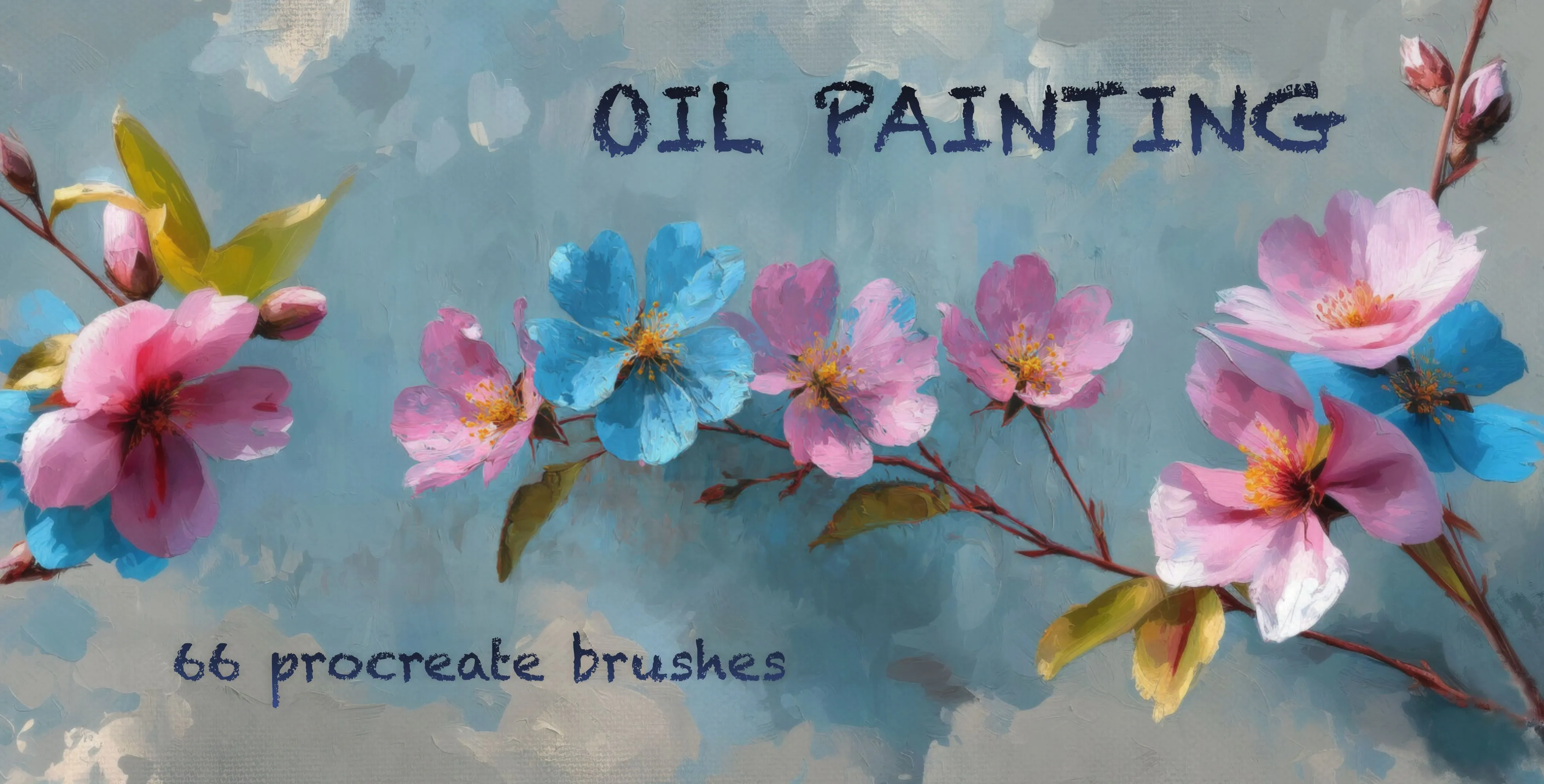
 Oil Painting
oil paint, dry and semi-dry oil
 Procreate Video
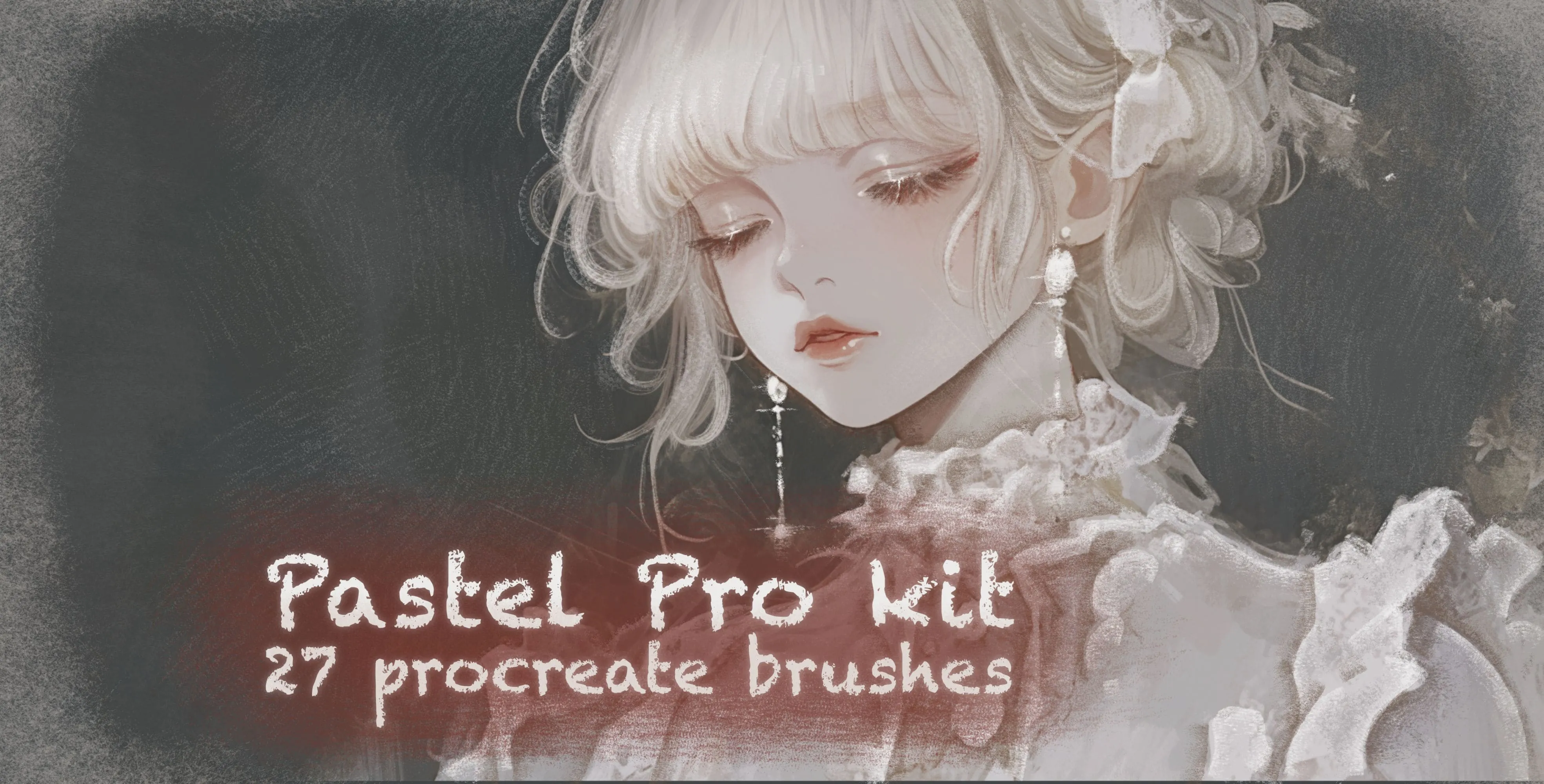
 Pastel Pro Kit
pastel liners and gradient pastels
 Procreate Video
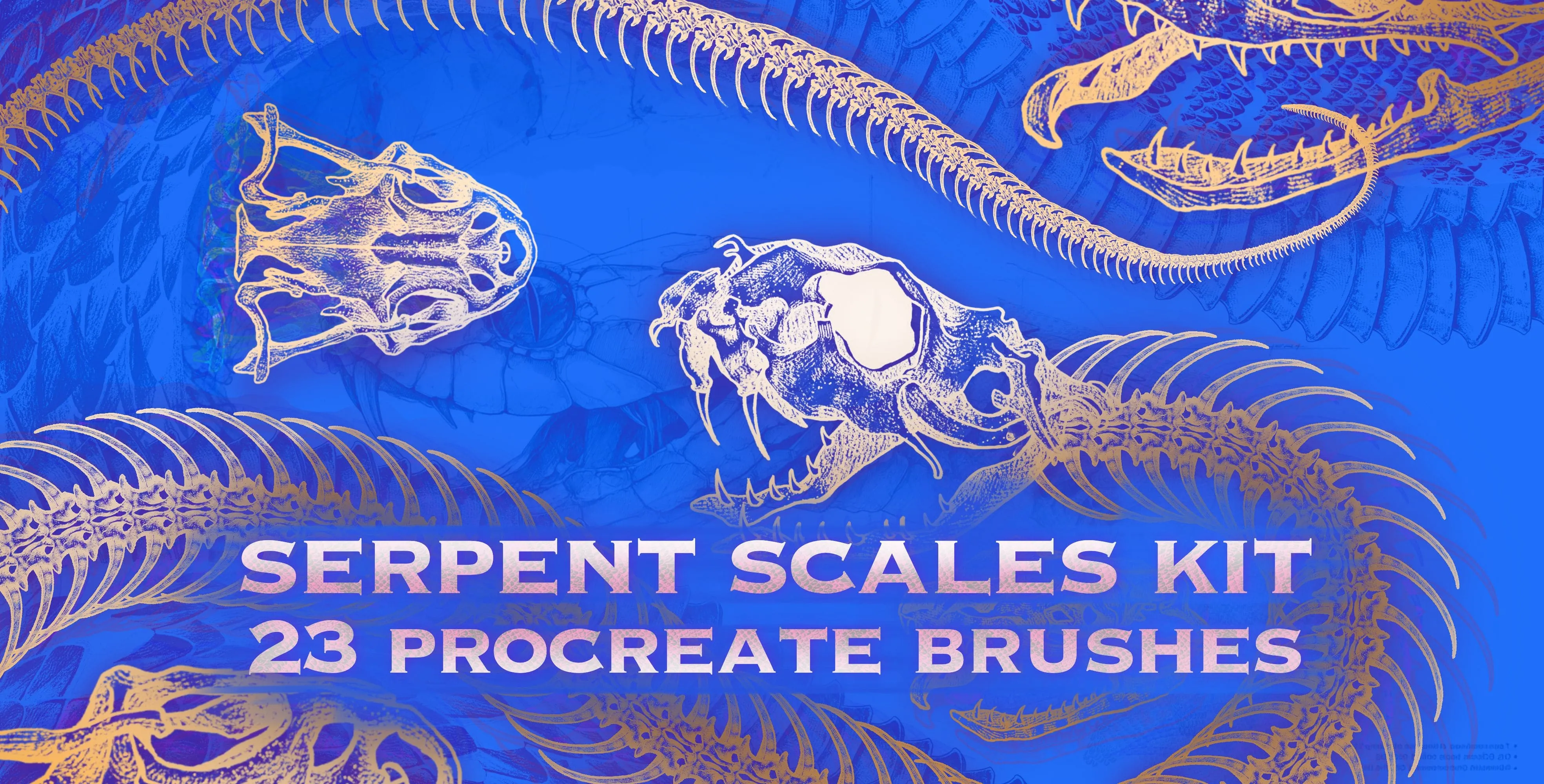
 Serpent Scales Kit
snake skin, scale, spine and skeleton
 Procreate Video
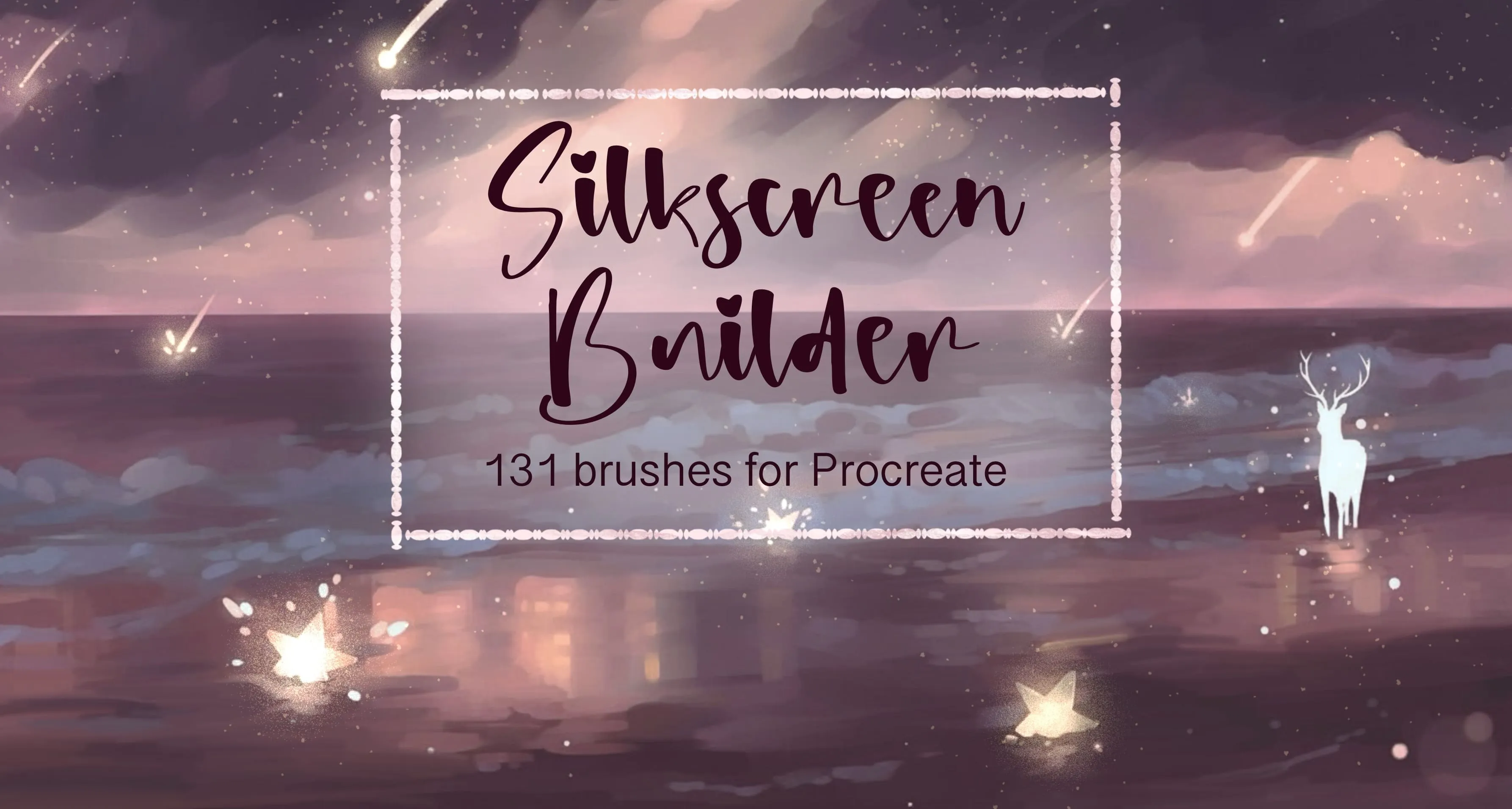
 Silkscreen Builder
soft, hard-edge round, grain, dust and speckle
 Procreate Video
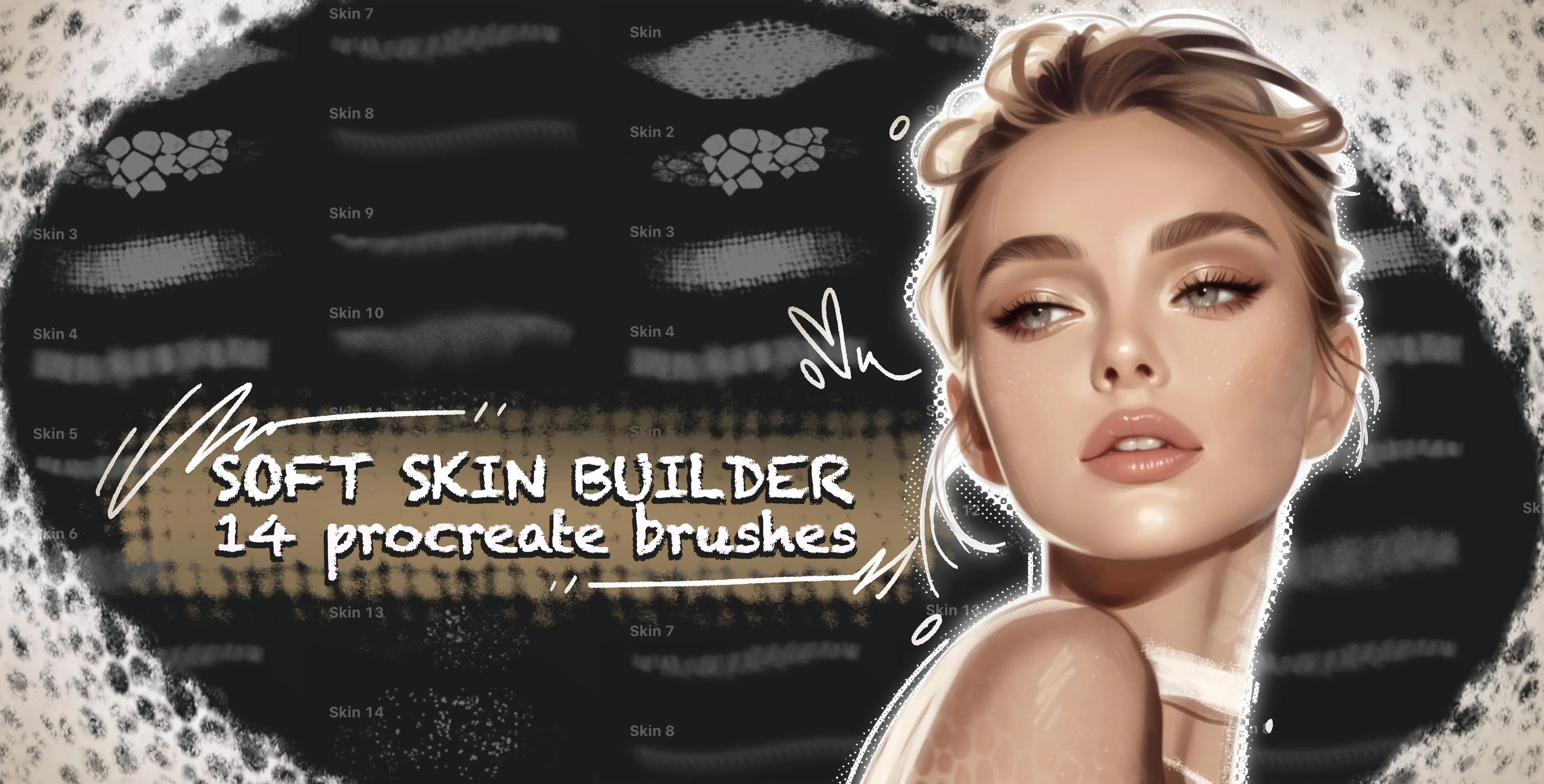
 Soft Skin Builder
skin pores, cracked, cellular skin and rough
 Procreate Video
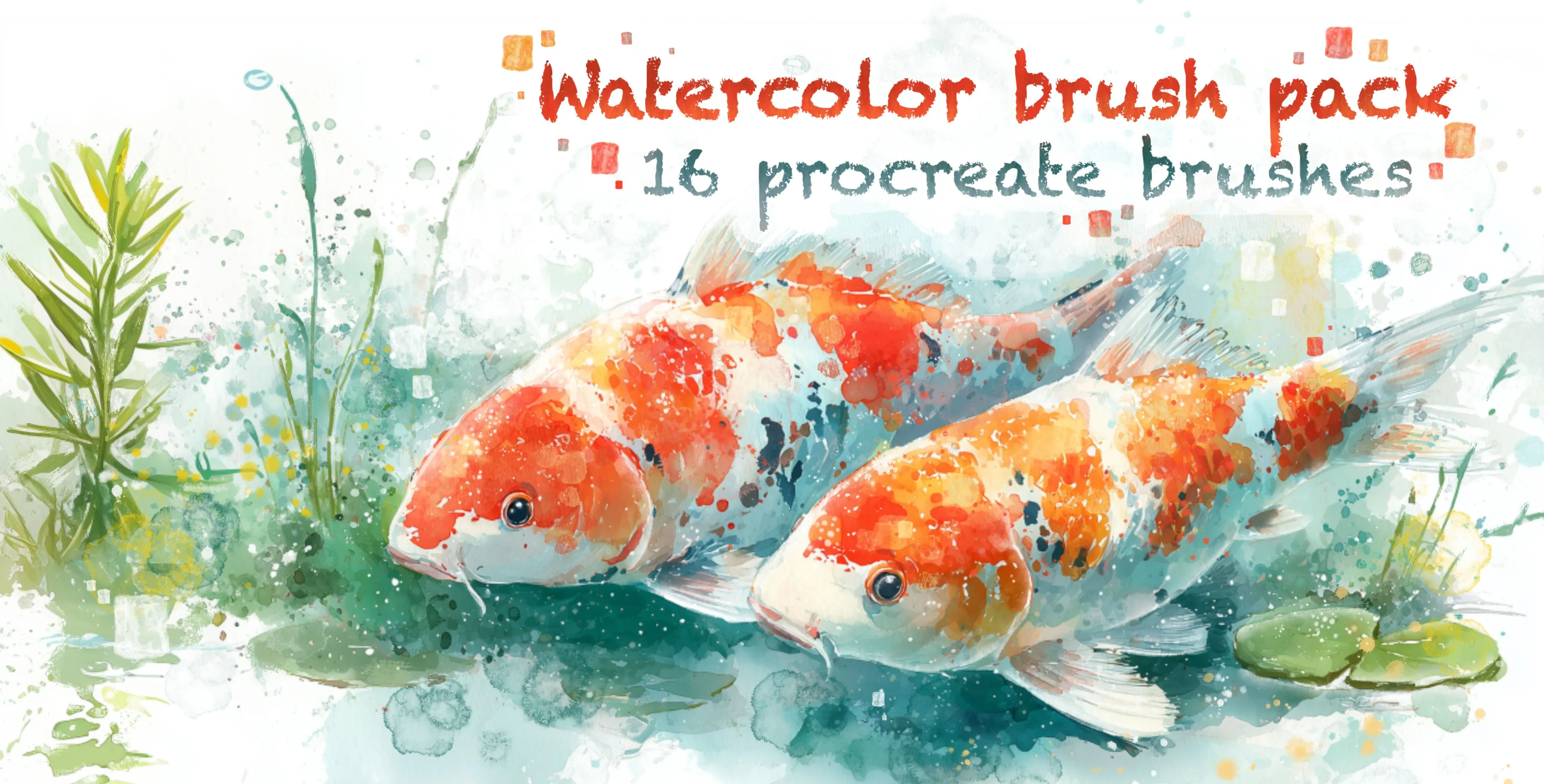
 Watercolor Brush Pack
watercolor line-art liners, frayed-edge bleed and wet-edge brushes, one-way
 Procreate Video
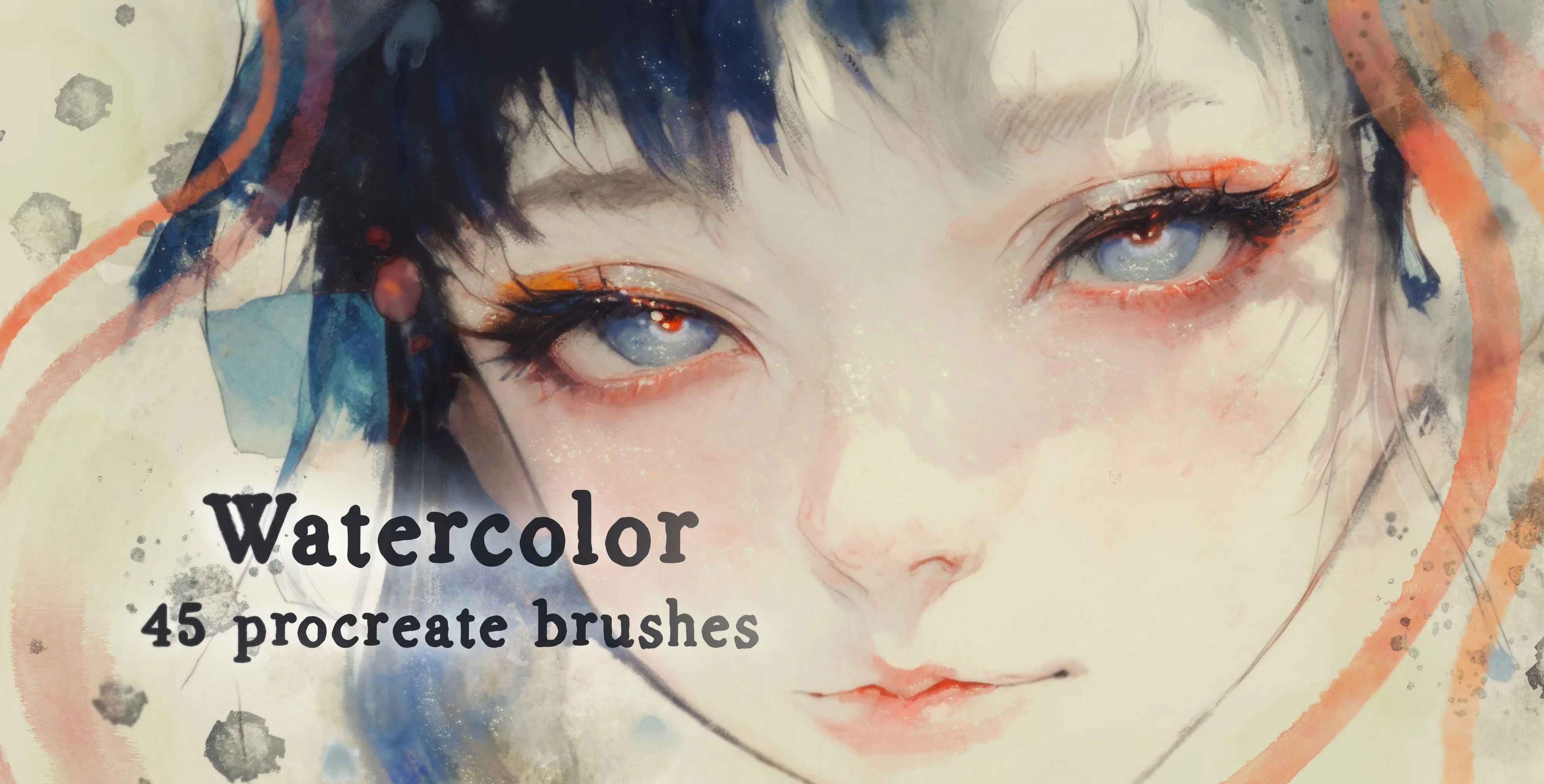
 Watercolor
washes, base layers and water blooms
Free from independent artists
Free texture sets by other artists — downloaded from the artist's own page.
 Free · external
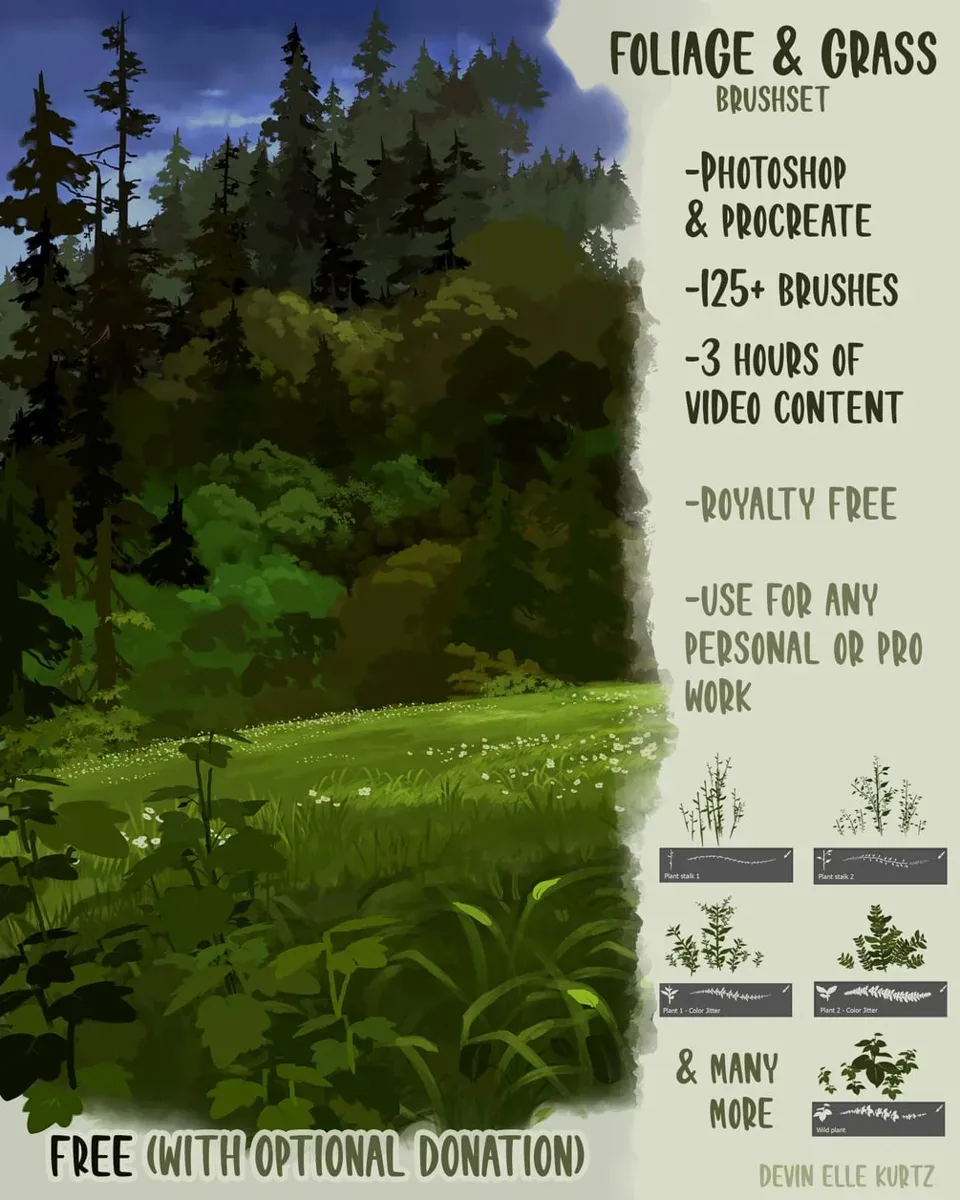
 Foliage & Grass Brushset
by Devin Elle Kurtz
 Free · external
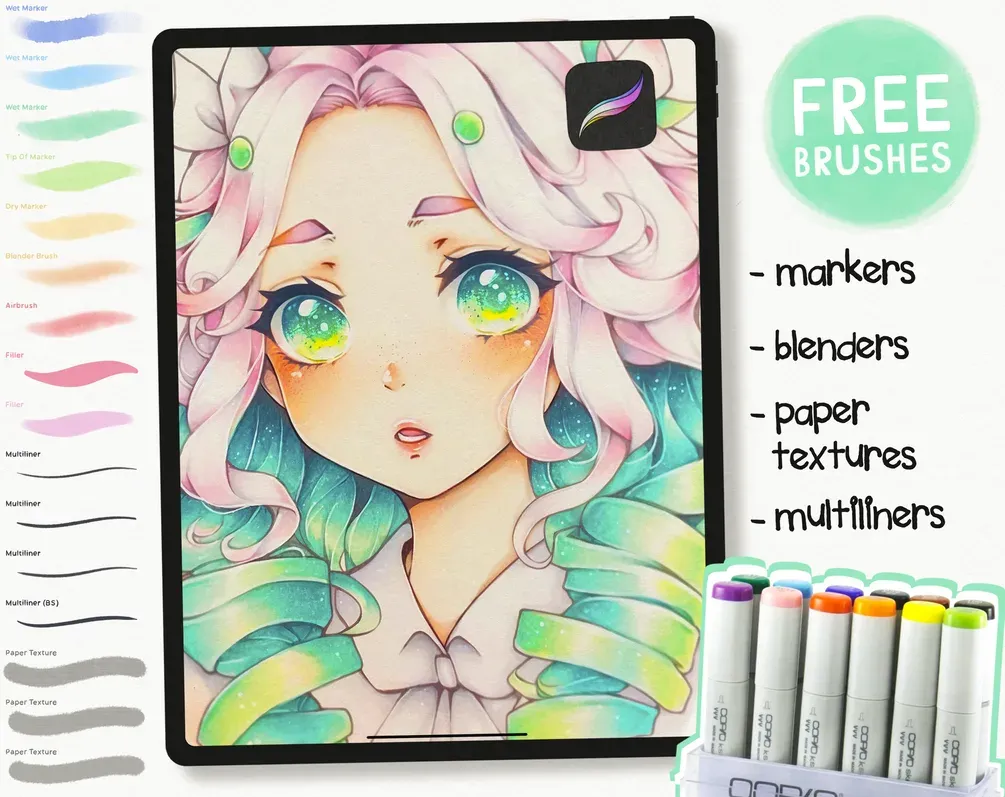
 Free Copic-Inspired Marker Brush Set
by Di
 Free · external
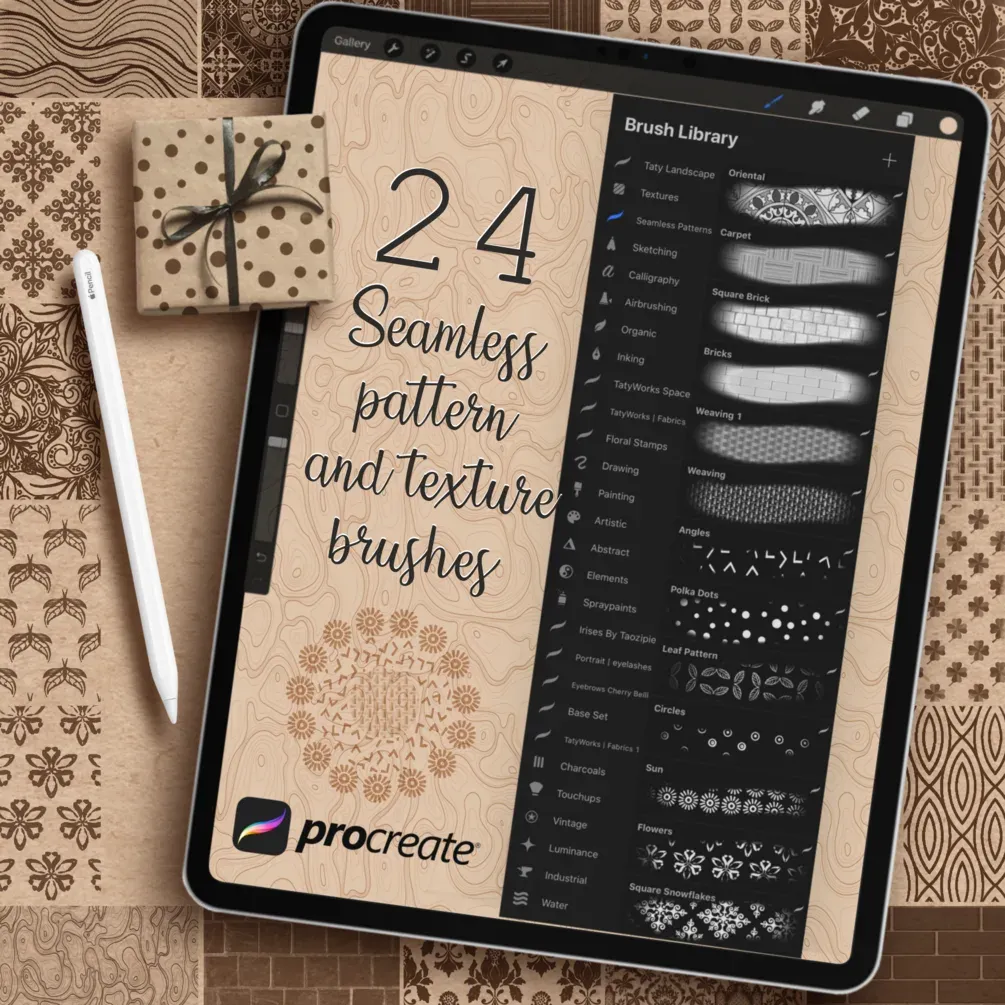
 Seamless Pattern and Texture Brushes
by Tatyworks
 Free · external
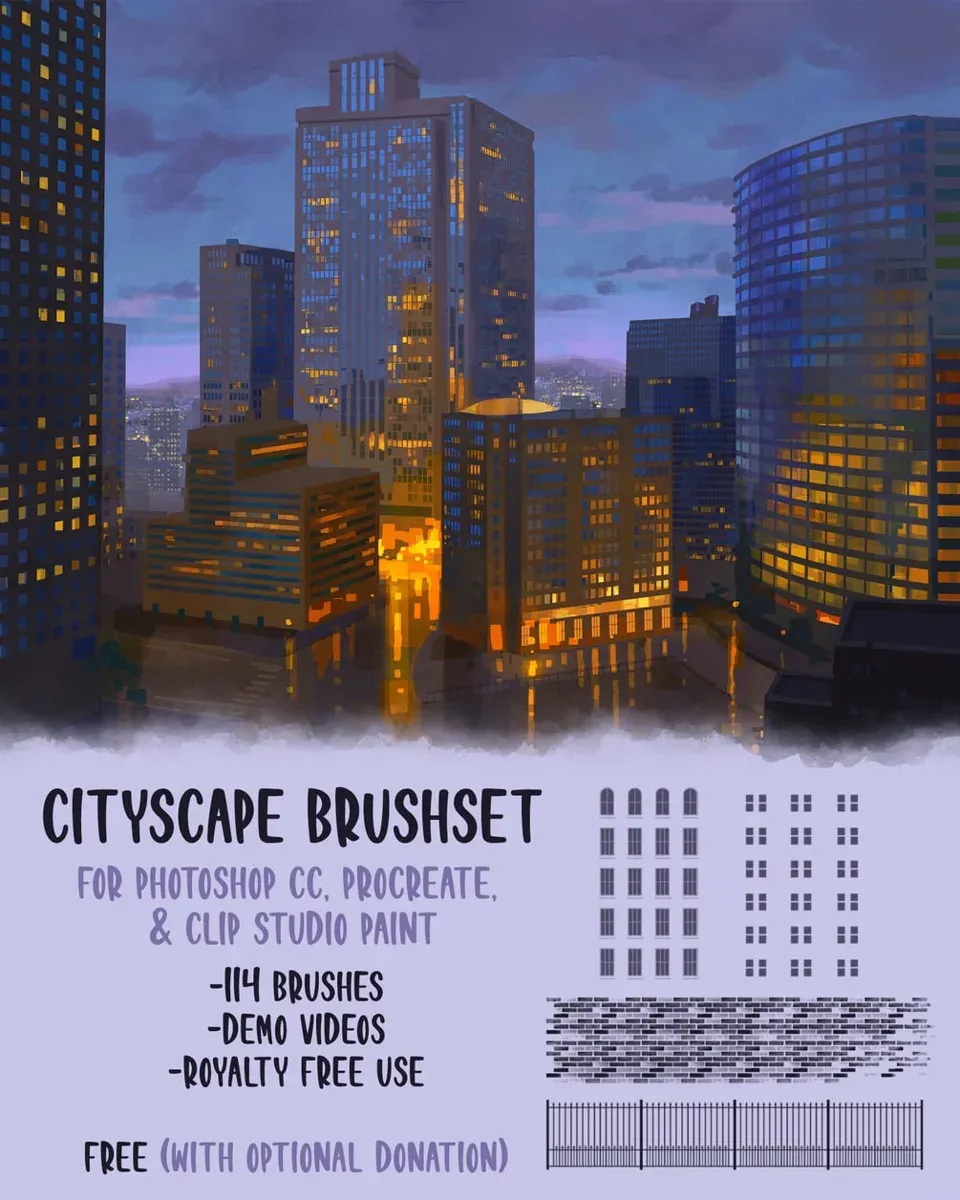
 City Brushset
by Devin Elle Kurtz
 Free · external
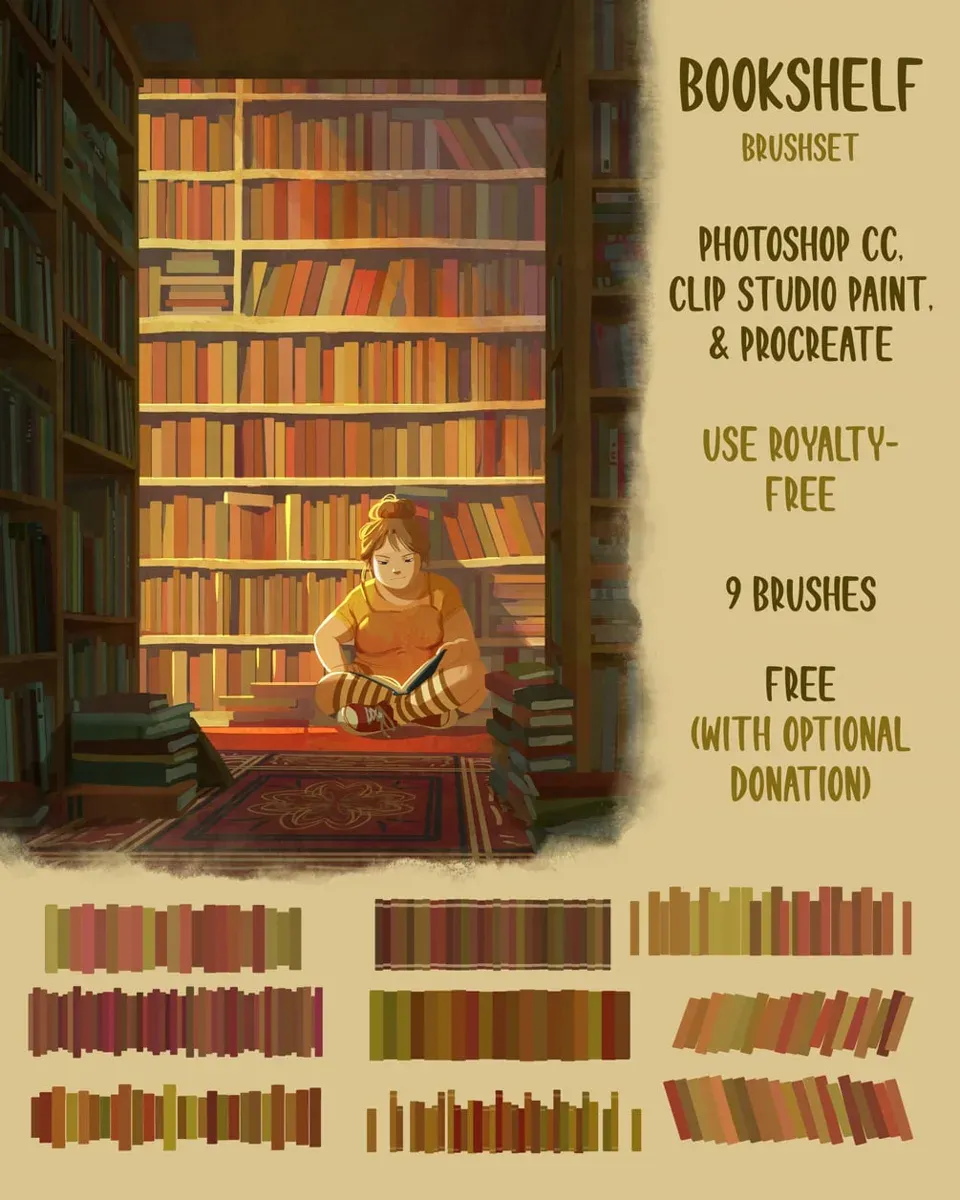
 Bookshelf Brushset
by Devin Elle Kurtz
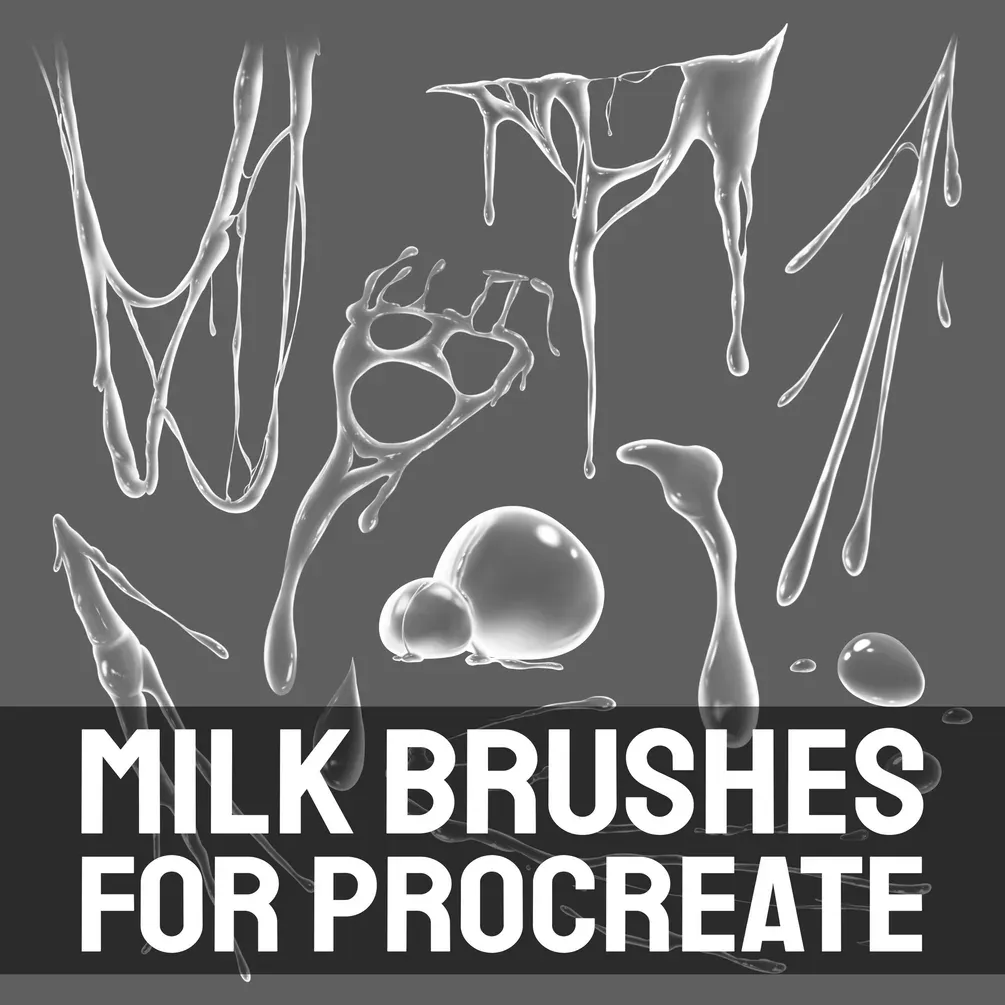 Free · external
 Free Milk Brushes
by Di
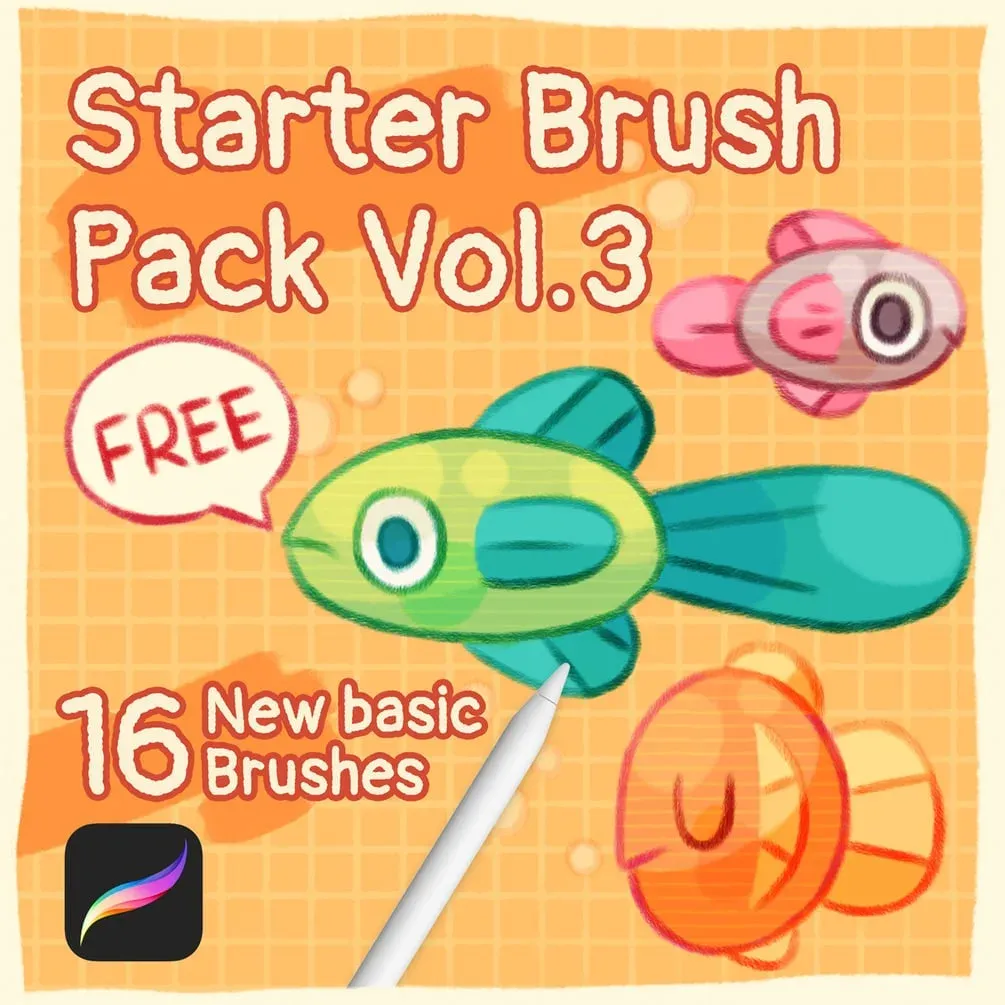 Free · external
 Starter Brush Pack Vol.3
by Olguioo
 Scan → get the app
More brush packs in the app
The site is still filling up — the Brusher app already has the complete 200+ set library, with more texture packs, plus free brushes and free tools.
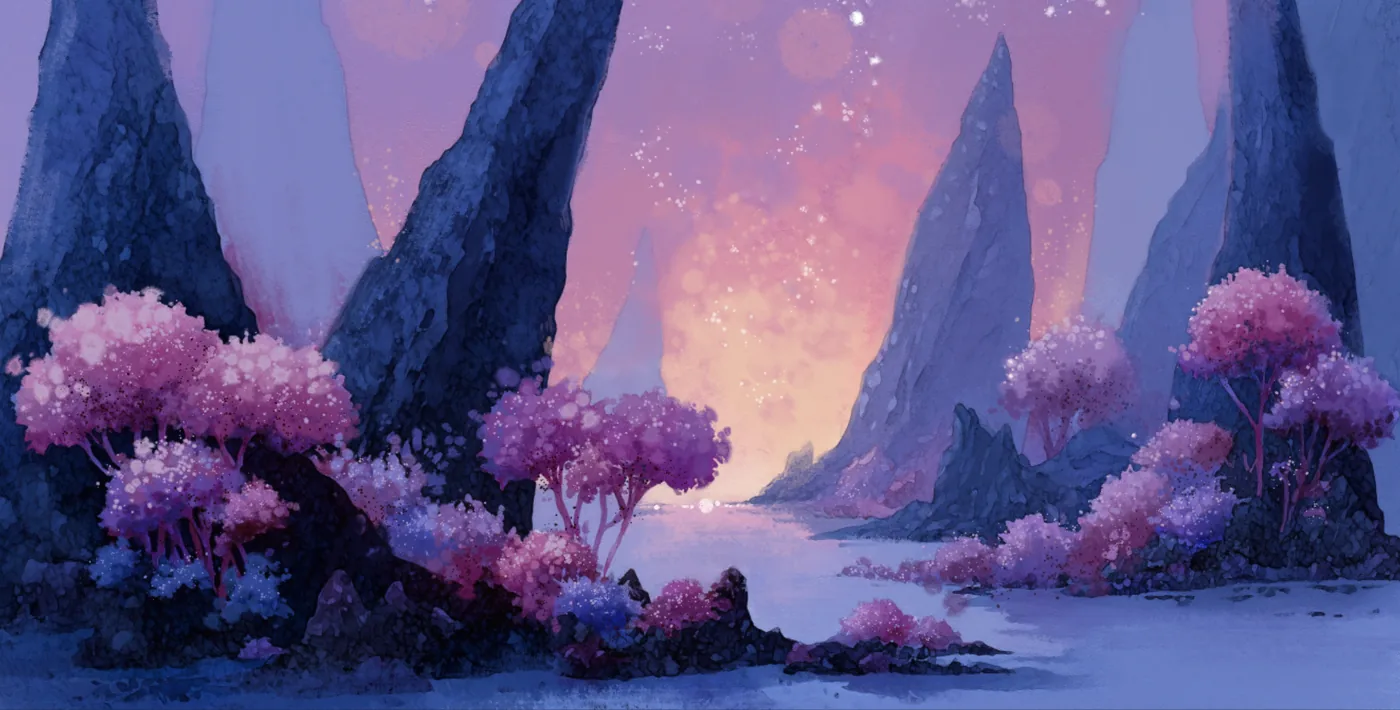
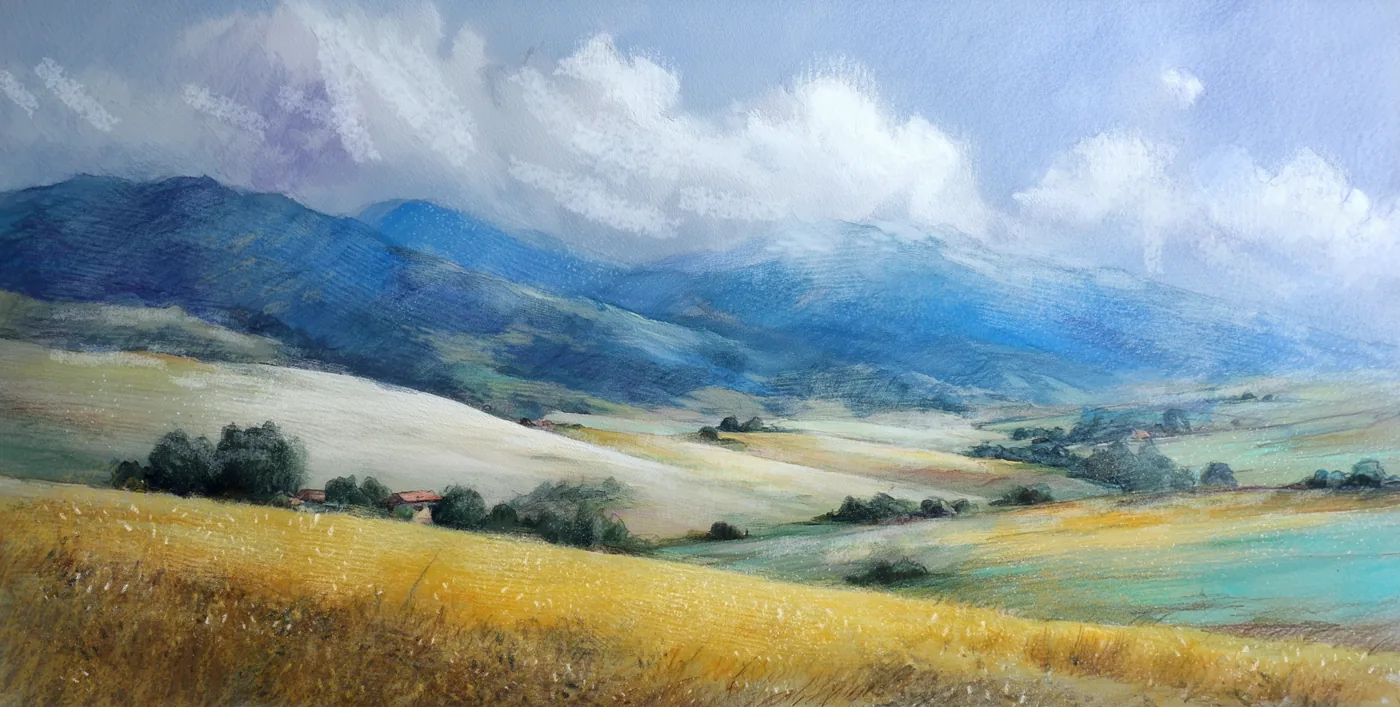
Art made with texture brushes
Real pieces drawn in Procreate with brushes from this style.
How texture brushes work
A texture brush is really two images working together: a shape that defines the stroke's silhouette and a grain that tiles inside it. The grain is the texture — paper fibre, concrete, canvas weave — and Procreate lets you scale, rotate and move it independently, so the same brush can read as fine watercolour paper or coarse sandpaper depending on the settings.
That is why one good texture pack replaces dozens of downloaded paper JPEGs: instead of pasting a static image, you paint the texture exactly where you want it, at any size, in any colour.
Backgrounds, prints and blending
For backgrounds, drag a paper-texture stamp across a full layer, then knock its opacity back and set it to Multiply — instant tooth under your whole piece. For prints, work on a large, high-DPI canvas so the grain stays crisp at poster size rather than turning to mush.
Texture brushes also make superb blenders. Smudge with a grainy brush instead of a soft round and your gradients pick up a painterly, non-digital transition — a trick borrowed straight from blending workflows.
Paper, wood, wall and metal texture brushes
These textures brushes span the surfaces artists reach for most: paper textures for illustration and lettering, wood grain and wall / concrete for environments, fabric and canvas weave, and gritty metal and metallic shaders. Each is a paint-anywhere brush, so you drop the exact surface you need instead of hunting down a stock photo.
You'll also find paint-brush and brush-stroke textures — the frayed, loaded-bristle marks that make a stroke look painted rather than printed. Want to try before you buy? Grab a few free paper textures for Procreate from the free brushes page and see how the grain behaves in your own workflow.
Inside these texture packs
You might also like
Common questions
How do texture brushes work in Procreate?+
Each brush pairs a shape source with a grain source; the grain is the repeating texture that fills your stroke. Because Procreate lets you scale and rotate the grain independently, one texture brush can act as fine paper or coarse grunge depending on how you set it.
Are these good for print work?+
Yes, as long as you work large. Set up a high-resolution canvas so the grain stays sharp at print size, and the texture will survive being blown up to a poster. On small, low-DPI canvases fine grain can soften when scaled.
What's the difference between free and paid texture brushes?+
Free texture brushes cover the basics — a paper grain and a rough shader. Paid packs go wider and cleaner: seamless paper stamps, multiple fabric and grunge grains, and brushes tuned for specific jobs like halftone or canvas weave.
Can I use texture brushes for backgrounds?+
Absolutely — that's one of their best uses. Drag a texture stamp across a full layer, lower the opacity and set it to Multiply for instant paper tooth under your artwork, or paint grain selectively to age and distress specific areas.