Watercolor Procreate Brushes
Updated October 2026
Download watercolour Procreate brushes for iPad: realistic wet edges, bleeding effects and wash textures. Watercolor sets for 2026 — free & premium.

Brusher app for iPad & iPhone
200+ sets in the Brusher app, watercolor included — plus free brushes and free tools.
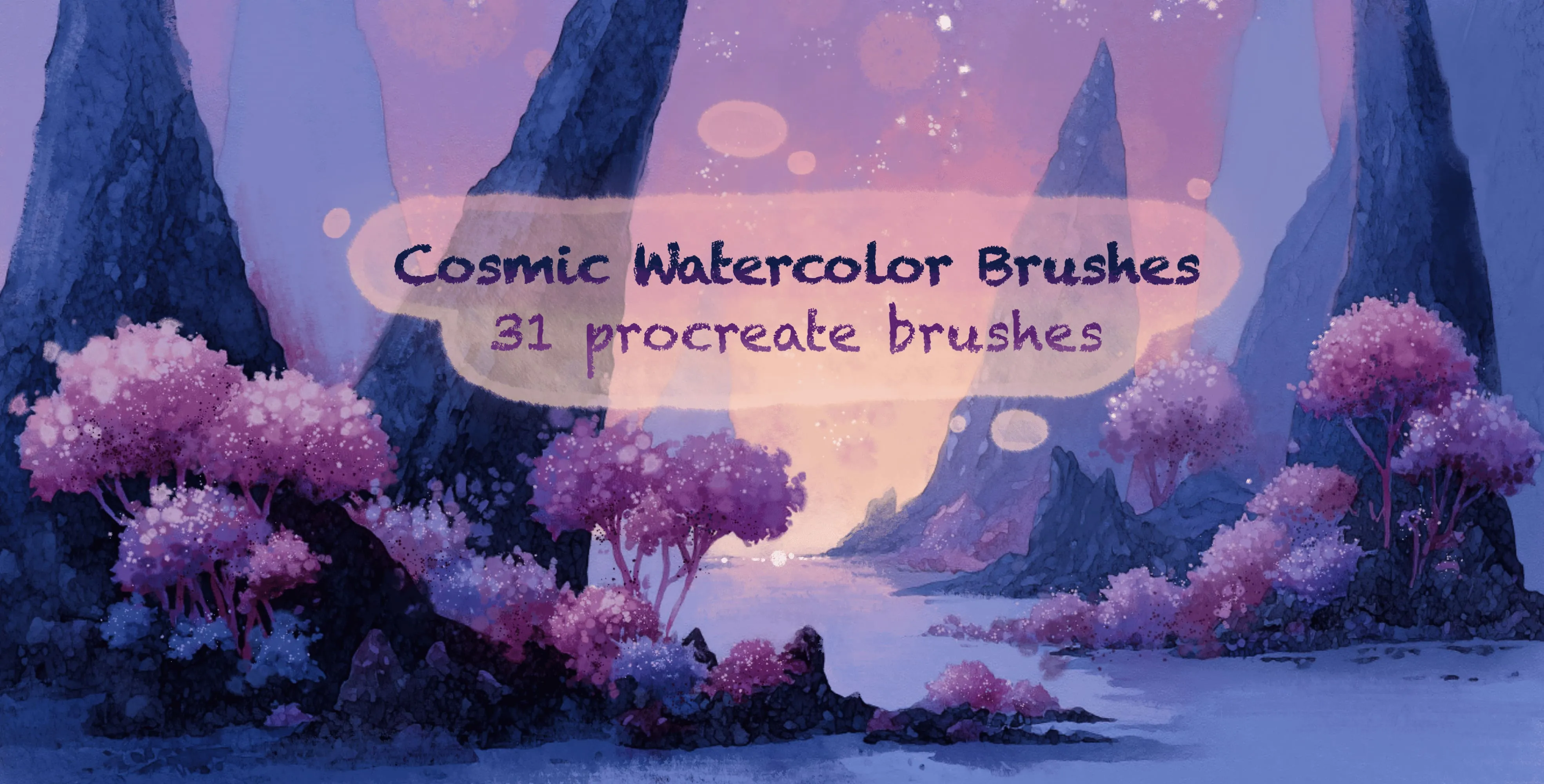
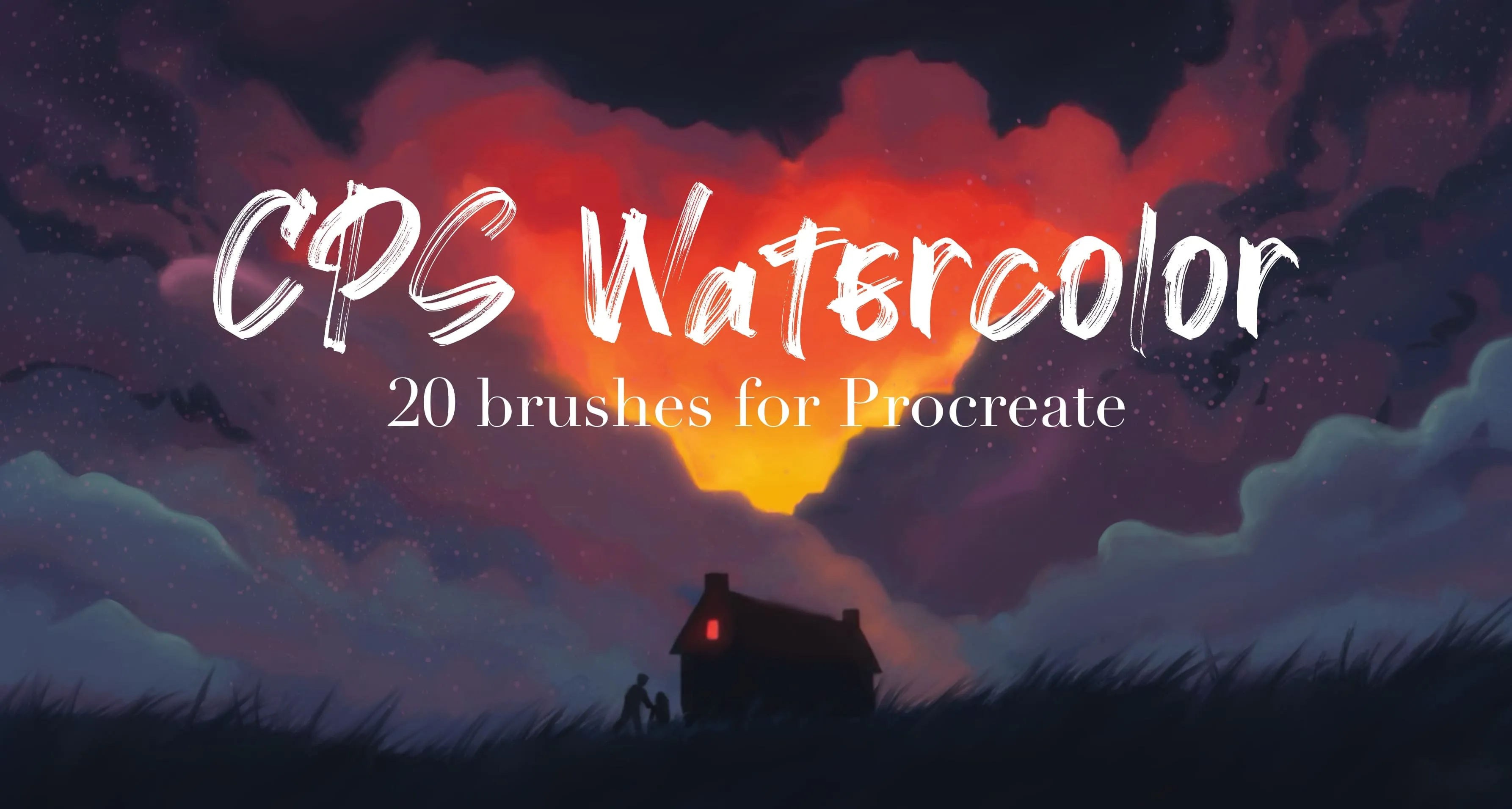
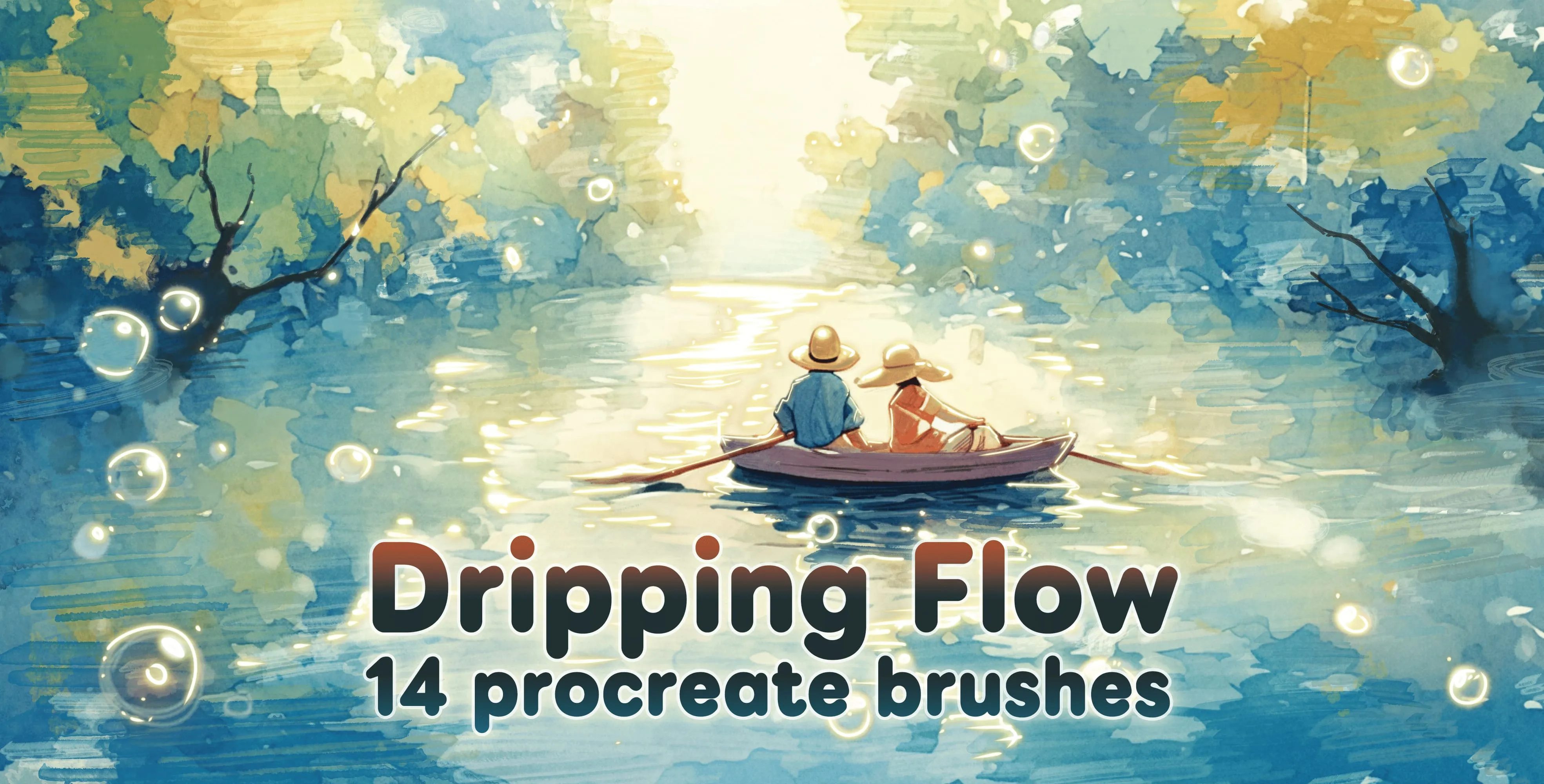
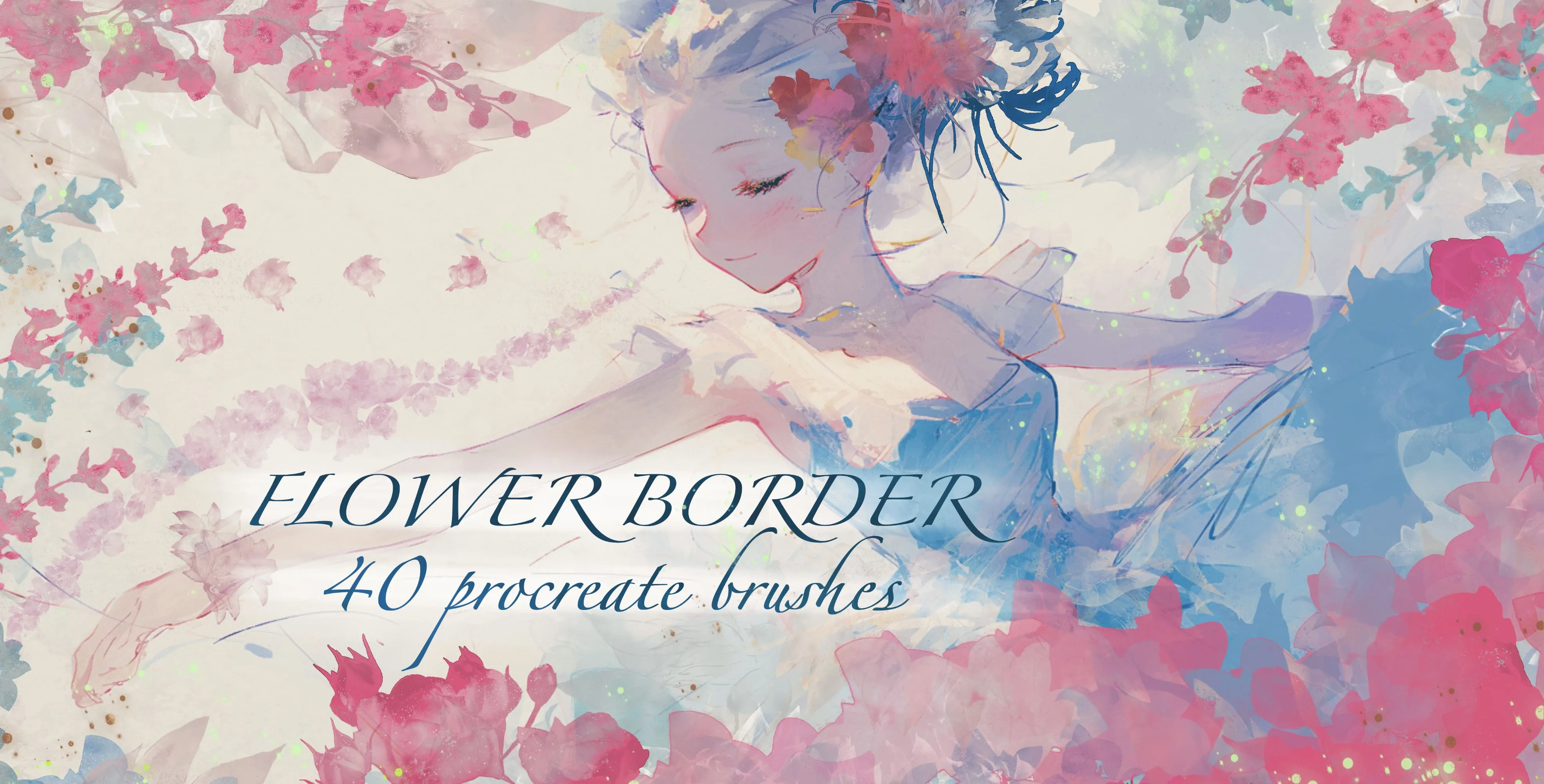
Brusher has 8 watercolor Procreate brush packs — wet-on-wet, dry brush, wash — each a native .brushset that installs into Procreate in one tap on iPad.
The best watercolour Procreate brushes reproduce real pigment behaviour — wet-on-wet blooms, translucent washes and dry-brush edges — with no drying time and no ruined paper. They bring the softest, most unpredictable traditional medium to the iPad: the blooms, wet edges and translucent washes that make watercolour instantly recognisable. Good digital watercolor brushes react to pressure and layering the way real pigment does, building depth as you glaze and feathering naturally at the edges. Updated for 2026, this collection covers the full range from delicate washes to bold, saturated strokes.
Inside you'll find wet-on-wet brushes that bleed into each other, dry-brush textures for broken, scratchy strokes, flat wash brushes for skies and backgrounds, and splatter brushes for that happy-accident spray. Together they let you paint loose, expressive watercolor pieces entirely on iPad.
Watercolor Procreate Brushes
Procreate Video Cosmic Watercolor Brushes
nebula clouds, star dust and starfields
Procreate Video CPS Watercolor
transparent and translucent washes
Procreate Video Dripping Flow
bold, detonation outlines and heavyweight
Procreate Video Flower Border
roses, tulips, iris, peony, dahlia, hydrangea, carnations, blossoms
 Procreate Video
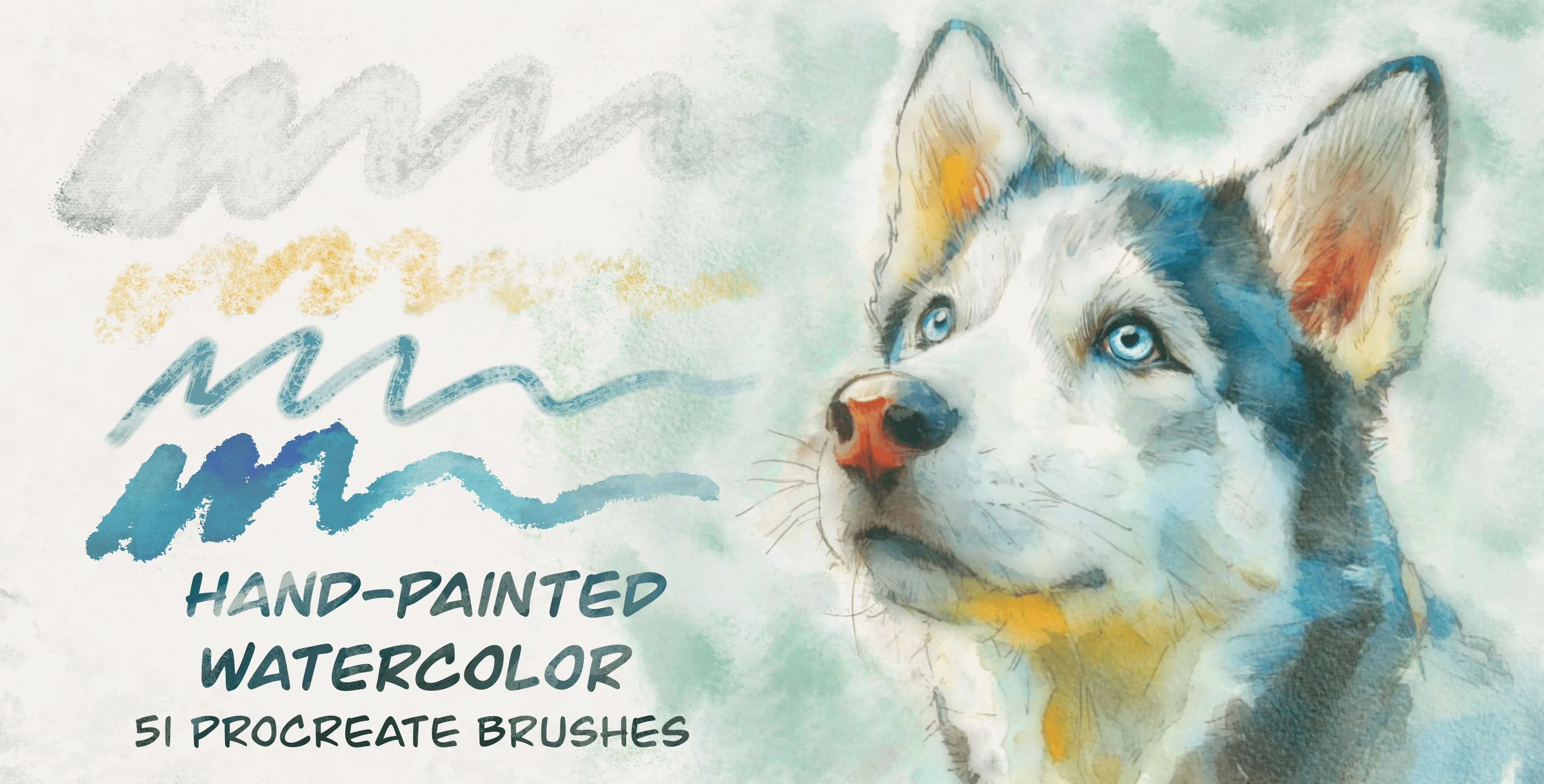
 Hand Painted Watercolor
washes and wet watercolor, sumi ink bases, heavy granulation and sedimentation
 Procreate Video
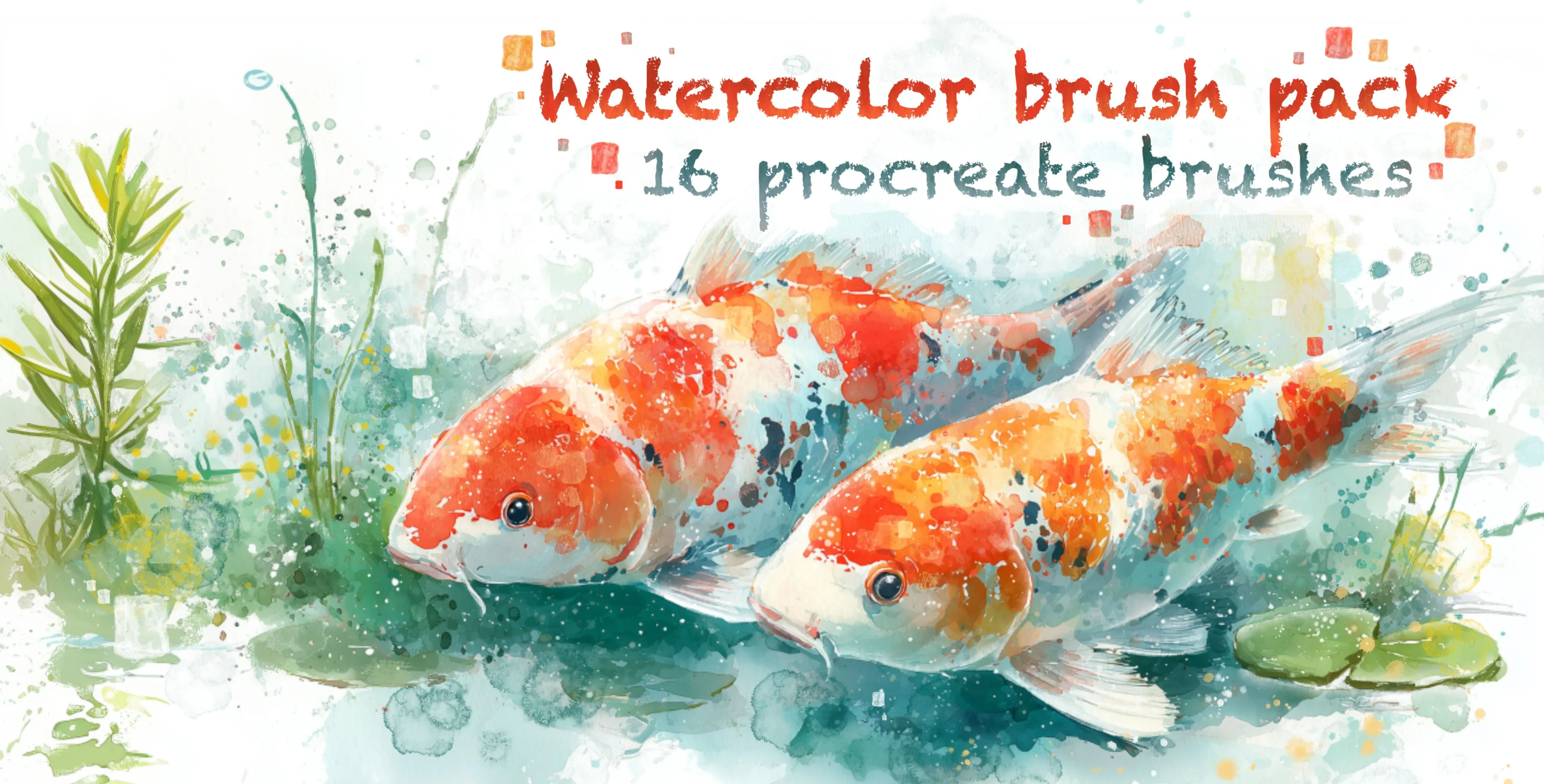
 Watercolor Brush Pack
watercolor line-art liners, frayed-edge bleed and wet-edge brushes, one-way
 Procreate Video
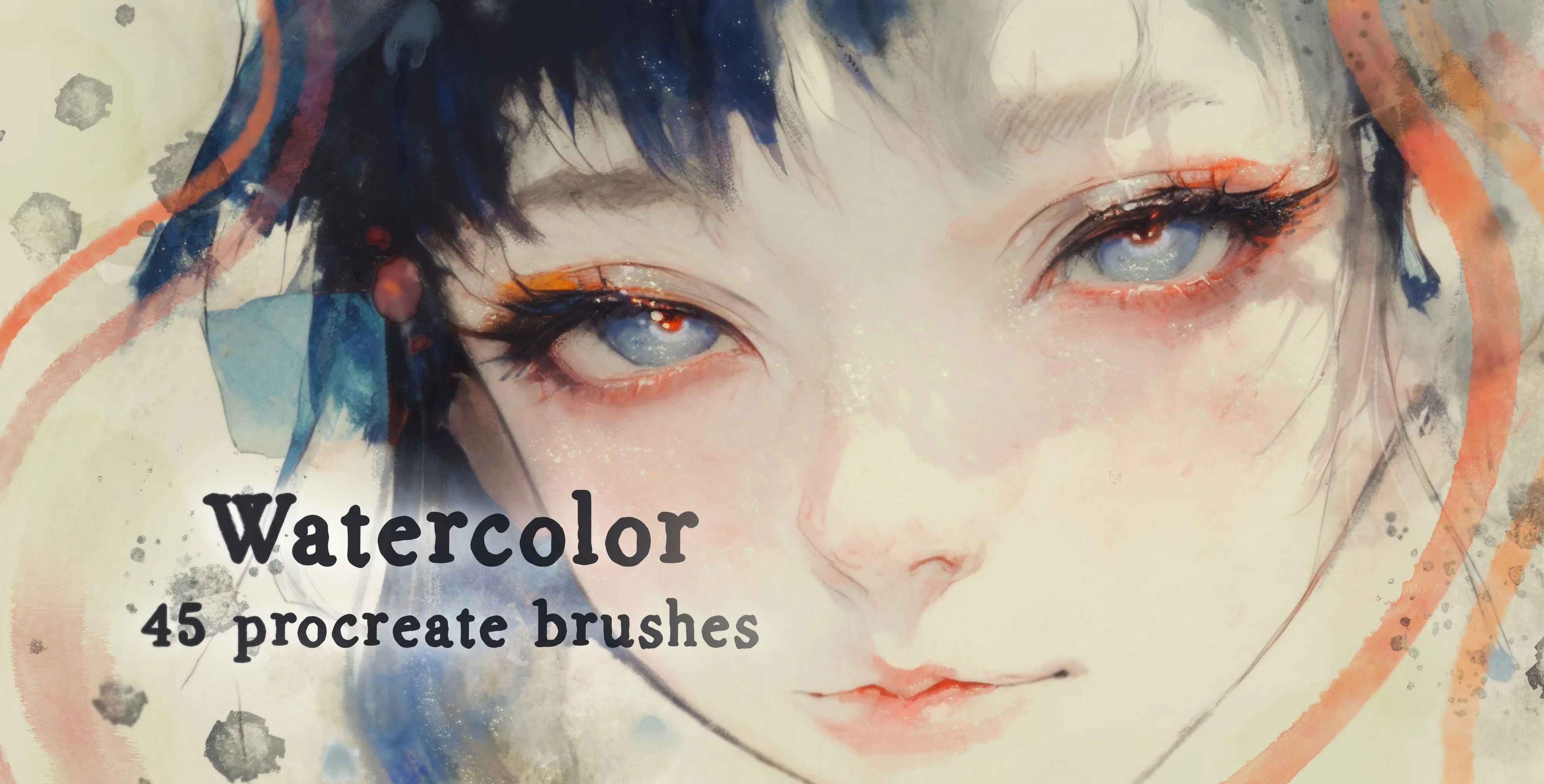
 Watercolor
washes, base layers and water blooms
 Procreate Video
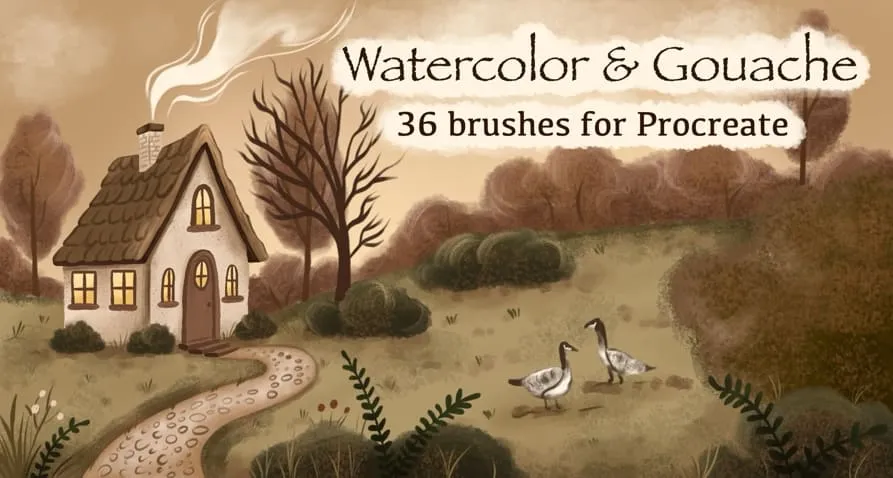
 Watercolor & Gouache
flat gouache blocks and broad washes, grainy, mottled and dry scratchy strokes, smooth satin strokes, soft fades and blenders, fine liners, speckled splatter, plus cloud and woven texture stamps
Free from independent artists
Free watercolor sets by other artists — downloaded from the artist's own page.
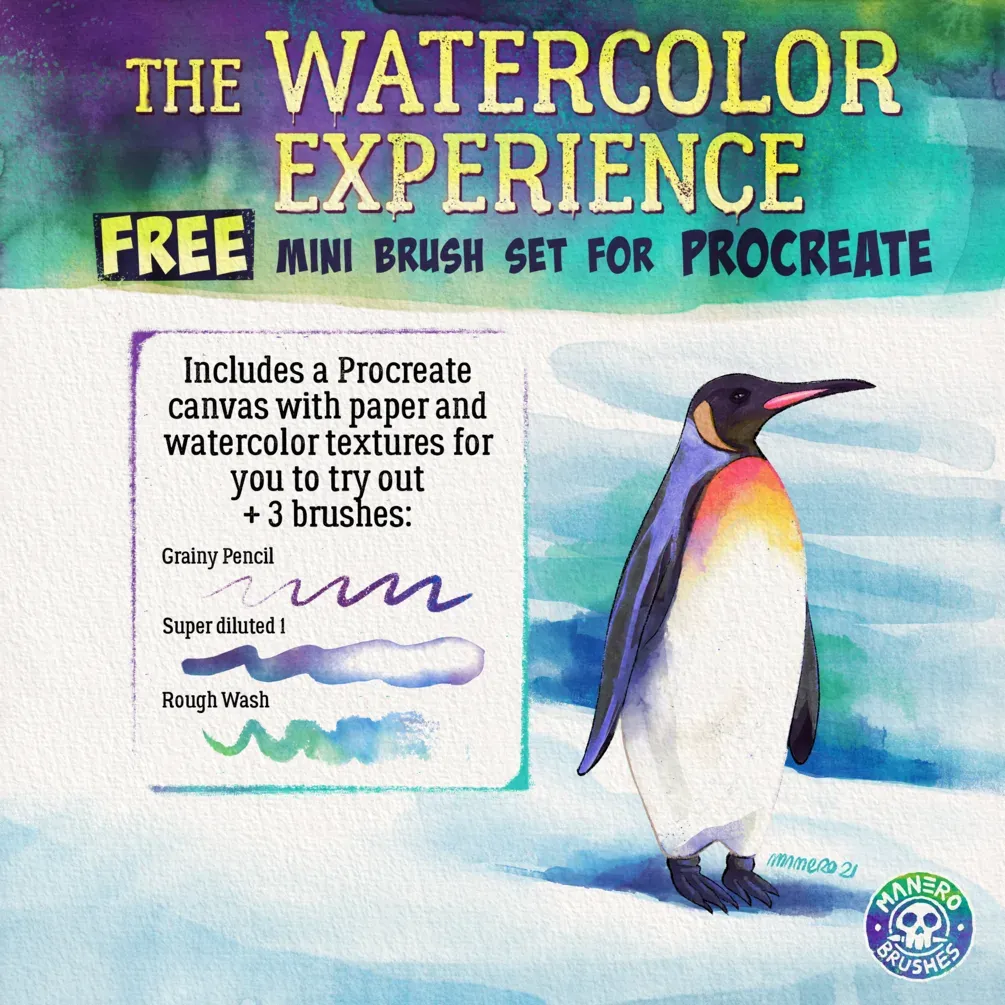 Free · external
 The Watercolor Experience — Free Mini Set
by Manero Brushes
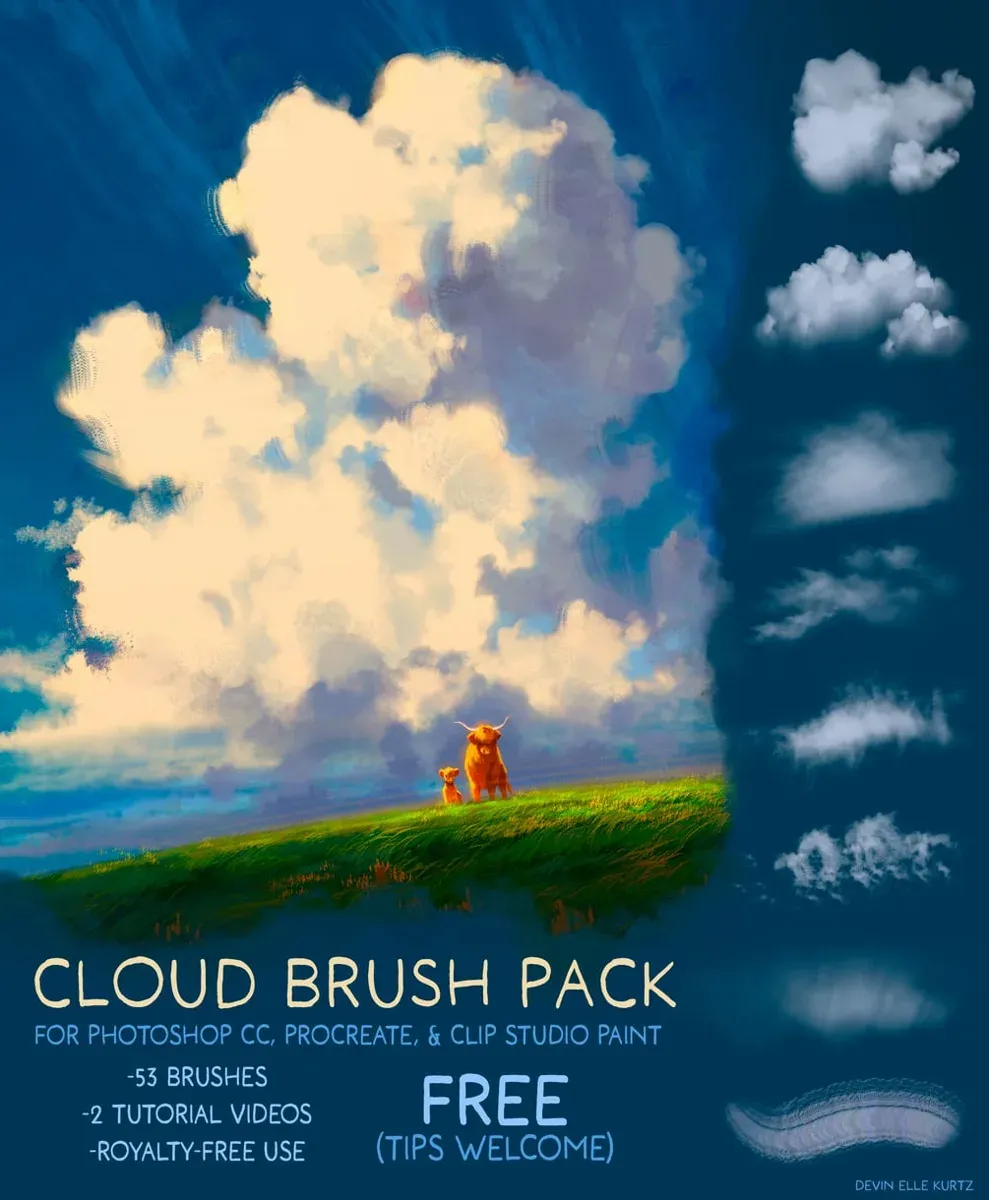 Free · external
 Cloud Brush Pack
by Devin Elle Kurtz
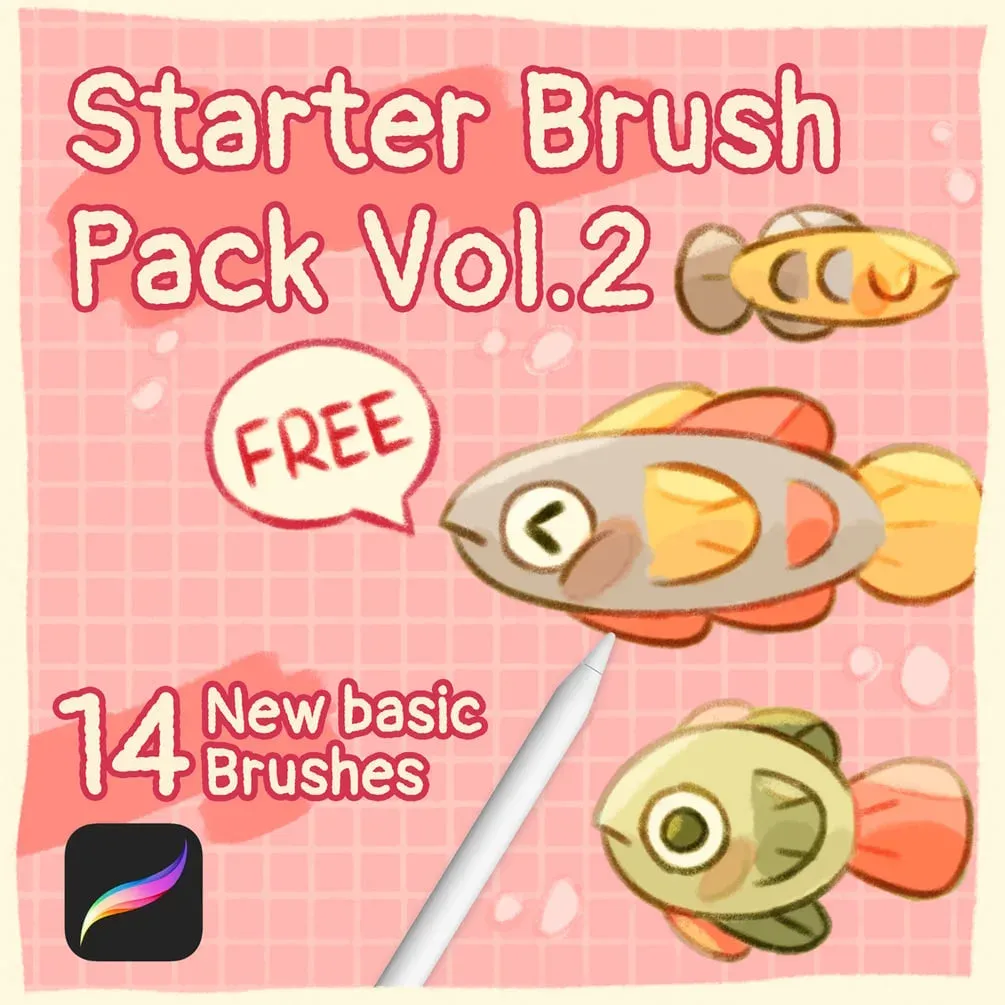 Free · external
 Starter Brush Pack Vol.2
by Olguioo
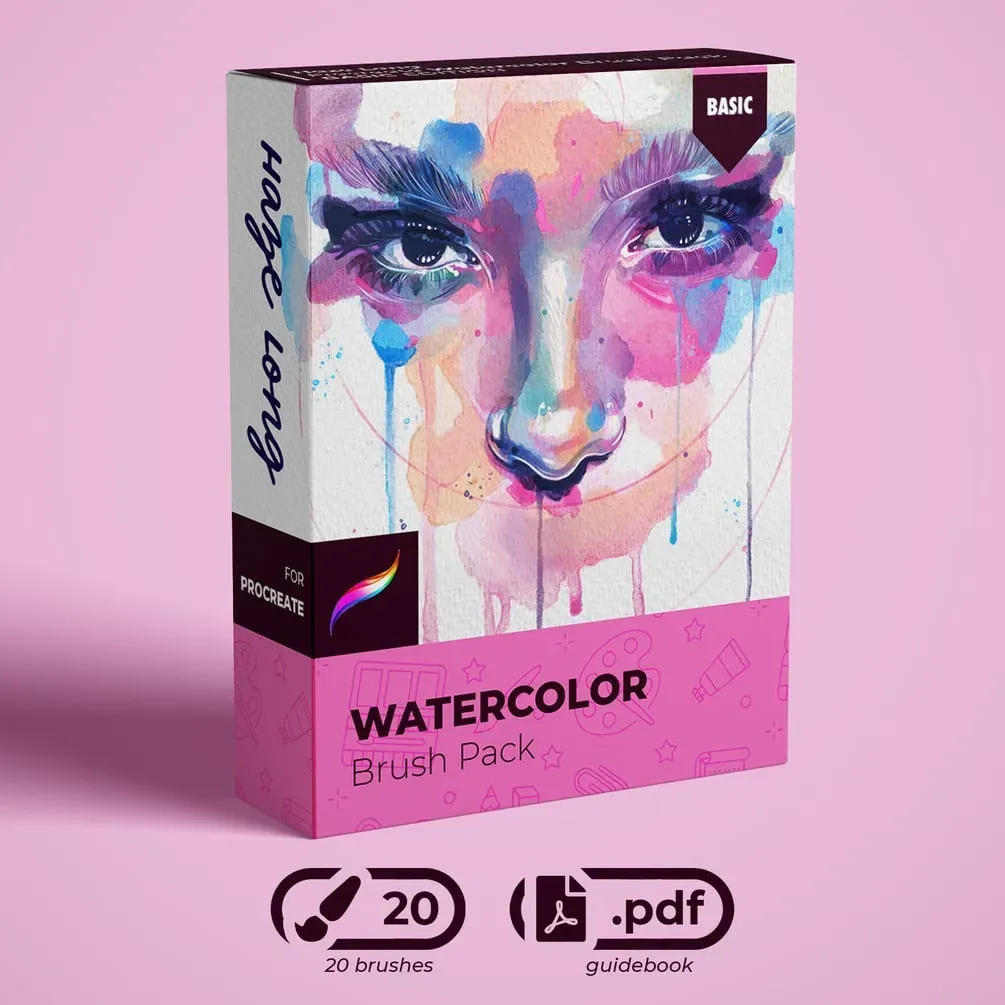 Free · external
 Free Watercolor Brushes V2
by Haze Long
 Free · external
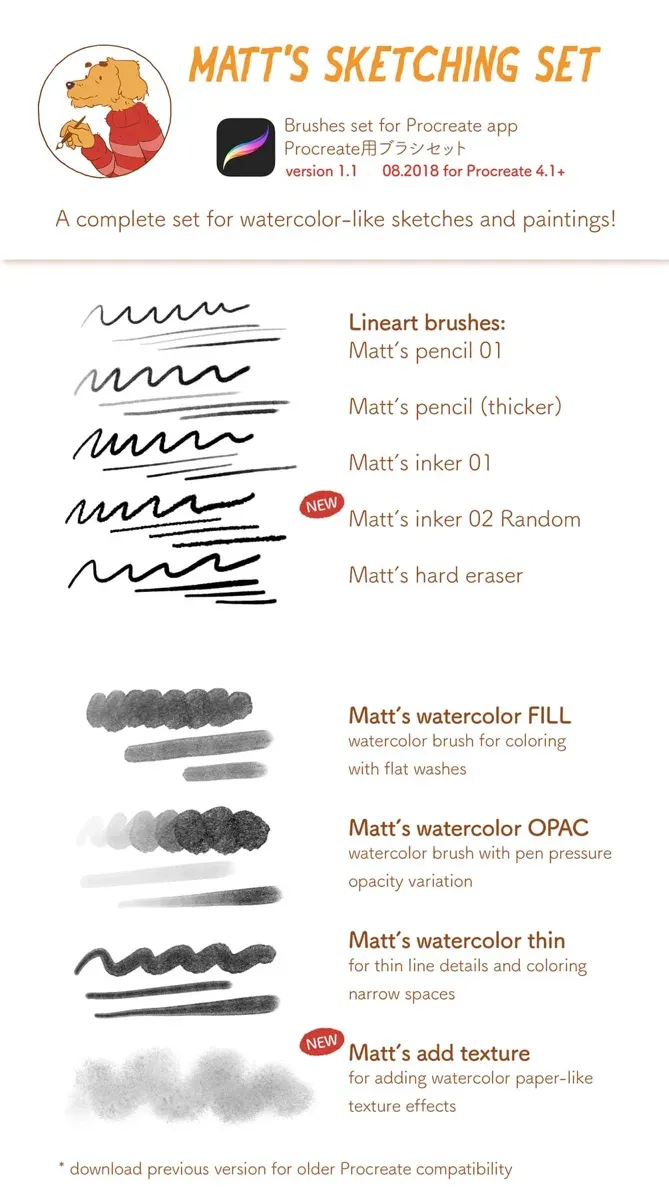
 Matt's Sketching Procreate Brush Set
by Mateusz Urbanowicz
 Free · external
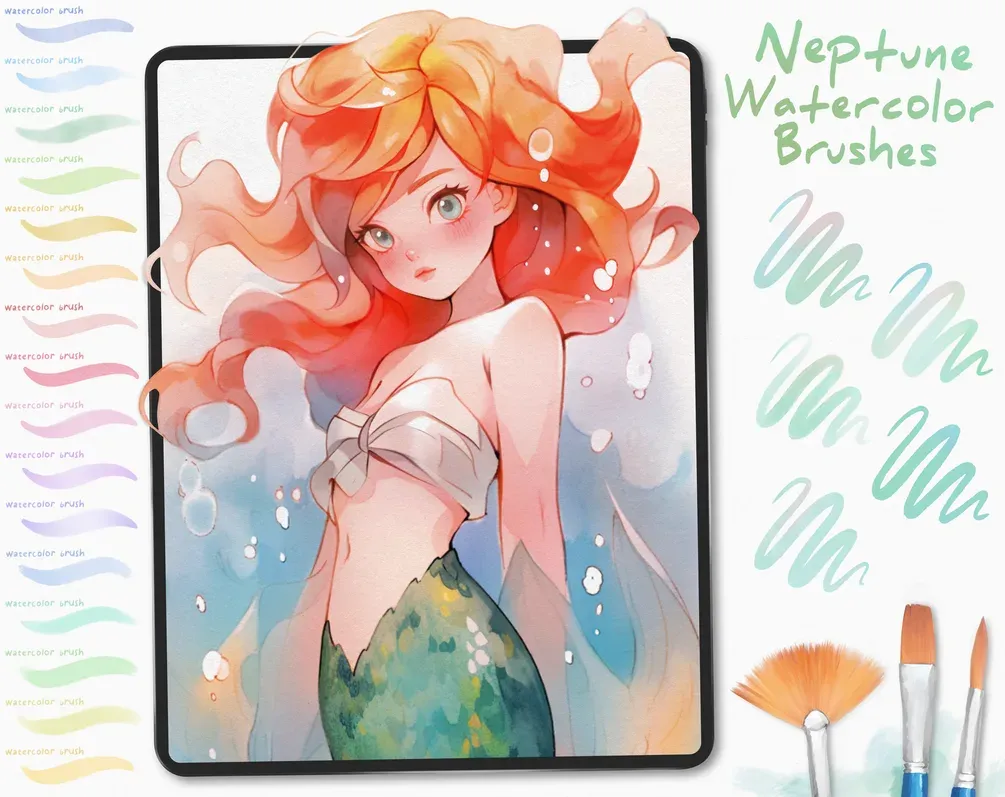
 Free Neptune Watercolor Brushes
by Di
 Free · external
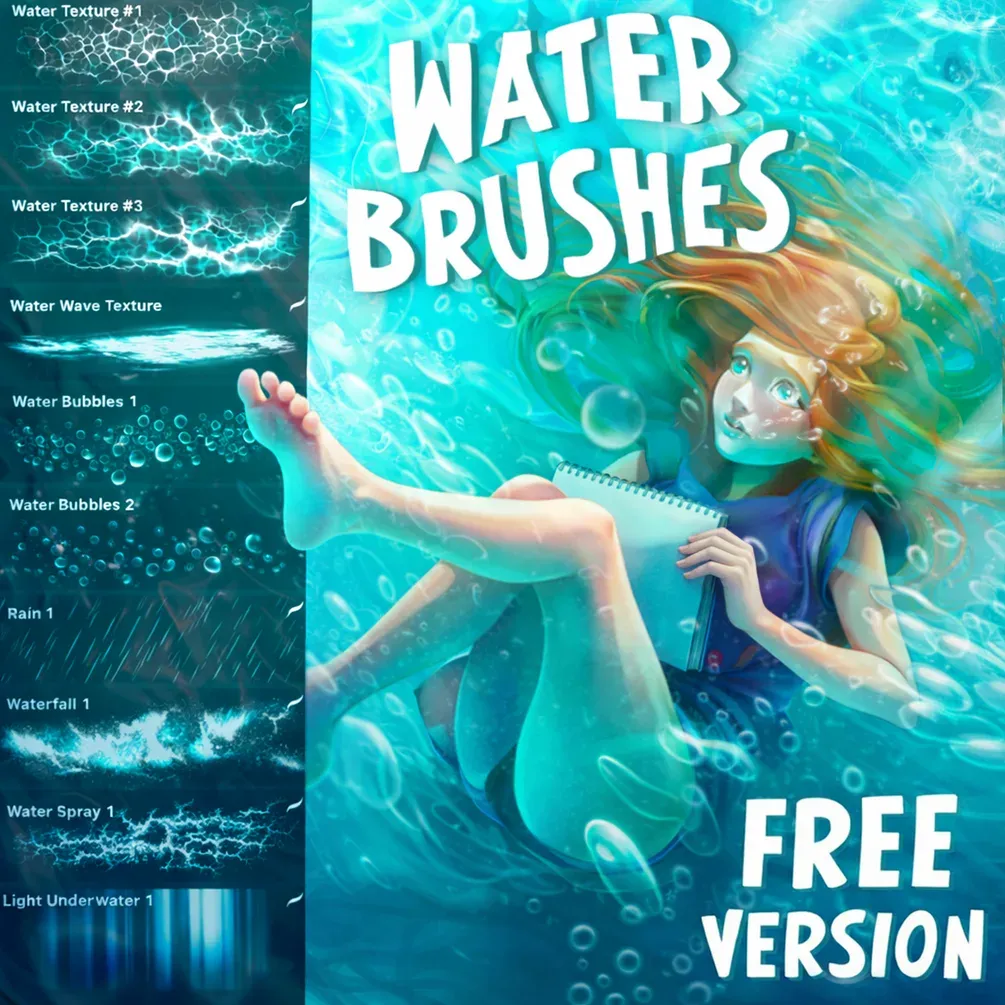
 Free Water Brush Set
by Di
 Free · external
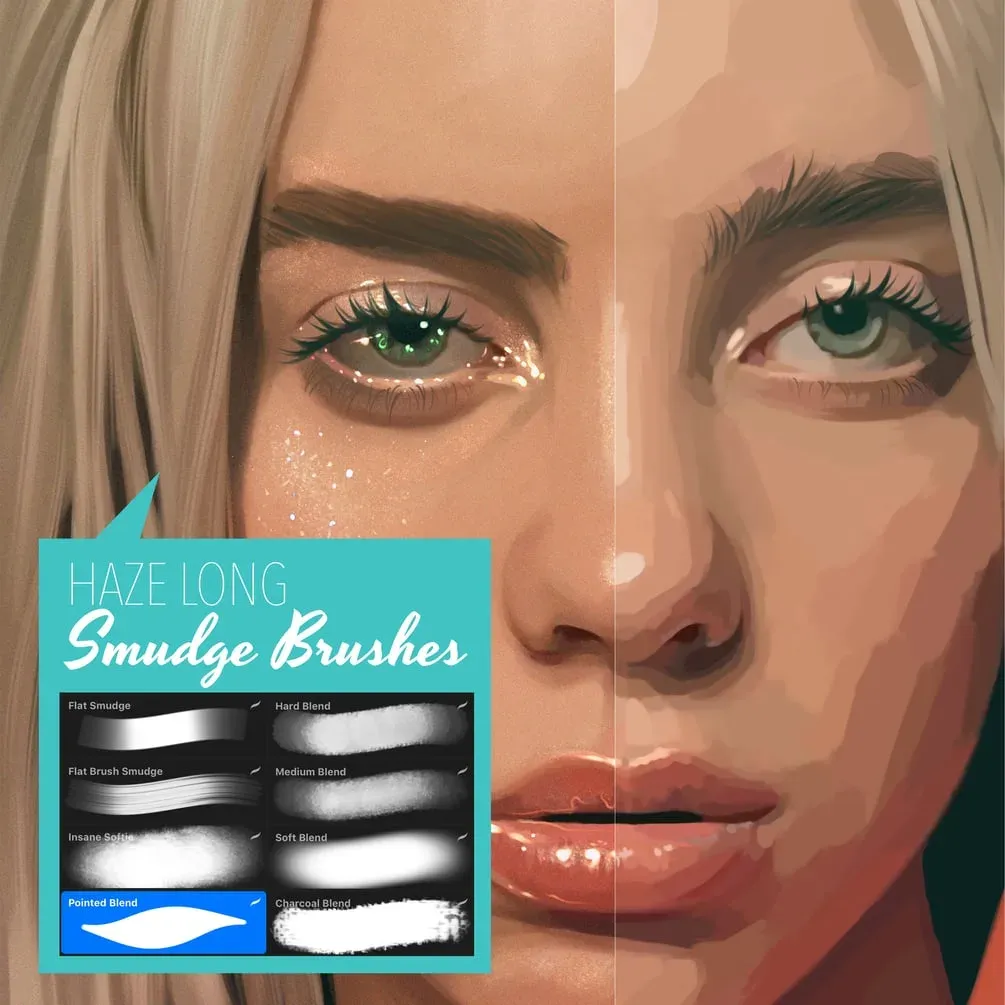
 Procreate Smudge Brushes
by Haze Long
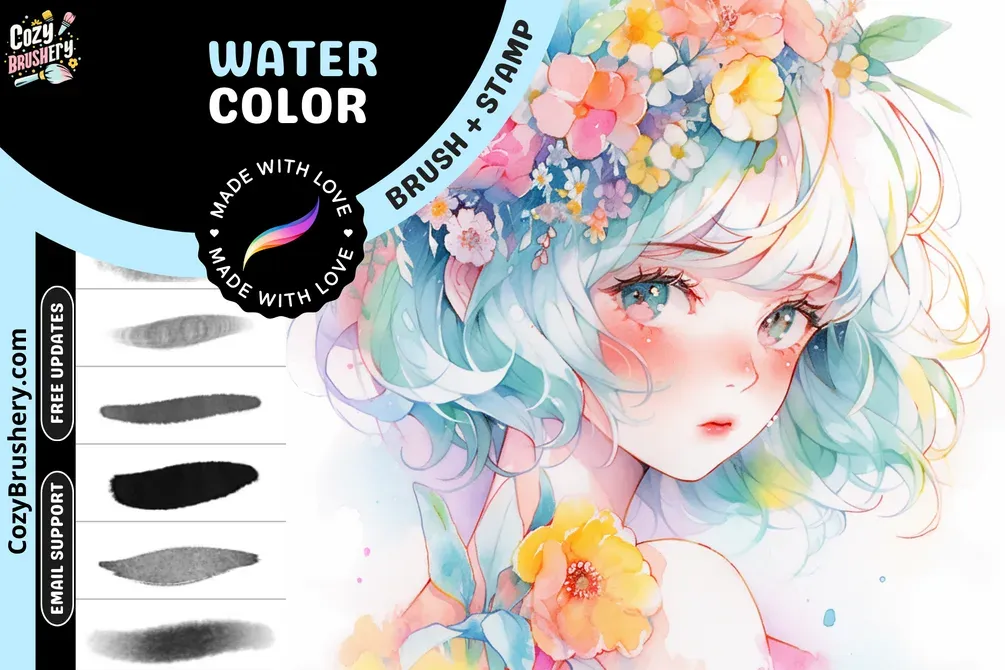 Free · external
 Free Anime Watercolor Brushes
by CozyBrushery
 Scan → get the app
More brush packs in the app
The site is still filling up — the Brusher app already has the complete 200+ set library, with more watercolor packs, plus free brushes and free tools.
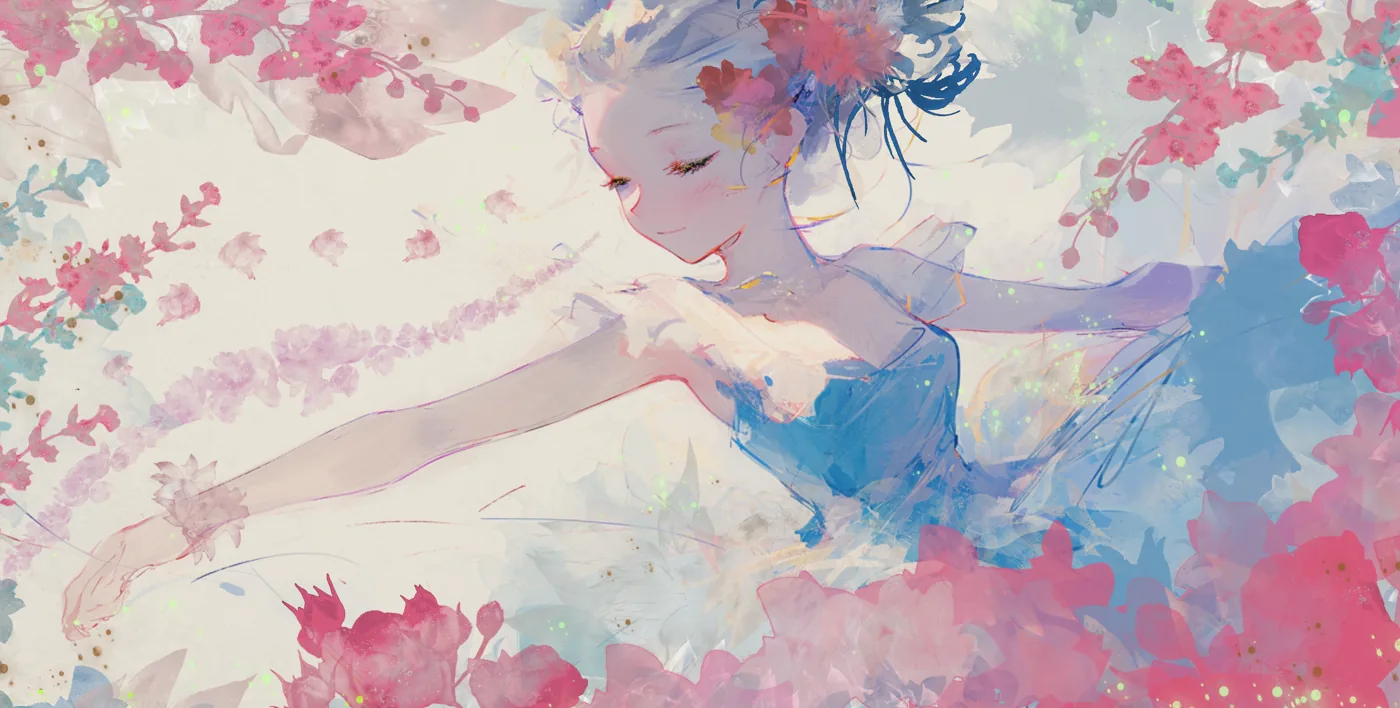
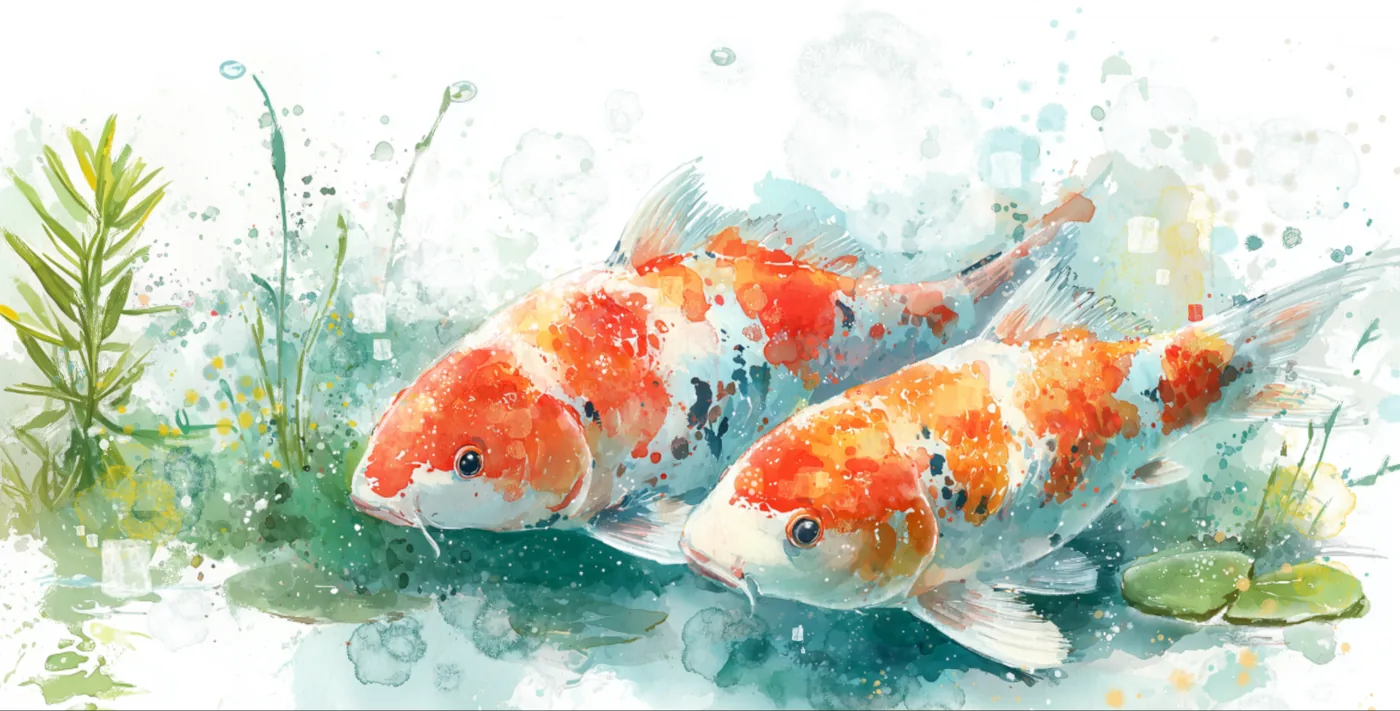
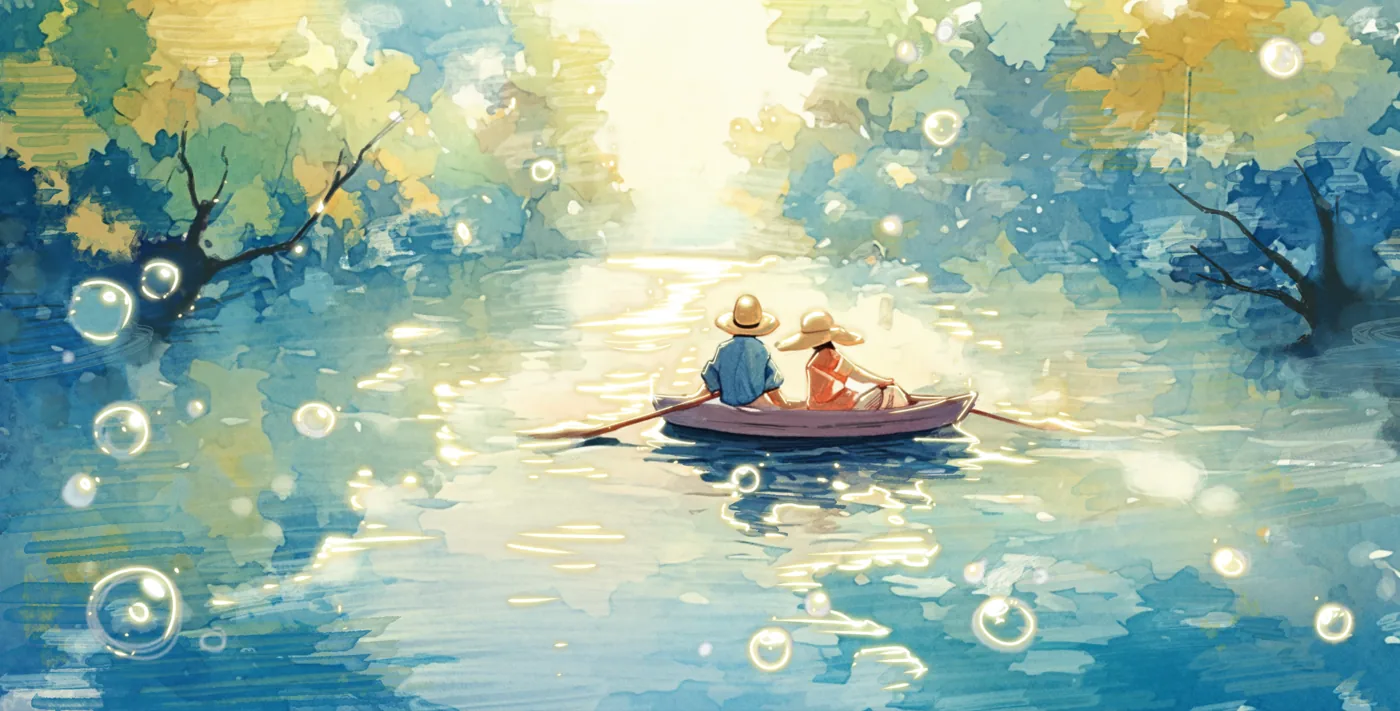
Art made with watercolor brushes
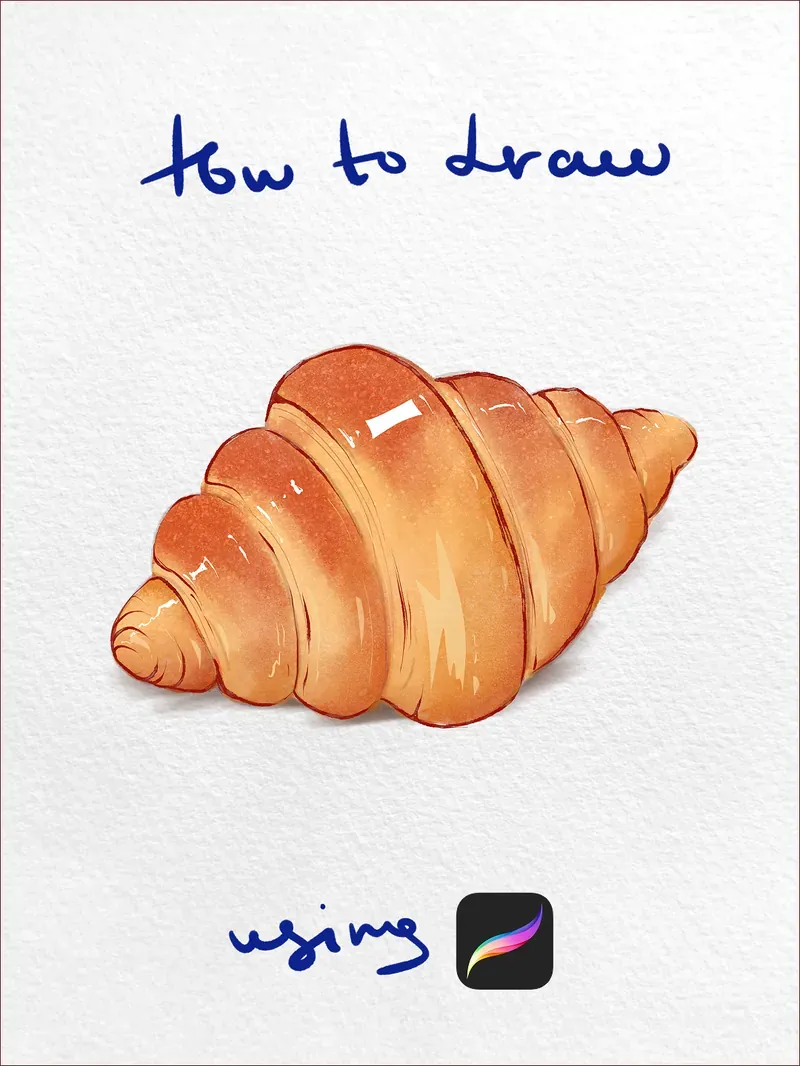
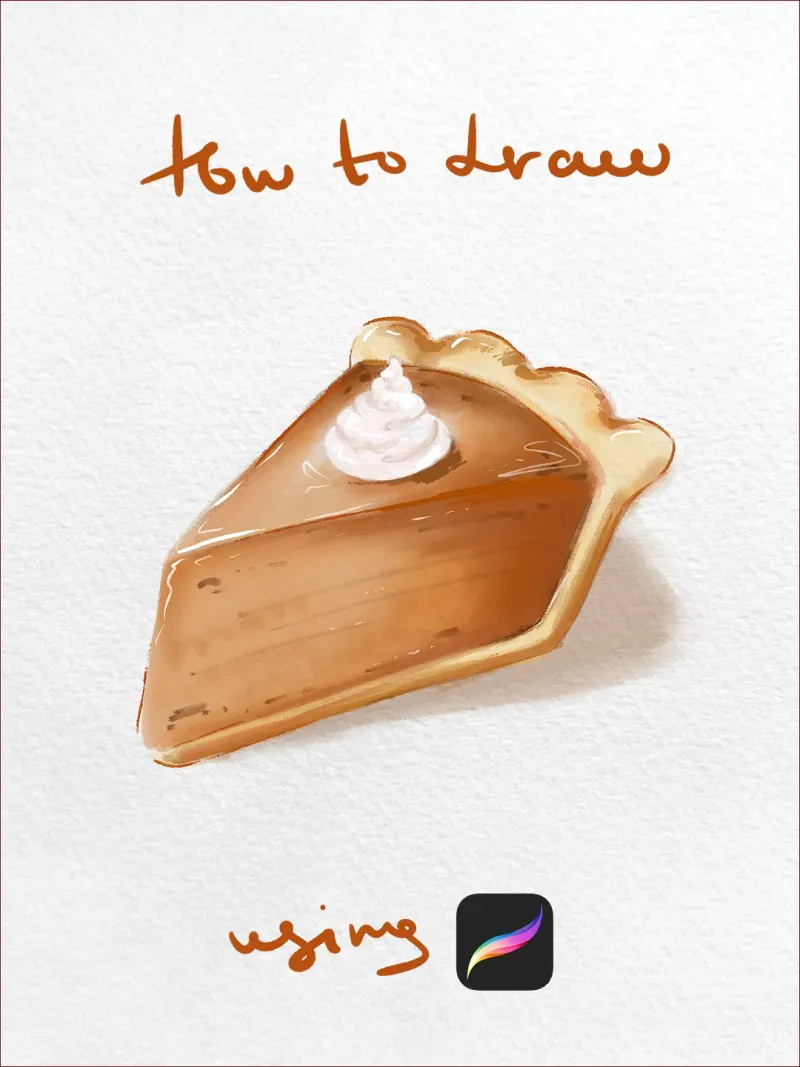
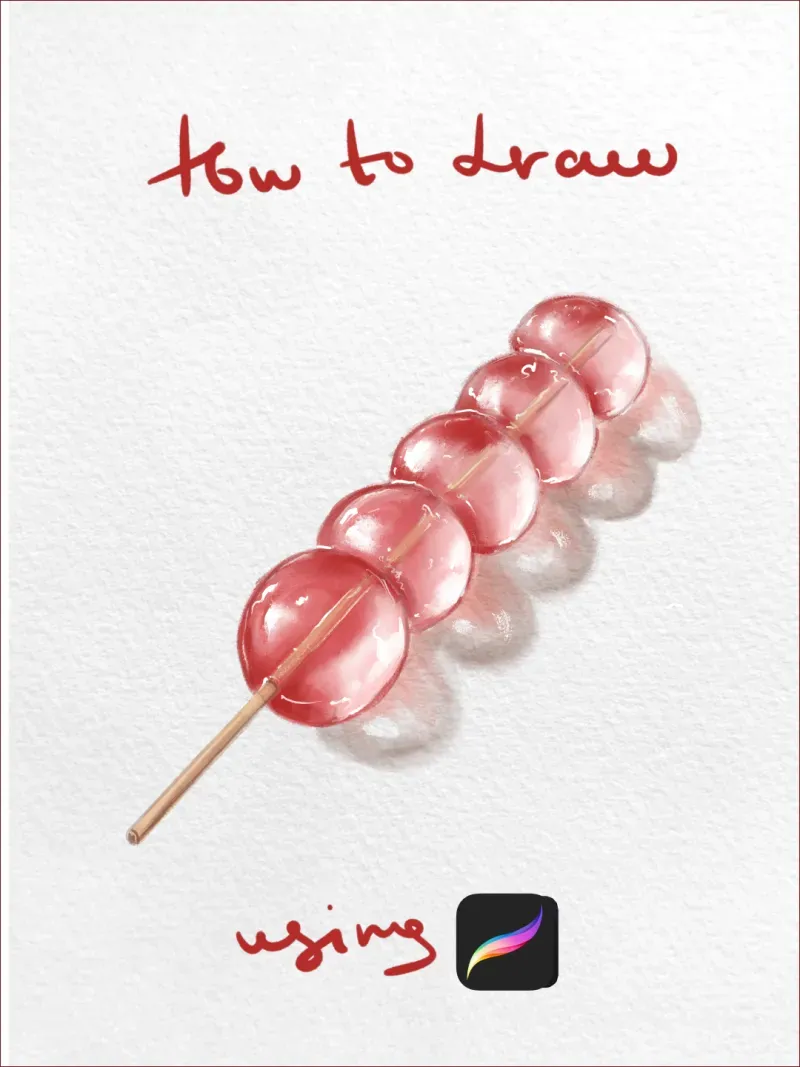
Real pieces drawn in Procreate with brushes from this style.
Tutorials with these brushes
Follow along step by step — every stage is a real Procreate screenshot, with the brush named at each step.


Popular watercolor styles
How digital watercolor brushes work
Real watercolor is about water and transparency, and the best digital brushes emulate both. They build colour through translucent layering — glaze one stroke over another and the tones mix optically, just like overlapping washes on paper. Many also carry a wet edge, depositing more pigment at the boundary of a stroke so it dries with that characteristic darker rim.
The trick to painting convincingly is to work the way traditional artists do: light to dark, thin to thick. Lay pale washes first, let each 'dry' (add a new layer), then glaze deeper colour on top. Because these brushes are transparent, stacking layers is how you build richness — flooding one layer with opaque colour kills the watercolor look.
Getting realistic wet edges and blooms
Two effects sell digital watercolor: wet edges and blooms. For wet edges, use a brush tuned to pool pigment at the stroke's border and work at a moderate size so the edge has room to form. For blooms — those soft feathered blossoms where wet paint spreads — drop colour into a still-damp area using a wet-on-wet brush, or nudge two colours together and let them bleed.
Keep it loose. Watercolor rewards restraint and controlled accidents, not tight rendering, so resist over-blending. Combine your washes with a little paper texture beneath the painting and the piece instantly reads as traditional media rather than digital.
Choosing the best watercolour brushes for your level
New to the medium? The best beginner watercolor brushes are forgiving all-rounders — one wet-on-wet wash, one dry brush and a soft round — so you learn how pigment layers before adding specialised tools. This collection bundles exactly that essential watercolor brush set, then scales up to the professional watercolor brushes seasoned painters want: dedicated bloom, glaze and splatter behaviours with fine grain control.
The same washes double as watercolour brush pens for loose calligraphy and brush lettering — flat downstrokes, tapered upstrokes and a soft pigment edge. Whether you spell it watercolor or watercolour, every set is a native .brushset that installs in a single tap.
Watercolor brushes — FAQ
Is there a difference between watercolour and watercolor brushes?+
None — it's the same medium, just the British and American spelling of the same word. Every set on this page is listed under both, so a search for watercolour Procreate brushes and one for watercolor Procreate brushes lands you on exactly the same .brushset files.
What are the best watercolor brushes for portraits?+
For skin, use soft wet-on-wet brushes for the base washes and a drier brush for cheeks and defined edges, building tone in translucent layers. Keeping the pigment transparent and layering light to dark gives skin that luminous, glowing quality watercolor is loved for.
How do I get wet edges in Procreate?+
Use a watercolor brush tuned to deposit more pigment at the stroke's border, and work at a moderate brush size so the edge has space to form. Painting on separate layers and letting each 'dry' before glazing the next preserves those characteristic darker rims.
What's the difference between free and paid watercolor brushes?+
Free watercolor brushes give you a basic wash and a texture to experiment with. Paid sets go deeper: multiple wet-on-wet and dry-brush behaviours, dedicated wash and splatter brushes, and grains tuned to react to layering the way real pigment does — the range you need for finished pieces.
Do these work in the latest version of Procreate?+
Yes — these are standard .brushset files and work in current Procreate on any Apple-Pencil iPad. They're updated for 2026 and take full advantage of Procreate's pressure, tilt and layer-blending behaviour for realistic watercolor effects.