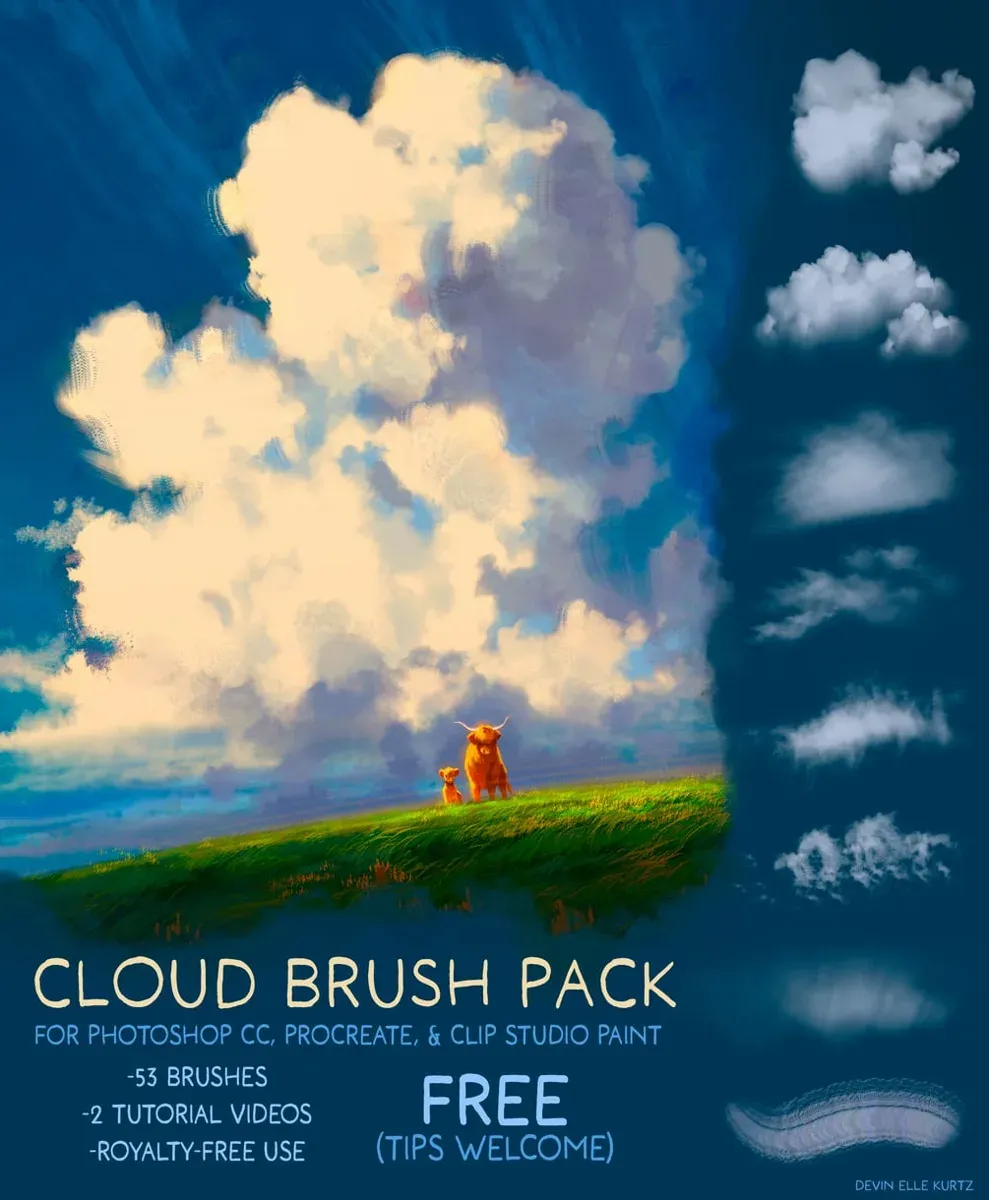
Cloud Brush Pack by Devin Elle Kurtz
- Brushes
- 53
- In the download
- 5 Procreate .brushset files, a Photoshop .abr, Clip Studio Paint .sut brushes and a cheat sheet
- Works with
- Procreate, Photoshop, Clip Studio Paint
- Price
- Free ($0+) on Gumroad
- License
- Royalty-free: the author's README allows personal, freelance, educational and commercial use with no license or credit required.
Brusher doesn't host or sell this set — the download is on the author's page.

Brusher app for iPad & iPhone
Want more like this? 200+ sets in the Brusher app — one tap installs them into Procreate.
53 brushes for painting skies, from soft hazy block-ins to crisp streaks, by background artist Devin Elle Kurtz. The same pack works in Procreate, Photoshop and Clip Studio Paint, and the author's README makes it royalty-free — including in work you sell.
The download comes from the author's Gumroad page; we only describe what is inside.
Fluffy clouds and block-ins
Sixteen brushes for the main cloud masses: grainy bases, puffy block-ins, jagged and fuzzy edges, and a colour-bleed block-in that mixes hues as you paint. Lay the shape down with one of these, then refine.
-
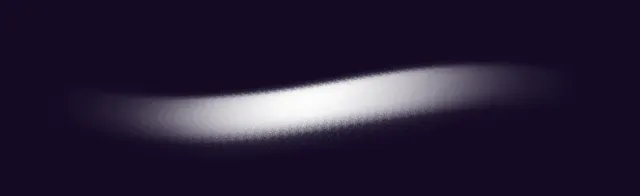
Grainy Cloud Base
-
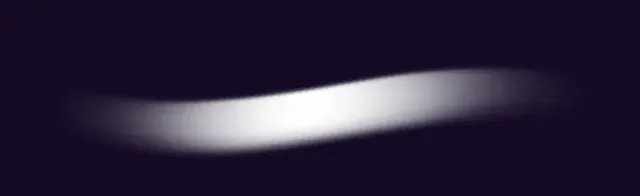
Hazy Cloud Blockin
-
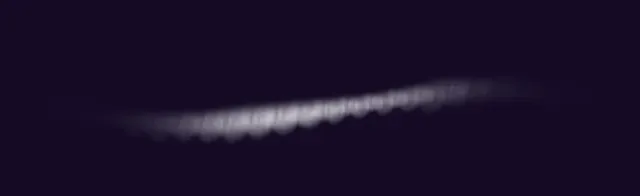
Angled stripe fog
-
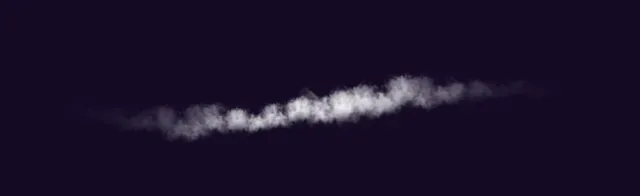
Thick Wispy Clouds
-
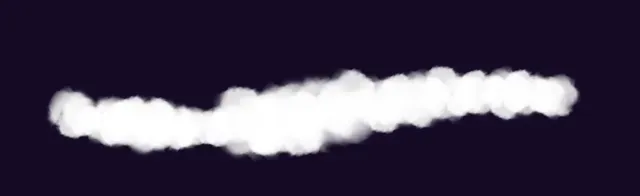
Puffy Thick Cloud Block-in
-
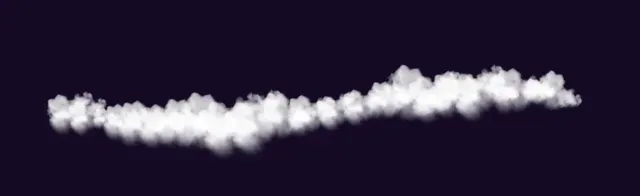
Fluffy Clouds
-
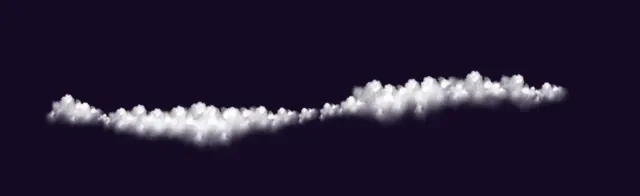
Textured Fluffy Clouds
-
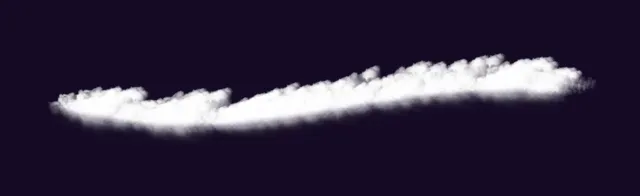
Angled Fluffy Clouds
-
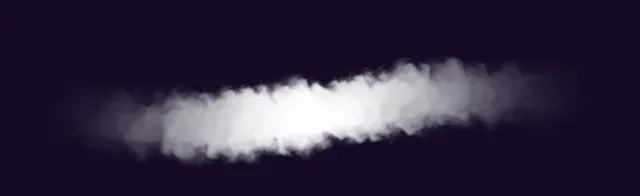
Jagged Edge Clouds
-
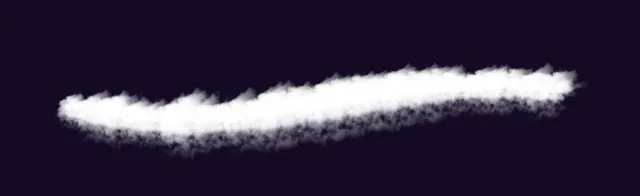
Dual Edge Block In
-
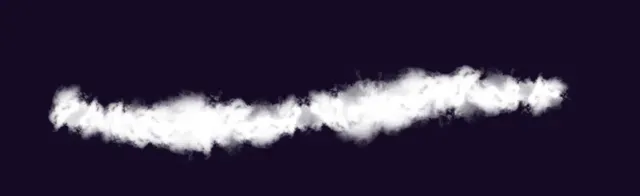
Fluffy Edge Variation
-
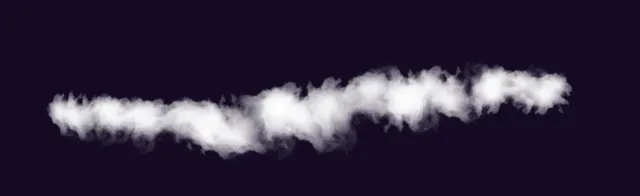
Fluffy Edge Variation 2
-
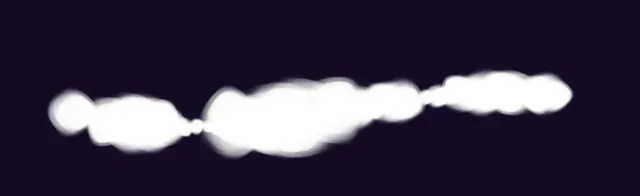
Thick Puffy Cloud Block-In
-
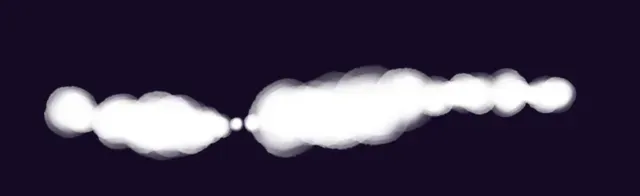
Thick Puffy Cloud Block-In 2
-
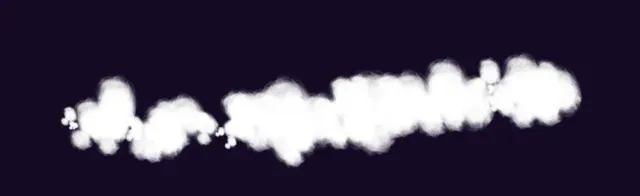
Fuzzy Edge Cloud Block in
-
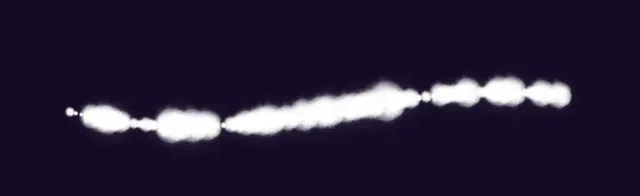
Color Bleed Puffy Cloud Block-In
Wispy clouds and streaks
Fifteen brushes for thin, high clouds: soft scattered clouds, streaks and several cloud lines — loose, grainy, double, spiky, flat. Useful for cirrus skies and for breaking up a big flat gradient.
-
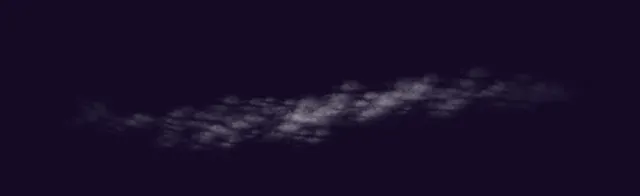
Soft Scattered Clouds 1
-
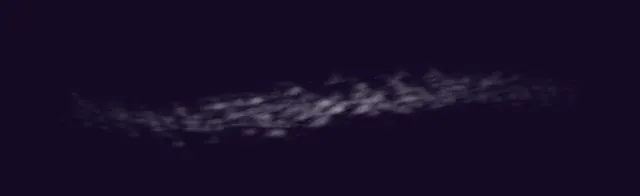
Soft Scattered Clouds 2
-
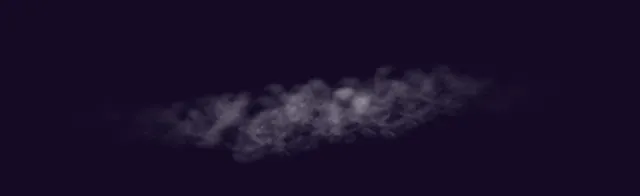
Soft Scattered Clouds 3
-
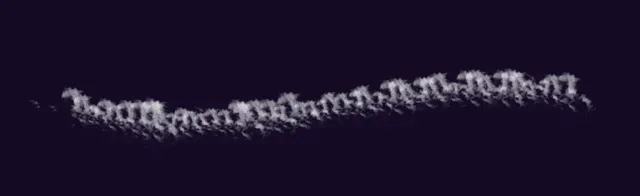
Scattered Edges
-
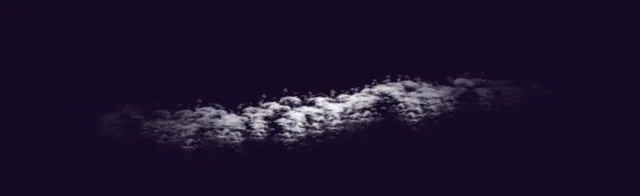
Thick Scattered Clouds
-
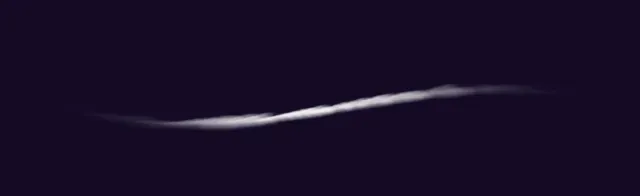
Cloud Streak 1
-
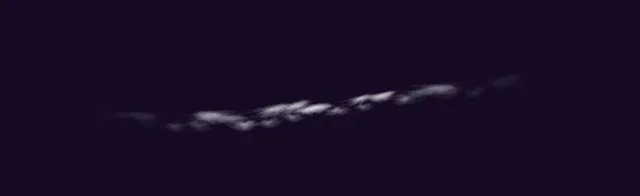
Cloud Streak 2
-
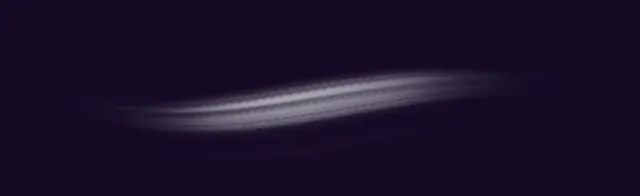
Cloud Streak 3
-
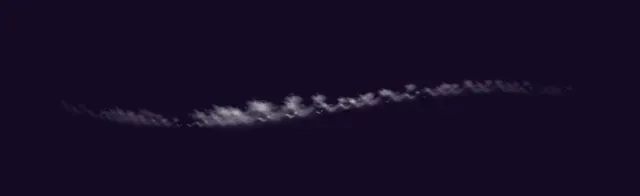
Spiky Cloud Streak
-
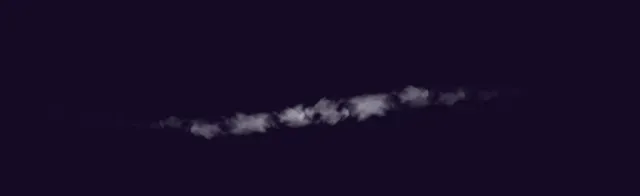
Loose Cloud Line
-
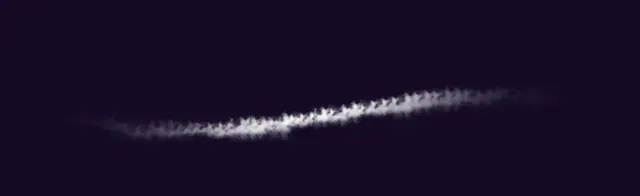
Grainy Cloud Line
-
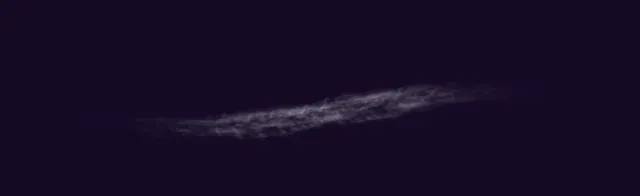
Double Cloud Line
-
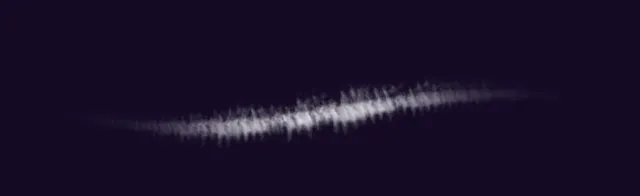
Spiky Cloud Line
-
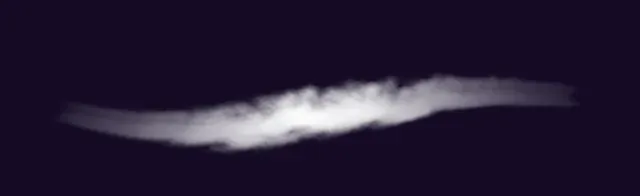
Soft Fluffy Cloud Line
-
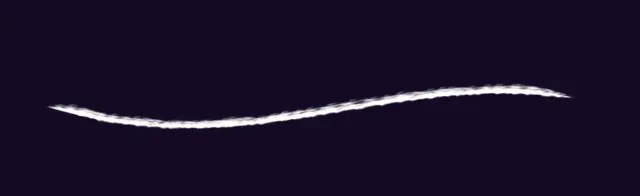
Flat Cloud Line
Watercolor clouds
Fourteen brushes with a wet, blooming edge — seven watercolor cloud stamps, two noise textures, scattered clouds and a thick block-in — for skies that should look painted rather than airbrushed.
-
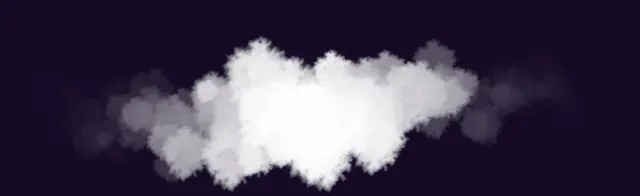
Watercolor Cloud 1
-
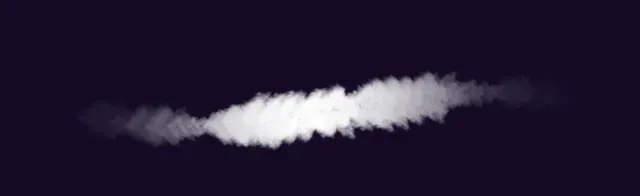
Watercolor Cloud 2
-
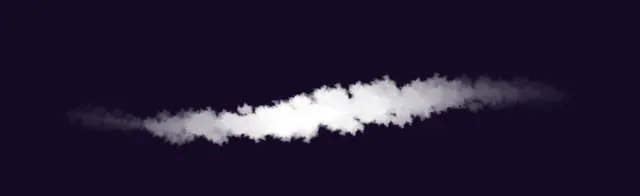
Watercolor Cloud 3
-
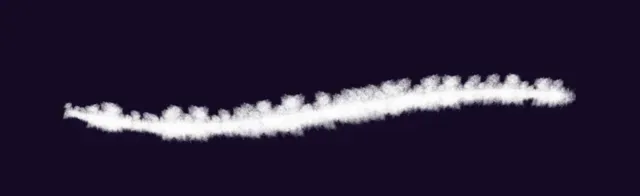
Watercolor Cloud 4
-
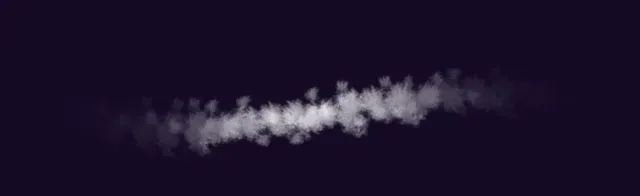
Watercolor Cloud 5
-
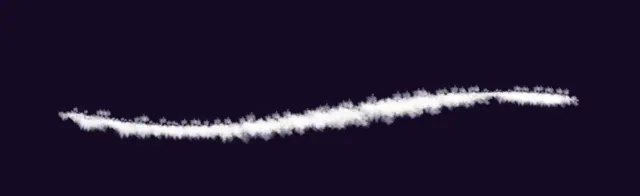
Watercolor Cloud 6
-
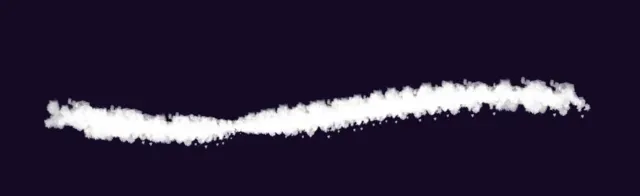
Watercolor Cloud 7
-
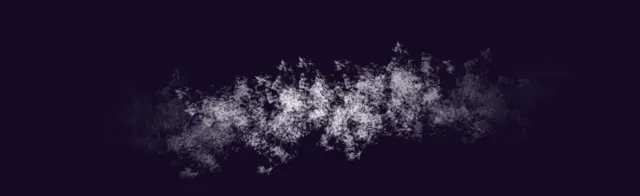
Watercolor Cloud Noise
-
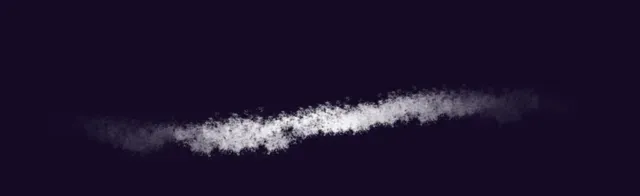
Watercolor Cloud Noise 2
-
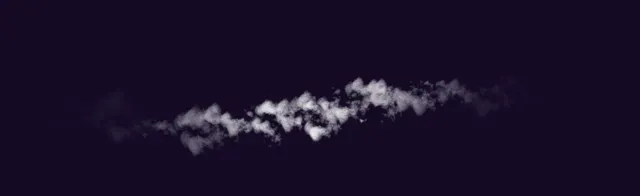
Scattered Watercolor Cloud
-
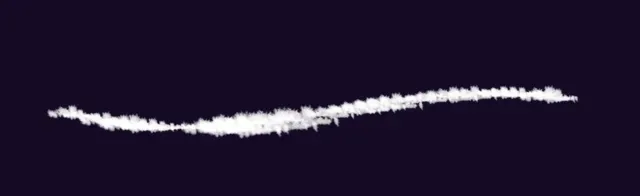
Thick Watercolor Cloud Line
-
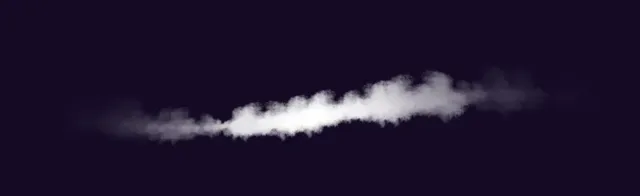
Fluffy Watercolor Cloud
-
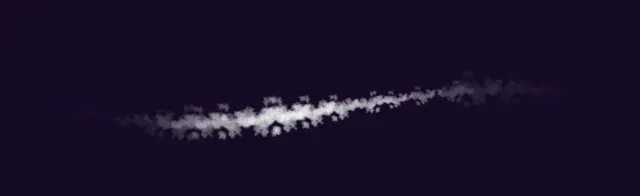
Scattered Watercolor Clouds
-
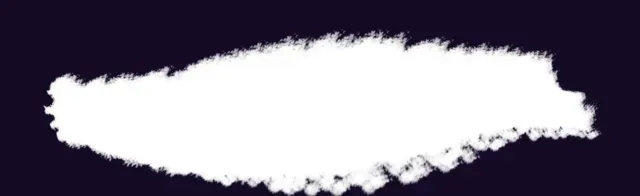
Thick Cloud Watercolor Blockin
Painting rakes and highlights
Six painting brushes (textured cloud brushes, painting rakes, cloud hatching) for working into the forms, plus two highlight brushes for the bright rim where sun hits the cloud.
-
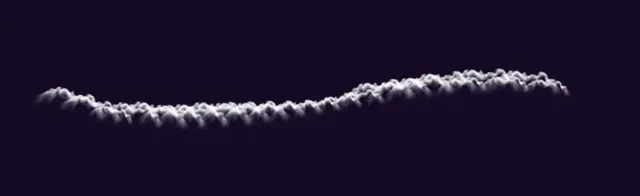
Highlight 1
-
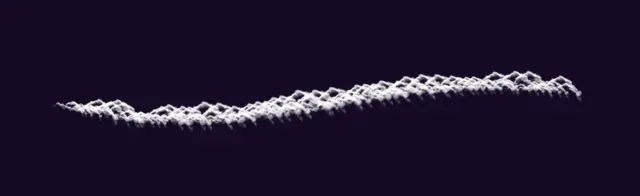
Highlight 2
-
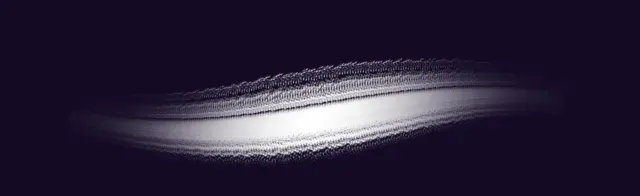
Textured Cloud Brush
-

Textured Cloud Brush 2
-

Cloud Painting Rake
-
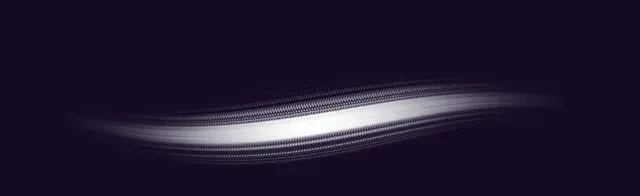
Grainy Cloud Painting Rake
-
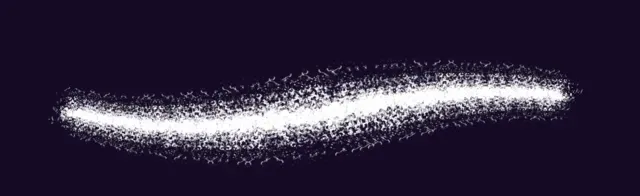
Cloud Grain Brush Thick
-
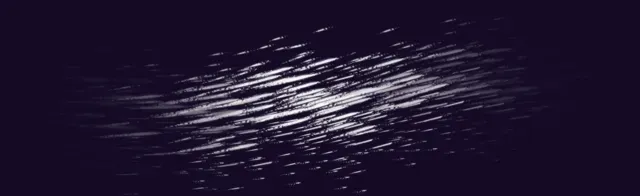
Cloud Hatching
Frequently asked questions
Are these cloud brushes free for commercial use?+
According to the README in the download, yes: royalty-free for personal, freelance, educational and commercial work, with no credit required.
Which apps does the pack support?+
Procreate (five .brushset files), Photoshop CC (.abr) and Clip Studio Paint (.sut brushes).
A brush faces the wrong way in Procreate — how do I fix it?+
The author's README suggests turning off "Orient to Screen" in the brush's Properties in Brush Studio.
How do I download it?+
Gumroad asks you to type a price — enter 0 and your email, and the download link appears right away (it is also emailed to you).
 Scan → get the app
More nature brushes in the app
The Brusher app has the full 200+ set library, nature included — one subscription instead of buying packs one at a time.
More free brushes
All free Procreate brushes
Every free set on Brusher, sorted by style.
Nature Procreate Brushes
Nature Procreate brushes for iPad: plants, trees, flowers, foliage, landscapes. Free & premium packs.
Watercolor Procreate Brushes
Download watercolour Procreate brushes for iPad: realistic wet edges, bleeding effects and wash textures. Watercolor sets for 2026 — free & premium.