3,000+ Procreate brushes on your iPad & iPhone
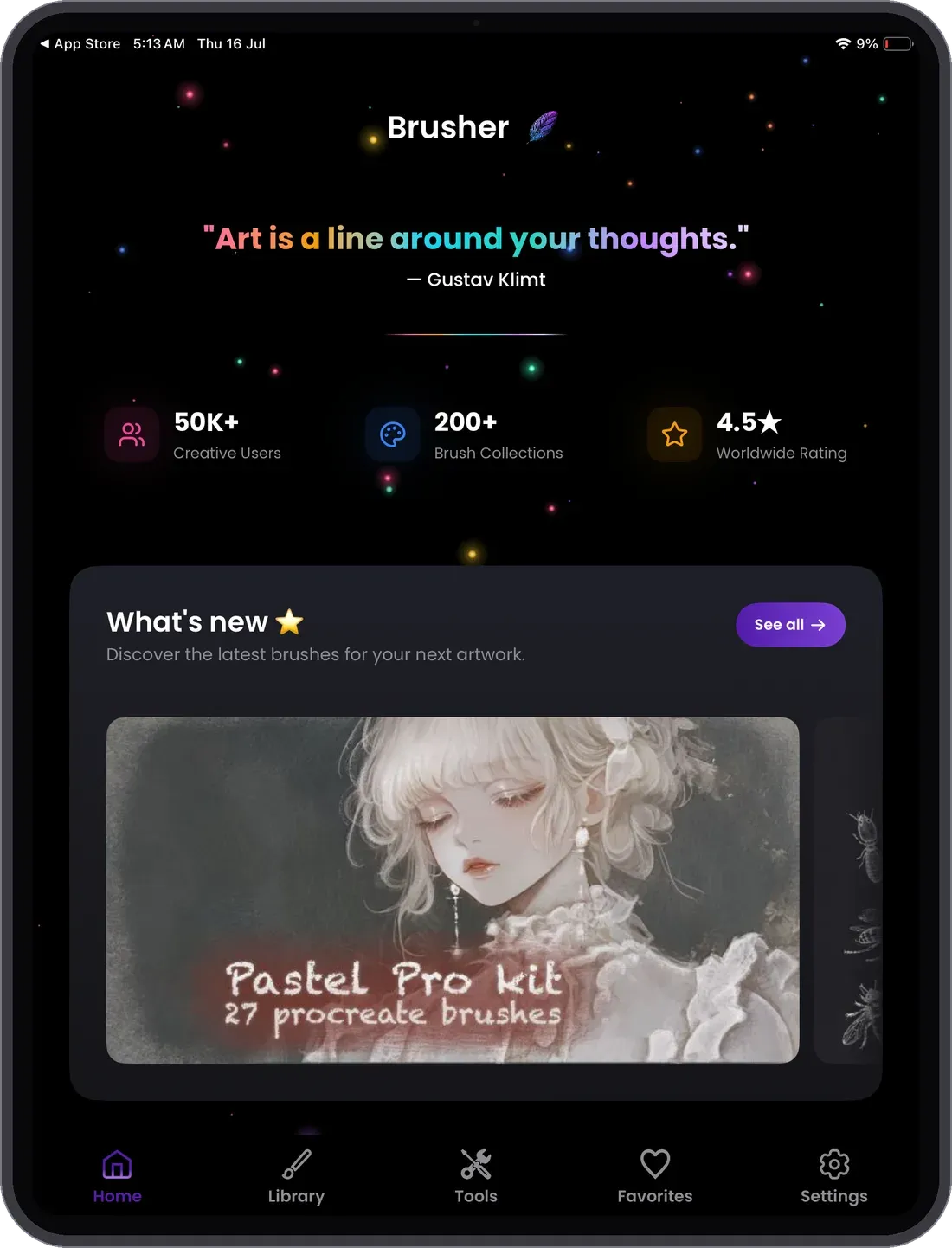
The biggest Procreate brush library in one app — watercolor, lettering, tattoo, textures, anime and more. Browse and download right on your iPad or iPhone, then import into Procreate as usual.
Free to download
Premium collections by subscription

On an iPad?
Scan to get the app
Every style you draw in
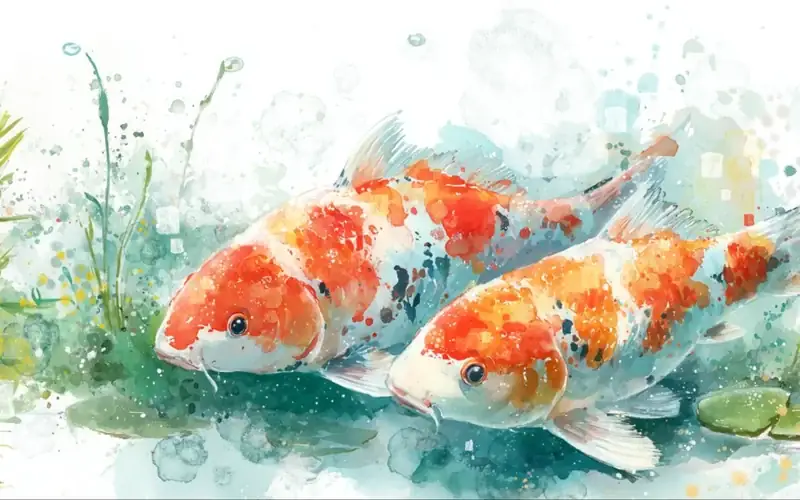
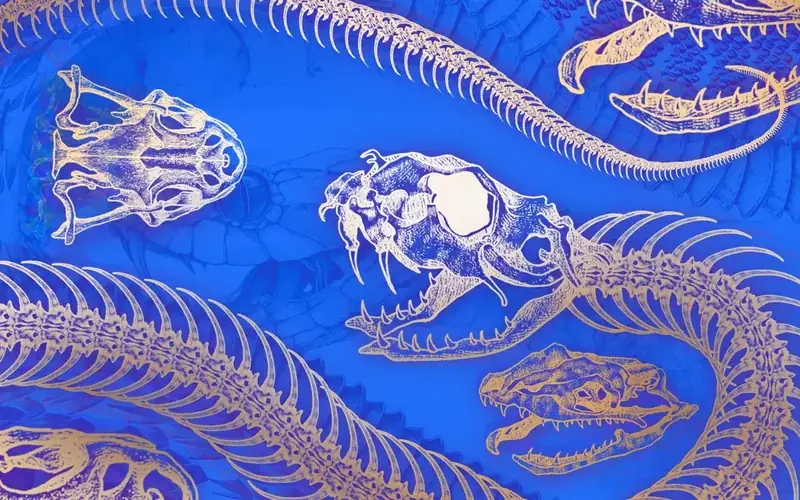
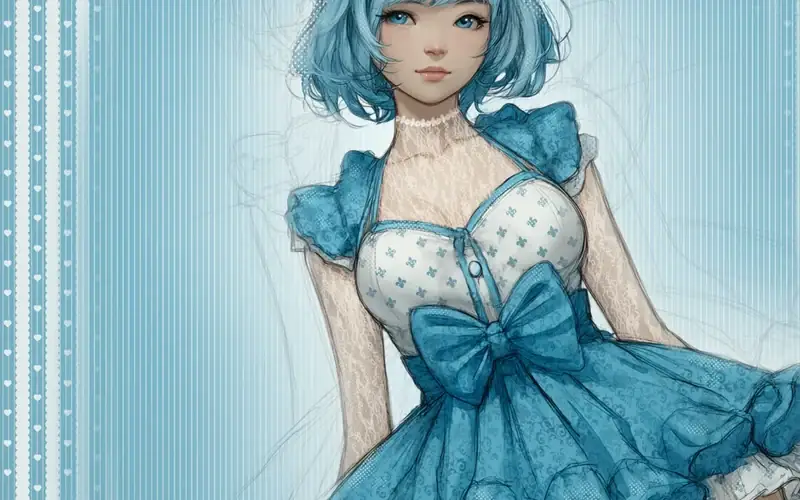
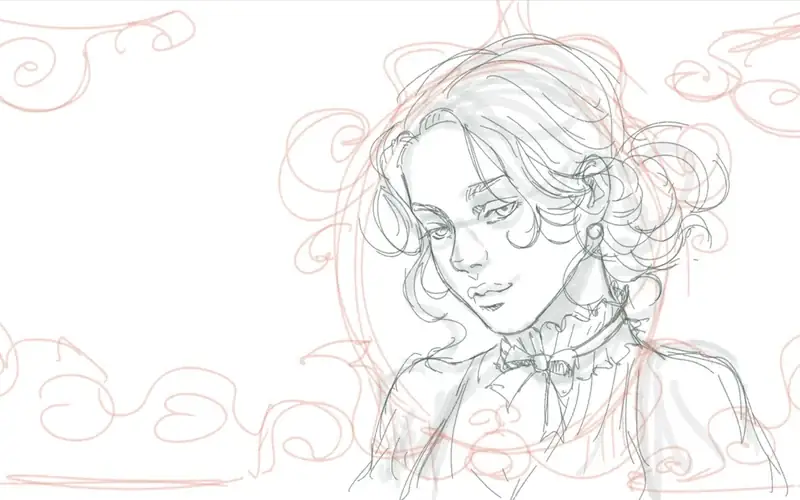
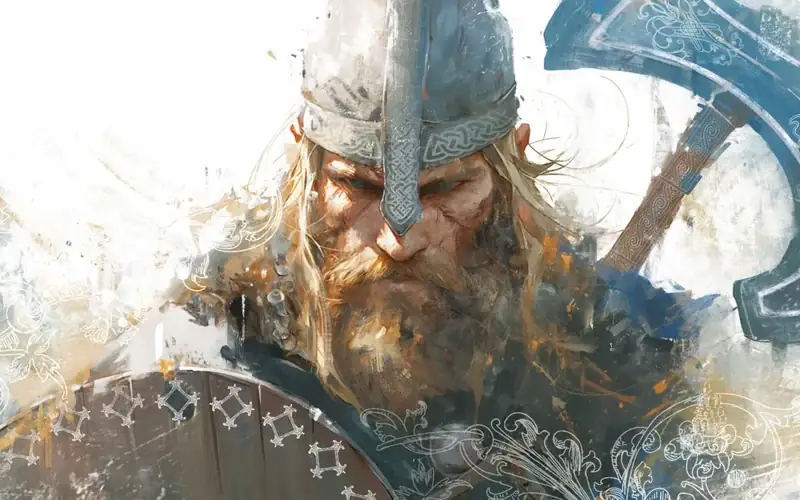
Watercolor, anime, tattoo, oil — the library covers them all. A taste of the most-loved styles:



Why artists love the app
3,000+ brushes, one library
Every style and technique in your pocket — no hunting across a dozen websites.
Free tools built in
A .brushset → .abr converter, an image vectorizer and a background remover — free in the app.
Every style covered
Watercolor, lettering, tattoo, anime, line art, texture, glow and far more.
Always growing
Fresh collections are added regularly — and everything you unlock is yours to keep.
Free to start
Download free with a set of free brushes; unlock premium collections any time.
Browse anywhere
Explore the whole library on your iPhone, then install to Procreate on your iPad.
More than a brush library — creative tools built in
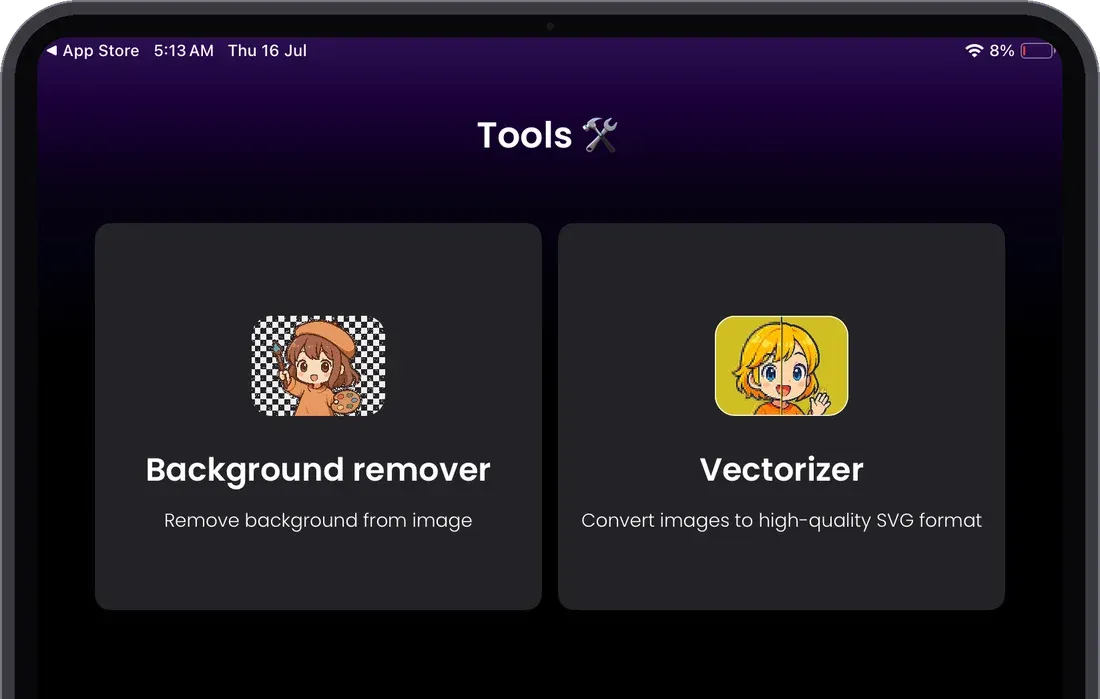
Brusher does more than store your brushes. It packs in extra tools to speed up your workflow — from the built-in vectorizer to a one-tap background remover.
Turn any image into a vector
Import any JPG or PNG and the built-in Vectorizer traces it into a clean, scalable SVG in one tap — razor-sharp at any size, ready for logos, stickers, print and cutting machines.
Cut out any subject in a tap
The Background Remover finds the subject in any photo and erases everything behind it — a clean, transparent PNG cut-out in one tap, ready for stickers, collages and mockups. No manual masking.
Made with Brusher
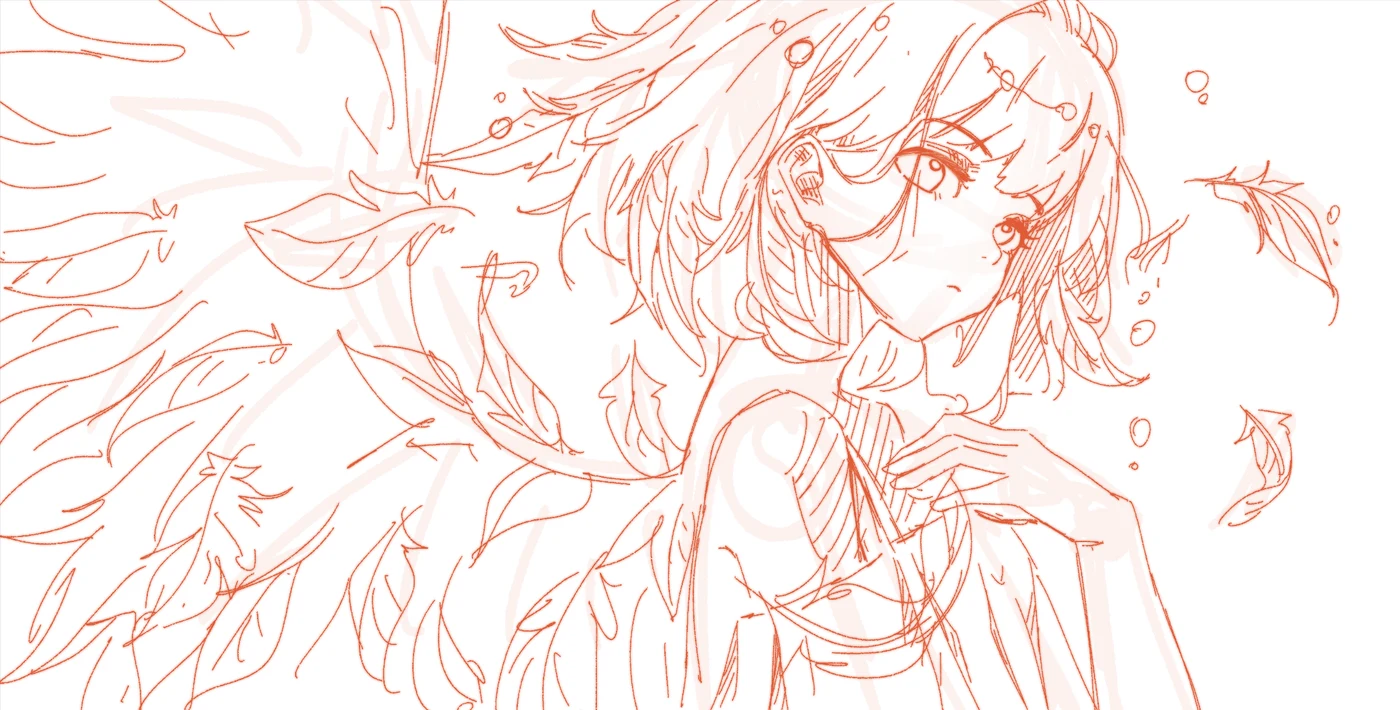
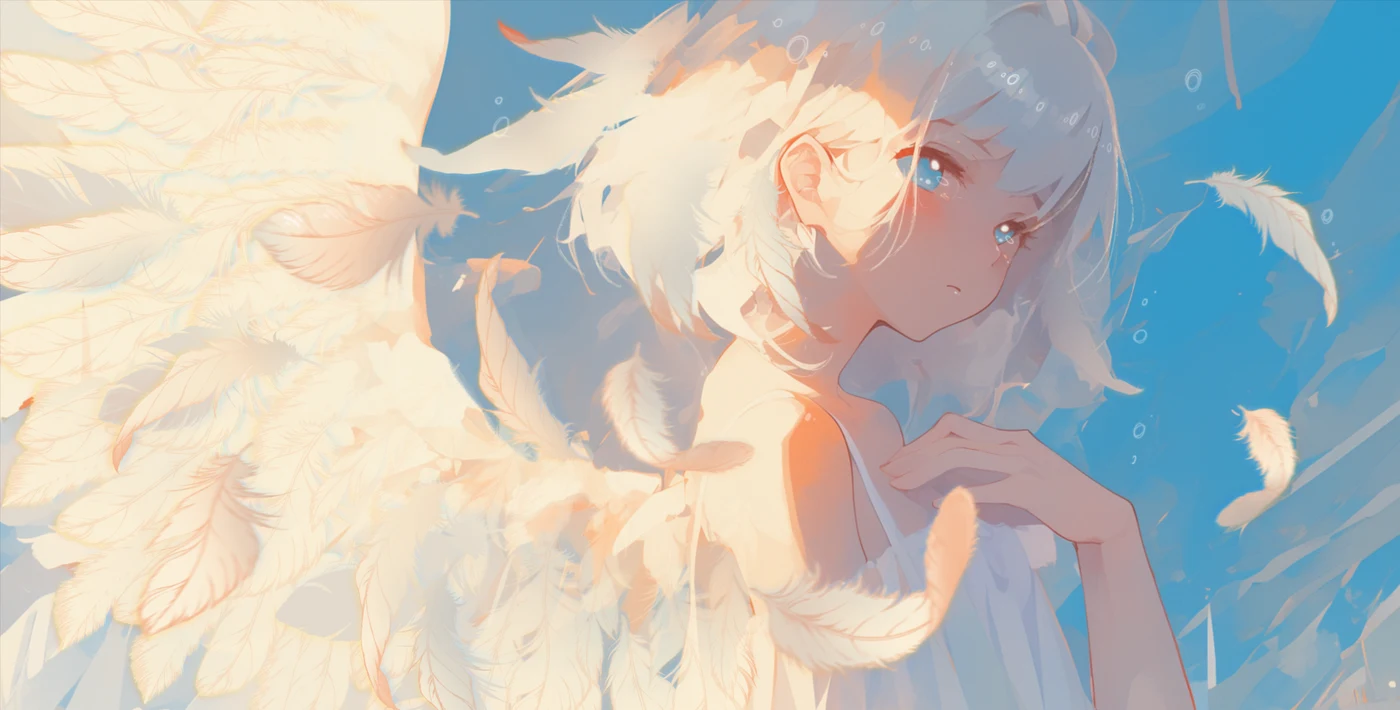
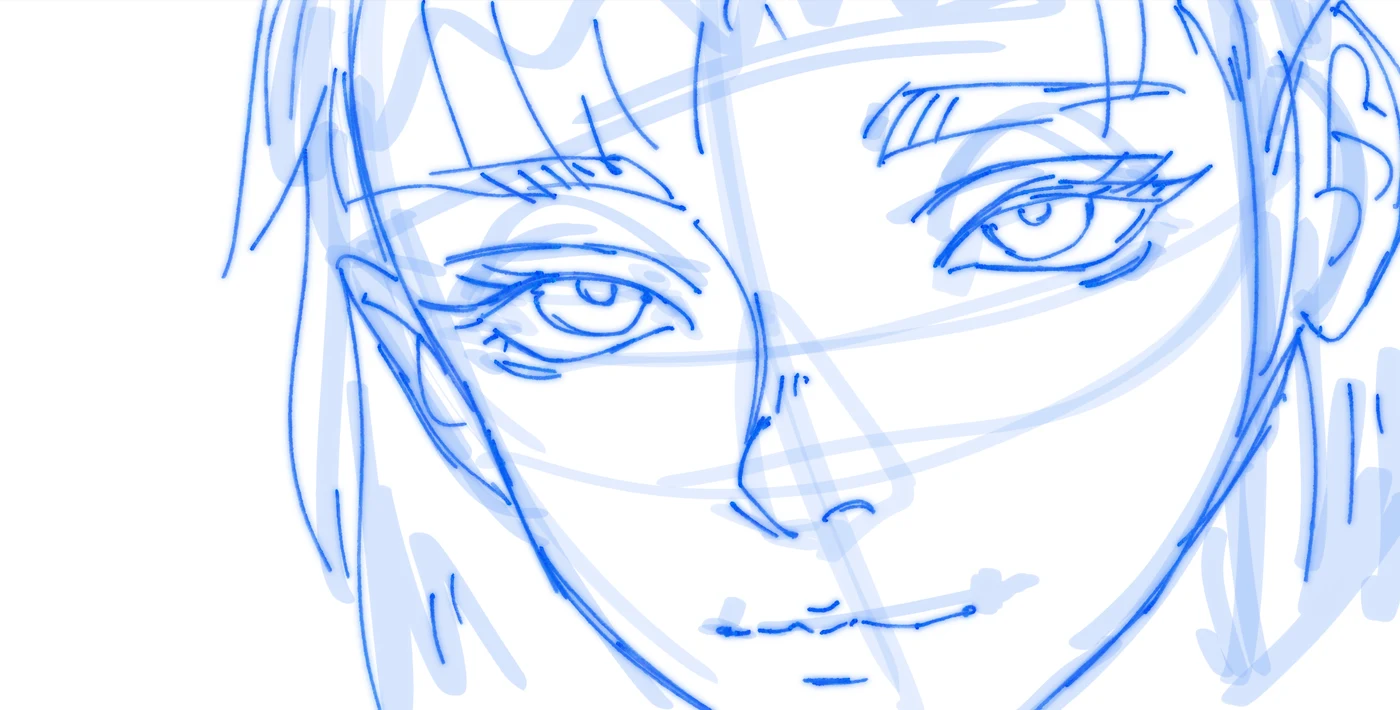
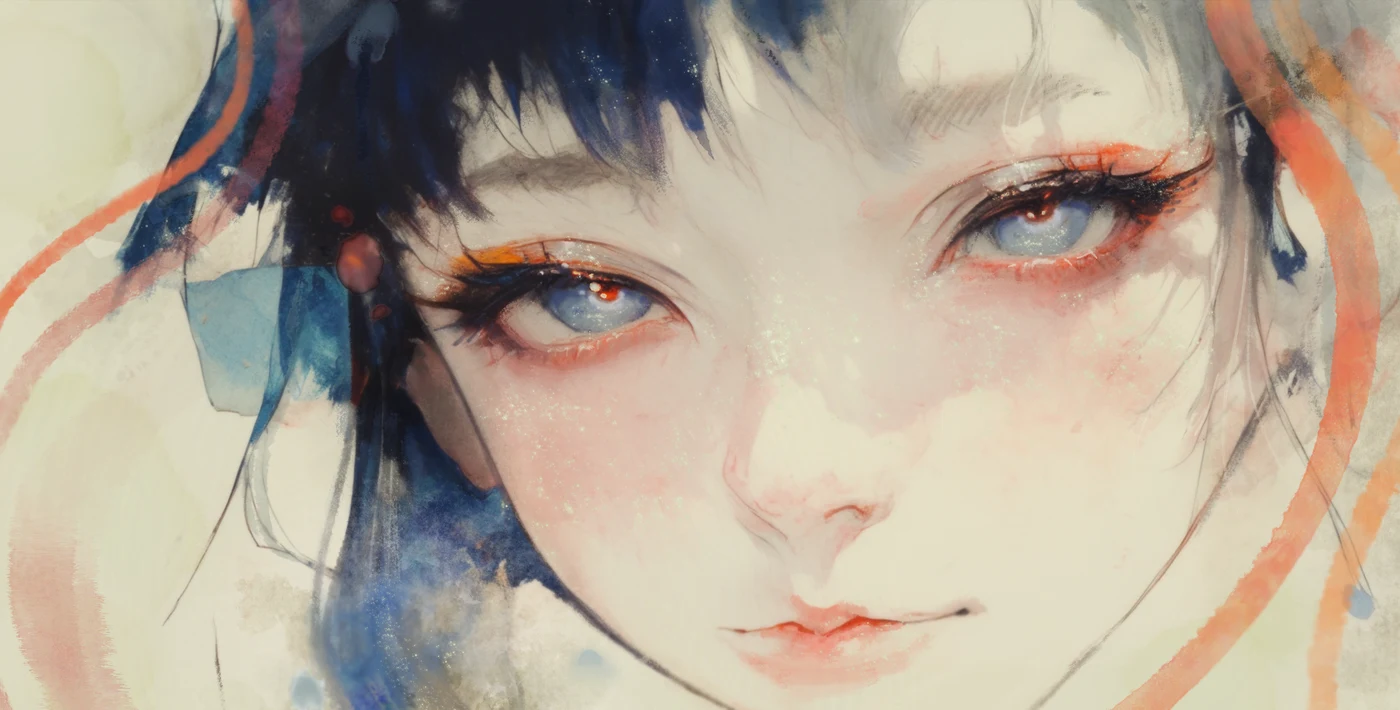
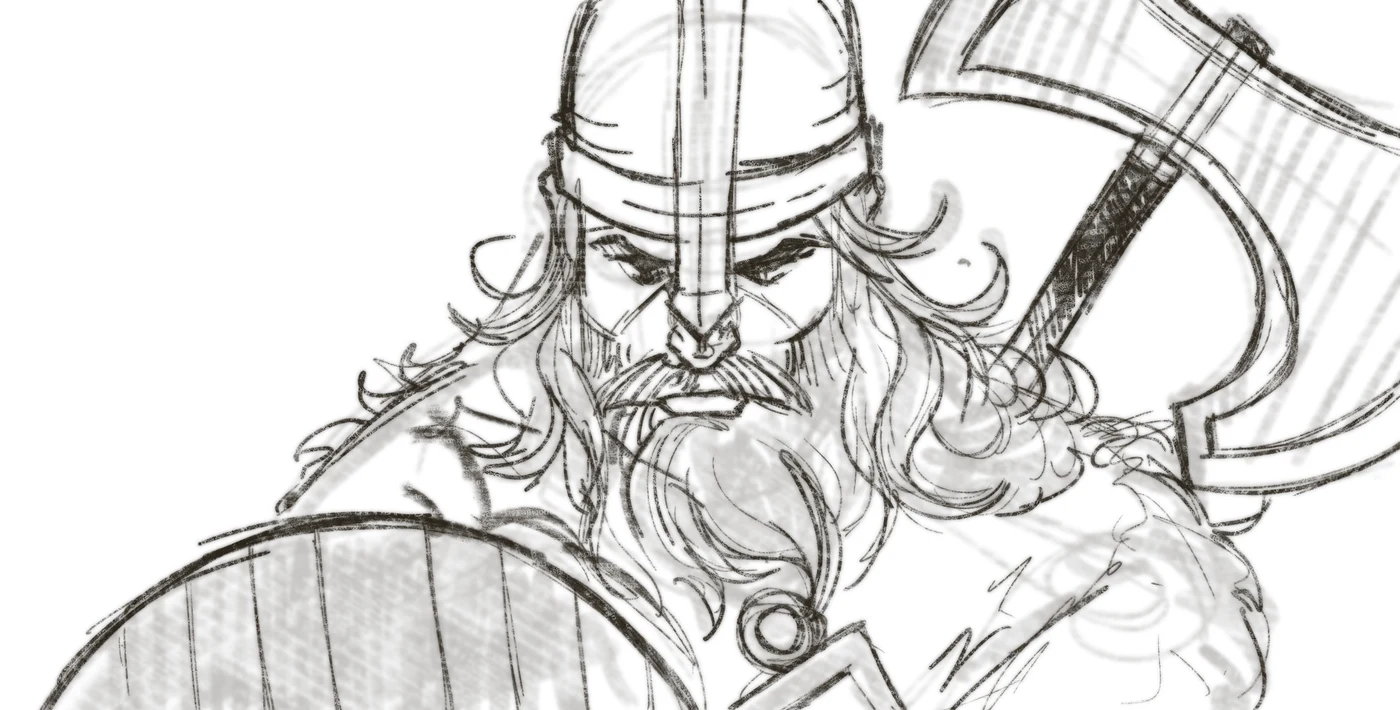
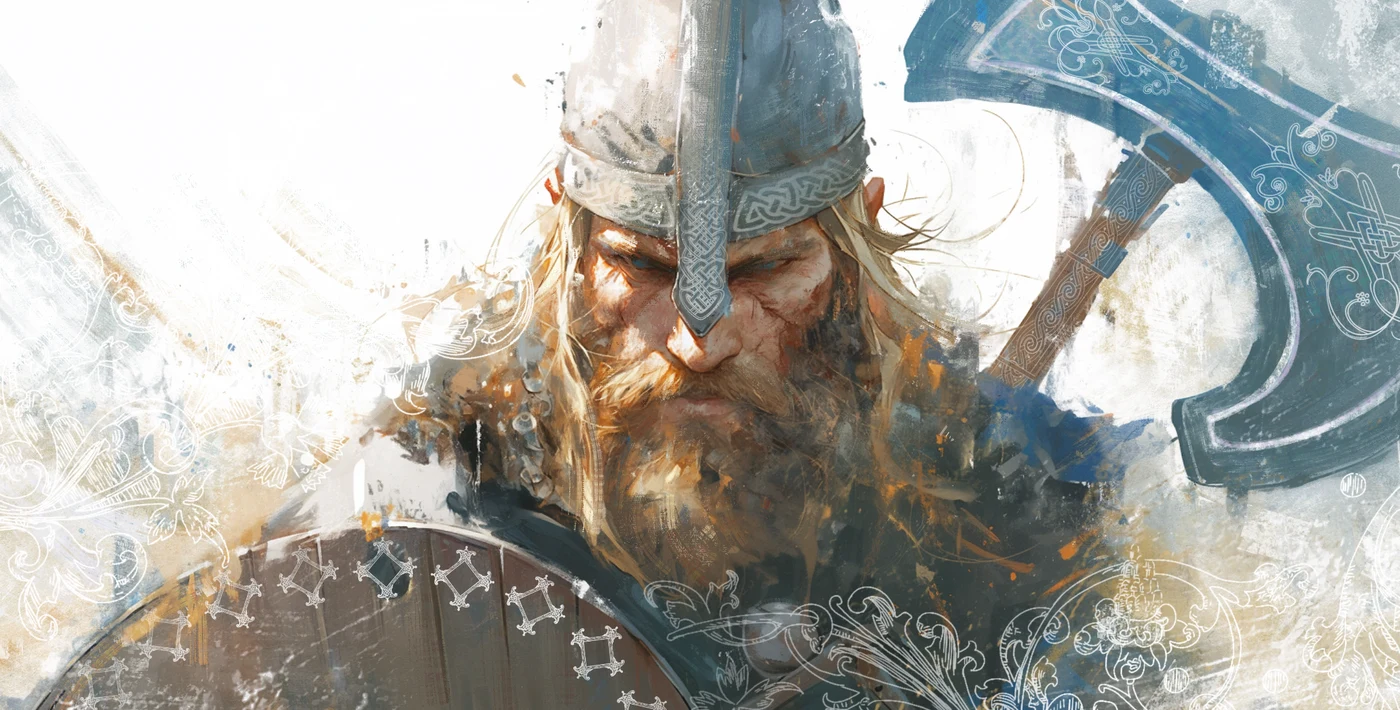
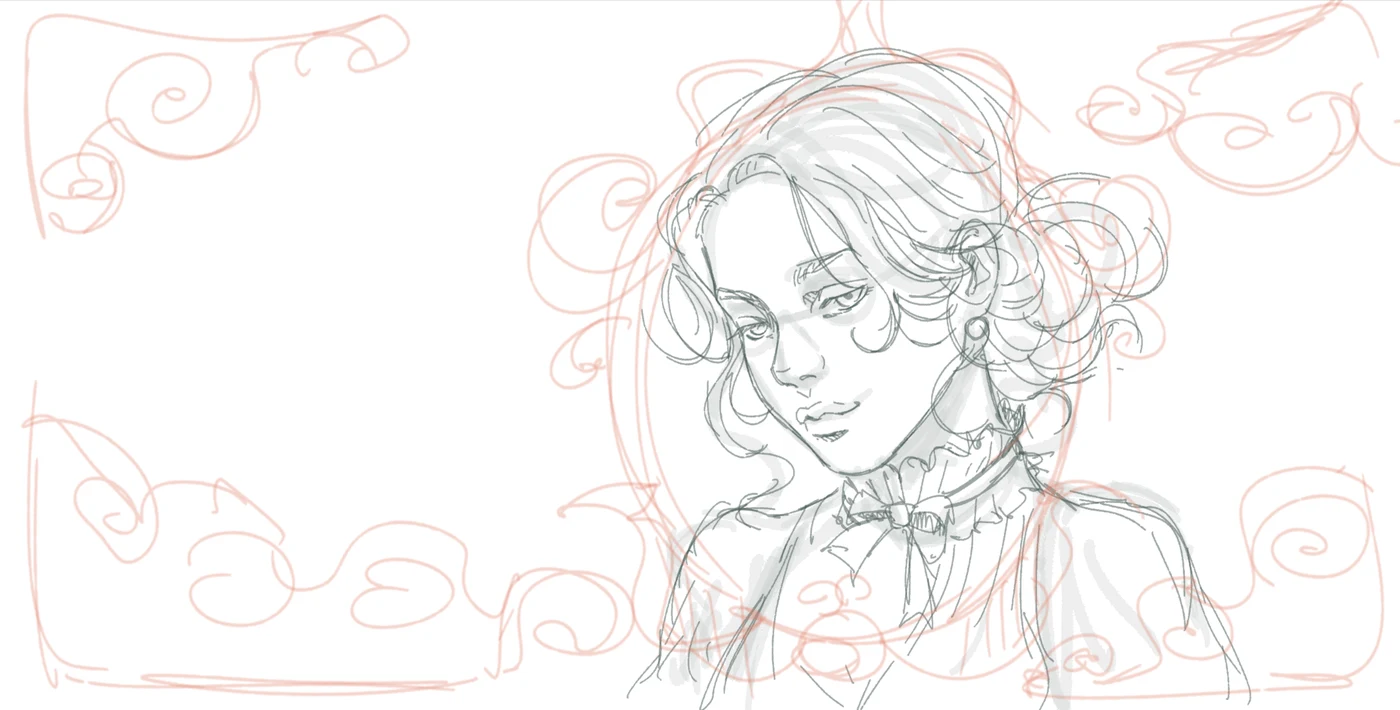
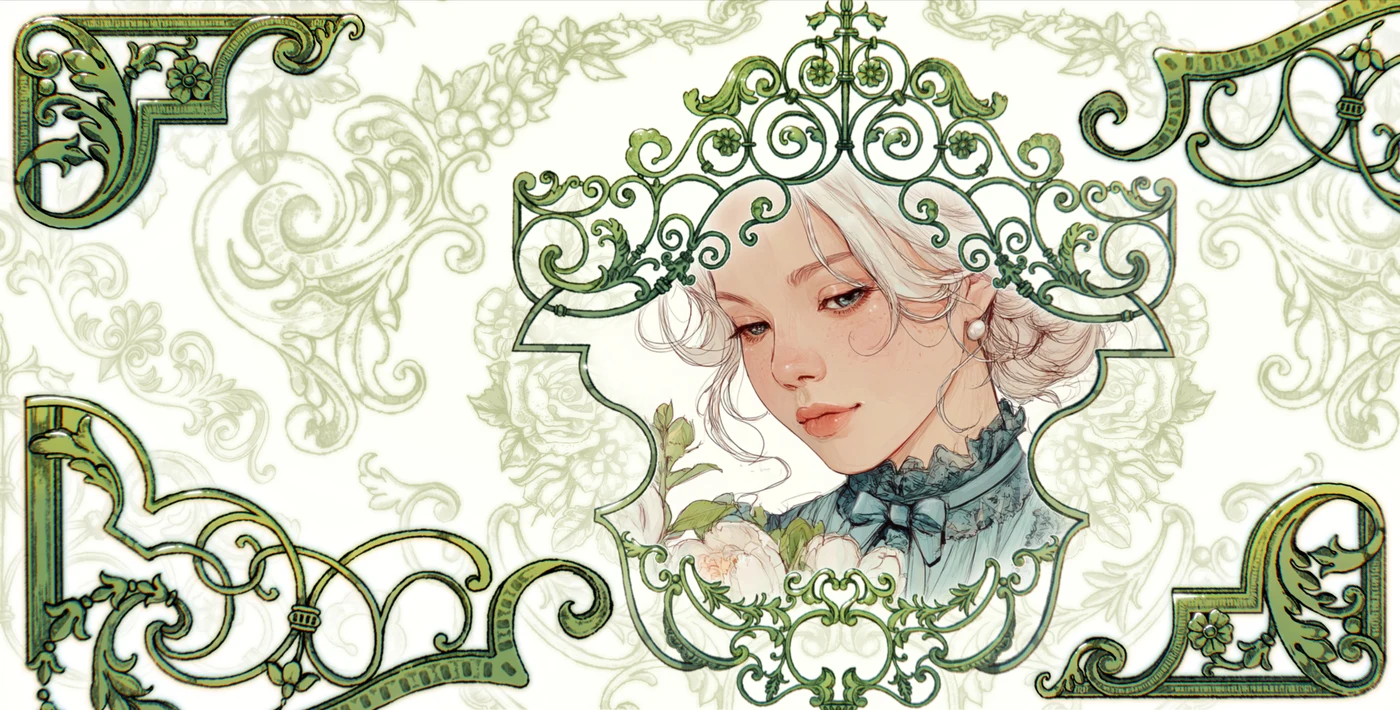
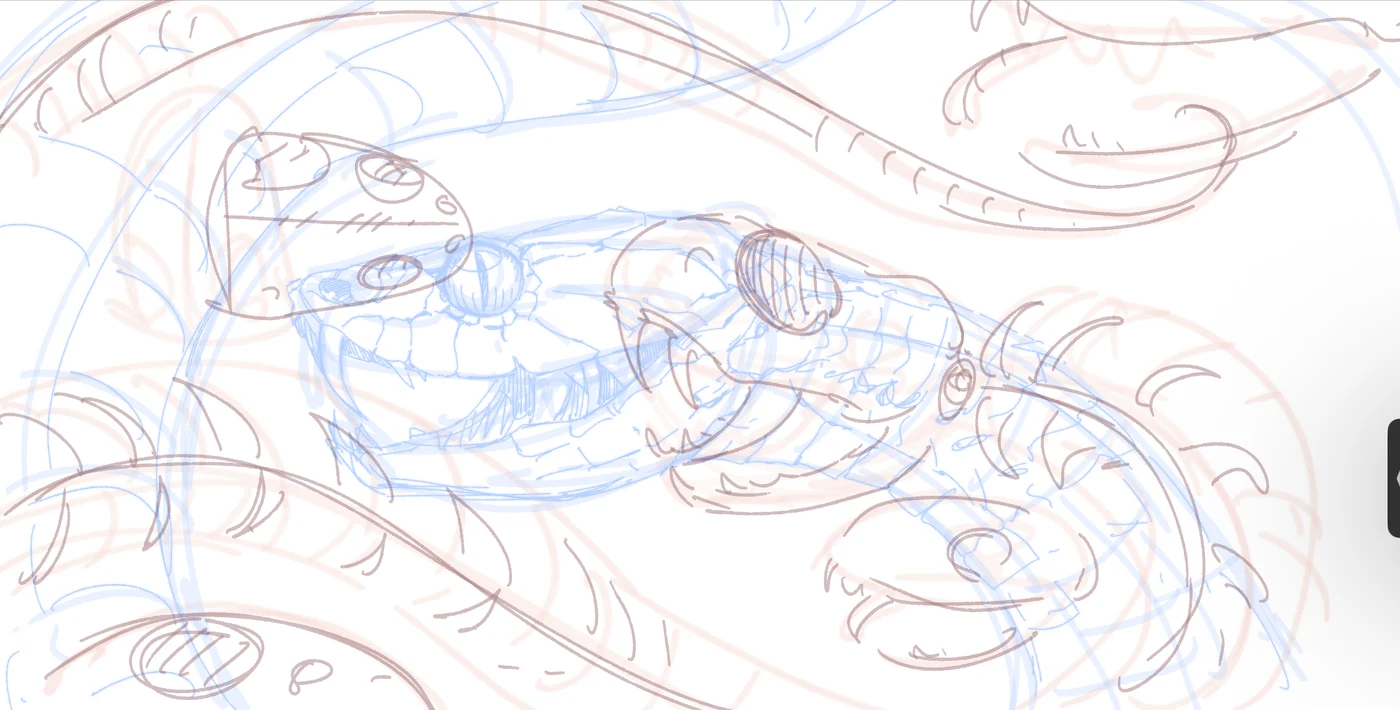
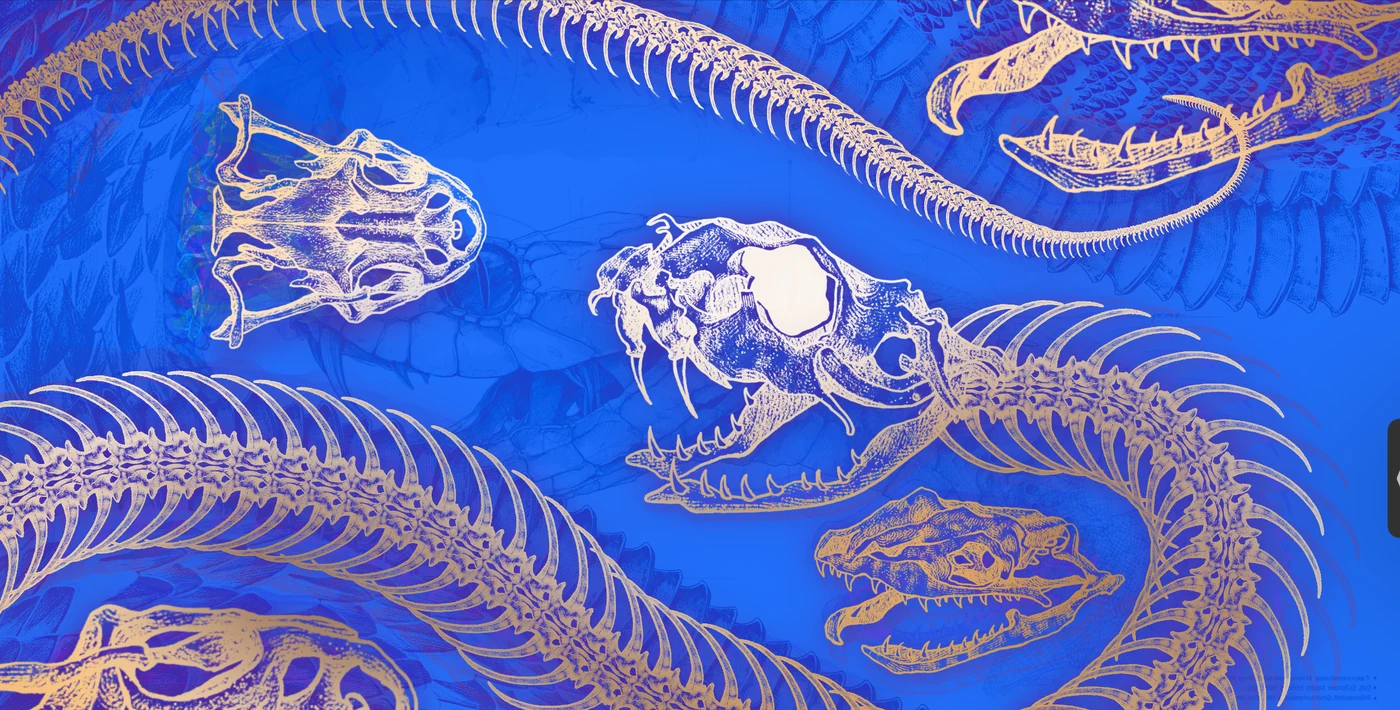
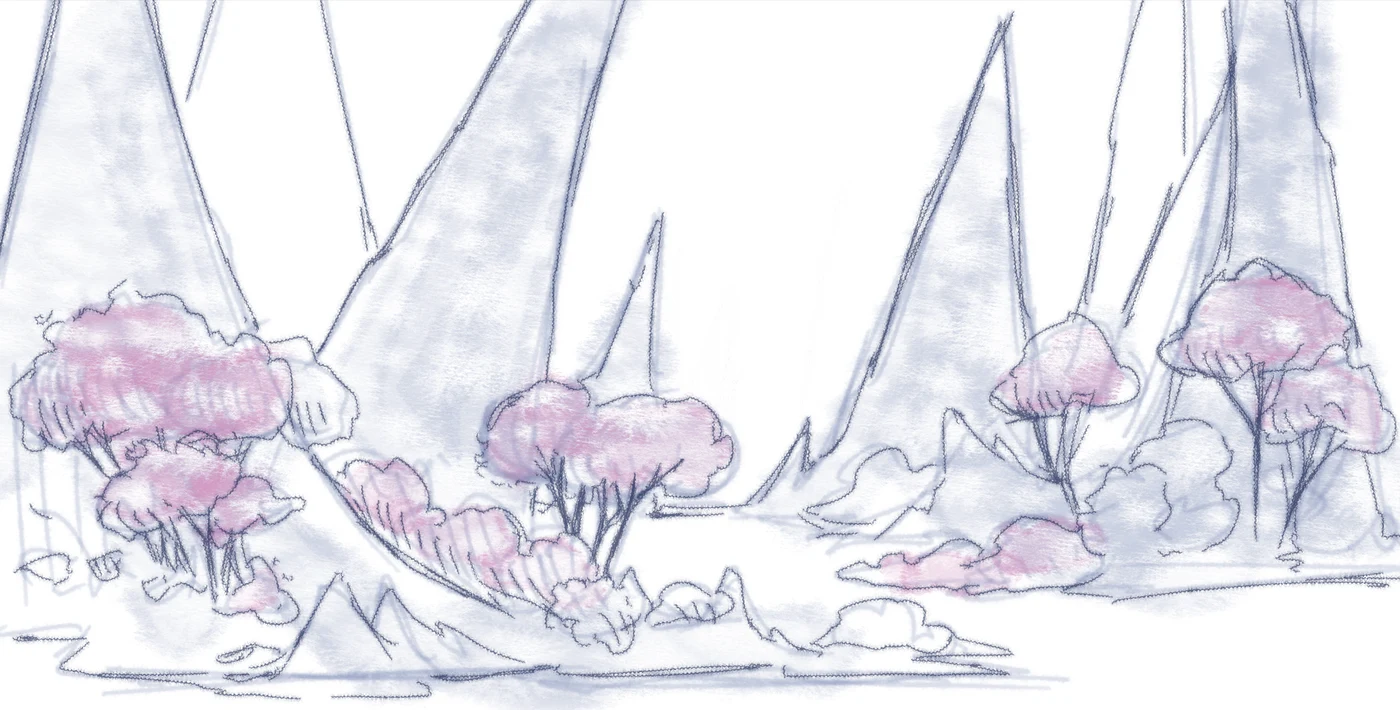
From the first sketch to the finished piece — real art drawn in Procreate with brushes from the app.

How it works
Get the app
Download Brusher free from the App Store on your iPhone or iPad.
Browse & tap
Find a collection you love and tap install — no files, no fuss.
Paint in Procreate
The set appears at the top of your Procreate brush library, ready to use.
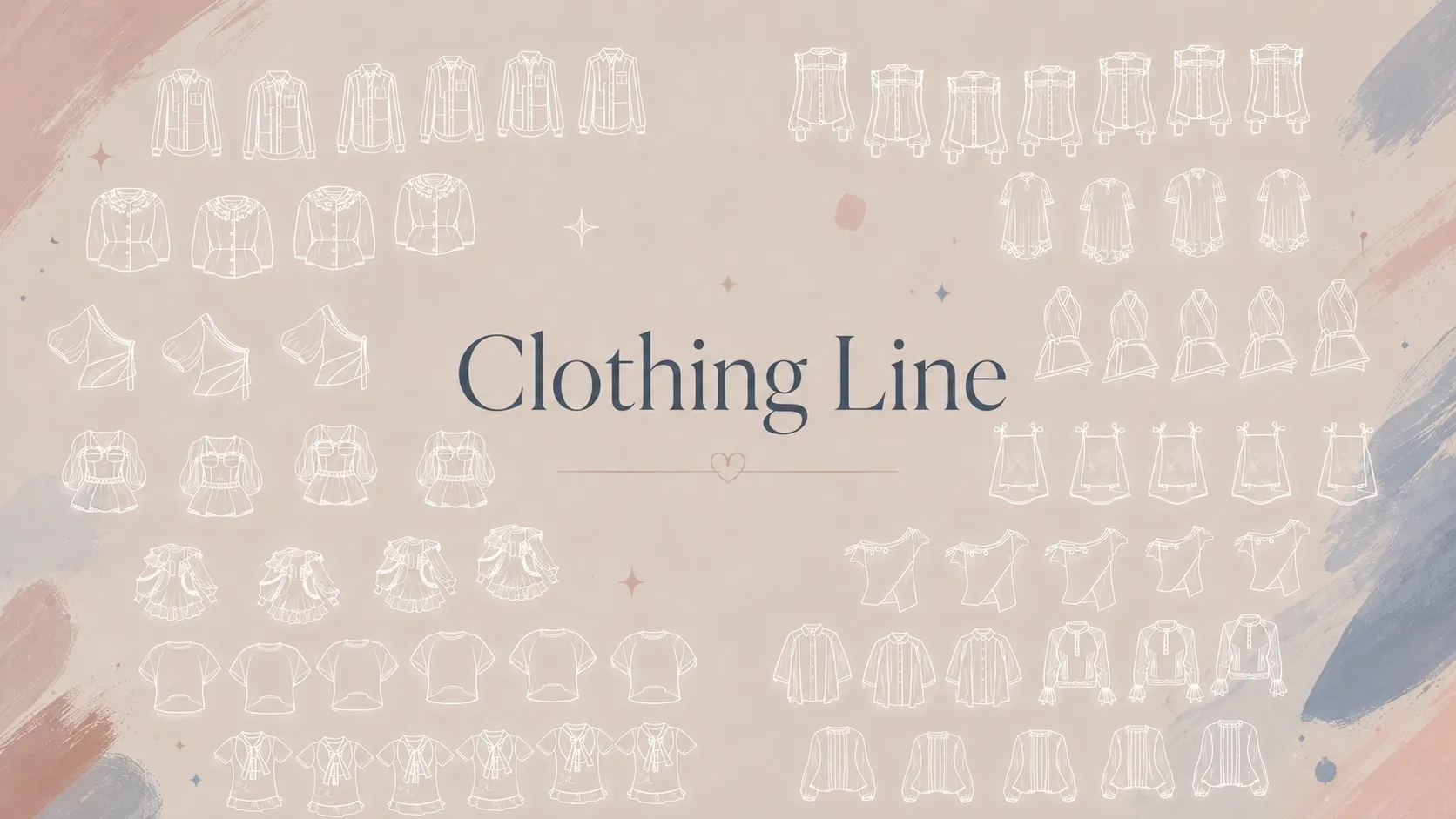
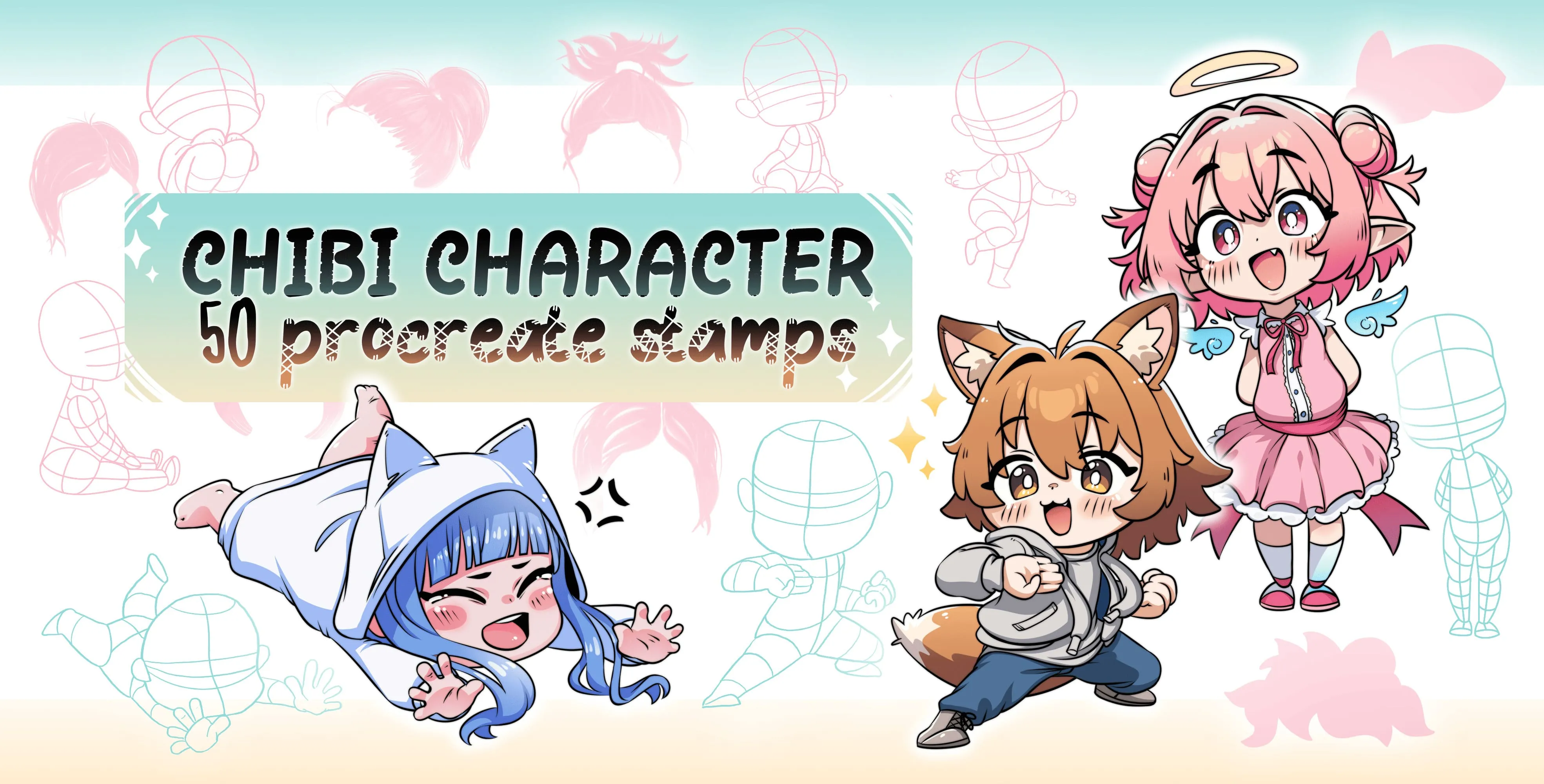
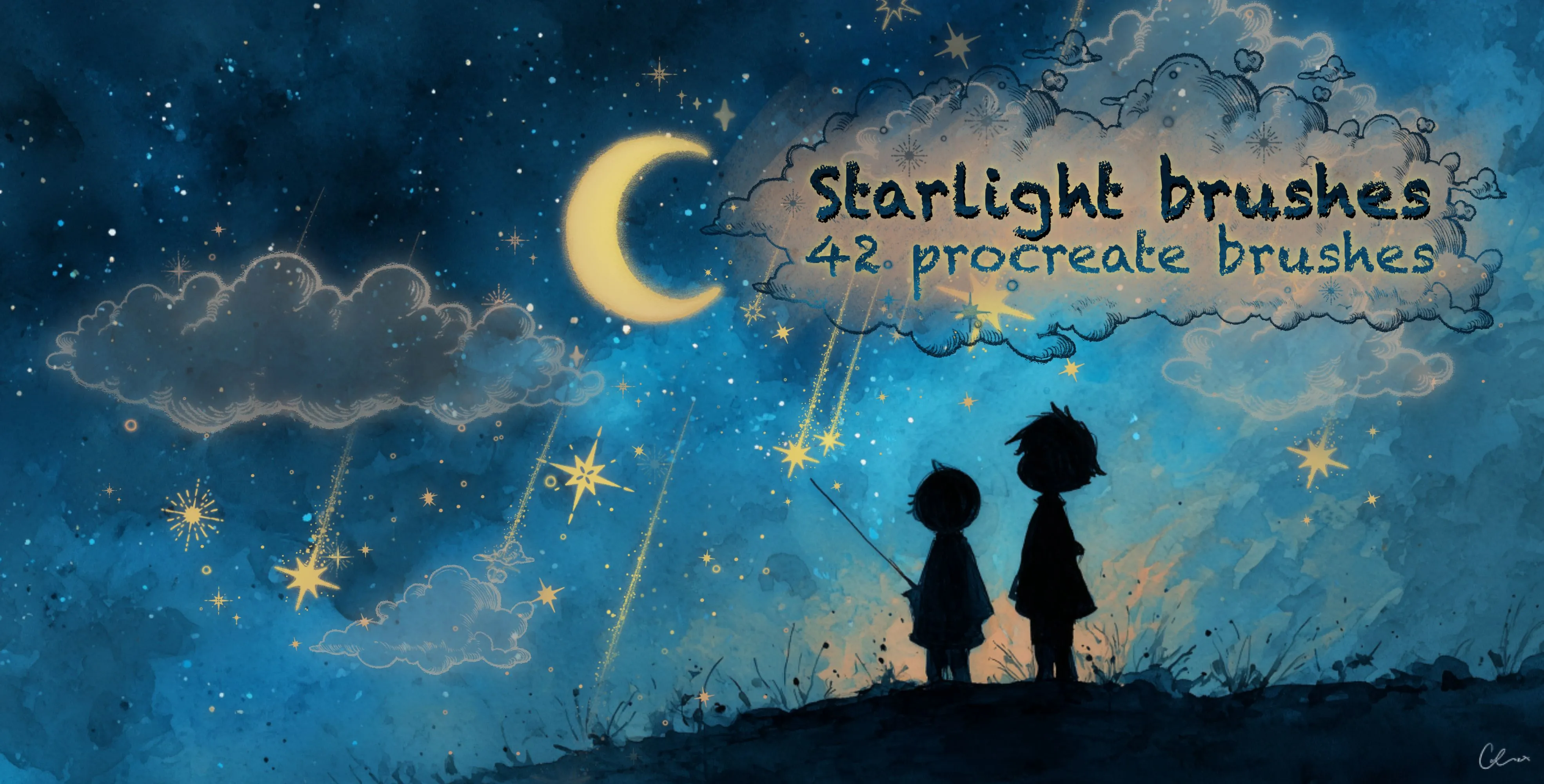
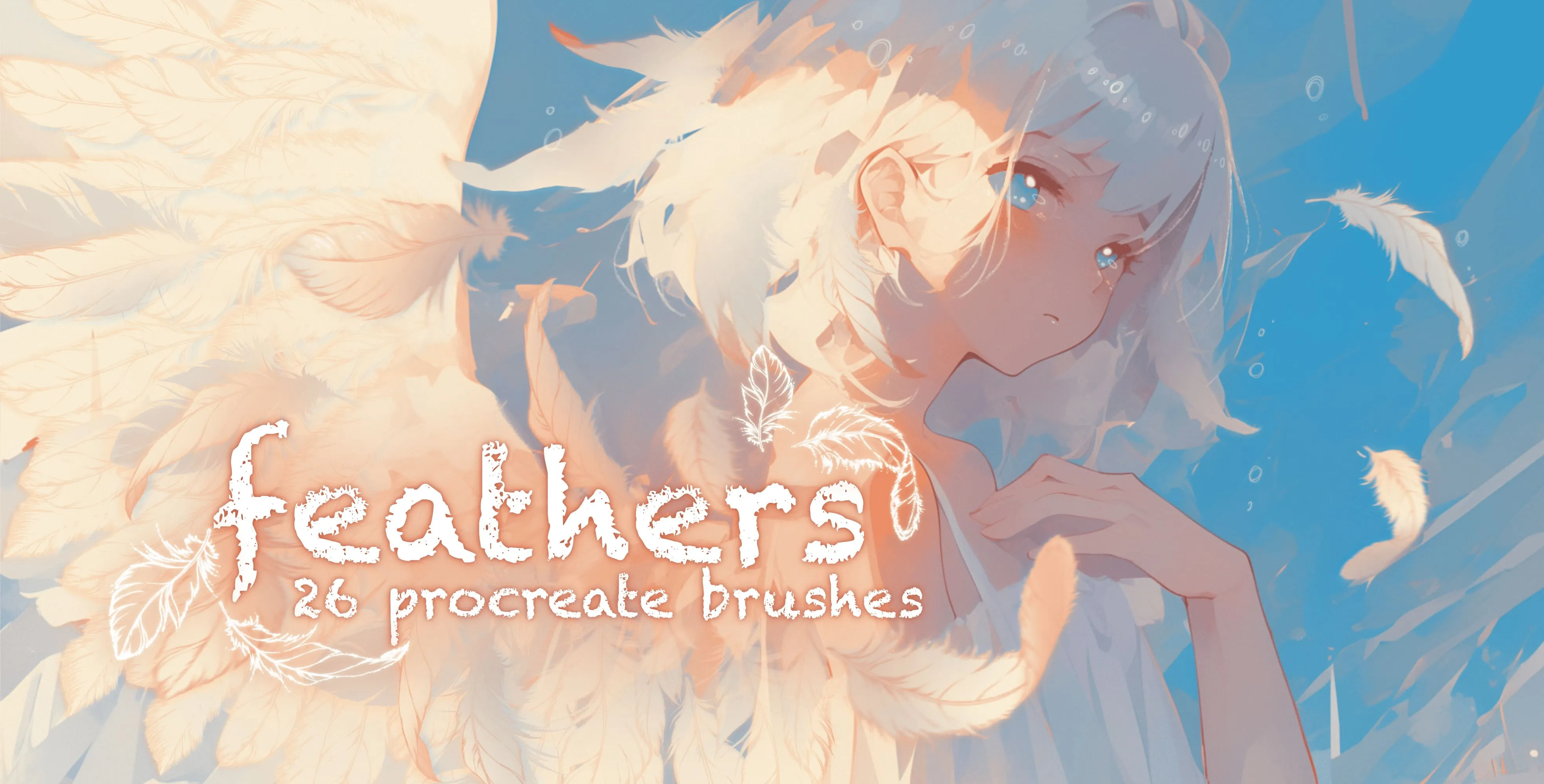
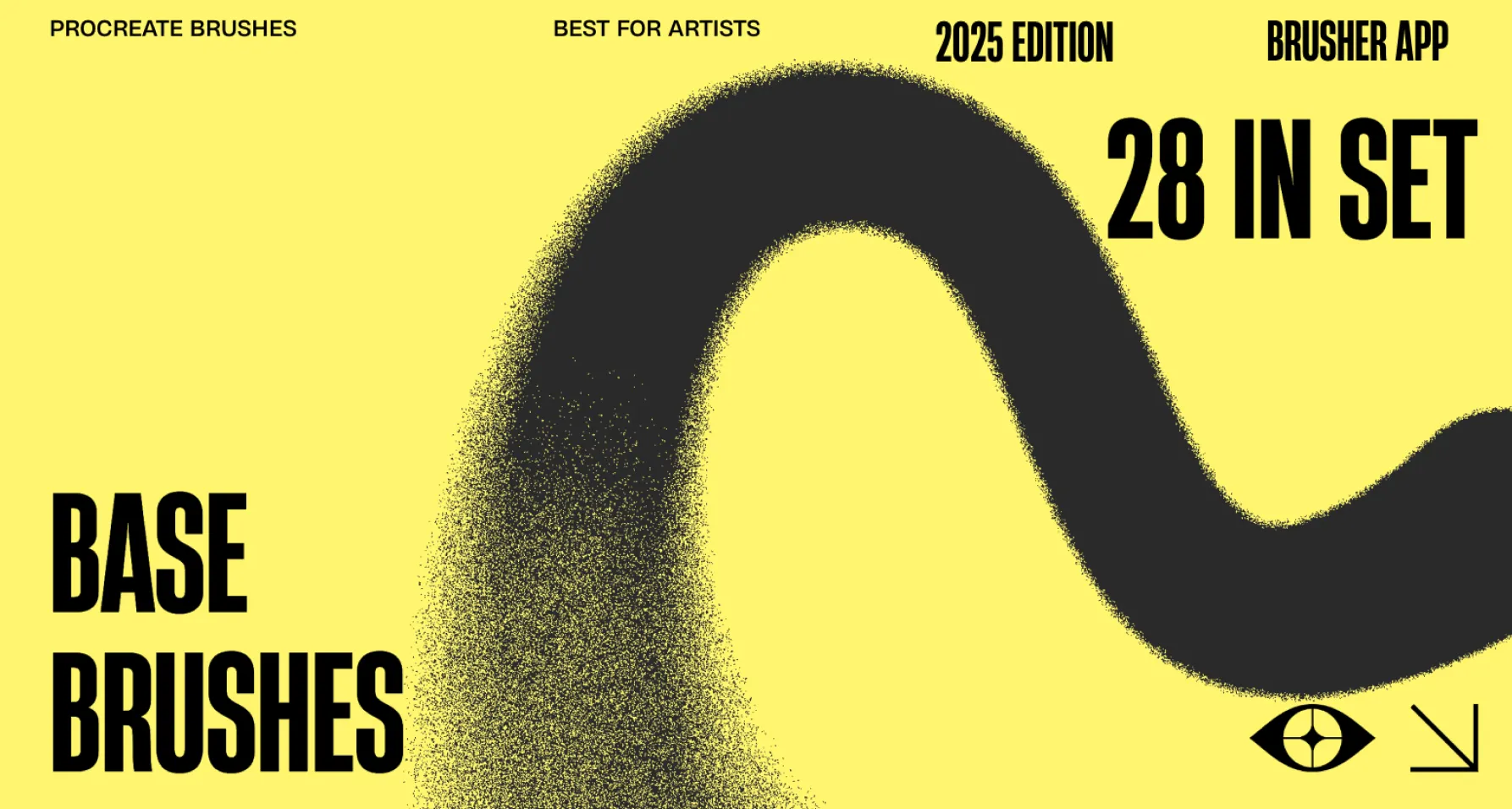
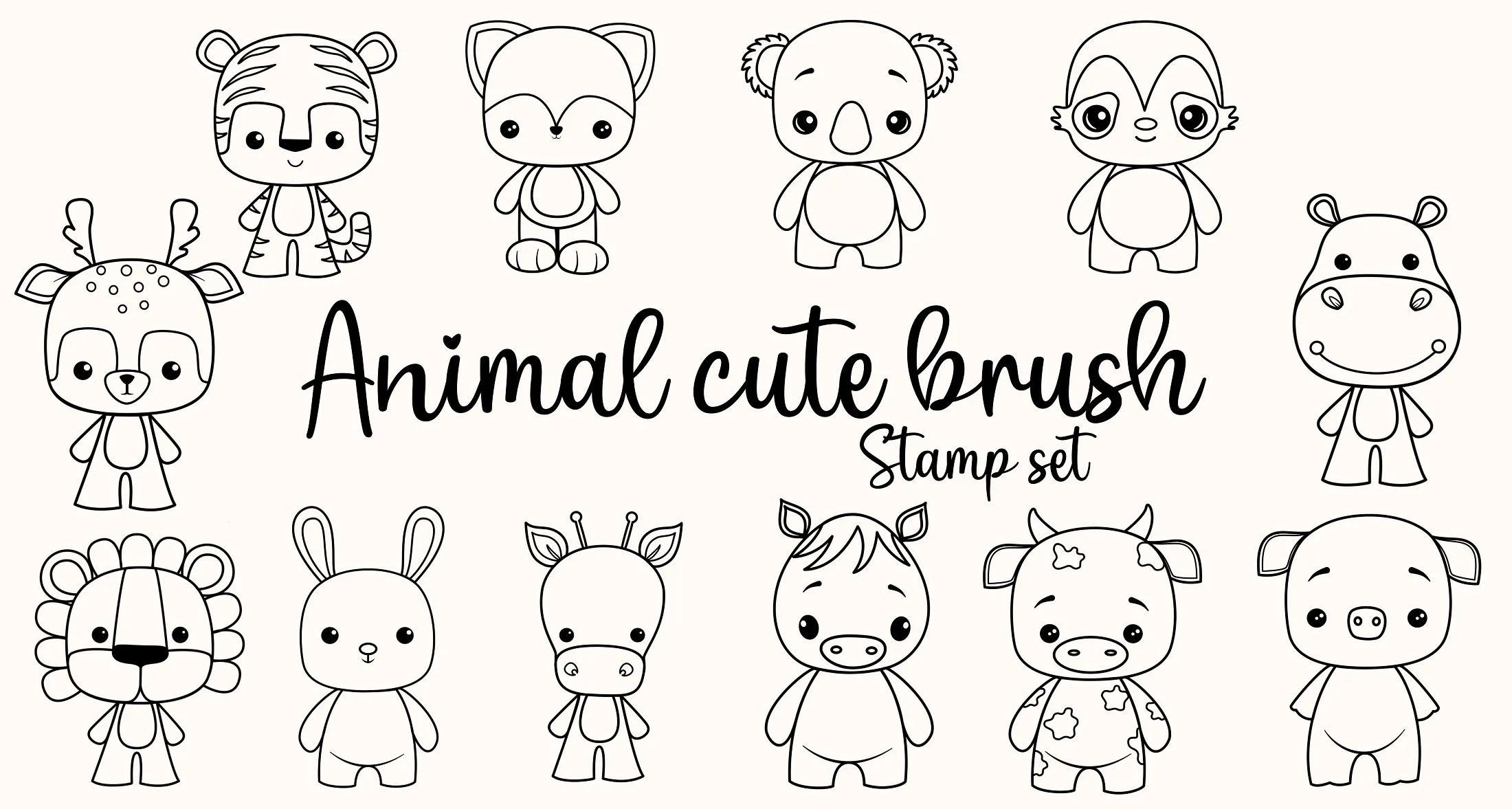
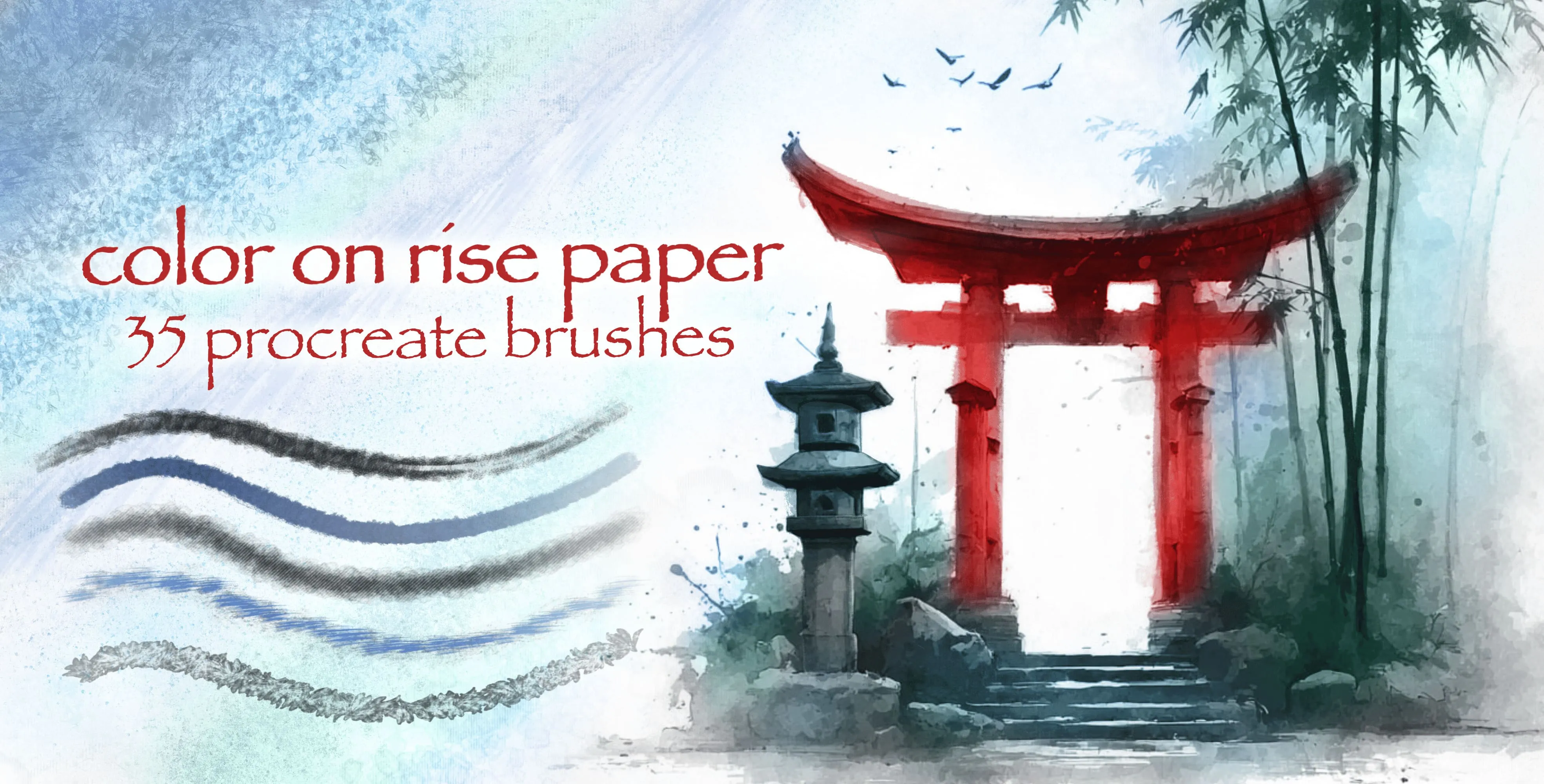
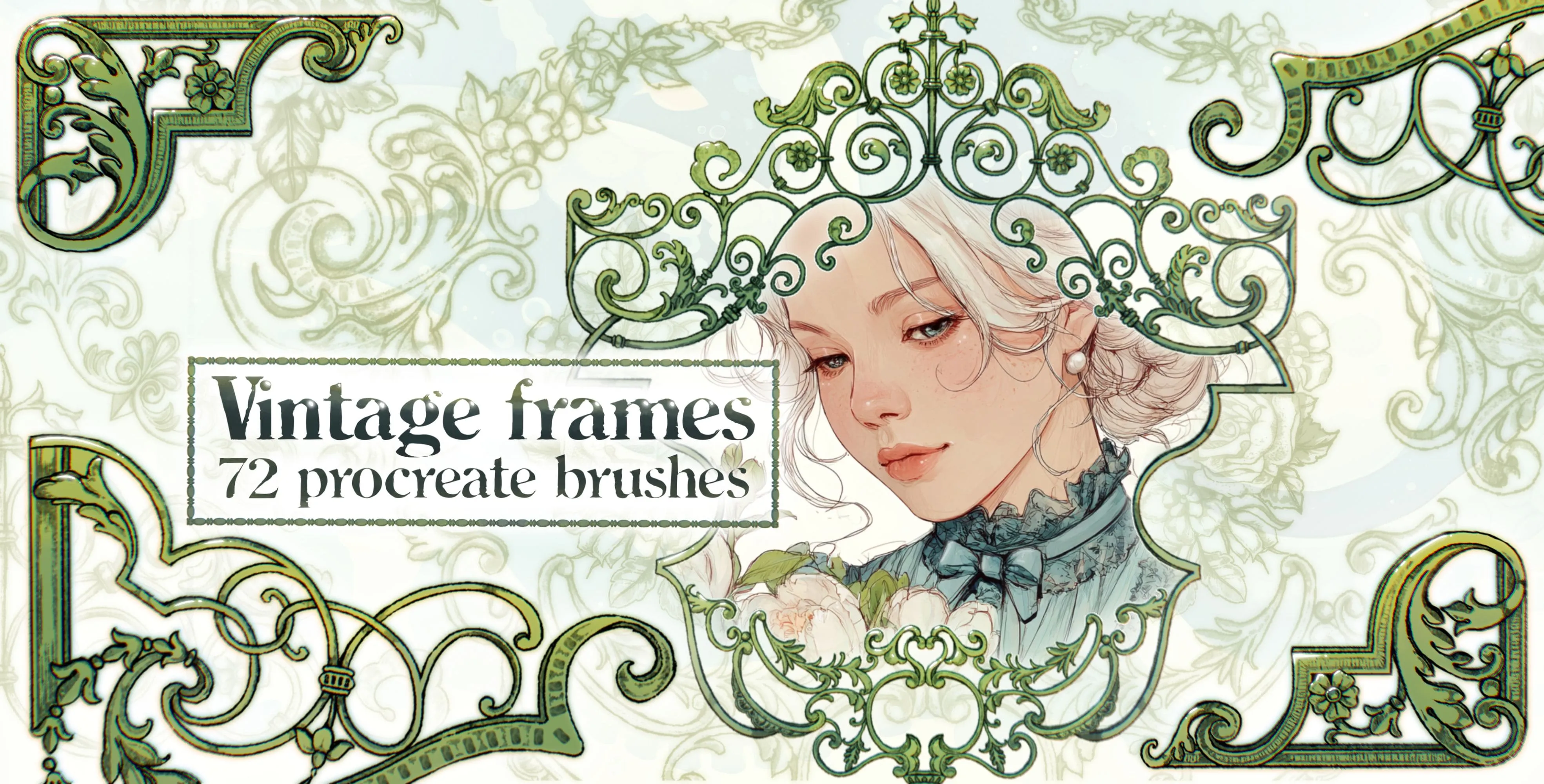
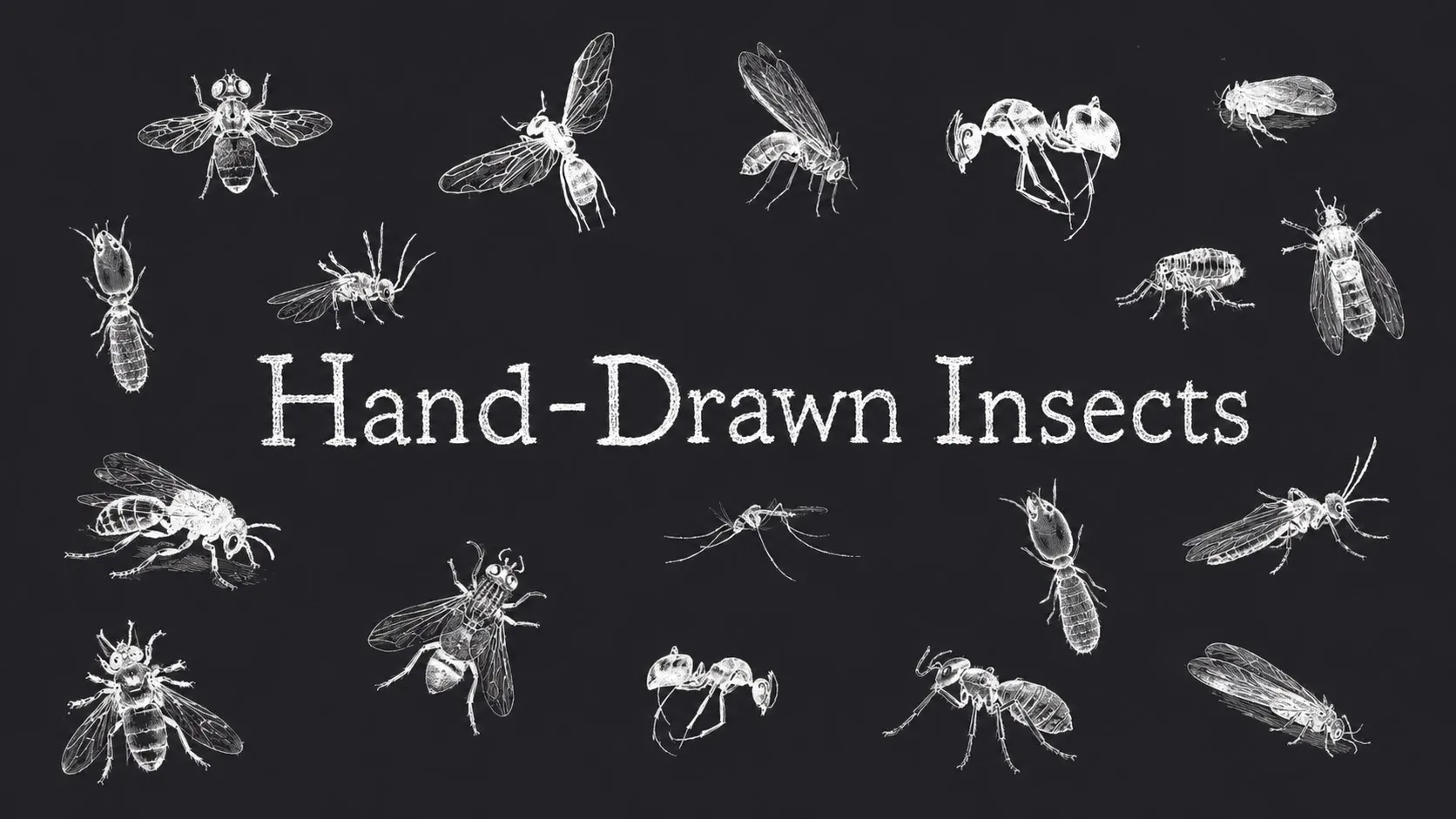
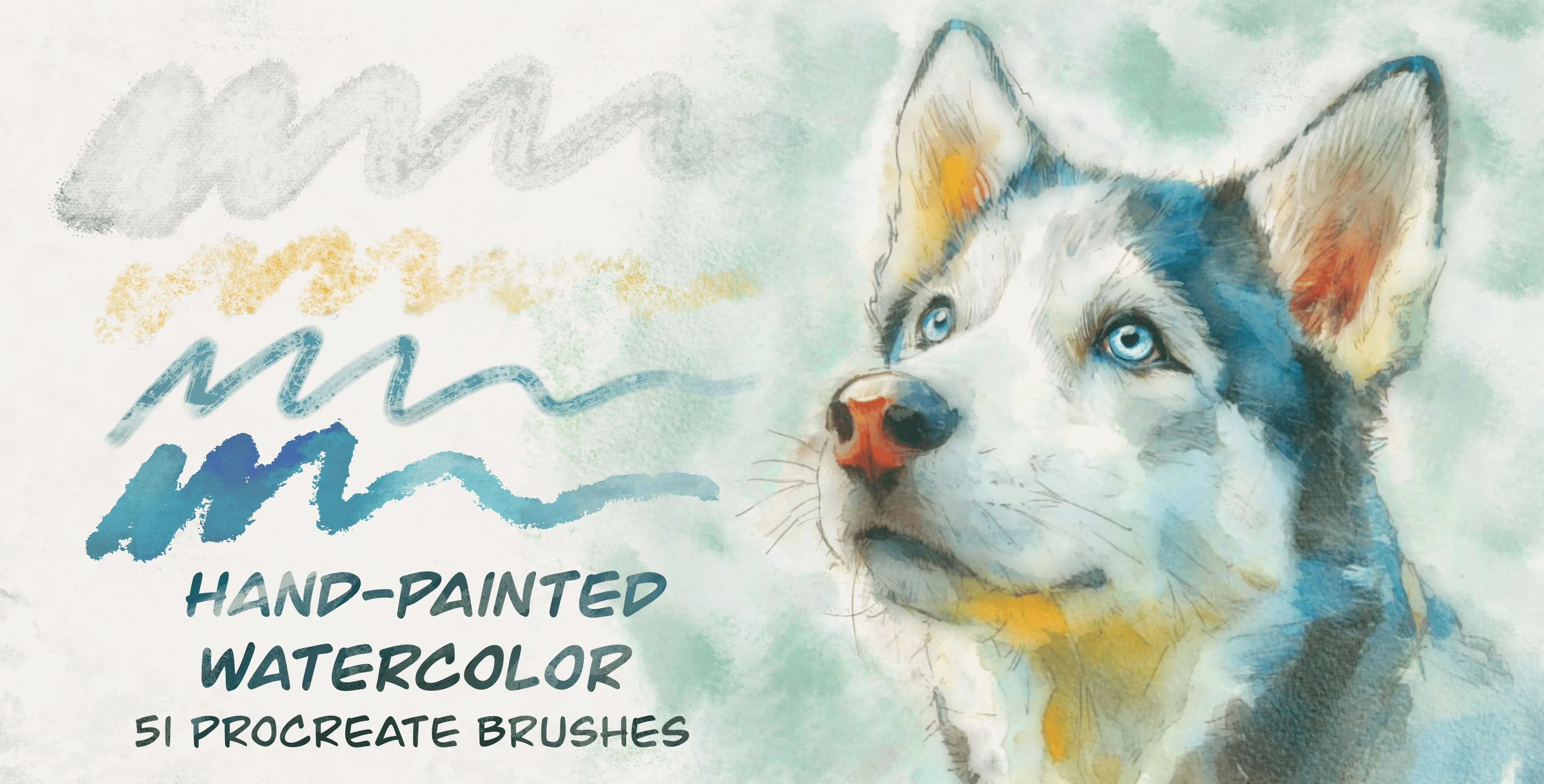
A taste of the library
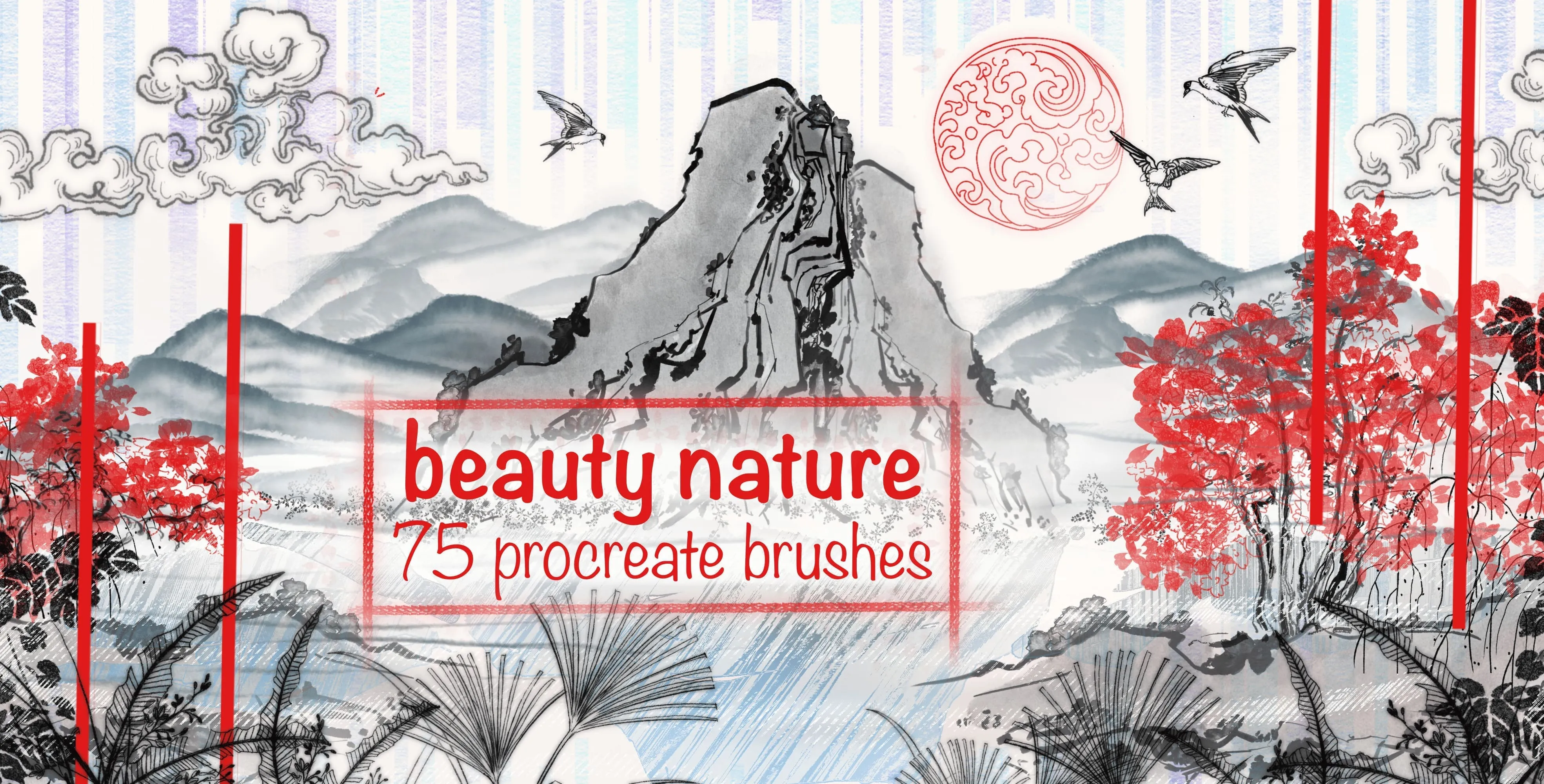
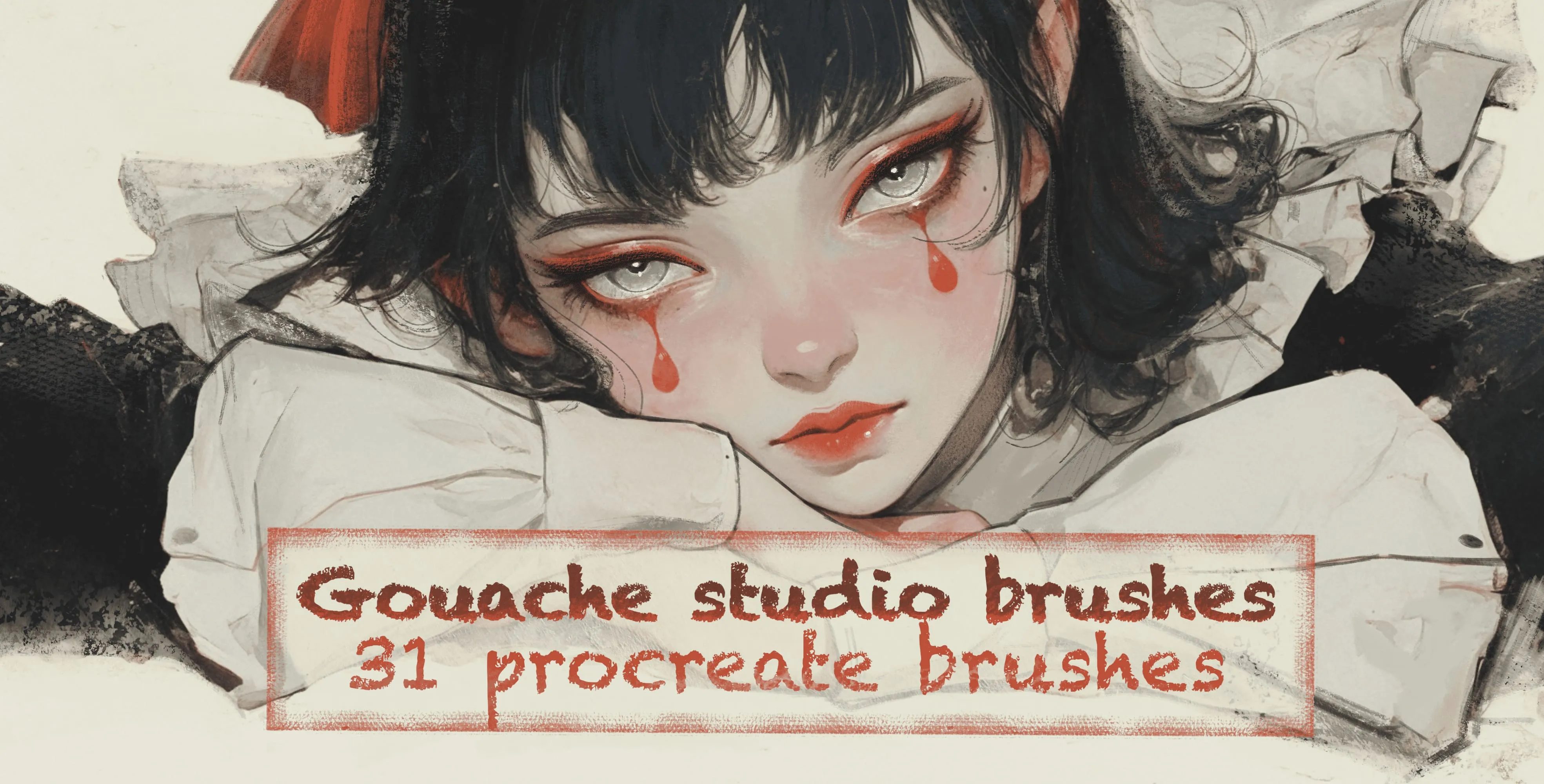
A handful of the collections waiting inside the app.
Frequently asked questions
Is the Brusher app free?+
Yes — the app is free to download and comes with free brushes to start. Premium collections are unlocked with an in-app subscription, and everything you unlock stays in your library.
What device do I need?+
The app runs on iPhone and iPad. You browse and manage your library in the app, and the brushes install into Procreate on your iPad.
Do I need Procreate to use the brushes?+
Yes. The brushes are Procreate .brushset files, and you download a set in the app and import it into Procreate the usual way. You'll need Procreate on your iPad and an Apple Pencil to paint with them.
How do brushes get into Procreate?+
Download the set in the app, then import the .brushset into Procreate the usual way — tap the file and Procreate adds the whole set to the top of your brush library.
Can I use the brushes commercially?+
Yes. You own the artwork you create and can sell prints, take client work and publish commercially. You just can't resell or redistribute the brush files themselves.
What is the Vectorizer?+
A built-in tool that traces any JPG or PNG into a clean SVG vector. Import a raster image and the app converts it into scalable vector paths you can resize infinitely, recolour and edit — perfect for logos, stickers, print and cutting machines.
What is the Background Remover?+
A built-in tool that automatically detects the subject in any photo and erases everything behind it, giving you a clean transparent PNG cut-out. There's no manual masking or desktop editor — import an image and the app isolates your subject in seconds, ready for stickers, collages, mockups and product shots.
Do I have to use the app, or can I download from the site?+
Both. The app is the fastest way to browse and install thousands of brushes on the go; the website also offers packs you can download directly. Use whichever fits your workflow.
Get 3,000+ brushes on your iPad
Download Brusher free and start painting with the biggest Procreate brush library in one app.
Download on theApp Store