Glow & Neon Procreate Brushes
Updated October 2026
Glow and neon Procreate brushes for iPad: sparkle, glitter, lens flare, galaxy effects. Free & premium downloads.

Brusher app for iPad & iPhone
200+ sets in the Brusher app, glow neon included — plus free brushes and free tools.
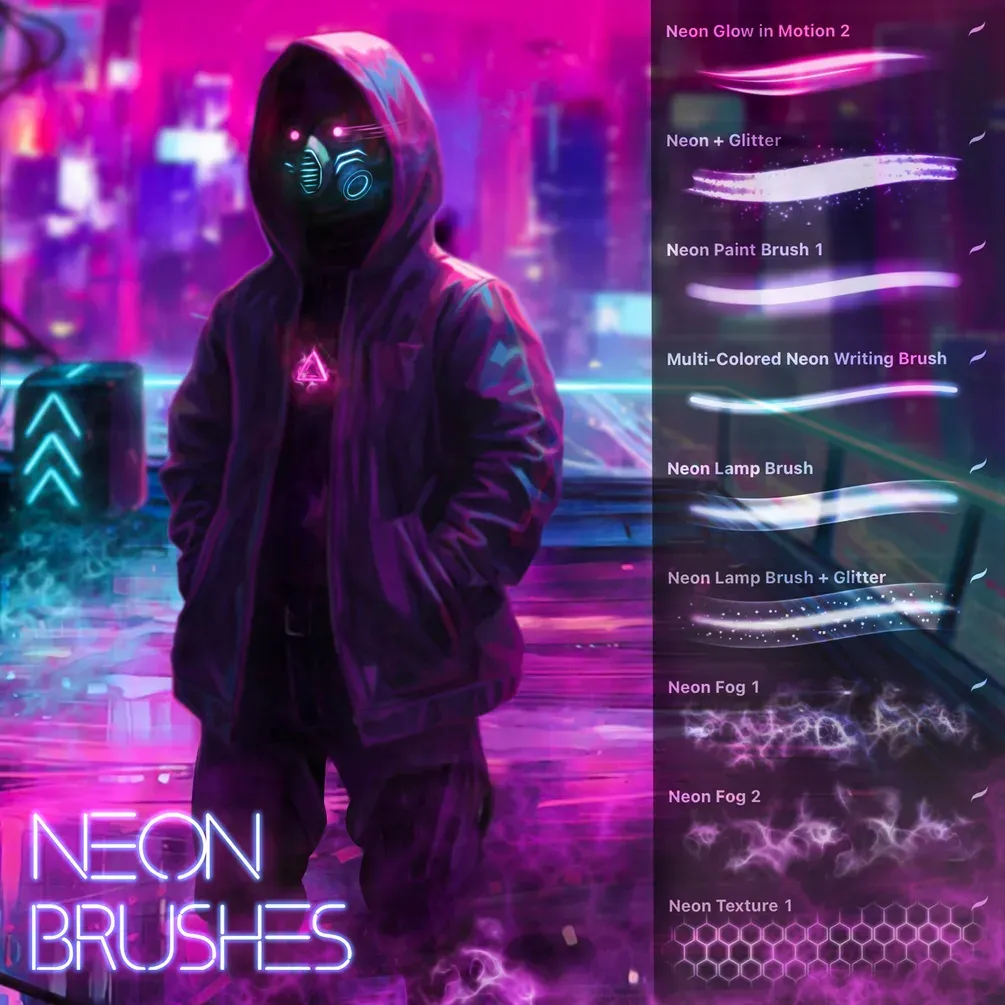
Brusher has 5 glow neon Procreate brush packs — glow, neon, glitter & sparkle — each a native .brushset that installs into Procreate in one tap on iPad.
Glow and neon Procreate brushes add light itself to your artwork — the electric hum of a neon sign, the sparkle of stars and glitter, the metallic sheen of chrome and gold. Instead of faking a glow by hand, these brushes carry the soft halo and bright core that make a light source look genuinely luminous, so signage, galaxy scenes, sci-fi effects and shimmering lettering come together in a few strokes.
The collection spans neon tube and sign brushes, star and galaxy scatters, glitter and sparkle stamps, and metallic textures for gold, foil and chrome. Paired with a dark background, they do most of the work of making a piece look like it's lit from within.
Glow & Neon Procreate Brushes
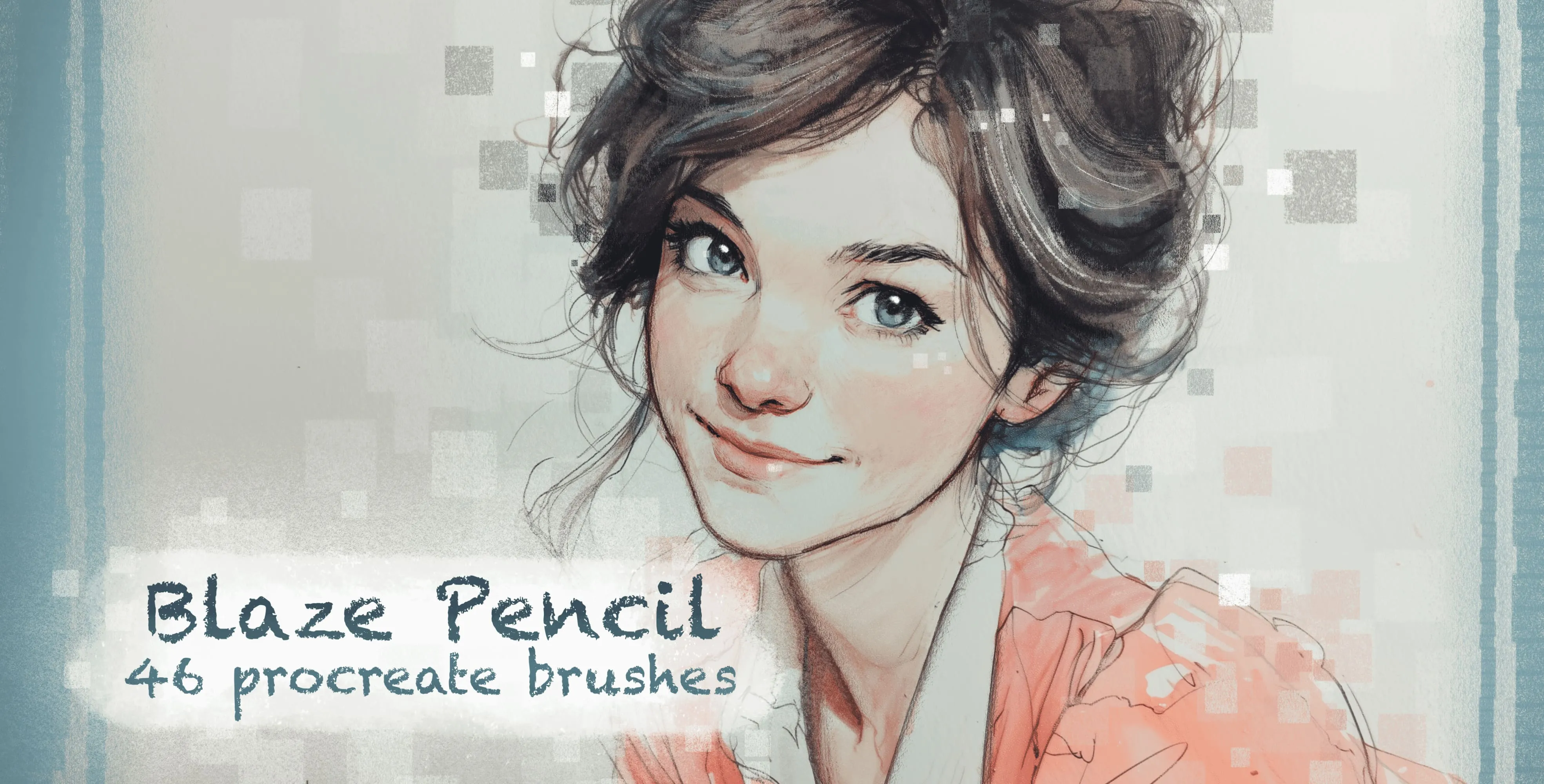
Procreate Video Blaze Pencil
colored-pencil, grainy pencil and cube
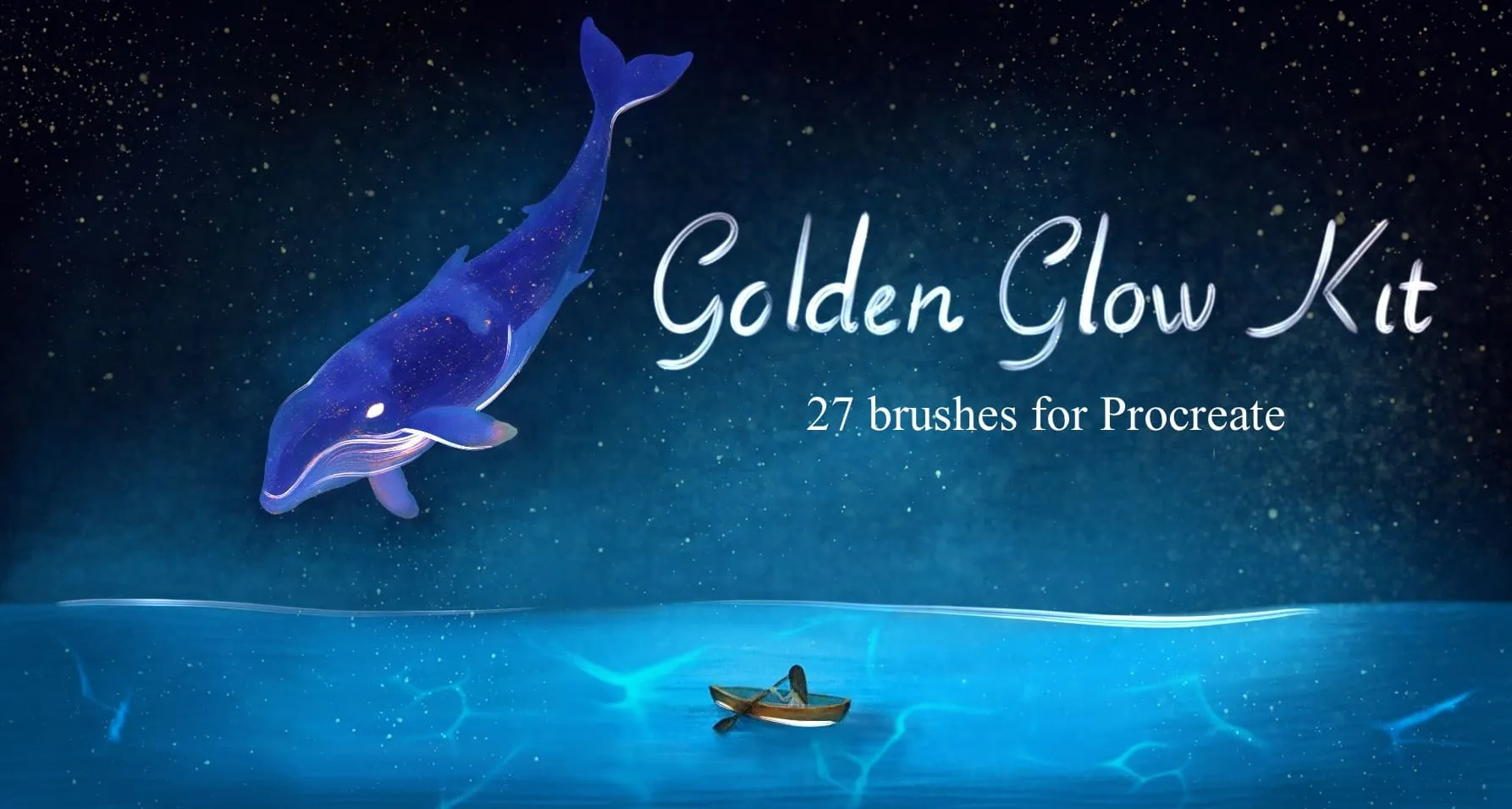
Procreate Video Golden Glow Kit
gold leaf & brushed-metal textures, crumpled foil and metal-mesh surfaces
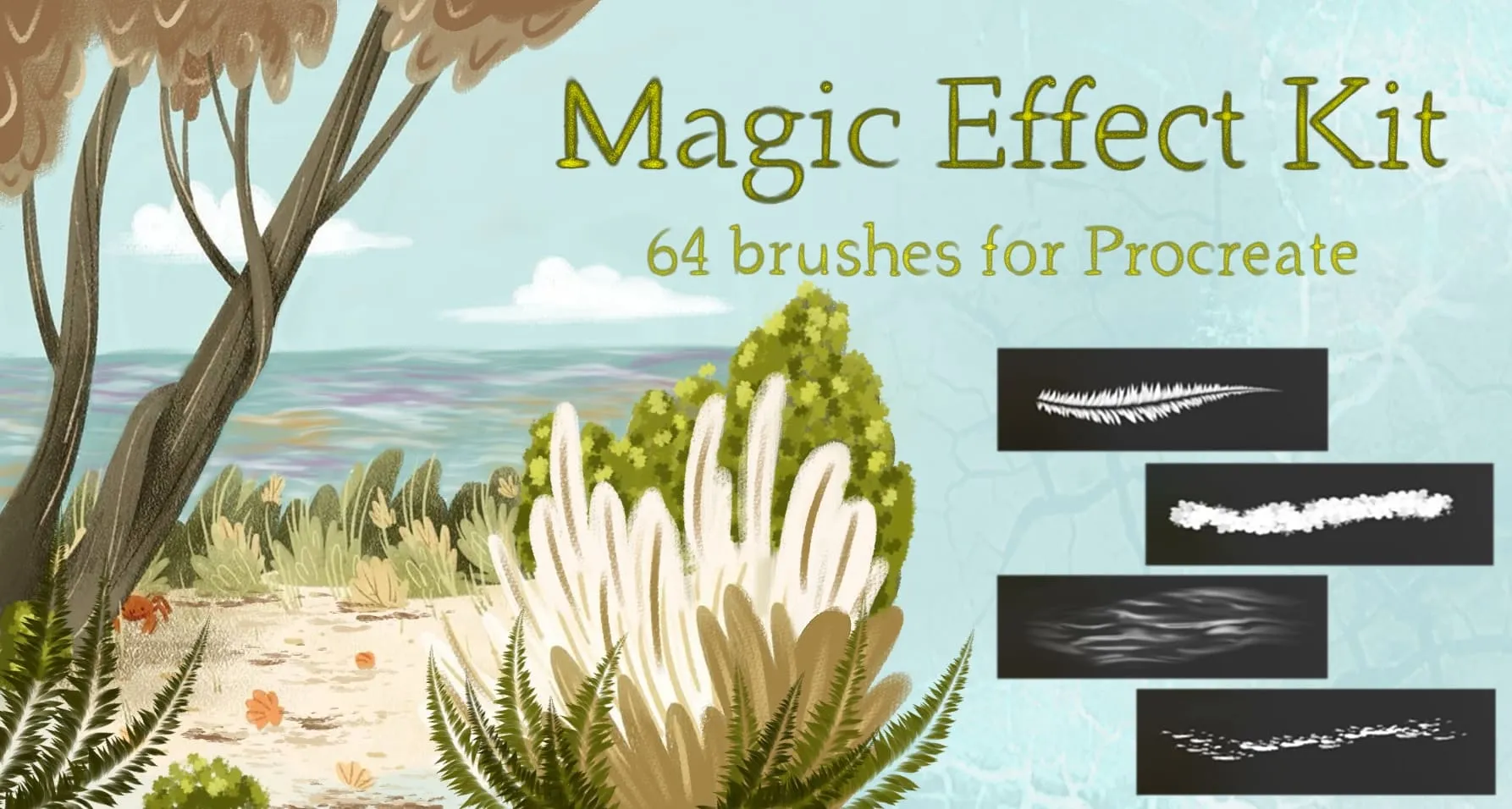
Procreate Video Magic Effect Kit
nature elements, celestial, light and bubbles
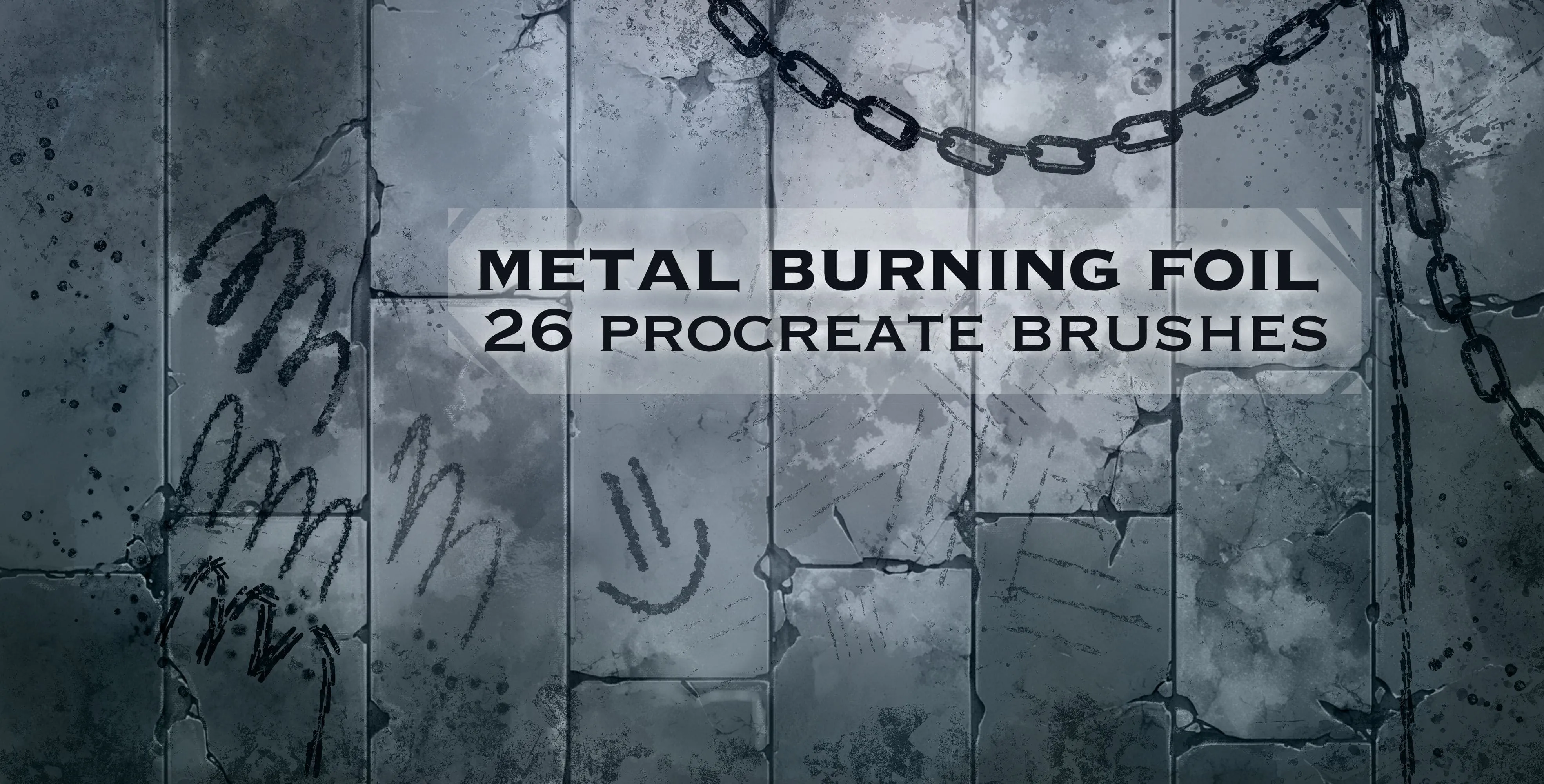
Procreate Video Metal Burning Foil
heavy, fine metal and rusty
 Procreate Video
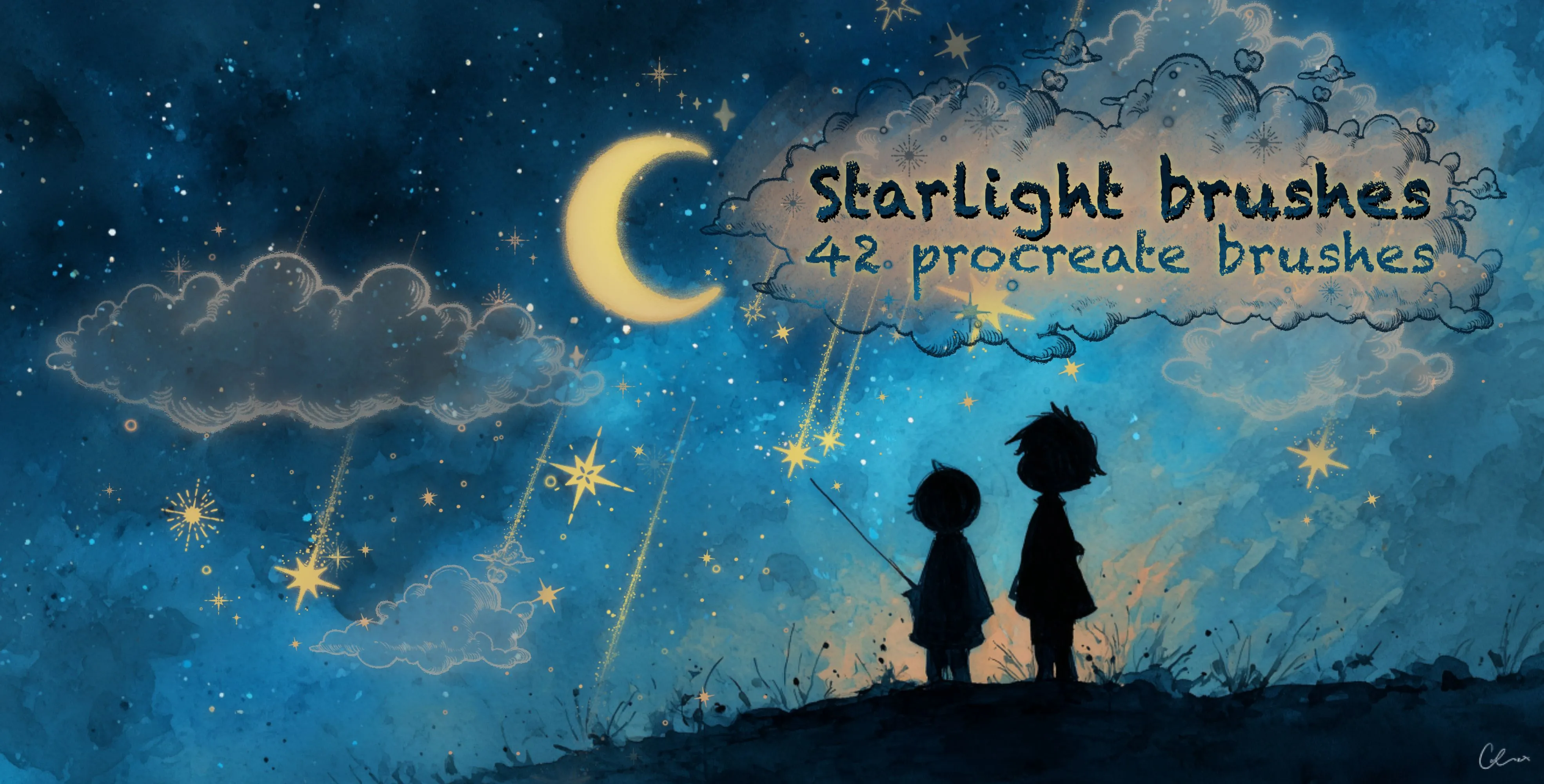
 Starlight Brushes
star-field and galaxy scatter bands
Free from independent artists
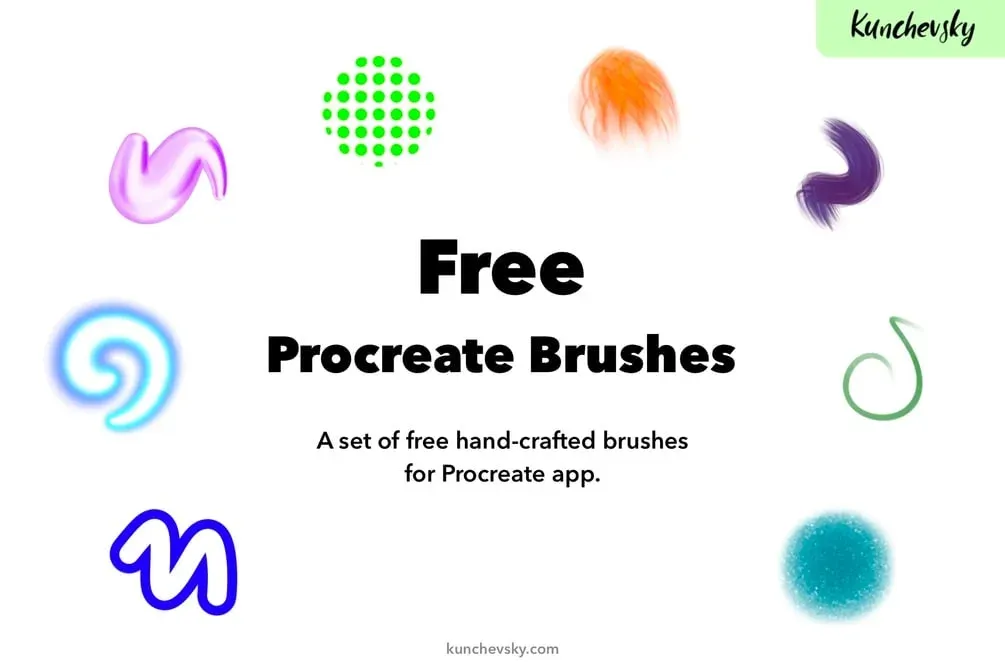
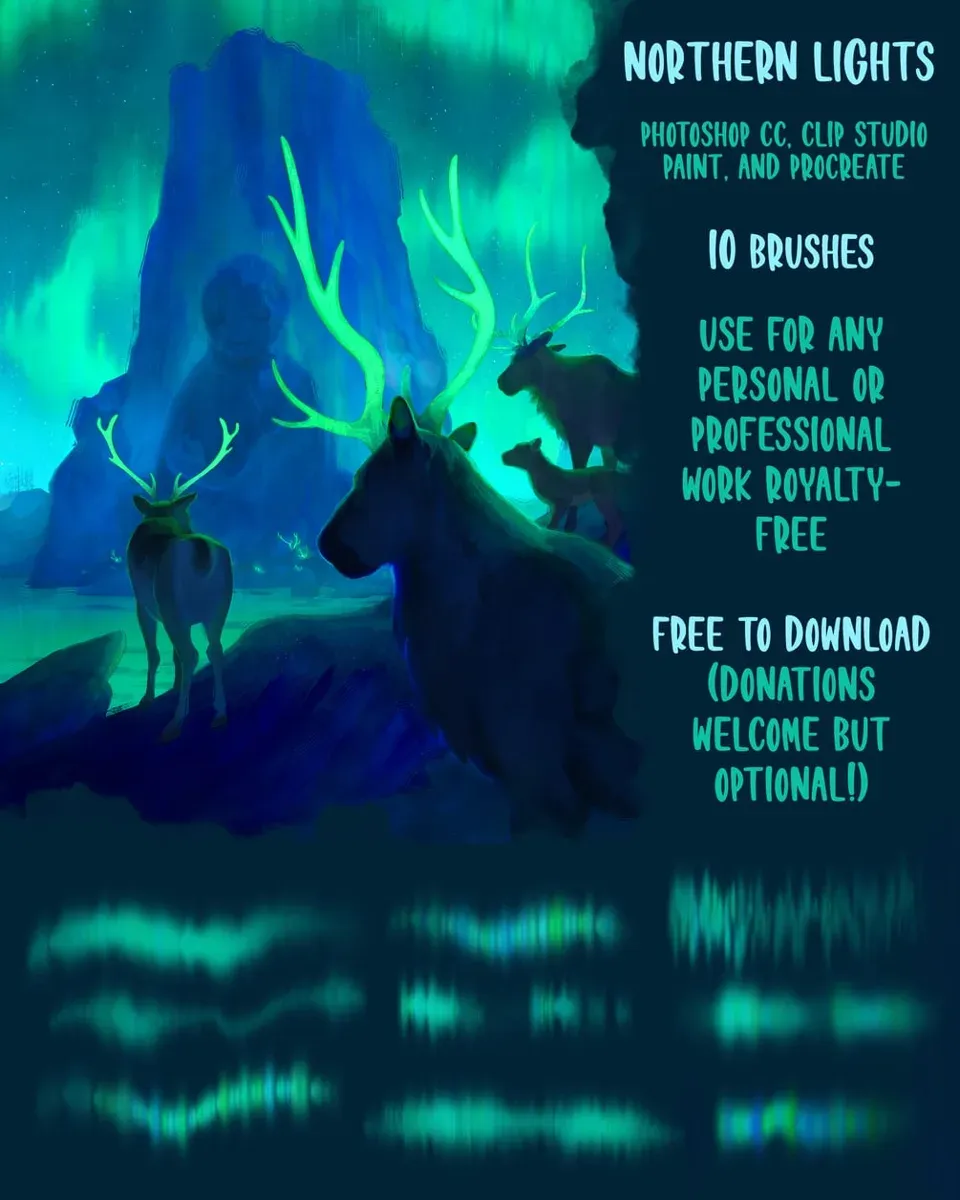
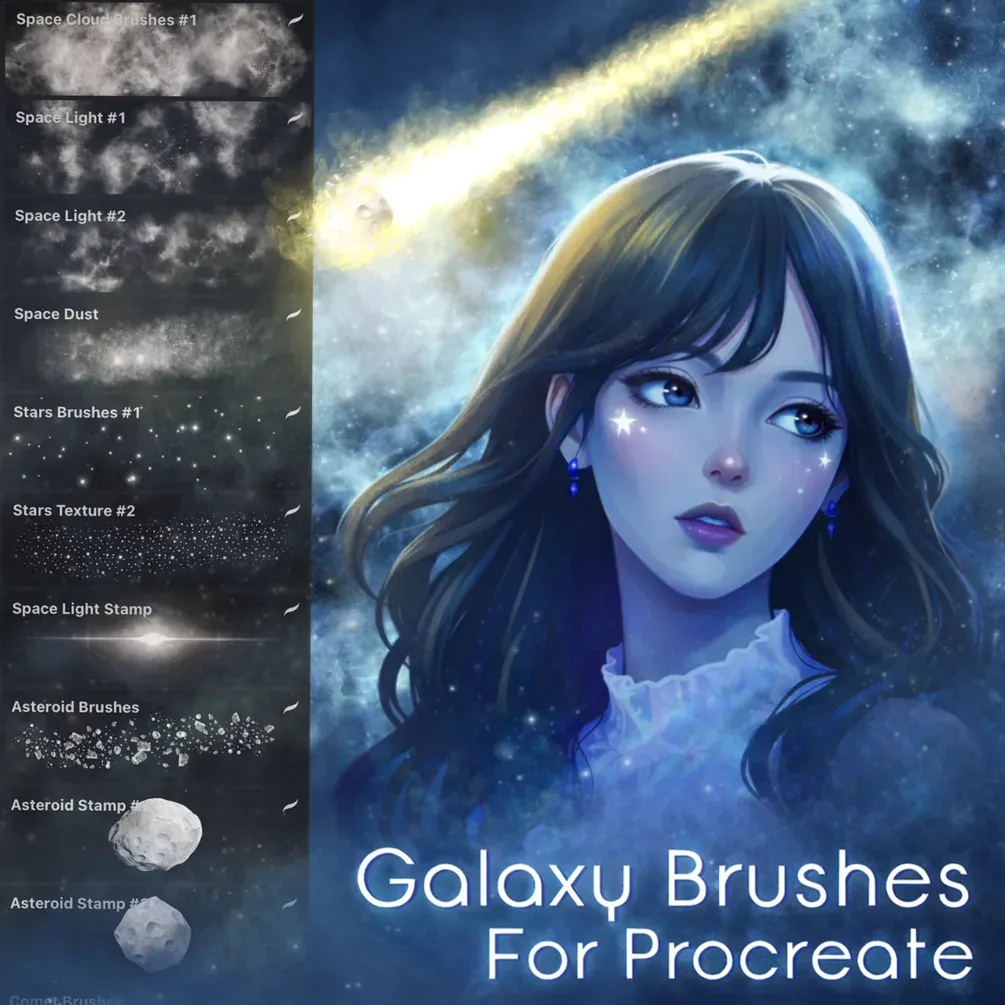
Free glow neon sets by other artists — downloaded from the artist's own page.
 Scan → get the app
More brush packs in the app
The site is still filling up — the Brusher app already has the complete 200+ set library, with more glow neon packs, plus free brushes and free tools.
Glow & Neon styles
How to make things glow in Procreate
A convincing glow is built in layers, not with one brush. Draw the bright core of the light first — the neon tube, the star, the lettering — in a light, saturated colour. Then, on a layer beneath, add a softer, larger halo of the same hue and set that layer's blend mode to Add or Screen so the colours build into light rather than paint over each other.
Work on a dark canvas — glow only reads against darkness — and don't overdo the halo; real light falls off quickly. For extra punch, drop a subtle outer glow in a second, cooler colour. The same layered approach makes text glow, powers up sci-fi FX, and lifts neon lettering off the page.
Frequently asked questions
What are the best brushes for neon signs?+
Use a bright neon tube brush for the letterforms or shapes, then build the glow underneath with a soft halo brush on an Add or Screen layer. Keeping the core saturated and the halo soft against a dark background is what sells the neon-sign look.
How do I make text glow?+
Letter your text in a light, saturated colour, then add a softer, larger copy of the same colour on a layer beneath set to Add or Screen. Build one or two halo layers for depth, and keep it on a dark background so the glow reads.
Should I use a glow brush or a blend mode?+
Both — the best glows combine a bright brush for the core with a soft halo on an Add or Screen blend-mode layer. Blend modes make colours add into light instead of covering each other, which is the physics that makes a glow look real.