Abstract & Effects Procreate Brushes
Updated October 2026
Abstract and effects Procreate brushes for iPad: splatter, brush strokes, FX. Free & premium packs.

Brusher app for iPad & iPhone
200+ sets in the Brusher app, abstract effects included — plus free brushes and free tools.
Brusher has 12 abstract effects Procreate brush packs — splatter, brush strokes, abstract shapes — each a native .brushset that installs into Procreate in one tap on iPad.
Abstract and effects Procreate brushes are the wild card in any library — paint splatters, ink splashes, smoke, particles, light leaks and organic textures that add energy and unpredictability to a piece. When a design needs a burst of motion, a grungy accent or an otherworldly effect, these brushes deliver in a stroke what would take ages to build by hand.
The collection covers splatter and splash brushes, smoke and particle effects, abstract textures and organic marks, and dynamic FX for illustration and poster work. They're perfect for accents, backgrounds and full abstract compositions.
Abstract & Effects Procreate Brushes
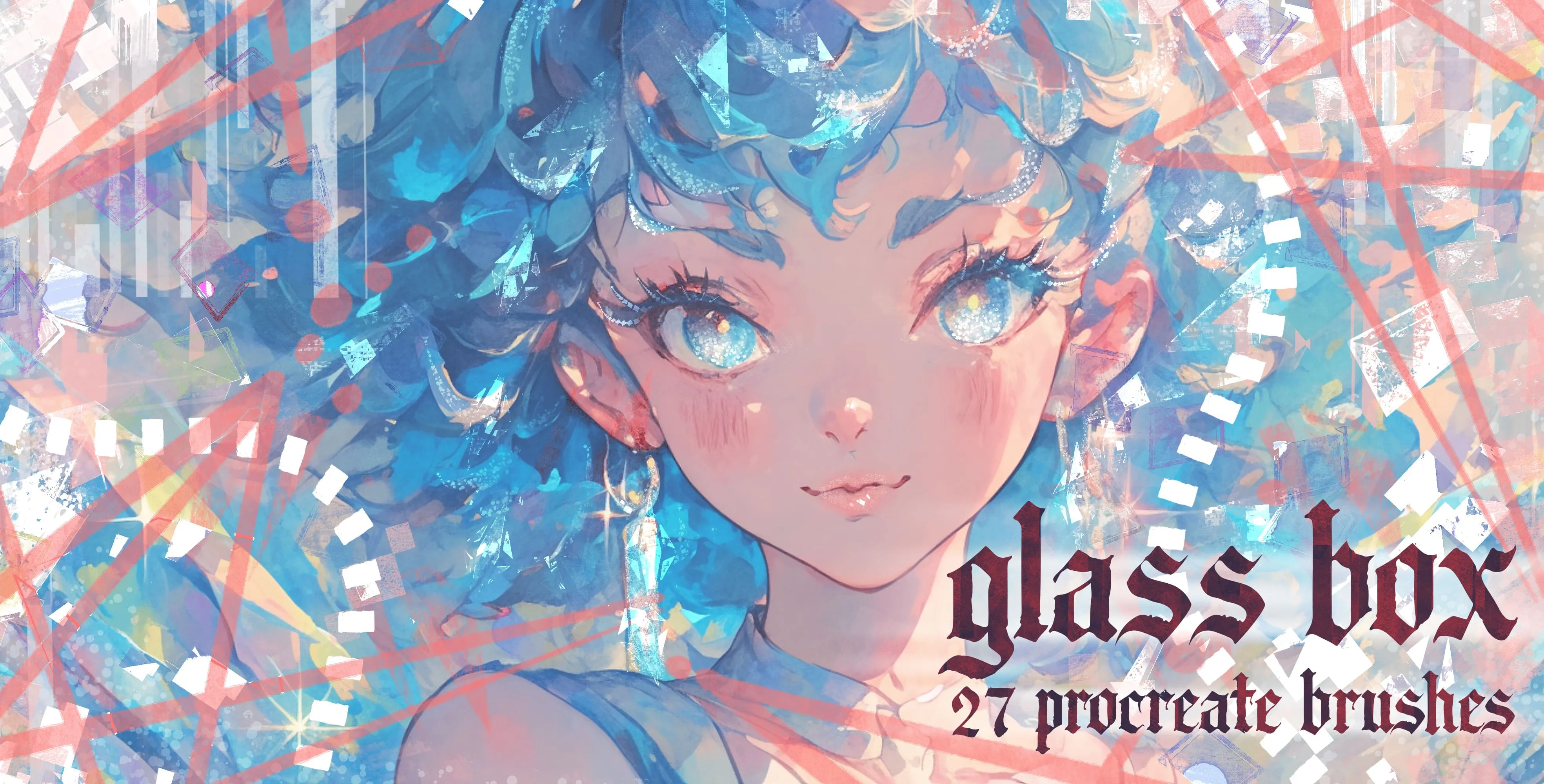
Procreate Video Glass Box
glass shards, crystal shapes, prismatic splinters, sparkle scatter and halo light rings
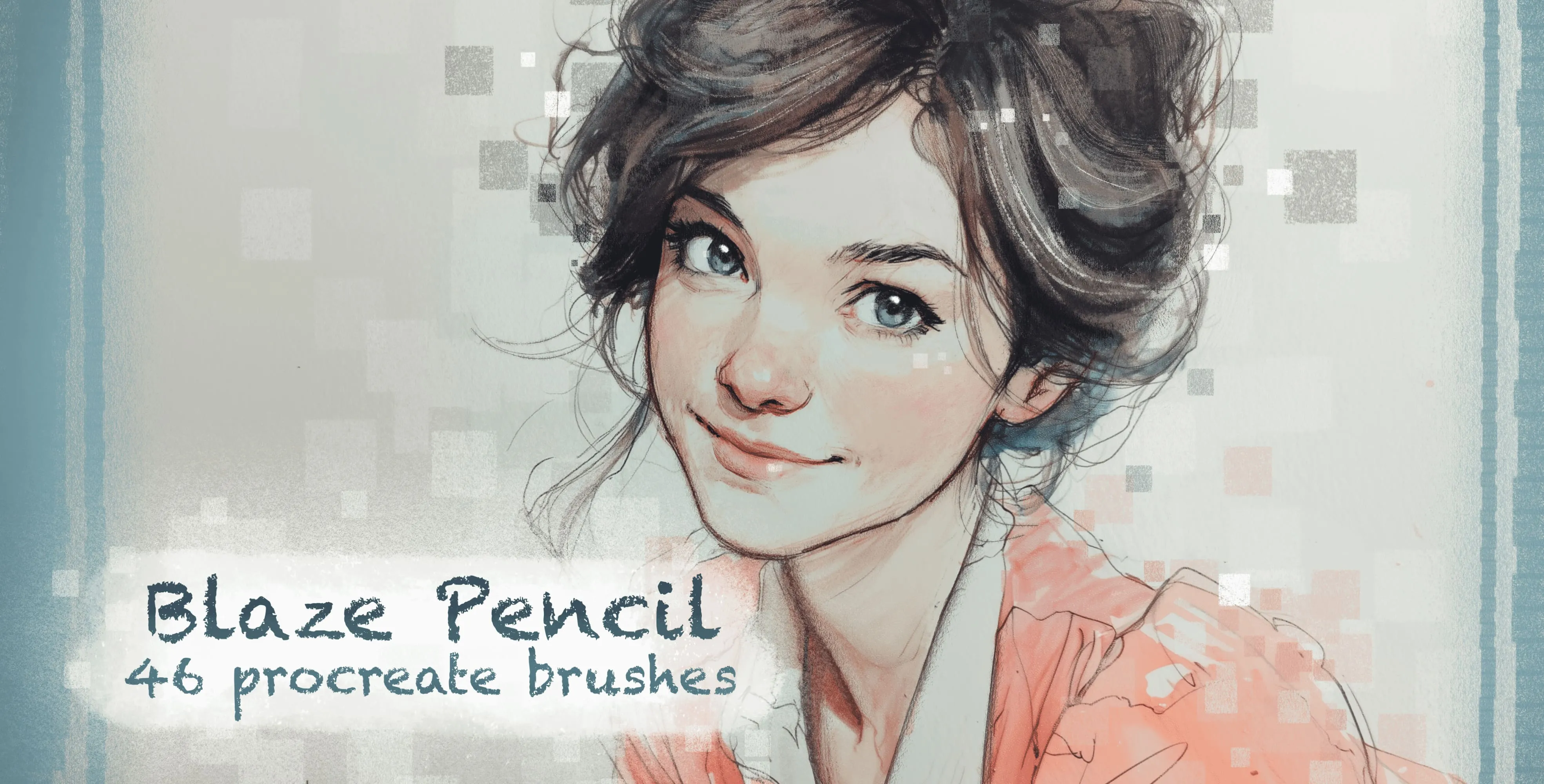
Procreate Video Blaze Pencil
colored-pencil, grainy pencil and cube
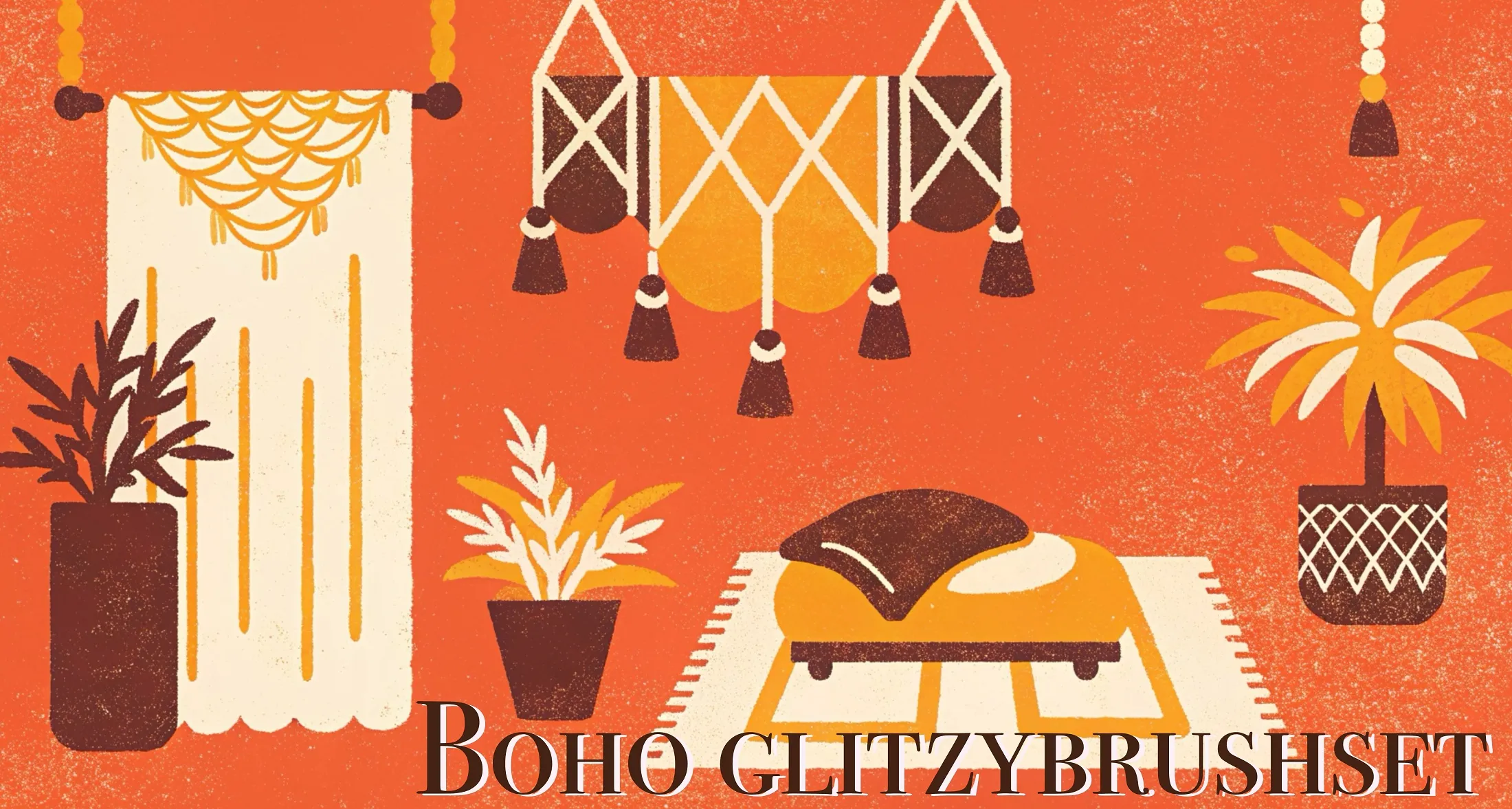
Procreate Video Boho Glitzy
glitter, foil, metallic shimmer and bokeh
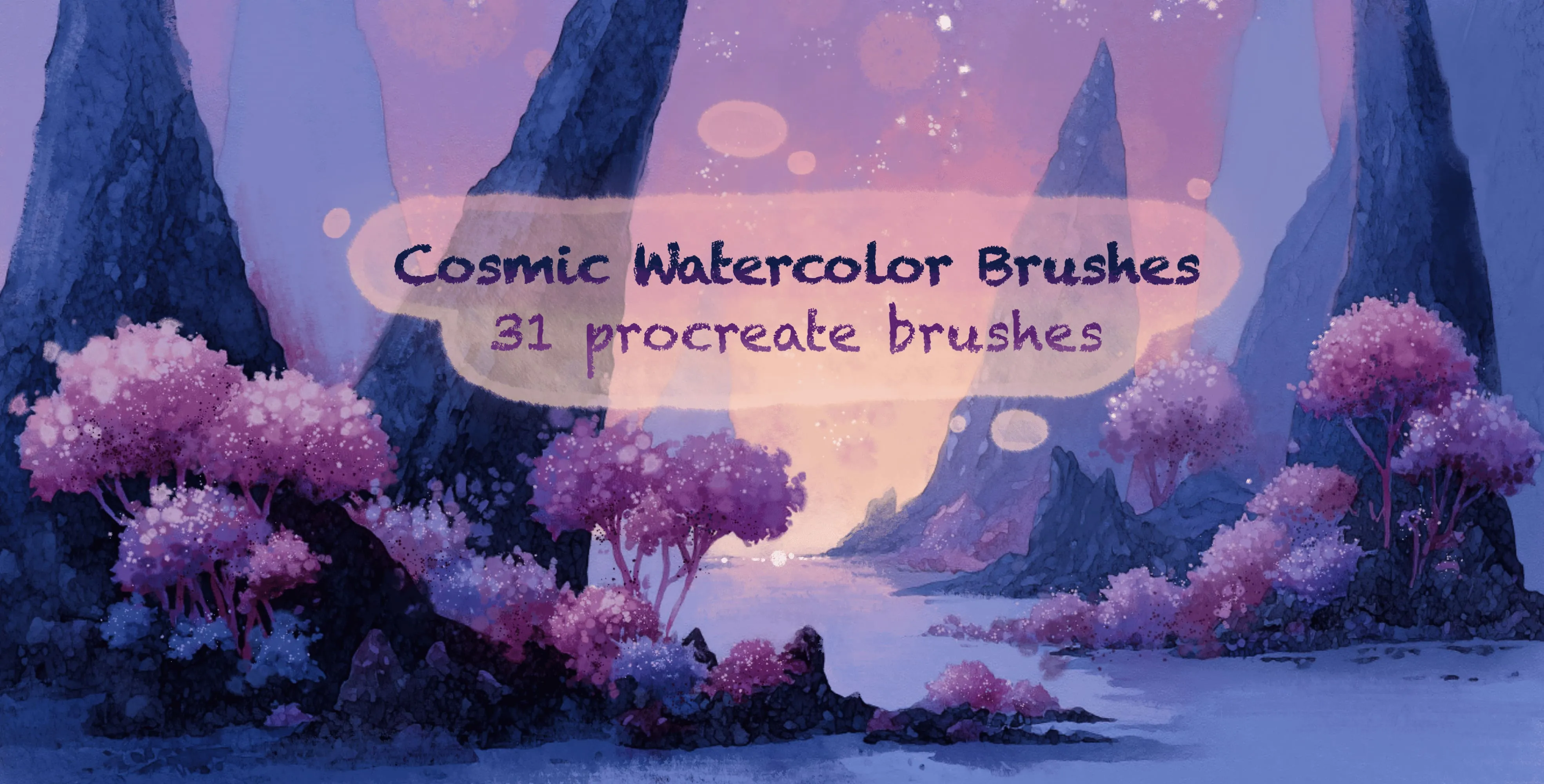
Procreate Video Cosmic Watercolor Brushes
nebula clouds, star dust and starfields
 Procreate Video
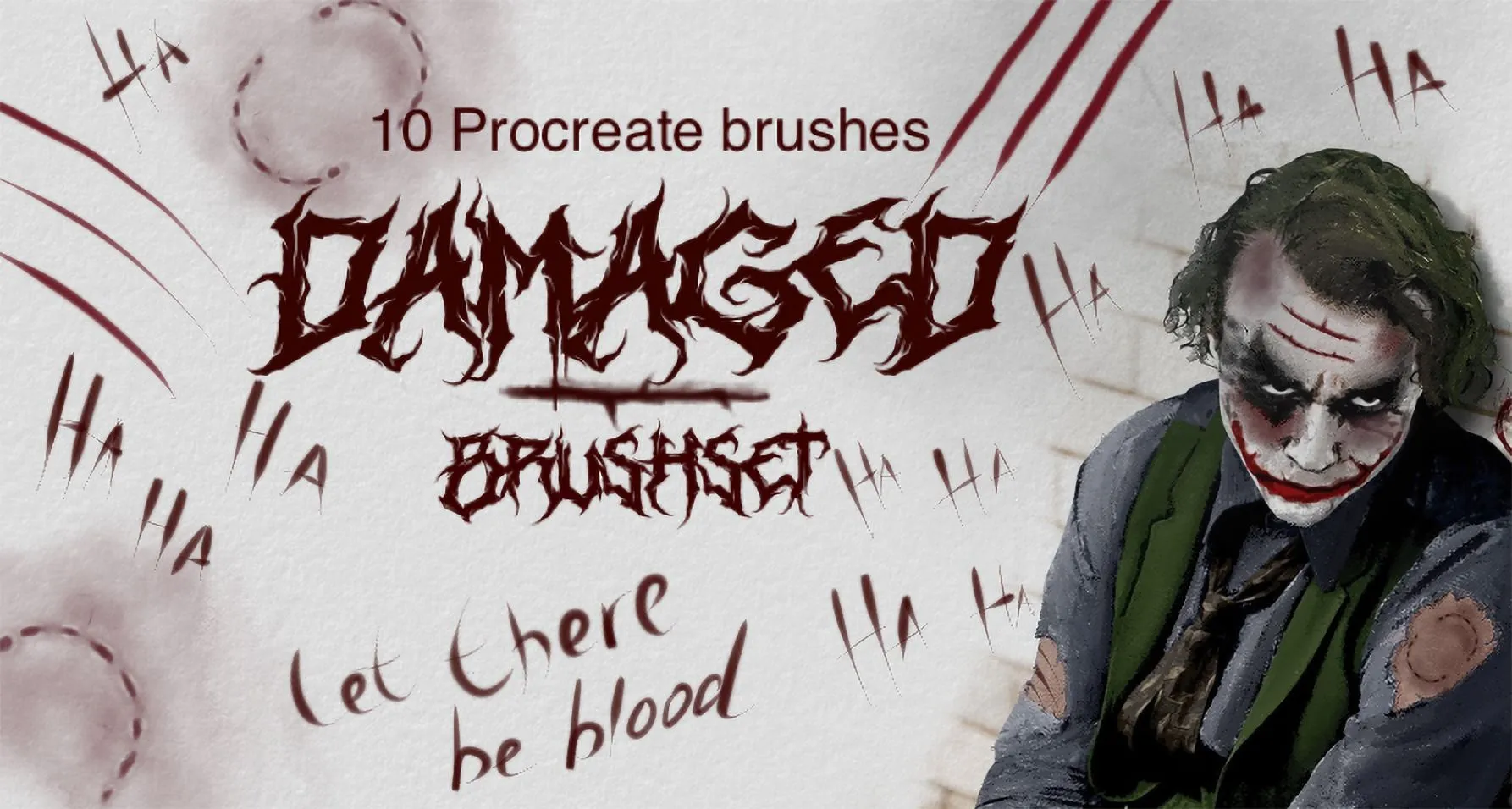
 Damaged
small, large skin wrinkles and half-bite
 Procreate Video
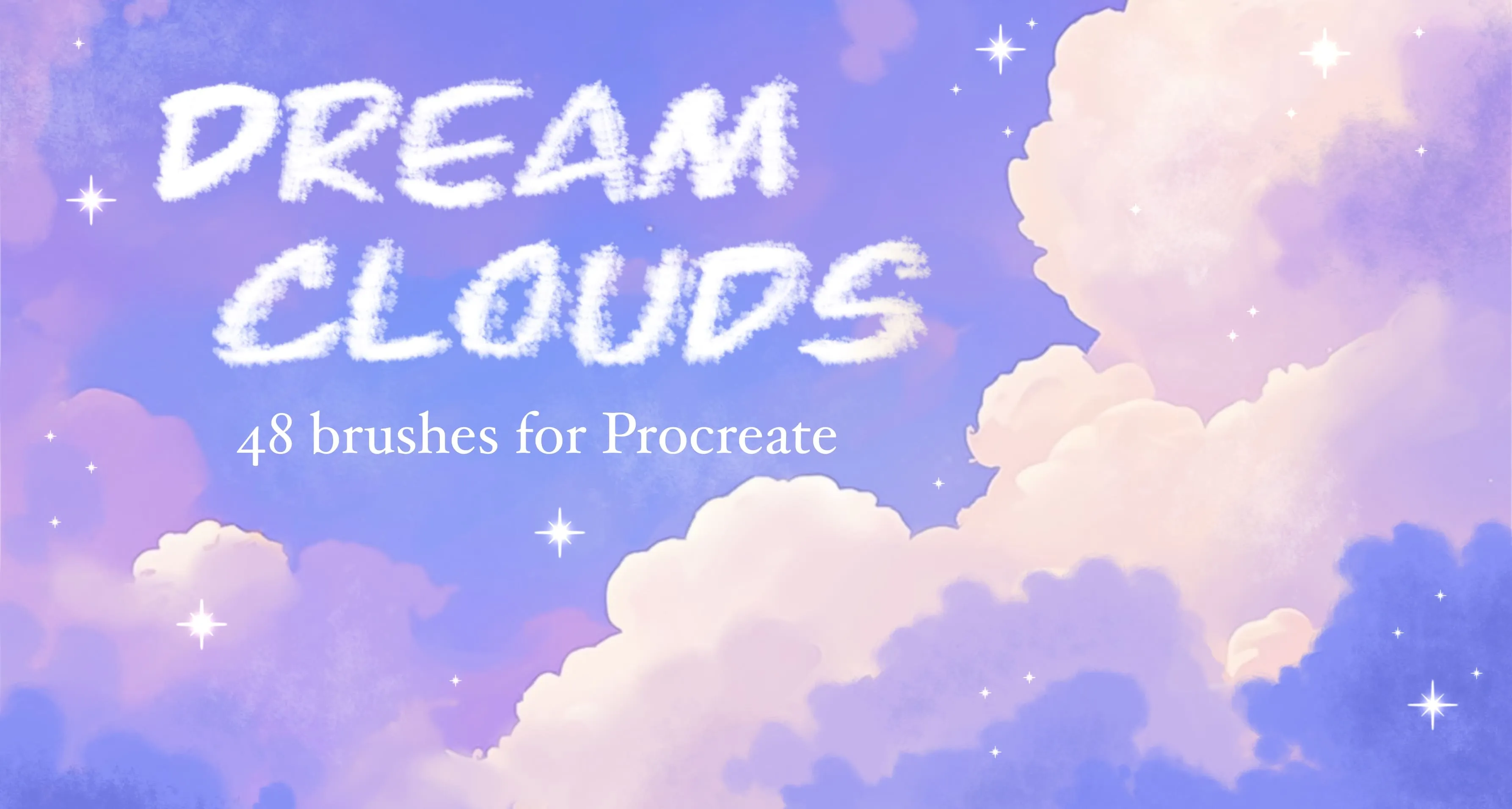
 Dream Clouds
scattered cloud and fluffy cumulus cloud
 Procreate Video
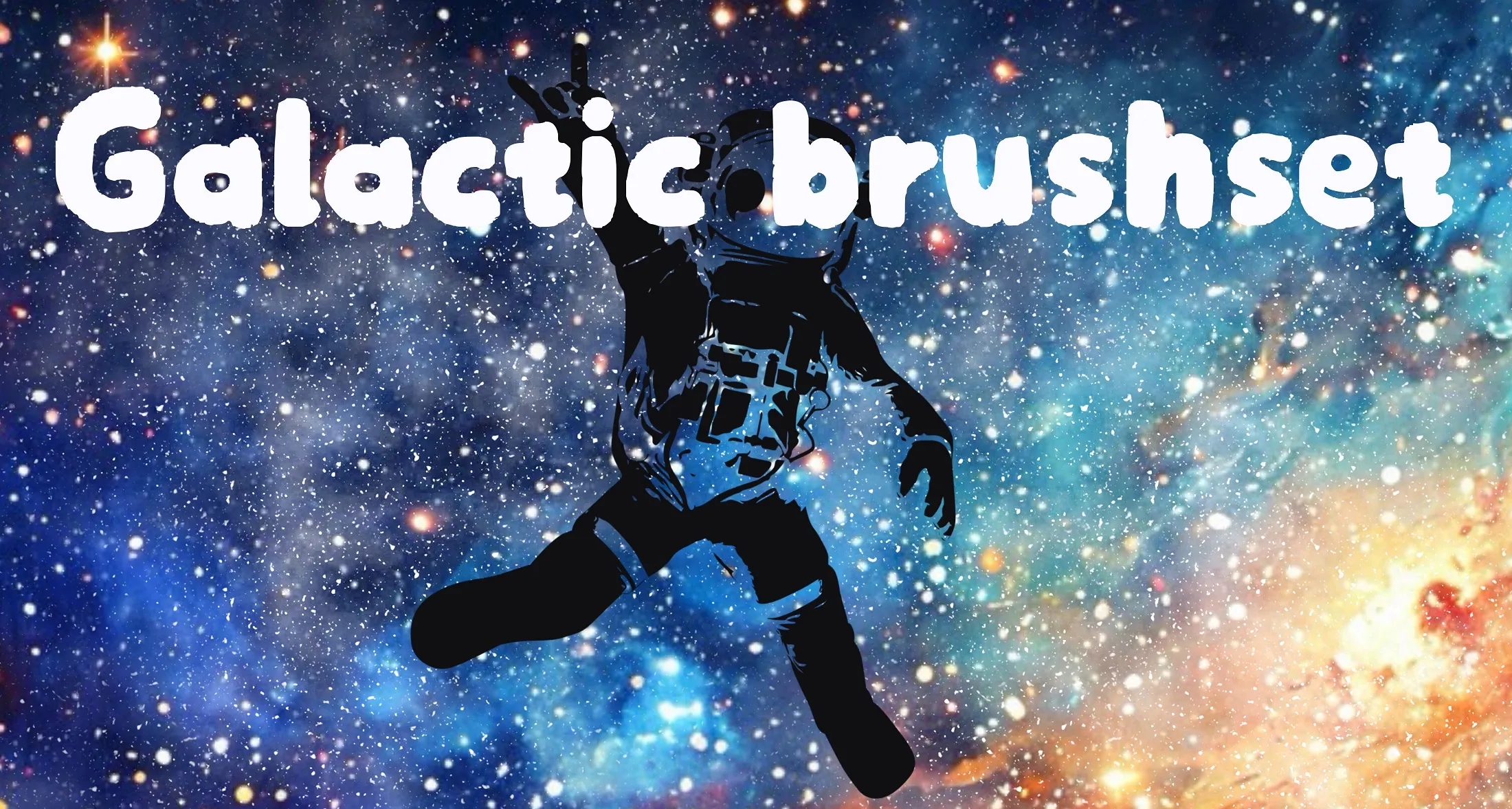
 Galactic
space glow and nebula brushes, space fog, moon surface textures and moon stamps
 Procreate Video
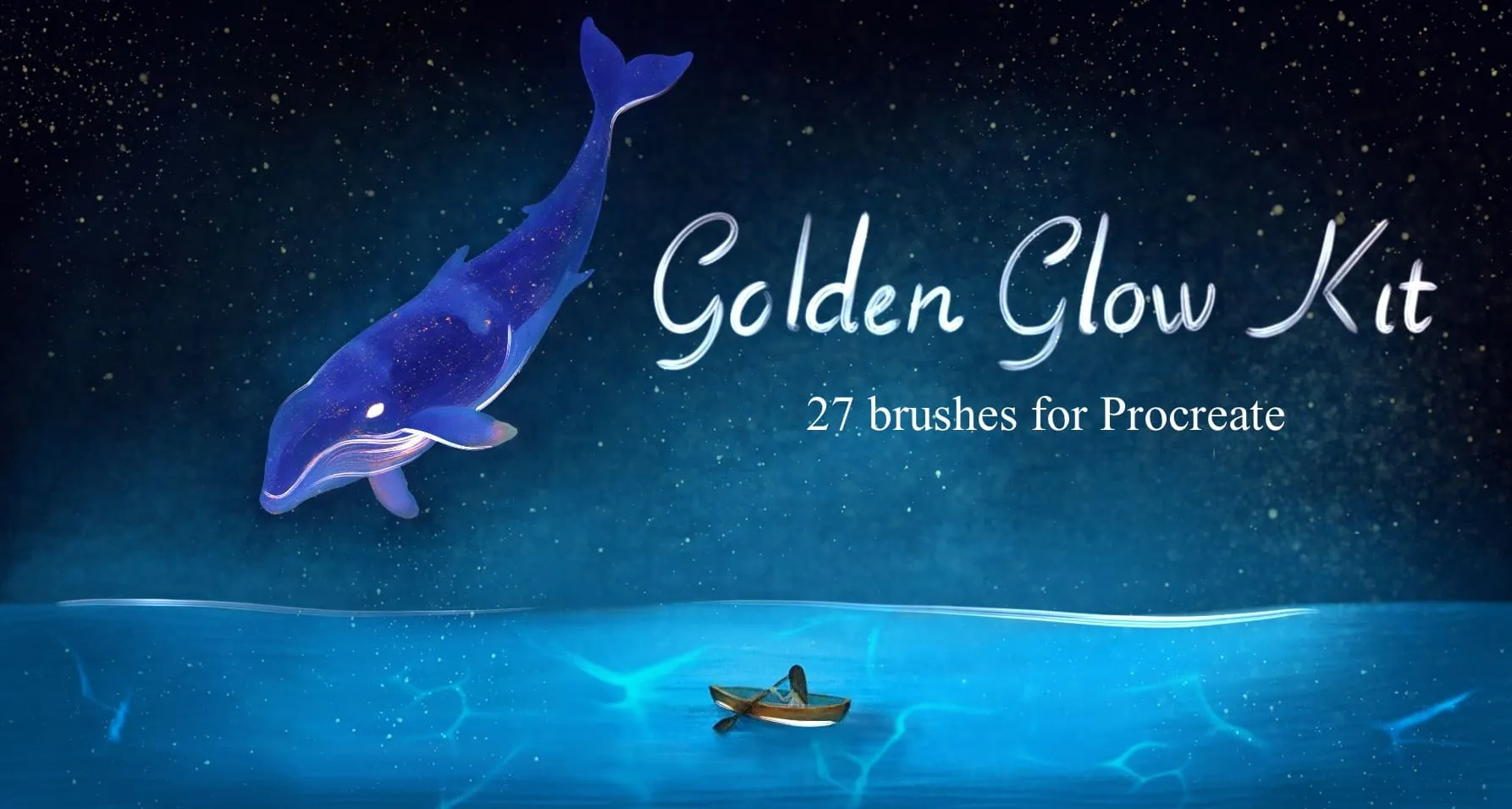
 Golden Glow Kit
gold leaf & brushed-metal textures, crumpled foil and metal-mesh surfaces
 Procreate Video
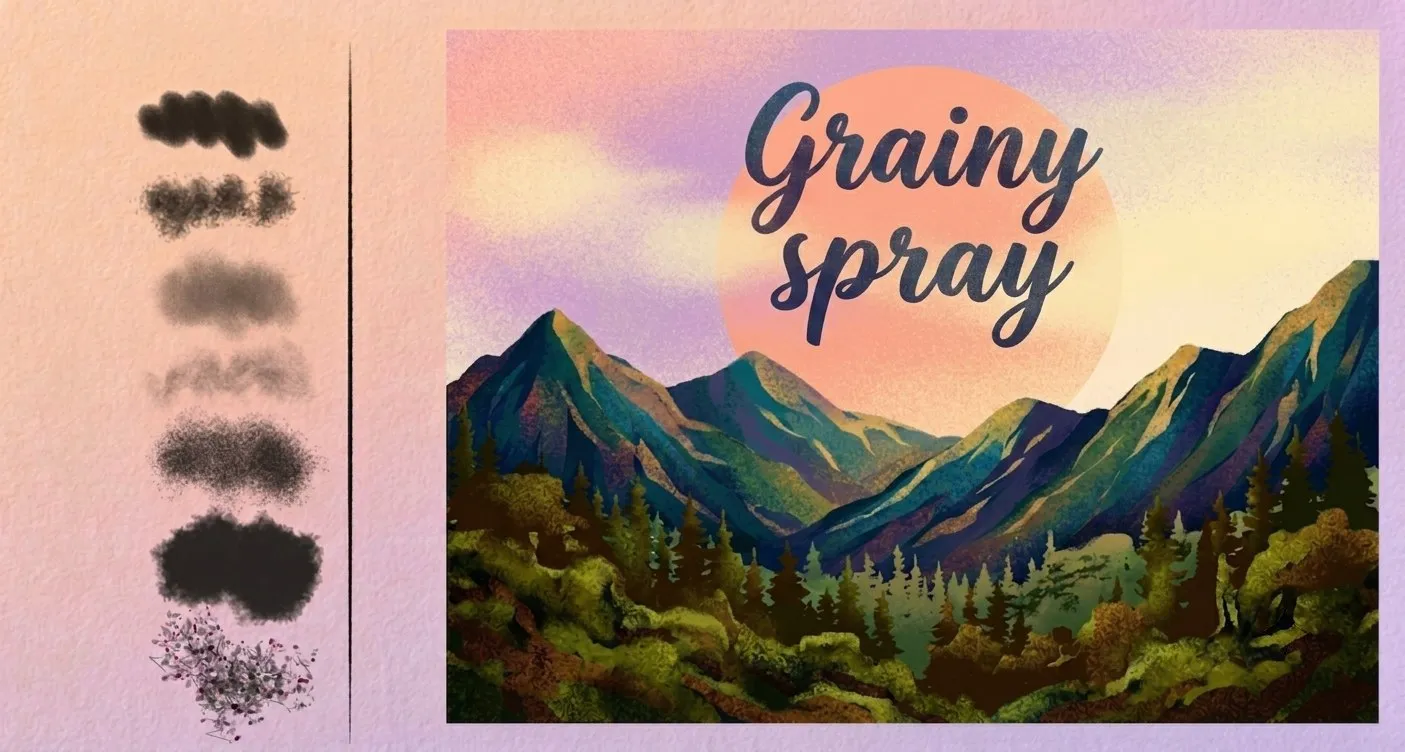
 Grain Spray
grainy airbrushes, fine and dense speckle
 Procreate Video
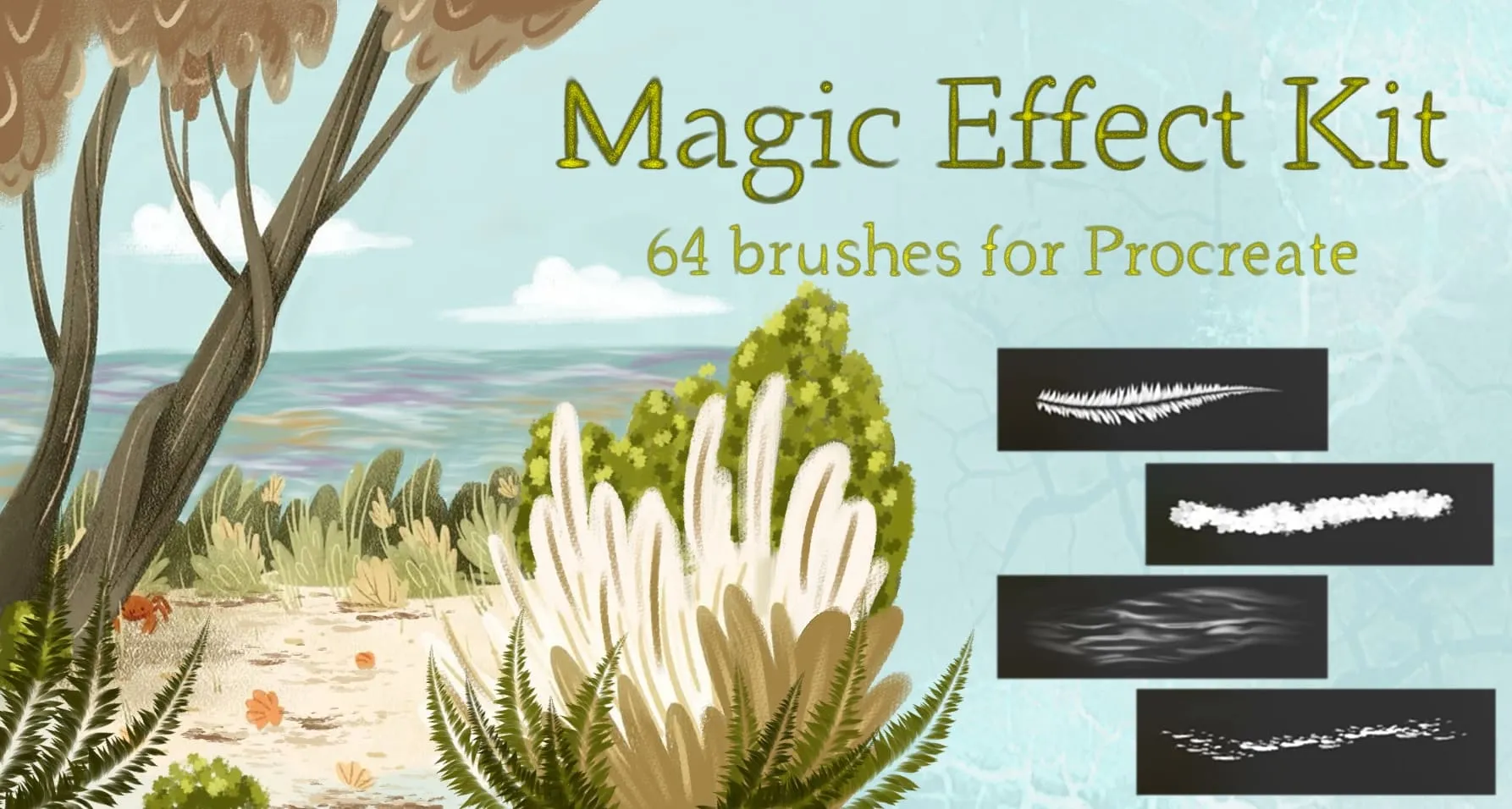
 Magic Effect Kit
nature elements, celestial, light and bubbles
 Procreate Video
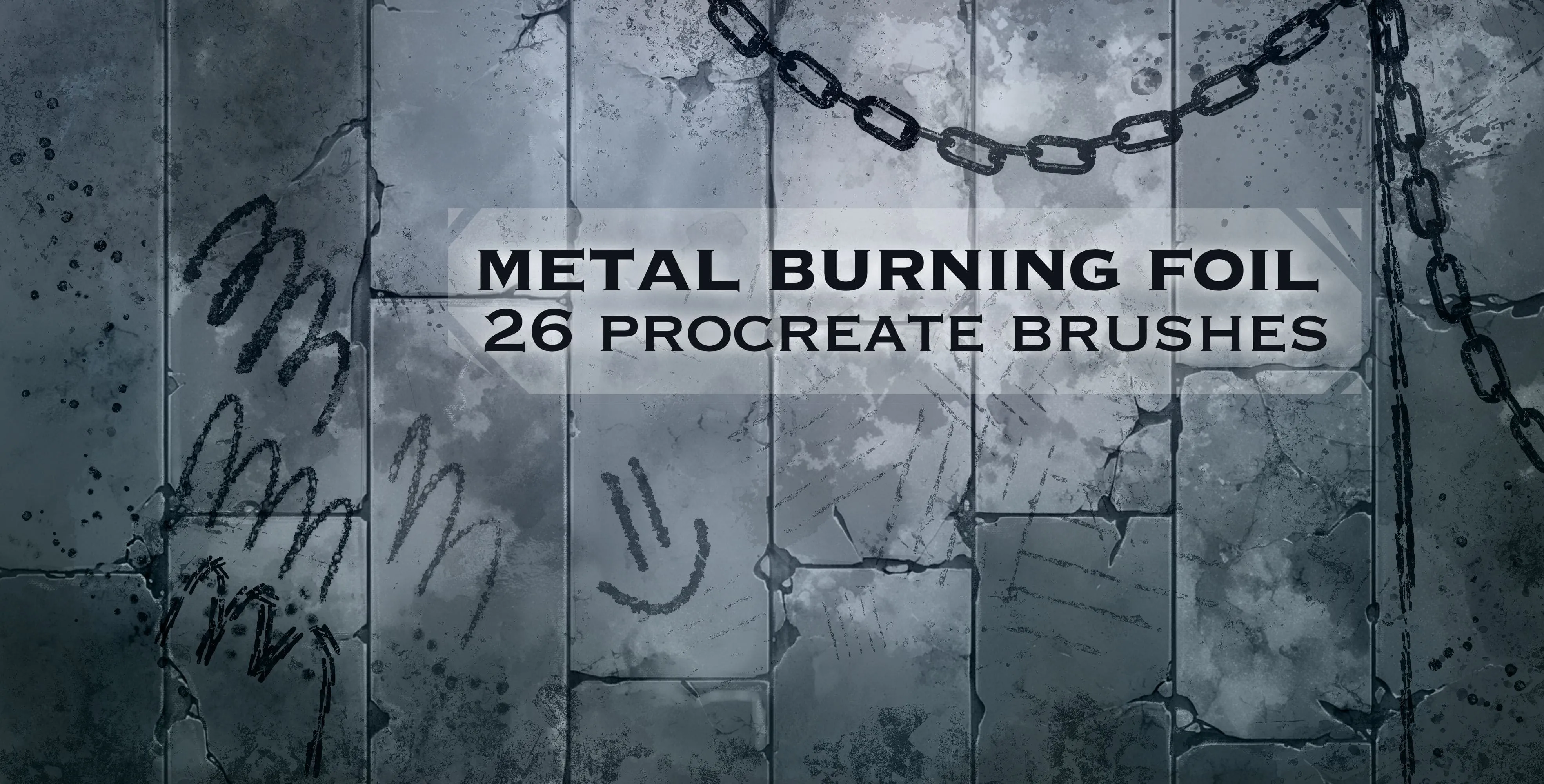
 Metal Burning Foil
heavy, fine metal and rusty
 Procreate Video
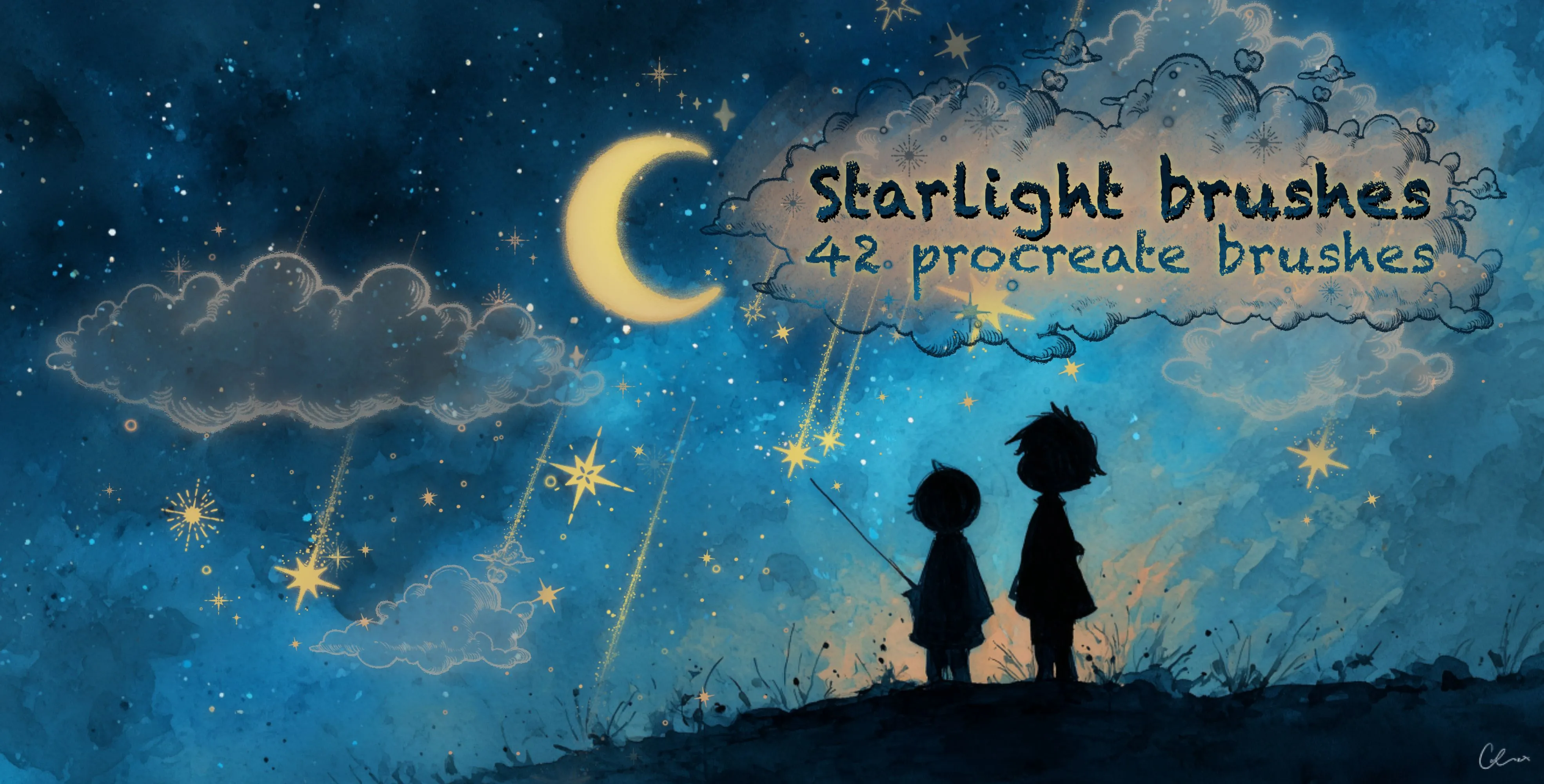
 Starlight Brushes
star-field and galaxy scatter bands
Free from independent artists
Free abstract effects sets by other artists — downloaded from the artist's own page.
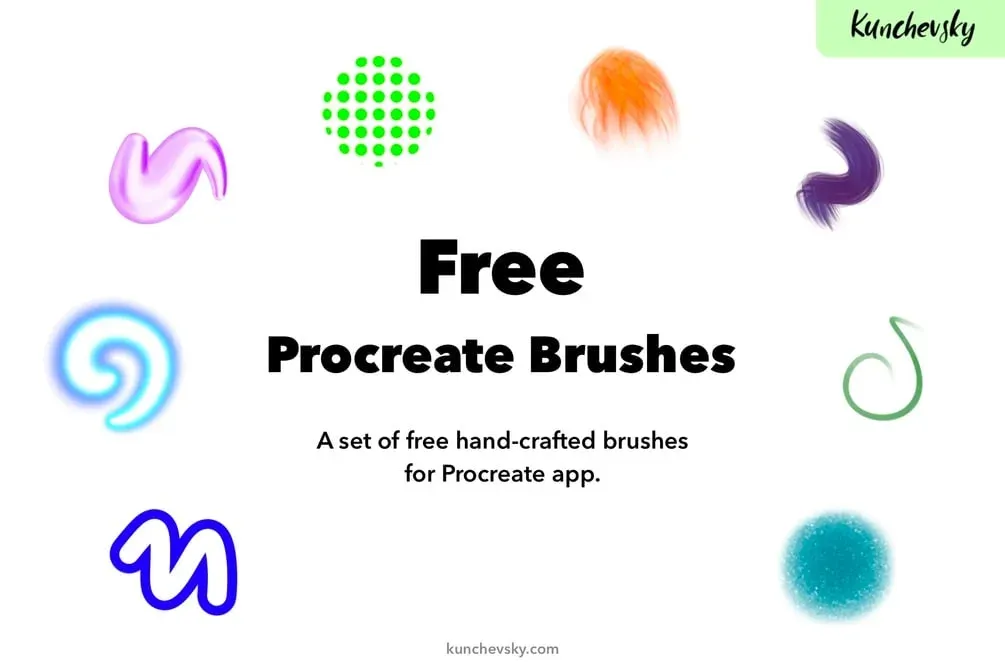 Free · external
 Free Procreate Brushes by Kunchevsky
by Alex Kunchevsky
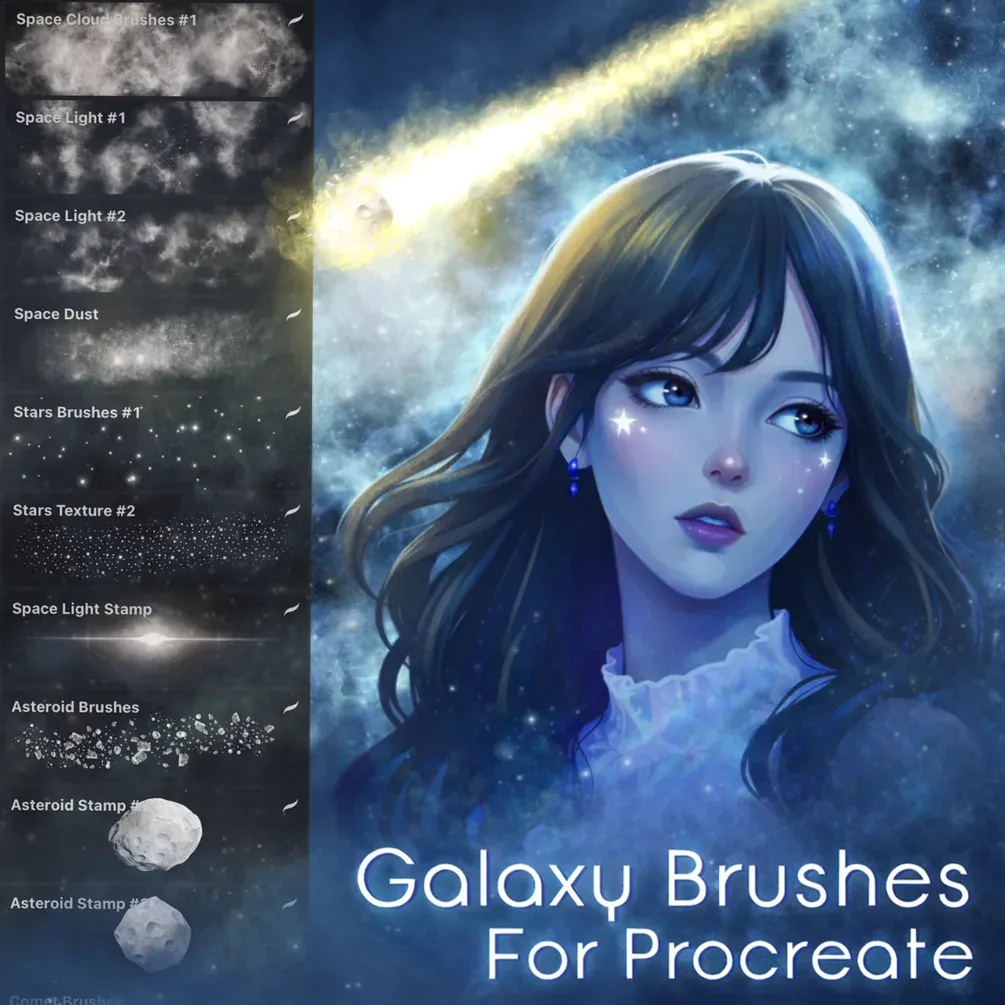 Free · external
 Free Galaxy Brush Set
by Di
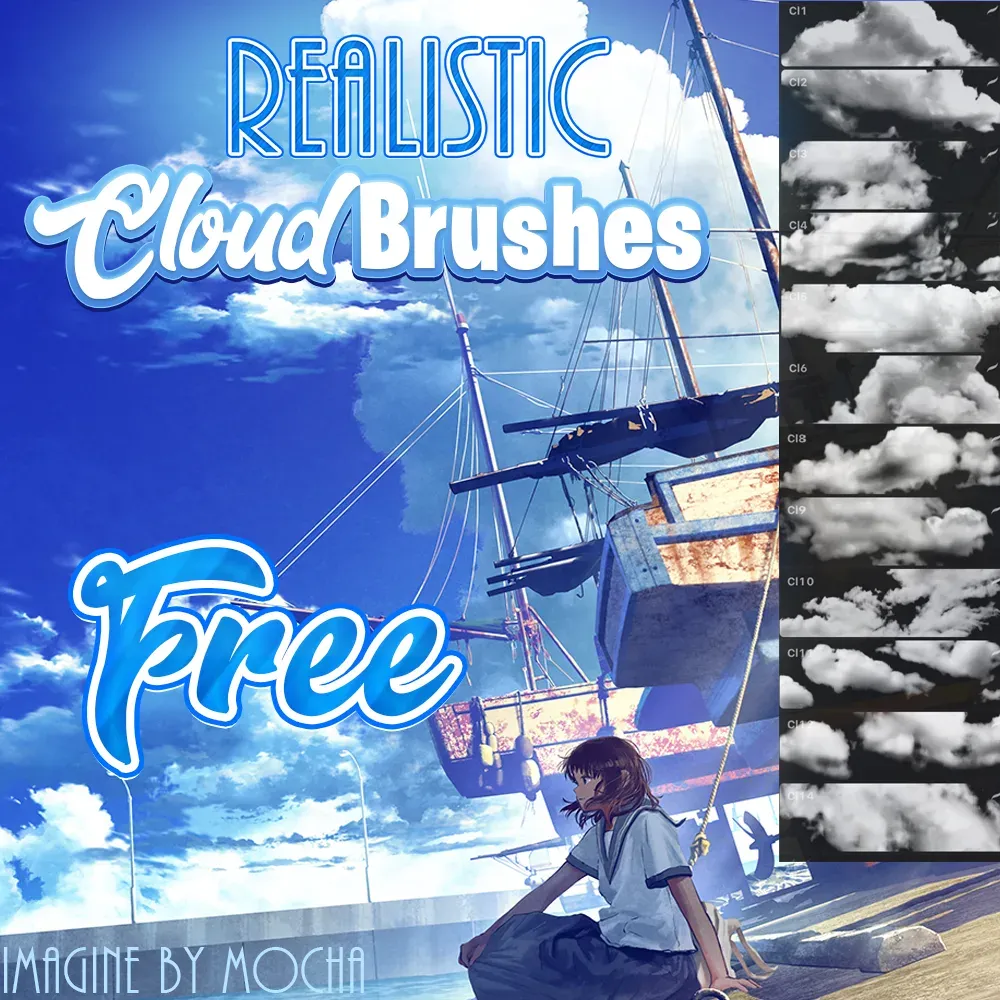 Free · external
 Free Realistic Cloud Brushes
by Attki
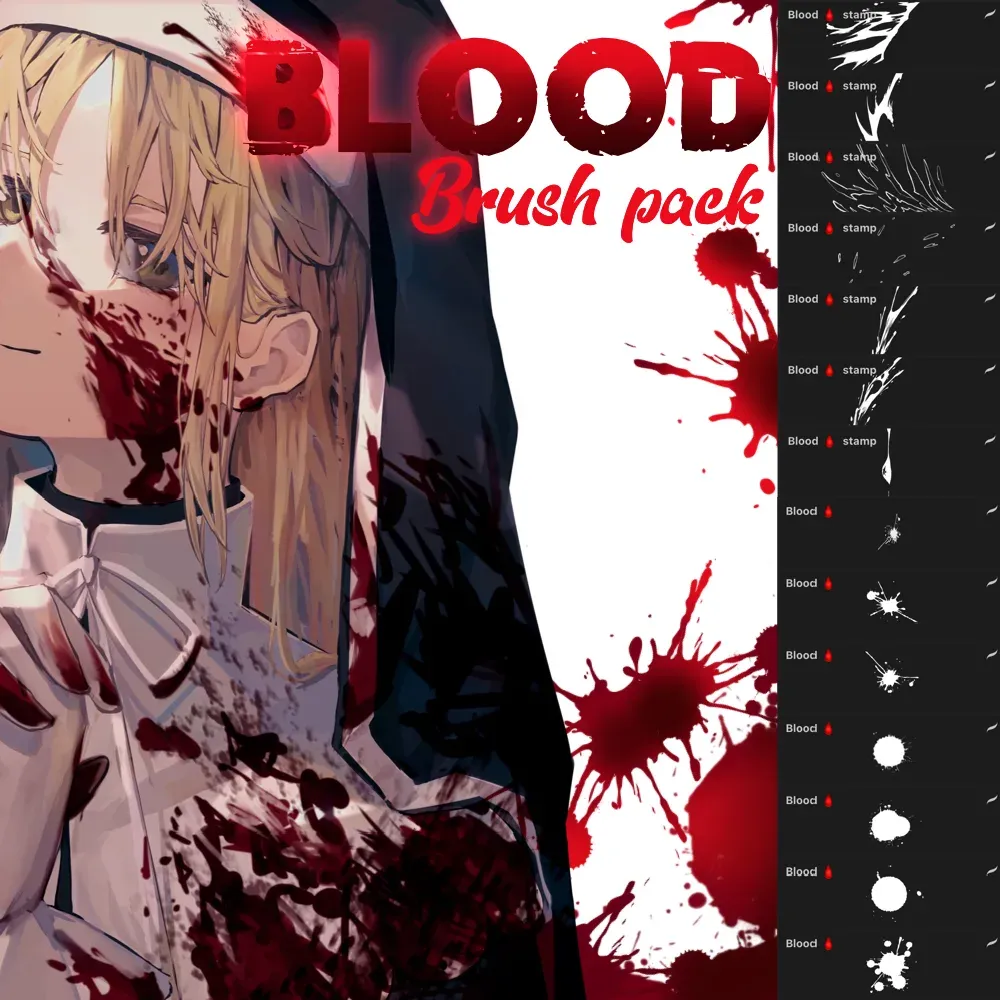 Free · external
 Free Blood Brush Pack
by Attki
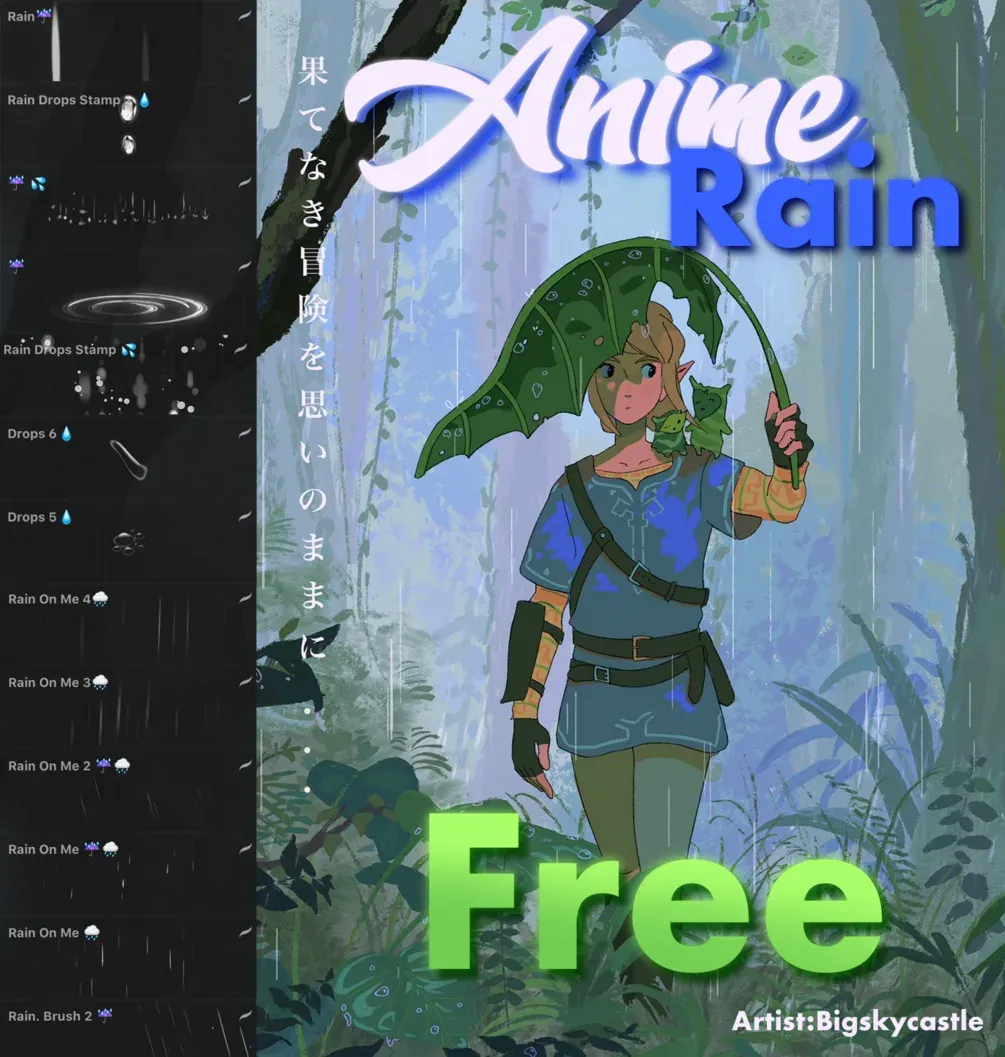 Free · external
 Free Anime Rain Brushset
by Attki
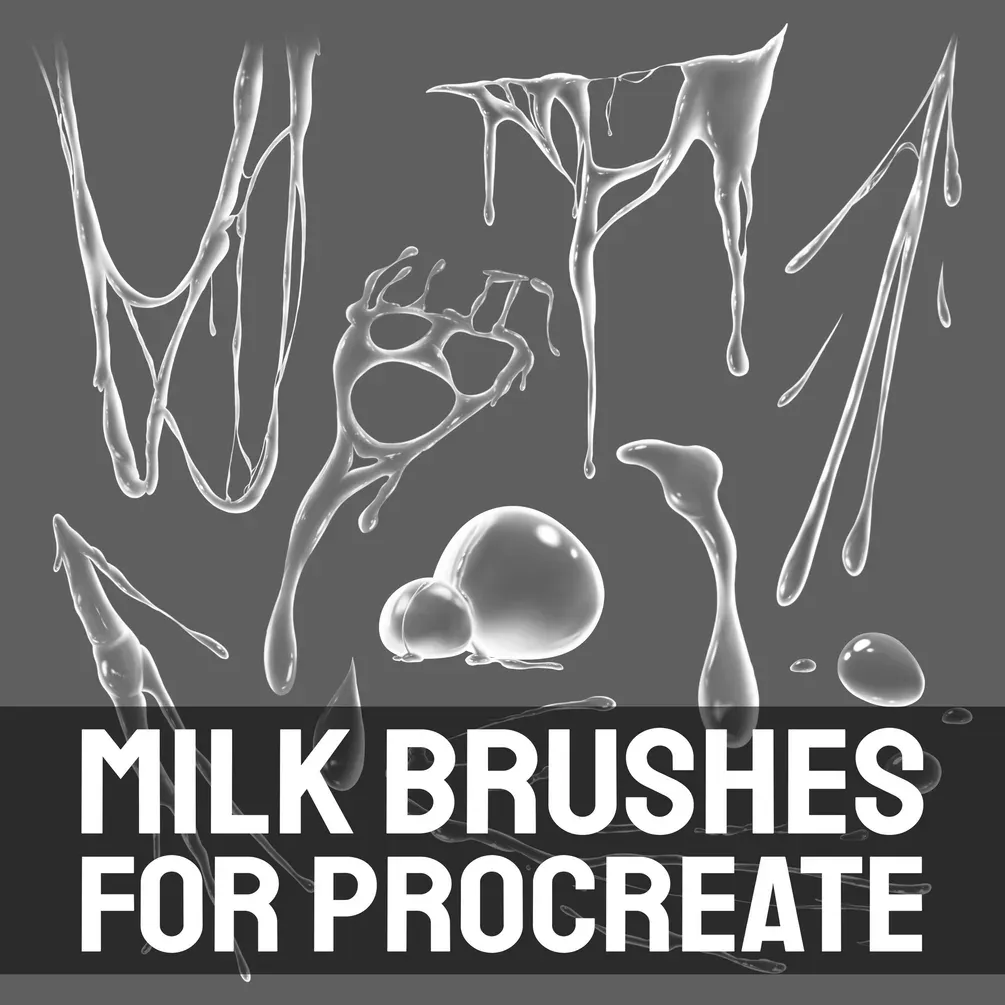 Free · external
 Free Milk Brushes
by Di
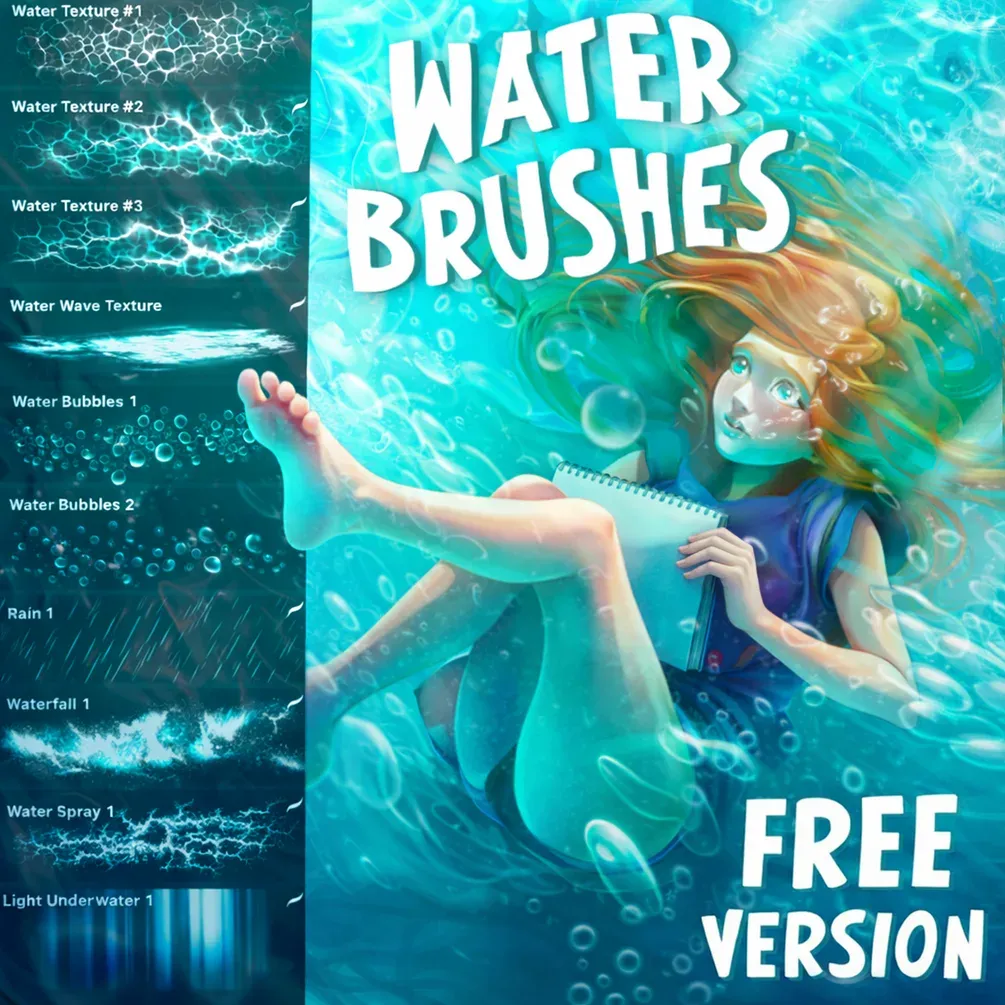 Free · external
 Free Water Brush Set
by Di
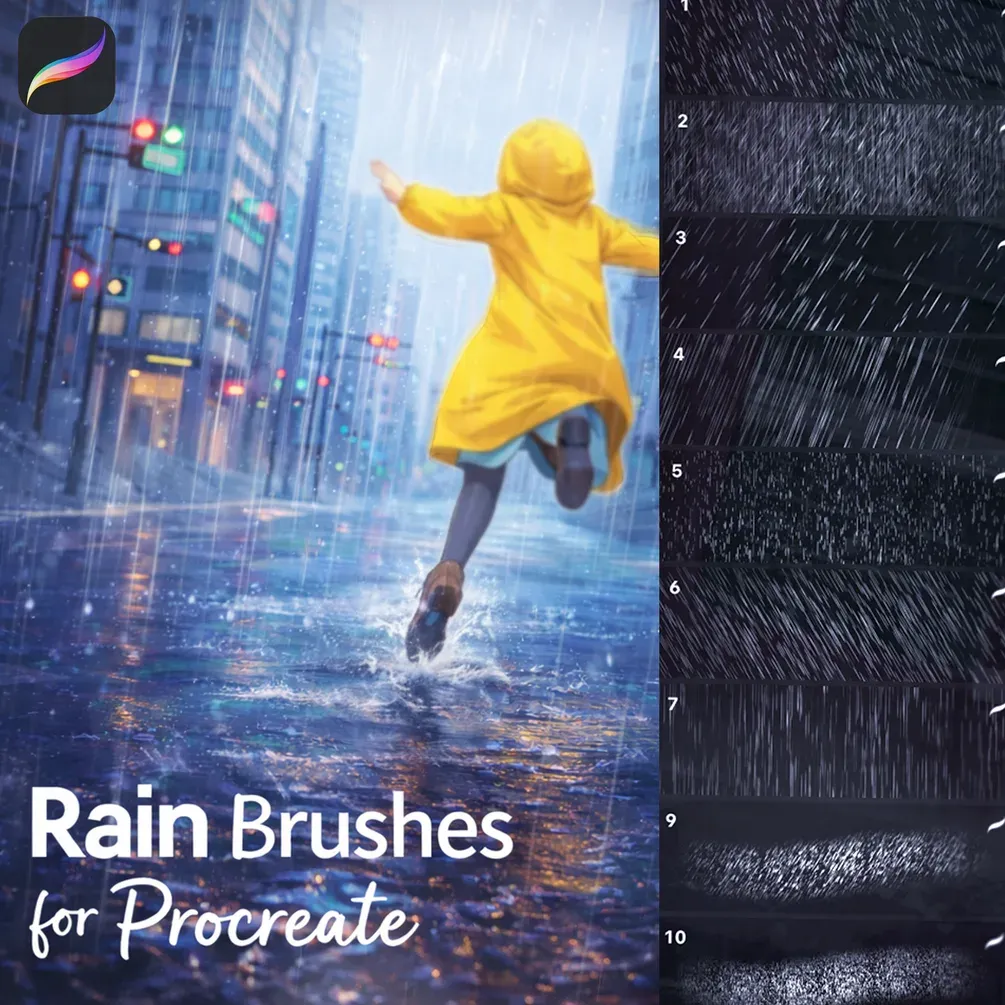 Free · external
 Rain Brushpack 25
by Stas
 Scan → get the app
More brush packs in the app
The site is still filling up — the Brusher app already has the complete 200+ set library, with more abstract effects packs, plus free brushes and free tools.
Popular abstract effects styles
Using splatter and FX brushes without overdoing it
Effects brushes are seasoning, not the meal. A single well-placed splatter can add motion and grit; a canvas covered in them just looks noisy. Add spatter on its own layer so you can move, scale and mask it, and vary the droplet size and density so it feels natural rather than stamped.
For abstract backgrounds, layer a few large organic textures at low opacity and let them interact, then pull one element forward as a focal point. Combine FX with texture and a limited palette, and restraint will always read as more sophisticated than piling every effect on at once.
Abstract & Effects brushes — FAQ
What's the difference between splatter and paint-splash brushes?+
Splatter brushes scatter fine droplets for a speckled, energetic spray, while paint-splash brushes lay larger, liquid blobs and streaks. Splatter suits grit and motion accents; splashes suit bold, gestural marks. Both work best on their own layer so you can position and scale them freely.
How do I make abstract textures?+
Layer a few large organic or textured brushes at low opacity and let them overlap and interact, then bring one element forward as a focal point. Working with a limited palette and blend modes keeps abstract textures cohesive rather than chaotic.
What are the best brushes for FX in illustration?+
Splatter, smoke, particle and light-leak brushes add motion and atmosphere. Apply them sparingly on separate layers so you can mask and adjust them, and match the effect to the mood — a few smoke wisps or a burst of particles does more than a screen full of effects.