Retro & Vintage Procreate Brushes
Updated October 2026
Retro and vintage Procreate brushes 2026: risograph, 80s, 90s, crumpled paper. Free & premium packs.

Brusher app for iPad & iPhone
200+ sets in the Brusher app, retro vintage included — plus free brushes and free tools.
Brusher has 9 retro vintage Procreate brush packs — risograph, 70s, 80s — each a native .brushset that installs into Procreate in one tap on iPad.
Retro and vintage Procreate brushes give digital art the analog imperfections that make it feel nostalgic and hand-made — risograph grain, halftone print texture, film grain, crumpled-paper wear and faded 80s and 90s palettes. In a world of perfectly clean vectors, these deliberate flaws are exactly what makes a design feel warm, tactile and of another era.
The collection covers risograph and screen-print texture brushes, film-grain and noise overlays, distressed and crumpled-paper textures, and retro effect brushes for that authentic printed look. They're a favourite for poster design, packaging, album art and branding.
Retro & Vintage Procreate Brushes
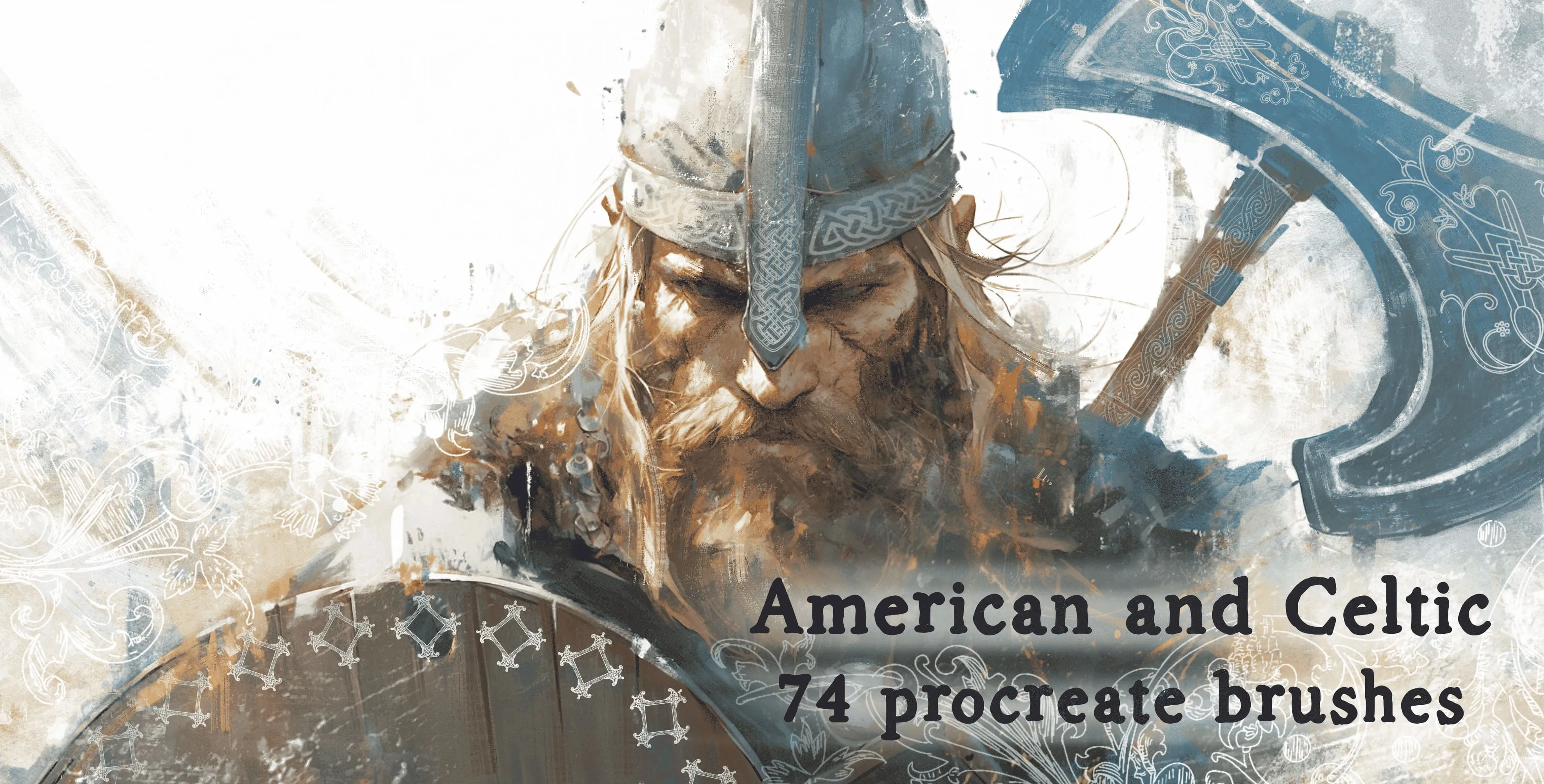
Procreate Video American and Celtic
celtic knotwork
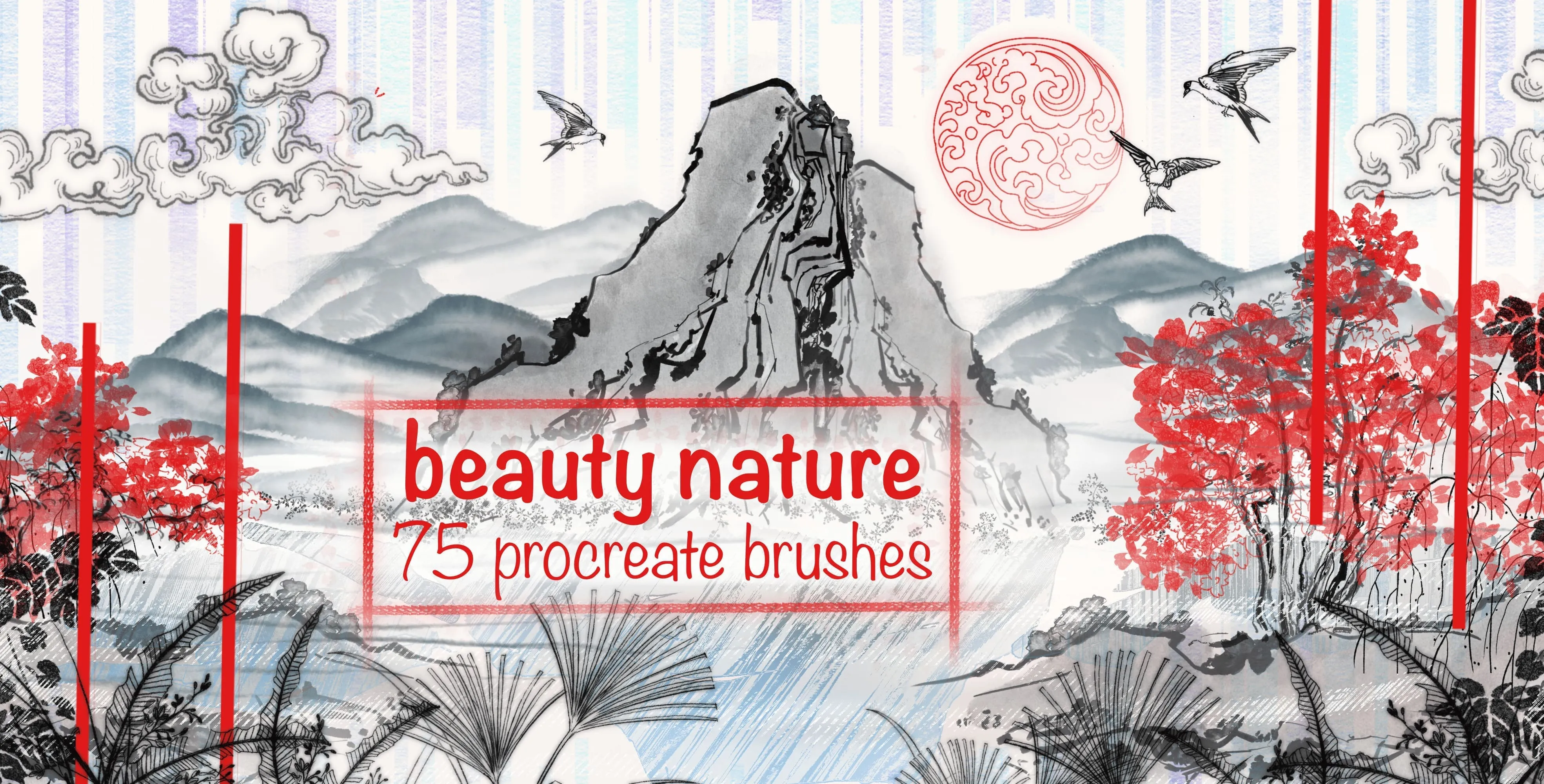
Procreate Video Beauty Nature
ink-wash texture and clouds
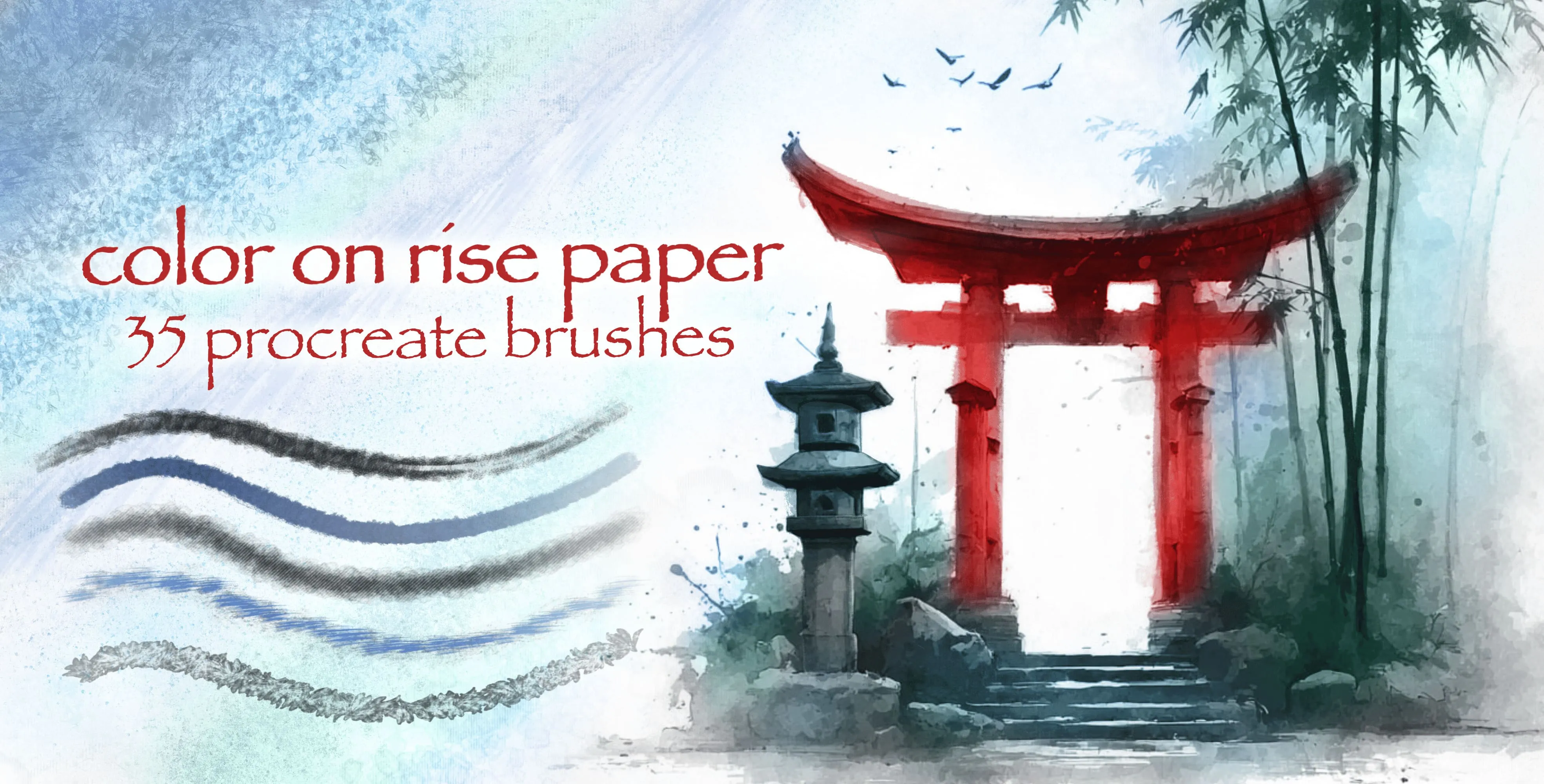
Procreate Video Color On Rise Paper
ink and color washes
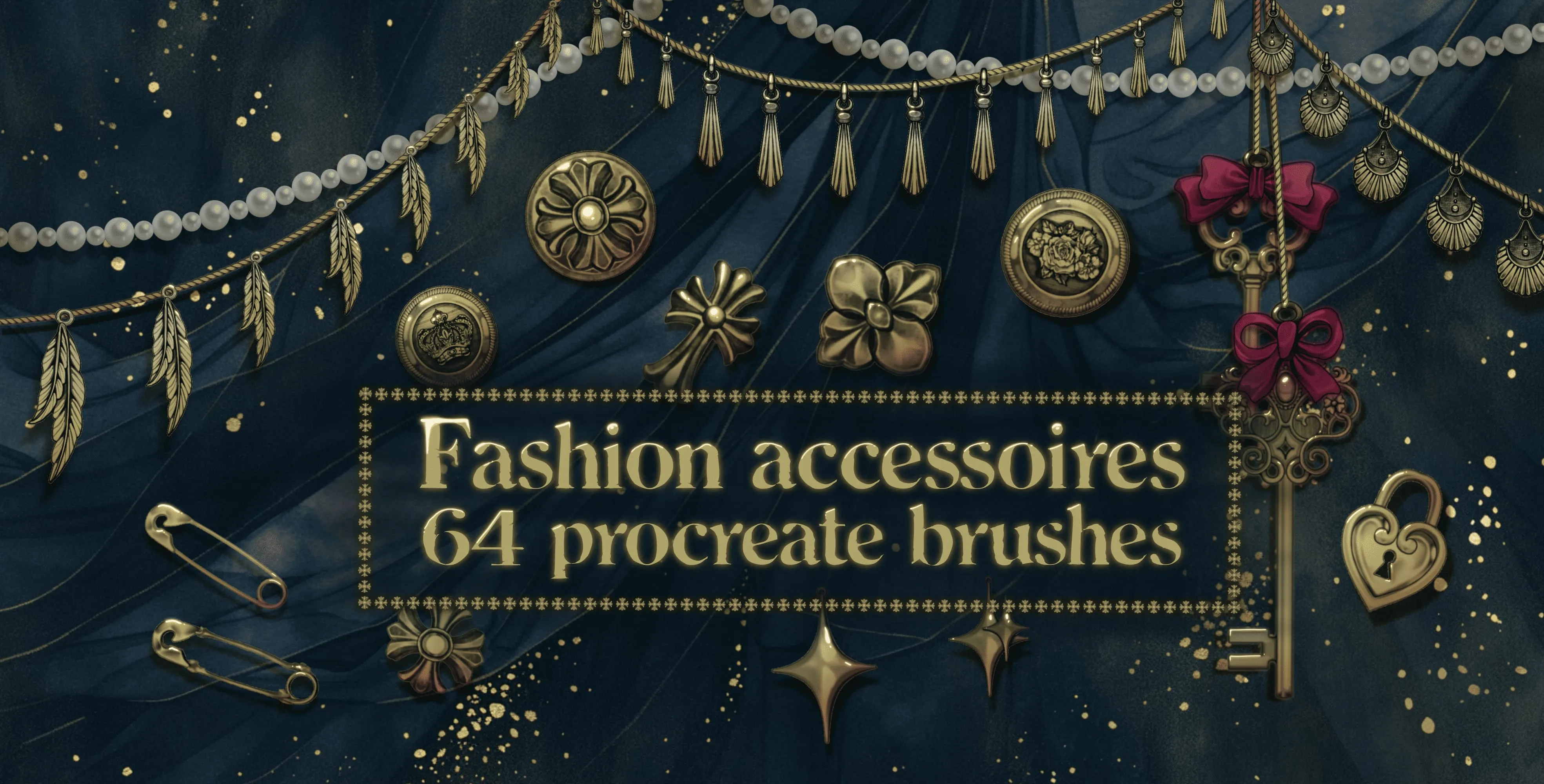
Procreate Video Fashion Accessories
crosses and decorative buttons
 Procreate Video
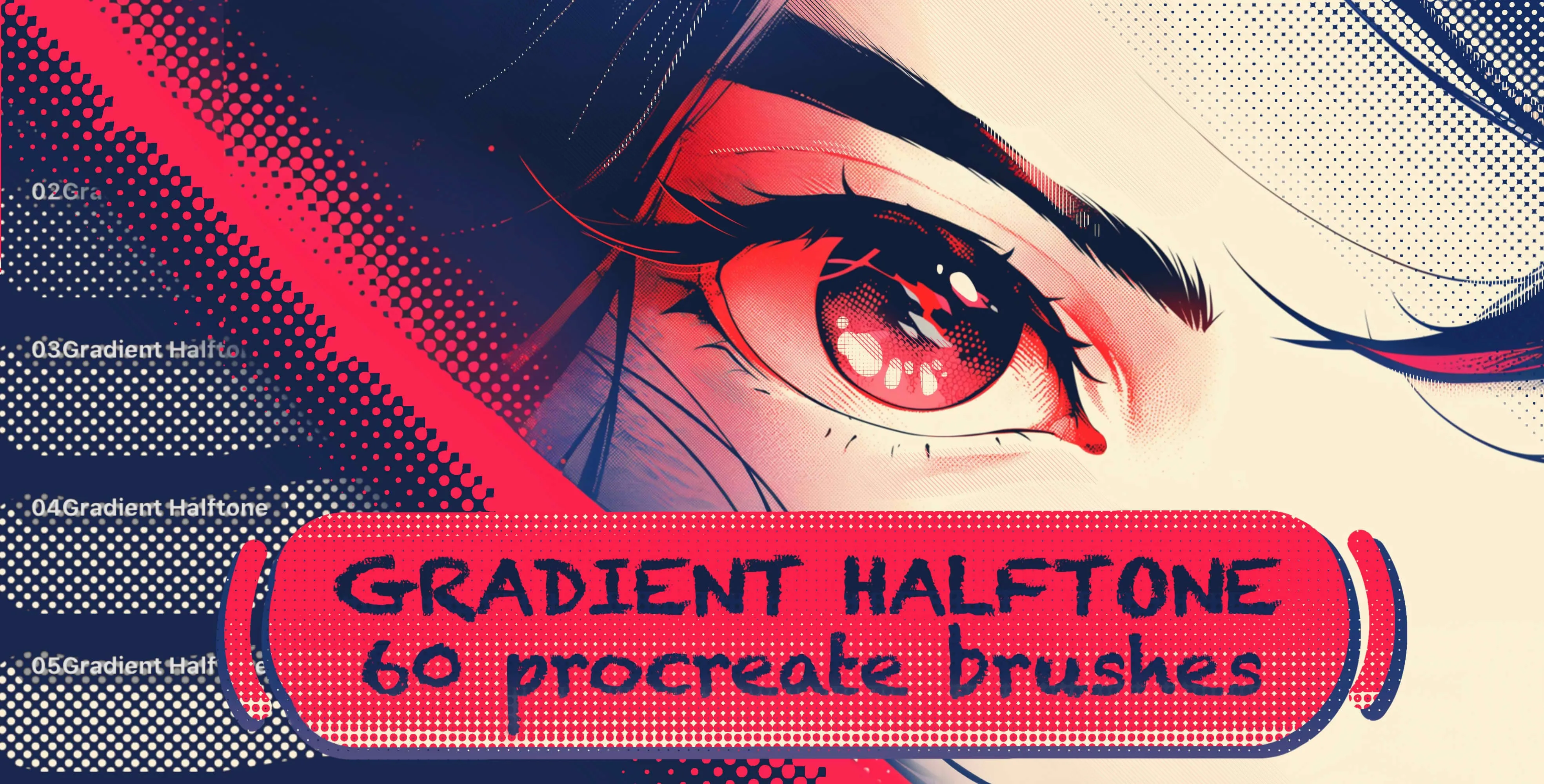
 Gradient Halftone
dotted gradient brushes in a wide range of dot sizes and densities, from fine
 Procreate Video
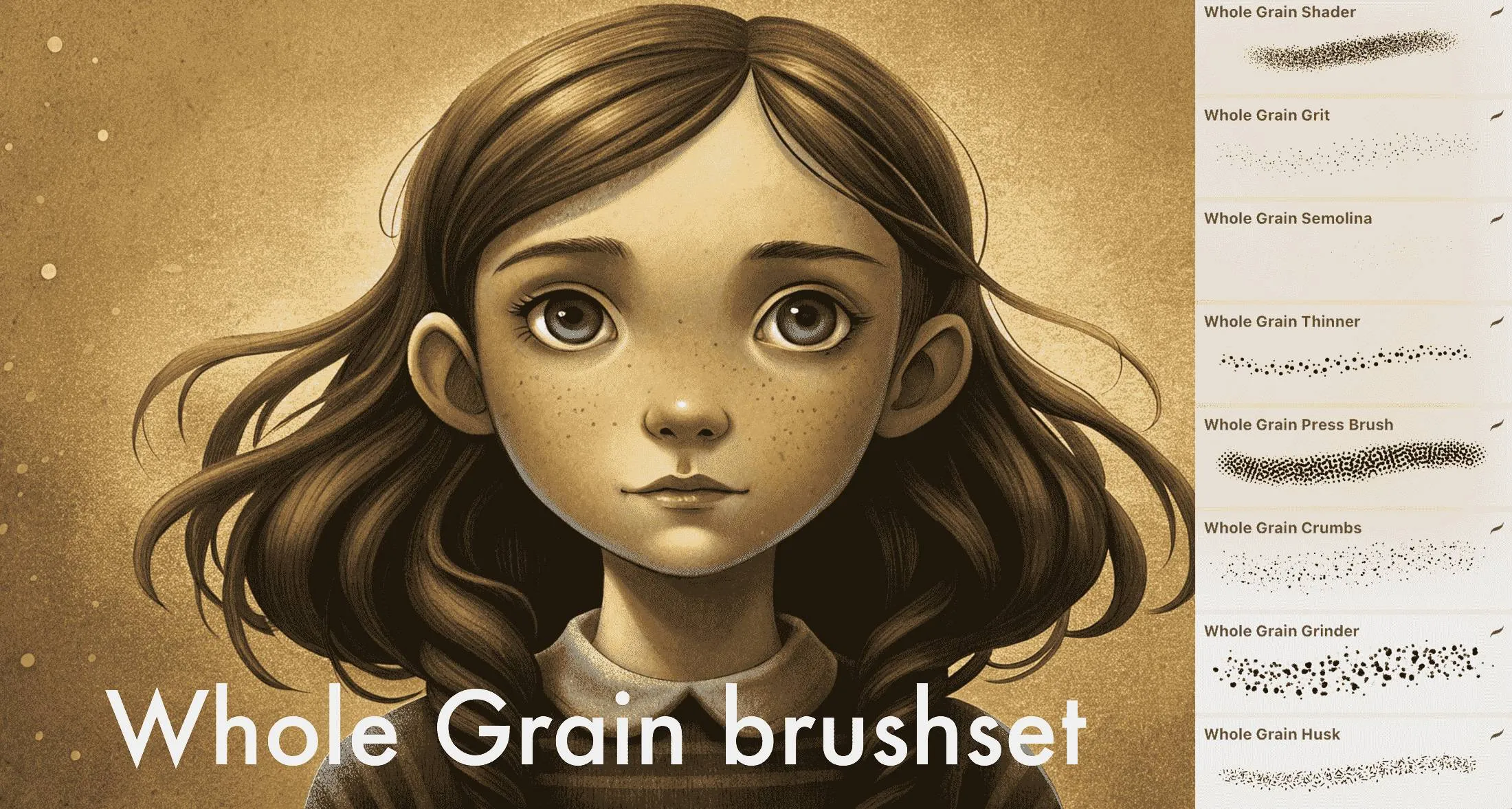
 Whole Grain Brushes
fine to coarse grain (grit, semolina, multigrit, coarse), dust, particles, stipples
 Procreate Video
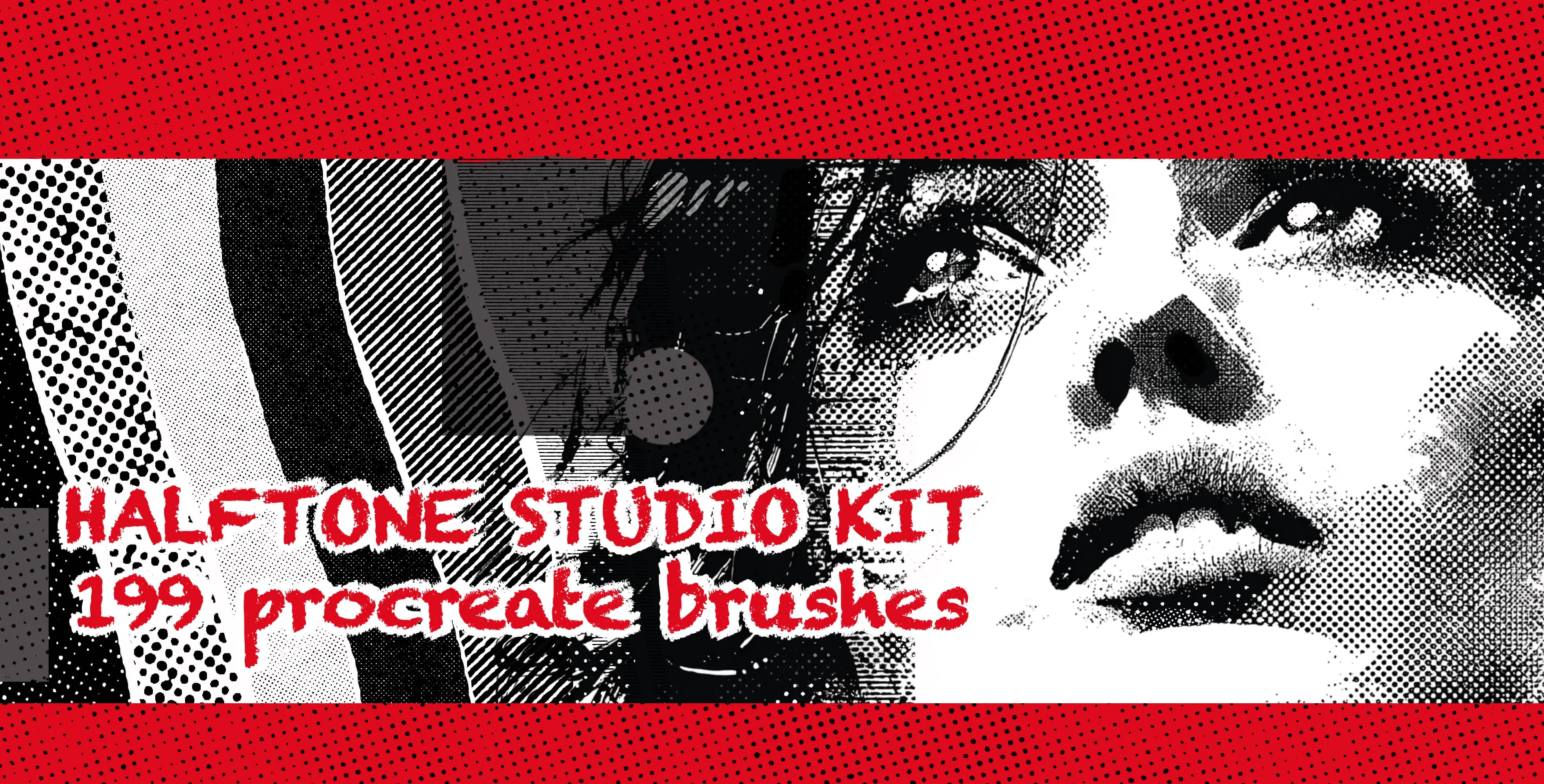
 Halftone Studio Kit
halftone dot patterns in every density, dot size and shading level, from fine smooth tones to bold coarse halftones, plus textured and graduated screentones
 Procreate Video
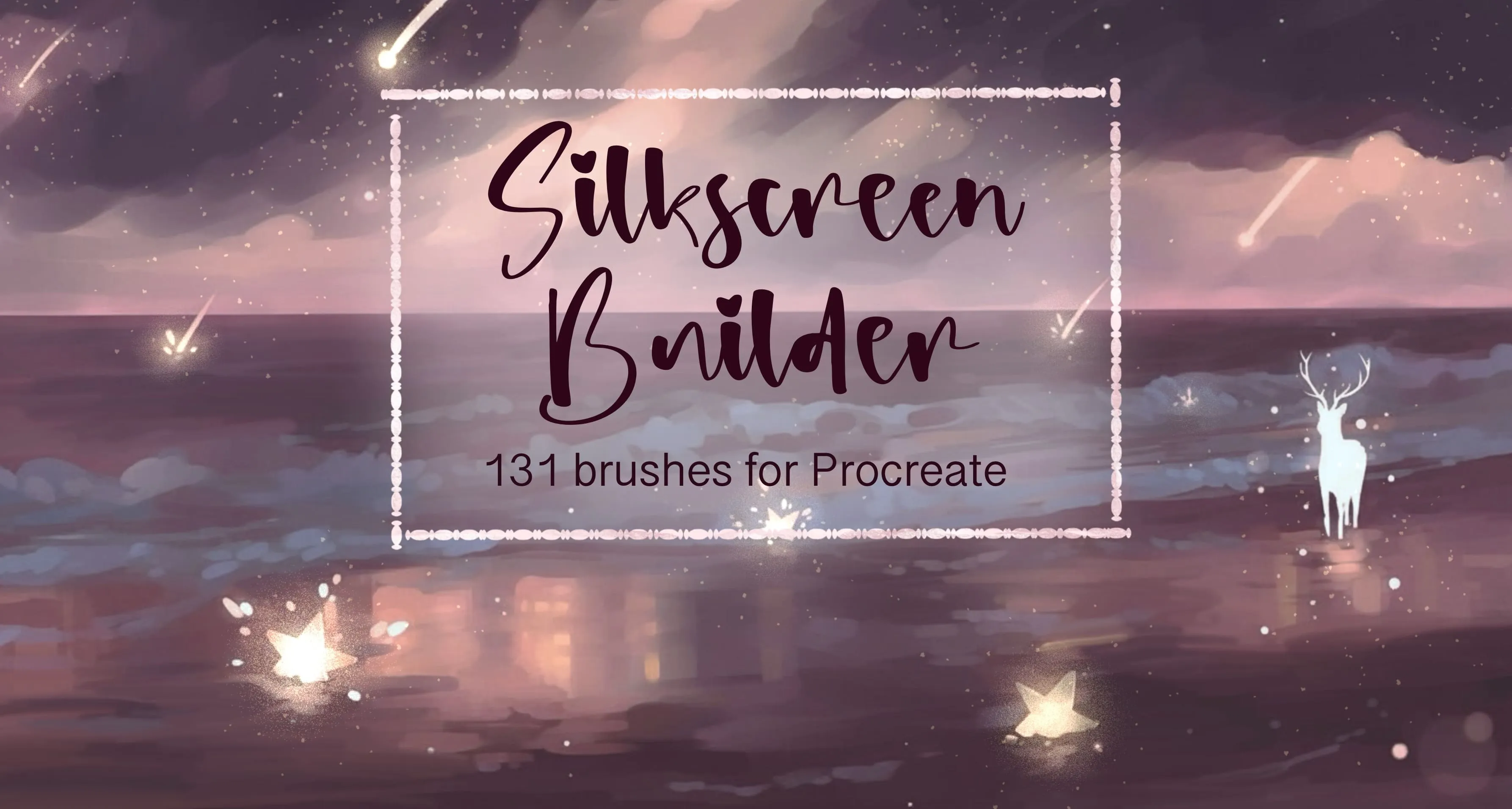
 Silkscreen Builder
soft, hard-edge round, grain, dust and speckle
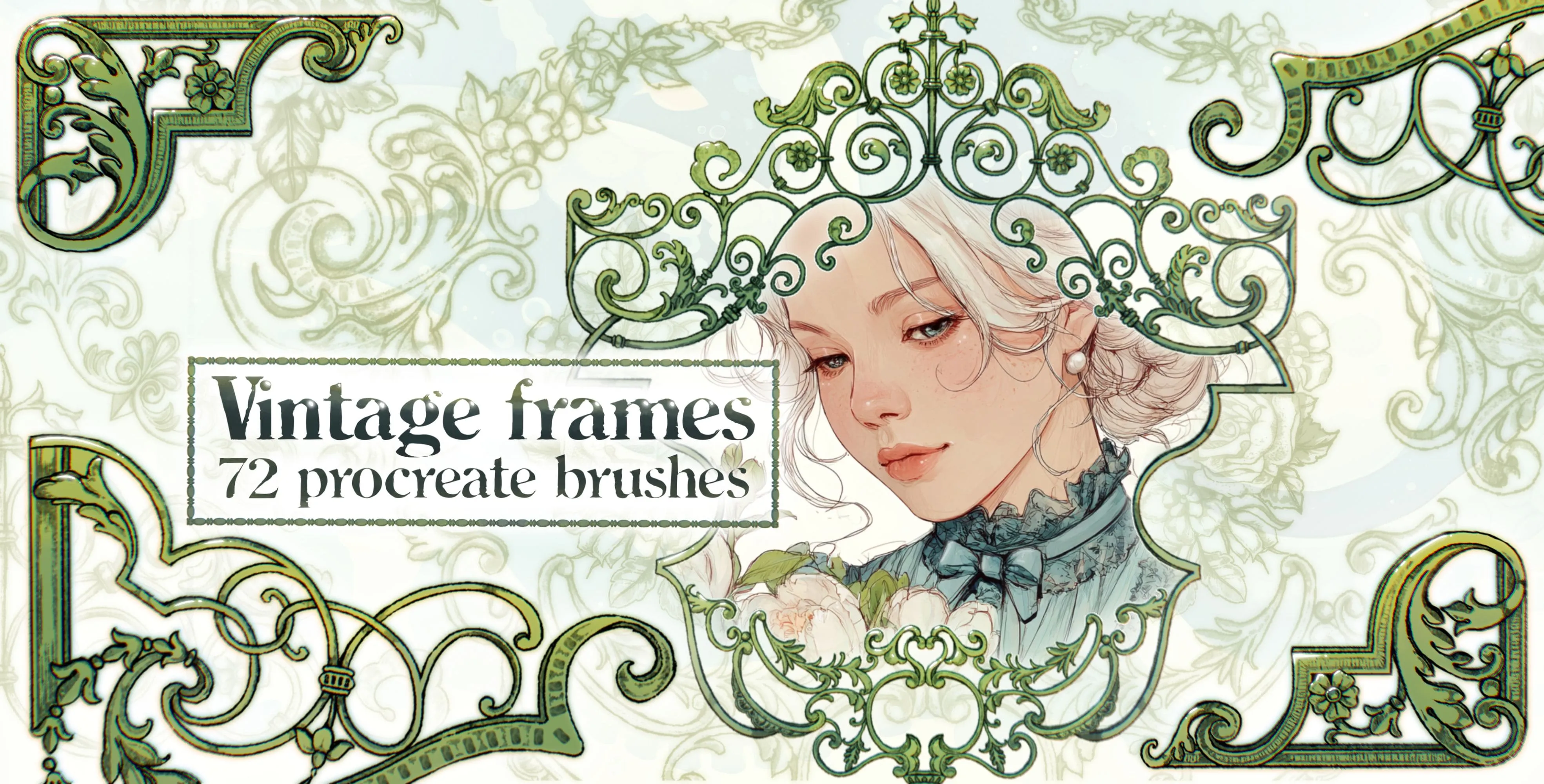 Procreate Video
 Vintage Frames
ornate rectangle, portrait and shield
 Scan → get the app
More brush packs in the app
The site is still filling up — the Brusher app already has the complete 200+ set library, with more retro vintage packs, plus free brushes and free tools.
Retro & Vintage styles
Faking print and film texture
The risograph look comes from slight misregistration and grainy, semi-transparent ink — offset two colour layers a hair and add a grain overlay, and a flat illustration instantly reads as riso-printed. Halftone dots and film grain work similarly: applied on their own layer at low opacity, they scatter just enough texture to break up clean digital fills.
For a worn, vintage feel, layer a crumpled-paper or distressed texture over the whole piece on Multiply, and pull your palette toward muted, slightly desaturated tones — nothing dates a design faster than the wrong colours. Pair these with a little paper grain and the effect is convincingly analog.
Frequently asked questions
What is the risograph effect?+
Risograph is a print process known for grainy, semi-transparent inks and slight colour misregistration. To fake it digitally, offset your colour layers slightly, use a limited palette of riso-style inks, and add a grain overlay — the imperfect registration and texture are what make it read as riso.
How do I get an authentic 80s or retro look?+
It's mostly about palette and texture: pull colours toward muted or neon retro tones, then layer film grain, halftone or a distressed texture over the top at low opacity. Period-appropriate colours plus analog grain do more for a retro feel than any single brush.
How do I add film grain in Procreate?+
Add a film-grain or noise brush on its own layer above your artwork, then lower the opacity or set the layer to Overlay so the grain scatters subtly across the piece. Keeping it on a separate layer lets you dial the intensity without affecting the art beneath.