Nature Procreate Brushes
Updated October 2026
Nature Procreate brushes for iPad: plants, trees, flowers, foliage, landscapes. Free & premium packs.

Brusher app for iPad & iPhone
200+ sets in the Brusher app, nature included — plus free brushes and free tools.
Brusher has 18 nature Procreate brush packs — plants & foliage, trees & bark, flowers — each a native .brushset that installs into Procreate in one tap on iPad.
Nature Procreate brushes let you paint landscapes and organic detail without rendering every leaf, blade and grain by hand. Tree, grass, foliage, sand and flower brushes lay down natural texture and repetition in a single stroke, so a forest, a meadow or a sandy shore comes together fast while still looking hand-painted. They're the shortcut behind convincing environment art and botanical illustration on iPad.
Inside you'll find tree and bark brushes, grass and foliage strokes, leaf and flower stamps, and ground textures like sand and stone. Together they cover the building blocks of almost any outdoor scene.
Nature Procreate Brushes
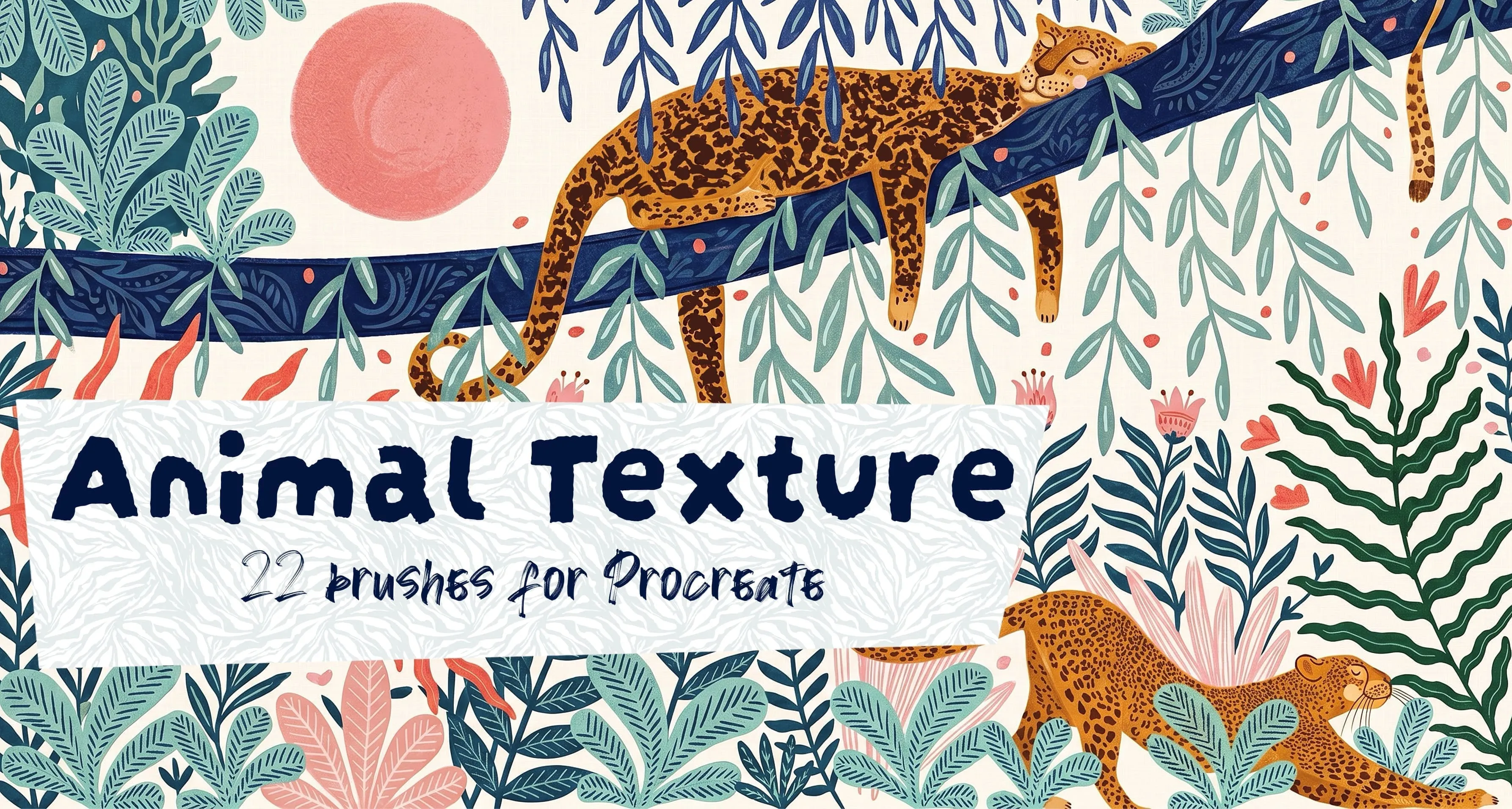
Procreate Video Animal Texture
tiger stripes, zebra stripes and leopard
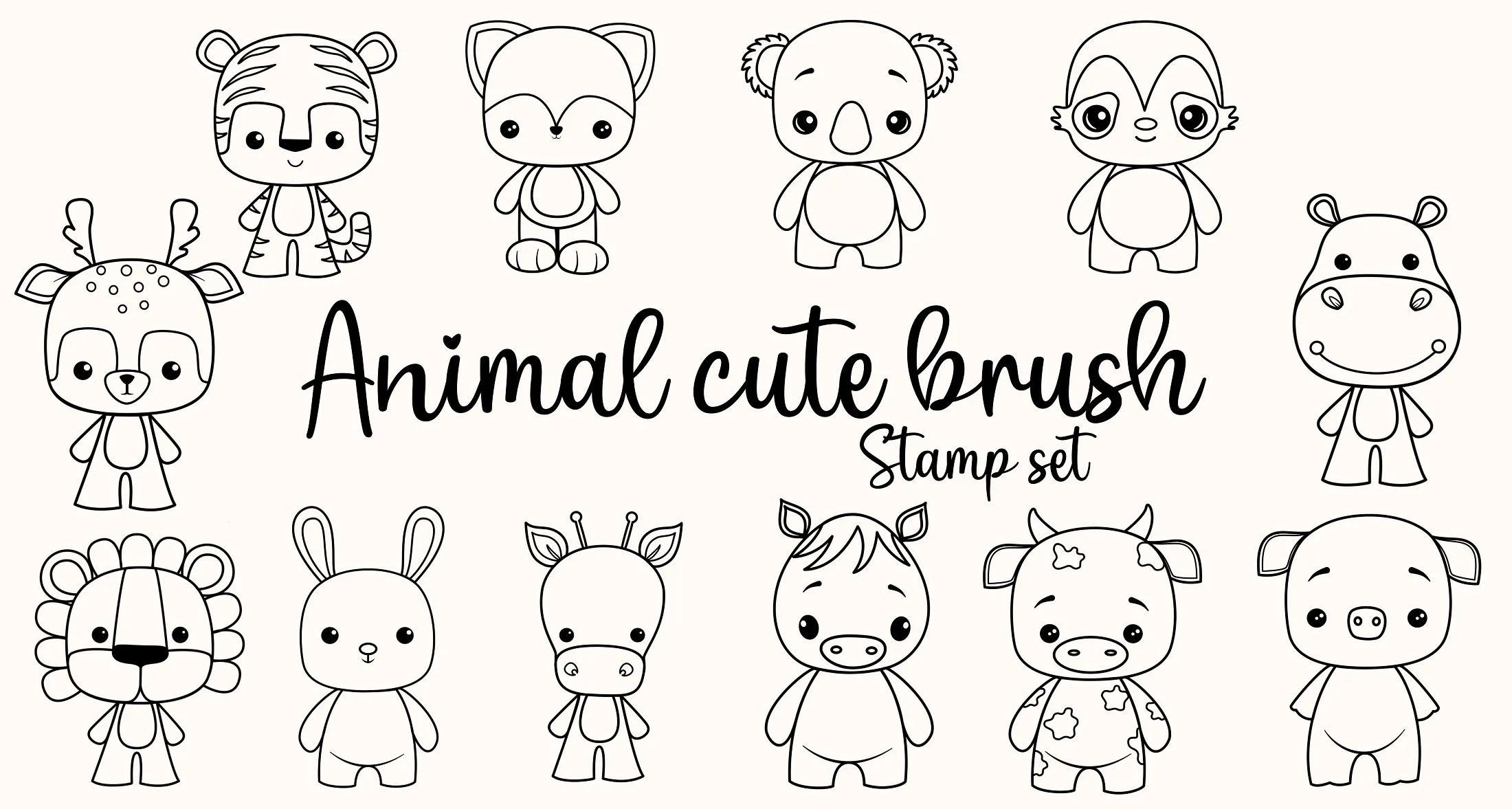
Procreate Video Animal Cute
bunny, fox, koala, cow and mouse
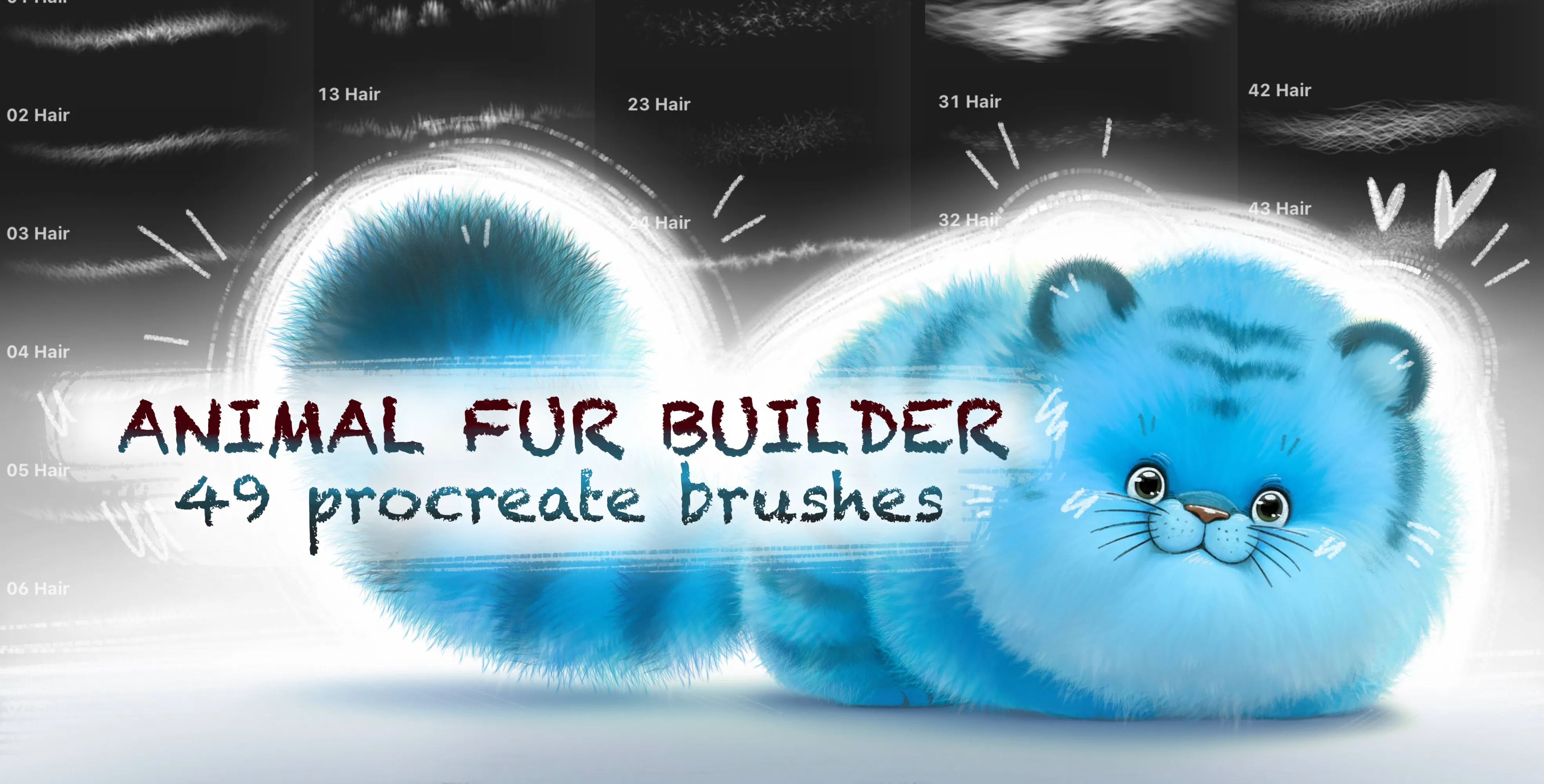
Procreate Video Animal Fur Builder
long wispy fur and short coat fur
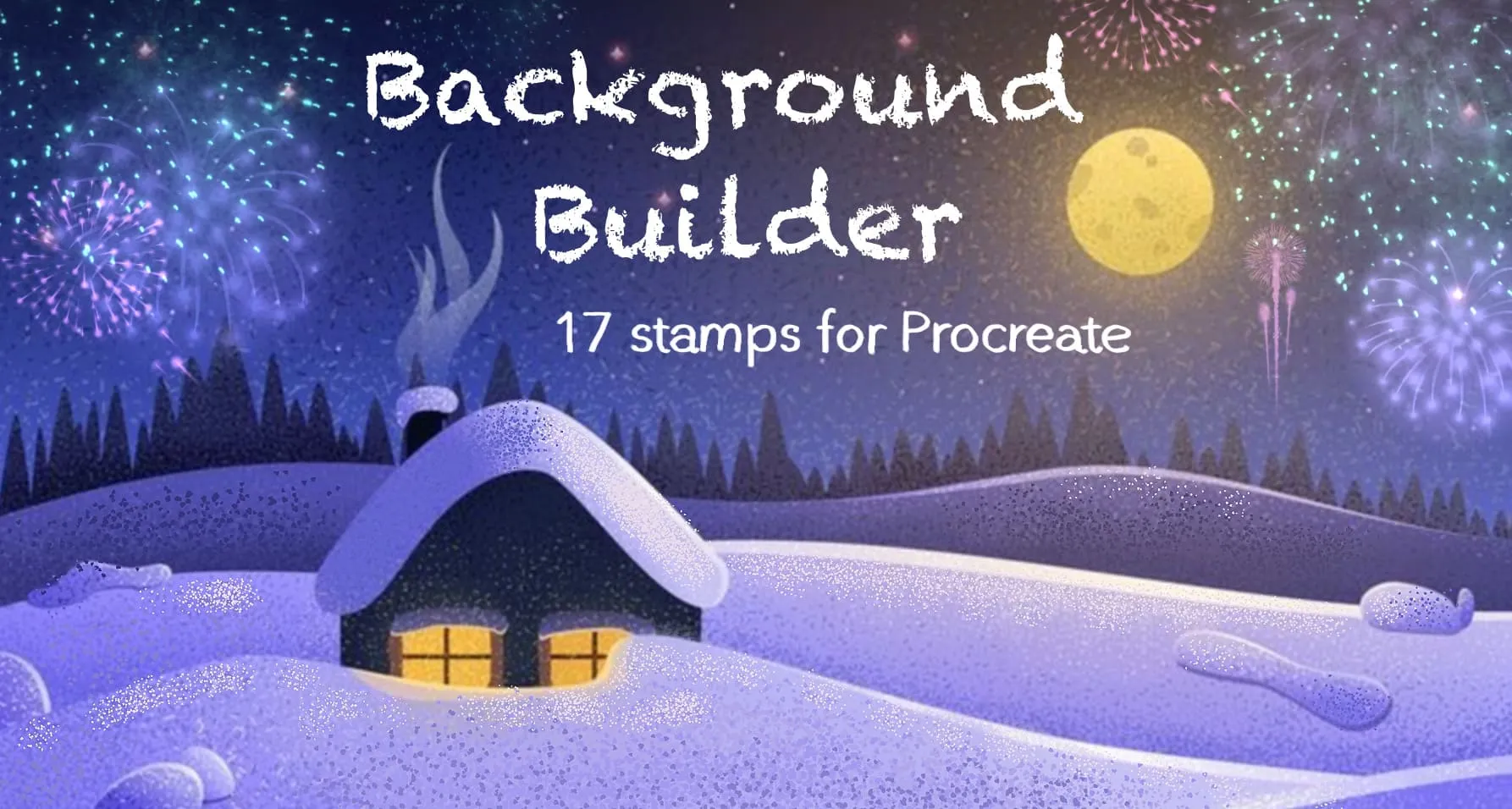
Procreate Video Background Builder
hearts, stars, diamonds, drops and music notes
 Procreate Video
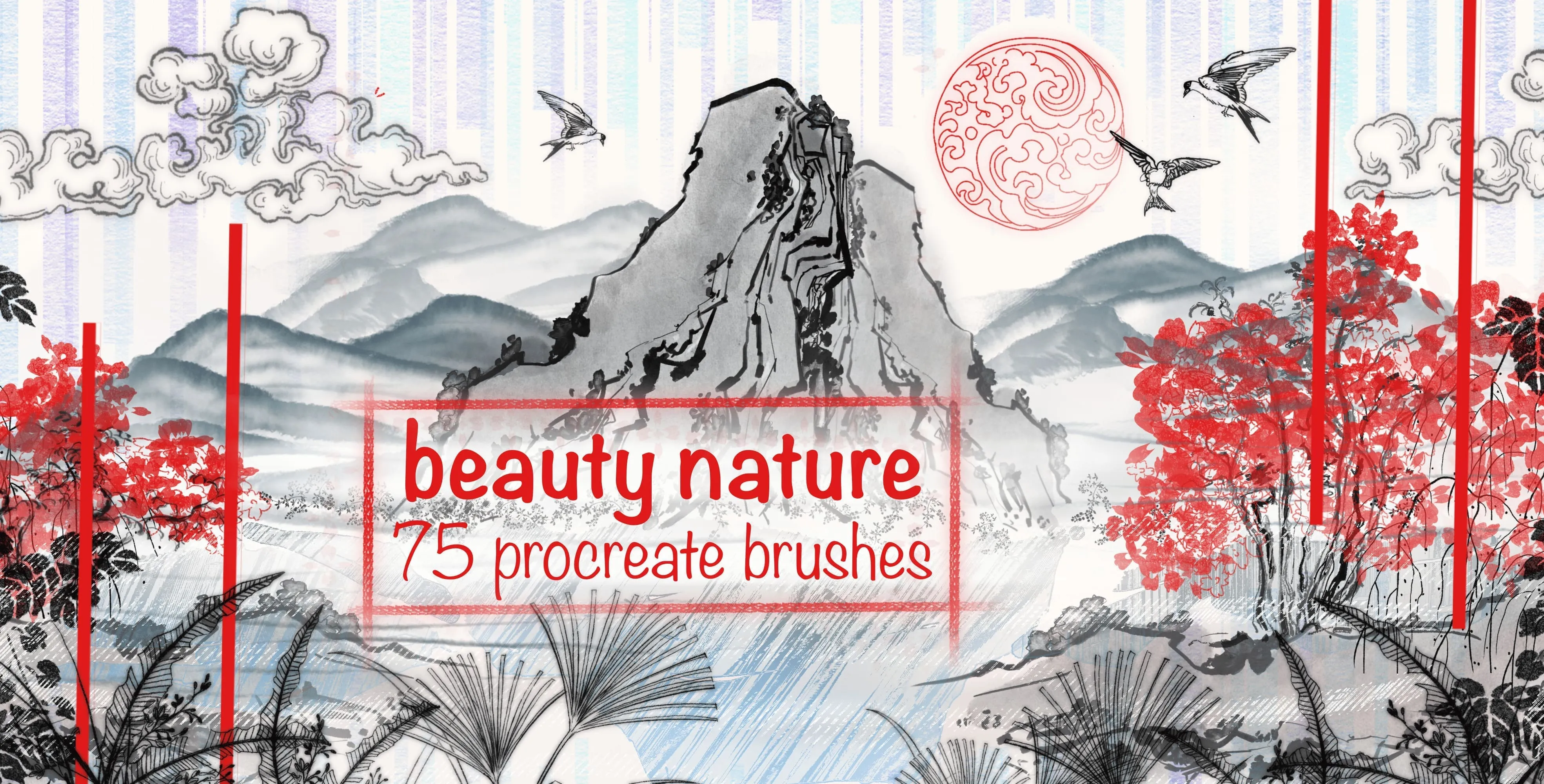
 Beauty Nature
ink-wash texture and clouds
 Procreate Video
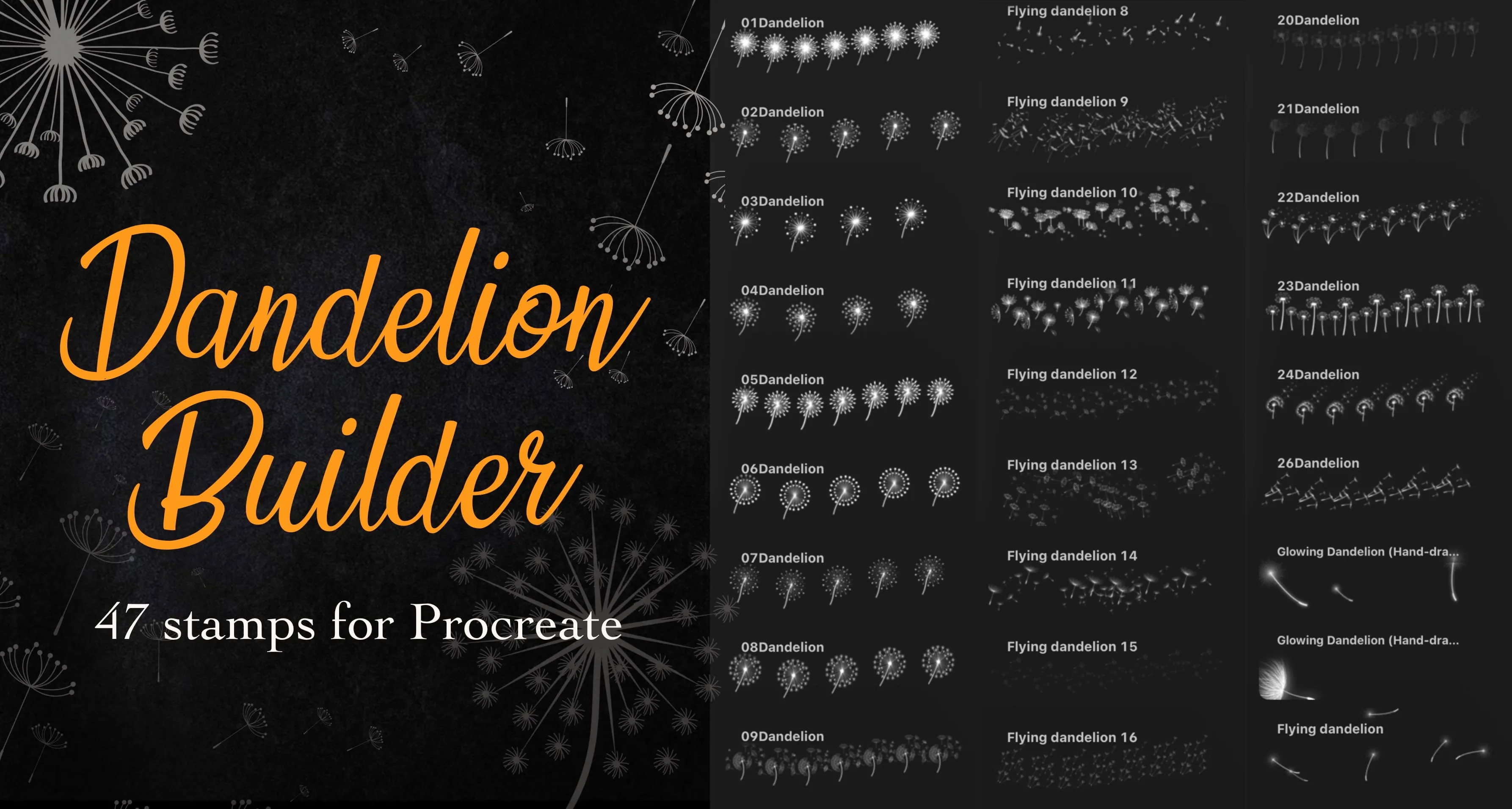
 Dandelion Builder
detailed dandelion seed heads and full dandelion
 Procreate Video
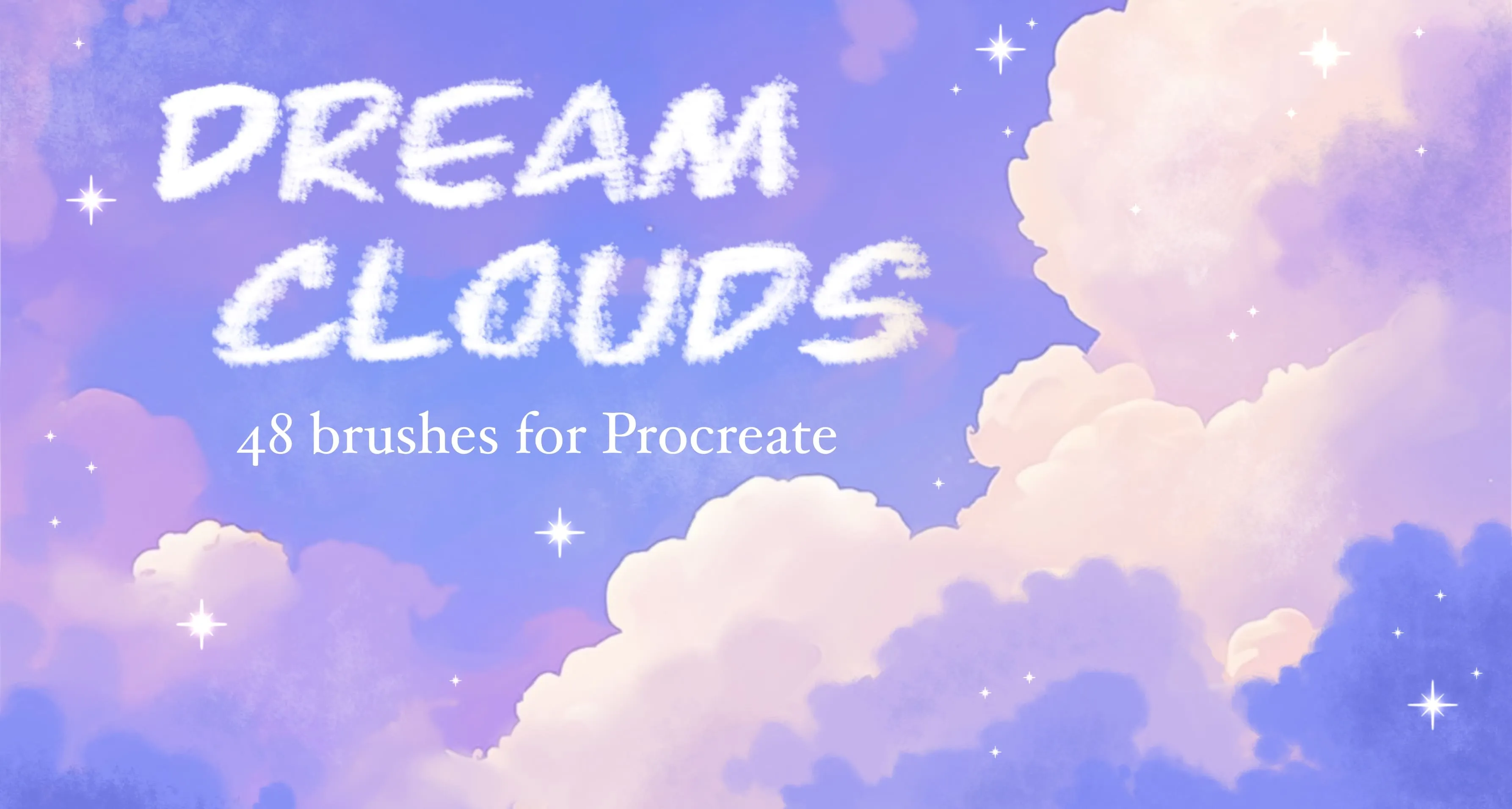
 Dream Clouds
scattered cloud and fluffy cumulus cloud
 Procreate Video
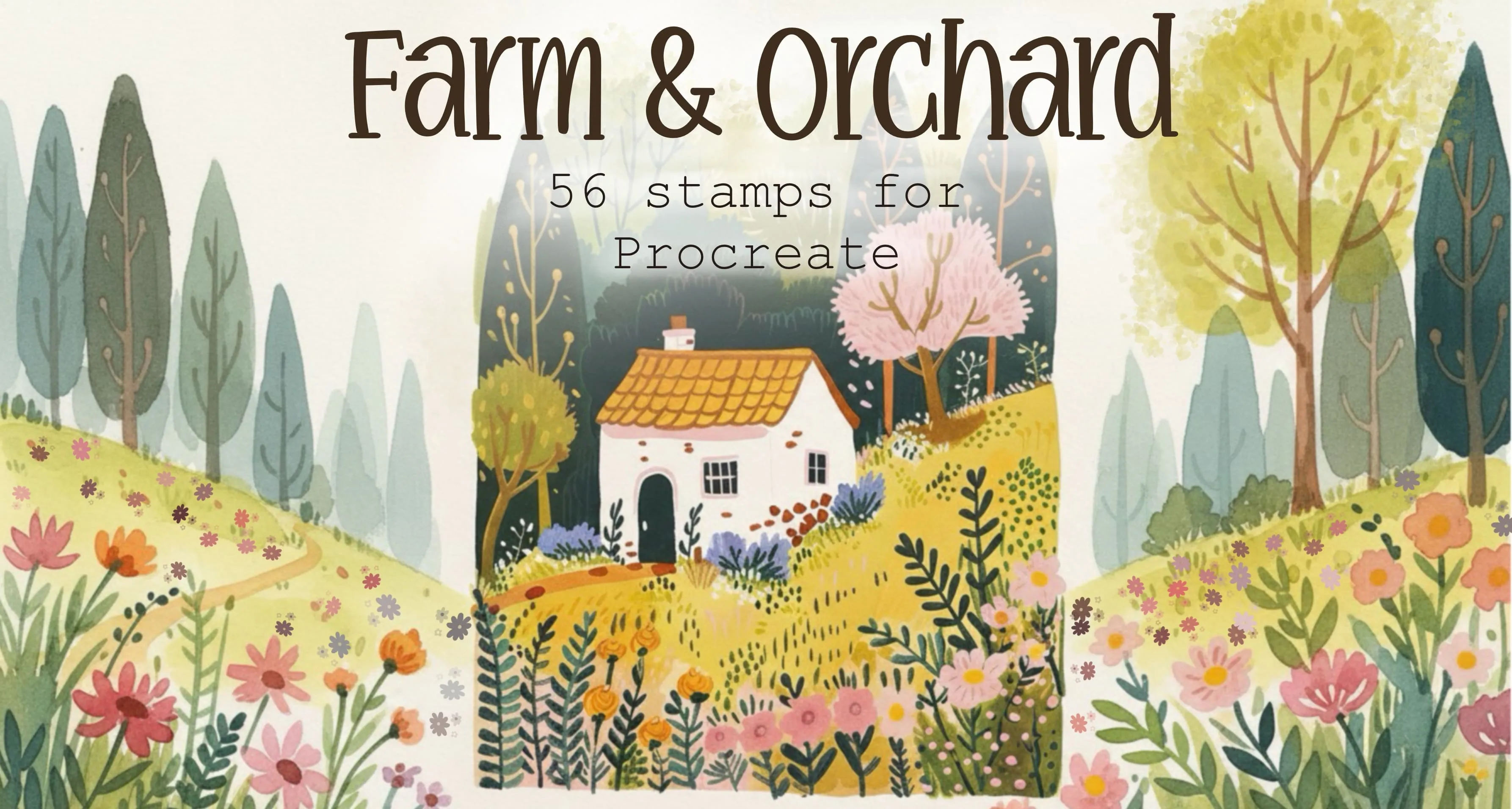
 Farm & Orchard
wooden, picket fences, flowers and bushes
 Procreate Video
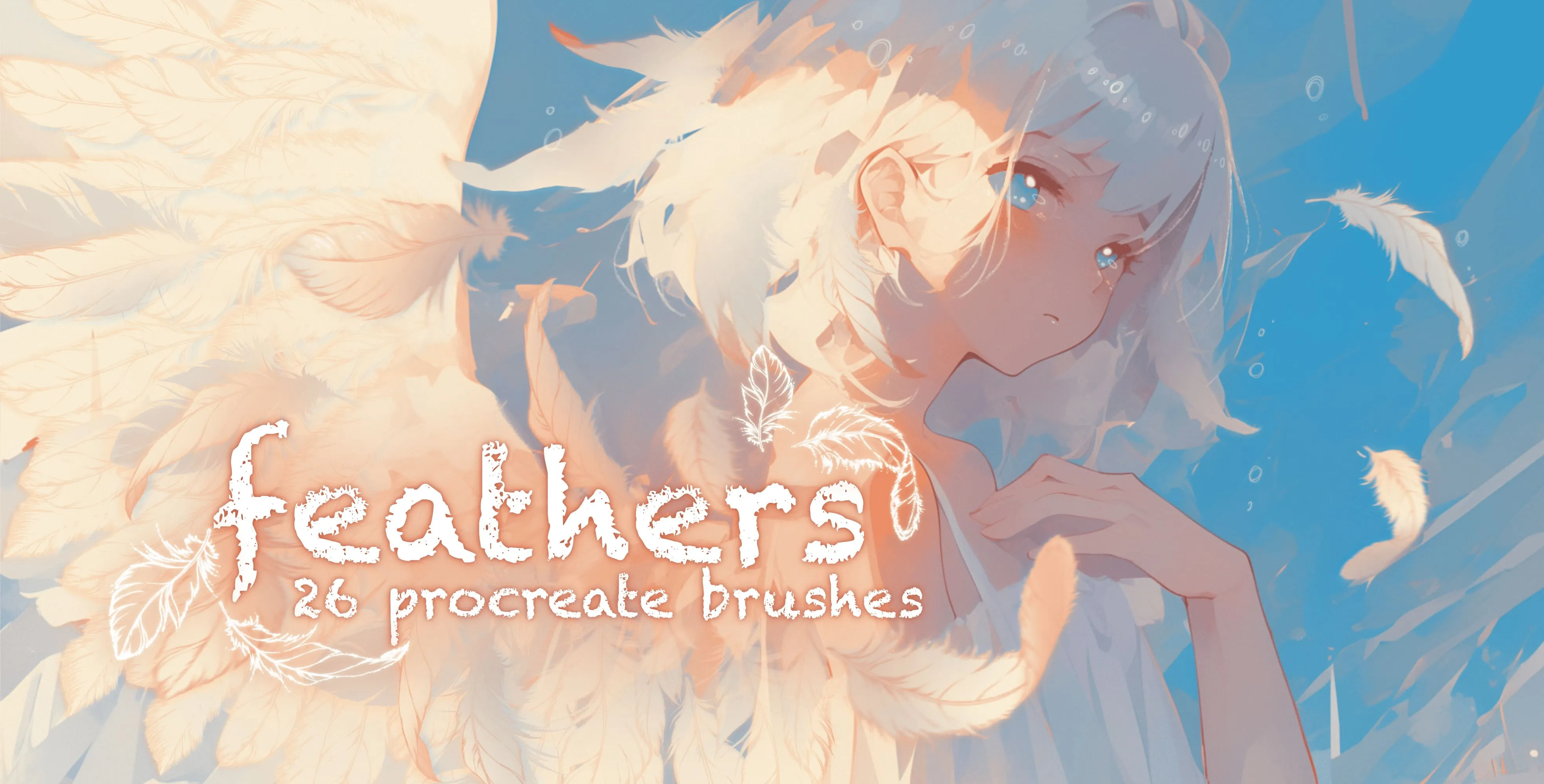
 Feathers
soft, wispy and ruffled
 Procreate Video
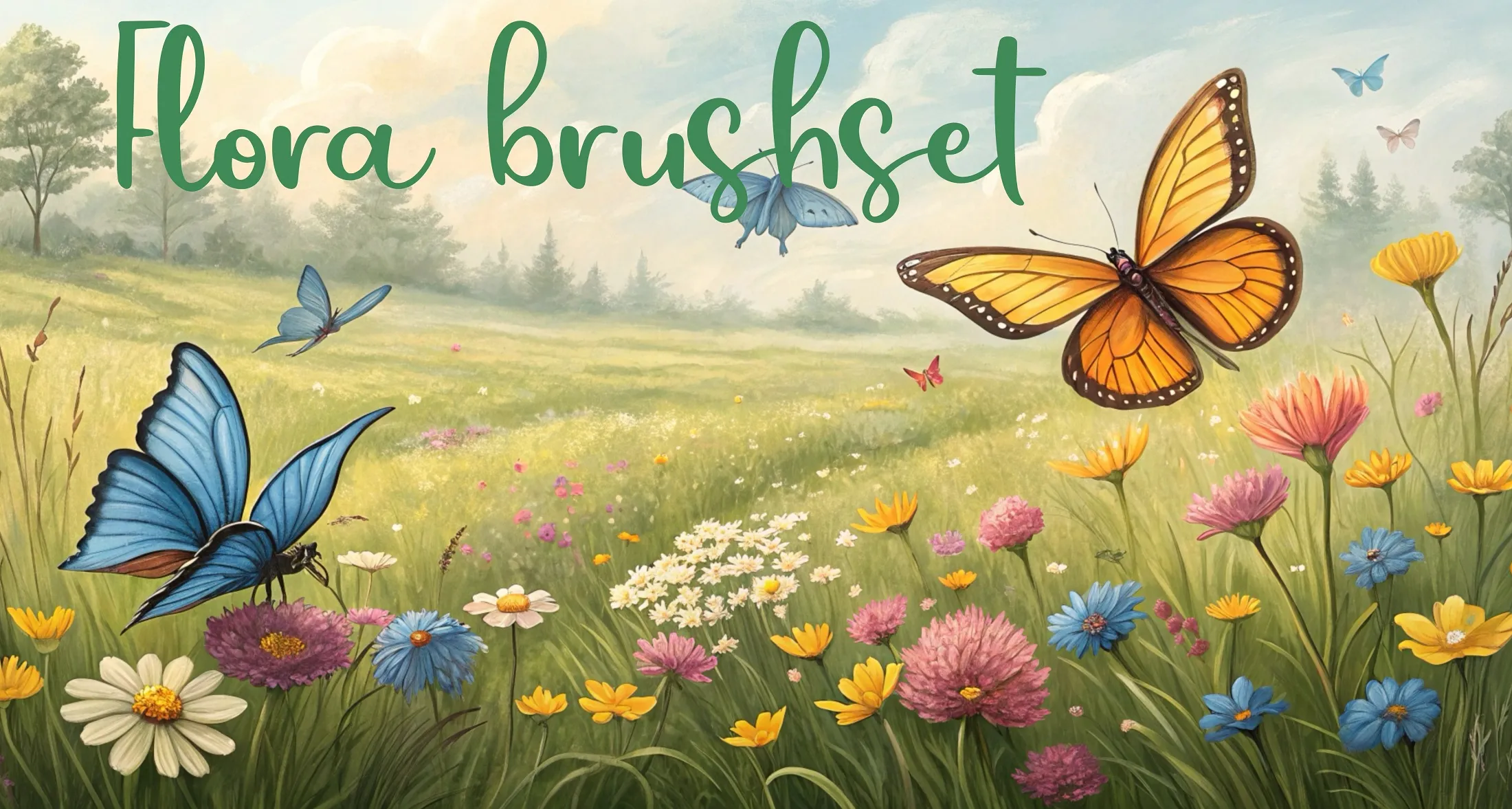
 Flora Brushset
long grass and grass tufts, jungle and tropical foliage, palms, fronds and feather leaves
 Procreate Video
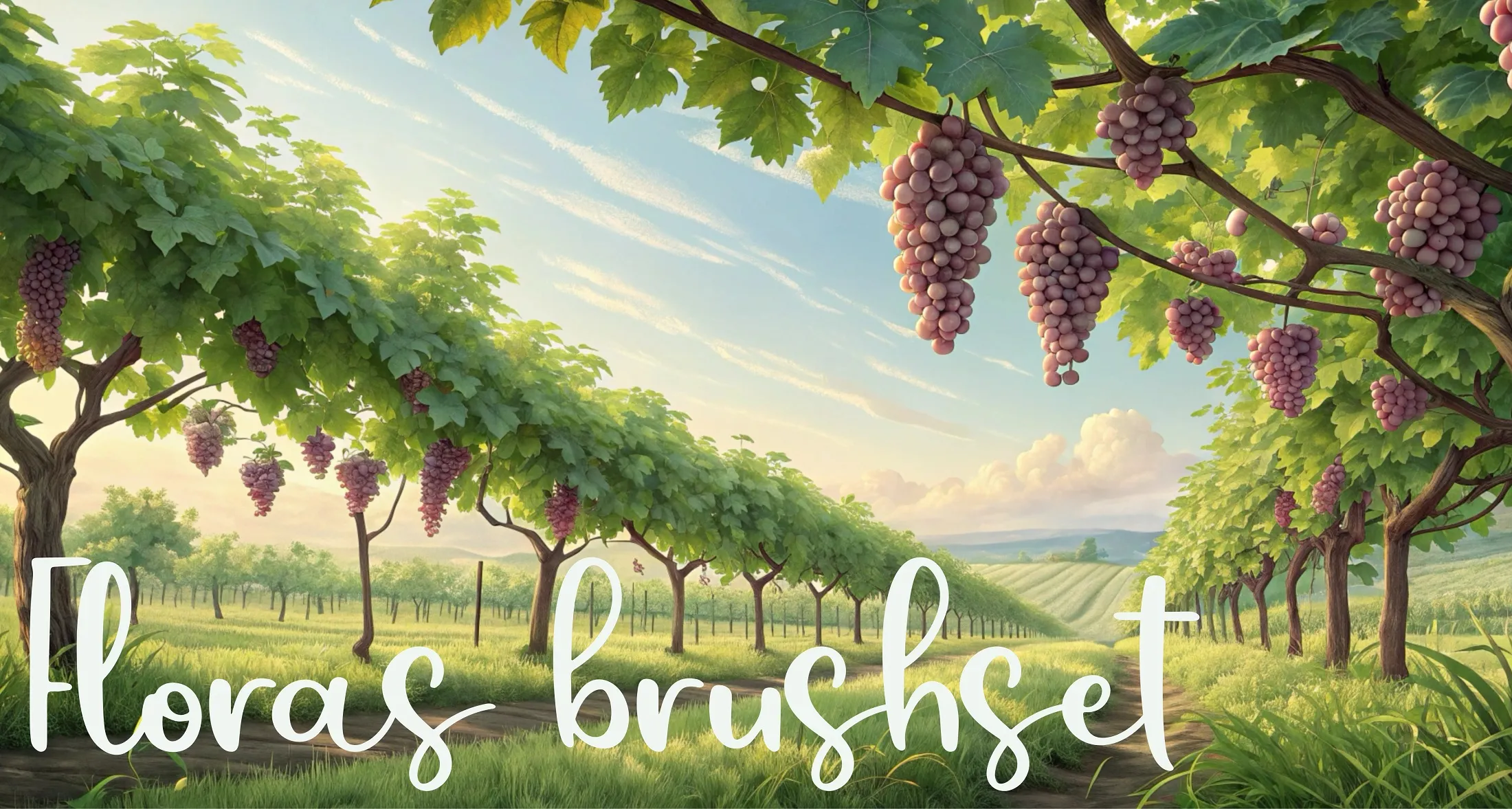
 Floras Brushset
dry grass, meadow, lawn fills and turf, tall grass and wheat, field scatter and windbreaks
 Procreate Video
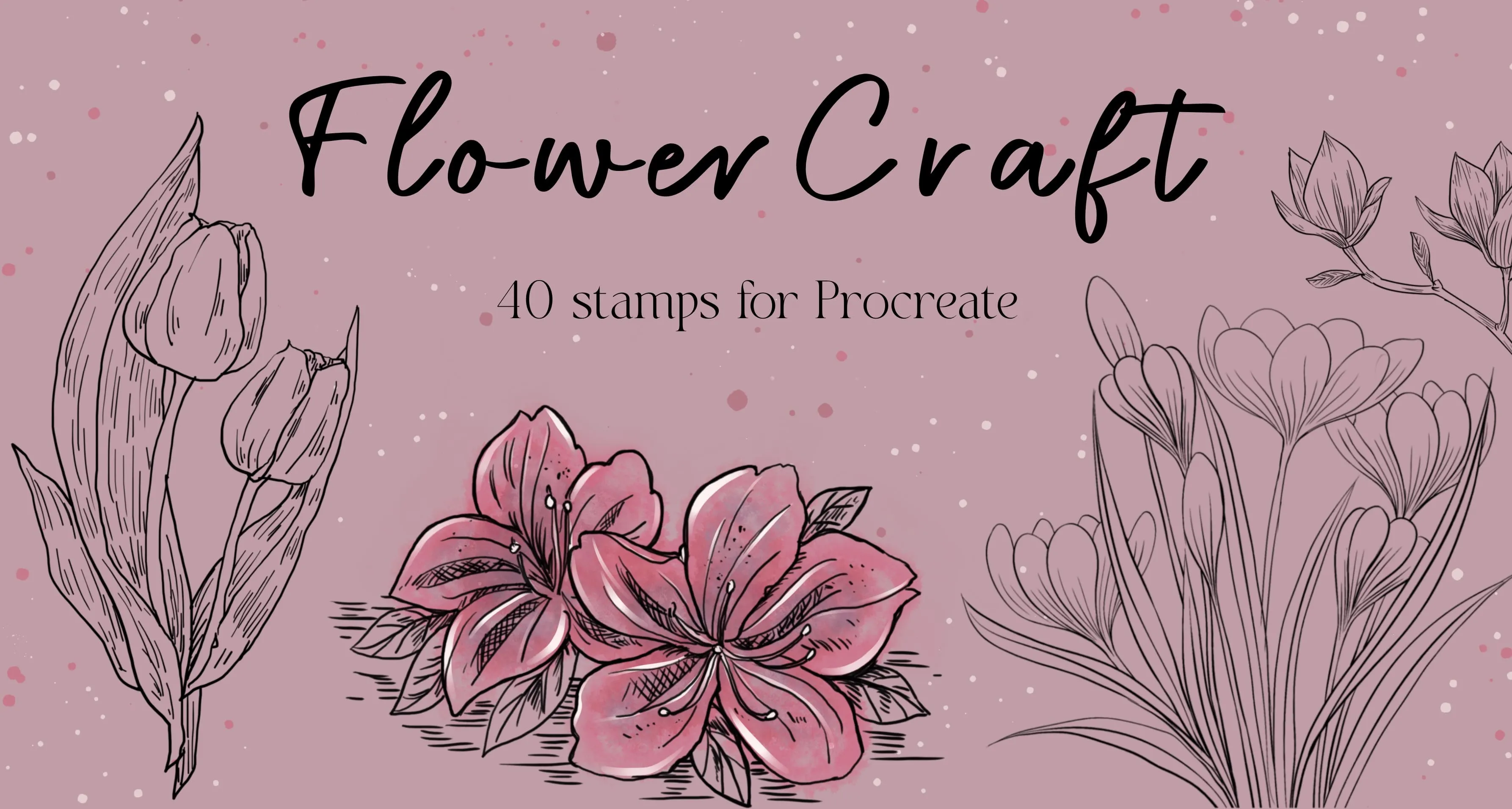
 FlowerCraft
roses, peony, camellia, magnolia, hydrangea, lotus, lily, iris, orchid, narcissus, tulip
 Procreate Video
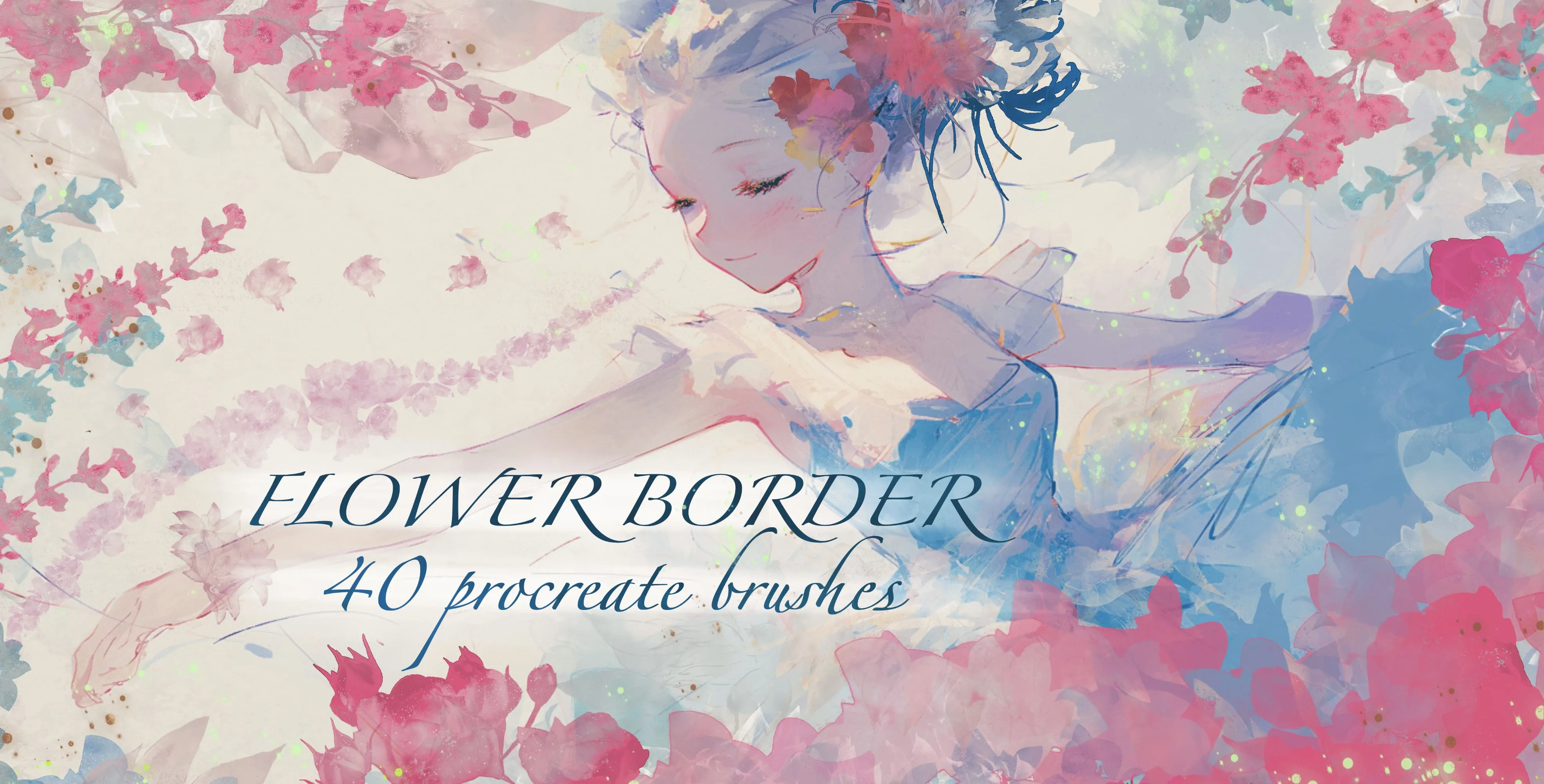
 Flower Border
roses, tulips, iris, peony, dahlia, hydrangea, carnations, blossoms
 Procreate Video
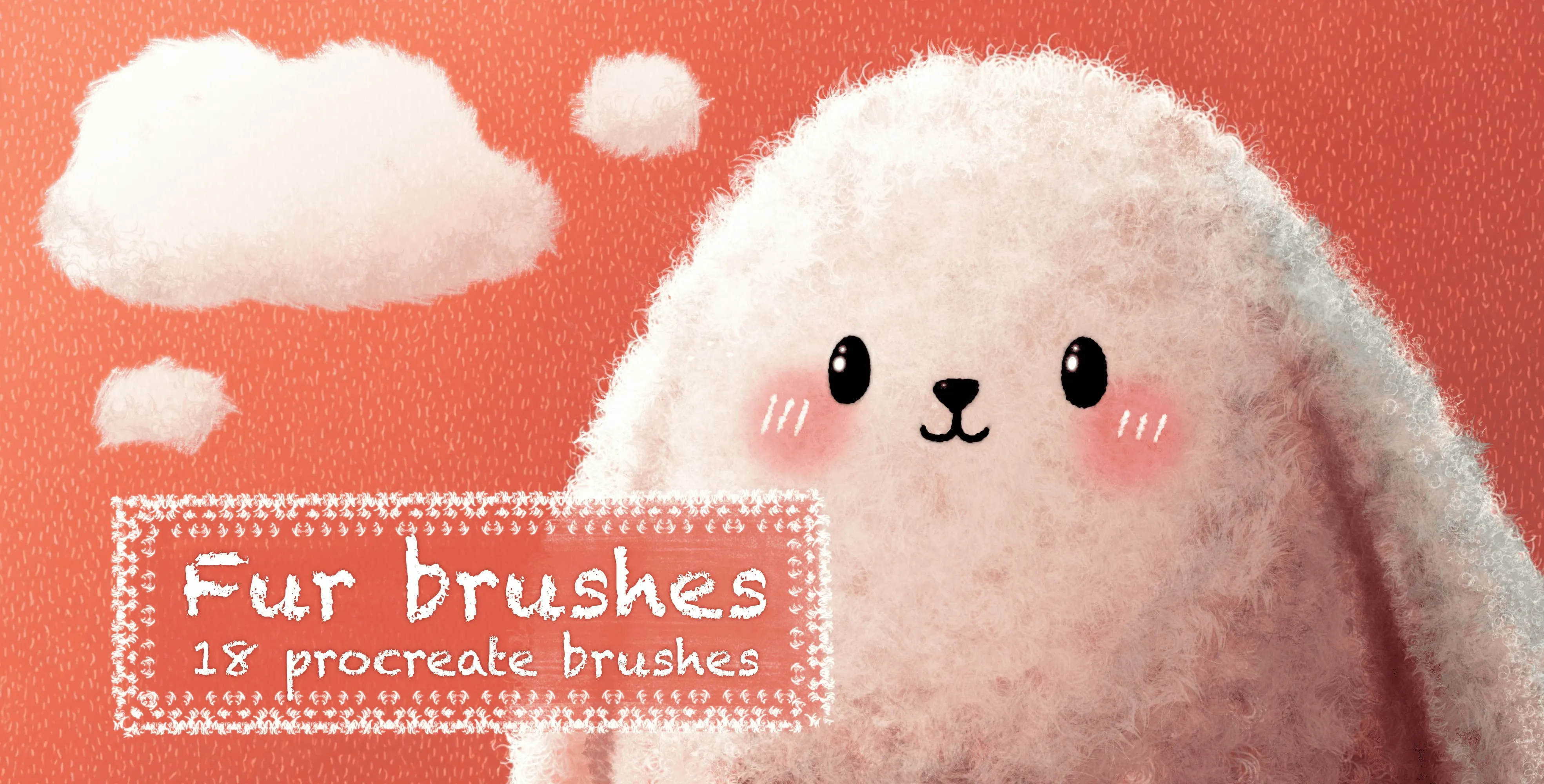
 Fur Brushes
soft and coarse fur strokes, spiky and fluffy fur clumps, short and long fur
 Procreate Video
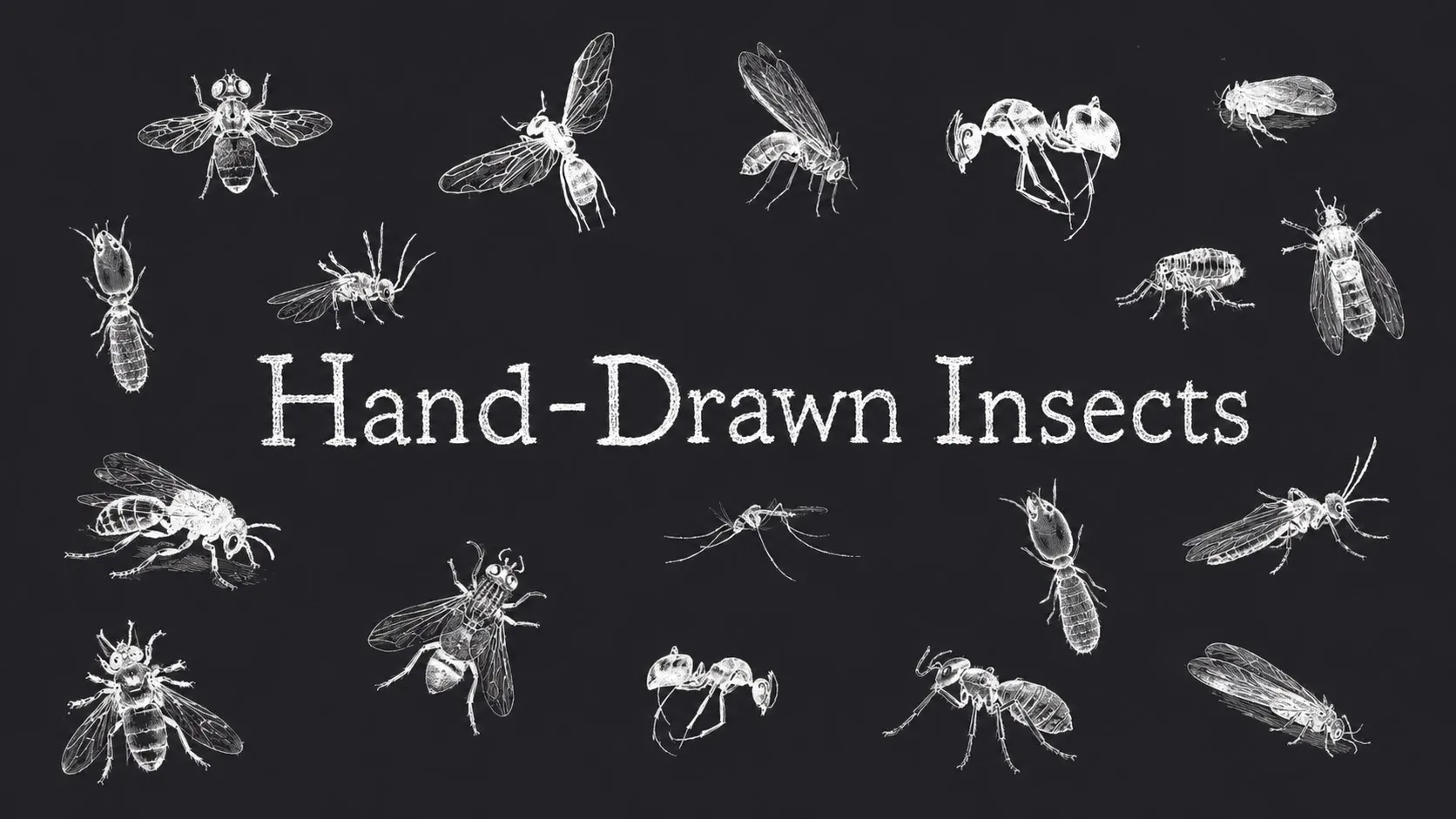
 Hand-Drawn Insects
bees, wasps, hornets and ants, flies, gnats and dragonflies, beetles (stag, longhorn, scarab, ladybird, weevil), grasshoppers, crickets, mantis and cicadas, moths and butterflies, plus spiders, scorpion and tick
 Procreate Video
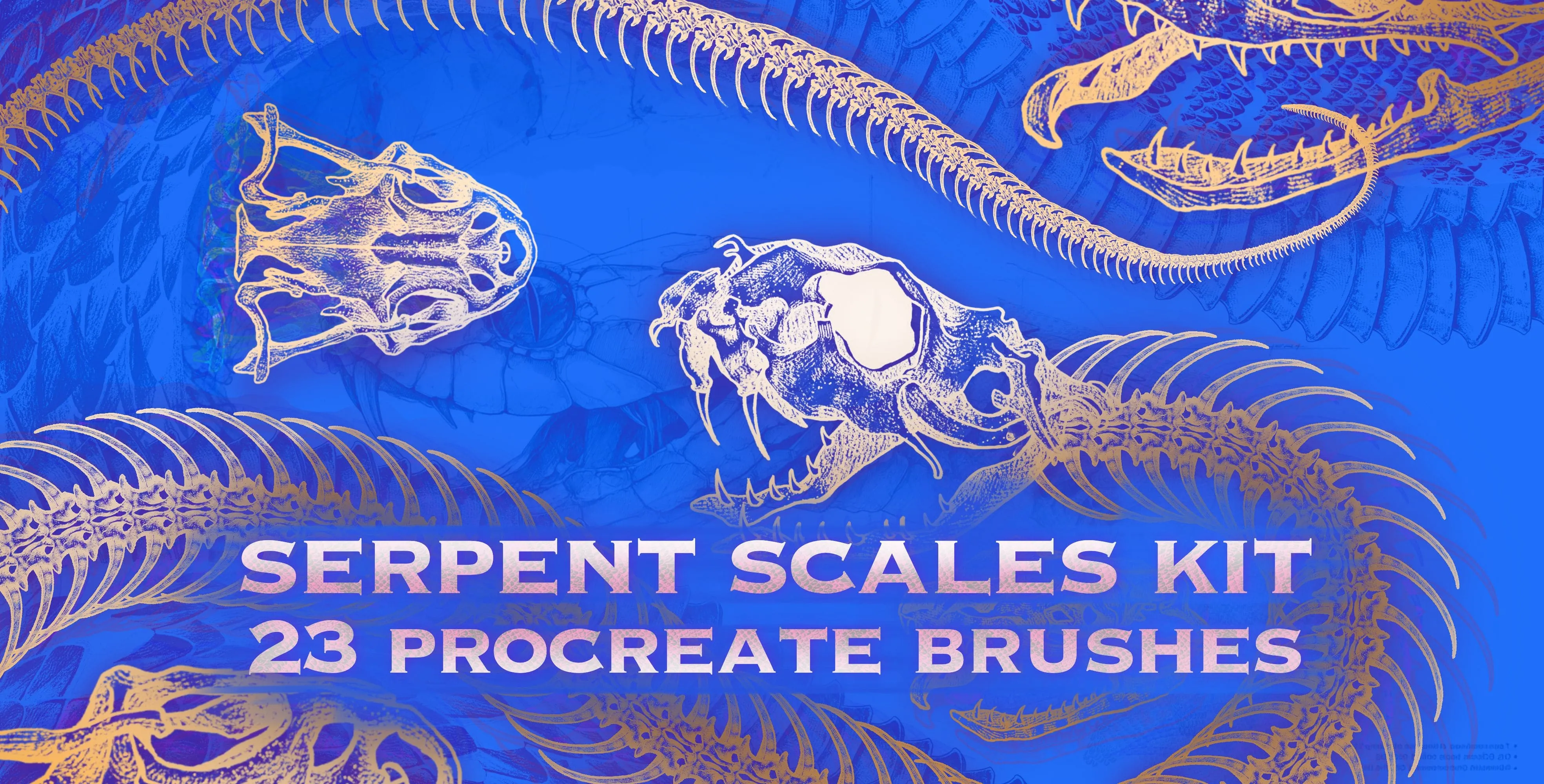
 Serpent Scales Kit
snake skin, scale, spine and skeleton
 Procreate Video
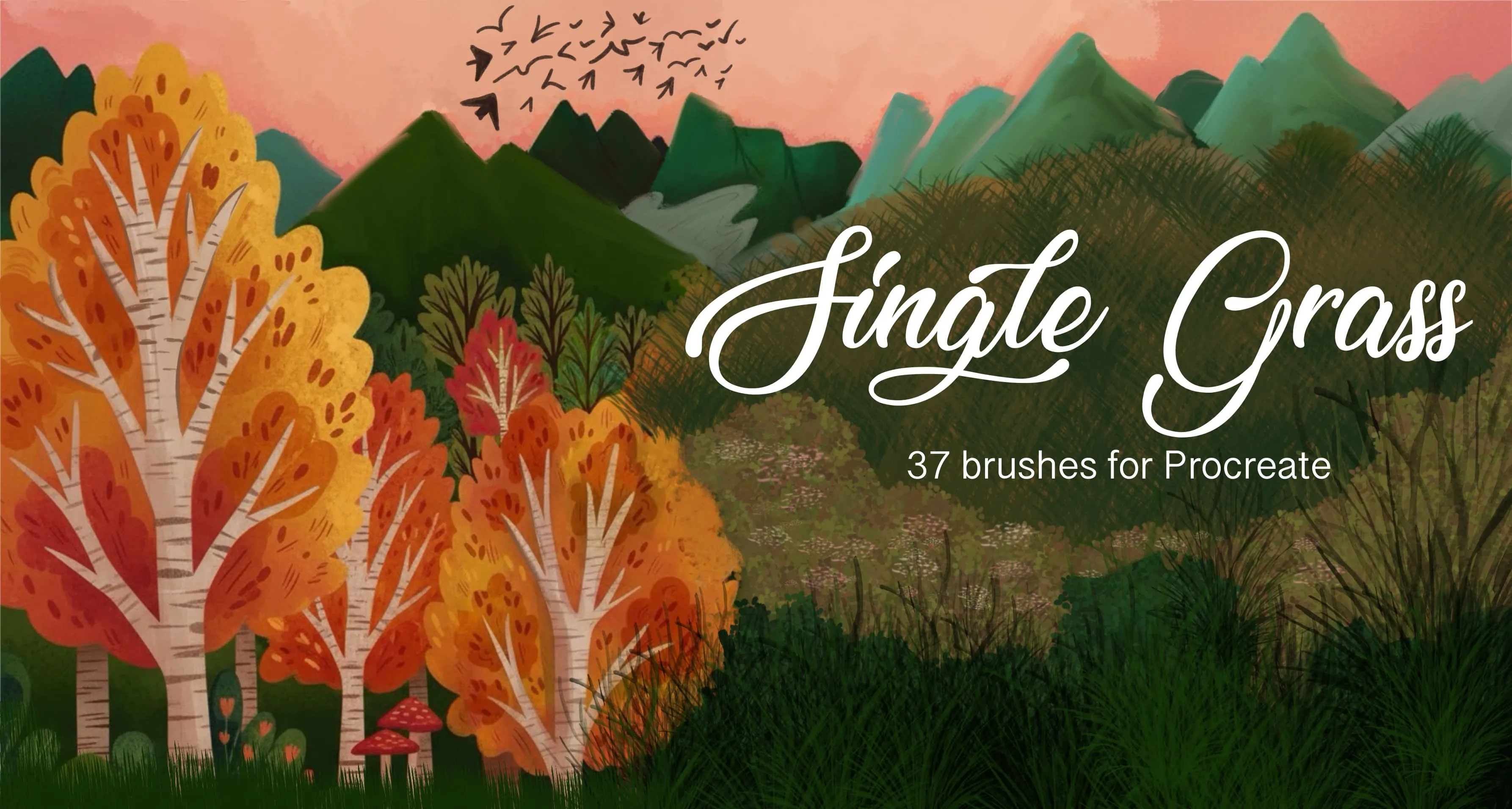
 Single Grass
single grass blades, sprigs and grass tufts
 Procreate Video
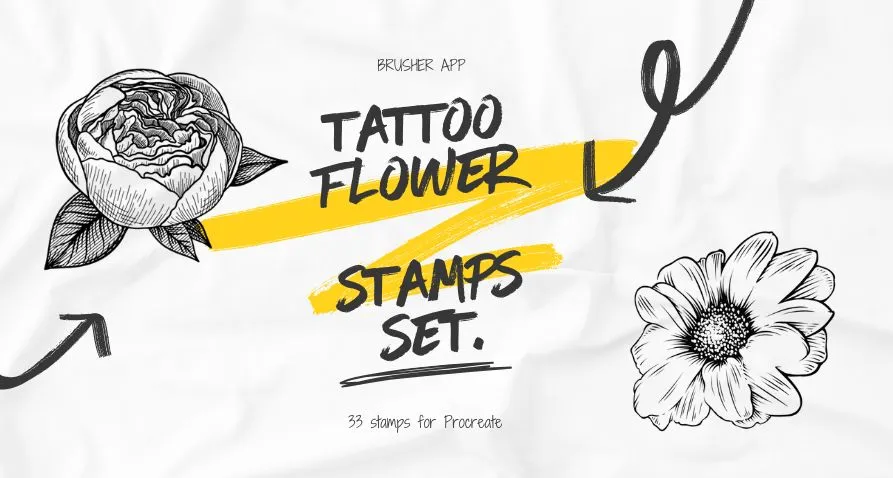
 Tattoo Flower
wildflower sprigs, fine-line botanical stems (lavender, poppy, tulip, carnation, lily of the valley, dandelion) and bold engraved blooms (peony, rose, chrysanthemum, magnolia)
Free from independent artists
Free nature sets by other artists — downloaded from the artist's own page.
 Free · external
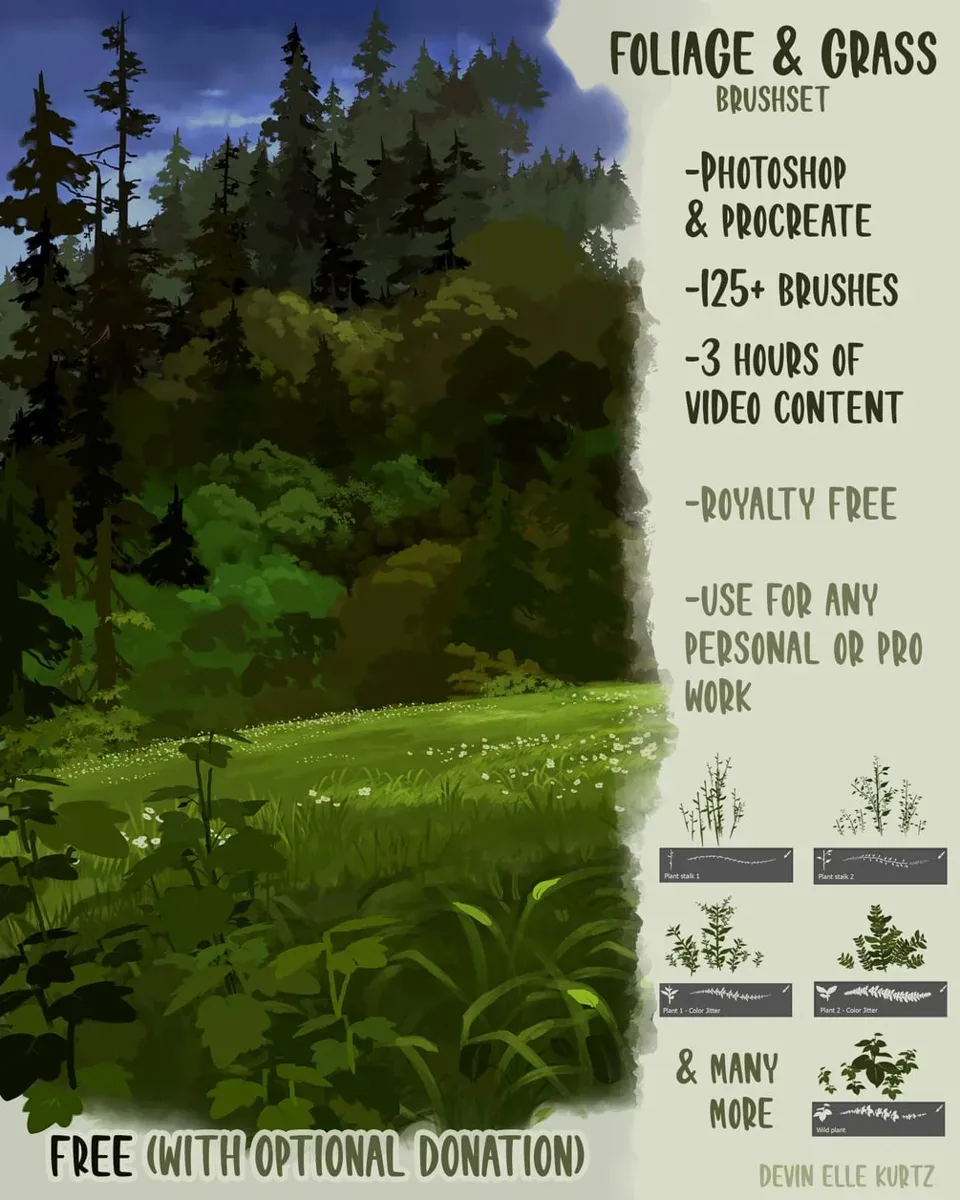
 Foliage & Grass Brushset
by Devin Elle Kurtz
 Free · external
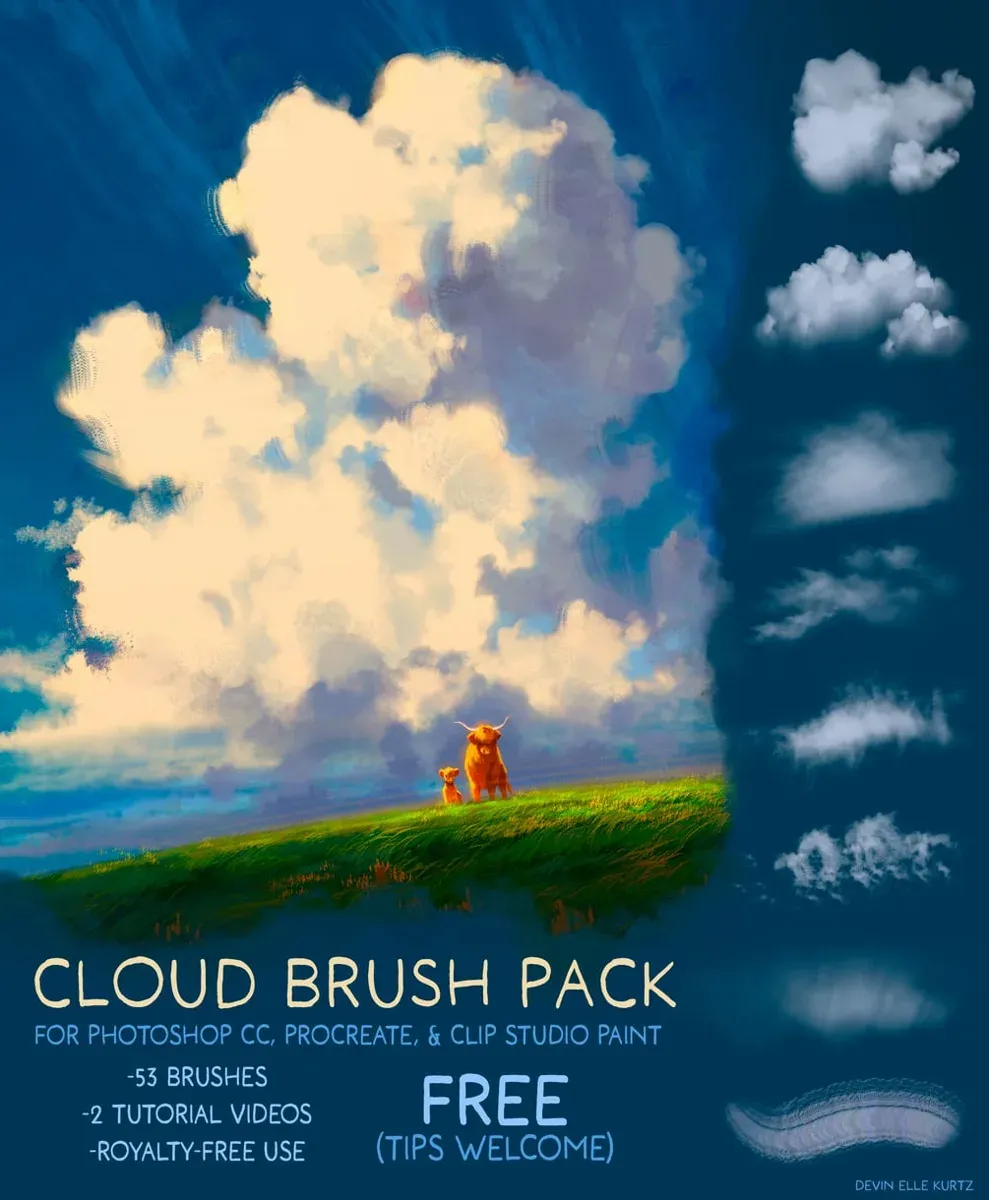
 Cloud Brush Pack
by Devin Elle Kurtz
 Free · external
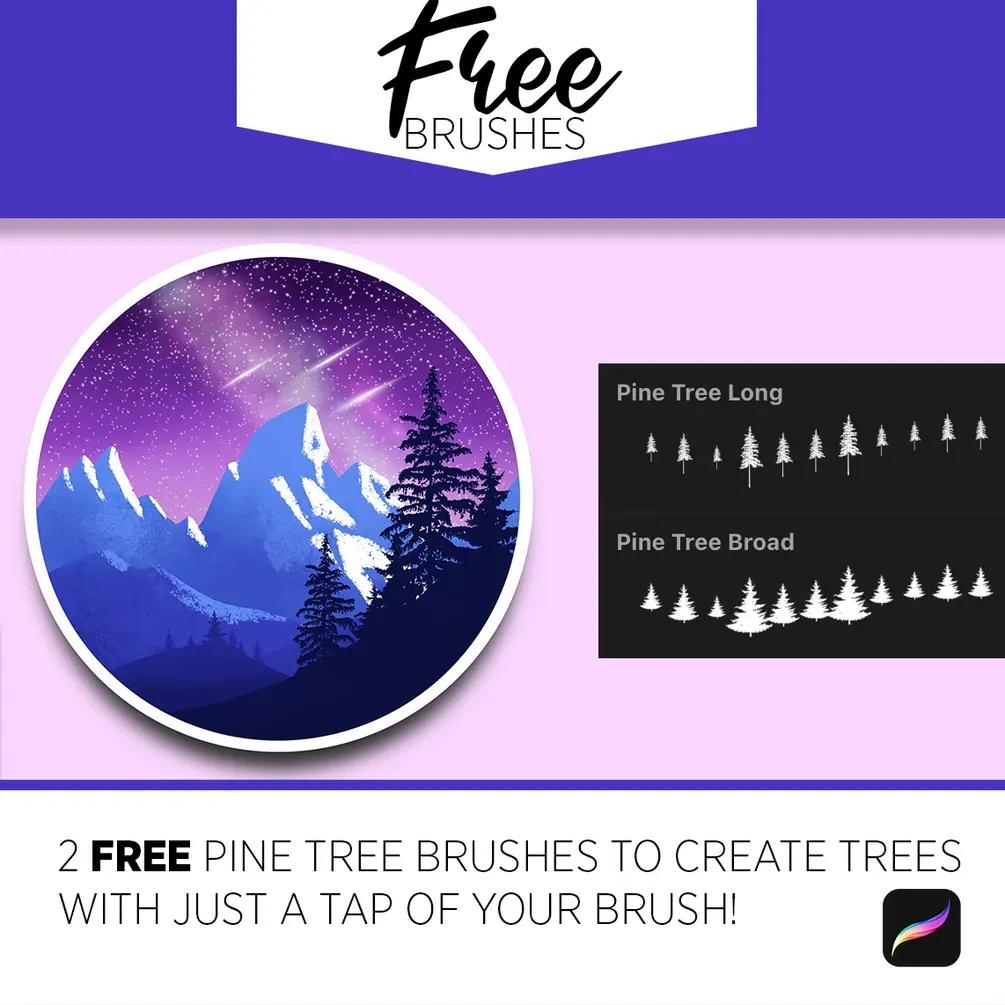
 Free Pine Tree Brushes
by Art with Flo
 Free · external
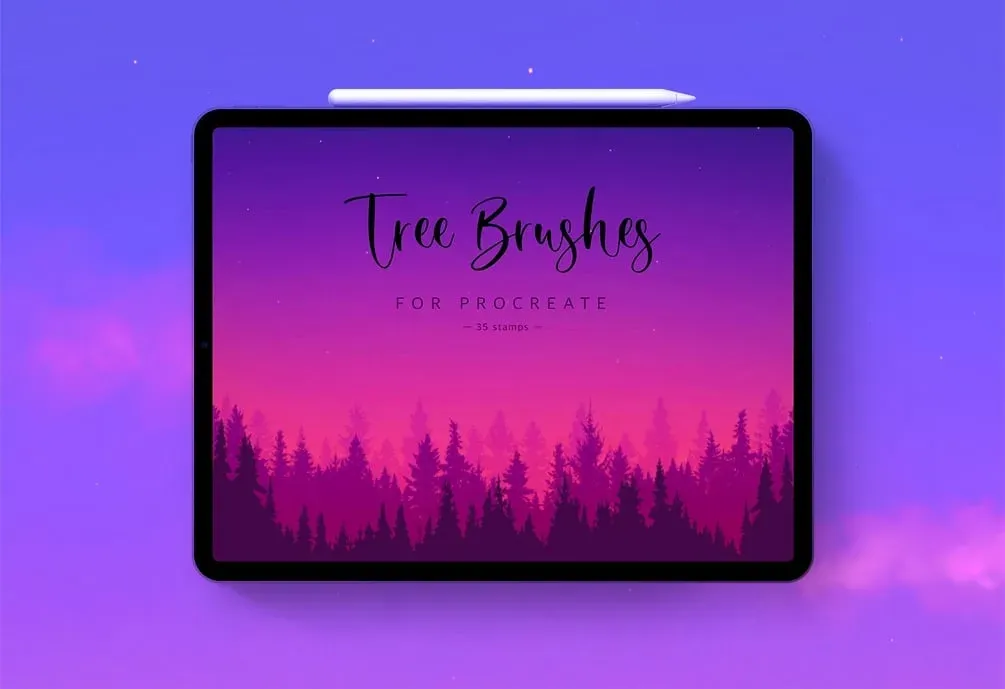
 35 Tree Stamps
by Zarlina
 Free · external
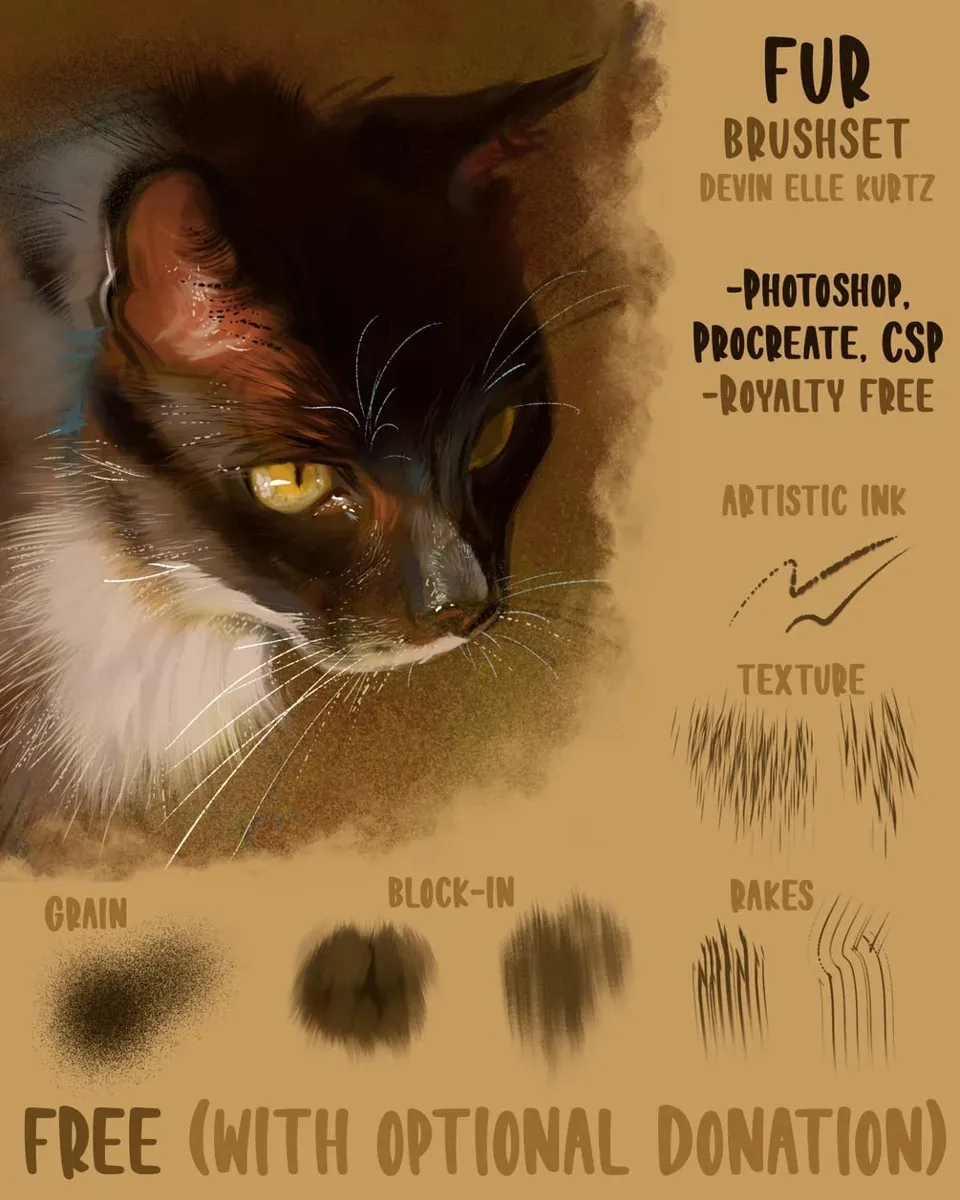
 Fur Brushset
by Devin Elle Kurtz
 Free · external
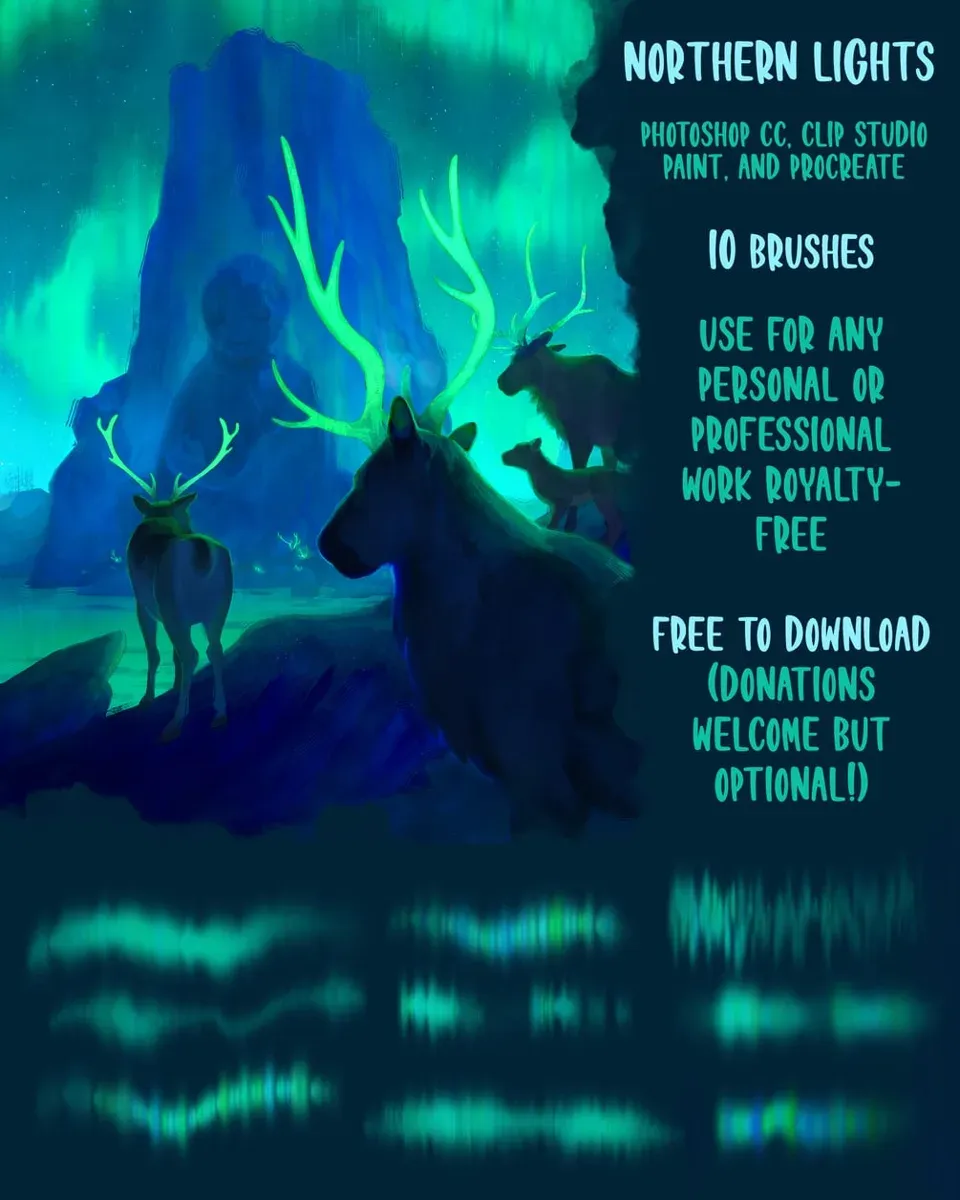
 Northern Lights Brushes
by Devin Elle Kurtz
 Free · external
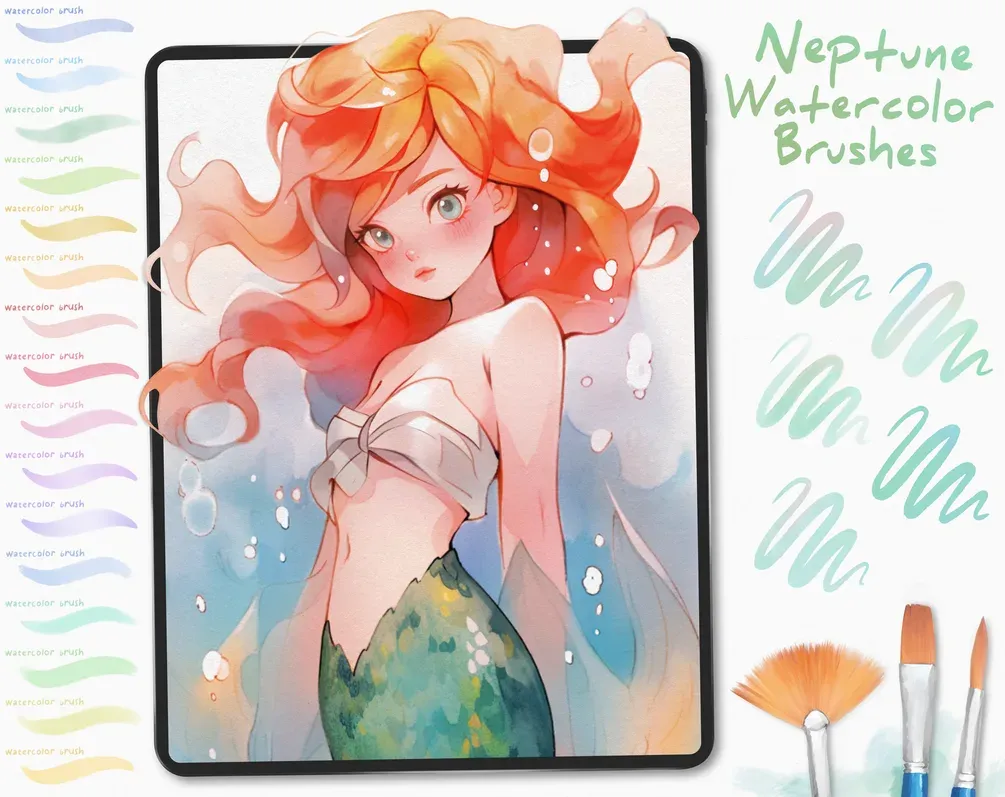
 Free Neptune Watercolor Brushes
by Di
 Free · external
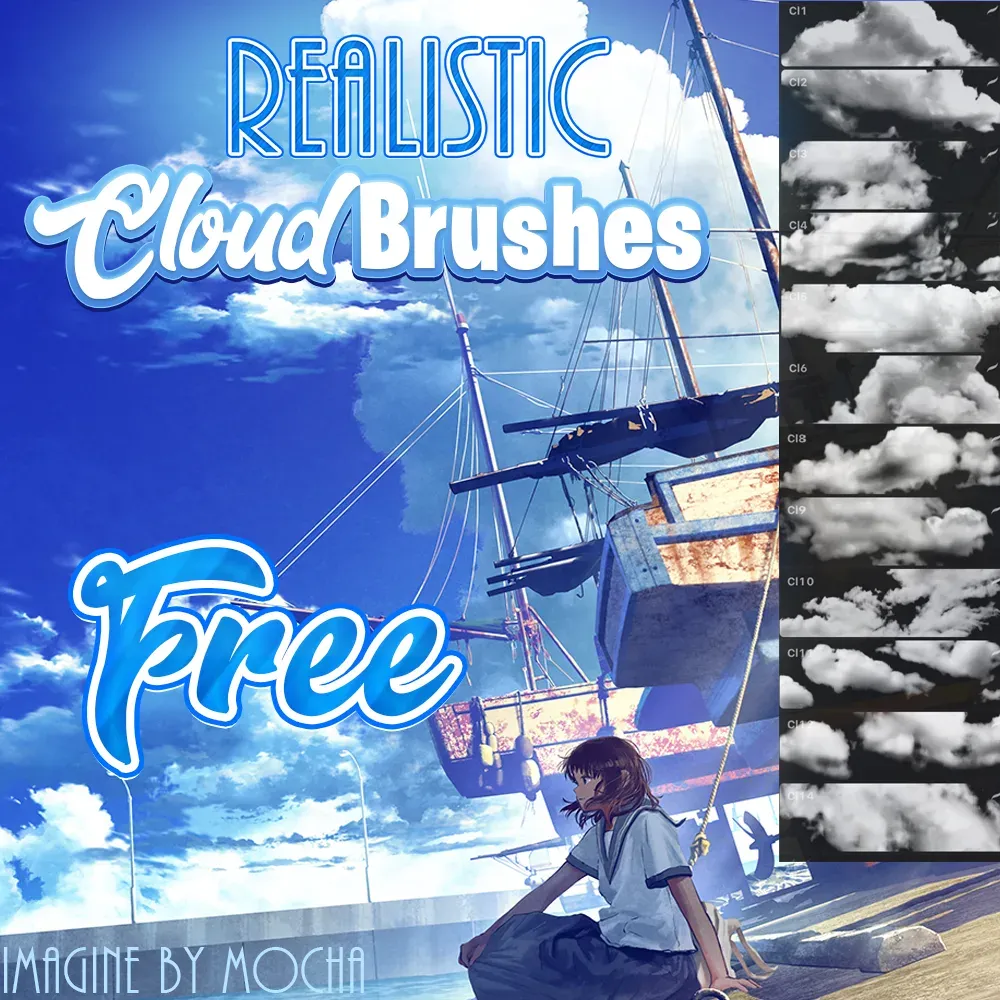
 Free Realistic Cloud Brushes
by Attki
 Free · external
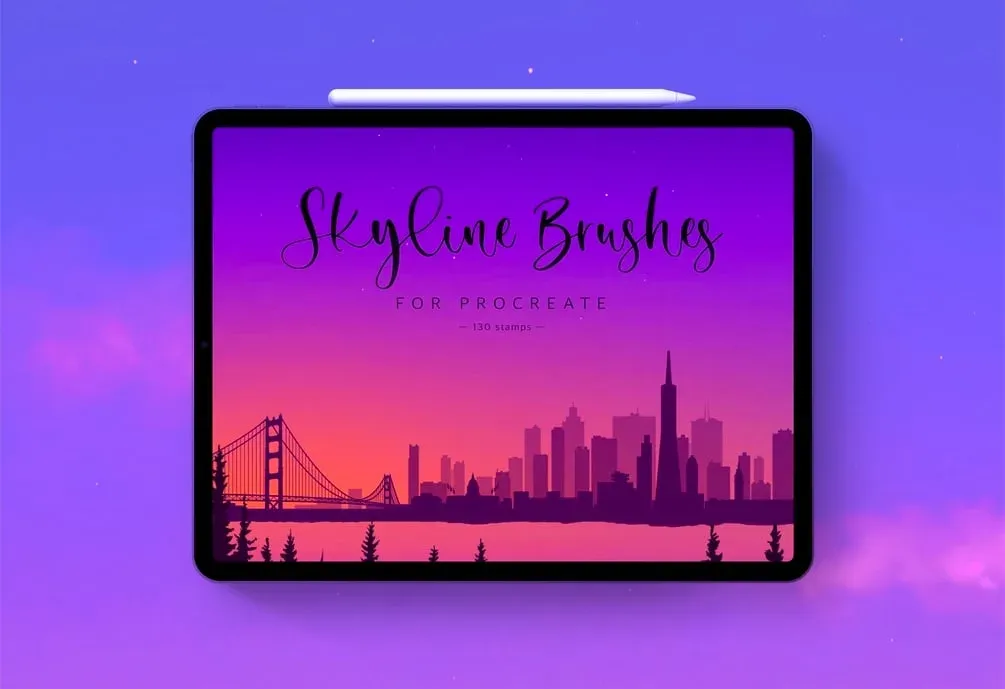
 130 Skyline Stamps
by Zarlina
 Free · external
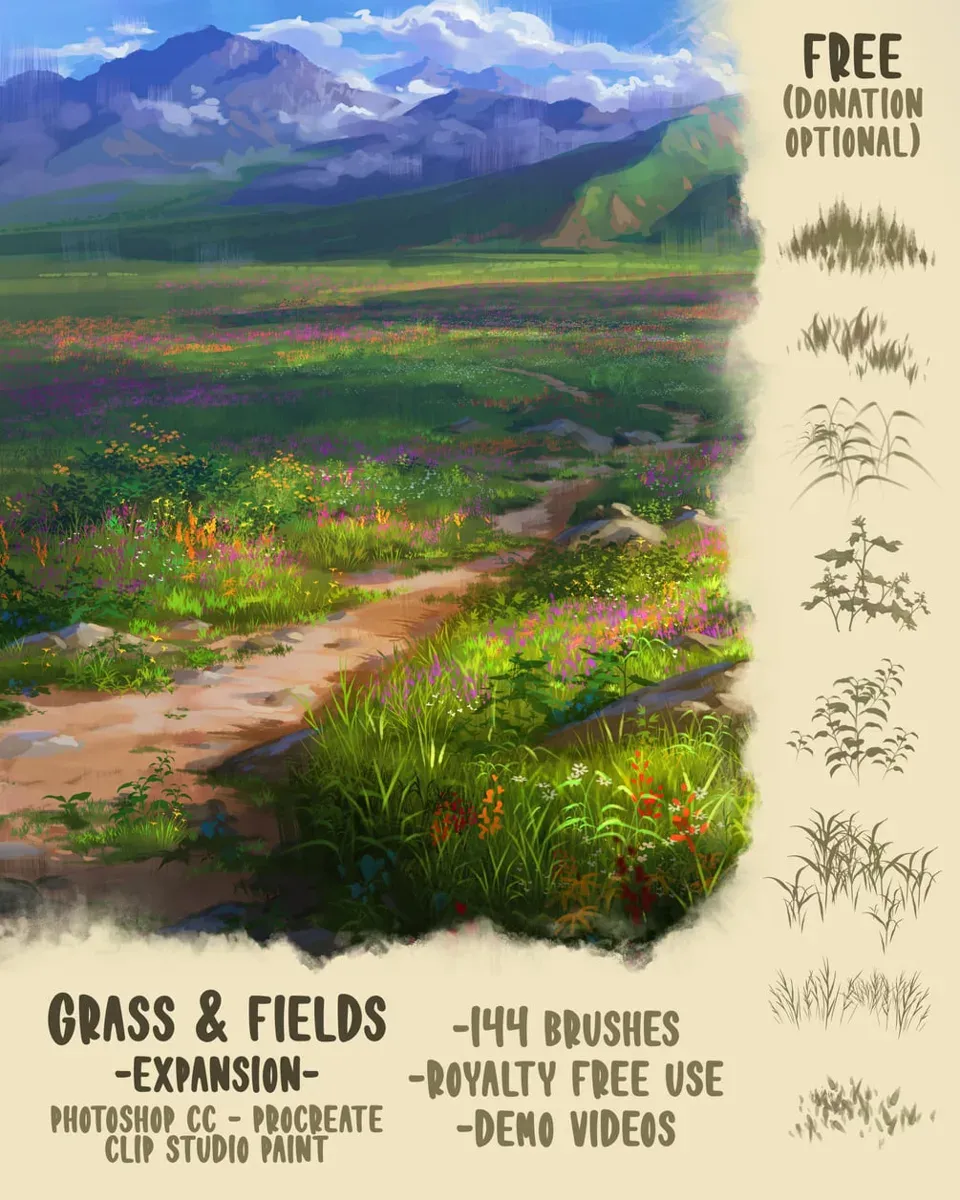
 Grass & Fields Brush Pack
by Devin Elle Kurtz
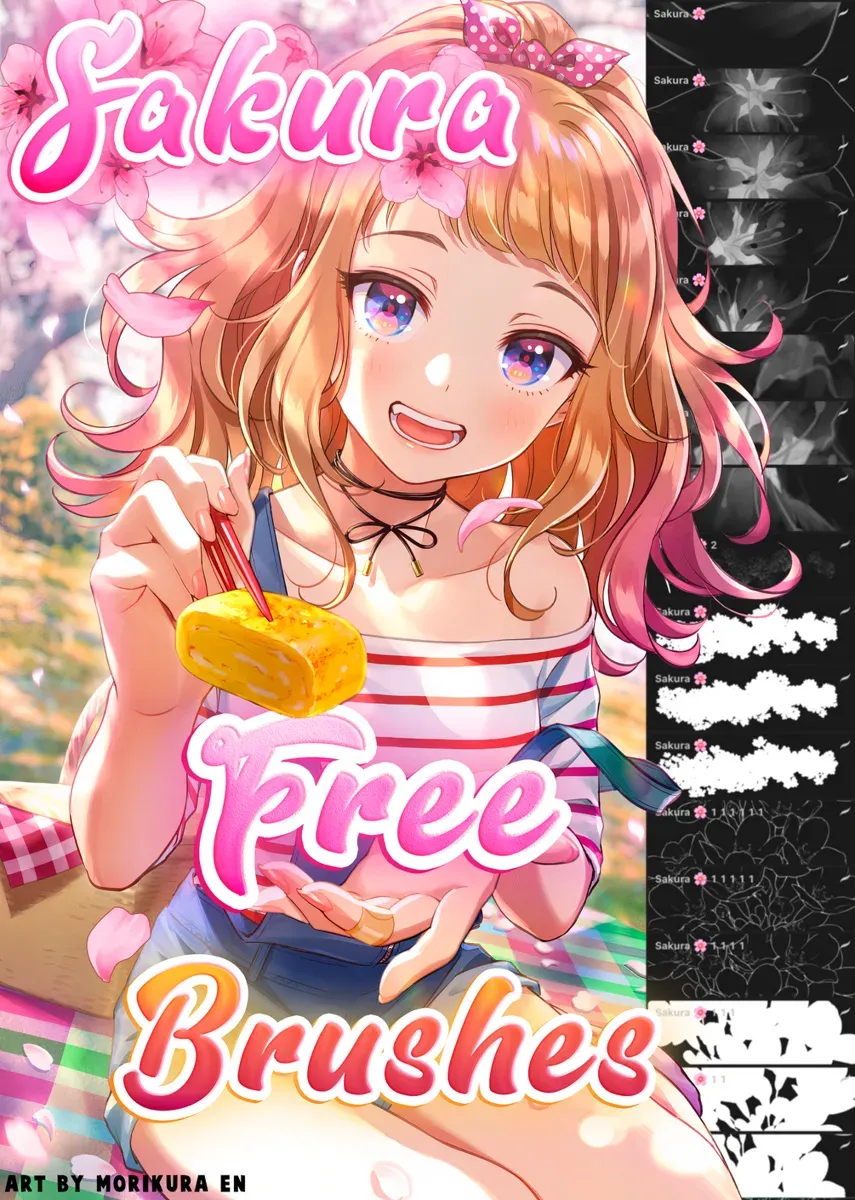 Free · external
 Free Sakura Brush Pack
by Attki
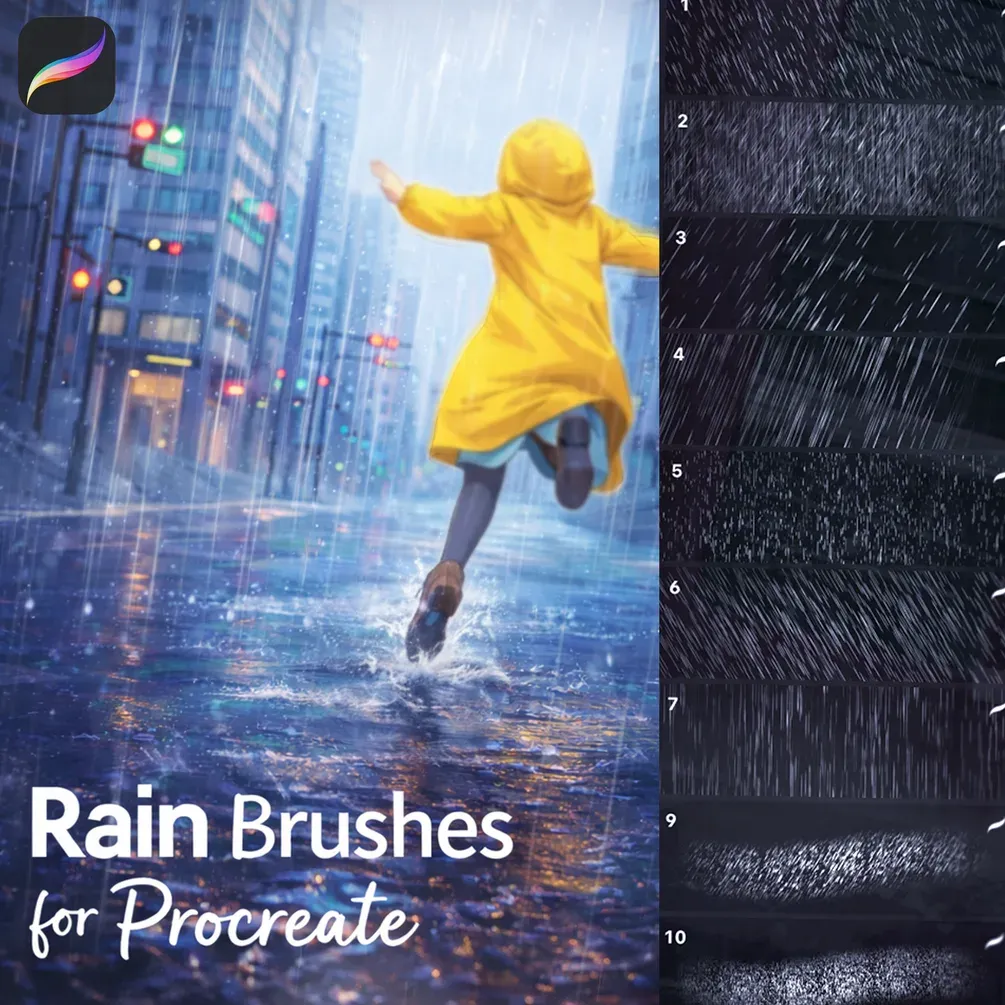 Free · external
 Rain Brushpack 25
by Stas
 Scan → get the app
More brush packs in the app
The site is still filling up — the Brusher app already has the complete 200+ set library, with more nature packs, plus free brushes and free tools.
Painting believable landscapes
Nature reads as real when it has variation and depth. Build a scene back to front: pale, low-contrast shapes for distant hills and trees, then richer, more detailed strokes as you come forward. A grass brush works best when you vary its size and direction rather than dragging it uniformly — real grass clumps and leans.
For trees, block the canopy mass first, then add lighter foliage on top and a few dark gaps for depth. Combine foliage brushes with a little paper texture and soft blending for atmosphere, and even a quick landscape gains a painterly, layered feel.
Inside these nature packs
You might also like
Stamps & Patterns Procreate Brushes
Stamp and pattern Procreate brushes for iPad: nature stamps, seamless patterns, geometric designs. Free & premium packs.
Watercolor Procreate Brushes
Download watercolour Procreate brushes for iPad: realistic wet edges, bleeding effects and wash textures. Watercolor sets for 2026 — free & premium.
Common questions
What are the best brushes for tree bark?+
Use a textured bark brush for the trunk's surface, then add directional strokes that follow the tree's growth and a few dark cracks for depth. Layering a rough texture over a mid-tone base gives bark its gnarled, tactile look.
How do I draw grass in Procreate?+
Use a grass brush and vary its size and angle as you stroke upward, letting the blades clump and lean rather than standing uniform. Work in layers — darker grass behind, lighter tips in front — to build depth and avoid a flat, mechanical field.
Are there free flower and nature brushes?+
Yes — our free starter sets include basic organic brushes to experiment with, and you can browse them on the free brushes page. Premium nature packs go deeper with dedicated tree, grass, foliage and flower brushes for finished landscape work.