Stamps & Patterns Procreate Brushes
Updated October 2026
Stamp and pattern Procreate brushes for iPad: nature stamps, seamless patterns, geometric designs. Free & premium packs.

Brusher app for iPad & iPhone
200+ sets in the Brusher app, stamp pattern included — plus free brushes and free tools.
Brusher has 30 stamp pattern Procreate brush packs — nature stamps, decoration, geometric patterns — each a native .brushset that installs into Procreate in one tap on iPad.
Stamp and pattern Procreate brushes are the ultimate shortcut for decorative and repetitive work. Instead of drawing a rose, a feather or a snowflake over and over, you tap once and it's placed — perfectly formed and instantly resizable. Pattern brushes go further, laying a continuous decorative strip or seamless texture as you drag. For borders, backgrounds, packaging, stationery and surface design, they turn hours of fiddly detail into a few taps.
This collection spans single stamps — flowers, bubbles, feathers, butterflies, stitches — and repeating pattern brushes for seamless fills and ornamental borders. Everything is adjustable, so one stamp becomes a whole family of sizes, rotations and colours in your artwork.
You can also make a stamp brush from your own image — free, in the browser, no signup.
Stamps & Patterns Procreate Brushes
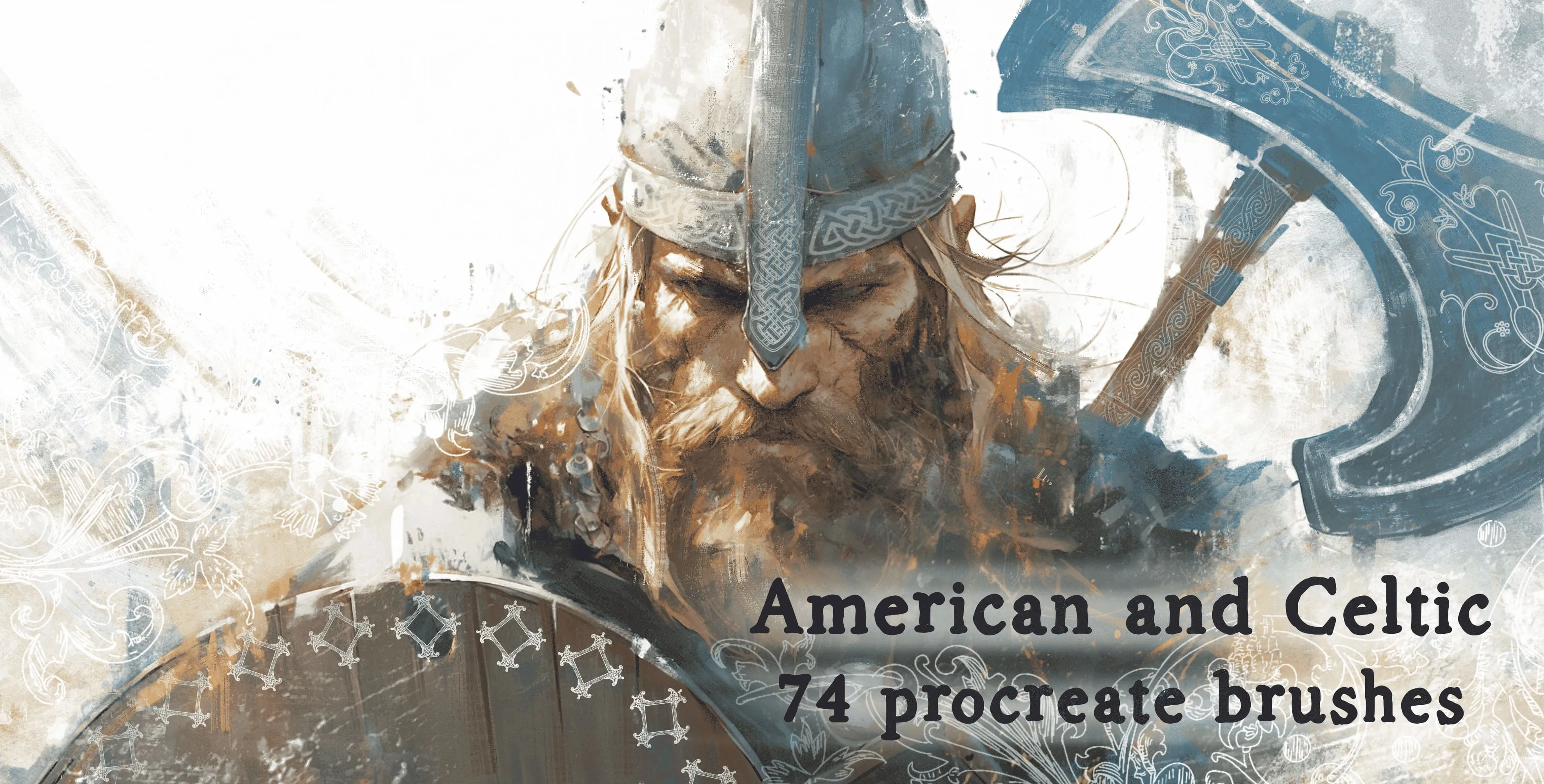
Procreate Video American and Celtic
celtic knotwork
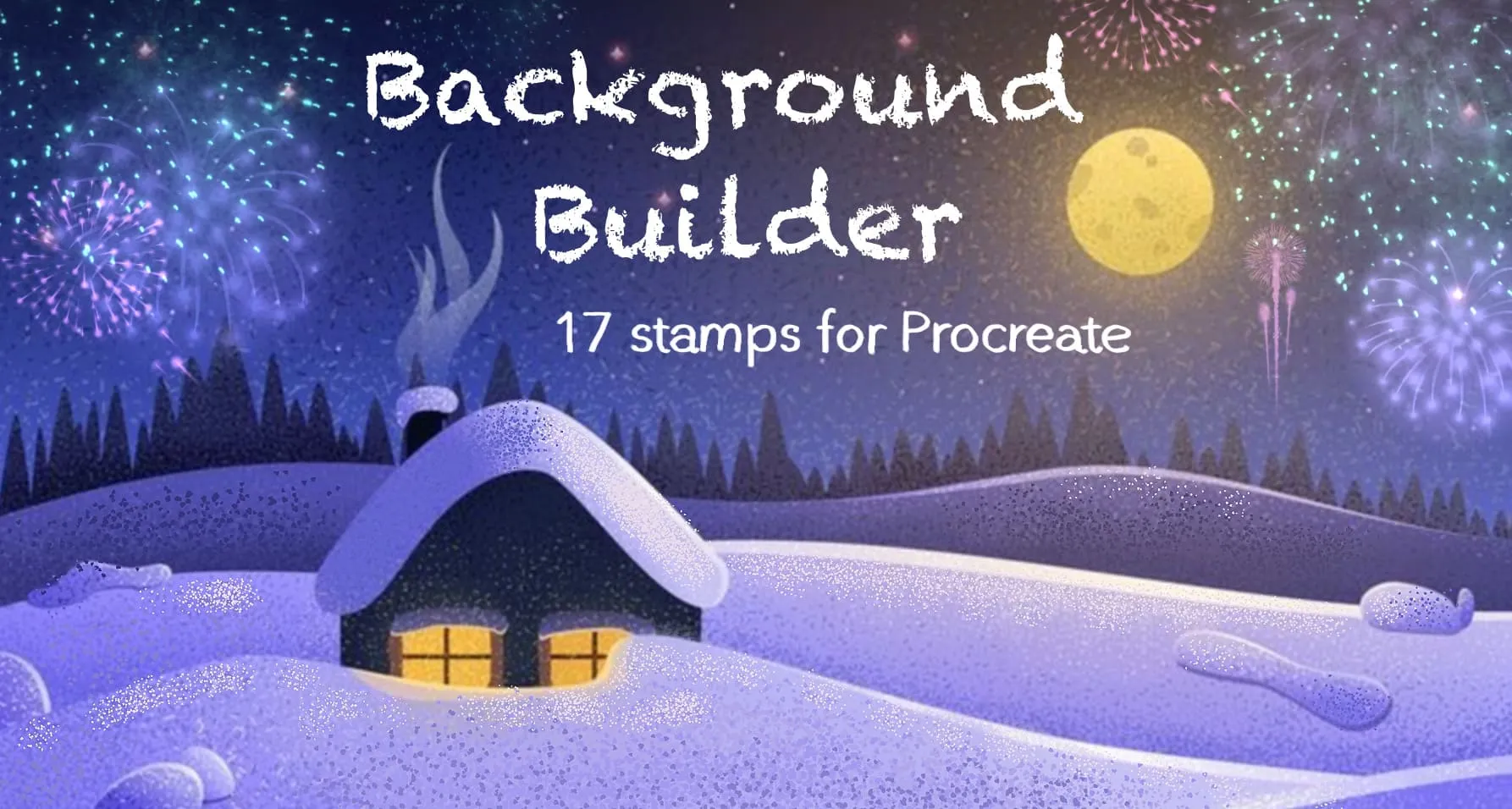
Procreate Video Background Builder
hearts, stars, diamonds, drops and music notes
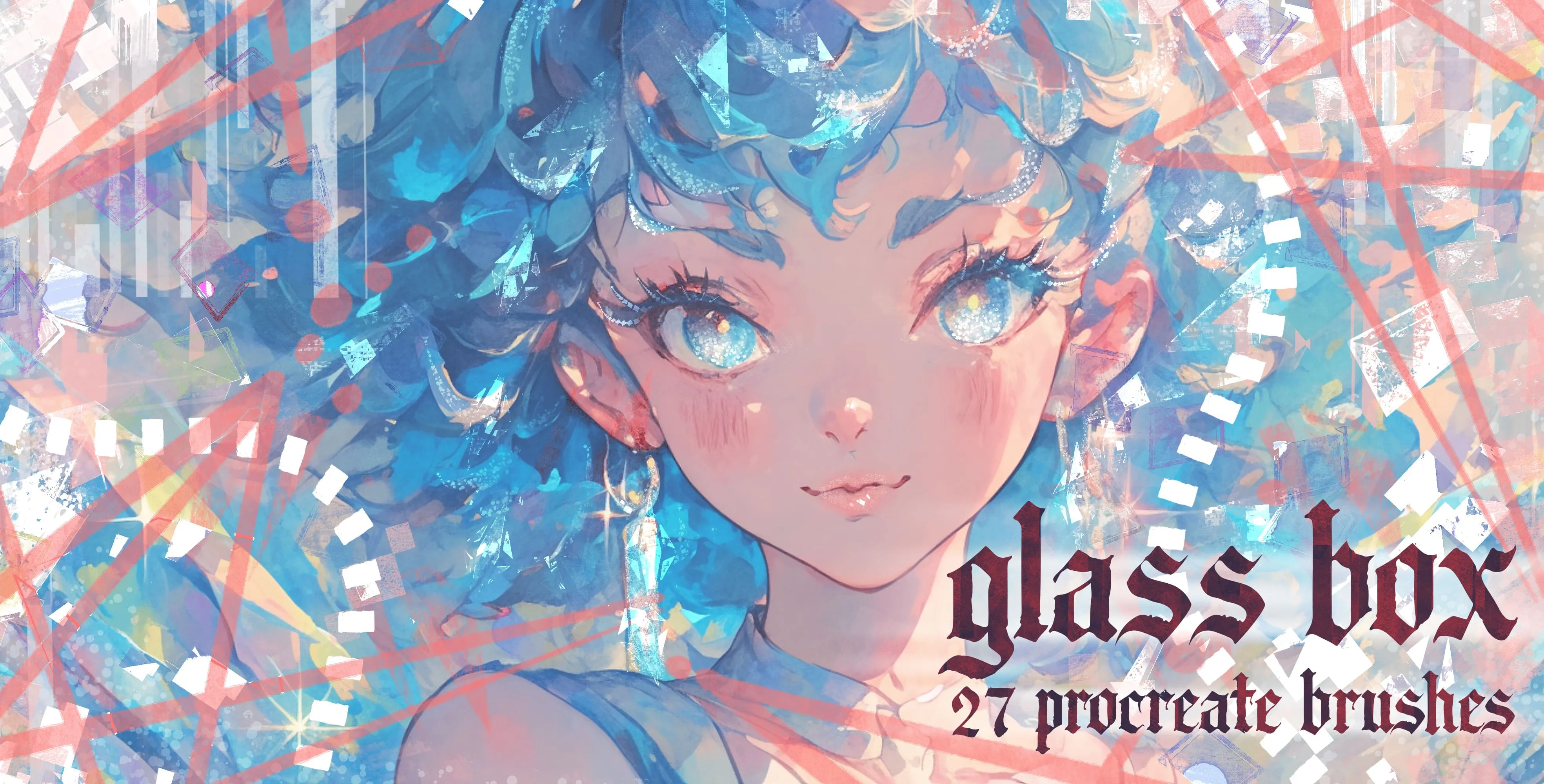
Procreate Video Glass Box
glass shards, crystal shapes, prismatic splinters, sparkle scatter and halo light rings
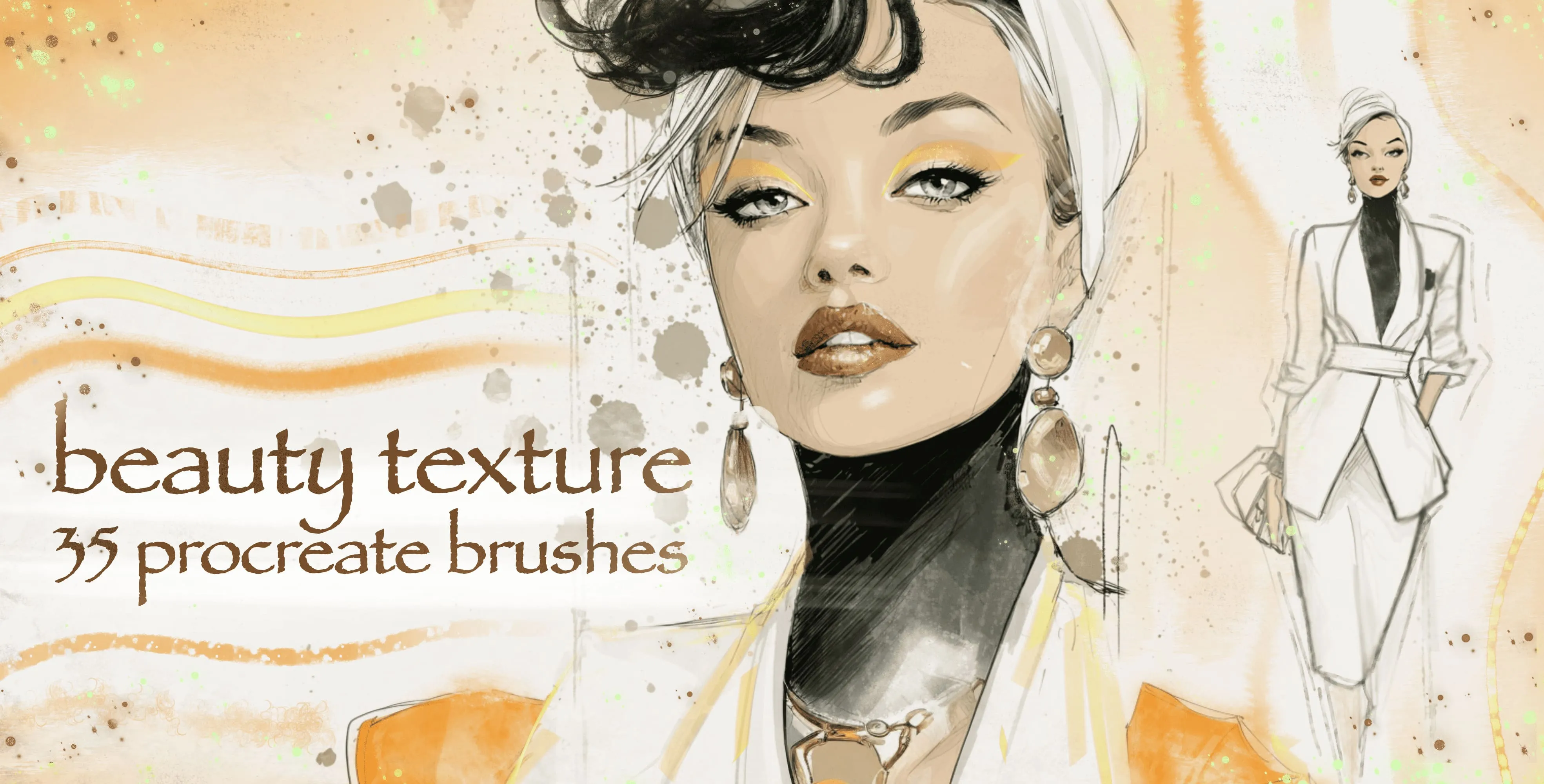
Procreate Video Beauty Texture
soft, mottled, rough and blotchy skin
 Procreate Video
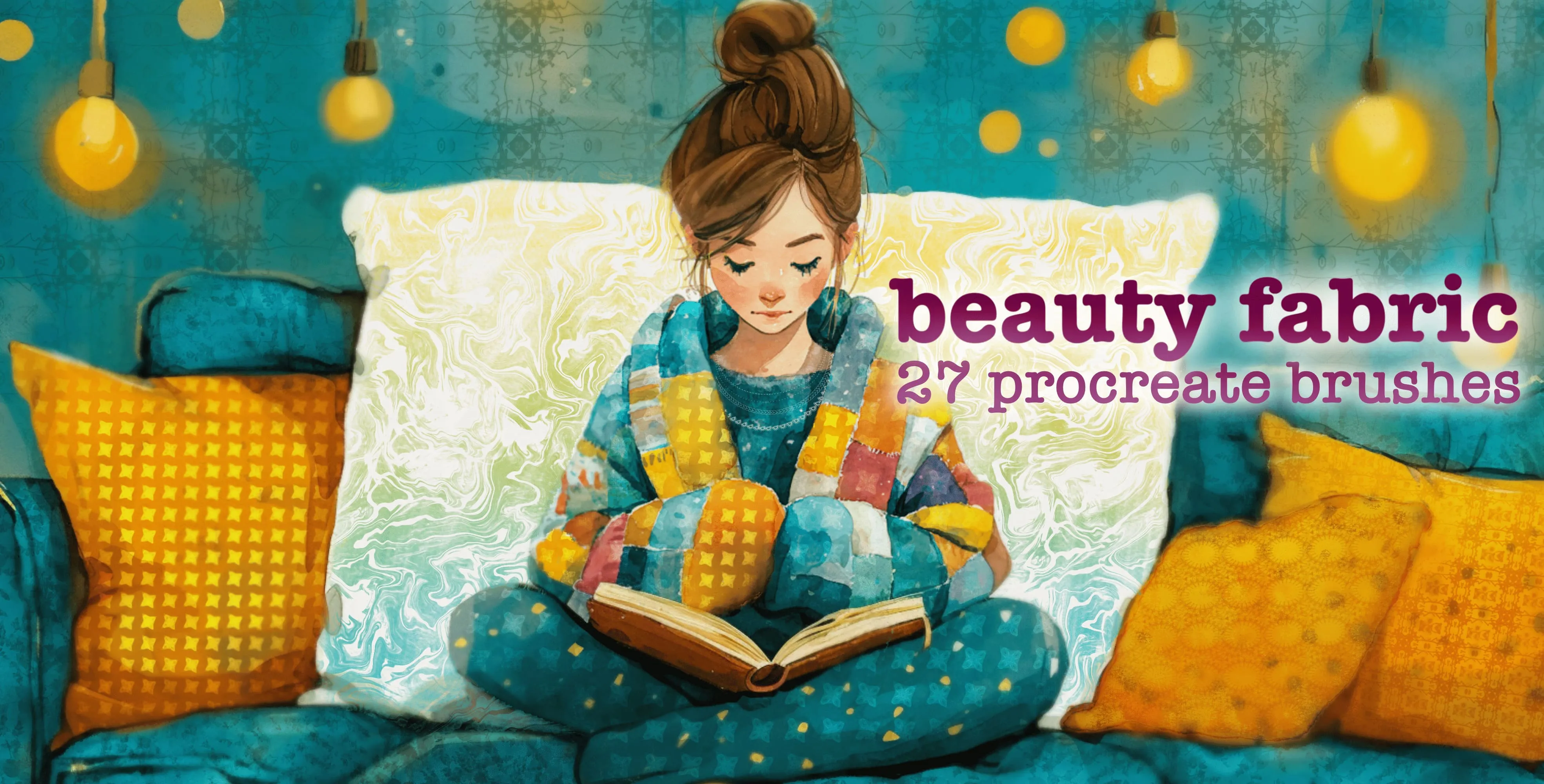
 Beauty Fabric
leaf and floral textile prints, woven and knit textures, all-over patterns, brocade and embroidery, ruffle and pleat edges, scalloped lace borders
 Procreate Video
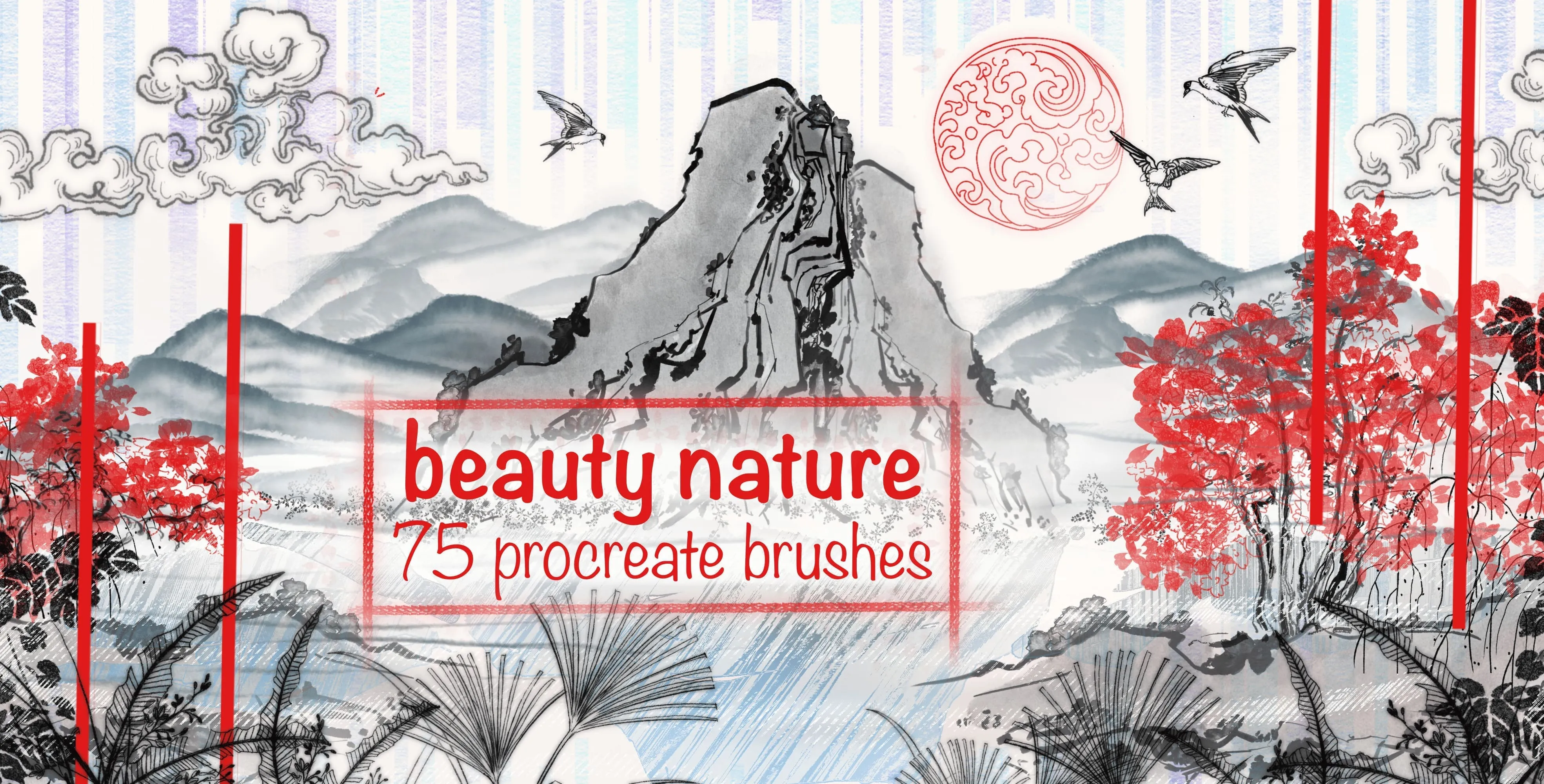
 Beauty Nature
ink-wash texture and clouds
 Procreate Video
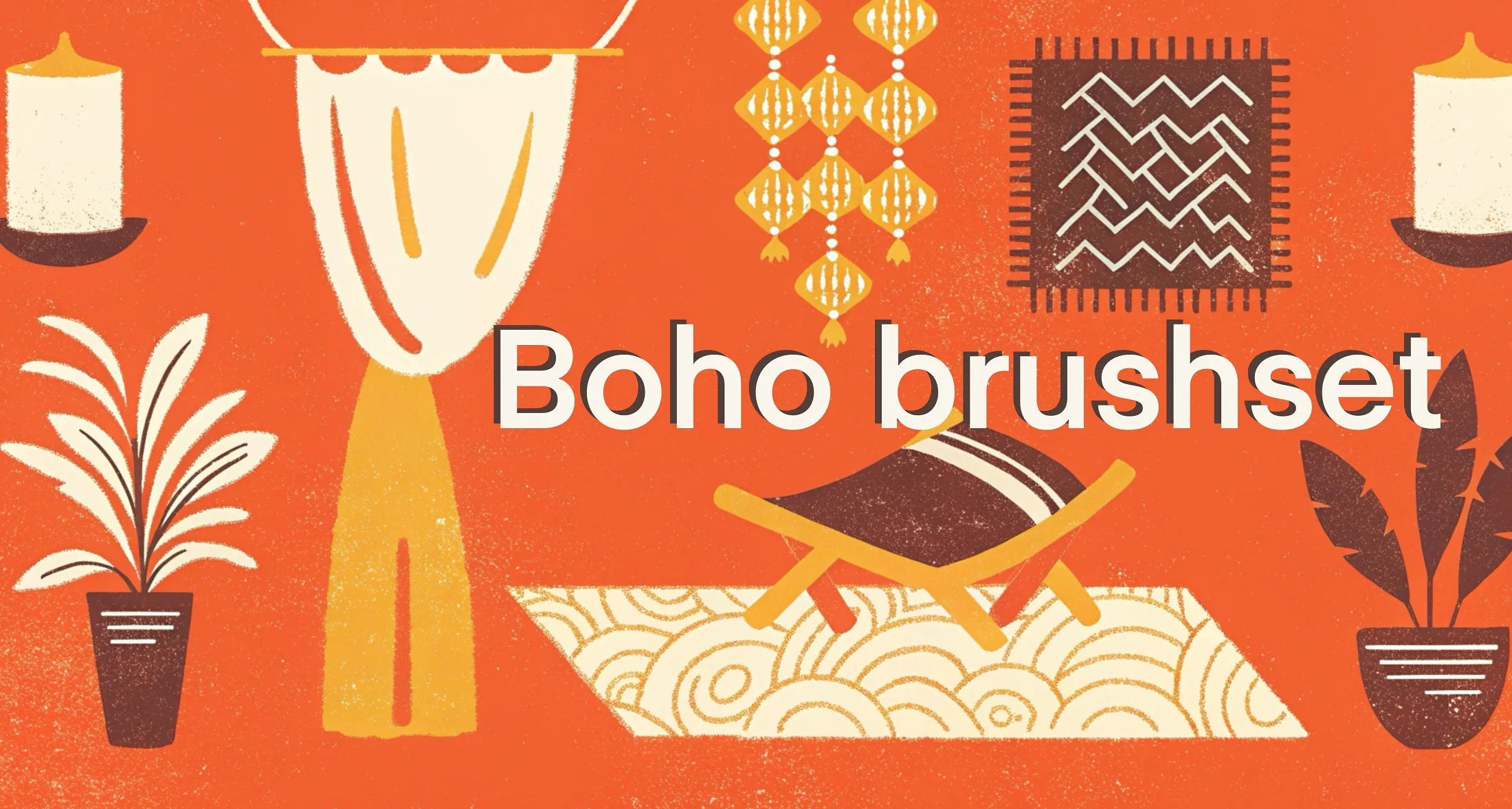
 Boho Brushes
flat marker, textured flat marker and solid marker
 Procreate Video
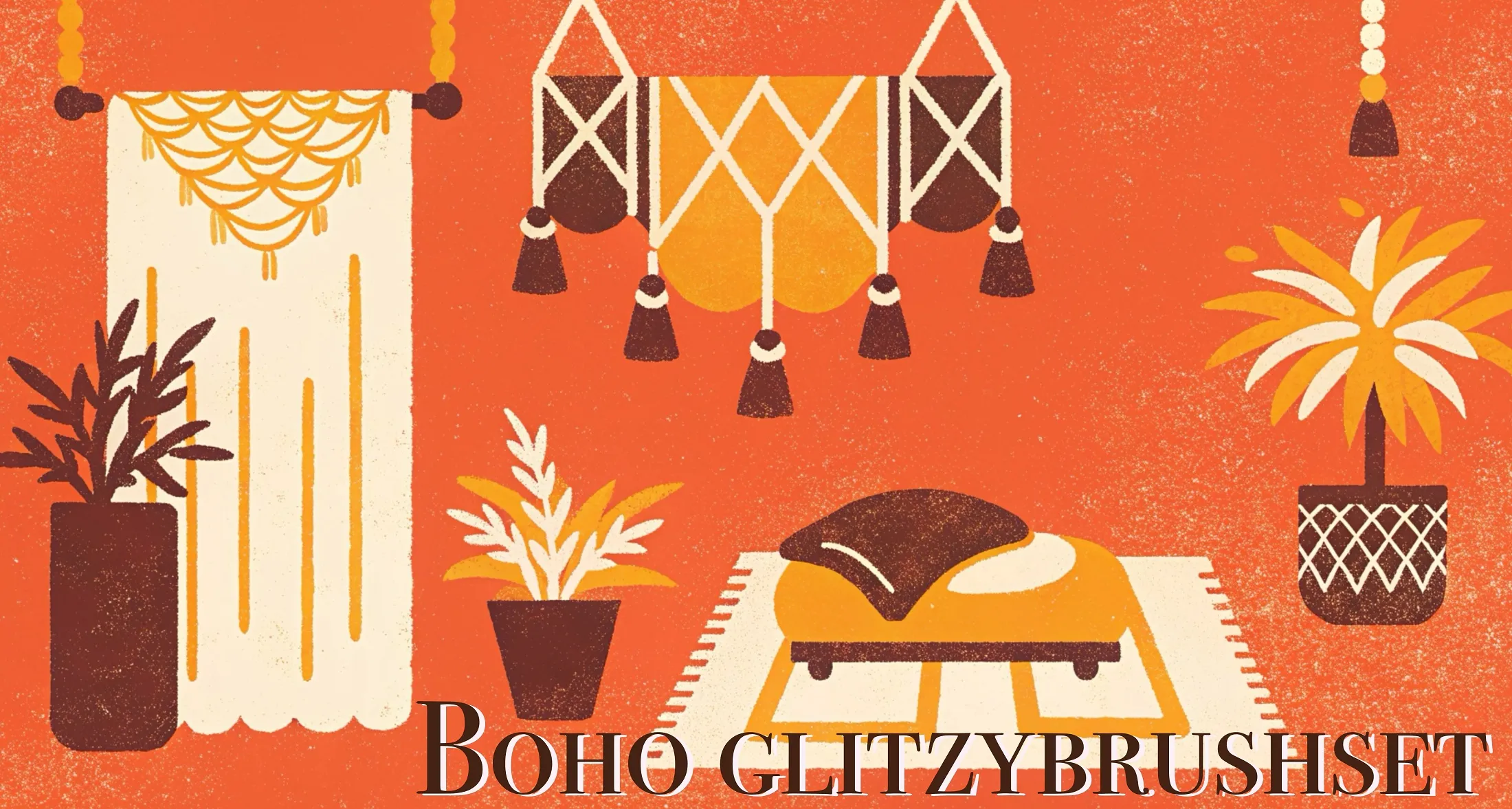
 Boho Glitzy
glitter, foil, metallic shimmer and bokeh
 Procreate Video
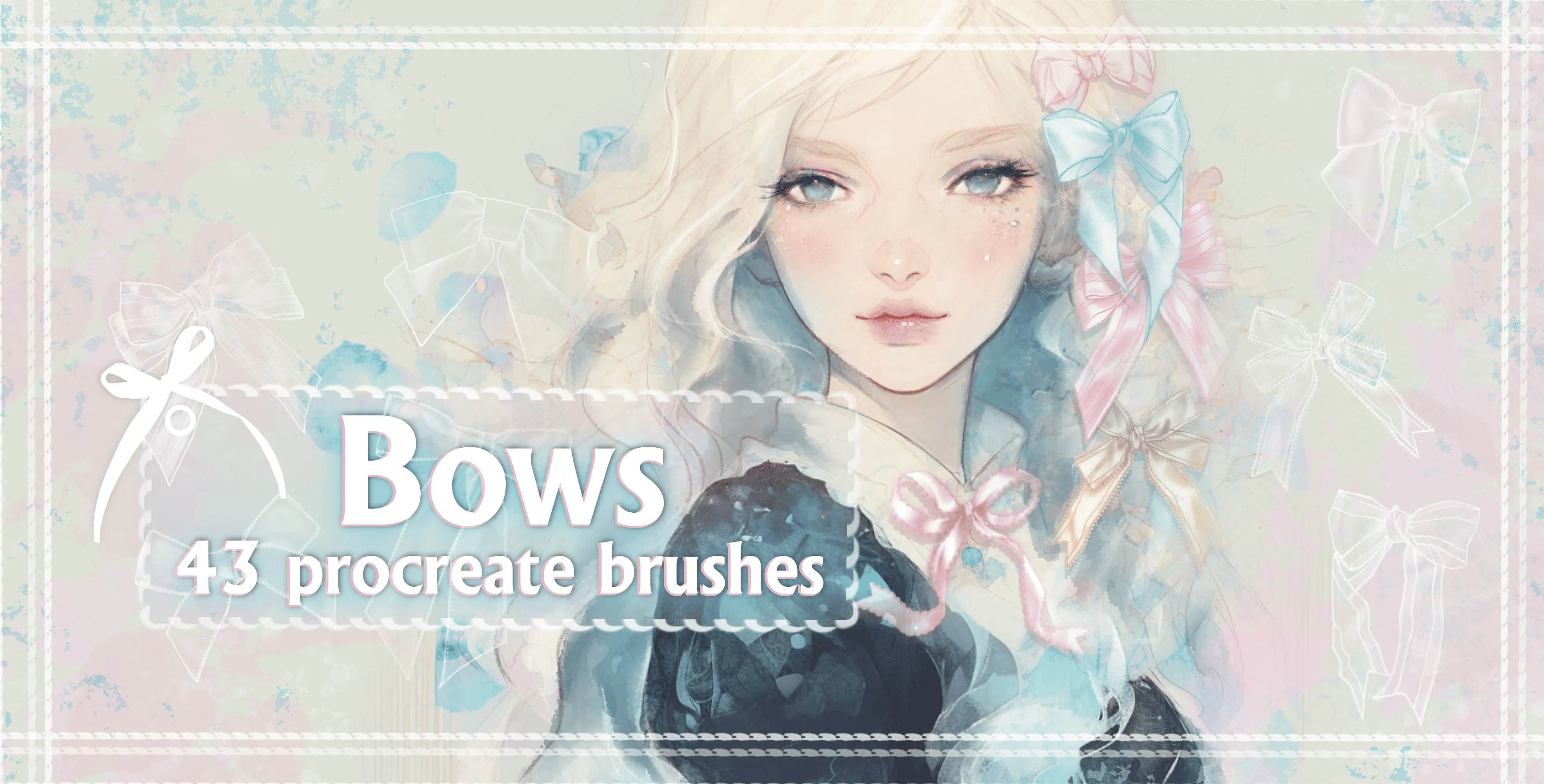
 Bows
tied bows, satin bows, gingham and plaid bows
 Procreate Video
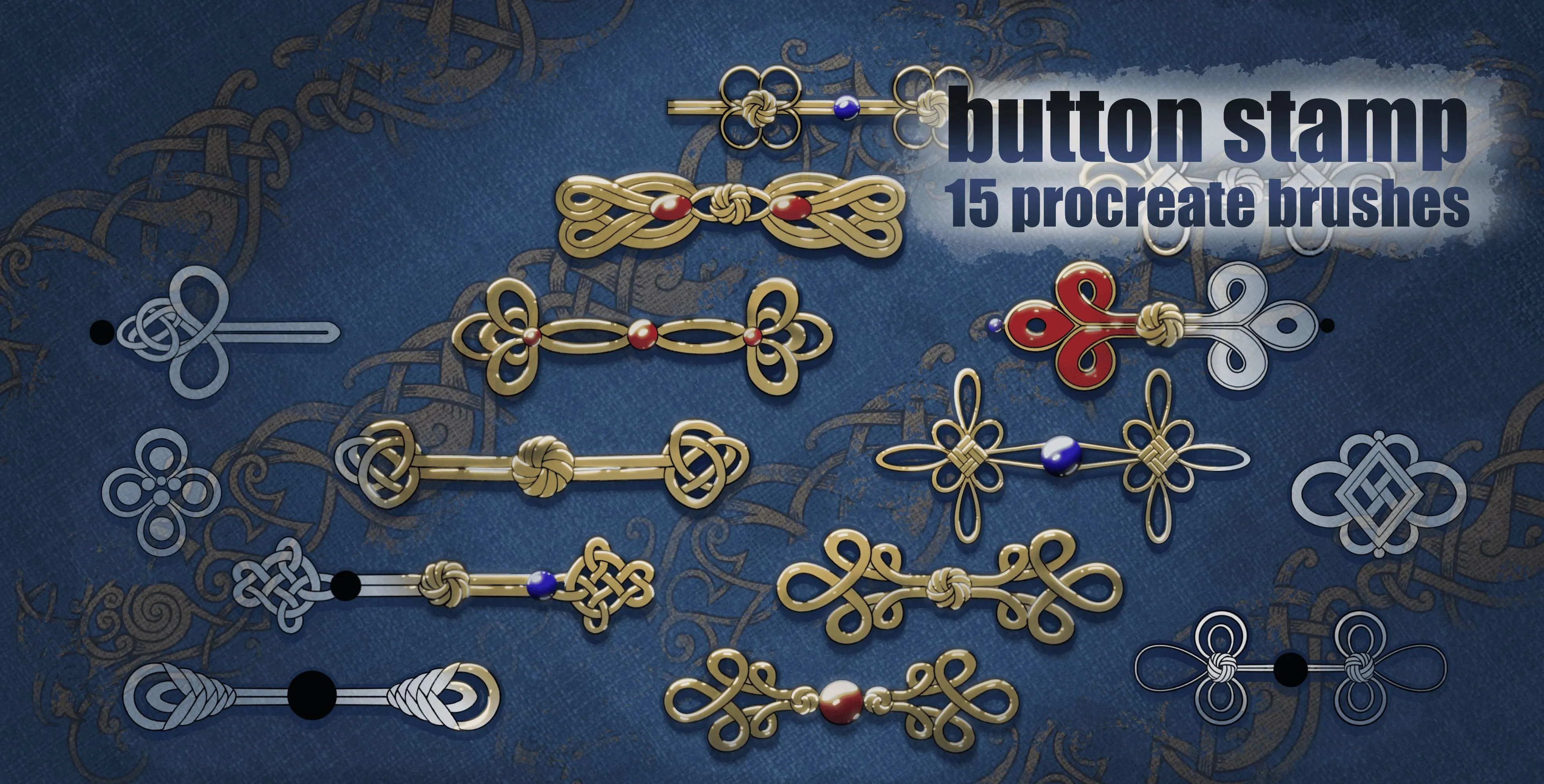
 Button
celtic, square knots, looped and scrolled
 Procreate Video
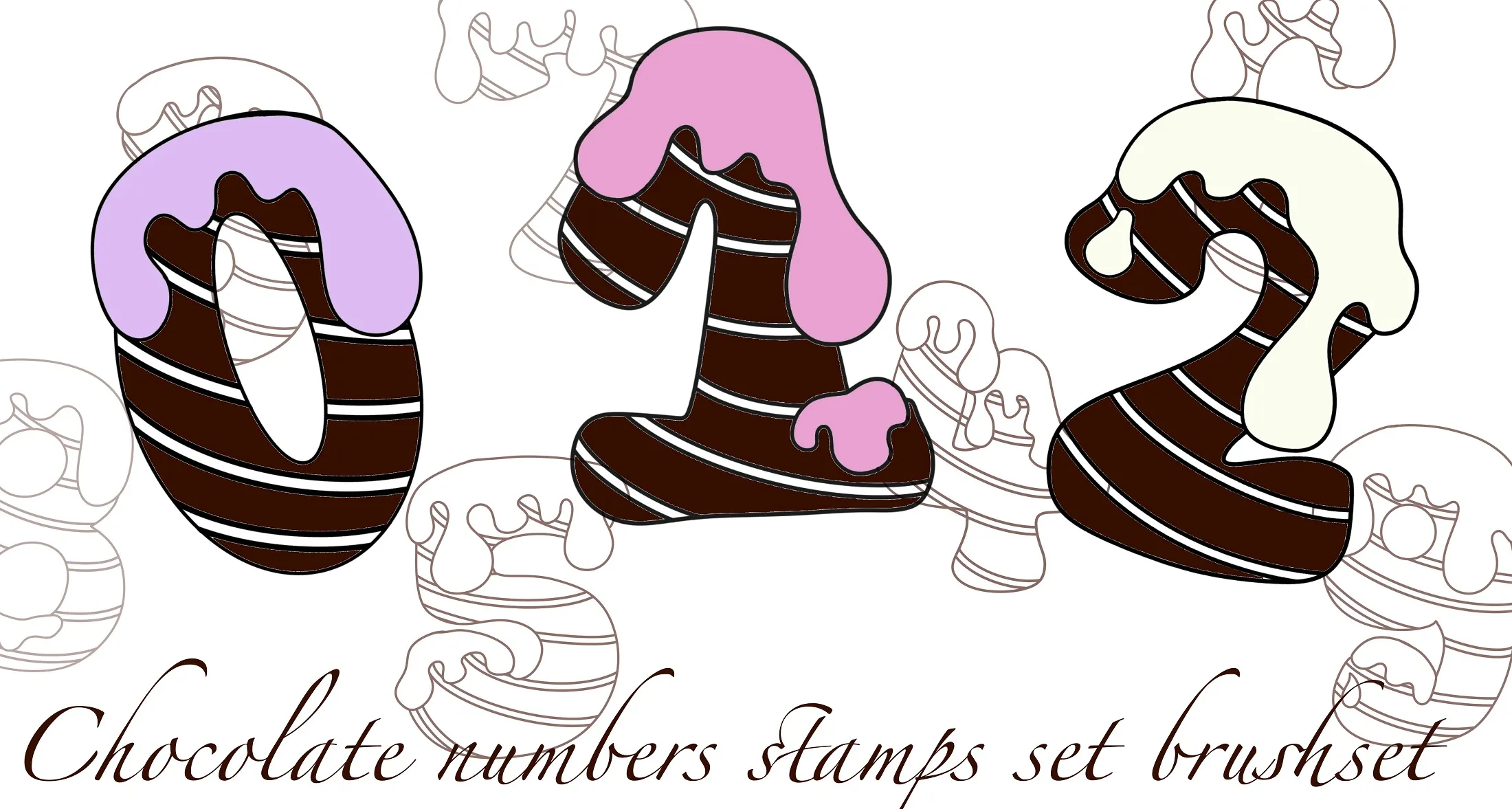
 Chocolate
numbers 0 to 9 rendered as glossy melting chocolate with drips and ridges
 Procreate Video
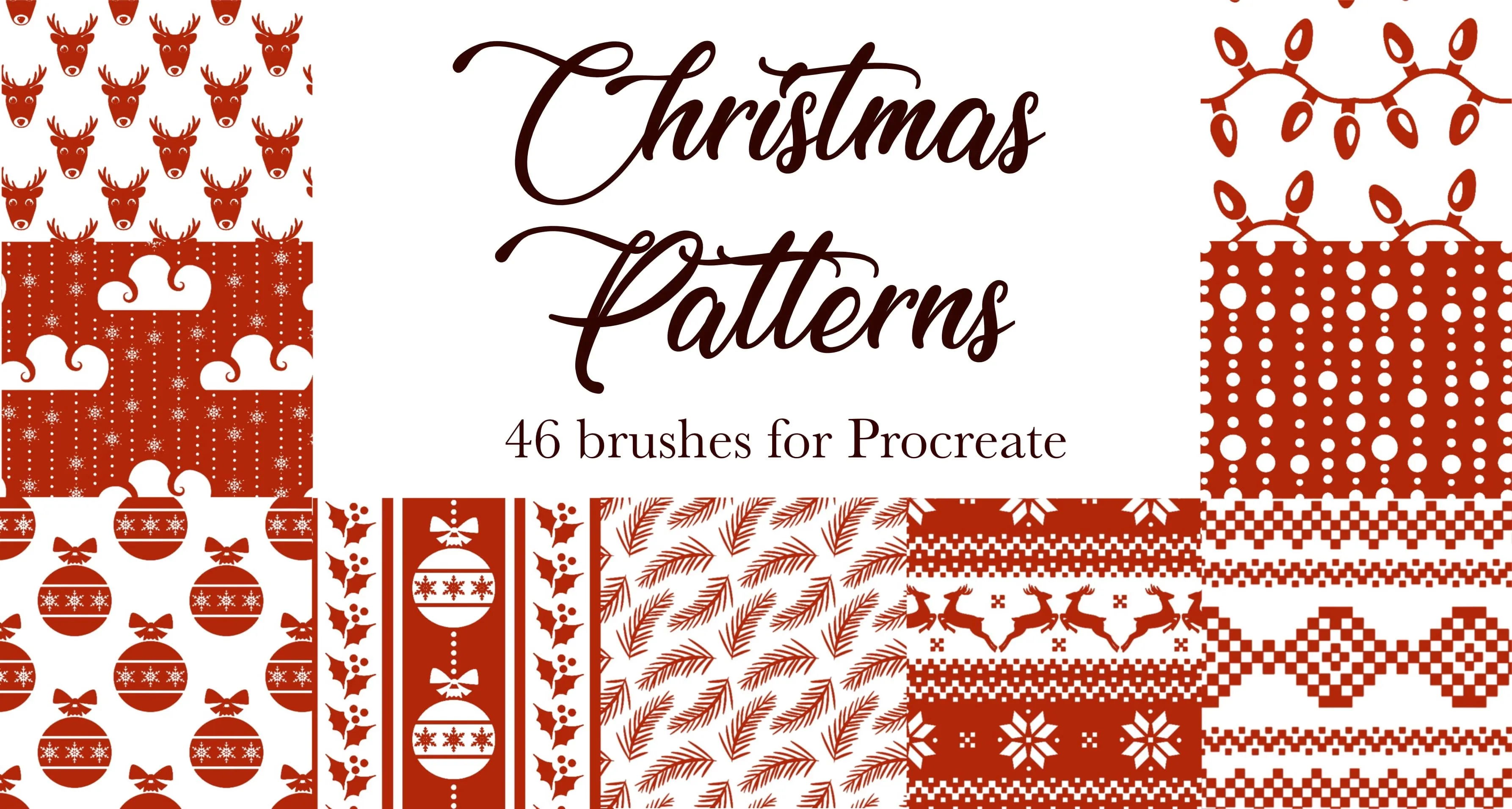
 Christmas Patterns
nordic and fair Isle knit borders
 Procreate Video
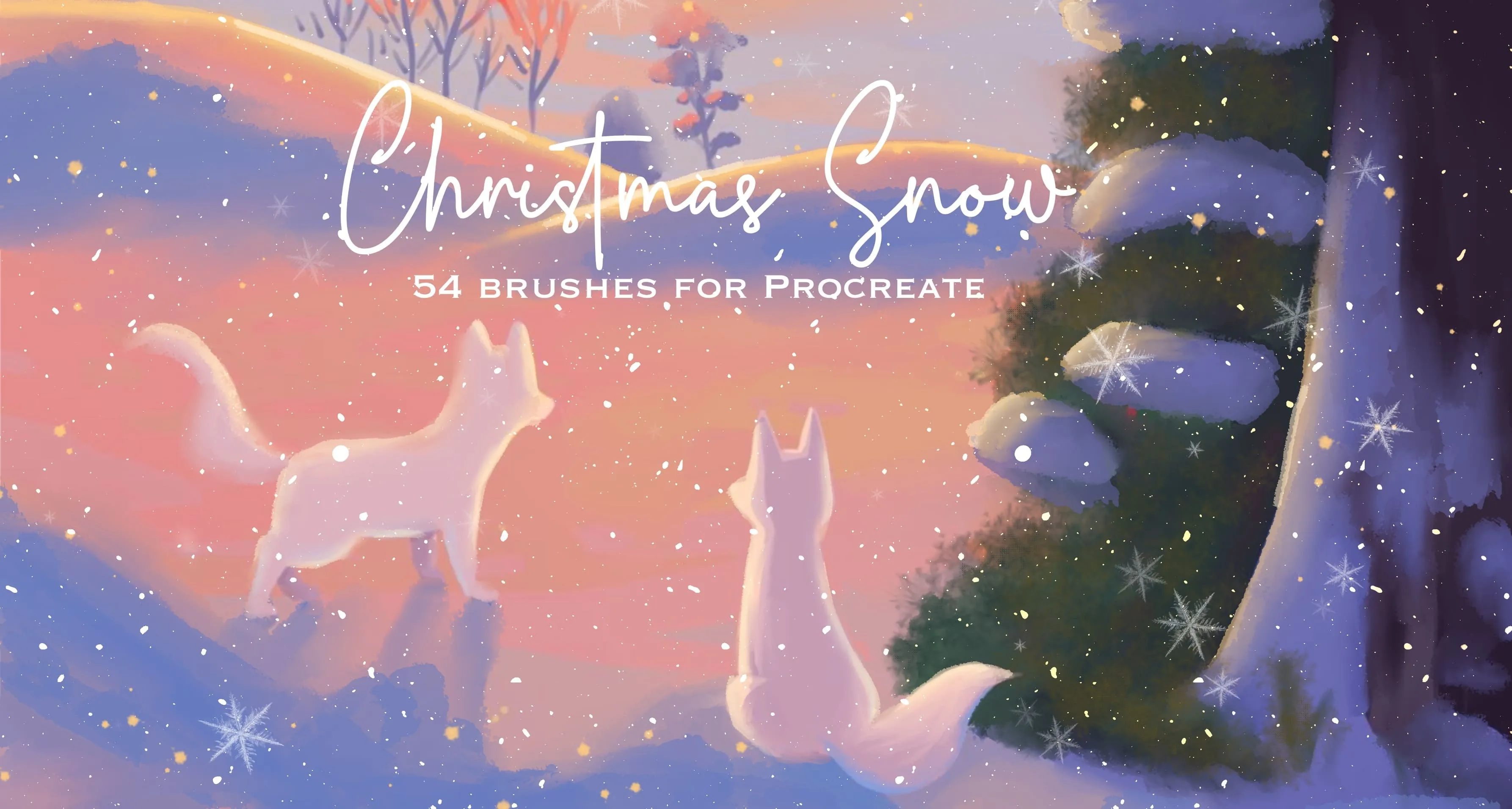
 Christmas Snow
falling snow, snow dust and sparkle
 Procreate Video
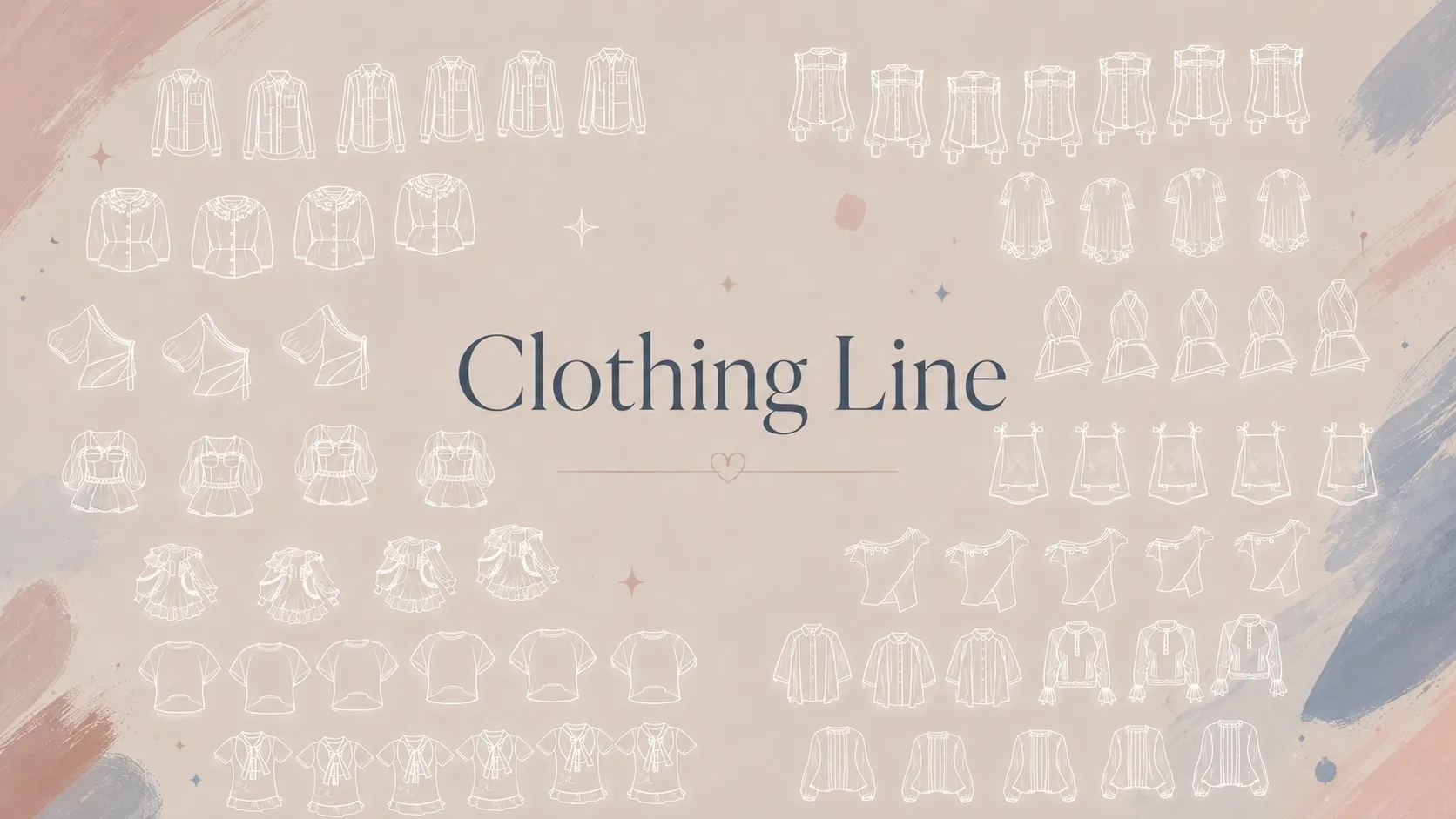
 Clothing Line
full wardrobe of tops, blouses and t-shirts
Procreate Video Clothing Line 2
full wardrobe of tops and blouses
 Procreate Video
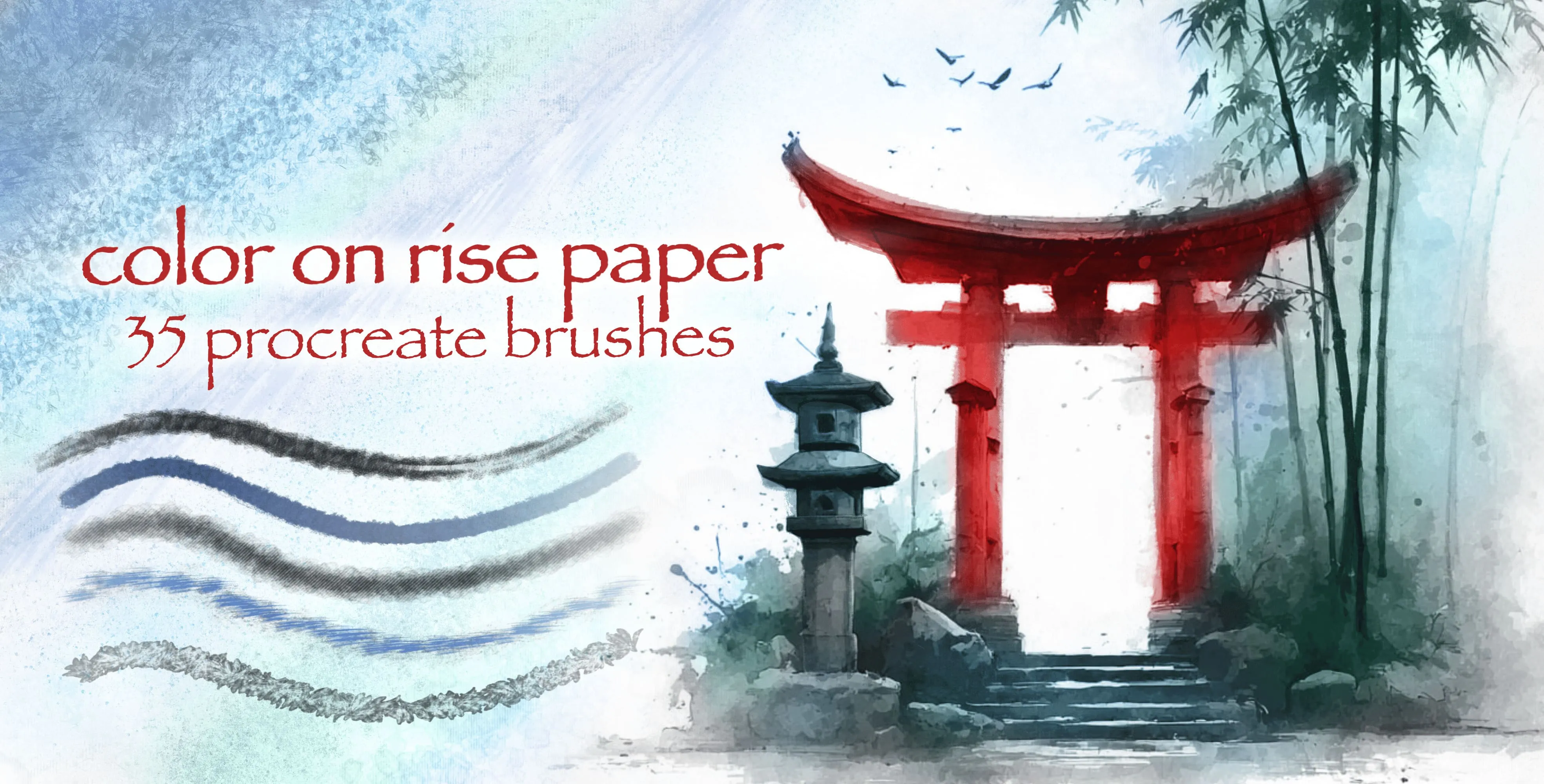
 Color On Rise Paper
ink and color washes
 Procreate Video
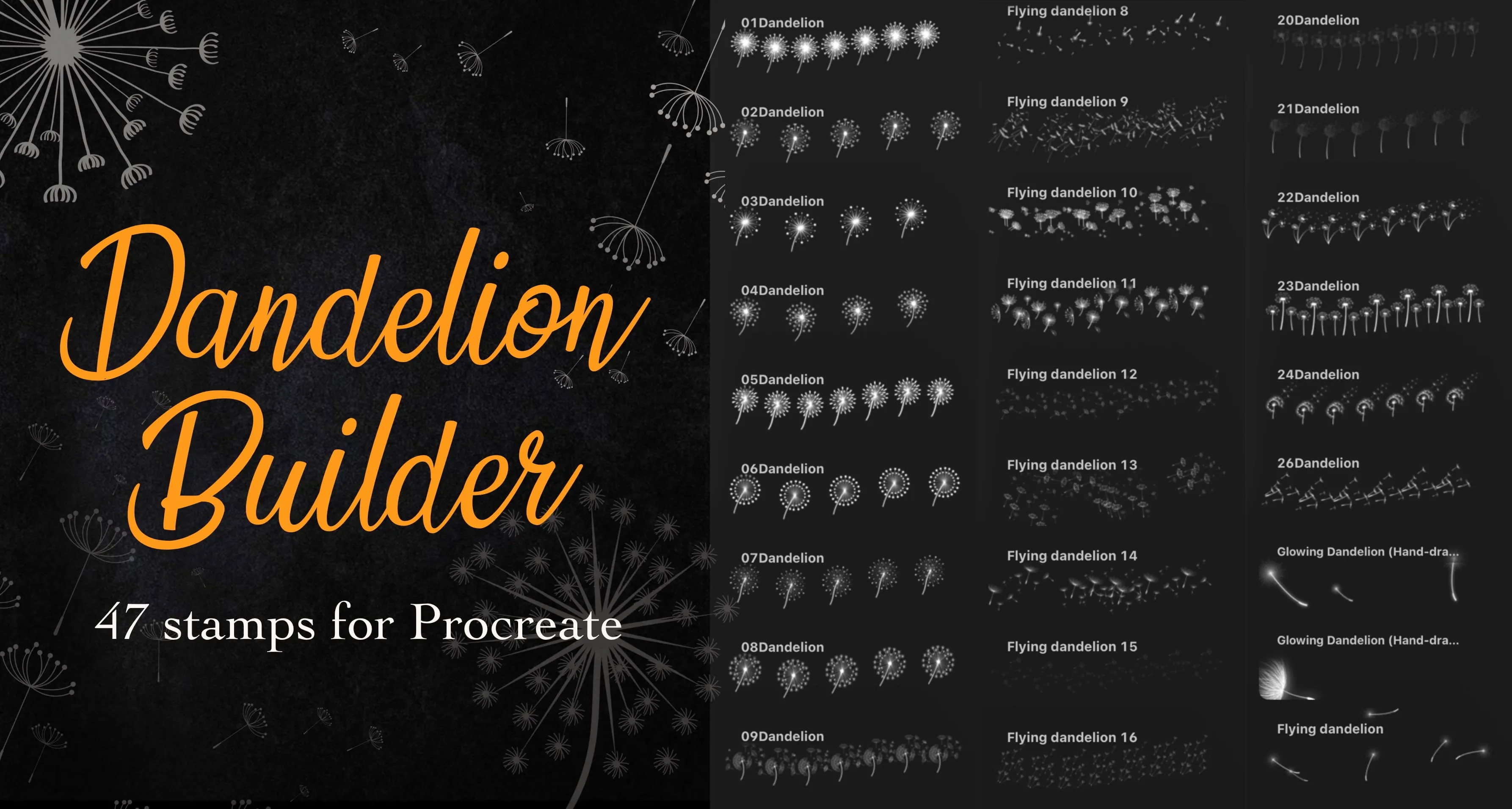
 Dandelion Builder
detailed dandelion seed heads and full dandelion
 Procreate Video
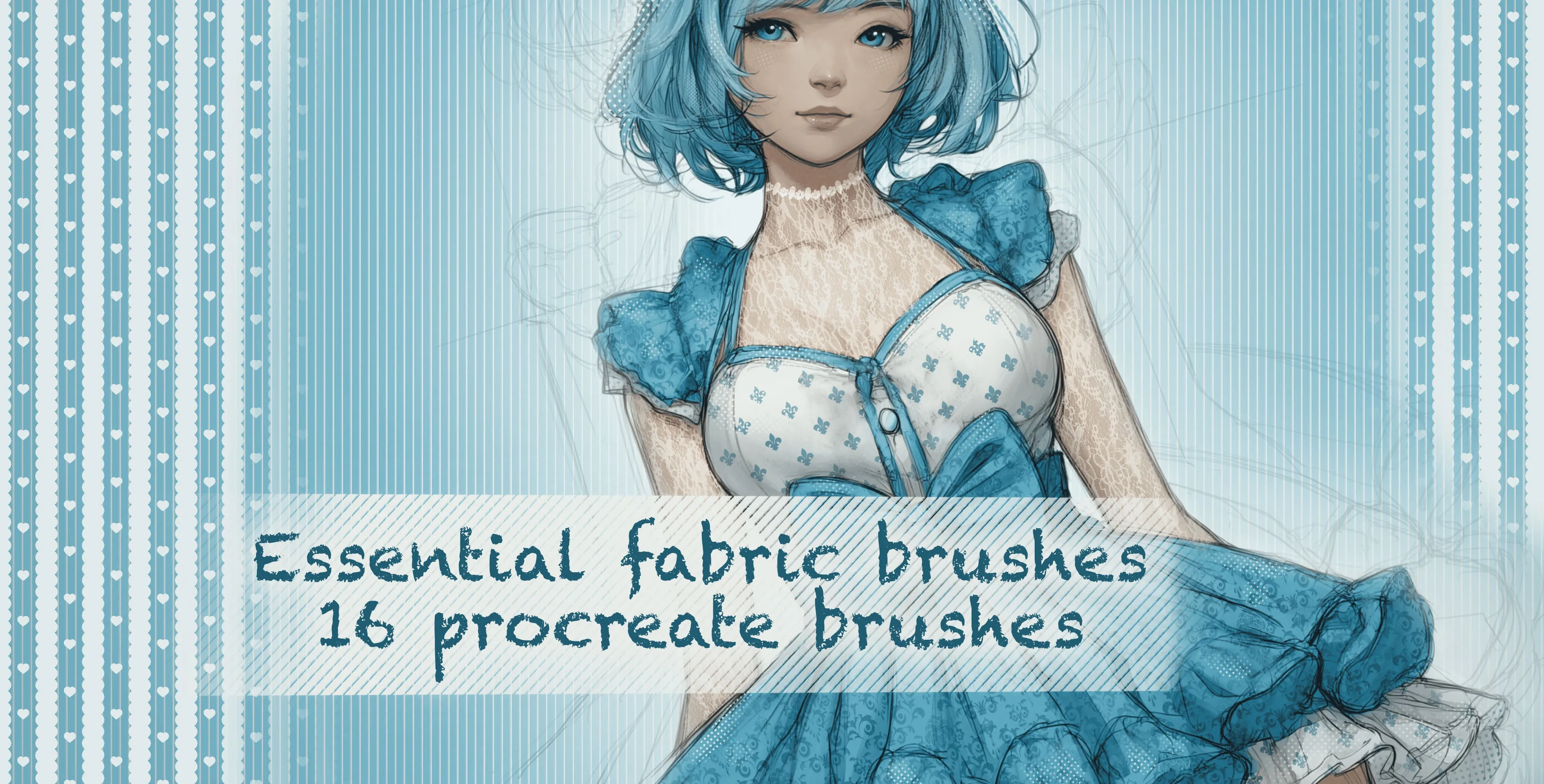
 Essential Fabric Brushes
floral, damask lace, fishnet and mesh
 Procreate Video
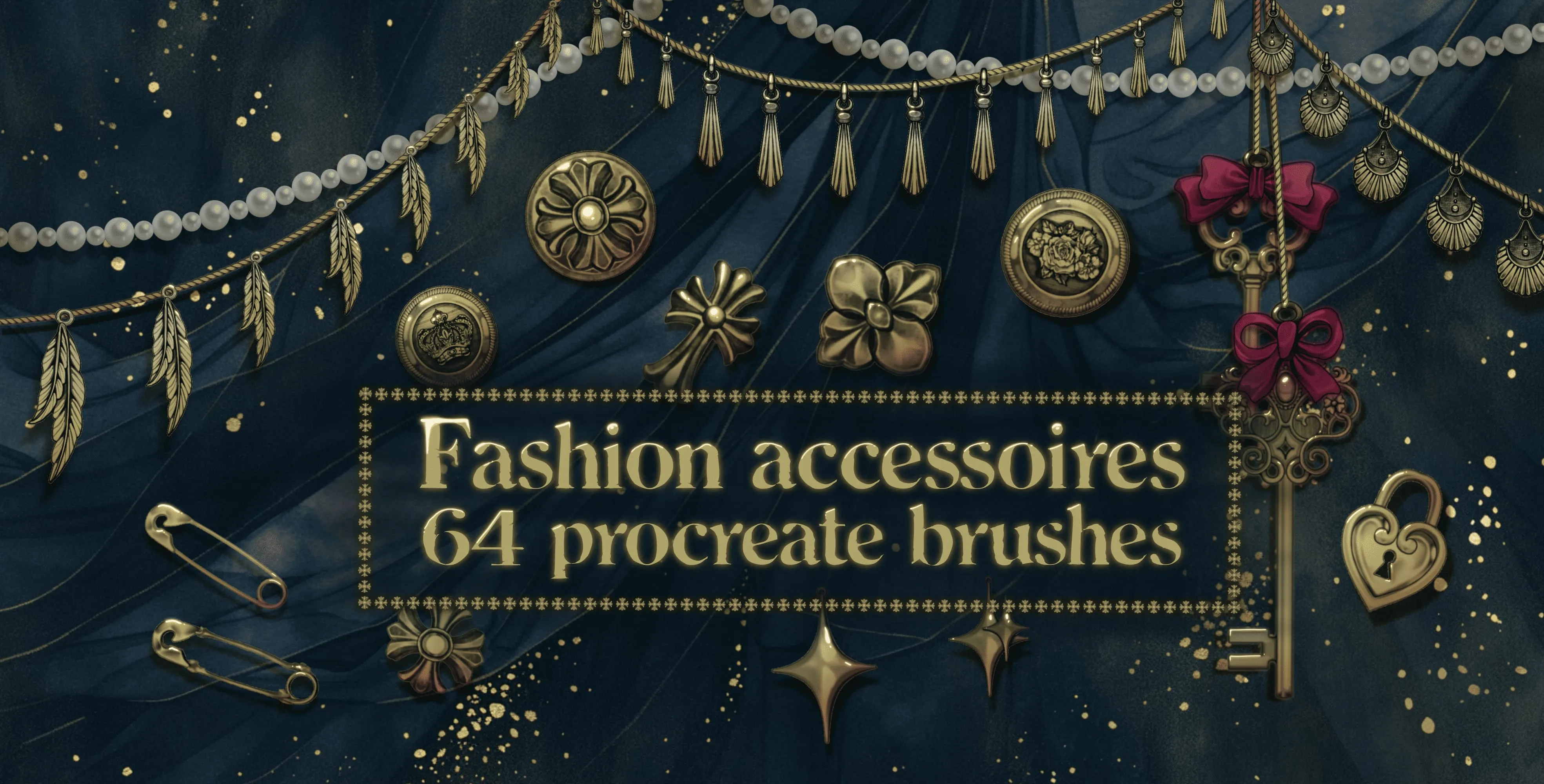
 Fashion Accessories
crosses and decorative buttons
 Procreate Video
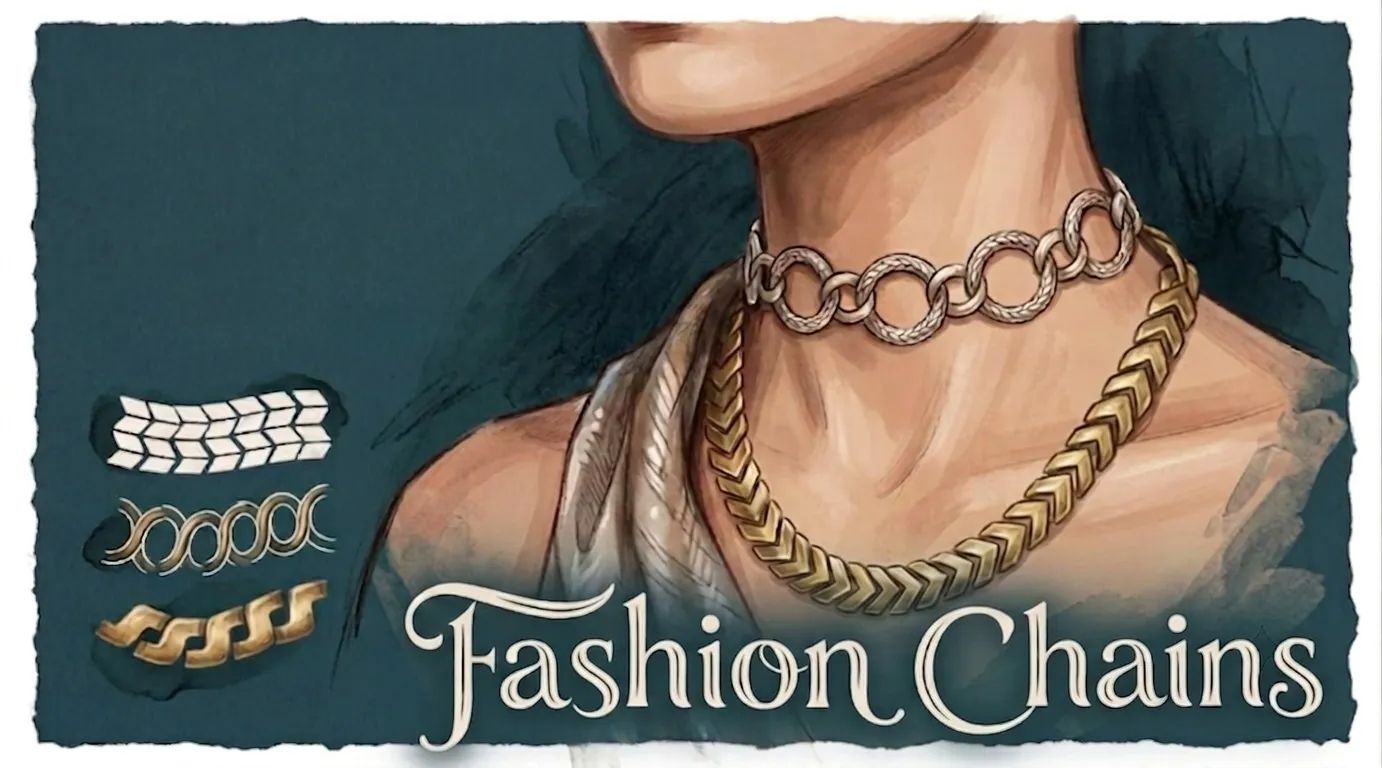
 Fashion Chains
cable, curb, figaro, rolo and box
 Procreate Video
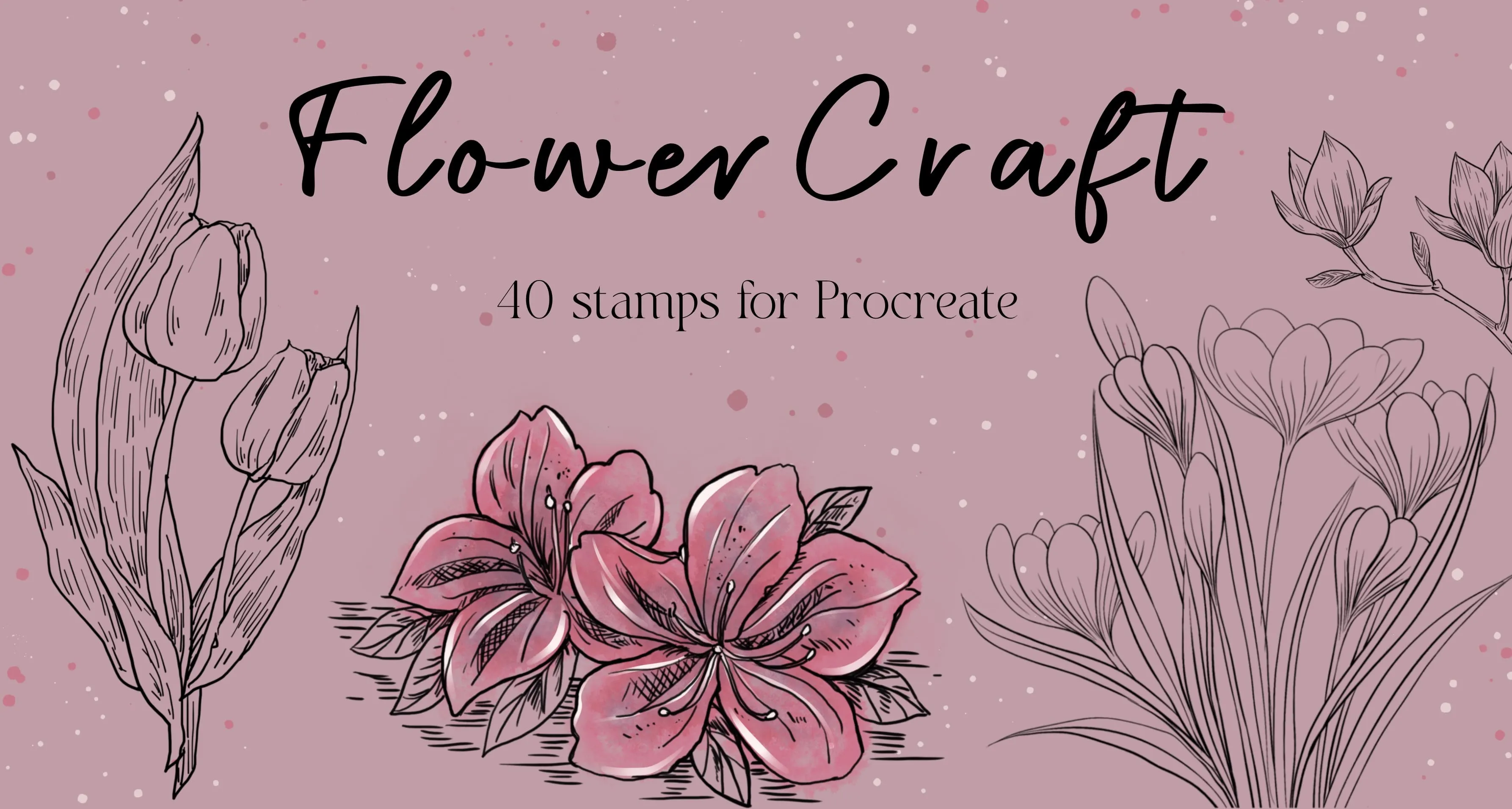
 FlowerCraft
roses, peony, camellia, magnolia, hydrangea, lotus, lily, iris, orchid, narcissus, tulip
 Procreate Video
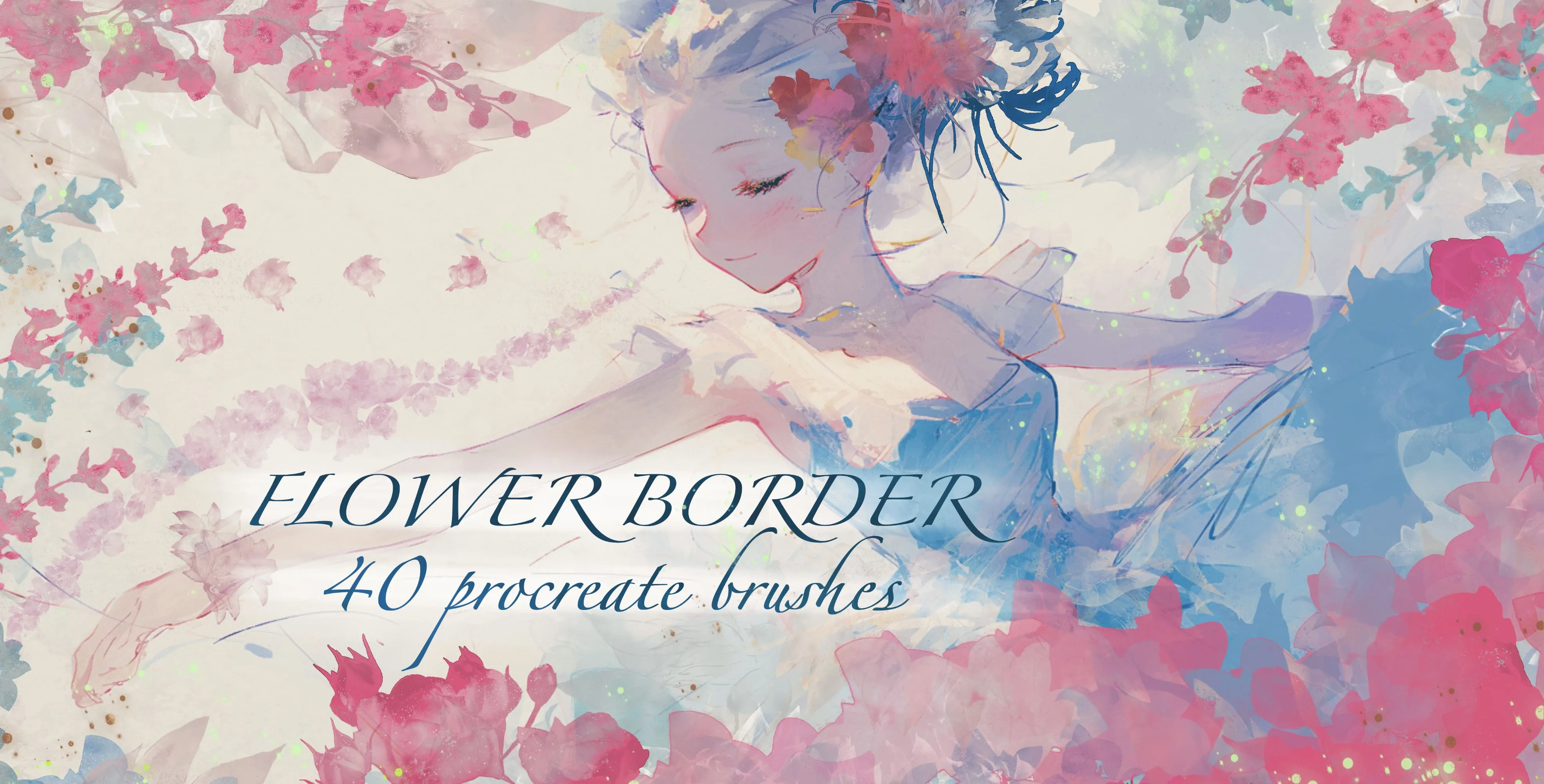
 Flower Border
roses, tulips, iris, peony, dahlia, hydrangea, carnations, blossoms
 Procreate Video
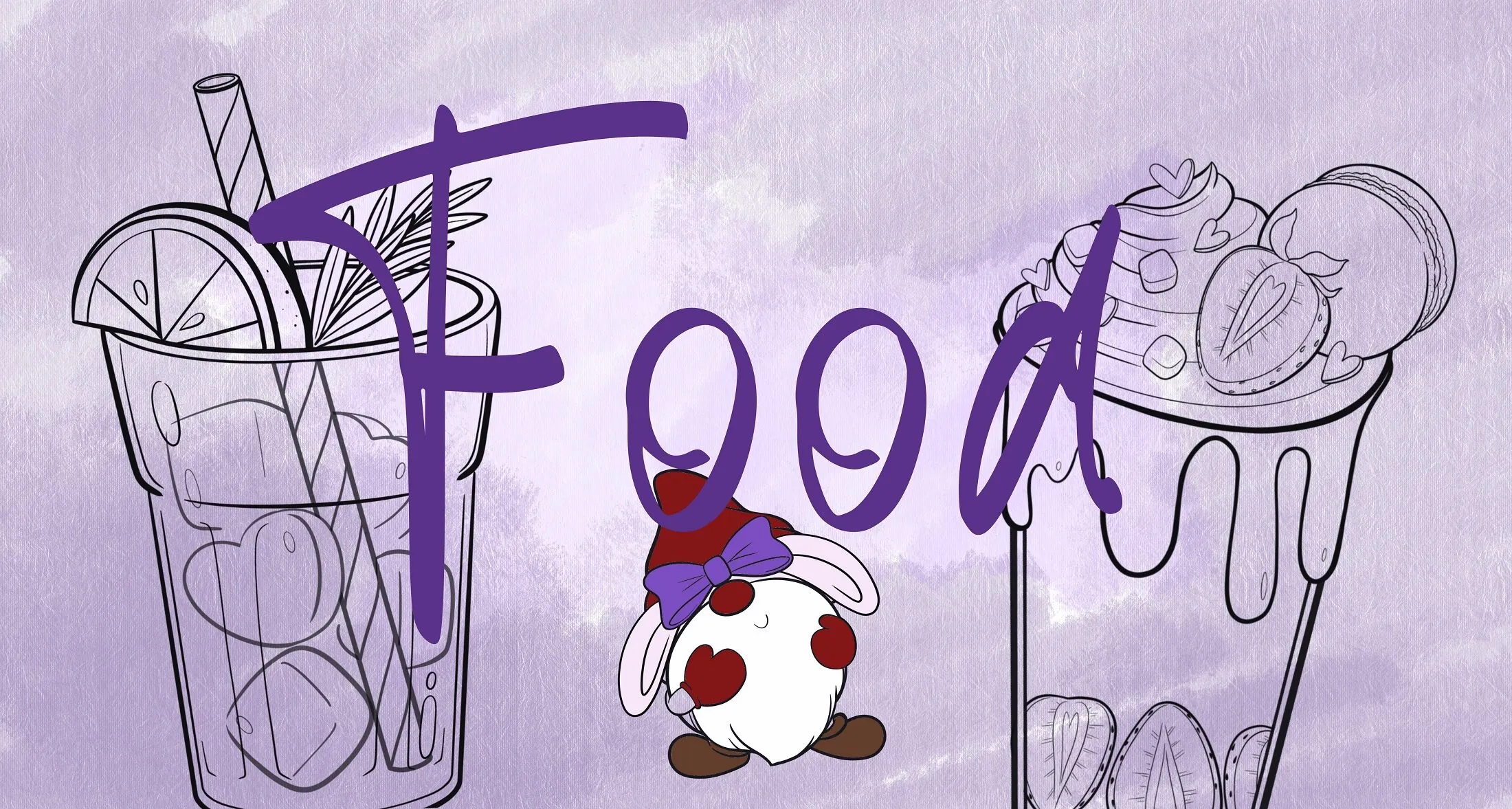
 Food
hearts, sprinkles, herb and laurel sprigs, a bow and a banner ribbon
 Procreate Video
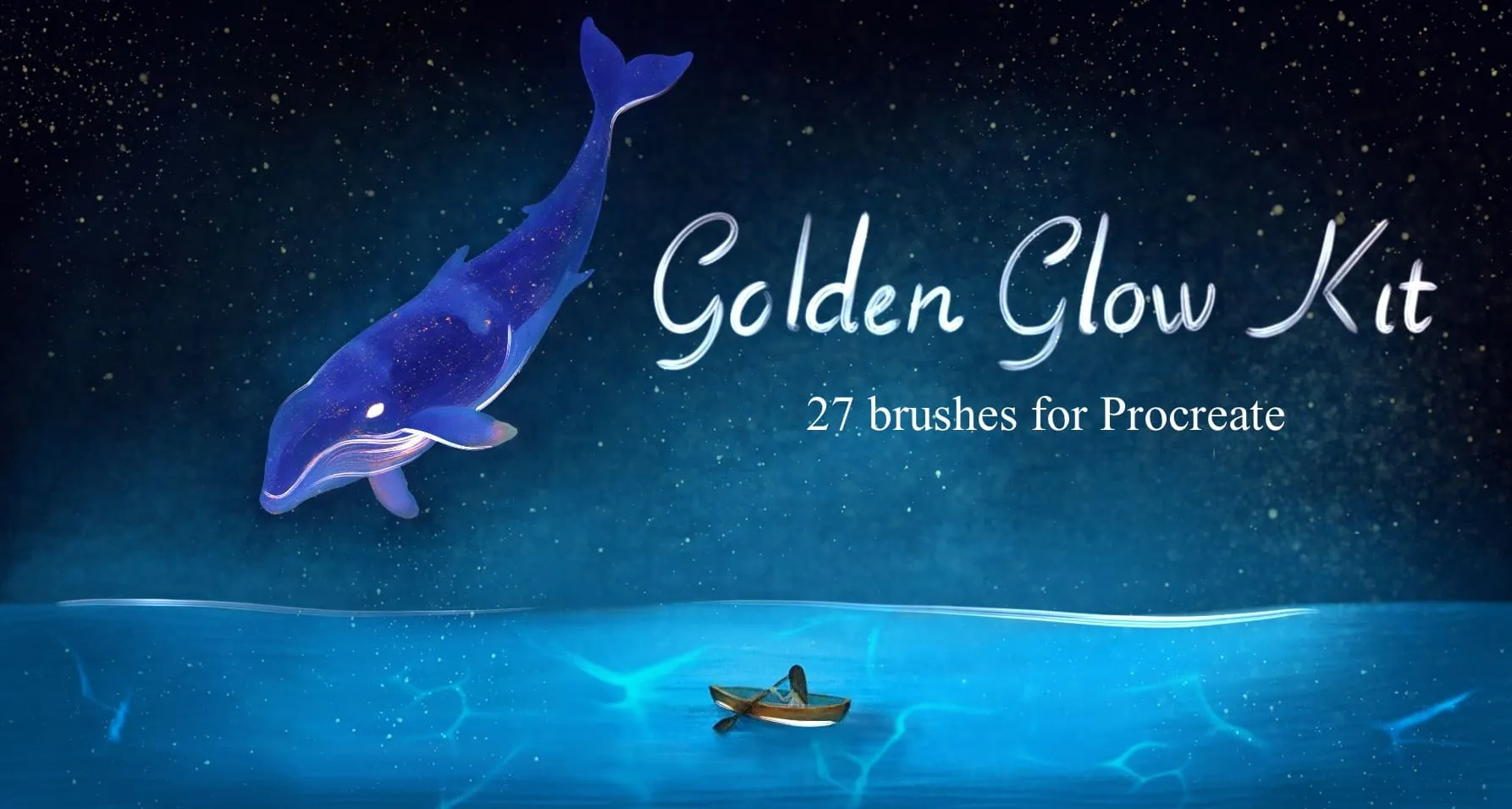
 Golden Glow Kit
gold leaf & brushed-metal textures, crumpled foil and metal-mesh surfaces
 Procreate Video
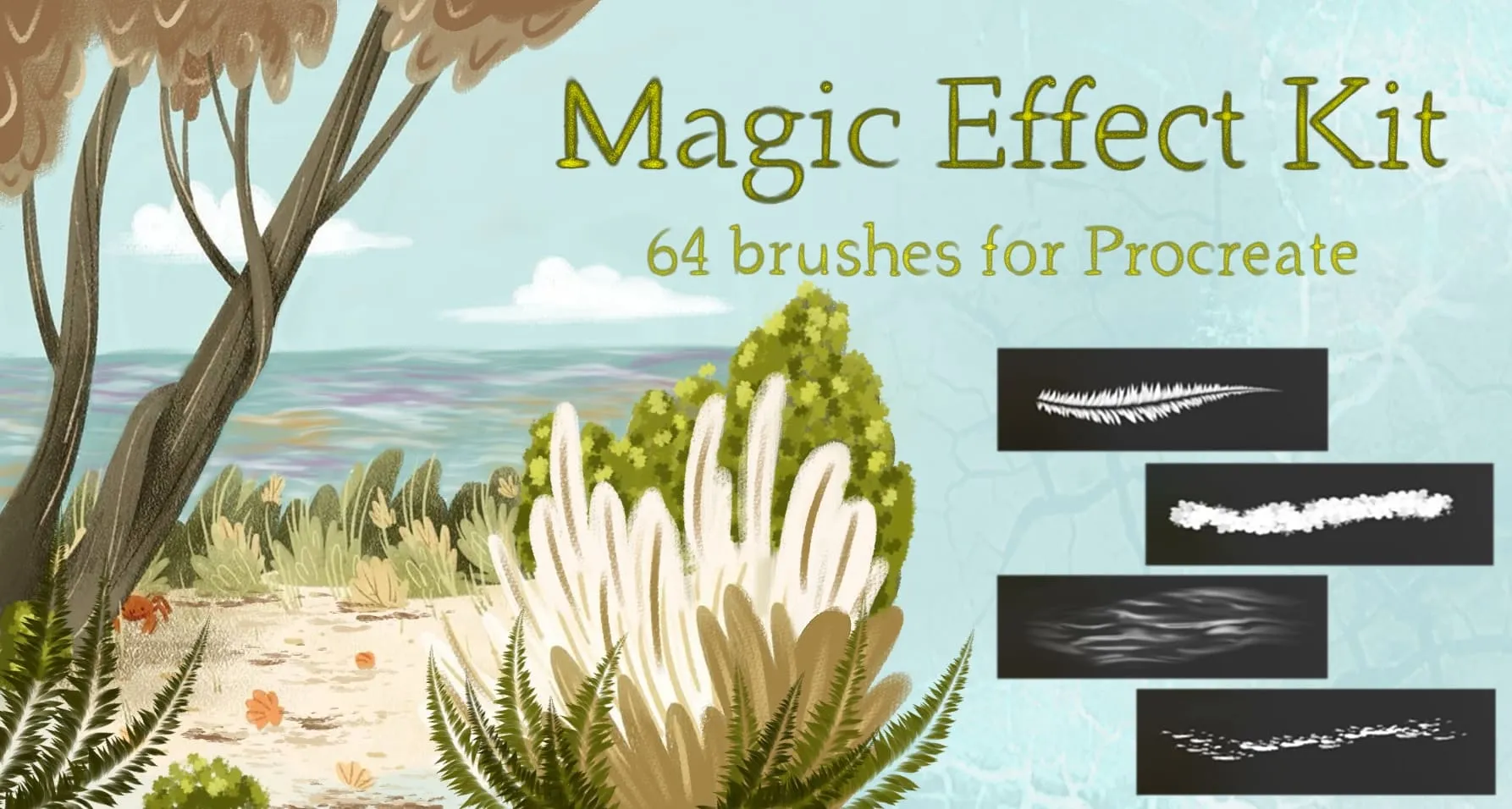
 Magic Effect Kit
nature elements, celestial, light and bubbles
 Procreate Video
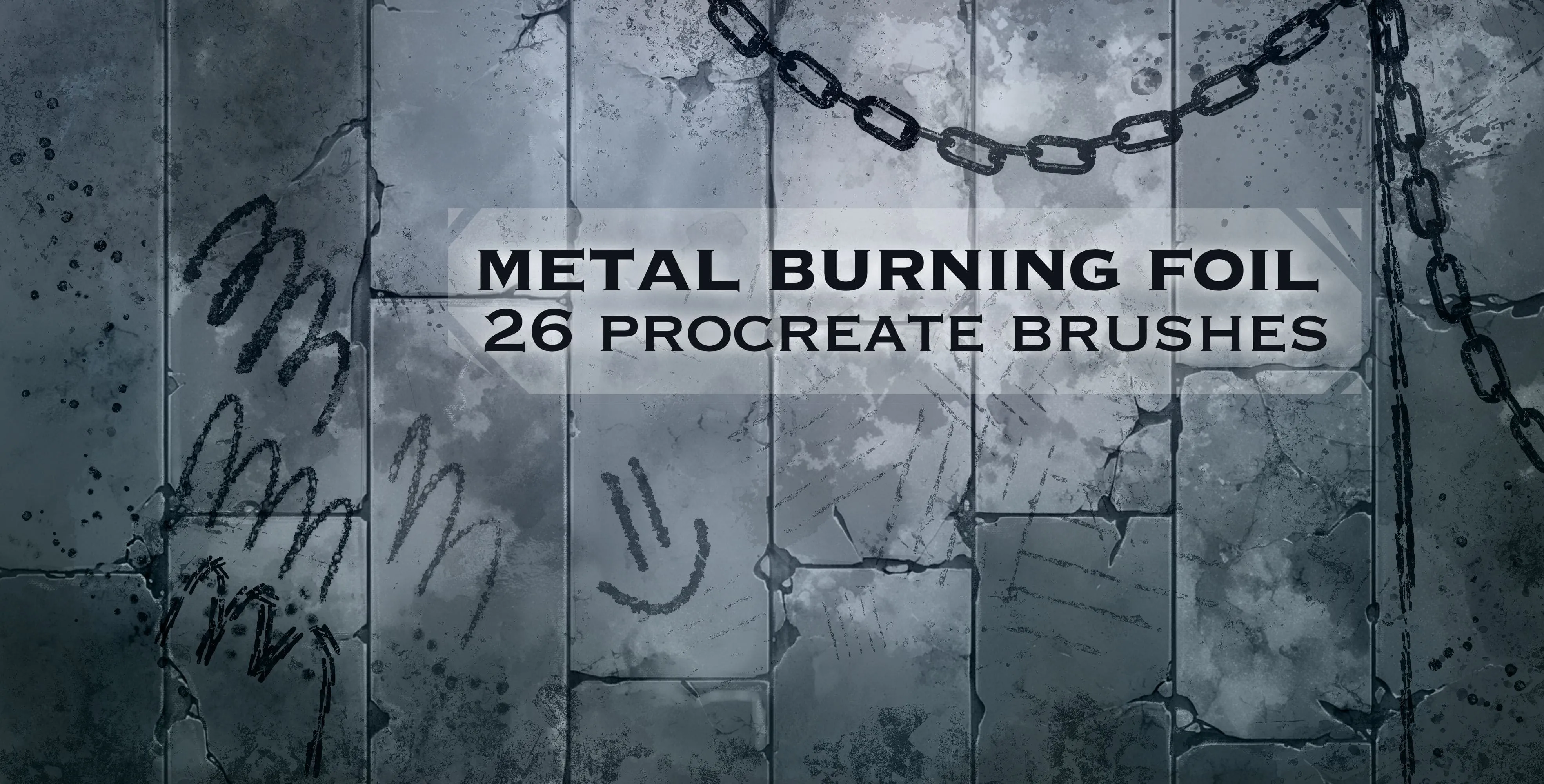
 Metal Burning Foil
heavy, fine metal and rusty
 Procreate Video
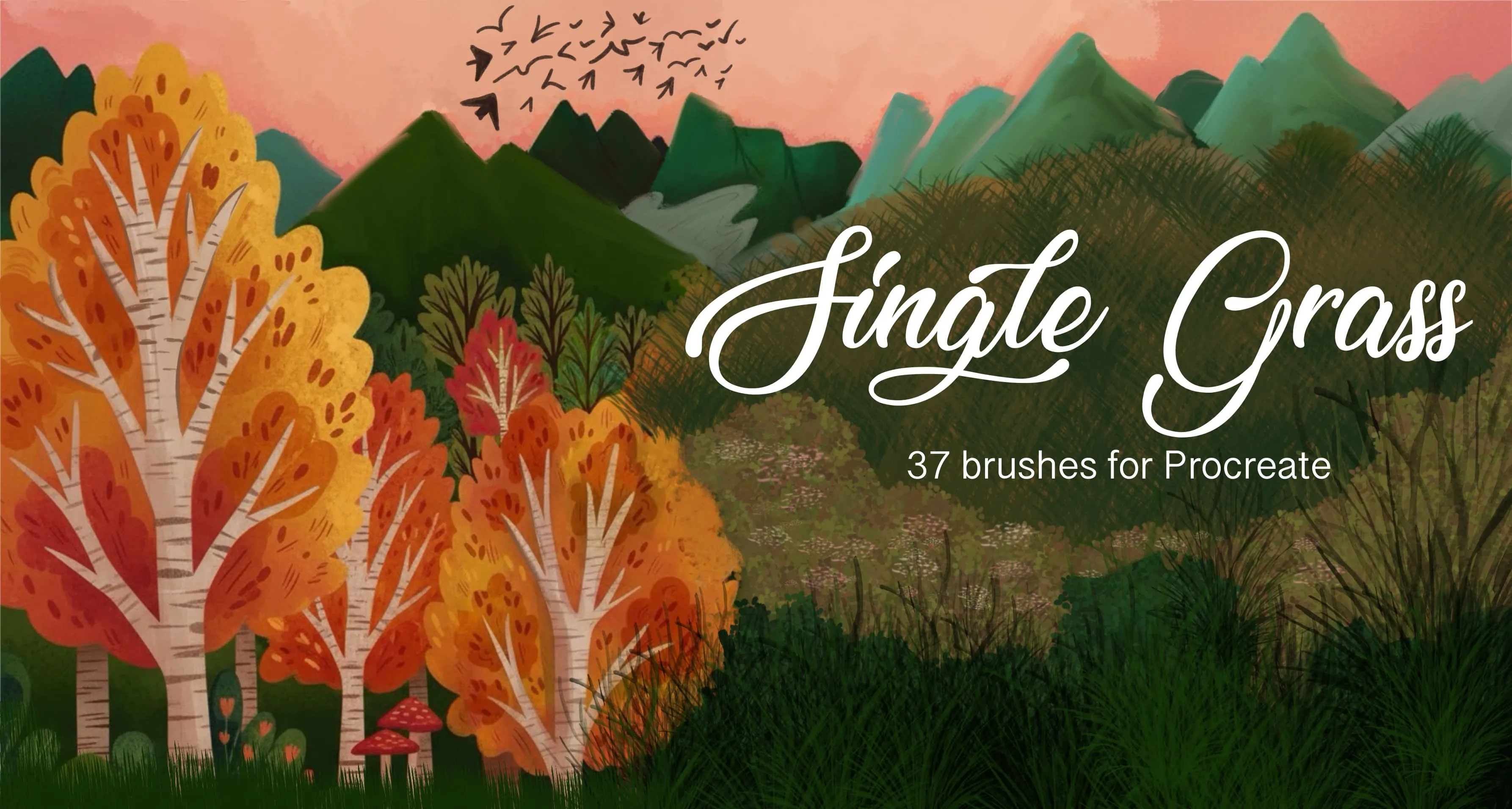
 Single Grass
single grass blades, sprigs and grass tufts
 Procreate Video
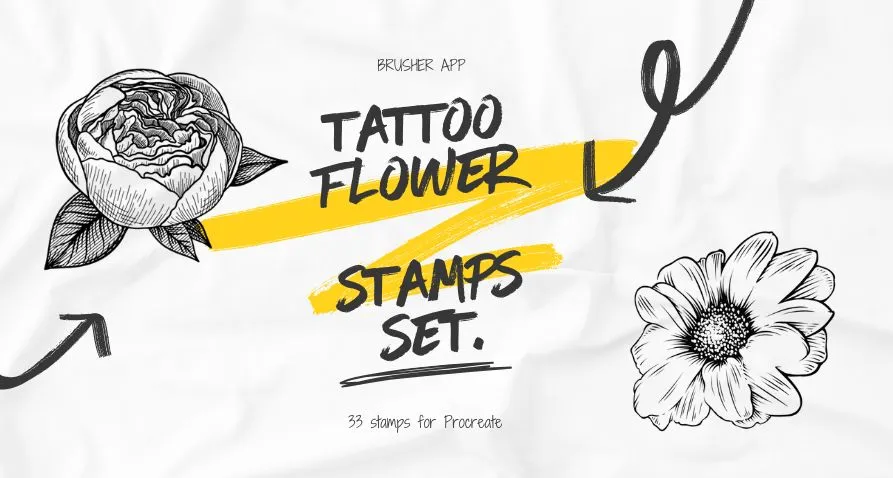
 Tattoo Flower
wildflower sprigs, fine-line botanical stems (lavender, poppy, tulip, carnation, lily of the valley, dandelion) and bold engraved blooms (peony, rose, chrysanthemum, magnolia)
 Procreate Video
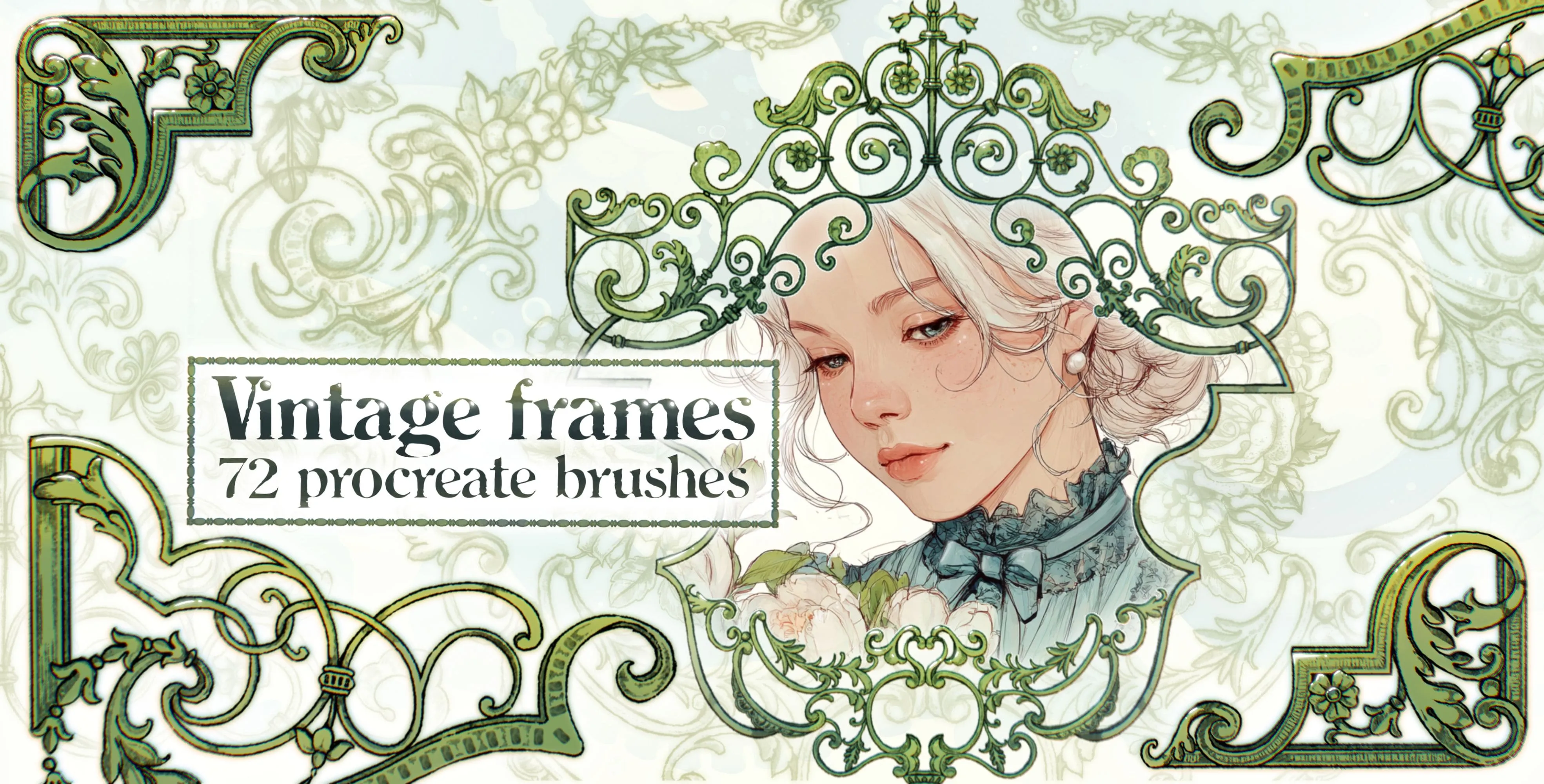
 Vintage Frames
ornate rectangle, portrait and shield
 Procreate Video
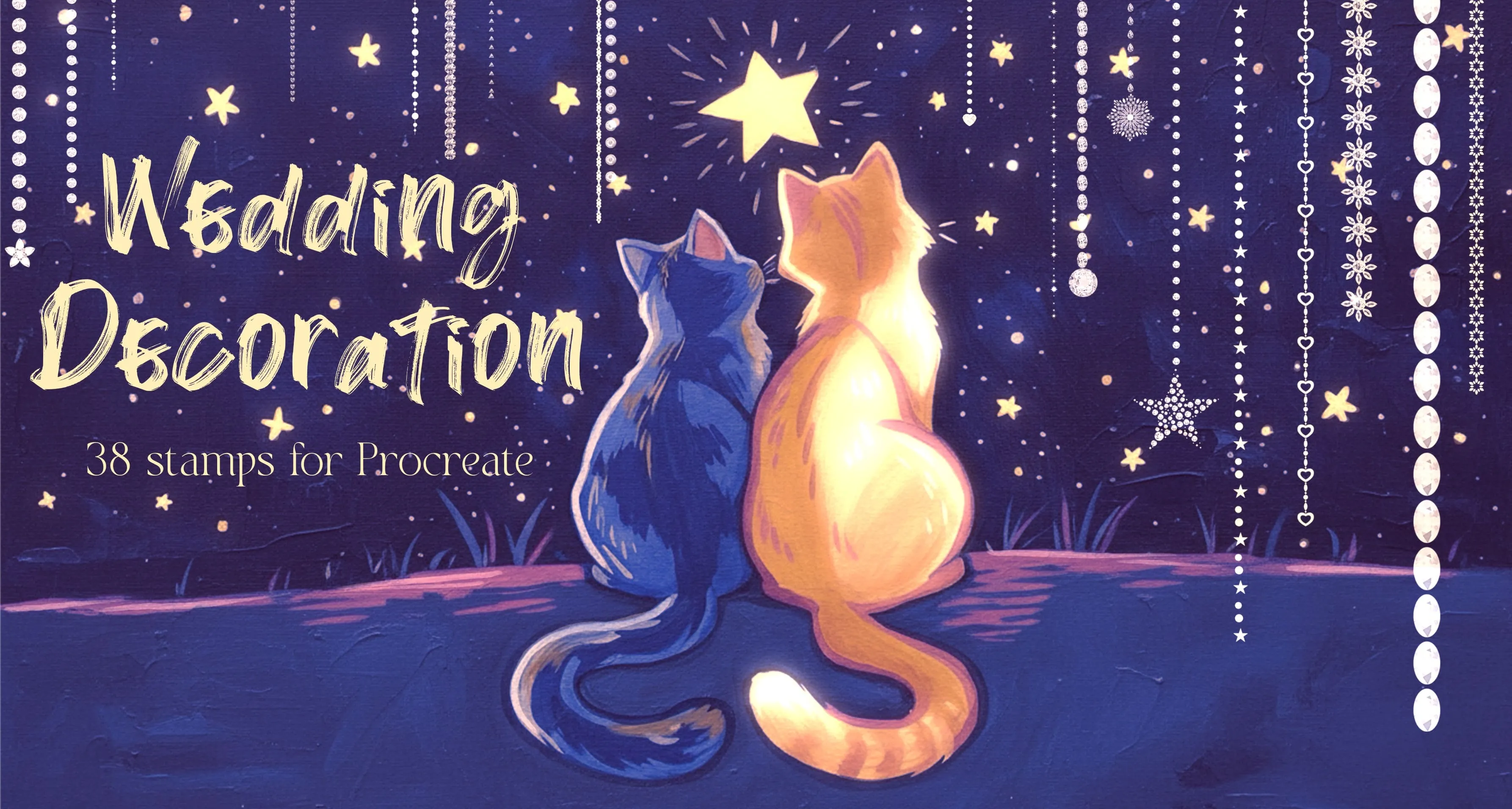
 Wedding Decoration
satin and pleated ribbons
Free from independent artists
Free stamp pattern sets by other artists — downloaded from the artist's own page.
 Free · external
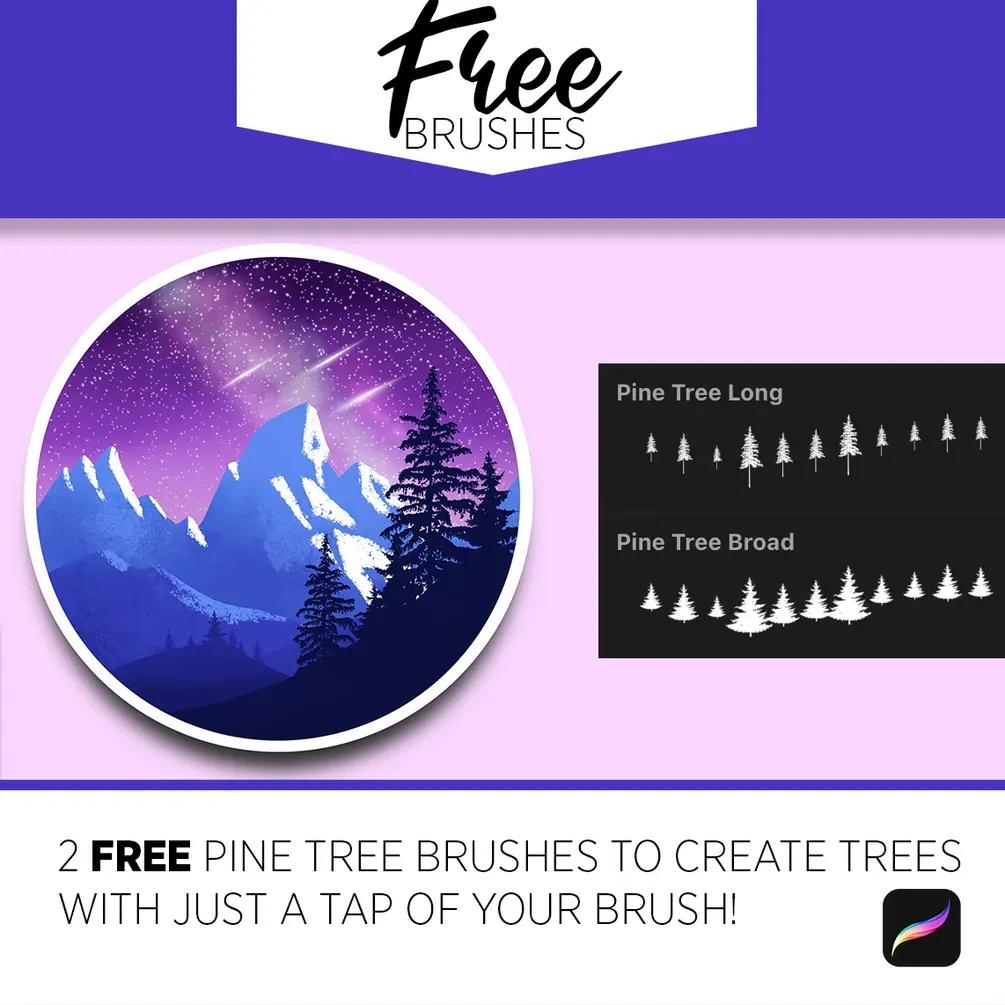
 Free Pine Tree Brushes
by Art with Flo
 Free · external
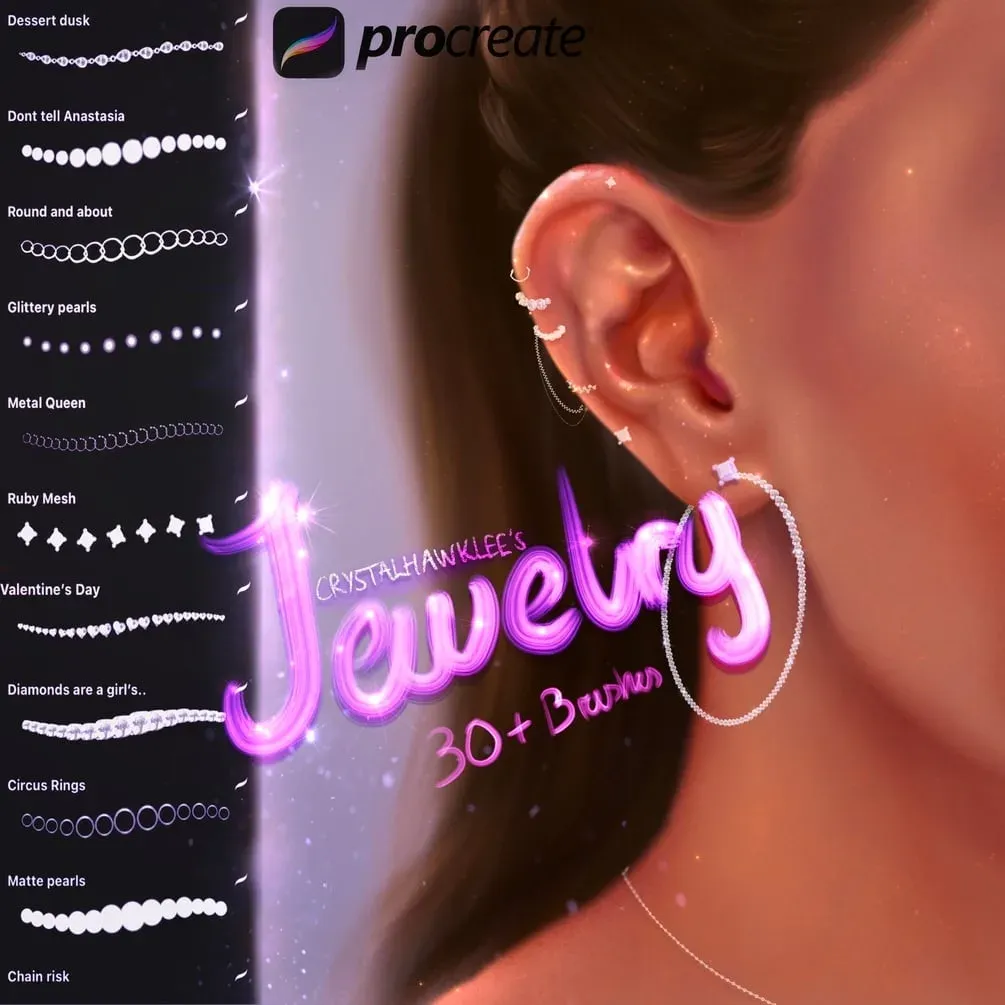
 30 FREE Jewelry Brushes
by crystalhawklee
 Free · external
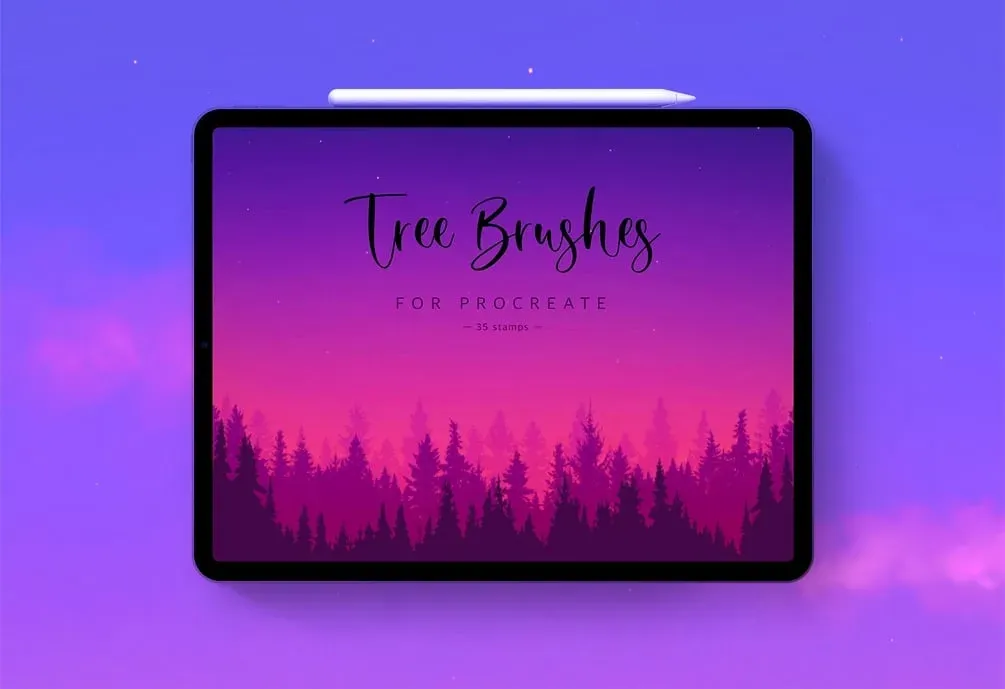
 35 Tree Stamps
by Zarlina
 Free · external
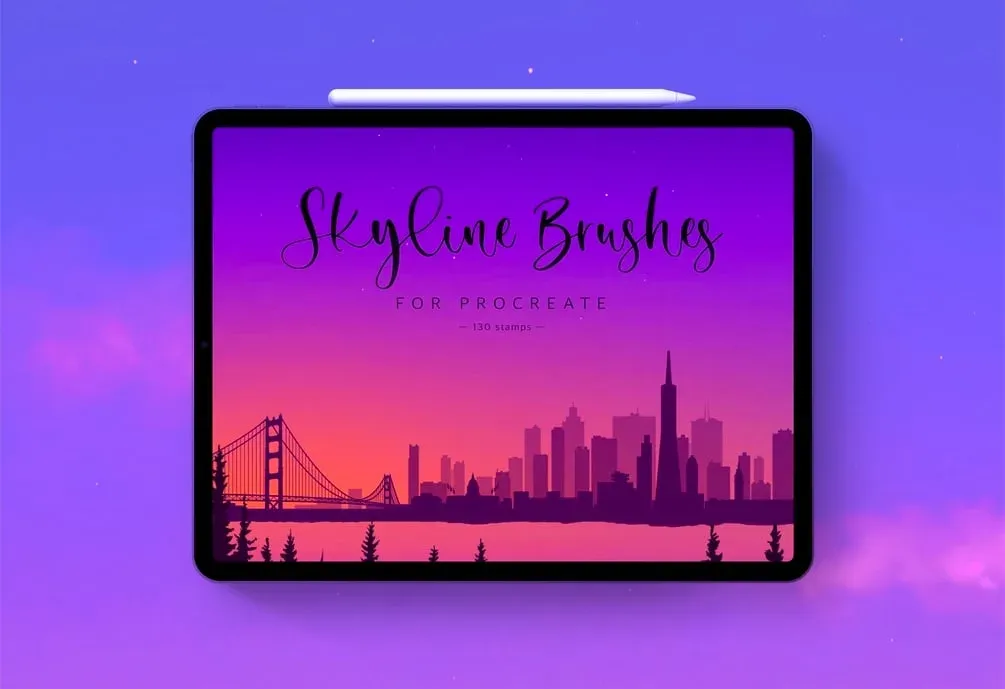
 130 Skyline Stamps
by Zarlina
 Free · external
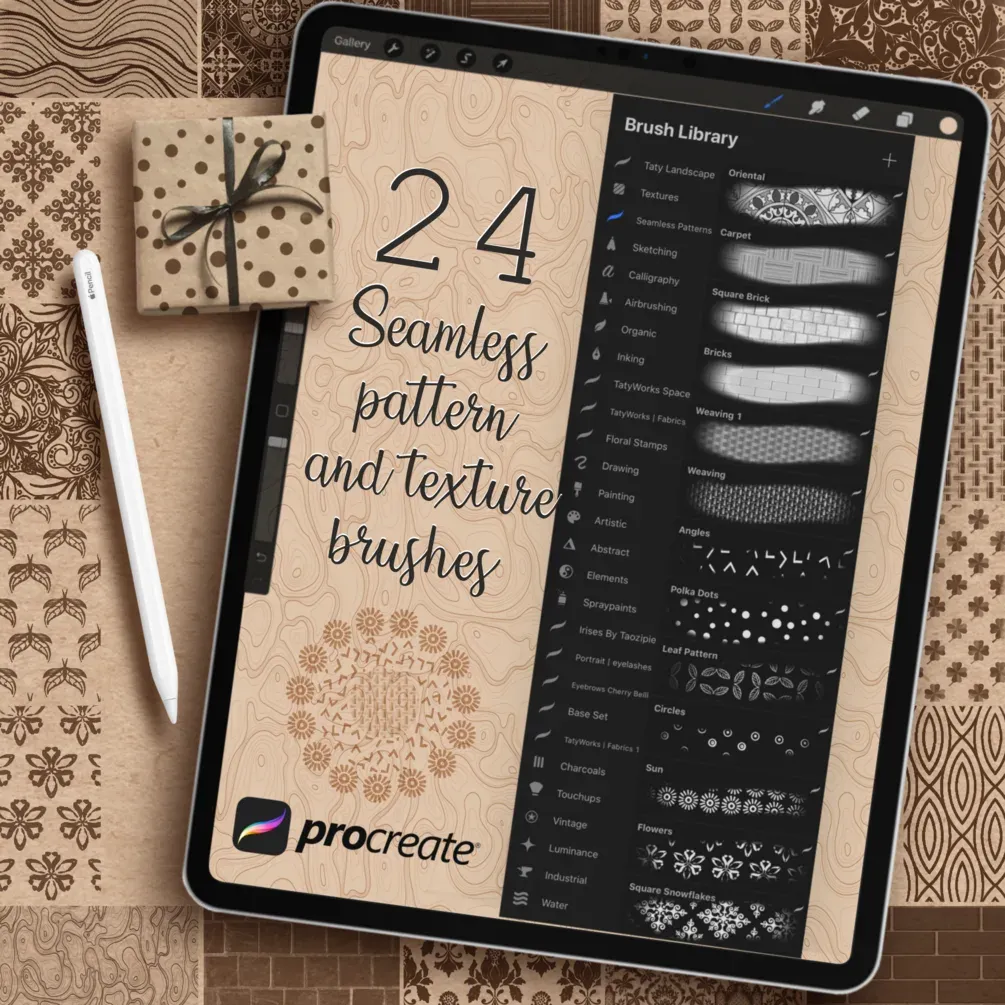
 Seamless Pattern and Texture Brushes
by Tatyworks
 Free · external
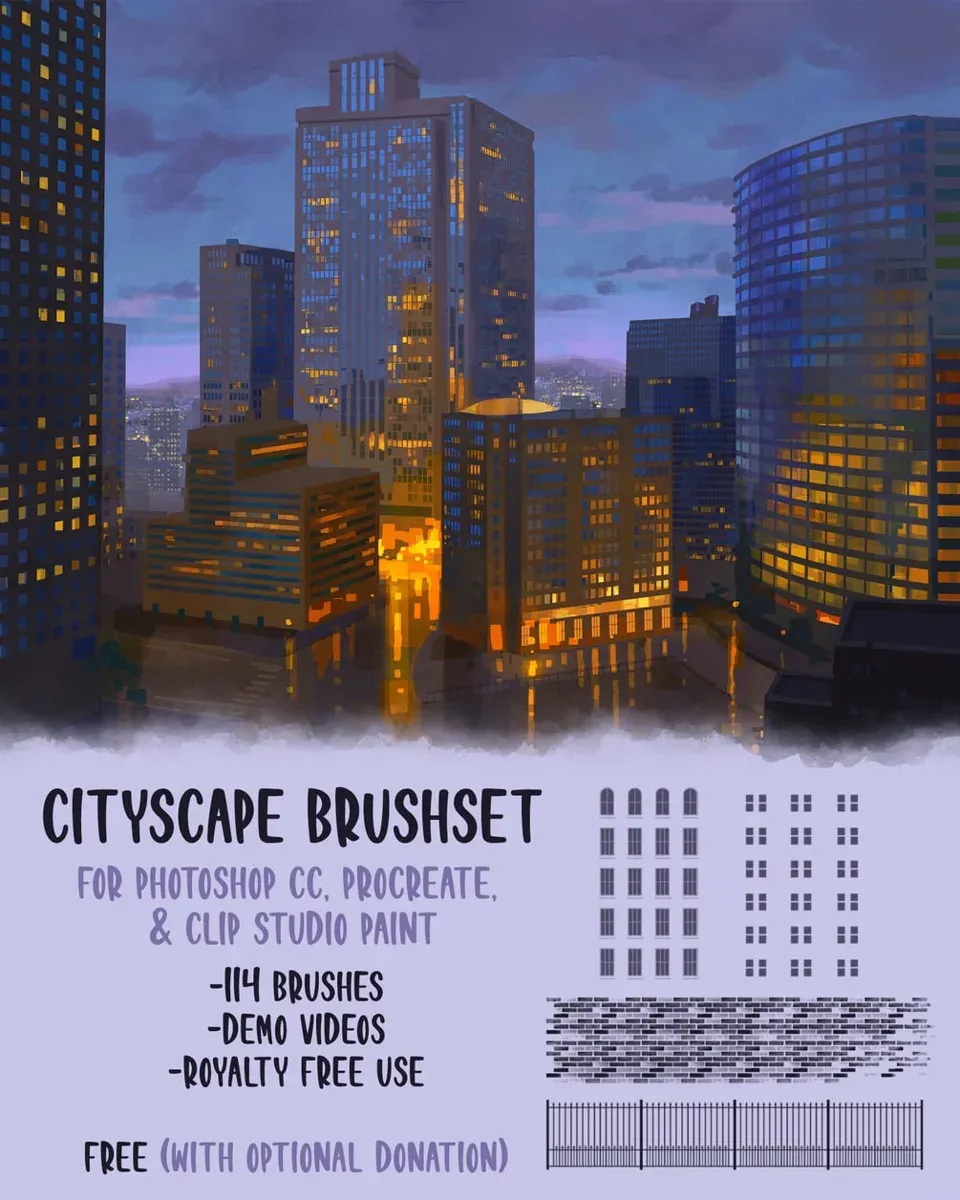
 City Brushset
by Devin Elle Kurtz
 Free · external
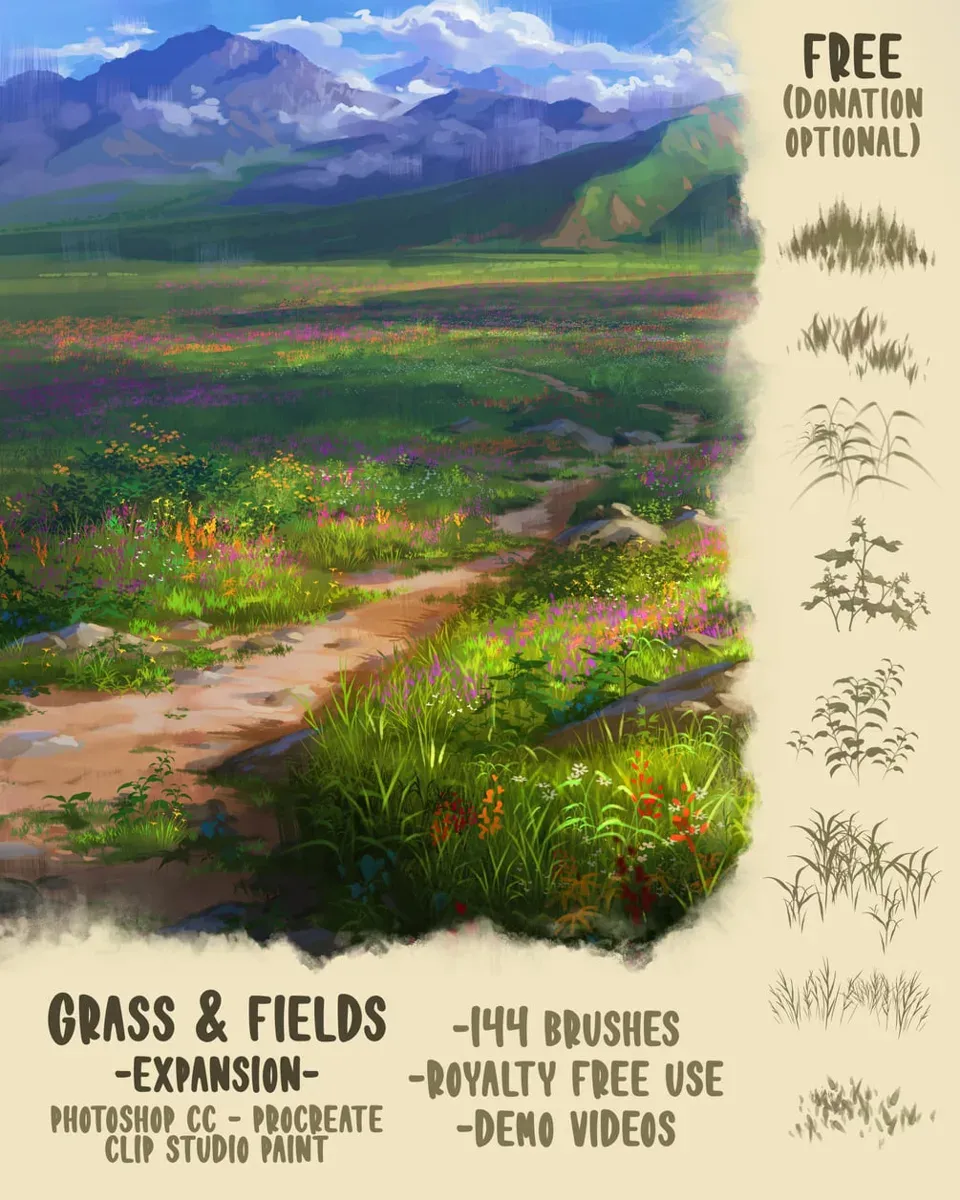
 Grass & Fields Brush Pack
by Devin Elle Kurtz
 Free · external
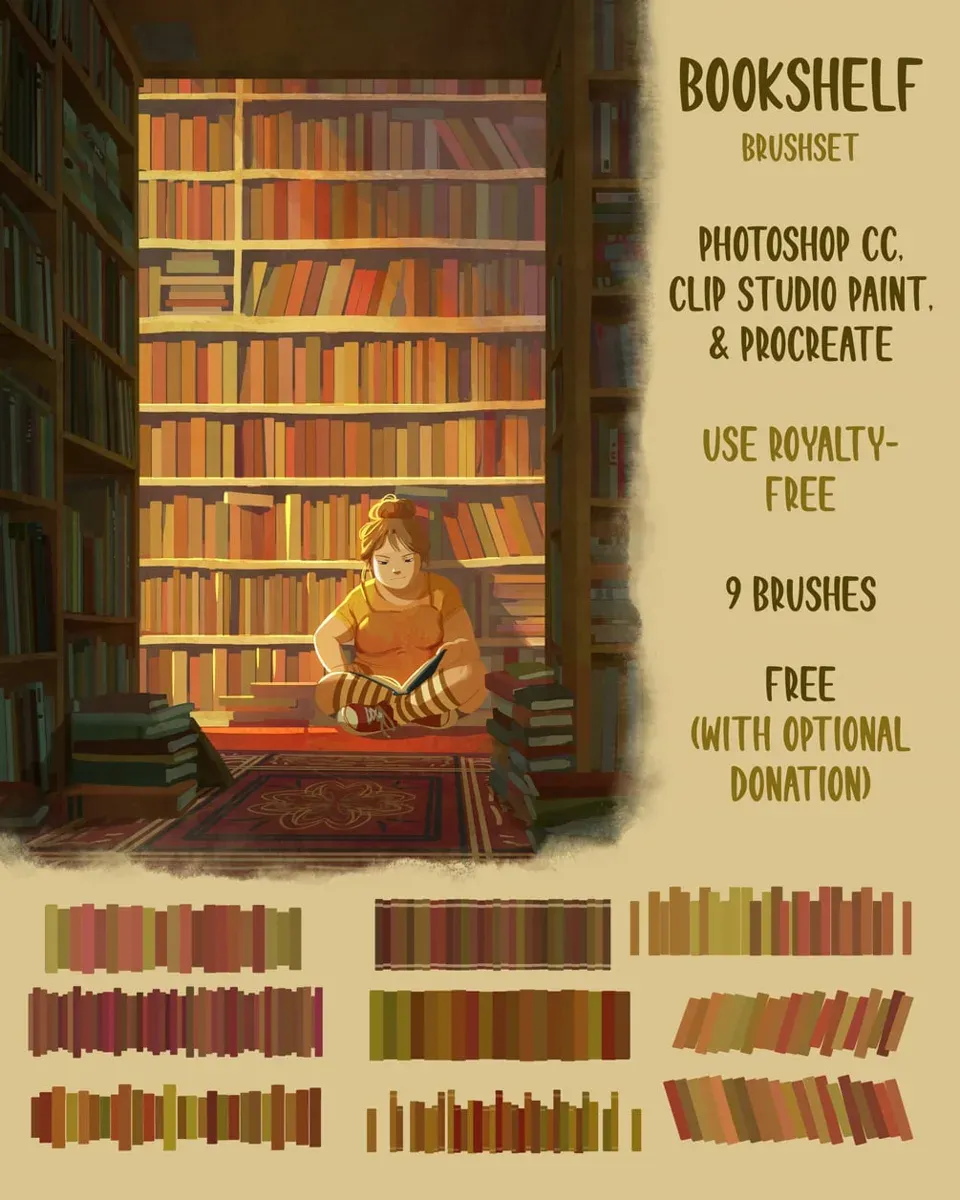
 Bookshelf Brushset
by Devin Elle Kurtz
 Scan → get the app
More brush packs in the app
The site is still filling up — the Brusher app already has the complete 200+ set library, with more stamp pattern packs, plus free brushes and free tools.
Stamp vs pattern — what's the difference?
A stamp brush deposits a single shape with one tap — a rose, a bubble, a butterfly. You place, scale and rotate each one individually, which is ideal for scattering elements or dropping a focal motif. A pattern brush repeats its shape continuously as you drag, so a single stroke lays a decorative border, a chain of stitches or a seamless run of texture.
In practice you use both together: pattern brushes to build the repeating structure of a design, stamps to add the individual accents that break up the repetition and keep it feeling handmade rather than mechanical.
Seamless fills and making your own stamps
For seamless backgrounds, drag a seamless pattern brush across a whole layer, or stamp a motif and use Procreate's transform-and-duplicate to tile it edge to edge. Keep the pattern on its own layer so you can recolour or scale the whole fill without disturbing your main artwork.
You can also make your own stamps: draw a shape in black on a transparent layer, then use it as a brush's Shape source in Brush Studio, and it becomes a one-tap stamp you can reuse forever. That's the same technique behind every stamp in these packs — see our guide on making your own Procreate brush to build a custom library.
Inside these stamp pattern packs
You might also like
Common questions
What's the difference between a stamp and a pattern?+
A stamp places a single shape with one tap, so you position and size each element yourself. A pattern brush repeats its shape continuously as you drag, laying a border or seamless fill in a single stroke. Stamps suit accents and focal motifs; patterns suit structure and backgrounds.
How do I use seamless patterns?+
Drag a seamless pattern brush across a full layer for an even fill, or stamp a motif and duplicate-and-transform it to tile edge to edge. Keeping the pattern on its own layer lets you recolour, scale or mask the whole fill without touching your main artwork.
Can I make my own stamps?+
Yes. Draw a shape in black on a transparent layer, then set it as the Shape source of a new brush in Brush Studio — it becomes a reusable one-tap stamp. Our guide on making your own Procreate brush walks through the full process.
What are the best stamps for backgrounds?+
Seamless pattern brushes and repeating decorative motifs work best for backgrounds — set them on their own layer at low opacity so they sit behind your subject. Nature and geometric stamps are especially versatile for building rich, non-distracting backdrops.