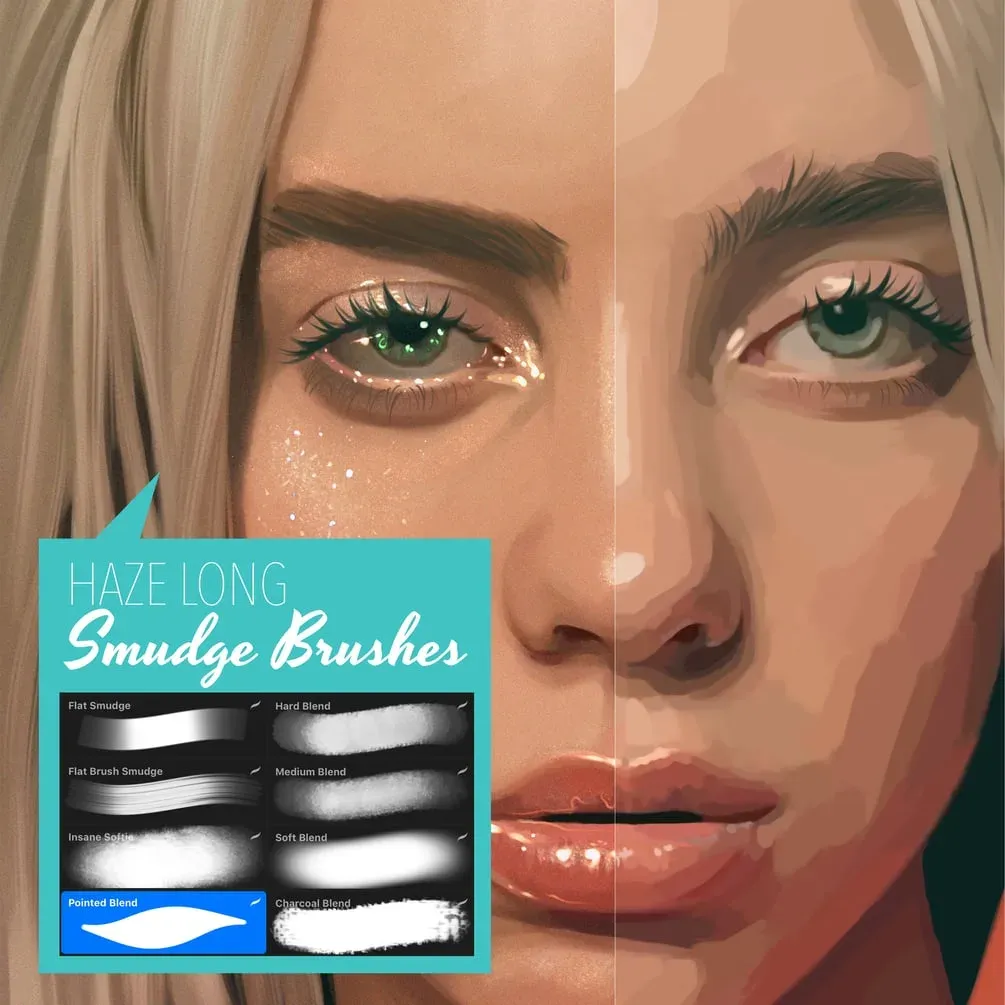
Haze Long smudge brushes
by Haze Long
- Brushes
- 8
- In the download
- 1 .brushset (8 brushes) + a Procreate blending tutorial file
- Works with
- Procreate
- Price
- Free ($0+) on Gumroad
Brusher doesn't host or sell this set — the download is on the author's page.

Brusher app for iPad & iPhone
Want more like this? 200+ sets in the Brusher app — plus free brushes and free tools.
Blending is where many digital paintings go muddy. Haze Long's eight free smudge brushes give you a choice of edge — from hard and textured to very soft — so you can blend without losing all the texture. The download also includes a Procreate file with a blending tutorial.
It is on Haze Long's Gumroad page; Brusher does not host it. Haze Long's free watercolor set is on Brusher too.
Choosing the right blend
- Hard Blend, Medium Blend, Soft Blend — the same blender at three softness levels
- Charcoal Blend — keeps a grainy, drawn texture
- Flat Smudge and Flat Brush Smudge — directional blending with bristle marks
- Insane Softie — the softest, for skin and skies
- Pointed Blend — for small areas and edges
The brushes
-
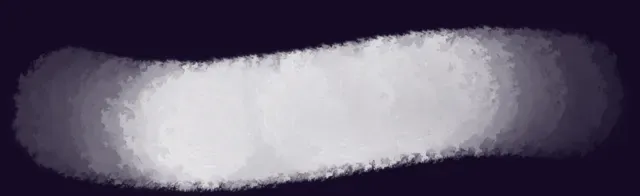
Hard Blend
-
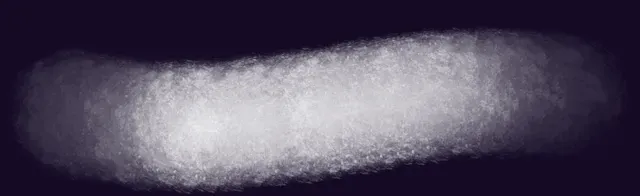
Medium Blend
-

Soft Blend
-
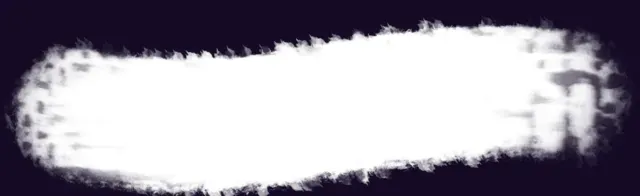
Charcoal Blend
-
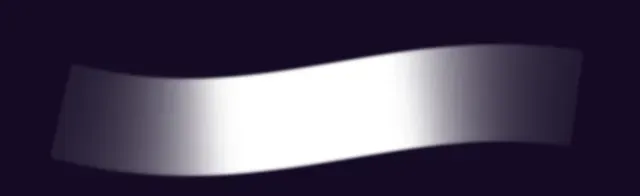
Flat Smudge
-
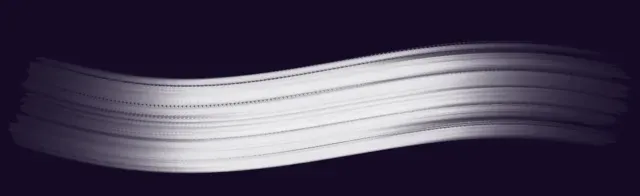
Flat Brush Smudge
-
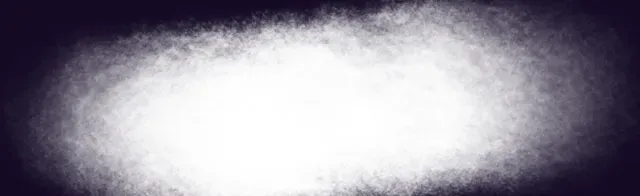
Insane Softie
-

Pointed Blend
Frequently asked questions
Which smudge brush should I start with?+
Medium Blend for most transitions; switch to Hard Blend where you want texture to stay and Insane Softie for very smooth areas.
How do I download it?+
Gumroad asks you to type a price — enter 0 and your email, and the download link appears right away (it is also emailed to you). The author recommends downloading on the iPad itself.
 Scan → get the app
More blending brushes in the app
The Brusher app has the full 200+ set library, blending included — one subscription instead of buying packs one at a time.
More free brushes
All free Procreate brushes
Every free set on Brusher, sorted by style.
Blending Procreate Brushes
Blending and shading Procreate brushes for iPad: smooth smudge, soft shader, gradient transitions. Free & premium packs.
Watercolor Procreate Brushes
Download watercolour Procreate brushes for iPad: realistic wet edges, bleeding effects and wash textures. Watercolor sets for 2026 — free & premium.