Free Grain Brushes for Procreate
By the Brusher team — brush-makers & digital artists · Updated August 2026
Grain is the fastest way to make flat digital color feel printed, tactile and alive — and it's the one thing most free brush collections skip. So we made our grain set free: Whole Grain Brushes, 25 texture brushes for Procreate, is now a direct download. No signup, no email, no watermark — grab the .brushset and it installs into Procreate in one tap.
What's inside the free pack
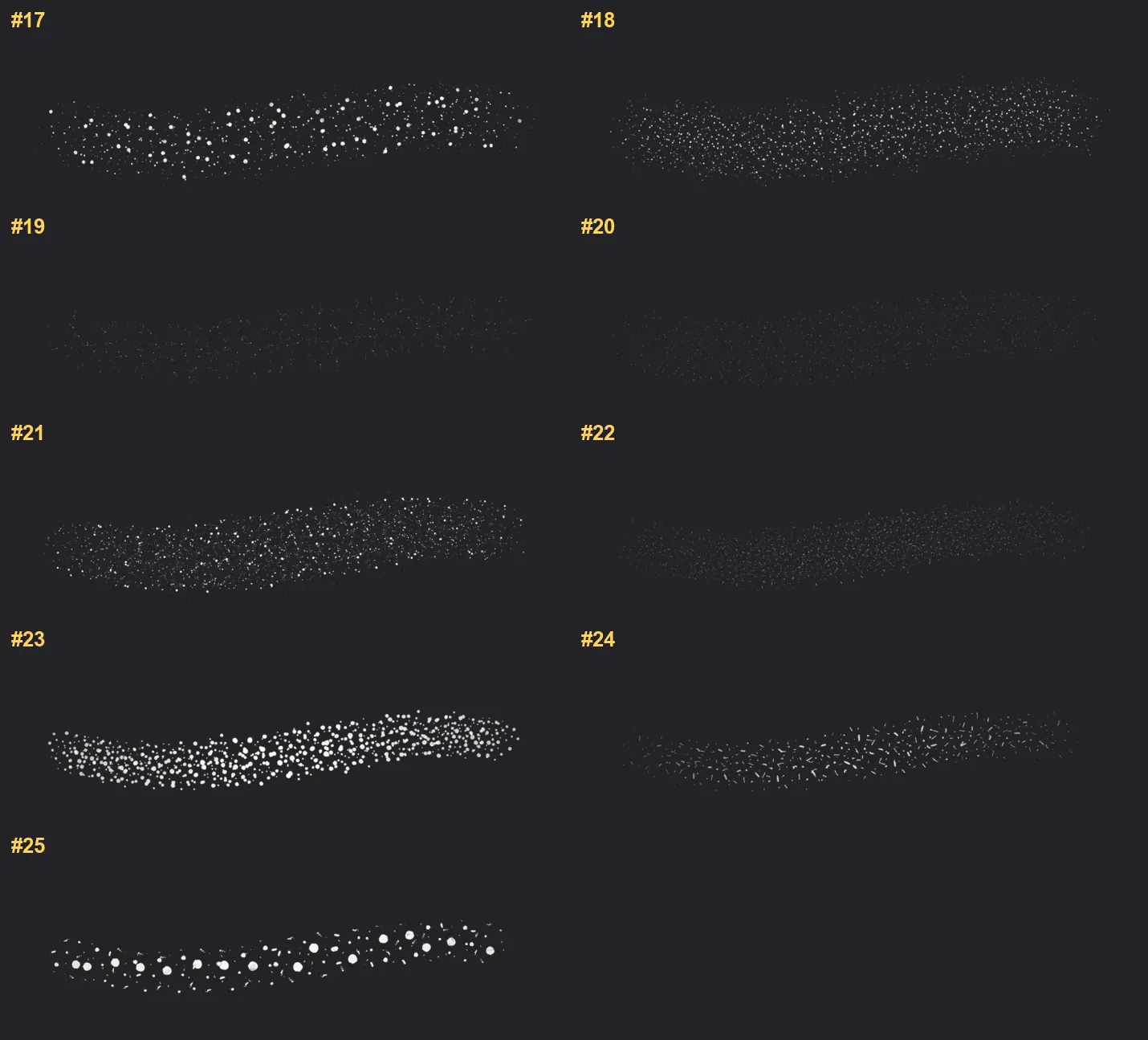
Whole Grain Brushes is 25 brushes built around one job: adding believable grain and grit to anything. The core of the set is grain in every weight — from fine grit through semolina and multigrit to coarse — backed by dust, particle and stipple brushes for scattered noise, and sandpaper, fiber, husk and crumb textures for rougher organic surfaces.
The set also includes the tools to apply all of that: shader, thinner, grinder, press and paper brushes that lay texture over existing color instead of stamping new marks. That combination — textures plus applicators — is what makes it a working kit rather than a sampler.
What grain brushes are actually for
The most common use is shading: instead of airbrushing a smooth gradient, you shade with grain and the surface immediately reads as printed rather than plastic. It's the difference between a digital drawing that looks like a screen and one that looks like it came off a press.
Grain is also the backbone of specific looks. Risograph and vintage-print styles are built almost entirely on visible grain and misregistered texture. Comic and pop-art shading leans on stipple and speckle. Dotwork and engraving styles use the same brushes at higher contrast. If you draw in any of those styles, a grain set is not an extra — it's the toolkit.
And even outside those styles, one pass of paper grain over a finished piece pulls the whole image together and hides the too-clean digital finish. That final-texture pass is the single habit that separates printed-looking work from flat fills.
How to install the brushes
The download is a single .brushset file. On an iPad, tap it and Procreate imports the whole set automatically — it appears at the top of your brush library. From a computer, AirDrop the file to your iPad or open it from the Files app.
The brushes respond to pressure, so they're built for the Apple Pencil — pressing harder packs the grain denser, exactly like real media on toothy paper.
If you run out of grain
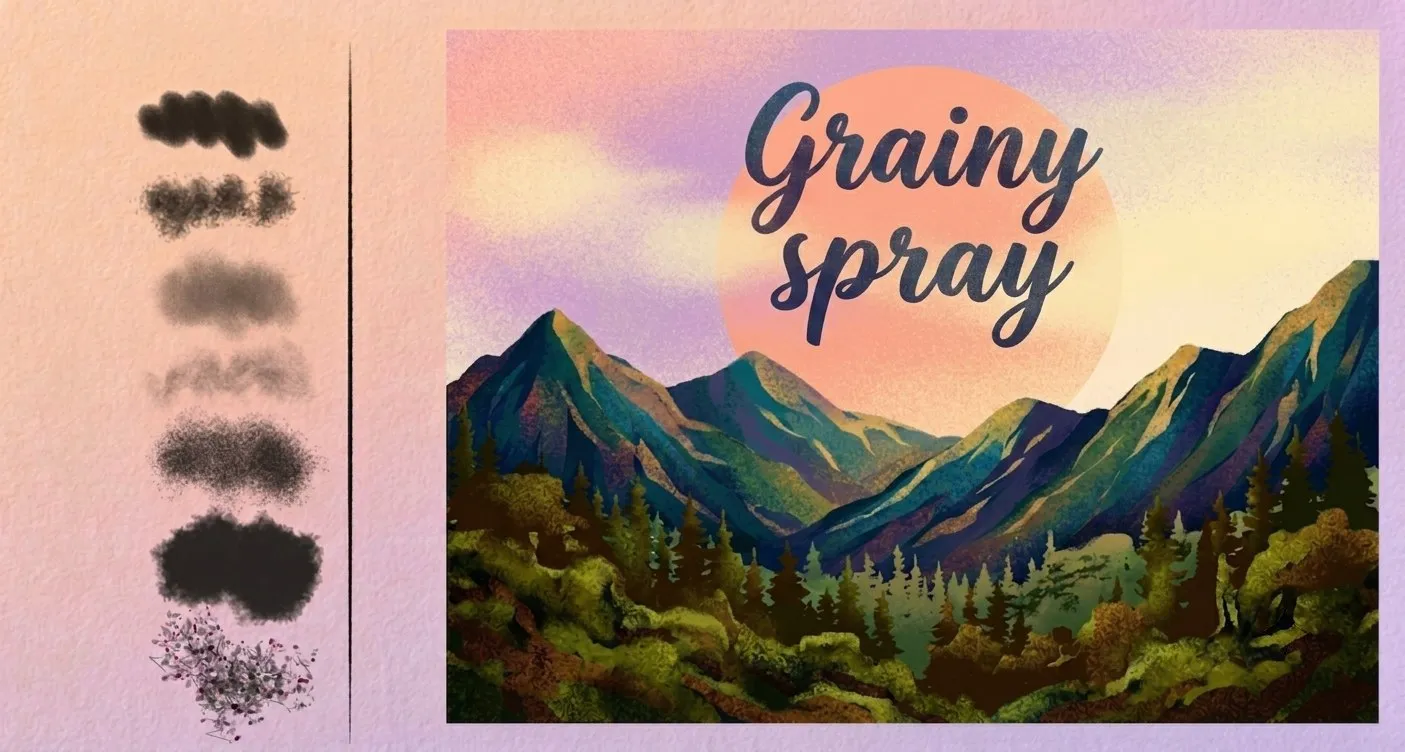
The free set covers grain as a texture. If you fall for the look and want grain as a spray — grainy airbrushes and dense speckle for atmosphere, falloff and soft shading — that's a separate 47-brush set, Grain Spray, in the texture catalog alongside concrete, fabric and animal-print textures.
Everything else in the library works the same way: real brushes, tuned for Apple Pencil, one-time purchase. Start with the free grain set; if it earns a place in your workflow, the rest of the texture shelf is there.