Marker & Pen Procreate Brushes
Updated October 2026
Marker and pen Procreate brushes for iPad: copic, brush pen, fineliner, gel pen, highlighter. Free & premium downloads.

Brusher app for iPad & iPhone
200+ sets in the Brusher app, marker pen included — plus free brushes and free tools.
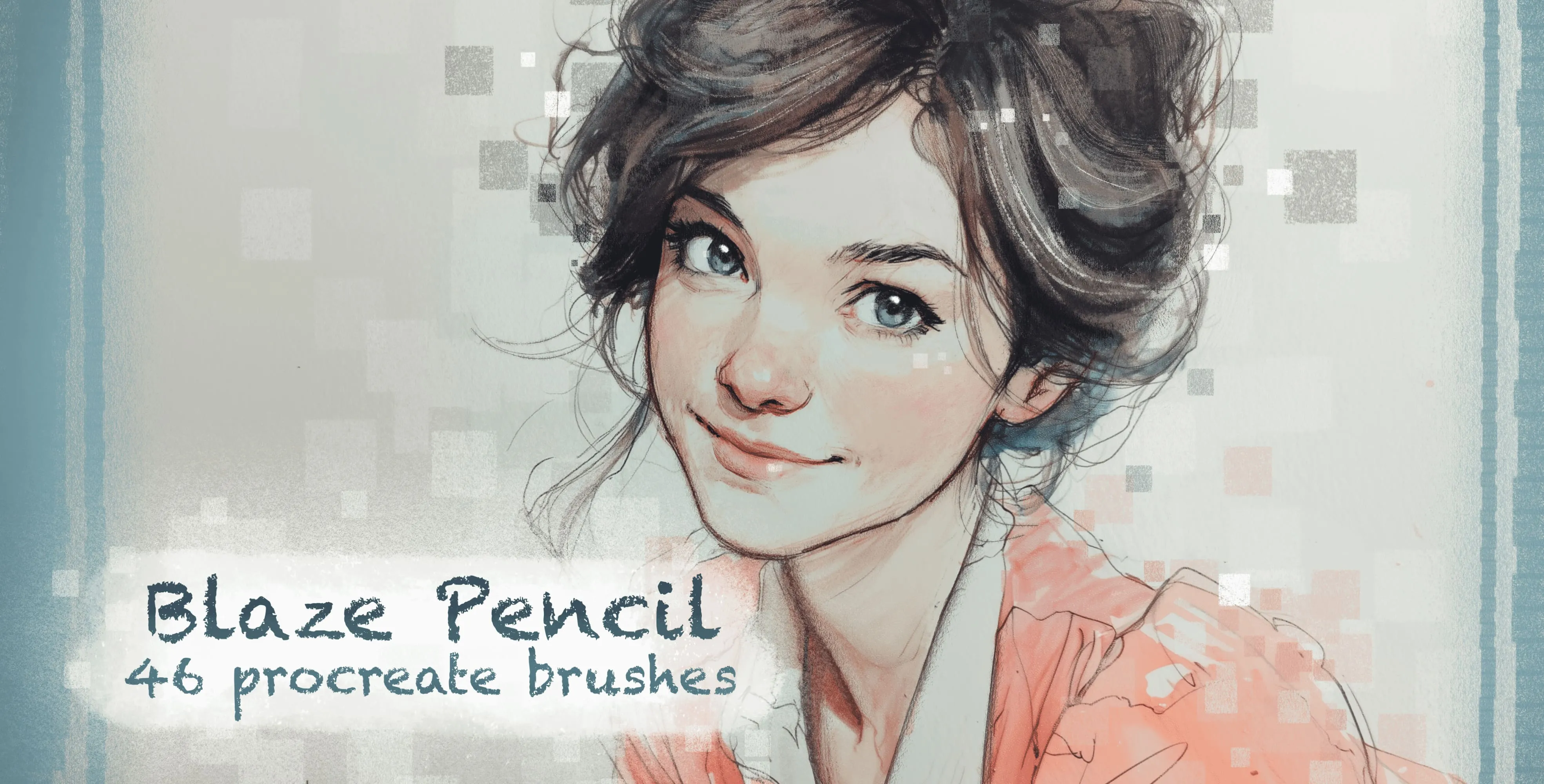
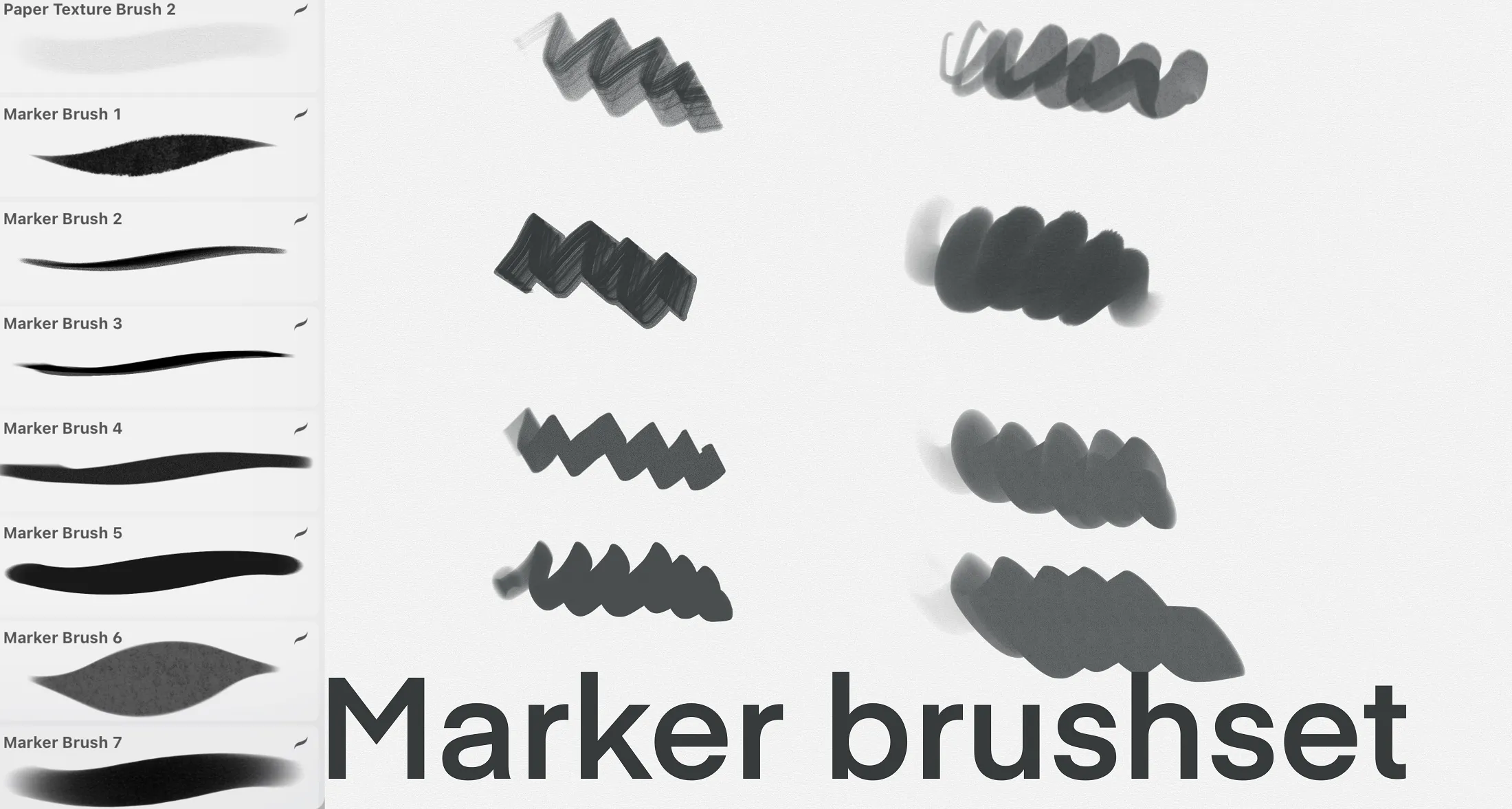
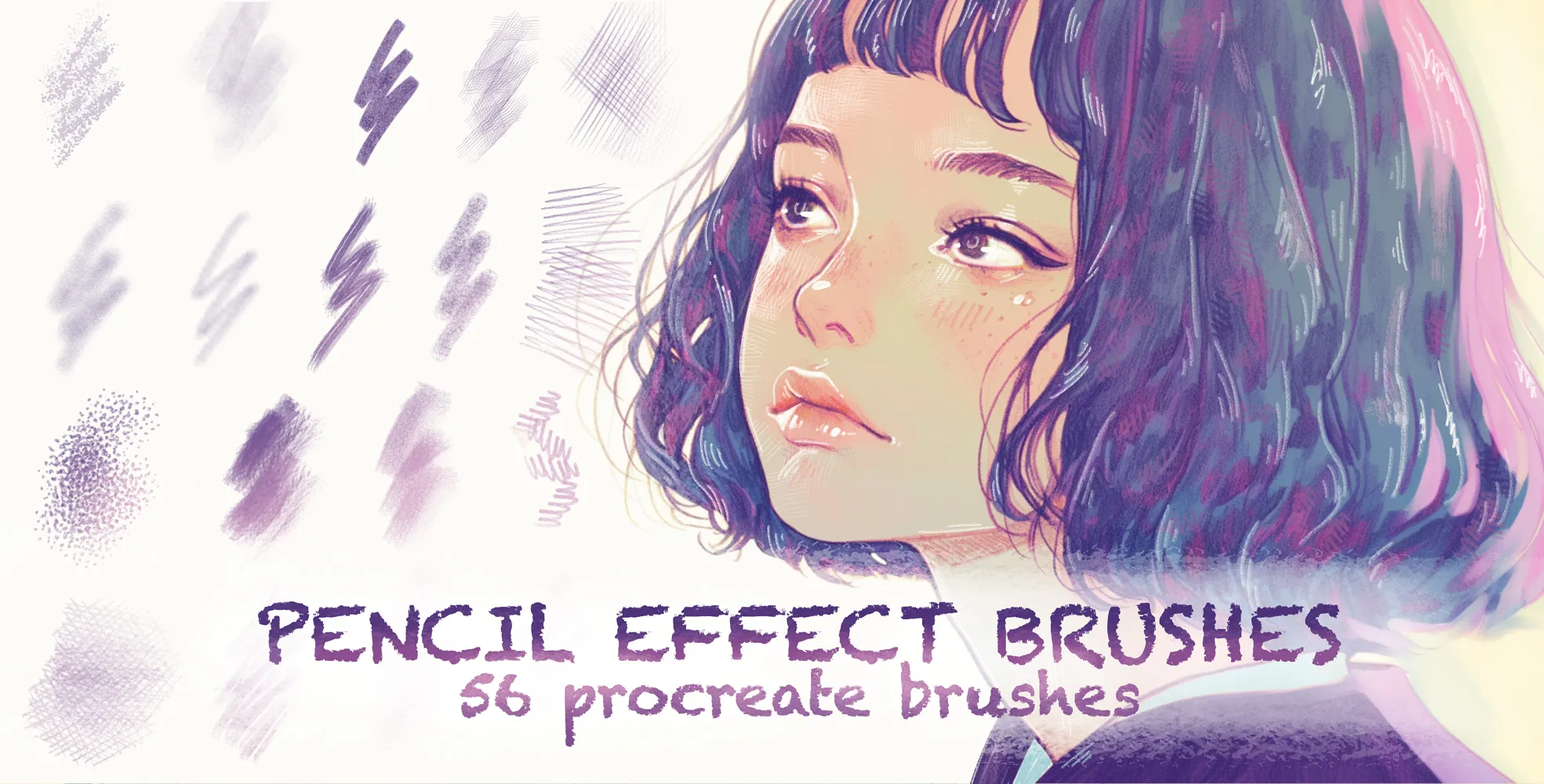
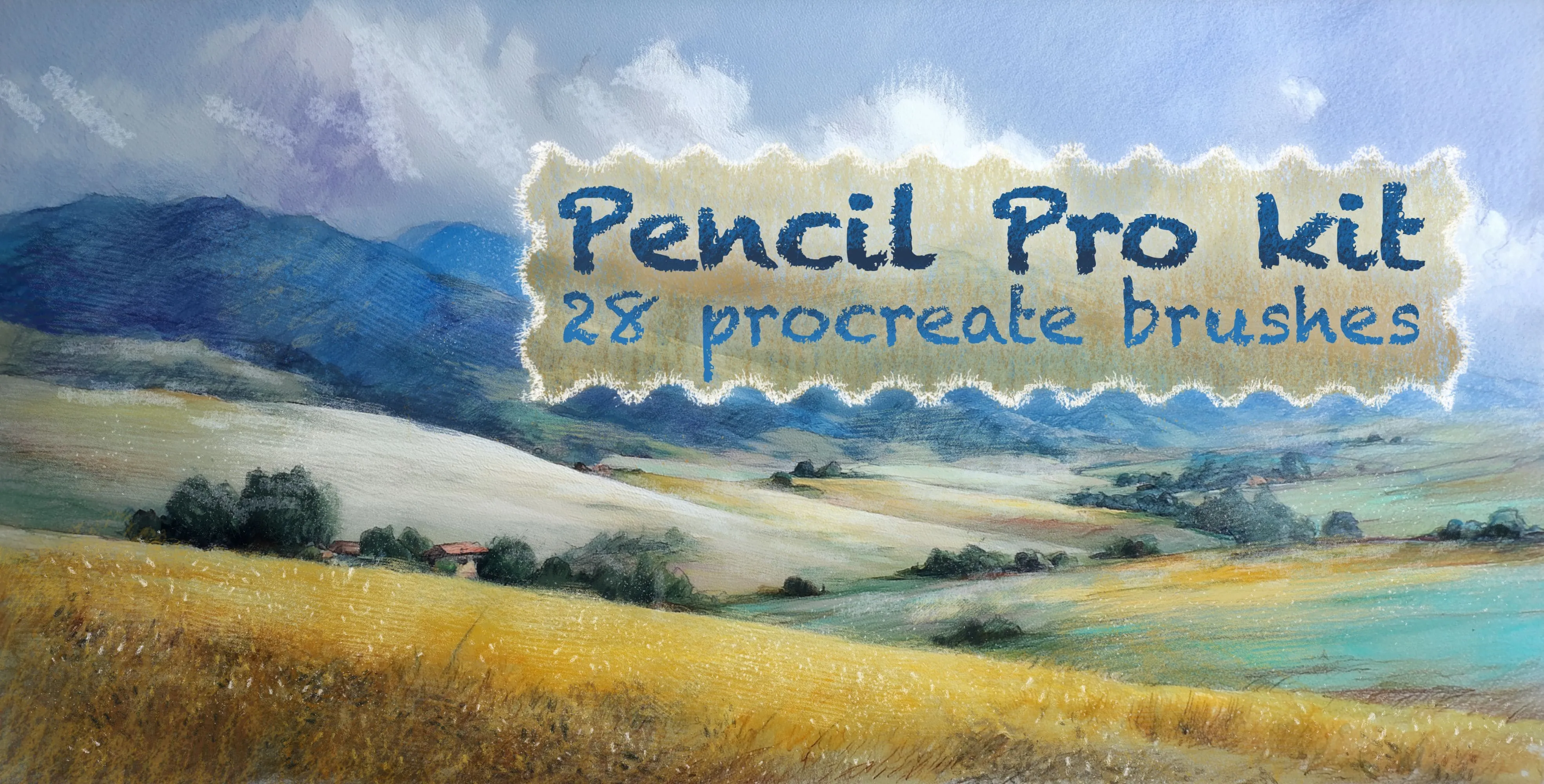
Brusher has 5 marker pen Procreate brush packs — copic, brush pen, fineliner — each a native .brushset that installs into Procreate in one tap on iPad.
Marker and pen Procreate brushes recreate the tools illustrators reach for most — the smooth, saturated stroke of an alcohol marker, the crisp confidence of a fineliner, the everyday scratch of a ballpoint. Good marker brushes even layer like the real thing, building richer colour where strokes overlap, which is exactly what makes marker illustration feel alive on the iPad.
The set covers alcohol-marker brushes with authentic layering, brush pens for expressive line, fineliners and technical pens for detail, and ballpoint textures for sketchy, tonal work. It's a natural fit for illustration, comics, product design and everyday drawing.
Marker & Pen Procreate Brushes
Procreate Video Blaze Pencil
colored-pencil, grainy pencil and cube
Procreate Video Markers
fine, broad, bold, soft-edge and smooth
Procreate Video Pencil Effect
grainy, pencils, shading and hatching pencils
Procreate Video Pencil Pro Kit
directional, wavy, curl and curve
 Procreate Video
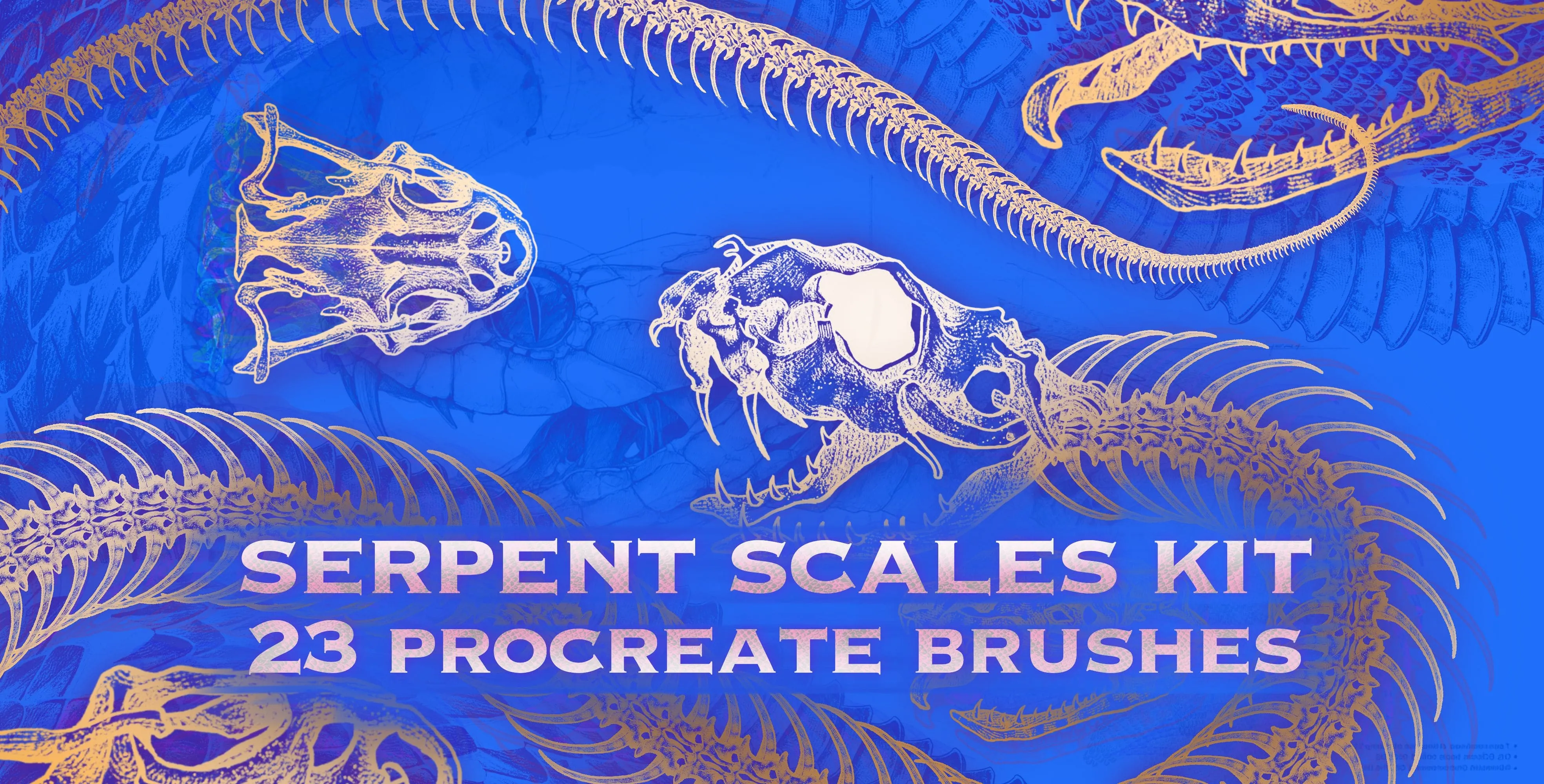
 Serpent Scales Kit
snake skin, scale, spine and skeleton
Free from independent artists
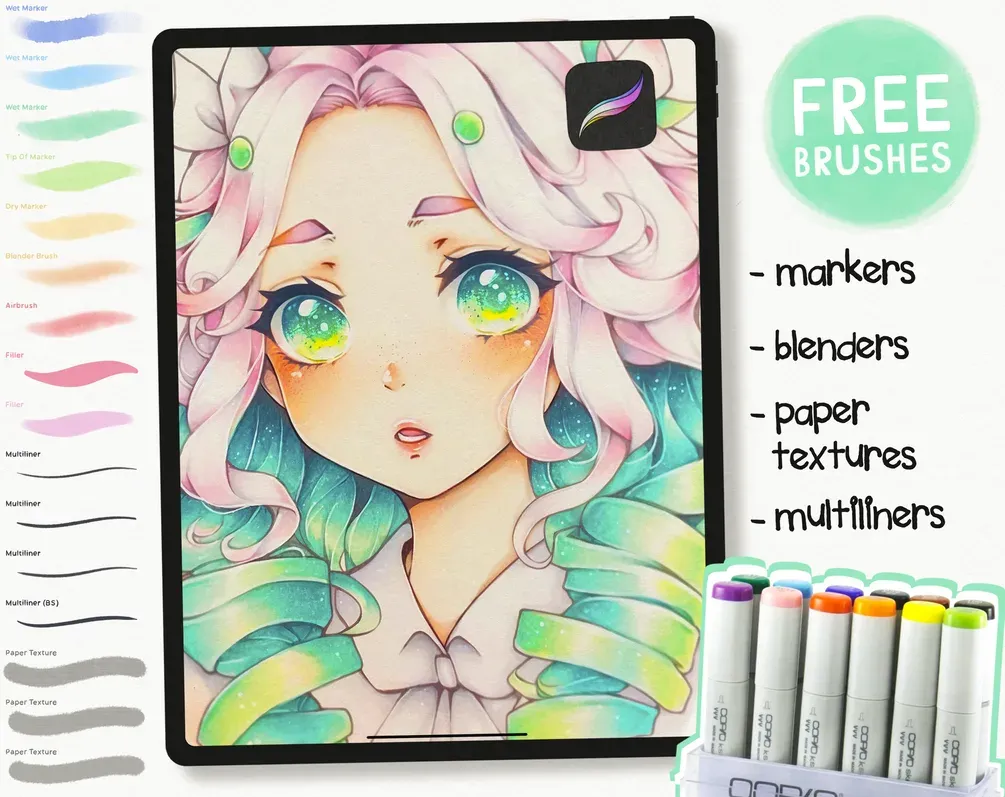
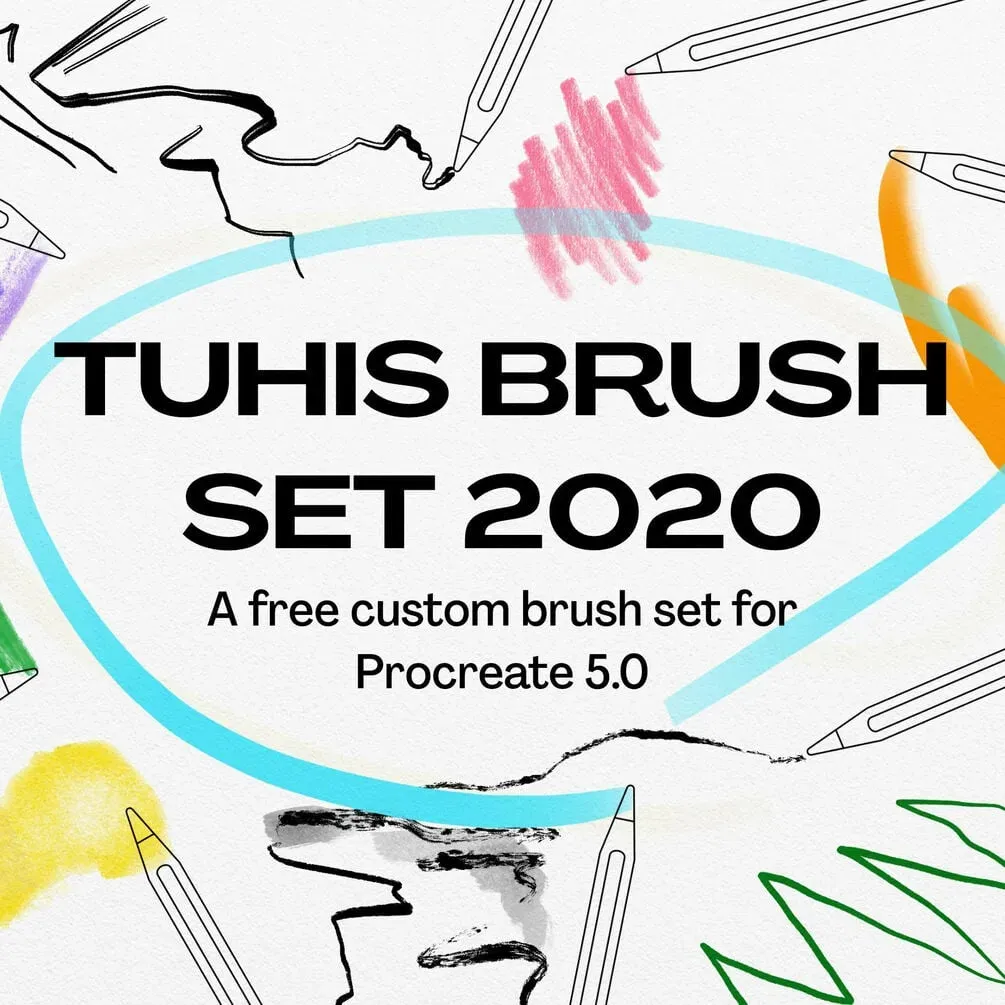
Free marker pen sets by other artists — downloaded from the artist's own page.
 Scan → get the app
More brush packs in the app
The site is still filling up — the Brusher app already has the complete 200+ set library, with more marker pen packs, plus free brushes and free tools.
Popular marker pen styles
A digital alternative to Copic markers
The signature quality of alcohol markers like Copics is translucent layering: overlap two strokes and the colour deepens, and a darker marker over a lighter one blends at the seam. The best digital marker brushes emulate this by building colour with each pass rather than laying flat, opaque paint — so you shade the same way you would on paper, from light to dark.
Work with a limited palette and let overlaps do the mixing, keep strokes confident (markers don't reward hesitation), and use a fineliner on a separate layer for the linework. Add a touch of paper texture beneath and marker art gains that authentic, hand-rendered feel without a single dried-out nib.
Marker & Pen brushes — FAQ
What's the best digital alternative to Copic markers?+
A marker brush that layers translucently — building richer colour where strokes overlap — is the closest match to alcohol markers. Shade light to dark with a limited palette and let the overlaps blend, exactly as you would with real Copics, but with unlimited undo and instant colour changes.
What's the difference between a brush pen and a marker?+
A brush pen has a flexible tip that tapers with pressure, giving expressive, variable line weight — great for lettering and gestural drawing. A marker lays a broader, more even stroke built for filling and layering colour. Many illustrators use a brush pen for line and markers for shading.
How do I layer markers in Procreate?+
Use a translucent marker brush and build colour in passes on the same or stacked layers, letting overlaps deepen the tone. Shade from light to dark and keep strokes confident; the layering is what gives digital marker work its authentic depth.