Skip to content
Flutter Lashes Photoshop & Clip Studio Paint brush set cover
.abr · PC & Mac PortraitFashionSkin

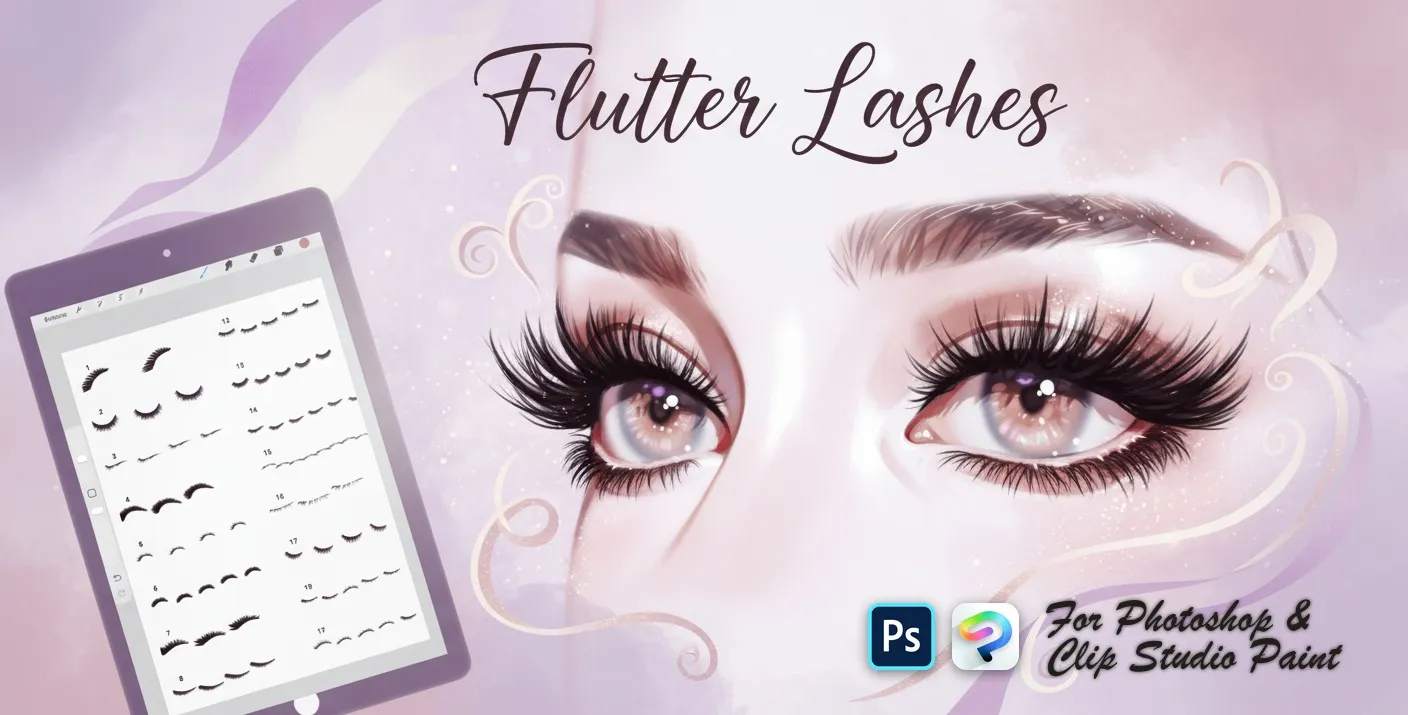
Flutter Lashes Photoshop & Clip Studio Paint Brushes

SA by Stella Art

A set of eyelash stamps for adding detail and style to character eyes. Compatible with Adobe Photoshop CC 2020+.

Brushes
46
Works with
Photoshop & Clip Studio Paint

$5 USD · one-time purchase

Get it on lava.top — $5

Instant download · one .abr file · works in Photoshop & Clip Studio Paint · free future updates

Download a free sample brush

One real brush from this set · free .abr file · no signup

Add realistic, fluttery eyelashes to portraits and characters in Photoshop and Clip Studio Paint with the Flutter Lashes stamp set! Made for portrait and beauty illustrators, character and comic artists, photo retouchers and makeup designers, and anyone who wants natural lashes fast. 🎨 What’s inside: 📁 46 stamp brushes in Photoshop format (.abr) — also import directly into Clip Studio Paint 💡 Why you’ll love it: • – 46 Lash Styles: A full lineup — upper lash sets, fanned and curled lashes, soft and fine lash liners, lower and short lashes, wispy, feathery, spiky and dramatic looks, doll lashes and individual clusters for custom build-up. • – Save Time: Stamp a matched pair and recolor or reshape them, instead of drawing every hair by hand. • – Easy for Everyone: Quick to install and paint with, even for beginners. • – Natural Results: Believable, balanced lashes with real curl, flow and fine detail on any eye. • – Download Now: Be creating in a couple of minutes! 🖌️ Brushes compatible: ✅ Adobe Photoshop (CC and newer) — .abr brush file ✅ Clip Studio Paint (ver. 1.10.5 or later) — imports the same .abr ✅ Works on both desktop and iPad 🛠️ How to install: • Photoshop — double-click the .abr file (or Brushes panel → menu → Import Brushes). • Clip Studio Paint — drag the .abr onto the Sub Tool palette. 📥 Instant digital download — start drawing better today!

Every brush in Flutter Lashes

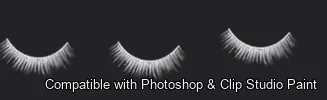
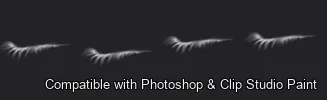
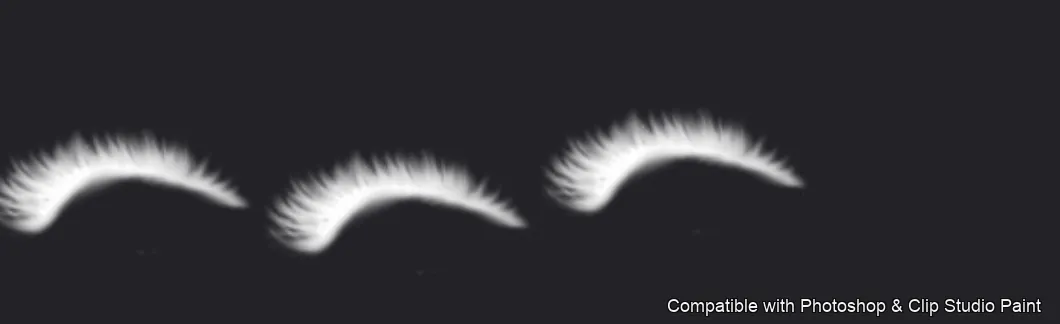
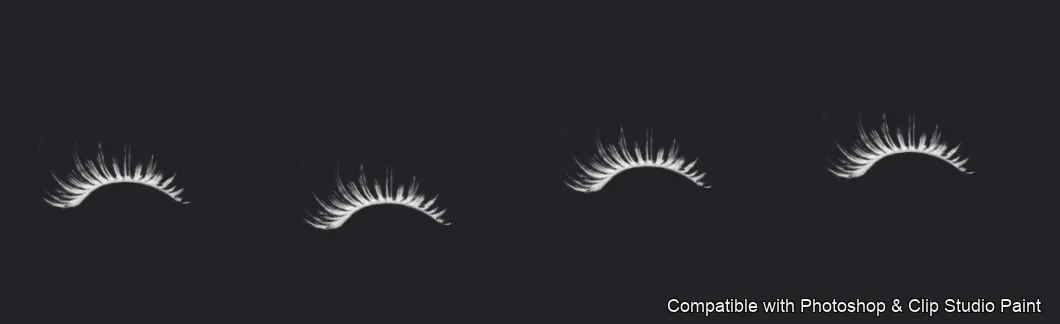
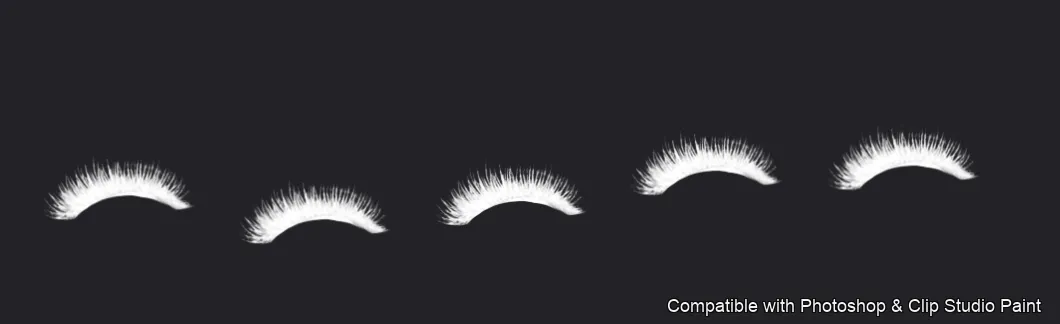
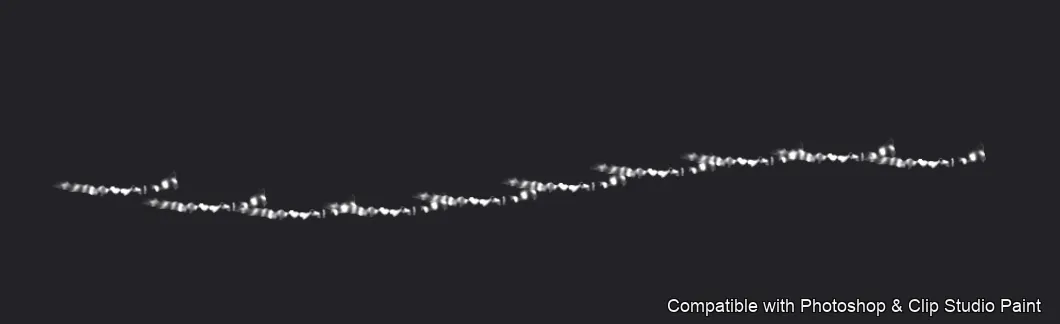
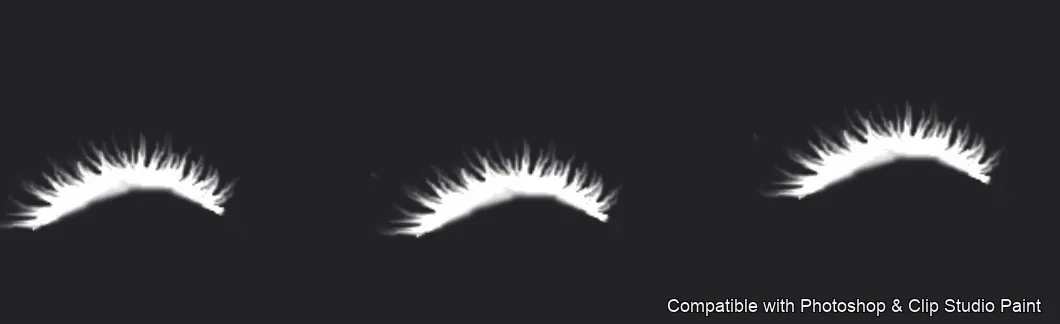
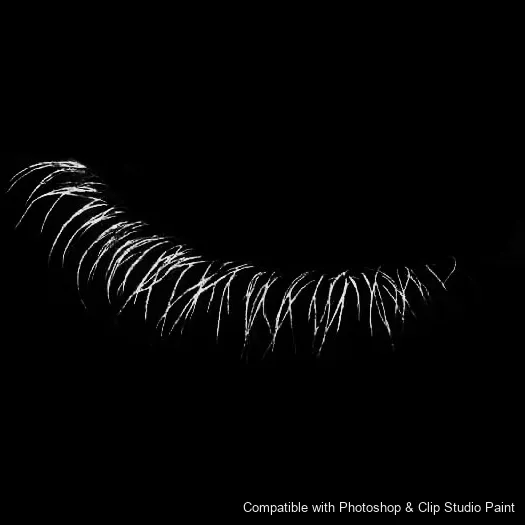
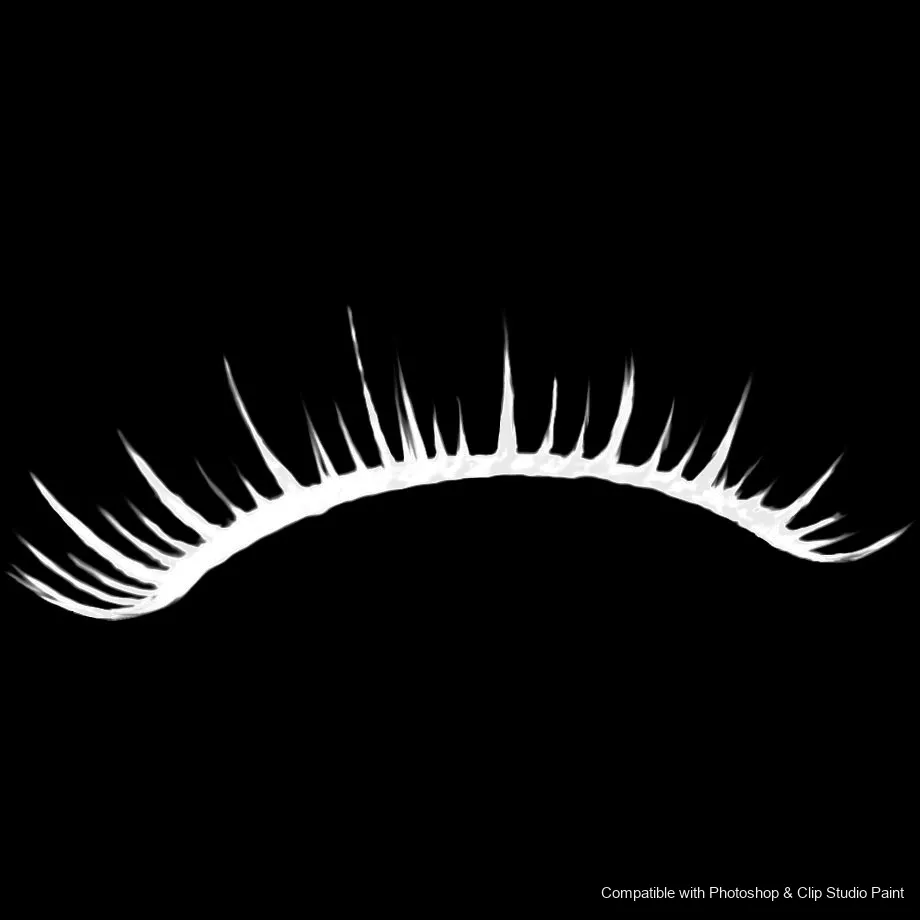
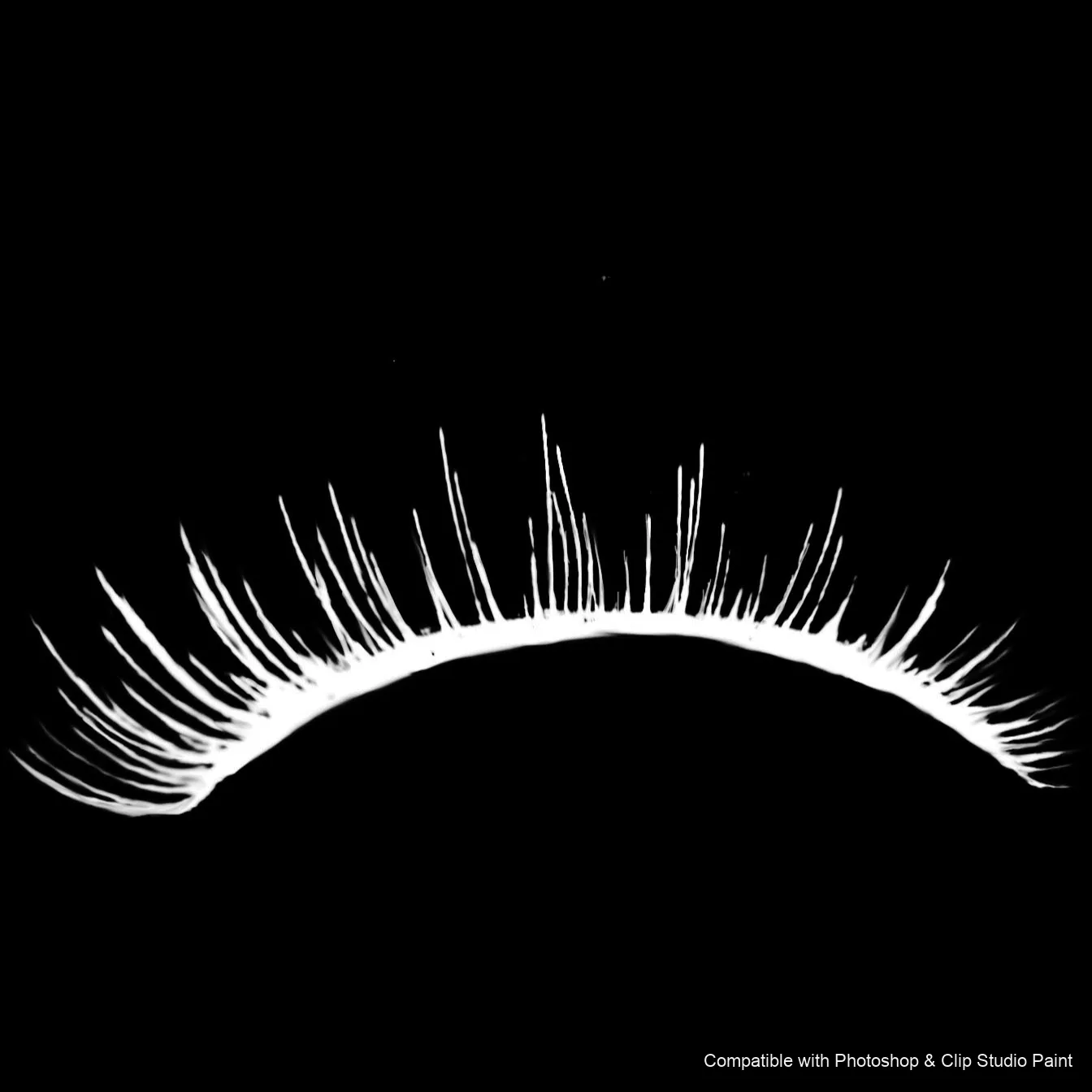
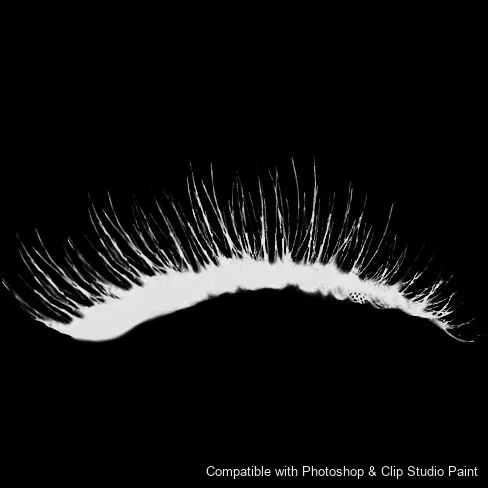
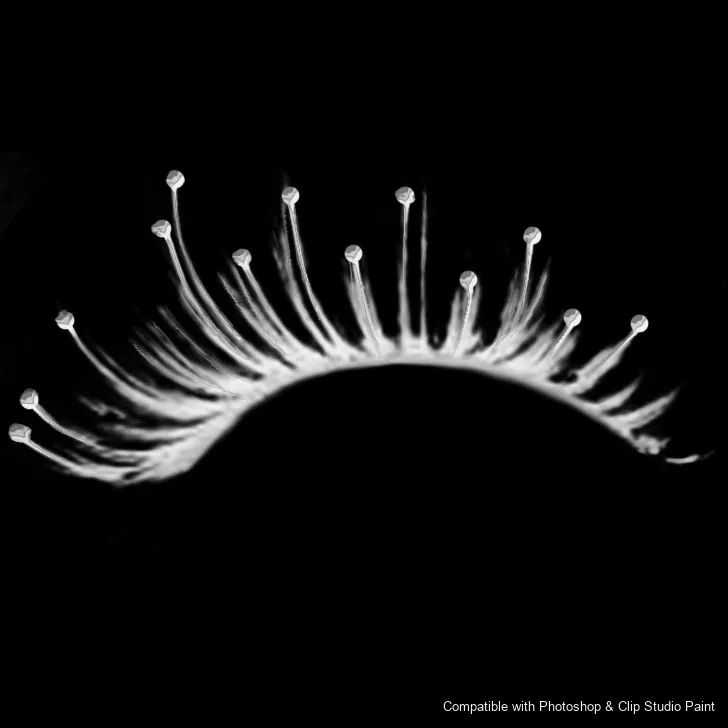
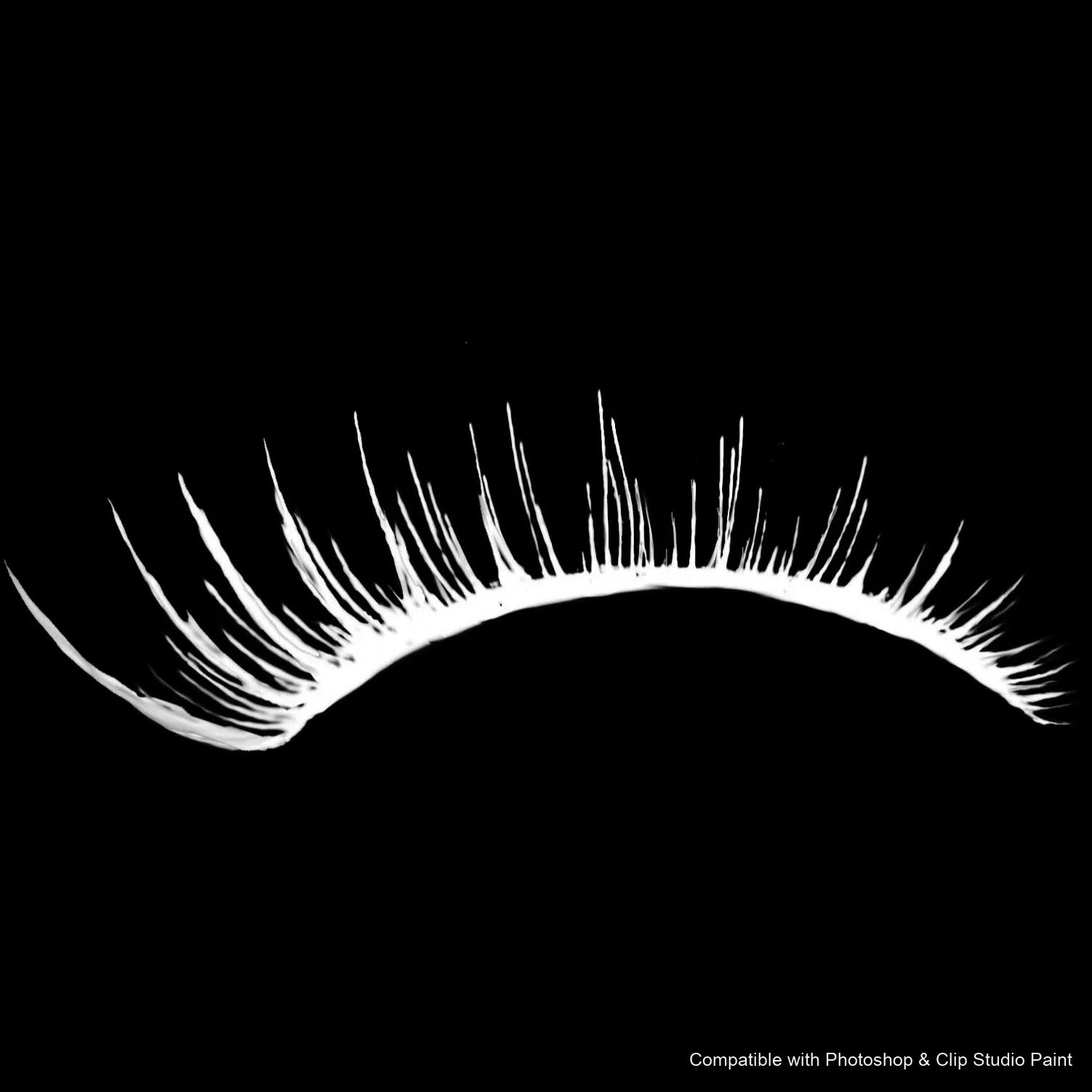
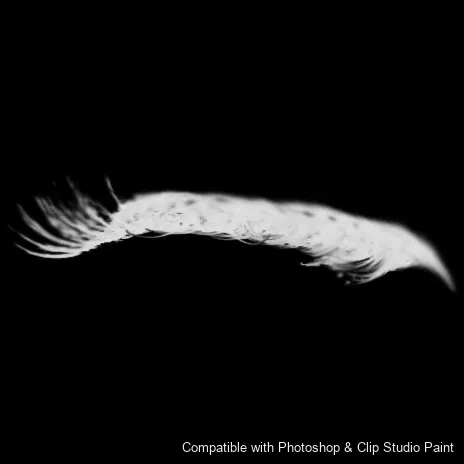
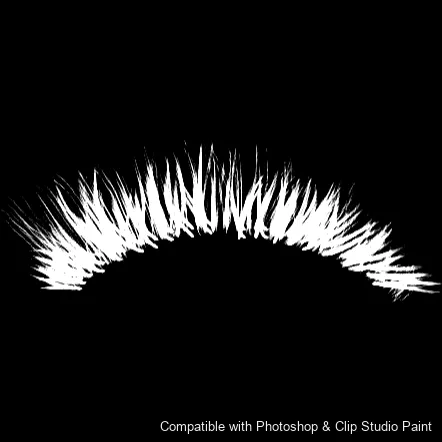
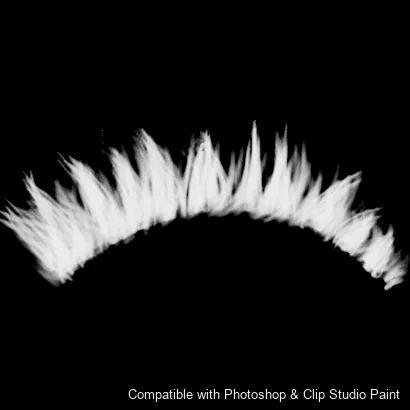
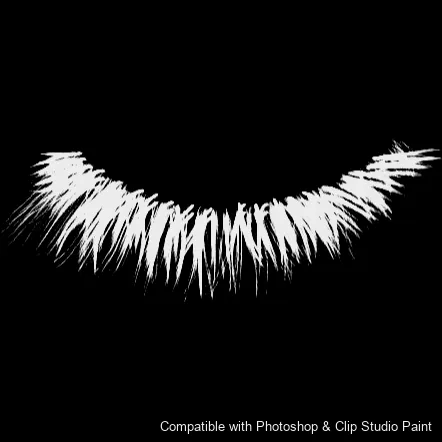
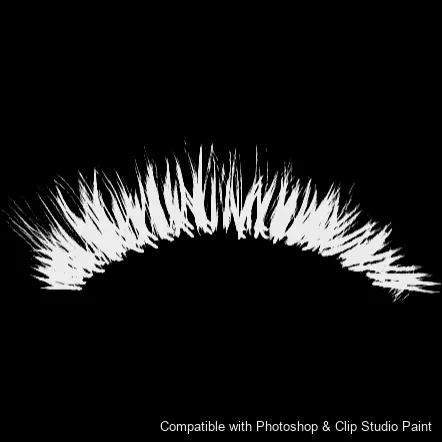
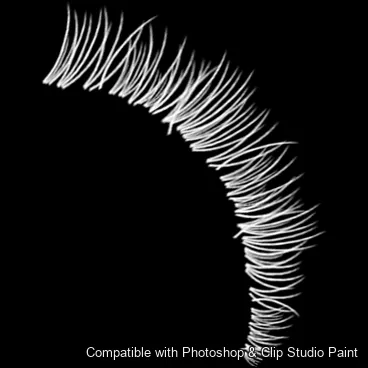
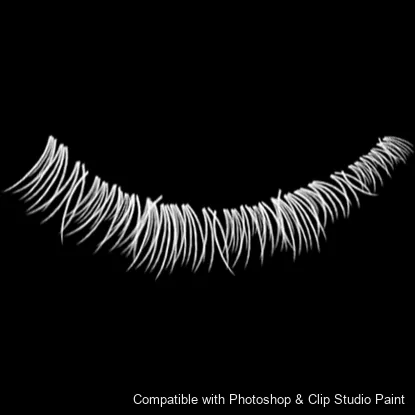
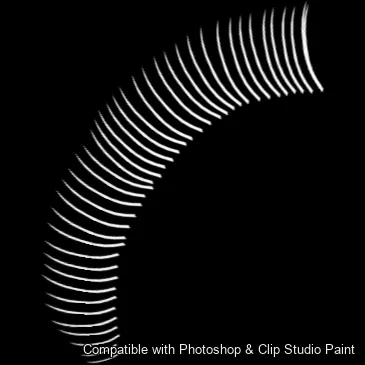
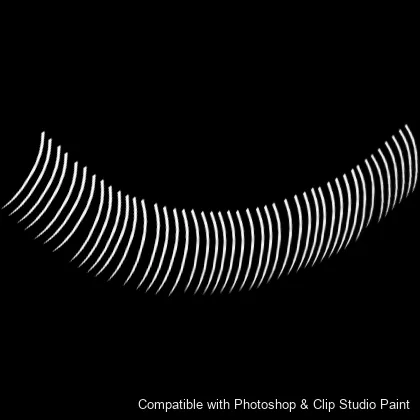
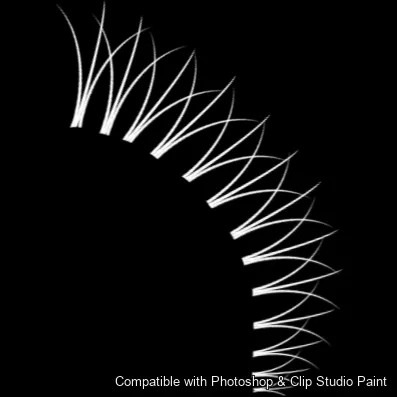
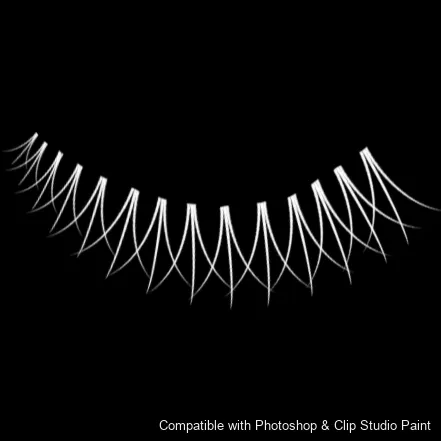
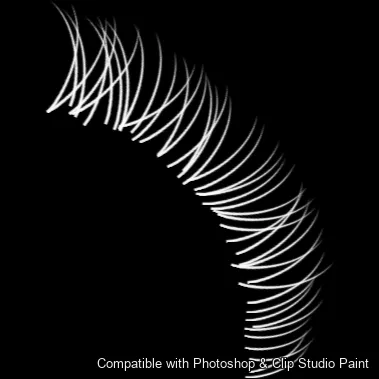
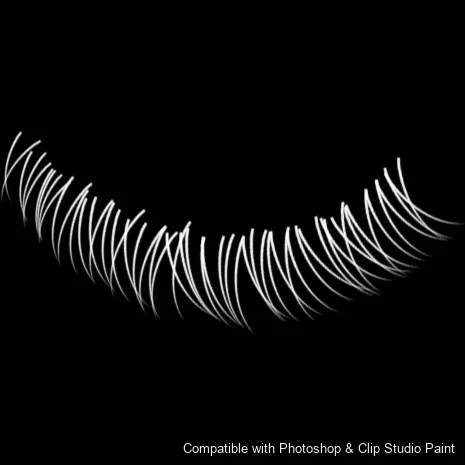
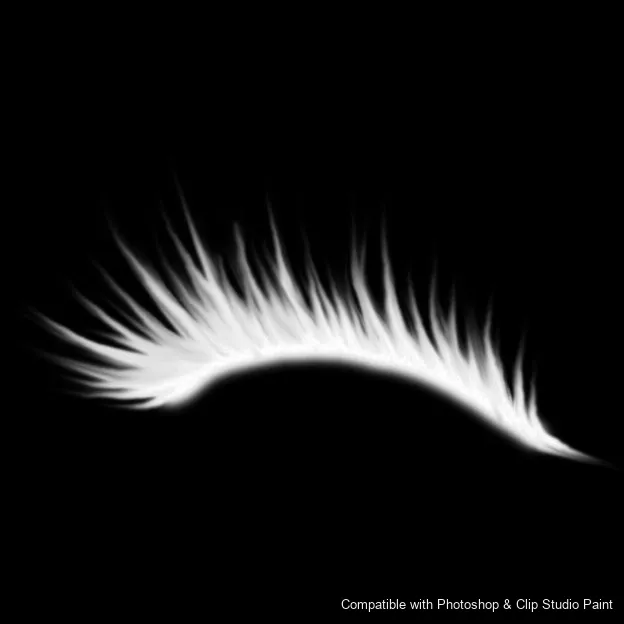
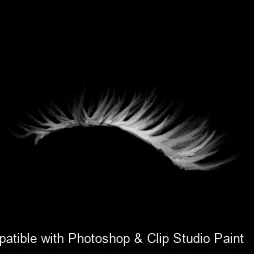
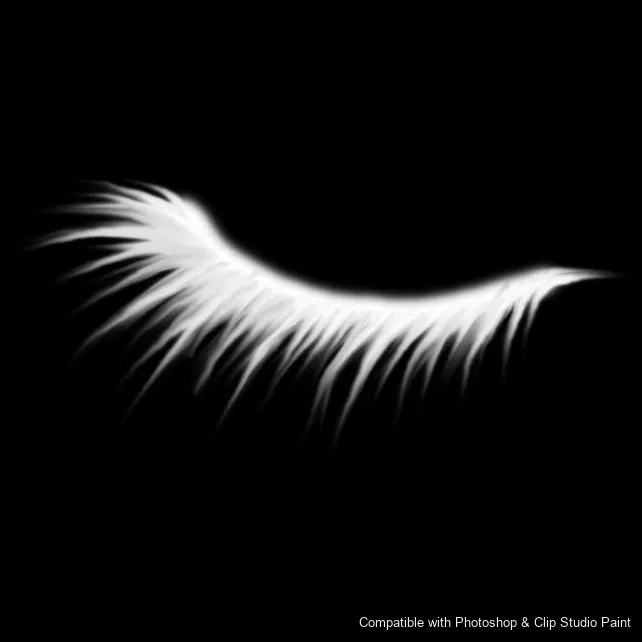
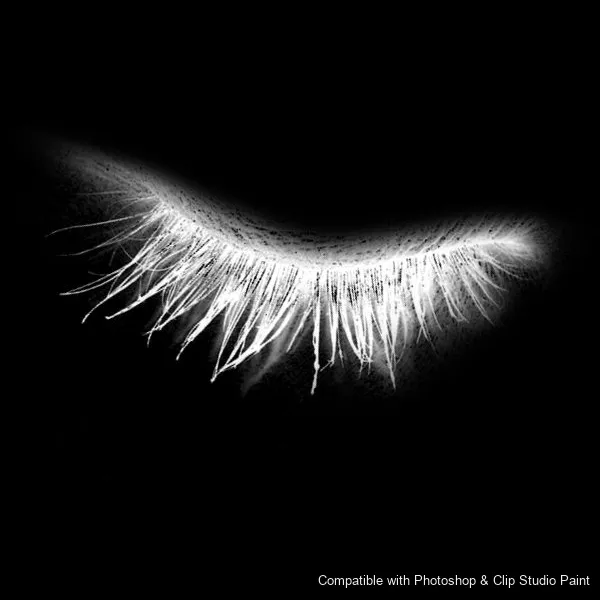
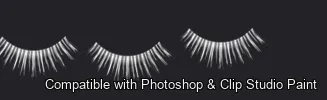
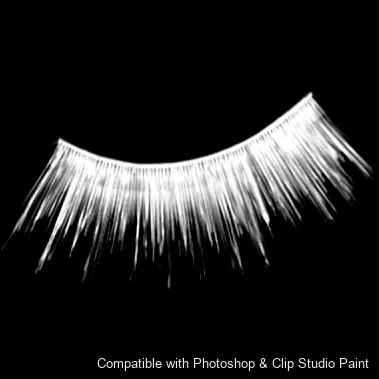
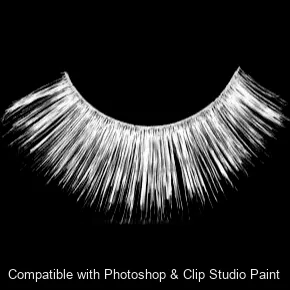
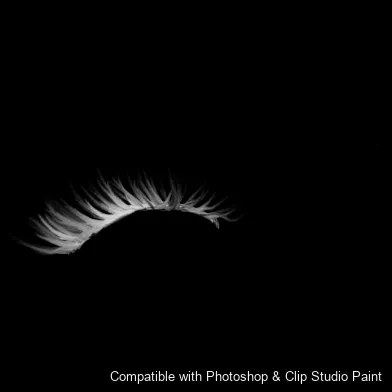
46 individual brush previews — see the exact stroke before you download.
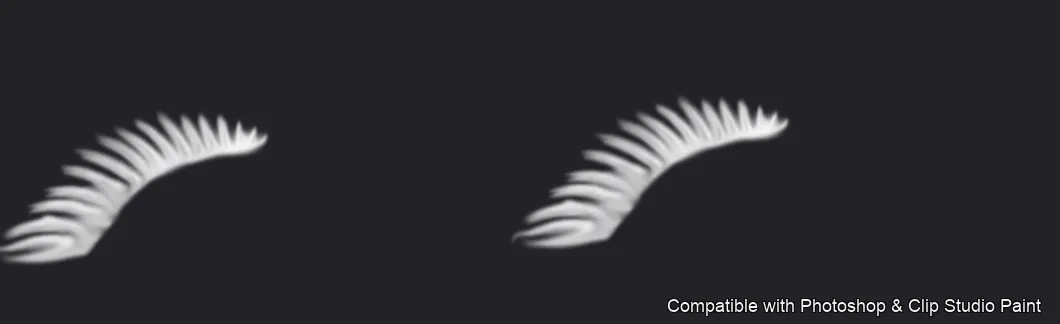
Flutter Lashes brush 1 of 46 — Photoshop & Clip Studio Paint .abr preview
Flutter Lashes brush 2 of 46 — Photoshop & Clip Studio Paint .abr preview
Flutter Lashes brush 3 of 46 — Photoshop & Clip Studio Paint .abr preview
Flutter Lashes brush 4 of 46 — Photoshop & Clip Studio Paint .abr preview
Flutter Lashes brush 5 of 46 — Photoshop & Clip Studio Paint .abr preview
Flutter Lashes brush 6 of 46 — Photoshop & Clip Studio Paint .abr preview
Flutter Lashes brush 7 of 46 — Photoshop & Clip Studio Paint .abr preview
Flutter Lashes brush 8 of 46 — Photoshop & Clip Studio Paint .abr preview
Flutter Lashes brush 9 of 46 — Photoshop & Clip Studio Paint .abr preview
Flutter Lashes brush 10 of 46 — Photoshop & Clip Studio Paint .abr preview
Flutter Lashes brush 11 of 46 — Photoshop & Clip Studio Paint .abr preview
Flutter Lashes brush 12 of 46 — Photoshop & Clip Studio Paint .abr preview
Flutter Lashes brush 13 of 46 — Photoshop & Clip Studio Paint .abr preview
Flutter Lashes brush 14 of 46 — Photoshop & Clip Studio Paint .abr preview
Flutter Lashes brush 15 of 46 — Photoshop & Clip Studio Paint .abr preview
Flutter Lashes brush 16 of 46 — Photoshop & Clip Studio Paint .abr preview
Flutter Lashes brush 17 of 46 — Photoshop & Clip Studio Paint .abr preview
Flutter Lashes brush 18 of 46 — Photoshop & Clip Studio Paint .abr preview
Flutter Lashes brush 19 of 46 — Photoshop & Clip Studio Paint .abr preview
Flutter Lashes brush 20 of 46 — Photoshop & Clip Studio Paint .abr preview
Flutter Lashes brush 21 of 46 — Photoshop & Clip Studio Paint .abr preview
Flutter Lashes brush 22 of 46 — Photoshop & Clip Studio Paint .abr preview
Flutter Lashes brush 23 of 46 — Photoshop & Clip Studio Paint .abr preview
Flutter Lashes brush 24 of 46 — Photoshop & Clip Studio Paint .abr preview
Flutter Lashes brush 25 of 46 — Photoshop & Clip Studio Paint .abr preview
Flutter Lashes brush 26 of 46 — Photoshop & Clip Studio Paint .abr preview
Flutter Lashes brush 27 of 46 — Photoshop & Clip Studio Paint .abr preview
Flutter Lashes brush 28 of 46 — Photoshop & Clip Studio Paint .abr preview
Flutter Lashes brush 29 of 46 — Photoshop & Clip Studio Paint .abr preview
Flutter Lashes brush 30 of 46 — Photoshop & Clip Studio Paint .abr preview
Flutter Lashes brush 31 of 46 — Photoshop & Clip Studio Paint .abr preview
Flutter Lashes brush 32 of 46 — Photoshop & Clip Studio Paint .abr preview
Flutter Lashes brush 33 of 46 — Photoshop & Clip Studio Paint .abr preview
Flutter Lashes brush 34 of 46 — Photoshop & Clip Studio Paint .abr preview
Flutter Lashes brush 35 of 46 — Photoshop & Clip Studio Paint .abr preview
Flutter Lashes brush 36 of 46 — Photoshop & Clip Studio Paint .abr preview
Flutter Lashes brush 37 of 46 — Photoshop & Clip Studio Paint .abr preview
Flutter Lashes brush 38 of 46 — Photoshop & Clip Studio Paint .abr preview
Flutter Lashes brush 39 of 46 — Photoshop & Clip Studio Paint .abr preview
Flutter Lashes brush 40 of 46 — Photoshop & Clip Studio Paint .abr preview
Flutter Lashes brush 41 of 46 — Photoshop & Clip Studio Paint .abr preview
Flutter Lashes brush 42 of 46 — Photoshop & Clip Studio Paint .abr preview
Flutter Lashes brush 43 of 46 — Photoshop & Clip Studio Paint .abr preview
Flutter Lashes brush 44 of 46 — Photoshop & Clip Studio Paint .abr preview
Flutter Lashes brush 45 of 46 — Photoshop & Clip Studio Paint .abr preview
Flutter Lashes brush 46 of 46 — Photoshop & Clip Studio Paint .abr preview

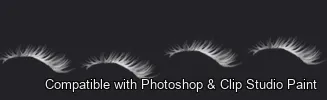
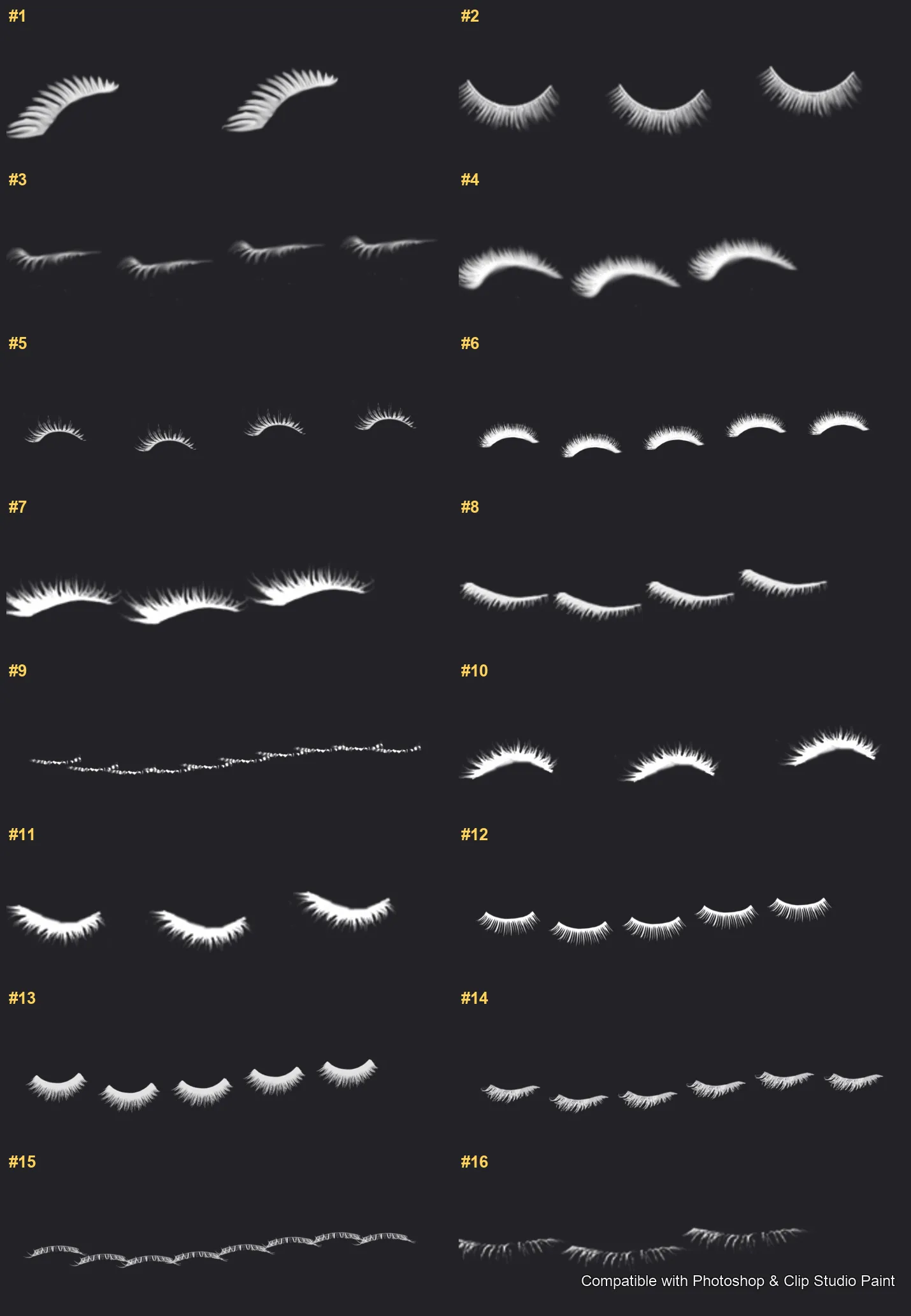
Full brush overview

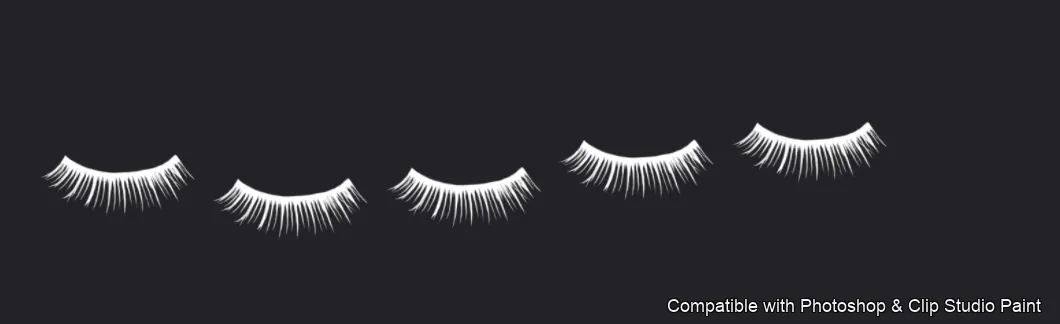
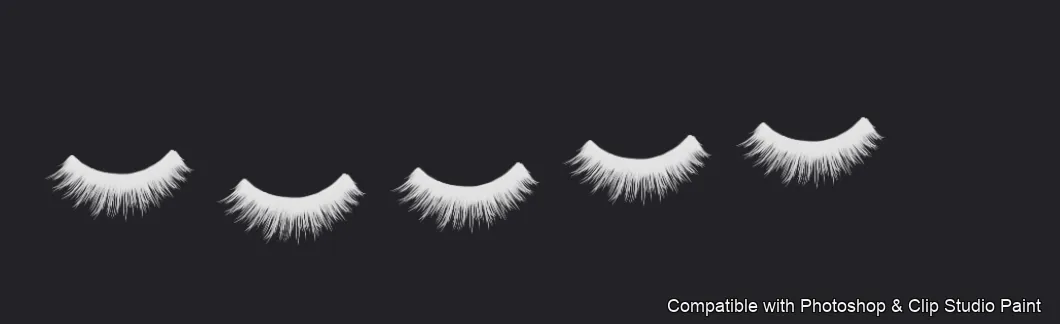
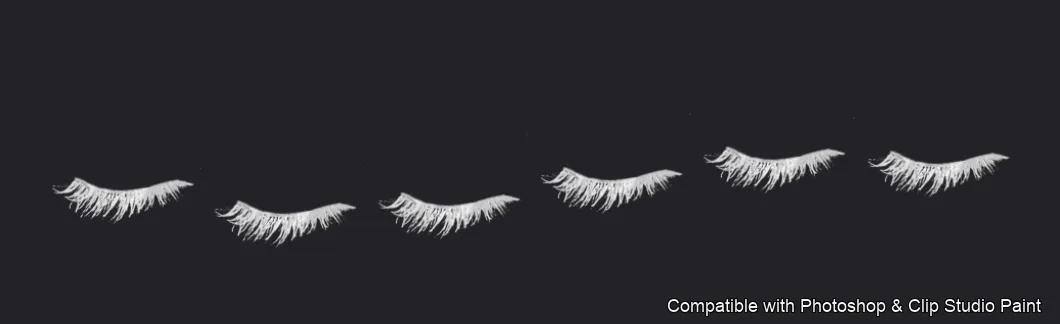
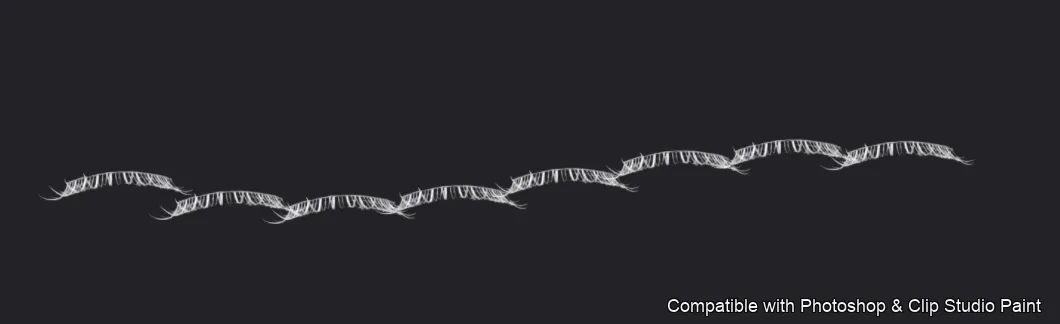
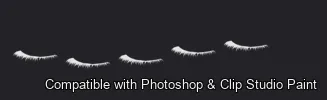
Flutter Lashes Photoshop & Clip Studio Paint brushes overview sheet 1

How to install

In Adobe Photoshop

Double-click the .abr file to load it — or open the Brushes panel, click the menu and choose Import Brushes. Works on CC and newer, PC & Mac.
In Clip Studio Paint

Drag the same .abr file onto the Sub Tool palette and Clip Studio imports it as new brushes. Works on version 1.10.5 or later.

Flutter Lashes — FAQ

How much does the Flutter Lashes pack cost?+

$5 (USD) — a one-time purchase, not a subscription. One payment covers both Photoshop and Clip Studio Paint, with free future updates.

How many brushes are in the Flutter Lashes pack?+

The Flutter Lashes set includes 46 brushes — upper lash sets, fanned and curled lashes, soft lash liners, lower and short lashes, wispy, feathery, spiky and dramatic looks.

Does it work in both Photoshop and Clip Studio Paint?+

Yes. You get a single .abr file — the same file imports into Adobe Photoshop (CC and newer) and Clip Studio Paint (1.10.5 or later). One purchase covers both apps, on PC and Mac.

What file format do I get?+

An Adobe Photoshop .abr brush file. In Photoshop, double-click it (or Brushes panel → menu → Import Brushes). In Clip Studio Paint, drag the .abr onto the Sub Tool palette.

Do these work on Procreate?+

Flutter Lashes is the desktop .abr edition for Photoshop and Clip Studio Paint. Many of our sets also come as Procreate .brushset editions — browse the Procreate catalog to check.