Fashion Photoshop Stamps
Updated October 2026
Fashion stamp brushes for Photoshop: clothing, accessories, jewelry. Premium .abr packs.
Brusher has 12 fashion brush packs for Photoshop & Clip Studio Paint — each a native .abr file that installs into Photoshop or Clip Studio Paint on PC & Mac.
Fashion Photoshop Stamps are the fastest way to add fashion detail to your artwork. This collection gathers hand-made stamps, textures and liners as .abr files you can load into Adobe Photoshop or Clip Studio Paint on PC & Mac.
Fashion Photoshop Stamps
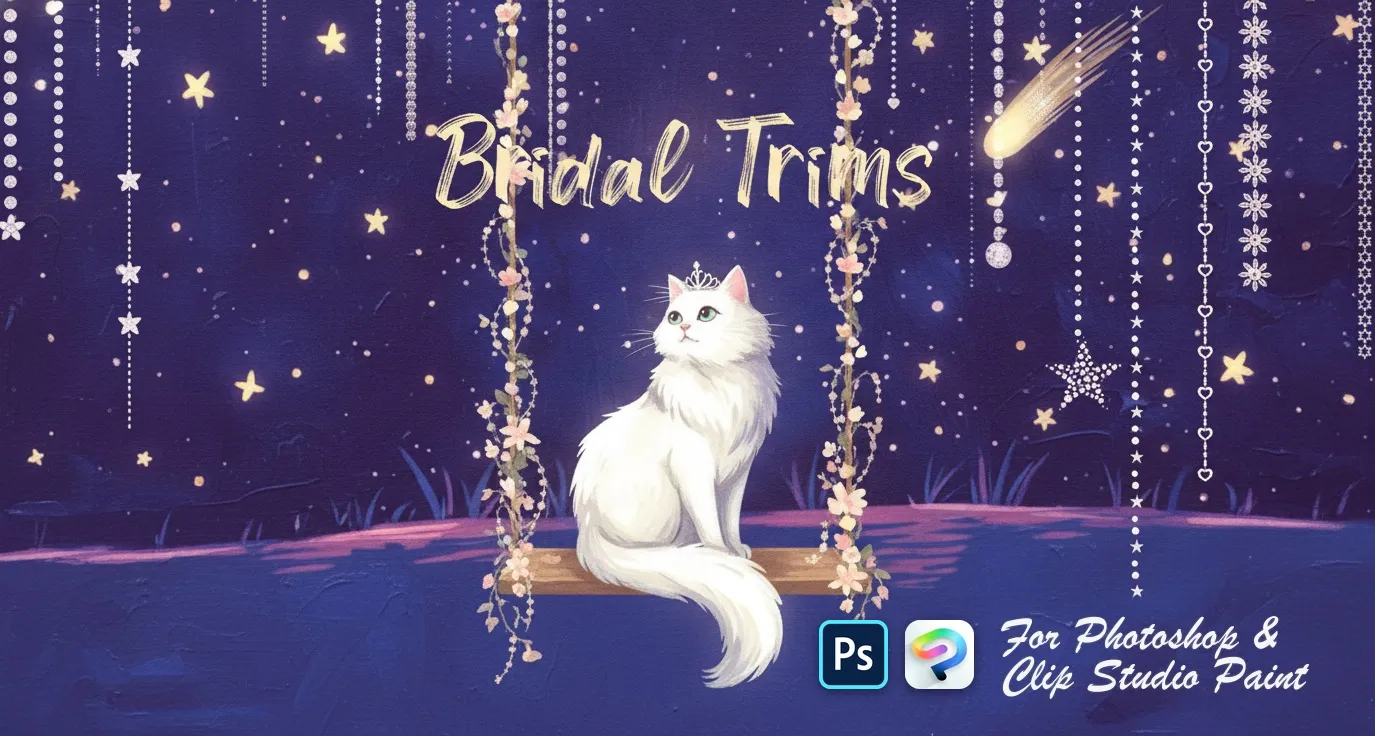
PS · CSP Bridal Trims
satin and pleated ribbons
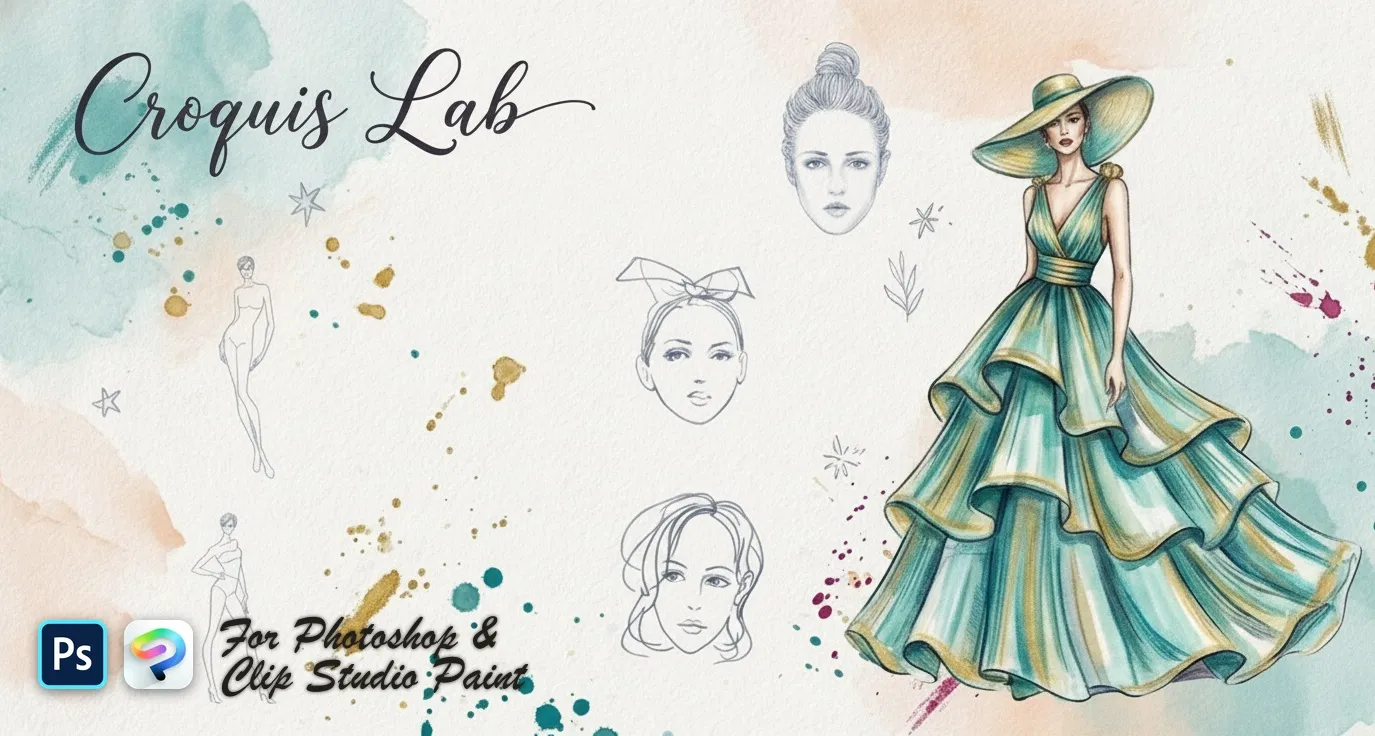
PS · CSP Croquis Lab
fashion model croquis figures and back
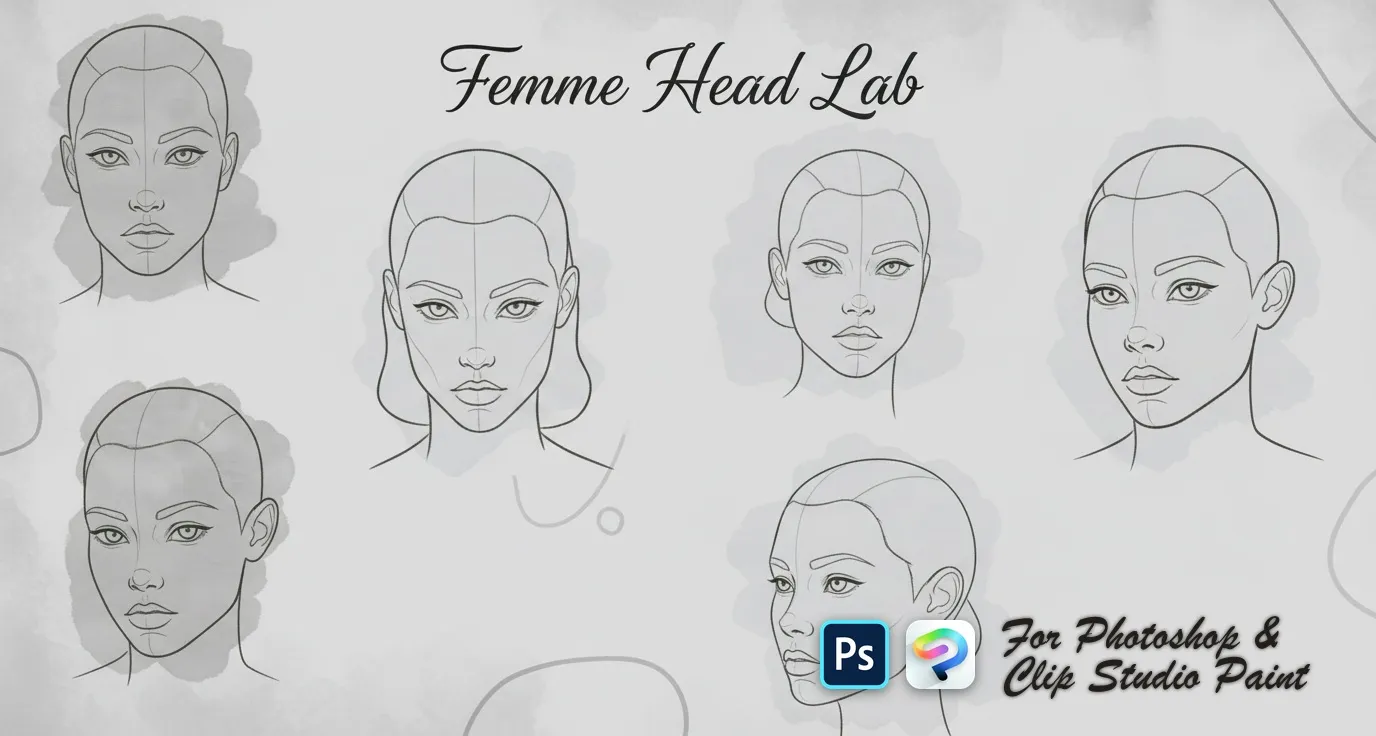
PS · CSP Femme Head Lab
female head templates with centre lines and feature guides — front, three-quarter, side and profile, plus tilted, looking-up and looking-down views
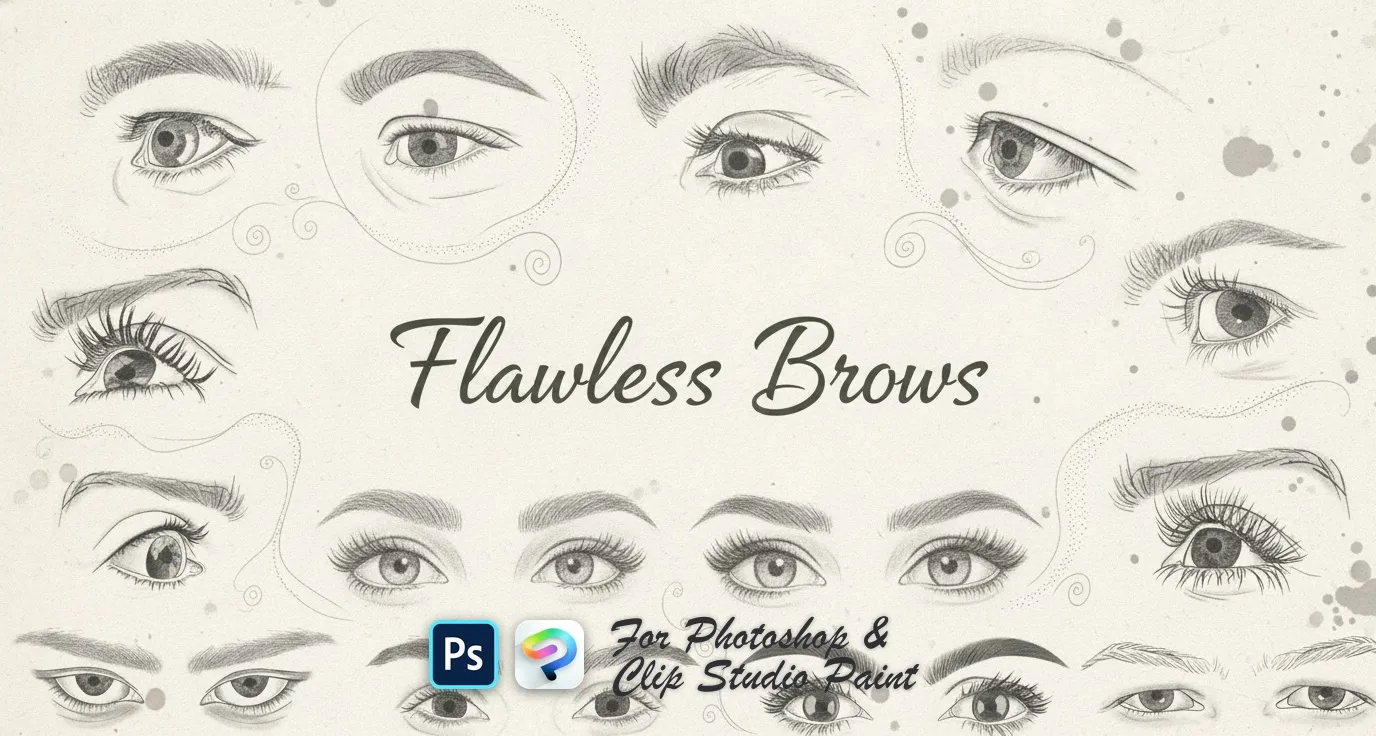
PS · CSP Flawless Brows
soft powdered, arched, straight, rounded and tapered brows, plus feathered, wispy, bushy and bold shapes
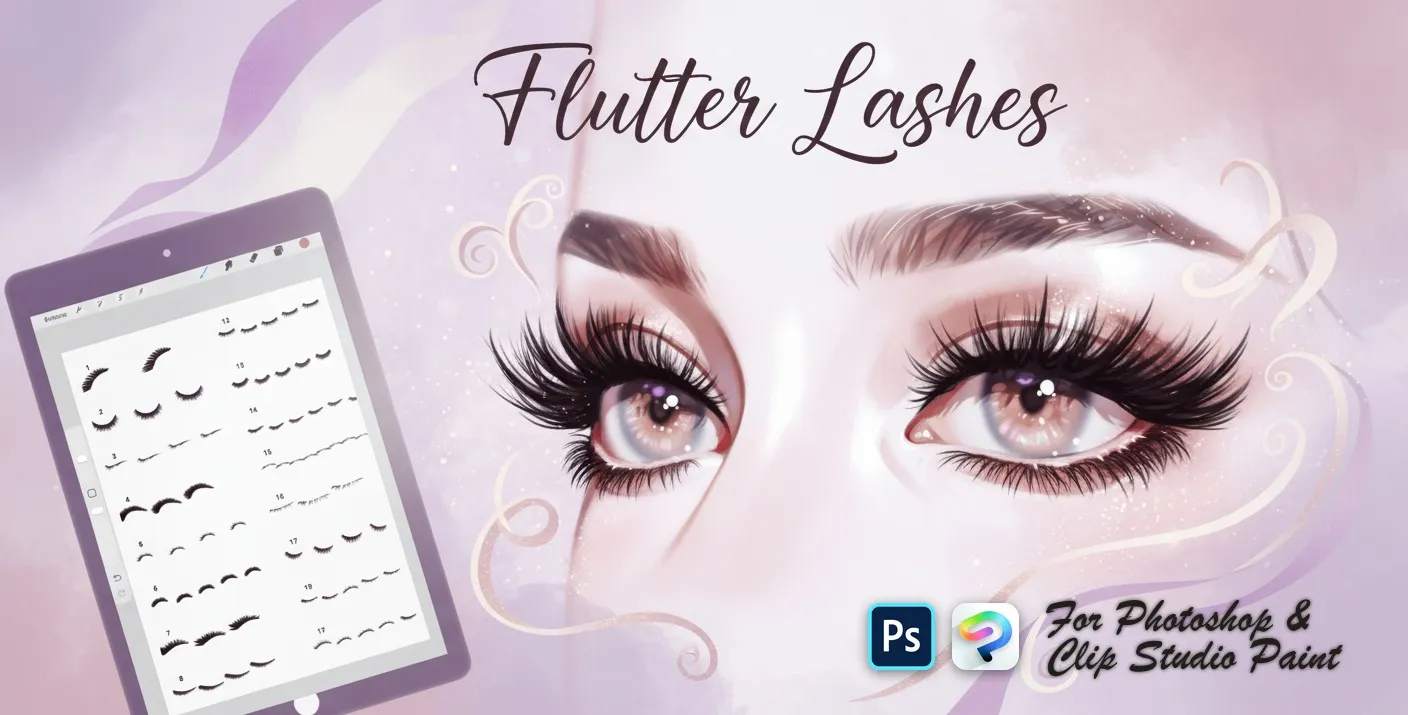 PS · CSP
 Flutter Lashes
upper lash sets, fanned and curled lashes, soft lash liners, lower and short lashes, wispy, feathery, spiky and dramatic looks
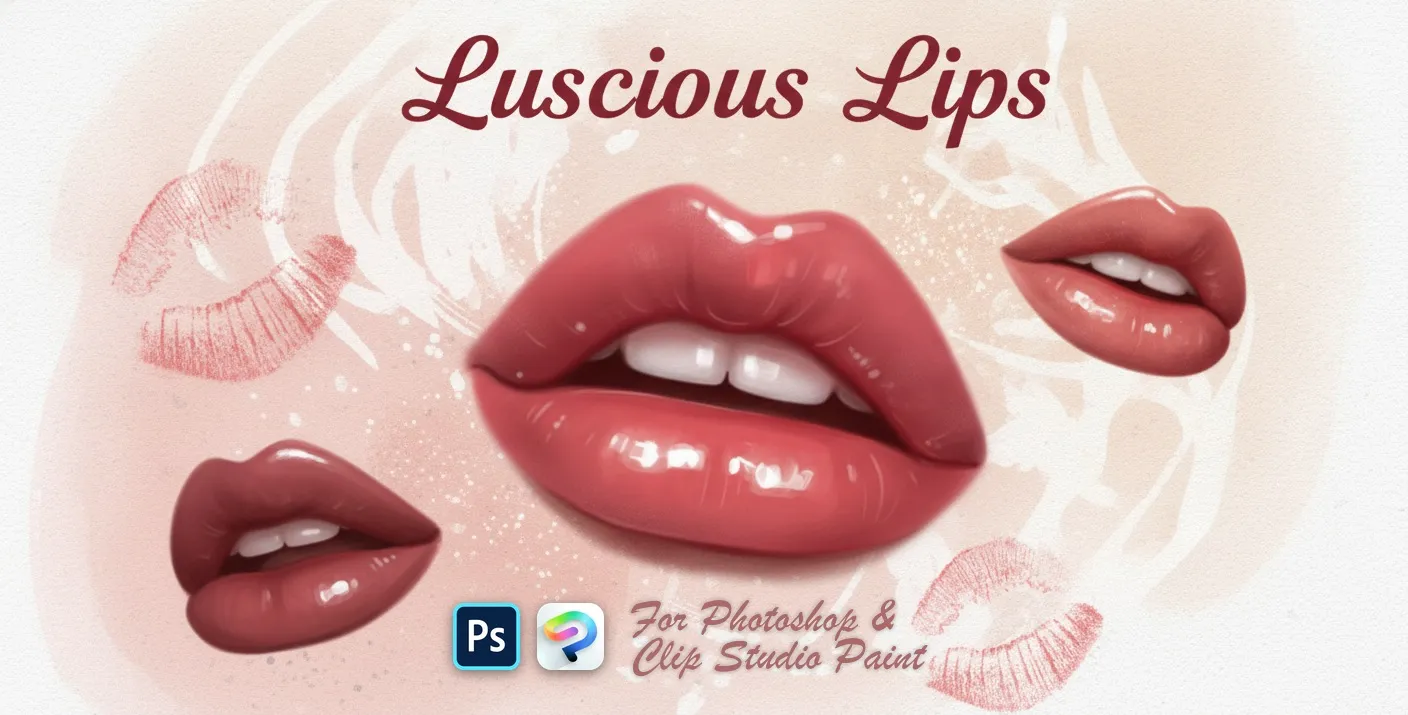 PS · CSP
 Luscious Lips
realistic lip and expressions
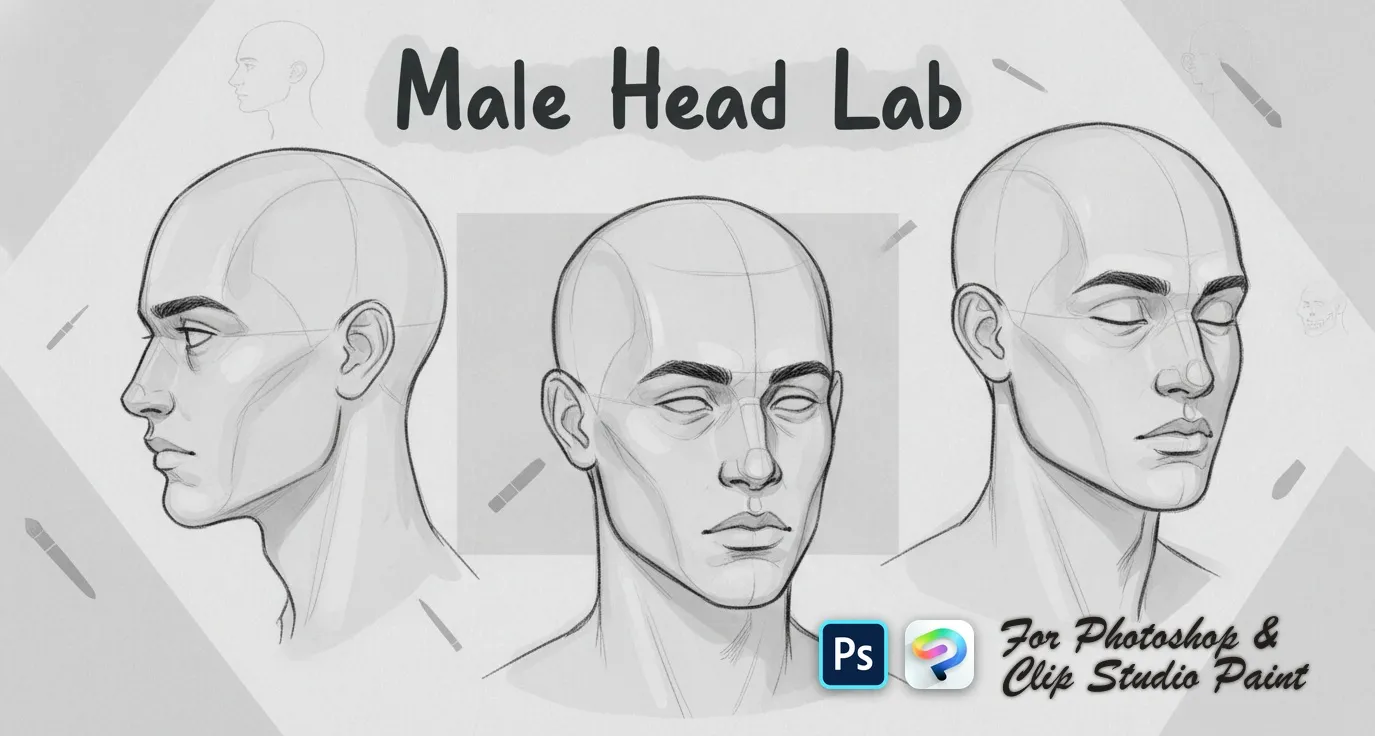 PS · CSP
 Male Head Lab
front, three-quarter, side and profile
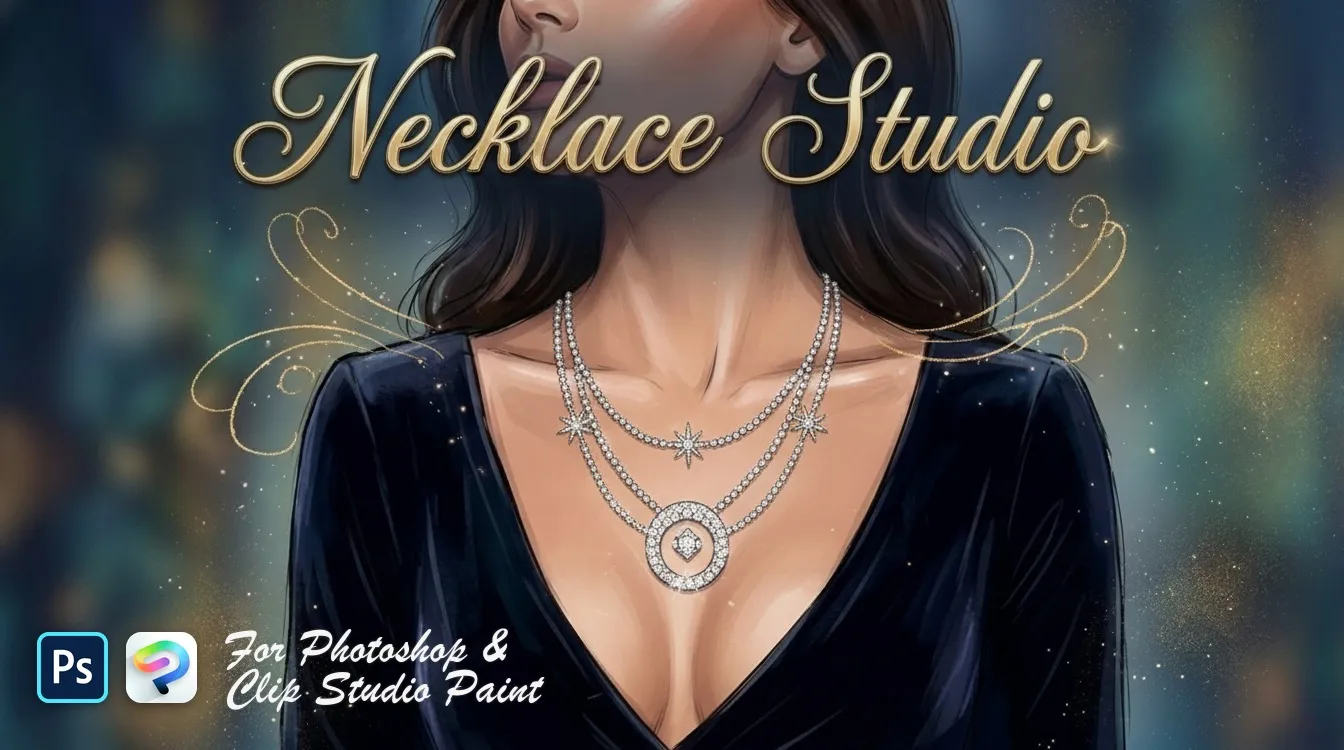 PS · CSP
 Necklace Studio
bead, pearl, graduated strands and curb
 PS · CSP
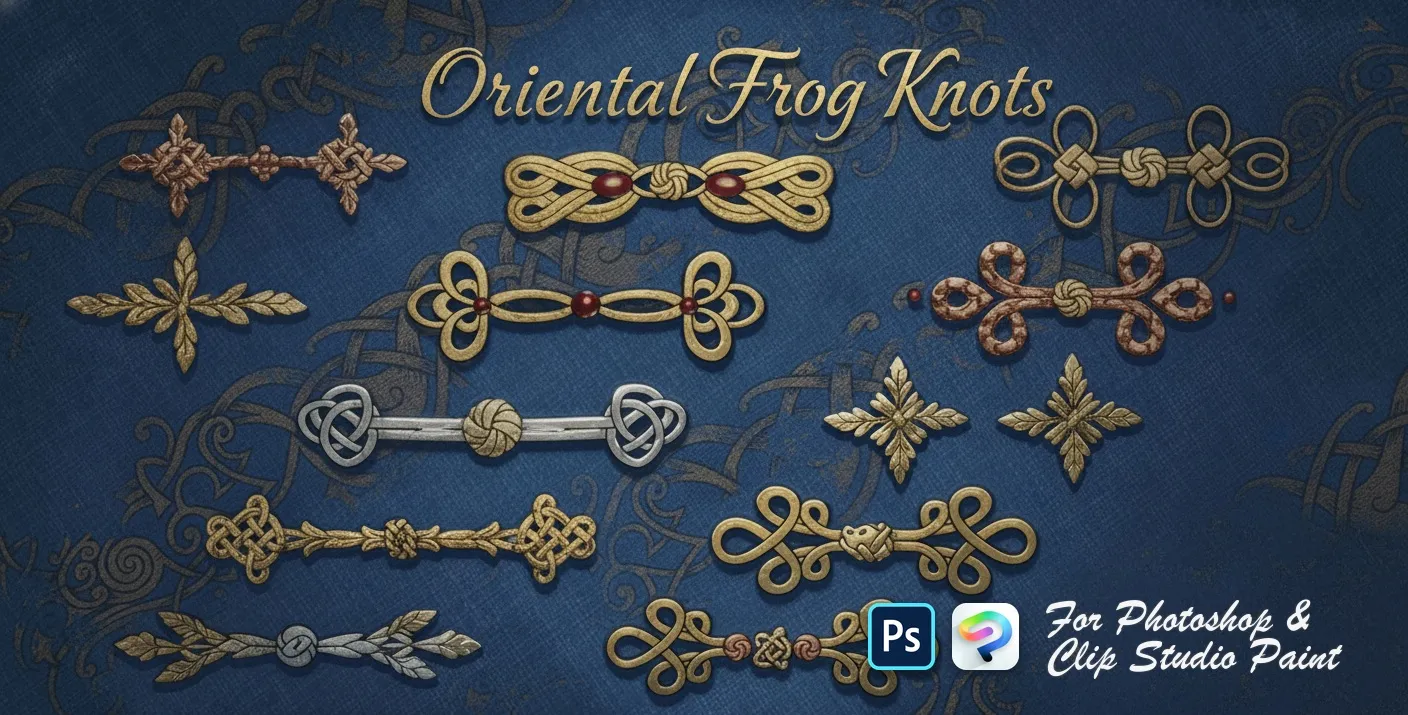
 Oriental Frog Knots
Chinese frog buttons and knot fasteners — Celtic, square, looped, scrolled, beaded, butterfly and cloverleaf knots
 PS · CSP
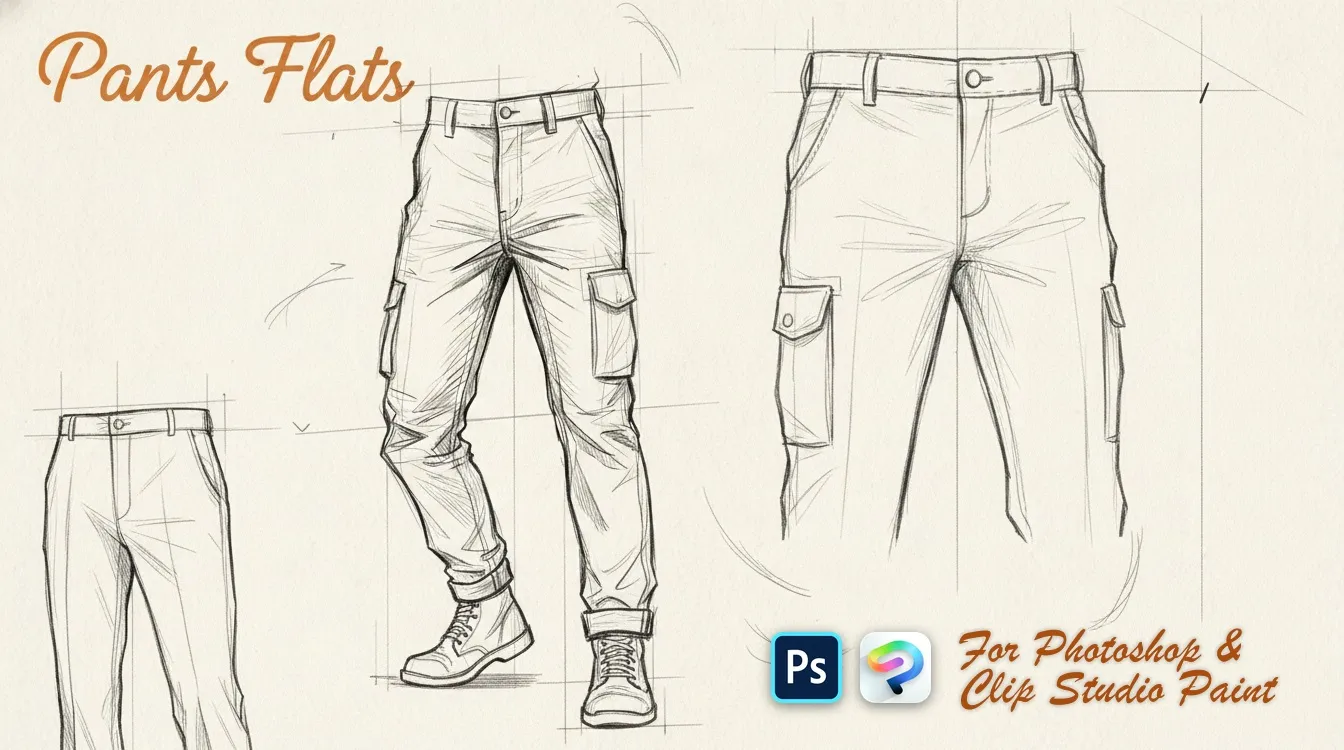
 Pants Flats
slim, wide-leg, straight and skinny
 PS · CSP
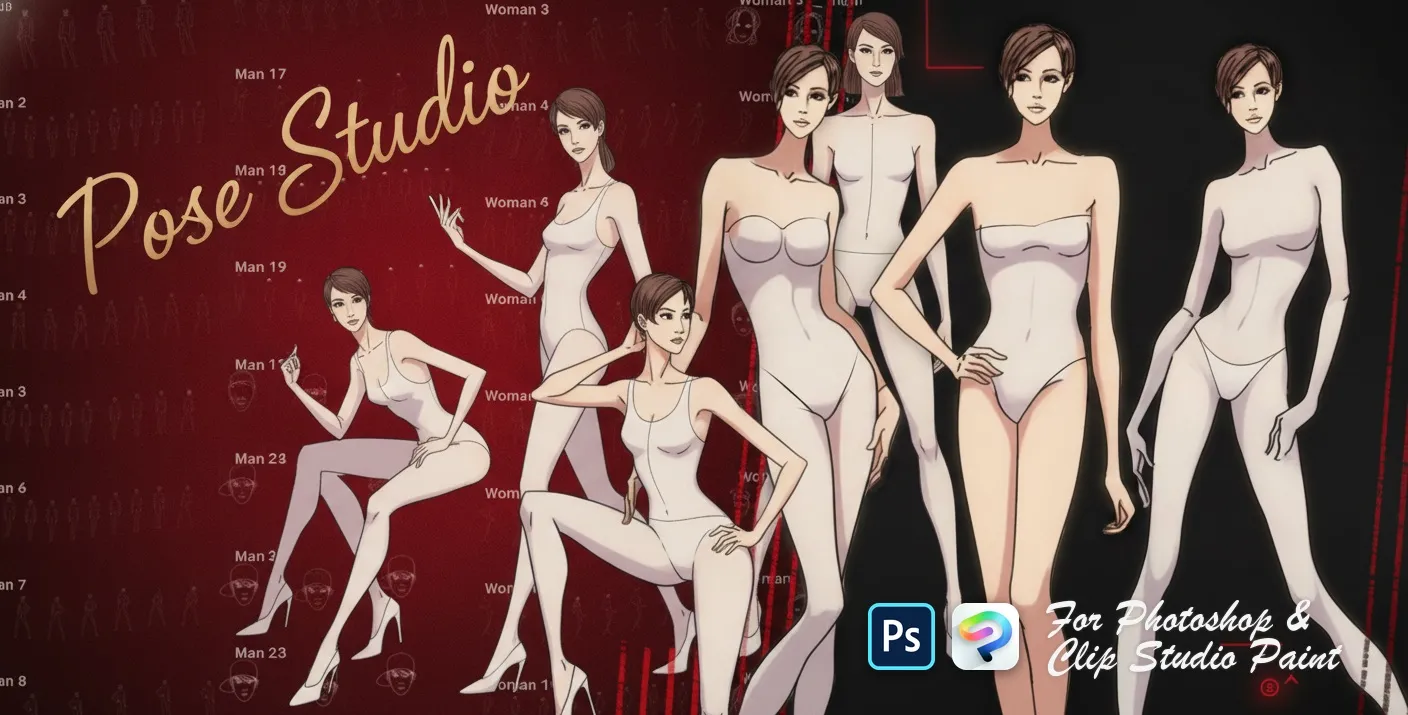
 Pose Studio
standing, walking, sitting and dynamic stances
 PS · CSP
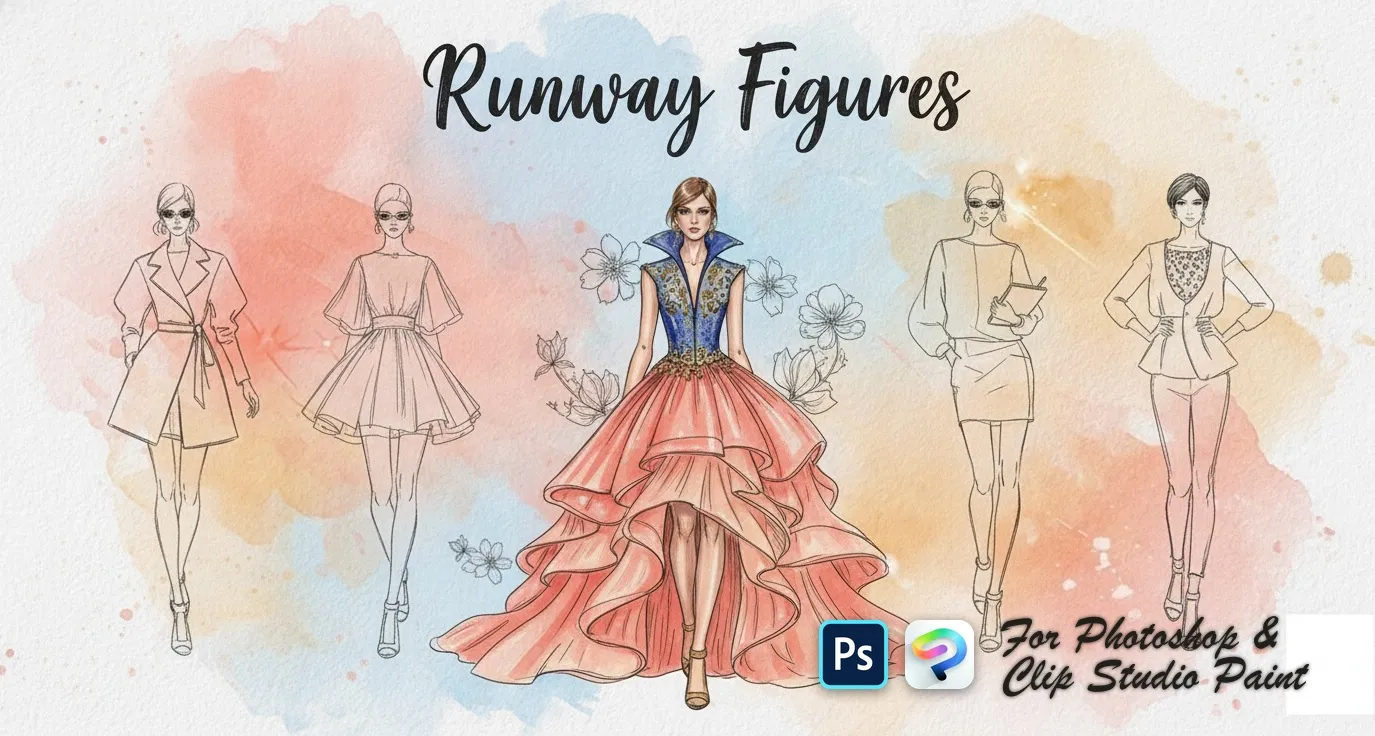
 Runway Figures
front, back and three-quarter

 Scan → get the app
Also on iPad — the Brusher app
Prefer Procreate on iPad? The Brusher app has the complete 200+ set library, including fashion brushes, all in one app.
Popular fashion styles
Fashion — FAQ
Do fashion stamps work in Photoshop and Clip Studio Paint?+
Yes. Each pack is a single .abr file that imports into Photoshop (CC and newer) and Clip Studio Paint (1.10.5 or later) — one file, one purchase, both apps, PC and Mac.
How do I use croquis and figure templates?+
Place the croquis on its own layer and drop its opacity to around 30%, then draw the garment on a layer above it. Keep the template visible while you work out proportions and drape, then hide it — it's a measuring tool, not part of the final illustration.
Which brushes do I need for a fashion flat?+
A clean, even-weight liner for the garment outline, a slightly finer one for seams and stitching, and a texture brush for fabric indication. Fashion flats read as technical drawings, so consistent line weight matters more here than the expressive variation you'd want in an illustration.