Skip to content
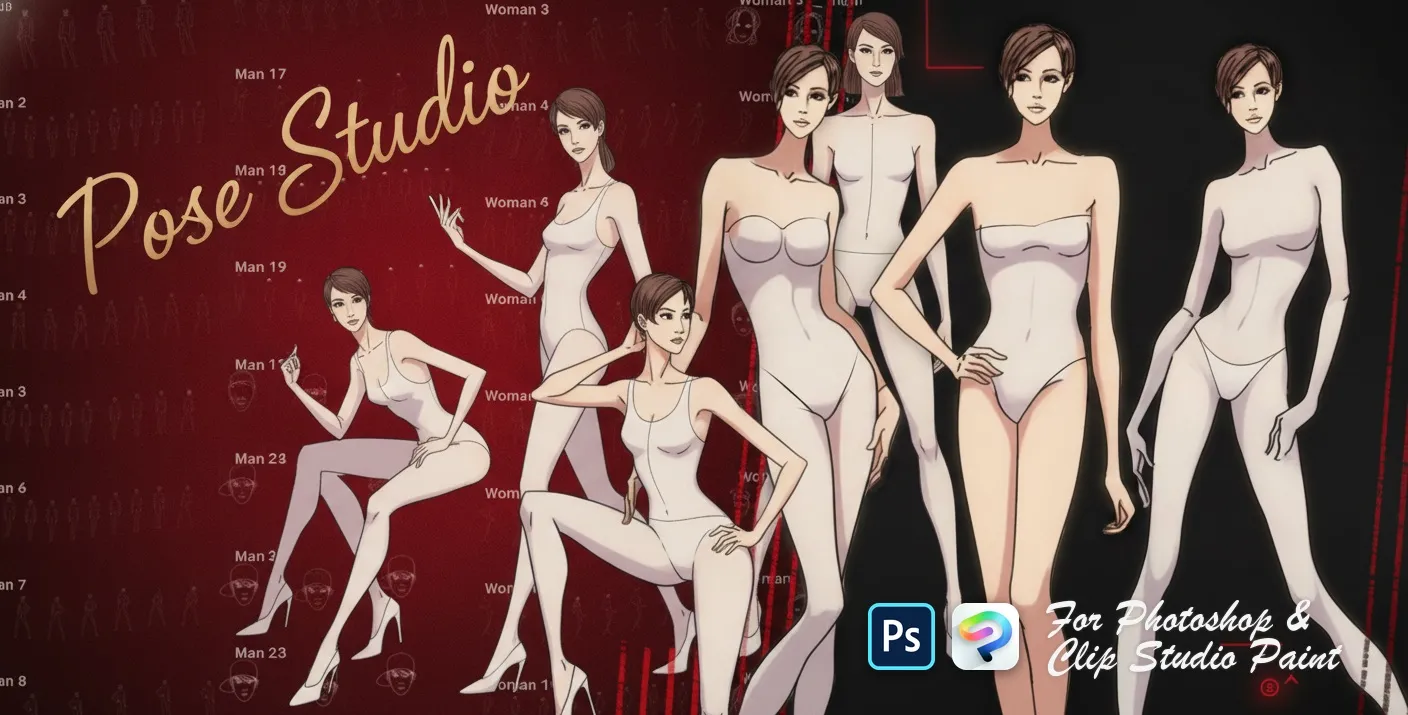
Pose Studio Photoshop & Clip Studio Paint brush set cover
.abr · PC & Mac Fashion

Pose Studio Photoshop & Clip Studio Paint Brushes

B by the Brusher team

A pose reference stamp set for quickly composing figure drawings and scenes. Compatible with Adobe Photoshop CC 2020+.

Brushes
54
Works with
Photoshop & Clip Studio Paint
Download free — 54 brushes

Free download · one .abr file · works in Photoshop & Clip Studio Paint · email required

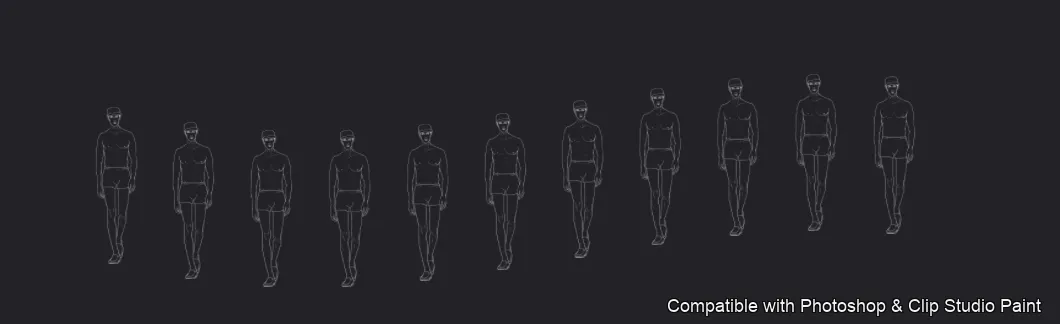
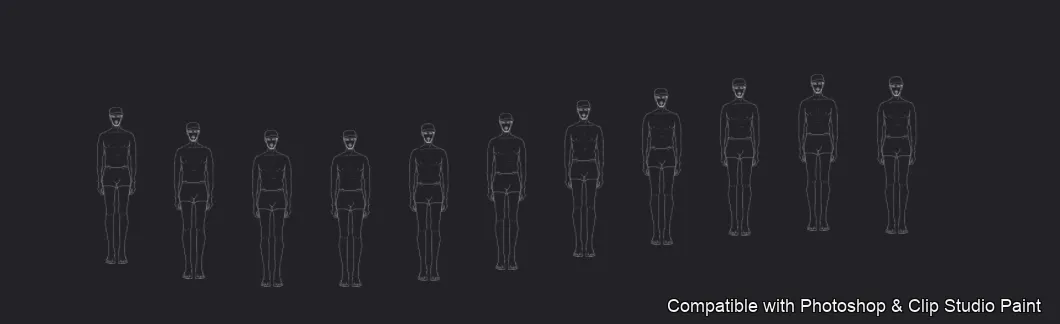
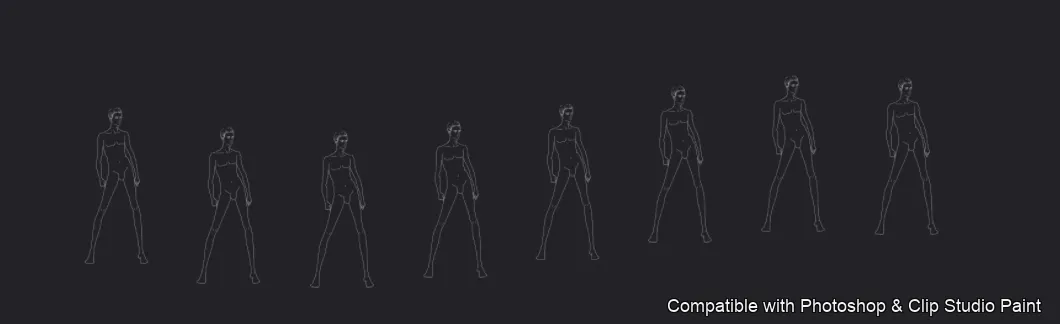
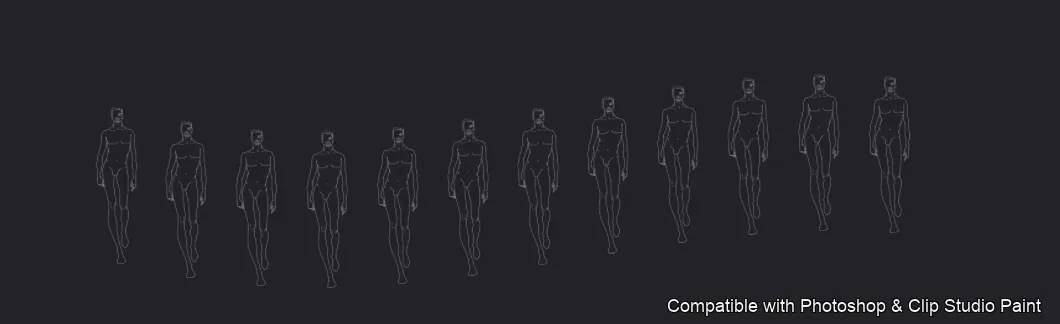
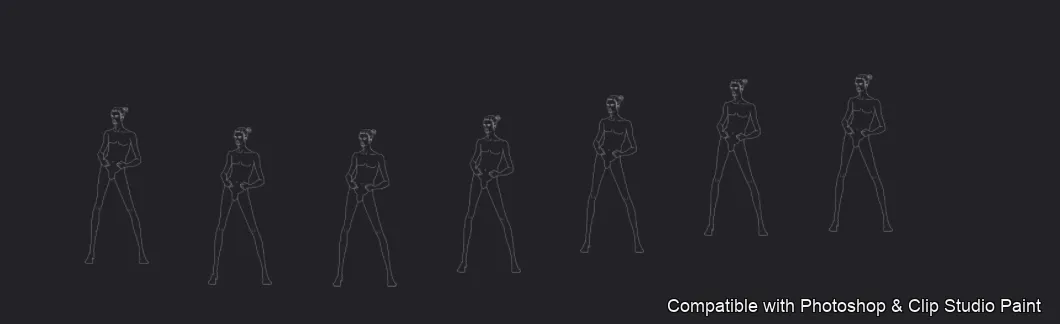
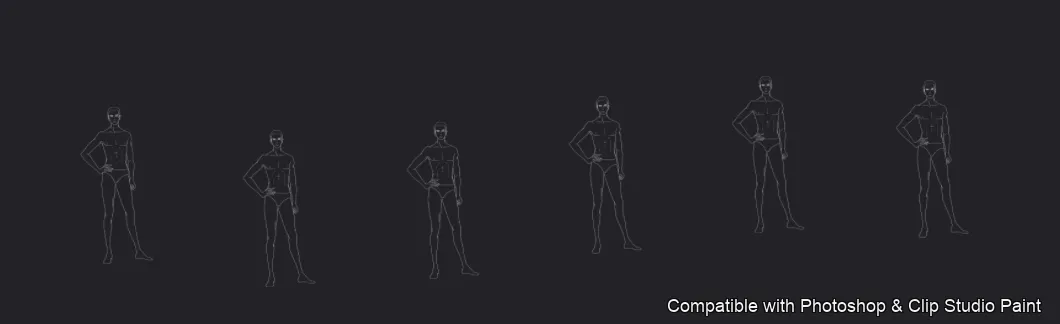
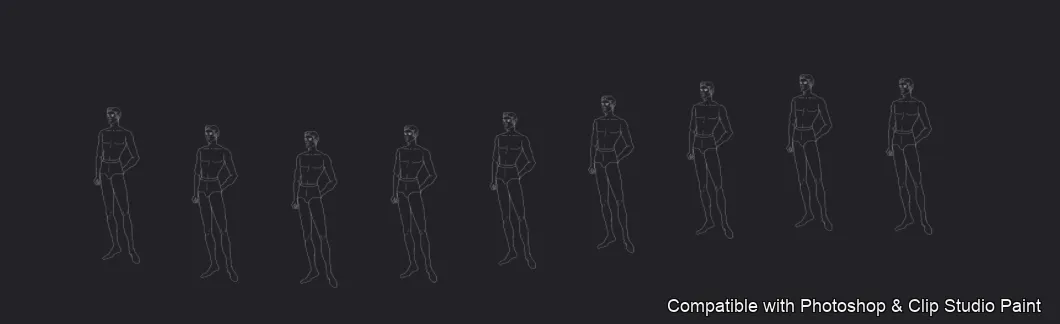
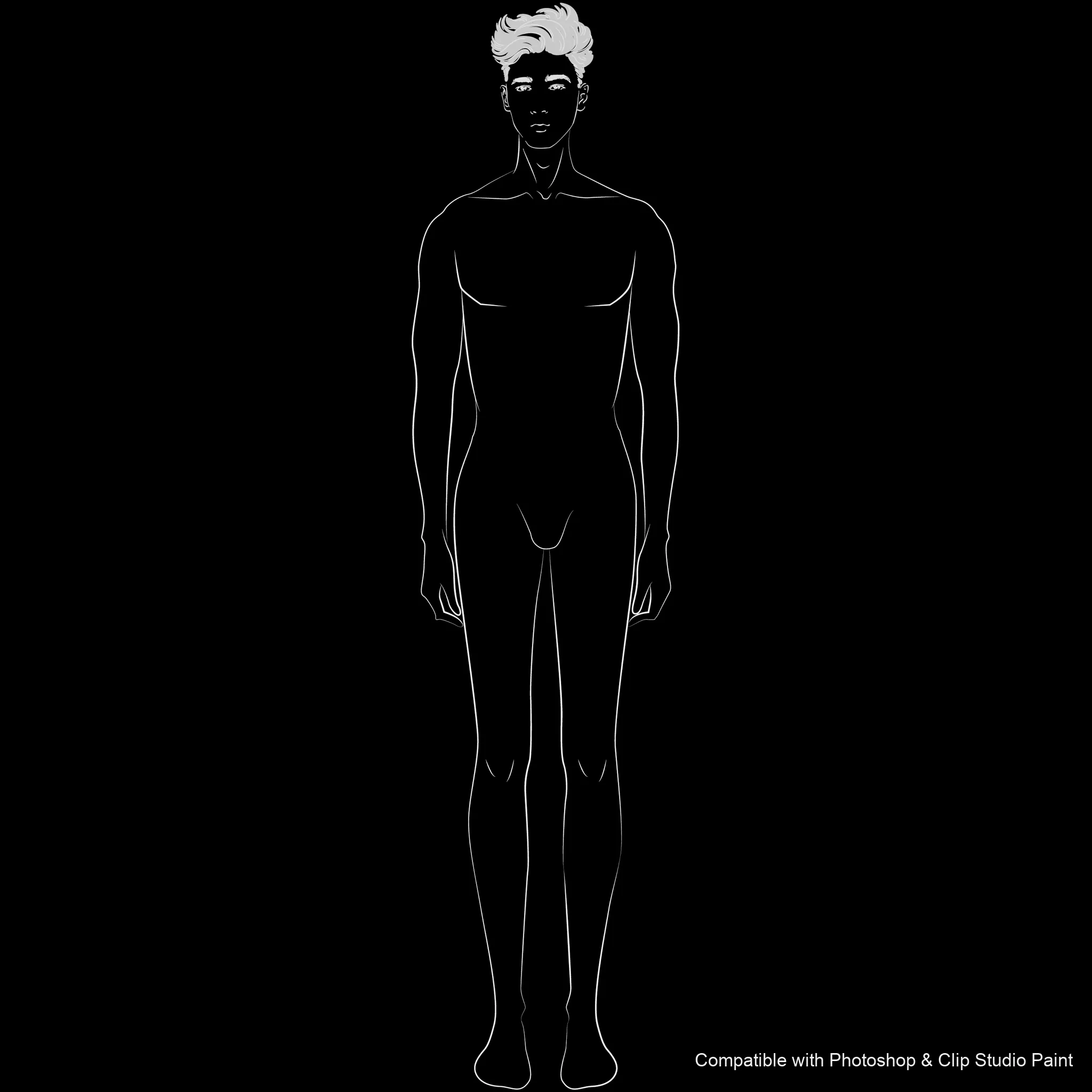
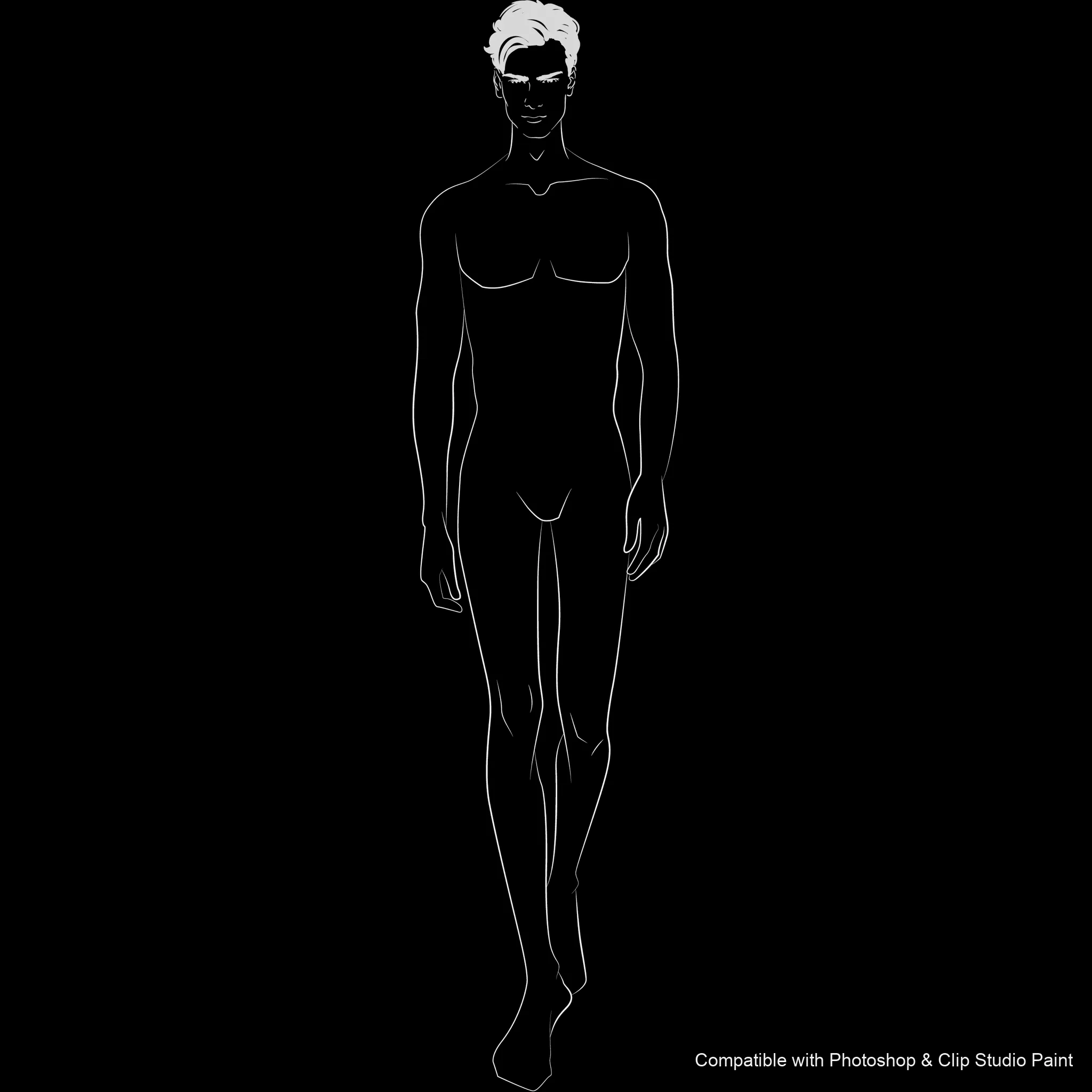
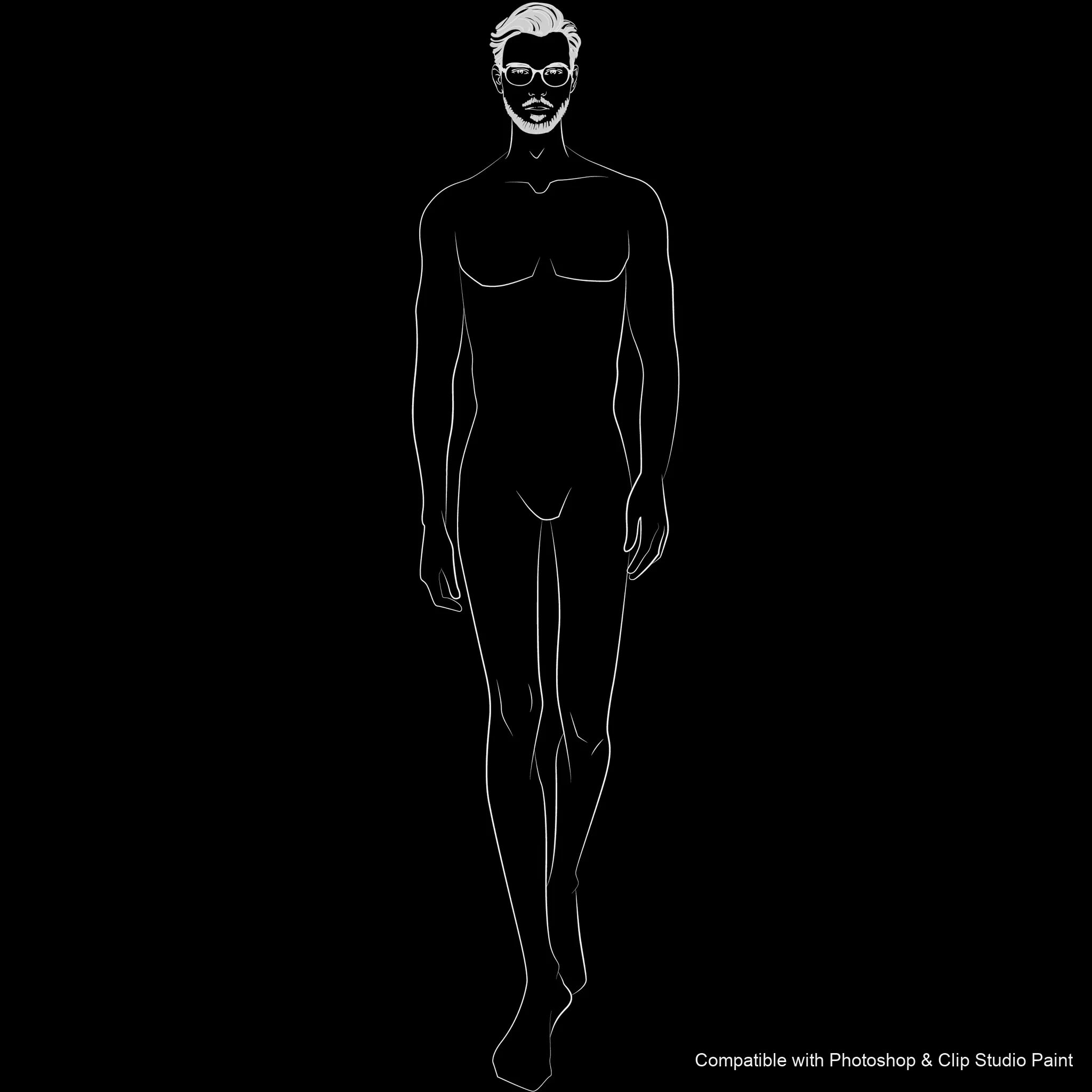
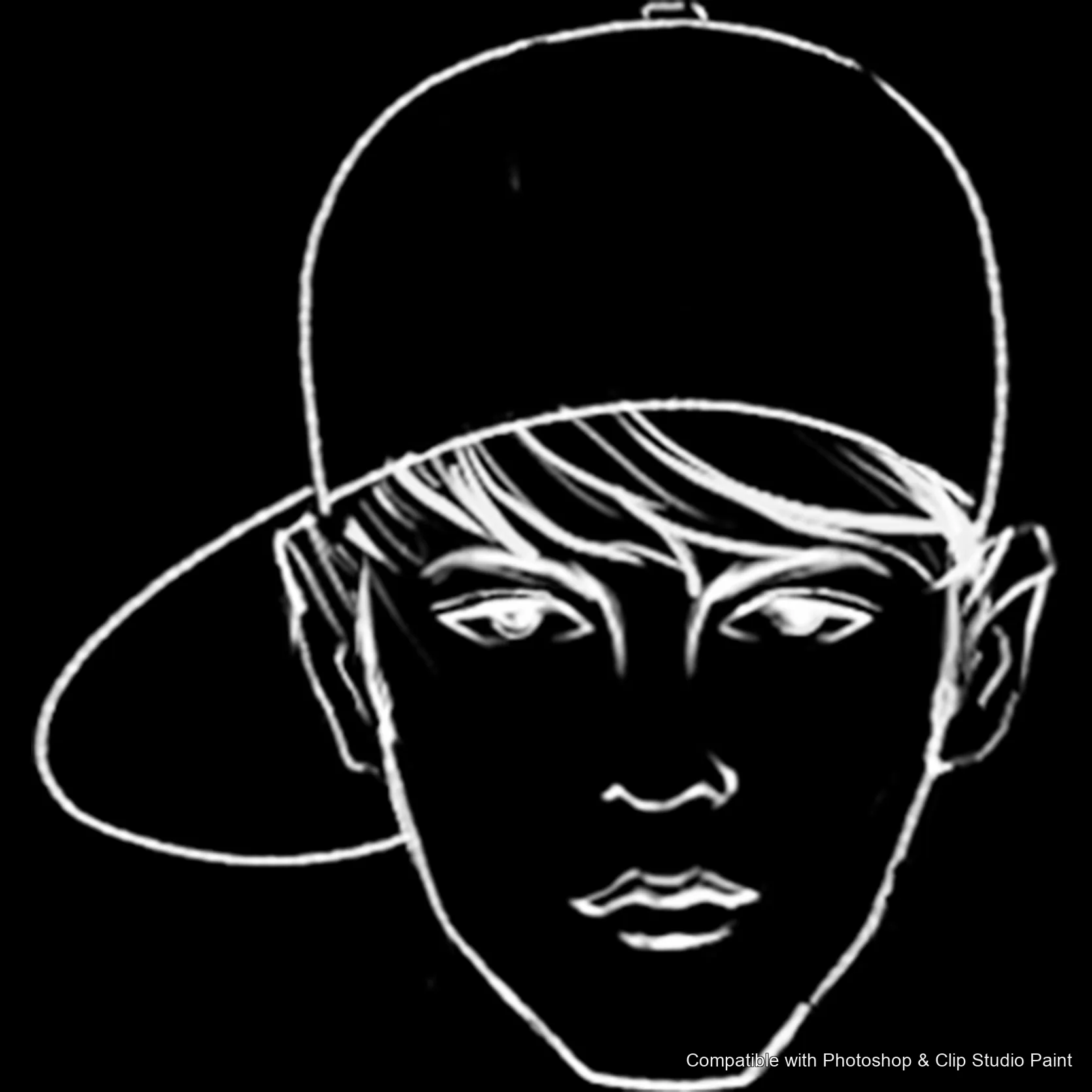
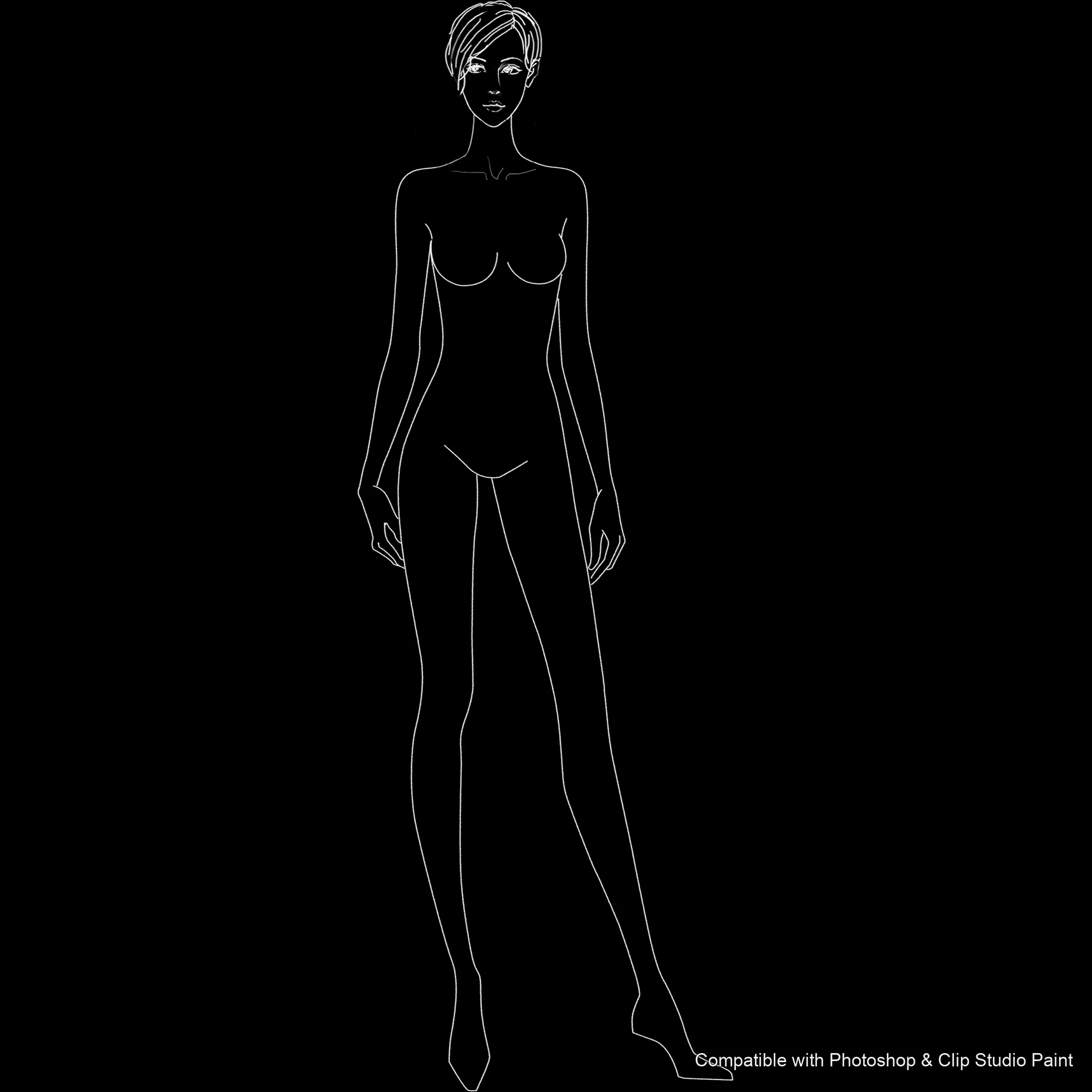
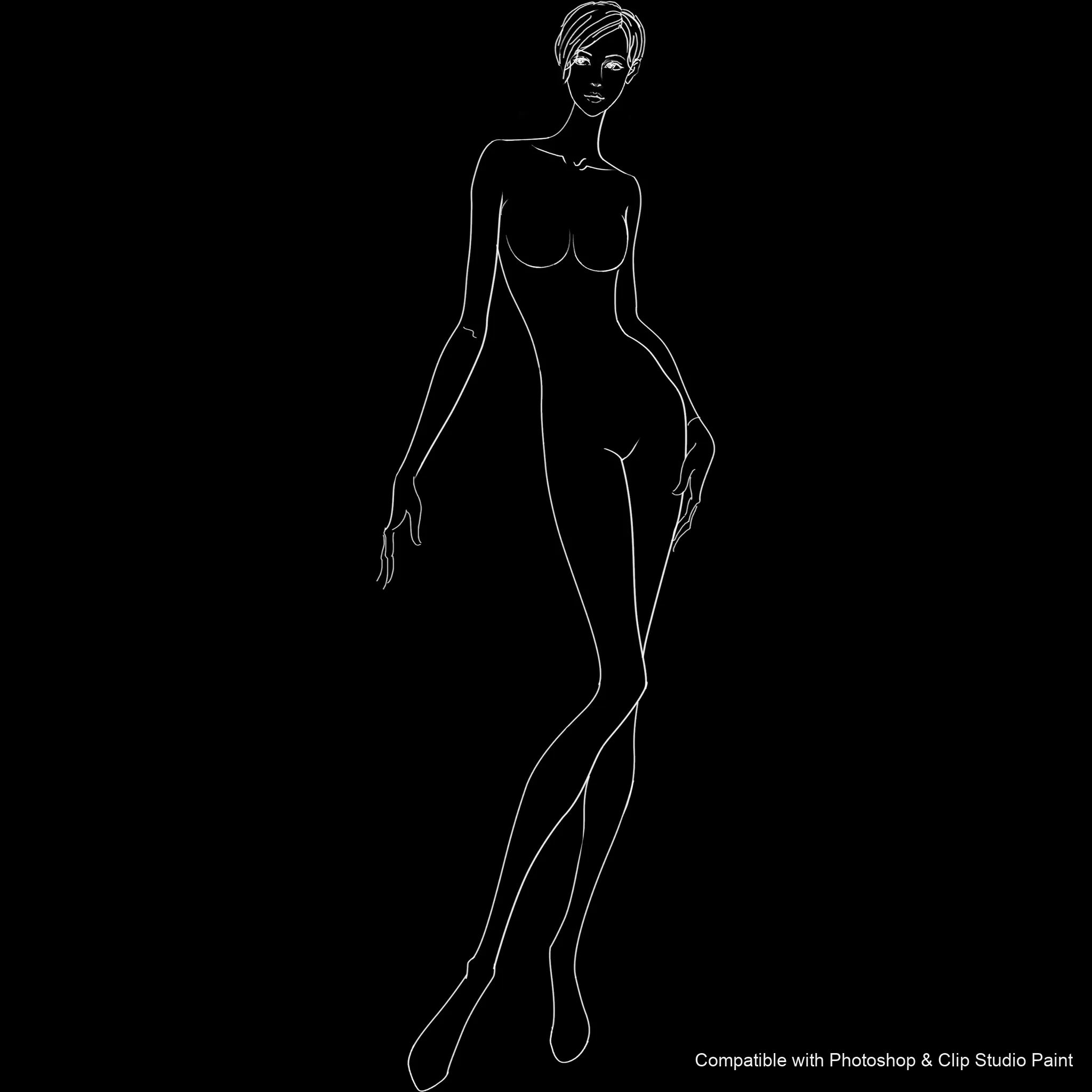
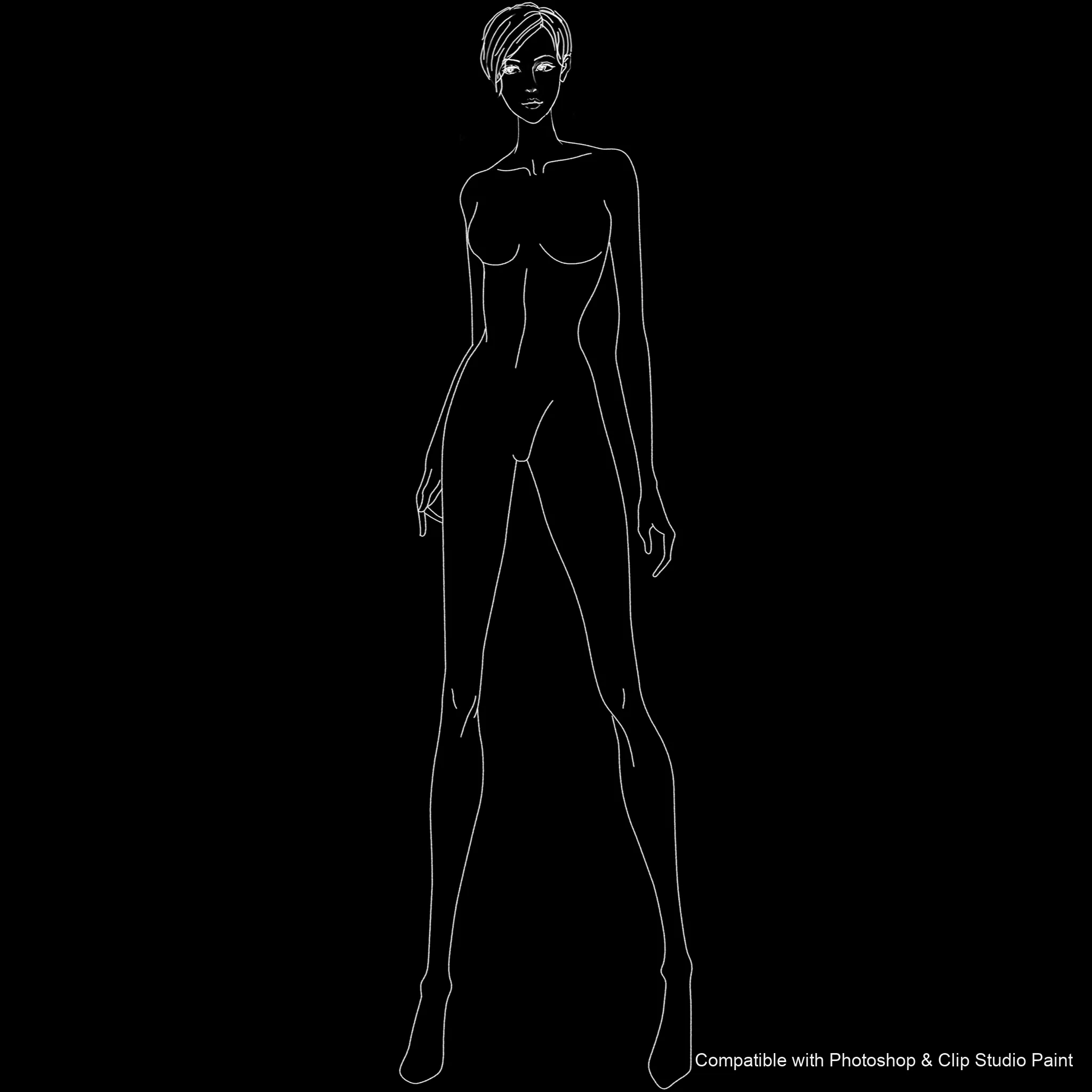
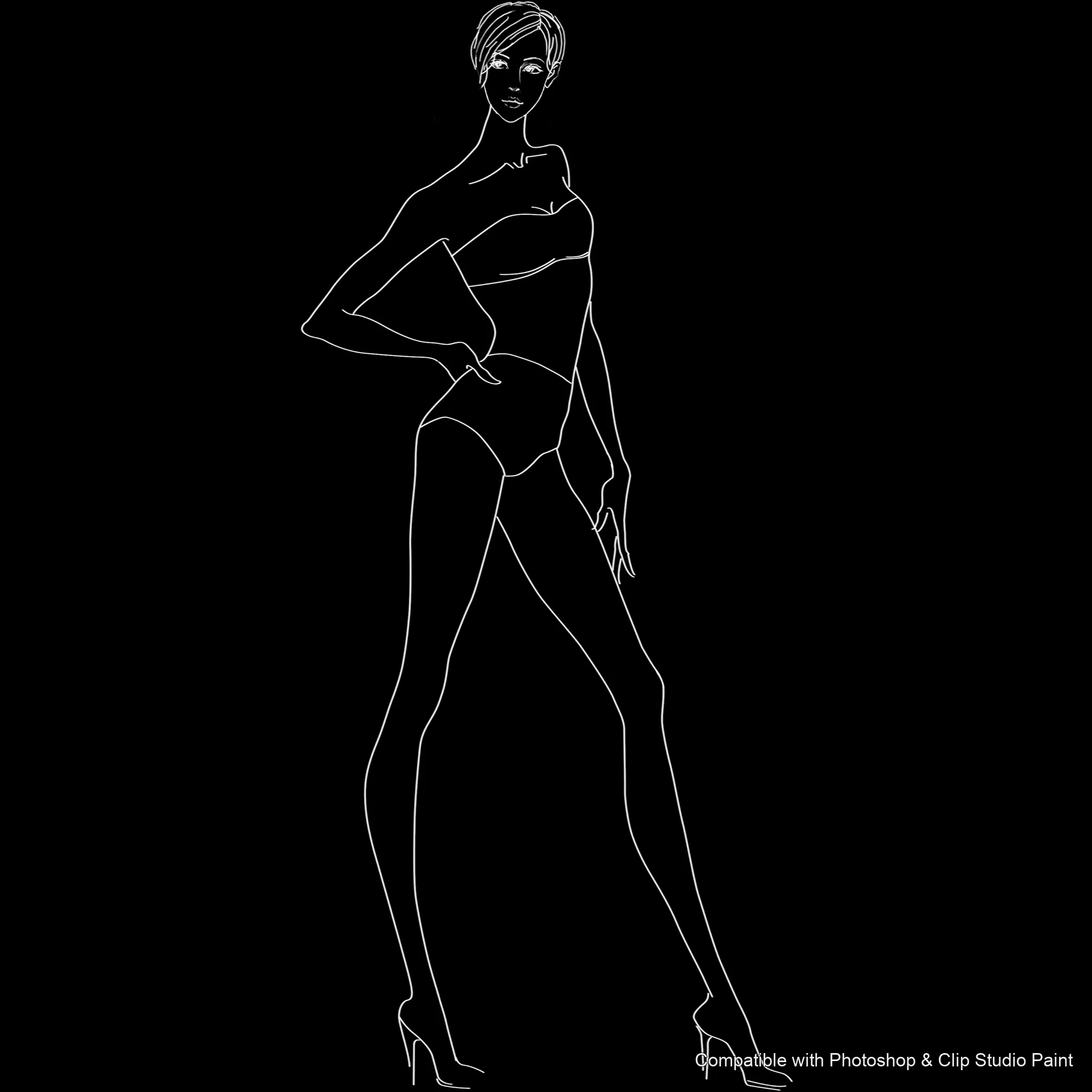
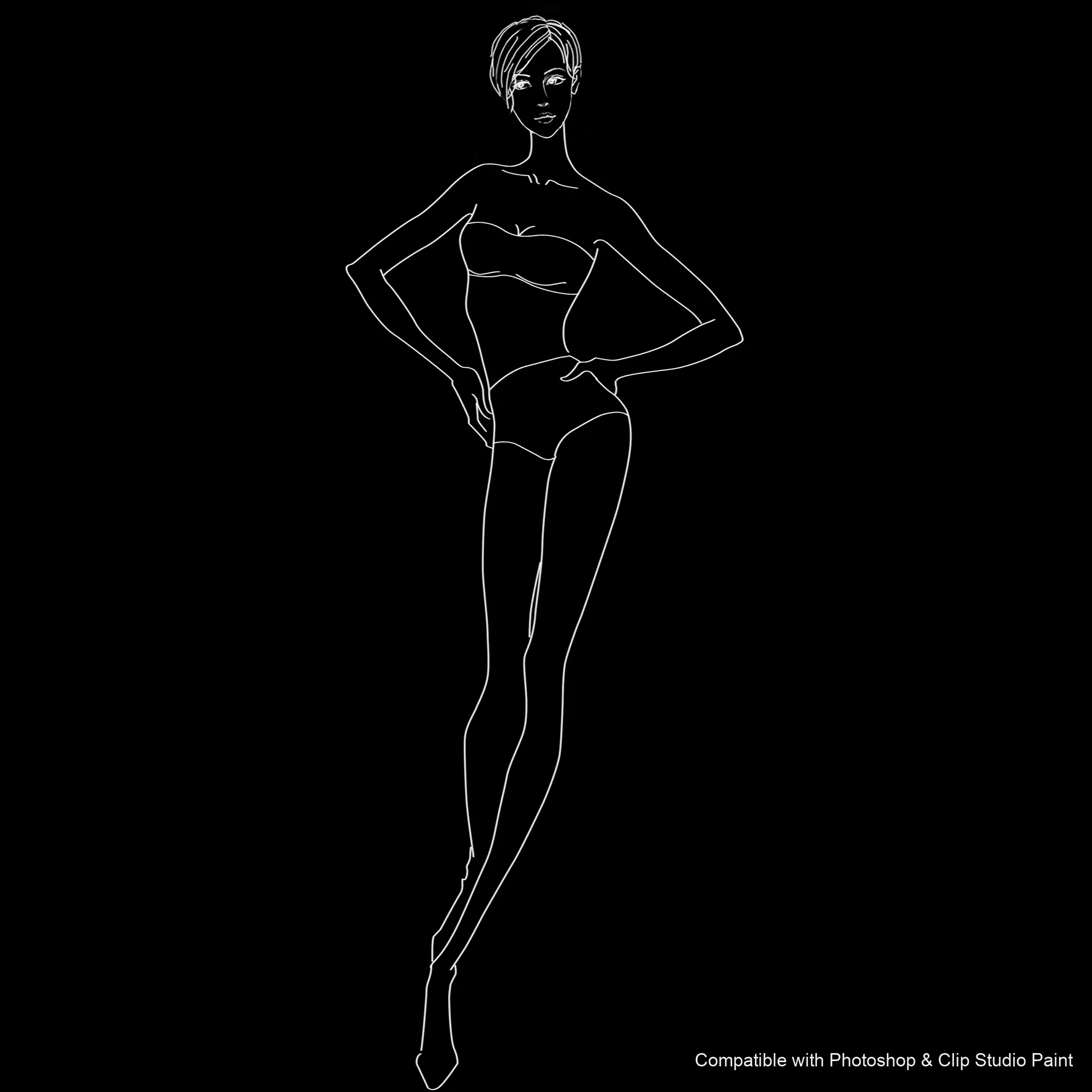
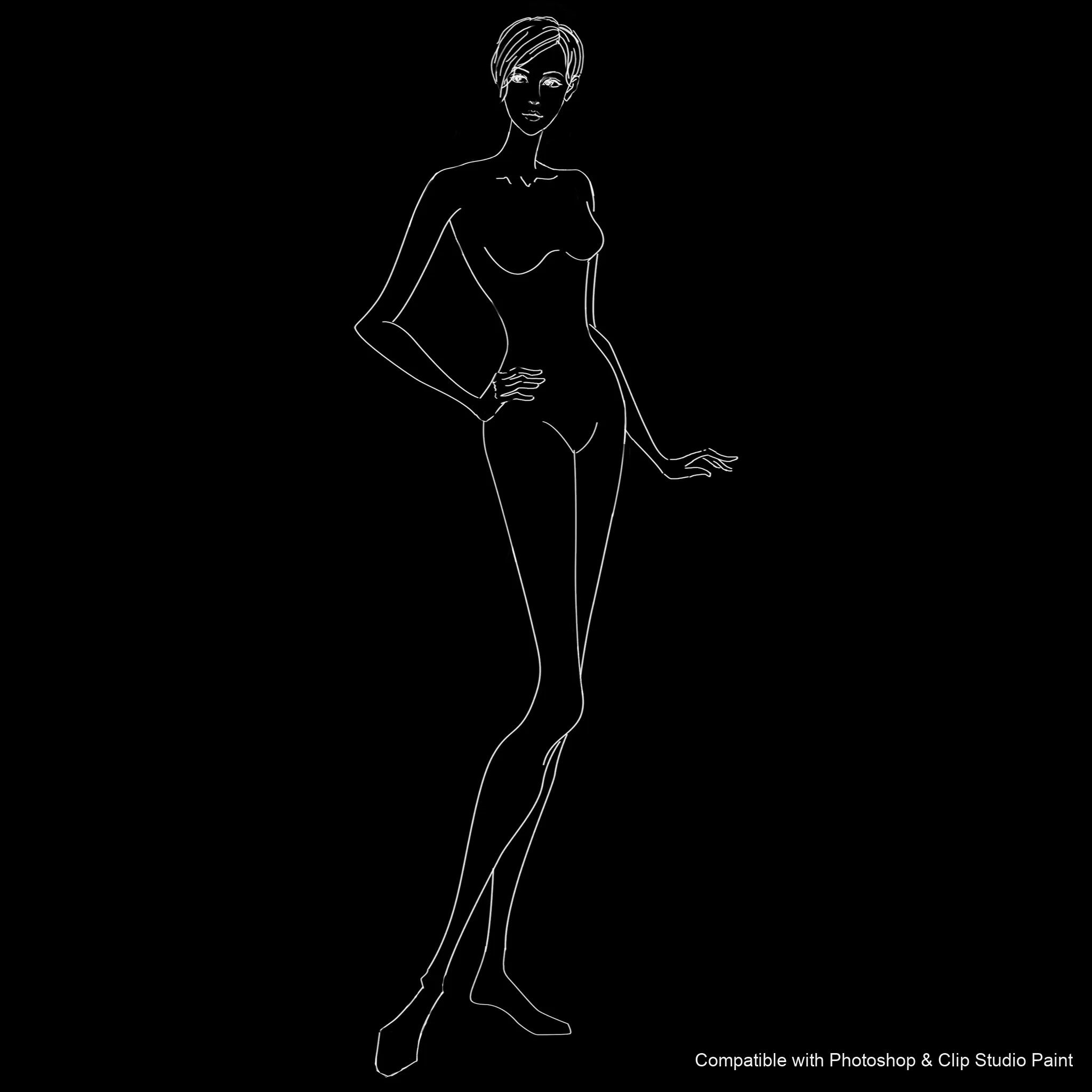
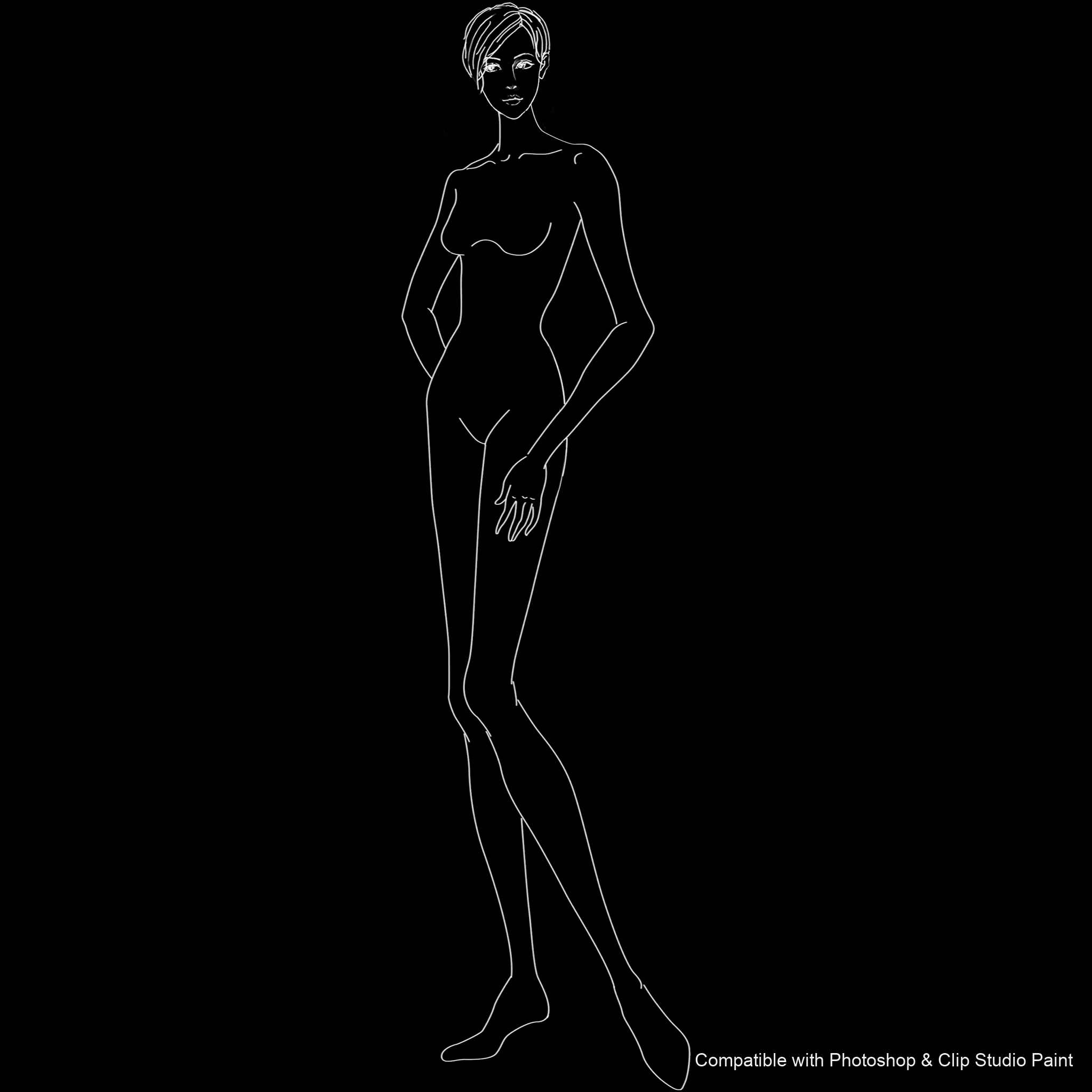
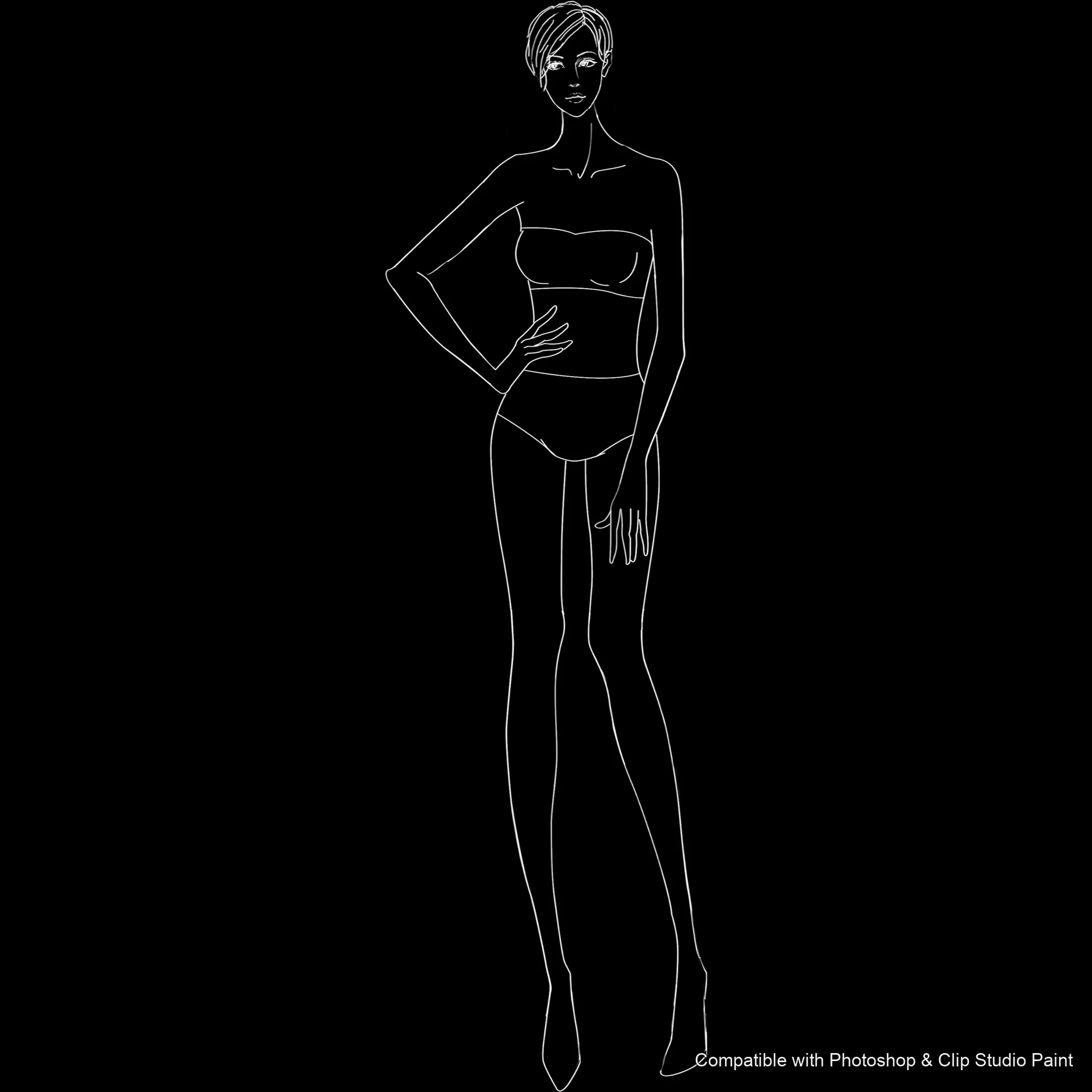
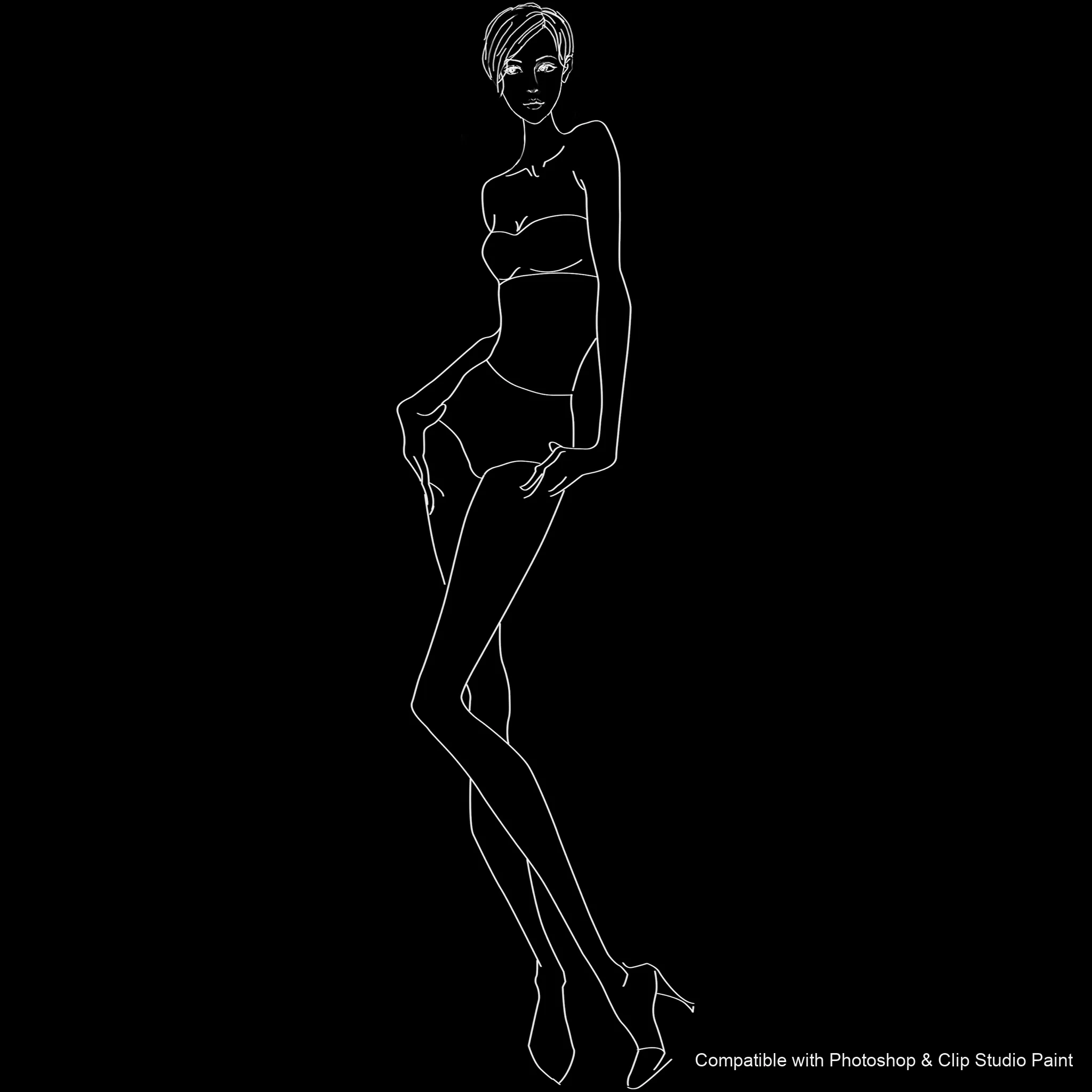
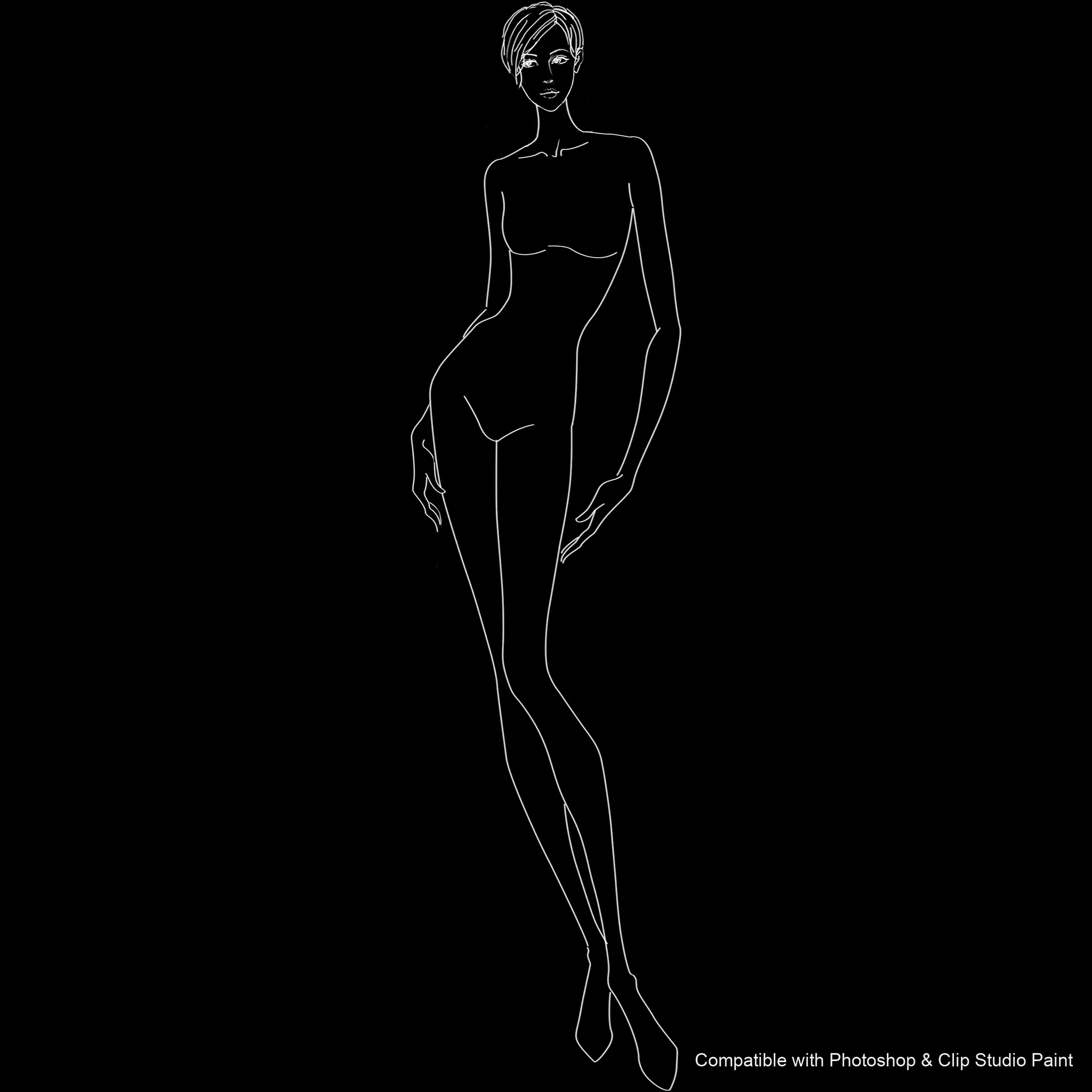
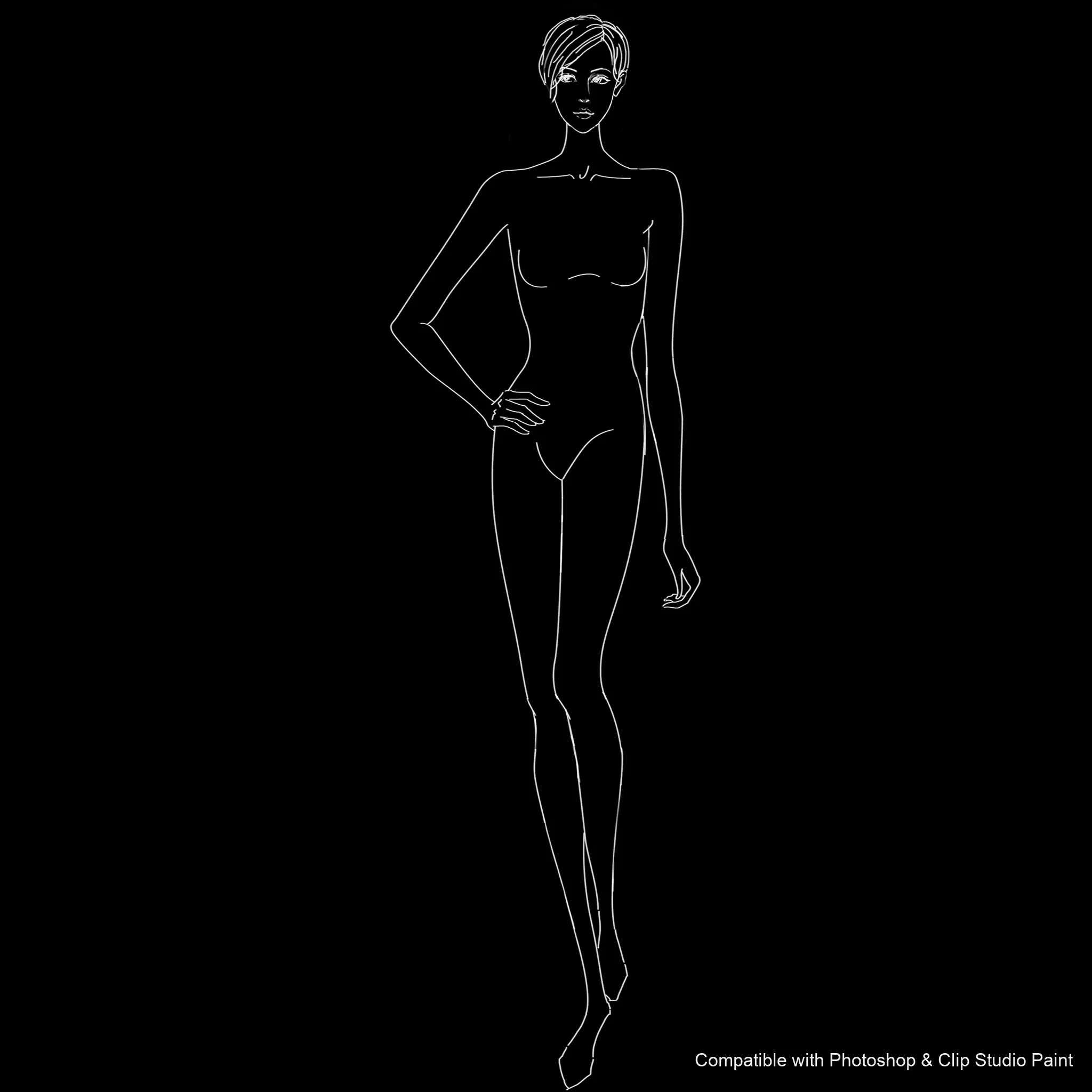
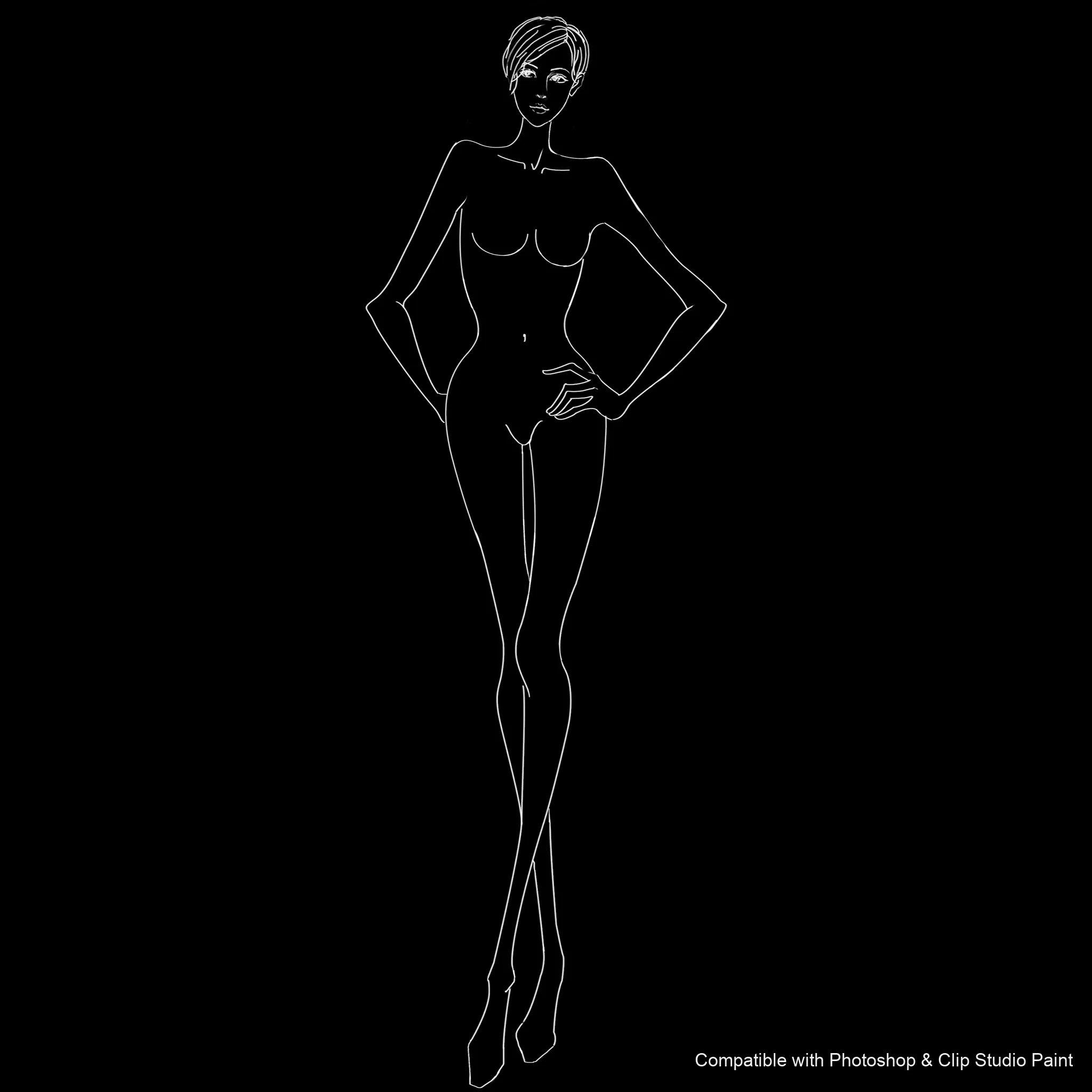
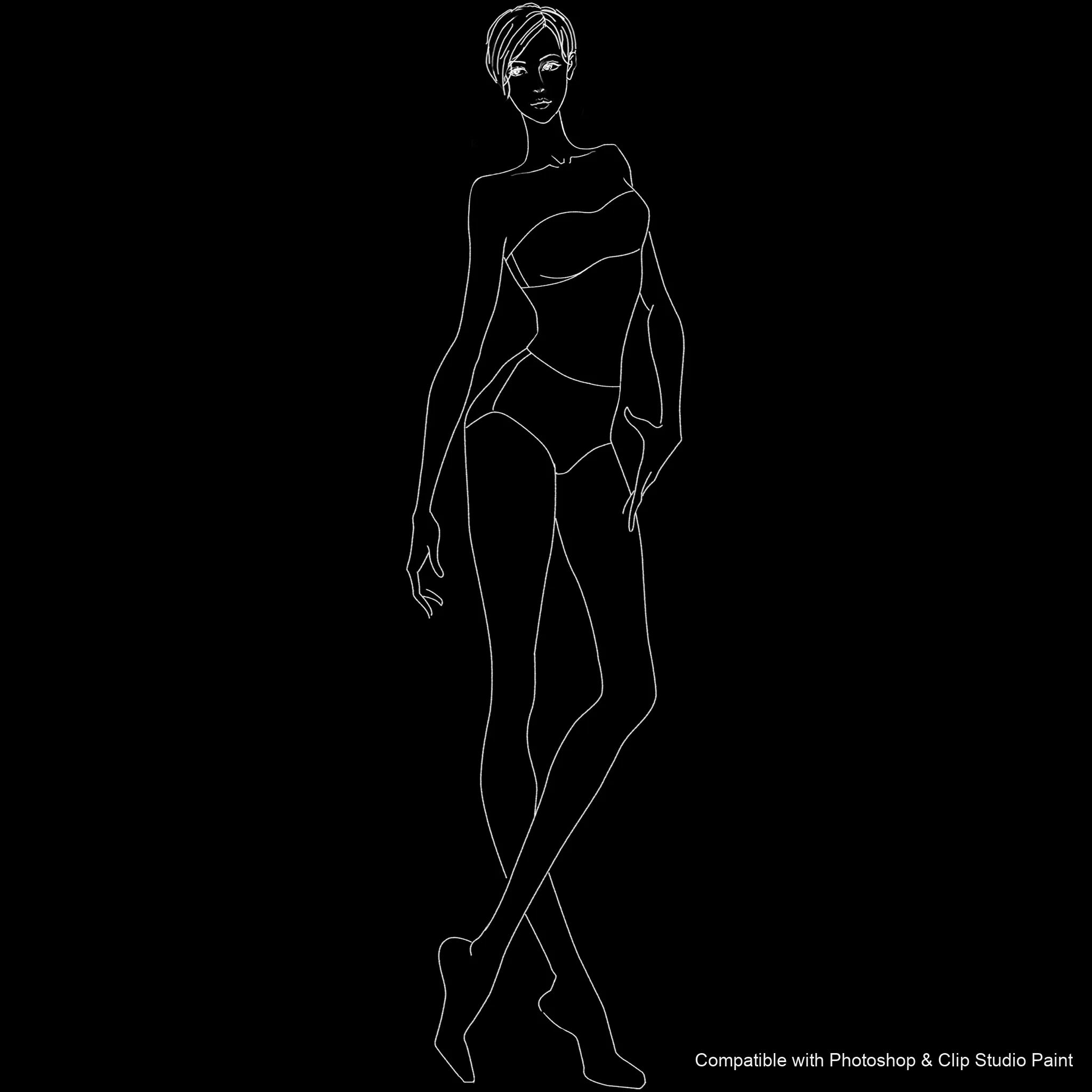
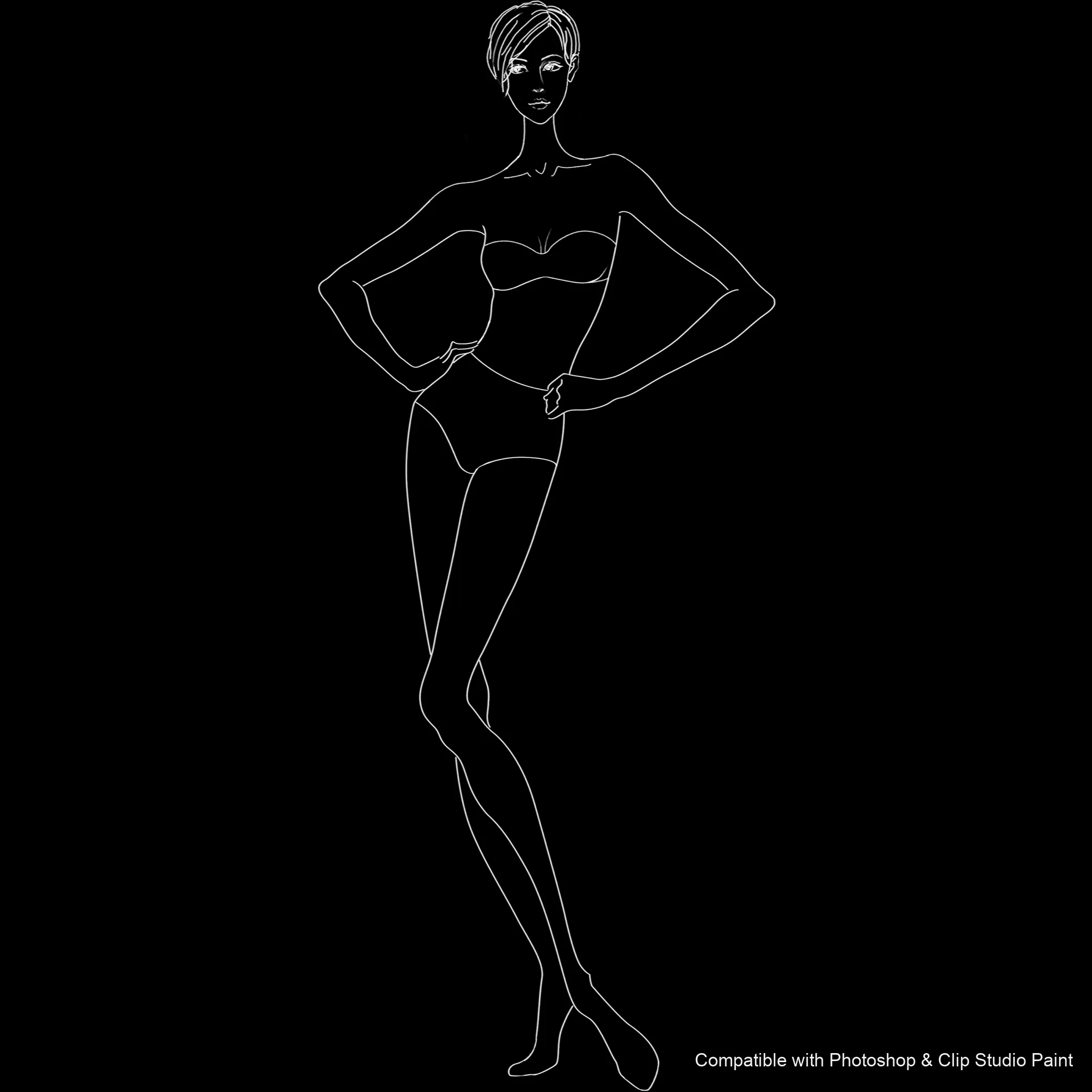
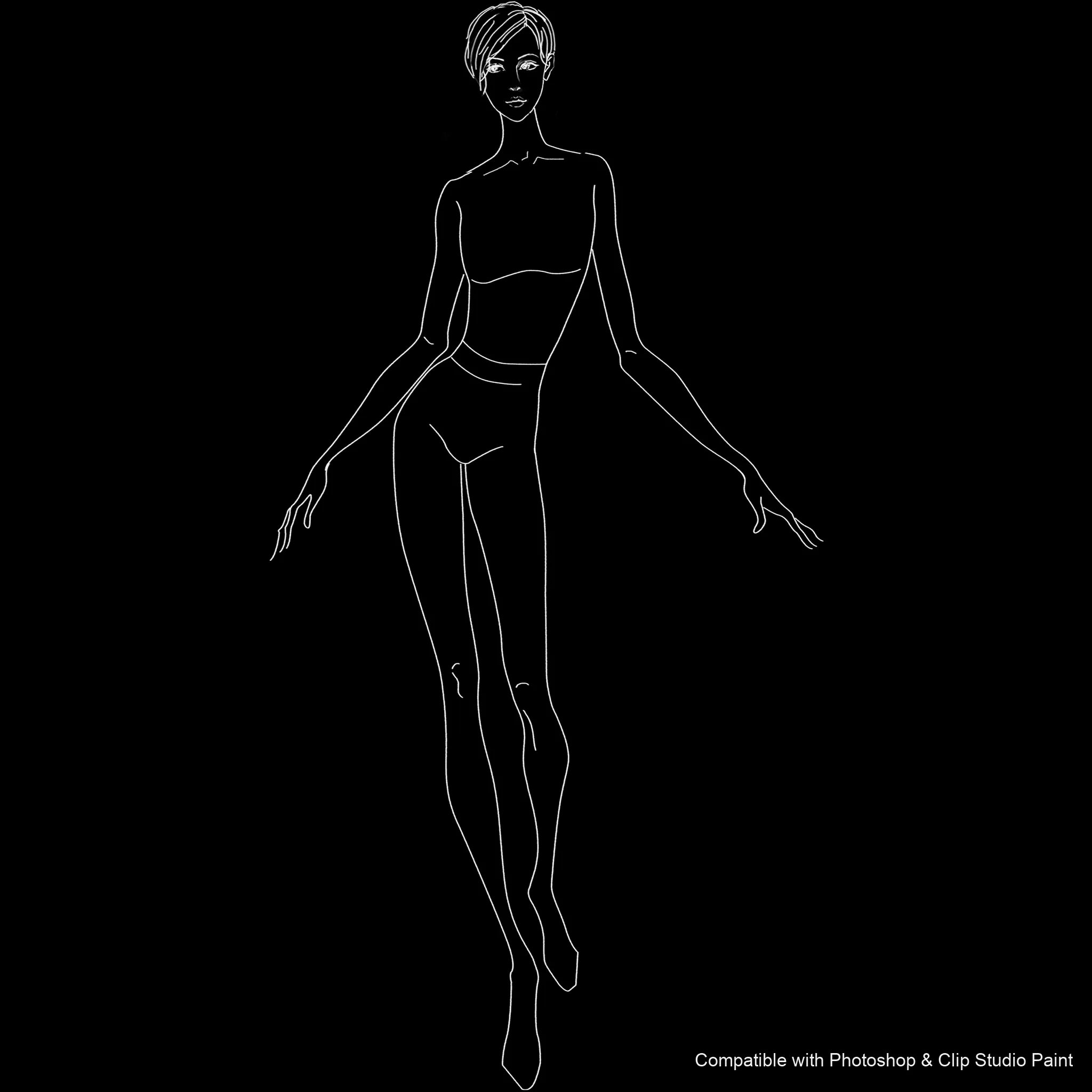
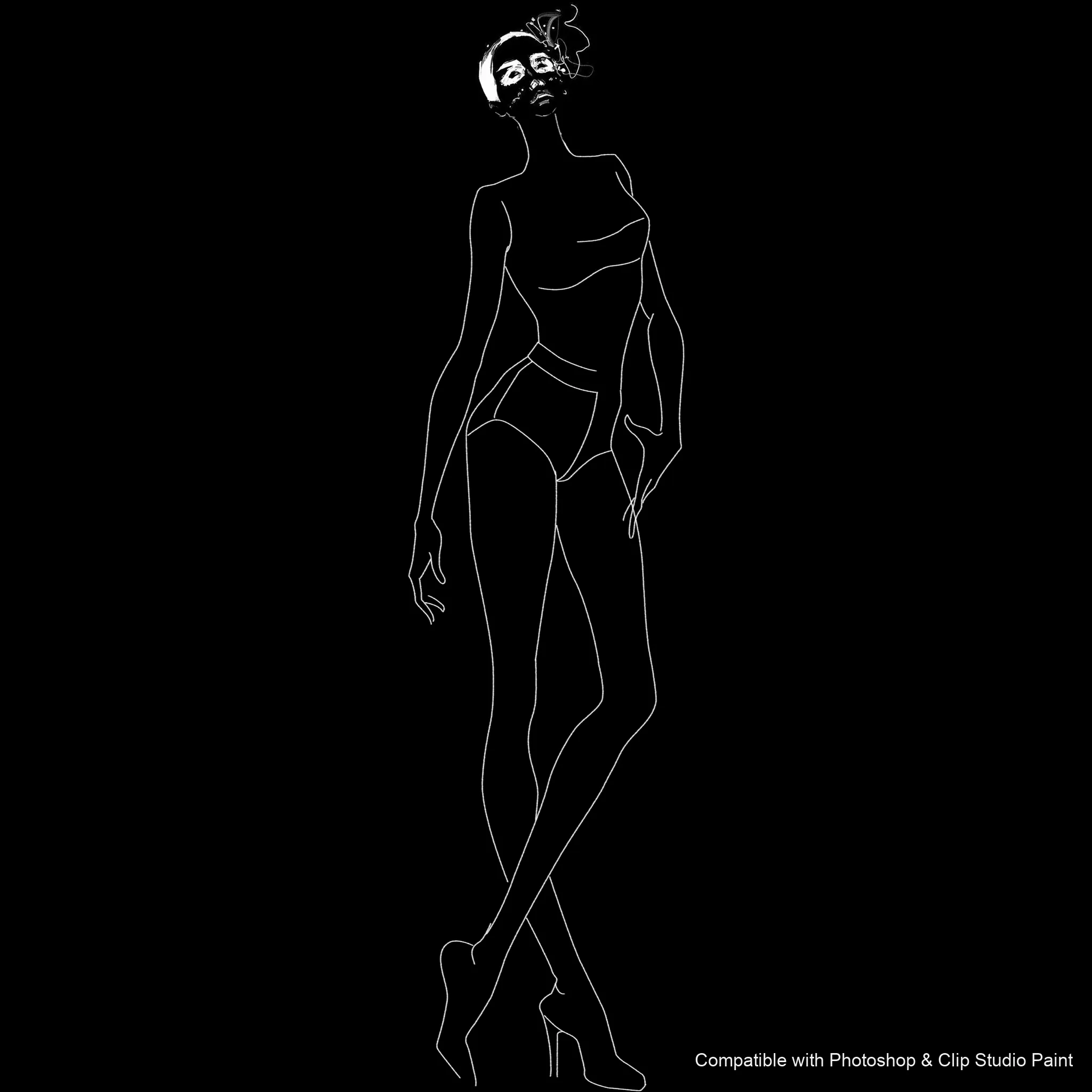
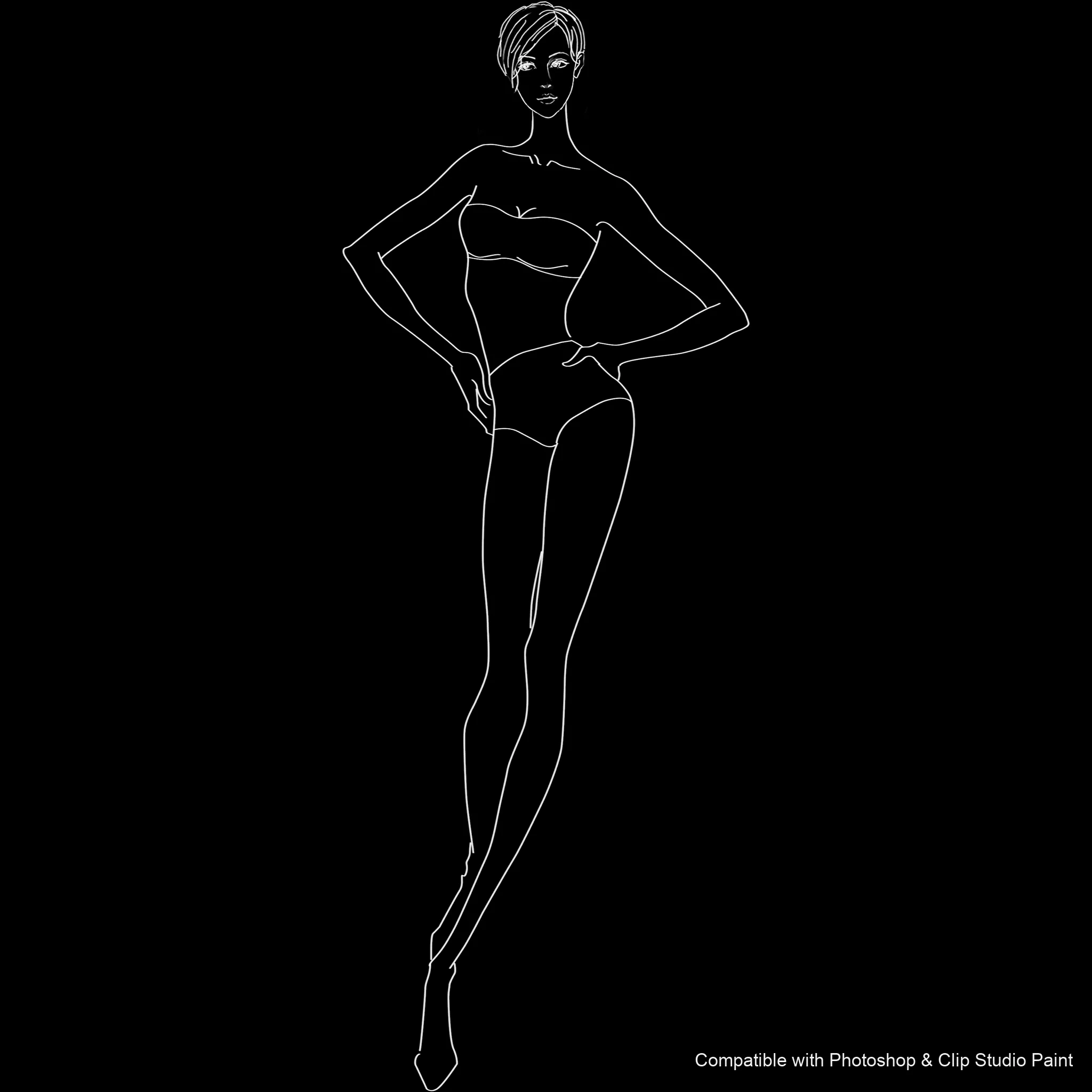
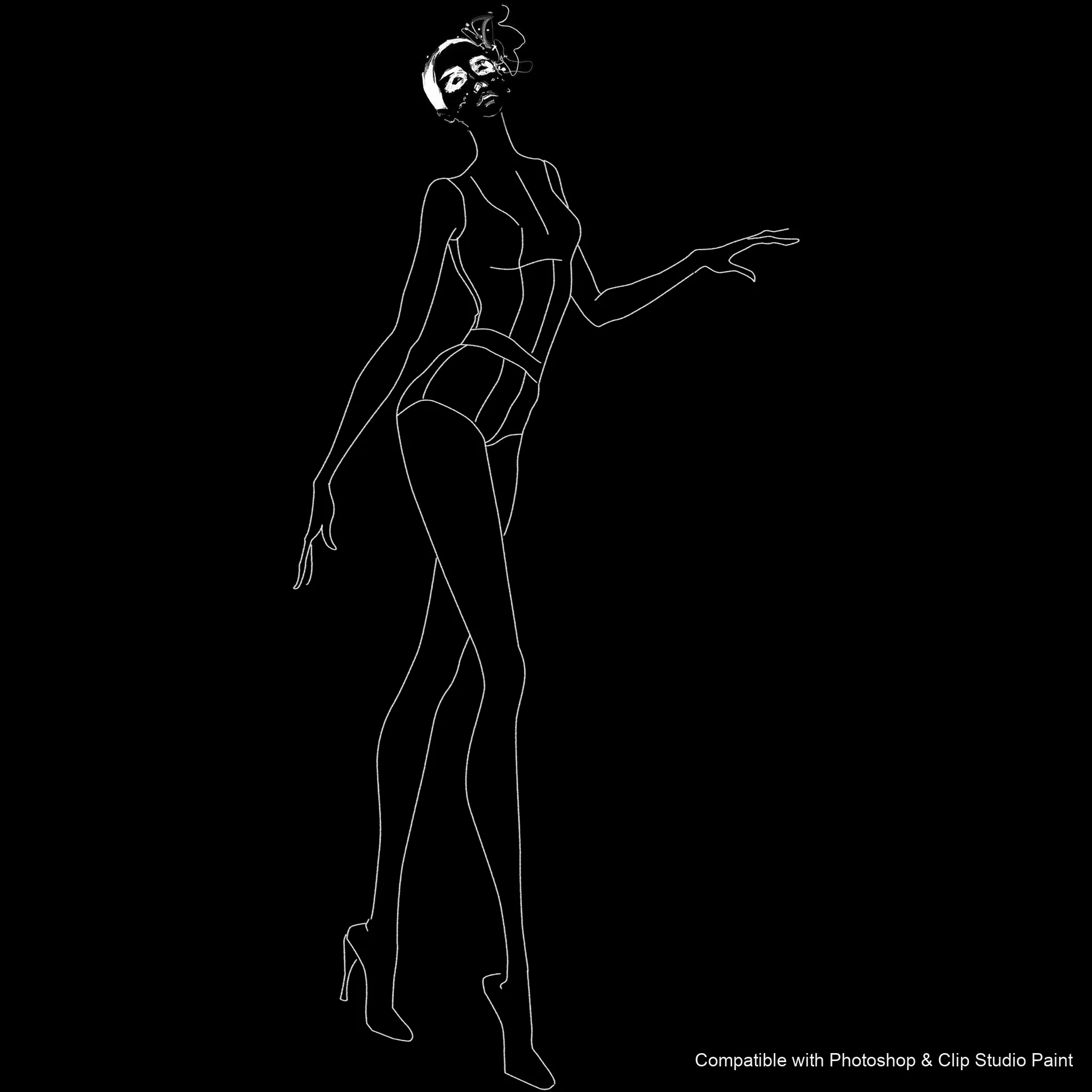
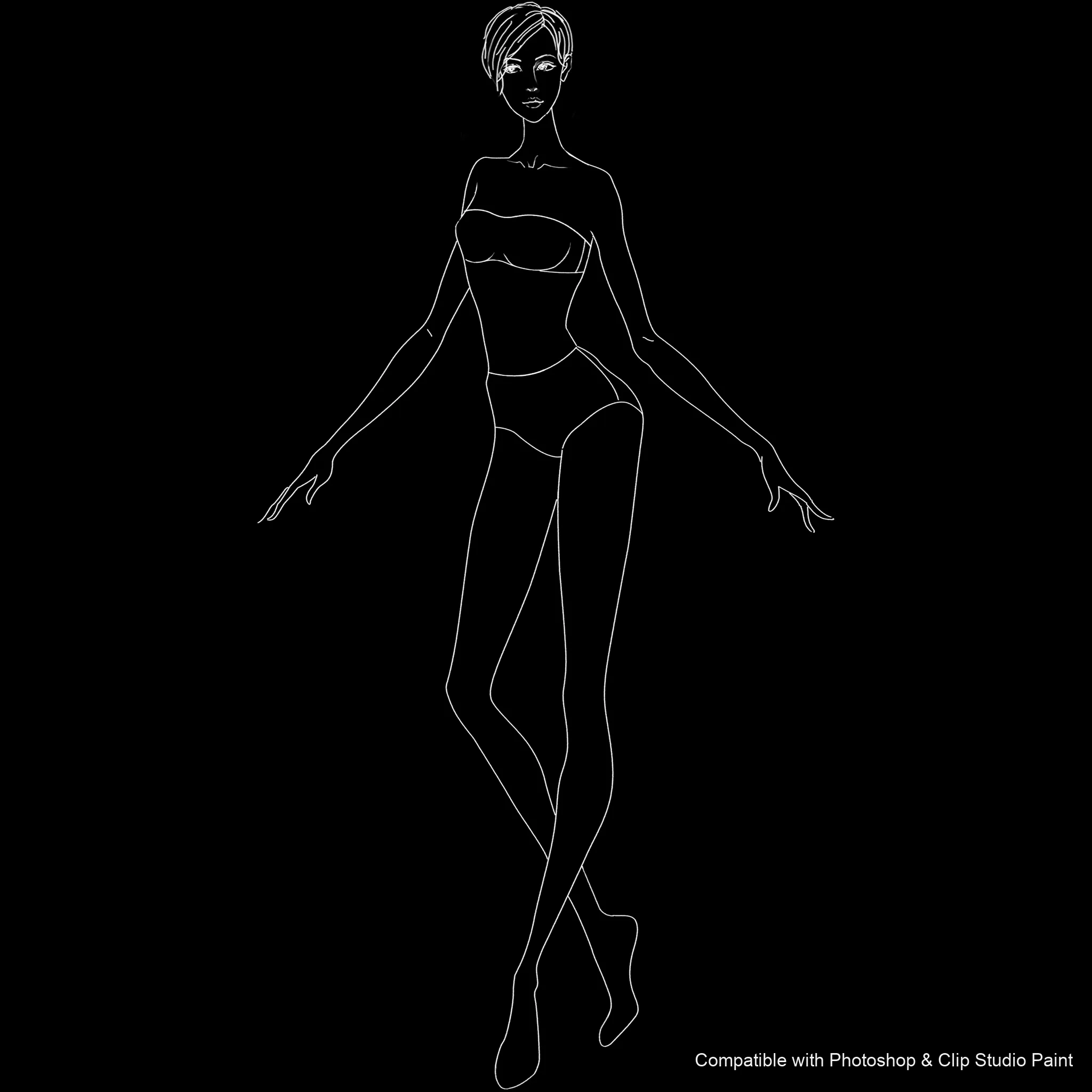
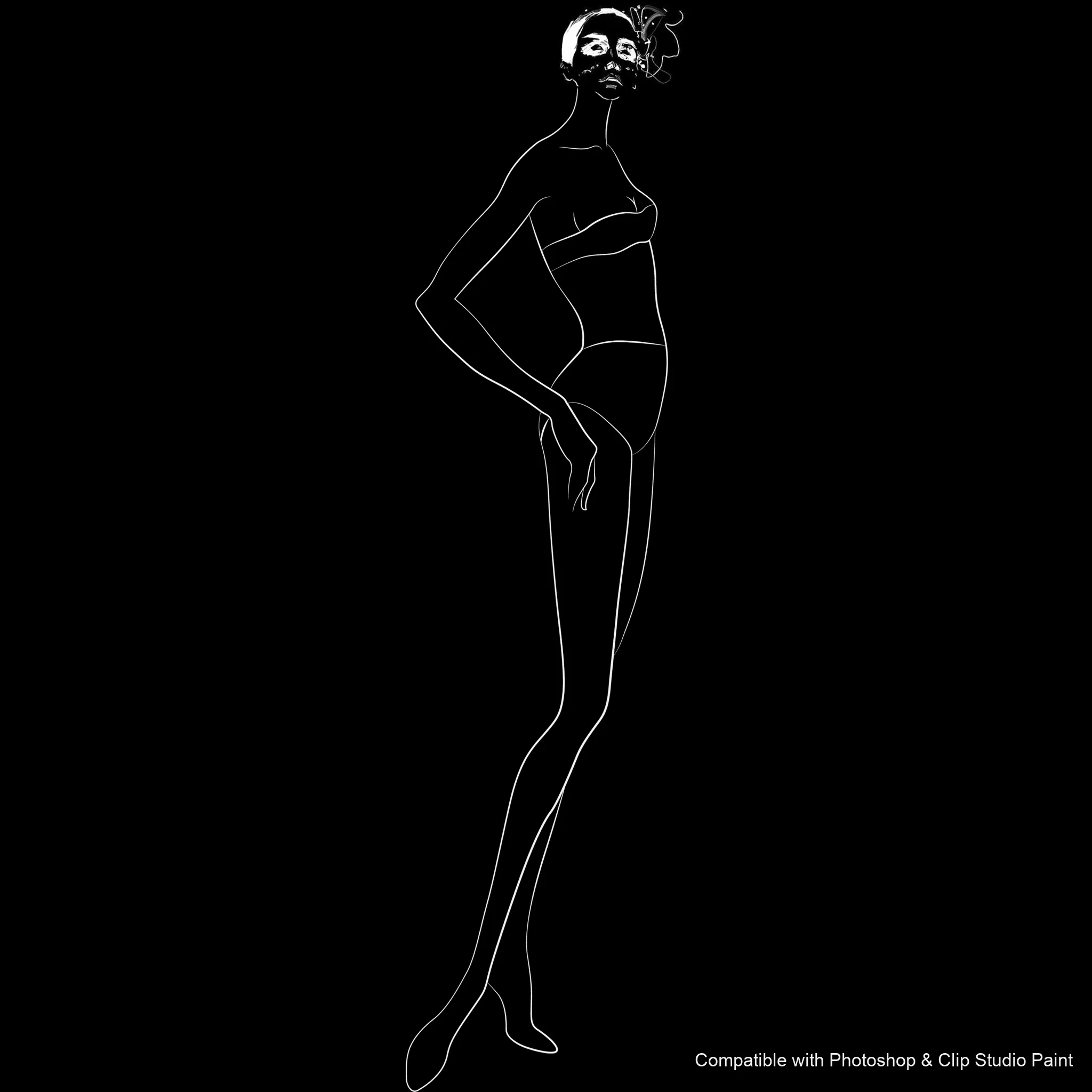
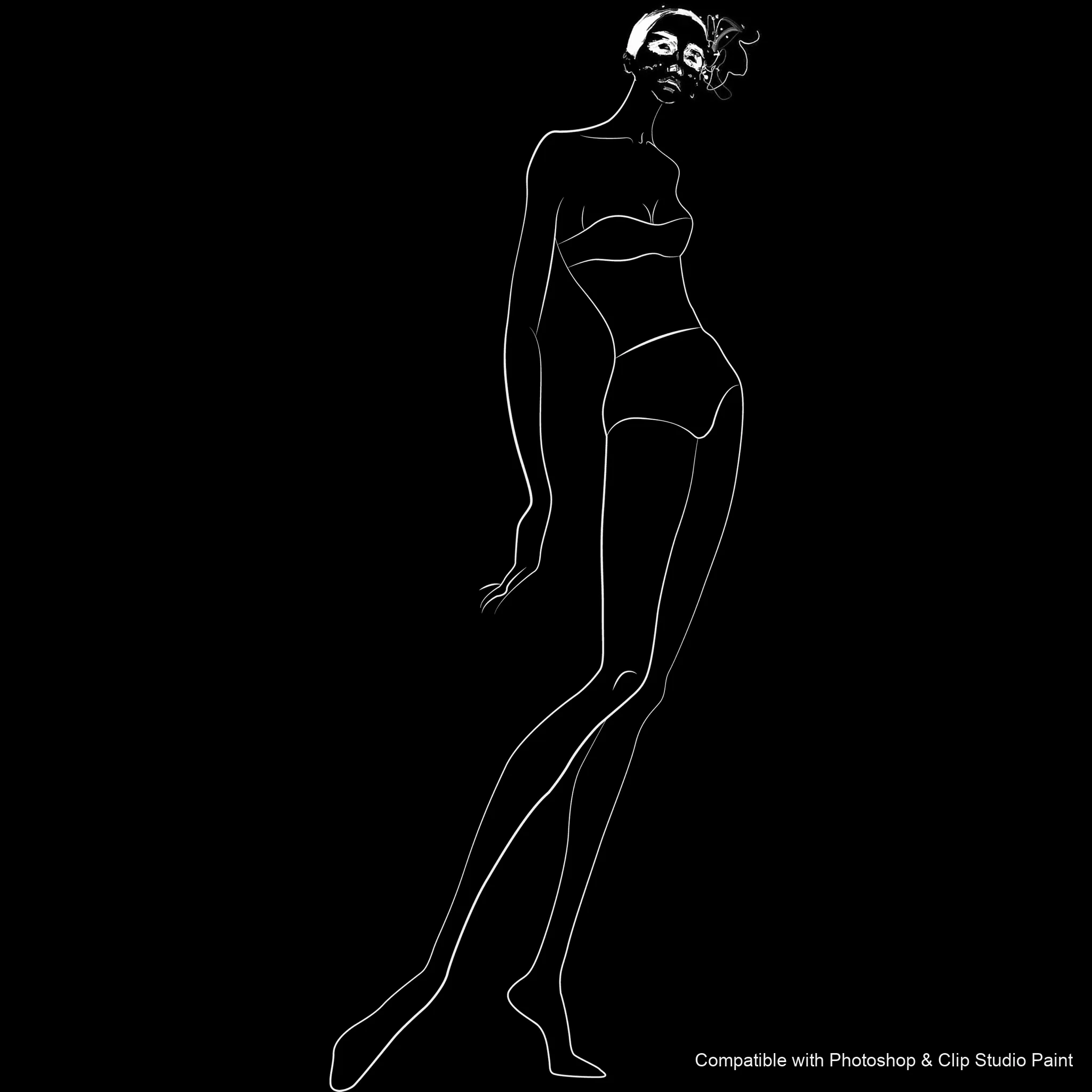
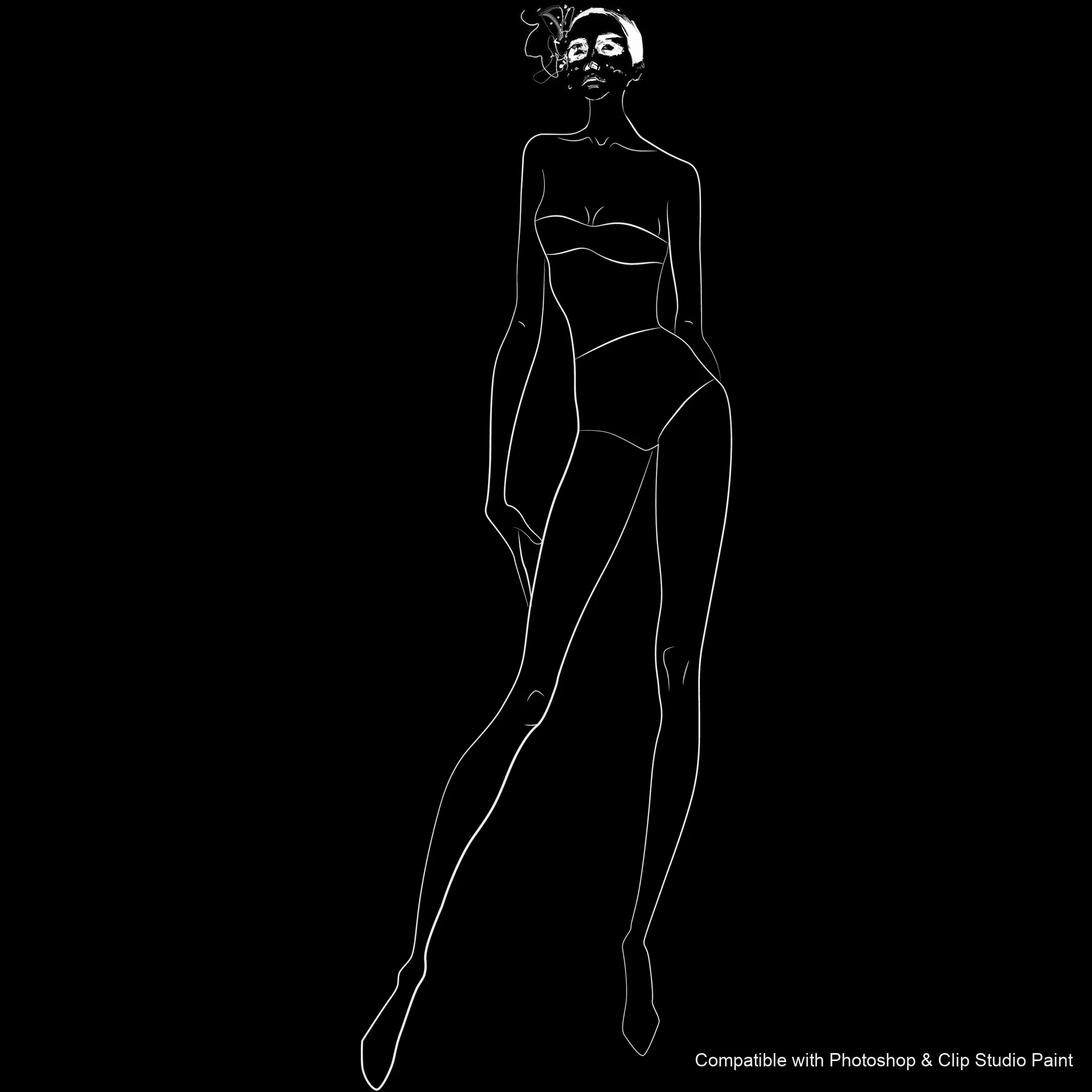
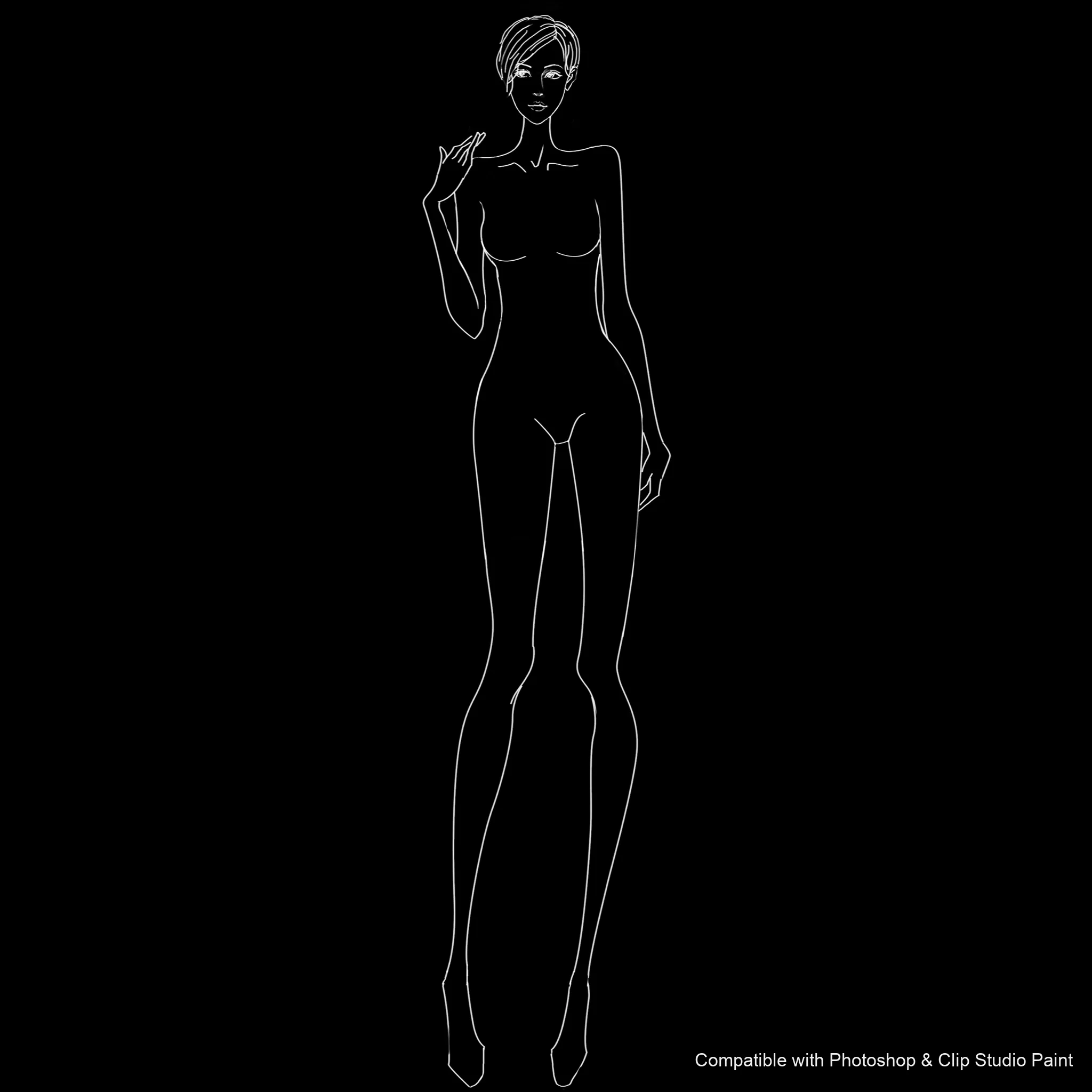
Build figures in dynamic poses in Photoshop and Clip Studio Paint with the Pose Studio stamp set! Made for character and comic artists, fashion and figure-drawing students, concept and illustration artists, and anyone who wants ready-made pose references to draw on. 🎨 What’s inside: 📁 54 stamp brushes in Photoshop format (.abr) — also import directly into Clip Studio Paint 💡 Why you’ll love it: • – 54 Model Poses: 23 male and 31 female full-body poses — standing, walking, sitting and dynamic stances from front, back, three-quarter and side views. • – Sketch on Top: Stamp a proportioned pose and draw your character over it, instead of blocking out the figure each time. • – Beginner-Friendly: Easy to install and use, even for newcomers. • – Confident Figures: Work from balanced, well-proportioned poses every time. • – Download Instantly: Start creating in minutes! 🖌️ Brushes compatible: ✅ Adobe Photoshop (CC and newer) — .abr brush file ✅ Clip Studio Paint (ver. 1.10.5 or later) — imports the same .abr ✅ Works on both desktop and iPad 🛠️ How to install: • Photoshop — double-click the .abr file (or Brushes panel → menu → Import Brushes). • Clip Studio Paint — drag the .abr onto the Sub Tool palette. 📥 Instant digital download — start drawing better today!

Every brush in Pose Studio

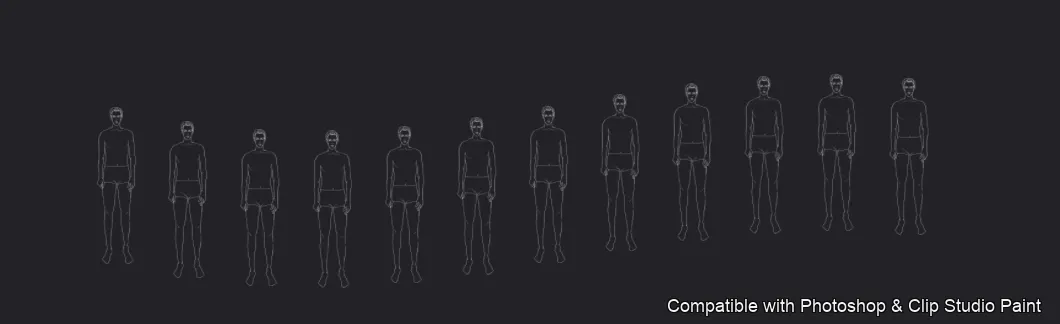
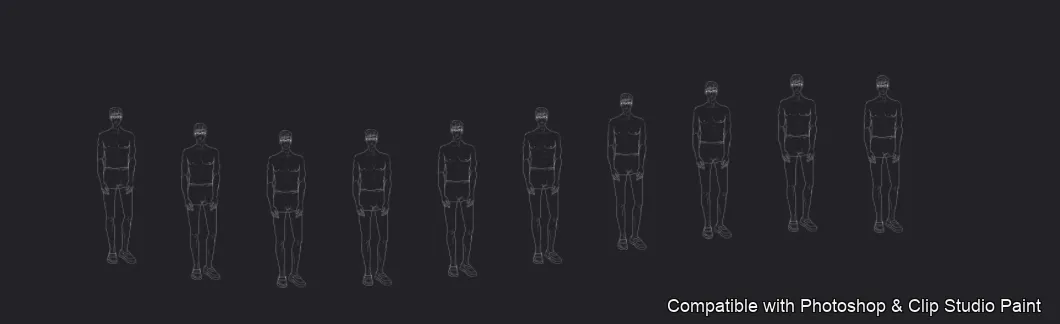
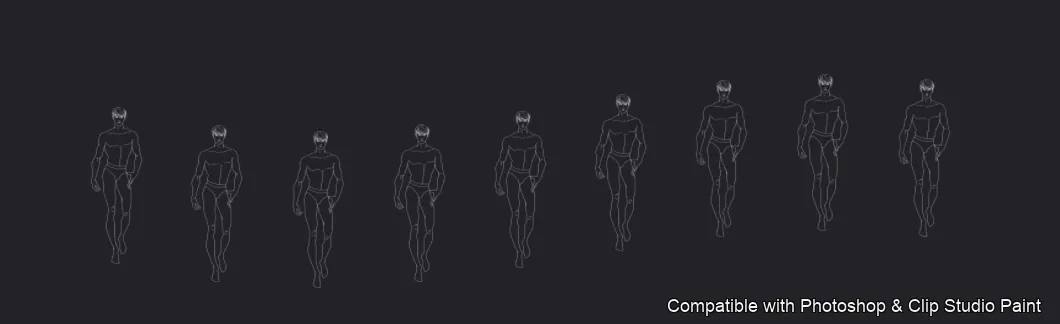
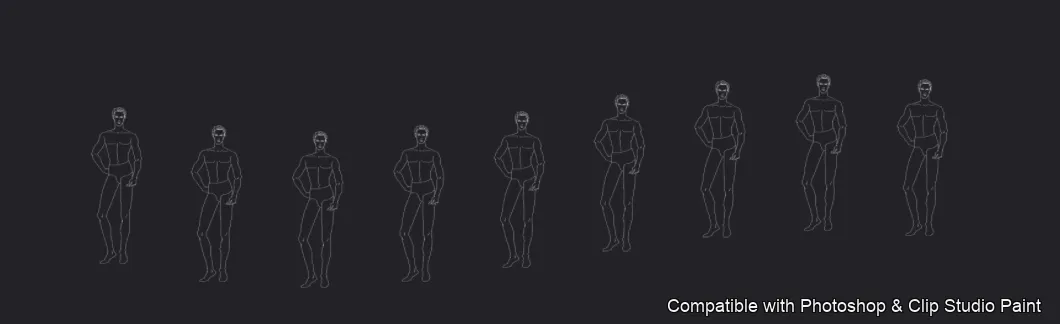
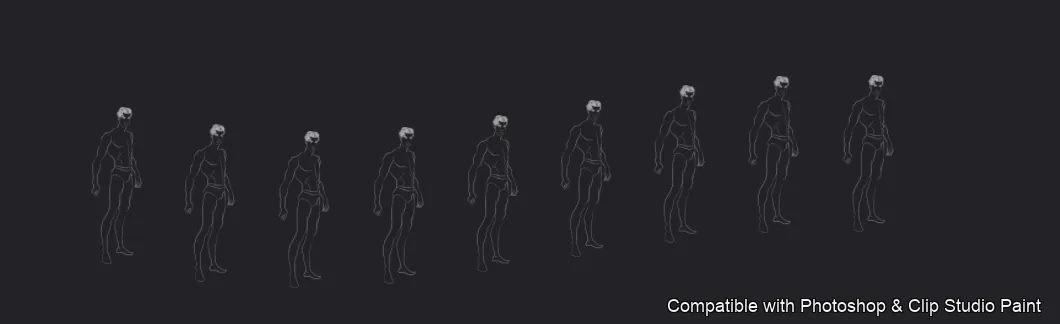
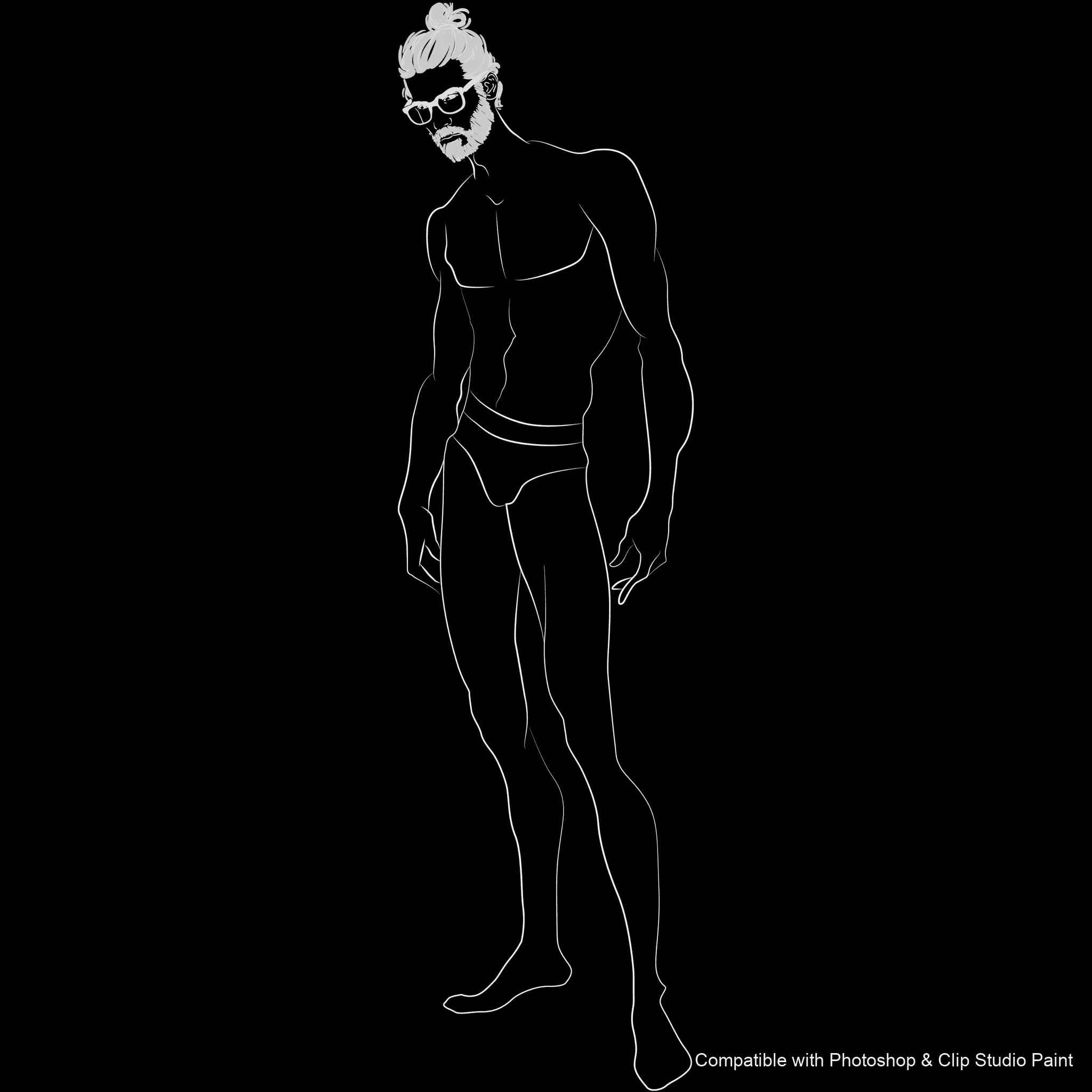
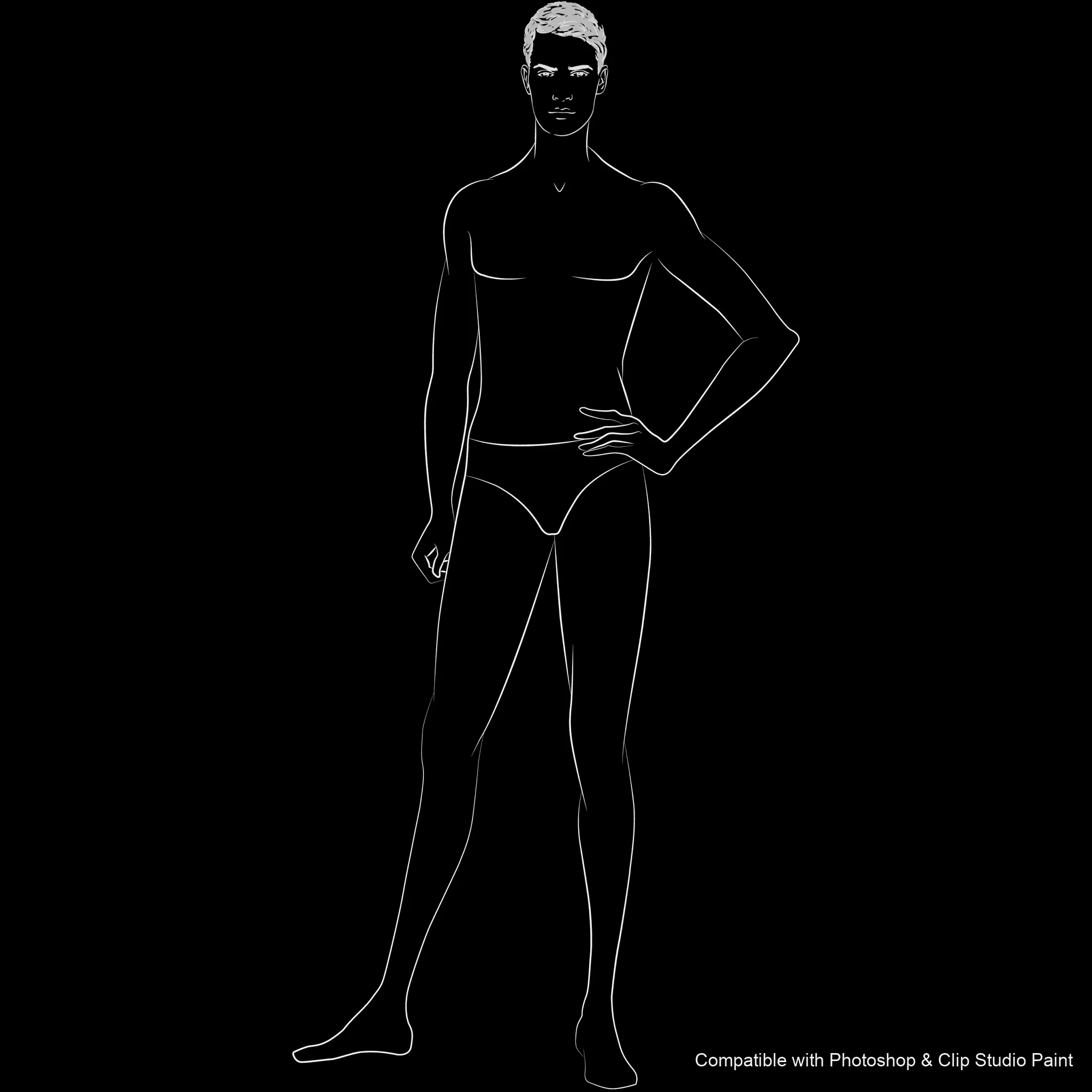
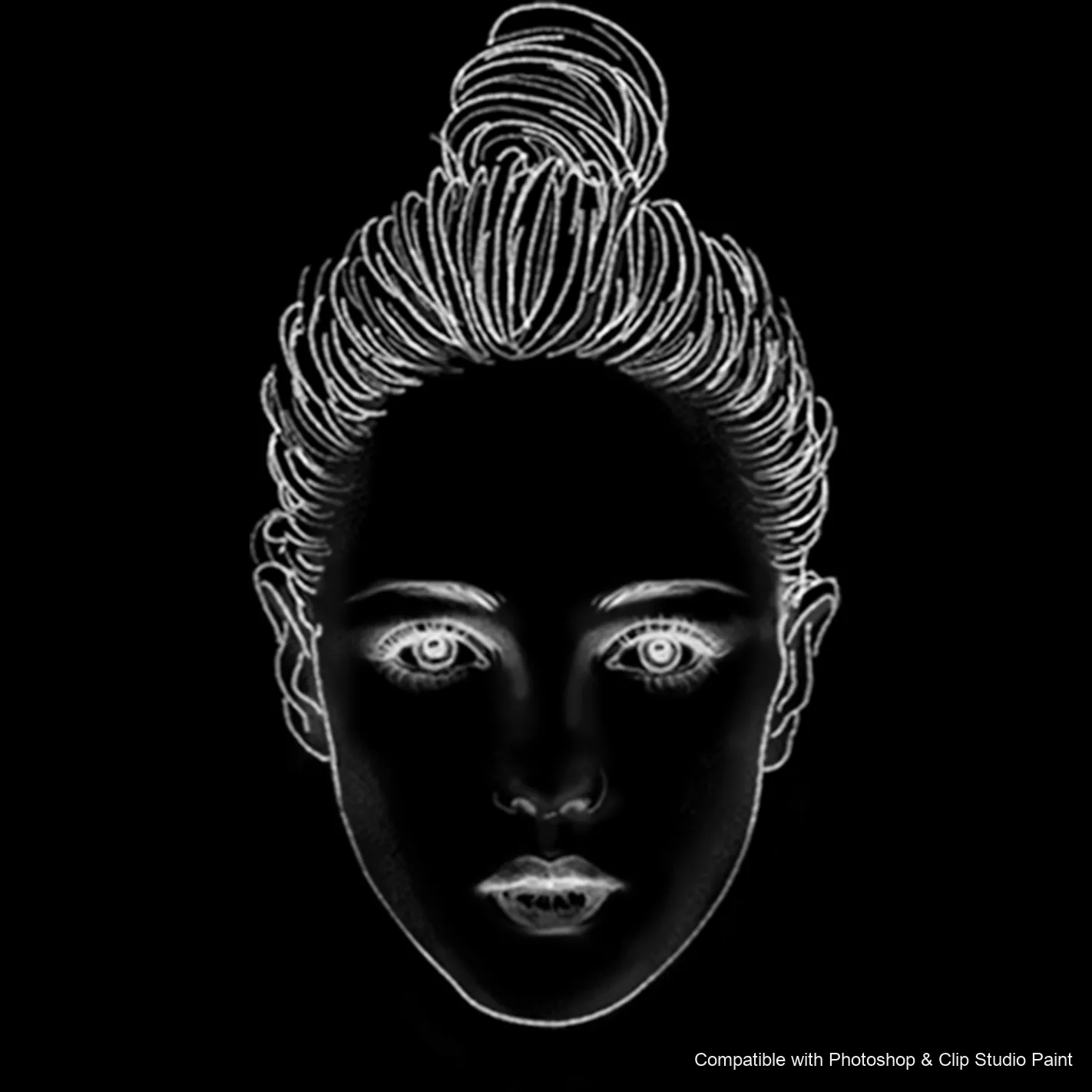
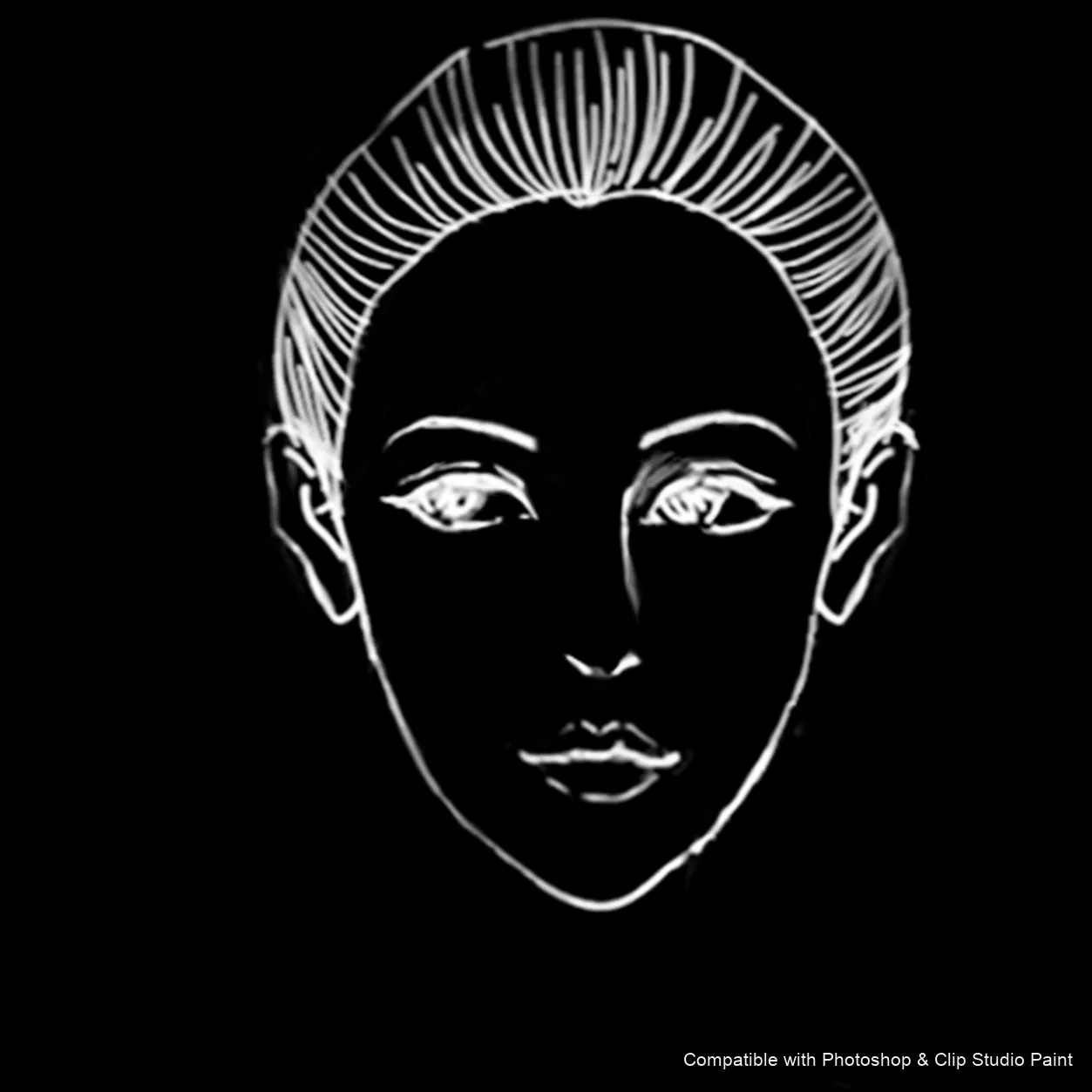
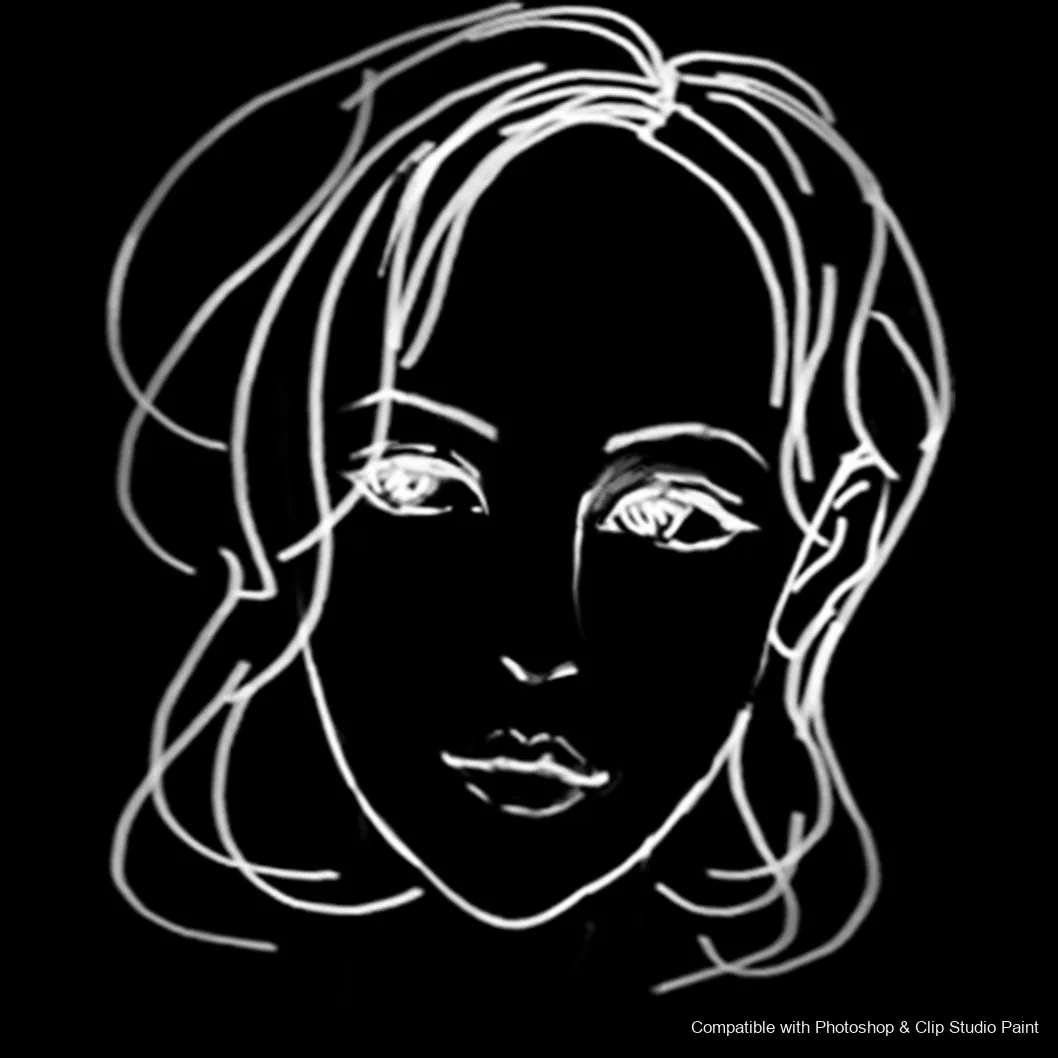
54 individual brush previews — see the exact stroke before you download.
Pose Studio brush 1 of 54 — Photoshop & Clip Studio Paint .abr preview
Pose Studio brush 2 of 54 — Photoshop & Clip Studio Paint .abr preview
Pose Studio brush 3 of 54 — Photoshop & Clip Studio Paint .abr preview
Pose Studio brush 4 of 54 — Photoshop & Clip Studio Paint .abr preview
Pose Studio brush 5 of 54 — Photoshop & Clip Studio Paint .abr preview
Pose Studio brush 6 of 54 — Photoshop & Clip Studio Paint .abr preview
Pose Studio brush 7 of 54 — Photoshop & Clip Studio Paint .abr preview
Pose Studio brush 8 of 54 — Photoshop & Clip Studio Paint .abr preview
Pose Studio brush 9 of 54 — Photoshop & Clip Studio Paint .abr preview
Pose Studio brush 10 of 54 — Photoshop & Clip Studio Paint .abr preview
Pose Studio brush 11 of 54 — Photoshop & Clip Studio Paint .abr preview
Pose Studio brush 12 of 54 — Photoshop & Clip Studio Paint .abr preview
Pose Studio brush 13 of 54 — Photoshop & Clip Studio Paint .abr preview
Pose Studio brush 14 of 54 — Photoshop & Clip Studio Paint .abr preview
Pose Studio brush 15 of 54 — Photoshop & Clip Studio Paint .abr preview
Pose Studio brush 16 of 54 — Photoshop & Clip Studio Paint .abr preview
Pose Studio brush 17 of 54 — Photoshop & Clip Studio Paint .abr preview
Pose Studio brush 18 of 54 — Photoshop & Clip Studio Paint .abr preview
Pose Studio brush 19 of 54 — Photoshop & Clip Studio Paint .abr preview
Pose Studio brush 20 of 54 — Photoshop & Clip Studio Paint .abr preview
Pose Studio brush 21 of 54 — Photoshop & Clip Studio Paint .abr preview
Pose Studio brush 22 of 54 — Photoshop & Clip Studio Paint .abr preview
Pose Studio brush 23 of 54 — Photoshop & Clip Studio Paint .abr preview
Pose Studio brush 24 of 54 — Photoshop & Clip Studio Paint .abr preview
Pose Studio brush 25 of 54 — Photoshop & Clip Studio Paint .abr preview
Pose Studio brush 26 of 54 — Photoshop & Clip Studio Paint .abr preview
Pose Studio brush 27 of 54 — Photoshop & Clip Studio Paint .abr preview
Pose Studio brush 28 of 54 — Photoshop & Clip Studio Paint .abr preview
Pose Studio brush 29 of 54 — Photoshop & Clip Studio Paint .abr preview
Pose Studio brush 30 of 54 — Photoshop & Clip Studio Paint .abr preview
Pose Studio brush 31 of 54 — Photoshop & Clip Studio Paint .abr preview
Pose Studio brush 32 of 54 — Photoshop & Clip Studio Paint .abr preview
Pose Studio brush 33 of 54 — Photoshop & Clip Studio Paint .abr preview
Pose Studio brush 34 of 54 — Photoshop & Clip Studio Paint .abr preview
Pose Studio brush 35 of 54 — Photoshop & Clip Studio Paint .abr preview
Pose Studio brush 36 of 54 — Photoshop & Clip Studio Paint .abr preview
Pose Studio brush 37 of 54 — Photoshop & Clip Studio Paint .abr preview
Pose Studio brush 38 of 54 — Photoshop & Clip Studio Paint .abr preview
Pose Studio brush 39 of 54 — Photoshop & Clip Studio Paint .abr preview
Pose Studio brush 40 of 54 — Photoshop & Clip Studio Paint .abr preview
Pose Studio brush 41 of 54 — Photoshop & Clip Studio Paint .abr preview
Pose Studio brush 42 of 54 — Photoshop & Clip Studio Paint .abr preview
Pose Studio brush 43 of 54 — Photoshop & Clip Studio Paint .abr preview
Pose Studio brush 44 of 54 — Photoshop & Clip Studio Paint .abr preview
Pose Studio brush 45 of 54 — Photoshop & Clip Studio Paint .abr preview
Pose Studio brush 46 of 54 — Photoshop & Clip Studio Paint .abr preview
Pose Studio brush 47 of 54 — Photoshop & Clip Studio Paint .abr preview
Pose Studio brush 48 of 54 — Photoshop & Clip Studio Paint .abr preview
Pose Studio brush 49 of 54 — Photoshop & Clip Studio Paint .abr preview
Pose Studio brush 50 of 54 — Photoshop & Clip Studio Paint .abr preview
Pose Studio brush 51 of 54 — Photoshop & Clip Studio Paint .abr preview
Pose Studio brush 52 of 54 — Photoshop & Clip Studio Paint .abr preview
Pose Studio brush 53 of 54 — Photoshop & Clip Studio Paint .abr preview
Pose Studio brush 54 of 54 — Photoshop & Clip Studio Paint .abr preview

Full brush overview

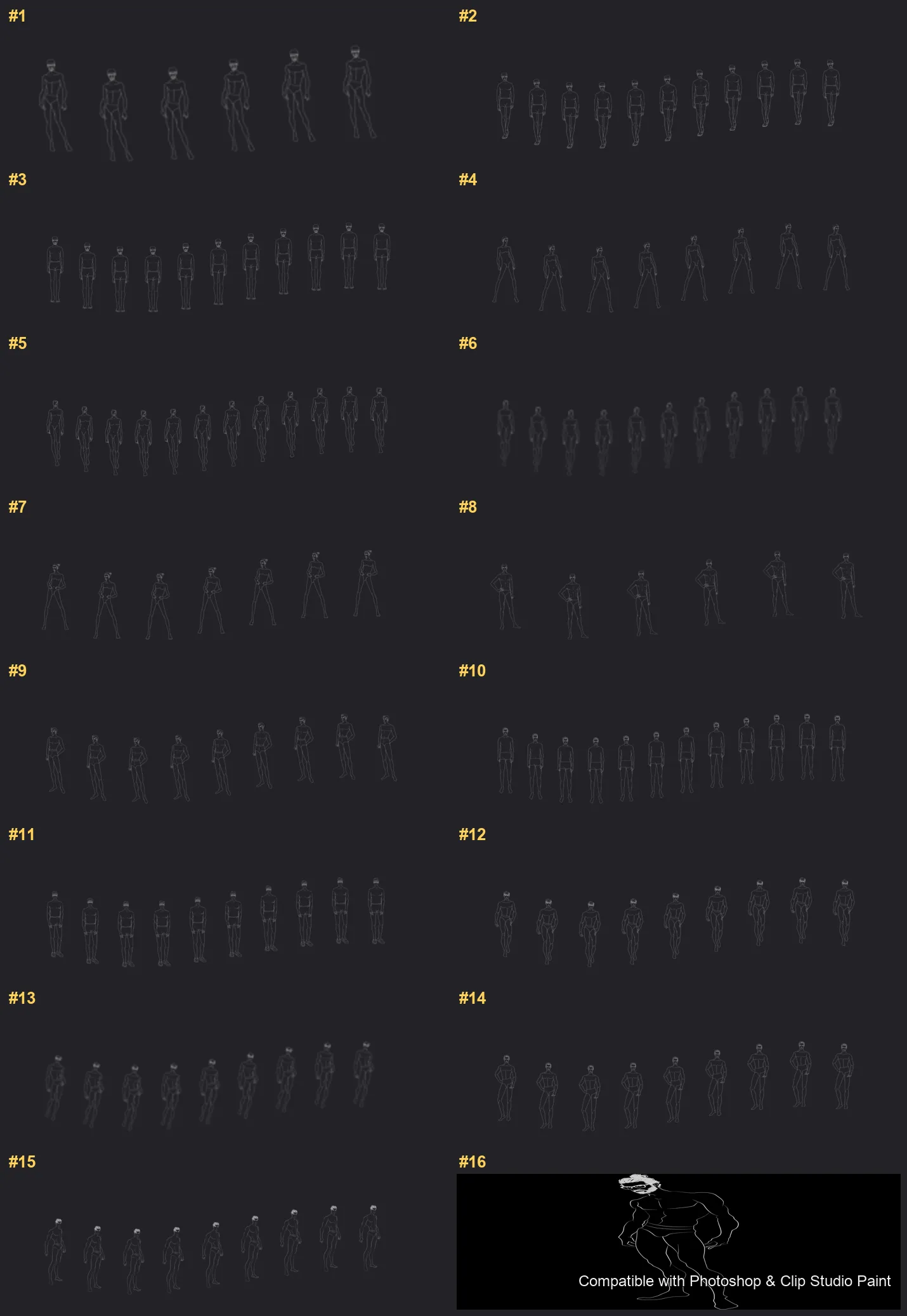
Pose Studio Photoshop & Clip Studio Paint brushes overview sheet 1

How to install

In Adobe Photoshop

Double-click the .abr file to load it — or open the Brushes panel, click the menu and choose Import Brushes. Works on CC and newer, PC & Mac.
In Clip Studio Paint

Drag the same .abr file onto the Sub Tool palette and Clip Studio imports it as new brushes. Works on version 1.10.5 or later.

Pose Studio — FAQ

How much does the Pose Studio pack cost?+

Free — Pose Studio is a free download with no payment and no subscription. The .abr loads straight into Photoshop or Clip Studio Paint.

How many brushes are in the Pose Studio pack?+

The Pose Studio set includes 54 brushes — standing, walking, sitting and dynamic stances.

Does it work in both Photoshop and Clip Studio Paint?+

Yes. You get a single .abr file — the same file imports into Adobe Photoshop (CC and newer) and Clip Studio Paint (1.10.5 or later). One purchase covers both apps, on PC and Mac.

What file format do I get?+

An Adobe Photoshop .abr brush file. In Photoshop, double-click it (or Brushes panel → menu → Import Brushes). In Clip Studio Paint, drag the .abr onto the Sub Tool palette.

Do these work on Procreate?+

Pose Studio is the desktop .abr edition for Photoshop and Clip Studio Paint. Many of our sets also come as Procreate .brushset editions — browse the Procreate catalog to check.
Browse this style