Fantasy & Illustration Photoshop Stamps
Updated October 2026
Fantasy and illustration stamp brushes for Photoshop: scenes, sketch stamps. Premium .abr packs.
Brusher has 13 illustration brush packs for Photoshop & Clip Studio Paint — fantasy, sketching, drawing — each a native .abr file that installs into Photoshop or Clip Studio Paint on PC & Mac.
Fantasy & Illustration Photoshop Stamps are the fastest way to add illustration detail to your artwork. This collection gathers hand-made stamps, textures and liners as .abr files you can load into Adobe Photoshop or Clip Studio Paint on PC & Mac.
Fantasy & Illustration Photoshop Stamps
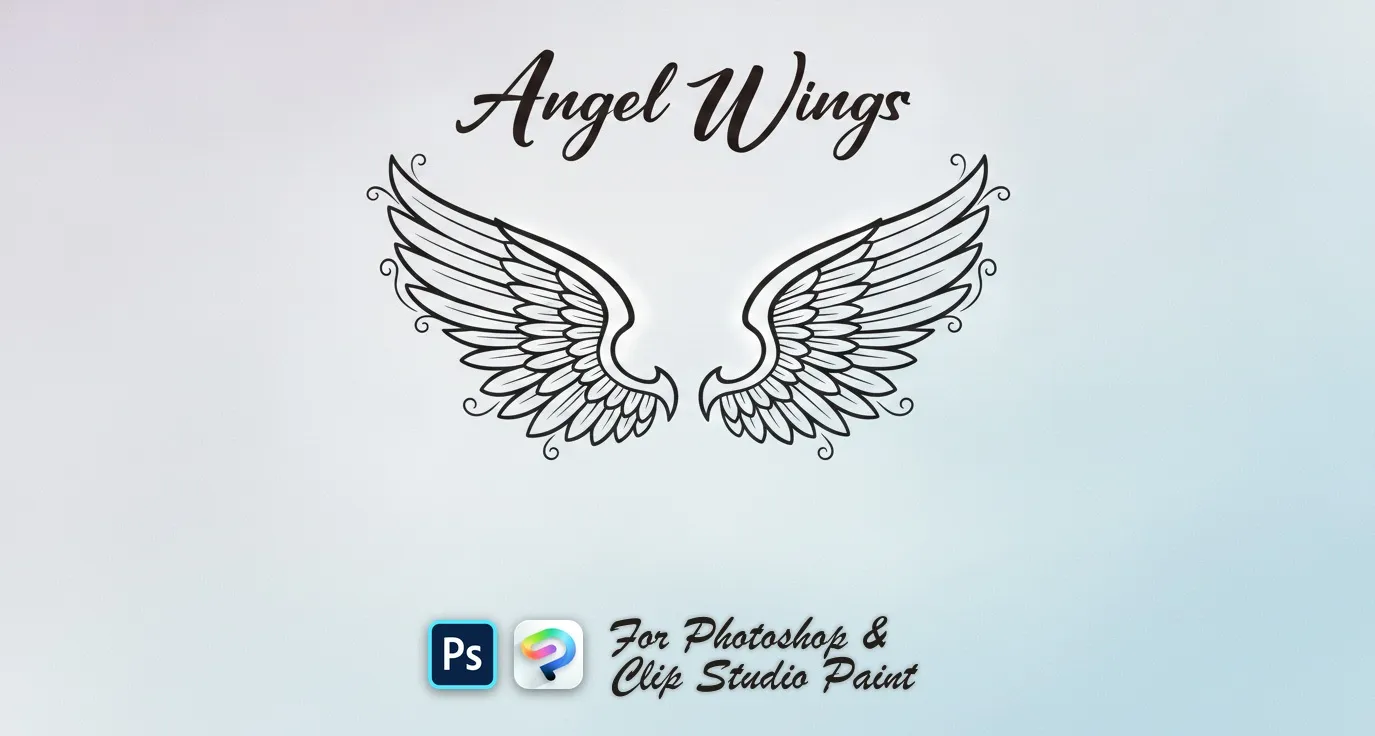
PS · CSP Angel Wings
spread, wide, curved, bold and folded
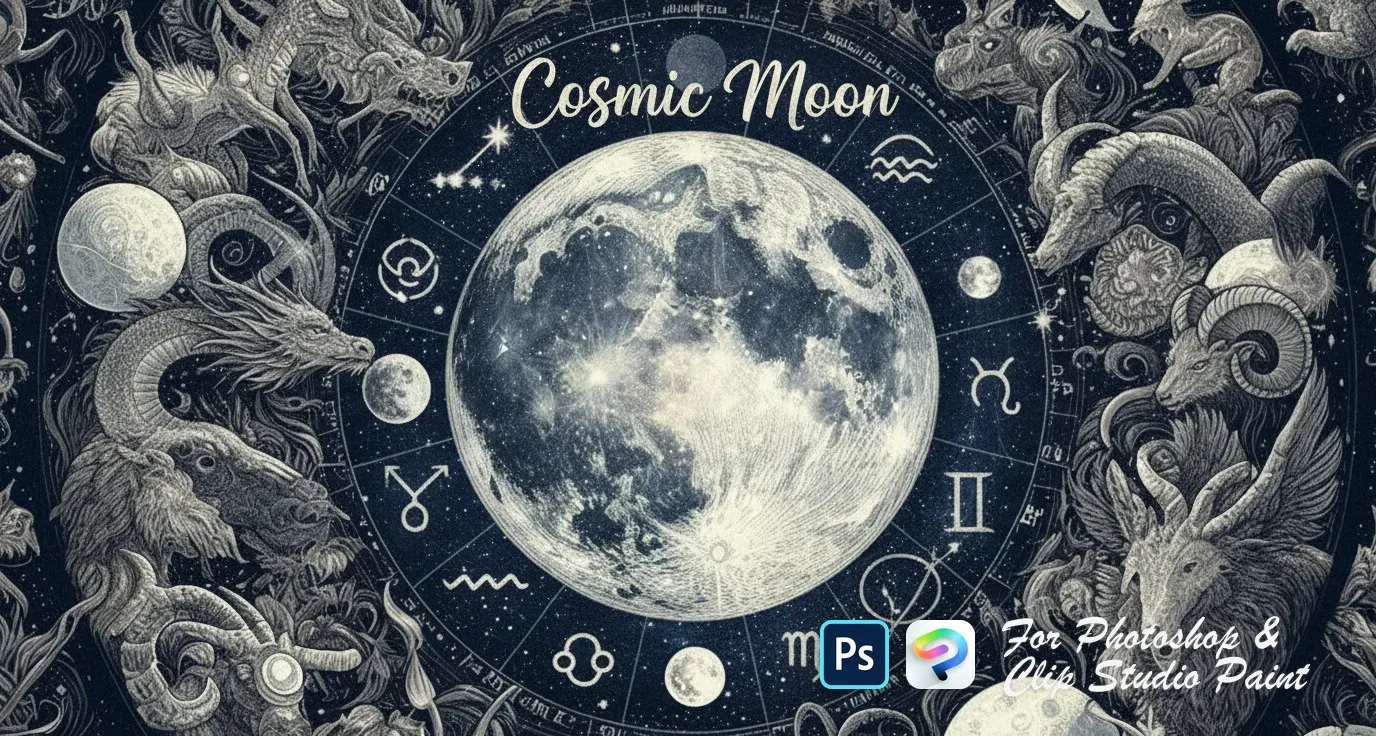
PS · CSP Cosmic Moon
ringed Saturn, crescent and eclipse
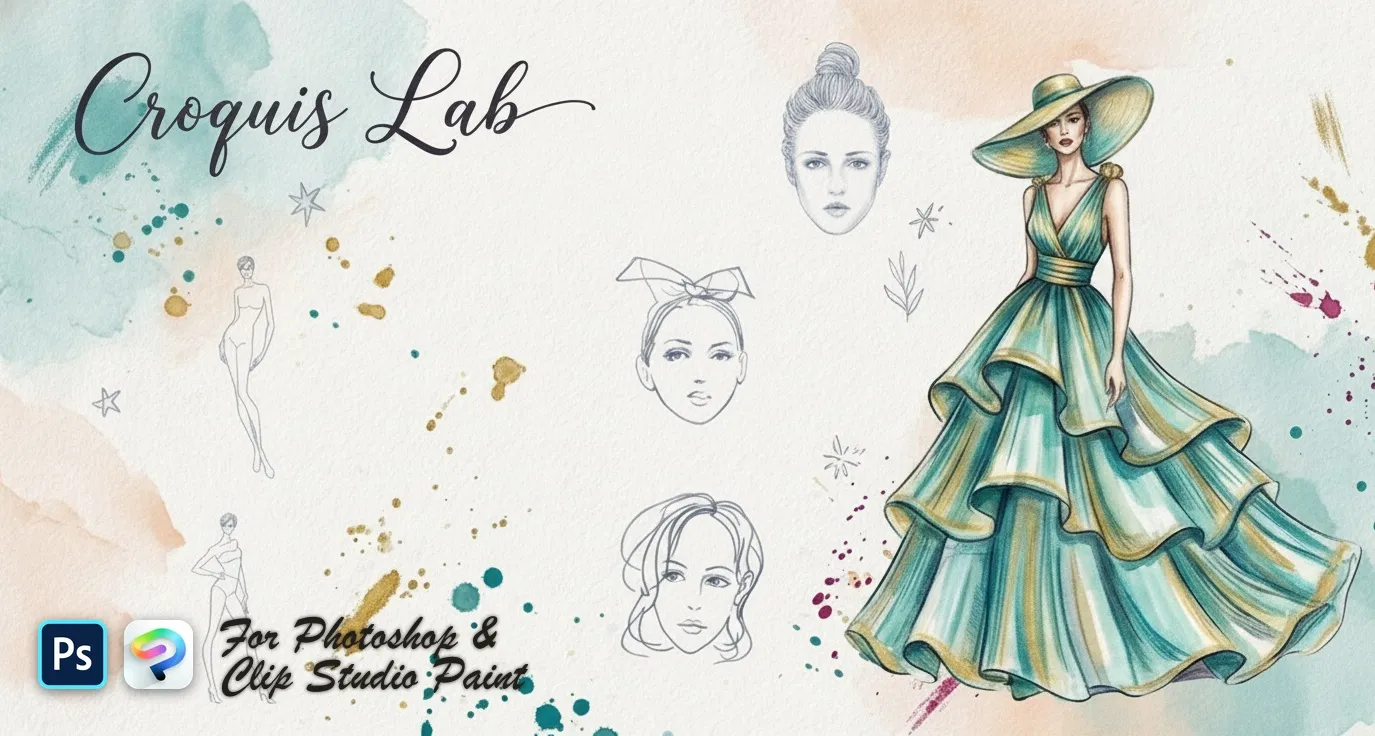
PS · CSP Croquis Lab
fashion model croquis figures and back
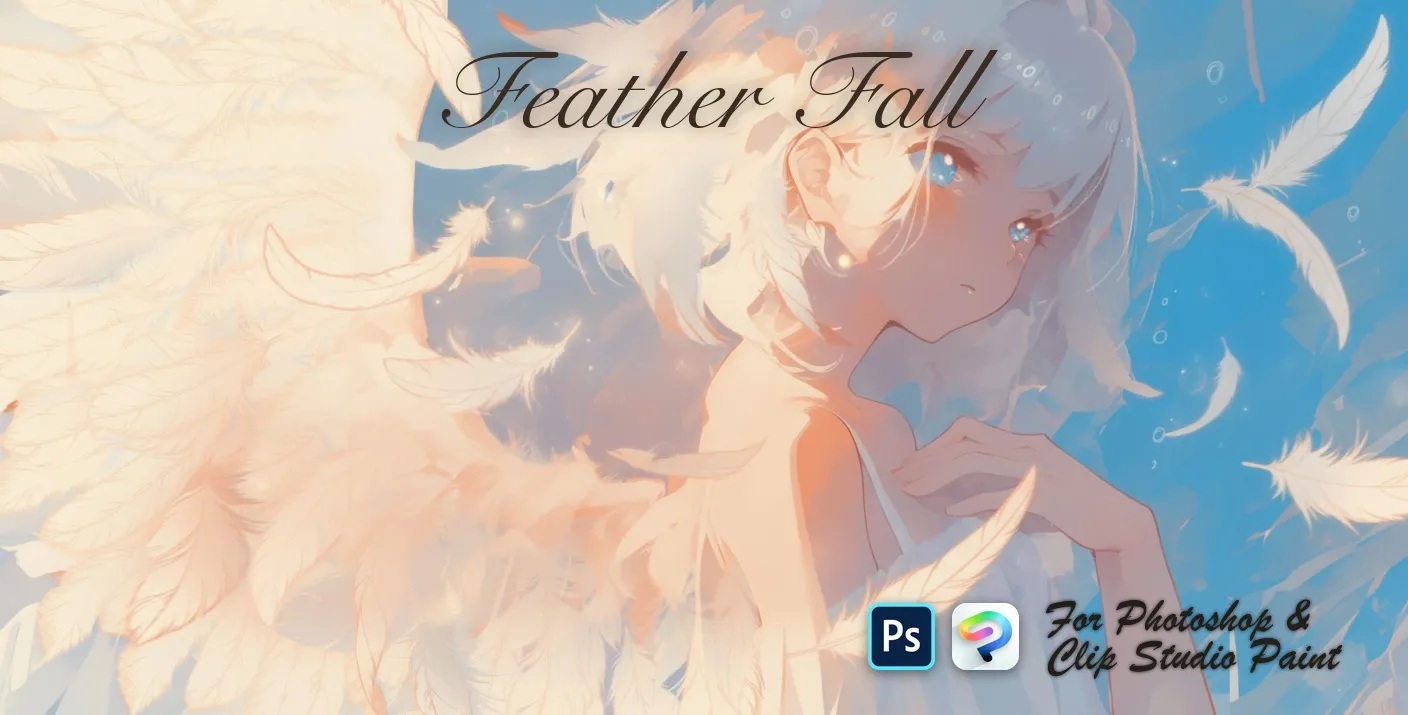
PS · CSP Feather Fall
soft, wispy and ruffled
 PS · CSP
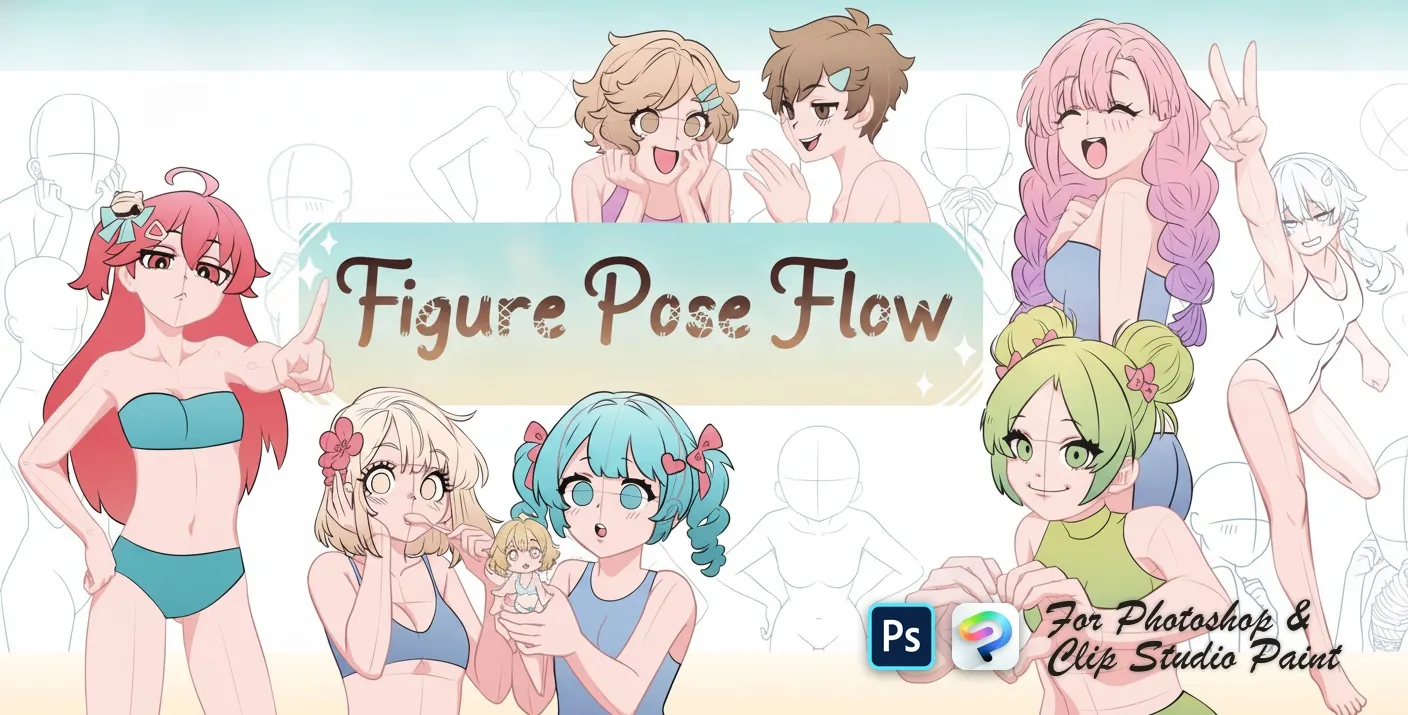
 Figure Pose Flow
resting, sitting and leaning poses
 PS · CSP
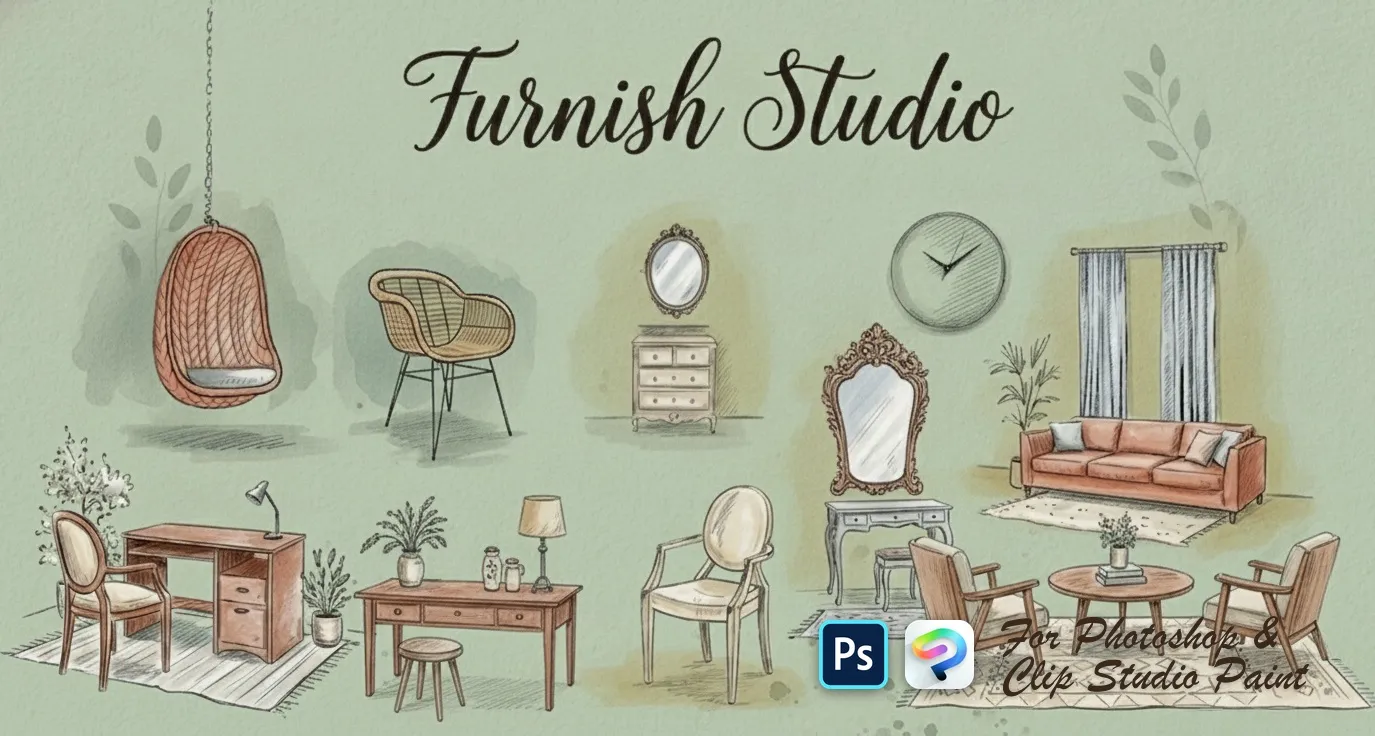
 Furnish Studio
sofas, loveseats, sectionals and settees, armchairs, beds and daybeds, desks, consoles, dressers, nightstands and shelves
 PS · CSP
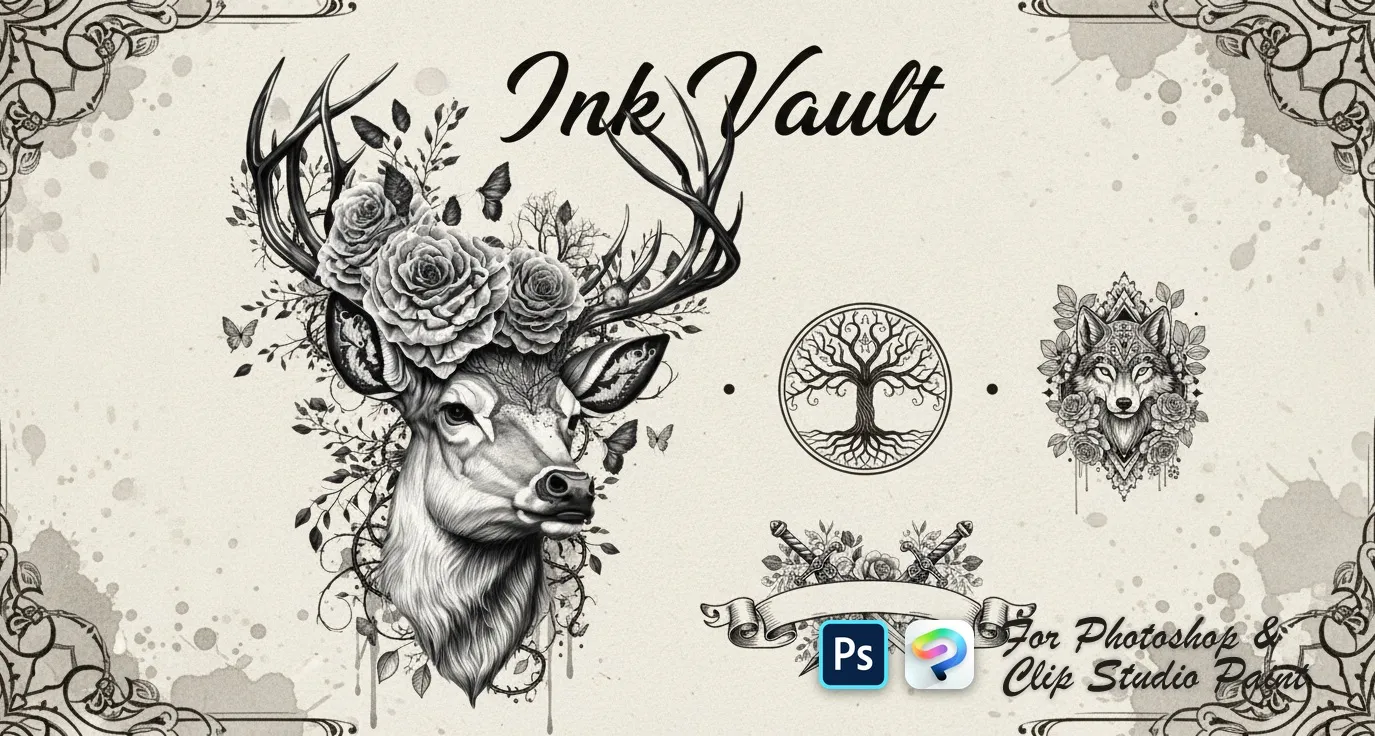
 Ink Vault
wolves, tigers, lions, bears and elephants, koi, sharks, octopus, deer and eagles, skulls, dragons, viking and samurai motifs, mandalas, lotus, dreamcatcher, feather, tree of life, compass and anchor
 PS · CSP
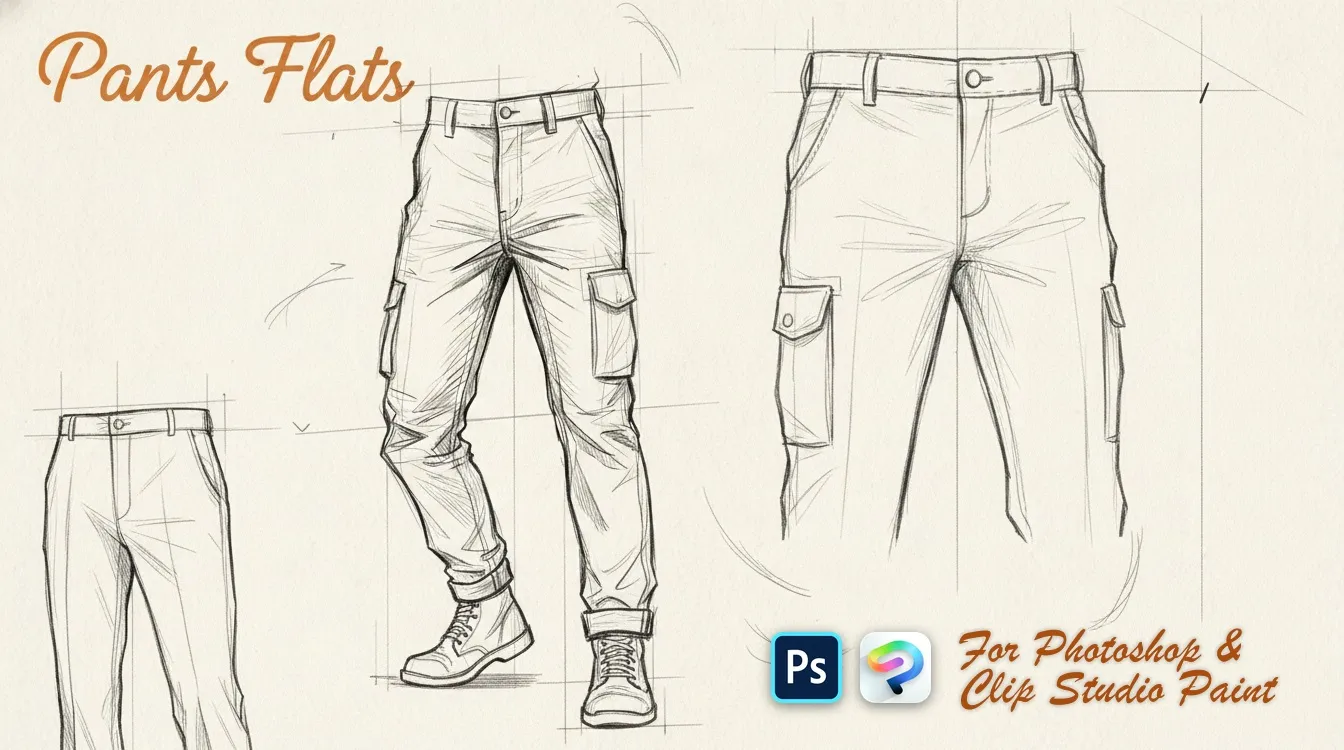
 Pants Flats
slim, wide-leg, straight and skinny
 PS · CSP
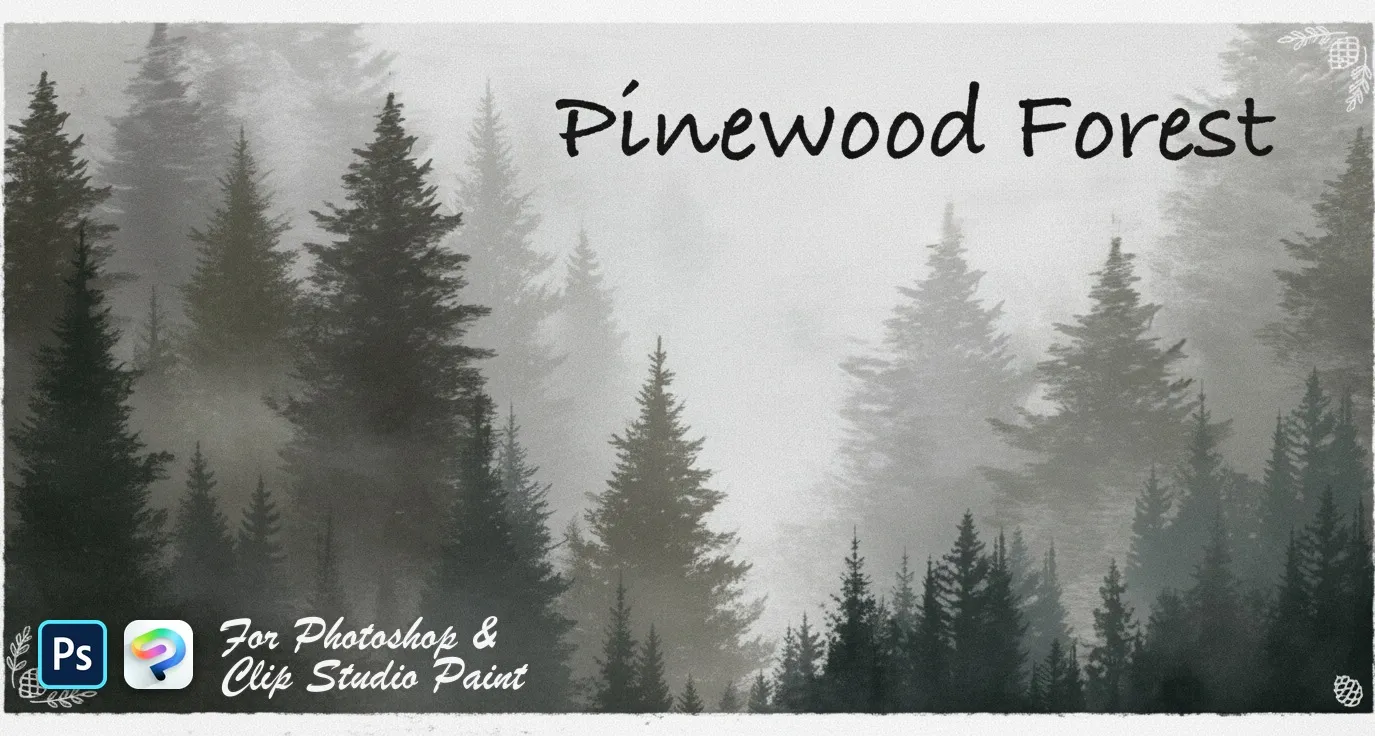
 Pinewood Forest
pines, firs, spruces and cedars
 PS · CSP
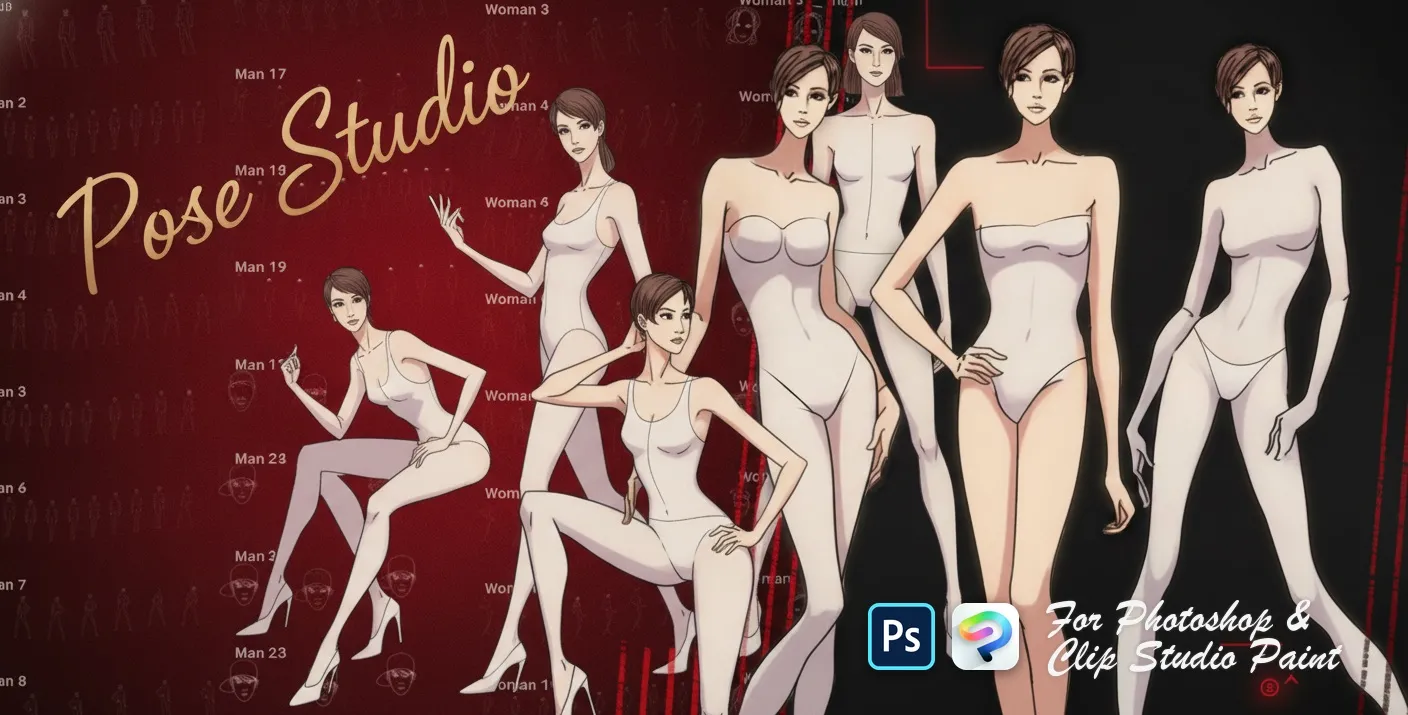
 Pose Studio
standing, walking, sitting and dynamic stances
 PS · CSP
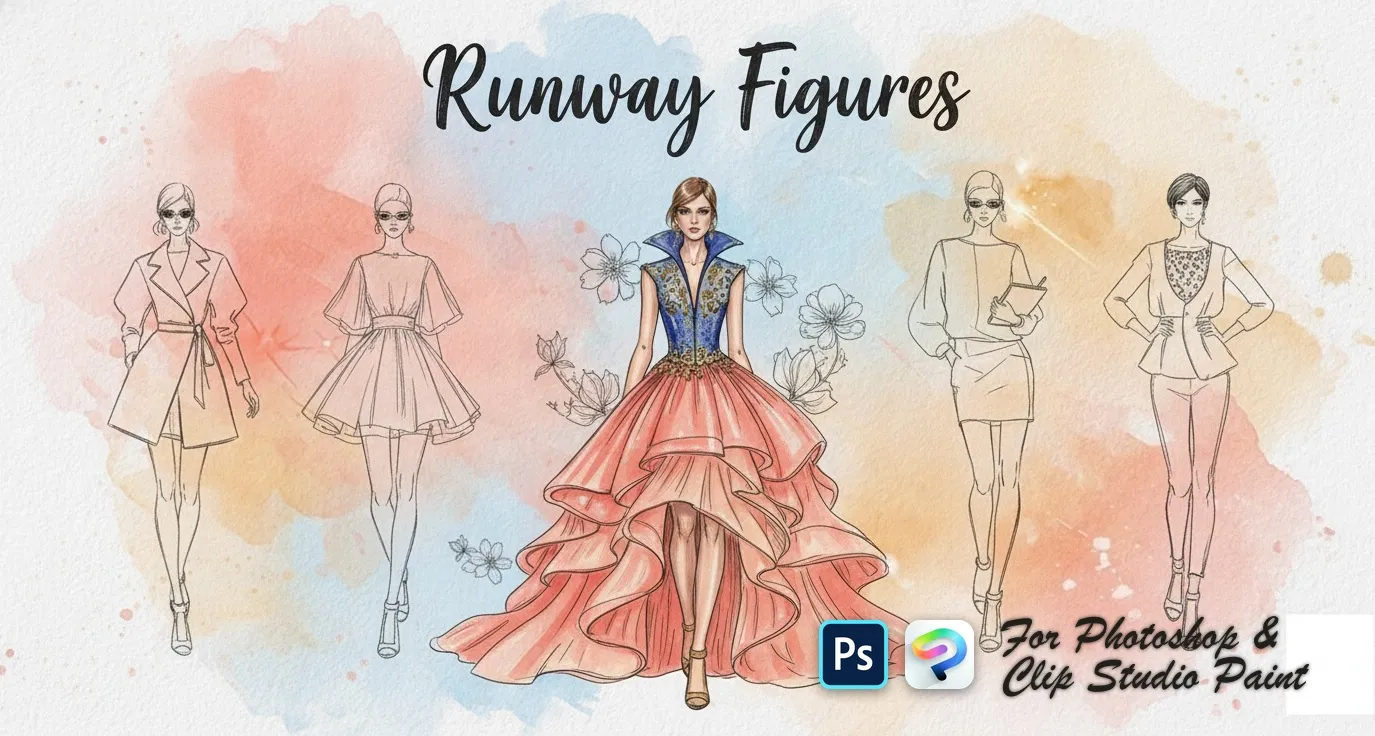
 Runway Figures
front, back and three-quarter
 PS · CSP
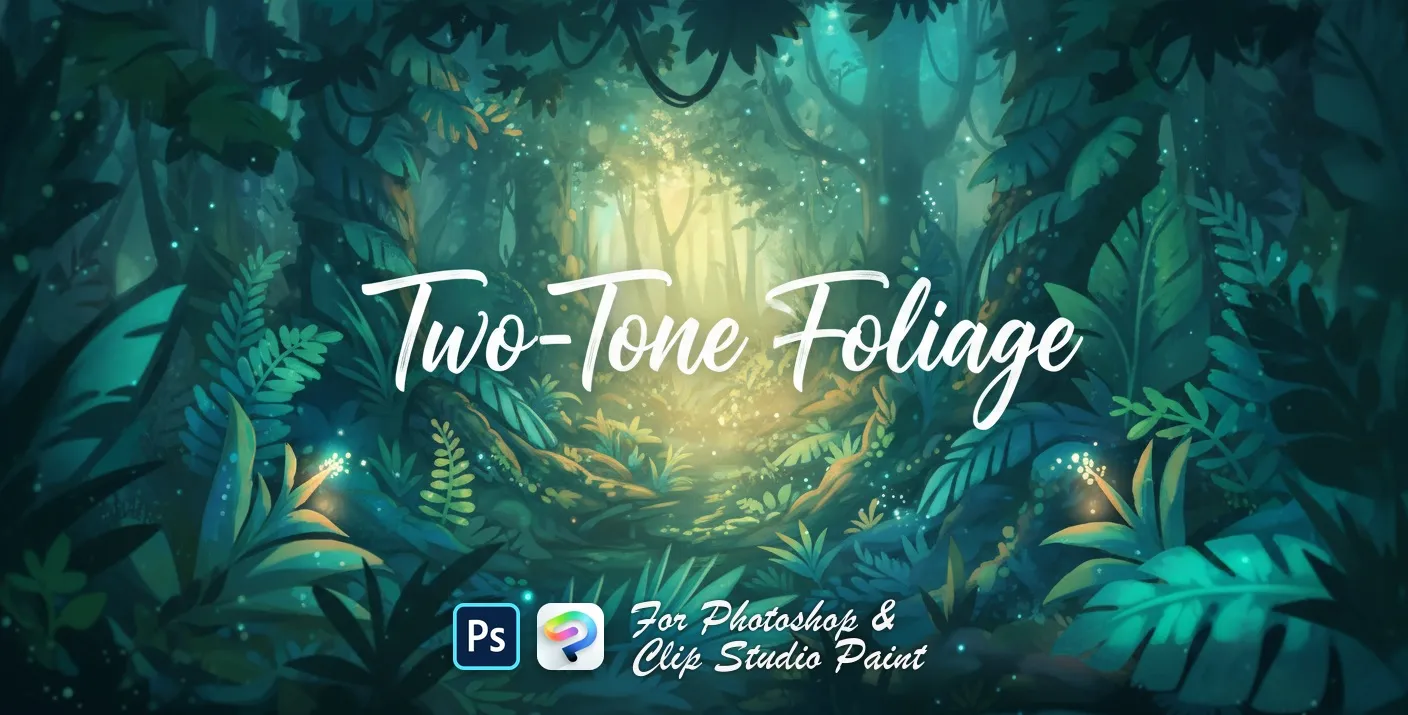
 Two-Tone Foliage
broad-leaf and ivy foliage
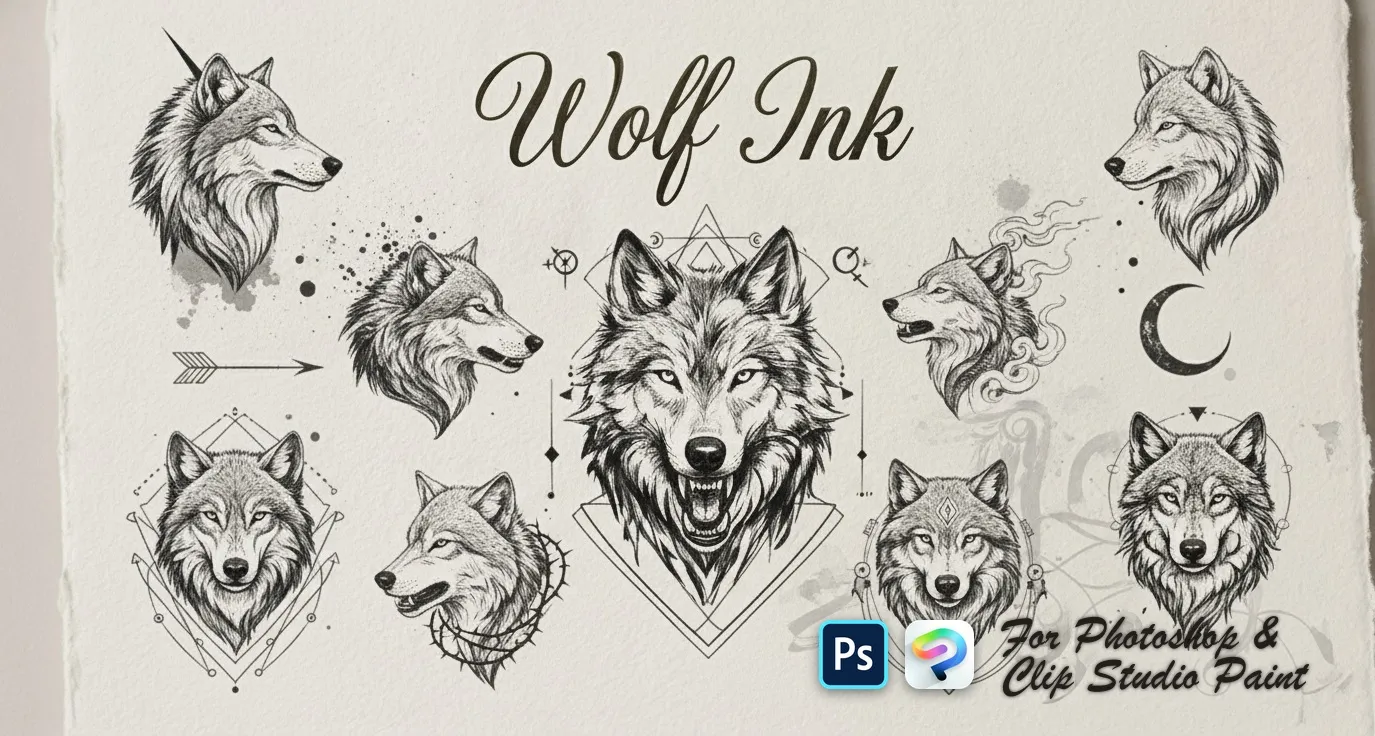 PS · CSP
 Wolf Ink
quick wolf-head sketches, detailed wolf heads and portraits, flowing smoky and ink-style wolves, full wolf designs and ornamental geometric wolf crests

 Scan → get the app
Also on iPad — the Brusher app
Prefer Procreate on iPad? The Brusher app has the complete 200+ set library, including illustration brushes, all one-tap installs.
Popular illustration styles
Frequently asked questions
Do fantasy and illustration stamps work in both Photoshop and Clip Studio Paint?+
Yes. Every pack is one .abr file that imports into Photoshop (CC and newer) and Clip Studio Paint (1.10.5 or later) — the same file works in both apps on PC and Mac, from a single purchase.
How do I use scene stamps for concept art?+
Use them to block composition before you commit to detail: stamp rough masses for architecture, rocks or crowds, get the silhouette reading at thumbnail size, then paint over the parts the viewer will actually look at. Stamps are for the ninety percent of a scene nobody inspects closely.
How do I keep a stamped illustration from looking assembled?+
Paint over the seams. Once the stamps are placed, put a layer on top and unify them with your own brushwork, shared lighting and a single colour grade. Anything left untouched at full stamp opacity is what makes a piece look like a collage of assets rather than one drawing.