Skip to content
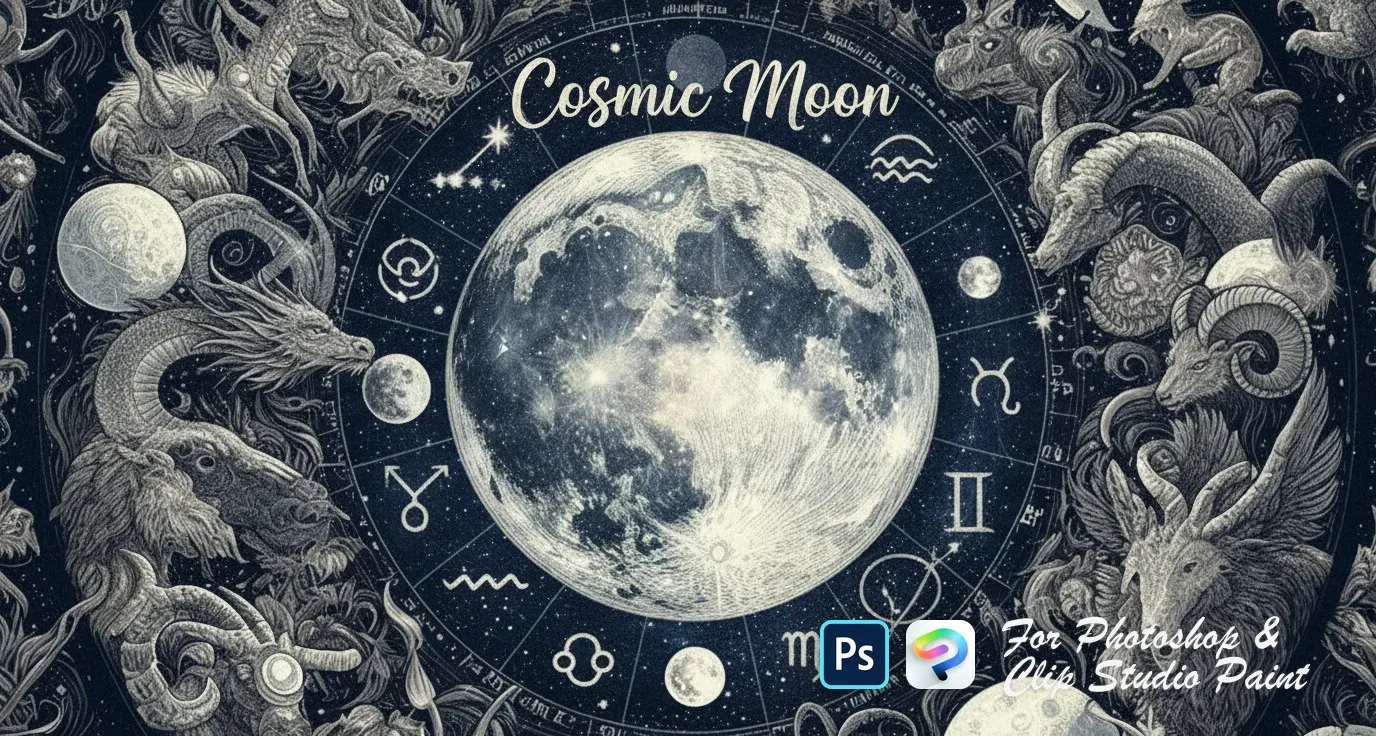
Cosmic Moon Photoshop & Clip Studio Paint brush set cover
.abr · PC & Mac FantasyVintageDecoration

Cosmic Moon Photoshop & Clip Studio Paint Brushes

AH by Amelia Harper

Expand your cosmic creations with dreamy cloud-covered moons and vintage-inspired astronomical tools. Perfect for mystical scenes, star maps, and atmospheric illustrations. Compatible with Adobe Photo…

Brushes
20
Works with
Photoshop & Clip Studio Paint

$5 USD · one-time purchase

Get it on lava.top — $5

Instant download · one .abr file · works in Photoshop & Clip Studio Paint · free future updates

Download a free sample brush

One real brush from this set · free .abr file · no signup

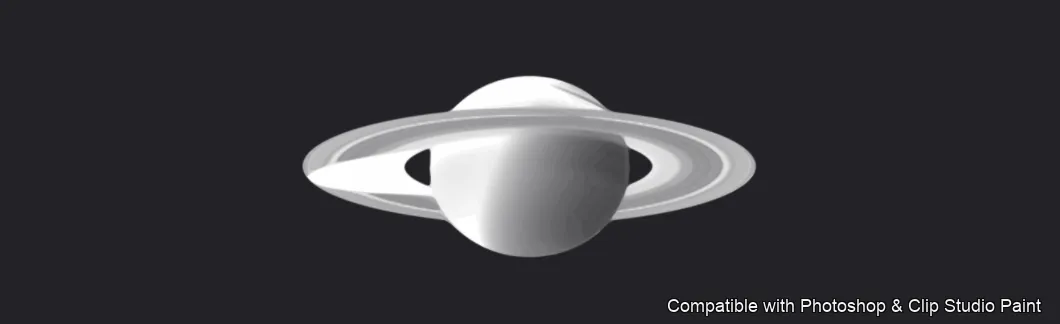
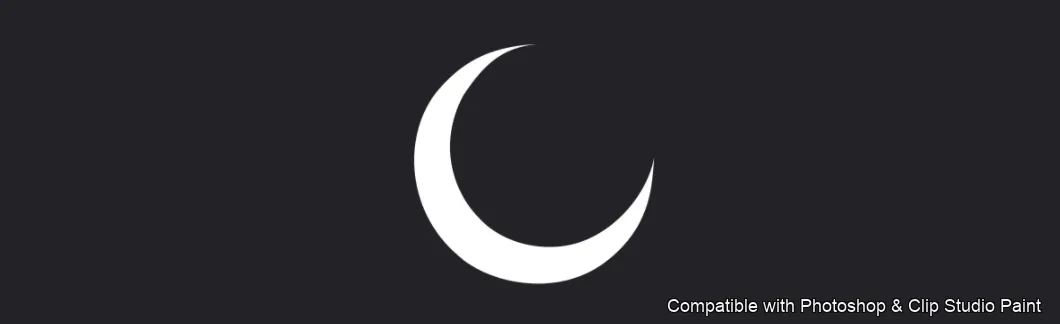
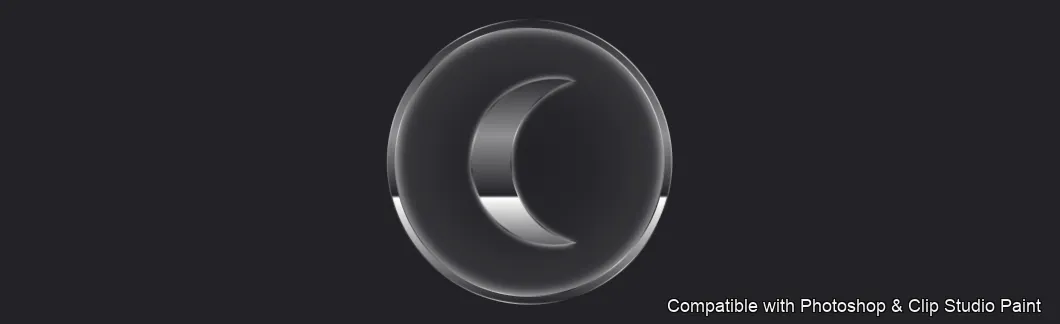
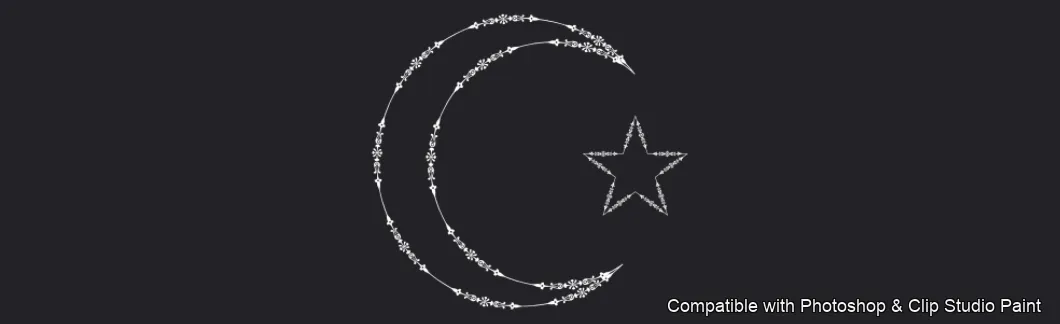
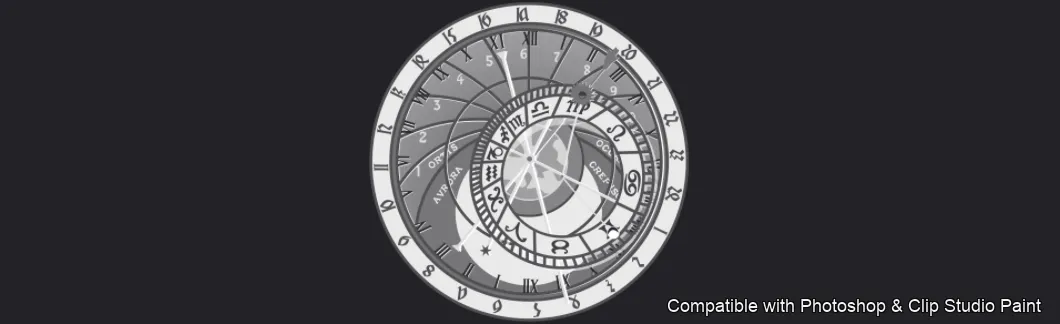
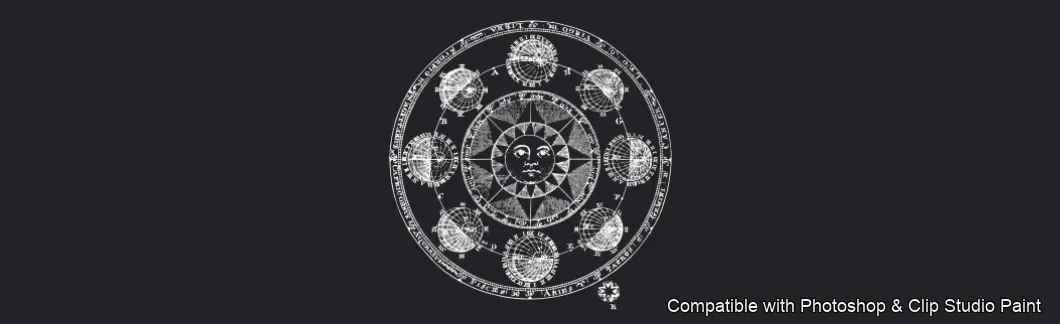
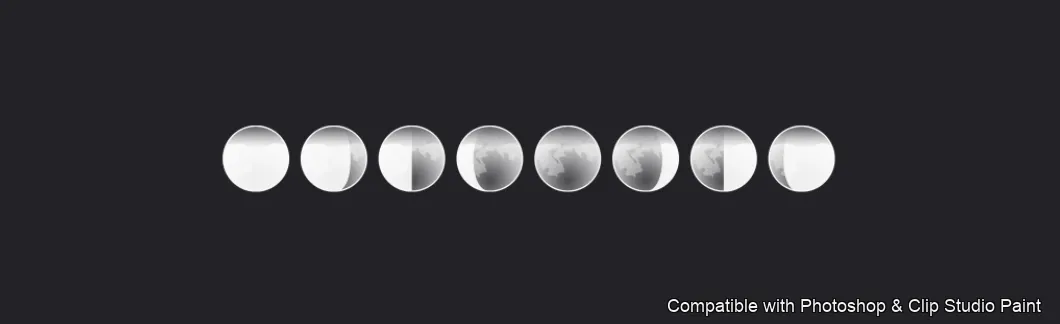
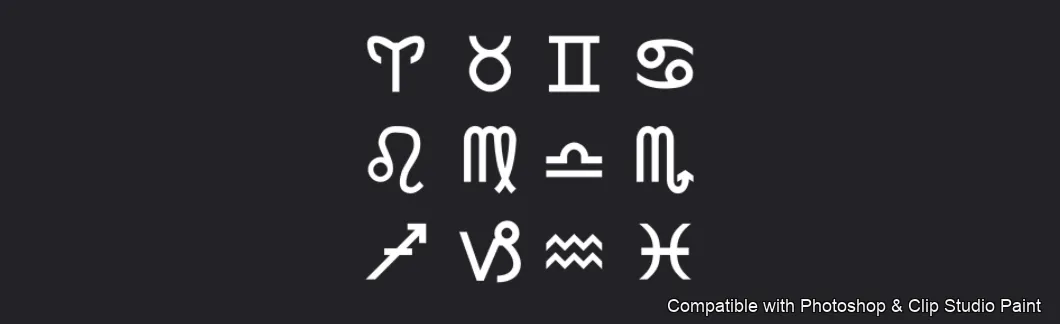
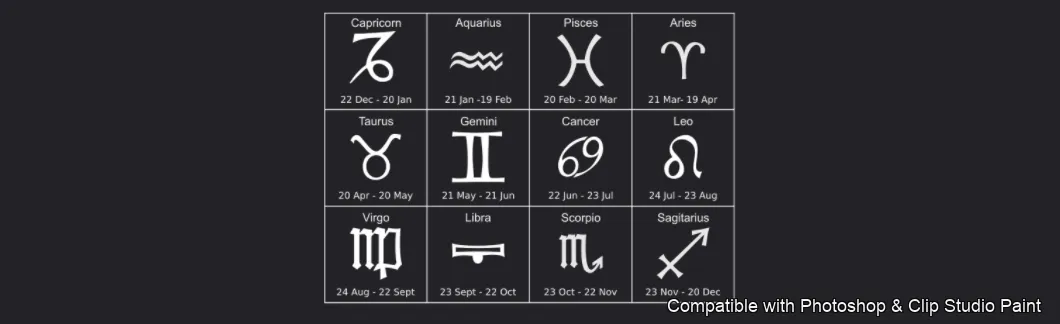
Create cosmic moon, planet and zodiac art in Photoshop and Clip Studio Paint with the Cosmic Moon stamp set! Made for astrology and fantasy illustrators, tattoo and lettering artists, sticker and poster designers, and anyone adding celestial, mystical atmosphere to their work. 🎨 What’s inside: 📁 20 stamp brushes in Photoshop format (.abr) — also import directly into Clip Studio Paint 💡 Why you’ll love it: • – 20 Celestial Stamps: A cosmic mix — ringed Saturn, crescent, eclipse, full and glowing moons, moon-phase rows, a star-and-crescent, ornate zodiac wheels, medallions, symbol sets and grids, plus star fields, star dust, nebula and starburst-galaxy effects. • – Build Atmosphere Fast: Stamp finished moons and effects instead of painting cosmic detail by hand. • – Easy to Use: Quick to install and paint with, even for beginners. • – Dreamy Results: Rich, mystical celestial scenes for posters, tattoos and cards. • – Download Now: Be creating within minutes! 🖌️ Brushes compatible: ✅ Adobe Photoshop (CC and newer) — .abr brush file ✅ Clip Studio Paint (ver. 1.10.5 or later) — imports the same .abr ✅ Works on both desktop and iPad 🛠️ How to install: • Photoshop — double-click the .abr file (or Brushes panel → menu → Import Brushes). • Clip Studio Paint — drag the .abr onto the Sub Tool palette. 📥 Instant digital download — start designing today!

Every brush in Cosmic Moon

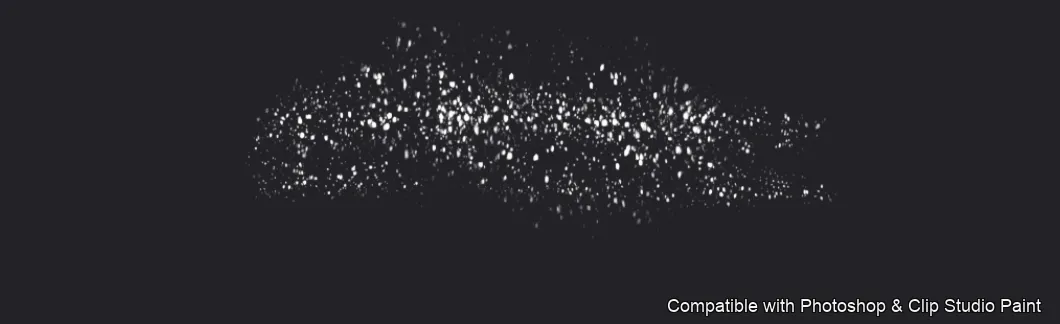
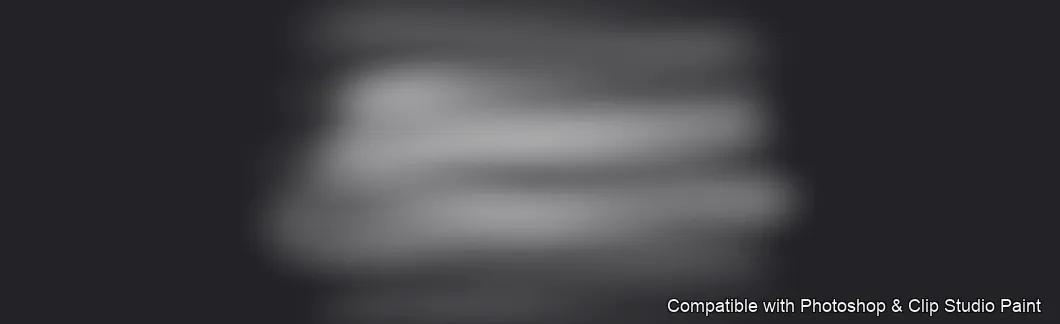
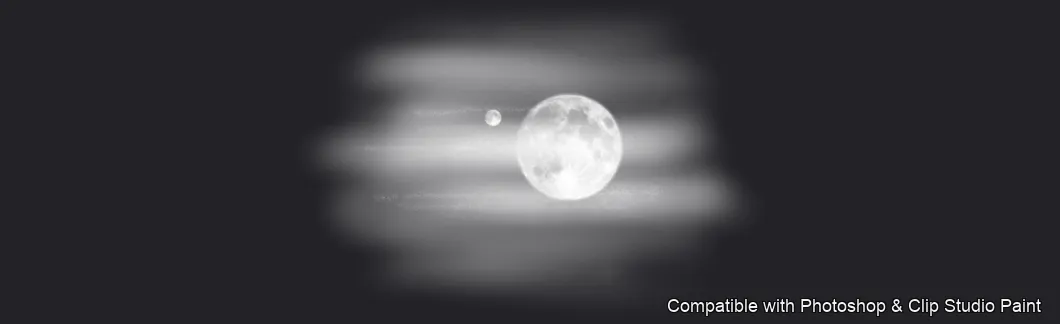
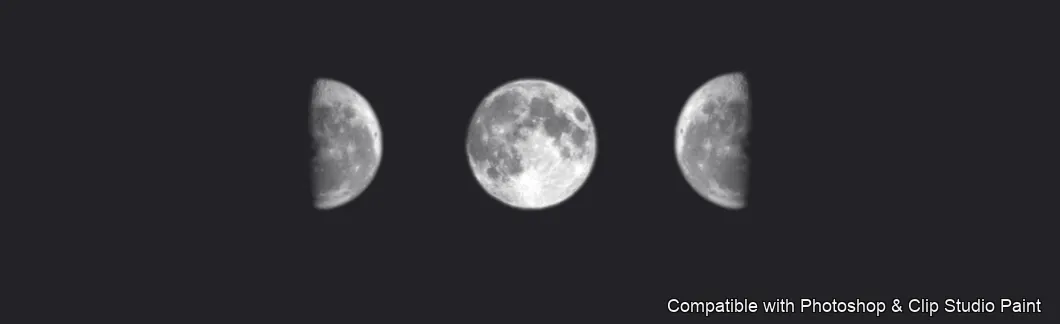
20 individual brush previews — see the exact stroke before you download.
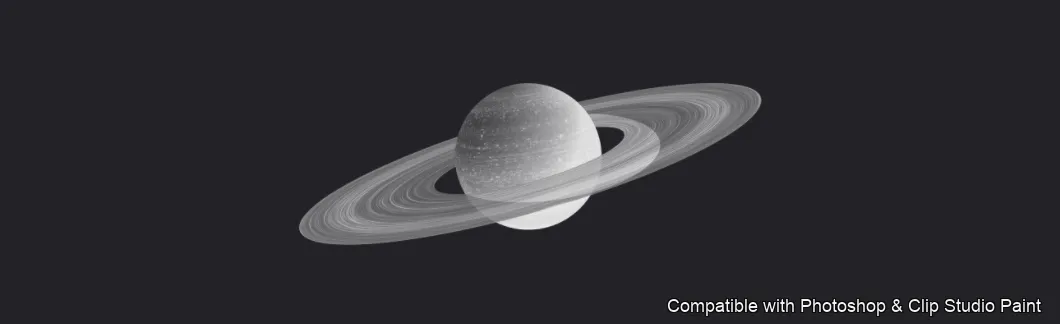
Cosmic Moon brush 1 of 20 — Photoshop & Clip Studio Paint .abr preview
Cosmic Moon brush 2 of 20 — Photoshop & Clip Studio Paint .abr preview
Cosmic Moon brush 3 of 20 — Photoshop & Clip Studio Paint .abr preview
Cosmic Moon brush 4 of 20 — Photoshop & Clip Studio Paint .abr preview
Cosmic Moon brush 5 of 20 — Photoshop & Clip Studio Paint .abr preview
Cosmic Moon brush 6 of 20 — Photoshop & Clip Studio Paint .abr preview
Cosmic Moon brush 7 of 20 — Photoshop & Clip Studio Paint .abr preview
Cosmic Moon brush 8 of 20 — Photoshop & Clip Studio Paint .abr preview
Cosmic Moon brush 9 of 20 — Photoshop & Clip Studio Paint .abr preview
Cosmic Moon brush 10 of 20 — Photoshop & Clip Studio Paint .abr preview
Cosmic Moon brush 11 of 20 — Photoshop & Clip Studio Paint .abr preview
Cosmic Moon brush 12 of 20 — Photoshop & Clip Studio Paint .abr preview
Cosmic Moon brush 13 of 20 — Photoshop & Clip Studio Paint .abr preview
Cosmic Moon brush 14 of 20 — Photoshop & Clip Studio Paint .abr preview
Cosmic Moon brush 15 of 20 — Photoshop & Clip Studio Paint .abr preview
Cosmic Moon brush 16 of 20 — Photoshop & Clip Studio Paint .abr preview
Cosmic Moon brush 17 of 20 — Photoshop & Clip Studio Paint .abr preview
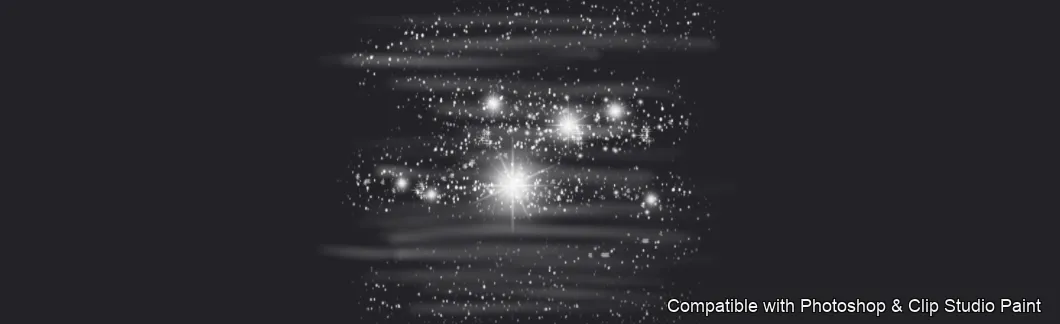
Cosmic Moon brush 18 of 20 — Photoshop & Clip Studio Paint .abr preview
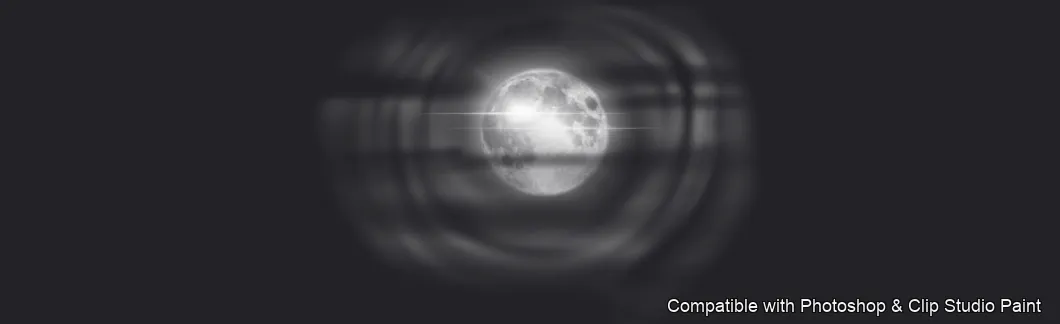
Cosmic Moon brush 19 of 20 — Photoshop & Clip Studio Paint .abr preview
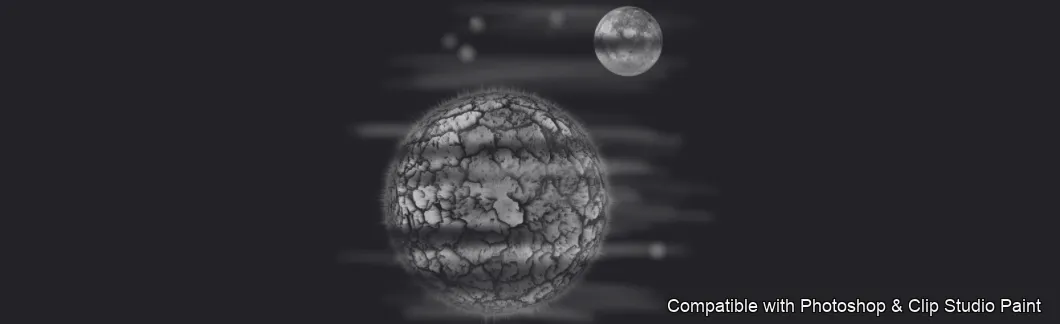
Cosmic Moon brush 20 of 20 — Photoshop & Clip Studio Paint .abr preview

Full brush overview
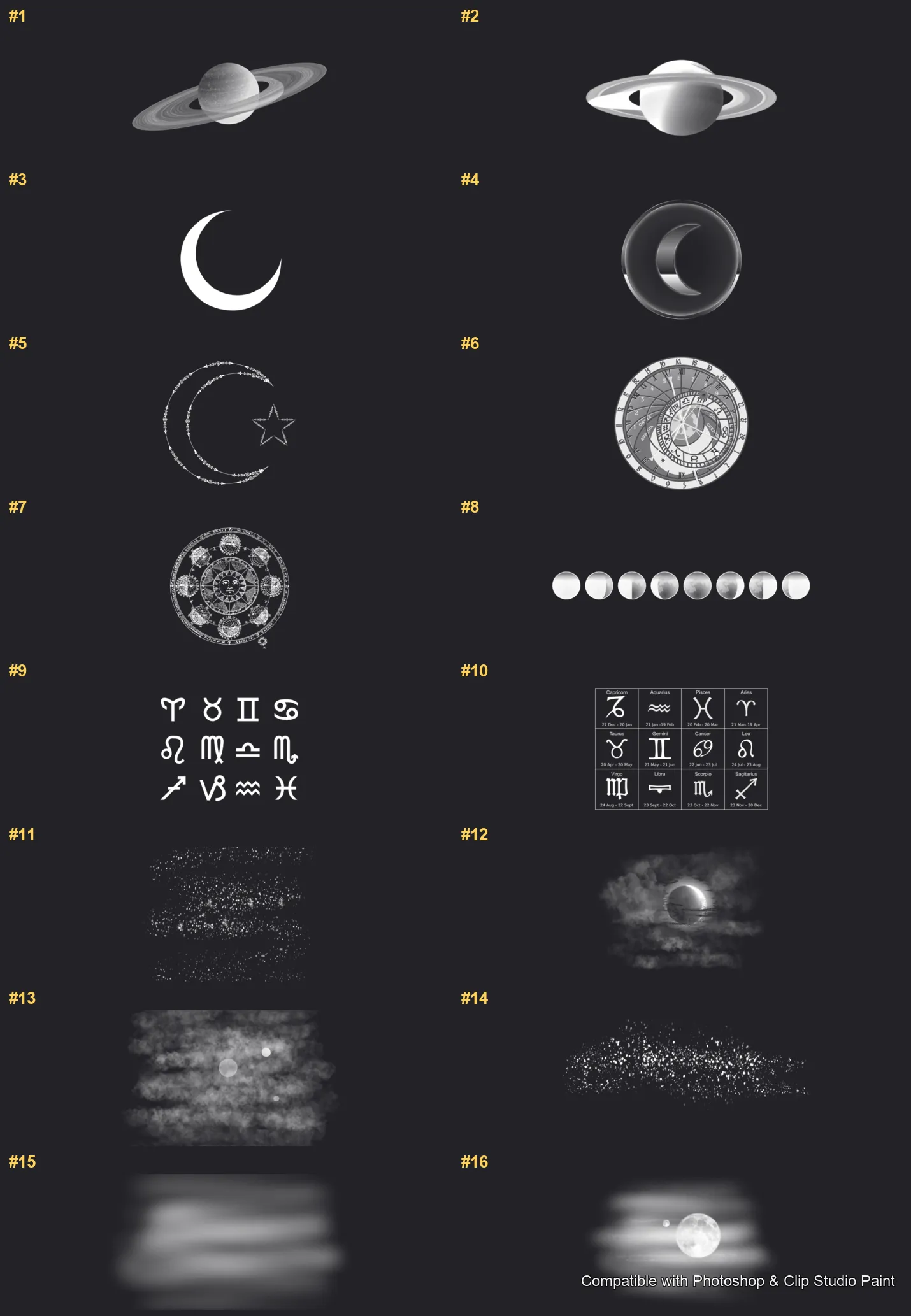
Cosmic Moon Photoshop & Clip Studio Paint brushes overview sheet 1
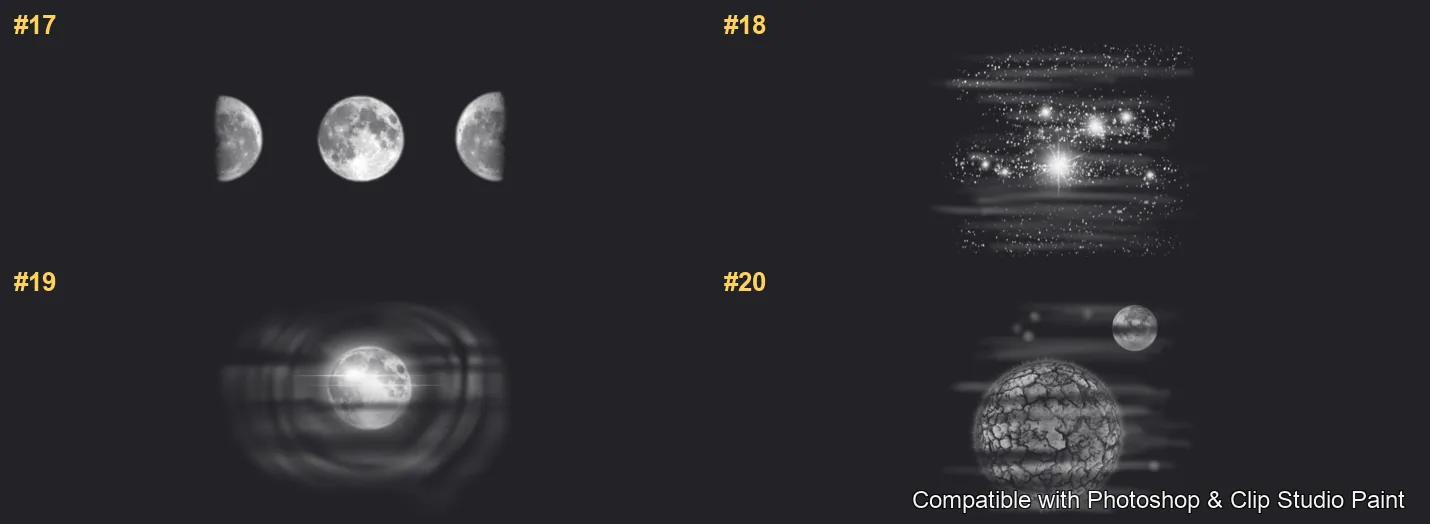
Cosmic Moon Photoshop & Clip Studio Paint brushes overview sheet 2

How to install

In Adobe Photoshop

Double-click the .abr file to load it — or open the Brushes panel, click the menu and choose Import Brushes. Works on CC and newer, PC & Mac.

In Clip Studio Paint

Drag the same .abr file onto the Sub Tool palette and Clip Studio imports it as new brushes. Works on version 1.10.5 or later.

Cosmic Moon — FAQ

How much does the Cosmic Moon pack cost?+

$5 (USD) — a one-time purchase, not a subscription. One payment covers both Photoshop and Clip Studio Paint, with free future updates.

How many brushes are in the Cosmic Moon pack?+

The Cosmic Moon set includes 20 brushes — ringed Saturn, crescent and eclipse.

Does it work in both Photoshop and Clip Studio Paint?+

Yes. You get a single .abr file — the same file imports into Adobe Photoshop (CC and newer) and Clip Studio Paint (1.10.5 or later). One purchase covers both apps, on PC and Mac.

What file format do I get?+

An Adobe Photoshop .abr brush file. In Photoshop, double-click it (or Brushes panel → menu → Import Brushes). In Clip Studio Paint, drag the .abr onto the Sub Tool palette.

Do these work on Procreate?+

Cosmic Moon is the desktop .abr edition for Photoshop and Clip Studio Paint. Many of our sets also come as Procreate .brushset editions — browse the Procreate catalog to check.