Photoshop Patterns
Updated October 2026
Photoshop pattern brushes: seamless, fabric, geometric, decorative and vintage motifs. Premium .abr packs that also load into Clip Studio Paint.
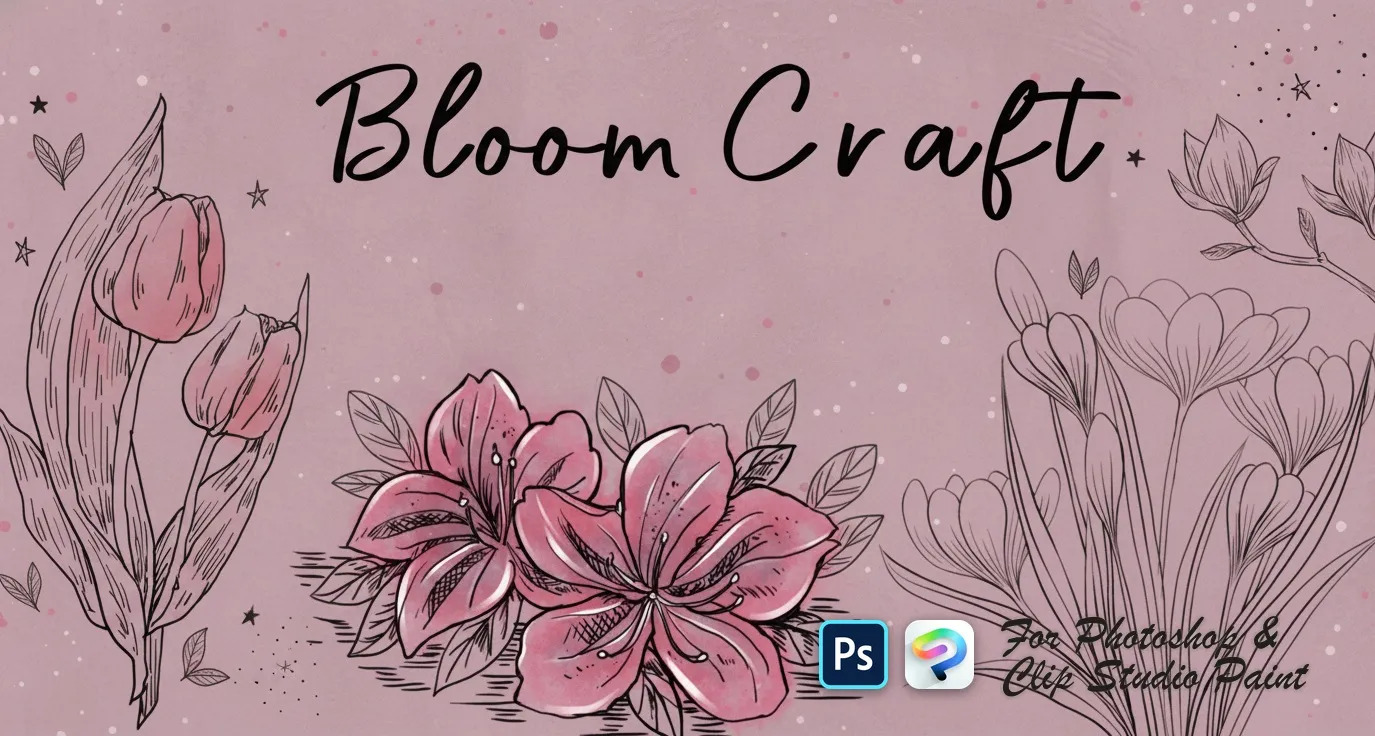
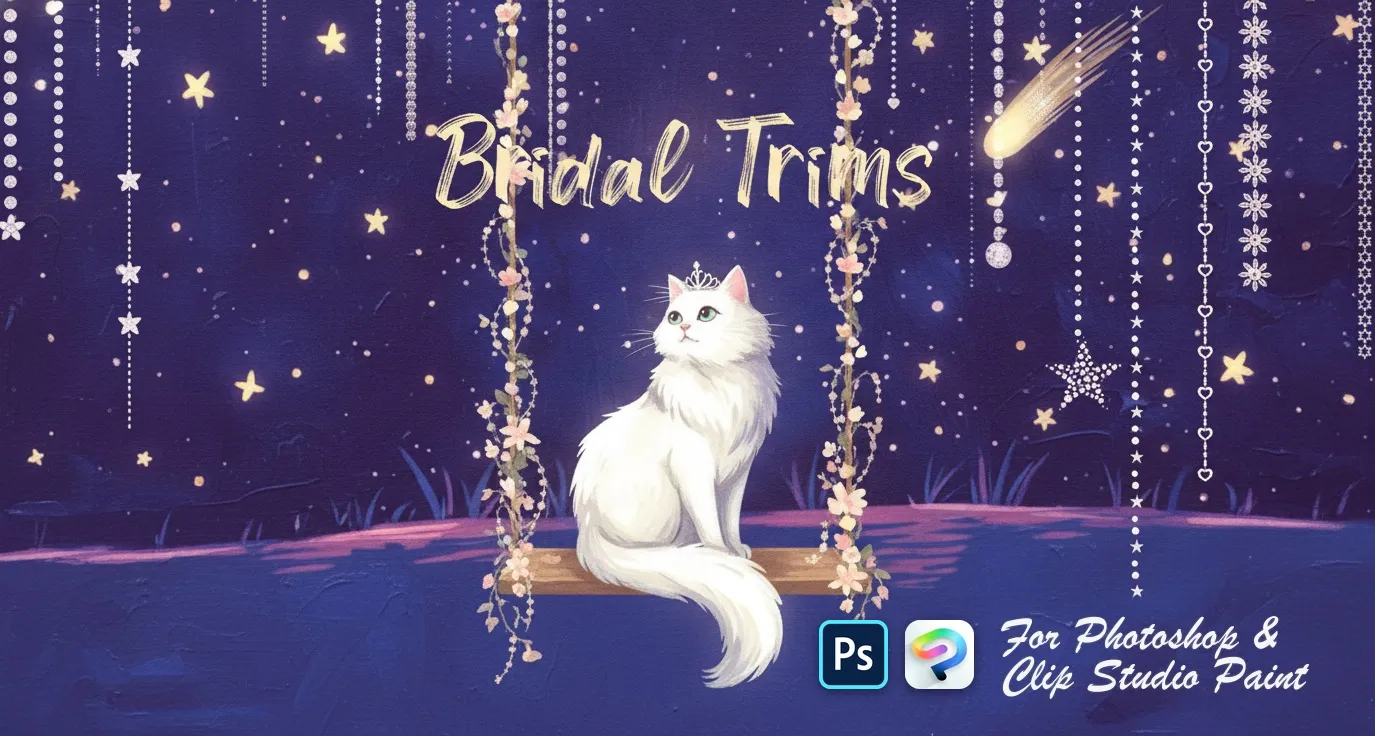
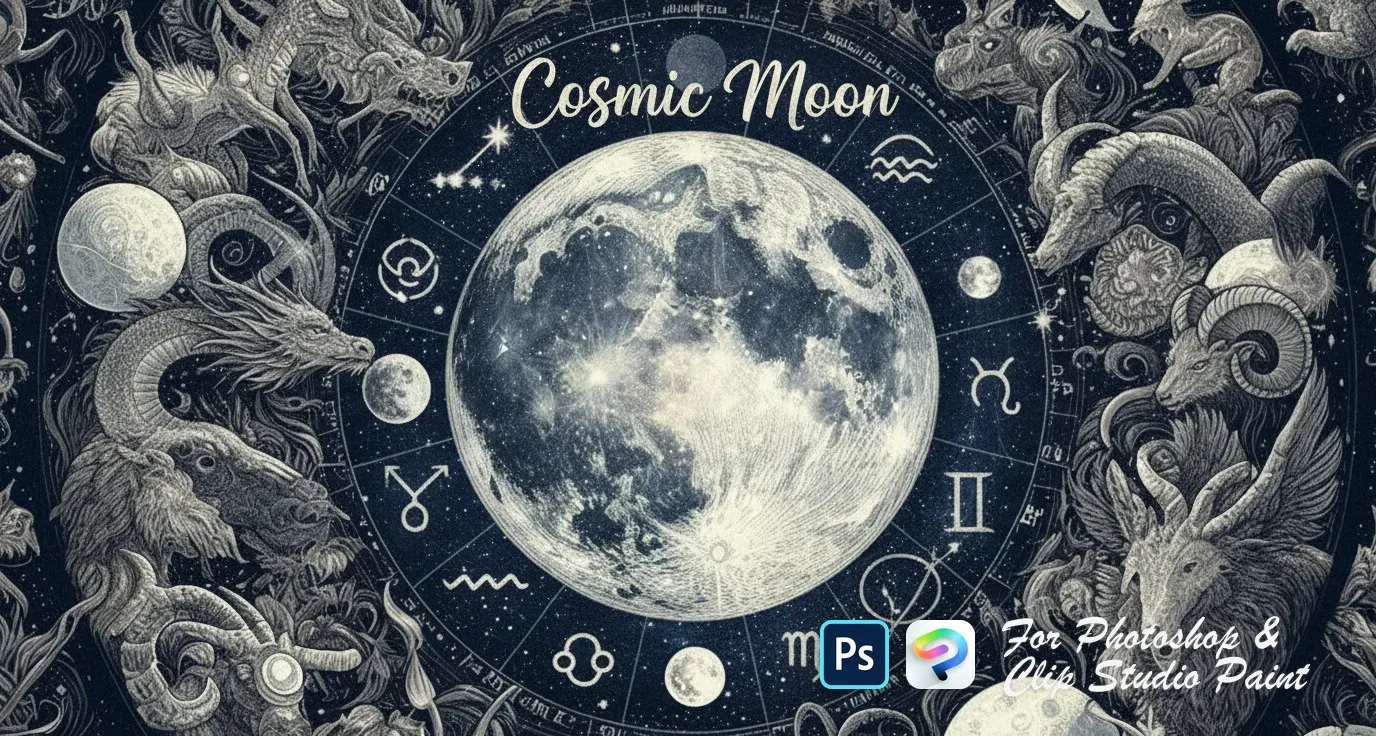
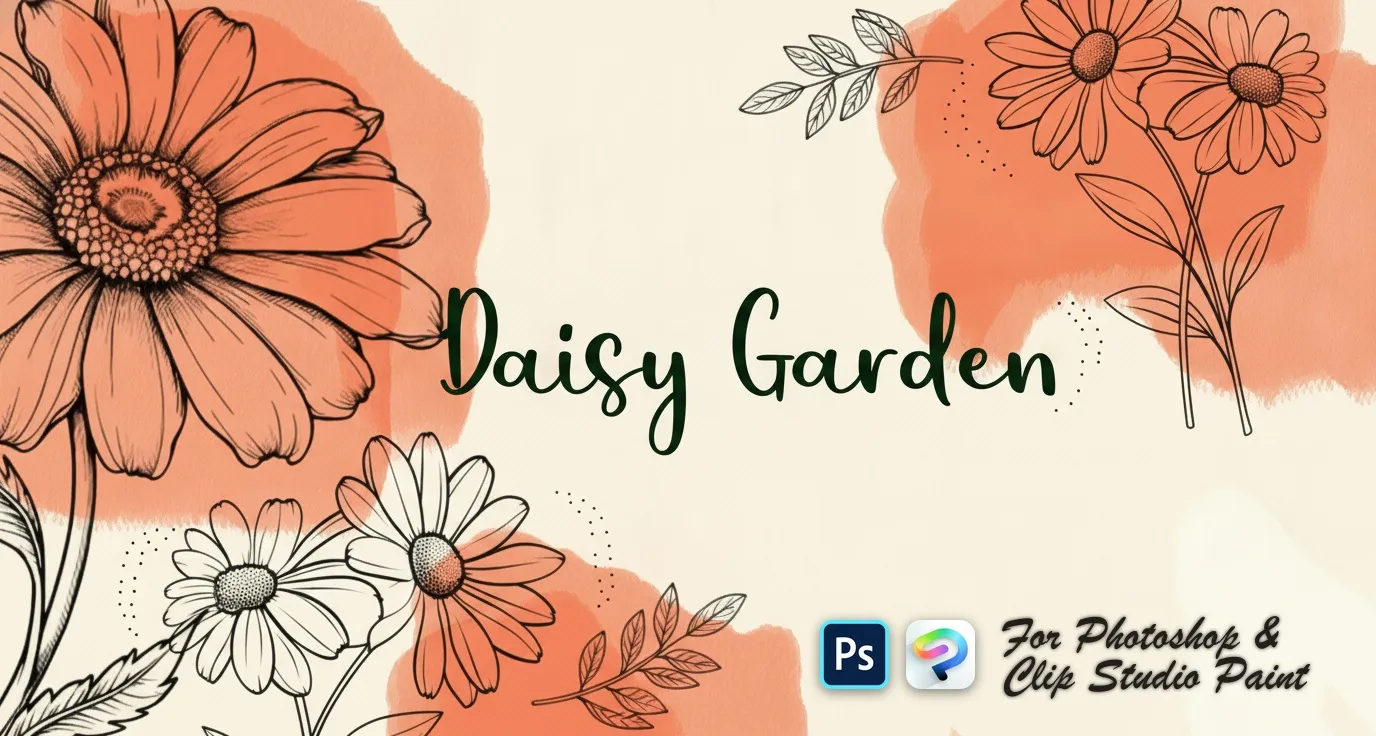
Brusher has 14 patterns brush packs for Photoshop & Clip Studio Paint — seamless, fabric, geometric — each a native .abr file that installs into Photoshop or Clip Studio Paint on PC & Mac.
photoshop pattern are the fastest way to add patterns detail to your artwork. This collection gathers hand-made stamps, textures and liners as .abr files you can load into Adobe Photoshop or Clip Studio Paint on PC & Mac — perfect for patterns photoshop, pattern for photoshop, photoshop patterns.
Photoshop Patterns
PS · CSP Bloom Craft
roses, peony, camellia and magnolia
PS · CSP Bridal Trims
satin and pleated ribbons
PS · CSP Cosmic Moon
ringed Saturn, crescent and eclipse
PS · CSP Daisy Garden
single daisies and angles
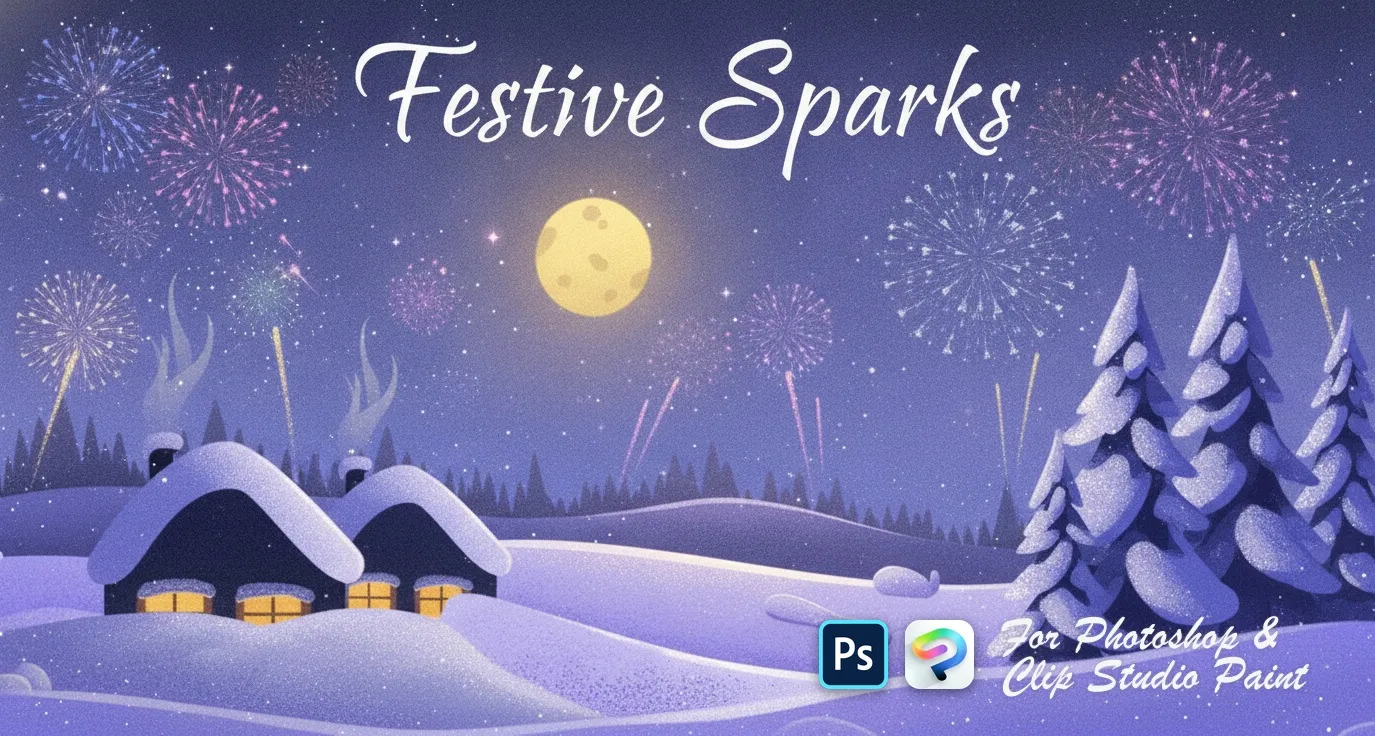 PS · CSP
 Festive Sparks
hearts, stars, diamonds and drops
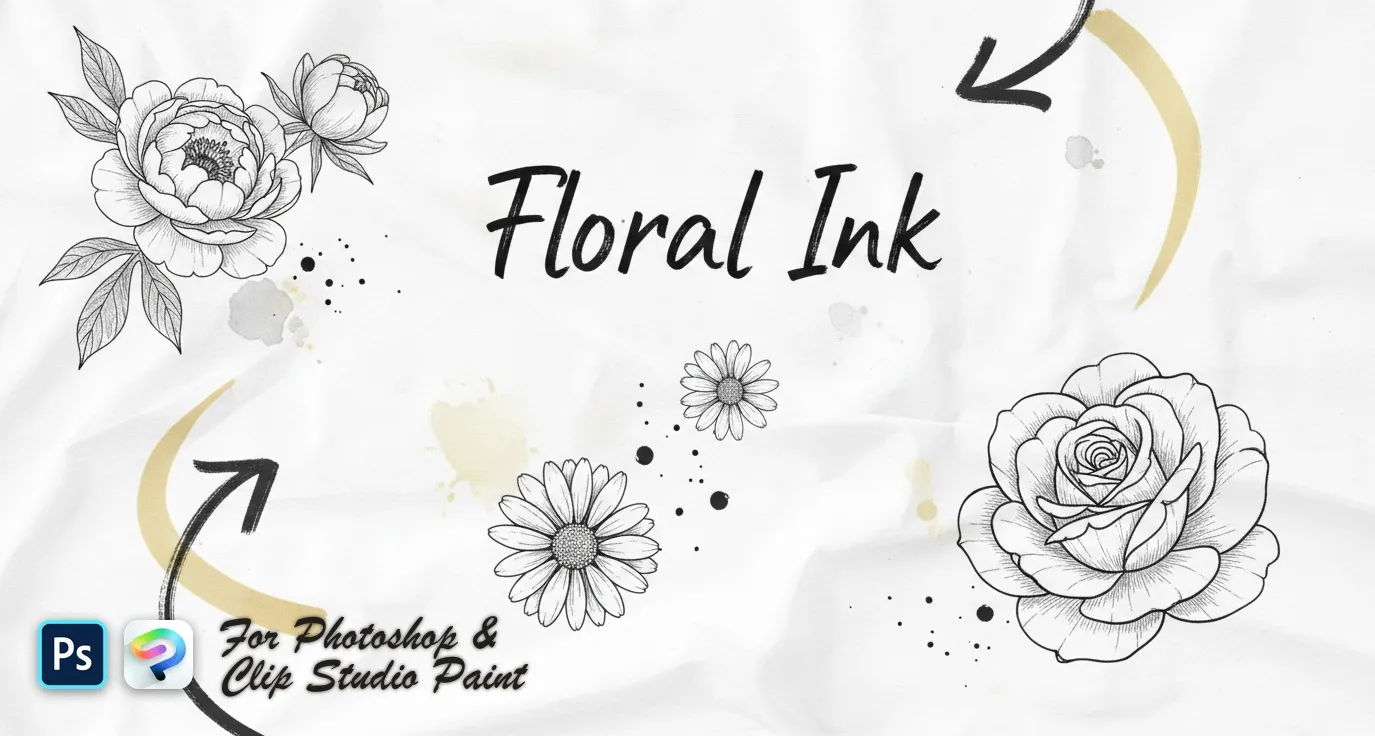 PS · CSP
 Floral Ink
delicate wildflower sprigs, fine-line botanical stems and bold engraved blooms — lavender, poppy, tulip, peony, rose and magnolia
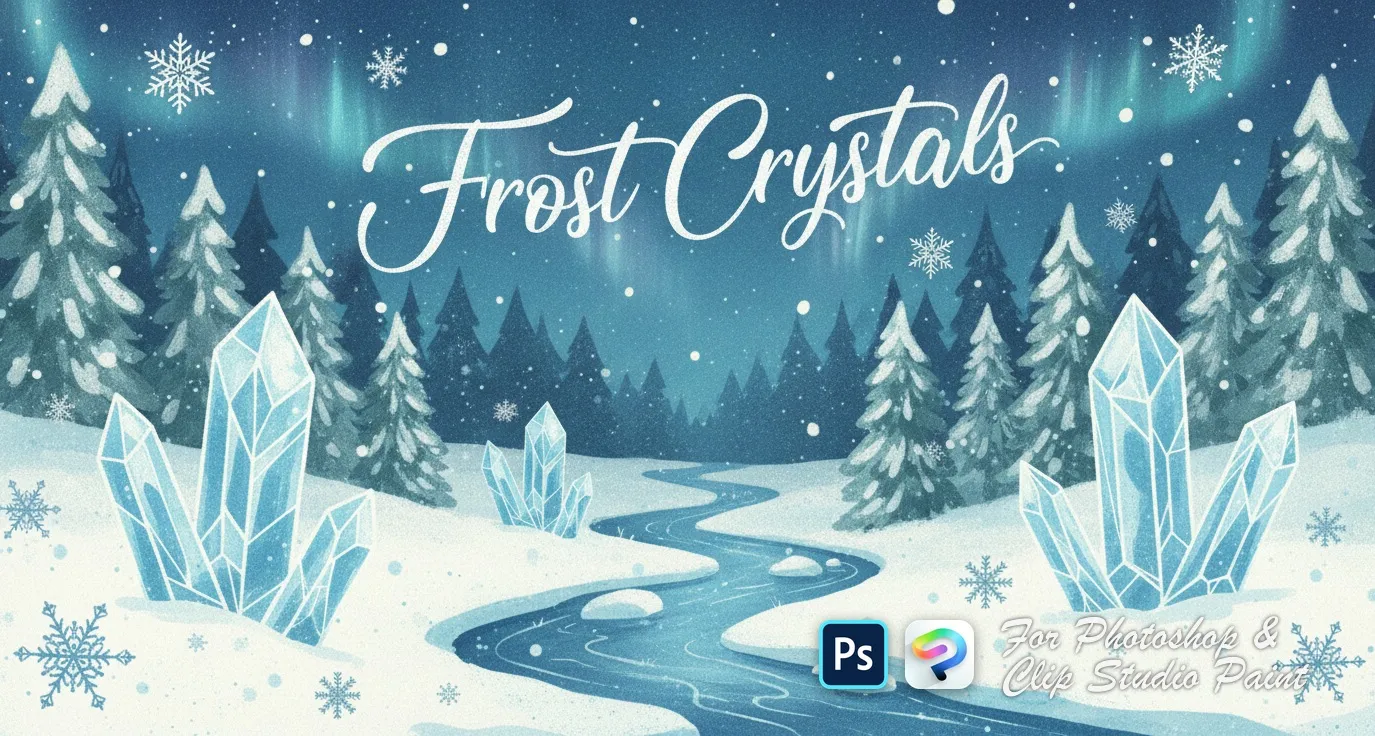 PS · CSP
 Frost Crystals
delicate clusters, small scattered flakes, bold geometric snowflakes and crystalline 3D-style designs
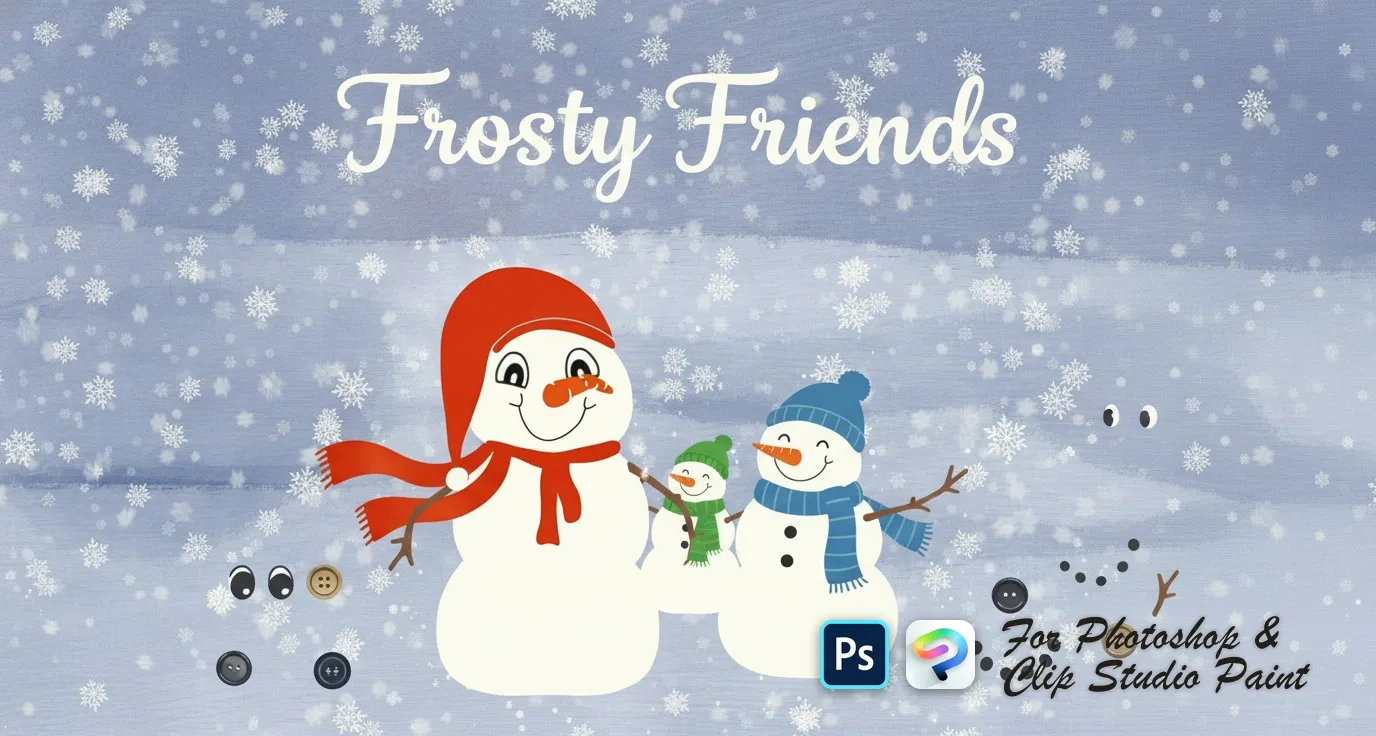 PS · CSP
 Frosty Friends
snowball body pieces, scarves, hats and headpieces, eyes, mouths and carrot noses, coal buttons and stick arms
 PS · CSP
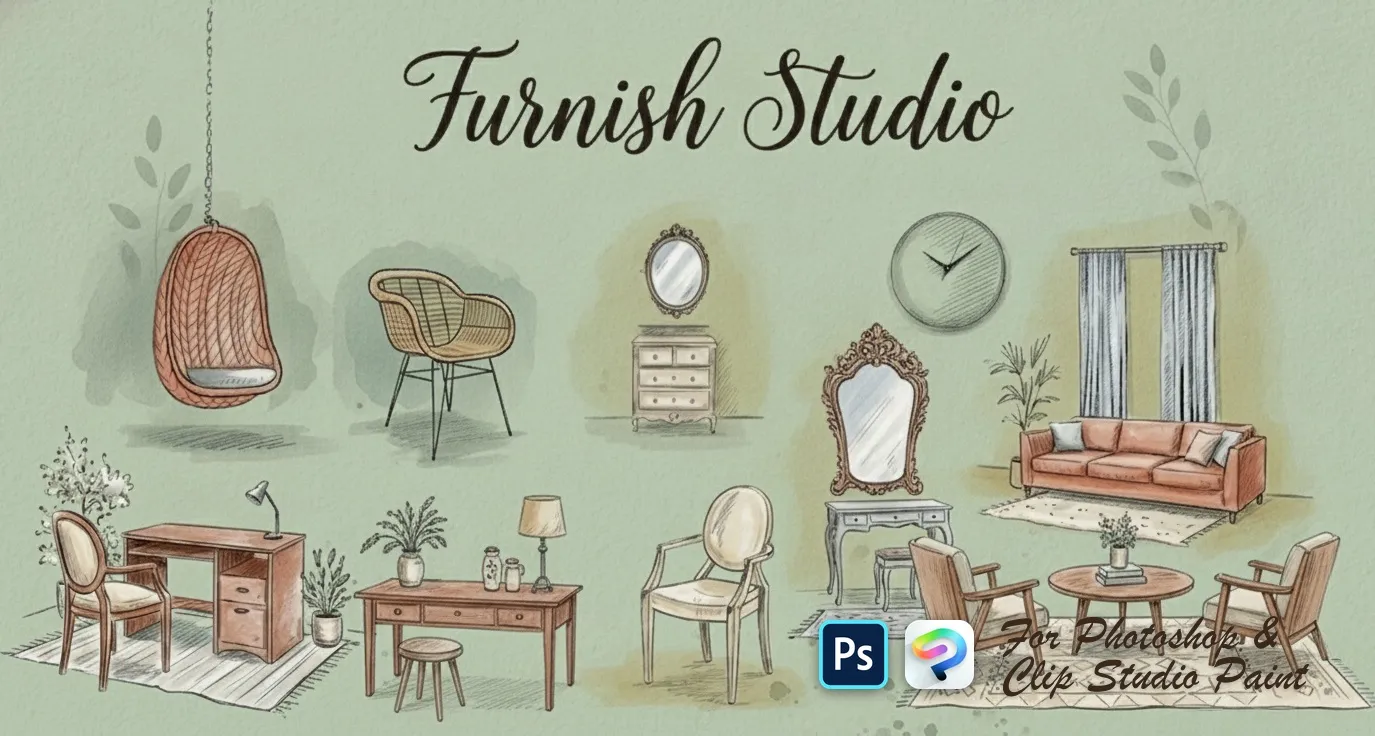
 Furnish Studio
sofas, loveseats, sectionals and settees, armchairs, beds and daybeds, desks, consoles, dressers, nightstands and shelves
 PS · CSP
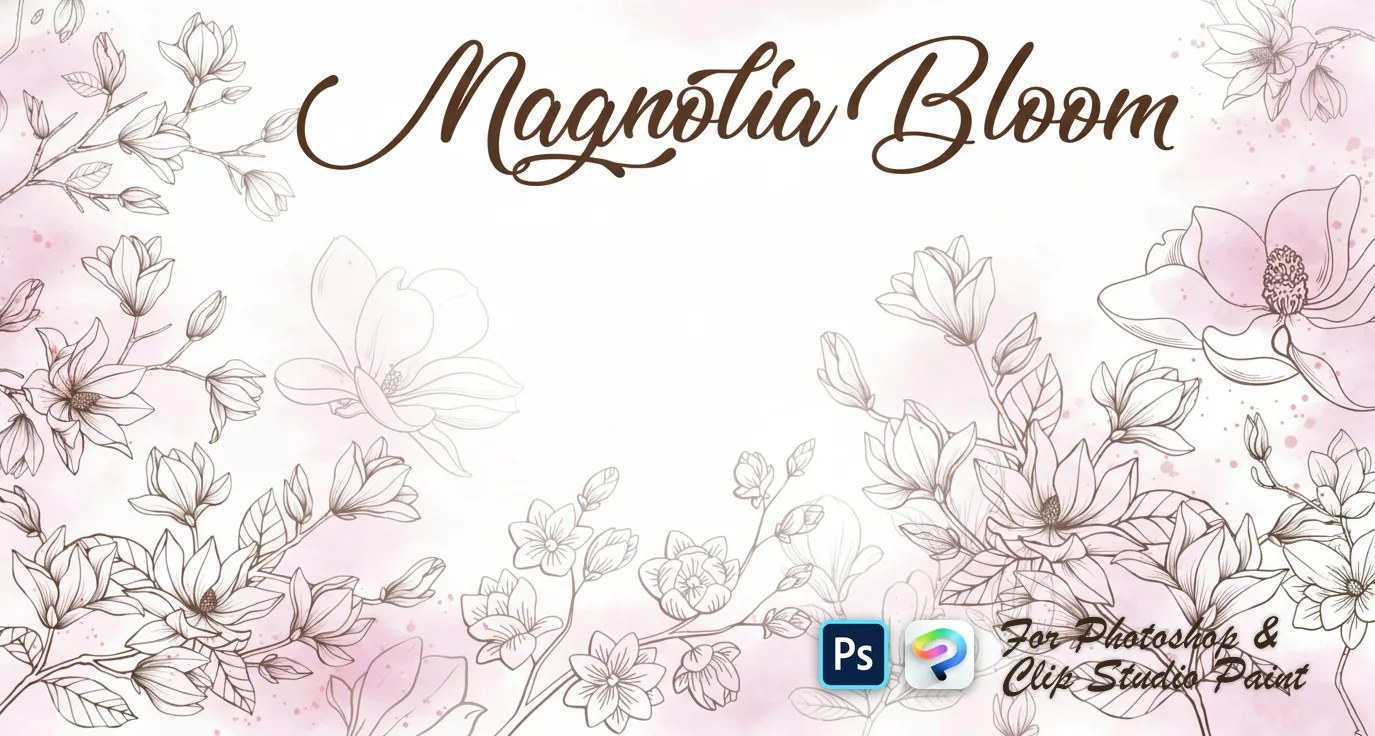
 Magnolia Bloom
open blooms and side-view flowers
 PS · CSP
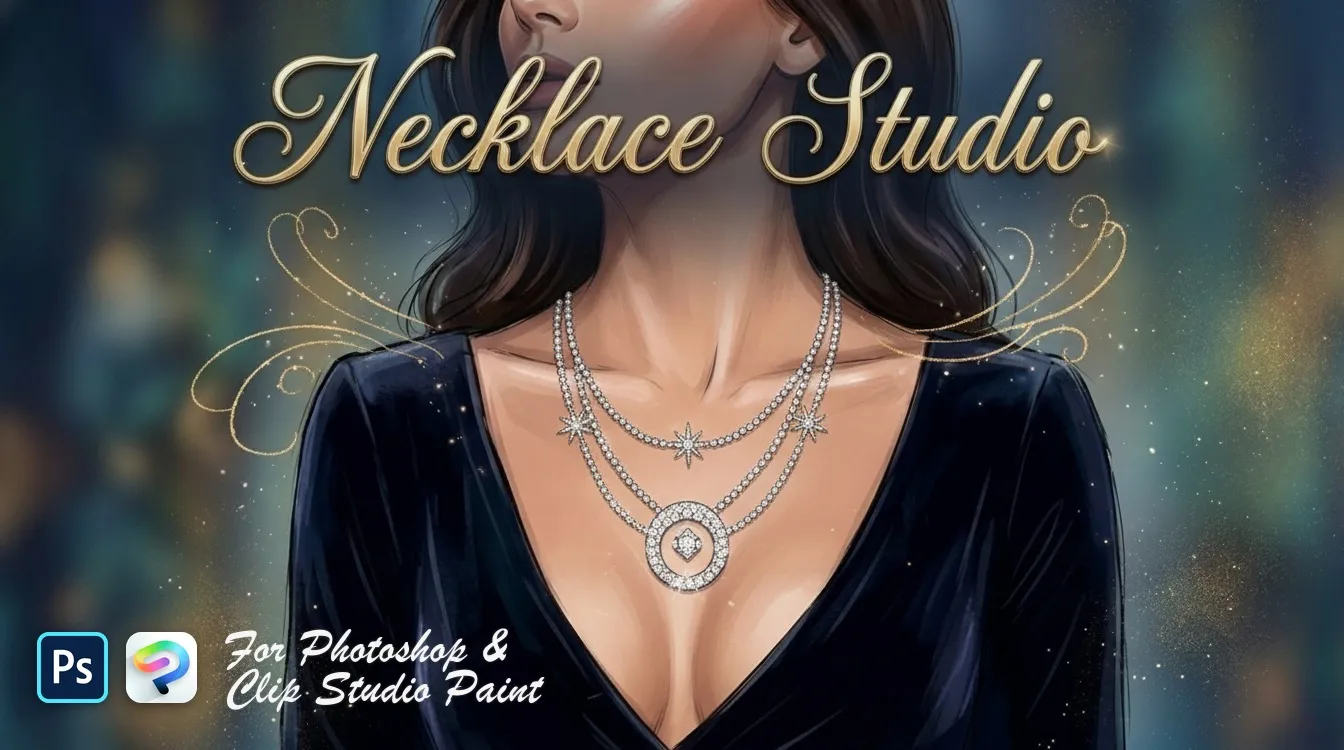
 Necklace Studio
bead, pearl, graduated strands and curb
 PS · CSP
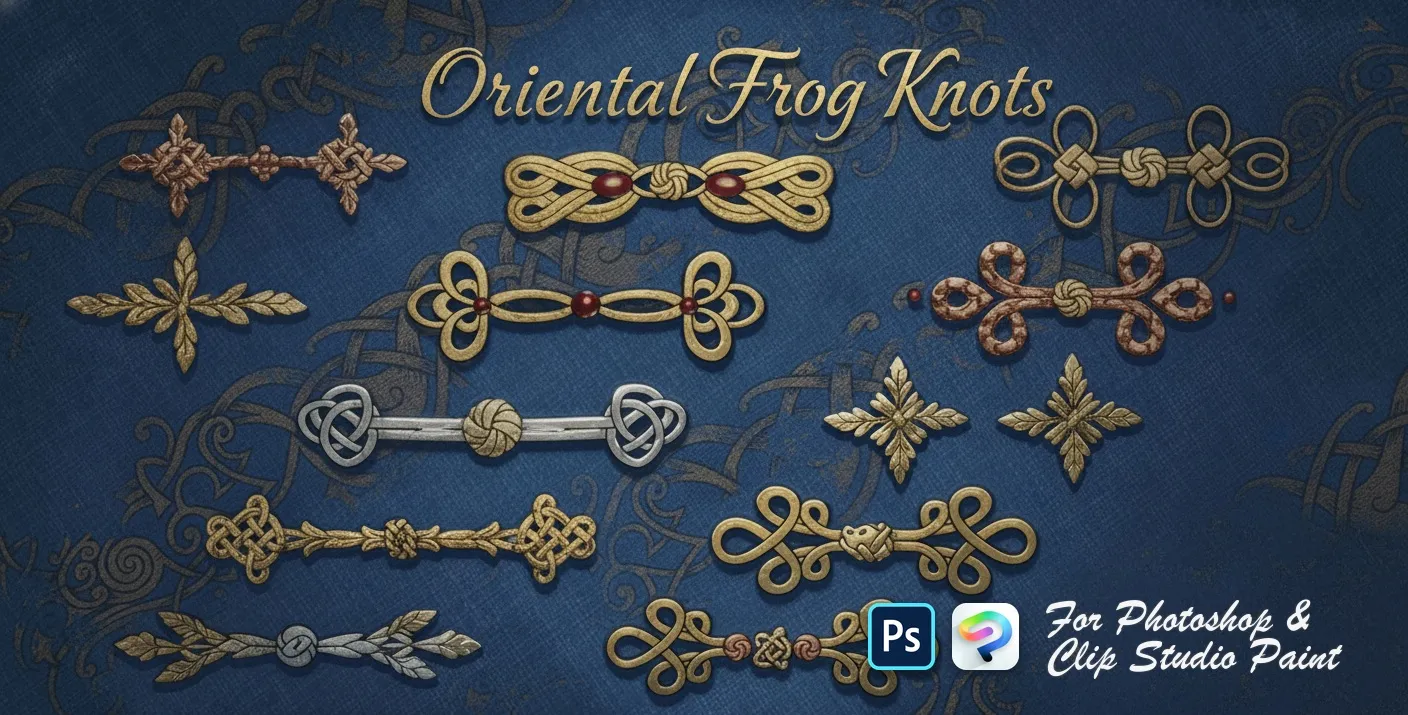
 Oriental Frog Knots
Chinese frog buttons and knot fasteners — Celtic, square, looped, scrolled, beaded, butterfly and cloverleaf knots
 PS · CSP
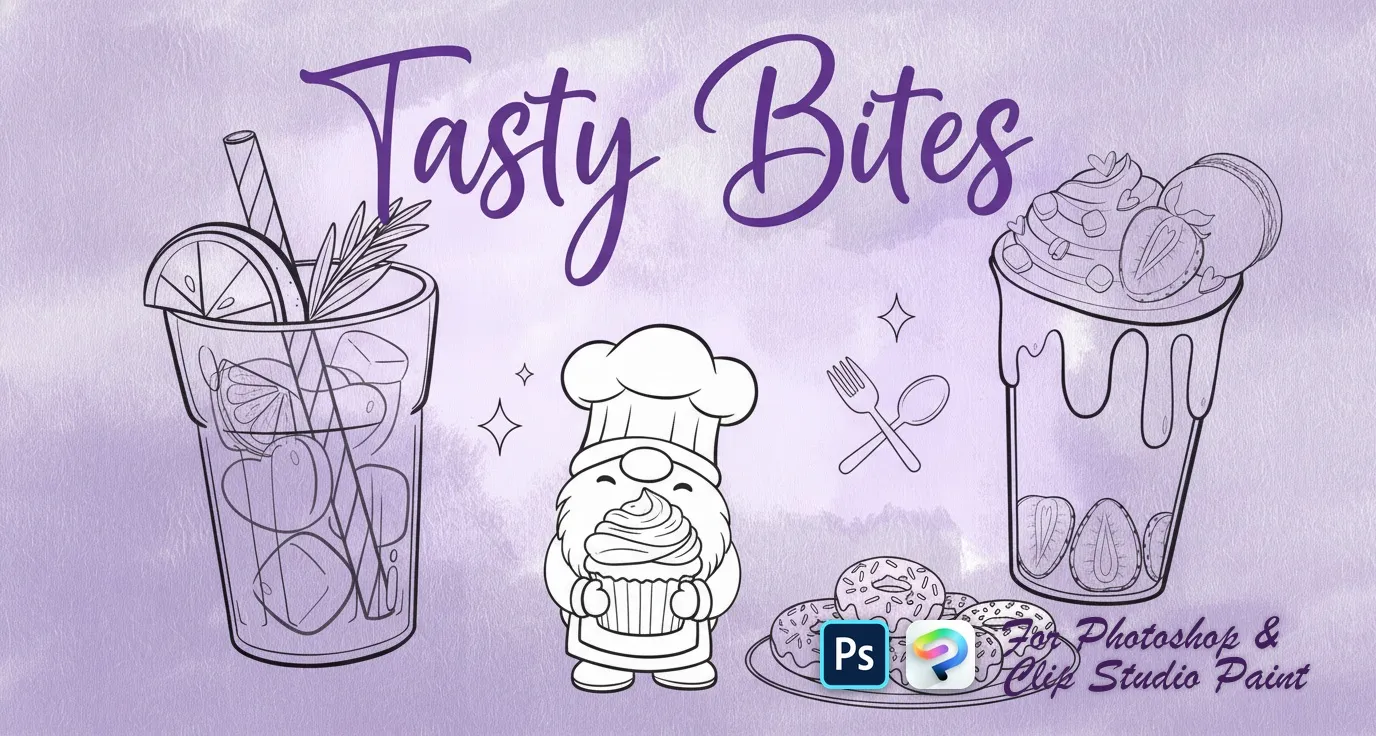
 Tasty Bites
bunny gnomes, heart donuts, cookies, macarons, puddings and parfaits, strawberries and cherries, iced drinks and sugar-cube accents
 PS · CSP
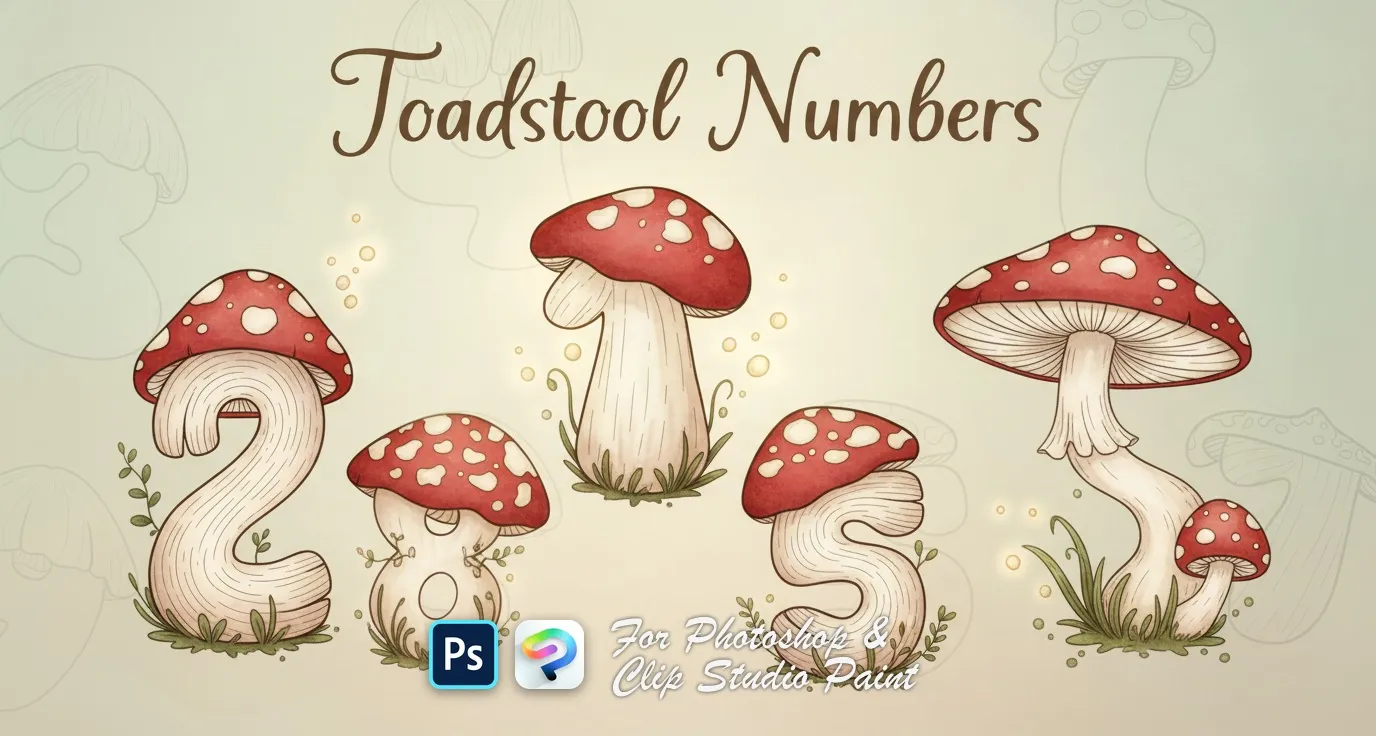
 Toadstool Numbers
numbers 0 to 9, each drawn as a spotted toadstool mushroom

 Scan → get the app
Also on iPad — the Brusher app
Prefer Procreate on iPad? The Brusher app has the complete 200+ set library, including patterns brushes, all in one app.
Inside these patterns packs
You might also like
Common questions
What is the difference between .pat and .abr files?+
A <strong>.pat</strong> is a Photoshop pattern swatch — it fills a shape or Layer Style and tiles automatically at a fixed scale. An <strong>.abr</strong> is a brush file you paint with. Our pattern packs ship as .abr pattern brushes, not .pat swatches: you drag to lay a repeating strip or tap to place a single motif, which gives you control over scale, rotation and spacing that a fixed .pat tile can't. It also means the same file works in Clip Studio Paint, which doesn't read .pat at all.
How do I add a pattern brush to Photoshop?+
Double-click the .abr file and Photoshop loads it, or open the Brushes panel, use the panel menu and choose Import Brushes. The new set appears at the bottom of your brush list. In Clip Studio Paint, drag the same .abr onto the Sub Tool palette instead.
How do I make a seamless pattern in Photoshop?+
Design your motif on a square canvas, then use Filter → Other → Offset with Wrap Around set to half your canvas width and height. The seams move to the middle where you can see and paint them out. Undo the offset, and you have a tile that repeats invisibly — then Edit → Define Pattern to save it.
What canvas size should I use for patterns?+
A square tile between 1000 and 2000 px at 300 DPI covers most print and web work. Keep it square and avoid odd dimensions: clean numbers scale predictably when the pattern is tiled or resized, and a 300 DPI source can always be scaled down without losing edge quality.