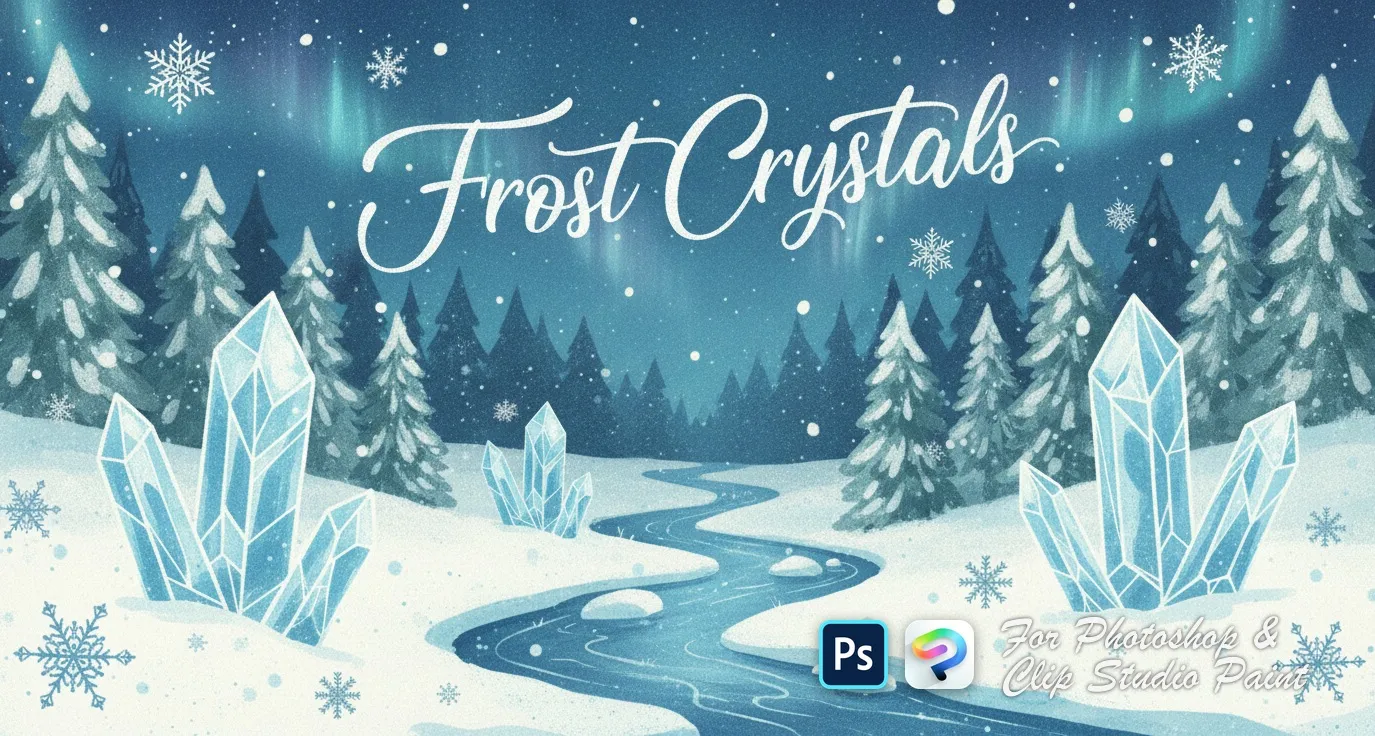
Frost Crystals Photoshop & Clip Studio Paint Brushes
B by the Brusher team
A delicate set of snowflake stamps perfect for frosty effects and magical winter moments. Compatible with Adobe Photoshop CC 2020+.
- Brushes
- 43
- Works with
- Photoshop & Clip Studio Paint
$5 USD · one-time purchase
Get it on lava.top — $5Instant download · one .abr file · works in Photoshop & Clip Studio Paint · free future updates
Download a free sample brushOne real brush from this set · free .abr file · no signup
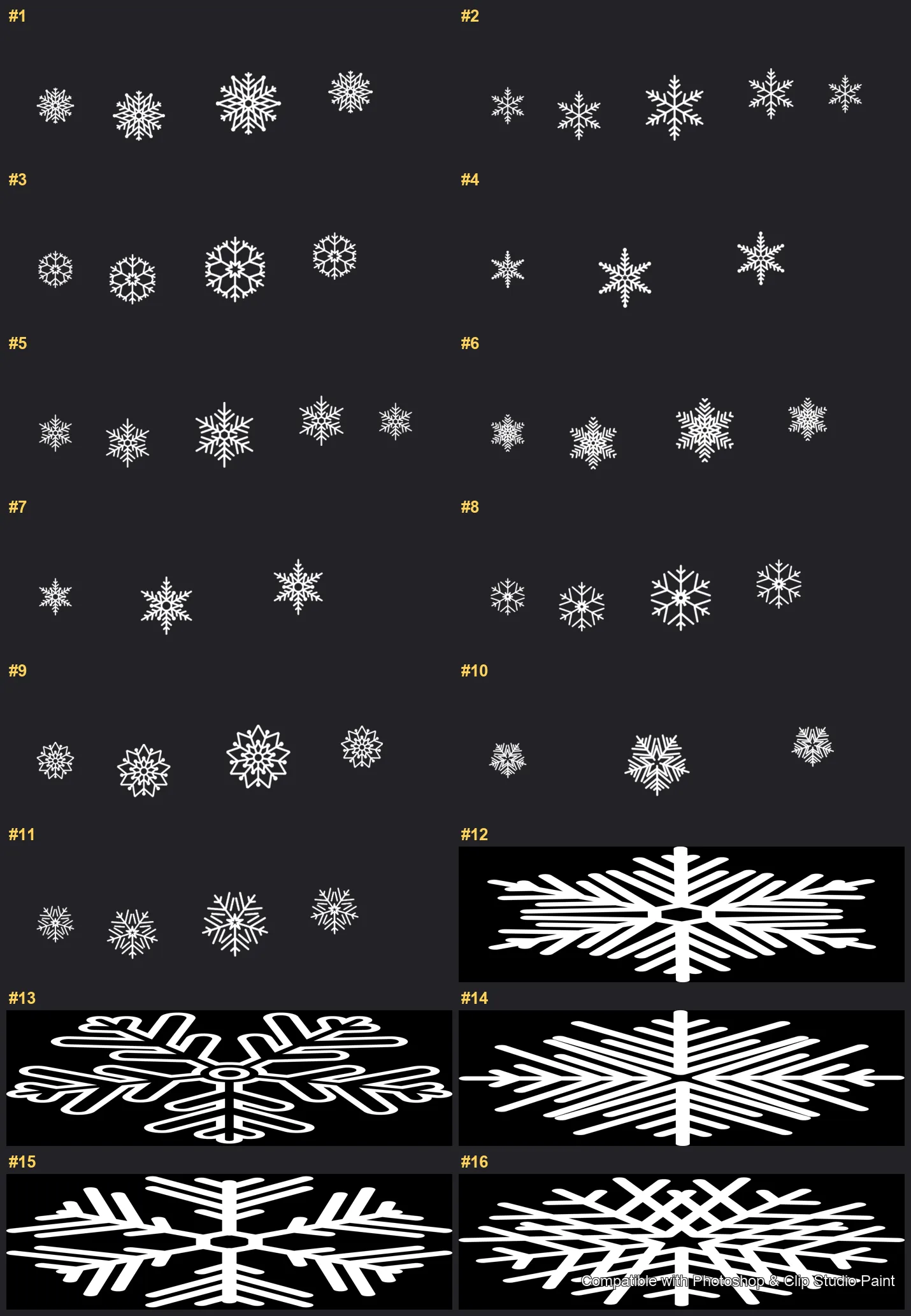
Every brush in Frost Crystals
43 individual brush previews — see the exact stroke before you download.
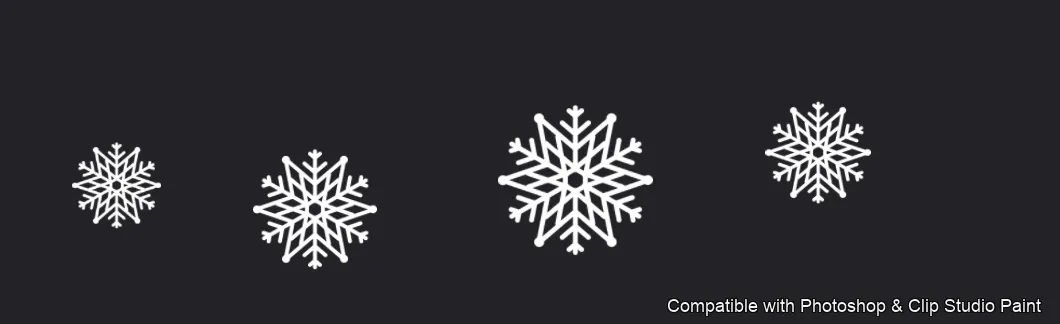
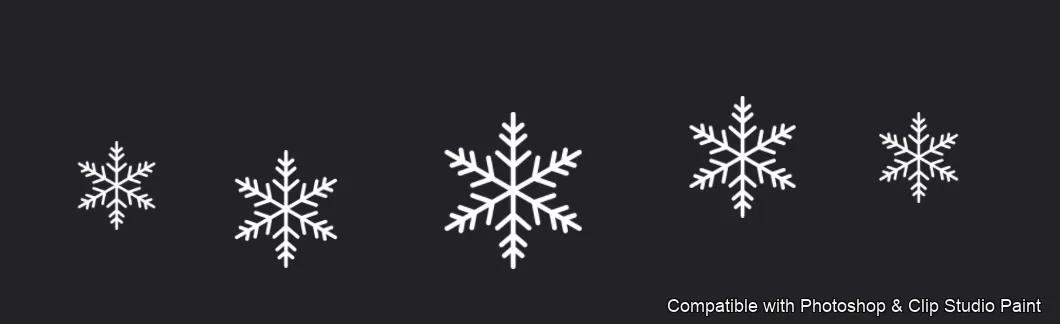
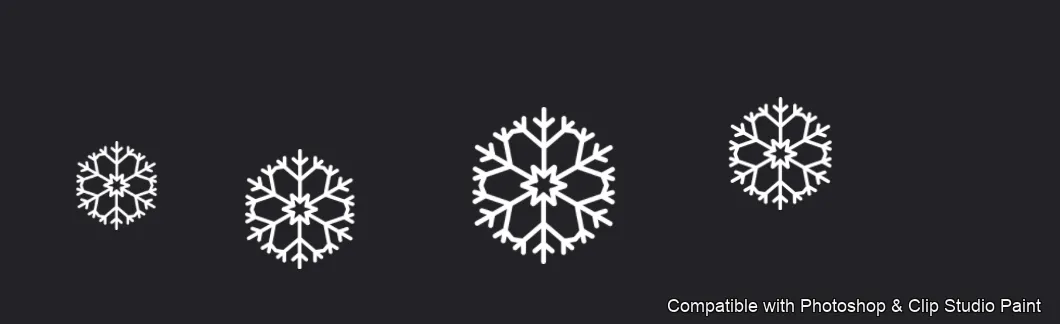
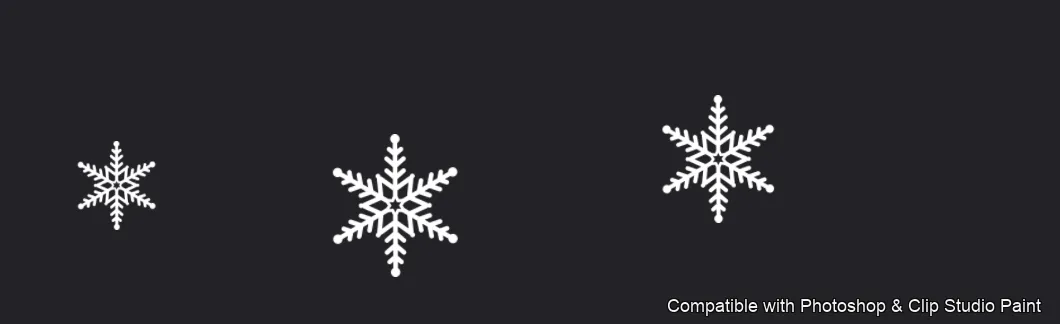
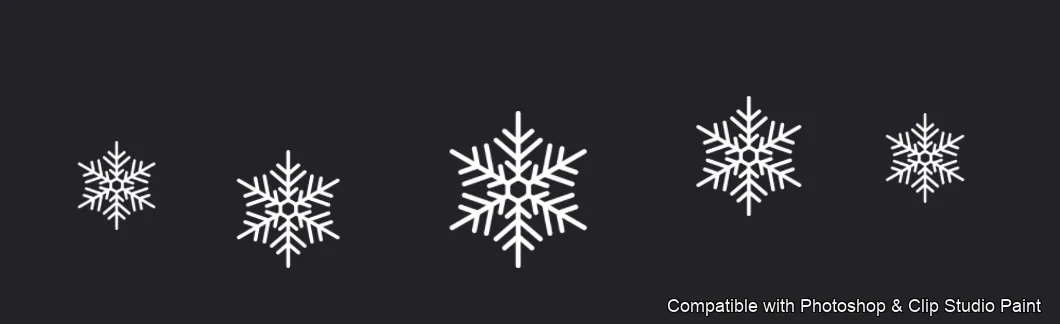
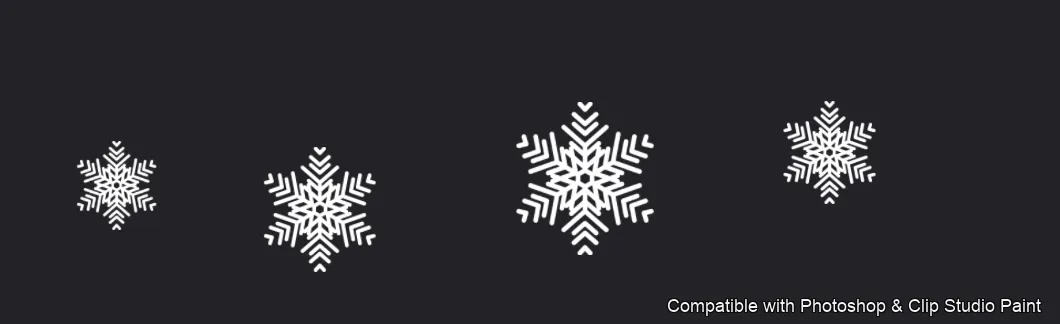
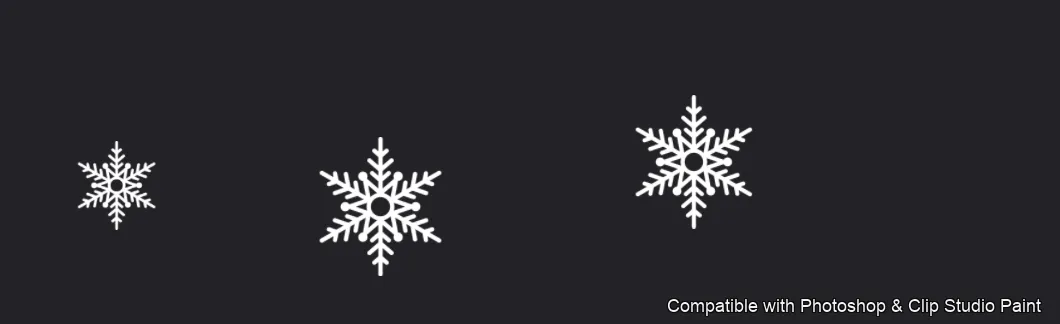
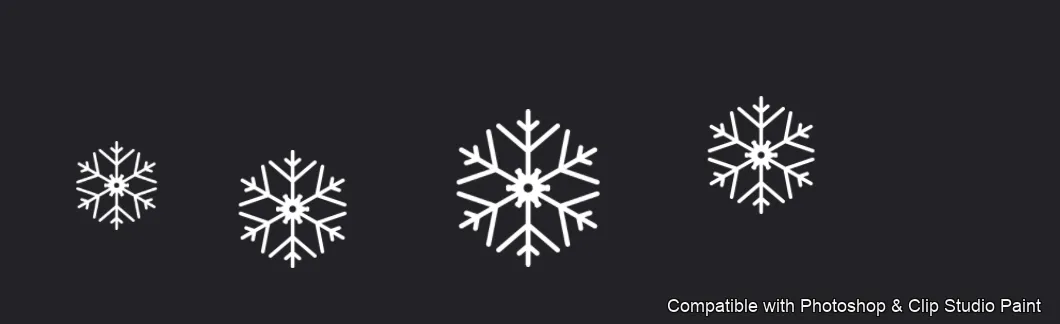
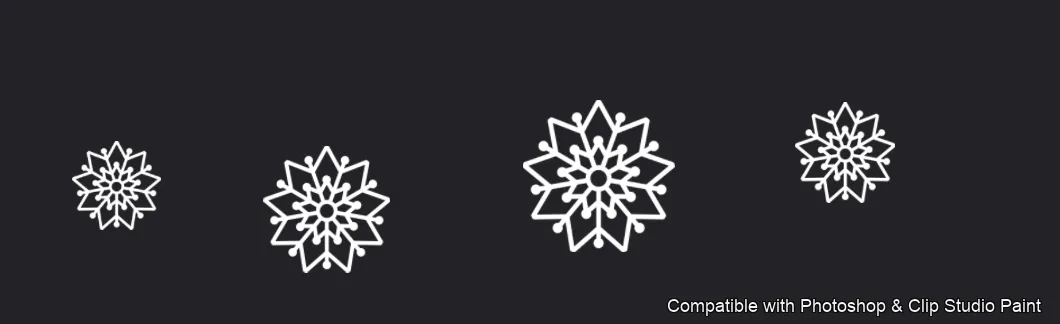
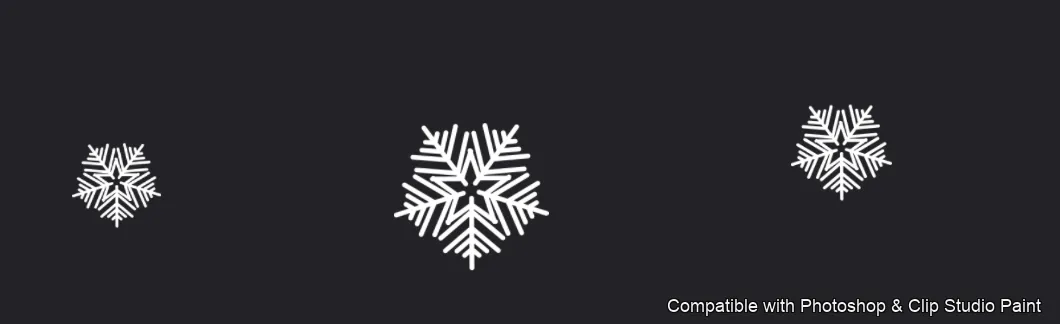
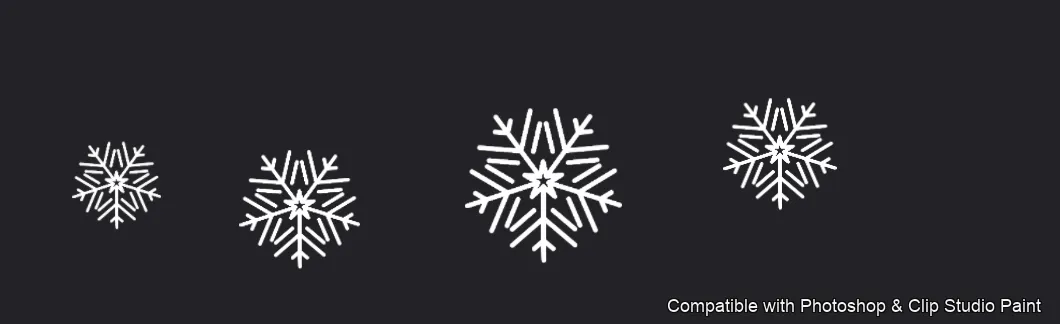
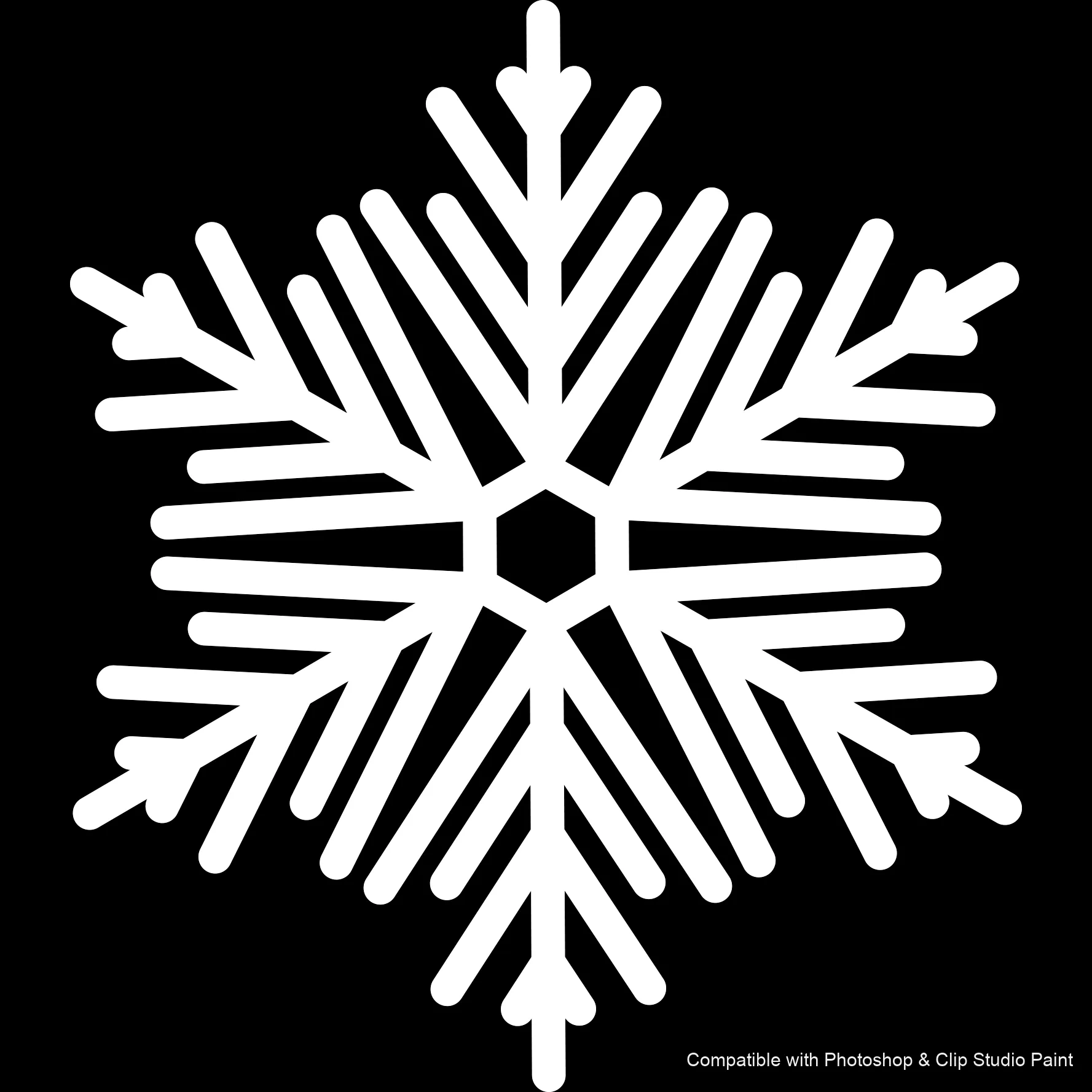
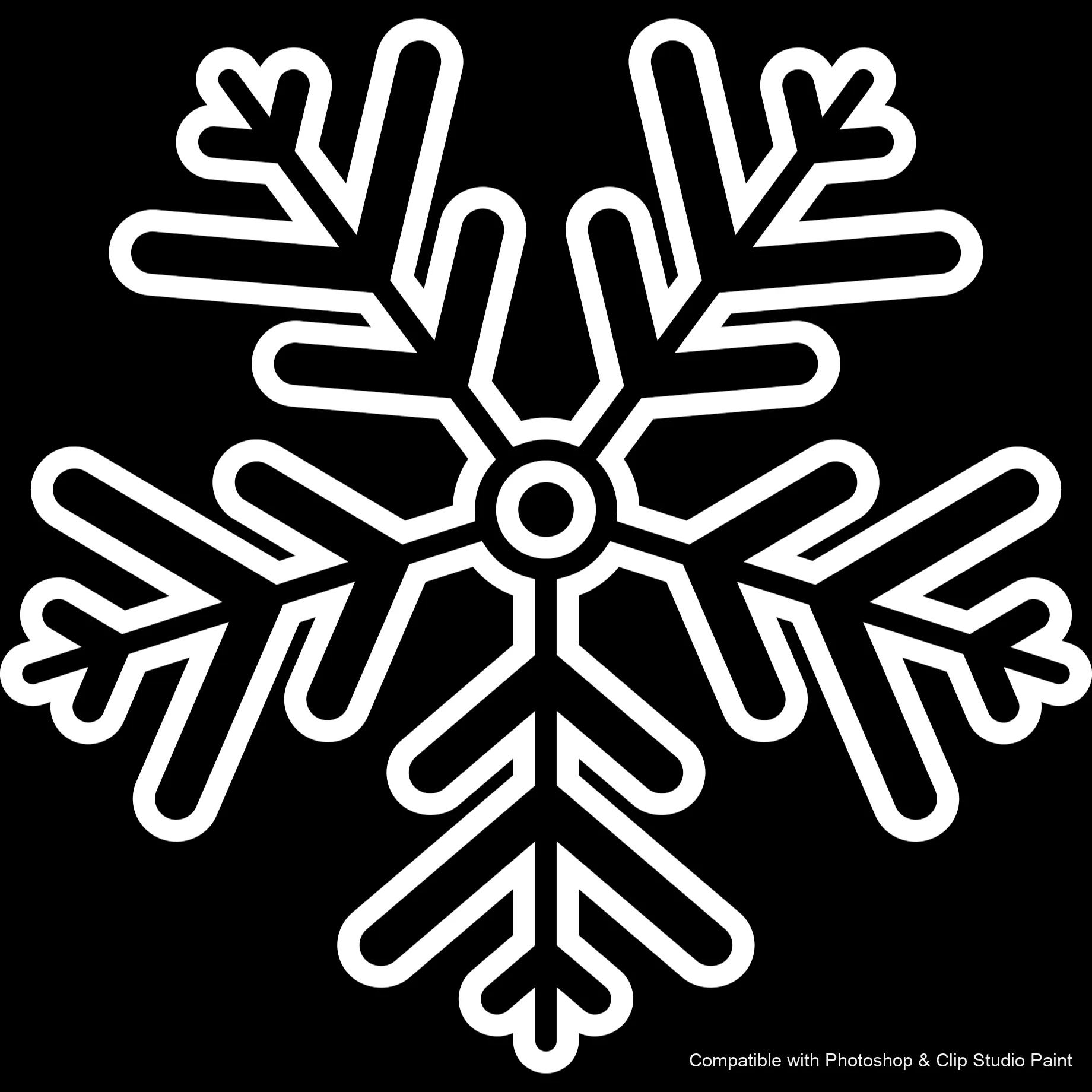
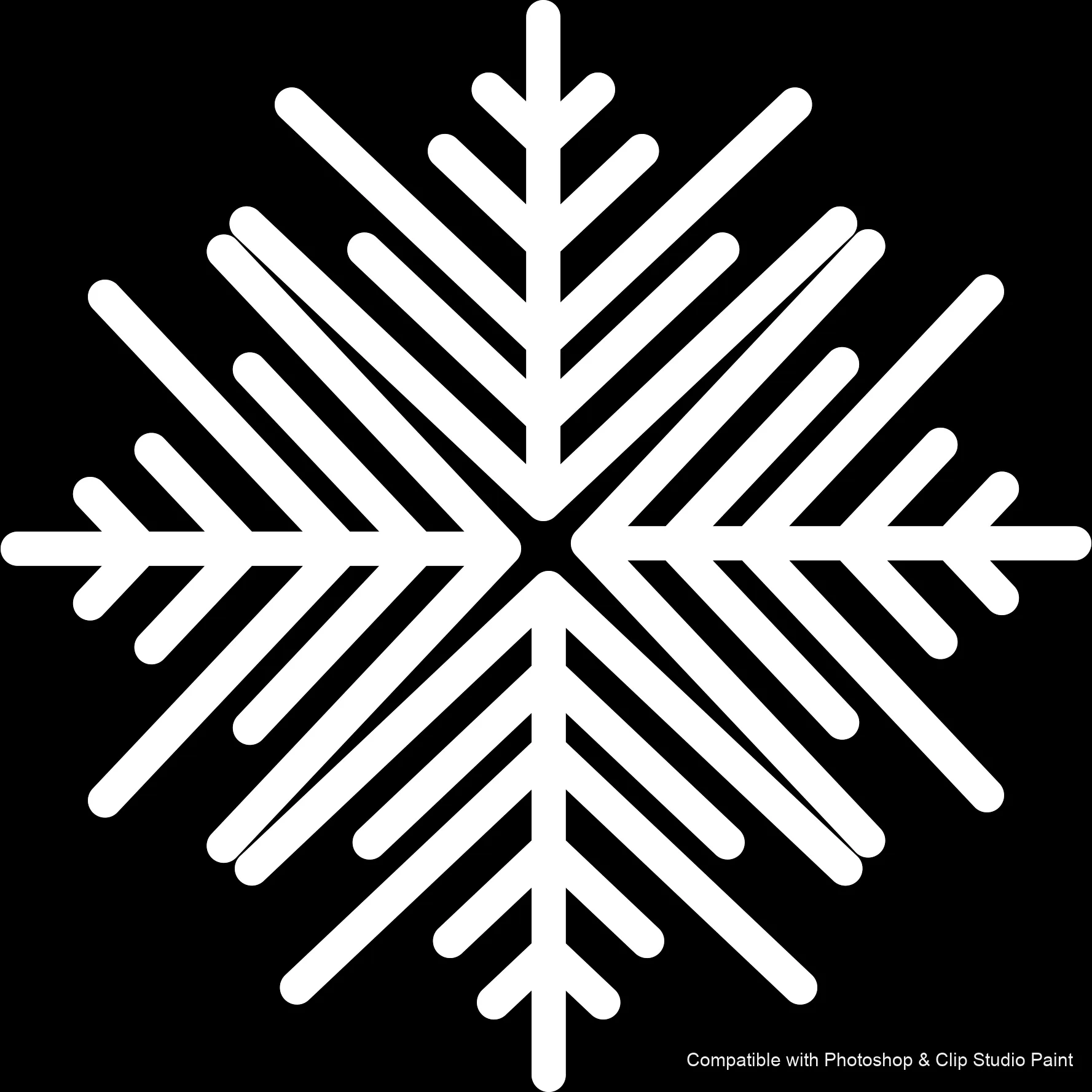
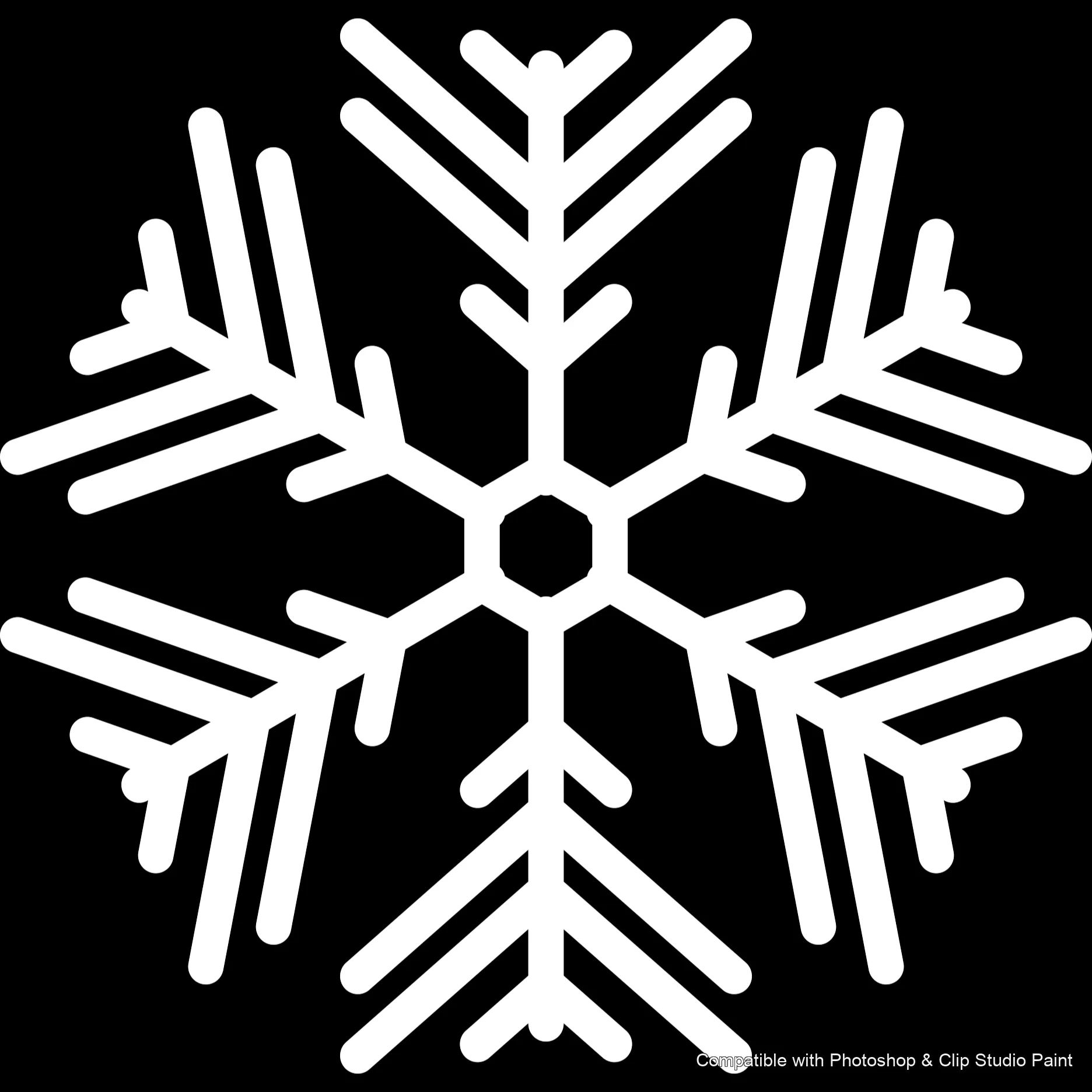
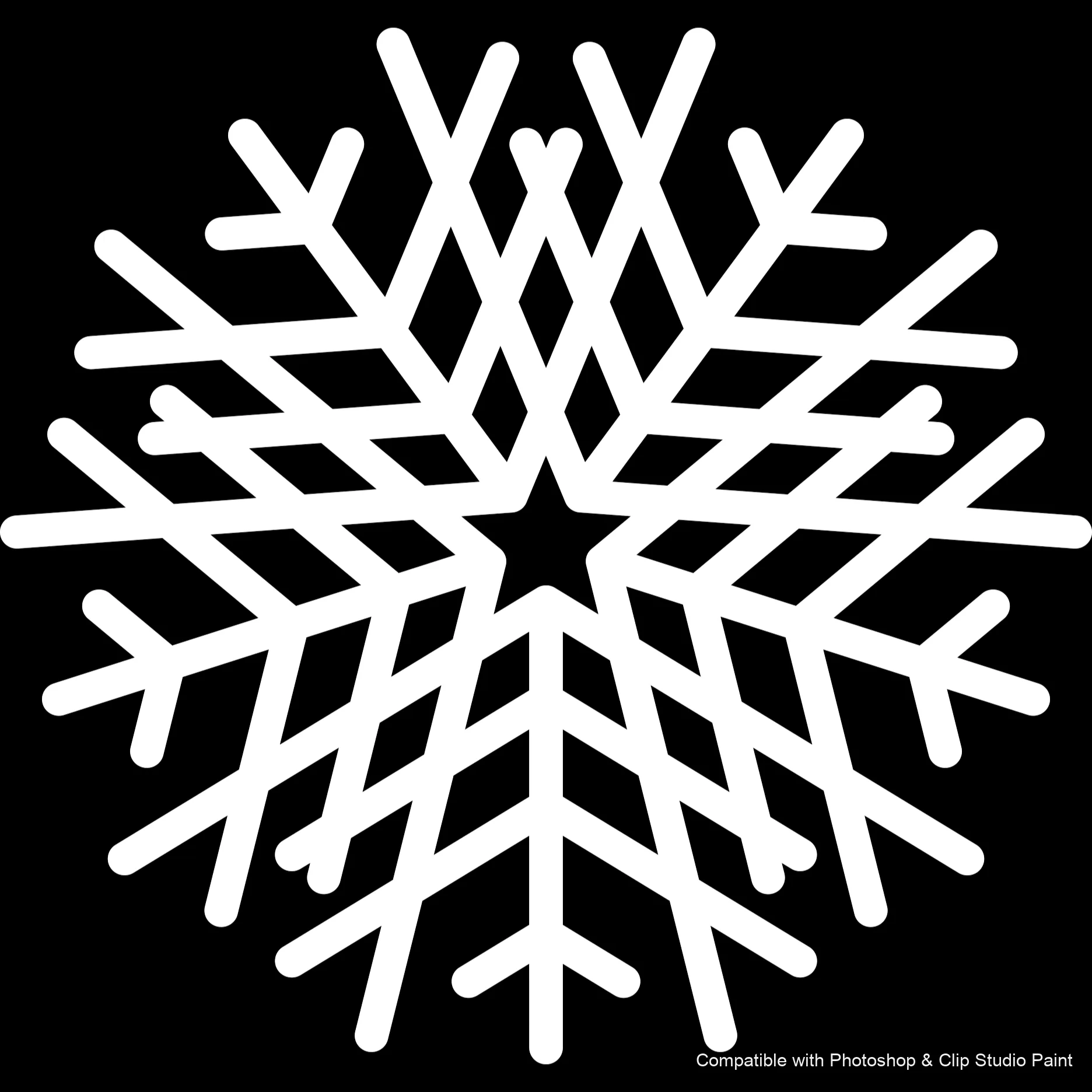
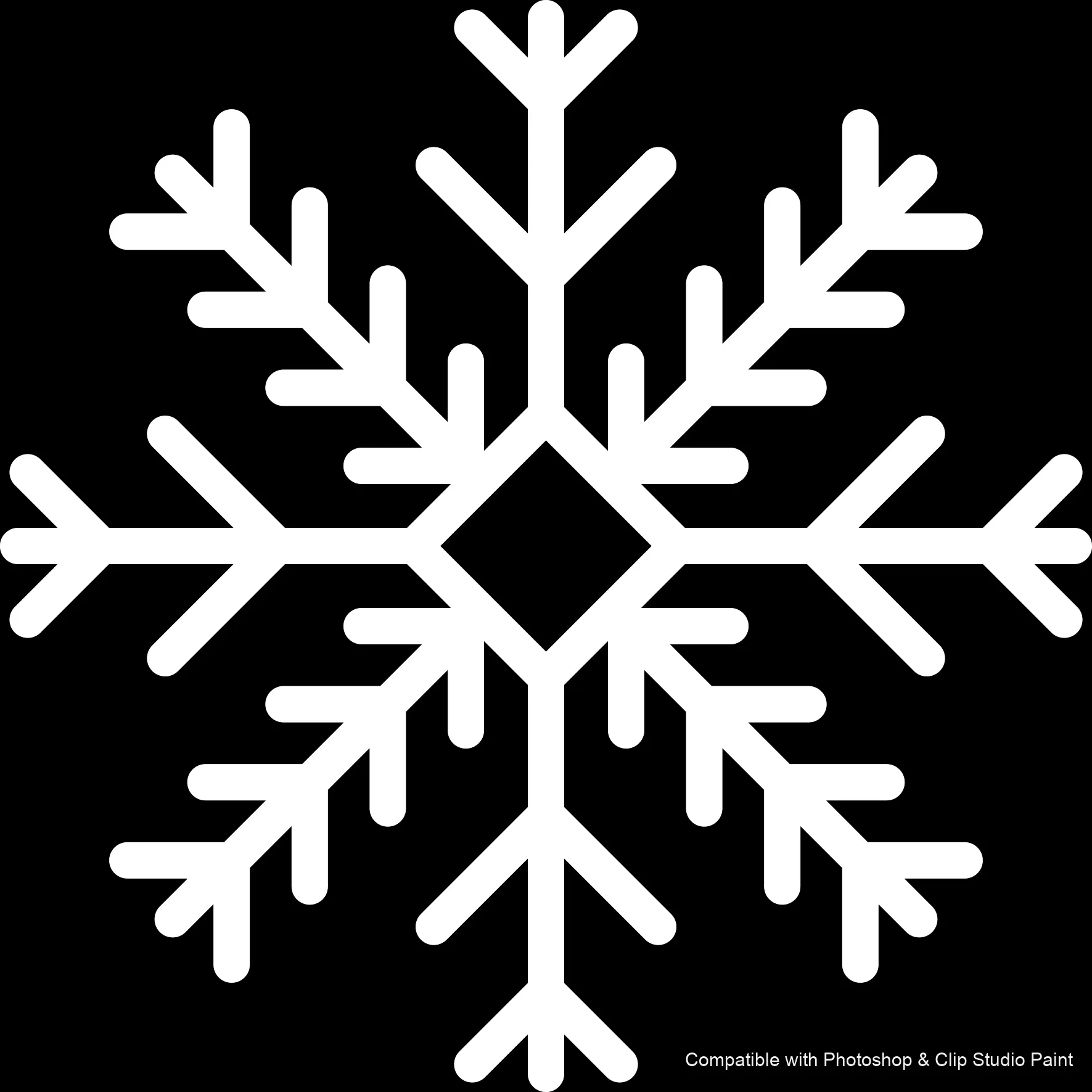
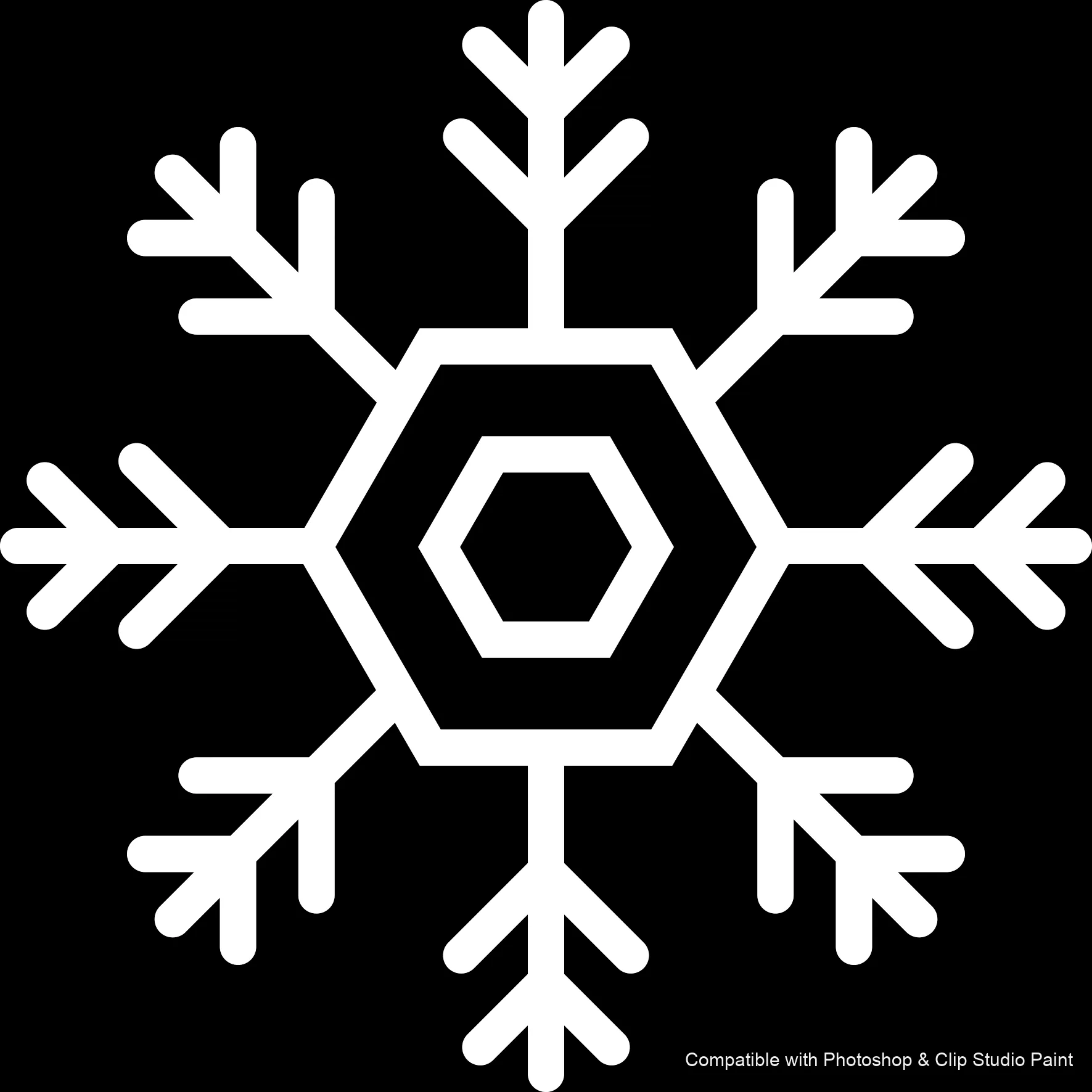
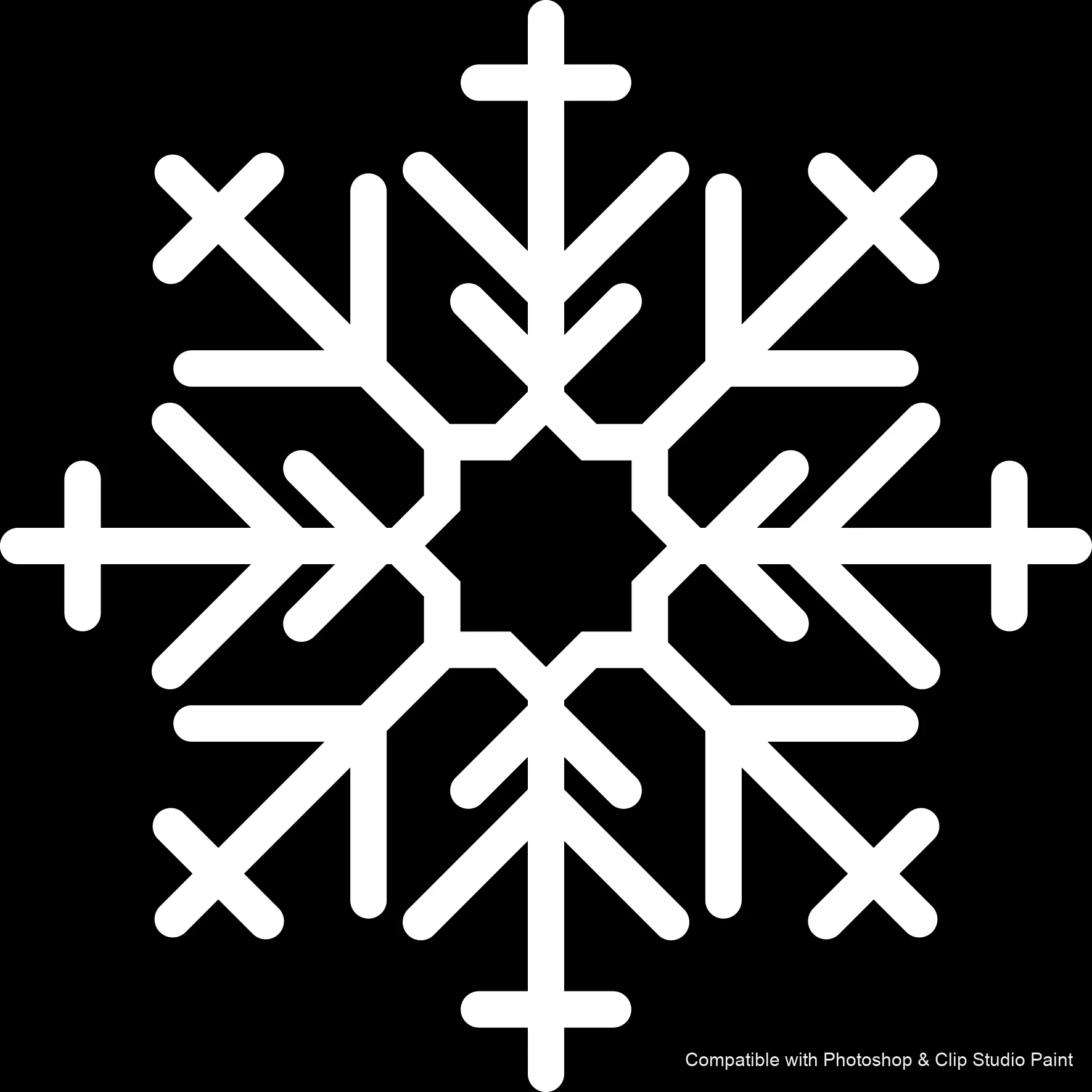
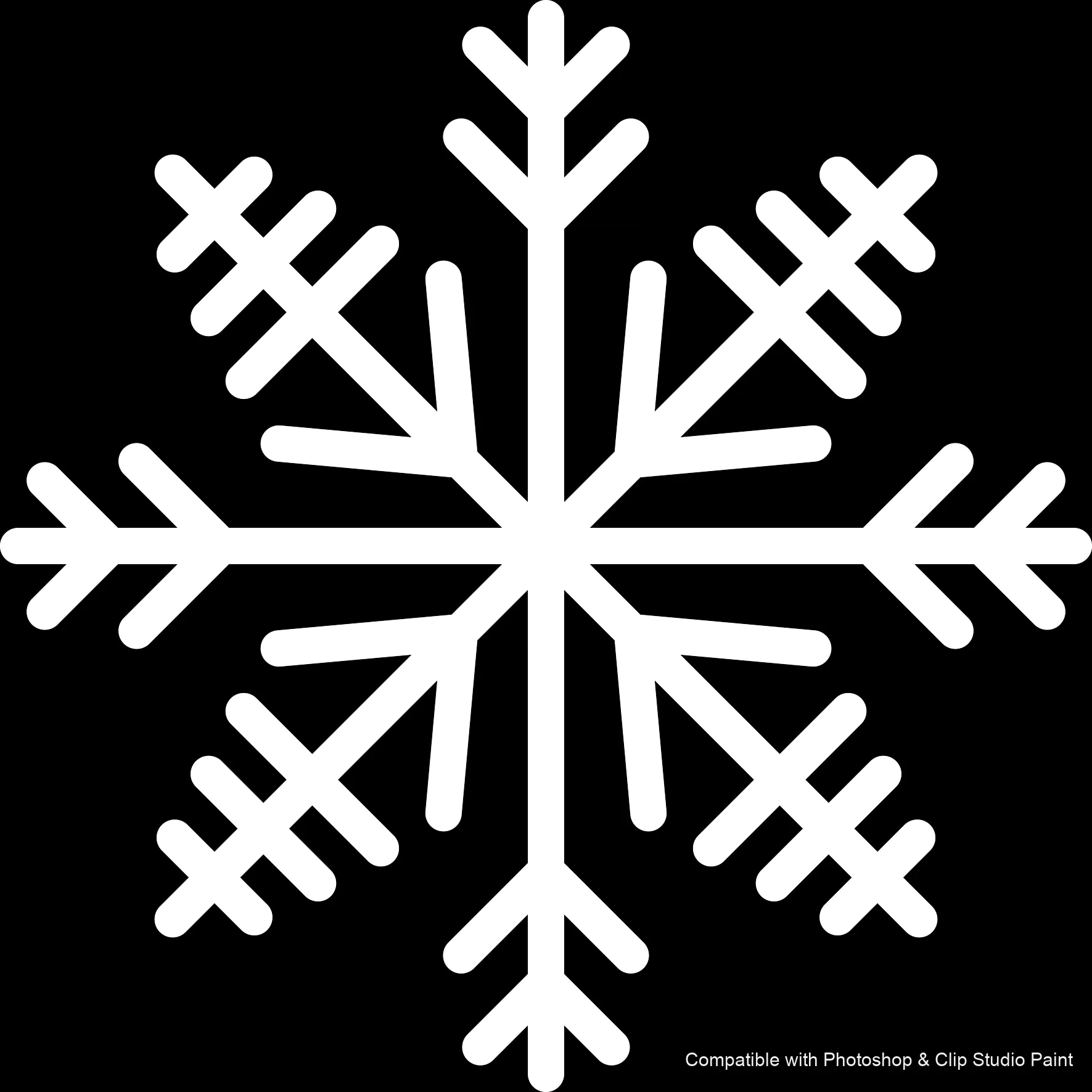
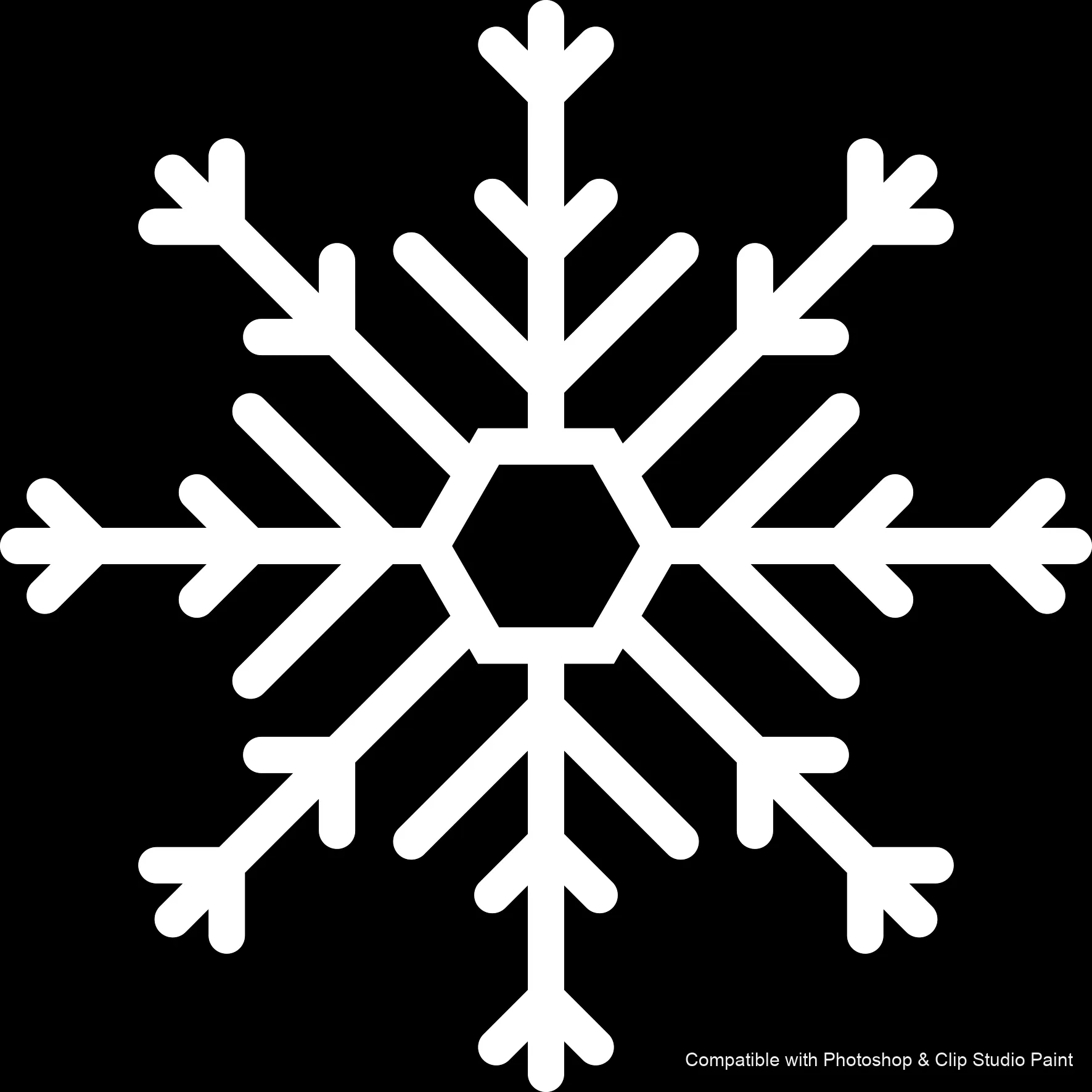
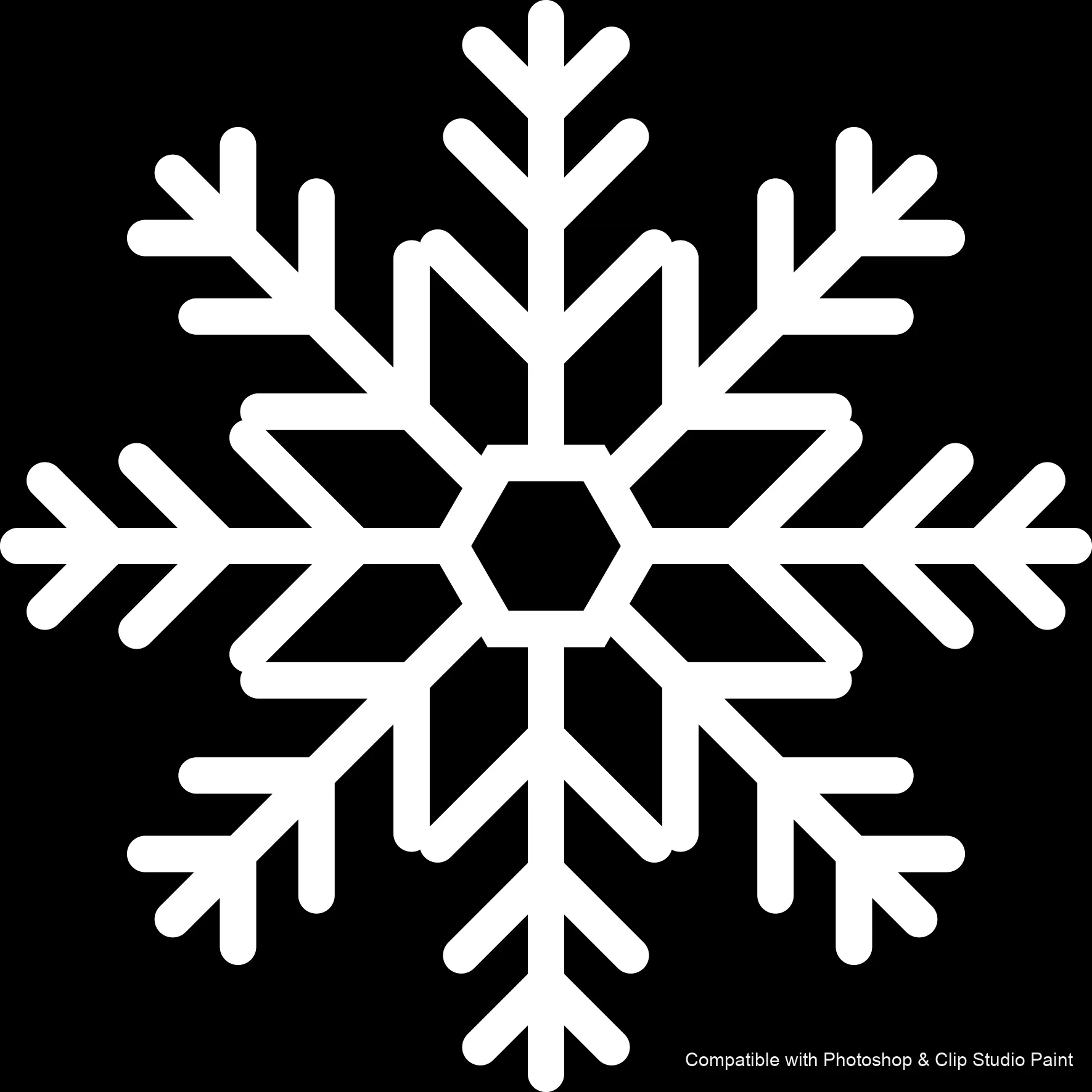
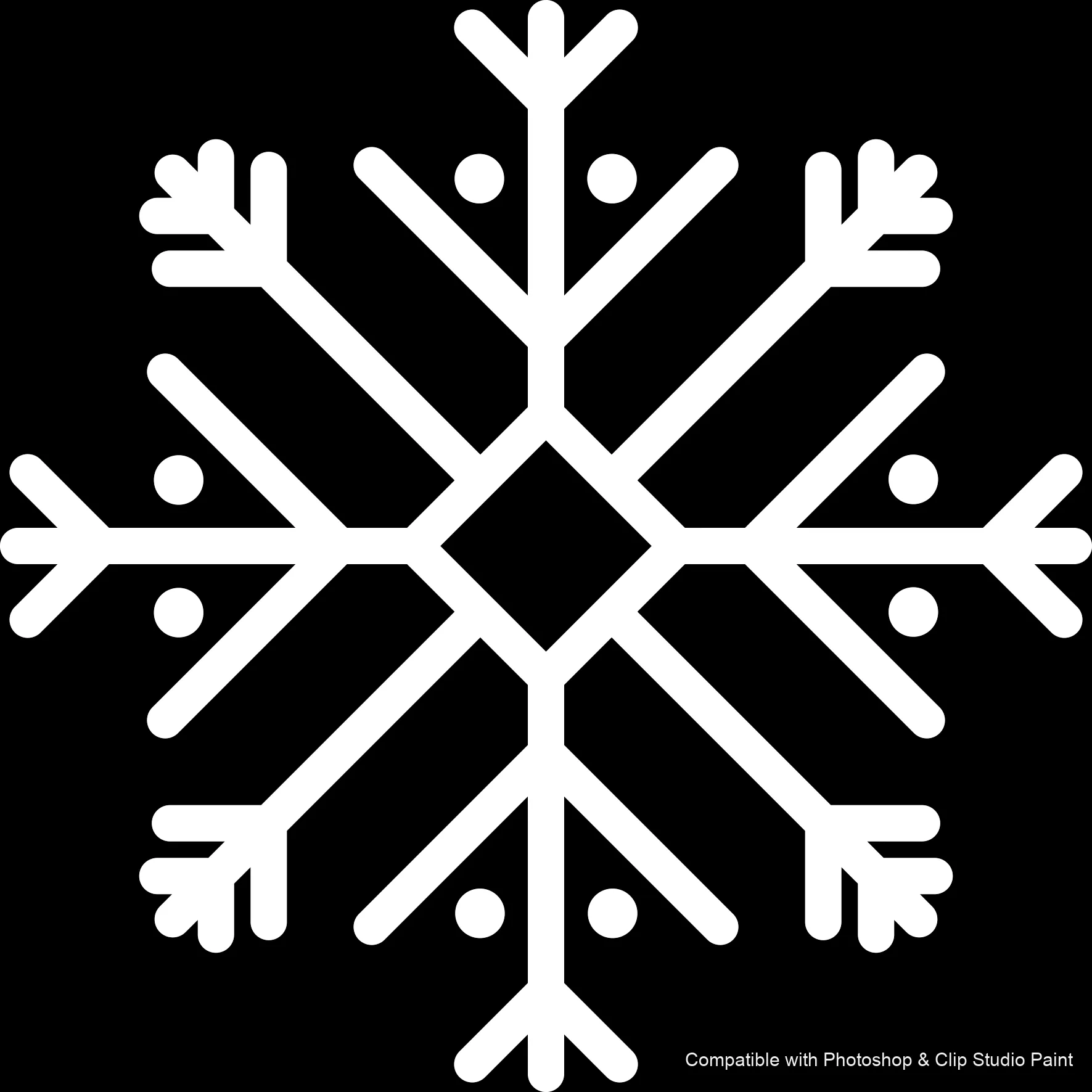
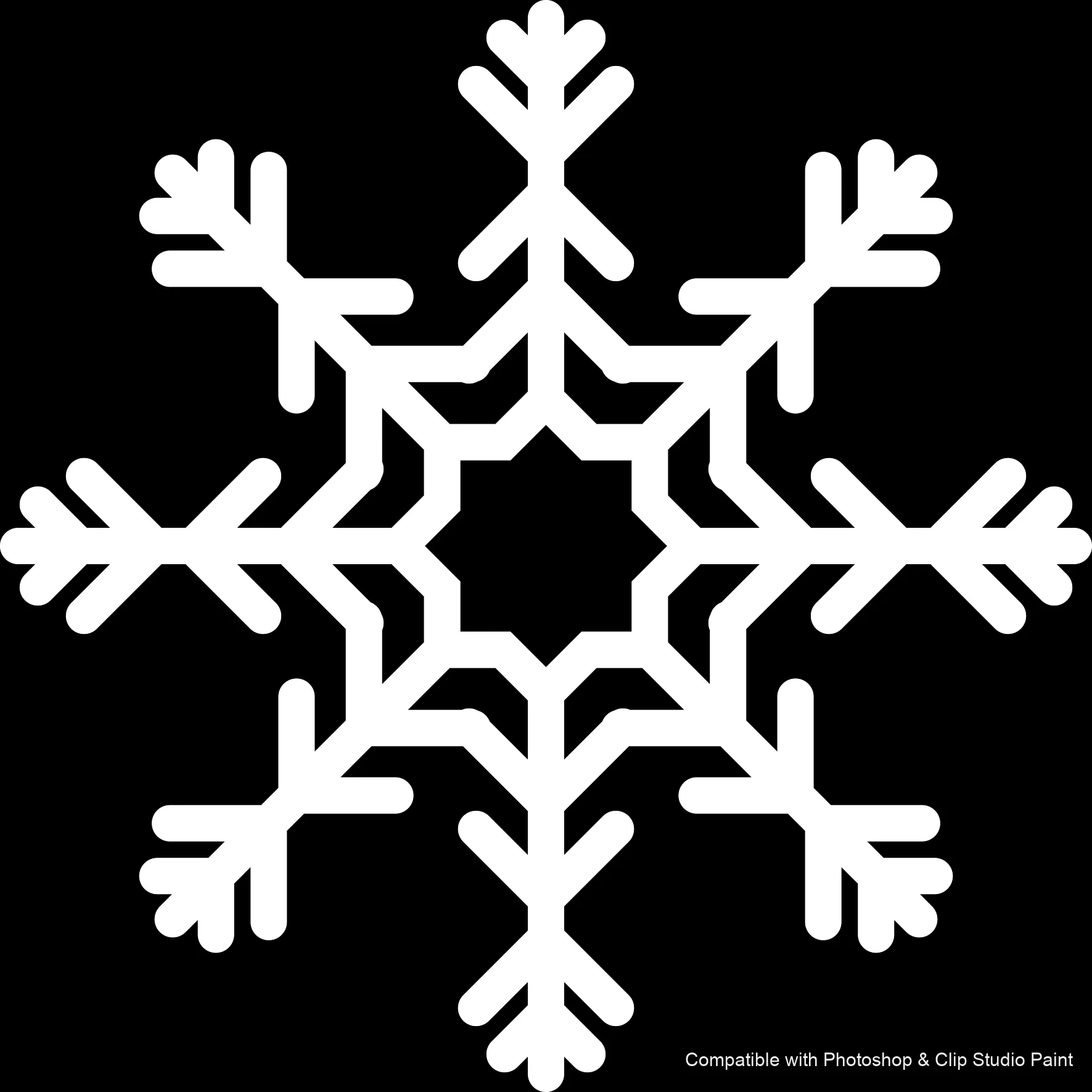
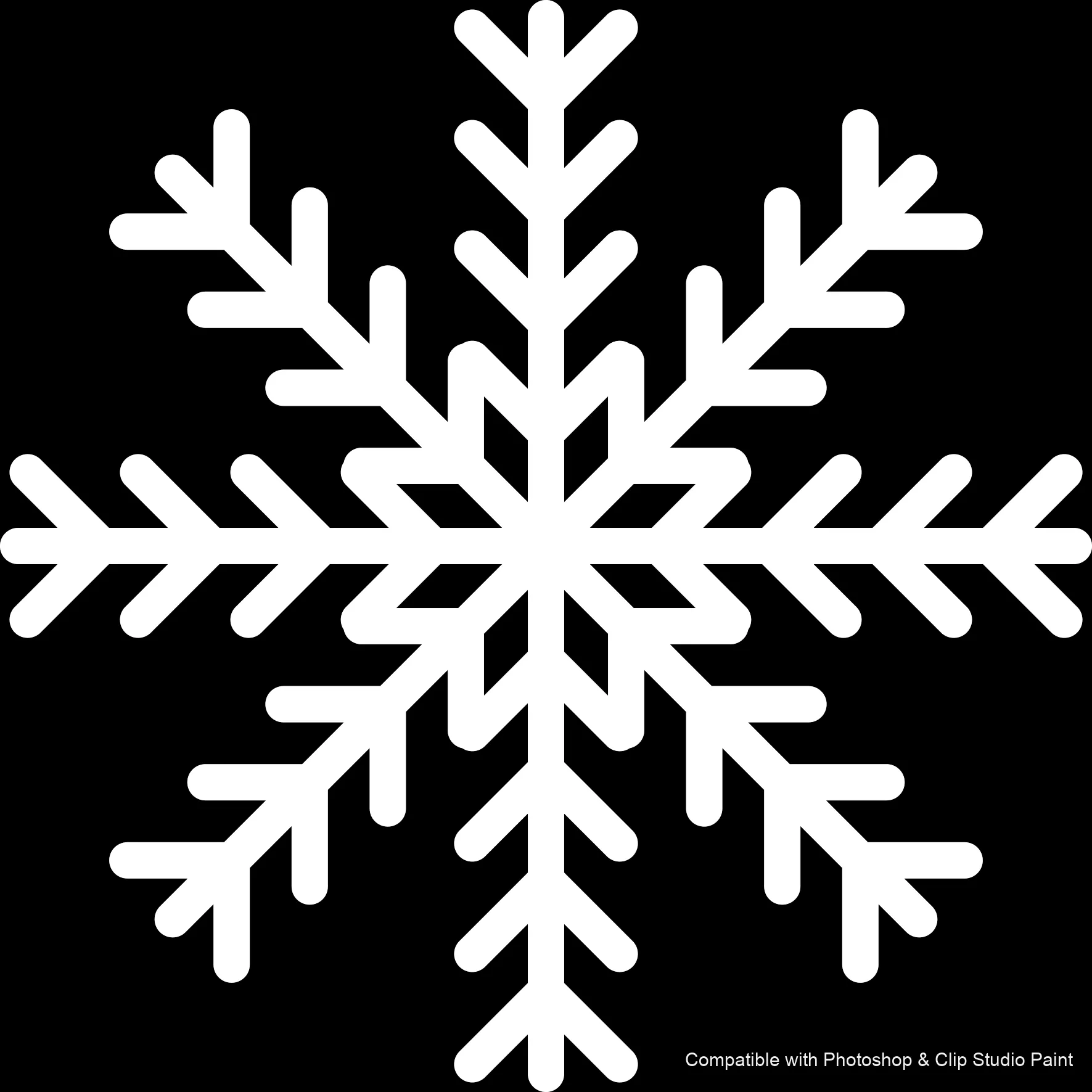
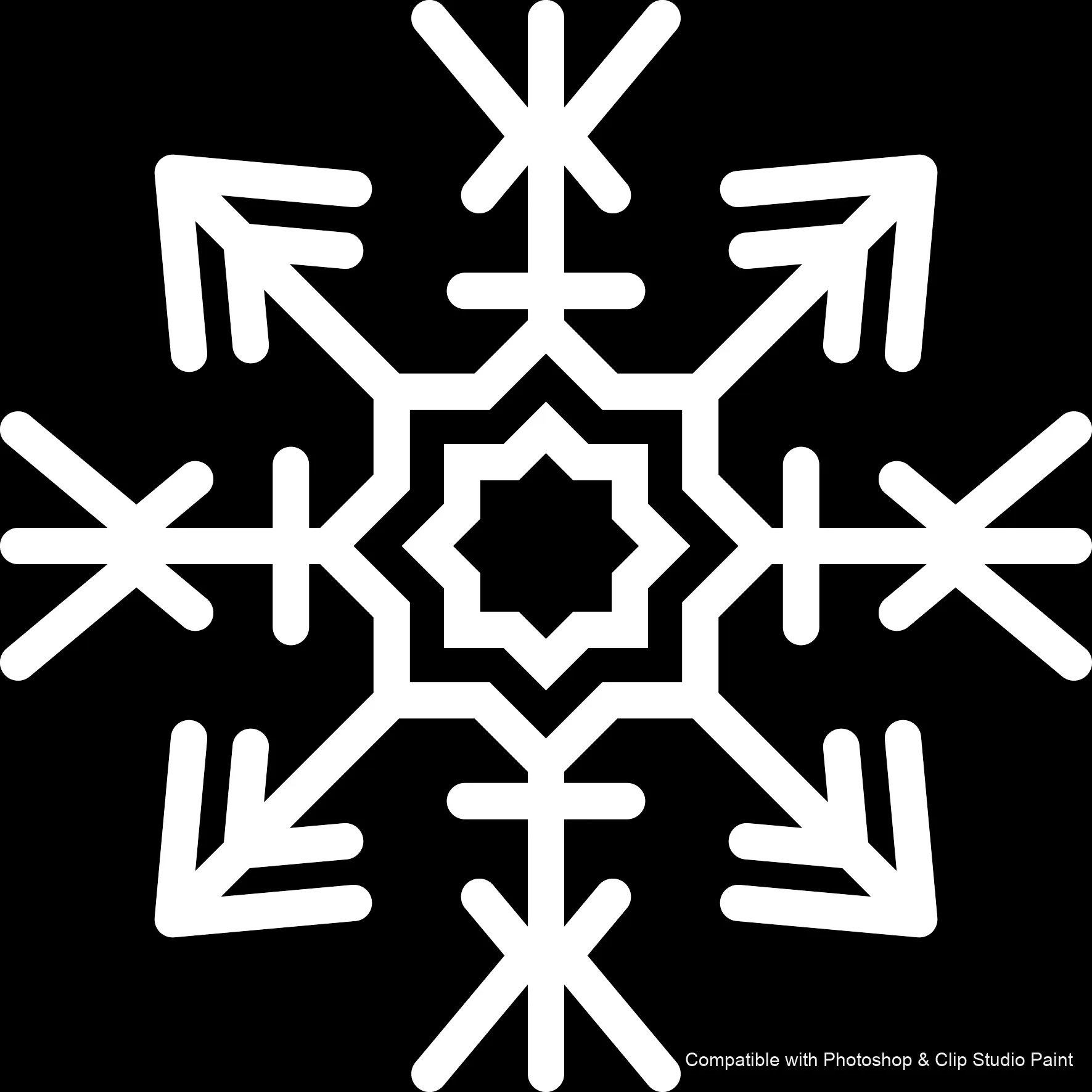
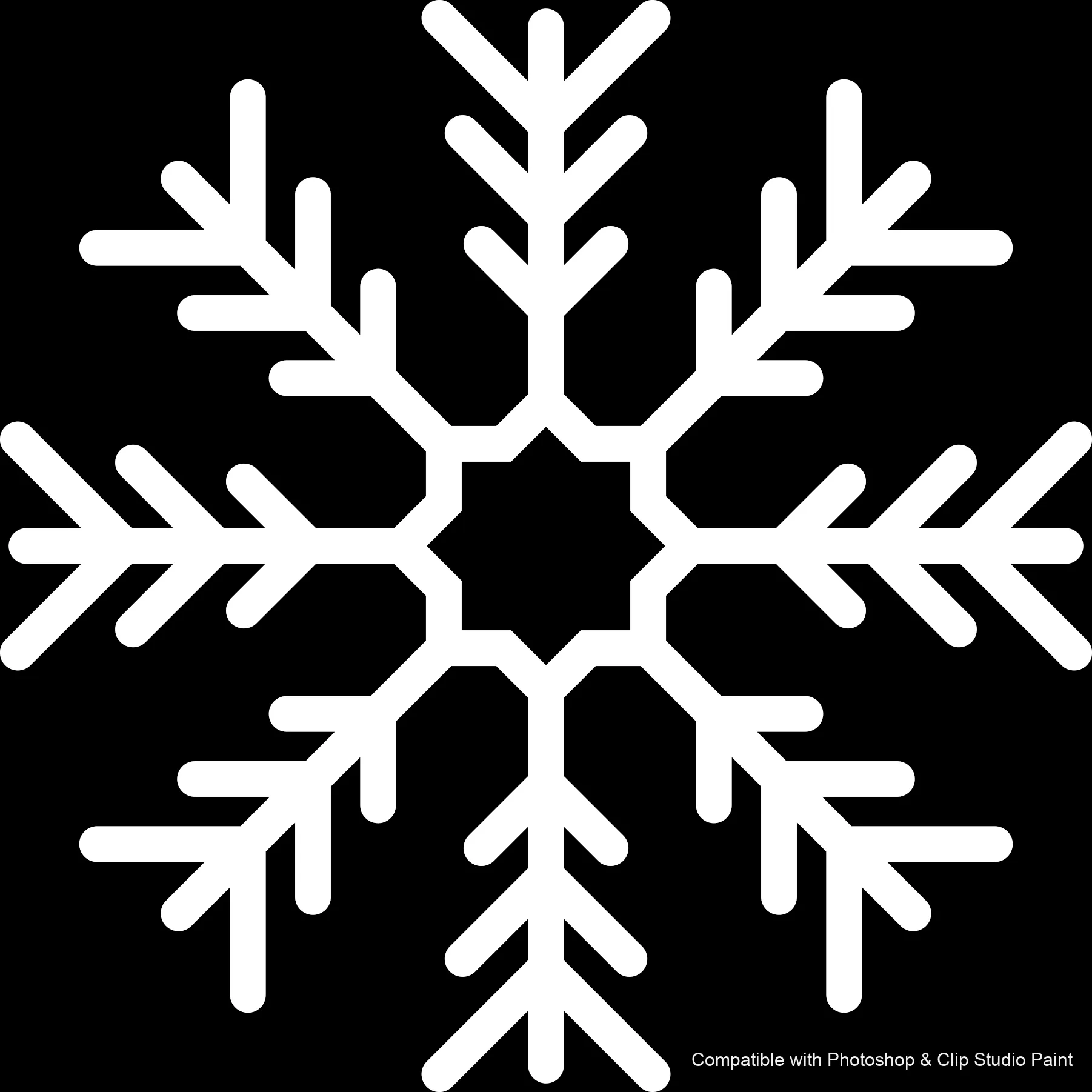
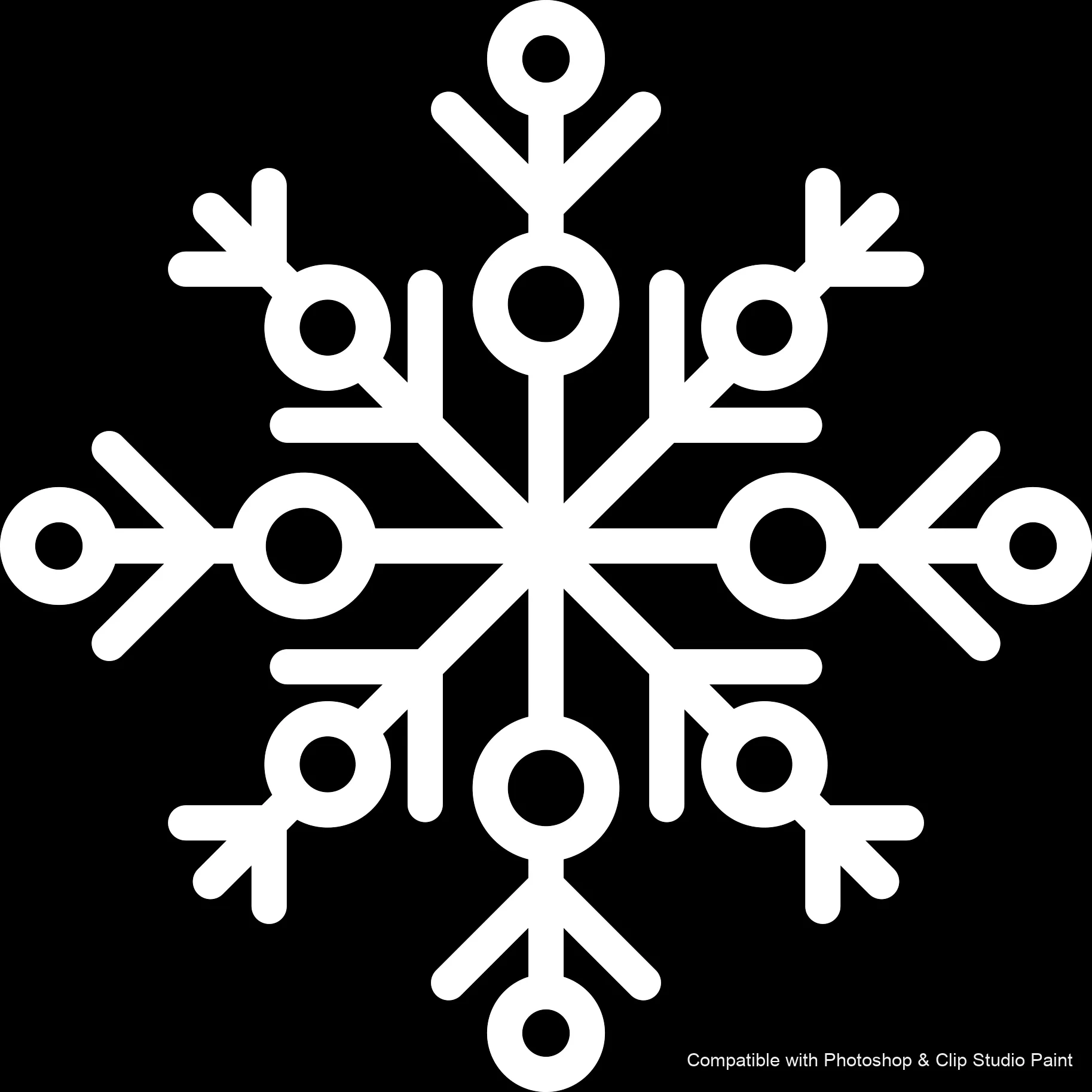
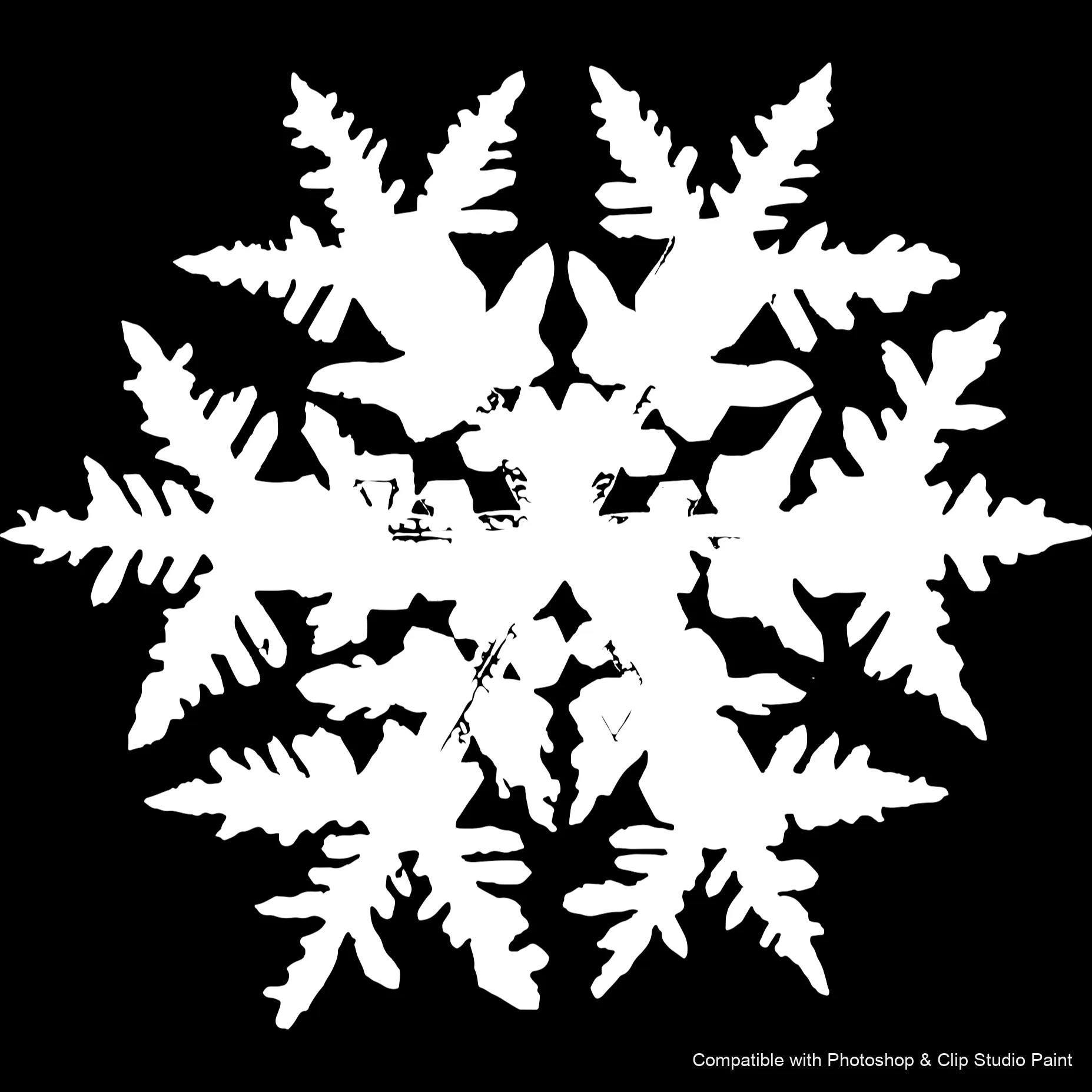
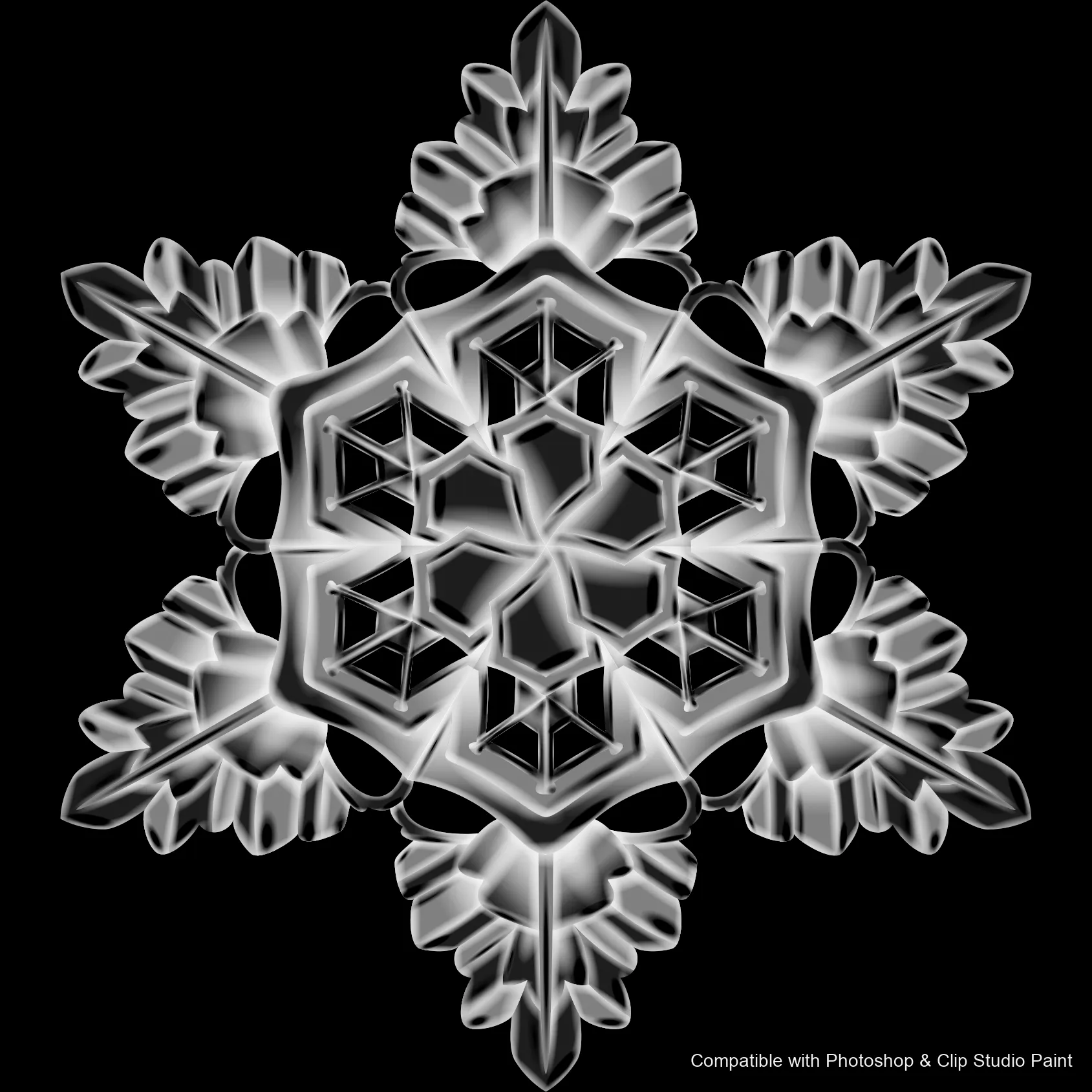
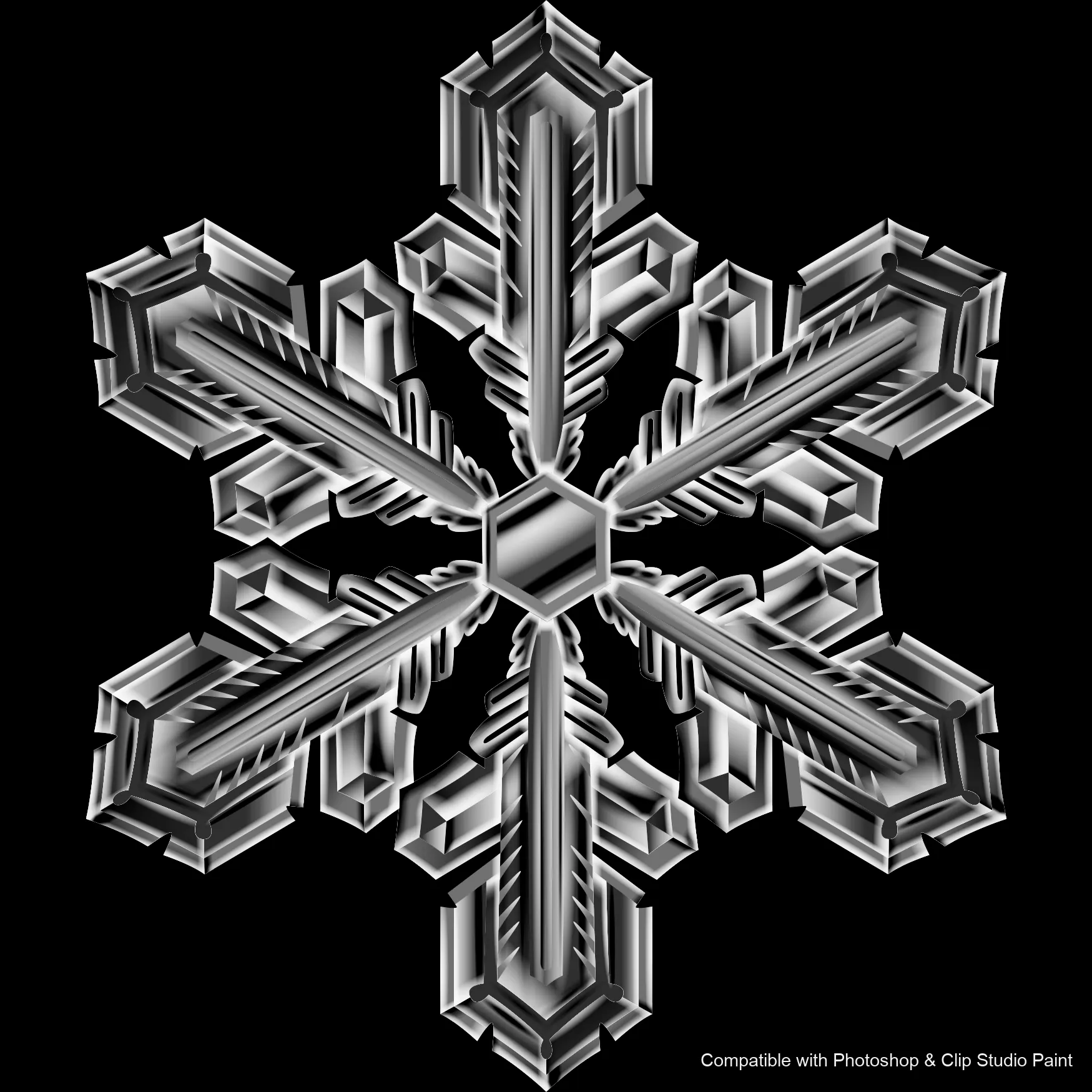
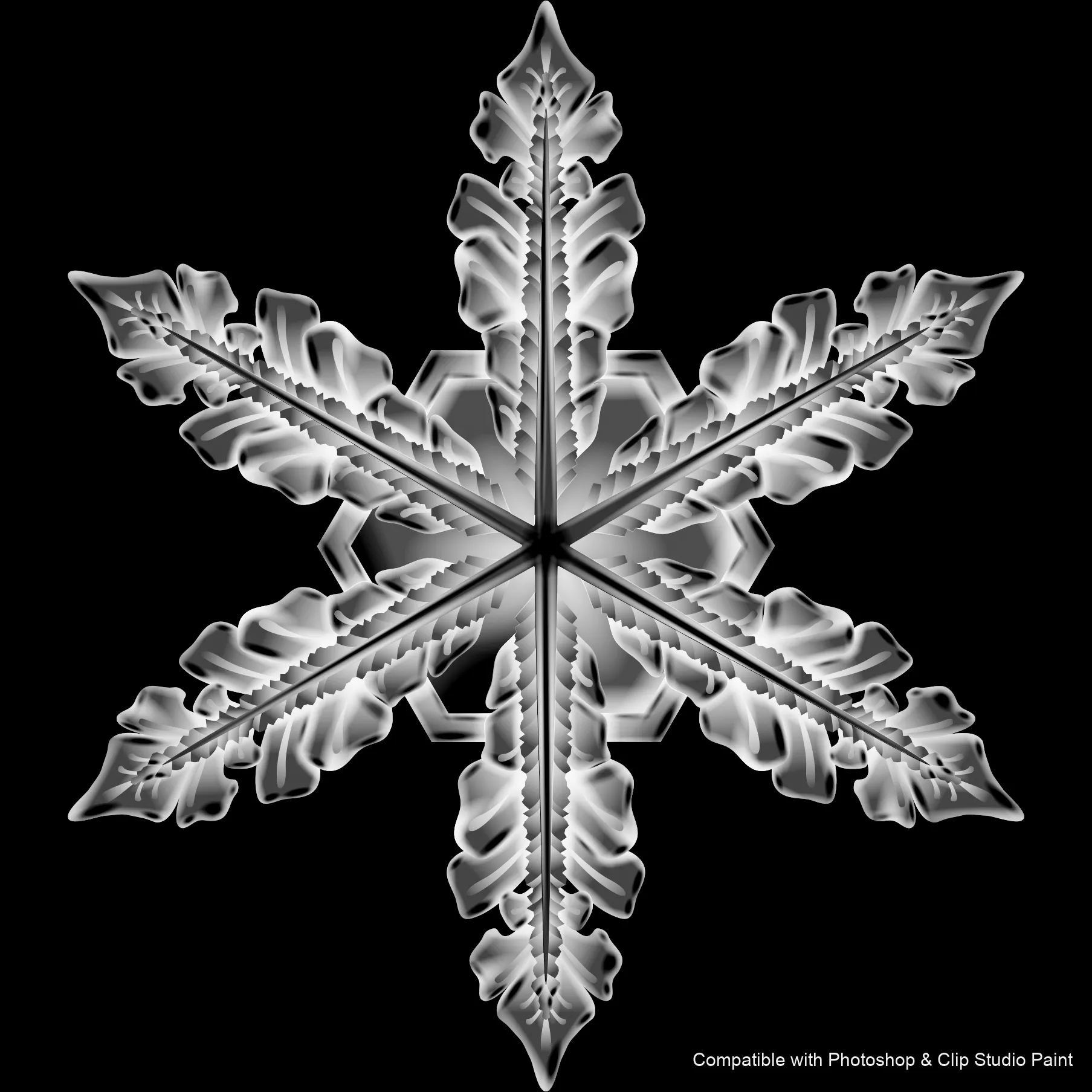
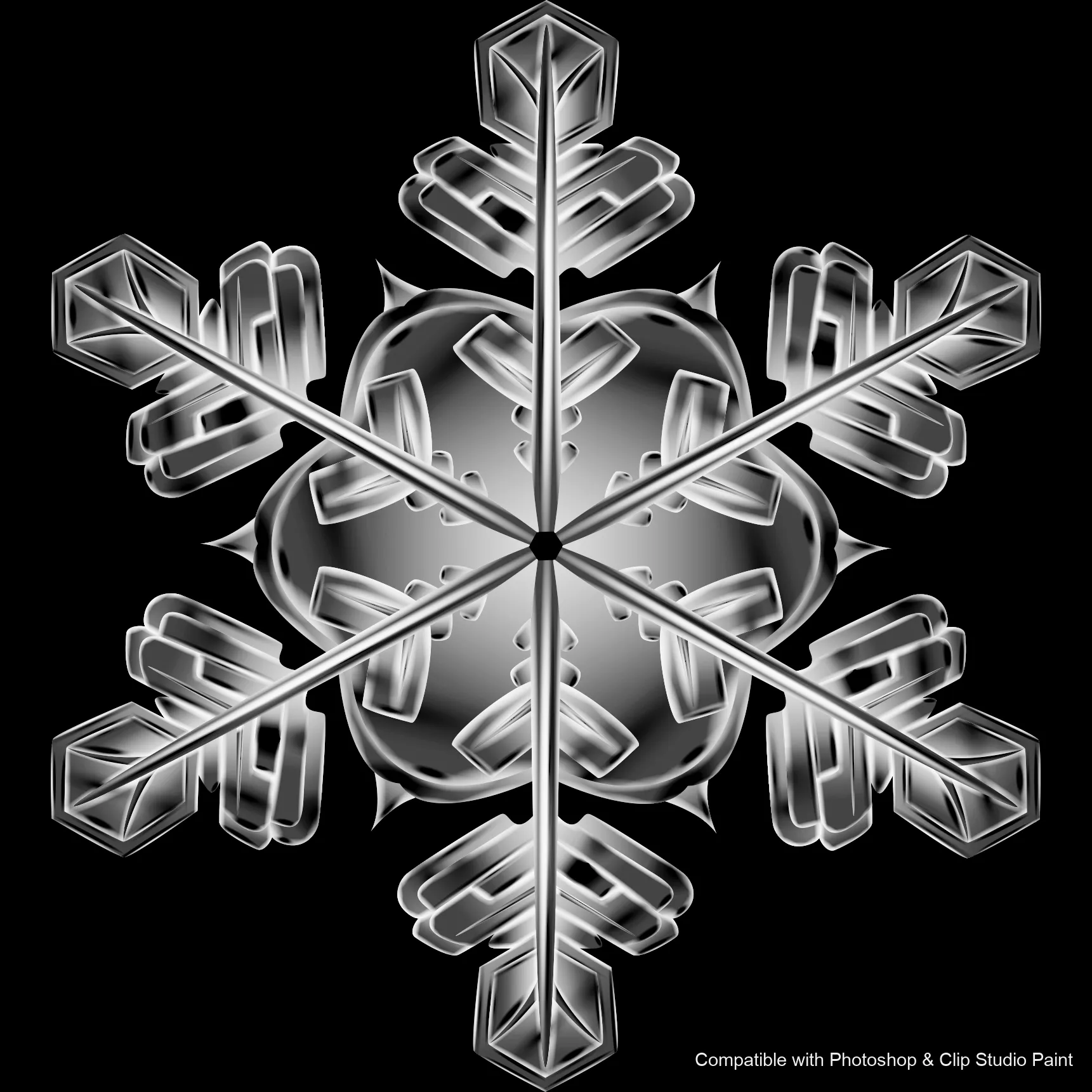
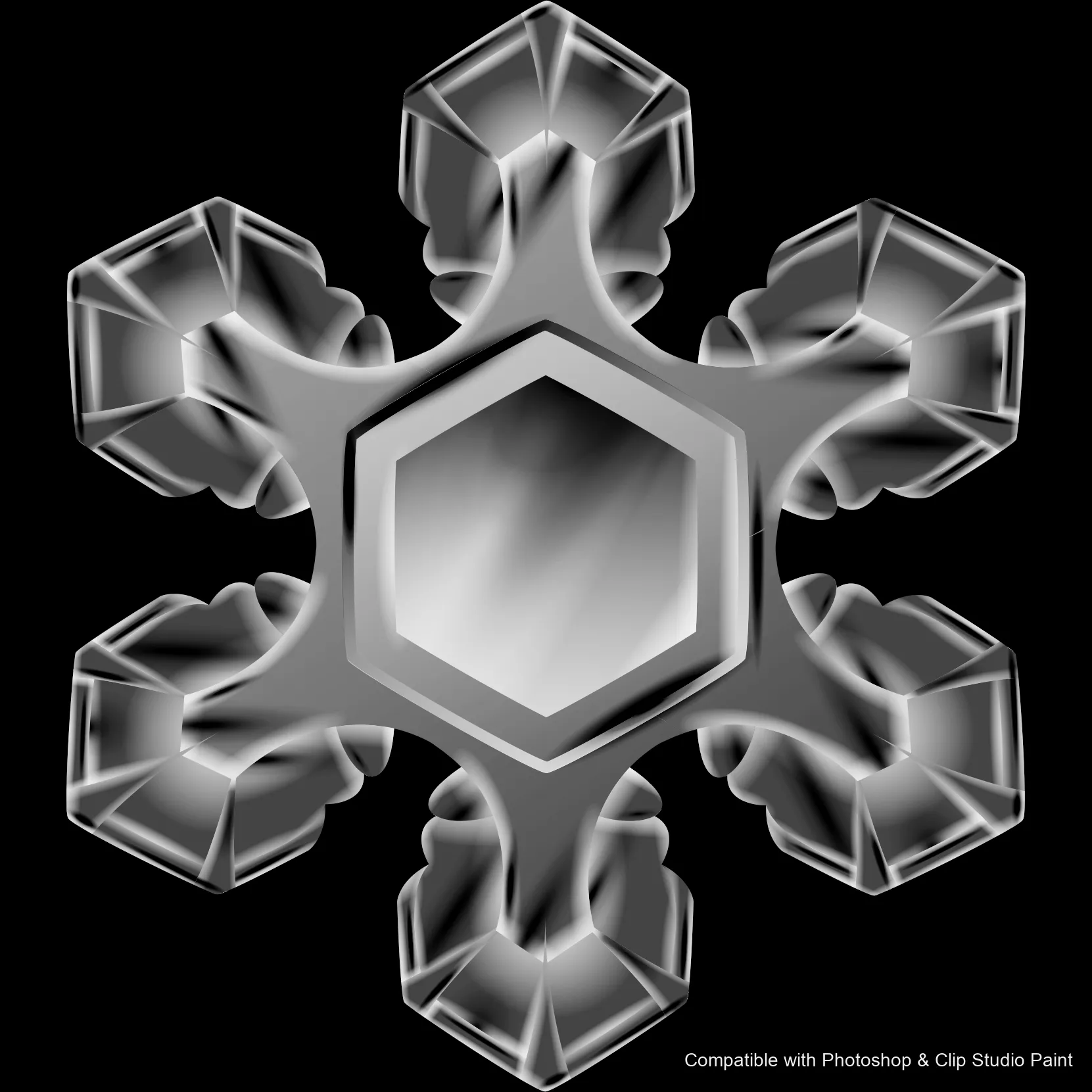
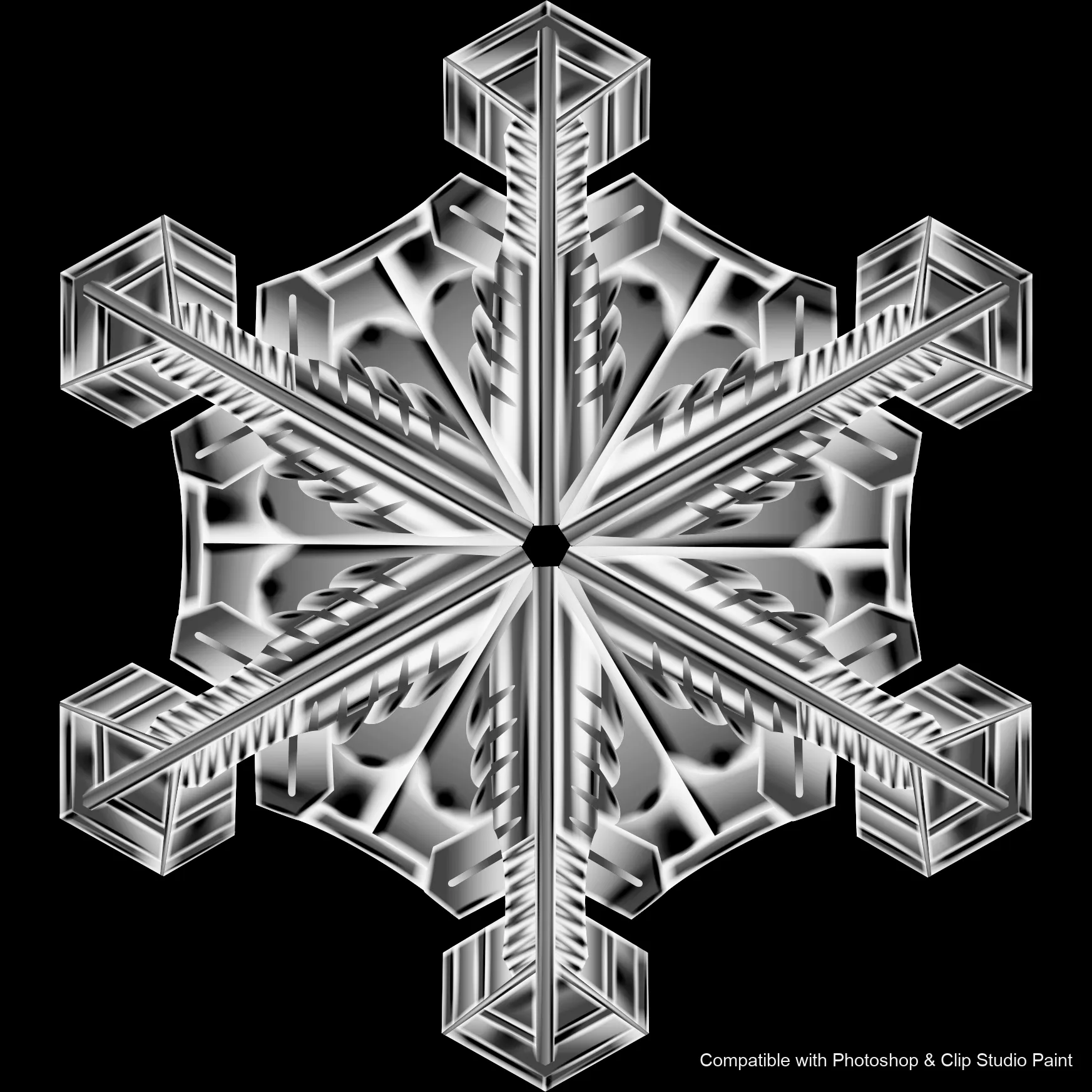
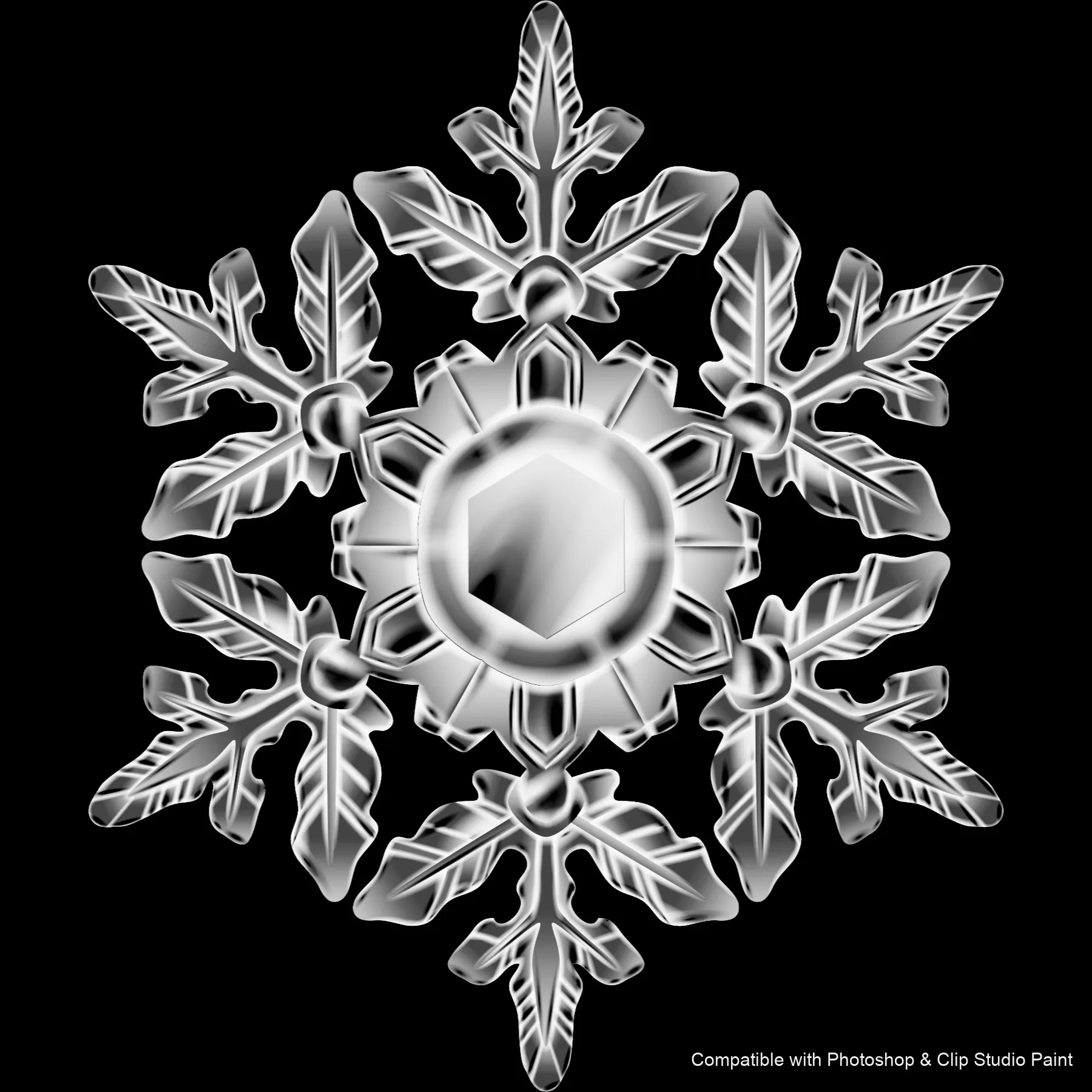
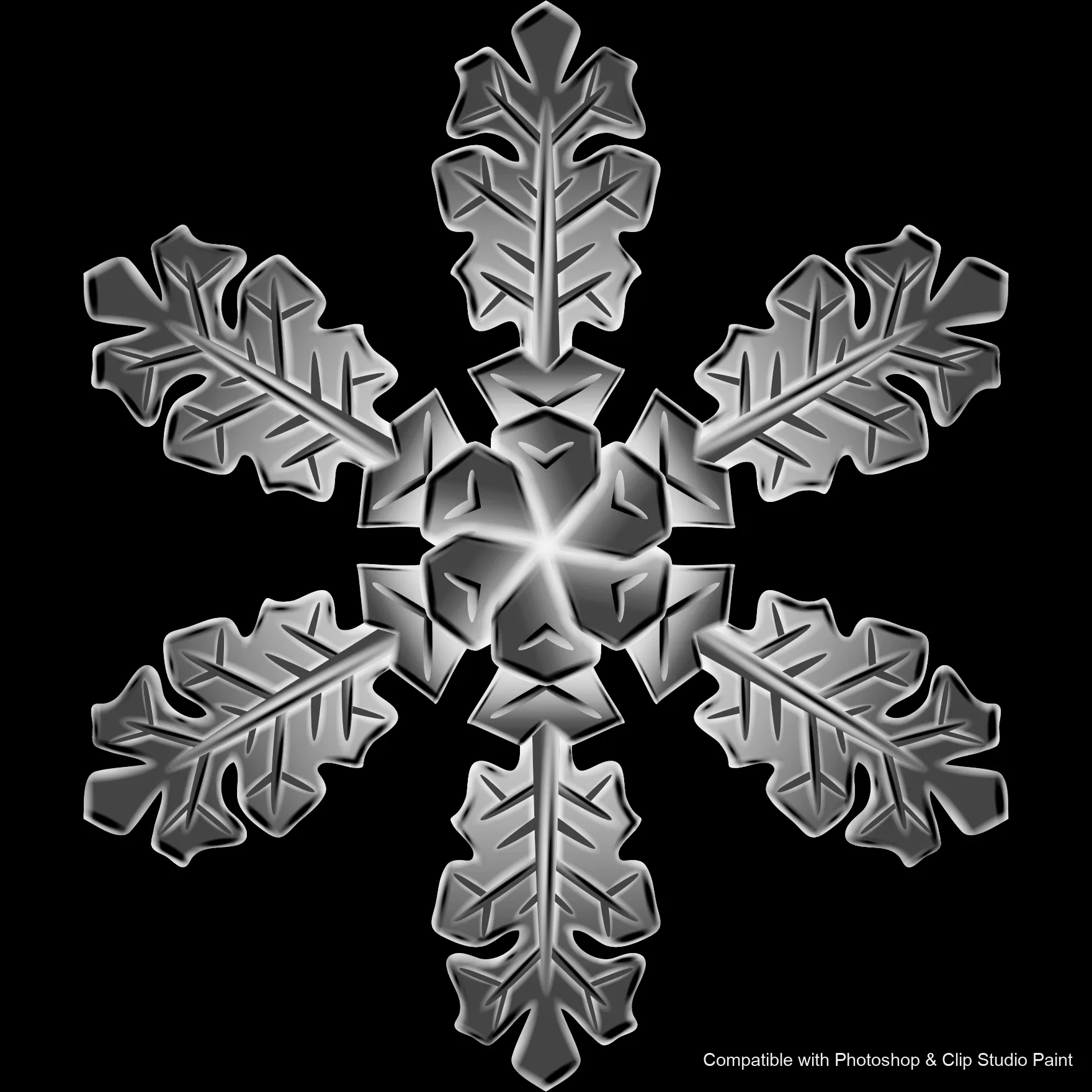
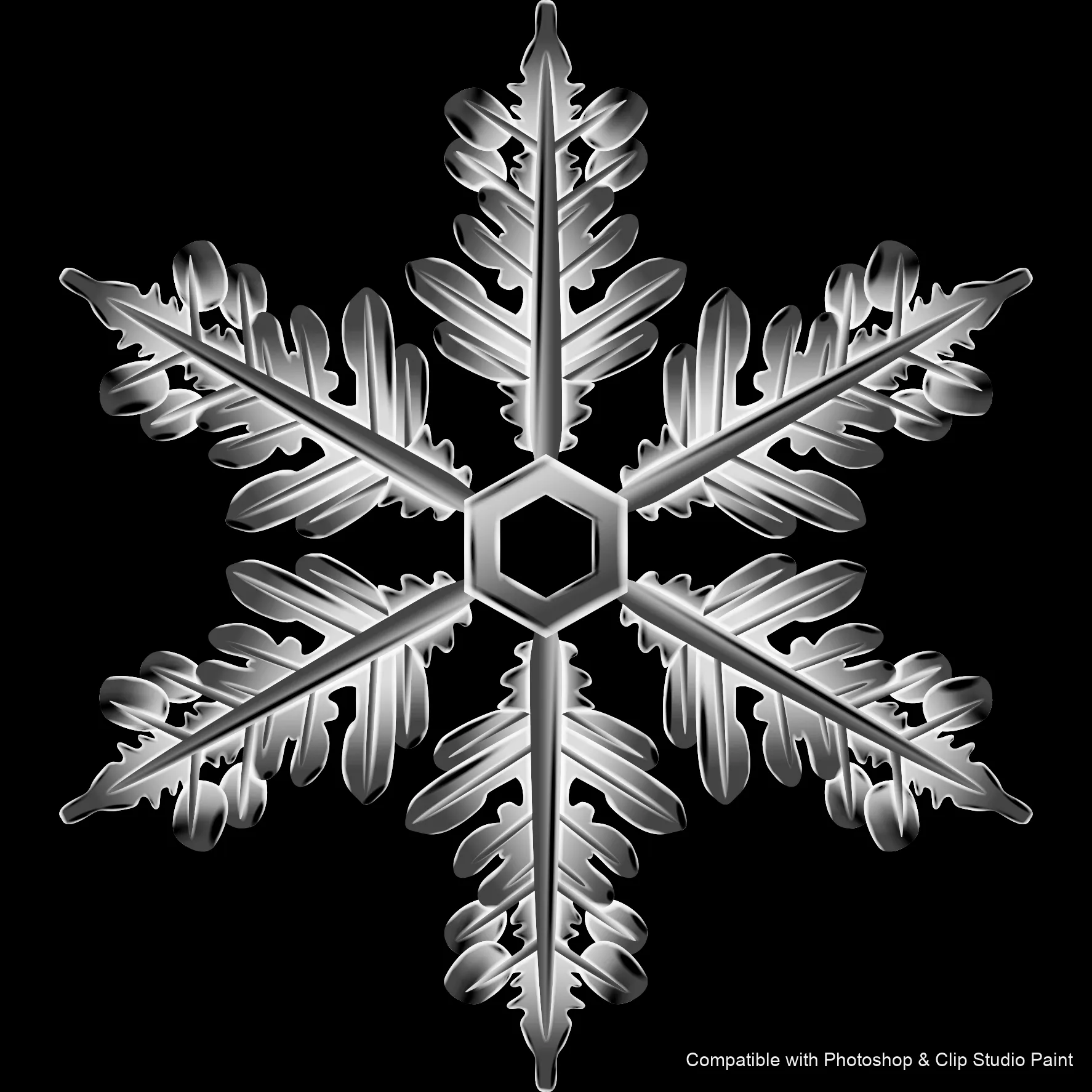
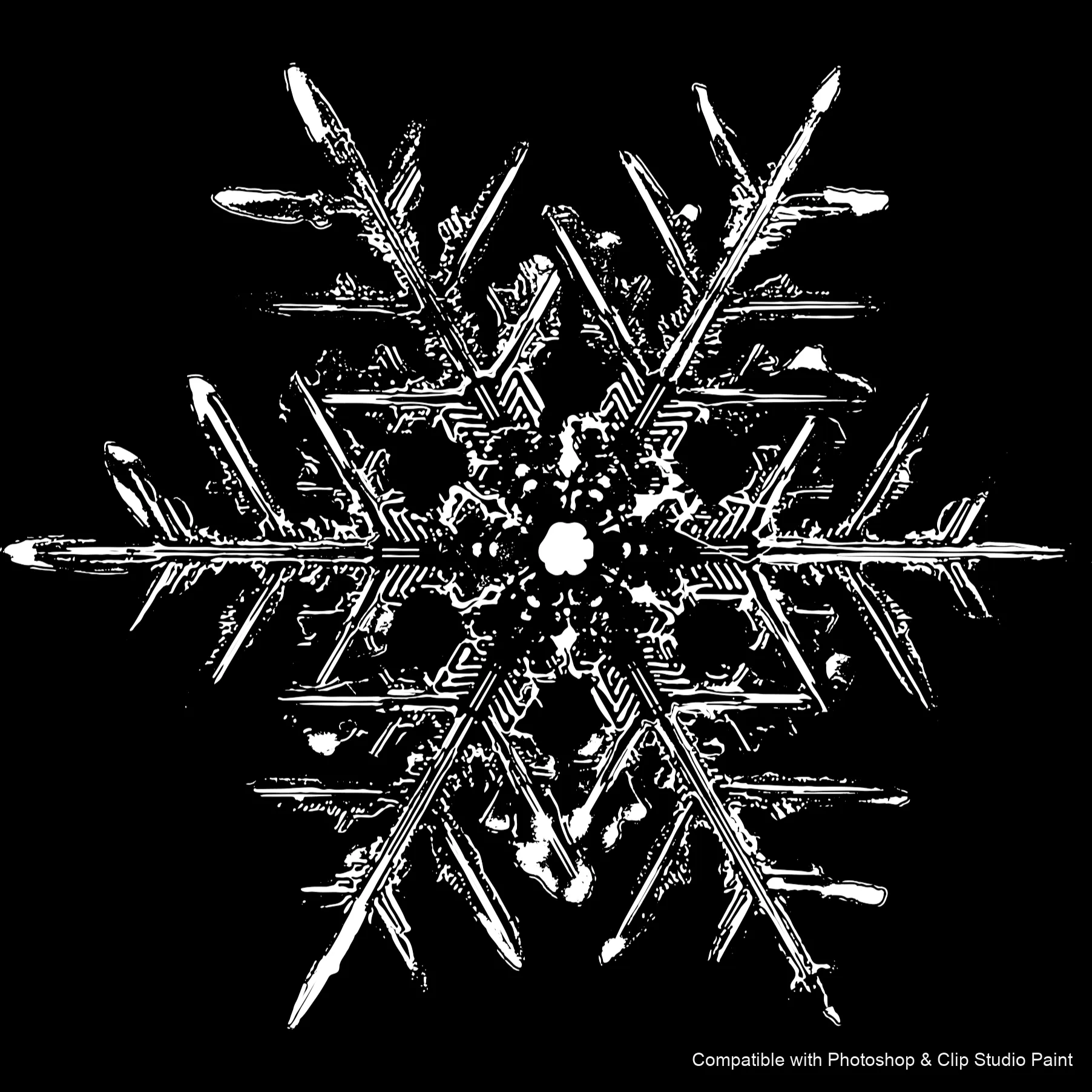
Full brush overview
How to install
In Adobe Photoshop
Double-click the .abr file to load it — or open the Brushes panel, click the menu and choose Import Brushes. Works on CC and newer, PC & Mac.
In Clip Studio Paint
Drag the same .abr file onto the Sub Tool palette and Clip Studio imports it as new brushes. Works on version 1.10.5 or later.
Frost Crystals — FAQ
How much does the Frost Crystals pack cost?+
$5 (USD) — a one-time purchase, not a subscription. One payment covers both Photoshop and Clip Studio Paint, with free future updates.
How many brushes are in the Frost Crystals pack?+
The Frost Crystals set includes 43 brushes — delicate clusters, small scattered flakes, bold geometric snowflakes and crystalline 3D-style designs.
Does it work in both Photoshop and Clip Studio Paint?+
Yes. You get a single .abr file — the same file imports into Adobe Photoshop (CC and newer) and Clip Studio Paint (1.10.5 or later). One purchase covers both apps, on PC and Mac.
What file format do I get?+
An Adobe Photoshop .abr brush file. In Photoshop, double-click it (or Brushes panel → menu → Import Brushes). In Clip Studio Paint, drag the .abr onto the Sub Tool palette.
Do these work on Procreate?+
Frost Crystals is the desktop .abr edition for Photoshop and Clip Studio Paint. Many of our sets also come as Procreate .brushset editions — browse the Procreate catalog to check.