Skip to content
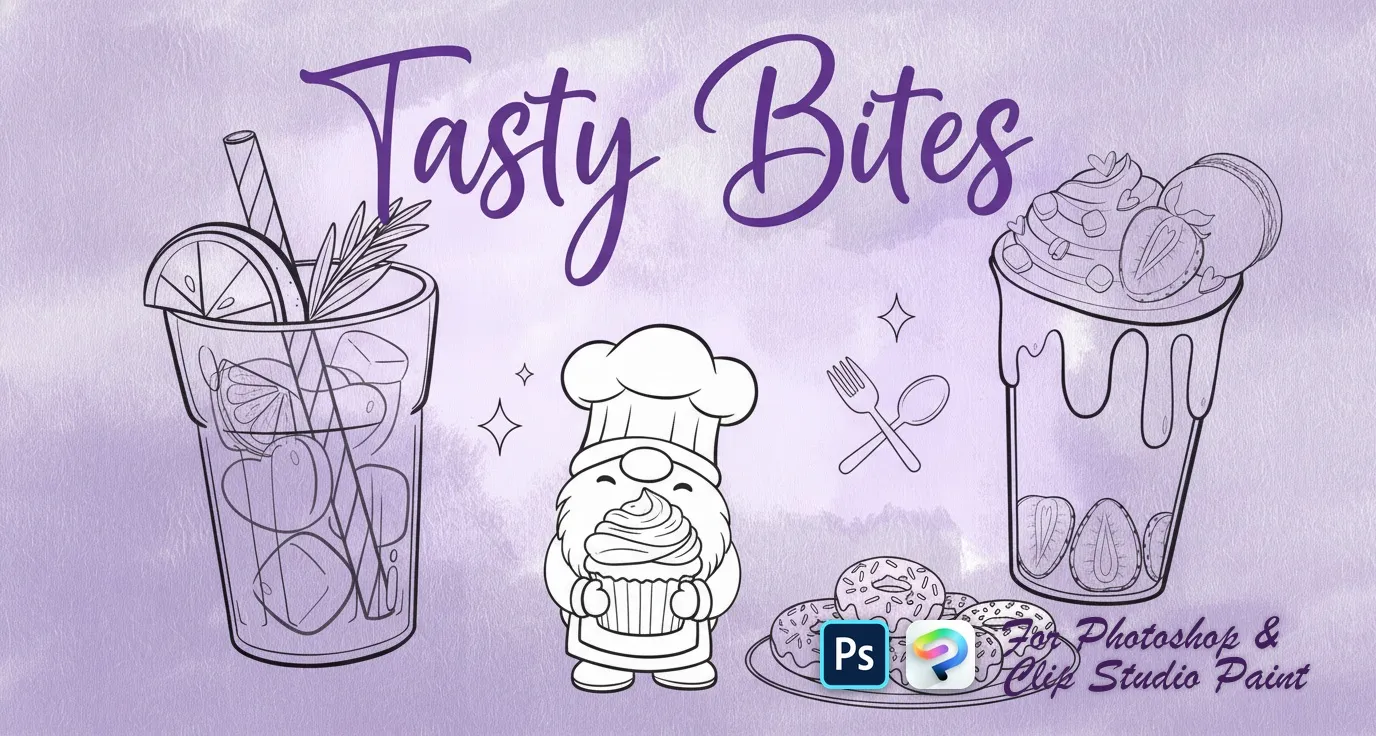
Tasty Bites Photoshop & Clip Studio Paint brush set cover
.abr · PC & Mac Cute artCartoonDecoration

Tasty Bites Photoshop & Clip Studio Paint Brushes

B by the Brusher team

A cheerful mix of tasty sweets, colorful drinks, and funny little gnomes! Perfect for playful illustrations, party designs, and all things cute and quirky. Compatible with Adobe Photoshop CC 2020+.

Brushes
36
Works with
Photoshop & Clip Studio Paint
Download free — 36 brushes

Free download · one .abr file · works in Photoshop & Clip Studio Paint · email required

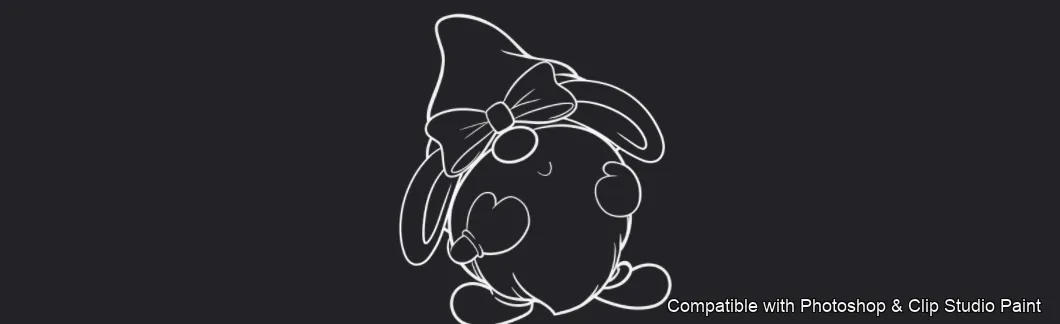
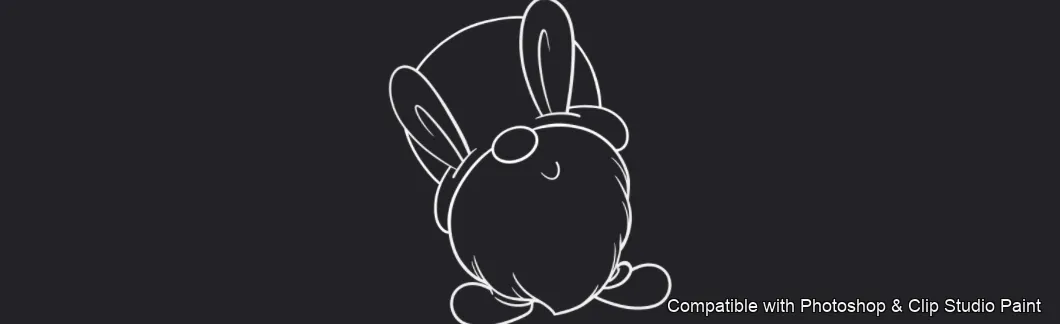
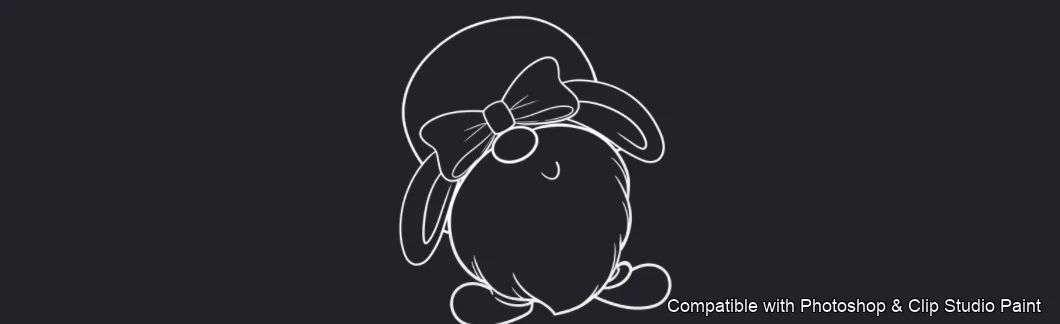
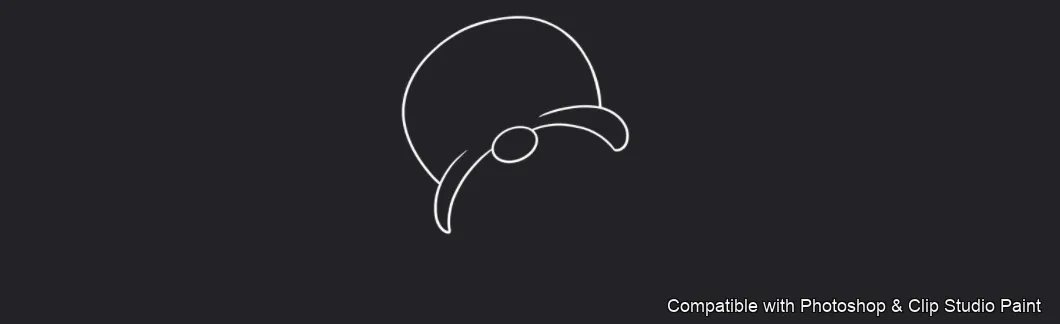
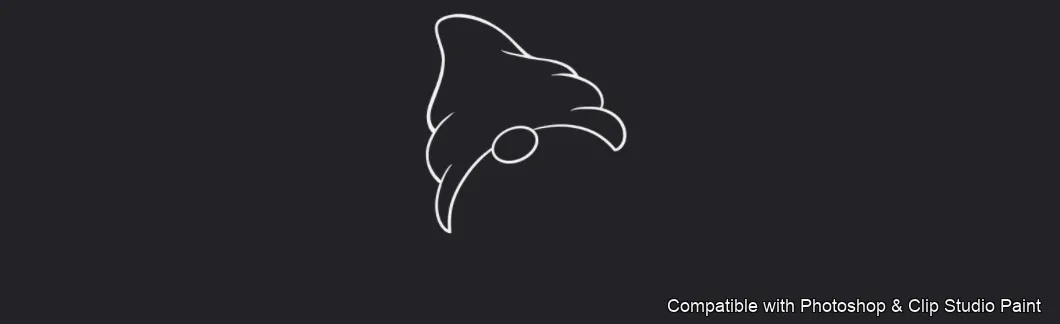
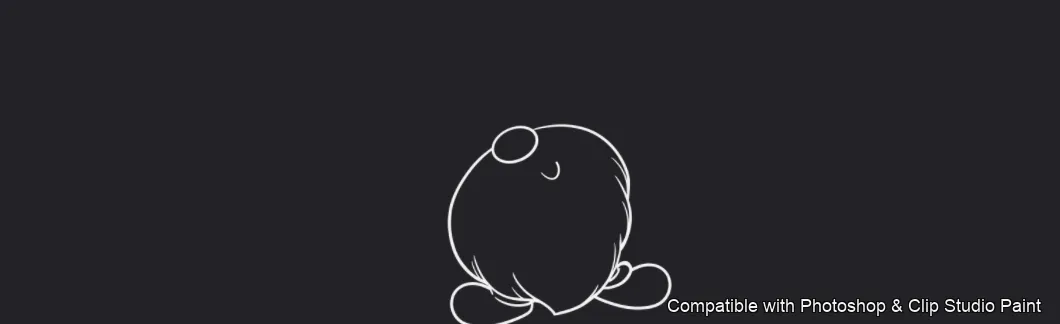
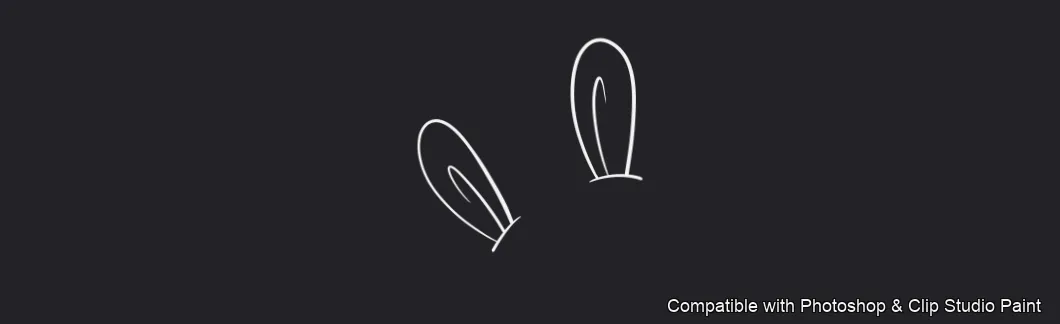
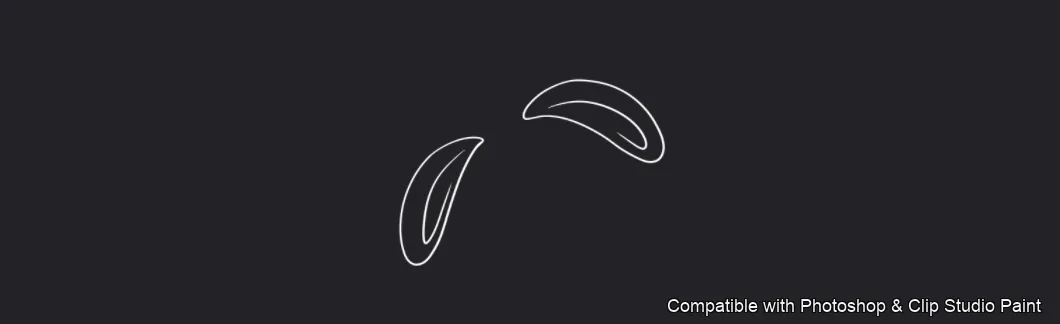
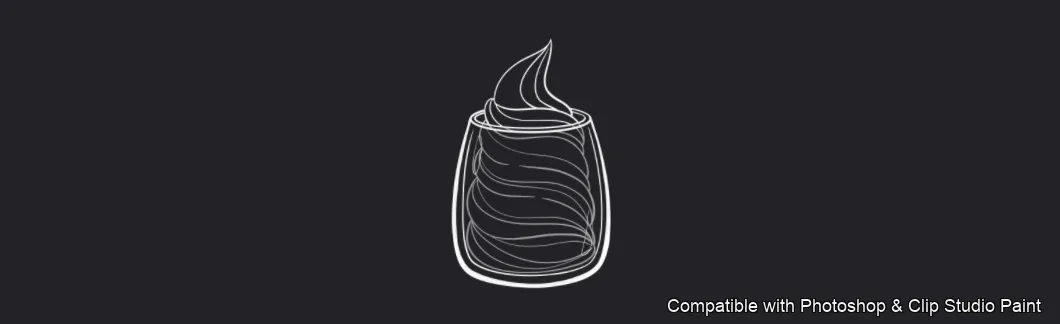
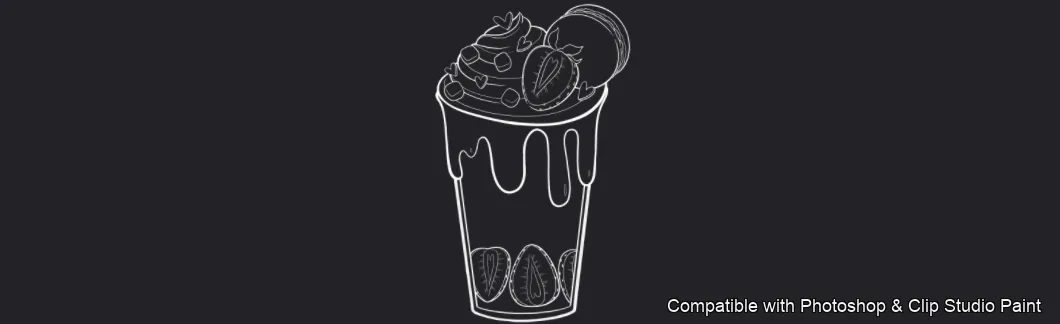
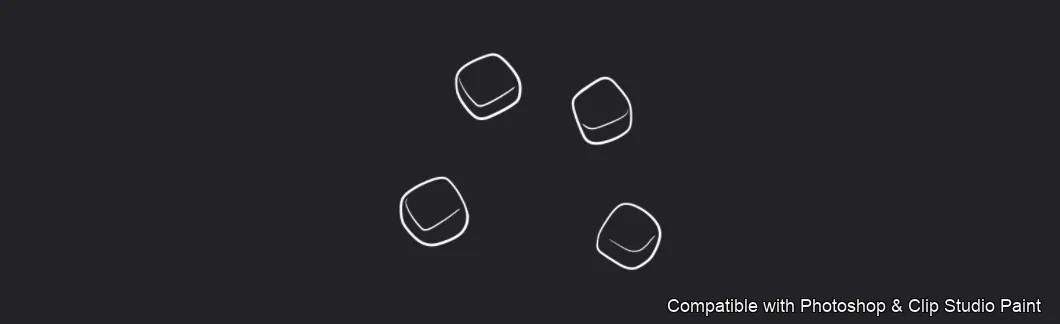
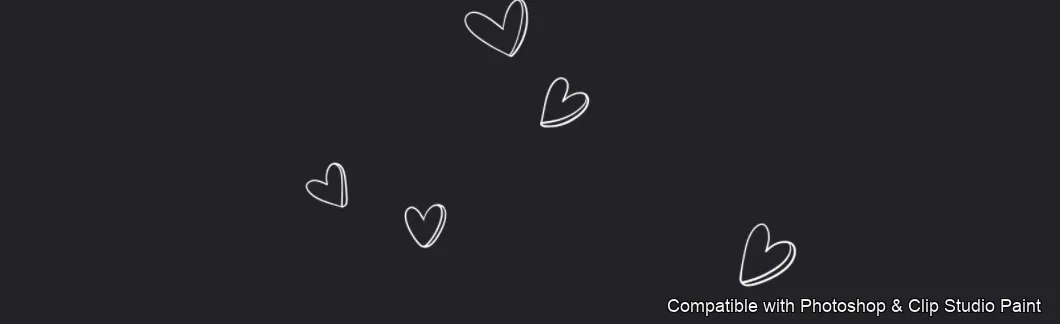
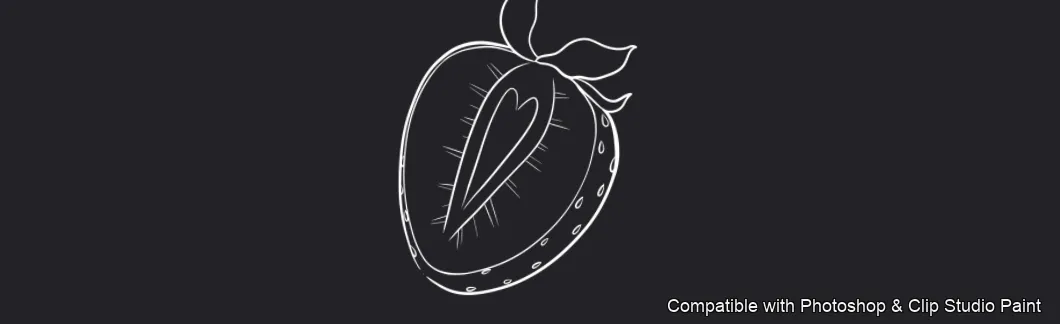
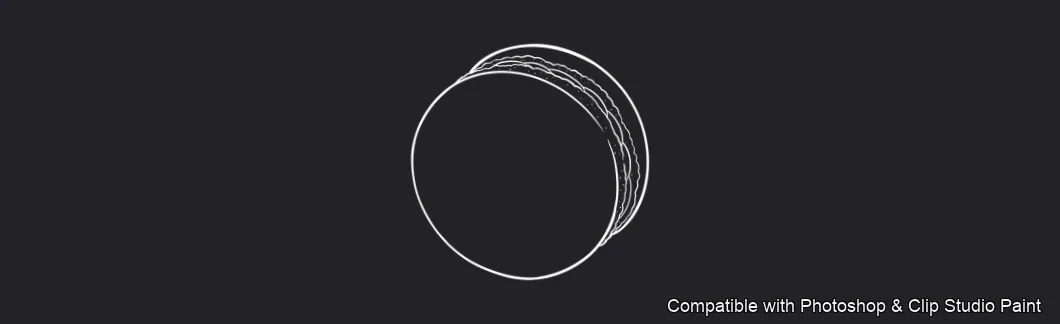
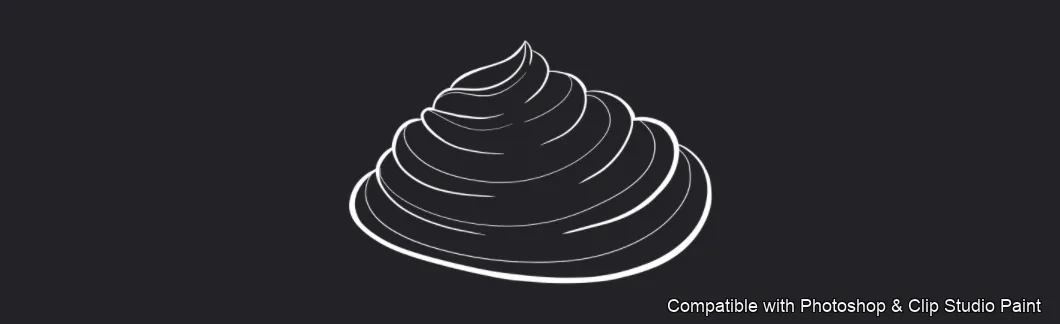
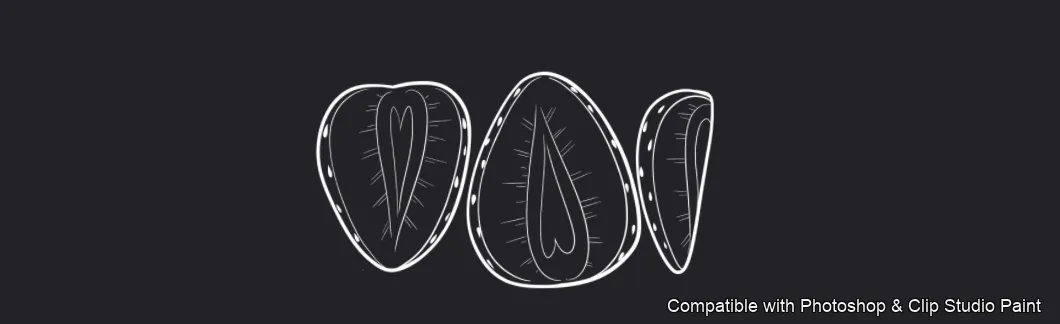
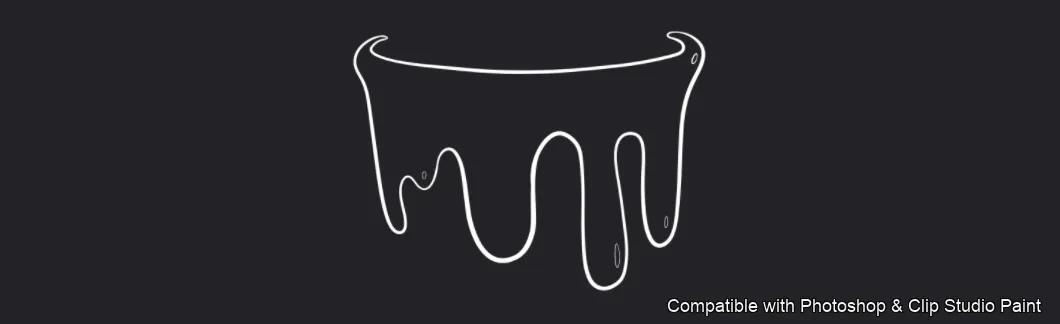
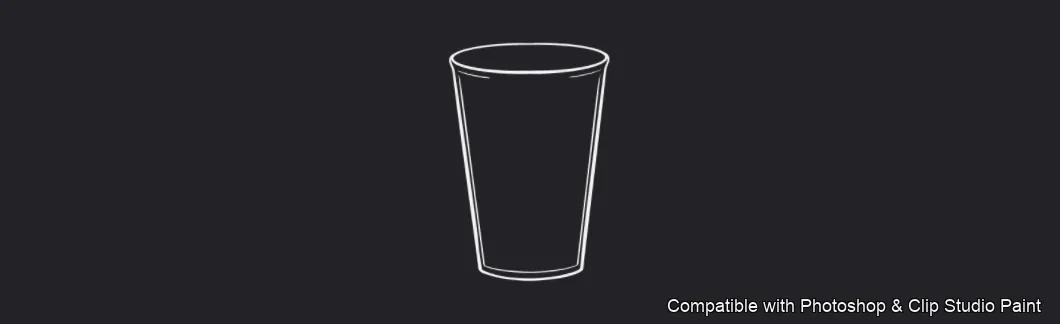
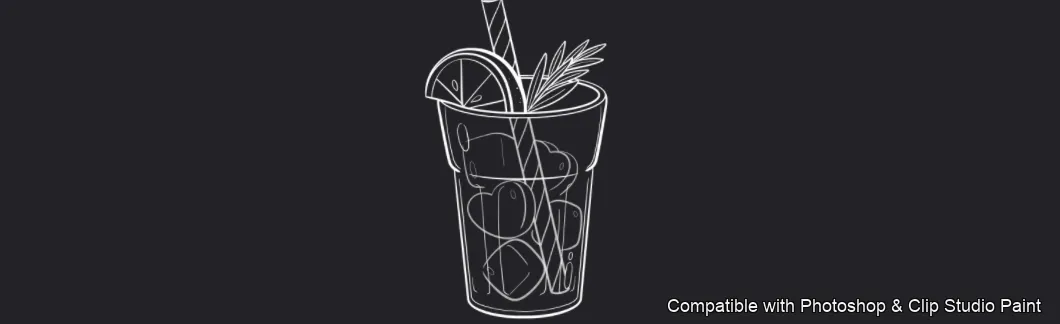
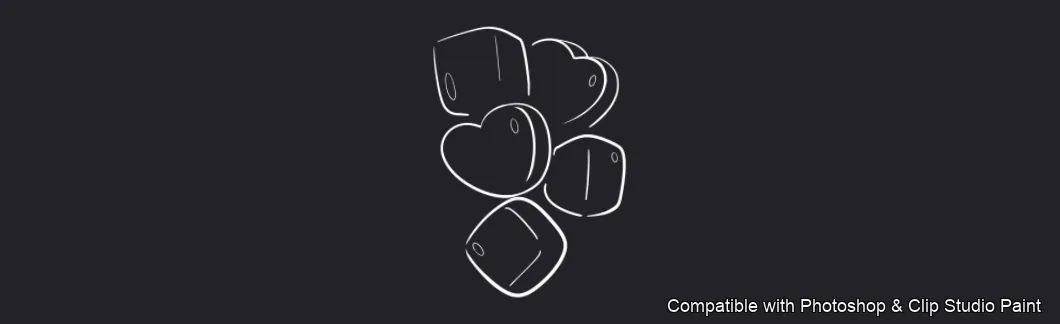
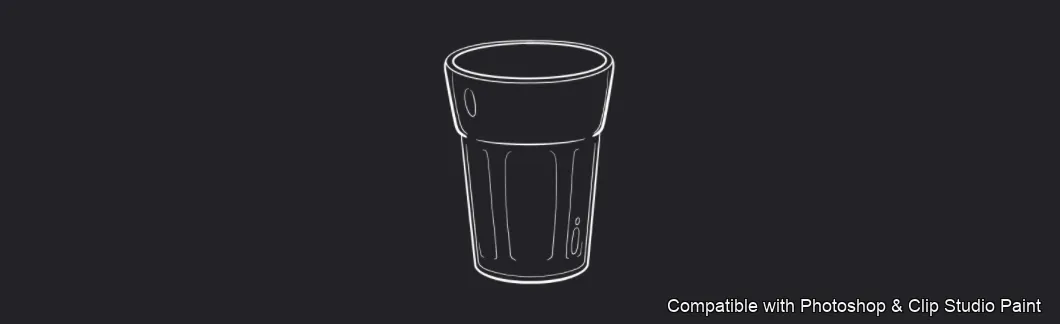
Stamp cute treats, drinks and spring characters in Photoshop and Clip Studio Paint with the Tasty Bites set! Perfect for sticker and card makers, journal and planner designers, kids' and lifestyle illustrators, and anyone adding adorable dessert and drink doodles to their work. 🎨 What’s inside: 📁 36 stamp brushes in Photoshop format (.abr) — also import directly into Clip Studio Paint 💡 Why you’ll love it: • – 36 Sweet Stamps: Charming bunny gnomes and gnome hats, treats (heart donut, cookie, macaron, pudding, whipped cream, parfait), fruit (strawberry and slices, cherry), drinks (iced drinks, glasses, straw, lemon, ice and sugar cubes), plus accents — hearts, sprinkles, herb and laurel sprigs, a bow and a banner ribbon. • – Doodle Fast: Drop in a finished treat or drink with one tap instead of drawing each one by hand. • – Easy for Everyone: Quick to install and paint with, even for beginners. • – Cute, Consistent Art: Clean, charming doodles that suit stickers, cards and planners. • – Download Now: Be creating within minutes! 🖌️ Brushes compatible: ✅ Adobe Photoshop (CC and newer) — .abr brush file ✅ Clip Studio Paint (ver. 1.10.5 or later) — imports the same .abr ✅ Works on both desktop and iPad 🛠️ How to install: • Photoshop — double-click the .abr file (or Brushes panel → menu → Import Brushes). • Clip Studio Paint — drag the .abr onto the Sub Tool palette. 📥 Instant digital download — start creating today!

Every brush in Tasty Bites

36 individual brush previews — see the exact stroke before you download.
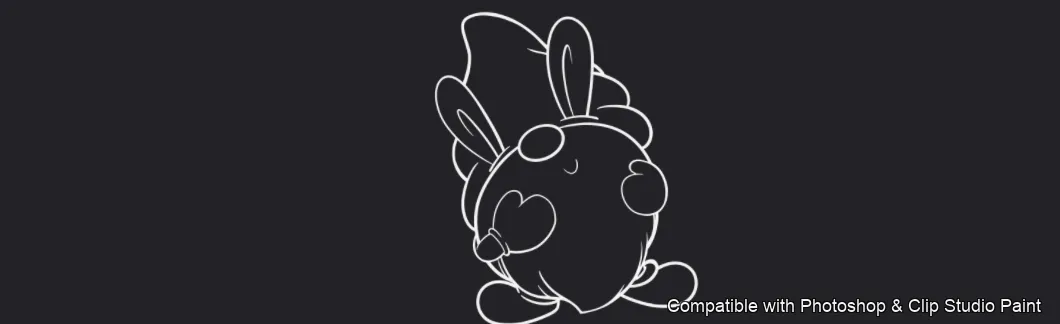
Tasty Bites brush 1 of 36 — Photoshop & Clip Studio Paint .abr preview
Tasty Bites brush 2 of 36 — Photoshop & Clip Studio Paint .abr preview
Tasty Bites brush 3 of 36 — Photoshop & Clip Studio Paint .abr preview
Tasty Bites brush 4 of 36 — Photoshop & Clip Studio Paint .abr preview
Tasty Bites brush 5 of 36 — Photoshop & Clip Studio Paint .abr preview
Tasty Bites brush 6 of 36 — Photoshop & Clip Studio Paint .abr preview
Tasty Bites brush 7 of 36 — Photoshop & Clip Studio Paint .abr preview
Tasty Bites brush 8 of 36 — Photoshop & Clip Studio Paint .abr preview
Tasty Bites brush 9 of 36 — Photoshop & Clip Studio Paint .abr preview
Tasty Bites brush 10 of 36 — Photoshop & Clip Studio Paint .abr preview
Tasty Bites brush 11 of 36 — Photoshop & Clip Studio Paint .abr preview
Tasty Bites brush 12 of 36 — Photoshop & Clip Studio Paint .abr preview
Tasty Bites brush 13 of 36 — Photoshop & Clip Studio Paint .abr preview
Tasty Bites brush 14 of 36 — Photoshop & Clip Studio Paint .abr preview
Tasty Bites brush 15 of 36 — Photoshop & Clip Studio Paint .abr preview
Tasty Bites brush 16 of 36 — Photoshop & Clip Studio Paint .abr preview
Tasty Bites brush 17 of 36 — Photoshop & Clip Studio Paint .abr preview
Tasty Bites brush 18 of 36 — Photoshop & Clip Studio Paint .abr preview
Tasty Bites brush 19 of 36 — Photoshop & Clip Studio Paint .abr preview
Tasty Bites brush 20 of 36 — Photoshop & Clip Studio Paint .abr preview
Tasty Bites brush 21 of 36 — Photoshop & Clip Studio Paint .abr preview
Tasty Bites brush 22 of 36 — Photoshop & Clip Studio Paint .abr preview
Tasty Bites brush 23 of 36 — Photoshop & Clip Studio Paint .abr preview
Tasty Bites brush 24 of 36 — Photoshop & Clip Studio Paint .abr preview
Tasty Bites brush 25 of 36 — Photoshop & Clip Studio Paint .abr preview
Tasty Bites brush 26 of 36 — Photoshop & Clip Studio Paint .abr preview
Tasty Bites brush 27 of 36 — Photoshop & Clip Studio Paint .abr preview
Tasty Bites brush 28 of 36 — Photoshop & Clip Studio Paint .abr preview
Tasty Bites brush 29 of 36 — Photoshop & Clip Studio Paint .abr preview
Tasty Bites brush 30 of 36 — Photoshop & Clip Studio Paint .abr preview
Tasty Bites brush 31 of 36 — Photoshop & Clip Studio Paint .abr preview
Tasty Bites brush 32 of 36 — Photoshop & Clip Studio Paint .abr preview
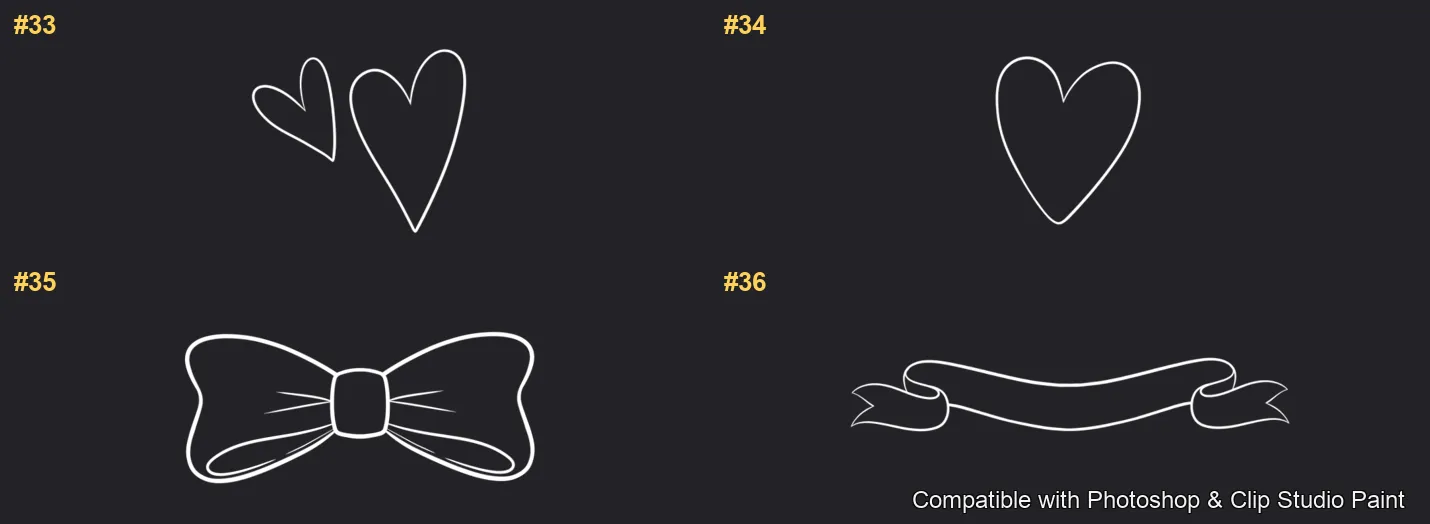
Tasty Bites brush 33 of 36 — Photoshop & Clip Studio Paint .abr preview
Tasty Bites brush 34 of 36 — Photoshop & Clip Studio Paint .abr preview
Tasty Bites brush 35 of 36 — Photoshop & Clip Studio Paint .abr preview
Tasty Bites brush 36 of 36 — Photoshop & Clip Studio Paint .abr preview

Full brush overview
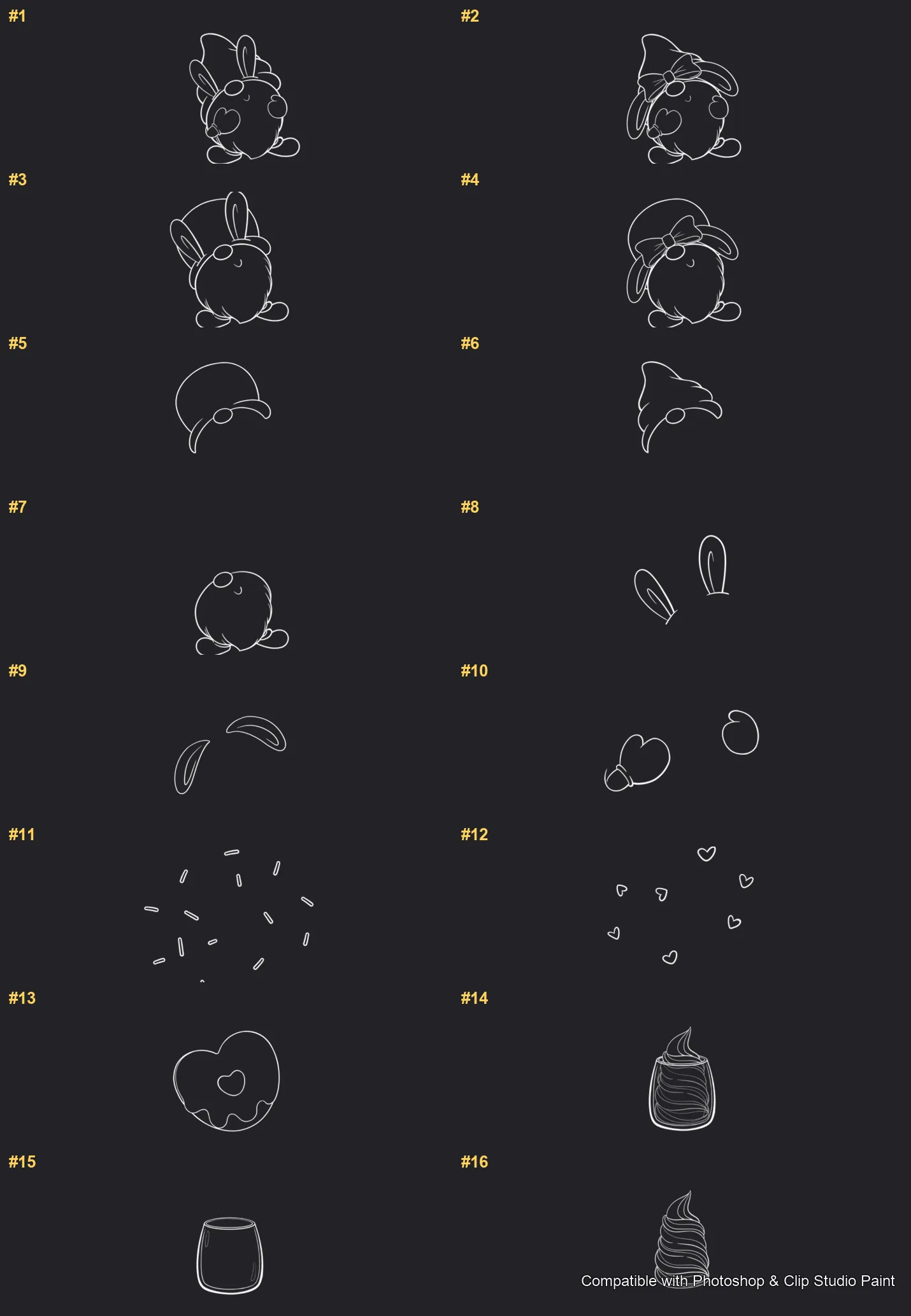
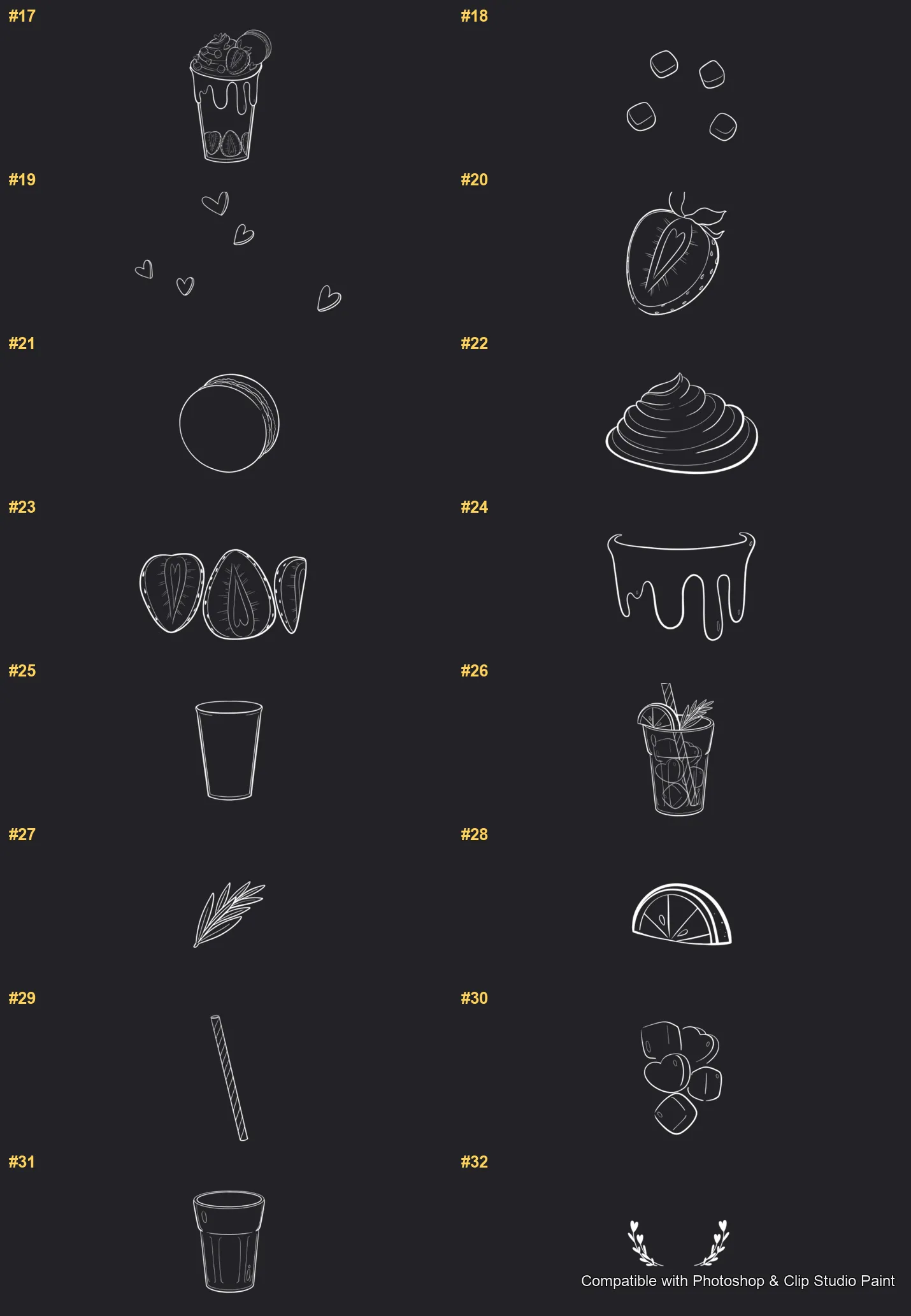
Tasty Bites Photoshop & Clip Studio Paint brushes overview sheet 1
Tasty Bites Photoshop & Clip Studio Paint brushes overview sheet 2
Tasty Bites Photoshop & Clip Studio Paint brushes overview sheet 3

How to install

In Adobe Photoshop

Double-click the .abr file to load it — or open the Brushes panel, click the menu and choose Import Brushes. Works on CC and newer, PC & Mac.

In Clip Studio Paint

Drag the same .abr file onto the Sub Tool palette and Clip Studio imports it as new brushes. Works on version 1.10.5 or later.

Tasty Bites — FAQ

How much does the Tasty Bites pack cost?+

Free — Tasty Bites is a free download with no payment and no subscription. The .abr loads straight into Photoshop or Clip Studio Paint.

How many brushes are in the Tasty Bites pack?+

The Tasty Bites set includes 36 brushes — bunny gnomes, heart donuts, cookies, macarons, puddings and parfaits, strawberries and cherries, iced drinks and sugar-cube accents.

Does it work in both Photoshop and Clip Studio Paint?+

Yes. You get a single .abr file — the same file imports into Adobe Photoshop (CC and newer) and Clip Studio Paint (1.10.5 or later). One purchase covers both apps, on PC and Mac.

What file format do I get?+

An Adobe Photoshop .abr brush file. In Photoshop, double-click it (or Brushes panel → menu → Import Brushes). In Clip Studio Paint, drag the .abr onto the Sub Tool palette.

Do these work on Procreate?+

Tasty Bites is the desktop .abr edition for Photoshop and Clip Studio Paint. Many of our sets also come as Procreate .brushset editions — browse the Procreate catalog to check.

Browse this style