Anime & Manga Photoshop Stamps
Updated October 2026
Anime and manga stamp brushes for Photoshop: chibi, cartoon, cute art. Premium .abr packs.
Brusher has 13 anime manga brush packs for Photoshop & Clip Studio Paint — anime, cartoon, cute art — each a native .abr file that installs into Photoshop or Clip Studio Paint on PC & Mac.
Anime & Manga Photoshop Stamps are the fastest way to add anime manga detail to your artwork. This collection gathers hand-made stamps, textures and liners as .abr files you can load into Adobe Photoshop or Clip Studio Paint on PC & Mac.
Anime & Manga Photoshop Stamps
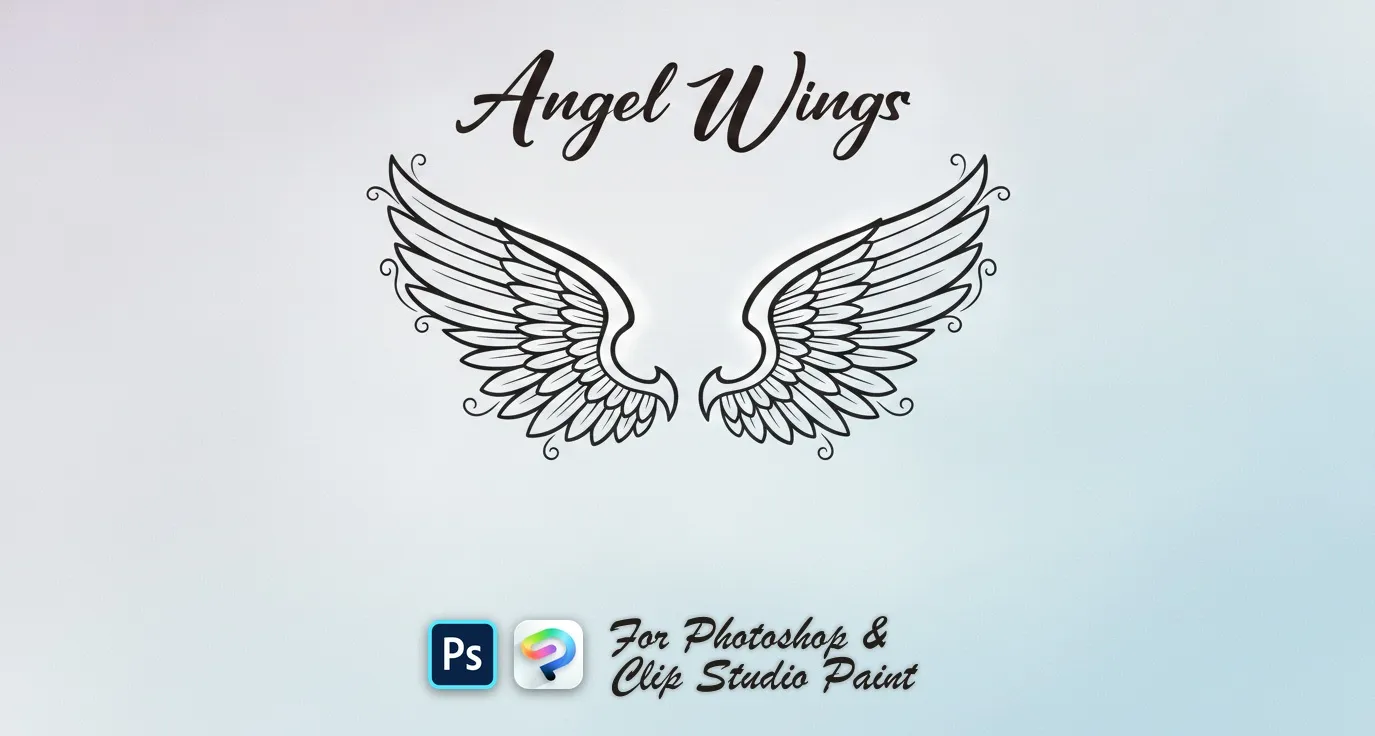
PS · CSP Angel Wings
spread, wide, curved, bold and folded
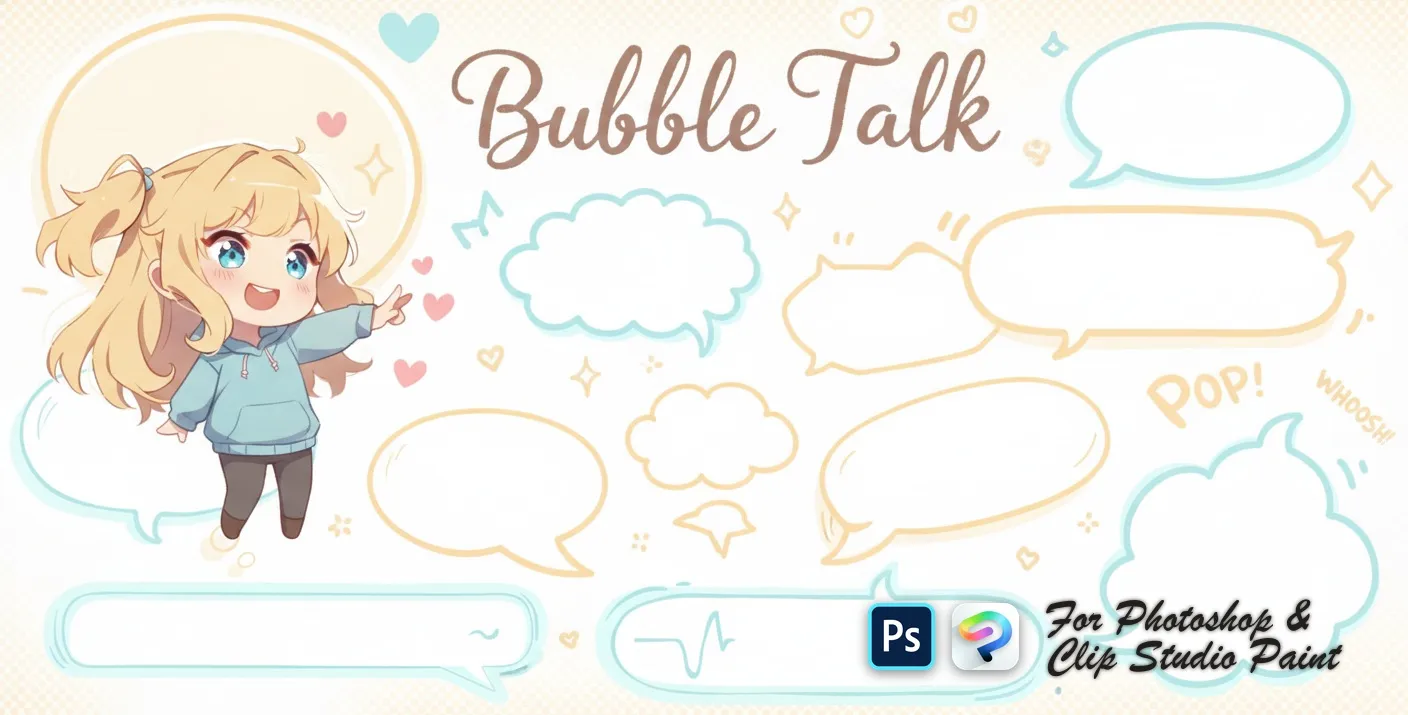
PS · CSP Bubble Talk
round, oval and rectangle
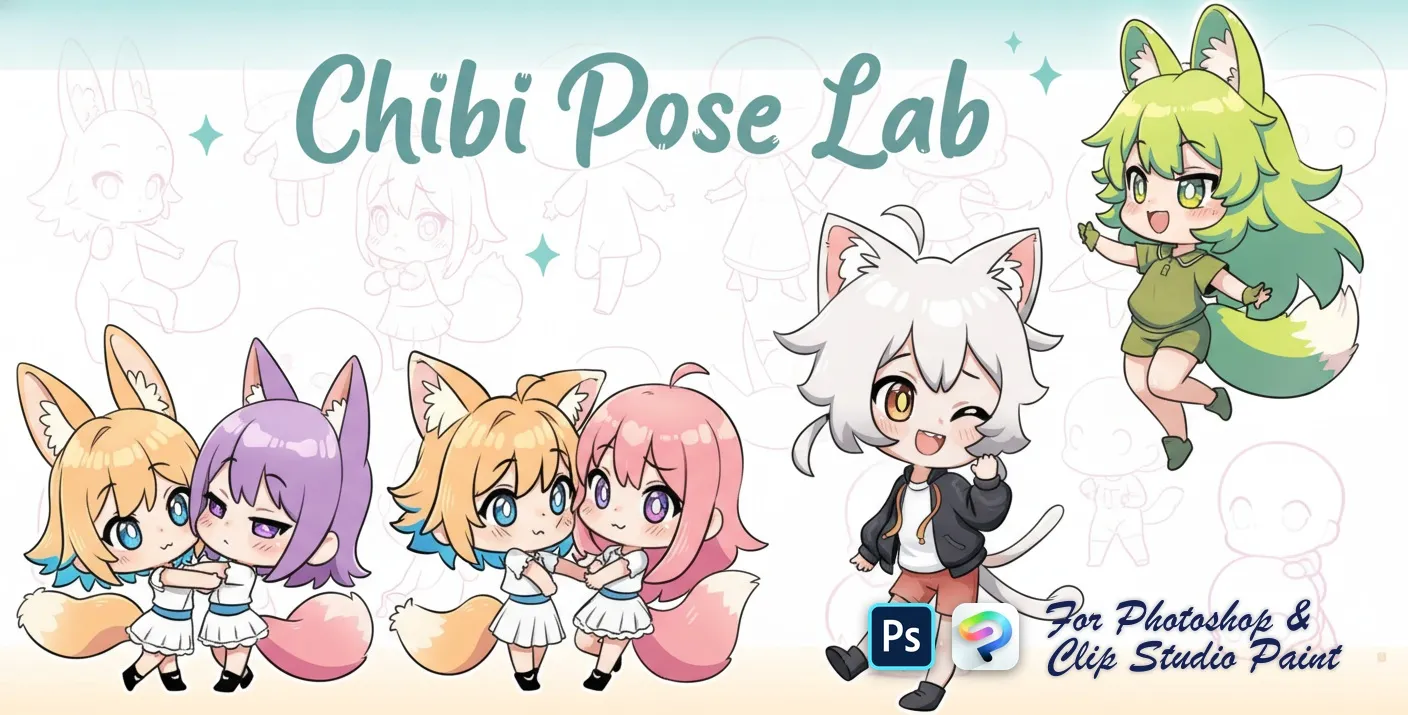
PS · CSP Chibi Pose Lab
standing, sitting, walking and running
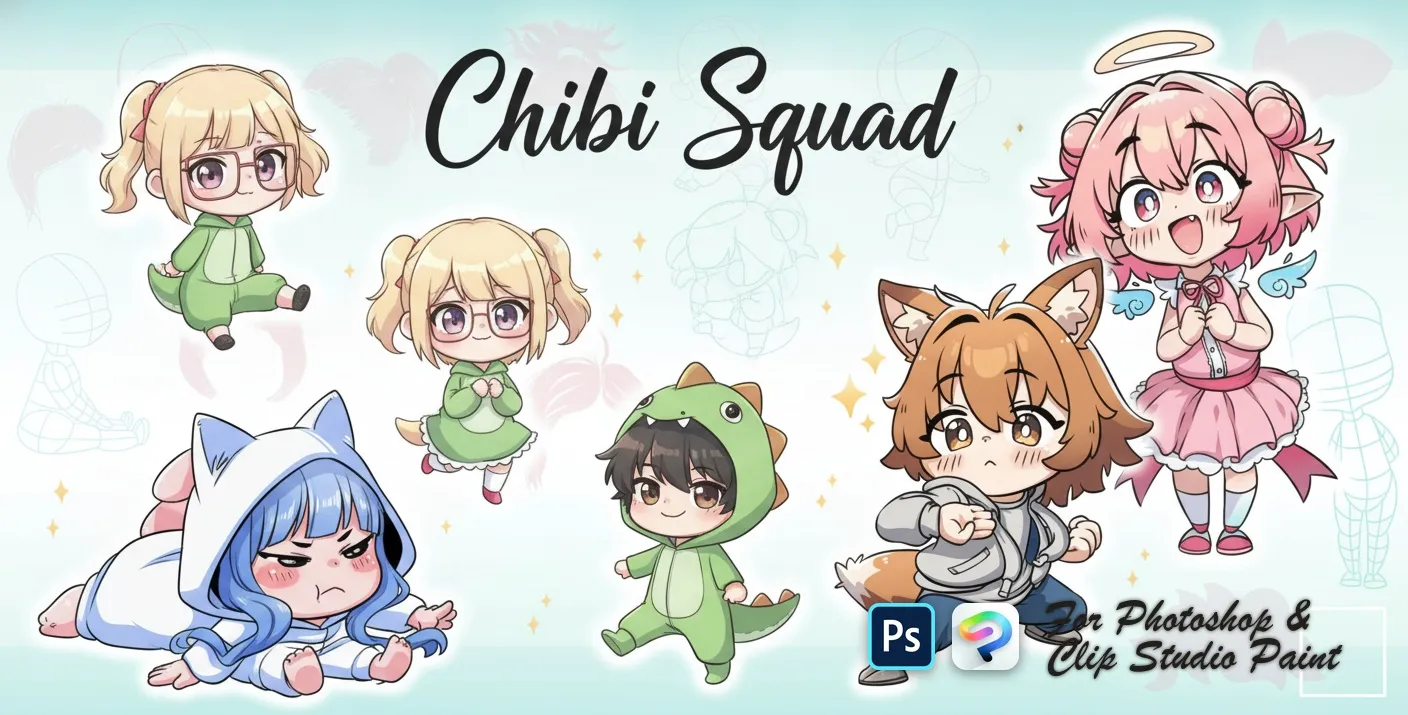
PS · CSP Chibi Squad
chibi pose and body-base
 PS · CSP
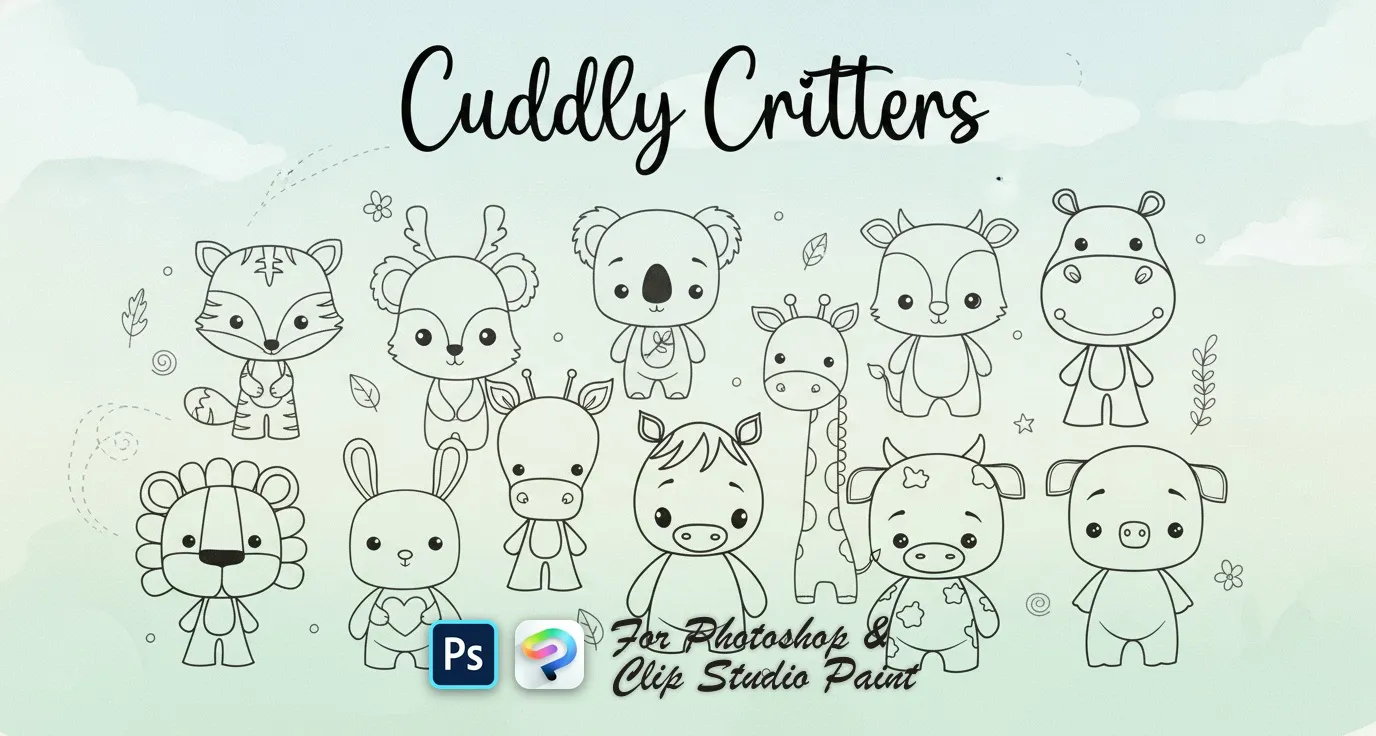
 Cuddly Critters
bunny, fox, koala, cow and mouse
 PS · CSP
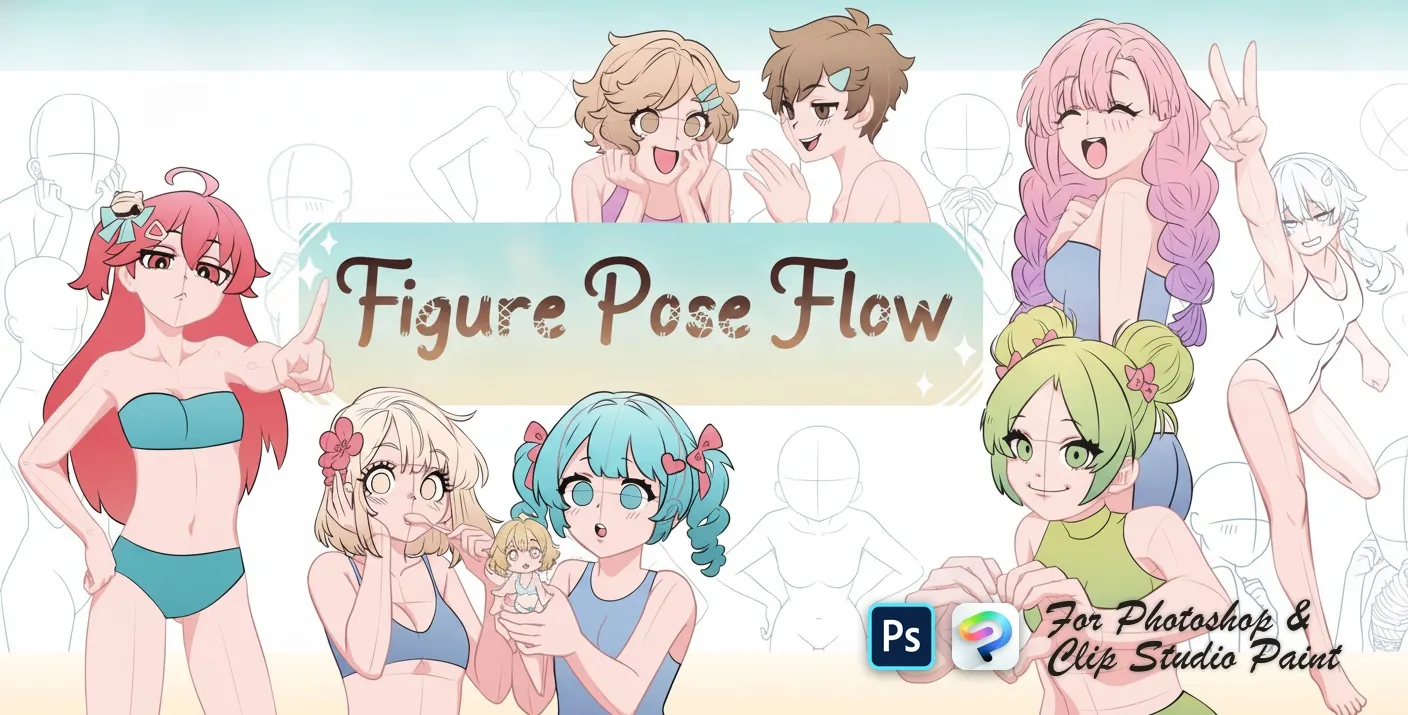
 Figure Pose Flow
resting, sitting and leaning poses
 PS · CSP
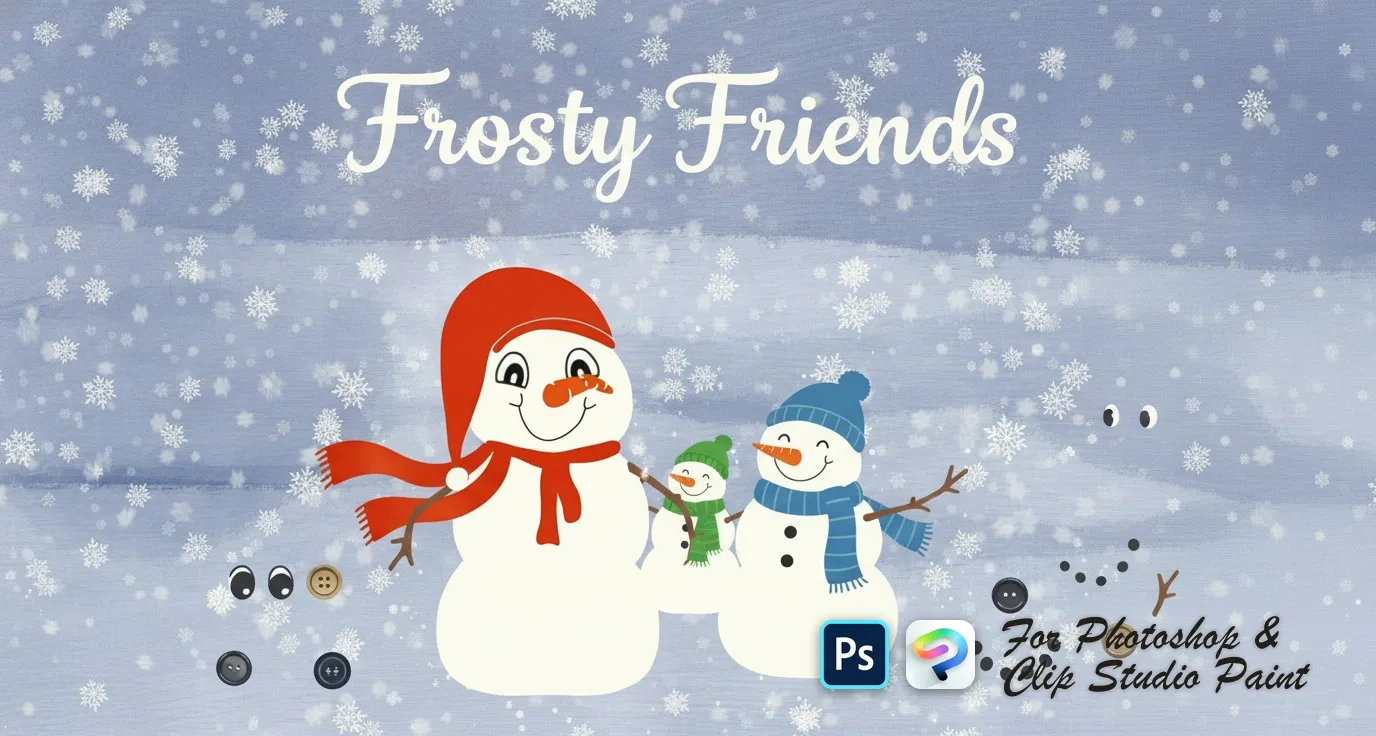
 Frosty Friends
snowball body pieces, scarves, hats and headpieces, eyes, mouths and carrot noses, coal buttons and stick arms
 PS · CSP
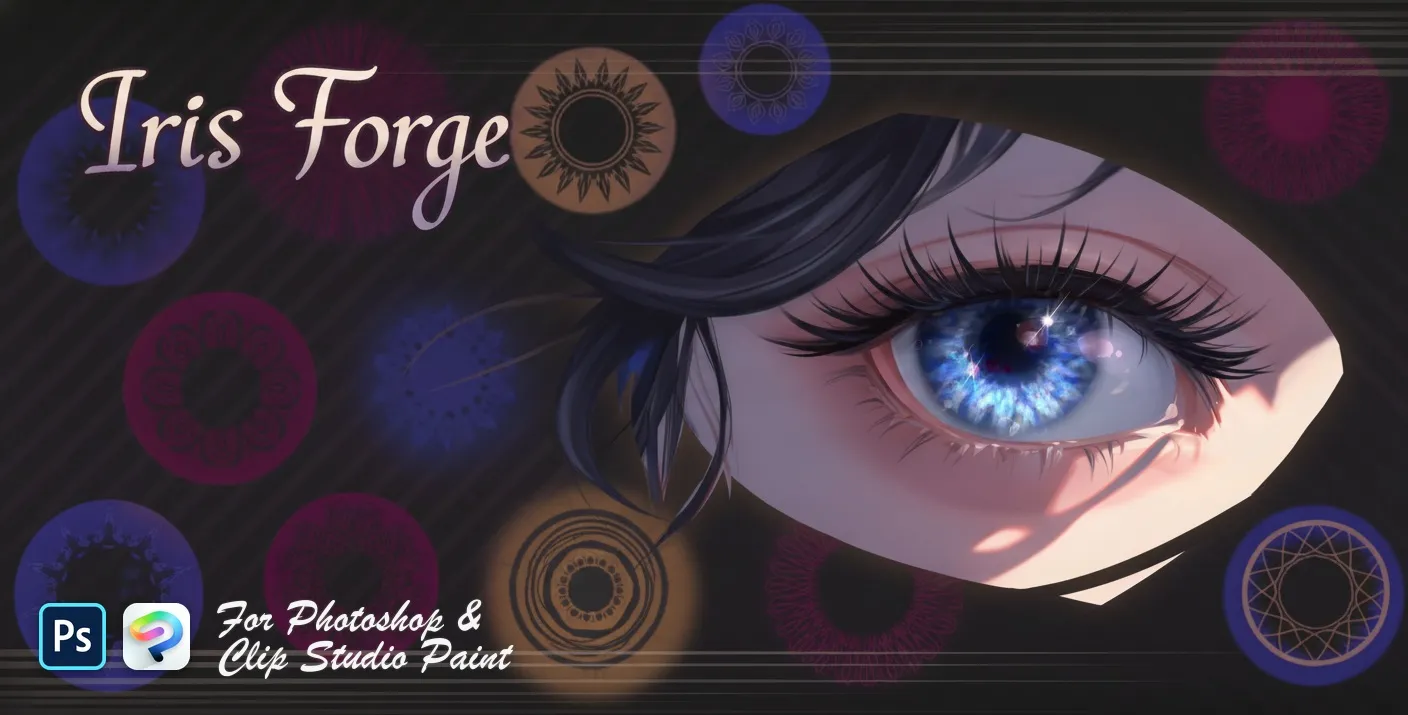
 Iris Forge
iris base discs, layered iris, fiber and limbal rings
 PS · CSP
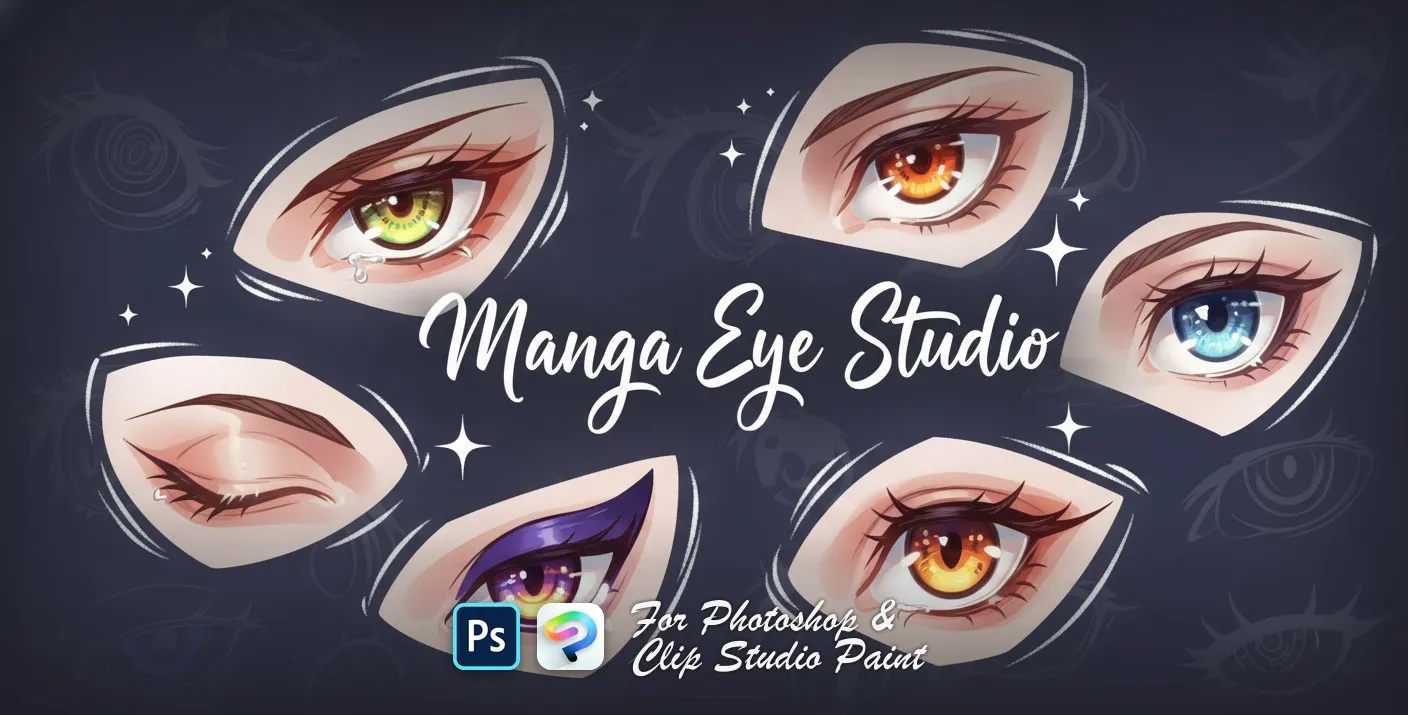
 Manga Eye Studio
sharp, angular, large round and bold
 PS · CSP
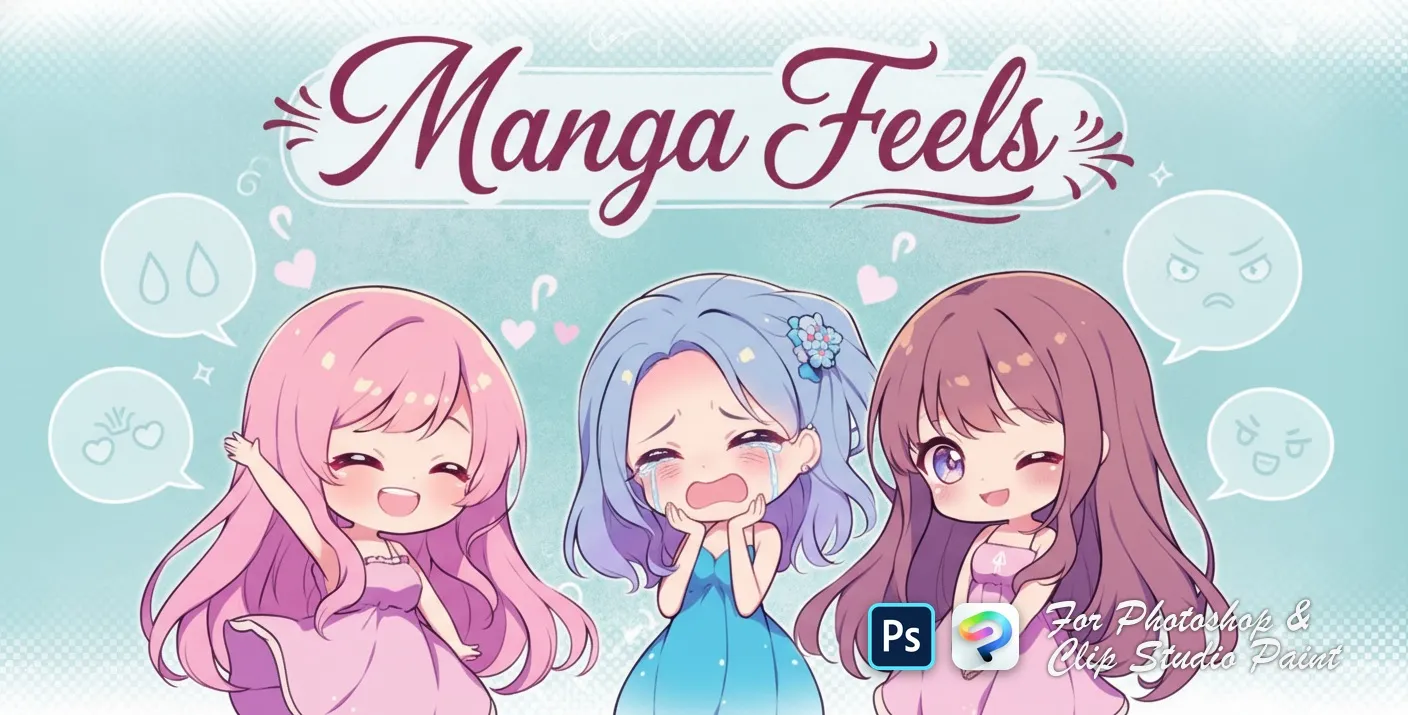
 Manga Feels
happy, sad, angry, crying and surprised
 PS · CSP
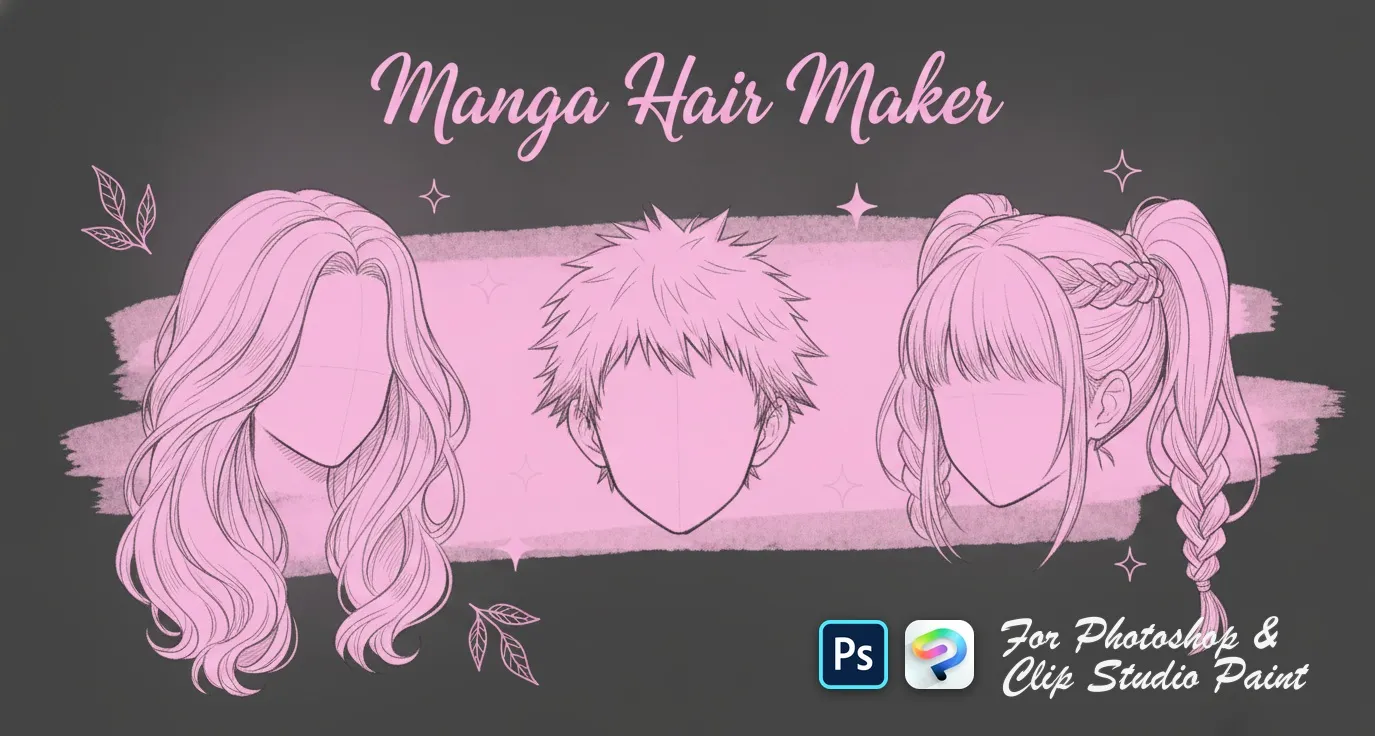
 Manga Hair Maker
men's anime hairstyles
 PS · CSP
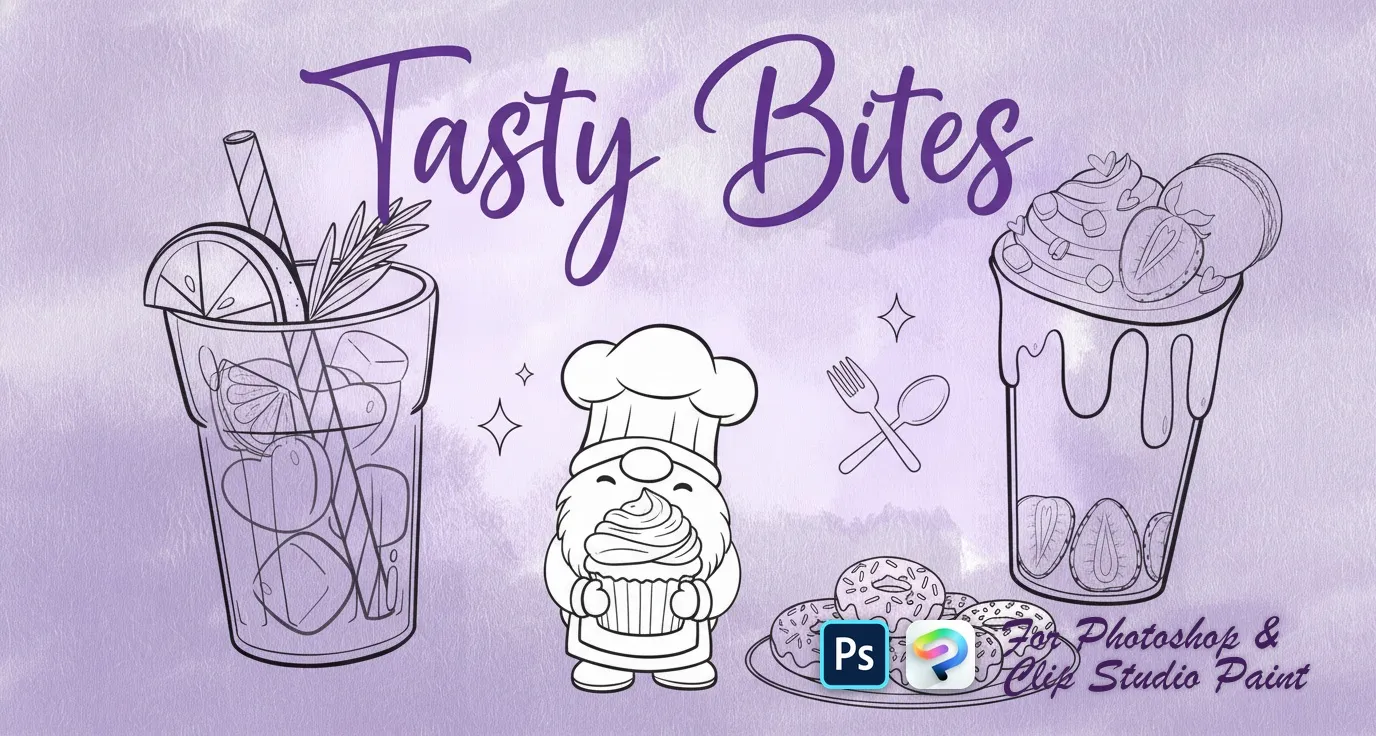
 Tasty Bites
bunny gnomes, heart donuts, cookies, macarons, puddings and parfaits, strawberries and cherries, iced drinks and sugar-cube accents
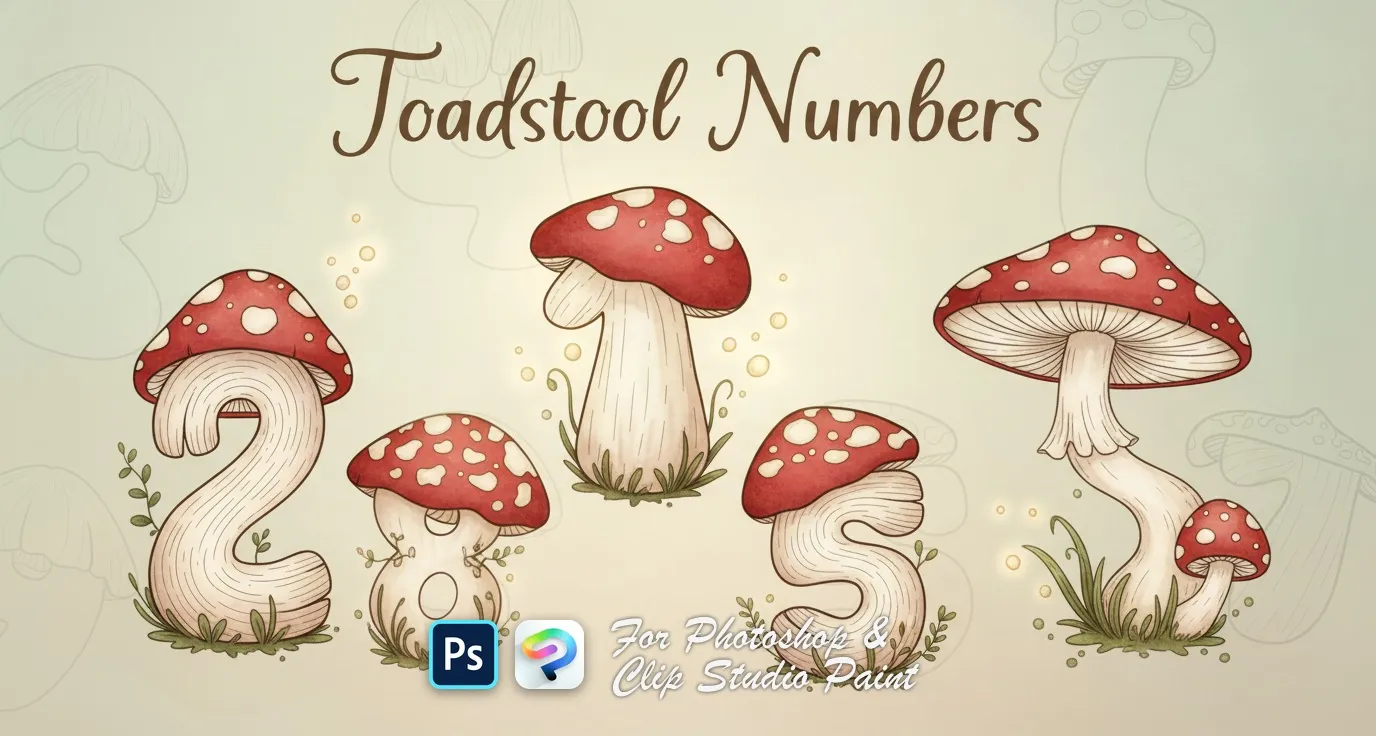 PS · CSP
 Toadstool Numbers
numbers 0 to 9, each drawn as a spotted toadstool mushroom

 Scan → get the app
Also on iPad — the Brusher app
Prefer Procreate on iPad? The Brusher app has the complete 200+ set library, including anime manga brushes, all in one app.
Popular anime manga styles
Anime Manga — FAQ
Do these anime stamps work in both Photoshop and Clip Studio Paint?+
Yes — each pack is one .abr file that imports into Adobe Photoshop (CC and newer) and Clip Studio Paint (1.10.5 or later). One purchase covers both apps on PC and Mac. In Photoshop, double-click the .abr; in Clip Studio Paint, drag it onto the Sub Tool palette.
How do I use a character stamp brush?+
Set your brush size before you click — a stamp deposits its shape at the current size, so scaling afterwards costs quality. Place each element on its own layer so you can recolour, flip or nudge it independently, and vary size and rotation between stamps so a row of them doesn't look copy-pasted.
What is included in an anime and manga stamp pack?+
Typically the repetitive parts of character work: eye and iris shapes, hair sections, facial expressions, chibi bodies and poses, plus speech bubbles and effect marks. The point is to skip redrawing the same eye for the twentieth time, not to skip drawing — you still compose, colour and shade.