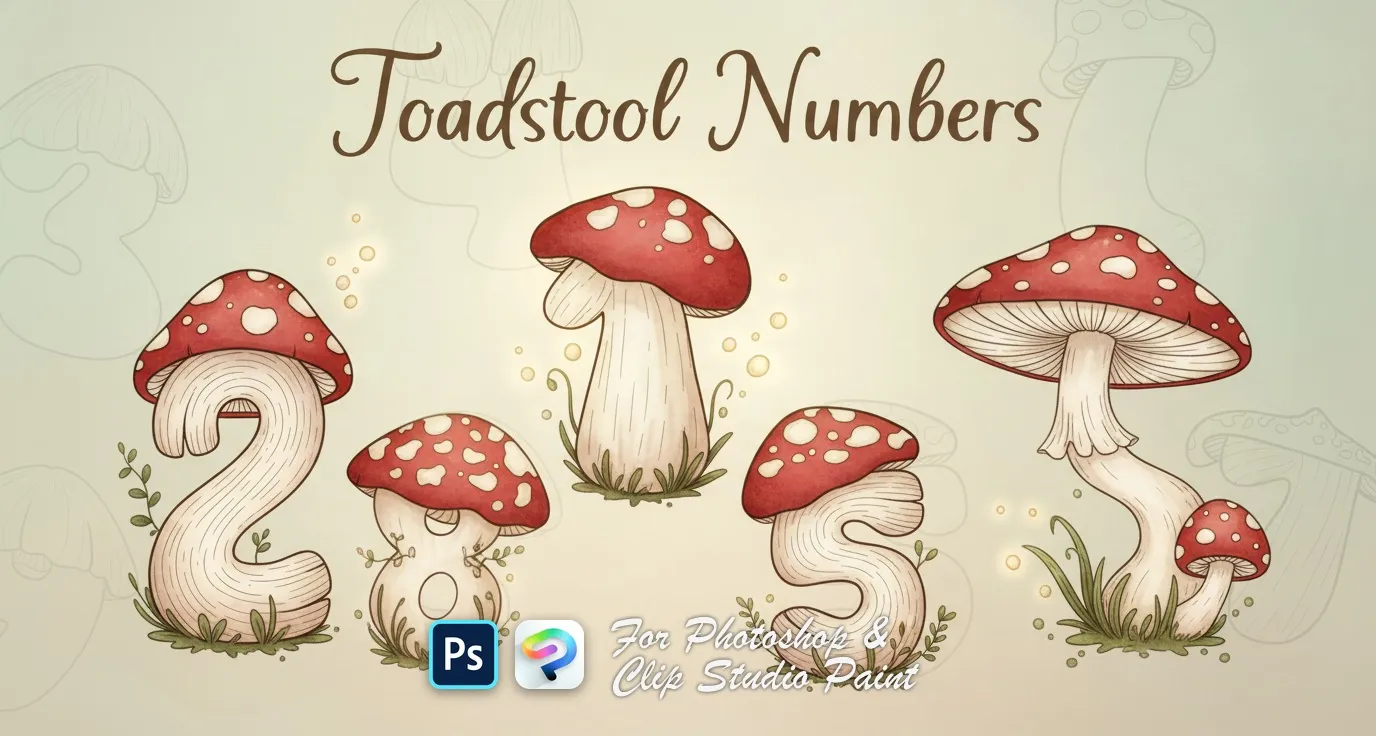
Toadstool Numbers Photoshop & Clip Studio Paint Brushes
B by the Brusher team
Whimsical numbers shaped like fun little mushrooms! Perfect for playful designs, kids’ projects, and nature-themed art. Just tap and let your numbers grow!. Compatible with Adobe Photoshop CC 2020+.
- Brushes
- 10
- Works with
- Photoshop & Clip Studio Paint
Free download · one .abr file · works in Photoshop & Clip Studio Paint · email required
Every brush in Toadstool Numbers
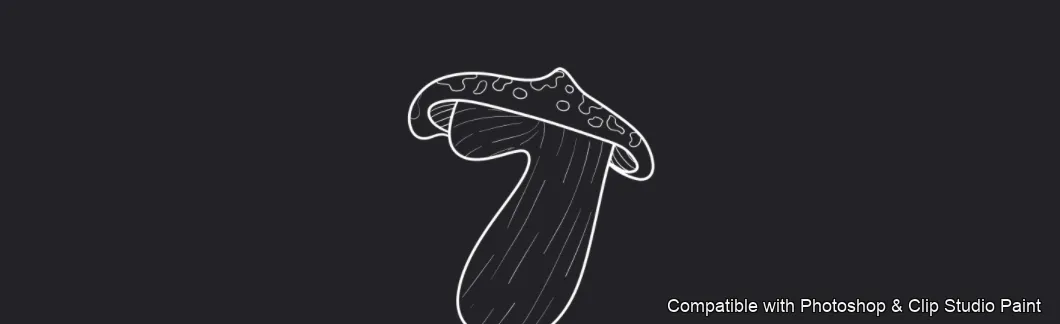
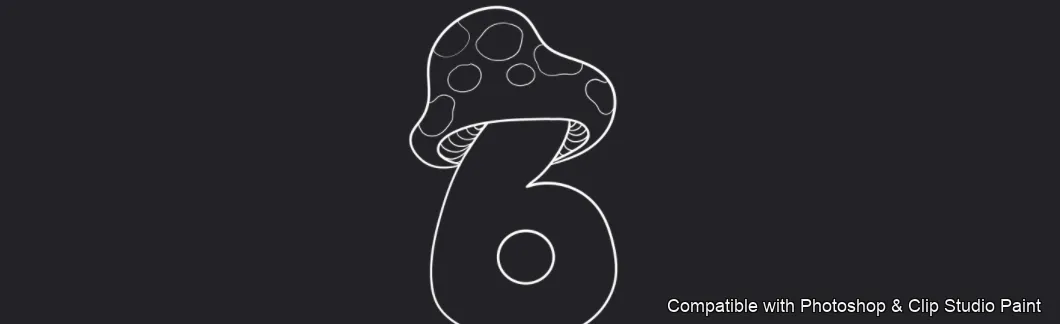
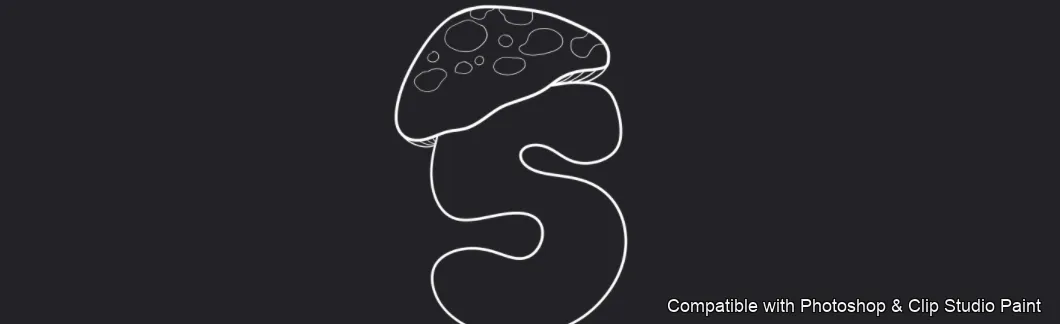
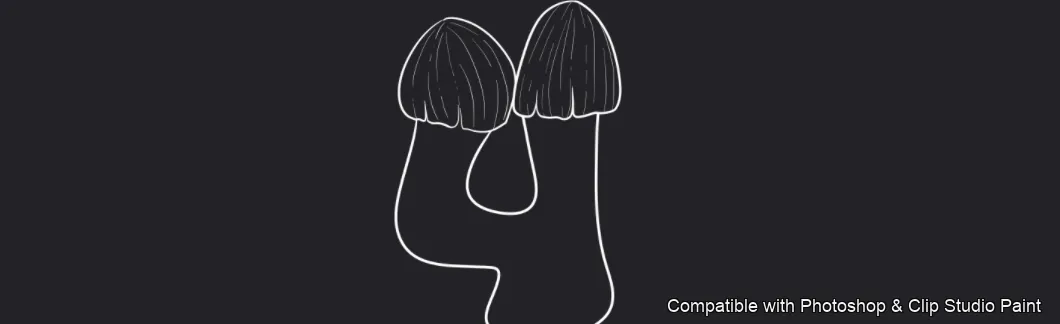
10 individual brush previews — see the exact stroke before you download.
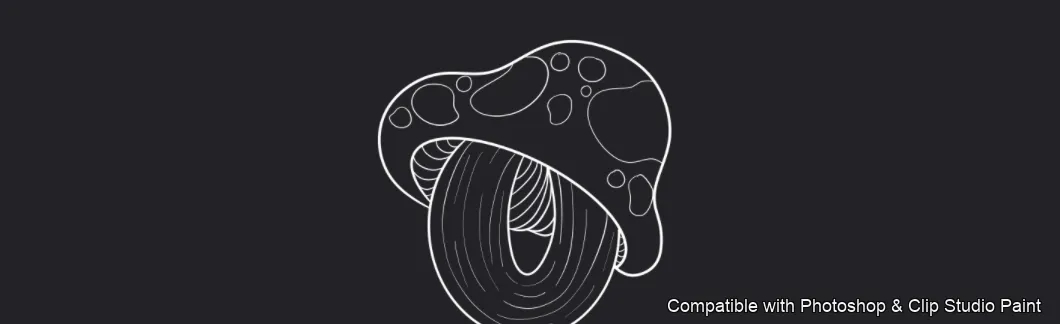
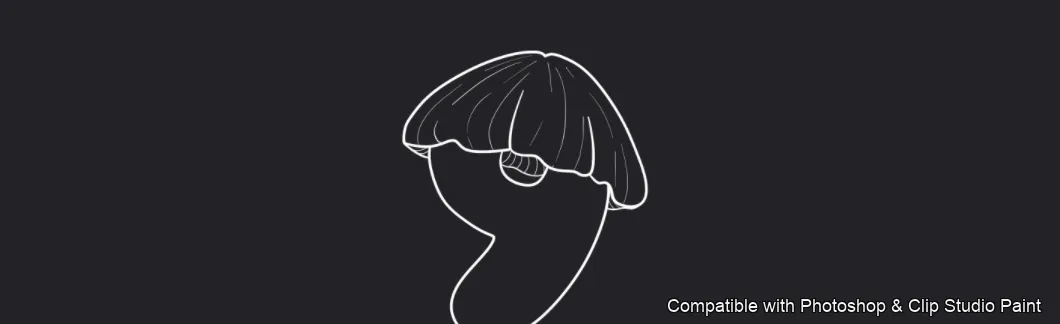
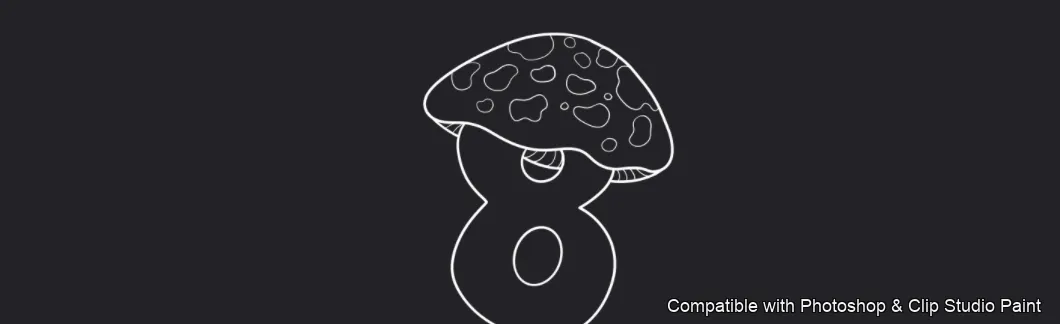
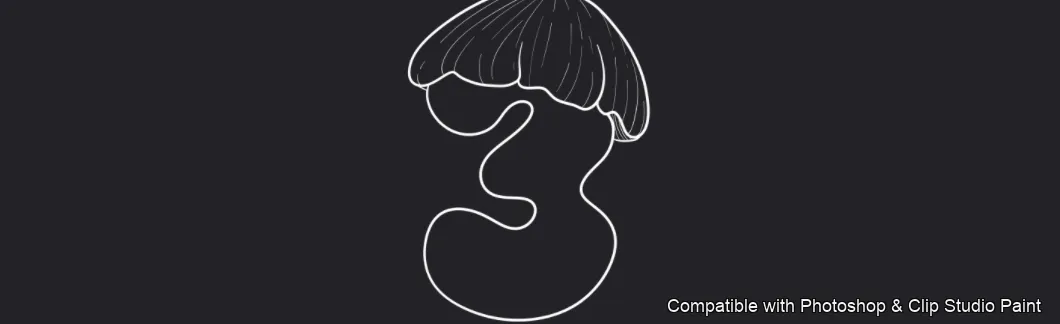
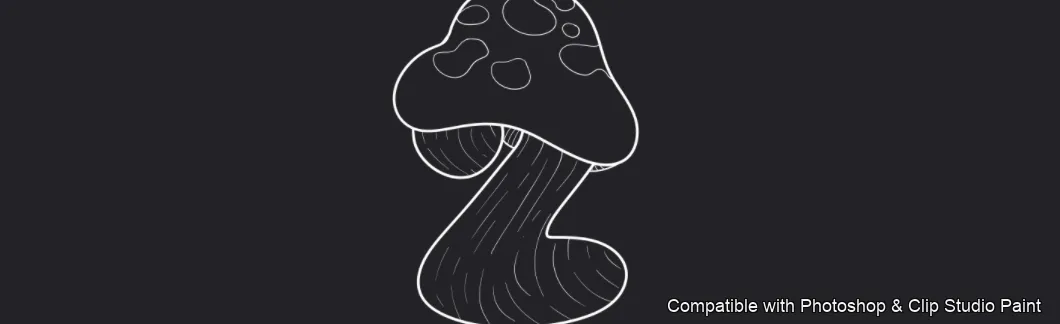
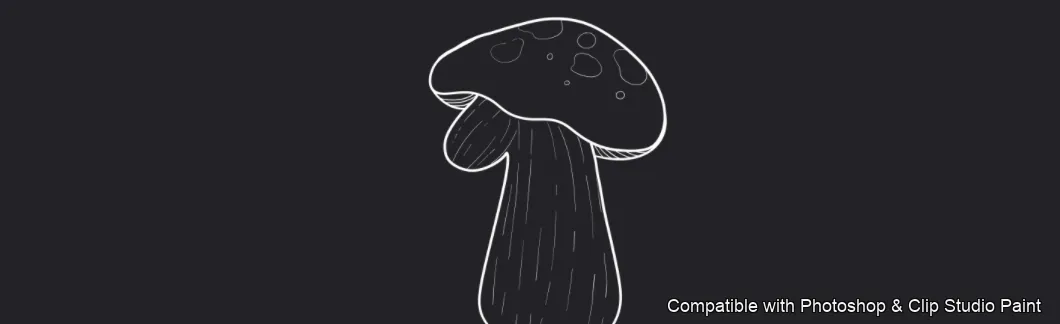
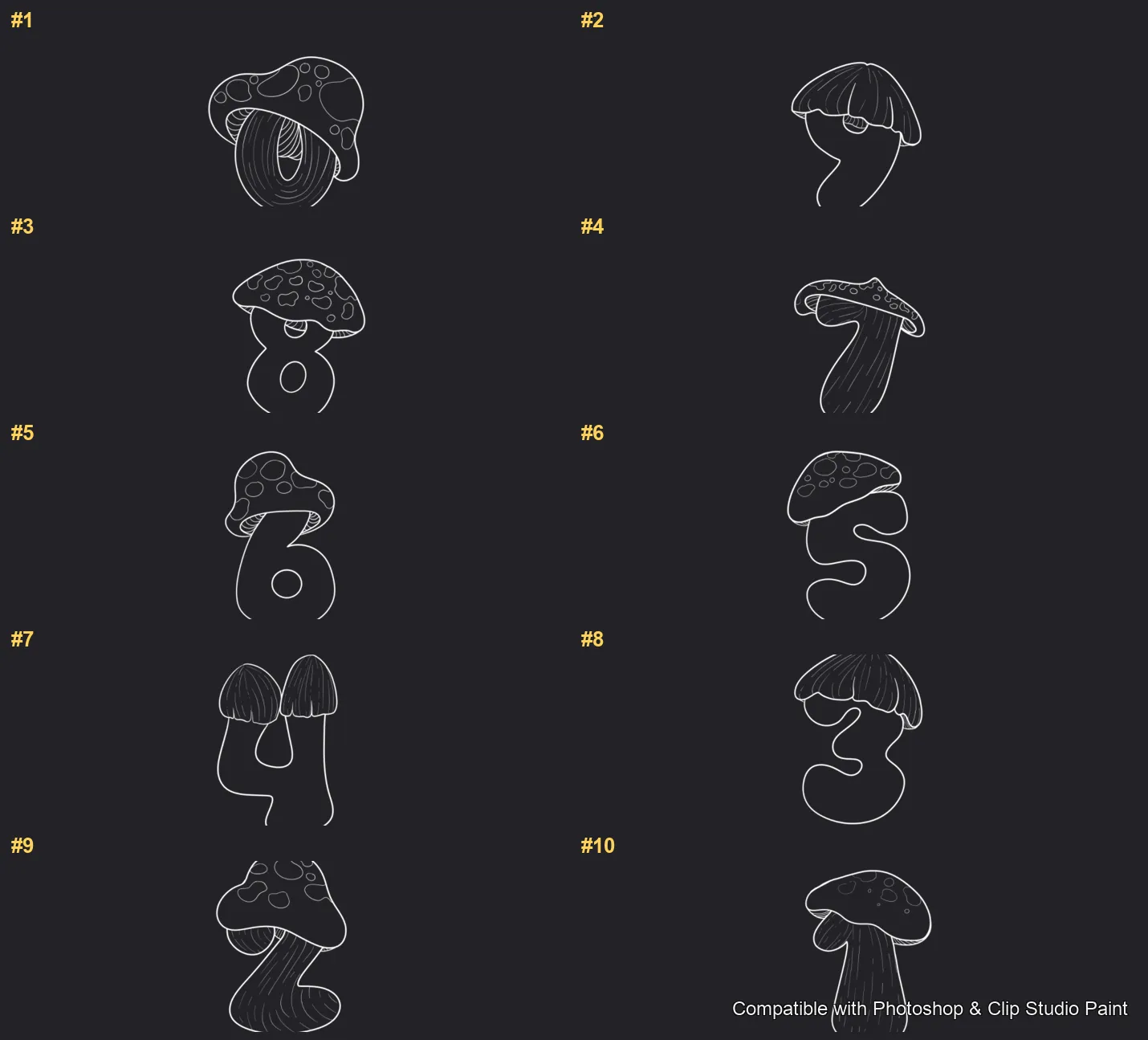
Full brush overview
How to install
In Adobe Photoshop
Double-click the .abr file to load it — or open the Brushes panel, click the menu and choose Import Brushes. Works on CC and newer, PC & Mac.
In Clip Studio Paint
Drag the same .abr file onto the Sub Tool palette and Clip Studio imports it as new brushes. Works on version 1.10.5 or later.
Toadstool Numbers — FAQ
How much does the Toadstool Numbers pack cost?+
Free — Toadstool Numbers is a free download with no payment and no subscription. The .abr loads straight into Photoshop or Clip Studio Paint.
How many brushes are in the Toadstool Numbers pack?+
The Toadstool Numbers set includes 10 brushes — numbers 0 to 9, each drawn as a spotted toadstool mushroom.
Does it work in both Photoshop and Clip Studio Paint?+
Yes. You get a single .abr file — the same file imports into Adobe Photoshop (CC and newer) and Clip Studio Paint (1.10.5 or later). One purchase covers both apps, on PC and Mac.
What file format do I get?+
An Adobe Photoshop .abr brush file. In Photoshop, double-click it (or Brushes panel → menu → Import Brushes). In Clip Studio Paint, drag the .abr onto the Sub Tool palette.
Do these work on Procreate?+
Toadstool Numbers is the desktop .abr edition for Photoshop and Clip Studio Paint. Many of our sets also come as Procreate .brushset editions — browse the Procreate catalog to check.
Browse this style
More .abr brush sets
 PS · CSP
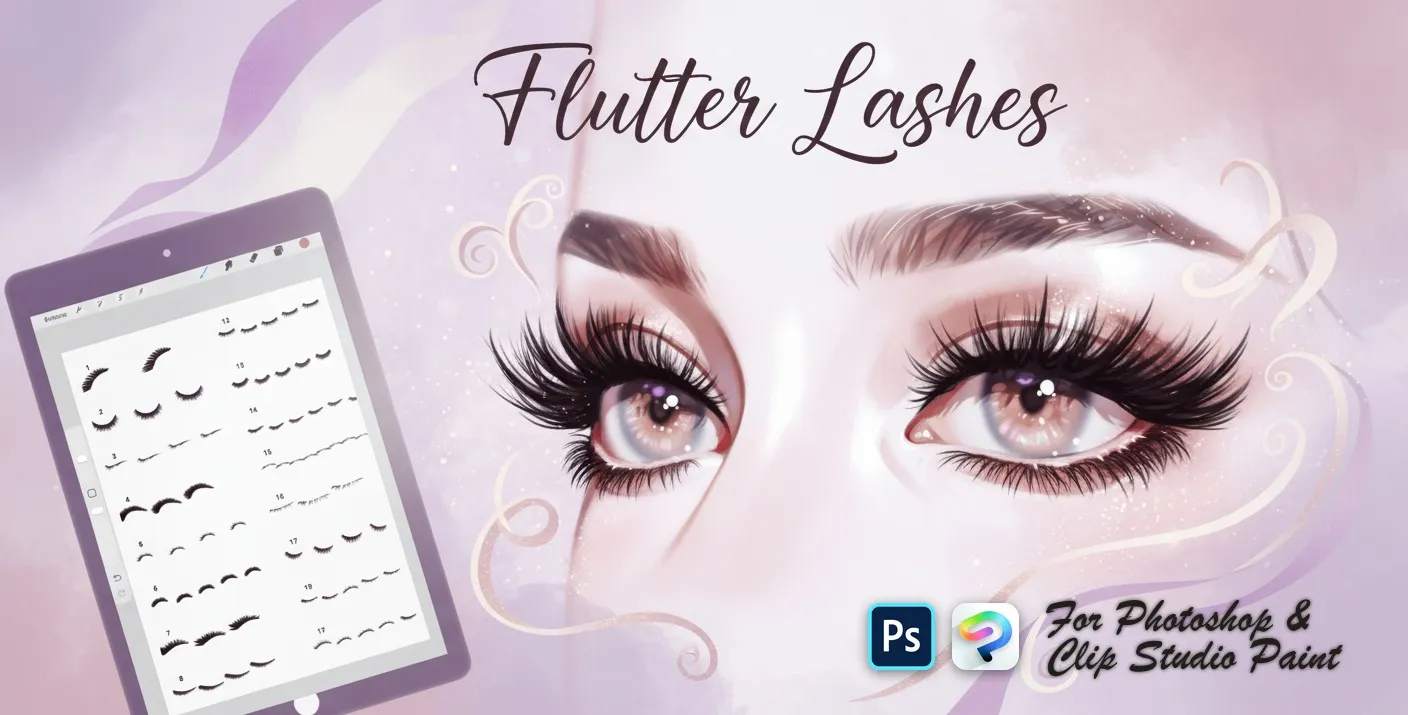
 Flutter Lashes
upper lash sets, fanned and curled lashes, soft lash liners, lower and short lashes, wispy, feathery, spiky and dramatic looks
 PS · CSP
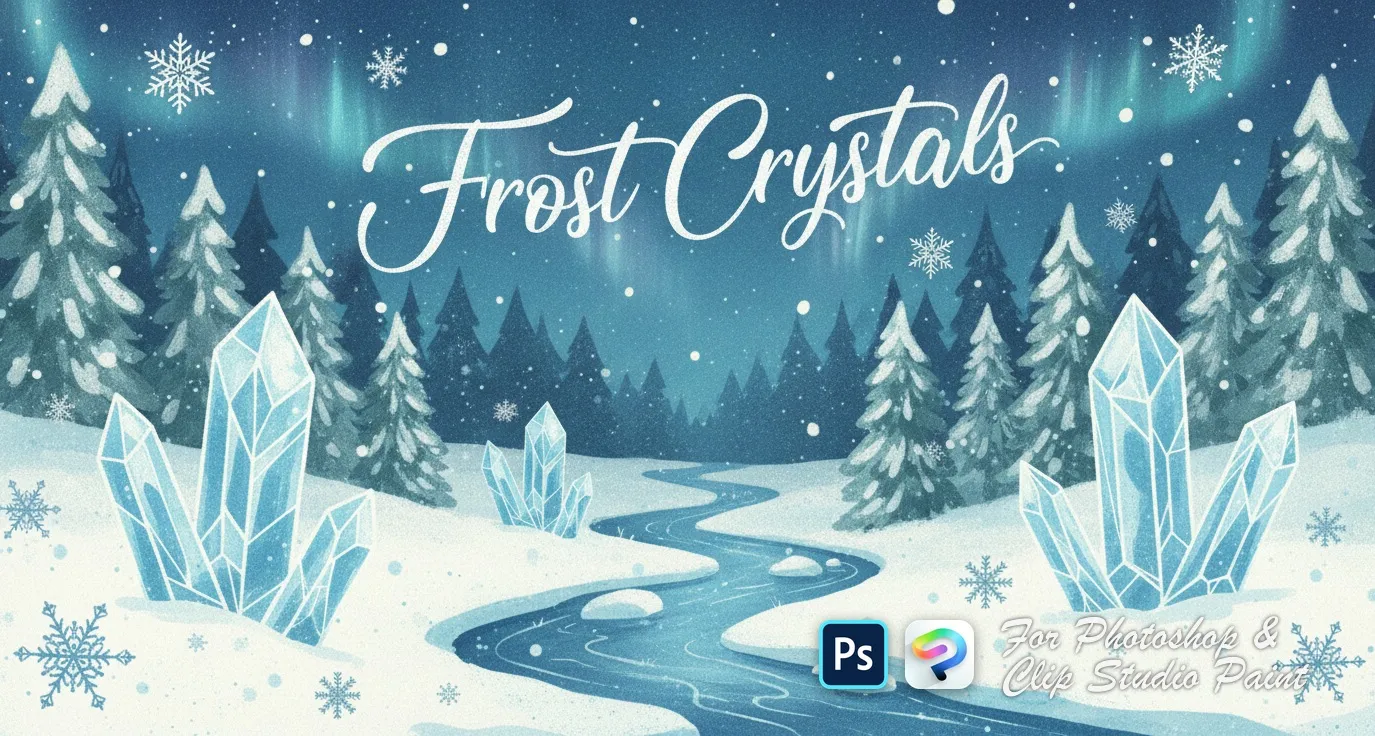
 Frost Crystals
delicate clusters, small scattered flakes, bold geometric snowflakes and crystalline 3D-style designs
 PS · CSP
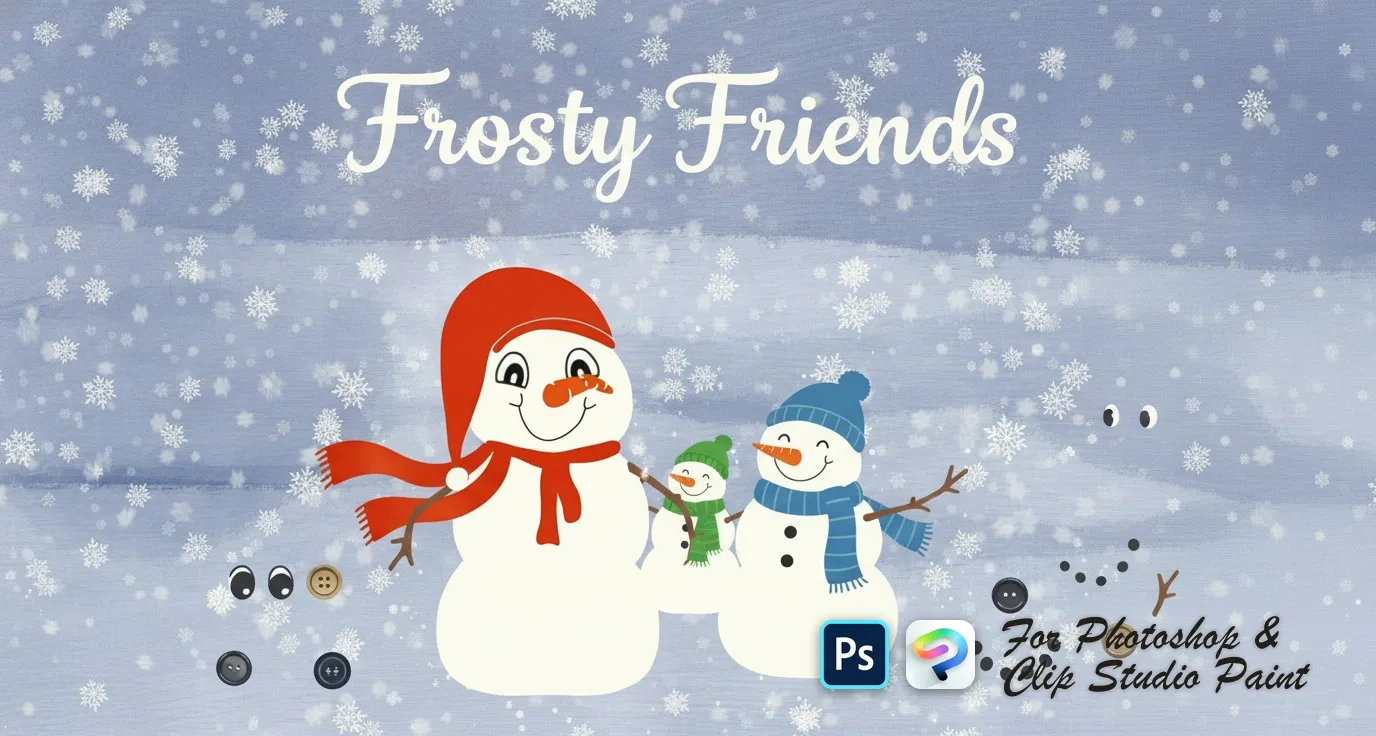
 Frosty Friends
snowball body pieces, scarves, hats and headpieces, eyes, mouths and carrot noses, coal buttons and stick arms
 PS · CSP
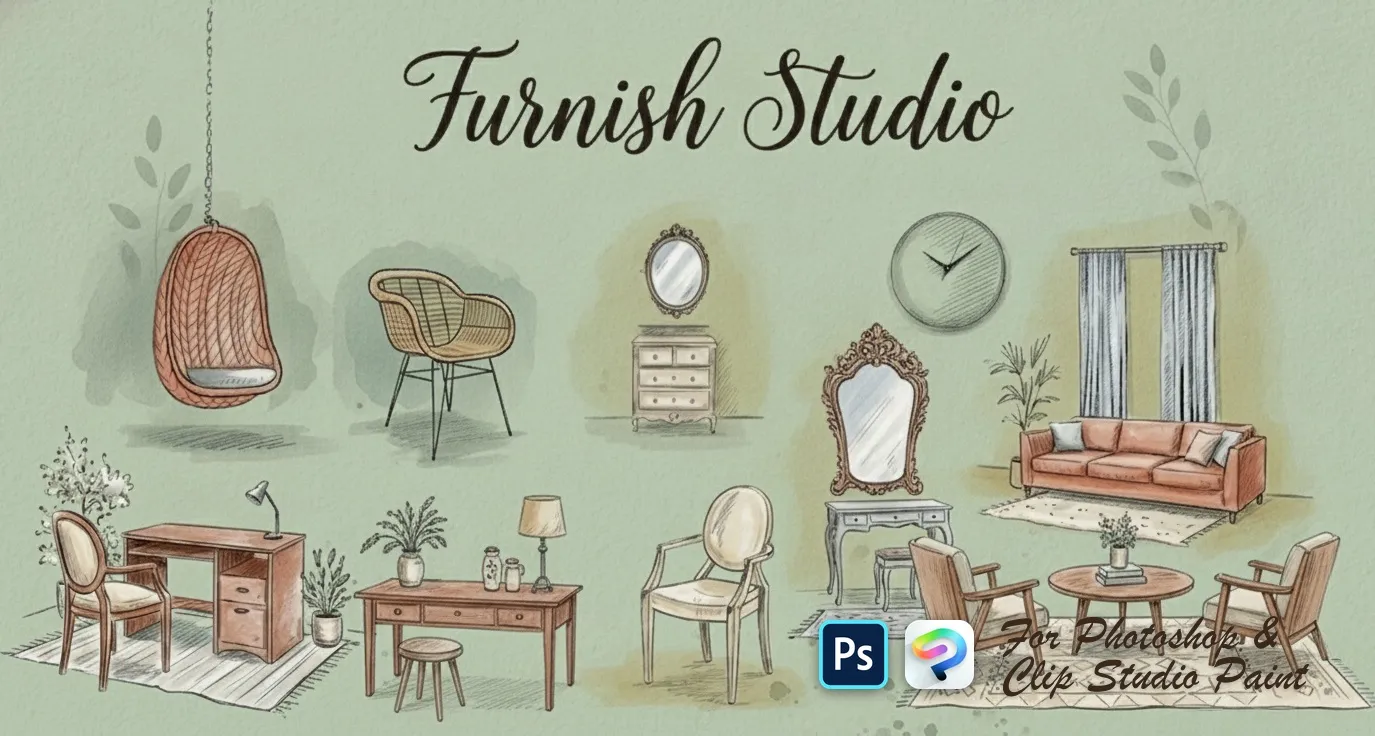
 Furnish Studio
sofas, loveseats, sectionals and settees, armchairs, beds and daybeds, desks, consoles, dressers, nightstands and shelves