Nature & Botanical Photoshop Stamps
Updated October 2026
Nature stamp brushes for Photoshop: flowers, plants, animals, landscapes. Premium .abr packs.
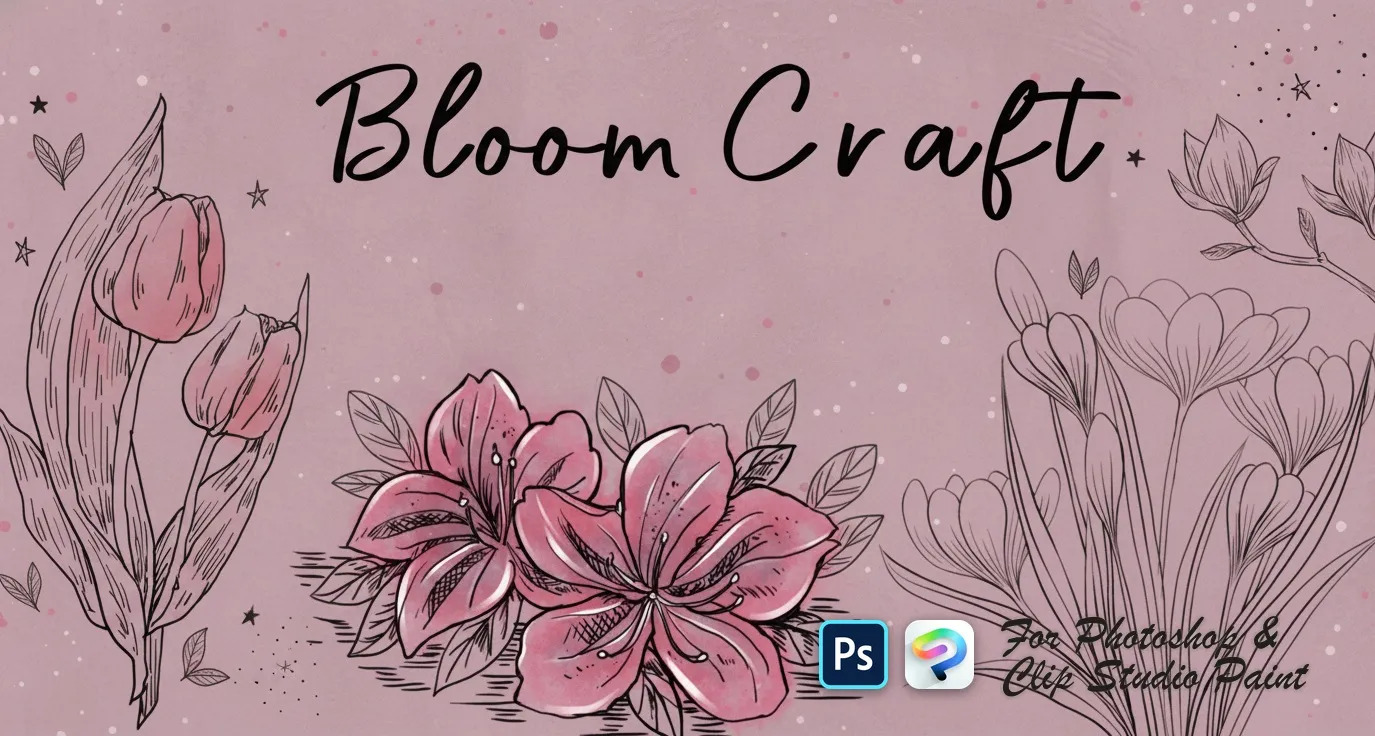
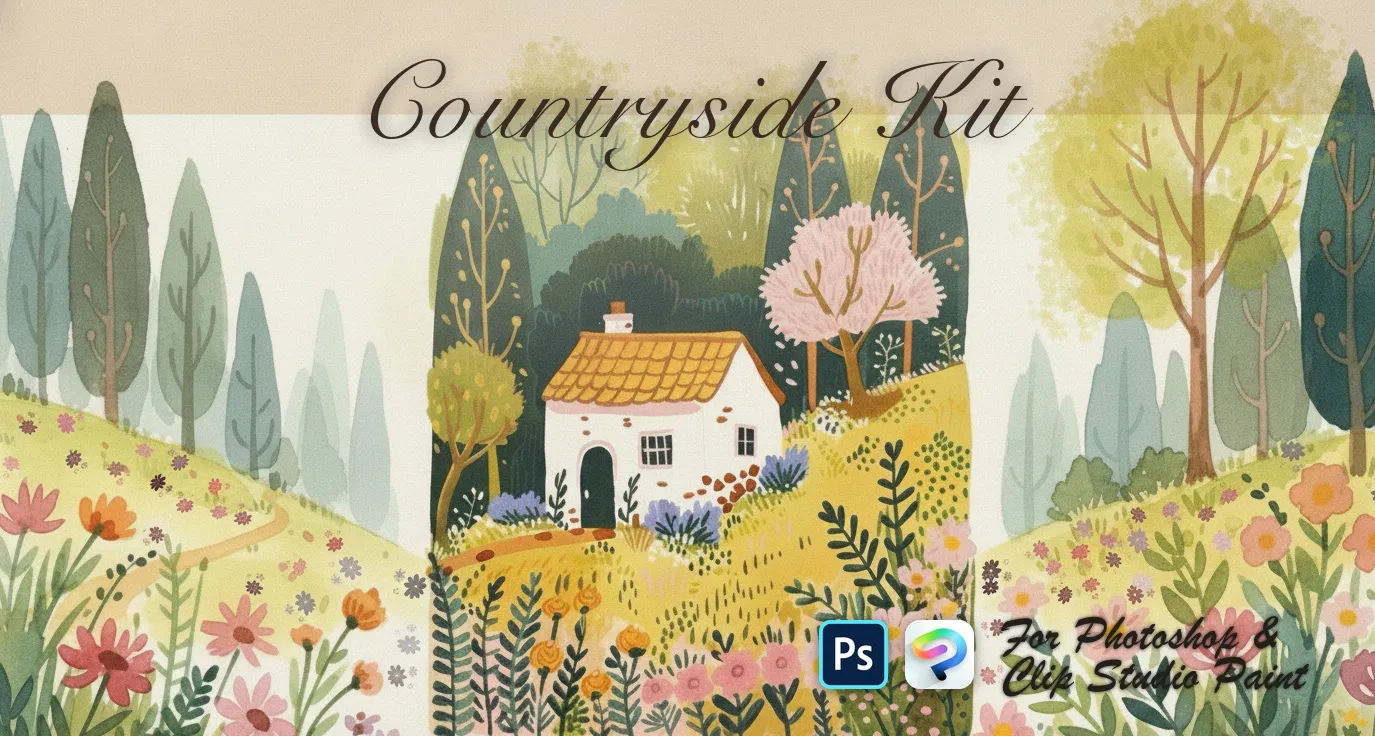
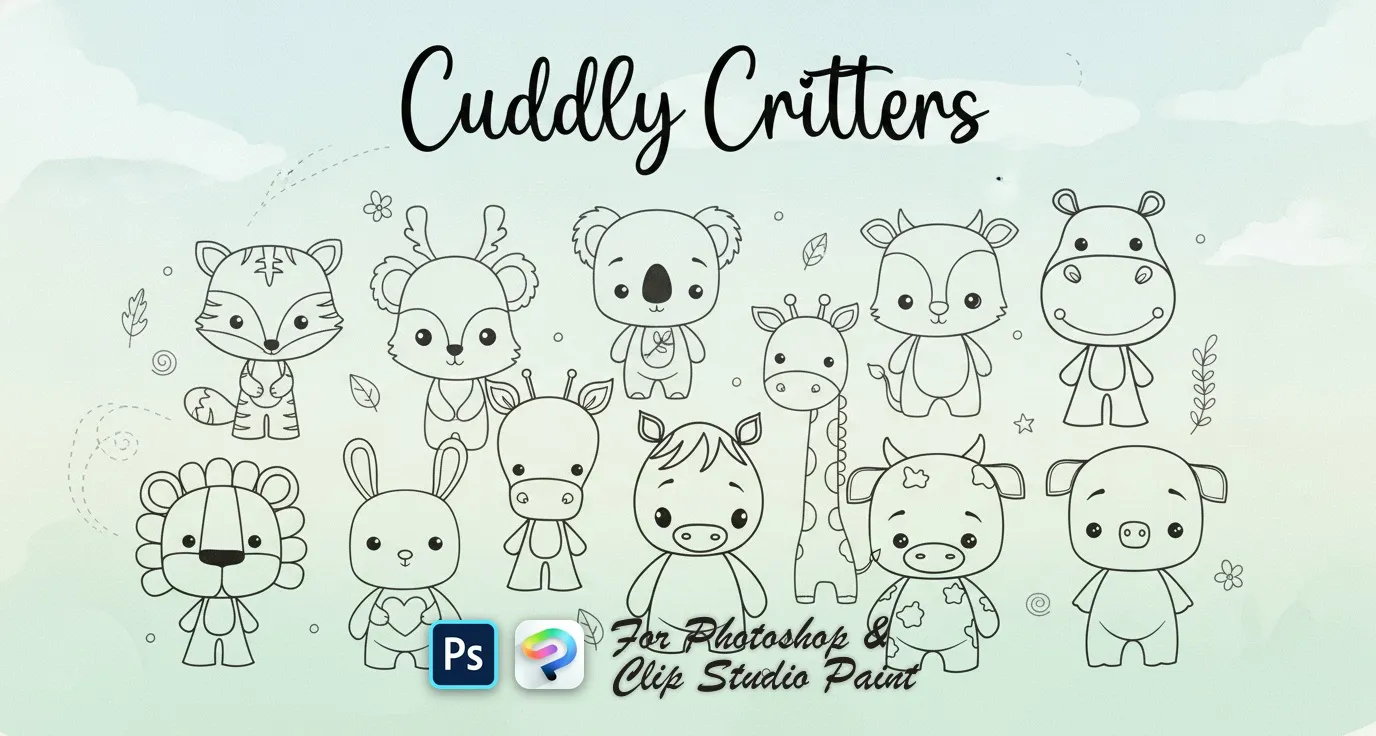
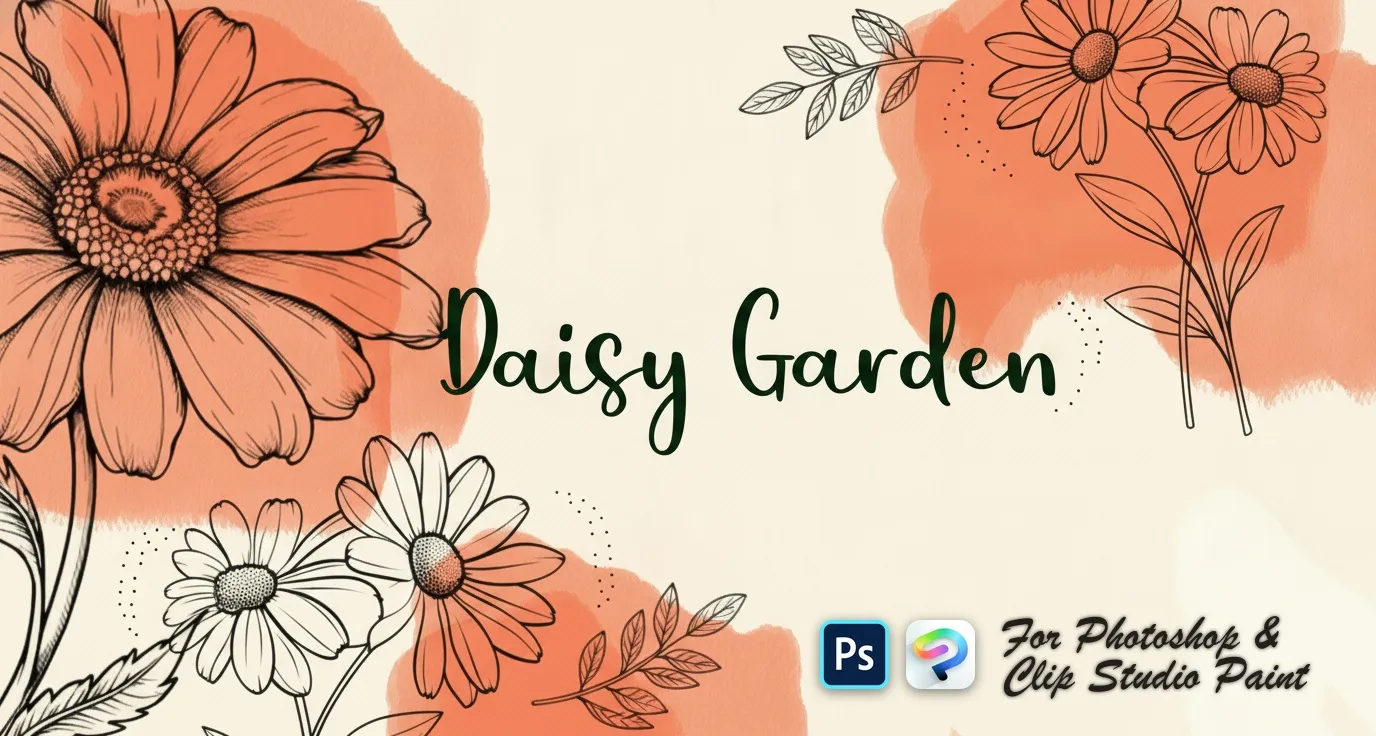
Brusher has 11 nature brush packs for Photoshop & Clip Studio Paint — landscape, flowers, animal — each a native .abr file that installs into Photoshop or Clip Studio Paint on PC & Mac.
Nature & Botanical Photoshop Stamps are the fastest way to add nature detail to your artwork. This collection gathers hand-made stamps, textures and liners as .abr files you can load into Adobe Photoshop or Clip Studio Paint on PC & Mac.
Nature & Botanical Photoshop Stamps
PS · CSP Bloom Craft
roses, peony, camellia and magnolia
PS · CSP Countryside Kit
wooden, picket fences and flowers
PS · CSP Cuddly Critters
bunny, fox, koala, cow and mouse
PS · CSP Daisy Garden
single daisies and angles
 PS · CSP
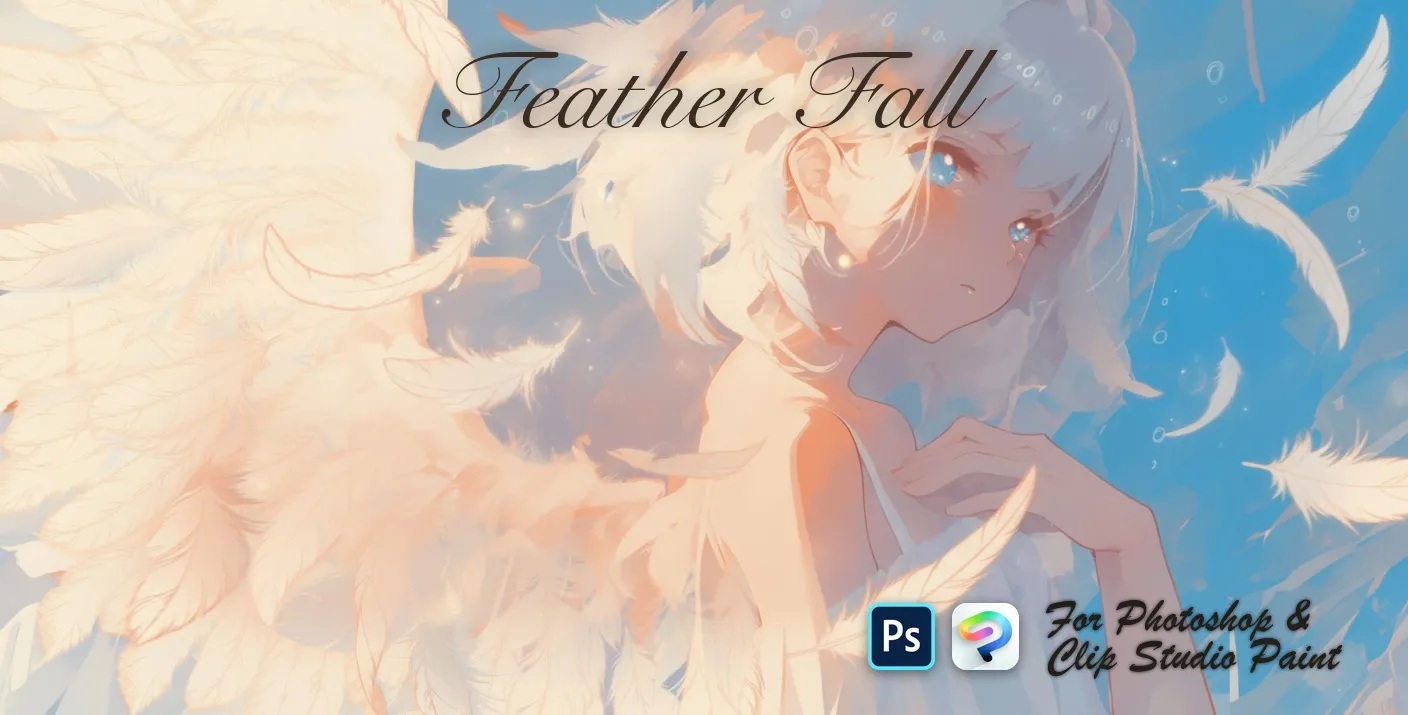
 Feather Fall
soft, wispy and ruffled
 PS · CSP
 Festive Sparks
hearts, stars, diamonds and drops
 PS · CSP
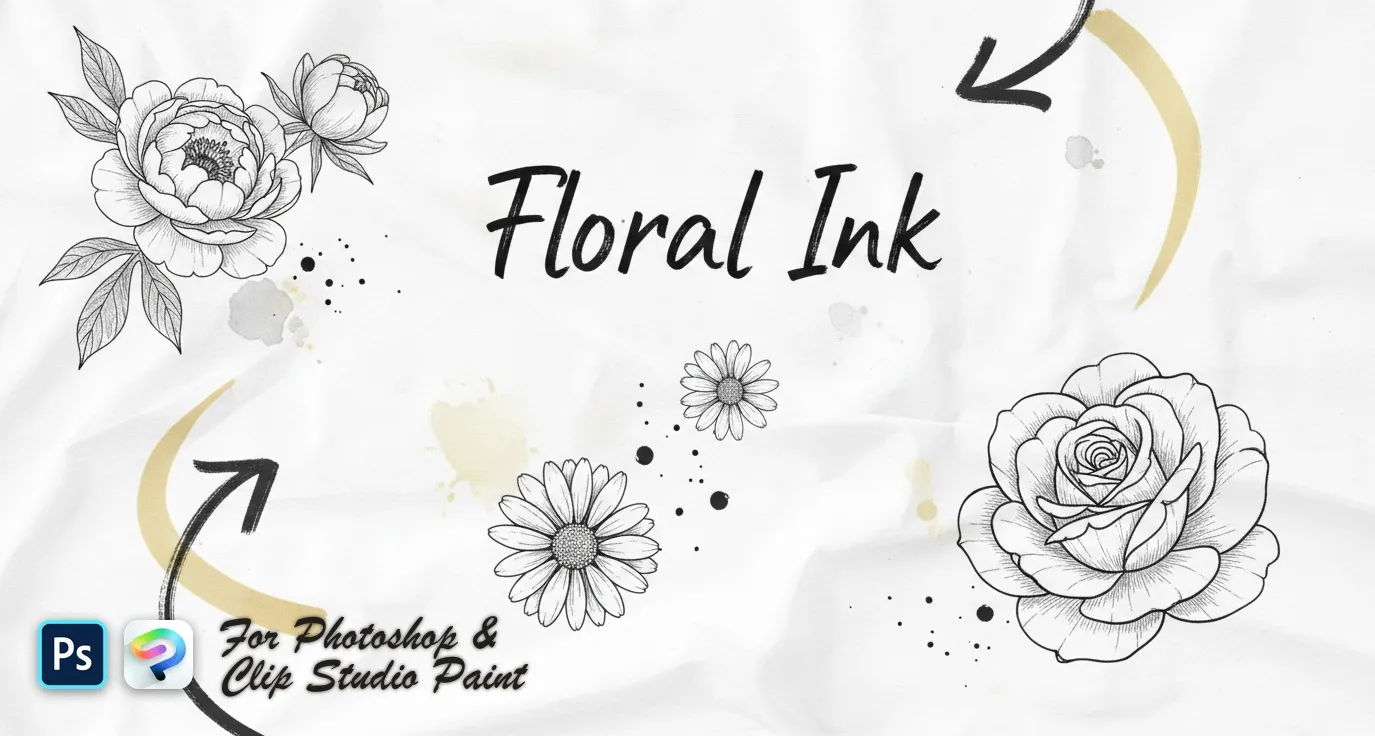
 Floral Ink
delicate wildflower sprigs, fine-line botanical stems and bold engraved blooms — lavender, poppy, tulip, peony, rose and magnolia
 PS · CSP
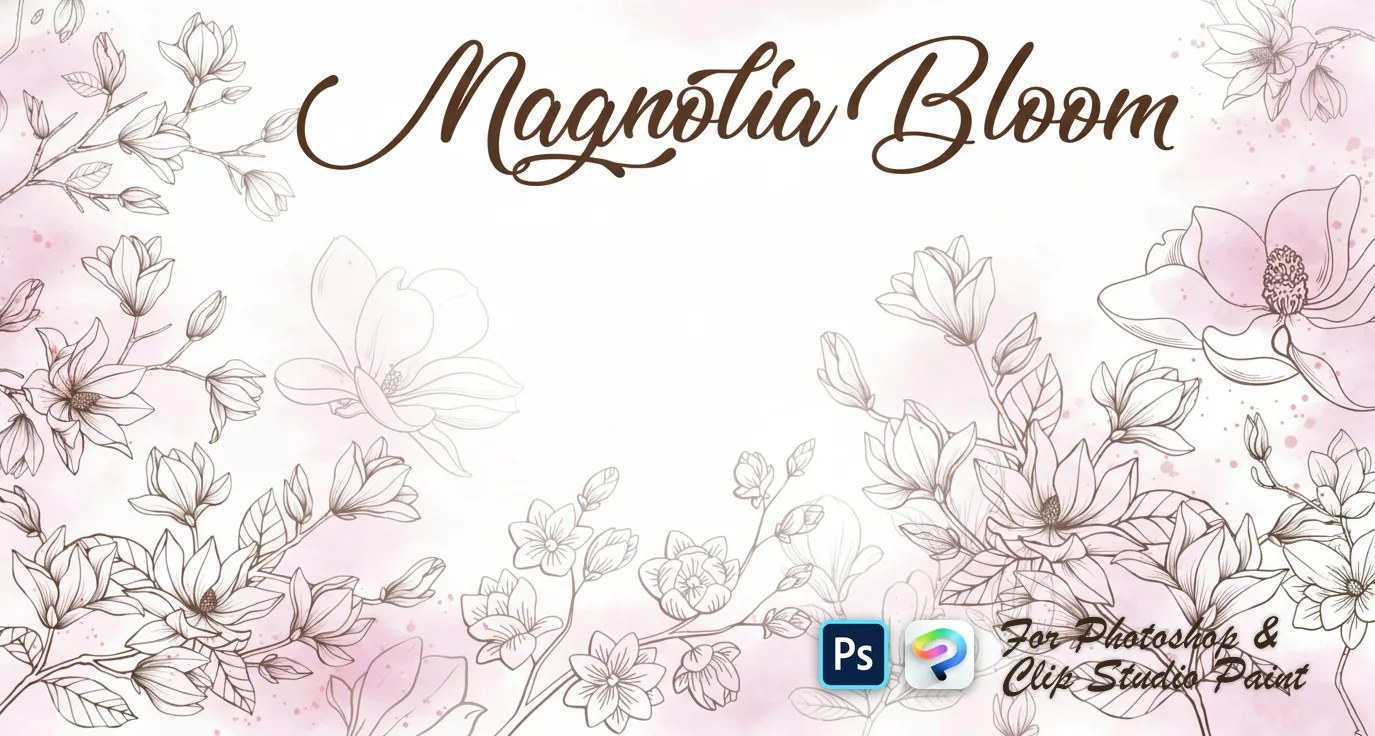
 Magnolia Bloom
open blooms and side-view flowers
 PS · CSP
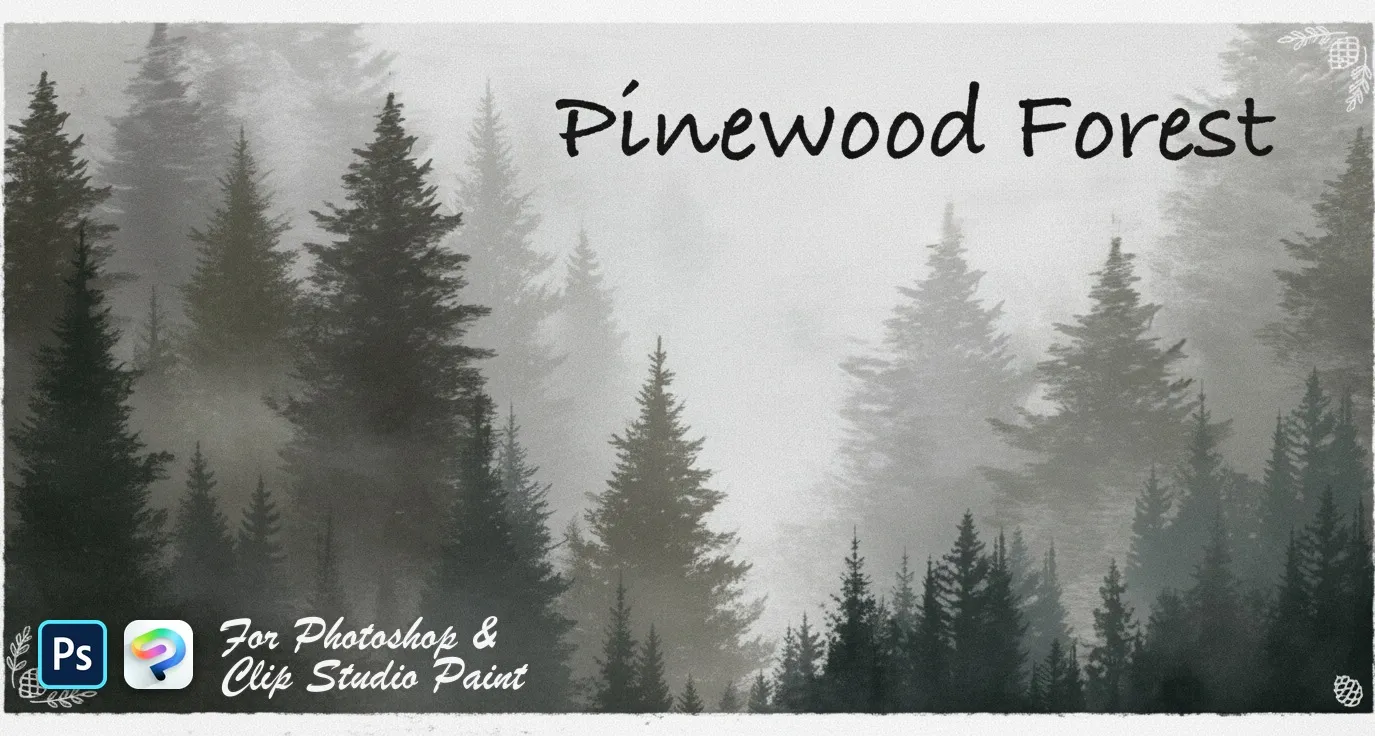
 Pinewood Forest
pines, firs, spruces and cedars
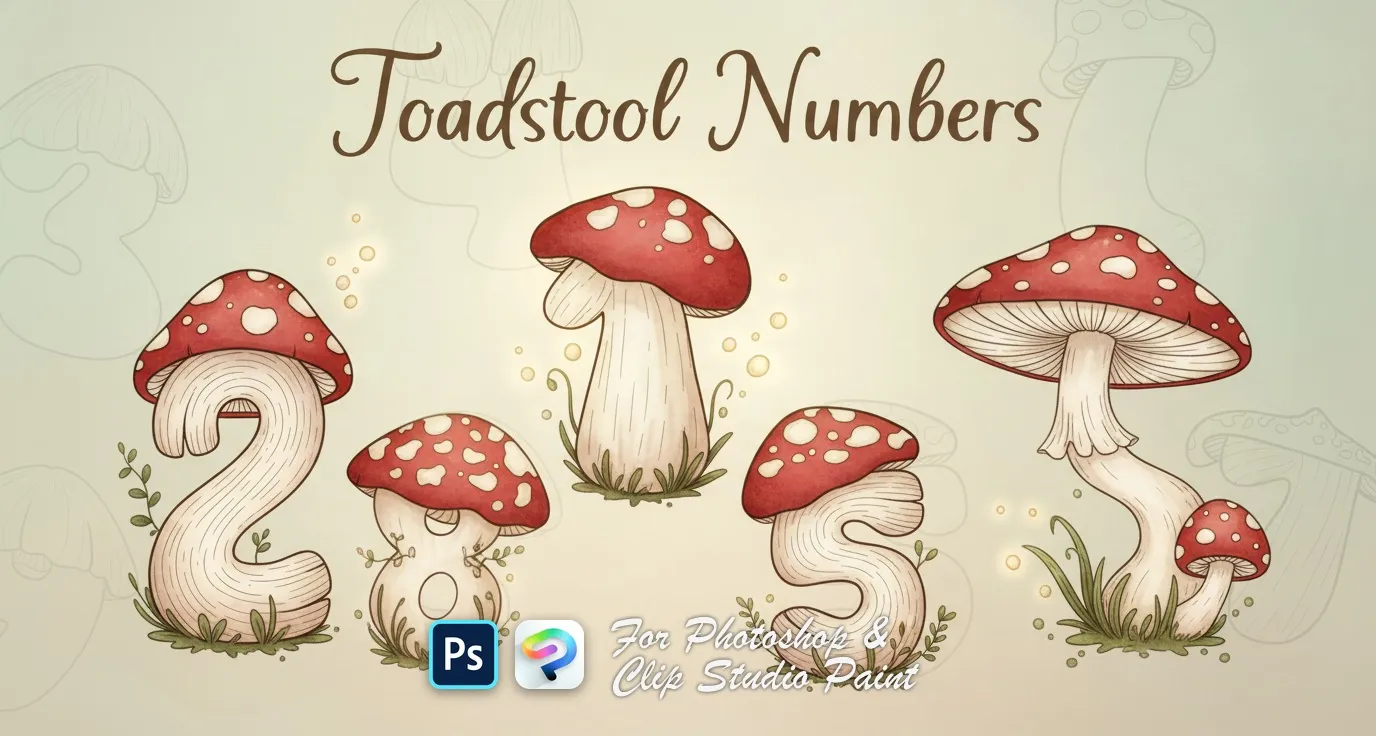 PS · CSP
 Toadstool Numbers
numbers 0 to 9, each drawn as a spotted toadstool mushroom
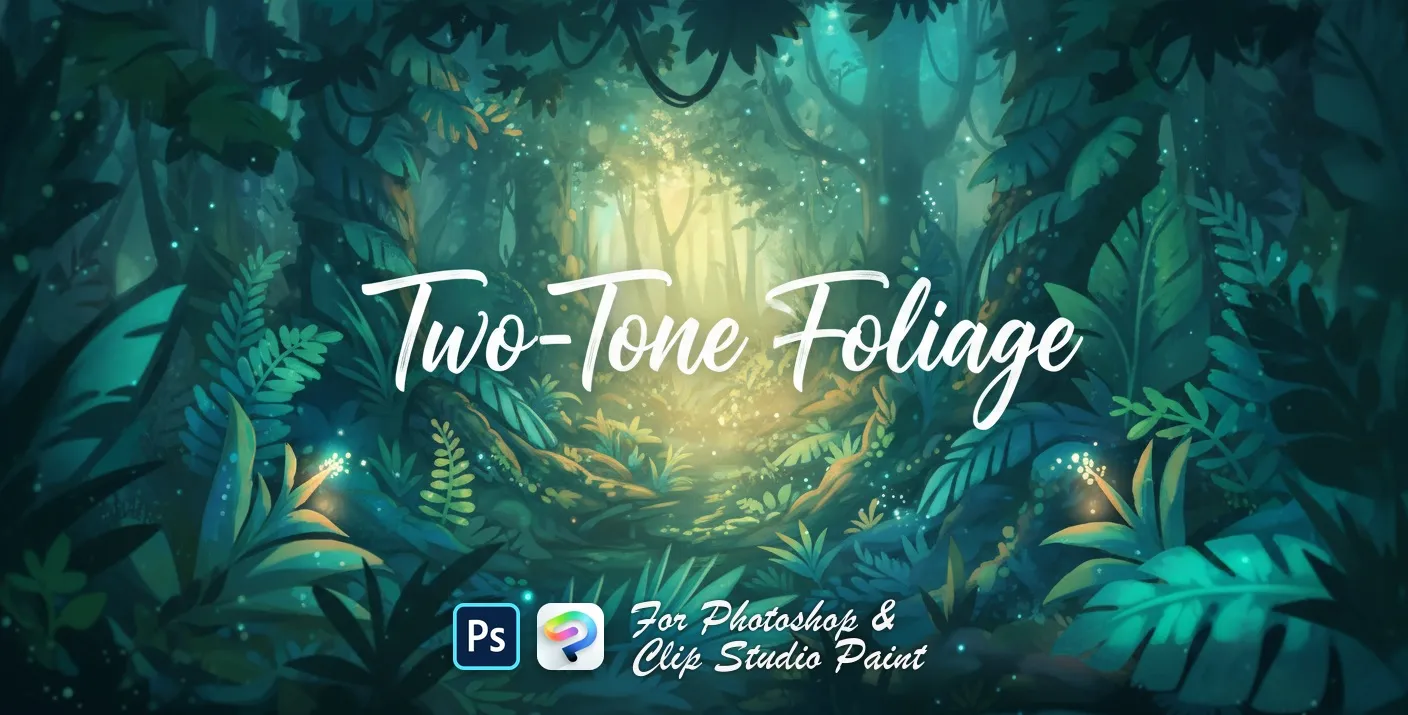 PS · CSP
 Two-Tone Foliage
broad-leaf and ivy foliage

 Scan → get the app
Also on iPad — the Brusher app
Prefer Procreate on iPad? The Brusher app has the complete 200+ set library, including nature brushes, all in one app.
Popular nature styles
Frequently asked questions
Do nature and botanical stamps work in both Photoshop and Clip Studio Paint?+
Yes — one .abr file per pack, importing into Photoshop (CC and newer) and Clip Studio Paint (1.10.5 or later). One purchase covers both apps on PC and Mac.
How do I build a landscape with stamp brushes?+
Work back to front and change scale as you go: large, low-contrast stamps for distant foliage, smaller and sharper ones in the foreground. Keep each depth band on its own layer so you can drop the contrast and add haze to the far ones. Scattering the same stamp at one size across the whole canvas is what flattens a scene.
How do I stop repeated foliage stamps looking obviously copied?+
Vary three things between placements — size, rotation and colour temperature. A slight hue shift per cluster does more than anything else, because real foliage is never one flat green. Flipping a stamp horizontally also breaks recognition cheaply.