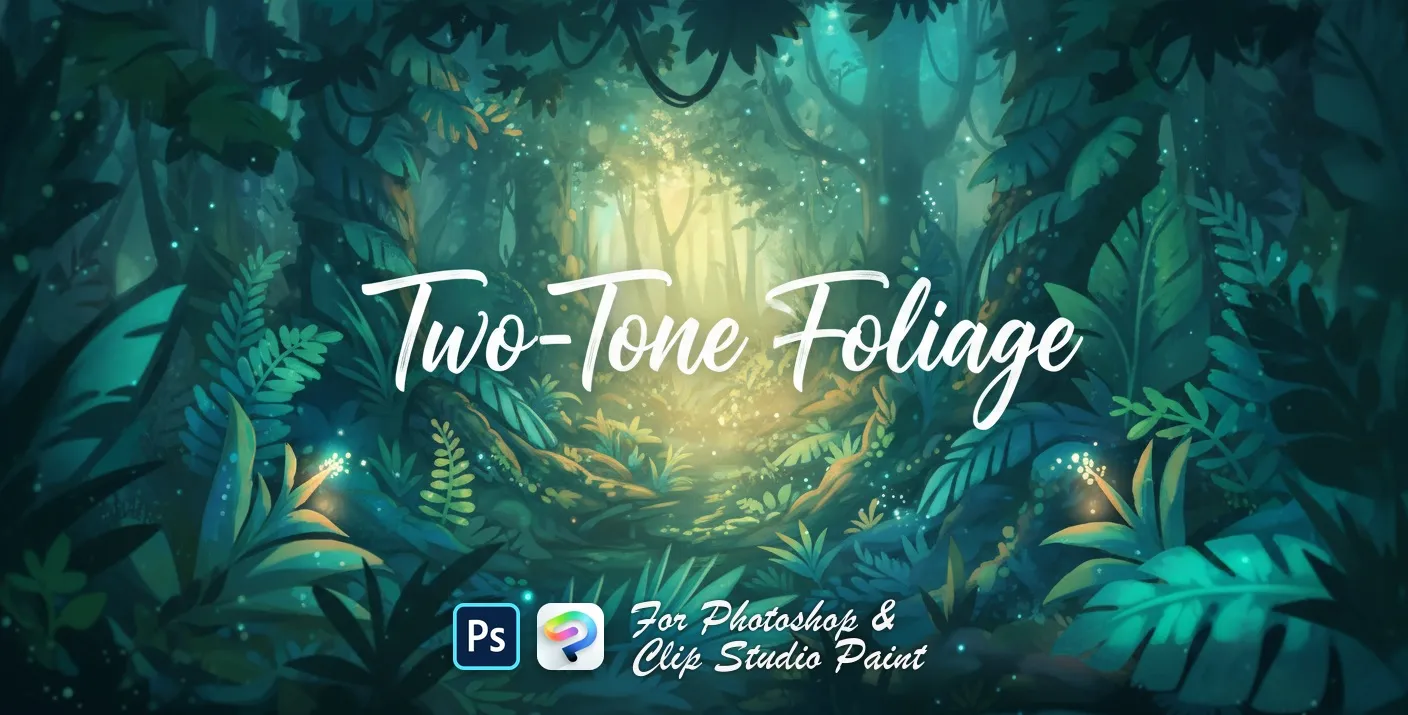
Two-Tone Foliage Photoshop & Clip Studio Paint Brushes
B by the Brusher team
A Photoshop brush set featuring lush greenery and leaves in various shapes—perfect for adding vibrant natural foliage to your artwork.
- Brushes
- 13
- Works with
- Photoshop & Clip Studio Paint
Free download · one .abr file · works in Photoshop & Clip Studio Paint · email required
Every brush in Two-Tone Foliage
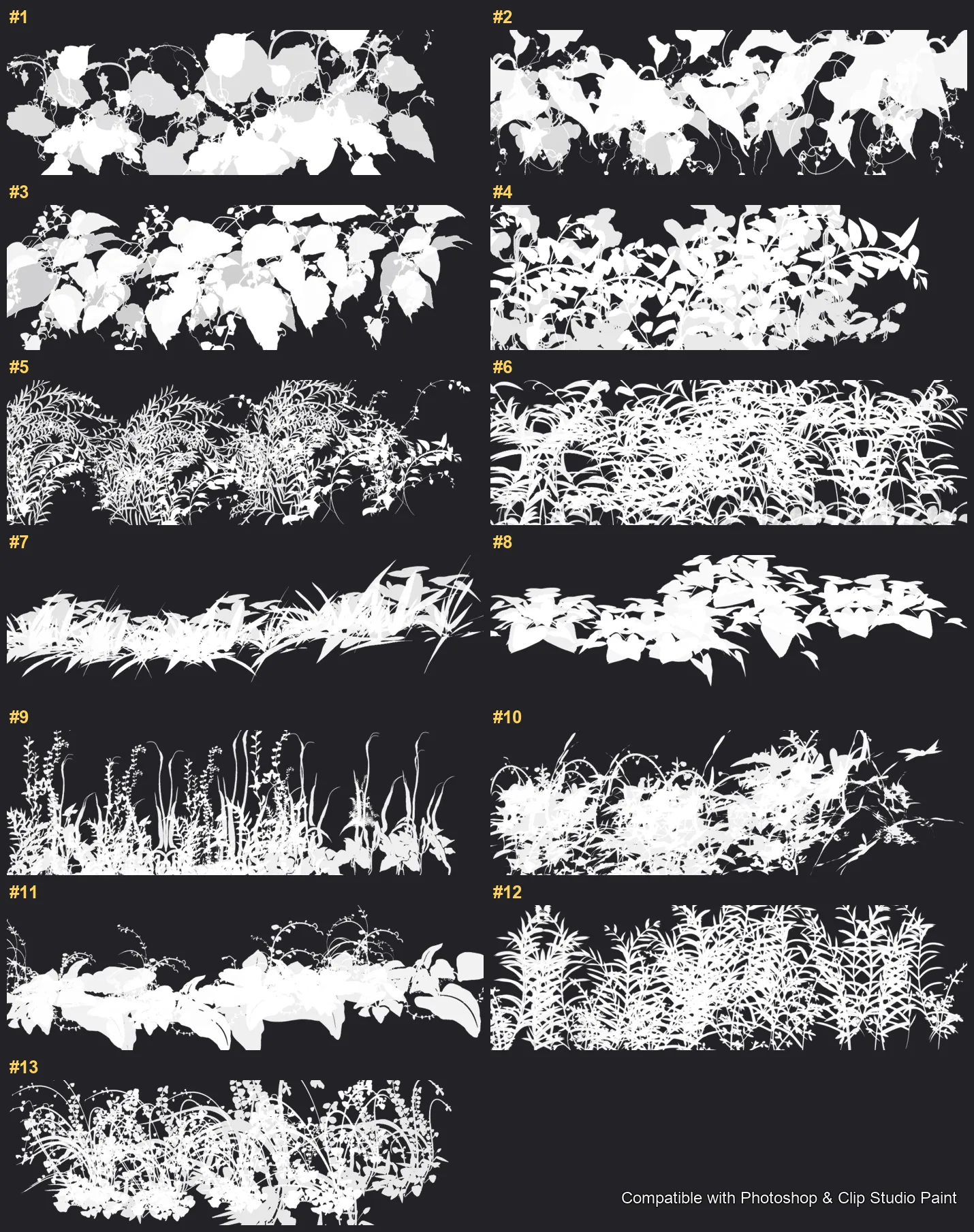
13 individual brush previews — see the exact stroke before you download.
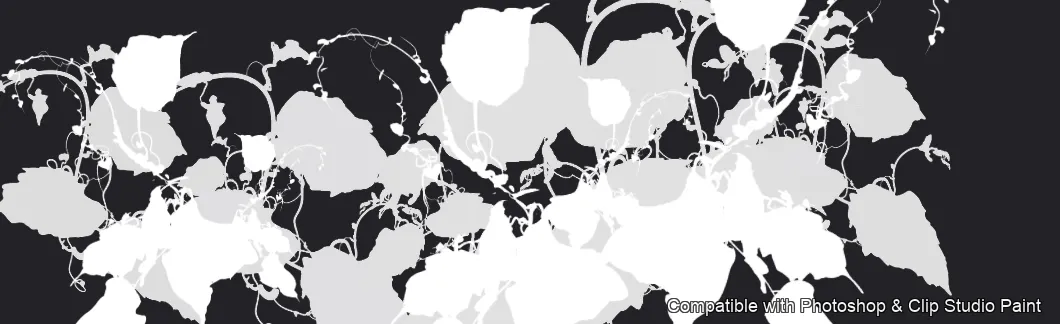
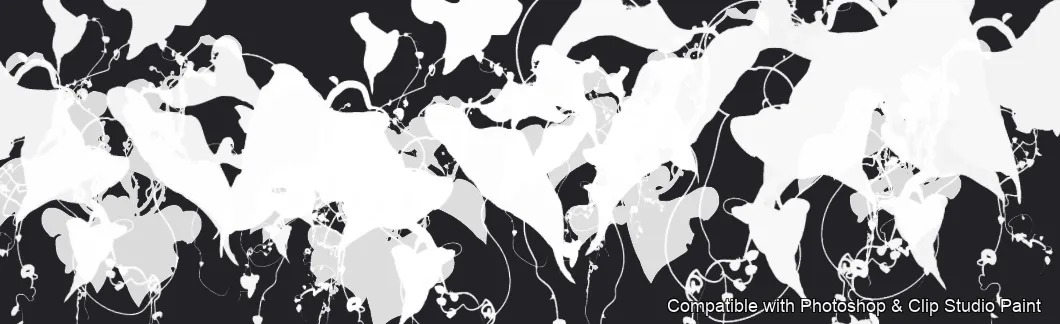
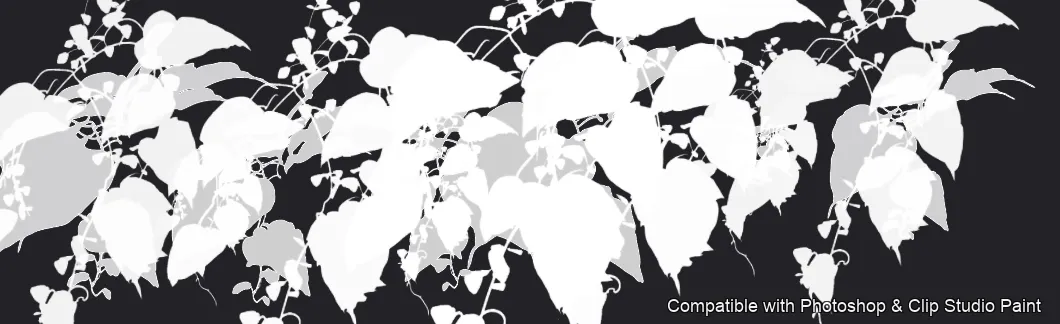
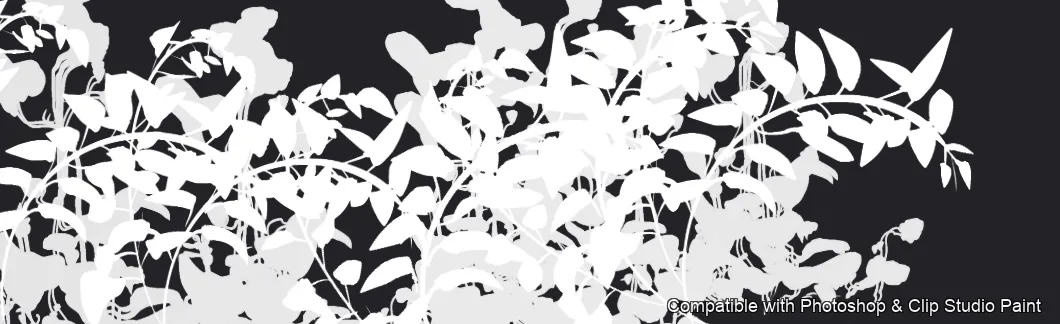
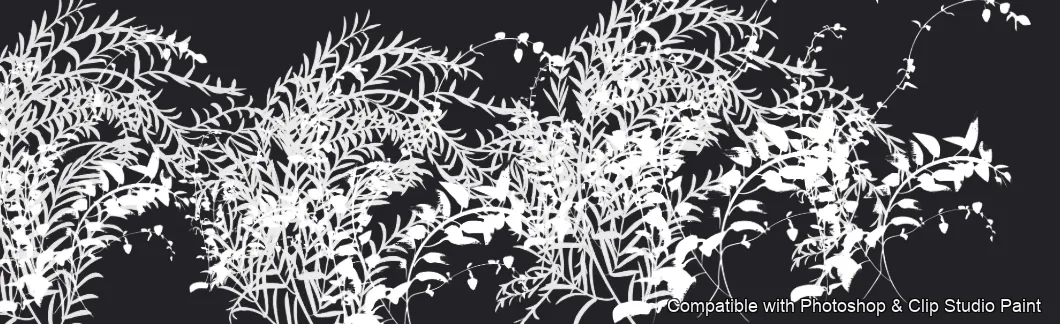
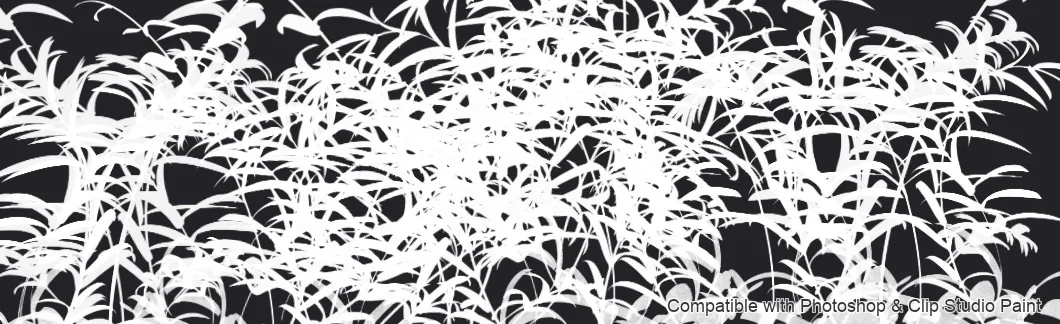
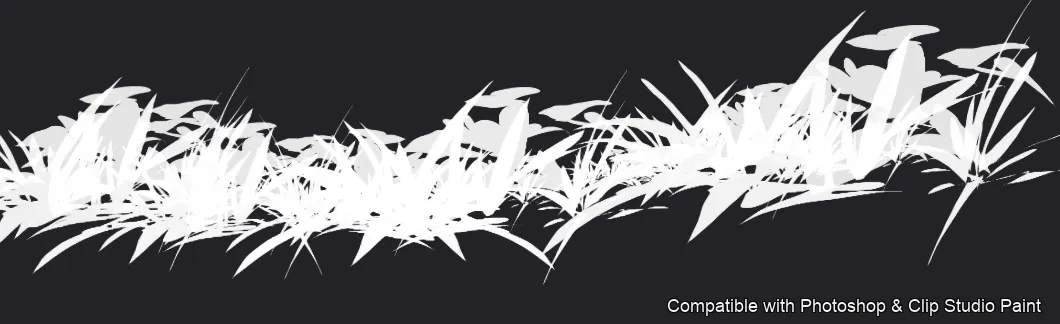
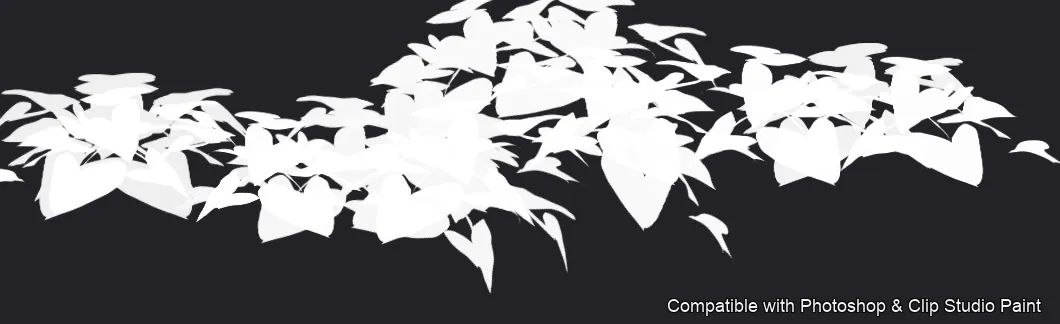
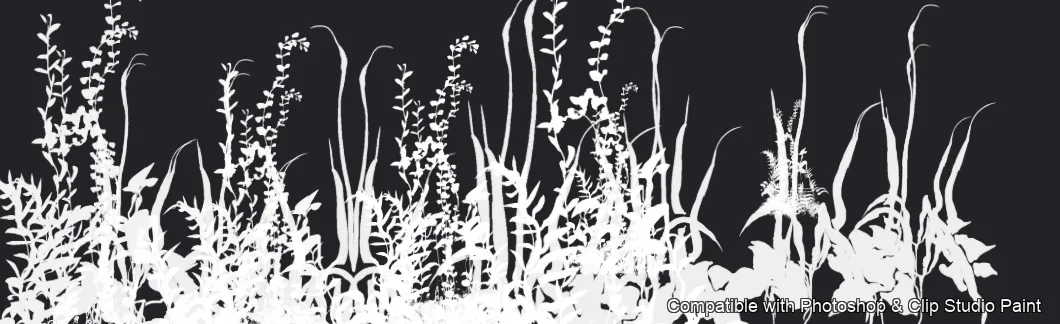
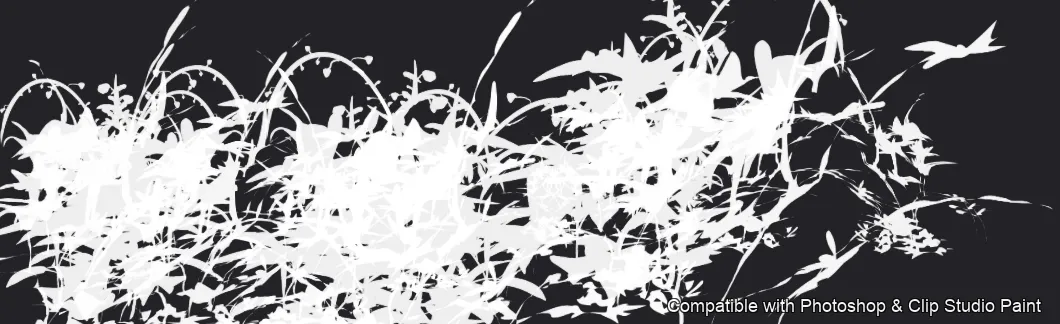
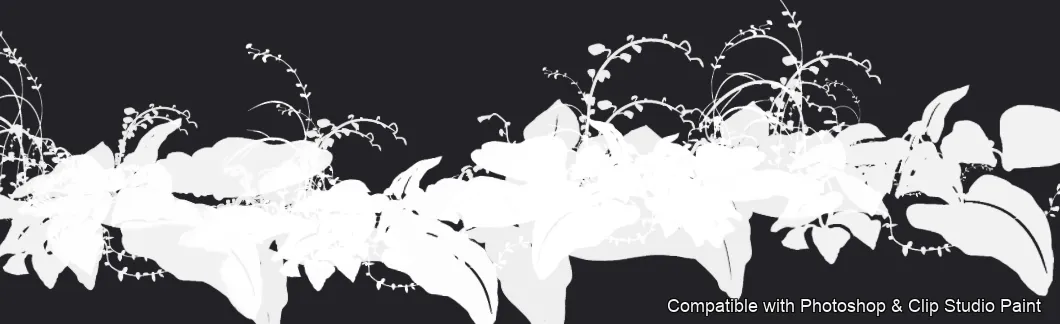
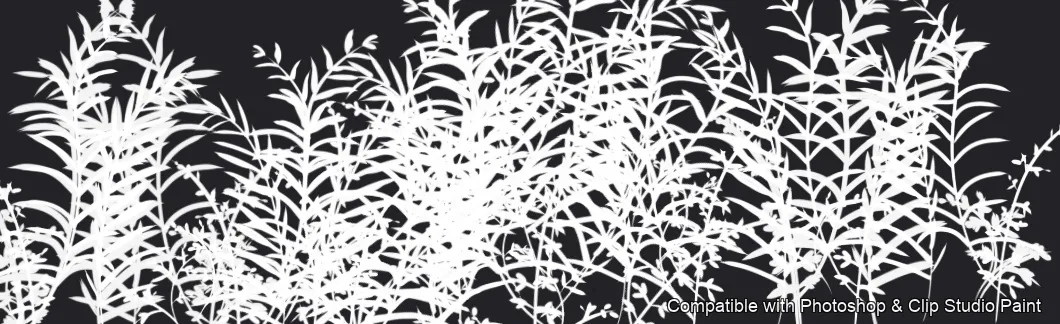
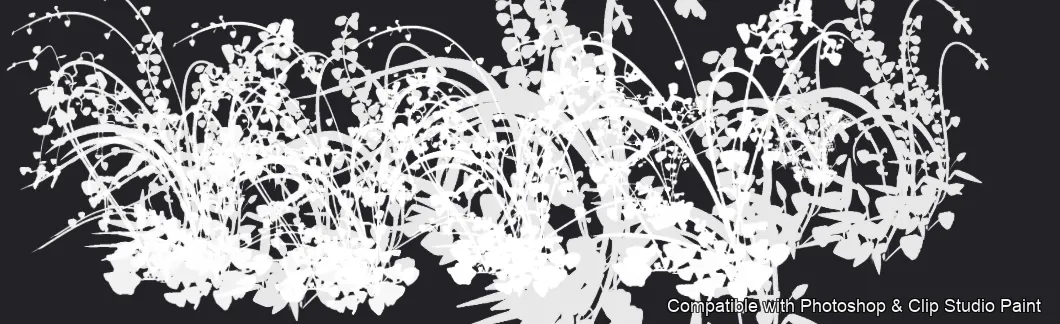
Full brush overview
How to install
In Adobe Photoshop
Double-click the .abr file to load it — or open the Brushes panel, click the menu and choose Import Brushes. Works on CC and newer, PC & Mac.
In Clip Studio Paint
Drag the same .abr file onto the Sub Tool palette and Clip Studio imports it as new brushes. Works on version 1.10.5 or later.
Two-Tone Foliage — FAQ
How much does the Two-Tone Foliage pack cost?+
Free — Two-Tone Foliage is a free download with no payment and no subscription. The .abr loads straight into Photoshop or Clip Studio Paint.
How many brushes are in the Two-Tone Foliage pack?+
The Two-Tone Foliage set includes 13 brushes — broad-leaf and ivy foliage.
Does it work in both Photoshop and Clip Studio Paint?+
Yes. You get a single .abr file — the same file imports into Adobe Photoshop (CC and newer) and Clip Studio Paint (1.10.5 or later). One purchase covers both apps, on PC and Mac.
What file format do I get?+
An Adobe Photoshop .abr brush file. In Photoshop, double-click it (or Brushes panel → menu → Import Brushes). In Clip Studio Paint, drag the .abr onto the Sub Tool palette.
Do these work on Procreate?+
Two-Tone Foliage is the desktop .abr edition for Photoshop and Clip Studio Paint. Many of our sets also come as Procreate .brushset editions — browse the Procreate catalog to check.
Browse this style
More .abr brush sets
 PS · CSP
 Frost Crystals
delicate clusters, small scattered flakes, bold geometric snowflakes and crystalline 3D-style designs
 PS · CSP
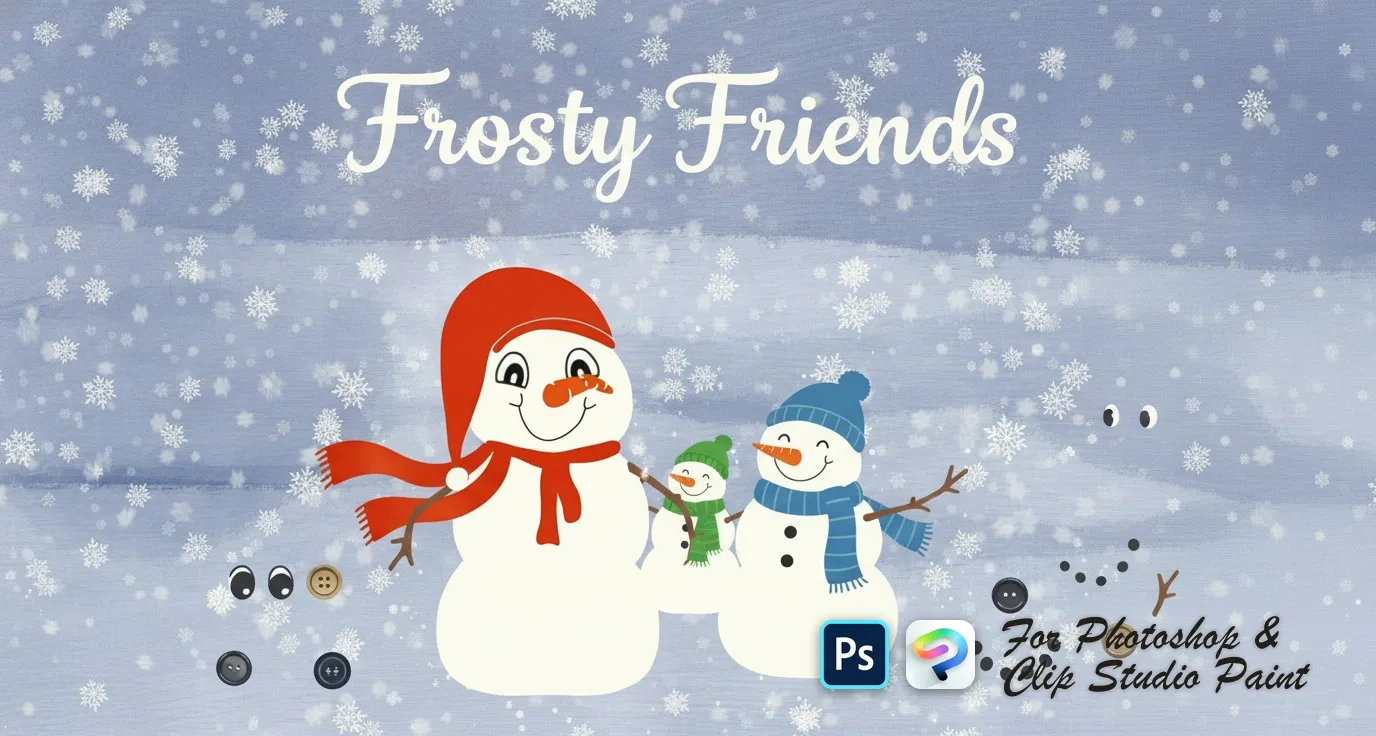
 Frosty Friends
snowball body pieces, scarves, hats and headpieces, eyes, mouths and carrot noses, coal buttons and stick arms
 PS · CSP
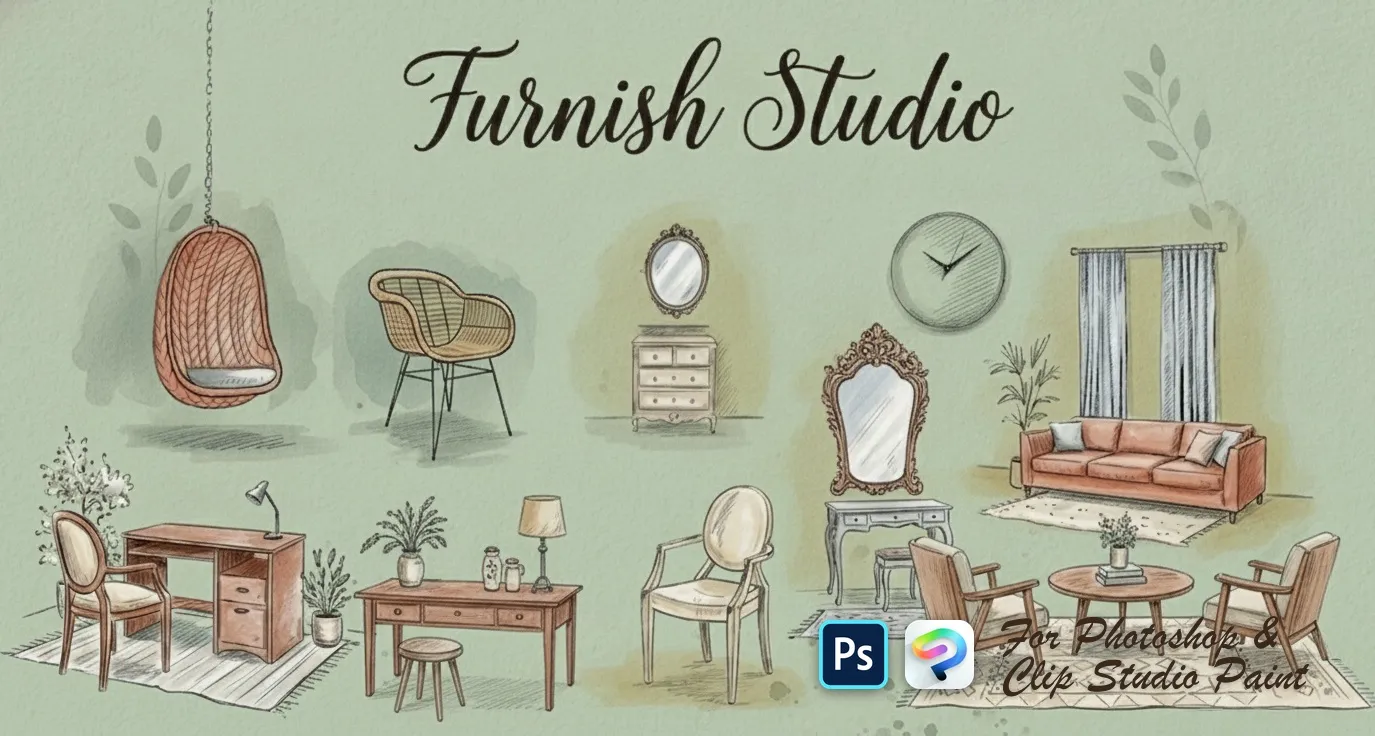
 Furnish Studio
sofas, loveseats, sectionals and settees, armchairs, beds and daybeds, desks, consoles, dressers, nightstands and shelves
 PS · CSP
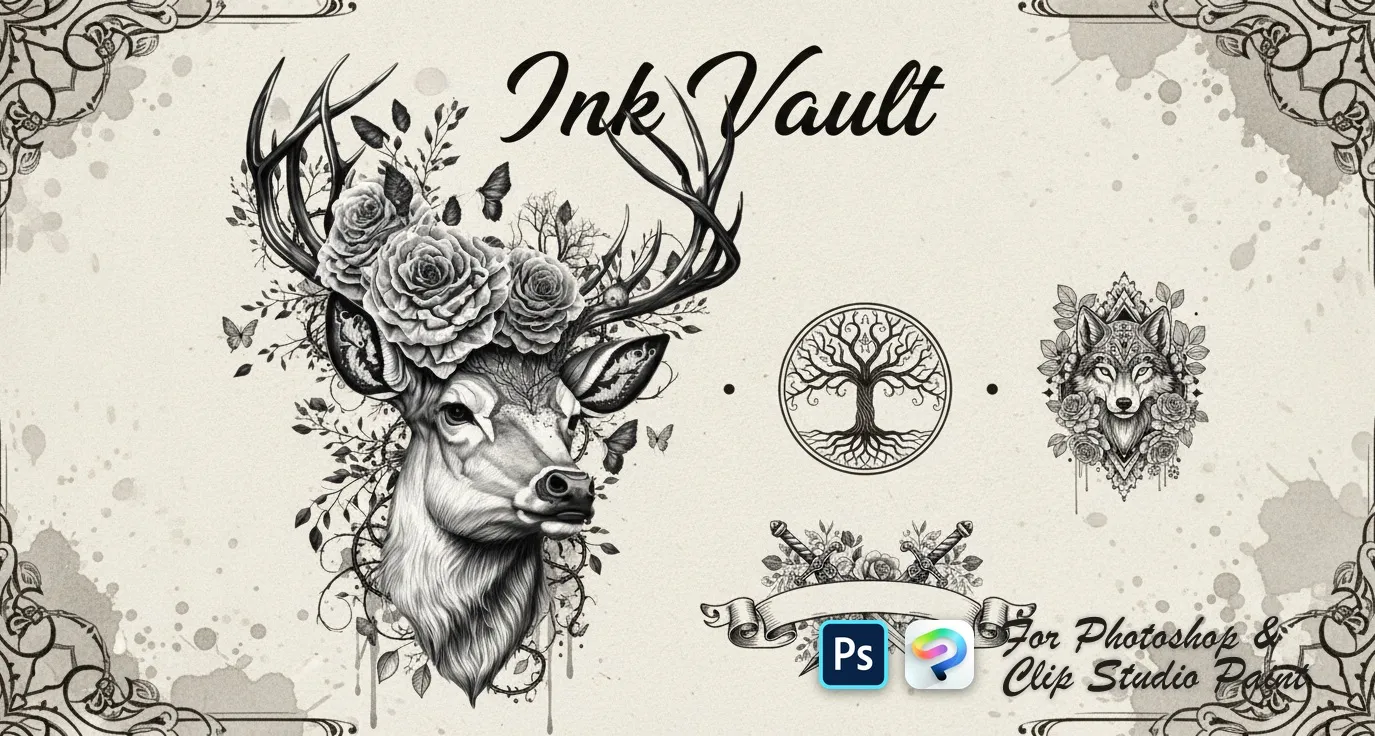
 Ink Vault
wolves, tigers, lions, bears and elephants, koi, sharks, octopus, deer and eagles, skulls, dragons, viking and samurai motifs, mandalas, lotus, dreamcatcher, feather, tree of life, compass and anchor