Photoshop Texture Brushes
Updated October 2026
Photoshop texture brushes for 2026: paper grain, watercolor, grunge overlay, water texture. Premium .abr packs, one file for Photoshop and Clip Studio Paint.
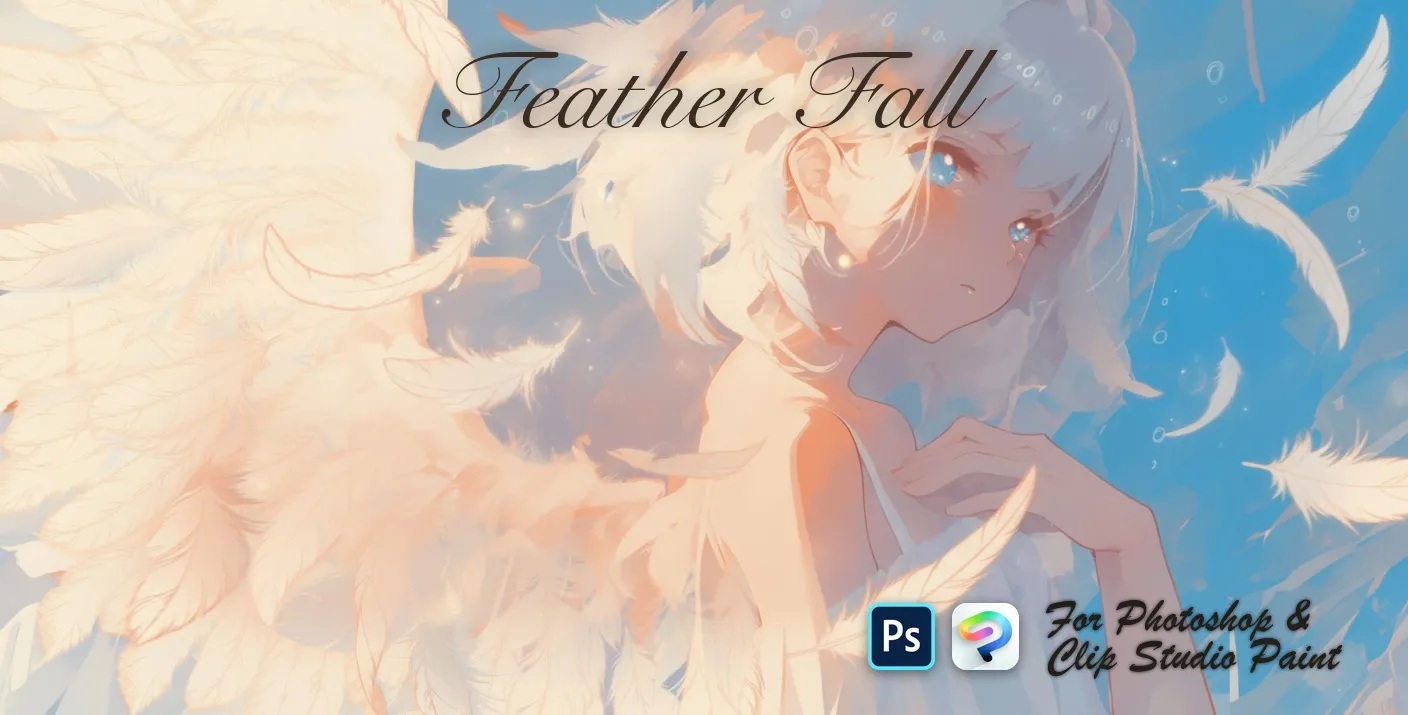
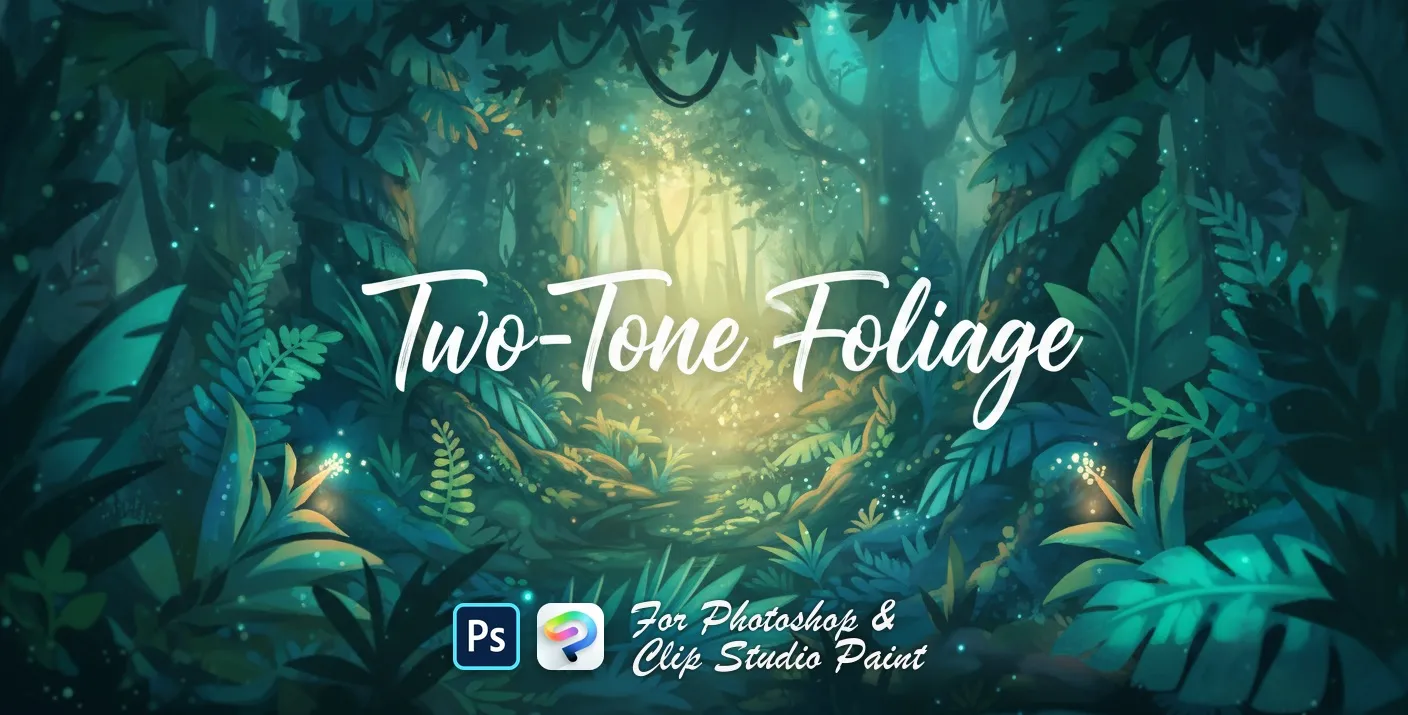
Brusher has 2 texture brush packs for Photoshop & Clip Studio Paint — paper textures, grain & noise, grunge overlays — each a native .abr file that installs into Photoshop or Clip Studio Paint on PC & Mac.
texture for photoshop are the fastest way to add texture detail to your artwork. This collection gathers hand-made stamps, textures and liners as .abr files you can load into Adobe Photoshop or Clip Studio Paint on PC & Mac — perfect for textures for photoshop, photoshop background textures, texture brushes photoshop.
Photoshop Texture Brushes

 Scan → get the app
Also on iPad — the Brusher app
Prefer Procreate on iPad? The Brusher app has the complete 200+ set library, including texture brushes, all in one app.
Popular texture styles
Texture — FAQ
What is the difference between a texture brush and a pattern brush?+
A <strong>texture</strong> brush lays down irregular surface detail — grain, tooth, grunge — and is not meant to repeat; each stroke should look slightly different. A <strong>pattern</strong> brush is built to tile or repeat predictably along a stroke. In practice you use texture to make a surface feel physical, and pattern to build structure or decorative runs.
How do I apply a texture overlay in Photoshop?+
Paint the texture on its own layer above your artwork, then change that layer's blend mode to Overlay, Soft Light or Multiply and pull the opacity down to roughly 20–50%. Keeping it on a separate layer means you can recolour, mask or remove the texture later without touching the art underneath.
Which texture works best for a grunge effect?+
High-contrast dry-brush and scratch textures, applied in two or three light passes at low opacity rather than one heavy pass. Set them to Multiply for dirt that sits into the artwork, and mask the texture away from focal areas so the eye still has somewhere clean to land.
Are these .abr brushes or .tif image overlays?+
They are .abr brush files — brush tips you paint with, not flat .tif overlay images. That means you control where the texture goes, at what size and opacity, instead of compositing a fixed image over the whole canvas. One .abr file works in both Photoshop and Clip Studio Paint.
Explore related categories
Grunge & Vintage Photoshop Brushes
Grunge, distressed, vintage and risograph Photoshop brushes. Add aged texture and imperfections to designs. Free & premium .abr packs.
Photoshop Patterns
Photoshop pattern brushes: seamless, fabric, geometric, decorative and vintage motifs. Premium .abr packs that also load into Clip Studio Paint.