Skip to content
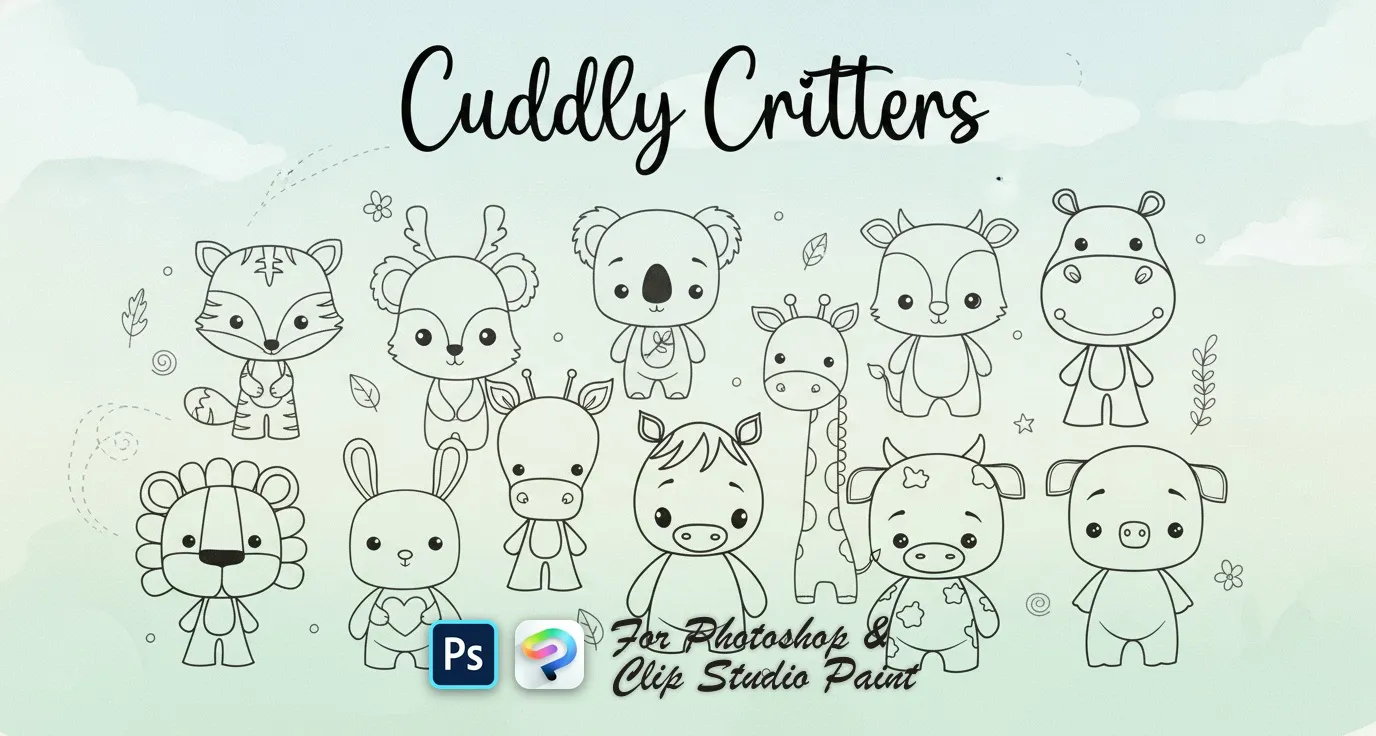
Cuddly Critters Photoshop & Clip Studio Paint brush set cover
.abr · PC & Mac AnimalCute artCartoon

Cuddly Critters Photoshop & Clip Studio Paint Brushes

HH by Helen Helen

A sweet set of hand-drawn numbers wrapped in floral charm! Perfect for invitations, posters, and decorative layouts. Just tap, place, and bloom your numbers into life. Compatible with Adobe Photoshop …

Brushes
15
Works with
Photoshop & Clip Studio Paint

$5 USD · one-time purchase

Get it on lava.top — $5

Instant download · one .abr file · works in Photoshop & Clip Studio Paint · free future updates

Download a free sample brush

One real brush from this set · free .abr file · no signup

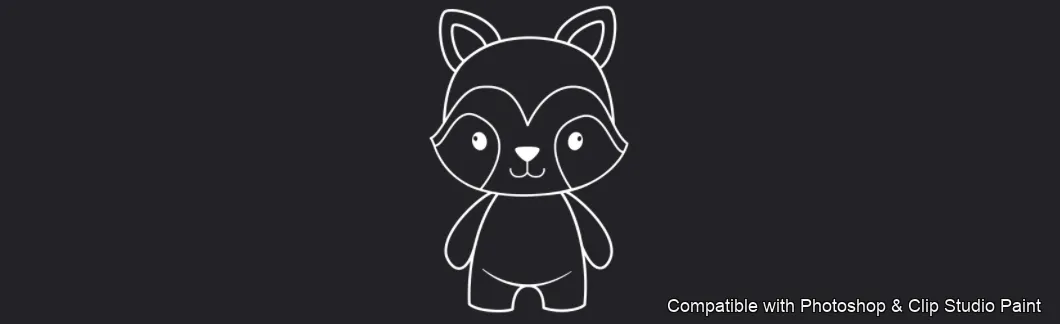
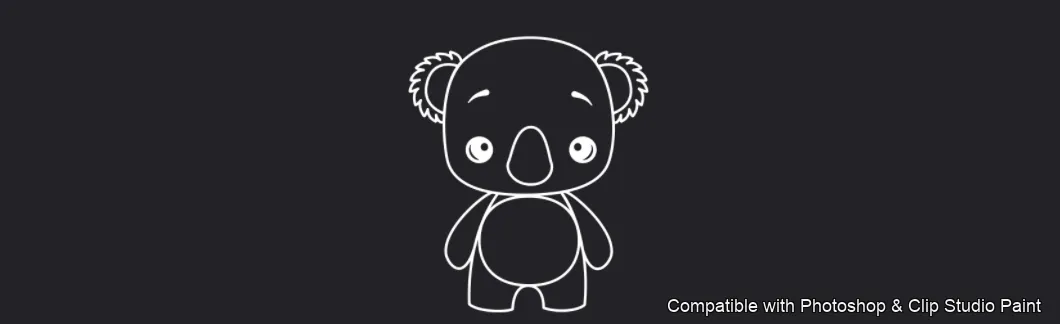
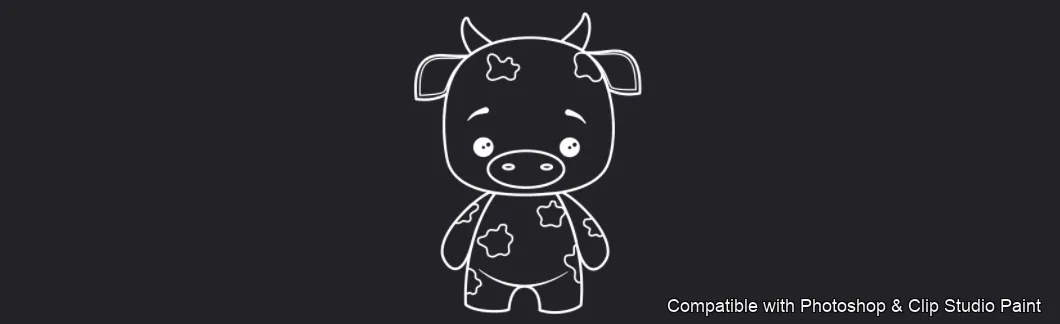
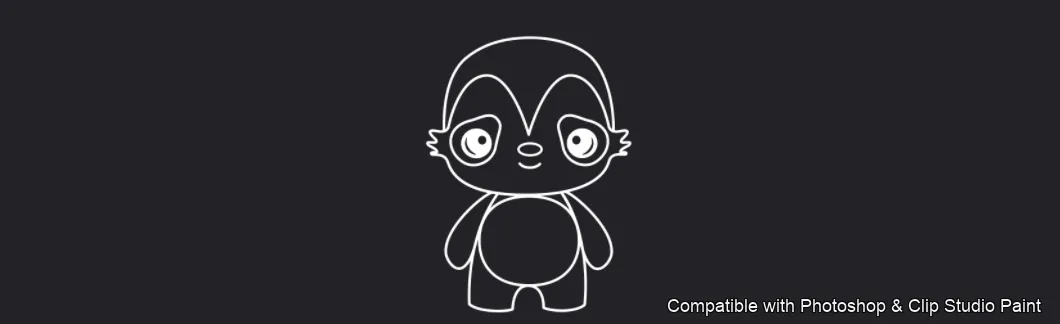
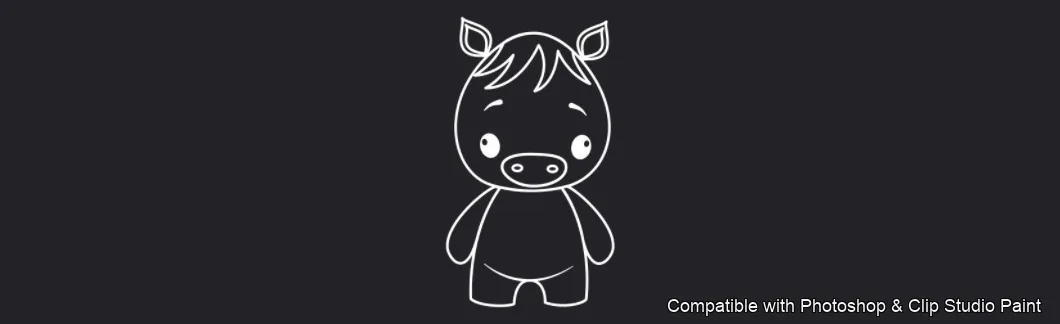
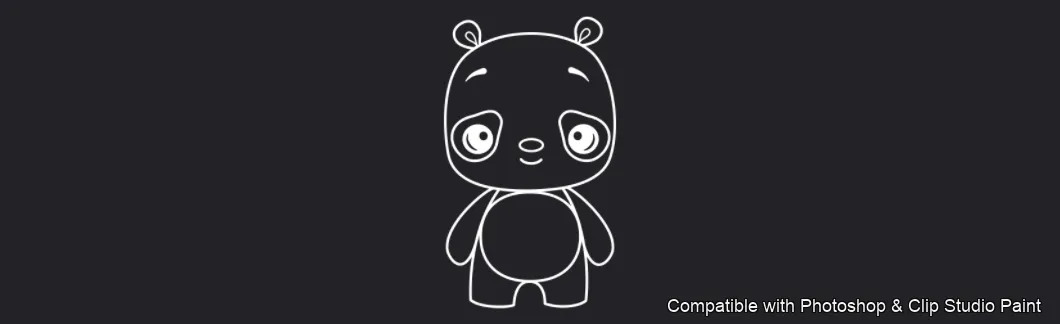
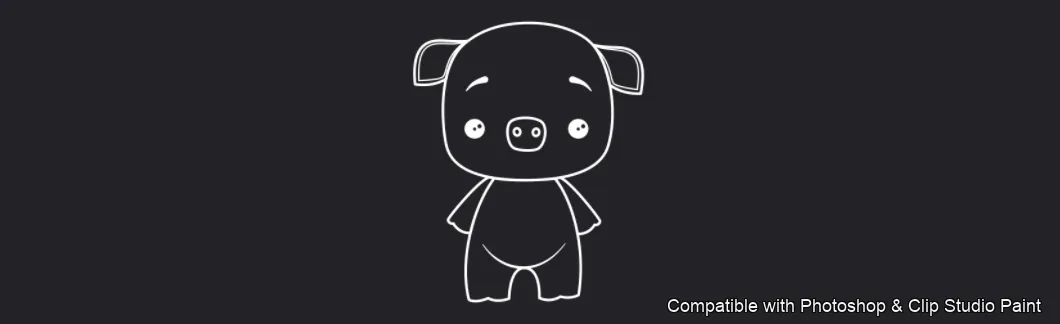
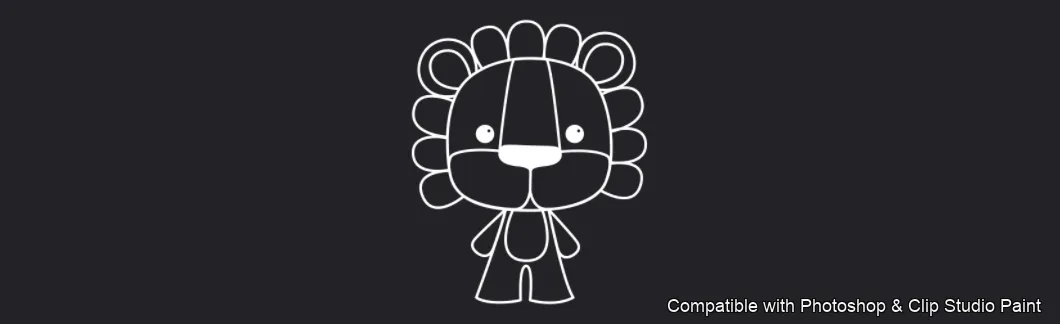
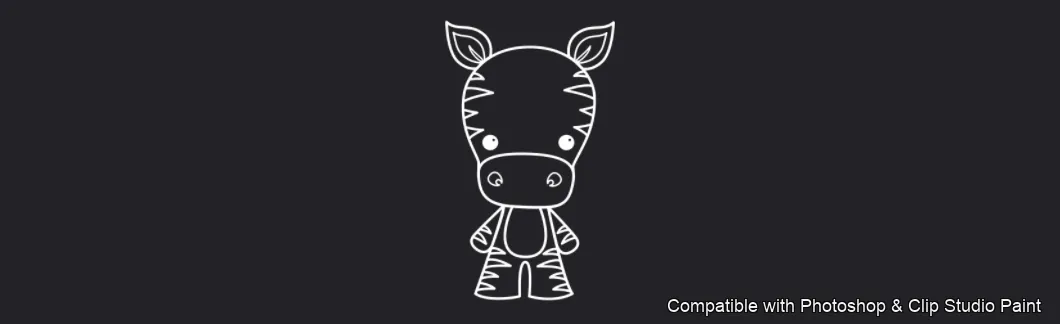
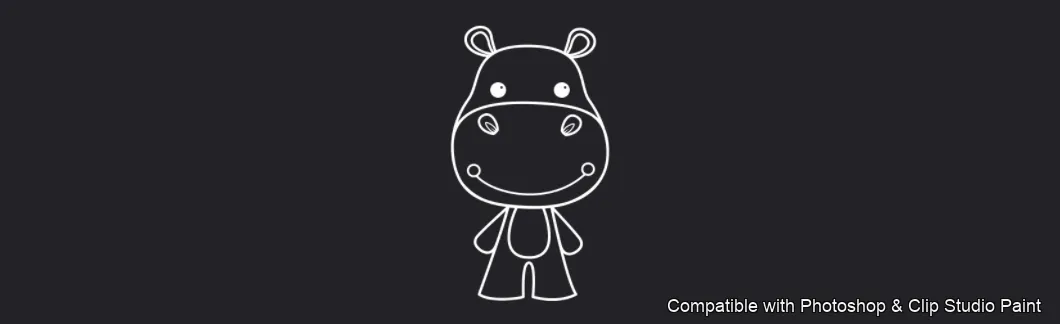
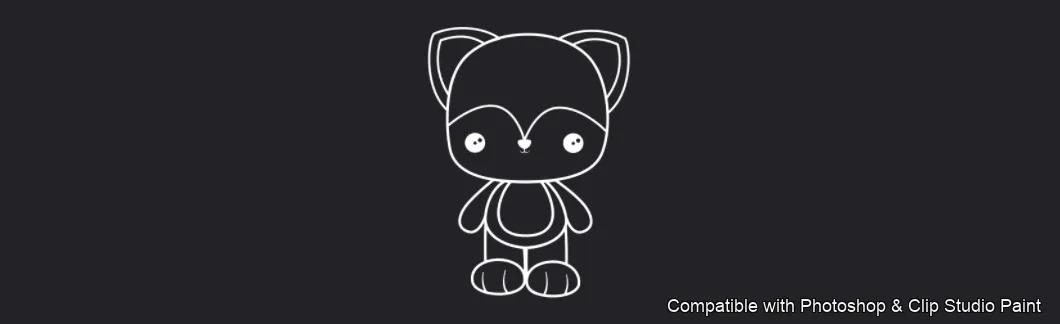
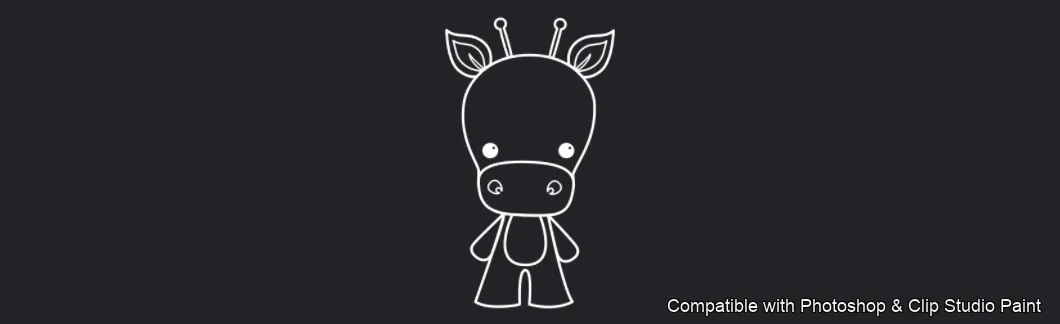
Bring a whole zoo of sweet baby animals to life in Photoshop and Clip Studio Paint with the Cuddly Critters stamp set! Made for nursery and children's book artists, sticker shops, greeting-card designers, surface-pattern and merch makers, and every fan of soft chibi-style characters. 🎨 What’s inside: 📁 15 ready-to-use stamp brushes in Photoshop format (.abr) — also load straight into Clip Studio Paint 💡 Why you’ll love it: • – 15 Charming Characters: A full lineup of huggable little animals — bunny, fox, koala, cow, mouse, pony, bear, pig, lion, zebra, hippo, cat, giraffe, tiger and deer. • – Work Faster: Place a finished, color-ready critter with a single stamp instead of sketching every animal by hand. • – Easy for Everyone: Simple to install and paint with, whether you’re a hobbyist or a pro. • – Polished Line Art: Crisp, uniform outlines that shine in coloring pages, sticker packs and repeat patterns. • – Download Now: Be creating within a couple of minutes! 🖌️ Brushes compatible: ✅ Adobe Photoshop (CC and newer) — .abr brush file ✅ Clip Studio Paint (ver. 1.10.5 or later) — imports the same .abr ✅ Runs on both desktop and iPad 🛠️ How to install: • Photoshop — double-click the .abr file (or Brushes panel → menu → Import Brushes). • Clip Studio Paint — drag the .abr onto the Sub Tool palette. 📥 Instant digital download — start making cute art today!

Every brush in Cuddly Critters

15 individual brush previews — see the exact stroke before you download.
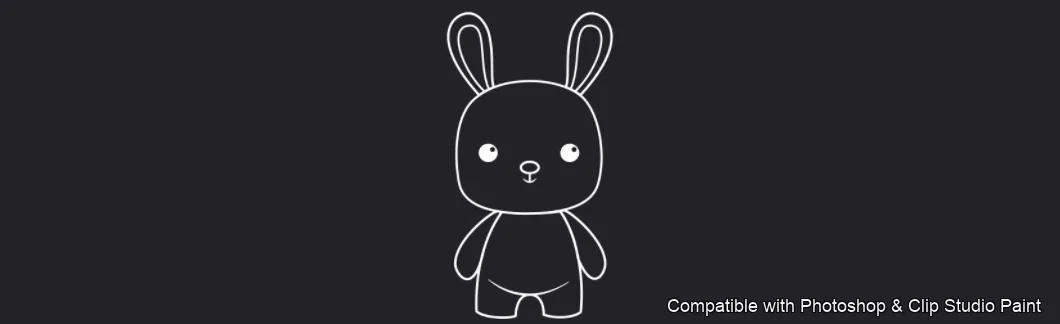
Cuddly Critters brush 1 of 15 — Photoshop & Clip Studio Paint .abr preview
Cuddly Critters brush 2 of 15 — Photoshop & Clip Studio Paint .abr preview
Cuddly Critters brush 3 of 15 — Photoshop & Clip Studio Paint .abr preview
Cuddly Critters brush 4 of 15 — Photoshop & Clip Studio Paint .abr preview
Cuddly Critters brush 5 of 15 — Photoshop & Clip Studio Paint .abr preview
Cuddly Critters brush 6 of 15 — Photoshop & Clip Studio Paint .abr preview
Cuddly Critters brush 7 of 15 — Photoshop & Clip Studio Paint .abr preview
Cuddly Critters brush 8 of 15 — Photoshop & Clip Studio Paint .abr preview
Cuddly Critters brush 9 of 15 — Photoshop & Clip Studio Paint .abr preview
Cuddly Critters brush 10 of 15 — Photoshop & Clip Studio Paint .abr preview
Cuddly Critters brush 11 of 15 — Photoshop & Clip Studio Paint .abr preview
Cuddly Critters brush 12 of 15 — Photoshop & Clip Studio Paint .abr preview
Cuddly Critters brush 13 of 15 — Photoshop & Clip Studio Paint .abr preview
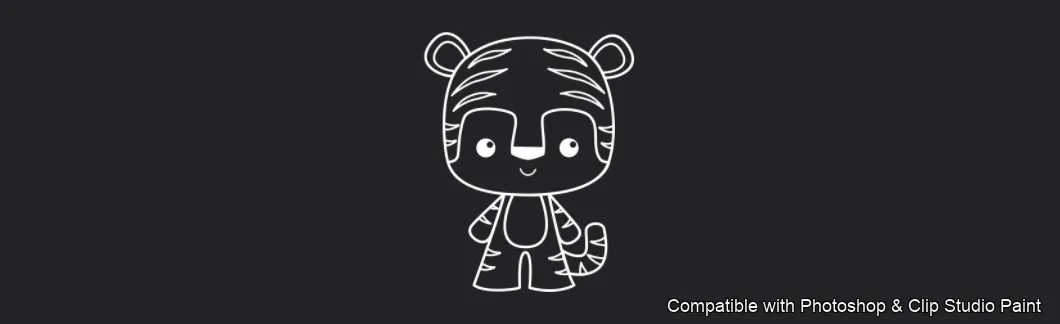
Cuddly Critters brush 14 of 15 — Photoshop & Clip Studio Paint .abr preview
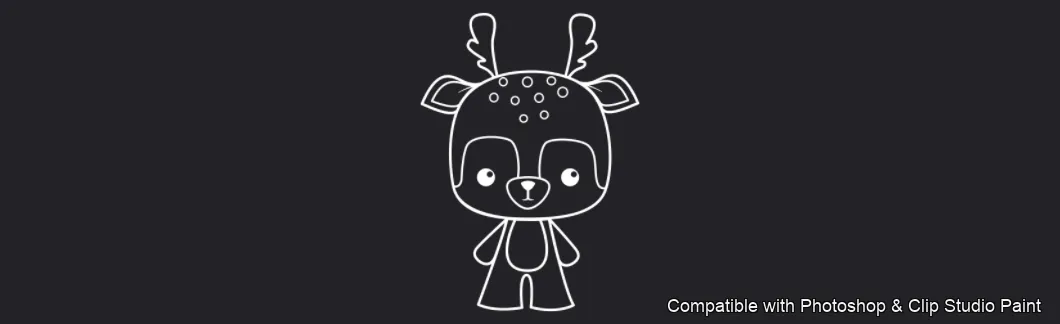
Cuddly Critters brush 15 of 15 — Photoshop & Clip Studio Paint .abr preview

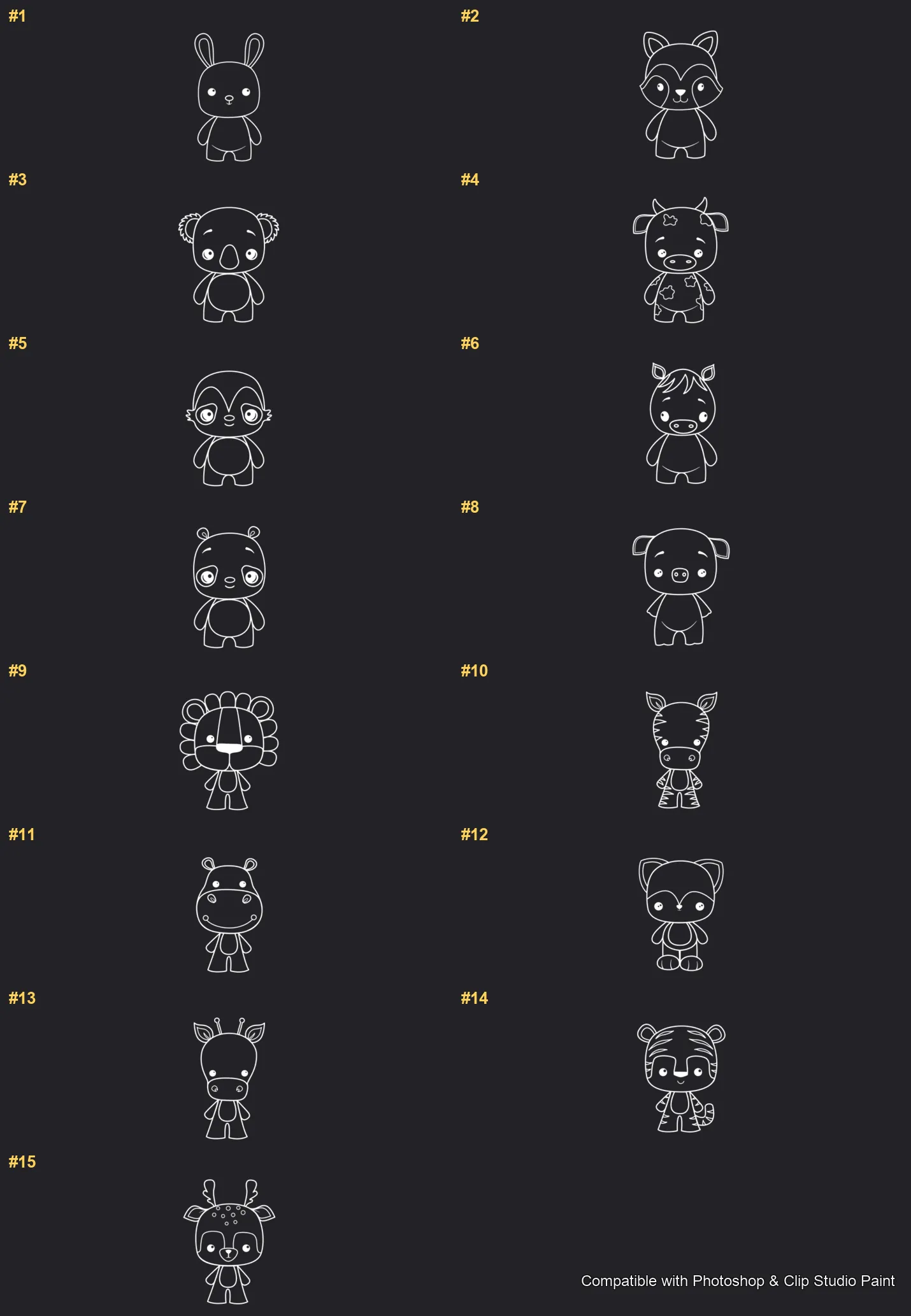
Full brush overview

Cuddly Critters Photoshop & Clip Studio Paint brushes overview sheet 1

How to install

In Adobe Photoshop

Double-click the .abr file to load it — or open the Brushes panel, click the menu and choose Import Brushes. Works on CC and newer, PC & Mac.

In Clip Studio Paint

Drag the same .abr file onto the Sub Tool palette and Clip Studio imports it as new brushes. Works on version 1.10.5 or later.

Cuddly Critters — FAQ

How much does the Cuddly Critters pack cost?+

$5 (USD) — a one-time purchase, not a subscription. One payment covers both Photoshop and Clip Studio Paint, with free future updates.

How many brushes are in the Cuddly Critters pack?+

The Cuddly Critters set includes 15 brushes — bunny, fox, koala, cow and mouse.

Does it work in both Photoshop and Clip Studio Paint?+

Yes. You get a single .abr file — the same file imports into Adobe Photoshop (CC and newer) and Clip Studio Paint (1.10.5 or later). One purchase covers both apps, on PC and Mac.

What file format do I get?+

An Adobe Photoshop .abr brush file. In Photoshop, double-click it (or Brushes panel → menu → Import Brushes). In Clip Studio Paint, drag the .abr onto the Sub Tool palette.

Do these work on Procreate?+

Cuddly Critters is the desktop .abr edition for Photoshop and Clip Studio Paint. Many of our sets also come as Procreate .brushset editions — browse the Procreate catalog to check.