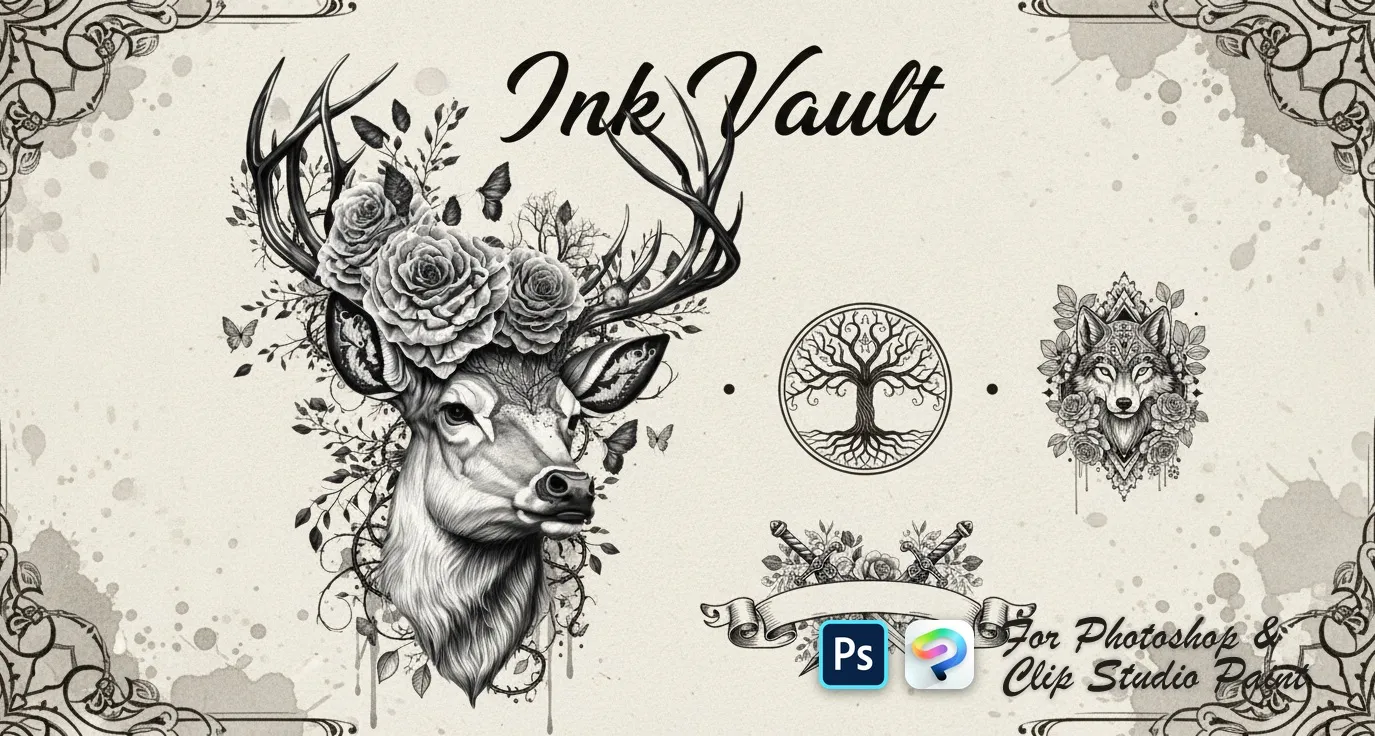
Ink Vault Photoshop & Clip Studio Paint Brushes
B by the Brusher team
A bold collection of detailed tattoo-style designs — from classic motifs to edgy linework. Perfect for concept art, tattoo flash sheets, and adding strong graphic elements to your work. Compatible wit…
- Brushes
- 50
- Works with
- Photoshop & Clip Studio Paint
Free download · one .abr file · works in Photoshop & Clip Studio Paint · email required
Every brush in Ink Vault
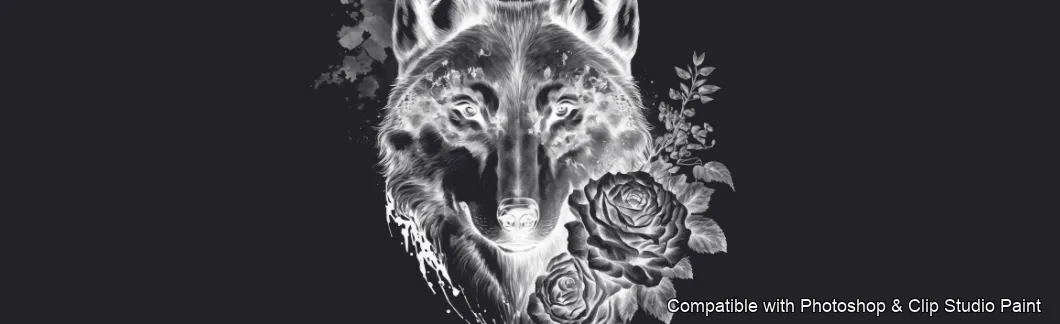
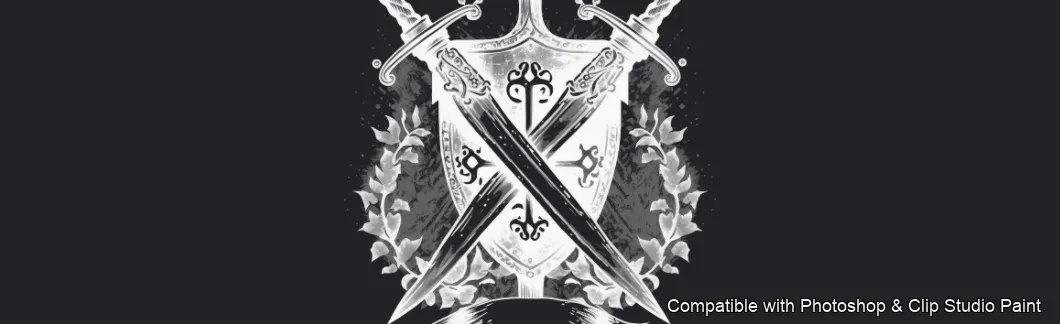
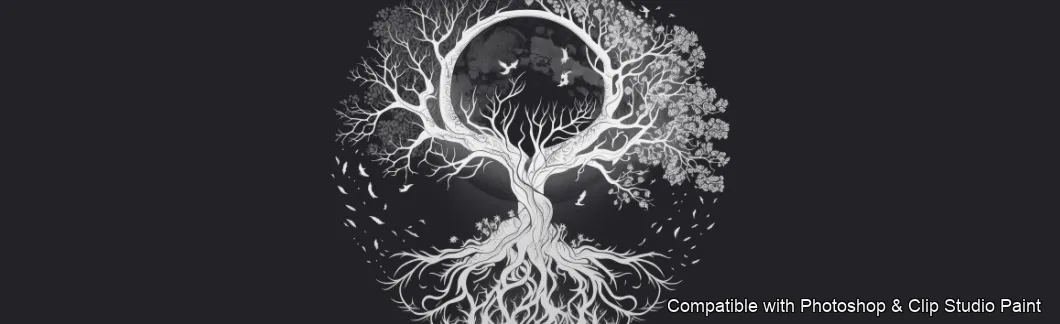
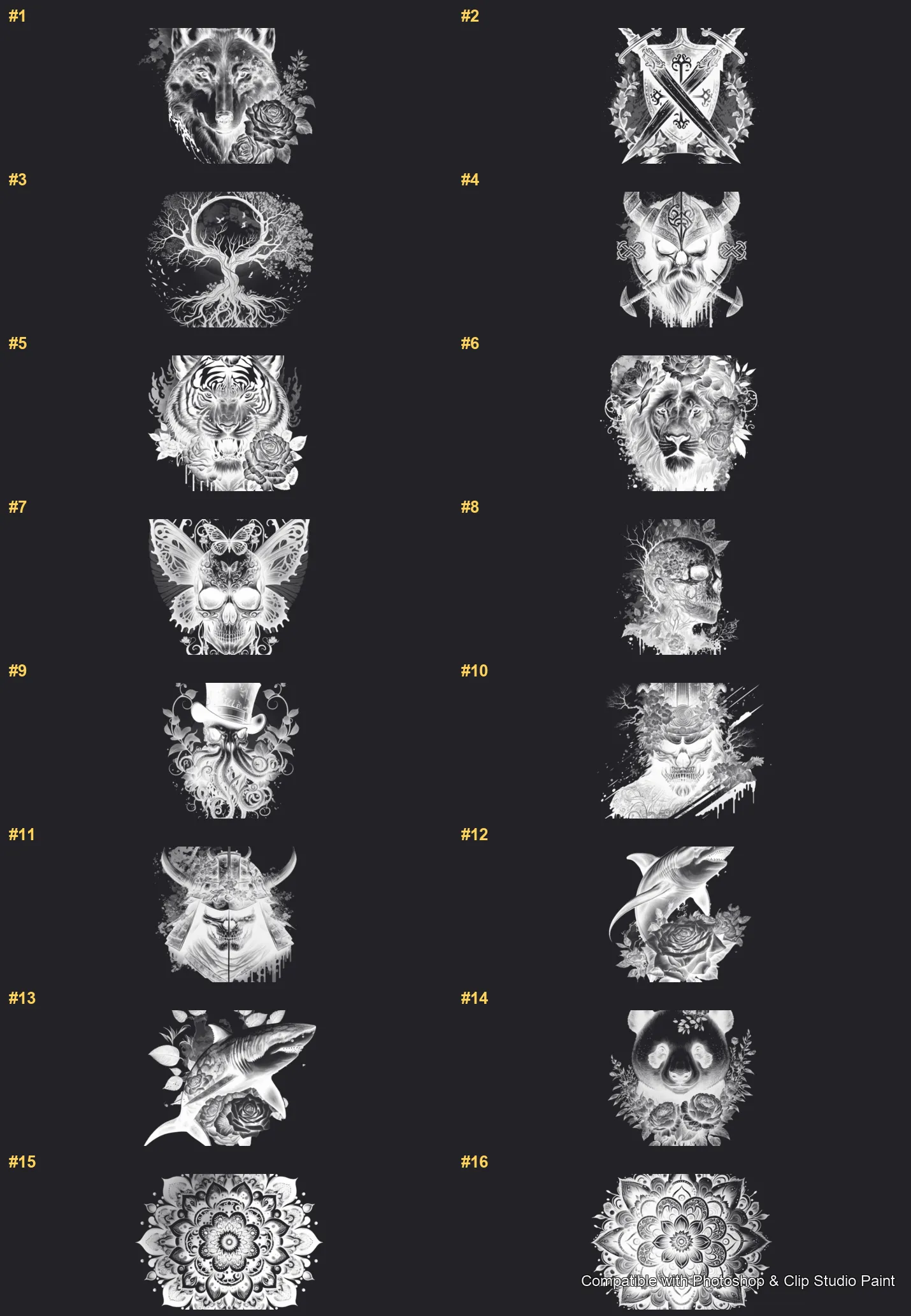
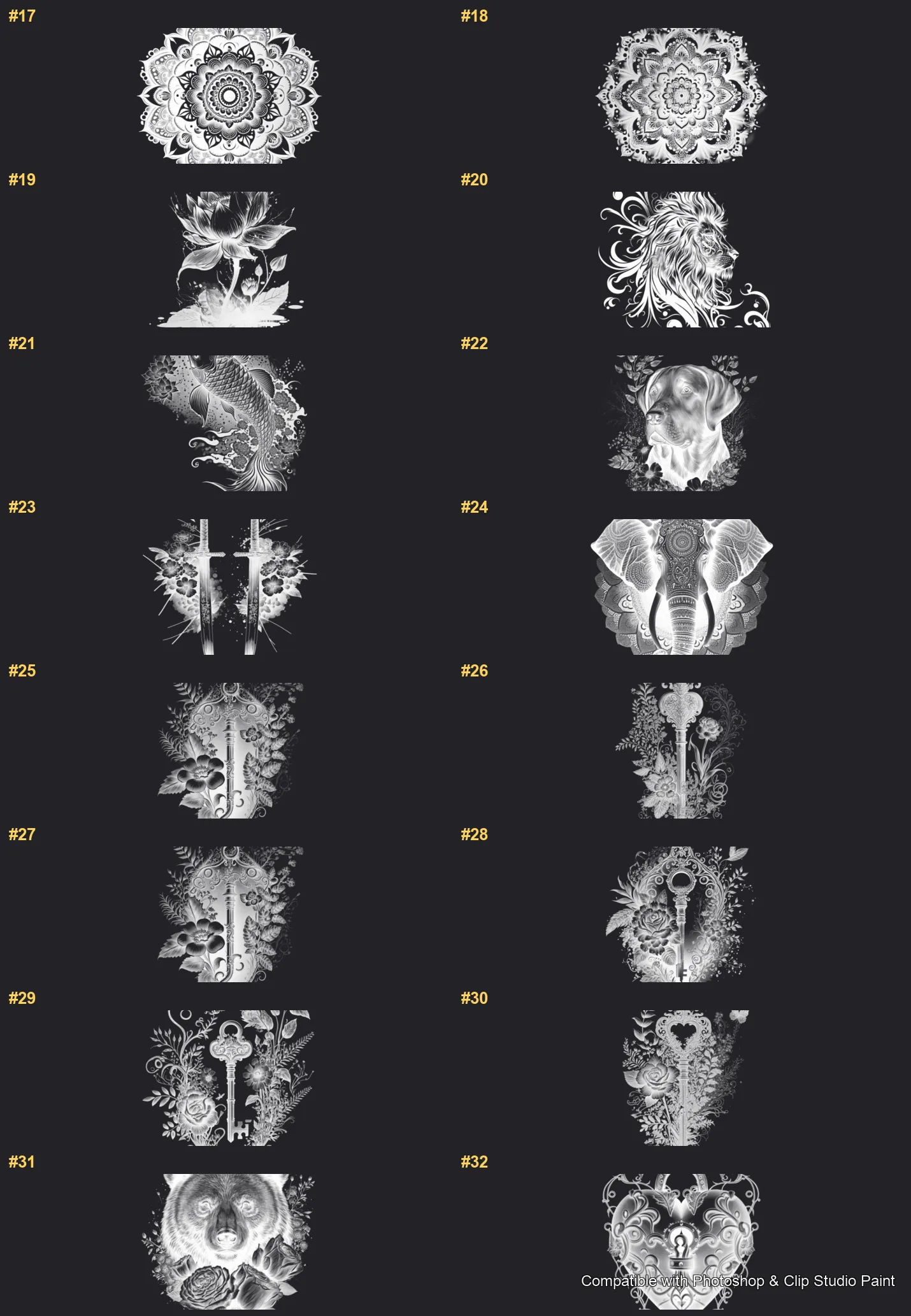
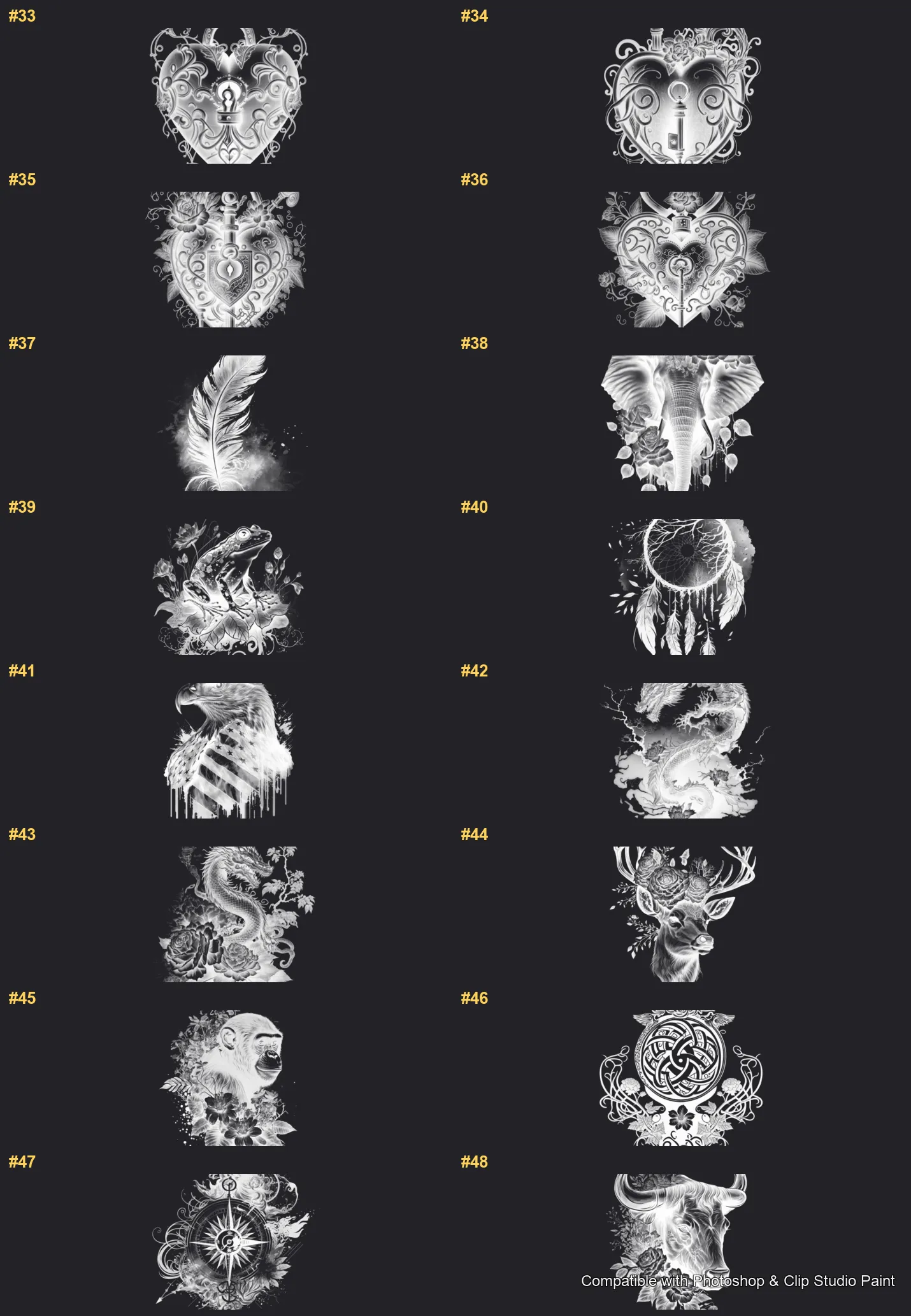
50 individual brush previews — see the exact stroke before you download.
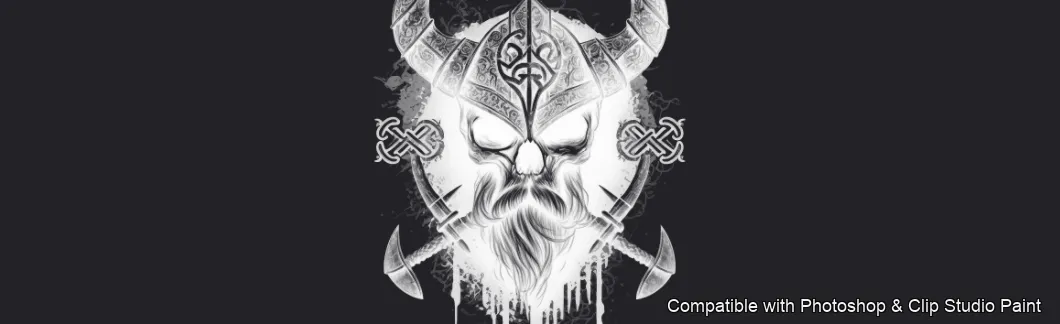
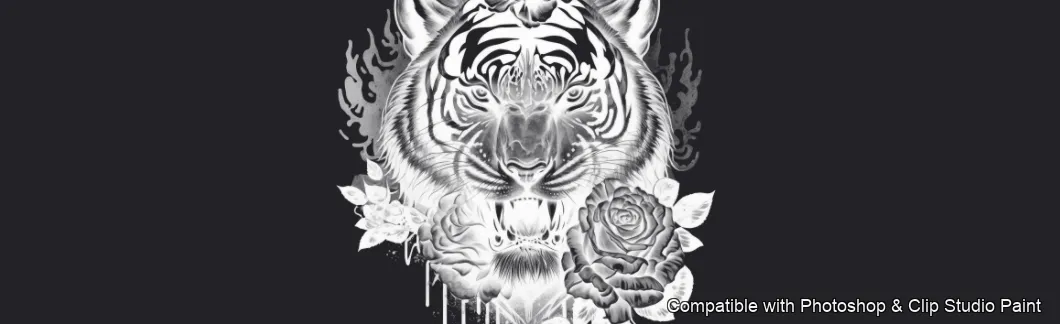
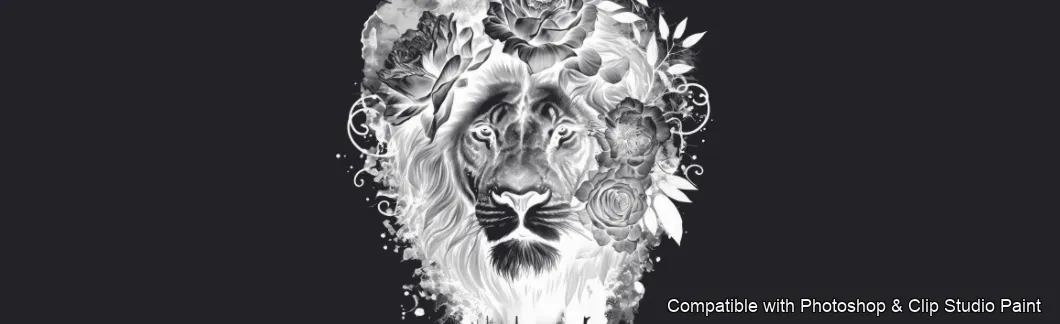
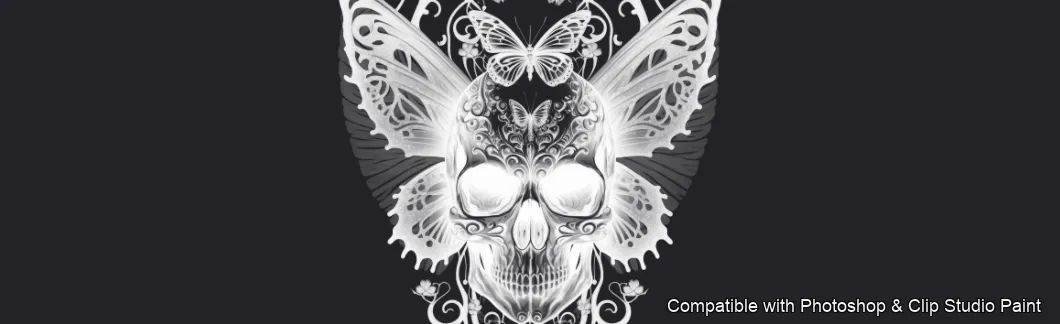
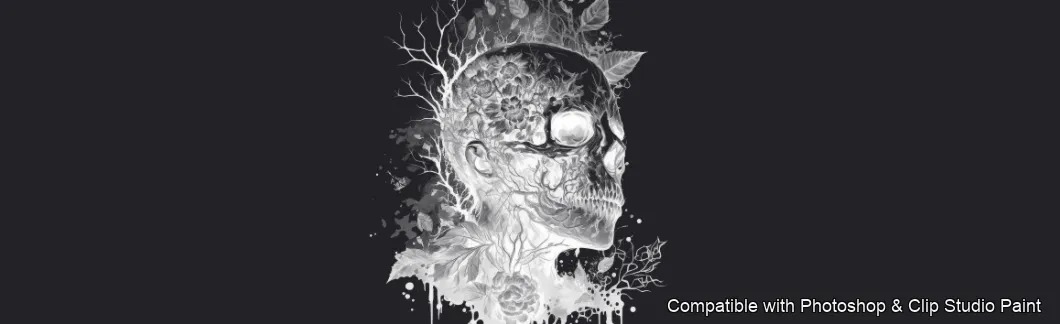
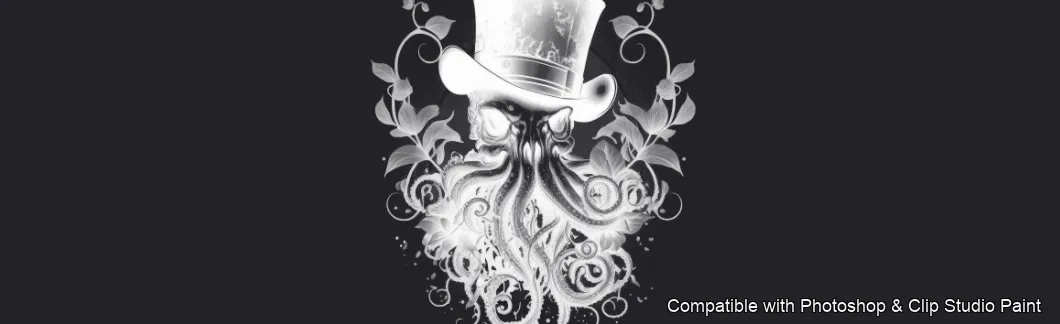
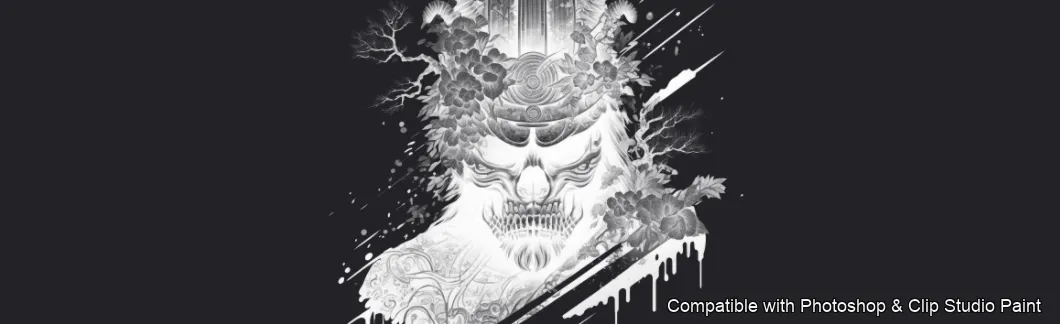
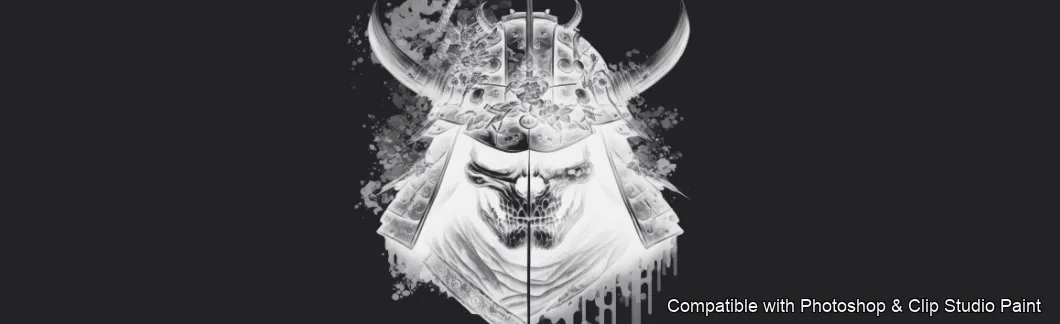
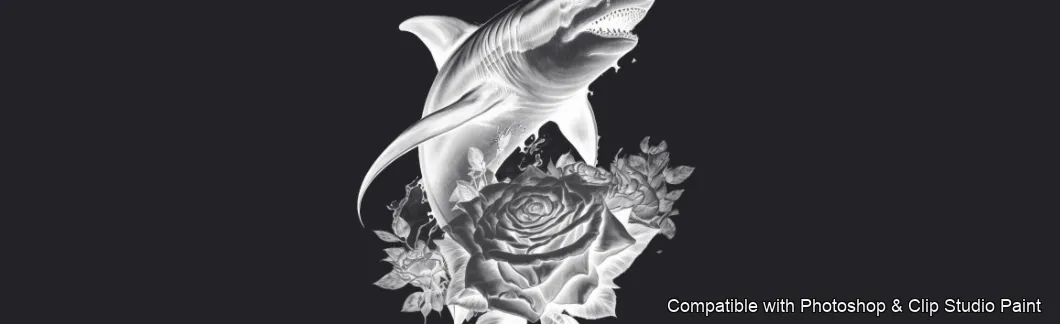
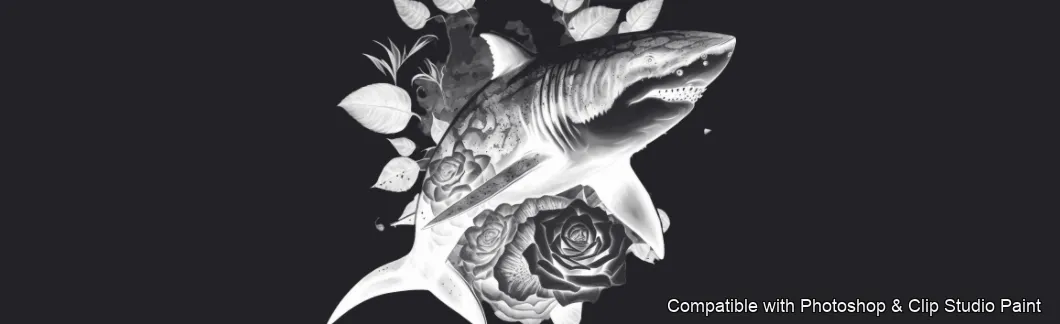
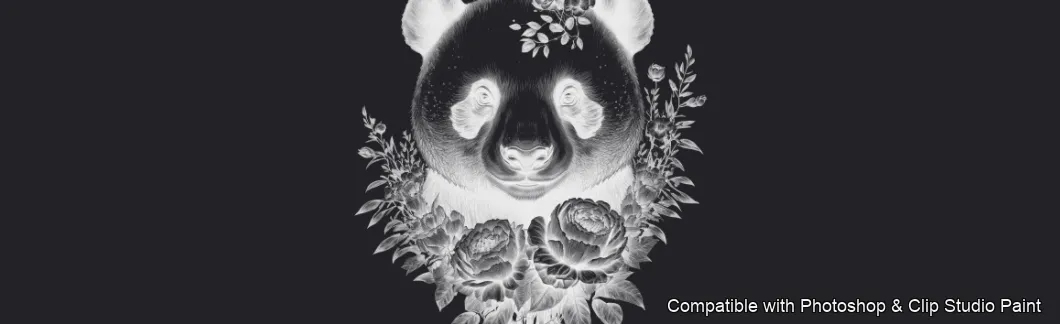
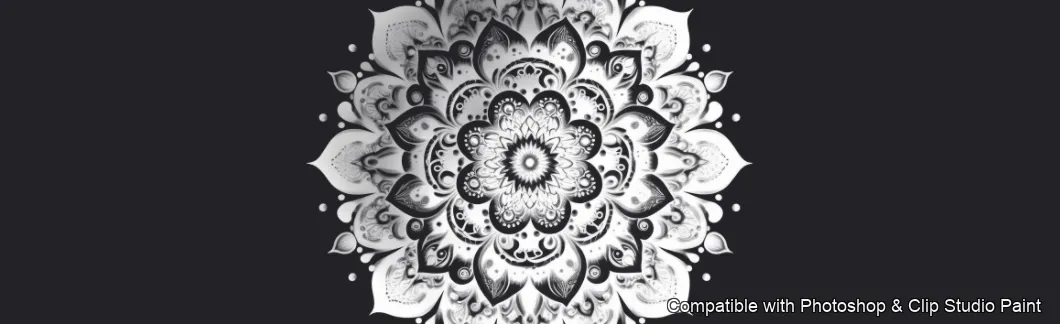
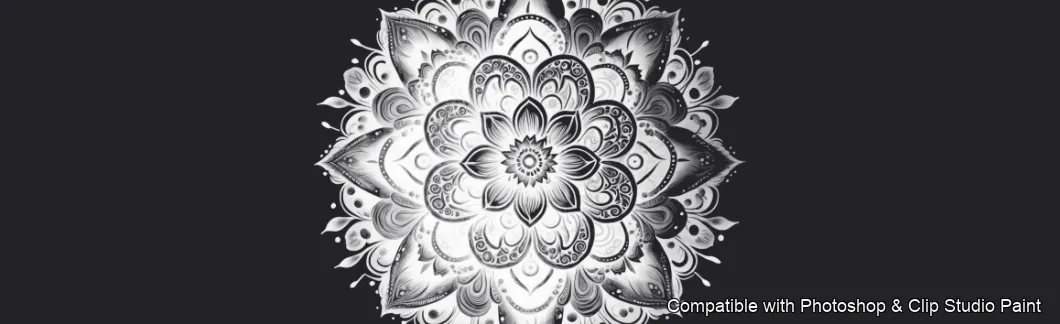
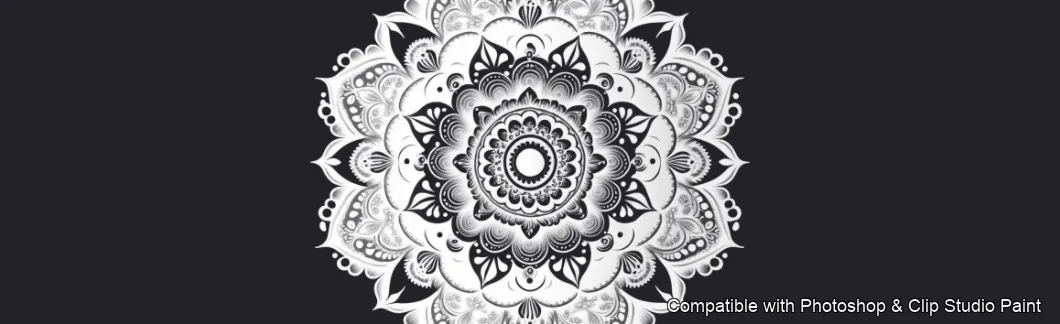
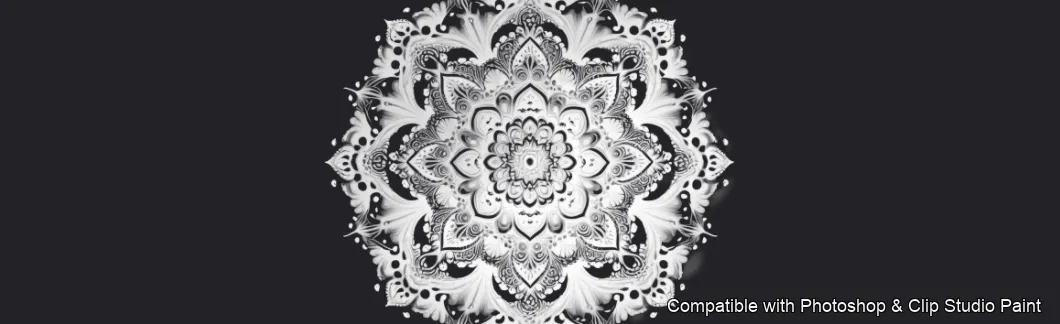
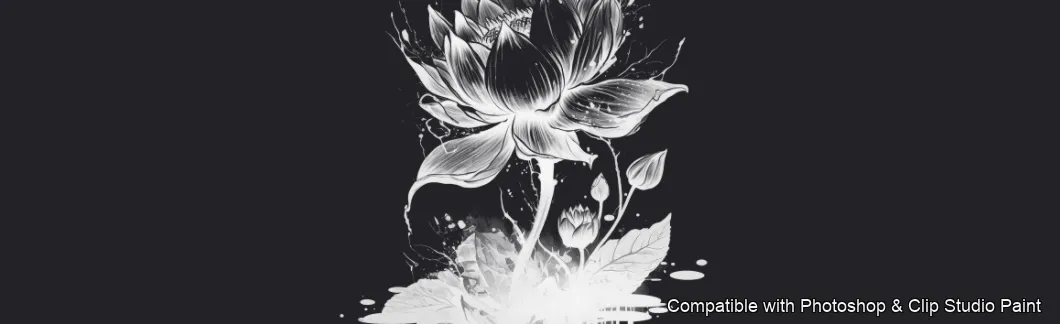
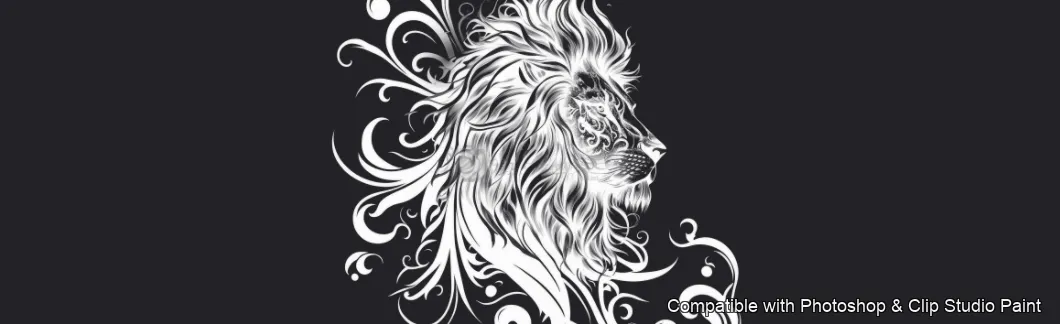
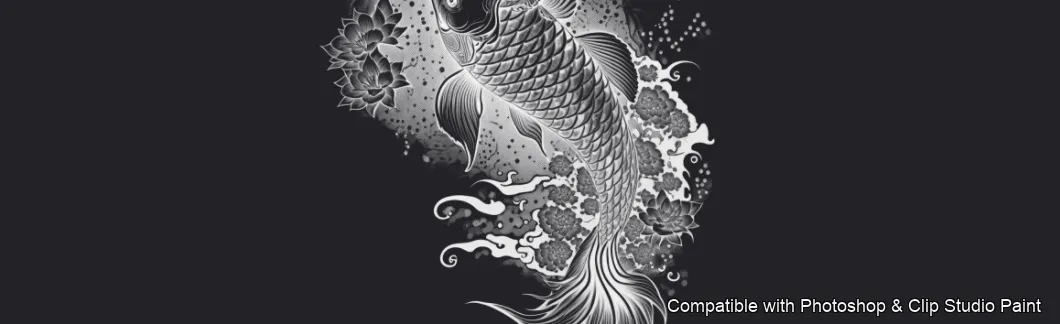
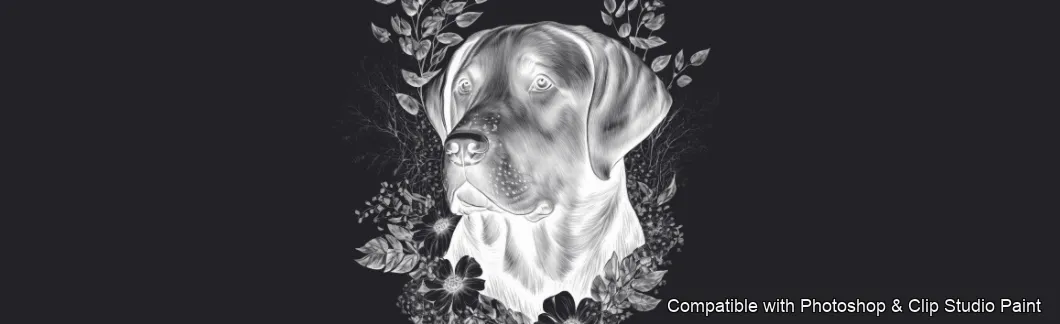
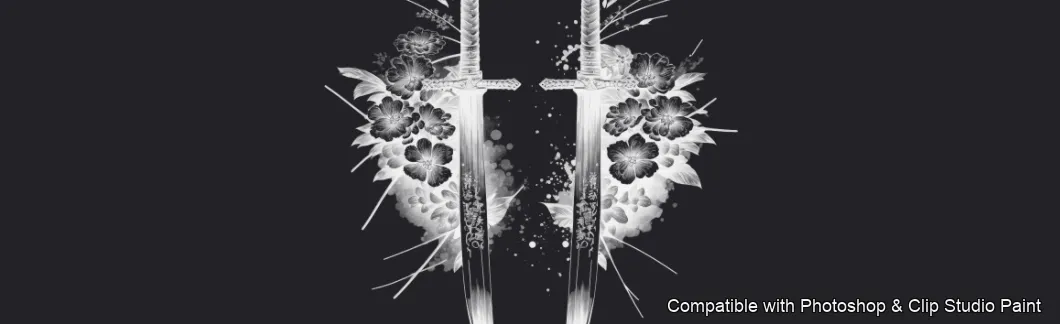
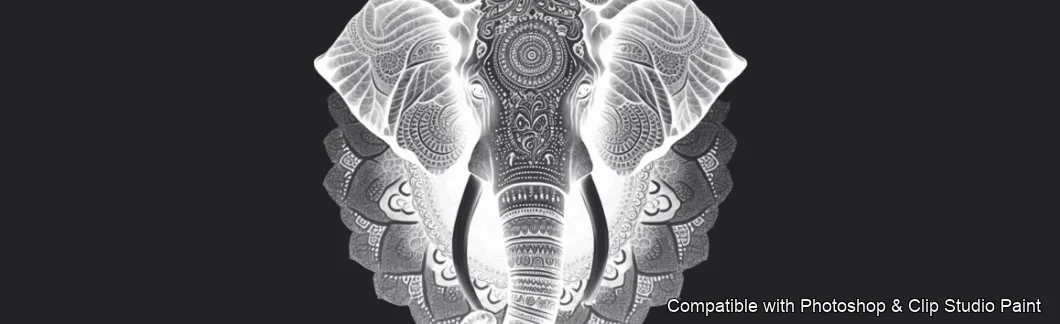
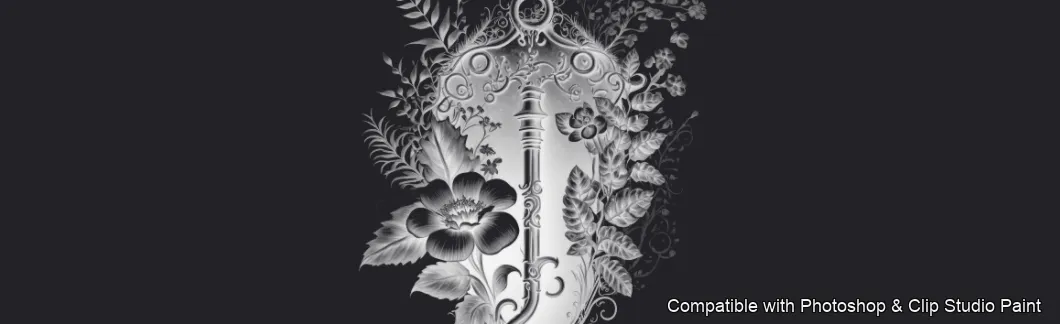
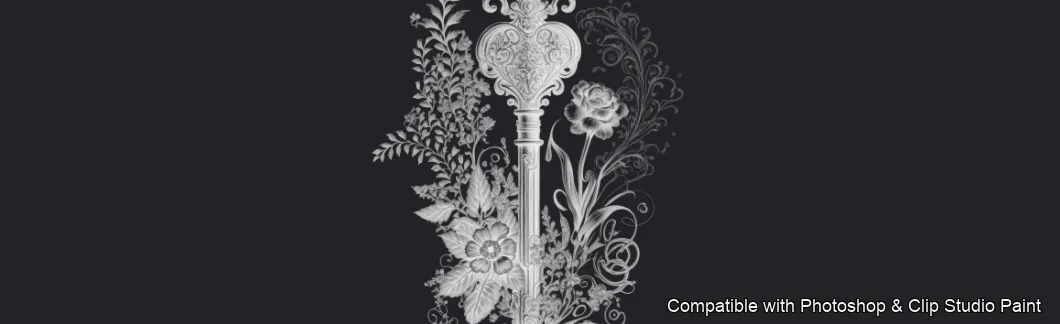
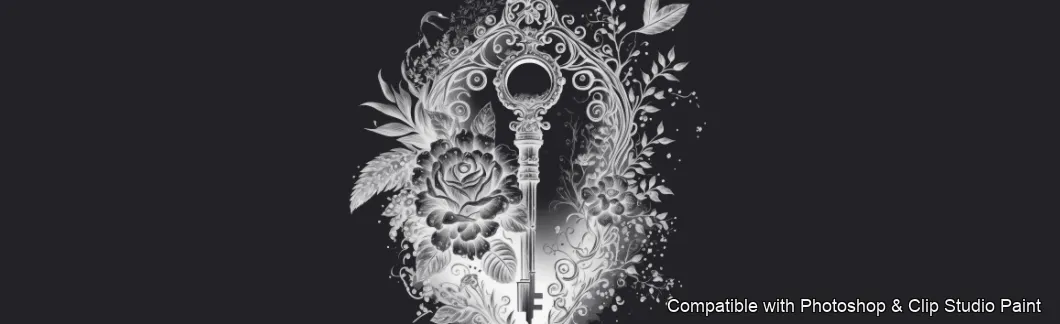
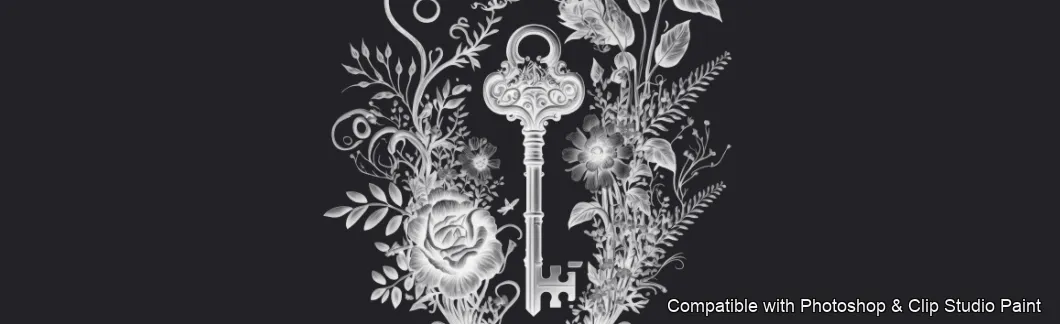
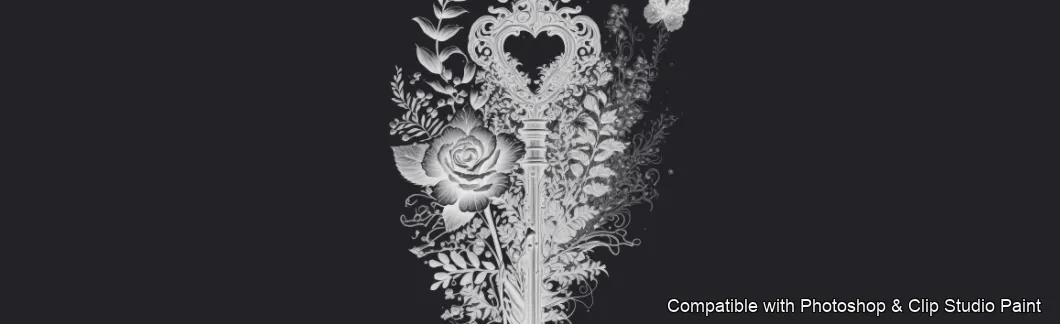
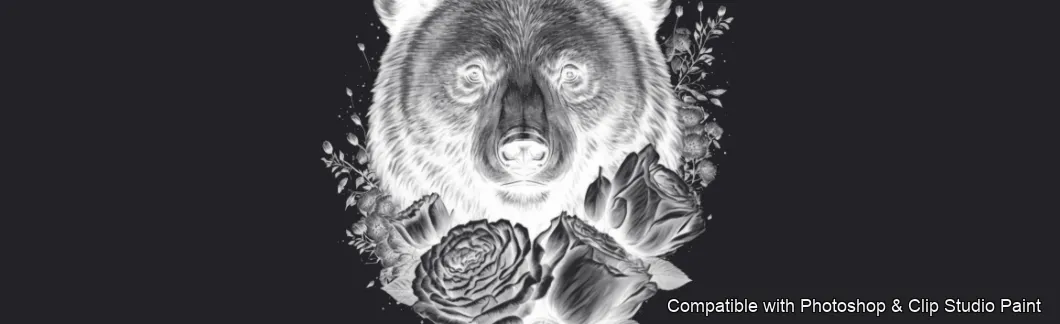
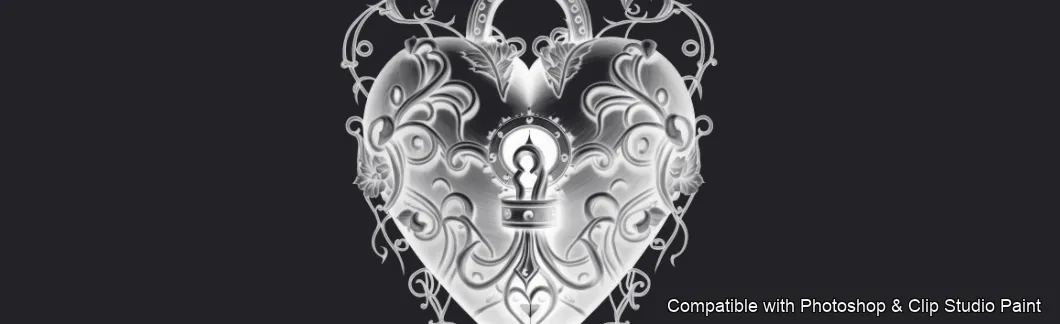
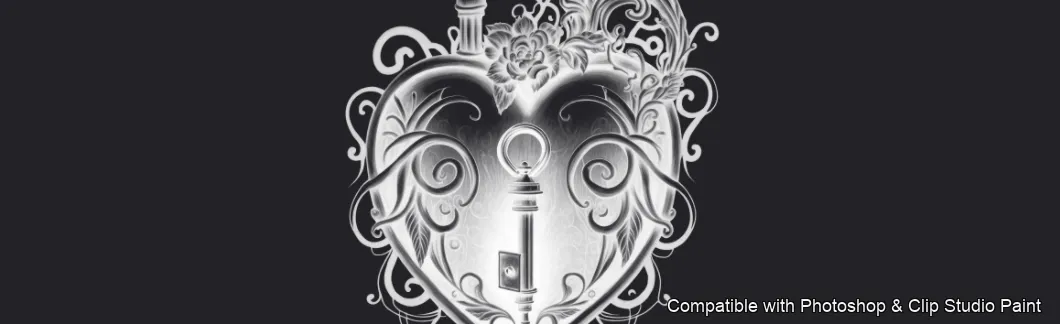
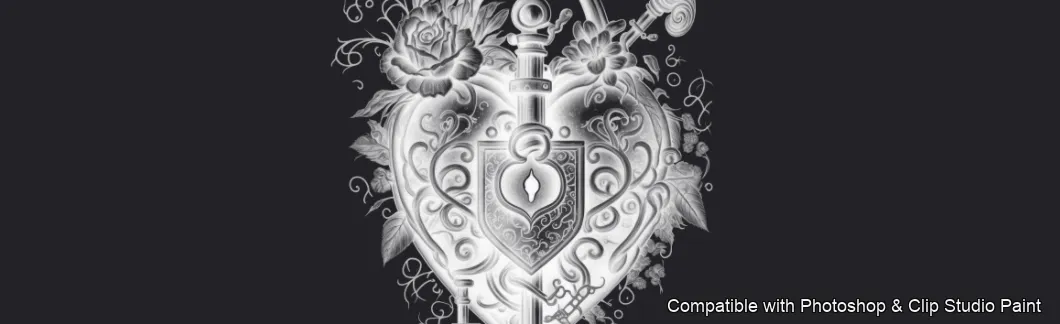
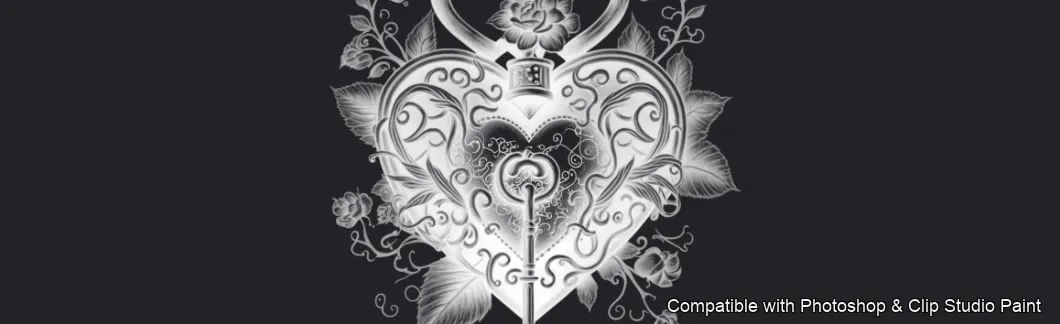
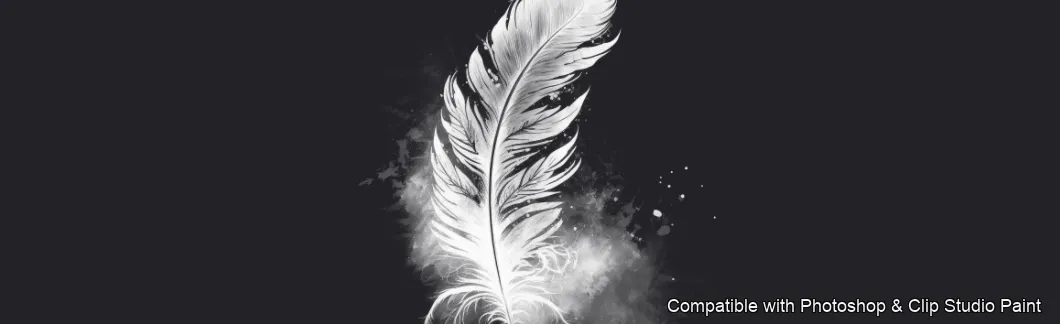
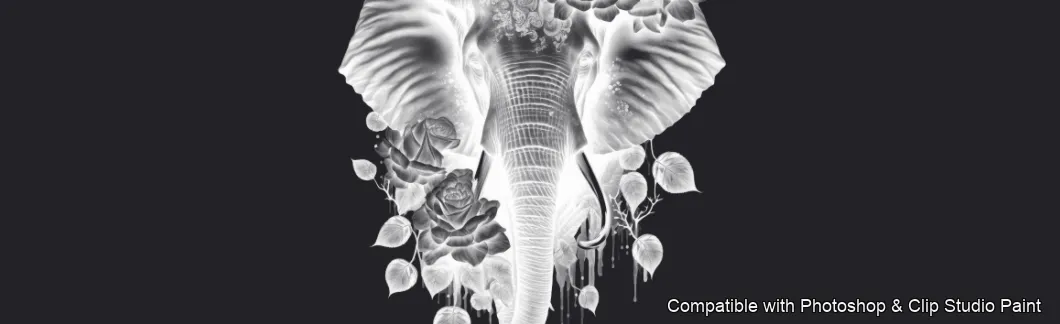
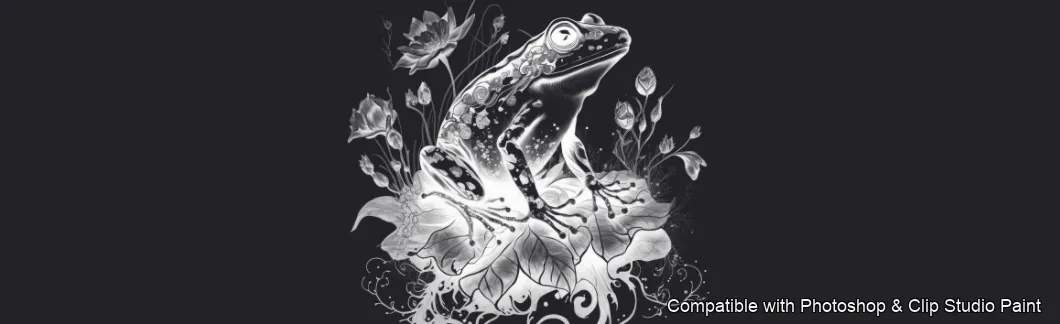
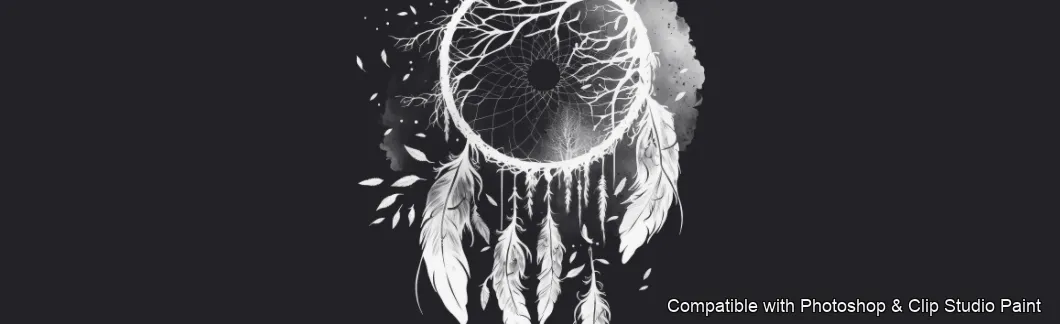
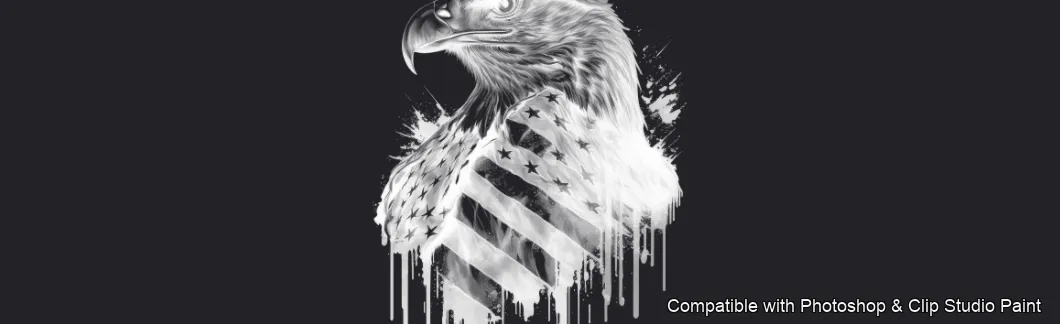
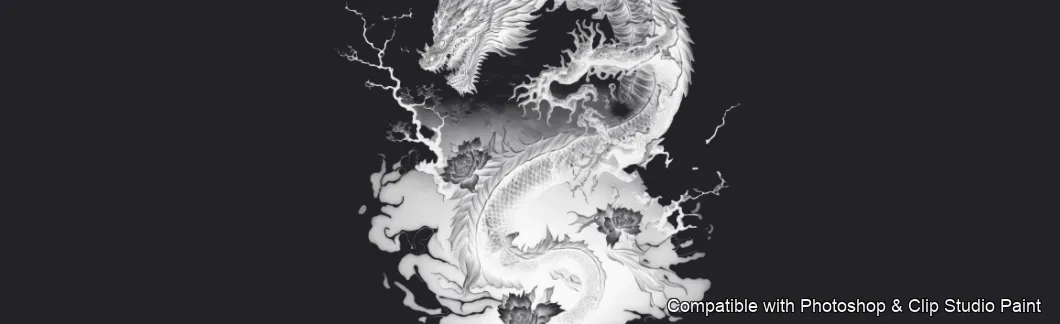
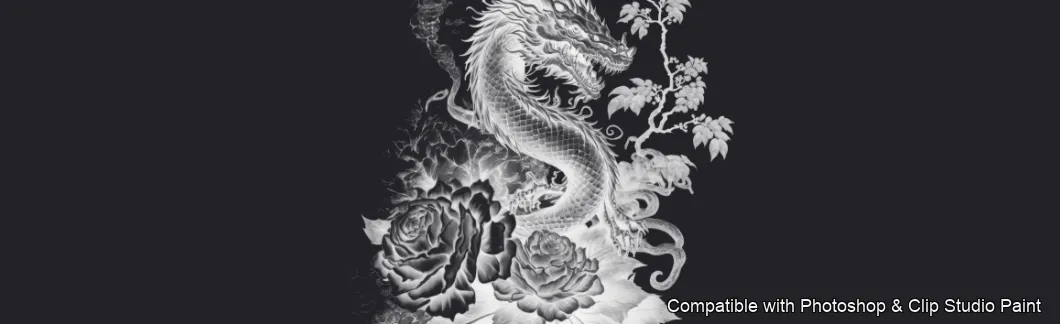
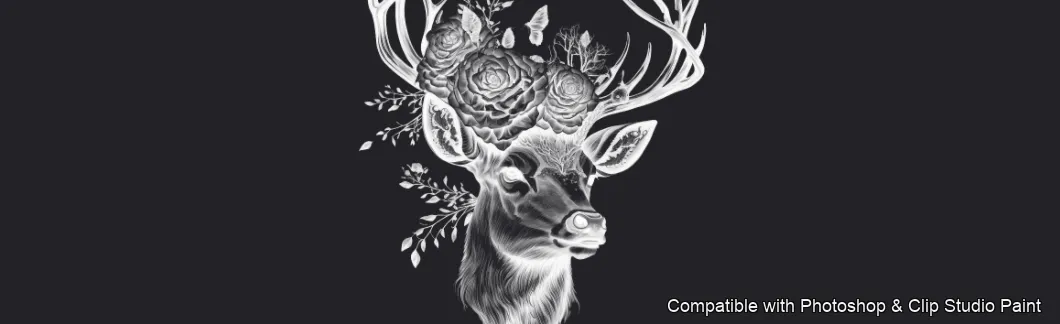
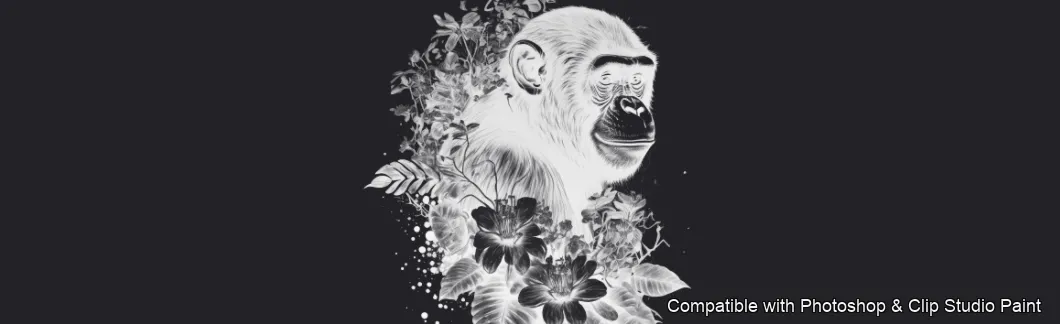
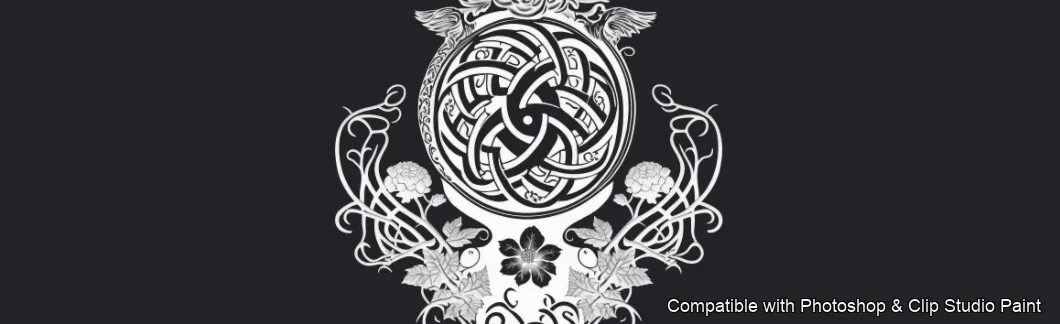
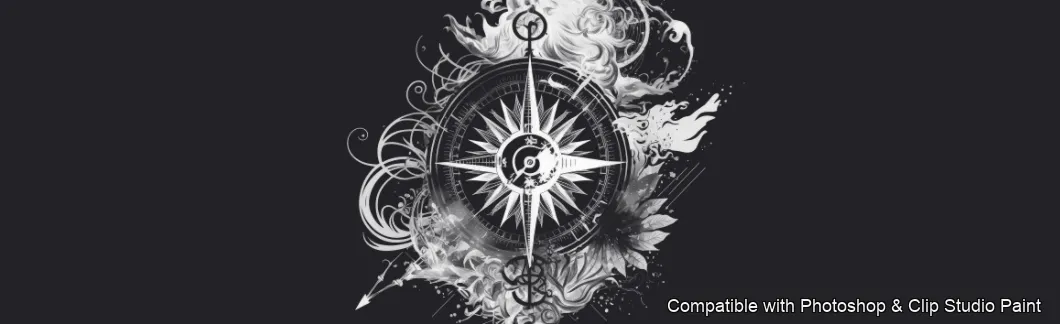
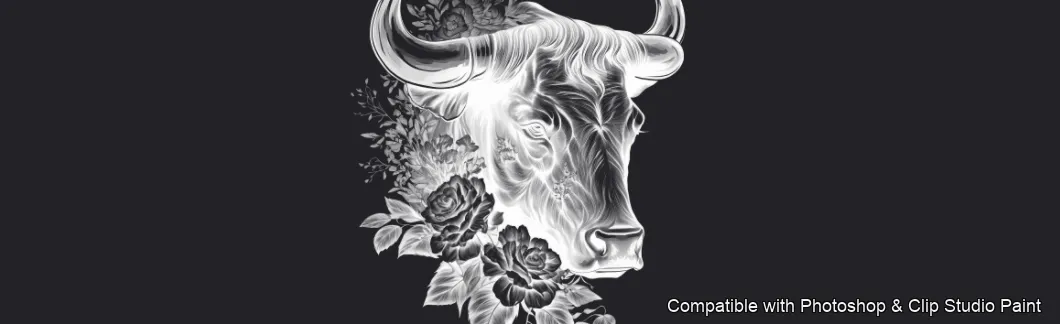
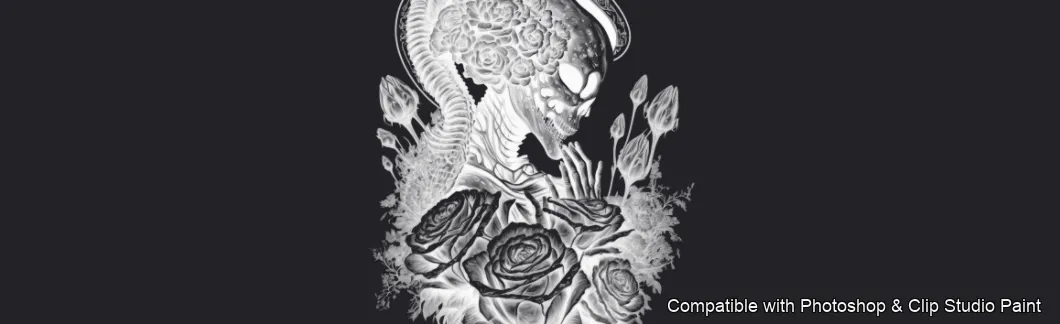
Full brush overview

How to install
In Adobe Photoshop
Double-click the .abr file to load it — or open the Brushes panel, click the menu and choose Import Brushes. Works on CC and newer, PC & Mac.
In Clip Studio Paint
Drag the same .abr file onto the Sub Tool palette and Clip Studio imports it as new brushes. Works on version 1.10.5 or later.
Ink Vault — FAQ
How much does the Ink Vault pack cost?+
Free — Ink Vault is a free download with no payment and no subscription. The .abr loads straight into Photoshop or Clip Studio Paint.
How many brushes are in the Ink Vault pack?+
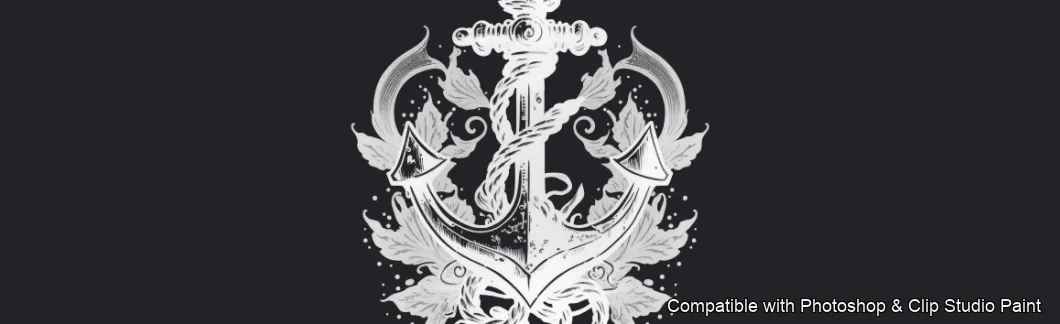
The Ink Vault set includes 50 brushes — wolves, tigers, lions, bears and elephants, koi, sharks, octopus, deer and eagles, skulls, dragons, viking and samurai motifs, mandalas, lotus, dreamcatcher, feather, tree of life, compass and anchor.
Does it work in both Photoshop and Clip Studio Paint?+
Yes. You get a single .abr file — the same file imports into Adobe Photoshop (CC and newer) and Clip Studio Paint (1.10.5 or later). One purchase covers both apps, on PC and Mac.
What file format do I get?+
An Adobe Photoshop .abr brush file. In Photoshop, double-click it (or Brushes panel → menu → Import Brushes). In Clip Studio Paint, drag the .abr onto the Sub Tool palette.
Do these work on Procreate?+
Ink Vault is the desktop .abr edition for Photoshop and Clip Studio Paint. Many of our sets also come as Procreate .brushset editions — browse the Procreate catalog to check.
Browse this style
More .abr brush sets
 PS · CSP
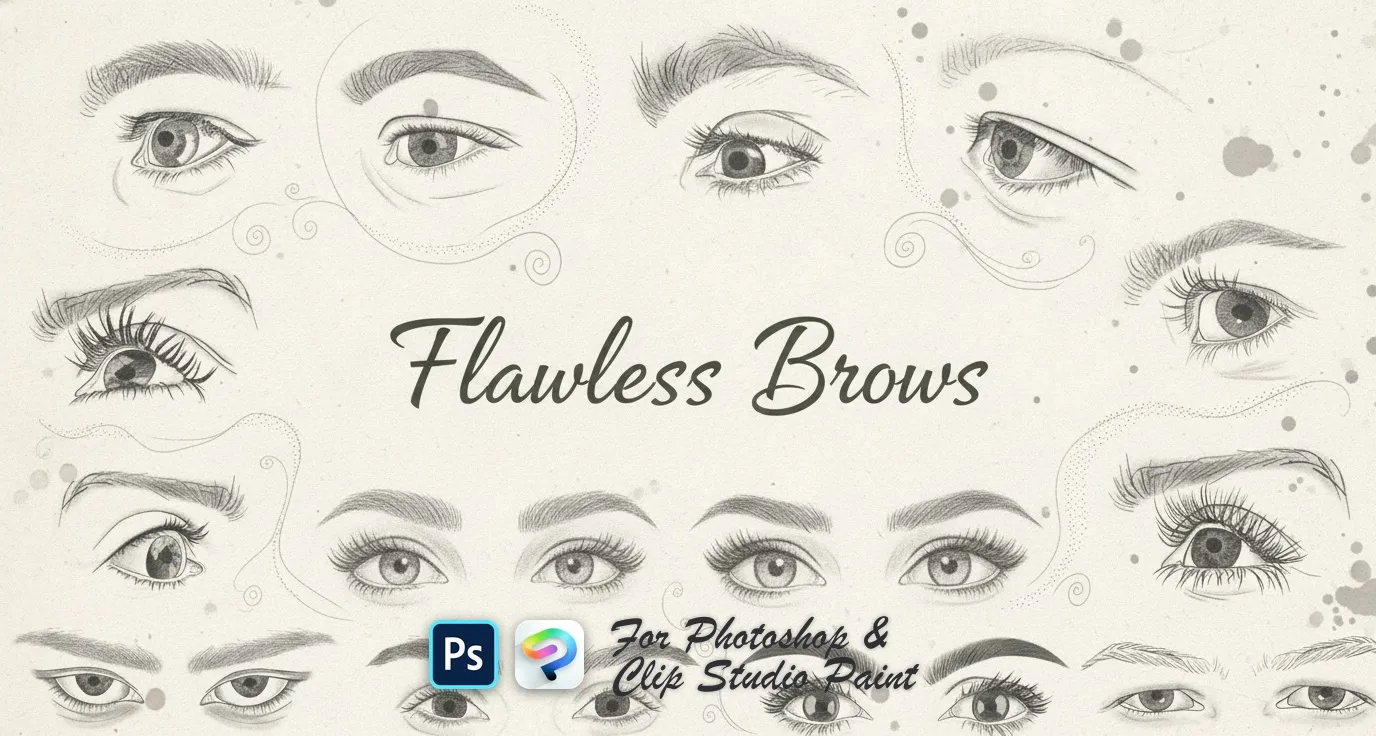
 Flawless Brows
soft powdered, arched, straight, rounded and tapered brows, plus feathered, wispy, bushy and bold shapes
 PS · CSP
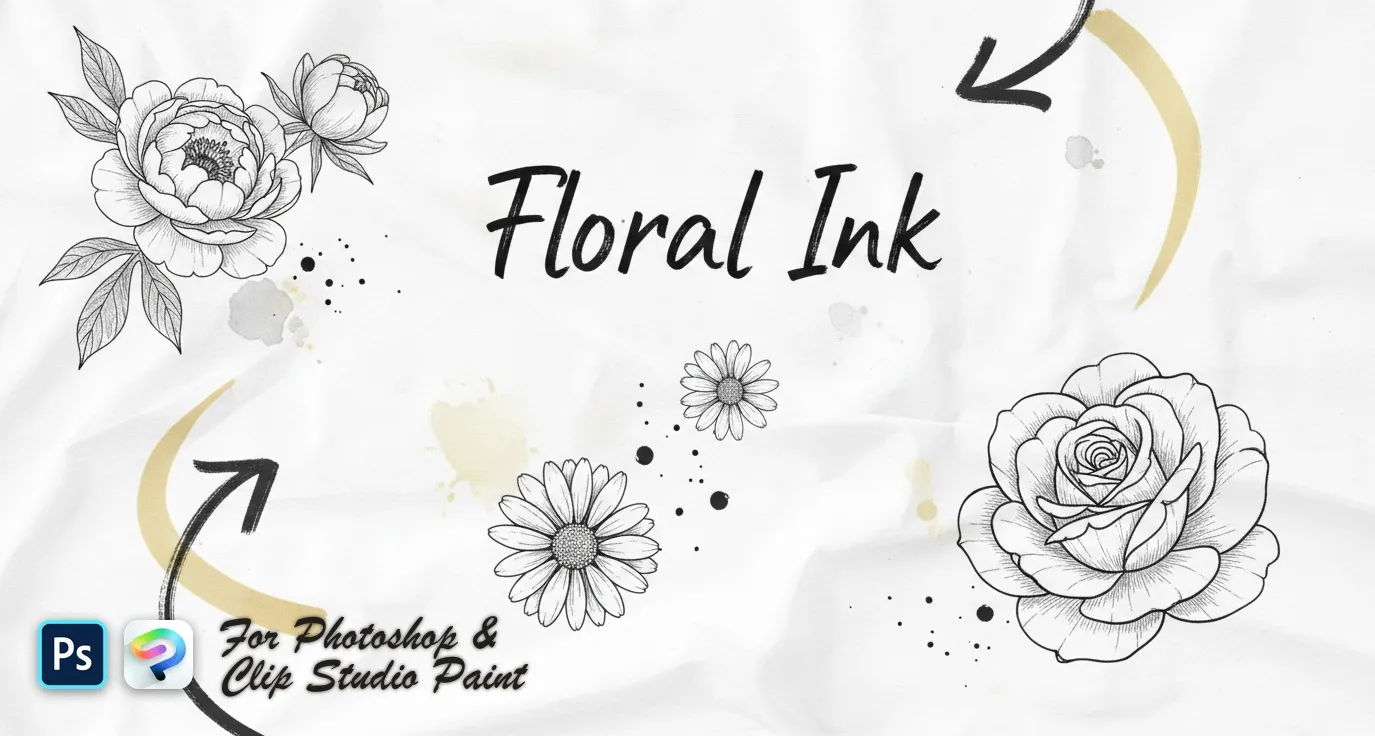
 Floral Ink
delicate wildflower sprigs, fine-line botanical stems and bold engraved blooms — lavender, poppy, tulip, peony, rose and magnolia
 PS · CSP
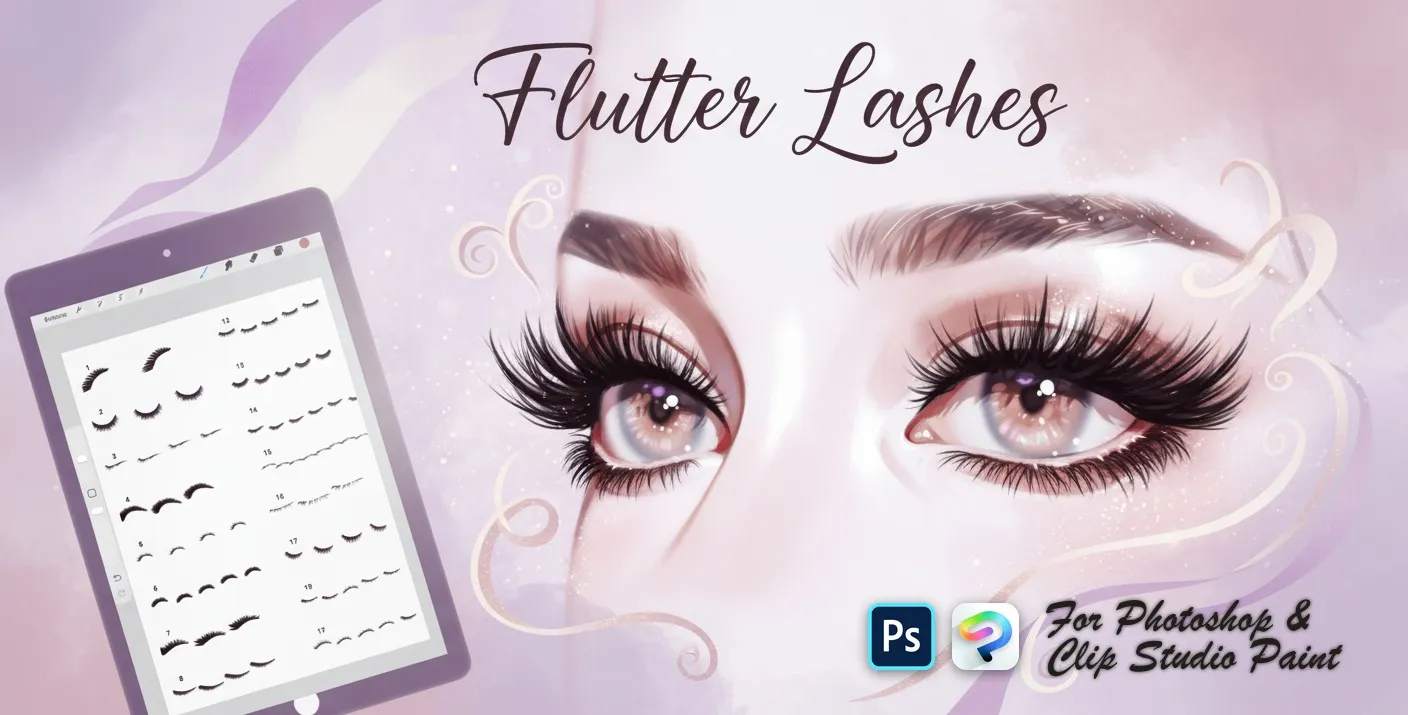
 Flutter Lashes
upper lash sets, fanned and curled lashes, soft lash liners, lower and short lashes, wispy, feathery, spiky and dramatic looks
 PS · CSP
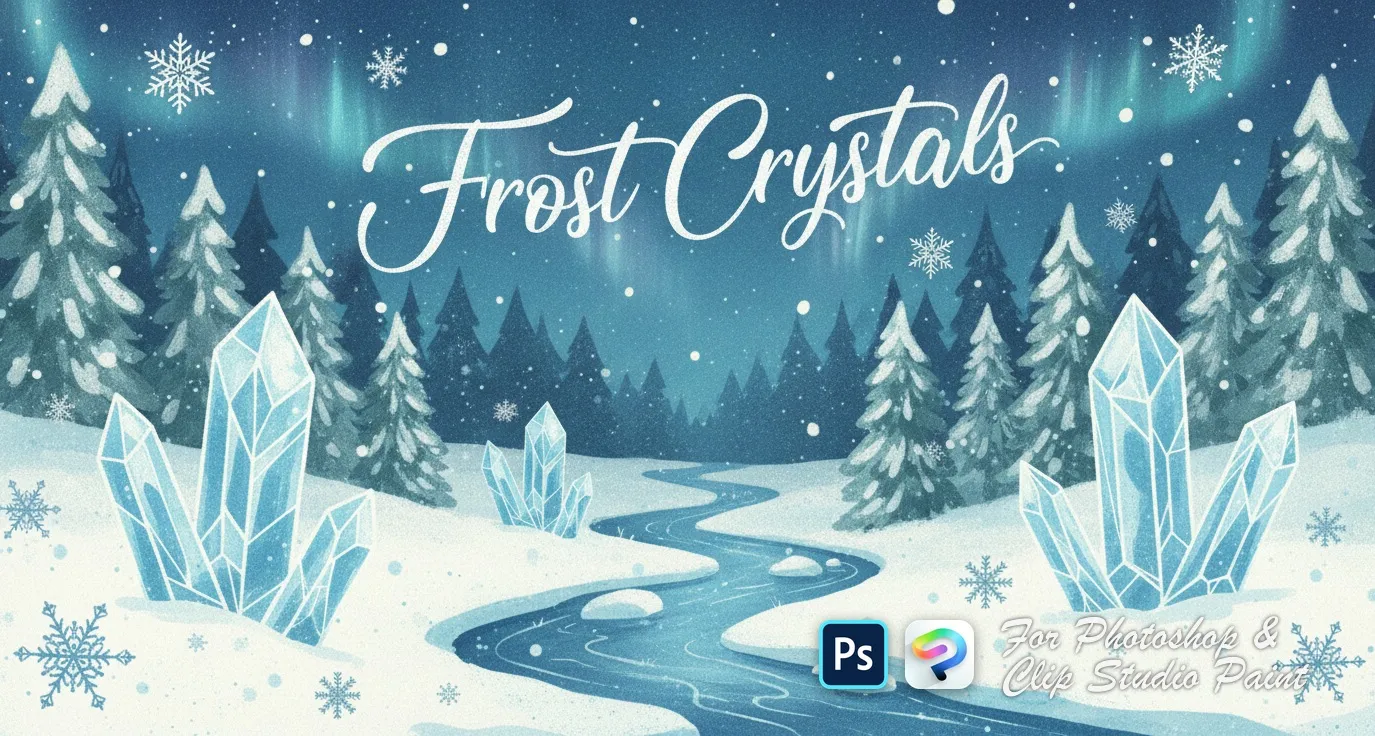
 Frost Crystals
delicate clusters, small scattered flakes, bold geometric snowflakes and crystalline 3D-style designs