Skip to content
Furnish Studio Photoshop & Clip Studio Paint brush set cover
.abr · PC & Mac Interior

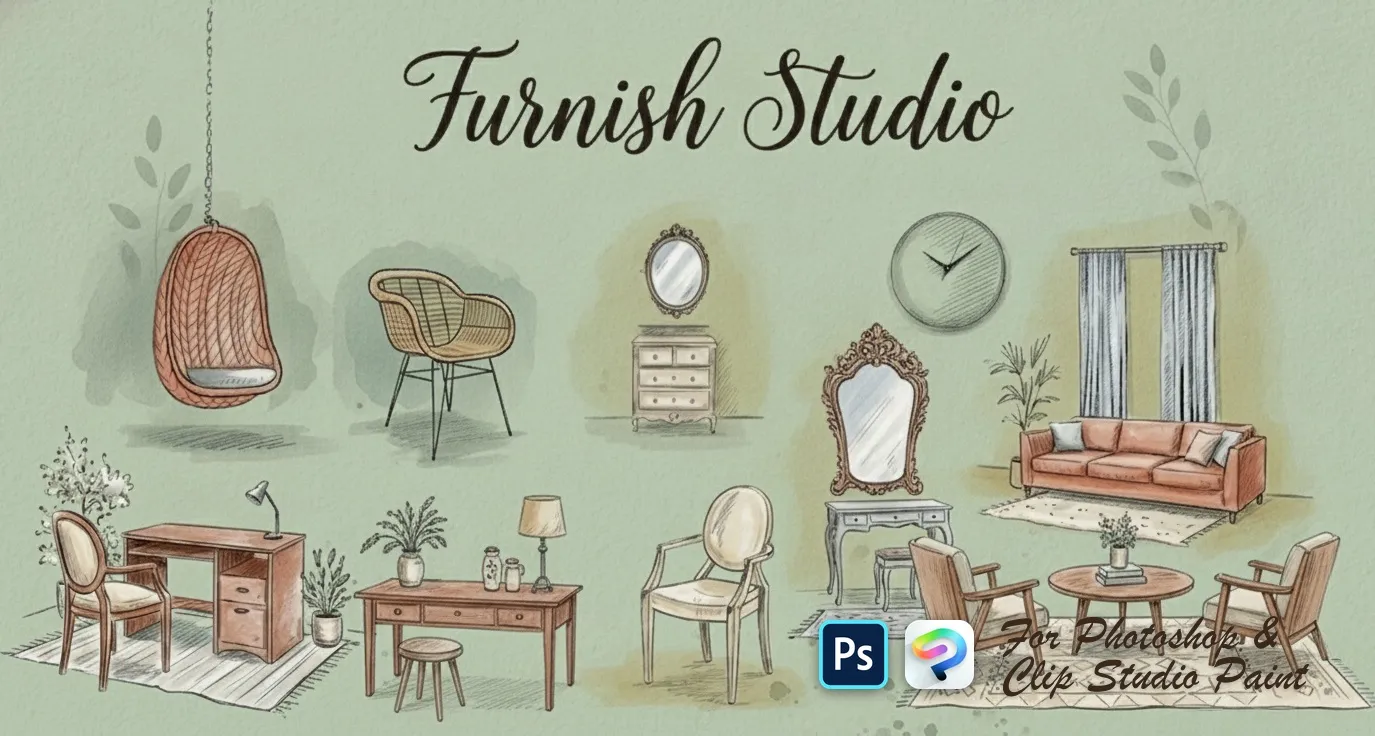
Furnish Studio Photoshop & Clip Studio Paint Brushes

AH by Amelia Harper

A sleek stamps set for rendering furniture shapes and creating interior design concept art. Compatible with Adobe Photoshop CC 2020+.

Brushes
67
Works with
Photoshop & Clip Studio Paint

$5 USD · one-time purchase

Get it on lava.top — $5

Instant download · one .abr file · works in Photoshop & Clip Studio Paint · free future updates

Download a free sample brush

One real brush from this set · free .abr file · no signup

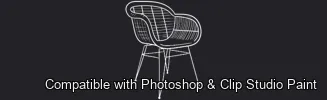
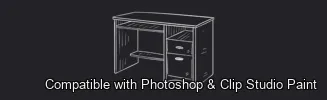
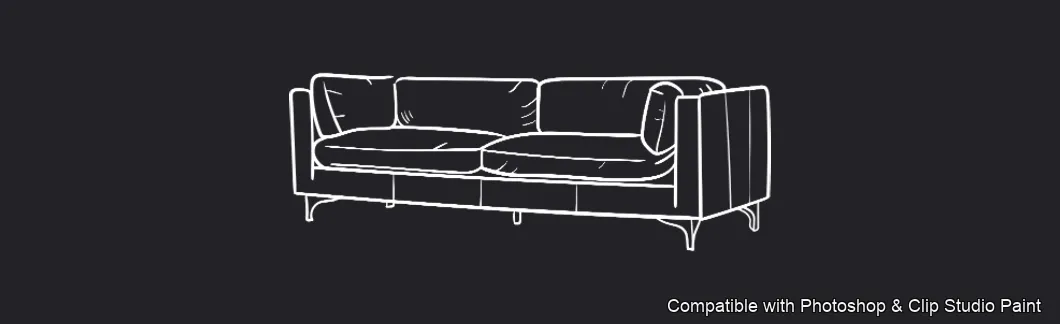
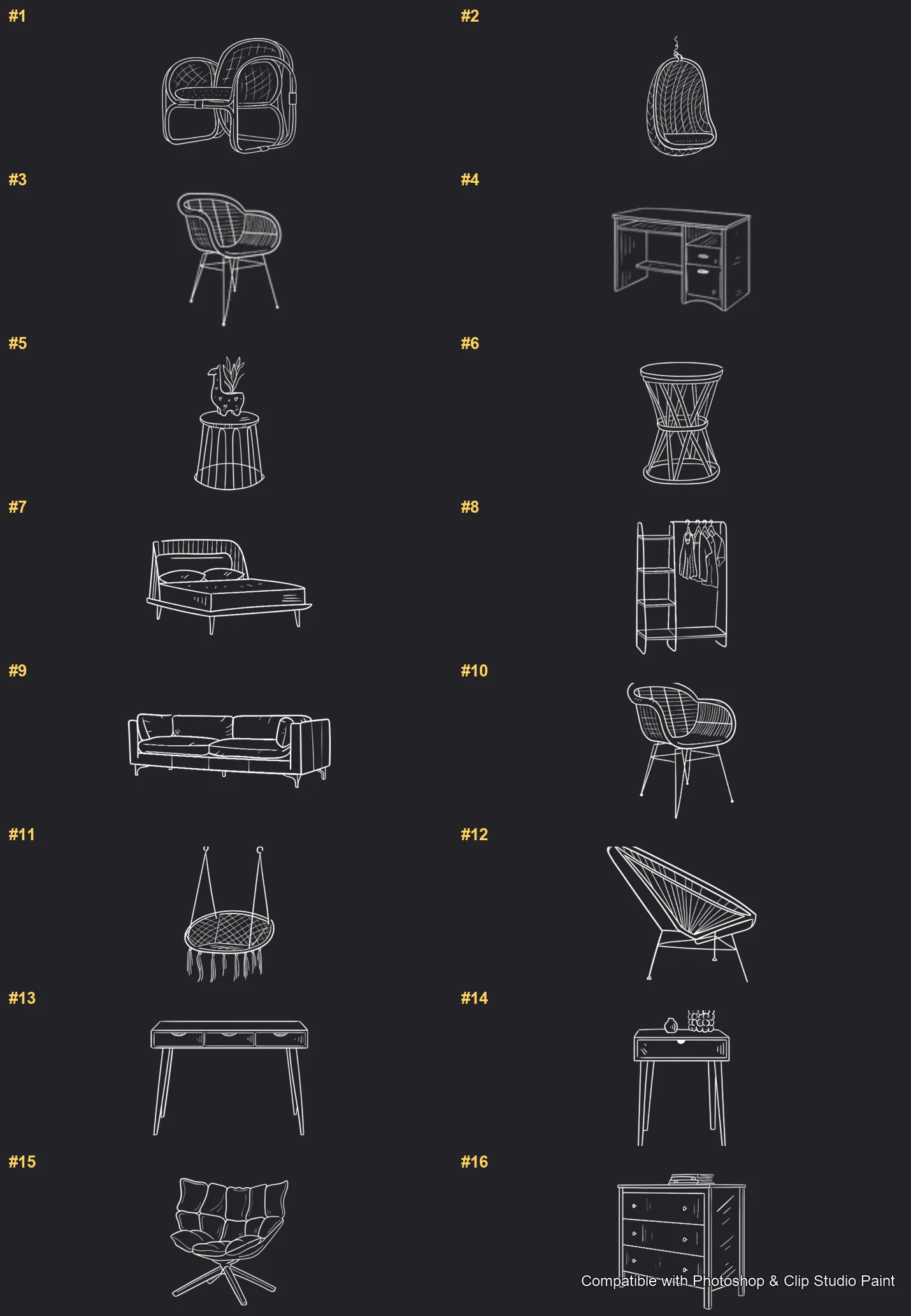
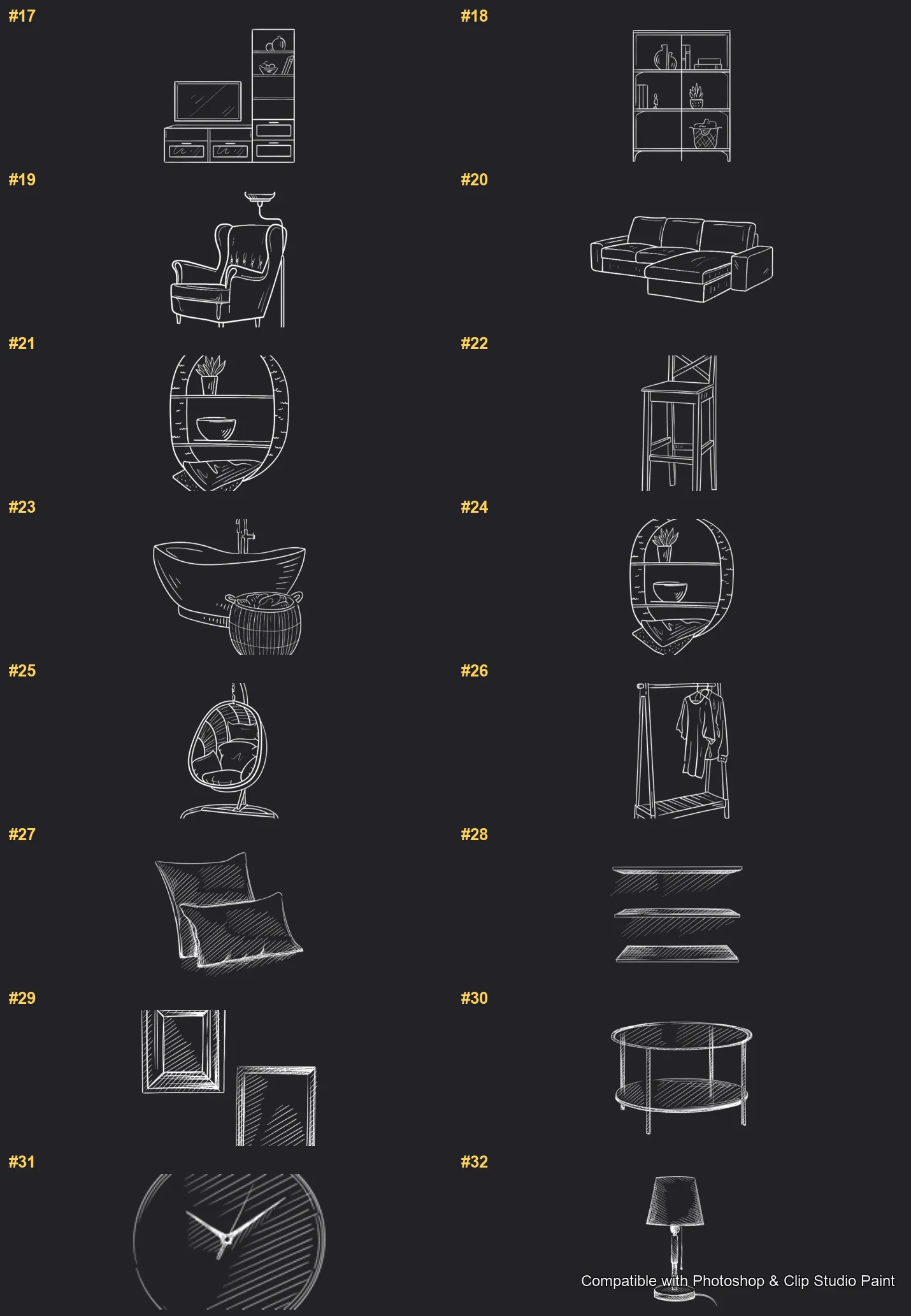
Furnish rooms and interiors fast in Photoshop and Clip Studio Paint with the Furnish Studio stamp set! Perfect for interior and architectural illustrators, concept and storyboard artists, home-design and lifestyle creators, and anyone furnishing a scene without drawing every piece. 🎨 What’s inside: 📁 67 stamp brushes in Photoshop format (.abr) — also import directly into Clip Studio Paint 💡 Why you’ll love it: • – 67 Furniture & Décor Stamps: A full home — sofas, loveseats, sectionals and settees, armchairs and accent chairs, beds and daybeds, desks, consoles, dressers and nightstands, shelves, bookcases and wardrobes, tables, stools and benches, plus lamps, mirrors, art, clocks, curtains, rugs, plants and accessories. • – Decorate in Taps: Stamp finished furniture into your scene instead of drawing each piece by hand. • – Easy to Use: Quick to install and paint with, even for beginners. • – Cohesive Results: Clean, consistent furniture for believable rooms and layouts. • – Download Now: Be creating within minutes! 🖌️ Brushes compatible: ✅ Adobe Photoshop (CC and newer) — .abr brush file ✅ Clip Studio Paint (ver. 1.10.5 or later) — imports the same .abr ✅ Works on both desktop and iPad 🛠️ How to install: • Photoshop — double-click the .abr file (or Brushes panel → menu → Import Brushes). • Clip Studio Paint — drag the .abr onto the Sub Tool palette. 📥 Instant digital download — start designing today!

Every brush in Furnish Studio

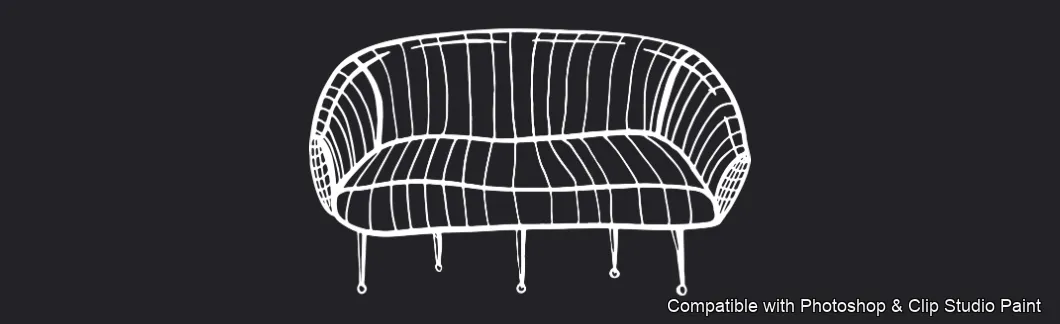
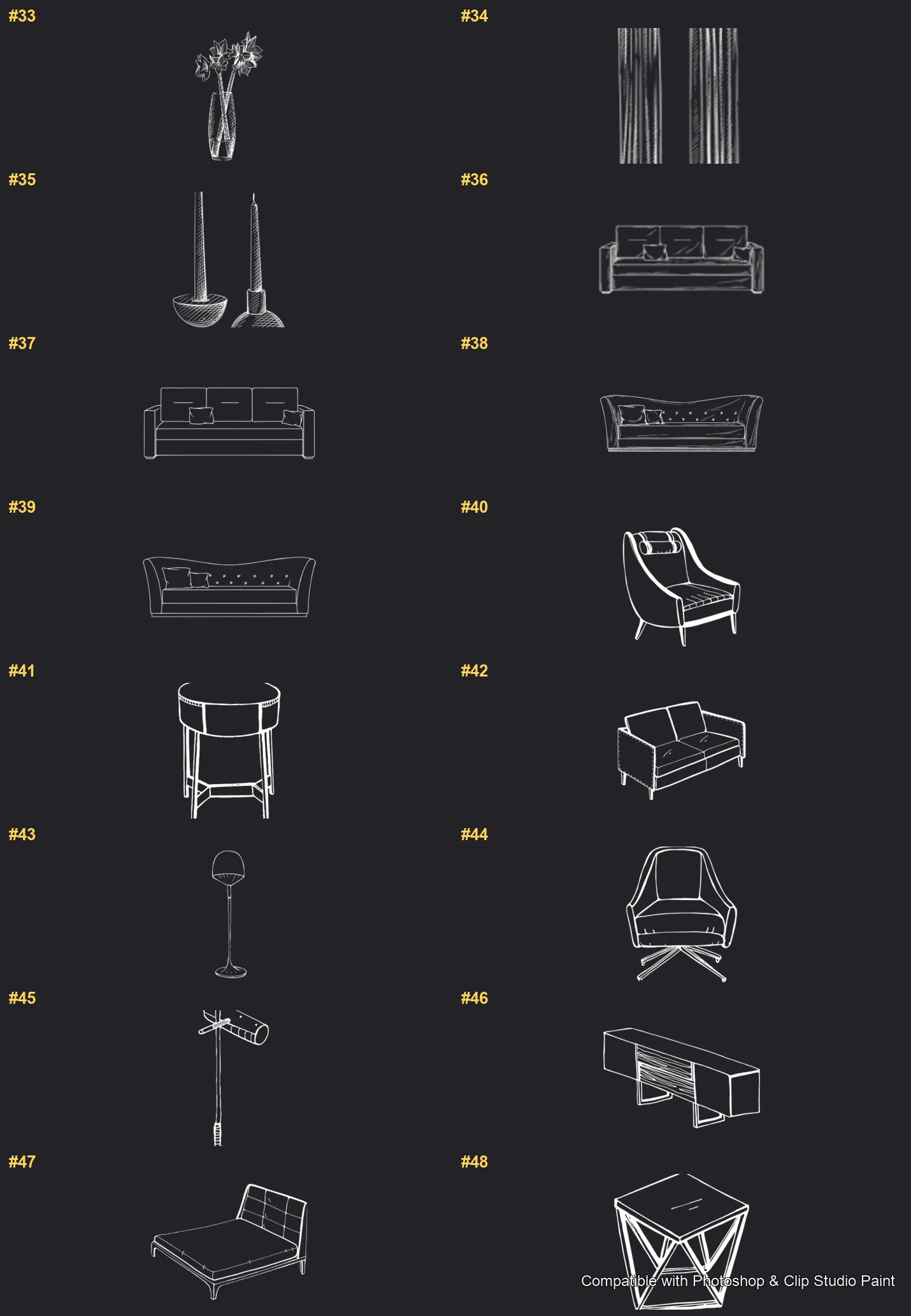
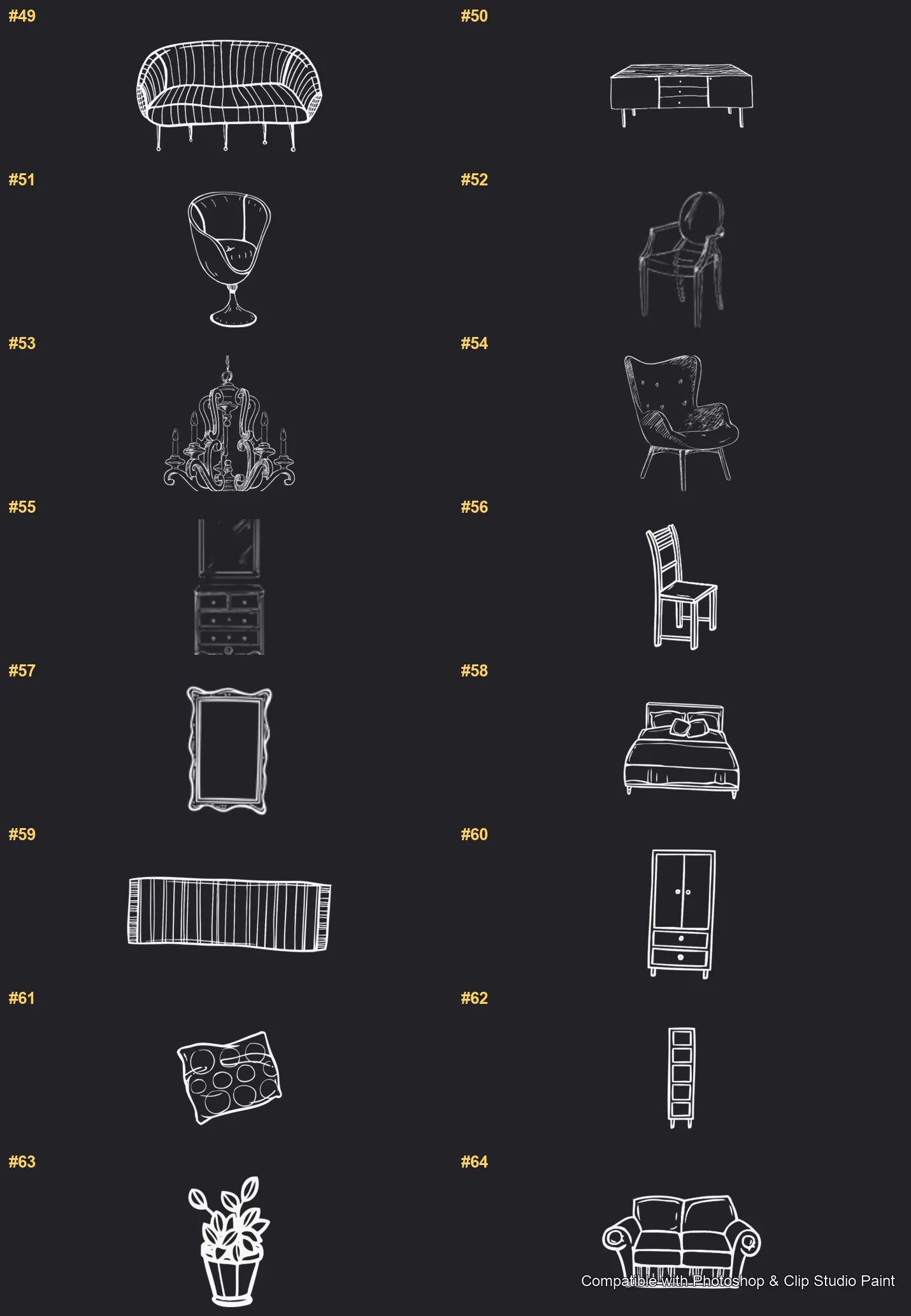
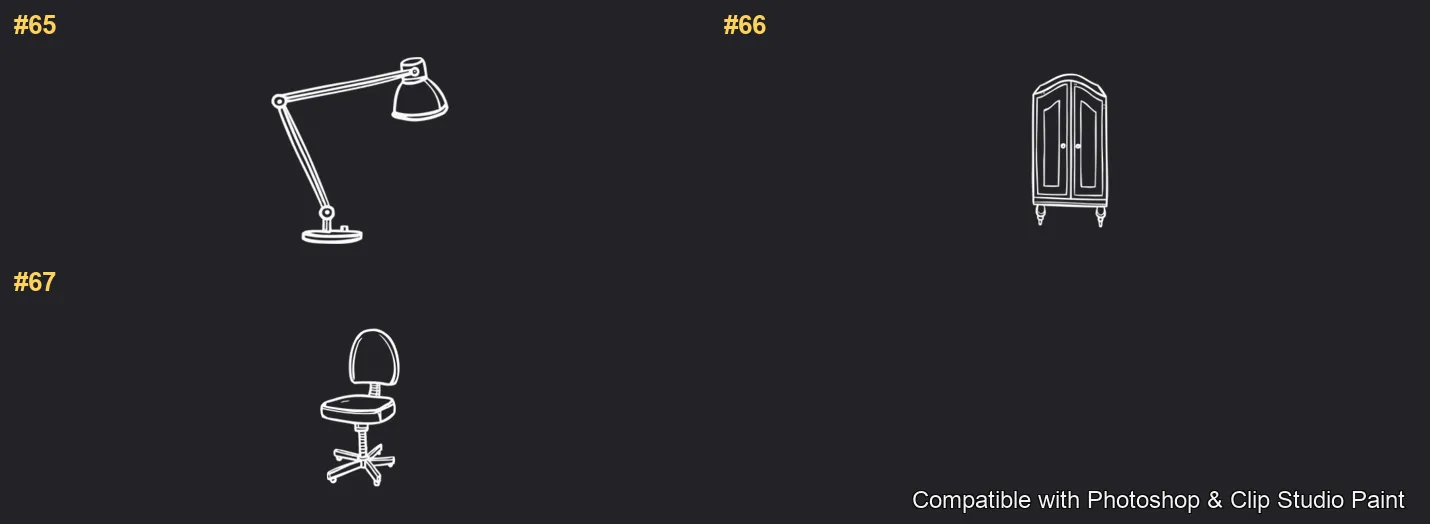
67 individual brush previews — see the exact stroke before you download.

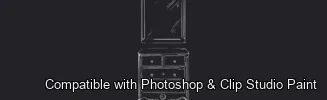
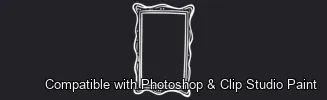
Furnish Studio brush 1 of 67 — Photoshop & Clip Studio Paint .abr preview
Furnish Studio brush 2 of 67 — Photoshop & Clip Studio Paint .abr preview
Furnish Studio brush 3 of 67 — Photoshop & Clip Studio Paint .abr preview
Furnish Studio brush 4 of 67 — Photoshop & Clip Studio Paint .abr preview
Furnish Studio brush 5 of 67 — Photoshop & Clip Studio Paint .abr preview
Furnish Studio brush 6 of 67 — Photoshop & Clip Studio Paint .abr preview
Furnish Studio brush 7 of 67 — Photoshop & Clip Studio Paint .abr preview
Furnish Studio brush 8 of 67 — Photoshop & Clip Studio Paint .abr preview
Furnish Studio brush 9 of 67 — Photoshop & Clip Studio Paint .abr preview
Furnish Studio brush 10 of 67 — Photoshop & Clip Studio Paint .abr preview
Furnish Studio brush 11 of 67 — Photoshop & Clip Studio Paint .abr preview
Furnish Studio brush 12 of 67 — Photoshop & Clip Studio Paint .abr preview
Furnish Studio brush 13 of 67 — Photoshop & Clip Studio Paint .abr preview
Furnish Studio brush 14 of 67 — Photoshop & Clip Studio Paint .abr preview
Furnish Studio brush 15 of 67 — Photoshop & Clip Studio Paint .abr preview
Furnish Studio brush 16 of 67 — Photoshop & Clip Studio Paint .abr preview
Furnish Studio brush 17 of 67 — Photoshop & Clip Studio Paint .abr preview
Furnish Studio brush 18 of 67 — Photoshop & Clip Studio Paint .abr preview
Furnish Studio brush 19 of 67 — Photoshop & Clip Studio Paint .abr preview
Furnish Studio brush 20 of 67 — Photoshop & Clip Studio Paint .abr preview
Furnish Studio brush 21 of 67 — Photoshop & Clip Studio Paint .abr preview
Furnish Studio brush 22 of 67 — Photoshop & Clip Studio Paint .abr preview
Furnish Studio brush 23 of 67 — Photoshop & Clip Studio Paint .abr preview
Furnish Studio brush 24 of 67 — Photoshop & Clip Studio Paint .abr preview
Furnish Studio brush 25 of 67 — Photoshop & Clip Studio Paint .abr preview
Furnish Studio brush 26 of 67 — Photoshop & Clip Studio Paint .abr preview
Furnish Studio brush 27 of 67 — Photoshop & Clip Studio Paint .abr preview
Furnish Studio brush 28 of 67 — Photoshop & Clip Studio Paint .abr preview
Furnish Studio brush 29 of 67 — Photoshop & Clip Studio Paint .abr preview
Furnish Studio brush 30 of 67 — Photoshop & Clip Studio Paint .abr preview
Furnish Studio brush 31 of 67 — Photoshop & Clip Studio Paint .abr preview
Furnish Studio brush 32 of 67 — Photoshop & Clip Studio Paint .abr preview
Furnish Studio brush 33 of 67 — Photoshop & Clip Studio Paint .abr preview
Furnish Studio brush 34 of 67 — Photoshop & Clip Studio Paint .abr preview
Furnish Studio brush 35 of 67 — Photoshop & Clip Studio Paint .abr preview
Furnish Studio brush 36 of 67 — Photoshop & Clip Studio Paint .abr preview
Furnish Studio brush 37 of 67 — Photoshop & Clip Studio Paint .abr preview
Furnish Studio brush 38 of 67 — Photoshop & Clip Studio Paint .abr preview
Furnish Studio brush 39 of 67 — Photoshop & Clip Studio Paint .abr preview
Furnish Studio brush 40 of 67 — Photoshop & Clip Studio Paint .abr preview
Furnish Studio brush 41 of 67 — Photoshop & Clip Studio Paint .abr preview
Furnish Studio brush 42 of 67 — Photoshop & Clip Studio Paint .abr preview
Furnish Studio brush 43 of 67 — Photoshop & Clip Studio Paint .abr preview
Furnish Studio brush 44 of 67 — Photoshop & Clip Studio Paint .abr preview
Furnish Studio brush 45 of 67 — Photoshop & Clip Studio Paint .abr preview
Furnish Studio brush 46 of 67 — Photoshop & Clip Studio Paint .abr preview
Furnish Studio brush 47 of 67 — Photoshop & Clip Studio Paint .abr preview
Furnish Studio brush 48 of 67 — Photoshop & Clip Studio Paint .abr preview
Furnish Studio brush 49 of 67 — Photoshop & Clip Studio Paint .abr preview
Furnish Studio brush 50 of 67 — Photoshop & Clip Studio Paint .abr preview
Furnish Studio brush 51 of 67 — Photoshop & Clip Studio Paint .abr preview
Furnish Studio brush 52 of 67 — Photoshop & Clip Studio Paint .abr preview
Furnish Studio brush 53 of 67 — Photoshop & Clip Studio Paint .abr preview
Furnish Studio brush 54 of 67 — Photoshop & Clip Studio Paint .abr preview
Furnish Studio brush 55 of 67 — Photoshop & Clip Studio Paint .abr preview
Furnish Studio brush 56 of 67 — Photoshop & Clip Studio Paint .abr preview
Furnish Studio brush 57 of 67 — Photoshop & Clip Studio Paint .abr preview
Furnish Studio brush 58 of 67 — Photoshop & Clip Studio Paint .abr preview
Furnish Studio brush 59 of 67 — Photoshop & Clip Studio Paint .abr preview
Furnish Studio brush 60 of 67 — Photoshop & Clip Studio Paint .abr preview
Furnish Studio brush 61 of 67 — Photoshop & Clip Studio Paint .abr preview
Furnish Studio brush 62 of 67 — Photoshop & Clip Studio Paint .abr preview
Furnish Studio brush 63 of 67 — Photoshop & Clip Studio Paint .abr preview
Furnish Studio brush 64 of 67 — Photoshop & Clip Studio Paint .abr preview
Furnish Studio brush 65 of 67 — Photoshop & Clip Studio Paint .abr preview
Furnish Studio brush 66 of 67 — Photoshop & Clip Studio Paint .abr preview
Furnish Studio brush 67 of 67 — Photoshop & Clip Studio Paint .abr preview

Full brush overview

Furnish Studio Photoshop & Clip Studio Paint brushes overview sheet 1
Furnish Studio Photoshop & Clip Studio Paint brushes overview sheet 2
Furnish Studio Photoshop & Clip Studio Paint brushes overview sheet 3
Furnish Studio Photoshop & Clip Studio Paint brushes overview sheet 4
Furnish Studio Photoshop & Clip Studio Paint brushes overview sheet 5

How to install

In Adobe Photoshop

Double-click the .abr file to load it — or open the Brushes panel, click the menu and choose Import Brushes. Works on CC and newer, PC & Mac.

In Clip Studio Paint

Drag the same .abr file onto the Sub Tool palette and Clip Studio imports it as new brushes. Works on version 1.10.5 or later.

Furnish Studio — FAQ

How much does the Furnish Studio pack cost?+

$5 (USD) — a one-time purchase, not a subscription. One payment covers both Photoshop and Clip Studio Paint, with free future updates.

How many brushes are in the Furnish Studio pack?+

The Furnish Studio set includes 67 brushes — sofas, loveseats, sectionals and settees, armchairs, beds and daybeds, desks, consoles, dressers, nightstands and shelves.

Does it work in both Photoshop and Clip Studio Paint?+

Yes. You get a single .abr file — the same file imports into Adobe Photoshop (CC and newer) and Clip Studio Paint (1.10.5 or later). One purchase covers both apps, on PC and Mac.

What file format do I get?+

An Adobe Photoshop .abr brush file. In Photoshop, double-click it (or Brushes panel → menu → Import Brushes). In Clip Studio Paint, drag the .abr onto the Sub Tool palette.

Do these work on Procreate?+

Furnish Studio is the desktop .abr edition for Photoshop and Clip Studio Paint. Many of our sets also come as Procreate .brushset editions — browse the Procreate catalog to check.