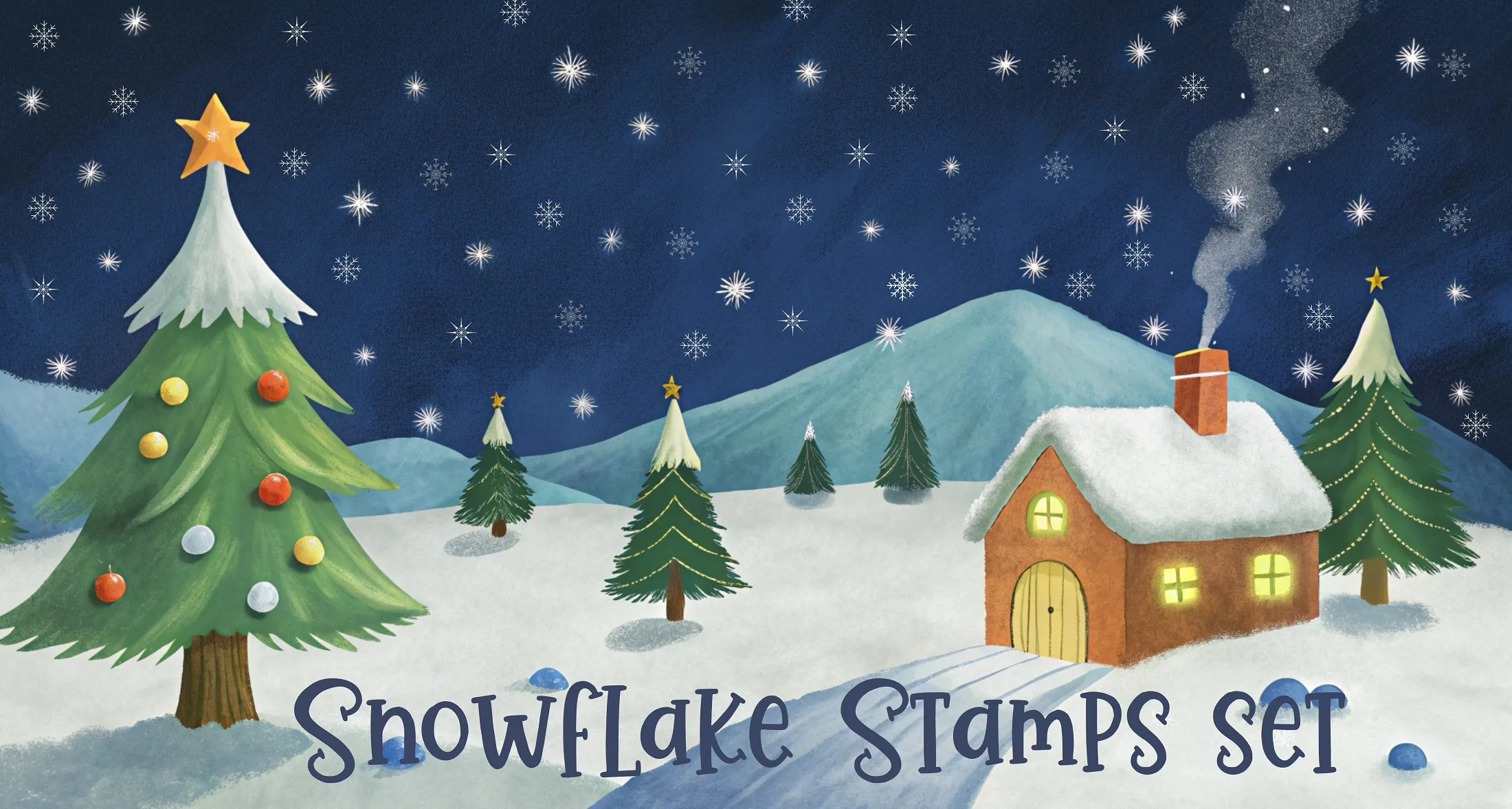
Snowflake Stamps Procreate Brushes
B by the Brusher team
Delicate snowflakes for winter scenes; create cozy or magical snowy effects.
- Brushes
- 12
- Works with
- Procreate
Free download · .brushset format · installs in one tap · email required
Brusher app for iPad & iPhone
200+ sets like this in the Brusher app — plus free brushes and free tools.
This set and 200+ more are in the free Brusher app — with free brushes and tools like the .brushset → .abr converter.
Download on the App Store  Scan → get the app
More Stamps & Patterns brushes in the app
The Brusher app has the full 200+ set library, Stamps & Patterns included — one subscription instead of buying packs one at a time.
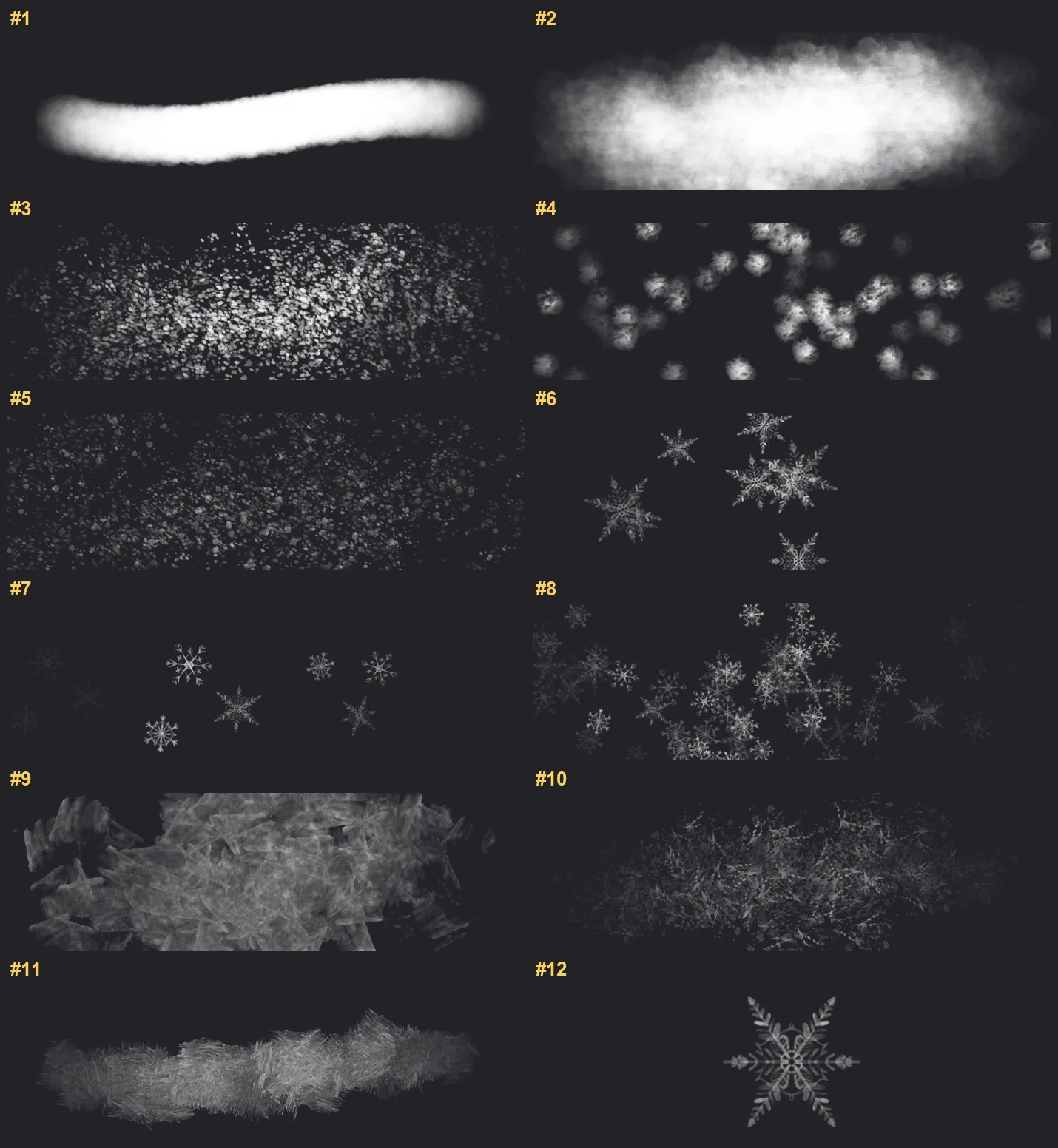
Every brush in Snowflake Stamps
12 individual brush previews — see the exact stroke before you download.












Full brush overview
New to Procreate brushes?
Follow our quick guide to import your .brushset in under a minute.
Snowflake Stamps — FAQ
How much does the Snowflake Stamps pack cost?+
Free — Snowflake Stamps is a free download with no payment and no subscription. Grab the .brushset and it installs into Procreate in one tap.
How many brushes are in the Snowflake Stamps pack?+
The Snowflake Stamps set includes 12 brushes — fluffy snowdrifts and a snowdrift blender, snowstorm and falling-flake brushes, snow sprinkle, simple and thick snowflakes, hoarfrost and frost patterns.
Does Snowflake Stamps work with the free version of Procreate?+
Procreate is a one-time paid app on the iPad App Store; once you own it, these brushes import for free with a single tap.
What file format do I get?+
You'll receive a .brushset file that Procreate installs automatically. See our import guide if you need step-by-step help.
Do I need an Apple Pencil?+
Yes — a pressure-sensitive Apple Pencil is recommended to get the full texture and taper of every brush.
Browse this style
You might also like
 Procreate Video
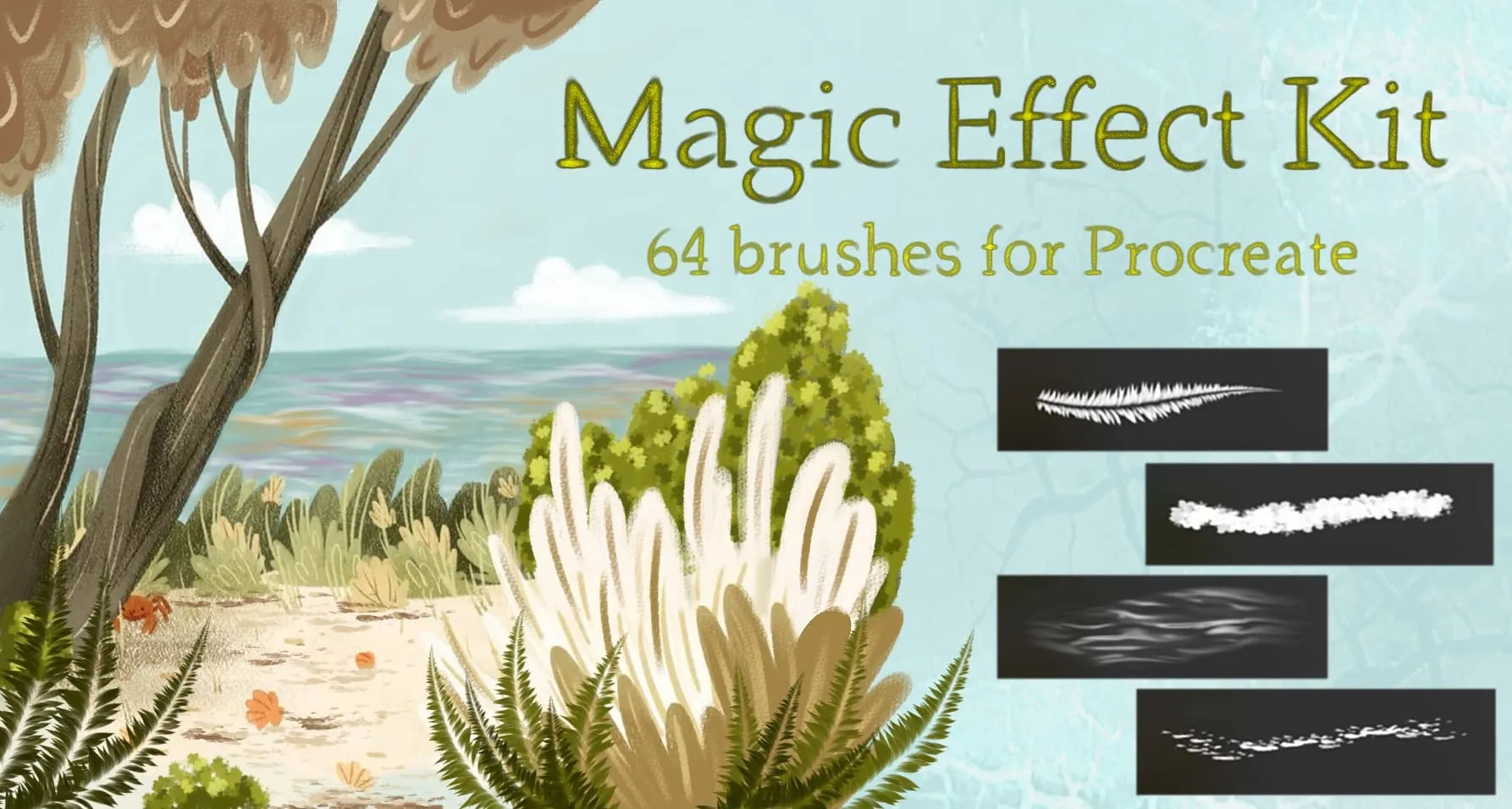
Magic Effect Kit
nature elements, celestial, light and bubbles
 Procreate Video
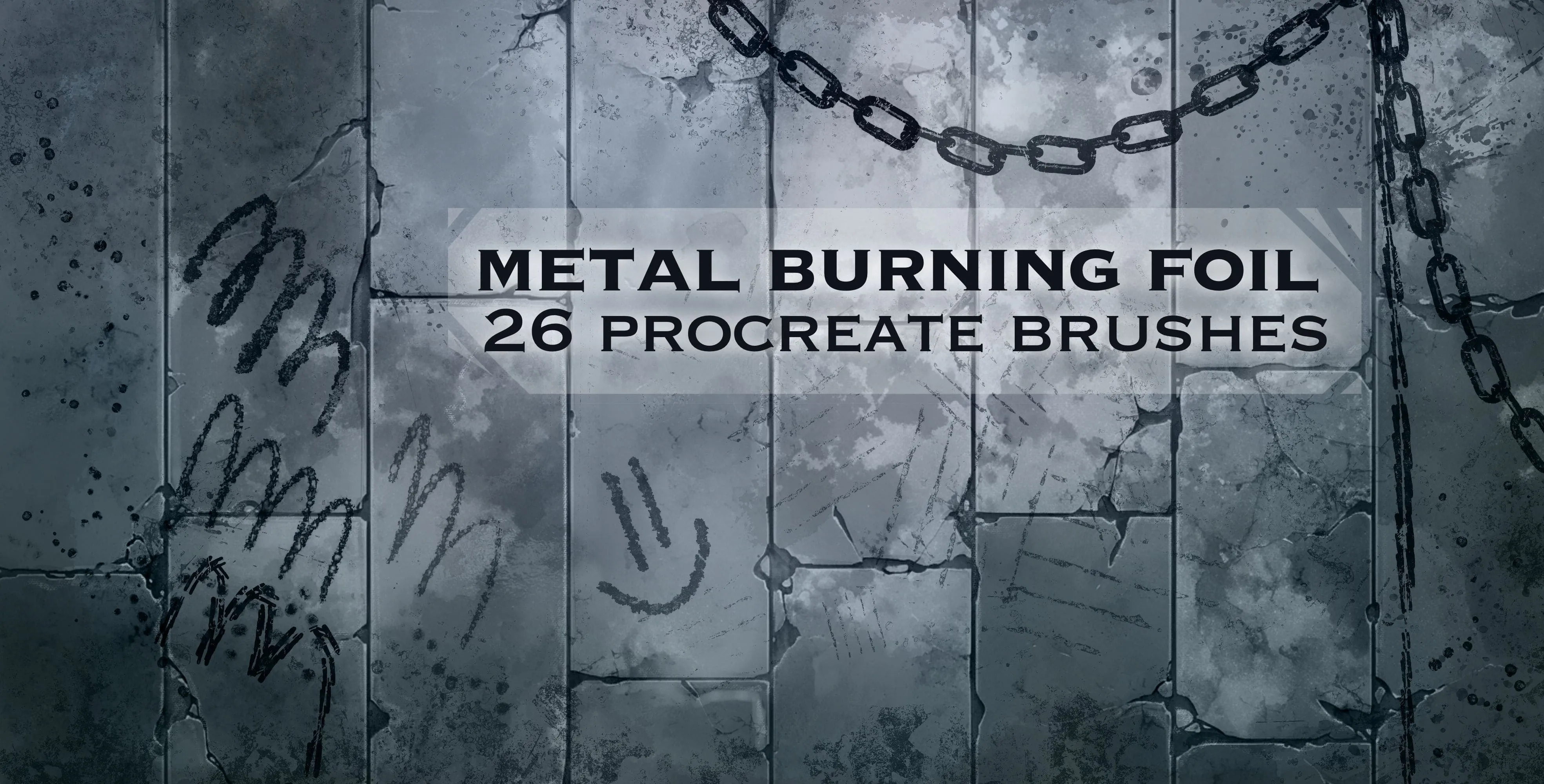
Metal Burning Foil
heavy, fine metal and rusty
 Procreate Video
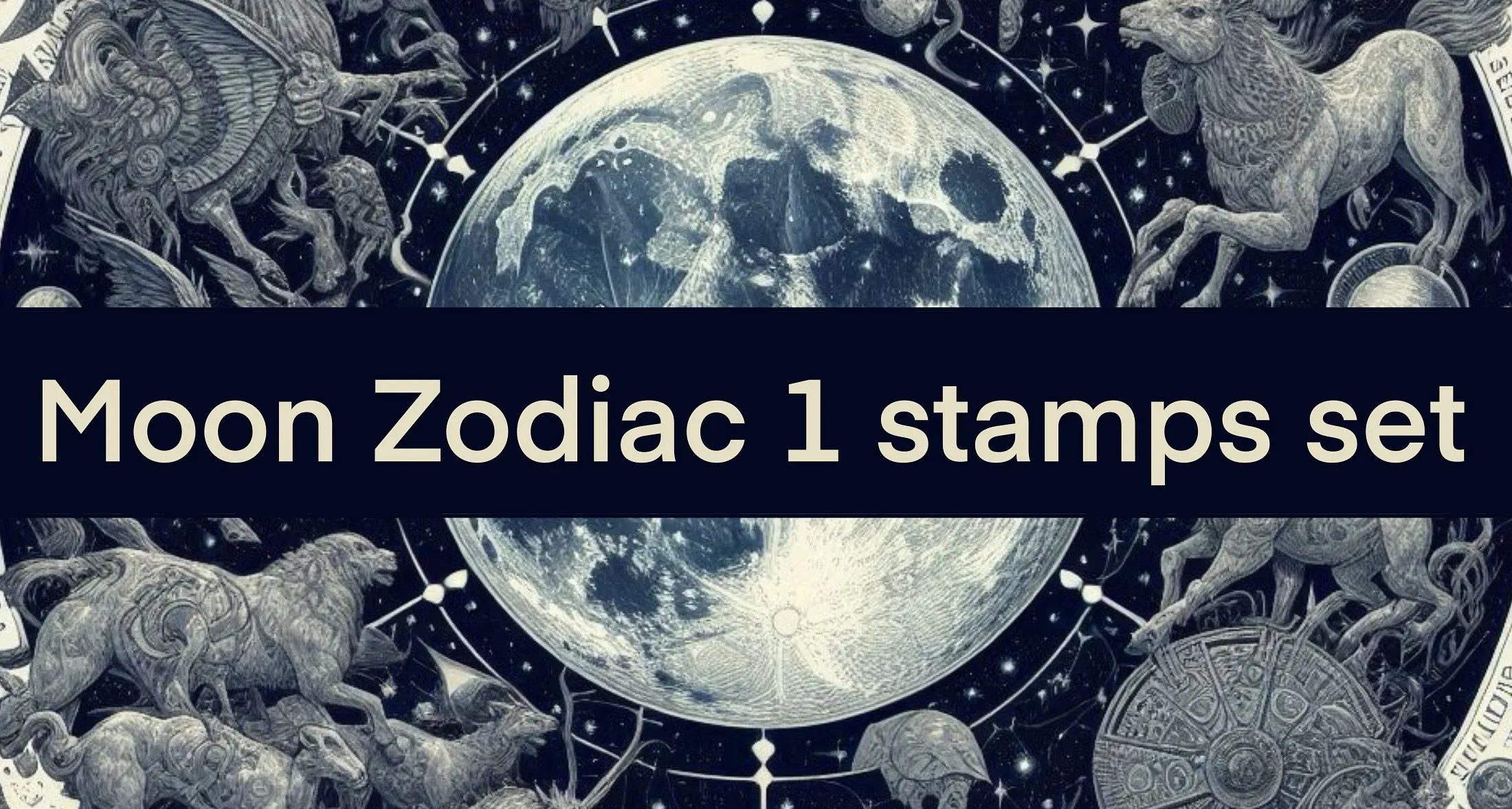
Moon 1
all 12 zodiac sign emblems, full and gibbous moons, a glowing moon, a lunar surface, a textured planet and ringed Saturn
 Procreate Video
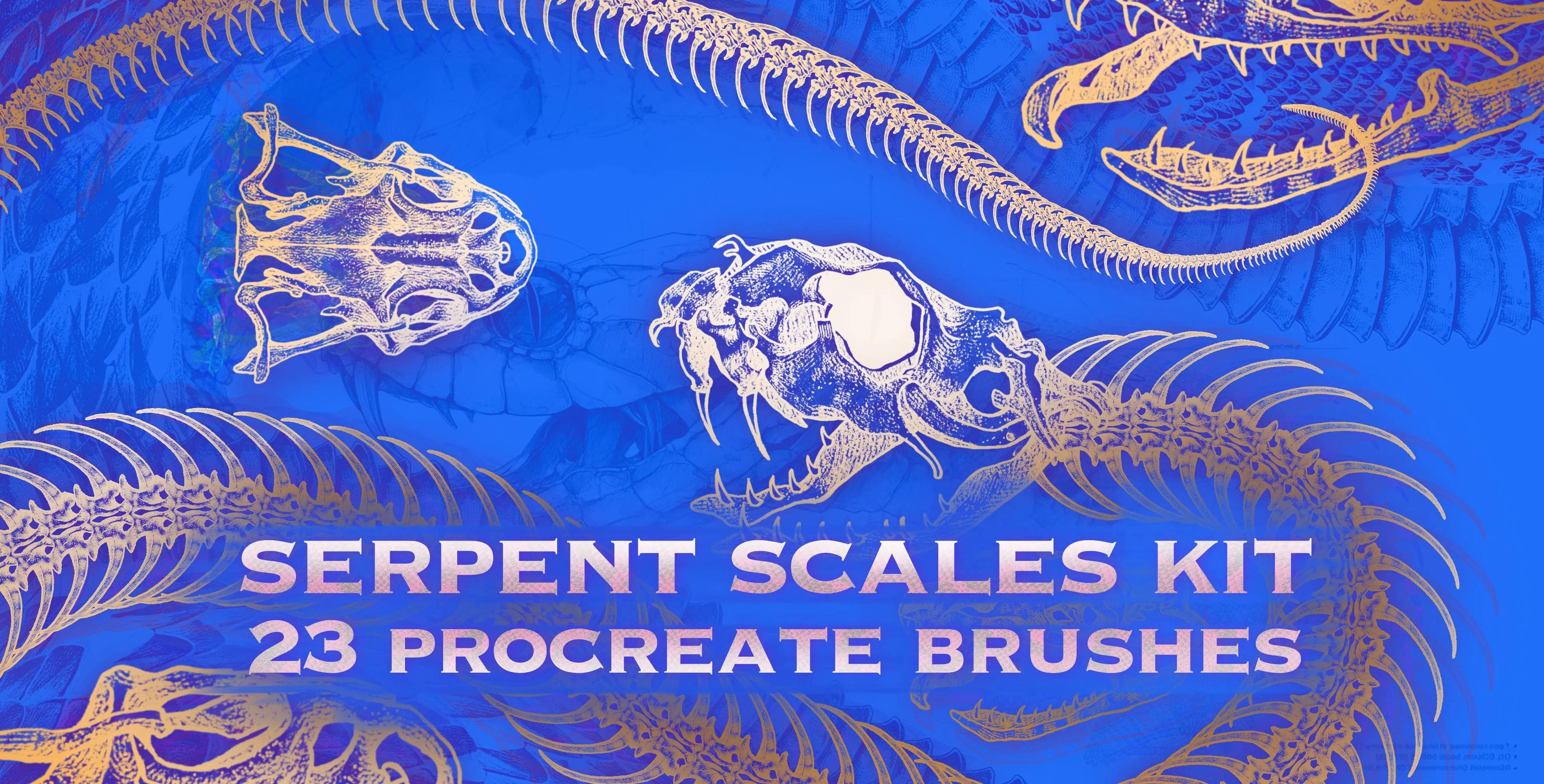
Serpent Scales Kit
snake skin, scale, spine and skeleton