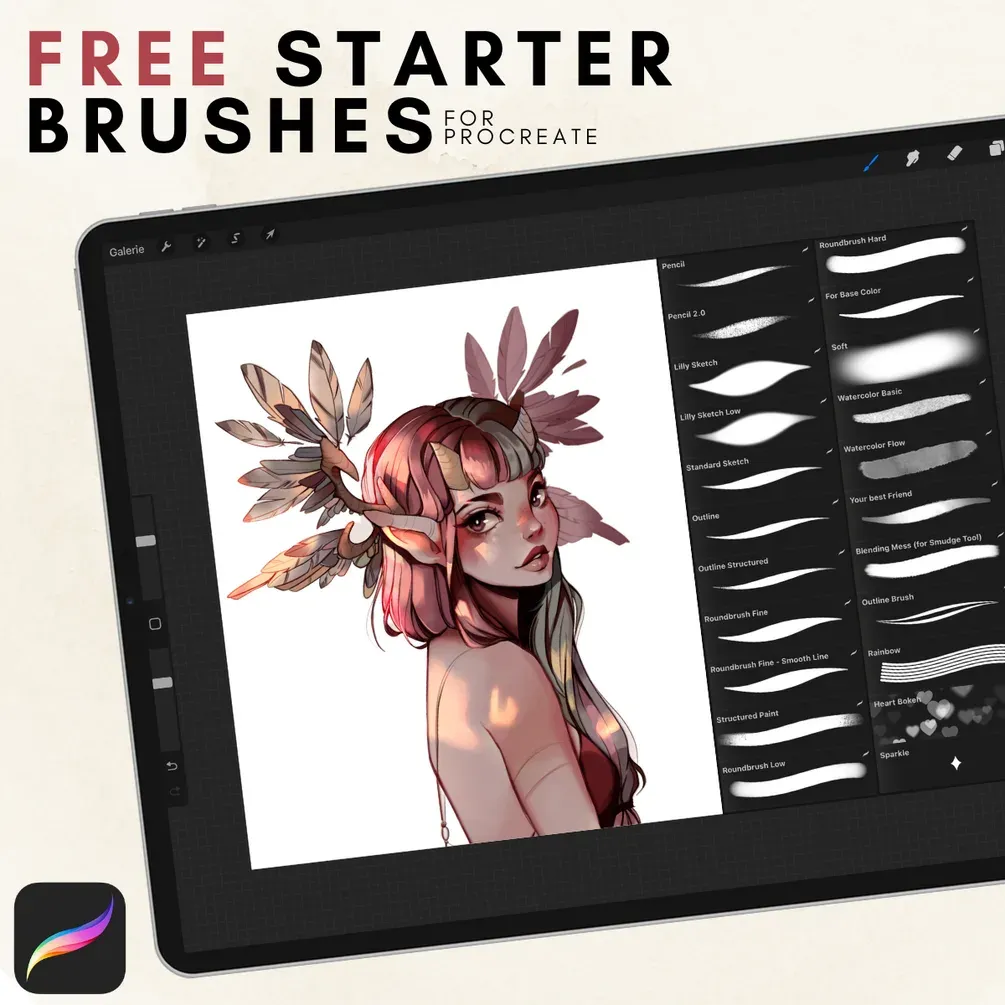
Free Procreate brushes by liliyth
by liliyth
- Brushes
- 22
- In the download
- 1 .brushset (22 brushes)
- Works with
- Procreate
- Price
- Free ($0+) on Gumroad
Brusher doesn't host or sell this set — the download is on the author's page.

Brusher app for iPad & iPhone
Want more like this? 200+ sets in the Brusher app — plus free brushes and free tools.
Artist liliyth's free set is built for painting, not just drawing: alongside pencils and outline brushes there are round painting brushes in several hardnesses, two watercolor brushes and a blender meant for Procreate's Smudge tool. A few fun extras — rainbow, heart bokeh and sparkle — round it off.
It comes from liliyth's Gumroad page, where it is described as updated for Procreate 5.2. Brusher does not host the file.
Sketch and line
Two pencils, three sketch brushes (including liliyth's own Lilly Sketch and a lighter Lilly Sketch Low) and three outline brushes, one of them structured for a slightly textured contour.
-
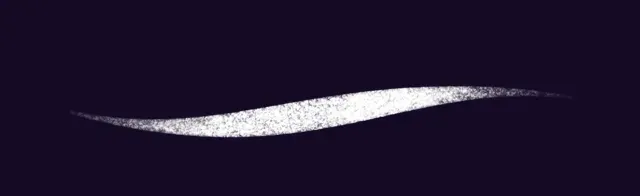
Pencil
-
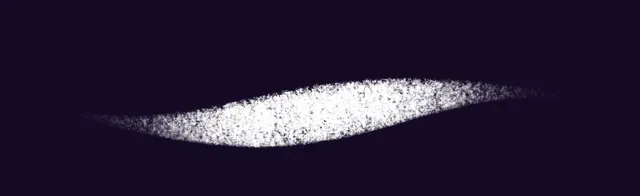
Pencil 2.0
-

Lilly Sketch
-
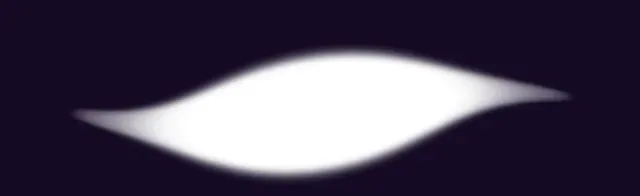
Lilly Sketch Low
-

Standard Sketch
-

Outline
-
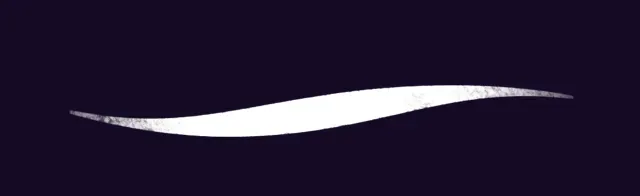
Outline Structured
-

Roundbrush Fine
-
Roundbrush Fine - Smooth Line
-
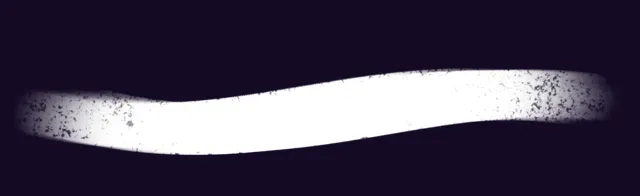
Structured Paint
-
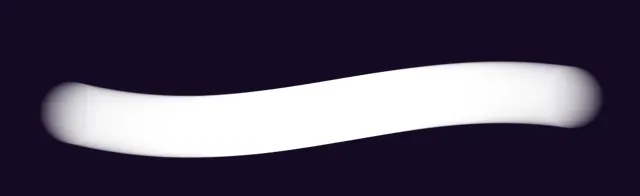
Roundbrush Low
-
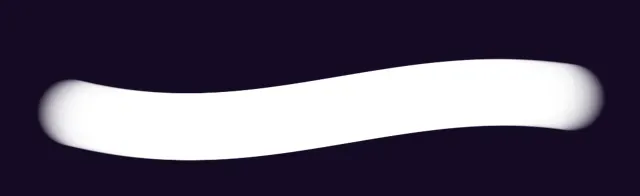
Roundbrush Hard
-

For Base Color
-
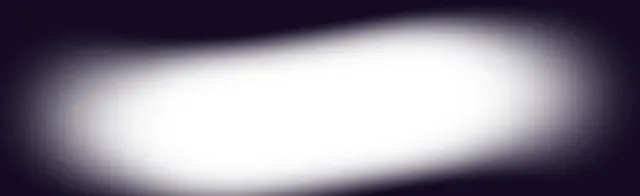
Soft
-
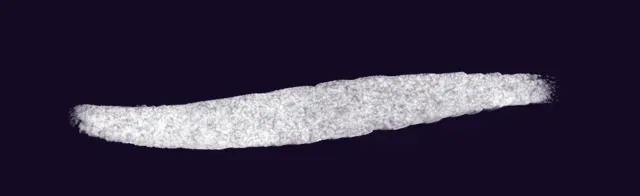
Watercolor Basic
-
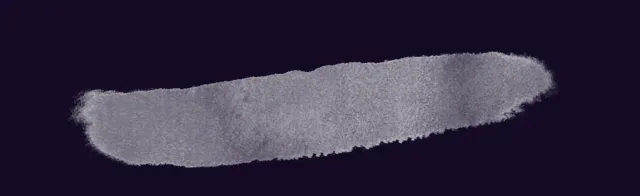
Watercolor Flow
-
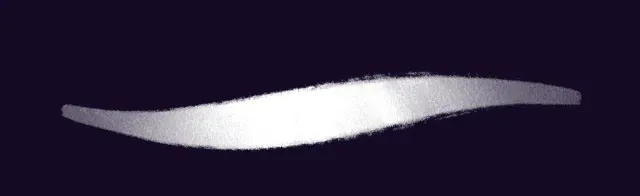
Your best Friend
-
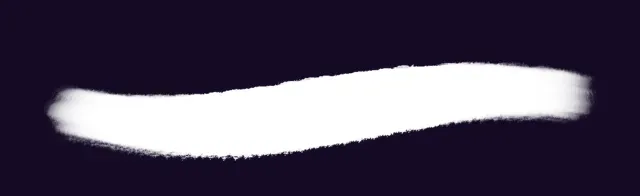
Blending Mess (for Smudge Tool)
-

Outline Brush
-
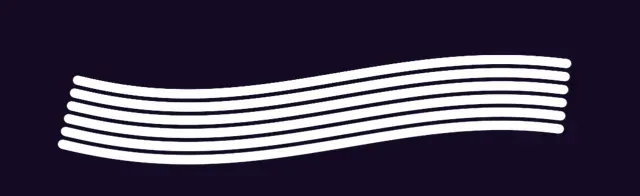
Rainbow
-
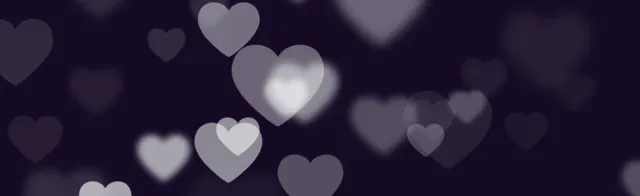
Heart Bokeh
-

Sparkle
Painting brushes
The round brushes go from Roundbrush Fine and a smooth-line version to Roundbrush Low and Roundbrush Hard, with Structured Paint for visible brush texture, For Base Color for flats and Soft for gentle shading. That covers a full painting pass from blocking in to rendering.
Blending, watercolor and effects
Blending Mess is meant to be used with the Smudge tool, and a brush the author calls Your best Friend sits next to it. Watercolor Basic and Watercolor Flow add transparent washes, and Rainbow, Heart Bokeh and Sparkle are quick decorative effects.
Frequently asked questions
Can I use a brush from this set with the Smudge tool?+
Yes — Blending Mess is labelled for the Smudge tool. In Procreate, long-press the Smudge icon and pick it from the library.
How many brushes are there?+
Twenty-two: pencils, sketch and outline brushes, round painting brushes, watercolor, blending and three effect brushes.
How do I download it?+
Gumroad asks you to type a price — enter 0 and your email, and the download link appears right away (it is also emailed to you).
 Scan → get the app
More sketch brushes in the app
The Brusher app has the full 200+ set library, sketch included — one subscription instead of buying packs one at a time.
More free brushes
All free Procreate brushes
Every free set on Brusher, sorted by style.
Sketch Procreate Brushes
Sketch Procreate brushes 2026 that feel like real pencil on paper: graphite, charcoal, col-erase. Free & premium packs.
Blending Procreate Brushes
Blending and shading Procreate brushes for iPad: smooth smudge, soft shader, gradient transitions. Free & premium packs.