Pencil Procreate Brushes
Updated October 2026
Pencil Procreate brushes for iPad: graphite, mechanical, colored pencil. Free & premium packs.

Brusher app for iPad & iPhone
200+ sets in the Brusher app, pencil included — plus free brushes and free tools.
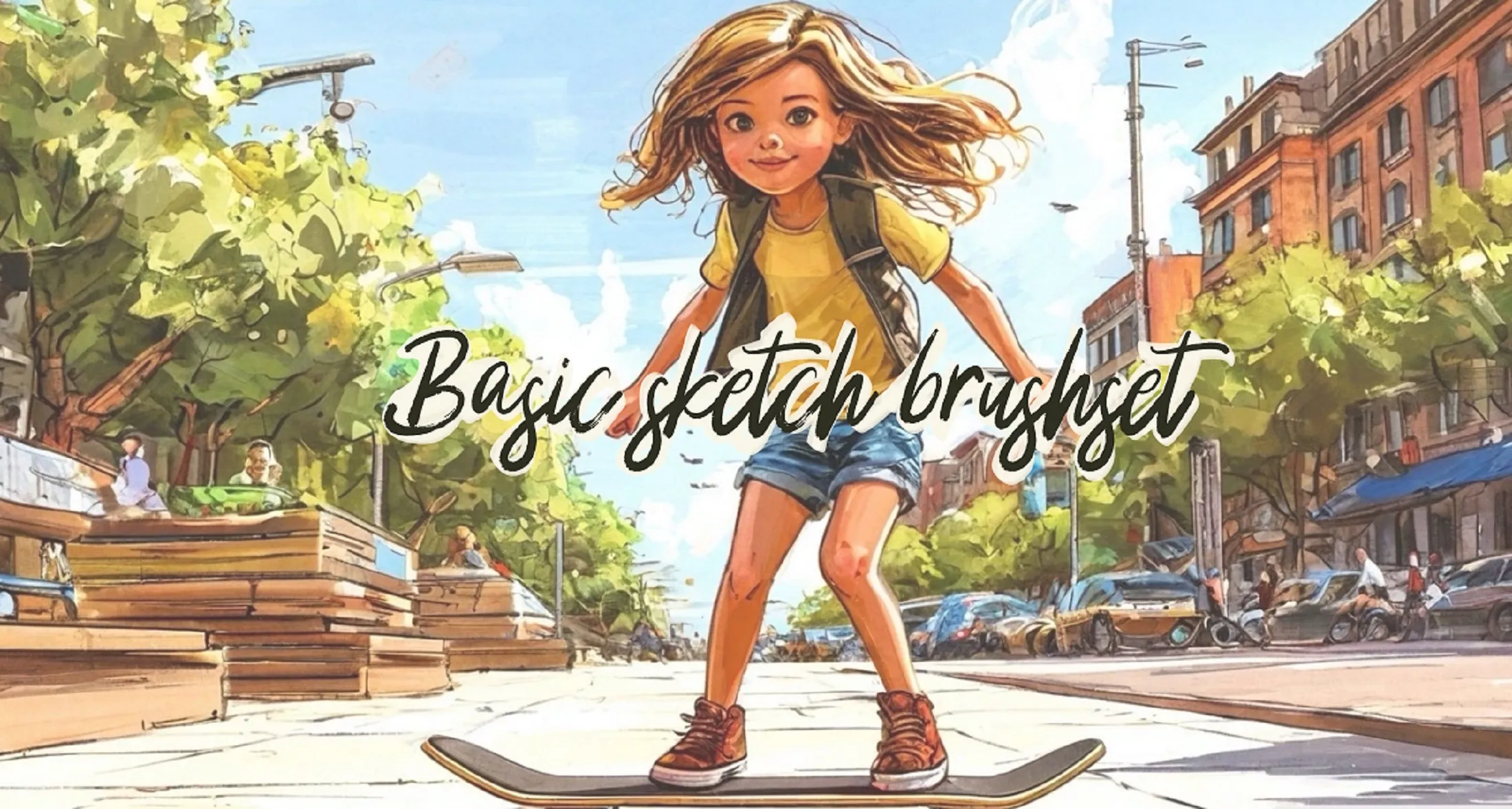
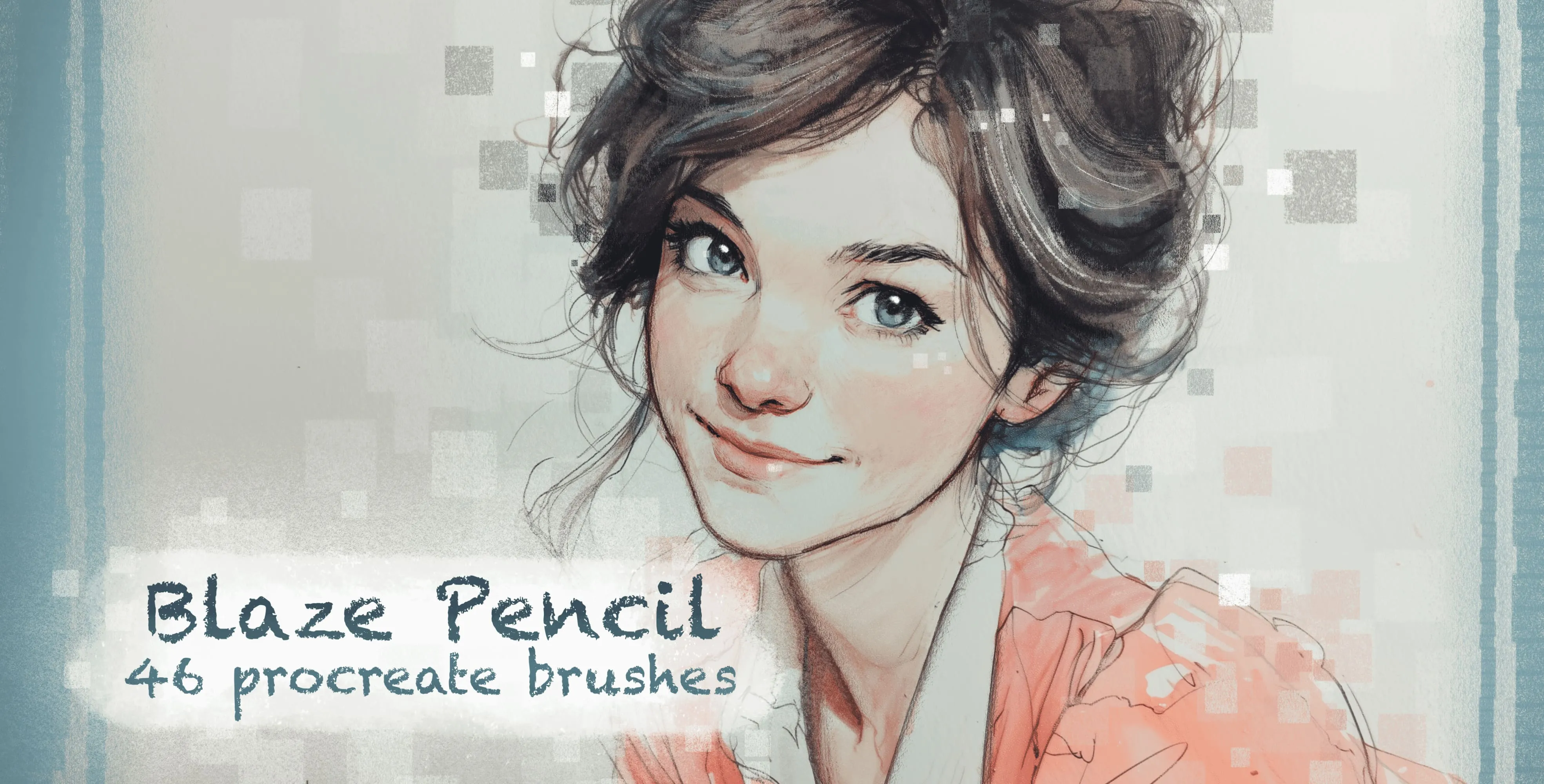
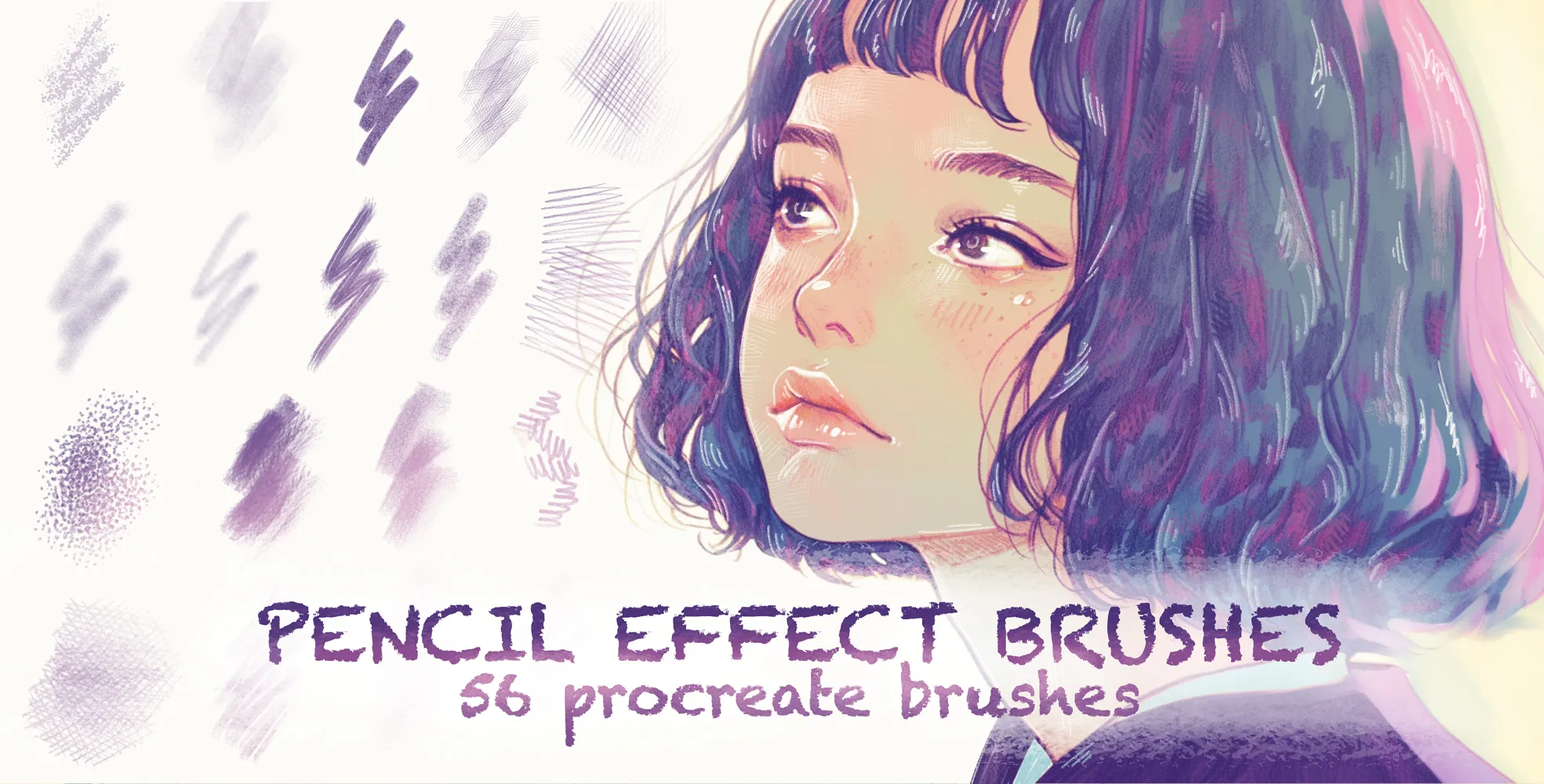
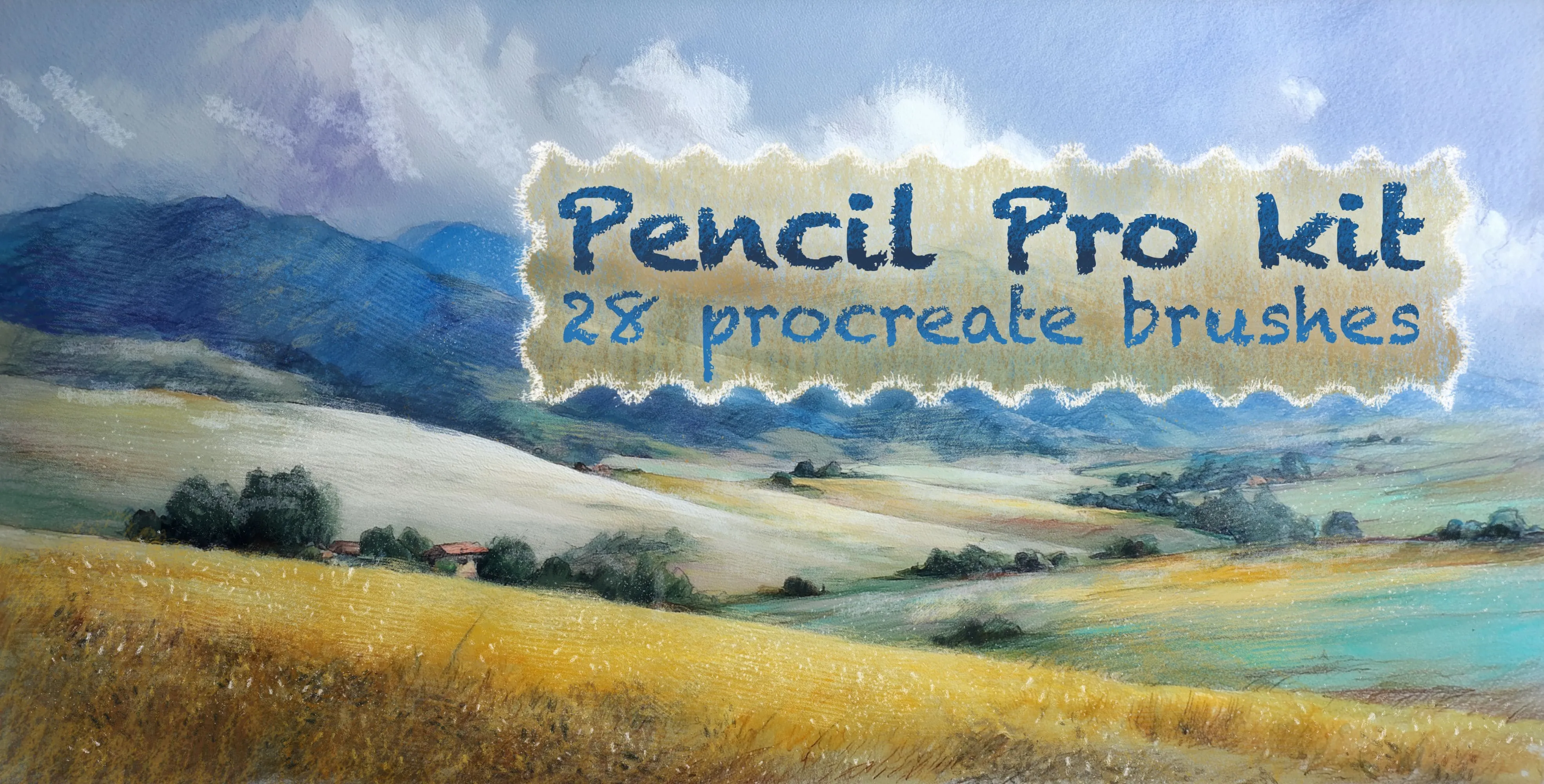
Brusher has 4 pencil Procreate brush packs — graphite, mechanical, colored pencil — each a native .brushset that installs into Procreate in one tap on iPad.
Pencil Procreate brushes capture the one tool every artist already trusts — the humble pencil, in all its forms. From crisp mechanical leads to soft, smudgy graphite and waxy coloured pencils, a good pencil brush carries the grain and pressure feel of the real thing, so shading, hatching and detail work feel natural on the iPad. They're the most-used brushes in many artists' libraries for a reason.
The collection spans graphite and mechanical pencils, soft sketching leads, and coloured-pencil brushes with authentic waxy texture. It suits realistic rendering, illustration, colouring and everyday drawing alike.
Pencil Procreate Brushes
Procreate Video Basic Sketch
smooth tapered liners
Procreate Video Blaze Pencil
colored-pencil, grainy pencil and cube
Procreate Video Pencil Effect
grainy, pencils, shading and hatching pencils
Procreate Video Pencil Pro Kit
directional, wavy, curl and curve
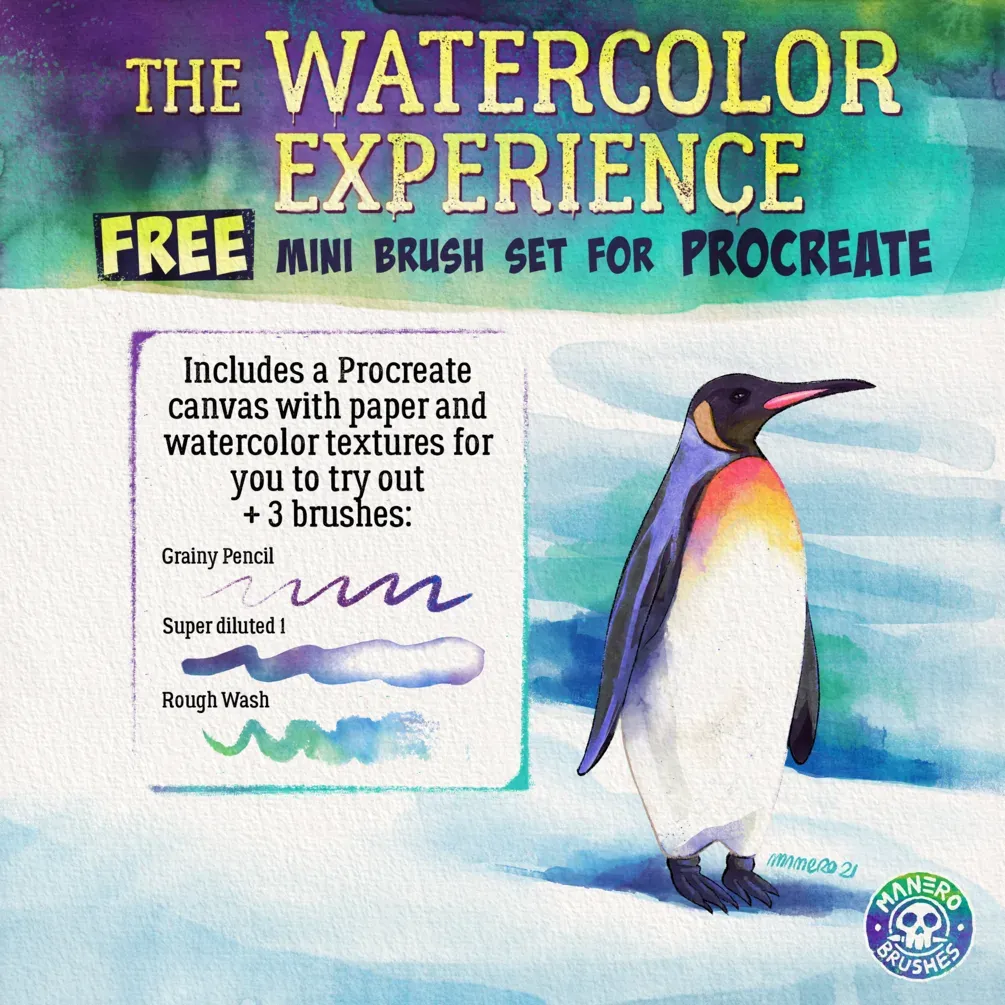
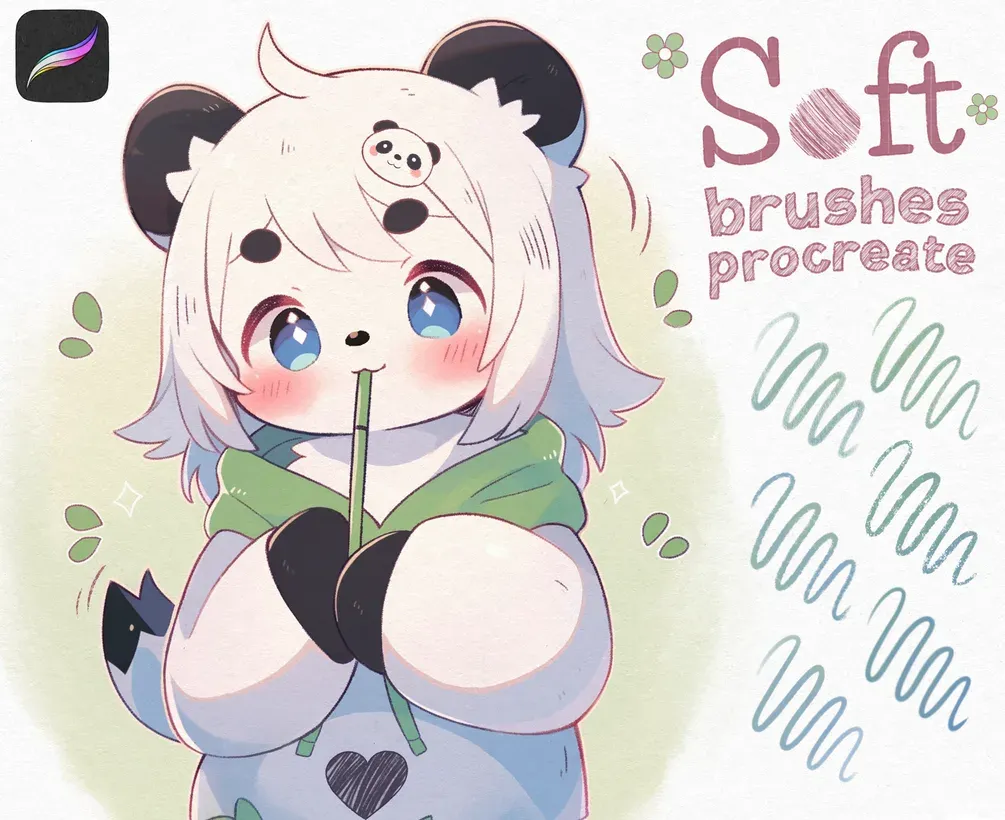
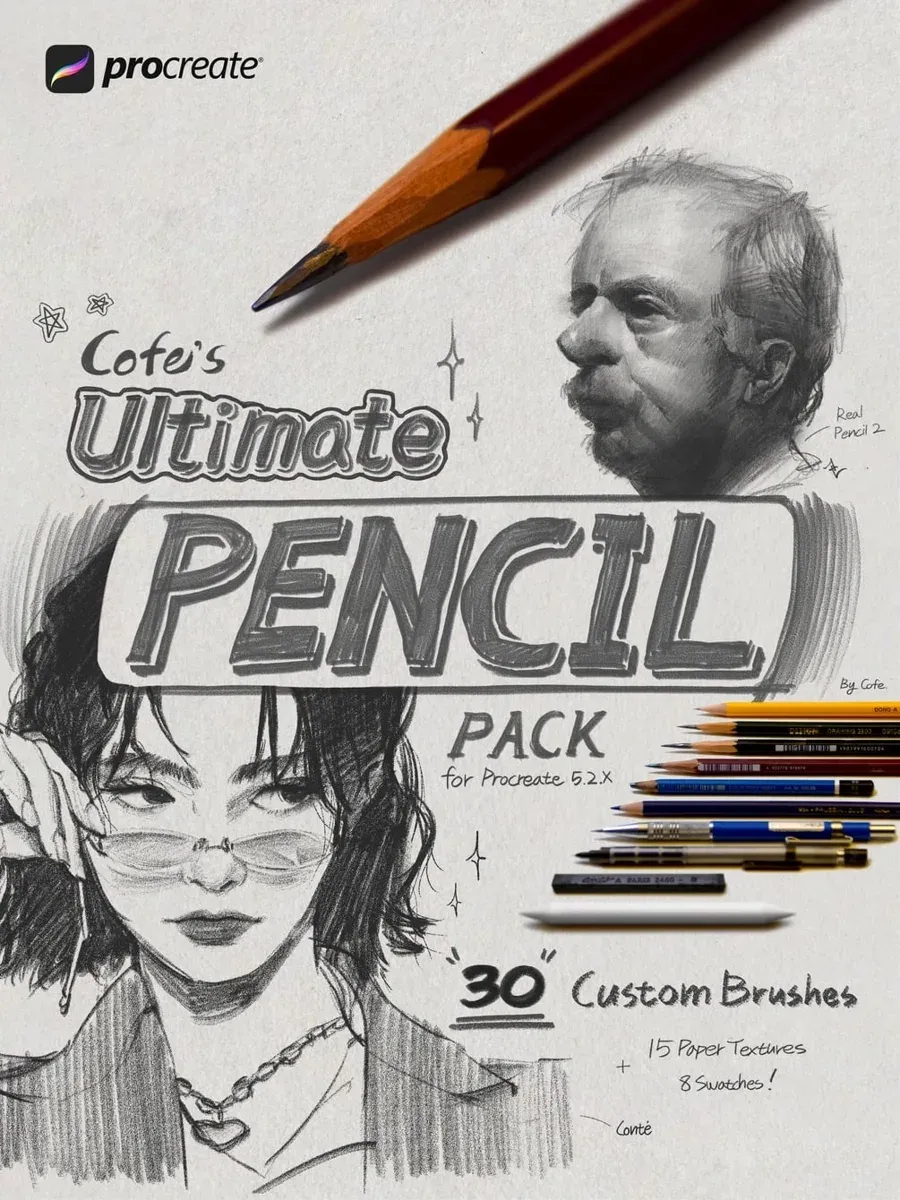
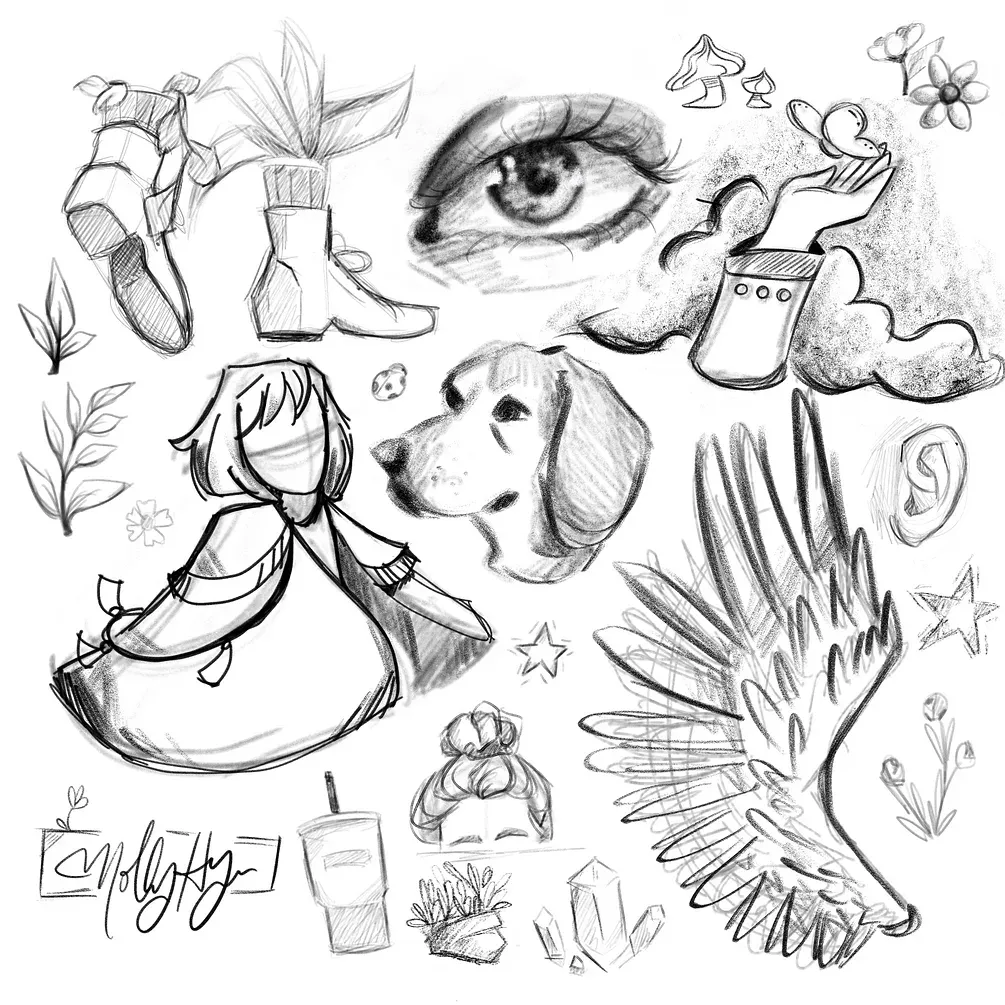
Free from independent artists
Free pencil sets by other artists — downloaded from the artist's own page.
 Scan → get the app
More brush packs in the app
The site is still filling up — the Brusher app already has the complete 200+ set library, with more pencil packs, plus free brushes and free tools.
Getting realistic pencil texture
The magic of a pencil is its grain — the way graphite catches on paper tooth. The best pencil brushes pair a textured grain with pressure sensitivity, so light strokes skip across the surface and heavy ones fill it in. Build value gradually with layered strokes rather than pressing hard once, exactly as you would on paper.
For colour work, a waxy coloured-pencil brush lets you layer hues that blend optically, and cross-hatching builds richer tone than solid fills. Add a subtle paper texture beneath and your pencil work reads as genuine graphite rather than a clean digital line.
Inside these pencil packs
You might also like
Common questions
What are the best pencil brushes for beginners?+
A single textured graphite brush with good pressure response is the ideal starting point — light strokes skip, heavy strokes fill, just like a real pencil. Learn to build value with layered strokes on that one brush before adding coloured pencils or charcoal.
What's the difference between graphite and charcoal brushes?+
Graphite is finer, cleaner and more controllable — great for detail and smooth shading. Charcoal is darker, grainier and more expressive, better for bold value and gestural work. Graphite suits realistic rendering; charcoal suits fast, dramatic studies.
How do I get realistic pencil texture?+
Use a pencil brush that pairs a paper-grain texture with pressure sensitivity, and build tone gradually with layered strokes instead of pressing hard once. Adding a subtle paper texture under your drawing completes the effect, giving it the tooth of real graphite.