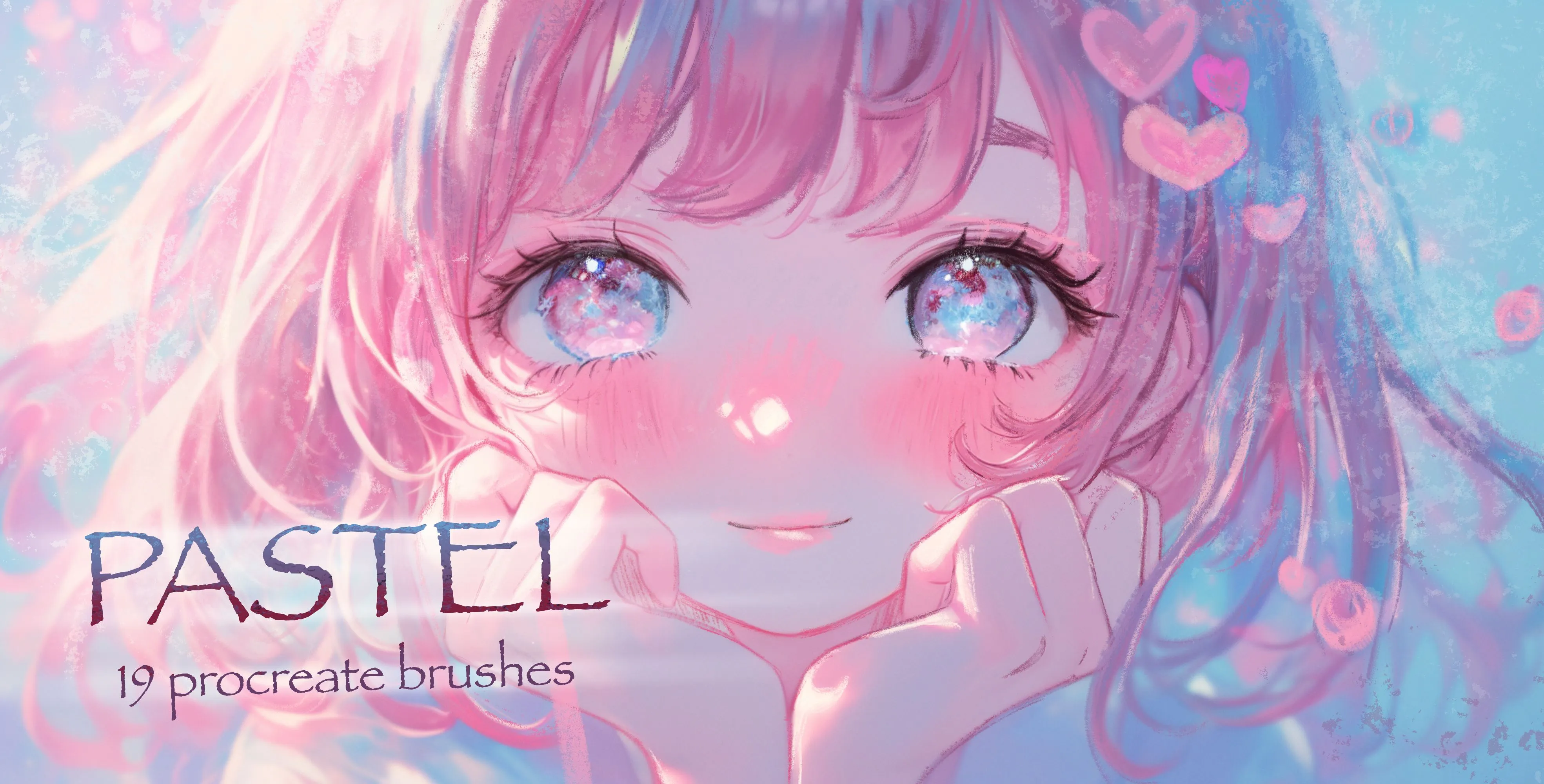
Pastel Procreate Brushes
B by the Brusher team
A Procreate brush set with soft pastel brushes—perfect for gentle textures and smooth, colorful blending.
- Brushes
- 19
- Works with
- Procreate
Included with the app · free to download · import into Procreate as usual
Download a free sample brushOne real brush from this set · free .brush file · no signup
 Scan → get the app
More Pastel & Chalk brushes in the app
The Brusher app has the full 200+ set library, Pastel & Chalk included — one subscription instead of buying packs one at a time.
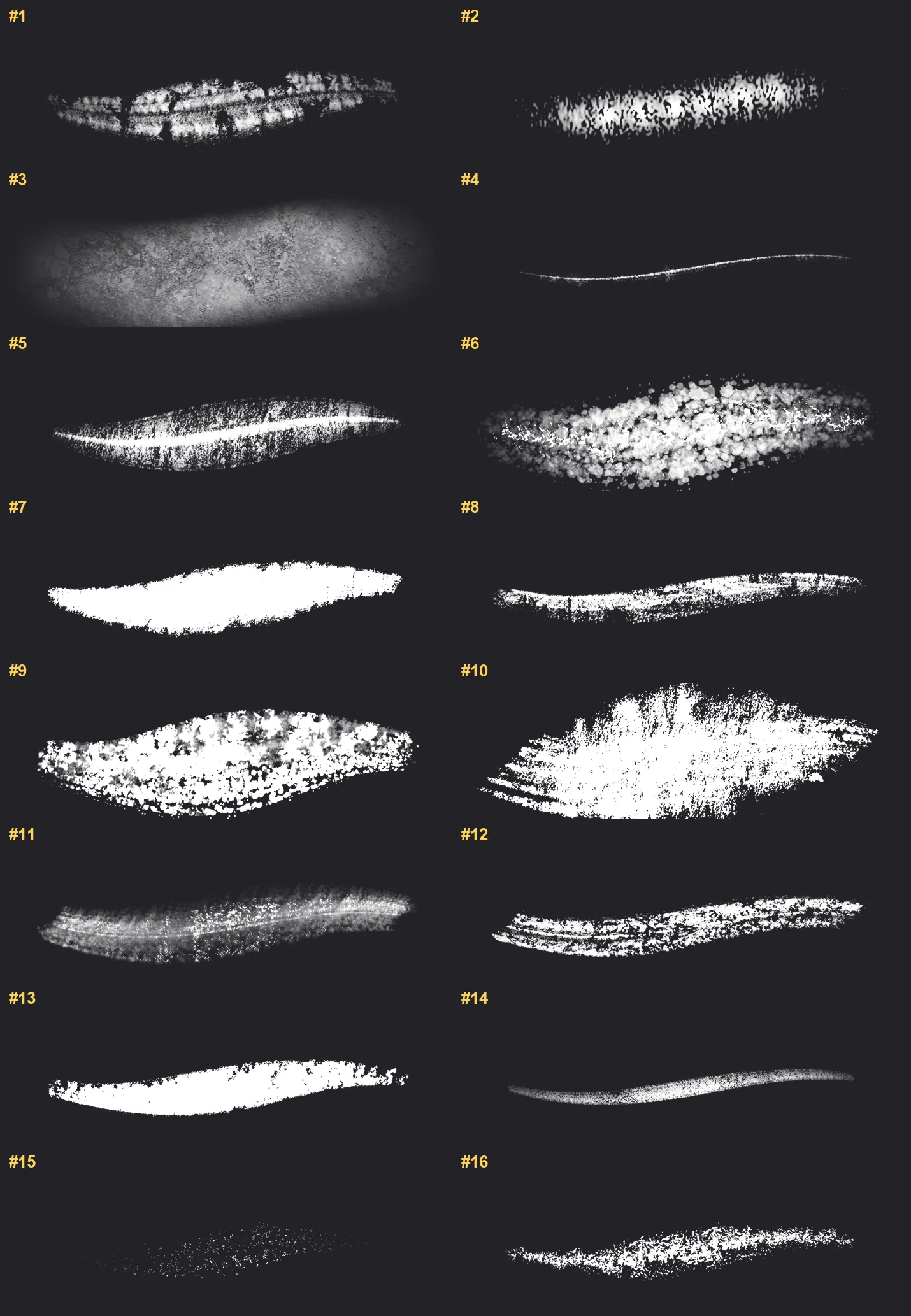
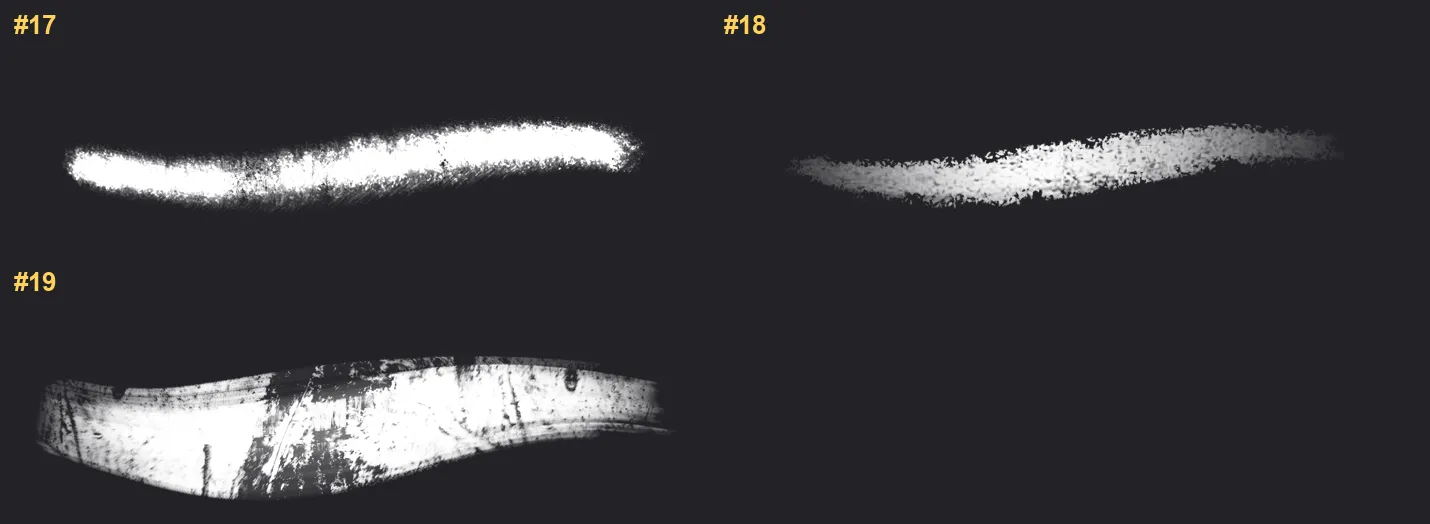
Every brush in Pastel
19 individual brush previews — see the exact stroke before you download.



















Full brush overview
New to Procreate brushes?
Follow our quick guide to import your .brushset in under a minute.
Pastel — FAQ
How much does the Pastel pack cost?+
Pastel isn't sold separately on this site — it comes with the Brusher app for iPhone and iPad. The app is free to download, and this set is one of 200+ collections you can install into Procreate from it.
How many brushes are in the Pastel pack?+
The Pastel set includes 19 brushes — chalk, pastel dust, velvet and creamy blends.
Does Pastel work with the free version of Procreate?+
Procreate is a one-time paid app on the iPad App Store; once you own it, these brushes import for free with a single tap.
What file format do I get?+
You'll receive a .brushset file that Procreate installs automatically. See our import guide if you need step-by-step help.
Do I need an Apple Pencil?+
Yes — a pressure-sensitive Apple Pencil is recommended to get the full texture and taper of every brush.
Browse this style
You might also like
 Procreate Video
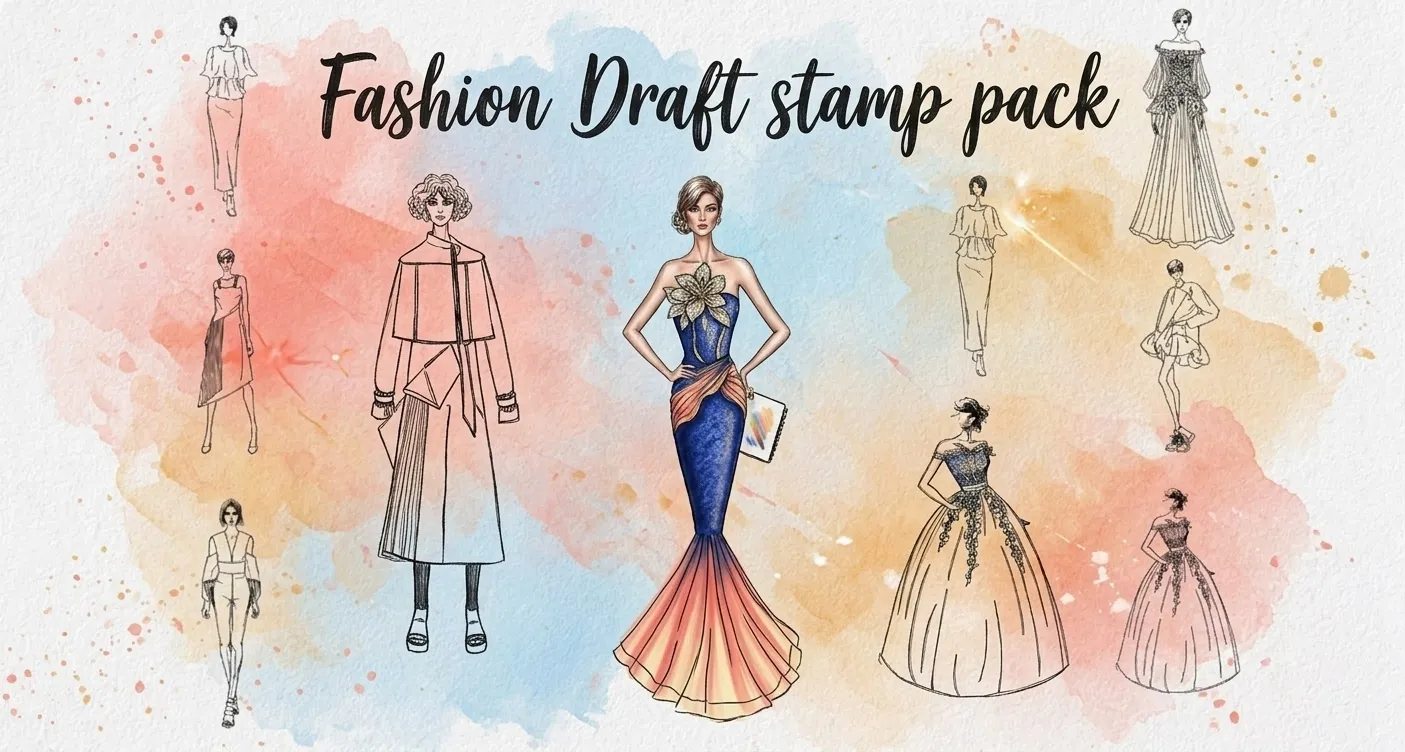
Fashion Draft
front, back, three-quarter and side views
 Procreate Video
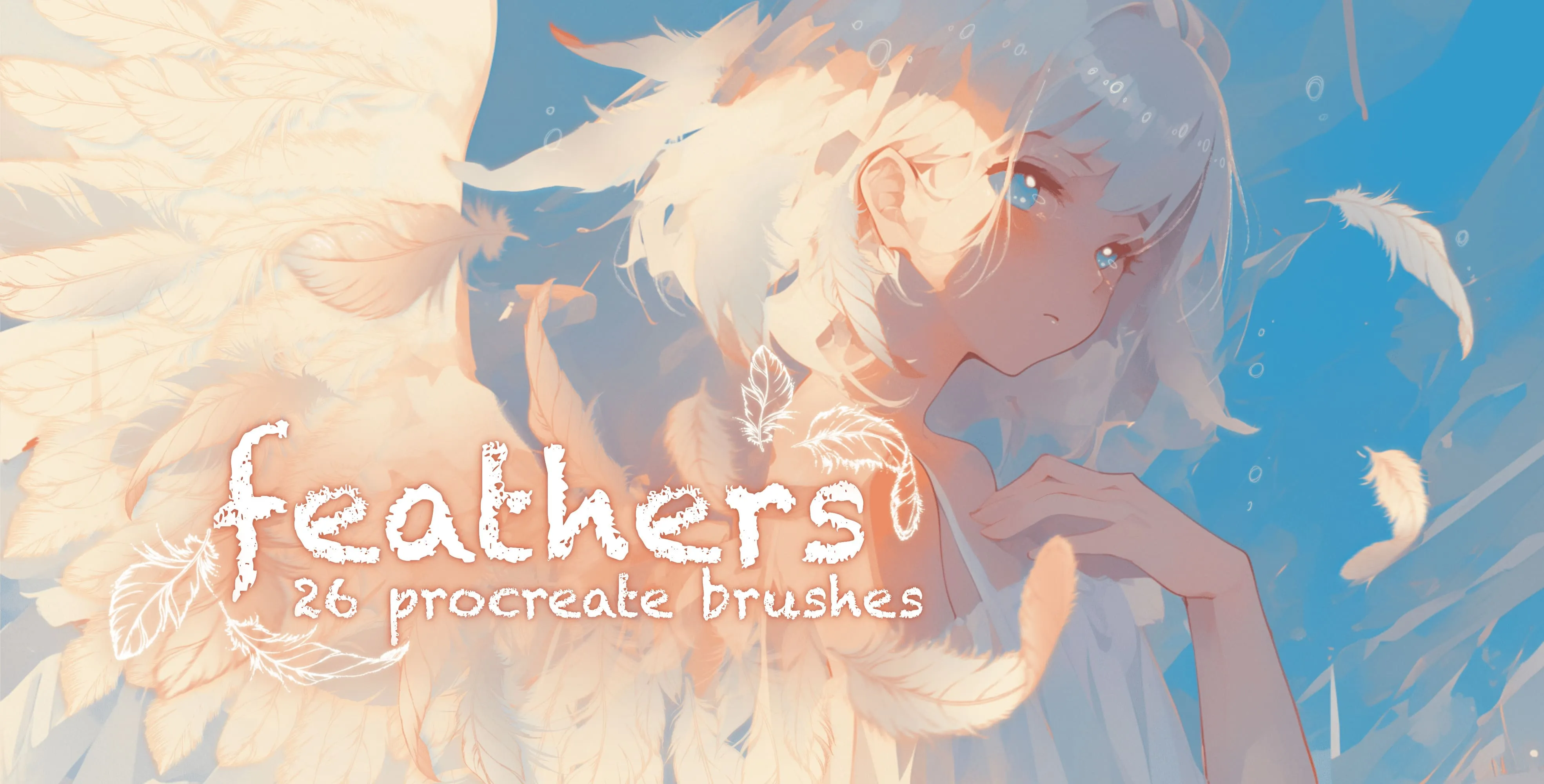
Feathers
soft, wispy and ruffled
 Procreate Video
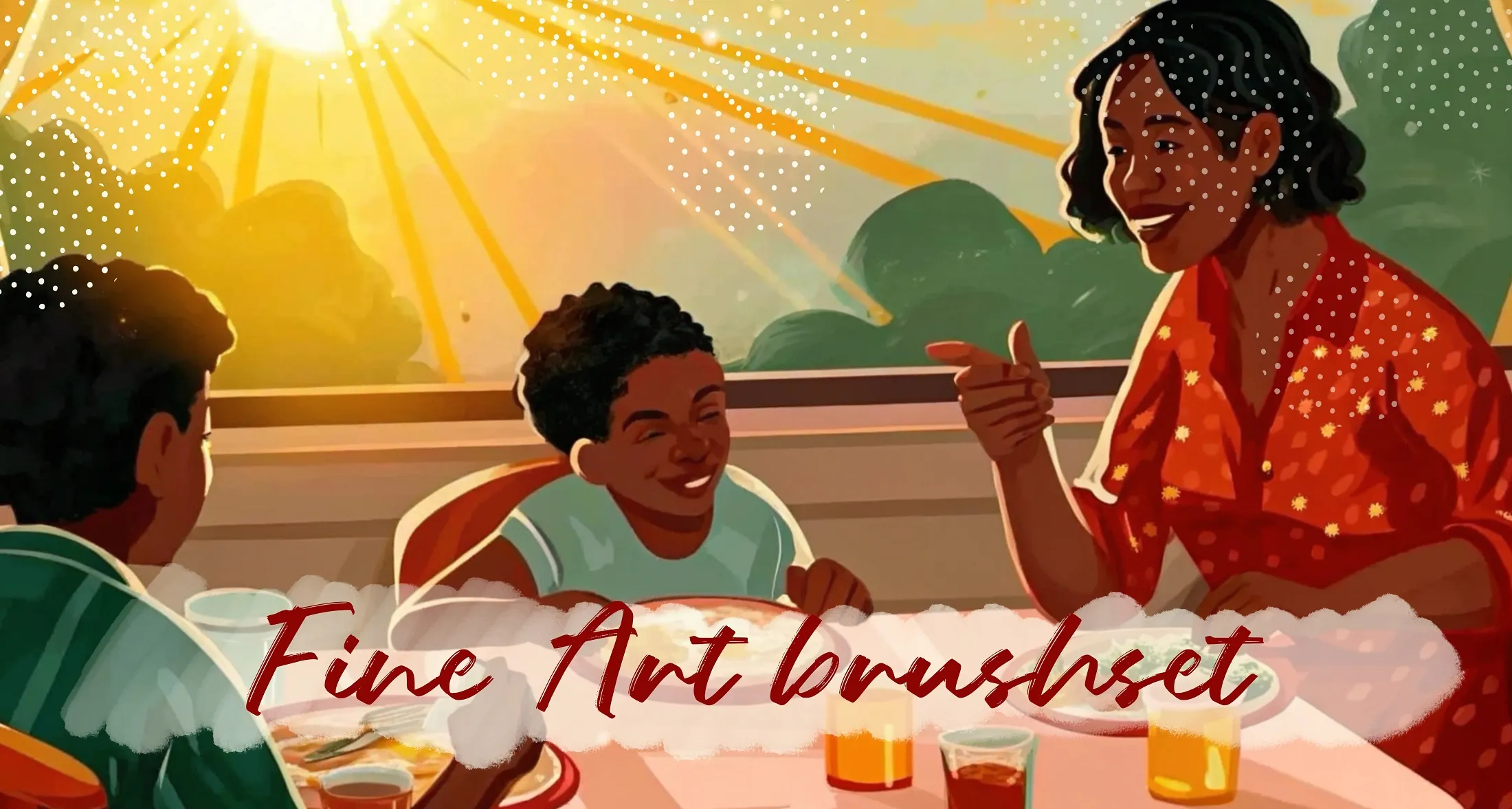
FineArt
pencil, pen, ink and soft round; soft airbrush; oil brushes
 Procreate Video
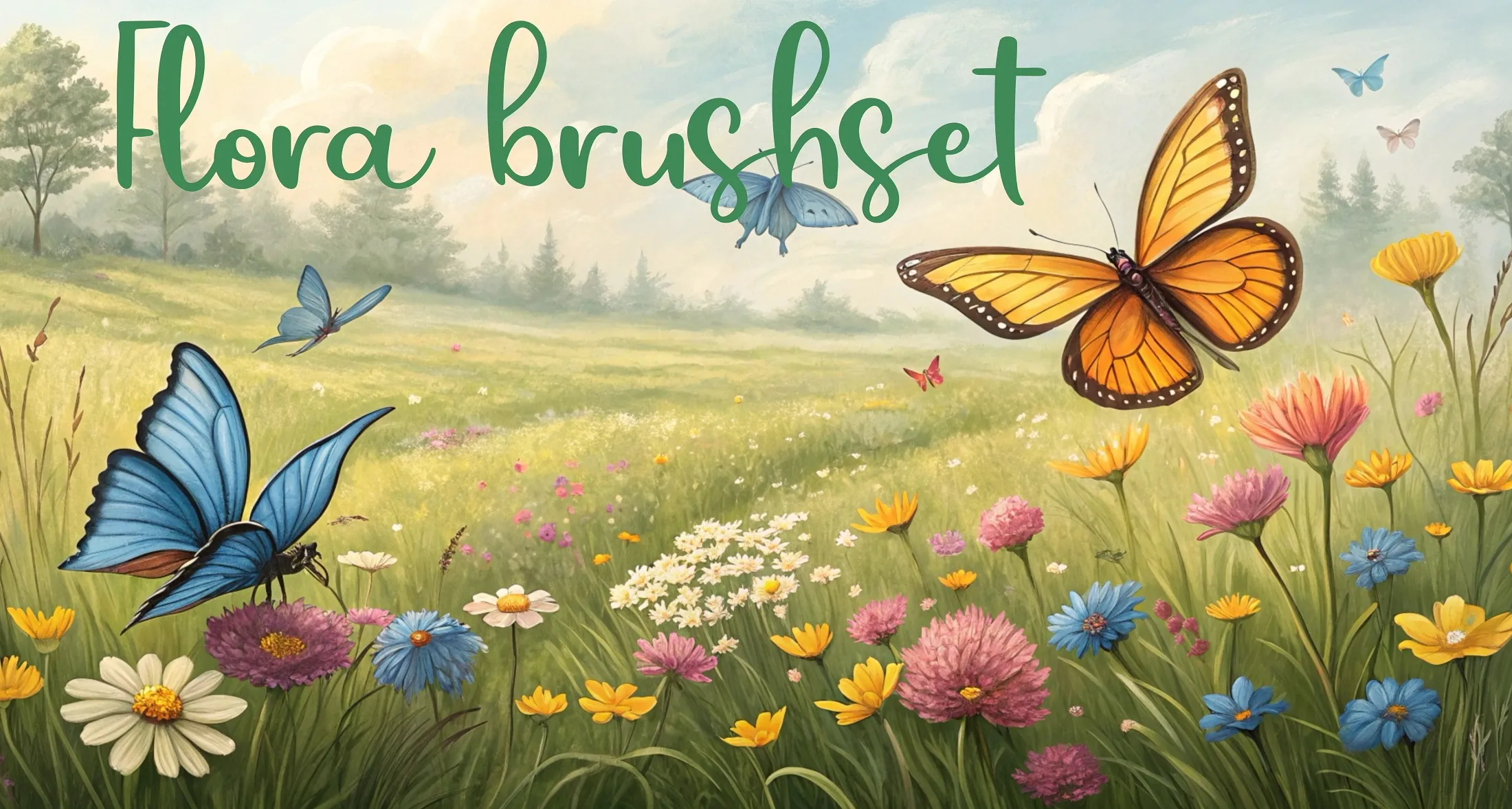
Flora Brushset
long grass and grass tufts, jungle and tropical foliage, palms, fronds and feather leaves